Customer Ratings & Reviews




- Model:
- V550 - B11B210201
- SKU:
- 1695454
Rating by feature
- Value
Rating 4.3 out of 5 stars
- Quality
Rating 4.5 out of 5 stars
- Ease of Use
Rating 4.2 out of 5 stars
Customers are saying
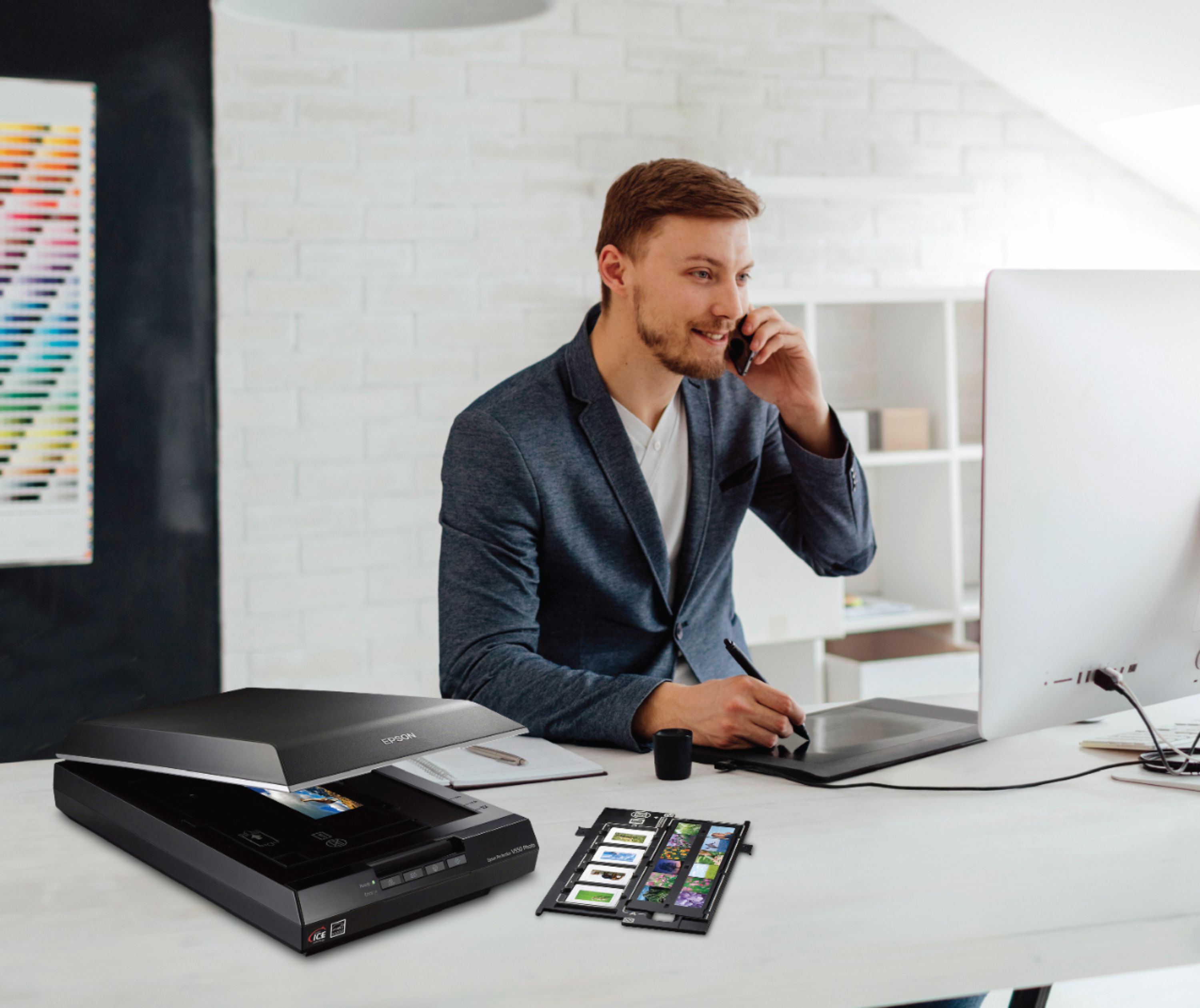
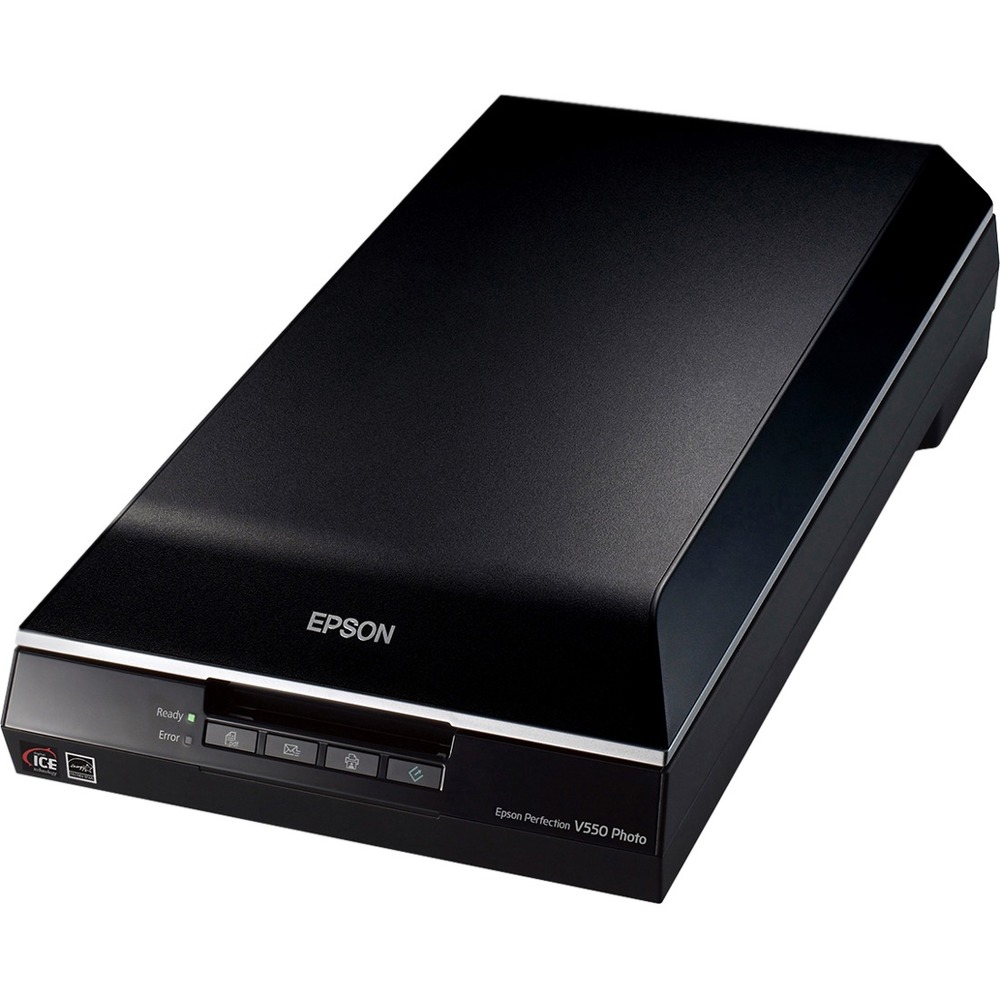
Customers commend the Perfection V550 Photo Scanner for its user-friendly interface, remarkable scan quality, and reasonable price point. The high resolution of the scans is also widely praised, with users noting that the scans always come out well. On the downside, some users have expressed concerns about the scanner's bulky size and dated software.
This summary was generated by AI based on customer reviews.
- Pros mentioned:Scan quality
V550 Scanner
Posted .This reviewer received promo considerations or sweepstakes entry for writing a review.Since the V550 comes with Digital Iced for 50-75 dollars less I went with the V550. Didn't need larger format capability. Works great and produces great JPG files from slides that were taken from the early 30's to the late 80's. Cleans up and correct to a point it is easy to fix in photoshop cc with out having to search for every dust mote and scratch. Shot is from Kodak Retina III C in 1970 at sunset. I just fixed the exposure at 1200 DPI. First one out of the box.
I would recommend this to a friend - Pros mentioned:Ease of use, Scan quality
Works great
Posted .This reviewer received promo considerations or sweepstakes entry for writing a review.I Love my Epson scanner!!! Quality and ease of use is 2nd to none!!!
I would recommend this to a friend - Pros mentioned:Scan quality
great for negatives
Posted .This reviewer received promo considerations or sweepstakes entry for writing a review.i have lots of negatives and dont know what they are. with the photo scanner i can figure out what negatives to print as pics. great tool!
I would recommend this to a friend - Pros mentioned:Scan quality
Pleased with purchase
Posted .This reviewer received promo considerations or sweepstakes entry for writing a review.I love photos and scrapbooking. I was looking for a quality scanner for home use to help convert my photos to digital. This scanner is worth the money and easy to plug in and use. I would definitely recommend it.
I would recommend this to a friend - Pros mentioned:Ease of use
Nice Scanner
Posted .This reviewer received promo considerations or sweepstakes entry for writing a review.Easy to use. Scanned photos easily and converted the images really nice.
I would recommend this to a friend Very effective.
Posted .This reviewer received promo considerations or sweepstakes entry for writing a review.I purchased the scanner to reduce clutter and plan to shifting pictures over to digitials
I would recommend this to a friendHorrible Scanner
Posted .This reviewer received promo considerations or sweepstakes entry for writing a review.I will assume from the other reviews that I just got a lemon. But every scan I have done looks fine in the preview. But the actual scans come out crooked. I even tried it on a different computer with the same horrible results. It goes back tomorrow. I feel bad because this has been so highly rated.
No, I would not recommend this to a friendCan't scan negatives with Mac El Cap
Posted .This reviewer received promo considerations or sweepstakes entry for writing a review.for some reason, the scanning software errors out when trying to scan negatives with my mac. I've updated, restarted, deleted, restarted, installed over and over. Called tech support, they said it was a hardware problem with the scanner. Exchanged it for a new one and the same thing is happening. Scans photos and documents fine, but not negatives. Saw other reviews online saying similar things. Would love a fix if there is one, otherwise, returning this one shortly.
No, I would not recommend this to a friendI thought it would scan to WORD, but it didn't
Posted .This reviewer received promo considerations or sweepstakes entry for writing a review.It didn't scan to a WORD doc, as I was promised when I called Best Buy. It did not, and I am disappointed.
No, I would not recommend this to a friendDead Before it's Time
Posted .This reviewer received promo considerations or sweepstakes entry for writing a review.This was a fairly good scanner - until it died just weeks beyond it's warrantee expiration. Caveat emptor, I heard numerous similar stories from other owners.
No, I would not recommend this to a friendScans are out of focus
Posted .This reviewer received promo considerations or sweepstakes entry for writing a review.Bought this to scan prints and slides. The slides look OK, but the prints are out of focus! I've tried the help section and various settings, but there is no way to set the focus of the scanner. This is very disappointing. My HP 8620 does a much better job on prints, plus it can scan to thumb drive and wireless to a computer. This Epson does neither. Don't waste your money unless you just want to do slides.
No, I would not recommend this to a friend- Cons mentioned:Software
NO NO NO Windows 10
Posted .This reviewer received promo considerations or sweepstakes entry for writing a review.BAD experience with newer Windows 10 1804. Software hasn't been upgraded in 5 years. Freezes, calibrates forever.
No, I would not recommend this to a friend Worked great, then "Cannot Connect"
Posted .This reviewer received promo considerations or sweepstakes entry for writing a review.I received the dreaded "cannot connect with scanner..." message. I spent hours crawling the every support page, faq and internet video. No luck. Reinstalls did nothing but waste time. My warranty expired in the 51th week (it's a one year warranty!).
No, I would not recommend this to a friendBrand response from Epson
Posted .Hi Gary, we apologize that you are having issues with your scanner. Your Epson V550 includes free technical support for the life of your product. Our Epson Support Team would be happy to help and can be reached at (562) 276-4382; Hours: Monday – Friday, 6am – 8pm PT; Saturday, 7am – 4pm PT. Sincerely, Matt S. – The Epson Team.

Non functioning brick in a box
Posted .This reviewer received promo considerations or sweepstakes entry for writing a review.Awful. Do not buy. Do s not work with any Windows OS from this decade.
No, I would not recommend this to a friendBrand response from Epson
Posted .Hi, we're sorry you are disappointed with your scanner. The drivers for your V550 do support Windows 7, 8 and 10. Please visit our Support page to download the current drivers for your V550 scanner https://epson.com/Support/Scanners/Perfection-Series/Epson-Perfection-V550-Photo/s/SPT_B11B210201 If you need further assistance, please reach out to our Epson Support Team for assistance at (562) 276-4382; Hours: Monday – Friday, 6am – 8pm PT; Saturday, 7am – 4pm PT. We’re here to help. Sincerely, Quinn – The Epson Team.