Customer Ratings & Reviews
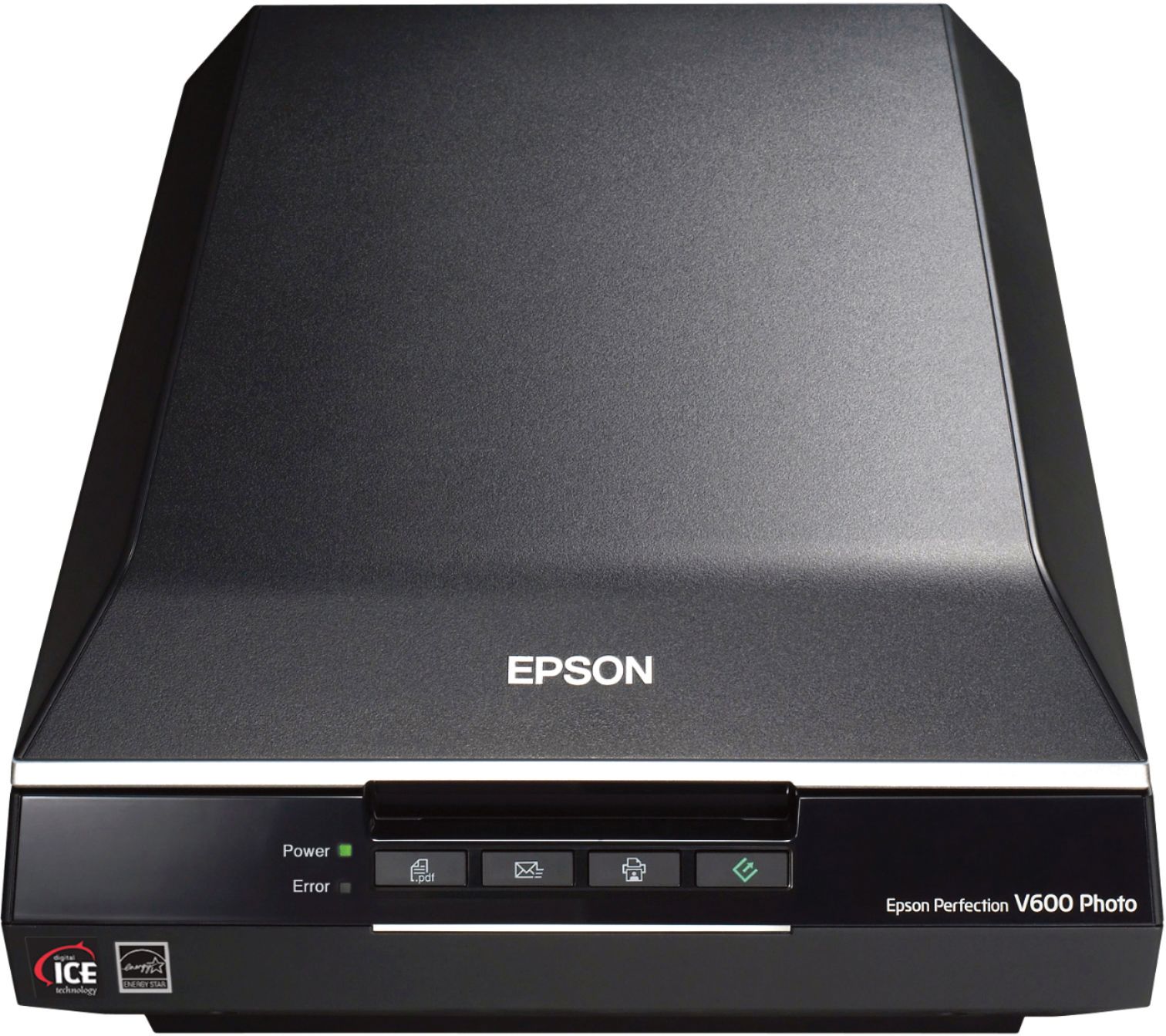
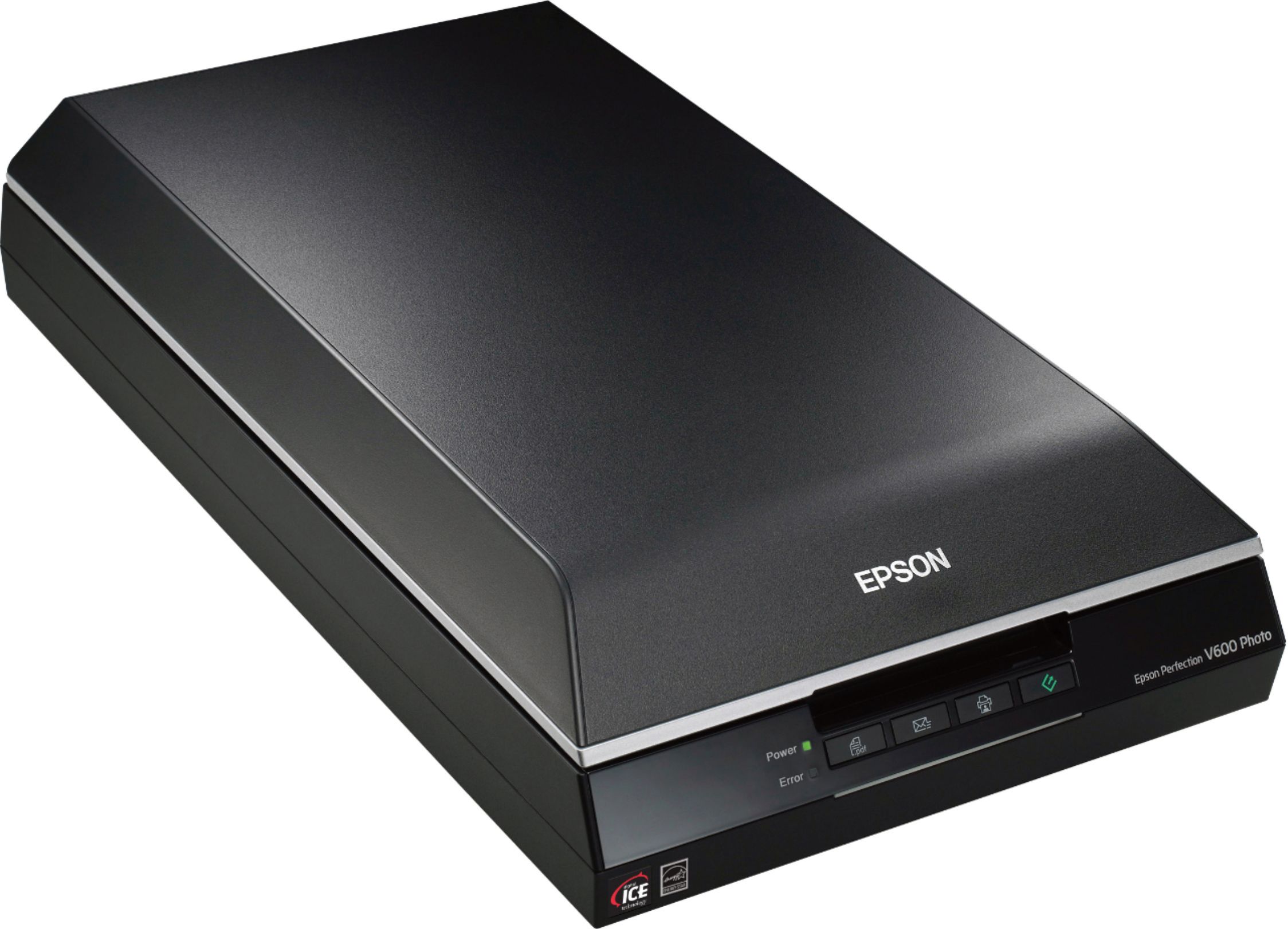
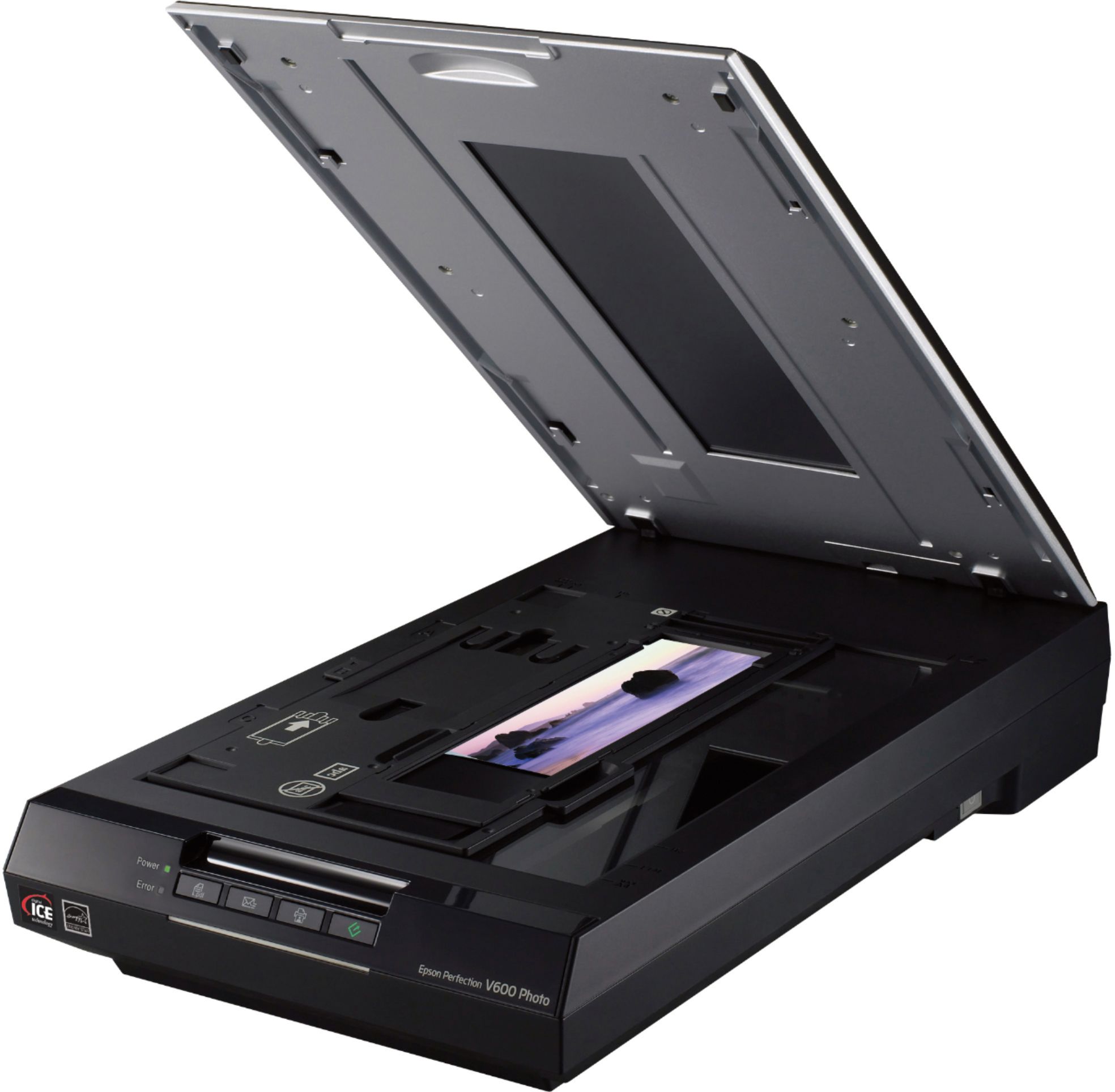
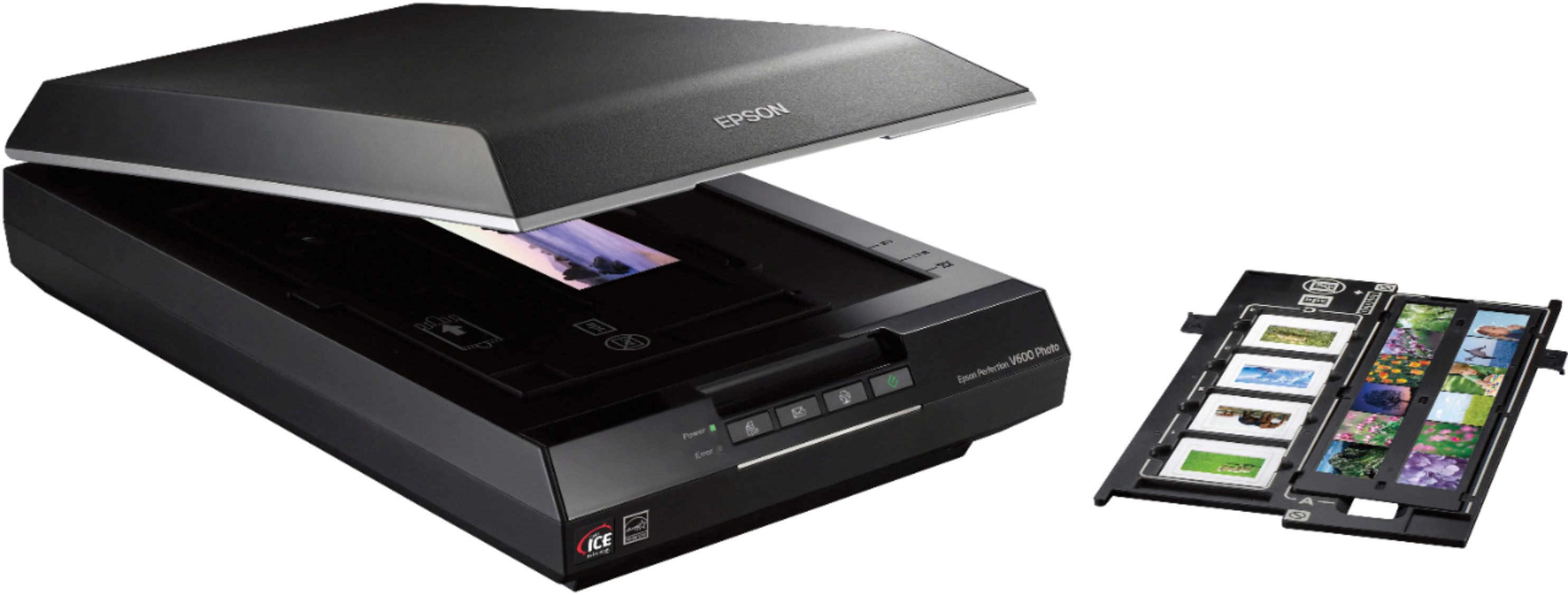
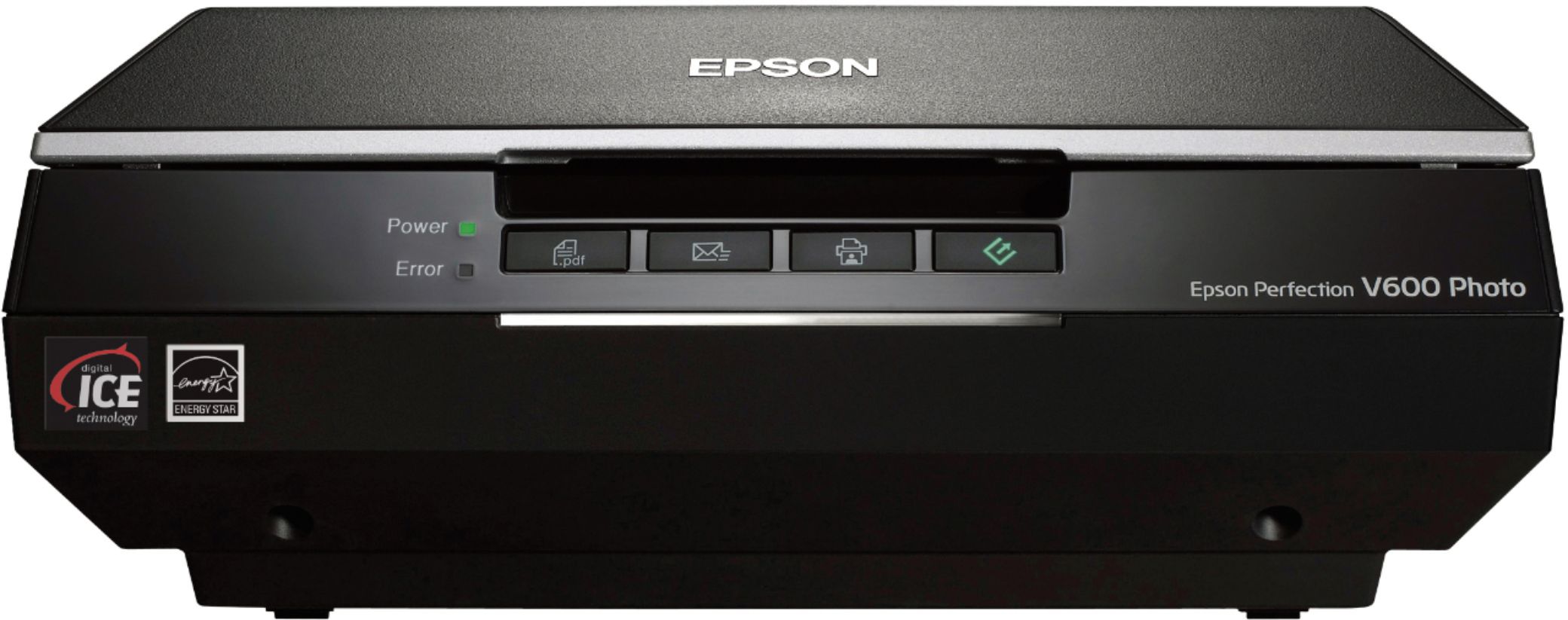
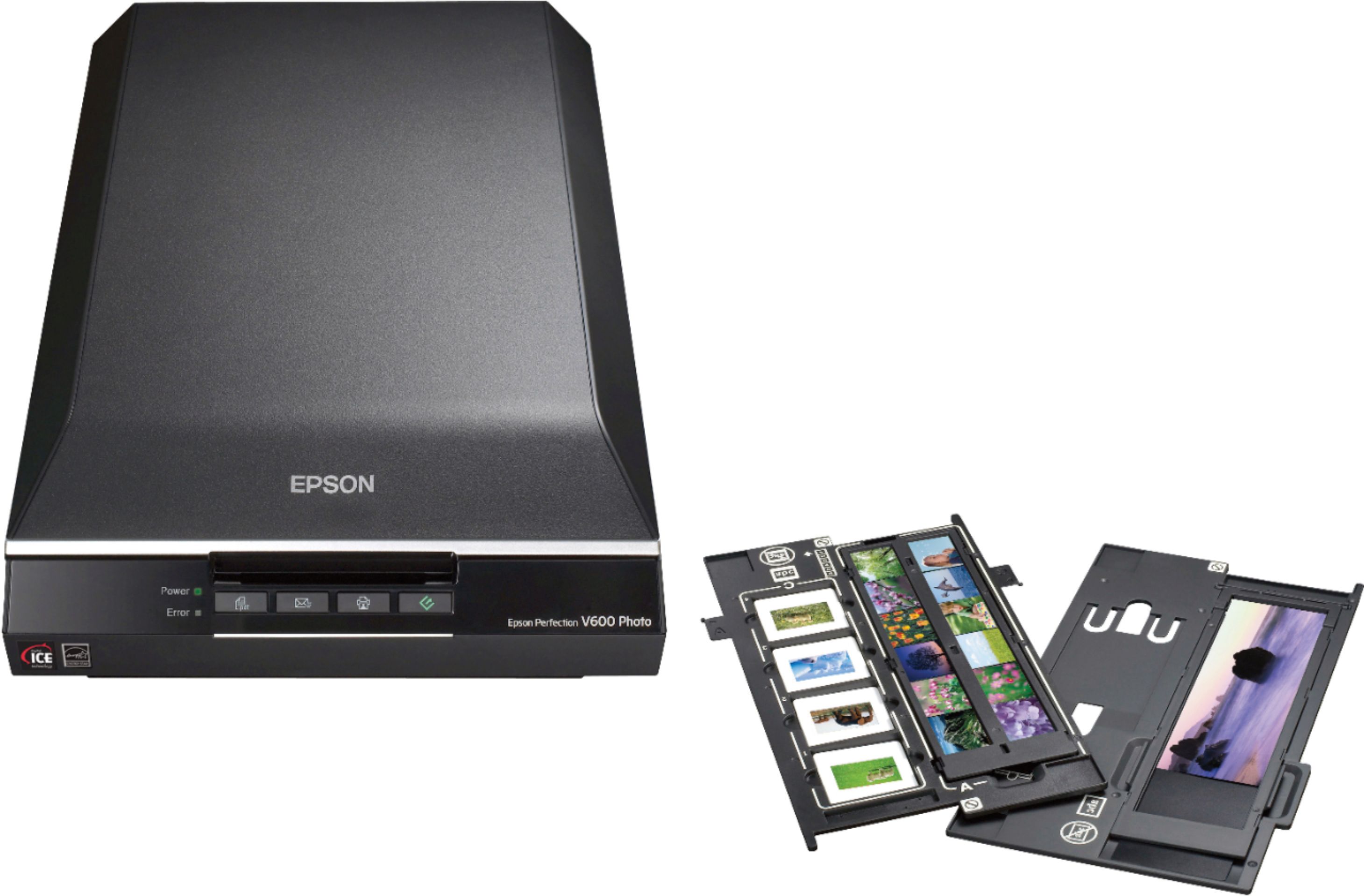
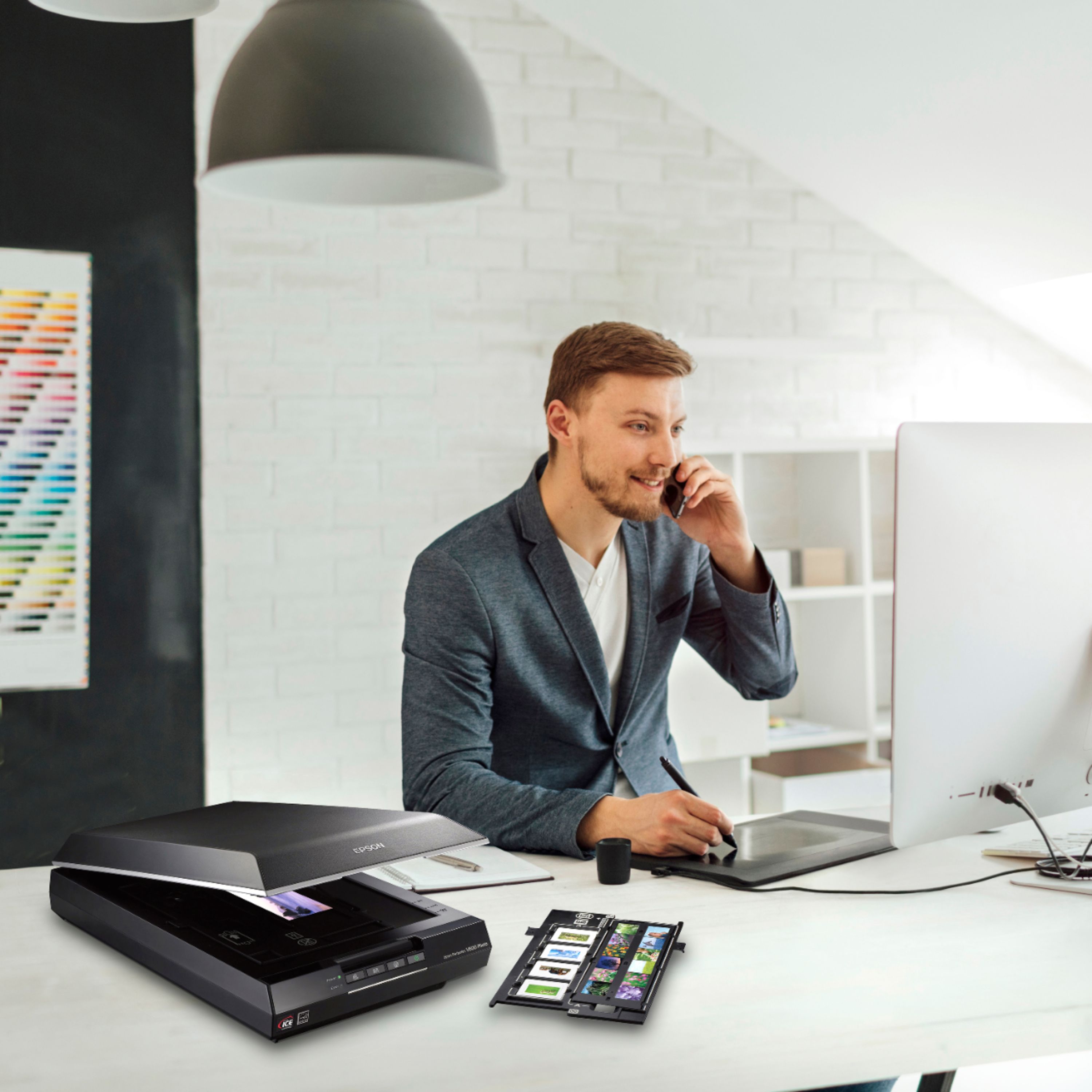
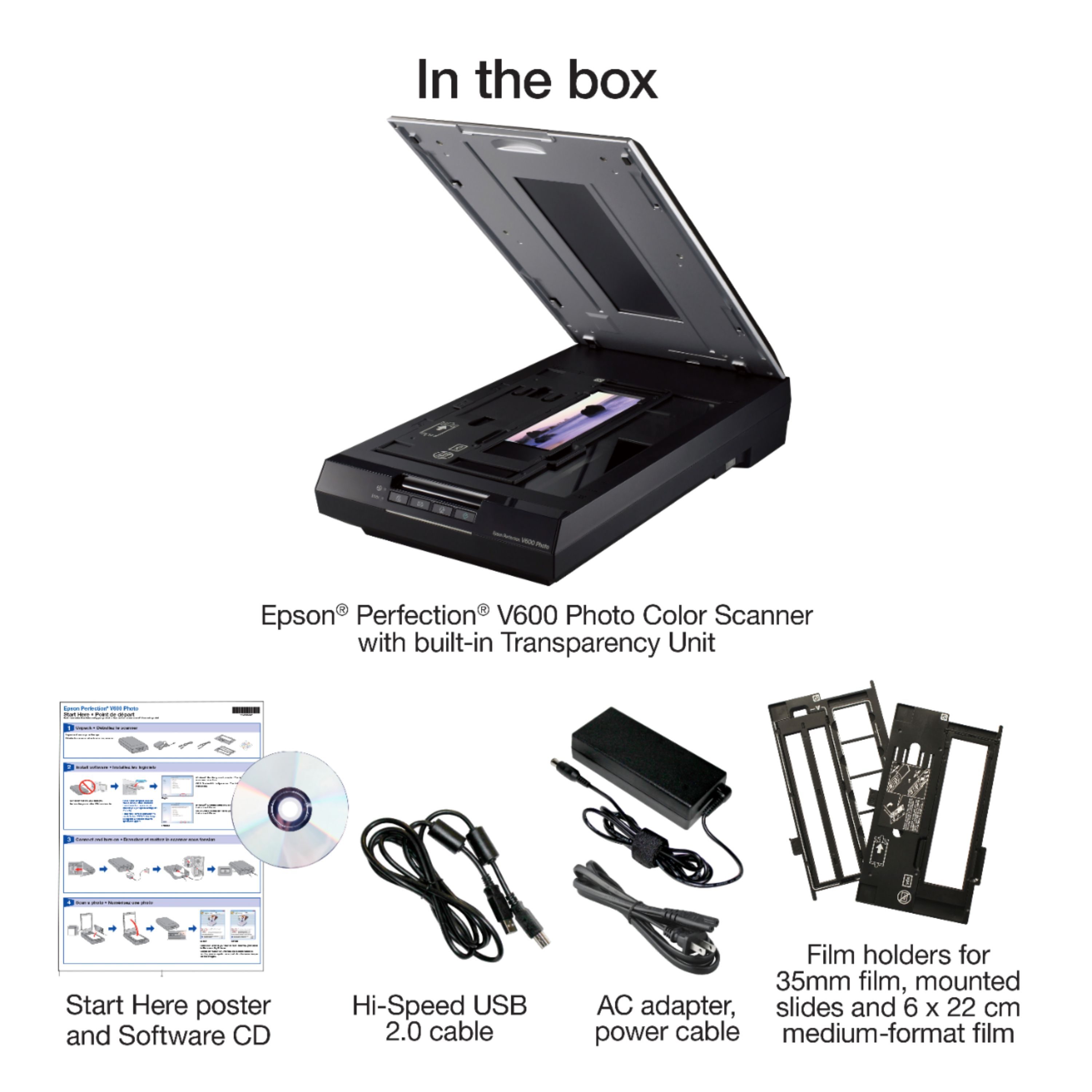
- Model:
- B11B198011
- |
- SKU:
- 9599259
Customer reviews
Rating 4.5 out of 5 stars with 1119 reviews
(1,119 customer reviews)Rating by feature
- Value4.5
Rating 4.5 out of 5 stars
- Quality4.6
Rating 4.6 out of 5 stars
- Ease of Use4.4
Rating 4.4 out of 5 stars
Customers are saying
Customers regard the Perfection V600 Photo Scanner as user-friendly and easy to set up, even for those who are not tech-savvy. They appreciate the high-quality scans and the scanner's ability to handle various media, including negatives, film slides, and old photos. However, some customers have concerns about the outdated software, compatibility issues, the scanner's large size, occasional defects, and the time-consuming scanning process.
This summary was generated by AI based on customer reviews.
- Pros mentioned:Ease of use, Scan quality
Rated 4 out of 5 stars
Very good specialized photo scanner
||Posted .This reviewer received promo considerations or sweepstakes entry for writing a review.I was looking for a dedicated photo/slide/negative scanner to digitize decades of photos. A little research told me that this one was the most-feature rich and easiest to use for the money. My experience with it so far is exactly that. The scanner glass is large, so it can accommodate enlargements. The scanner includes special trays for scanning slides and various sizes of negatives. The software is integrated into the scanner and seamlessly detects the type of image that is being scanned and adapts to it -- negatives are rendered as positives, images are sized to the original, etc. The unit also includes an installation CD for Photoshop Elements (a valuable add-on!) and features for retouching blemishes on the original. All around, a very feature-rich and easy-to-operate machine.
I would recommend this to a friend - Pros mentioned:Ease of use, Scan quality
Rated 5 out of 5 stars
Perfect for High-Resolution Photo Projects!
||Posted . Owned for 6 months when reviewed.This reviewer received promo considerations or sweepstakes entry for writing a review.This scanner was exactly what I needed for a project involving old family photos. It delivered excellent high-resolution scans that really brought the images back to life. The setup was simple, and it was very easy to use—even for someone not super tech-savvy. The photo quality exceeded my expectations, and I’m really happy with how everything turned out. Highly recommend for anyone working with photo restoration or archiving!
I would recommend this to a friend - Pros mentioned:ResolutionCons mentioned:Software
Rated 5 out of 5 stars
Really like it for scanning black & white film
||Posted . Owned for less than 1 week when reviewed.This reviewer received promo considerations or sweepstakes entry for writing a review.I may need to use it for color negs in the future, but for the time being I'm only using it to scan 35mm black and white negatives. Overall it seems really great so far. By default it chooses settings that the software believes are agreeable for the image in question, which is probably good for general consumer use. I like that I can put the software in 'pro mode' and choose levels manually (you set the white, black, and gamma points like a photoshop levels adjustment) to capture maximum dynamic range for further processing, which it seems to do extremely nicely from black and white film. Scans come out around 50mp (excellent!) at 6400dpi and can be a little fuzzy at full crop, but that's to be expected. I wouldn't recommend higher DPIs, anything above 6400 seems to be a shoddy AI upscale and actually has appeared less sharp to my eye at the same crop (and cropping further shows artifacts of this upscaling) but with such high res scans at 6400, that's fine. I've been scanning with unsharp mask on and all other settings off, which gives me good results for additional processing in photoshop. I played with other settings a little but they all seemed to introduce various levels of artifacts when zoomed in, which I wasn't a fan of. It gives the option of tif and jpg formats, which is great. I wouldn't have bought this if it didn't support a lossless format. As others have mentioned, the epson software is a bit dated, but I've had good luck with it so far on windows 10. Aside from failing to recognize the scanner the first time I used it (which was remedied just by unplugging the USB and plugging it back in) it's been fine. The software comes on a disc and I haven't checked to see if it's officially available for download anywhere, though if you're the sort of person who needs to scan film then you probably also have an optical drive somewhere anyway. Overall I'm extremely pleased, and it seems like a great value for scanning film, especially compared to some other scanners I looked at.
I would recommend this to a friend - Pros mentioned:Scan qualityCons mentioned:Software
Rated 4 out of 5 stars
So far, so good except for one thing...
||Posted .This reviewer received promo considerations or sweepstakes entry for writing a review.I bought this scanner because of the really good reviews: it can do a great job on docs, three dimensional objects, with provisions for negs and slides. The inclusion of Photoshop Elements 9 is a tremendous asset and makes this scanner a fantastic deal, in my opinion. BUT, not thinking of anything negative about updating my new iMac to Mavericks OS X, I did so and I immediately lost the scanner function. Now I can't use the features that make this a great scanner but rather must use the Mac Image Capture feature which is okay but not what I wanted. Epson says they are "working on the driver update" but that means a wait of unspecified time.
I would recommend this to a friend - Pros mentioned:Ease of use, Scan qualityCons mentioned:Size
Rated 5 out of 5 stars
super nicer scanner.
||Posted . Owned for 3 weeks when reviewed.This reviewer received promo considerations or sweepstakes entry for writing a review.I am over the moon excited about this scanner. It is doing a great job with photos, slides, negatives and documents. Set up was easy and use is easy. My only wish is that it was bigger and could scan larger items. Best feature is even when multiple items on the bed, it knows to make them individual files.
I would recommend this to a friend - Pros mentioned:Price, Scan qualityCons mentioned:Compatibility
Rated 5 out of 5 stars
Happy Happy finally !
||Posted . Owned for 3 weeks when reviewed.This reviewer received promo considerations or sweepstakes entry for writing a review.The is my second Epson PerfectionScanner - previous was about 18? yrs old began communicate to my new/fine Dell PC only sporadically. Loved the old Perfection when it worked. This new V600 hits an excellent price point and never disappoints.
I would recommend this to a friend - Pros mentioned:Ease of use, Scan quality
Rated 5 out of 5 stars
Very satisfied; amazing quality at this price.
||Posted .This reviewer received promo considerations or sweepstakes entry for writing a review.I bought this scanner to digitize boxes of old photographs that my parents had. Many of the the scanned images are more clear than the photos. Very happy with the quality, ease of use and the various options for improving the scanned image. Although I used mostly the autoscan and it did a fantastic job. This scanner can scan multiple photos simultaneously and store them as separate images. The Adobe photoshop software has many nice features and is also easy to use. Overall impressed and pleased with my choice of this scanner.
I would recommend this to a friend - Pros mentioned:Price, Scan qualityCons mentioned:Software
Rated 4 out of 5 stars
Good Scanner
||Posted . Owned for 1 week when reviewed.This reviewer received promo considerations or sweepstakes entry for writing a review.The scanner is really good for scanning printed photos, but for the old negative films the software it is not user friendly. I am an IT guy, and still I could not get a decent film scan. I have seen the high end Epson scanners results, and there is a big difference, I guess you get what you paid for. For simple tasks this is a good alternative, specially if you do not want to spend almost a thousand bucks for a pro scanner
I would recommend this to a friend - Pros mentioned:Scan quality
Rated 4 out of 5 stars
A very good photo scanner overall
||Posted . Owned for 1 month when reviewed.This reviewer received promo considerations or sweepstakes entry for writing a review.I replaced an ancient HP flatbed photo scanner with the Epson Perfection V600 photo scanner, primarily for genealogy research and photo copying. This scanner is also excellent, better is some ways and worse in one or two, and overall I am quite pleased with it. It has a couple of quirks that I can live with, especially as the price is not ruinous for an amateur like me. I love that it can scan color and b&w transparencies and slides, up to medium-format film, and that the process is pretty easy. (I have found ways to scan larger negatives as long as I am willing to crop the sides significantly.) The included pdf user's manual gives surprisingly good instructions. I also like that included software does a decent imitation of Adobe PhotoShop Elements - it's not quite as capable, but generally it's good enough for my purposes. I just wish it had a spot remover in addition to general de-noise, and the scratch remover seems to be an automated whole-image function rather than something that lets me select a specific line or area. Scratch remover also isn't available on all my scans, despite using identical scan settings, for unknown reasons probably having to do with image size. De-noise works really well for some images and blurs others a little too much - mostly it works well. Color transparency scans are excellent in detail and color accuracy. Color print scans generally are corrected quite well with one-touch color correction to fix color fading/shift on old prints. B&w transparency scans have good detail but do not have the deep blacks and bright contrasts of original prints from these negatives - the images look fine until you compare them to the originals, so they're not bad, just lacking punch. I have to use the software to darken the image significantly to get strong blacks and then increase the contrast by roughly the same amount to restore the whites. Also, the default b&w negative scan setting includes compensation for backlighting, which lightens the image even more, so I turn that off. I started out using the automated scan function, but it does not scan the top and side 1/4" of the image, so you can't line up the photo along the edge of the glass. It also gets confused by photo mounting/framing or other attached components. Switching to manual Home scanning mode fixed these problems - the user defines the scan area, which CAN go to the edge of the glass. The default scan setting, at least for Home, is for multiple Thumbnail images instead of Normal. I wasted a lot of time trying to figure out why my photos were being chopped up into multiple images until I read more of the (long) manual and realized I simply needed to click the Normal tab to define a single image. One quirk for which I have not found a solution is that old sepia/browntone photos often come out with browns that are too dense and sometimes with red and gold tones (disconcerting around eyes/faces), especially when some of the editing corrections are used. These images look very good if scanned in grayscale, but sometimes I want to keep the brown/beige tones for historical feel. As brownish photos must be scanned in color mode, sometimes discolorations also throw image appearance off, in many of my cases giving a pinkish cast to some areas. Overall this is a very good scanner. Set-up was easy, and instructions are good. It needs almost no warm-up and can be turned off when not in use, and with LED lighting energy consumption is low. Scans are much faster than with my old HP - fast enough for me, although I'm used to slow scanners. My attitude is that photo scans need a little more time to pull out the details, so I don't expect the super speed of an office-grade copier. I recommend this scanner for purposes like mine (don't know how it would work for a professional photographer, even though there is a Professional scan mode), and I would buy it again. I'm giving it 4 stars overall for the brown/sepia quirk and the lack of contrast in b&w negative scans, even though I'm giving it 5 stars in the areas of overall quality, value, and ease of use.
I would recommend this to a friend - Pros mentioned:Ease of use, Scan quality, Speed
Rated 5 out of 5 stars
Epson Perfection V600 Photo Scanner--Excellent!!!
||Posted . Owned for 3 weeks when reviewed.This reviewer received promo considerations or sweepstakes entry for writing a review.My Epson V700 gave up the ghost and since I love Epson, I decided to get the latest version of the Perfection 600 Photo Scanner. It is fantastic! Very quick and easy to operate. Makes perfect scans which it keeps in its own folder, making it easy to transfer them to folders on my computer.
I would recommend this to a friend - Pros mentioned:Ease of use, Scan quality
Rated 4 out of 5 stars
Good Quality
||Posted . Owned for 1 month when reviewed.This reviewer received promo considerations or sweepstakes entry for writing a review.So far I have scanned over 3000 35mm negatives and about 100 photos. The set up is easy, just load the negatives into the appropriate holder, place on the glass scanner, close the lid, click on the applicable function of the included software and then you have a nice scanned digital picture. The software program also has image correction features. One issue to note is that if the negative is severely damaged, the correction features try to correct the imperfections, but does not eliminate all defects. This scanner is perfect for scanning all my family photos.
I would recommend this to a friend - Pros mentioned:Scan quality
Rated 5 out of 5 stars
Scanning photo prints
||Posted .This reviewer received promo considerations or sweepstakes entry for writing a review.Using this to scan photo prints, and it works well for capturing TIFF files to be edited in Photoshop or other software later. I did test the image adjustment features in Epson Scan software like Dust Removal and DIGITAL ICE, and they introduced unacceptable artifacts to the image - like eyes and mouths of people's faces got cartoon-ified at the edges and shadows. Not immediately noticeable at first glance, but obvious if you zoom at actual size. Anyway, maybe they are helpful for scanning film and slides, but I have not tested that. For photo prints, I would say, keep those features off. And if that's the case, perhaps Epson V550 would suffice. I'm not sure if the V550 is any slower or worse in quality, the website is not explicit, but they appear to have the same hardware specs - except no DIGITAL ICE for photo prints, which as explained above, is fine by me. So ultimately, I am satisfied with the V600, but the V550 is probably the better value if you won't be using DIGITAL ICE on prints anyway.
I would recommend this to a friend - Pros mentioned:SpeedCons mentioned:Size
Rated 5 out of 5 stars
The Absolute Best Scanner
||Posted .This reviewer received promo considerations or sweepstakes entry for writing a review.This is the absolute best scanner I have ever used. I do photo restoring and retouching and this scanner suites me perfectly. The scanner is much faster than any scanner I've worked with in the past. It seams a little bit bigger than I expected, but I have happily made room for it..
I would recommend this to a friend - Pros mentioned:Scan qualityCons mentioned:Software
Rated 4 out of 5 stars
Good hardware, Poor Software
||Posted . Owned for 1 month when reviewed.This reviewer received promo considerations or sweepstakes entry for writing a review.The scan quality for this Epson V600 is a very good, especially at the max resolution setting, but the scan speed is very slow at that setting. The included software is very basic and does not do a good job of identifying and separating the borders of multiple photos scanned simultaneously. I have not tried scanning 35mm slides yet (not a priority for me) but I plan to do so in the future. When compared to my 8 year old all-in-one HP copier/printer/fax/scanner, the Epson does a noticeably (but not dramatically) better job at scanning photos, which is important to me as I am trying to digitally preserve old family photos at the best quality I can, but the old HP is much faster at this and HP's bundled imaging software is much better (more options & flexibility). In either case, you will still want to use dedicated image manipulation software to get the best possible result for fixing things like color, exposure, and sharpening out of focus photos. Overall satisfied with the scanner hardware but disappointed in the software.
I would recommend this to a friend - Pros mentioned:Price, Scan quality
Rated 4 out of 5 stars
Good scanner for the price
||Posted .This reviewer received promo considerations or sweepstakes entry for writing a review.For scanning 35mm and medium format film I don't think you can do much better at this price point unless you "scan" negatives with a digital camera you already own plus any extras you might need. There is definitely a learning curve and your scans will only be as good as the image present on the film. I suggest watching any of the plethora of tutorial videos out there to get the workflow down. The film I scanned came out fine once I learned how to use this, good enough quality to post online; however I question the scan quality for serious large print work (your milage may vary). I used the Epson Scan software on Windows 10 with no issues, though you can get a license for SilverFast scanning software free if you register with your scanner's serial number if you want another option. This scanner is slow and dated but it can scan both 35mm and medium format film at a decent price. To me, it's worth the time and learning curve to avoid the generally high prices for film scans at a lab.
I would recommend this to a friend - Pros mentioned:Scan qualityCons mentioned:Software
Rated 5 out of 5 stars
Great for old photos and medium format negatives!
||Posted .This reviewer received promo considerations or sweepstakes entry for writing a review.This past Covid winter I took on the project of sorting and digitizing over a hundred years worth of family photos (prints, slides and negatives). My trusty Canon flatbed scanner was being worked hard until I came upon a stack of medium format b&w negatives which the Canon could not scan. A little online research showed that the Epson V600 was the only reasonably priced scanner with the capability to scan up to 6cm x 9cm negatives. I ordered from Best Buy because of price & availability. The V600 has performed quite well for both negatives and print scanning. Operation can be quite simple for document and print scanning although I found the software to be not very intuitive. Trial & error plus a few very helpful Youtube videos have resulted in some very satisfying digitized photos from negatives 70-100 years old. At this price point I highly recommend the Epson V600 scanner.
I would recommend this to a friend - Pros mentioned:Scan qualityCons mentioned:Software
Rated 5 out of 5 stars
Great Scanner
||Posted . Owned for 2 months when reviewed.This reviewer received promo considerations or sweepstakes entry for writing a review.I loved this scanner. I have hundreds of negatives that I don't even know what they contain and having them printed was a very expensive solution. I have had a great gift for my heart by finding important memories at a fraction of the cost. The quality is excellent. The only problem I can find is that the software comes on a CD and although you can download the drivers from the internet, the editing program does not, solved with my photo editing software.
I would recommend this to a friend - Pros mentioned:Ease of use, Resolution, Scan quality
Rated 5 out of 5 stars
Great scanner
||Posted . Owned for 1 month when reviewed.This reviewer received promo considerations or sweepstakes entry for writing a review.Great scanner for both slides and old photos. It is easy to set up and then given to older relatives to use. The ability to adjust the pixels is very important and easy to figure out. Highly recommend when you are cleaning up old slides and photos.
I would recommend this to a friend - Pros mentioned:Scan quality
Rated 5 out of 5 stars
Thank you Epson!
||Posted . Owned for 3 weeks when reviewed.This reviewer received promo considerations or sweepstakes entry for writing a review.I have had this same scanner for over 10 years and it has faithfully worked well for my needs. Now that I retired it decided to die - just when I was wanting to start to convert my photos to digital format! The only change that I can see is that the on/off switch is a new micro push button instead of the flip switch and I suspect it was the reason why the previous one died. So great! Trust this one will last longer. It comes with a host of programs, including scan to text (a dream come true), and special programs to restore those older faded photos which may have spots and stuff on them that you don't want. So poof! Gone! It also comes with slide holders so those can be scanned and converted to digital. Oh, and if you don't quite get the photo to line up well, it rotates it around for you so there is less scrambling to adjust each of those multiple photos you have spread around on the scanner bed. And it has an adjustable cover so if you have a book to scan the cover hinge stands proud and accommodates the book thickness. The front of the machine has some quick buttons which are shortcuts to use when doing repetitive tasks. The quality is totally great, could not ask for more in this must have machine. Start up time is minimal- ready to run in seconds. Thank you Epson! great product.
I would recommend this to a friend - Pros mentioned:Scan qualityCons mentioned:Software
Rated 4 out of 5 stars
Epson V600 Flatbed Scanner Review
||Posted .This reviewer received promo considerations or sweepstakes entry for writing a review.I bought the V600 to scan old photos and some slides. Many of the photos have scratches and some dust specs. After scanning I use Lightroom or Photoshop to finish off the reproduction. The V600 quality is so good, it limits the need for much post-processing of the photos. I have been very disappointed in the ICE software. Overall the quality and price make this product worth the investment.
I would recommend this to a friend