Customer Ratings & Reviews

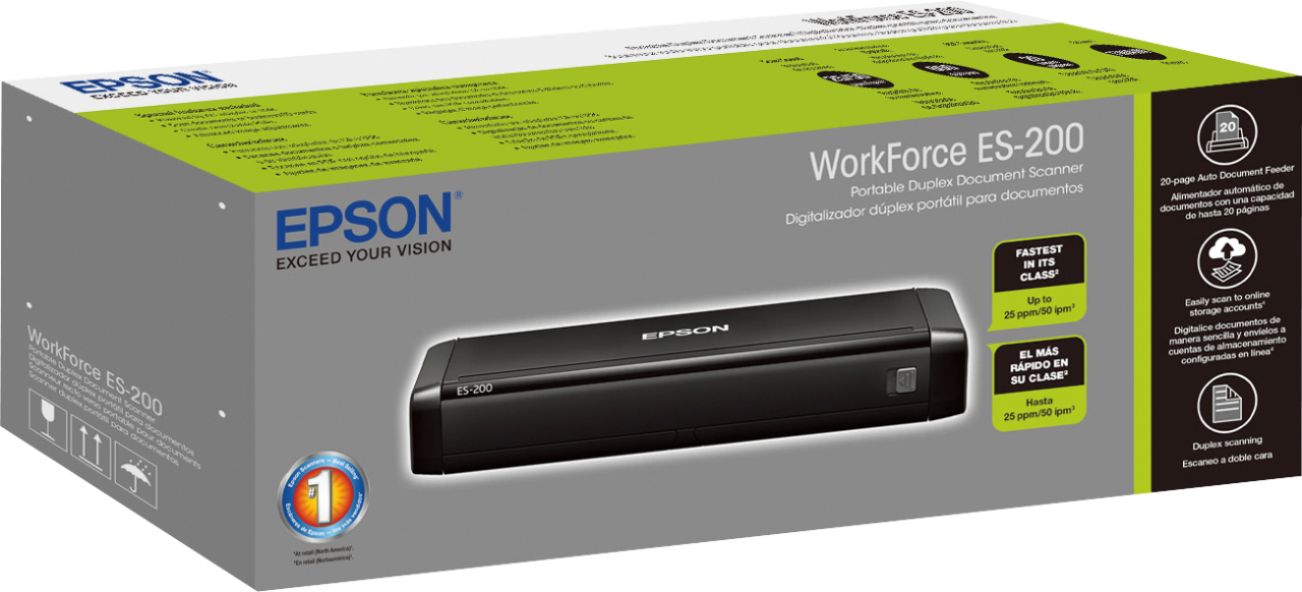
- Model:
- ES-200 DOC SCANER B11B241201
- SKU:
- 5705397
Rating by feature
- Value
Rating 4.3 out of 5 stars
- Quality
Rating 4.4 out of 5 stars
- Ease of Use
Rating 4.5 out of 5 stars
Customers are saying
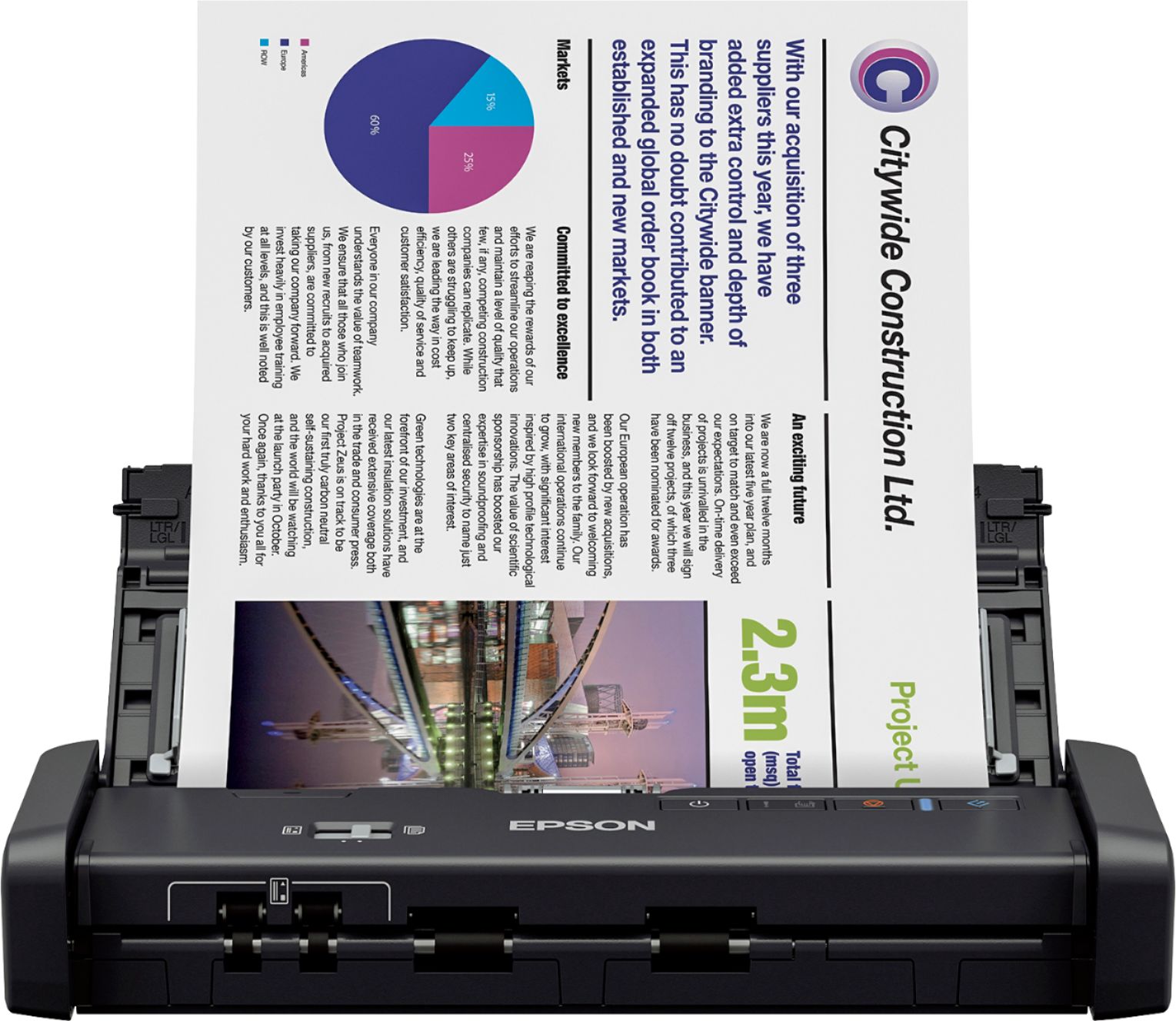
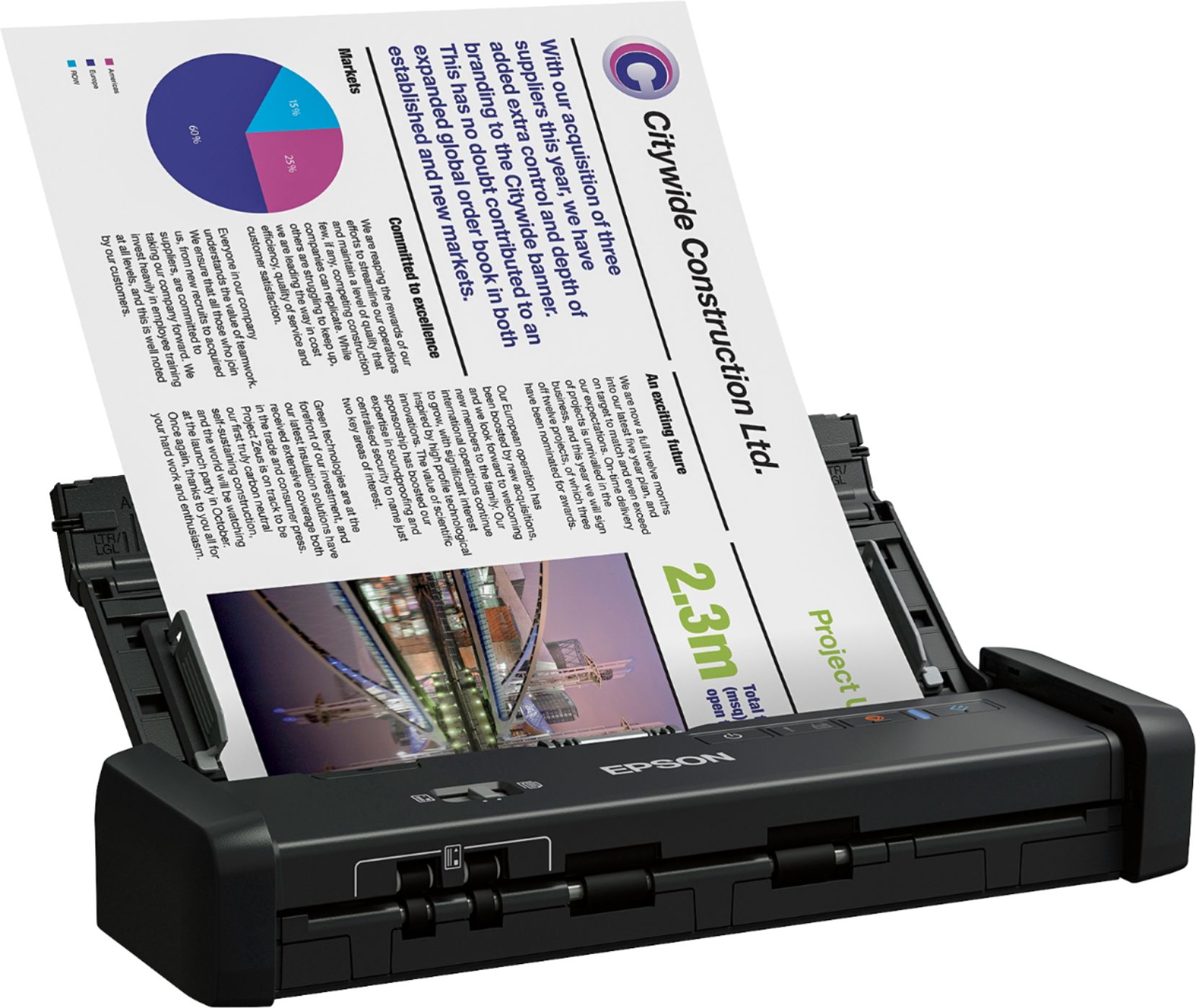
Customers commend the Workforce ES-200 Duplex Mobile Document Scanner for its ease of use, impressive scan speed, and compact size, making it convenient for various tasks. Positive feedback also highlights the duplex functionality and the scanner's lightweight design. However, some users found the software somewhat confusing and experienced occasional challenges with paper handling.
This summary was generated by AI based on customer reviews.
- Pros mentioned:Ease of use, Scan speed, Size
Beta Test Review
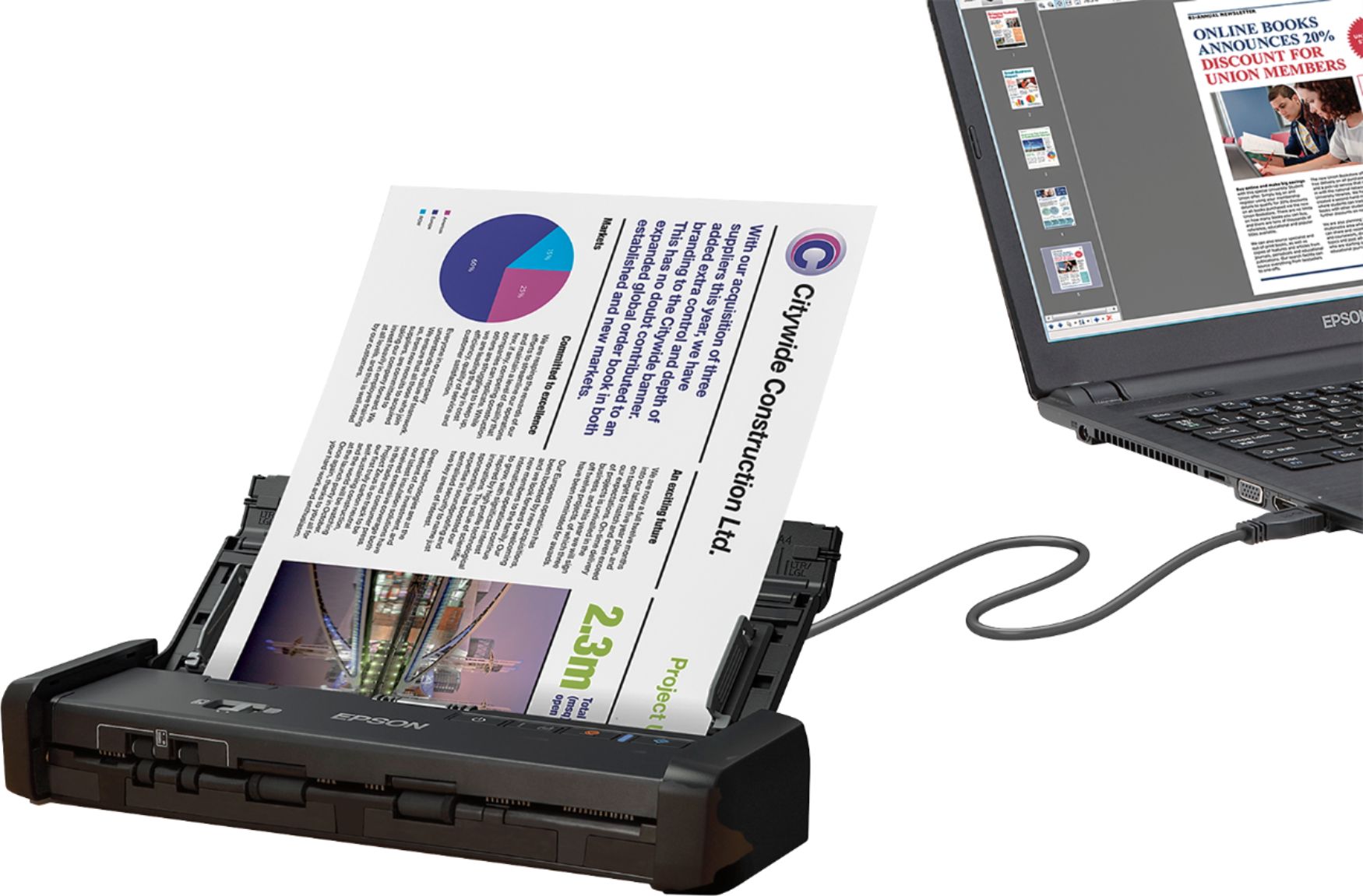
Posted .This reviewer received promo considerations or sweepstakes entry for writing a review.This is a review for the Epson ES-200 Portable Duplex Document Scanner that I received free of charge to do a beta test and review. The scanner is very lightweight, easy to install, compact and works well with a desktop or laptop. It holds up to 20 pages with no jamming or issues. Very fast and efficient. I think this will replace my Lexmark big bulky scanner/printer. This device will save space and can carry around if you want to use with your portable laptop or keep it installed only for your desktop. I love the speed and convenience. My new fave gadget:)
I would recommend this to a friend - Pros mentioned:Scan speed, Size
Small, Compact, and Easy to Use
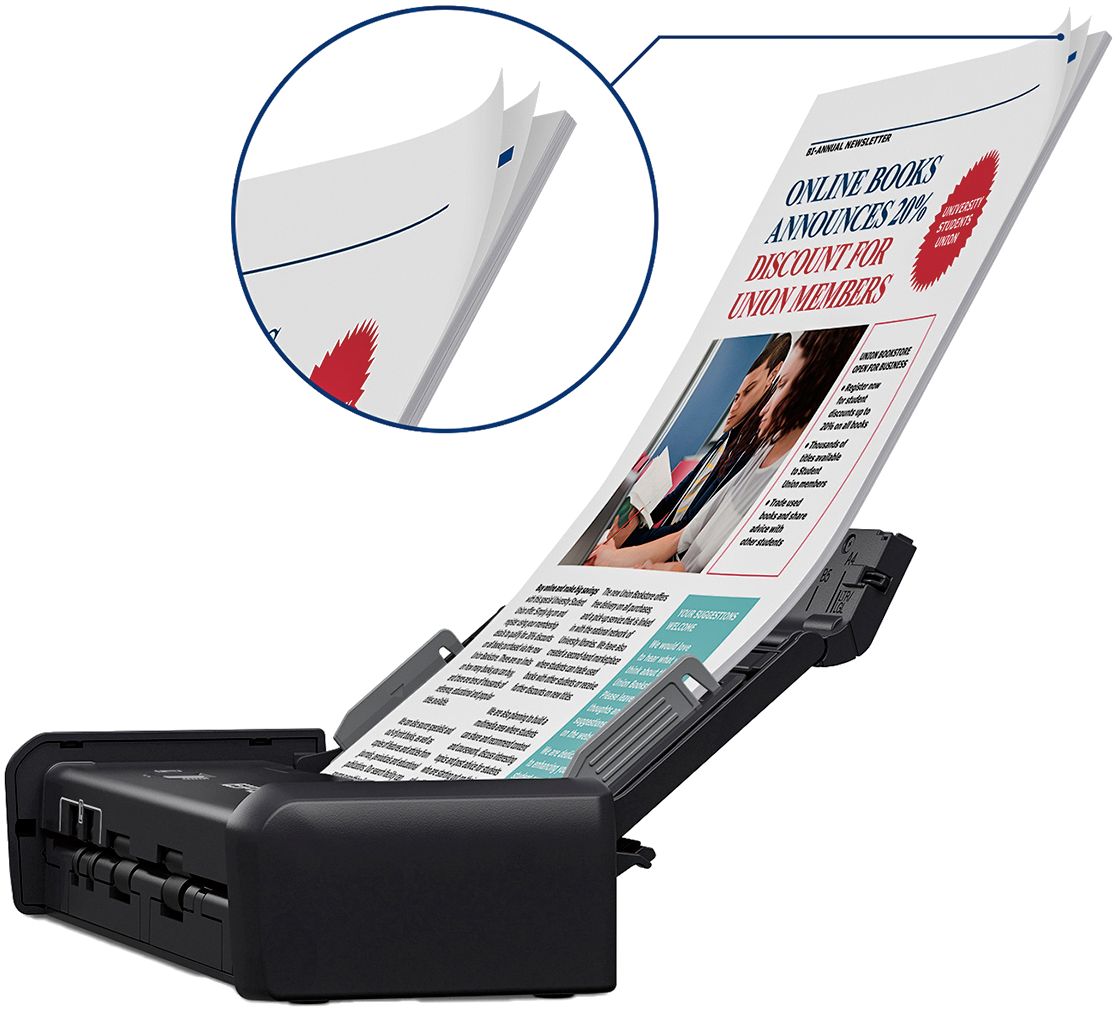
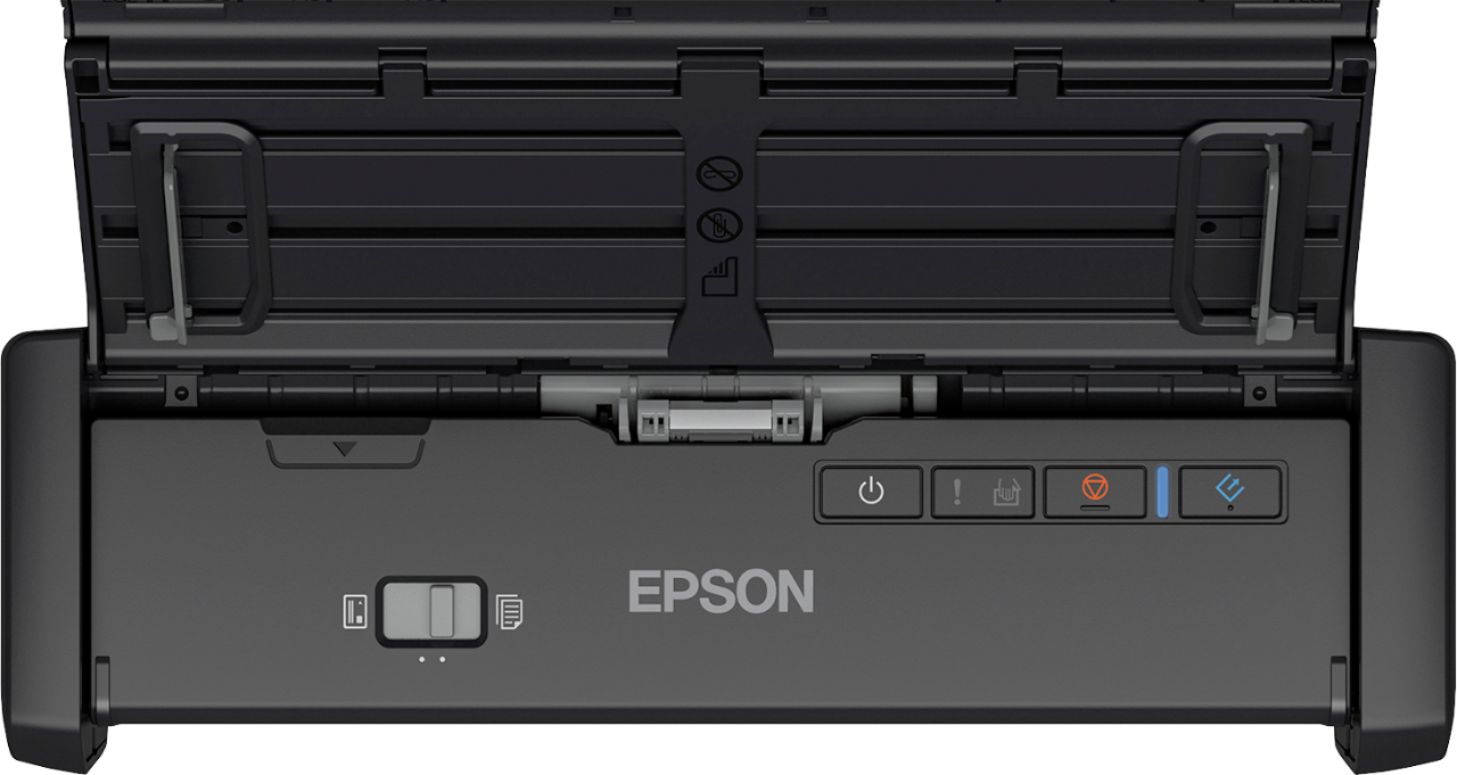
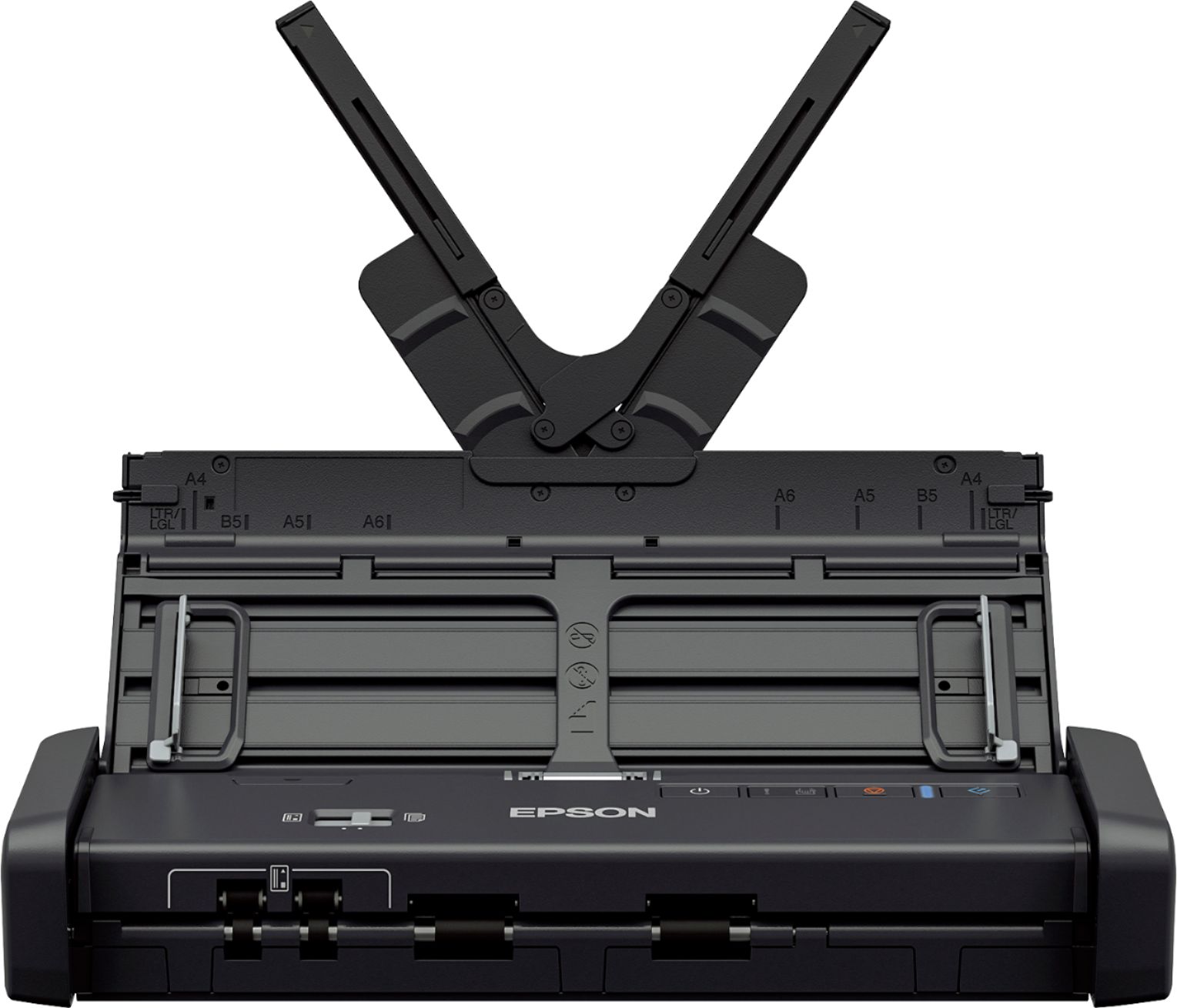
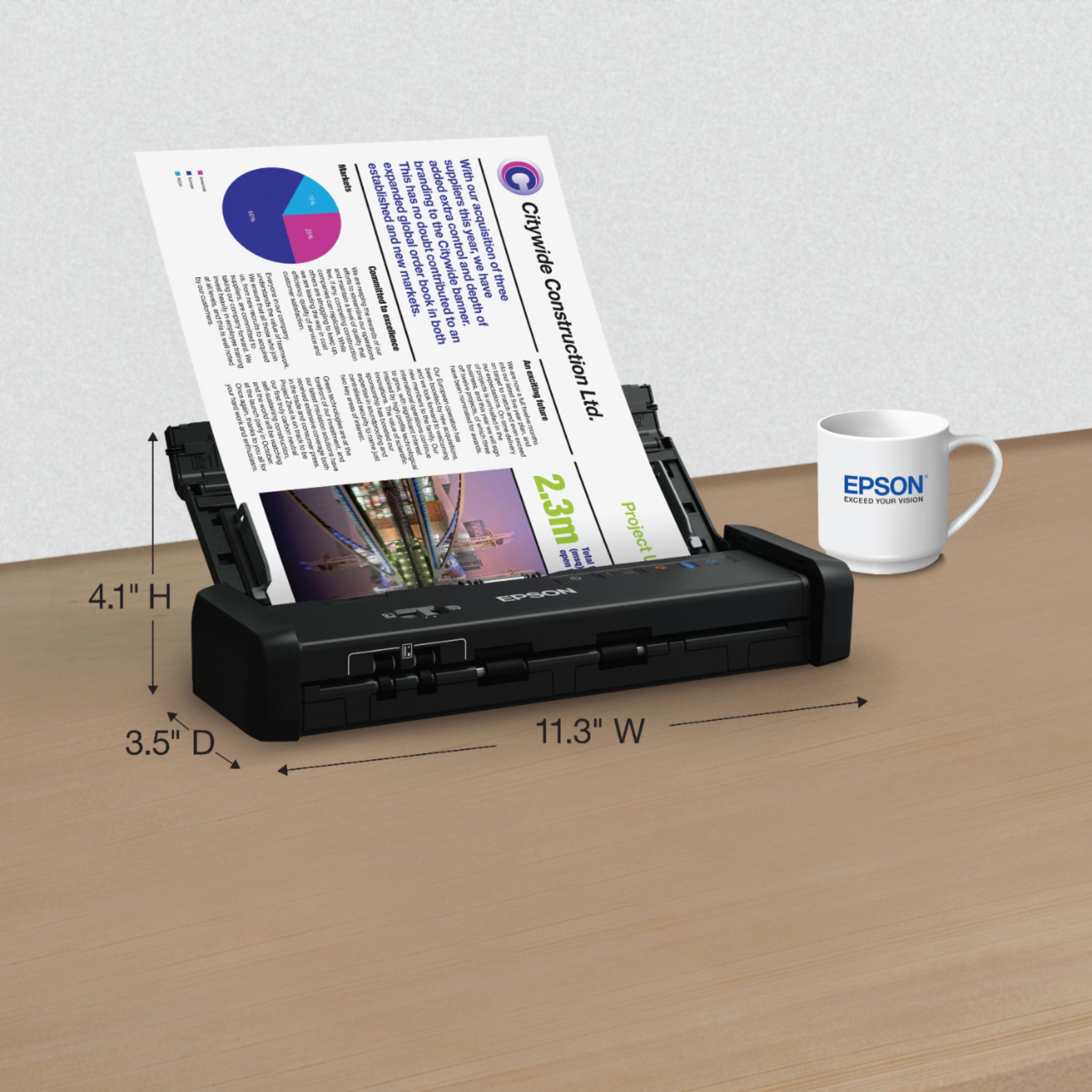
Posted .This reviewer received promo considerations or sweepstakes entry for writing a review.“This is a review for the Epson ES-200 Portable Duplex Document Scanner that I received free of charge to do a beta test and review.” This scanner comes in a 15” x 5.5” x 3.5” box so it is much smaller than I had originally expected. I have to walk about a quarter of a mile from my post office and it was not difficult to carry at all. It comes with all of the software you need but please know that it is on a CD, and many newer computers are getting rid of the disk drive. However, it was very easy to install the driver from the Epson website. Once I installed the driver, it was pretty easy to set up. After everything was set up, I decided to put it to the test by scanning a 500+ page textbook. The top opens really easily and the X-shaped pieces really help hold pages up. There are also sliders on the sides to make sure that your pages are going in straight which is really helpful if you are scanning several pages. It says 20-sheet automatic document feeder. However, I wanted to see how many it could really take at one time. The most that I could scan without a paper jam was about 60-70 (please note that my textbook pages are much thinner than normal printer paper). I did end up having it jam a couple of times (of my own fault). The jams were pretty easy to fix, just pull up the middle part and pull the sheets out. Luckily, a light on it would flash to let me know that it was jammed. Overall, it is a good choice if you have a limited amount of space or just want a very small, compact scanner. It can definitely scan more than 20 pages but I wouldn’t recommend pushing it too far. It’s fast and not too noisy (my roommate didn’t even hear it and we have thin walls). It only took about 30 minutes for me to set it up and scan a 500 pg book so it is definitely something that I would recommend.
I would recommend this to a friend Poor
||Posted .This reviewer received promo considerations or sweepstakes entry for writing a review.Won't scan black and white pictures. Can't be configured to do so.
No, I would not recommend this to a friendA title
||Posted . Owned for 2 months when reviewed.This reviewer received promo considerations or sweepstakes entry for writing a review.Wasn't the right product so I returned in for the es300. Seem to be ok
No, I would not recommend this to a friendBrand response from Epson
Posted .Hello Happy, we're sorry to hear you were not satisfied with the WorkForce ES-200 scanner. Epson takes into consideration all feedback to improve the performance and quality of our products. If we can help you with anything else, our support team can be reached by phone at (562) 276-4382 or by email at https://epson.custhelp.com/app/ask/p_model_name/Epson%20WorkForce%20ES-200; Hours: Monday - Friday, 7 am - 4 pm PT. Hopefully, we can assist you with a future product. Sincerely, Bobby - The Epson Team.

- Pros mentioned:Ease of use, Scan speed
Super portable option with minimal drawbacks
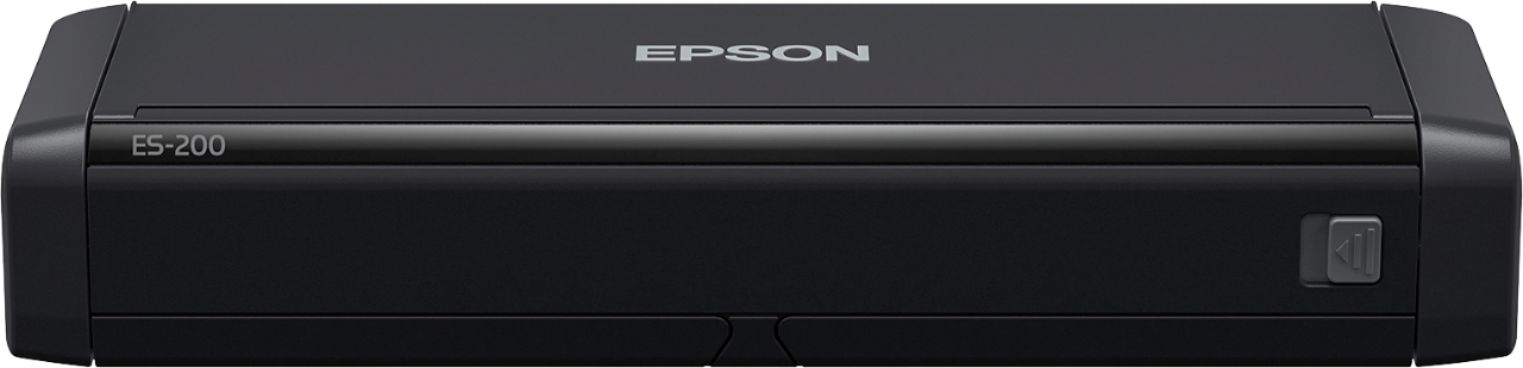
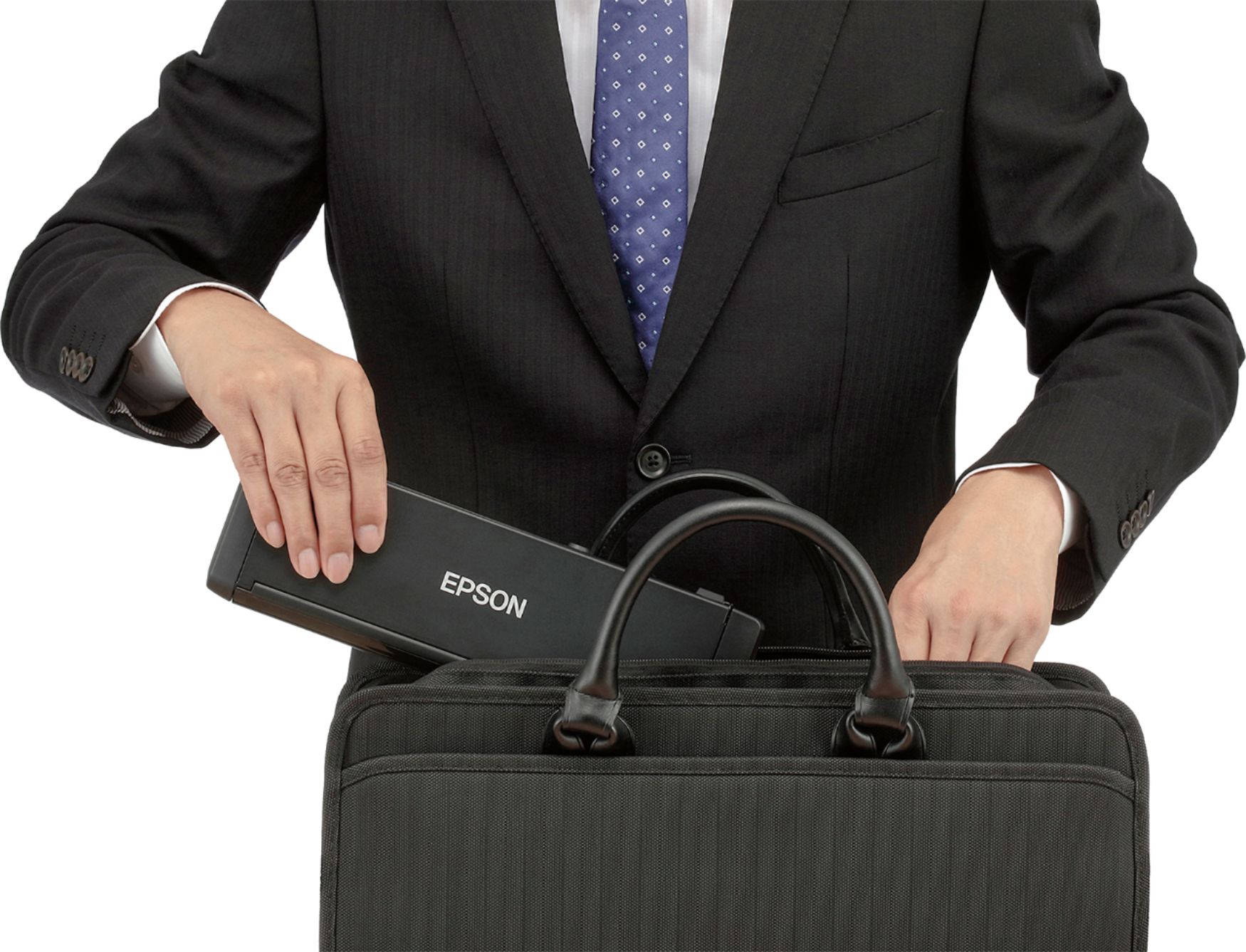
Posted .This reviewer received promo considerations or sweepstakes entry for writing a review.This is a review for the Epson ES-200 Portable Duplex Document Scanner that I received free of charge to do a beta test and review. This scanner is about as small as you can possibly make it. It is approximately the size of a laser printer toner cartridge. Because of this, various pieces fold out to provide the support you need to make it work - paper guides and tray on the top and the scanner area and a small area for the paper to end up in after the scan. It requires wall power (so you can't use JUST a laptop, for instance) and a USB connection. The packaging is adequate and not excessive. It has a quick to install driver/software package that you can download from the Epson website. I was using this scanner with Windows 10. As far as usage goes, it is mostly good news. The driver is quick to install and the software is very easy to use. It powers up and is ready to go quickly. It gets high marks on portability. It scans through pages quickly, and the image quality that is produced can be adjusted driver-side. I was able to scan semi-folded pages and pages with staples removed just fine. As far as issues, I occasionally ran into an issue where a large stack of well compressed paper (like, from a filing cabinet) would put through multiple pages at once, and would require the pages to go through in smaller chunks. I didn't run into any pages that would not scan at all. There is a premium model that connects to wifi that I would prefer over this one in order to avoid one of the wires on the go, but it also costs more. Overall, a pretty good buy in my opinion.
I would recommend this to a friend Roger review
||Posted . Owned for 3 weeks when reviewed.This reviewer received promo considerations or sweepstakes entry for writing a review.Very nice product easy to use I would recommend it to anyone
I would recommend this to a friendBrand response from Epson
Posted .Hello Roger, thank you so much for your review. Your WorkForce ES-200 scanner is backed by a 1-year Limited Warranty and includes free lifetime technical support. If you ever need assistance, our support team can be reached by phone at (562) 276-4382 or by email at https://epson.custhelp.com/app/ask/p_model_name/Epson%20WorkForce%20ES-200; Hours: Monday - Friday, 7 am - 4 pm PT. Once again, thank you. Kind Regards, Bobby D. - The Epson Team.
- Pros mentioned:Scan speed, Setup
Small Scanner Big on Preformance
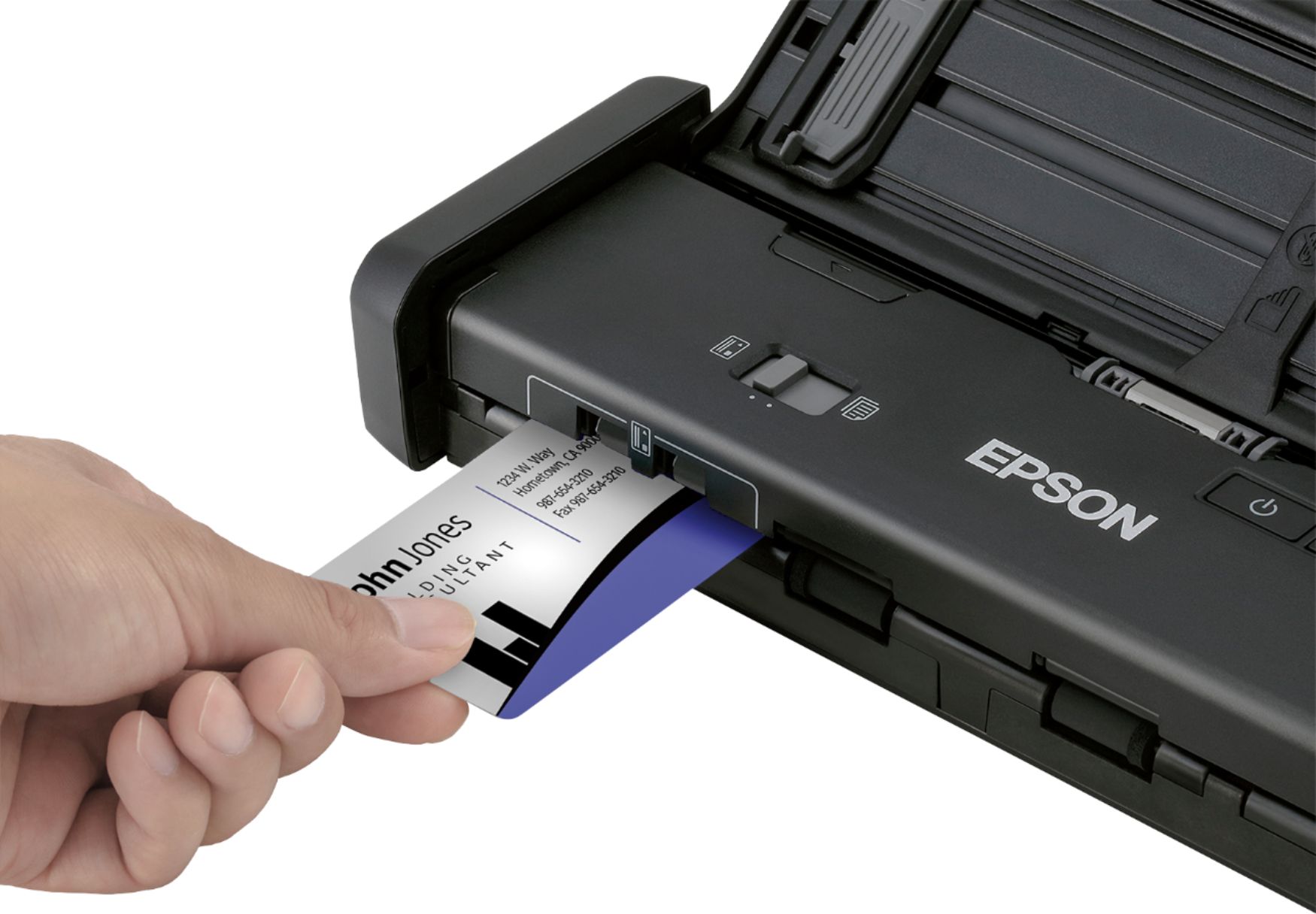
Posted .This reviewer received promo considerations or sweepstakes entry for writing a review.“This is a review for the Epson ES-200 Portable Duplex Document Scanner that I received free of charge to do a beta test and review.” My impressions of this scanner are that it is one of the fastest home/office scanners that I have worked with as an IT professional. The small size initially made me apprehensive that it would not be able to handle large workloads, but I am happy to say that the scanner was able to take a stack of over 50 documents in under 3 minutes. This scanner is able to scan both sides of your documents without any issues. Set up of the scanner is very easy and it took about 10 minutes with the download of the drivers and software suite from Epson. The inclusion of USB 3.0 is a welcome hardware upgrade, which allows for very fast transfer speeds to your computer. The included accessories to scan business cards, IDs and the software package make this a very compelling scanner to have for home or small office use. My only complaint was that the included USB cable is very short and I had to order a longer one from Amazon for it to be usable in my office. I would recommend this for anyone who needs a new scanner.
I would recommend this to a friend - Pros mentioned:Scan speed, Size
Newbie user
Posted .This reviewer received promo considerations or sweepstakes entry for writing a review.This is a review for the Epson ES-200 Portable Duplex Document Scanner that I received free of charge to do a beta test and review. The packaging was smaller than I expected. I have an all-in-one printer/scanner/fax that is 4 times the size of the Epson ES-200. This is a great choice for anyone looking to cut down on the amount of space equipment takes up. The Epson ES-200 comes with a USB cable and Power Cord. The instructions were a little cumbersome for me, but I managed to get the scanner set up. Installing the software was a breeze. After selecting English, the piece of paper that I had written “TEST” on scanned in just a matter of seconds. The file appeared on the screen just as the hard copy looked…resolution was fine. The Epson ES-200 didn’t take long to warm up and was not “hot” to the touch after being turned on for a while. The “V” shaped guide allows documents to be supported in order to feed into the scanner evenly. Also, the scanner sits level on the desk/table top. The start, etc. scanning option buttons are located in an area that is easy to see and select.
I would recommend this to a friend Looks like good product
||Posted .This reviewer received promo considerations or sweepstakes entry for writing a review.Software communication intermittent. Very noisy wheels, won't last long
No, I would not recommend this to a friend- Pros mentioned:Ease of use, Scan speed
Portable scanner that delivers
Posted .This reviewer received promo considerations or sweepstakes entry for writing a review.This is a review for the Epson ES-200 Portable Duplex Document Scanner that I received free of charge to do a beta test and review. My experience with scanners up to this point had been with flatbed scanners from various manufacturers so I wasn't expecting the scanner to be so small. It easily fits in my backpack. I tested it with my Windows 10 laptop on a USB3 port. My first test was a 17 page document from my doctor. I had problems feeding it initially, but I cut the stack down to 9 pages and they fed and scanned perfectly. The speed at which the pages fed surprised me. The sofware allowed me to add the next 8 pages to the same pdf file as the first pages. Next I loaded the included BizCard app and scanned a paper business card. The app produced both an image of the card and OCR text (name, address, etc) from the card, which was added to a rolodex-style directory within the app. It also created clickable links for email addresses and websites from the card, and clicking them opened my default email app or online map in my default browser. I was impressed by the scanner. It's small and quite portable, pages feed and are scanned quickly, and the software worked well on my Windows 10 laptop. It seems like a no-brainer for road warriers.
I would recommend this to a friend - Pros mentioned:Scan speed, Setup
High quality portable scanner for documents
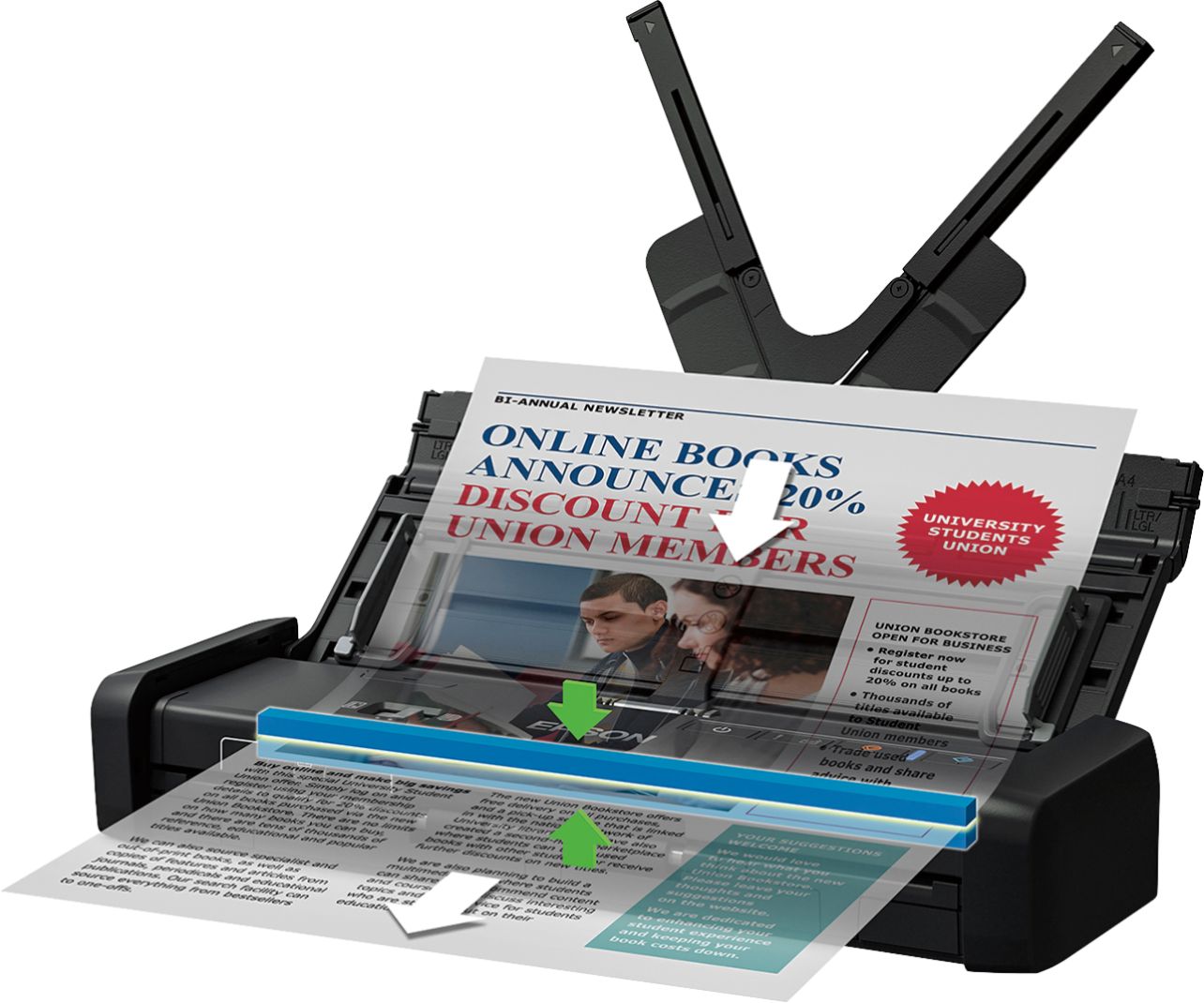
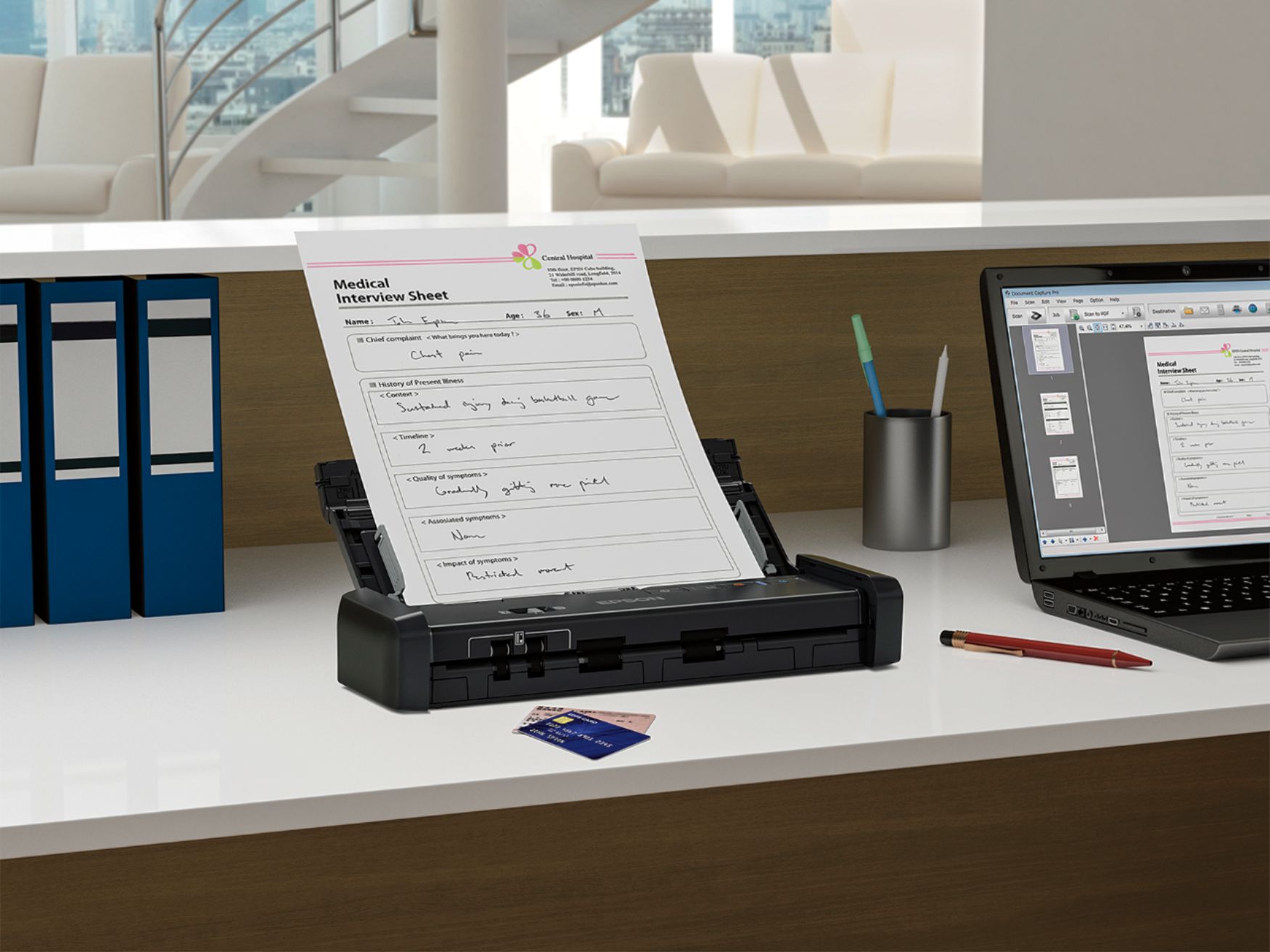
Posted .This reviewer received promo considerations or sweepstakes entry for writing a review.This is a very high quality portable scanner, which is perfect for quickly scanning documents, business cards, and receipts. Pros: The setup was very easy. You just download the software and plug it in. It comes with an AC power cord, but it is also bus powered, so you can just plug in the USB cord and power it from your computer. The only thing you really need the AC power cord for is to install firmware updates. The scanner did an excellent job scanning multiple sheets of paper, even if they had folds or rips. It can scan double or single sided sheets with just one pass and it does a great job converting text to type. The interface is pretty straight-forward but there are plenty of options to tweak the color and other settings. The scanner does a decent job scanning photos (it can scan up to 1200 dpi) but this is really better suited for documents. It has a nice card scanning feature for business cards or ids. It scans them flat so even rigid cards can be scanned easily. Cons: Occasionally there was some banding when scanning glossy or luster photos, but it's not really meant for photos. Also, sometimes it had trouble detecting that the sheet is in the scanner. Overall: I would recommend this product, especially if you travel a lot and scan mostly documents. It's a very fast scanner and produces very high-quality scans. Not bad for something about the size of a small umbrella. Disclaimer: This is a review for the Epson ES-200 Portable Duplex Document Scanner that I received free of charge to do a beta test and review.
I would recommend this to a friend Very Touchy
||Posted . Owned for 6 months when reviewed.This reviewer received promo considerations or sweepstakes entry for writing a review.This Epson ES-200 is the second one I have owned. The first one did the same thing and I returned it to get another one that is very touchy. If there is any kind of a paper jam or slip up in paper insertion it will not scan. Nothing but uninstalling and reinstalling the scanner will make this scanner scan. I have already done this twice and am having to do it again today so I can scan something.
No, I would not recommend this to a friendBrand response from Epson
Posted .Hello SarasotaShopper, we sincerely apologize for the paper feed issues that you're experiencing. Your Epson ES-200 scanner comes with a 1-year Limited Warranty and free lifetime technical support. Please call our Advanced Support Team directly at 1-800-241-5794; Hours: Monday - Friday, 7 am - 4 pm (PT). We appreciate your business and look forward to your call. Kind Regards, Bobby D. - The Epson Team.
- Pros mentioned:Scan speed, Size
Great Portable Scanner on the Go!
Posted .This reviewer received promo considerations or sweepstakes entry for writing a review.This scanner is quite impressive for its size and performance. I work in a typical office squared off in cubicles with limited spacing. This scanner’s size fits perfectly for my desk and it is very sturdy. It is not too heavy or light and the color black blends in nicely with my desktop. I have a Macbook Pro and a Windows Desktop so I switch the scanner to be used between both computers easily. The software to download was easy to locate and to install. I was up and running in a few minutes. The press of the scan button quickly scan all my documents and business cards. In terms of performance, this scanner is quite fast for its size. The scan quality is also very nice and the software makes it easy to use not worrying about needing to buy additional software. The all in one installer came with all the software you will need to get all the scanning done quickly. I think this scanner is business class and it’s worth the investment. If the price can drop by $50, I think it would encourage more consumers/businesses to buy it. I am not sure if there is a scan over Wifi model, but I would love to see that to avoid extra cables and set it as a scanning station for more people to use. Overall, a very solid scanner that every business should consider investing or if you just need a portable scanner that can perform, then this is a great choice to make. This is a review for the Epson ES-200 Portable Duplex Document Scanner that I received free of charge to do a beta test and review.
I would recommend this to a friend - Pros mentioned:Ease of use, Scan speed
Speedy with great quality
Posted .This reviewer received promo considerations or sweepstakes entry for writing a review.I have been looking for a smaller scanner that is reliable and portable, and the Epson ES 200 is a good fit! I love how compact it is, it really makes it a breeze to fit into my laptop bag and go. The setup with the software installation, etc. was easier than expected and I didn’t have trouble configuring everything to the way that I had wanted in a few minutes. I was very impressed with the speed of the scanning also, it is quick! I love how everything sort of “unfolds” to make a sturdy scanner that I can set multiple pages to be scanned at once. Overall, I am very happy with the speed and reliability of the Epson ES 200. A few cons I would have are that the USB cord that comes with the scanner is a bit short. I had to configure my computer set up in a different way so that I could use the scanner and my computer at the same time. Also, it does require a couple of minutes of set up, so it isn’t a “out of the box” type scanner. I am willing to deal with the few negatives that I have found, because this scanner is quick and quality. I love it! Note: This is a review for the Epson ES-200 Portable Duplex Document Scanner that I received free of charge to do a beta test and review.
I would recommend this to a friend - Pros mentioned:Scan speed, Size
Easy and Portable Scanner
Posted .This reviewer received promo considerations or sweepstakes entry for writing a review.This is a review for the Epson ES-200 Portable Duplex Document Scanner that I received free of charge to do a beta test and review. I was excited to get my scanner but very surprised it was shipped with no outer box. It came directly in the product box. The scanner is small and compact which is perfect since space is a commodity in my home and at my client locations. Everything I needed was in the box. I did have to download some software but that process was easy and painless. I did find the directions a little confusing and had to reread them a couple of times. There are two options to power the scanner. There is a USB cable that can be directly plugged into your computer or laptop or the standard plug into an outlet option. I have a small similar scanner for work and my only option is to plug directly into my laptop. My husband was excited that he could scan in business cards. He is in sales and is always dealing with lots of business cards he would like to keep. This printer allows us to scan those in and organize them in a helpful fashion. There are sliders on the scanner that accommodate various size documents and cards. I wanted to de-clutter and de-paper all those stacks of statements, taxes, etc., that I have. This scanner easily scans multiple pages. There are various options that I am still playing around with such as double sided. I did notice some of the pages catch when feeding but removing them and placing them back in place easily corrected any misfeeds. I also had this problem with my work scanner so I think it is an inherent limitation in such a small and compact device. I was surprised to find the speed increased when plugged into wall. I would recommend this to family, friends or even coworkers. However, the price is not as competitive as it could be to make it more appealing to a wider variety of consumers.
I would recommend this to a friend - Pros mentioned:Ease of use, Scan speed
Great for Travel
Posted .This reviewer received promo considerations or sweepstakes entry for writing a review.This product was a lot more smaller than I expected. I anticipate using it for any future business trips I have. The product seems very easy to carry around and plug in. You do have to install the software, which is not too complicated, but my computer did have trouble recognizing the scanner when I plugged it into the USB. When the directions tell you not to plug the USB into the computer when you are installing the software make sure you follow it. Overall, it seems it is a great tool to have when you have a lot of documentation to scan. The software also comes with a PDF extension so that your files can be PDF searchable. If you are on the road a lot or don't have access to a bigger scanner in an office, I think this is a real asset because it is fairly compact. This is a review for the Epson ES-200 Portable Duplex Document Scanner that I received free of charge to do a beta test and review.
I would recommend this to a friend spend the money and buy something better
||Posted . Owned for 3 months when reviewed.This reviewer received promo considerations or sweepstakes entry for writing a review.Pros: Looks great, small footprint, easy to use and images look great Cons: Automated Document Feeder is impossible to use, multiple pages scan at once. fanning the pages does not good as the last pages to be scanned doe not trip the sensor. A document with a lot of black (ppt slide) confuses the scanner causing a "paper jam". I wish I tested sooner as the return period expired.
No, I would not recommend this to a friendBrand response from Epson
Posted .Hi Fjguida, thank you for sharing your experience with the WorkForce ES-200. Epson takes into consideration all feedback to improve the performance and quality of our products. We'll forward your feedback to the appropriate product team for review. Your Epson scanner is backed by a 1-year Limited Warranty and includes free lifetime technical support. If you ever need assistance, our support team can be reached at by phone at (562) 276-4382 or by email at https://epson.custhelp.com/app/ask/p_model_name/Epson%20WorkForce%20ES-200; Hours: Monday - Friday, 7 am - 4 pm PT. Kind Regards, Bobby D. - The Epson Team.
Huge disappointment
||Posted . Owned for 5 months when reviewed.This reviewer received promo considerations or sweepstakes entry for writing a review.When this item worked, it was Great! I had this scanner for 5 months and it stopped working. Huge disappointment and right here at tax time!
No, I would not recommend this to a friendBrand response from Epson
Posted .Hello NurseMom, we're sorry to hear about your disappointment with the ES-200 scanner. Epson considers all feedback to improve the performance and quality of our products. Epson also offers helpful information, including FAQs and self-help tools, on the product support web page at https://epson.com/Support/Scanners/ES-Series/Epson-WorkForce-ES-200/s/SPT_B11B241201#questions. Your scanner includes a 1-year Limited Warranty and free lifetime technical support. If you need any assistance, our Epson Support Team would be happy to help you and can be reached at (562) 276-4382; Hours: Monday - Friday, 7 am - 4 pm PT; Sincerely, Tony - The Epson Team.
- Pros mentioned:Duplex, Size
Great Portable Scanner
Posted .This reviewer received promo considerations or sweepstakes entry for writing a review.“This is a review for the Epson ES-200 Portable Duplex Document Scanner that I received free of charge to do a beta test and review.” This scanner comes with everything you need right out of the box except the software you need to download that.Its a nice compact size and fits into both laptop cases i own which is a huge plus when your able to take it anywhere. I love that you can load up to 20 sheets of paper at a time so i'm not having to stand there and ad one sheet at a time this saves me valuable time.And the duplex feature is another time saver and the fact that i can upload all my documents to drop box and access my files around the world make this a no brainer.I also like that i can scan business cards and upload them as well there's nothing worse than looking for a business card and not finding it i'm able to save copies to my smartphone for quick access.
I would recommend this to a friend Unreliable & Overpriced
||Posted . Owned for 1 month when reviewed.This reviewer received promo considerations or sweepstakes entry for writing a review.The scanner is constantly telling you there is no document in the feeder, even when there is. You then have to manually try to push your document further in, which will only work sometimes. Other times, the document jam indicator light will come on. You really can only scan 1 document at at time, if you're lucky. This is a terrible product.
No, I would not recommend this to a friendBrand response from Epson
Posted .Hi Epson Customer, thank you for your feedback. We are sorry to hear that you’re having paper feeding issues with your Epson ES-200 scanner. We have useful information on the product support site that may help you resolving the issue. Please see FAQ's at https://epson.com/faq/SPT_B11B241201~faq-0000600-es200_300w and https://epson.com/faq/SPT_B11B241201~faq-00005f1-es200_300w. If the issue persists, please contact Epson Support at (562) 276-4382; Hours: Monday – Friday, 6am – 8pm PT; Saturday, 7am – 4pm PT. Sincerely, Matt S. – The Epson Team.