Customer Ratings & Reviews

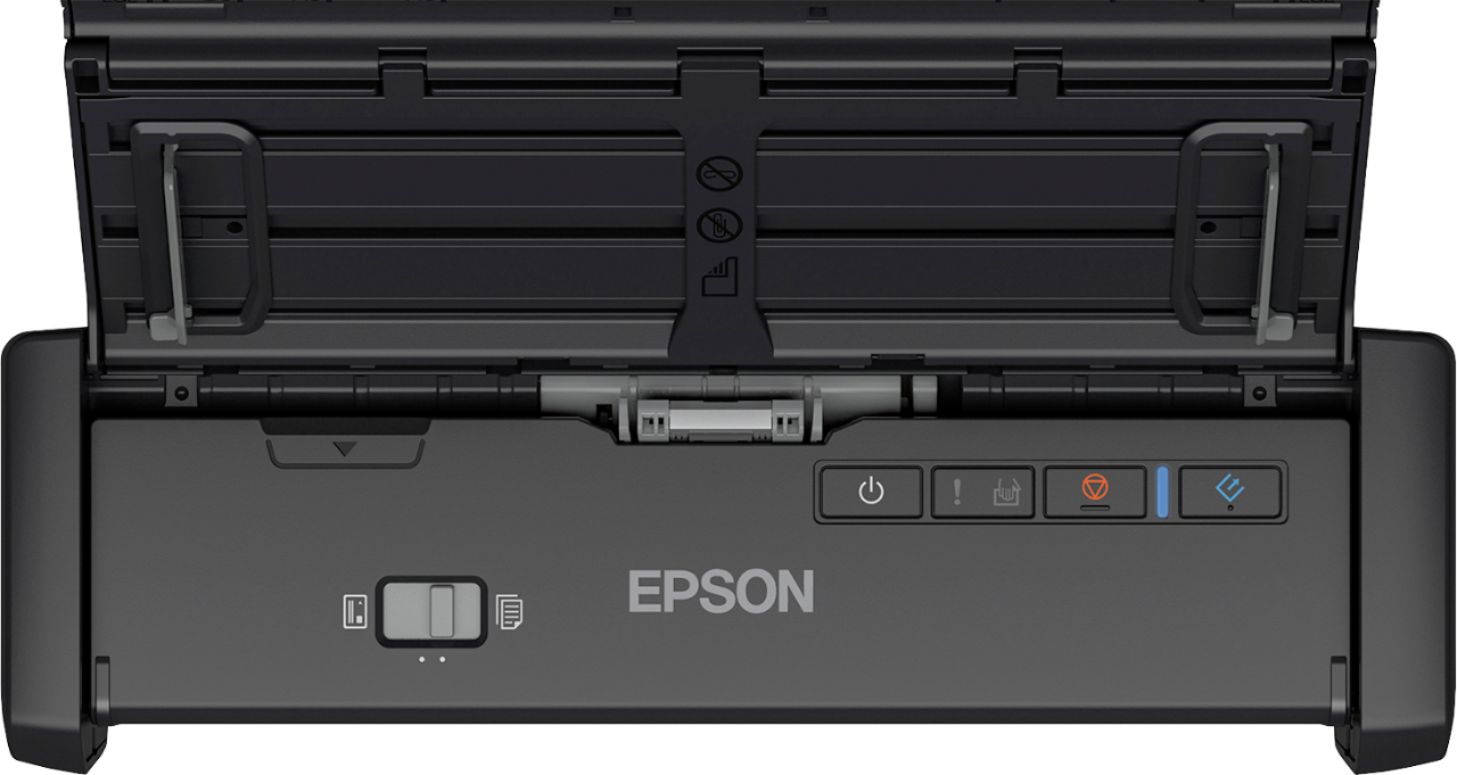
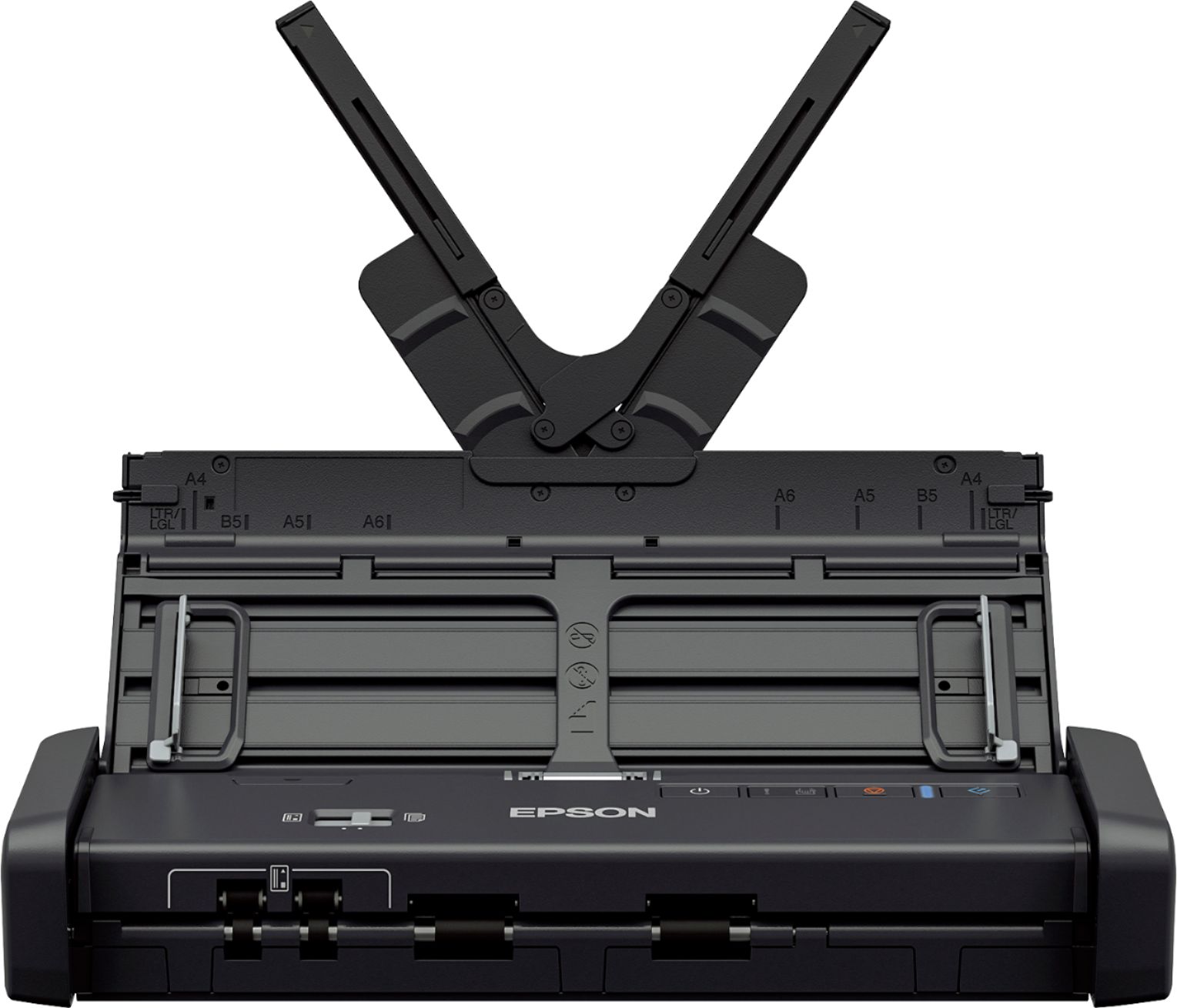
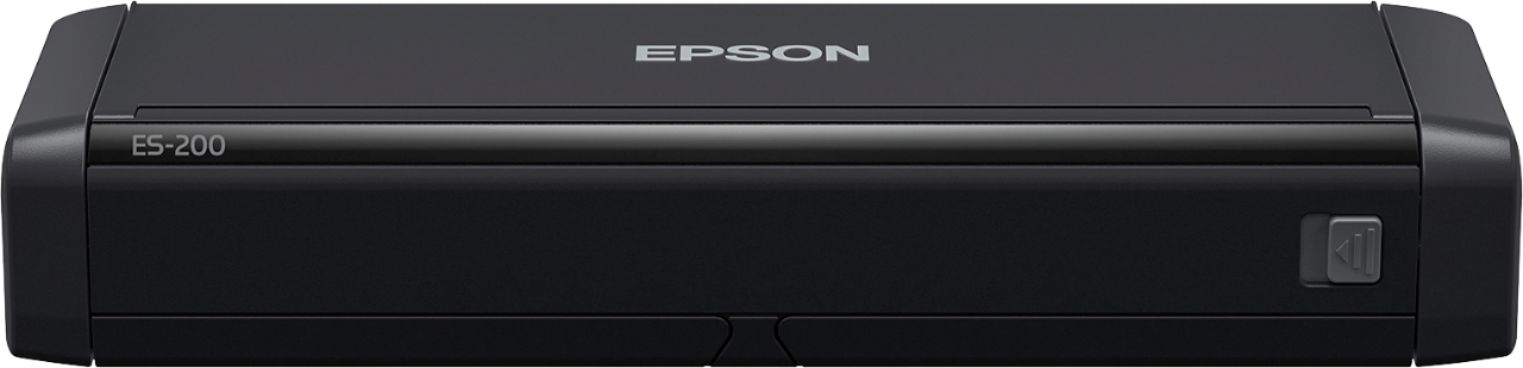
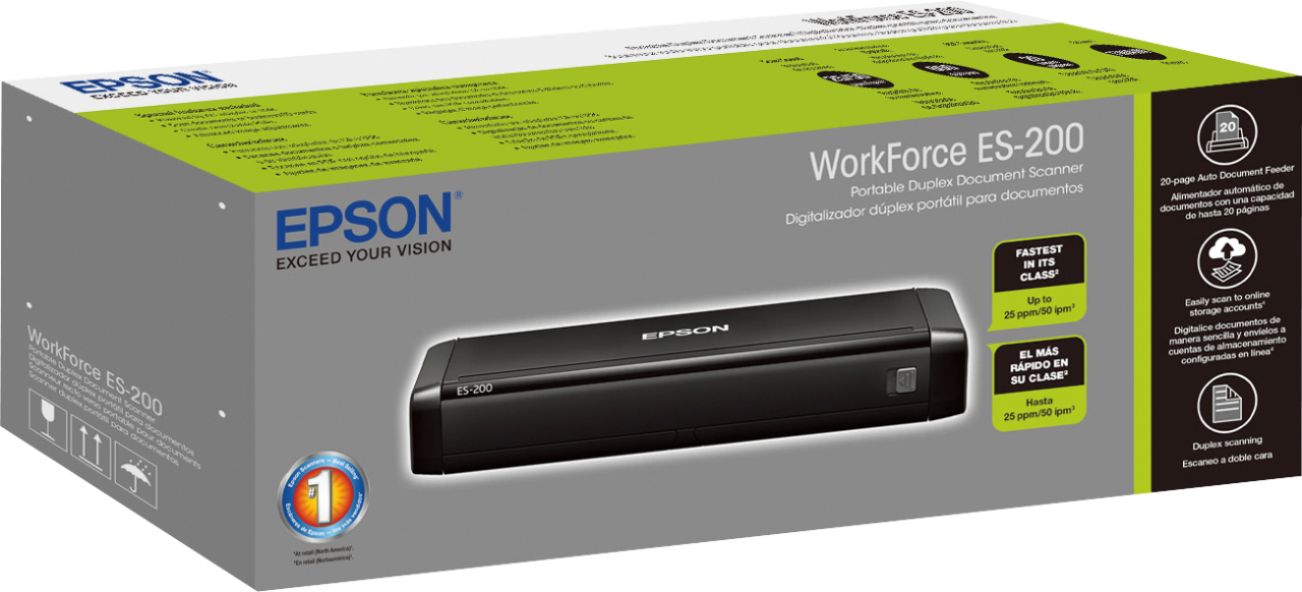
- Model:
- ES-200 DOC SCANER B11B241201
- SKU:
- 5705397
Rating by feature
- Value
Rating 4.3 out of 5 stars
- Quality
Rating 4.4 out of 5 stars
- Ease of Use
Rating 4.5 out of 5 stars
Customers are saying
Customers commend the Workforce ES-200 Duplex Mobile Document Scanner for its ease of use, impressive scan speed, and compact size, making it convenient for various tasks. Positive feedback also highlights the duplex functionality and the scanner's lightweight design. However, some users found the software somewhat confusing and experienced occasional challenges with paper handling.
This summary was generated by AI based on customer reviews.
- Pros mentioned:Scan speed, Size
Small and Convenient!
Posted .This reviewer received promo considerations or sweepstakes entry for writing a review.Every so often my husband or I are forced to work from home. We have a very small house, so the "home office" is essentially our kitchen table. This often proves frustrating and unproductive because you can't really get set up. A scanner was basically out of the question even though it was needed, because having a huge scanner on the table all the time was not going to happen. Essentially, what we needed was a small scanner that gets the job done quickly and efficiently but also can be stored away when not in use. This scanner is super customizable to your needs and can run off of AC or USB. It's easy to set up and out of the box you will be ready work in no time. I love how fast this thing is and it's super convenient that I can scan multiple pages at a time (up to 20) this saves me from having to feed them in one after another. It's pretty quiet too, which is also a plus, especially when working from home. This scanner runs smoothly and gets the job done without any hiccups and also can be easily stored away, a major win for us. I kept the box and just slip it all back in there for easy storage! This is a review for the Epson ES-200 Portable Duplex Document Scanner that I received free of charge to do a beta test and review.
I would recommend this to a friend - Pros mentioned:Ease of use, Scan speed
Great Portable Scanner
Posted .This reviewer received promo considerations or sweepstakes entry for writing a review.This is a review for the Epson ES-200 Portable Duplex Document Scanner that I received free of charge to do a beta test and review. The Epson ES-200 is quite an amazing small scanner. I was expecting much from a small scanner, but it really works well. I use a full size business class scanner at my office so I am pretty used to having a scanner that really scans quickly and accurately. The Epson ES-200 scanner really performs in the same ranks as the desktop scanner I have. While I wouldn't want to try scanning as many documents in a row as I do at the office, this scanner performs swiftly. The Epson Scanner is very portable and not very heavy. It's not as lite as one might think, and the build quality feels superb. It doesn't feel cheap at all. It folds into a very compact form factor and unfolds to really support a full page document. The setup took all of 3 minutes, and the software is very snappy. Overall, the scanner performs very very well.
I would recommend this to a friend Wished it worked as intended
||Posted . Owned for 2 months when reviewed.This reviewer received promo considerations or sweepstakes entry for writing a review.I really hoped this would be the cure for saving space in my office, but it doesn't work. About half the time it fails to scan each page, which is really scary if you are running a business and your goal is to have things saved. It jams up repeatedly. It is really unreliable.
No, I would not recommend this to a friendBrand response from Epson
Posted .Hello MacBookUser, we apologize for your disappointing experience with the ES-200 scanner. Epson considers all feedback to improve the performance and quality of our products. Epson also provides helpful information on the product support web page on FAQs and self-help tools at https://epson.com/Support/Scanners/ES-Series/Epson-WorkForce-ES-200/s/SPT_B11B241201#questions. Additionally, your scanner includes a 1-year Limited Warranty, plus free lifetime technical support. Please get in touch with our support team directly at (562) 276-4382 between 7 am - 4 pm (PT), Monday - Friday if you need further assistance.
Sincerely, Sam - The Epson Team
- Pros mentioned:Ease of use, Scan speed
Quick, Easy, Painless!
Posted .This reviewer received promo considerations or sweepstakes entry for writing a review.“This is a review for the Epson ES-200 Portable Duplex Document Scanner that I received free of charge to do a beta test and review.” When I first received the box I was astonished on how compact this scanner was just within the box. I could not wait to open it up and go through the setup process. It took all of 3 minutes to setup the scanner, including installing the software that I had to download from the support website. Usually when using a scanner with anything over the 300 DPI in color, the scanner takes its sweet time in reading and scanning the document. NOT THE ES-200! It literally took in the document and spit it right out. At first I thought there was some error, but lo and behold the screen pops up with my scan and it was perfect and great quality! I have recently been familiarizing myself with Epson products and I have got to tell you they have some amazing products to start with this amazingly portable and light scanner. It can be stowed away on a desk or in a corner without even drawing too much attention to it. This is an absolute great product and I would definitely recommend it to everyone.
I would recommend this to a friend Not sure if I like it or not
||Posted . Owned for 2 weeks when reviewed.This reviewer received promo considerations or sweepstakes entry for writing a review.It doesn’t sync up to my Apple computer very well the jury still out whether or not I like it
No, I would not recommend this to a friendBrand response from Epson
Posted .Hello Mcclain, we're sorry to hear about your disappointing experience with the ES-200 scanner. Epson also offers helpful information, including FAQs and self-help tools, on the product support web page at https://epson.com/Support/Scanners/ES-Series/Epson-WorkForce-ES-200/s/SPT_B11B241201#questions. Your scanner includes a 1-year Limited Warranty, plus free lifetime technical support. If you need assistance, our Epson Support Team would be happy to help you and can be reached at (562) 276-4382; Hours: Monday - Friday, 7 am - 4 pm PT; Sincerely, Sam - The Epson Team.
- Pros mentioned:Scan speed, Size
ES-200 COMPACT, SLEEK AND FAST
Posted .This reviewer received promo considerations or sweepstakes entry for writing a review.This is a review for the Epson ES-200 Portable Duplex Document Scanner that I received free of charge to do a beta test and review. ES-200 is breath of fresh air compared to old & bulky scanners. It works fast and is compact. Minor installation issues were observed as I had to try different USB ports for my PC to recognize the hardware. I installed on an ASUS laptop. However, it eventually worked fine after trying two USB ports. The pages are fed from the tray and it was tested for several pages. Various scanning options are available single or multiple scan, one-sided or two-sided, black & white or color. The overall quality of the scanned document is of good quality. However, note that the loading tray does not fold completely. So that part is a bit delicate and it need to be handled gently. It can handle tough scanning jobs with ease.
I would recommend this to a friend - Pros mentioned:Ease of use, Scan speed
big stuff in a small packet
Posted .This reviewer received promo considerations or sweepstakes entry for writing a review.This is a review for the Epson ES-200 Portable Duplex Document Scanner that I received free of charge to do a beta test and review. To be honest, I had never used a portable scanner before this. So receiving a compact handy tool was surprising. This is very portable, not just because of the size, but also because you don't have to carry a power adapter with you. Yes, this device can be powered with a USB. The set-up was easy with clear instructions. And the device is perfect for a home office or for college goers. It scans fast, can hold up to 20 sheets for auto feed. It can scan double or single sided sheets with just one pass. There are plenty of options to tweak the color and other settings. I would recommend this product.
I would recommend this to a friend Need to be reinstalled quarterly to work all year.
||Posted . Owned for 1 year when reviewed.This reviewer received promo considerations or sweepstakes entry for writing a review.This scanner I have had to re-install over and over. It scanners for a few months then it will not. I says the scanner is being used please wait. Then it says it does not recognize the scanner. Even though when you plug it in, it says it is connected.
No, I would not recommend this to a friendBrand response from Epson
Posted .Hello, we're sorry to hear about your disappointing experience with the ES-200 printer. Epson considers all feedback to improve the performance and quality of our products. Epson provides helpful information to address most issues, including FAQs and self-help tools, on the product support web page at https://epson.com/Support/Scanners/ES-Series/Epson-WorkForce-ES-200/s/SPT_B11B241201#questions. Additionally, your scanner includes a 1-year Limited Warranty, plus free lifetime technical support. Please reach our support team directly at (562) 276-4382 between 7 am - 4 pm (PT), Monday - Friday if you need any assistance.
Sincerely, Sam - The Epson Team.
Poor Quality for the Price
||Posted . Owned for 3 weeks when reviewed.This reviewer received promo considerations or sweepstakes entry for writing a review.This scanner is slow, jams easy, and handles very little when it comes to bulk scanning.
No, I would not recommend this to a friendBrand response from Epson
Posted .Hi H202, we apologize that you are having issues with your ES-200. I've provided an FAQ link and under the Paper or Media option there are troubleshooting steps youcan follow to help resolve your issues such as paper jamming and paper loading specs.
https://epson.com/Support/Scanners/ES-Series/Epson-WorkForce-ES-200/s/SPT_B11B241201#faq-8796127504460
If you still need further troubleshooting our Epson Support Team would be happy to help and can be reached at (562) 276-4382; Hours: Monday – Friday, 6am – 8pm PT; Saturday, 7am – 4pm PT. Sincerely, Leo – The Epson Team.
- Pros mentioned:Ease of use, Size
Compact Unit does a big job
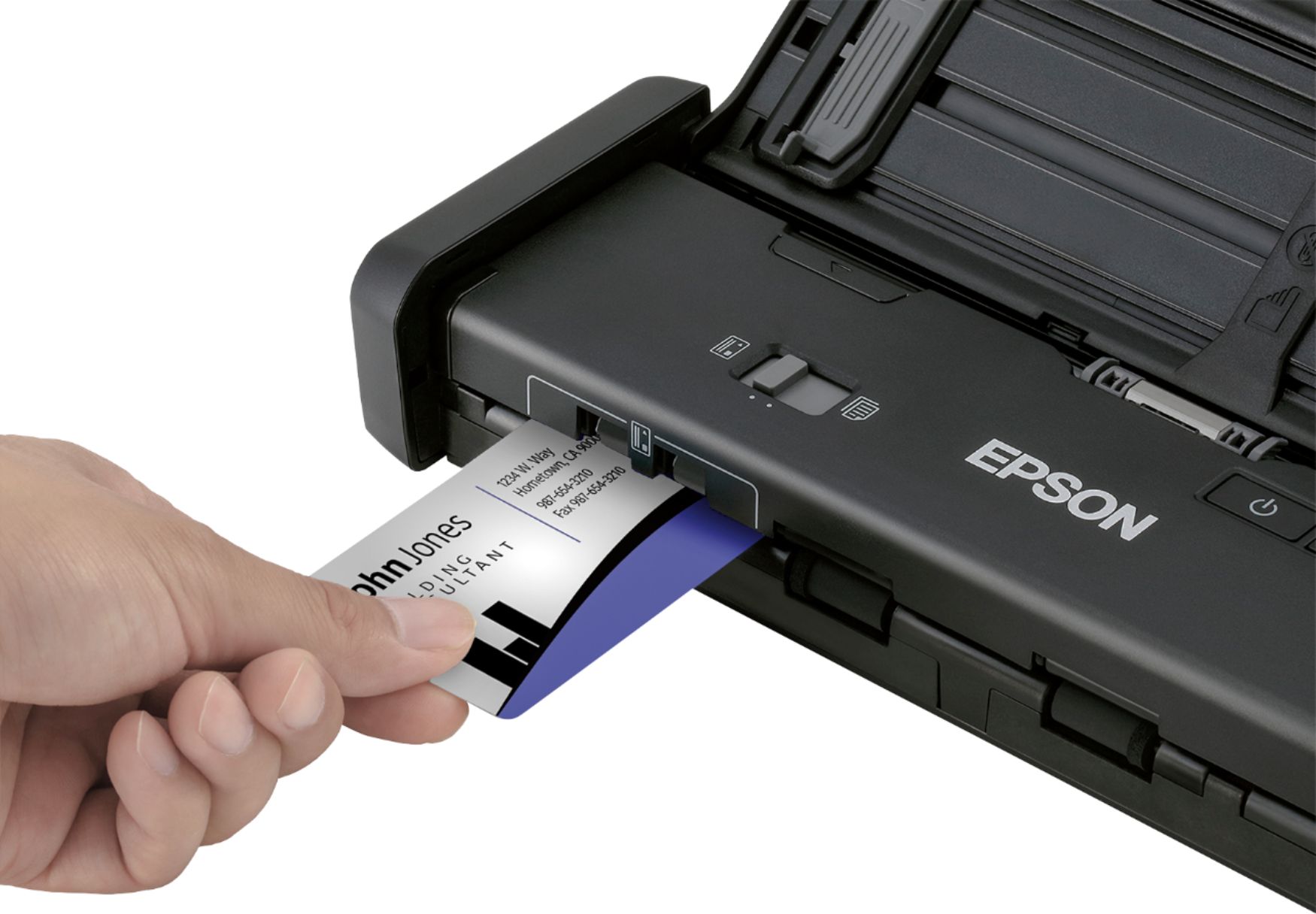
Posted .This reviewer received promo considerations or sweepstakes entry for writing a review.This is a review for the Epson ES-200 Portable Duplex Document Scanner that I received free of charge to do a beta test and review. This scanner is a small unit and does not take up much room. The instructions for setup are good. You download the software, including multiple programs and install. Epson software immediately goes to find any available updates that may be needed. Buttons on the scanner could be identified easier with words rather then icons. Scan preview is very quick and easy. Settings allow for double sided scan in one pass. Compact and easy to use, scanner documents, notes, receipts, even cards including business cards or gift card or credit cards if needed. A nice piece of equipment to have. I would recommend this to someone who needs a scanner on an everyday basis.
I would recommend this to a friend - Pros mentioned:Scan speed
Full featured scanner in a portable package
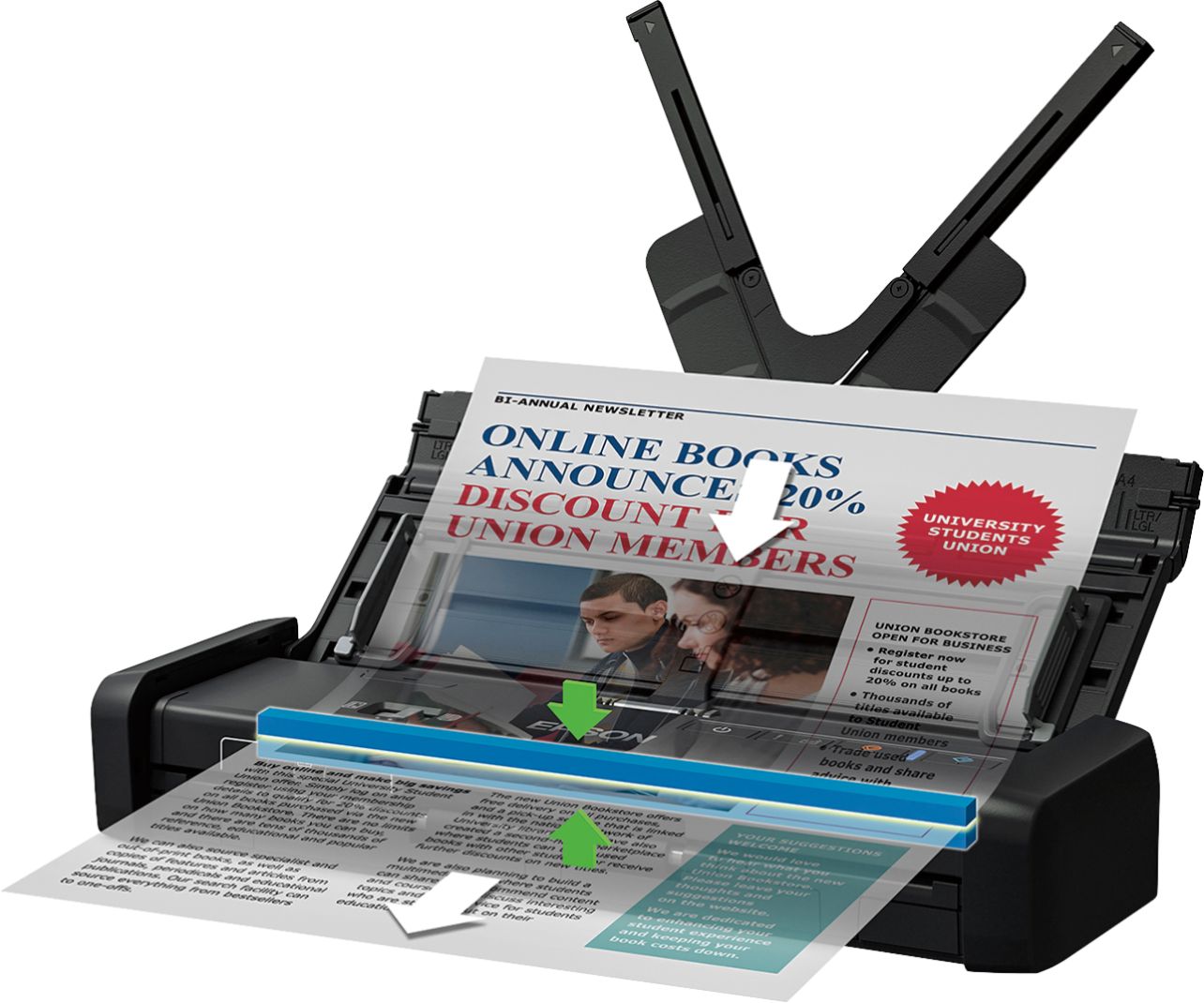
Posted .This reviewer received promo considerations or sweepstakes entry for writing a review.This is a review for the Epson ES-200 Portable Duplex Document Scanner that I received free of charge to do a beta test and review. The scanner is a full featured unit in a moderately small package, designed to be taken on the go. One big plus of the unit is that it can scan both sides of a page with only one feed through the scanner. It will scan in color at up to 1200dpi. There is a feature to automatically correct document skew and to skip blank pages. You can output image files, PDF documents, Multi-page TIFF files, or several Office document formats such as Word, Excel, or PowerPoint. PDF documents can be made searchable during the scan with the built in OCR capabilities. Just insert the stack of documents into the feeder and use the provided software to initiate the scan. I created a profile in the software to send my scans directly to a folder in Evernote, and I then organize the documents from that software. You can also have files go to a folder, e-mail, FTP, directly to a printer (like a copier), to a Web folder, Microsoft SharePoint, OneNote, Google Drive, SugarSync, or a custom application. The scanner has a seperate area which allows both sides of business cards to be scanned easily. This device has a lot of features in a small space. Although it comes with an included power adapter, I find that the USB 3.0 port on my laptop provides enough power to use the device with just the USB connection. Despite the great design of this unit, there are a few drawbacks you should be aware of. First, you must download the software for the device from the internet -- make sure you download it and install it before you take the device with you in case you do not have internet access. Documents must be inserted into the scanner face down. This is different from many scanners I am used to, however I expect this was required to make the scanner be able to scan both sides of a page at a time and the pages remain in order. The device is a little heavy, about 3 pounds by my estimation. It does not have a carry case, so make sure to store it in a bag where it will not get damaged during travel. The device is somewhat expensive. If you do not need a scanner which is also portable, and have plenty of space, the money you would spend on this device might be better spent on a all-in-one printer/scanner.
I would recommend this to a friend - Pros mentioned:Ease of use, Scan speed
An Excellent Little Scanner
Posted .This reviewer received promo considerations or sweepstakes entry for writing a review.As a preface, this is a review for the Epson ES-200 Portable Duplex Document Scanner that I received free of charge to do a beta test and review. This scanner is the most compact scanner I’ve ever seen. But it’s size doesn’t mean it’s lacking important and useful features. The panel flips up and expands large enough to rest papers on. There are panels on the left and right to adjust to the size of your document. And the paper scans in seconds! The application is also wonderful. Your document appears instantly and you can flip it, adjust it, set features to enhance text and correct alignment. All-in-all, the scanner fits personal and professional needs, especially for someone who travels a lot or doesn’t want a big bulky scanner taking up space in their home.
I would recommend this to a friend - Cons mentioned:Software
Great for the Functions and Capabilities
Posted .This reviewer received promo considerations or sweepstakes entry for writing a review.I received this Epson ES-200 in about a week ago. Upon opening, the packaging is adequate and supports the item. I went to then hook up the item to my computer to begin use. This was something that was a little different from me. Normally when you order something like a printer it comes with the drivers and programs on a disc in the packaging. That is not the case with this scanner. I had to go to a website to download the software and drivers. So if you do not have the internet available at your location, I can only assume that you can call Epson and they will send you one, or that this item does not work for you. Once I was able to get the drivers to download, the installation of the drivers and program was difficult. It took 3 attempts to get it to install. The first time it went to 13% and then stopped and wouldn’t go any further. The second time it went to 99% and then again stopped and wouldn’t continue install. On the third attempt I had to uncheck some boxes in the startup screen before install and then it finally went through the entire installation process. Using the scanner was a breeze. You simply put the document in and hit the scan button on the program and the scanner starts. It is so much quieter than a normal machine scanner/printer/copier. That is a big plus for me. Especially when I use it at home with a toddler, which makes him not want to touch and play with it and again for use at work it isn’t a disruption. There are a few problems I have had with it. There is a printing option, but when I try to print I get an error message “The printer driver is not available”. I also wish there was an option to save as something other than pdf. There are also many great features to the program. You can rotate the document, send via email, add pages that were left out, remove pages. So many more. It is also a double sided scanner. This is a review for the Epson ES-200 Portable Duplex Document Scanner that I received free of charge to do a beta test and review.
I would recommend this to a friend Lousy return policy
||Posted . Owned for 1 month when reviewed.This reviewer received promo considerations or sweepstakes entry for writing a review.Not happy. Scanner would not sync up to my computer and flashing blue light indicates a malfunction. Best Buy’s 15 day return policy means they would not take it back or exchange it as it was 24 days from purchase.
No, I would not recommend this to a friendBrand response from Epson
Posted .Hi TriciaD, thank you for taking the time to write this review on the Epson ES-200. We're so sorry for the trouble that you had during the initial setup. Your WorkForce scanner is backed by a 1-year Limited Warranty and includes free lifetime tech support. If you need further assistance after contacting our support team, please reach out to our Advanced Support Team directly at 1-800-241-5794 between 7 am - 4 pm (PT), Monday - Friday. We appreciate your patience, and we're here to help. Kind Regards, Kevin - The Epson Team.
Worked sometimes, then quit
||Posted . Owned for 11 months when reviewed.This reviewer received promo considerations or sweepstakes entry for writing a review.Nice for the short time that it worked. Quickly became irregular on working then just quit all together. Says it has "malfunctioned." Not worth the money I paid for such a short use.
No, I would not recommend this to a friendBrand response from Epson
Posted .Hello OldChevy, thank you for providing feedback on your Epson Workforce ES-200. We apologize for the disappointing experience you were having and will be sure to pass the information along to our product teams. Should you need assistance in the future, your product comes with free lifetime tech support, and we’d be happy to help. You can call Epson Support at (562) 276-4382 between 7 am - 4 pm PT, Monday - Friday. Regards, Tony - The Epson Team.
Don't bother. Broke after 1 year of light use.
||Posted . Owned for 9 months when reviewed.This reviewer received promo considerations or sweepstakes entry for writing a review.Lasted less than one year with light use. Won't recognize any software or scan properly, when at all. Piece of junk. I've downloaded the software drivers more than once. It's just a waste of money.
No, I would not recommend this to a friendBrand response from Epson
Posted .Hi BJB1, we’re sorry to hear that you’re having issues with your ES-200 scanner. Epson provides useful information at https://epson.com/Support/Scanners/ES-Series/Epson-WorkForce-ES-200/s/SPT_B11B241201 to help you troubleshoot any software and scan problems. For further assistance, you can also contact Epson Support directly at (562) 276-4382 between 7 am - 4 pm (PT), Monday - Friday. Kind Regards, Sam - The Epson Team.
- Pros mentioned:Ease of useCons mentioned:Paper handling
Good, but not always straight.
Posted .This reviewer received promo considerations or sweepstakes entry for writing a review.At times difficult to have the paper pull through straight, which is important for official documents. Otherwise a mobile, flexible and versatile device. Probably a good side-kick for a flatbed scanner, but a good travel and space conservative companion.
I would recommend this to a friend - Pros mentioned:Scan speed
Great portable scanner for those on the Go
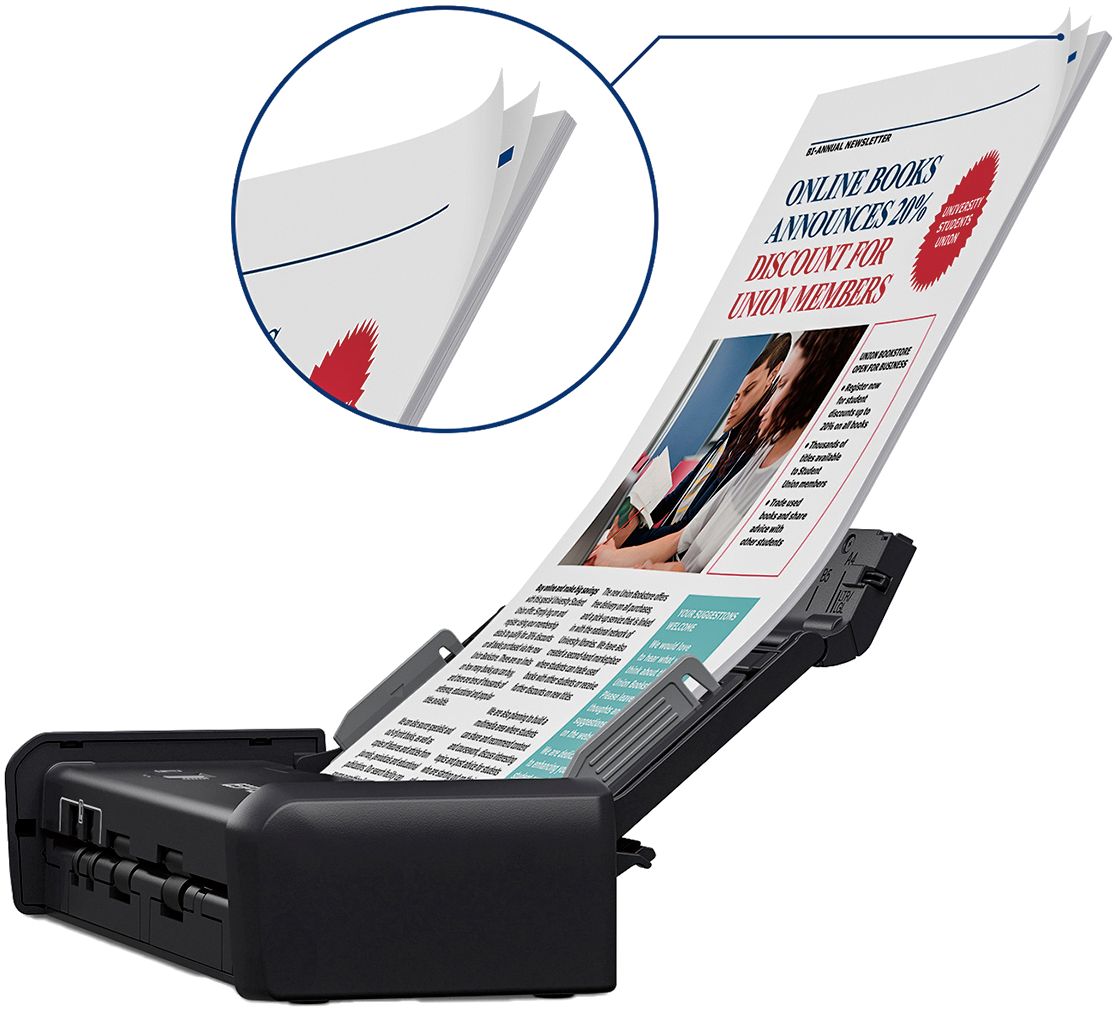
Posted .This reviewer received promo considerations or sweepstakes entry for writing a review.The ES-200 is small and compact, but a little on the heavy side. It’s portable, but not pocketable. The scanner feels very well made, solid and durable. Out of the box it felt worth the cost just in it’s build quality. The directions are a little hard to follow so read carefully. The software download was painless (Make sure to download the correct application from the manual). After it was installed an update window came up and downloaded all other needed software. The ES-200 is very fast (when plugged into the wall) and produces great scans. I love that they added the option of powering it over USB on the go, but if you plug it in, the scan speed doubles. Auto feed works really well, but you do have to be careful to stagger the sheets a little so that the back sheet is the first to touch the feed rollers. I also quickly found that if I rolled the paper long ways to remove any folds, things went much smoother. The software is a huge win! Document capture pro is really great. It’s ability to setup profiles for batch jobs made scanning large stacks of paper easy. I have four major batch jobs setup, one that scans multiple sheets, 1 sheet (single sided) per file. This allows me to put in a ton of sheets that don’t have anything to do with each other and scan them all at once. Another profile that does the same but is double sided. Then two profiles that scan all the sheets into one file, single and double sided respectively. I was able to go through 100 sheets in an hour, something that would have taken me many hours on all the previous scanners I have used (Most of that time spent just getting all the paper arranged to feed into the scanner). Also the connections to online services is just icing on the cake! I store all my files in google drive, but previously had to save locally then “sync” to Google Drive. Now after setting up the destination to google drive it’s simple to scan everything knowing it was going directly to my Google Drive without having to wait for a sync to occur. In the end this scanner is worth every penny, it’s portable, and solid. I would suggest this to anyone who needs a scanner on a regular basis and has a moving work space. This will do the job and do it well. “This is a review for the Epson ES-200 Portable Duplex Document Scanner that I received free of charge to do a beta test and review.”
I would recommend this to a friend Don't buy
||Posted . Owned for 1 month when reviewed.This reviewer received promo considerations or sweepstakes entry for writing a review.Worked the first day, and then I could not get it to scan or it tried to scan several pages at once. Sad disappointment
No, I would not recommend this to a friendBrand response from Epson
Posted .Hello Daniel, we apologize for your disappointing experience with the Epson ES-200 scanner. Epson considers all feedback to improve the performance and quality of our products. Epson also provides helpful information on FAQs and self-help tools on the product support web page at https://epson.com/Support/Scanners/ES-Series/Epson-WorkForce-ES-200/s/SPT_B11B241201#questions. Additionally, your scanner includes a 1-year Limited Warranty plus free lifetime technical support. Please get in touch with our support team directly at (562) 276-4382 between 7 am - 4 pm (PT), Monday - Friday, if you need further assistance.
Sincerely, Sam - The Epson Team
- Pros mentioned:Ease of use
Excellent Scanner
Posted .This reviewer received promo considerations or sweepstakes entry for writing a review.This is a review for the Epson ES-200 Portable Duplex Document Scanner that I received free of charge to do a beta test and review.” When I originally received an invitation to beta test this scanner I had no idea what to expect.. The only scanners I had ever used were part of a fax machine combination. I was quite surprised when I received this little box. Surely I thought I had been sent the wrong product... My nine year old granddaughter was with me. She opened the package and set it up all in less than ten minutes. We were off and running..The scanner was so easy to assemble we never even looked at the instructions. After attaching the scanner to the USB port it was all systems go. I logged onto my computer to download the app.I had one small glich , I had to disengage a file in my AOL virus protection software. After I did that I had no problem. I scanned a few documents to test , the paper fed through with no hesitation.. I was very pleased with the scanner.. It's especially helpful when I'm working on my laptop and need to scan something. I don't have to drag a bulky scanner around that takes up all the space.
I would recommend this to a friend