Customer Ratings & Reviews

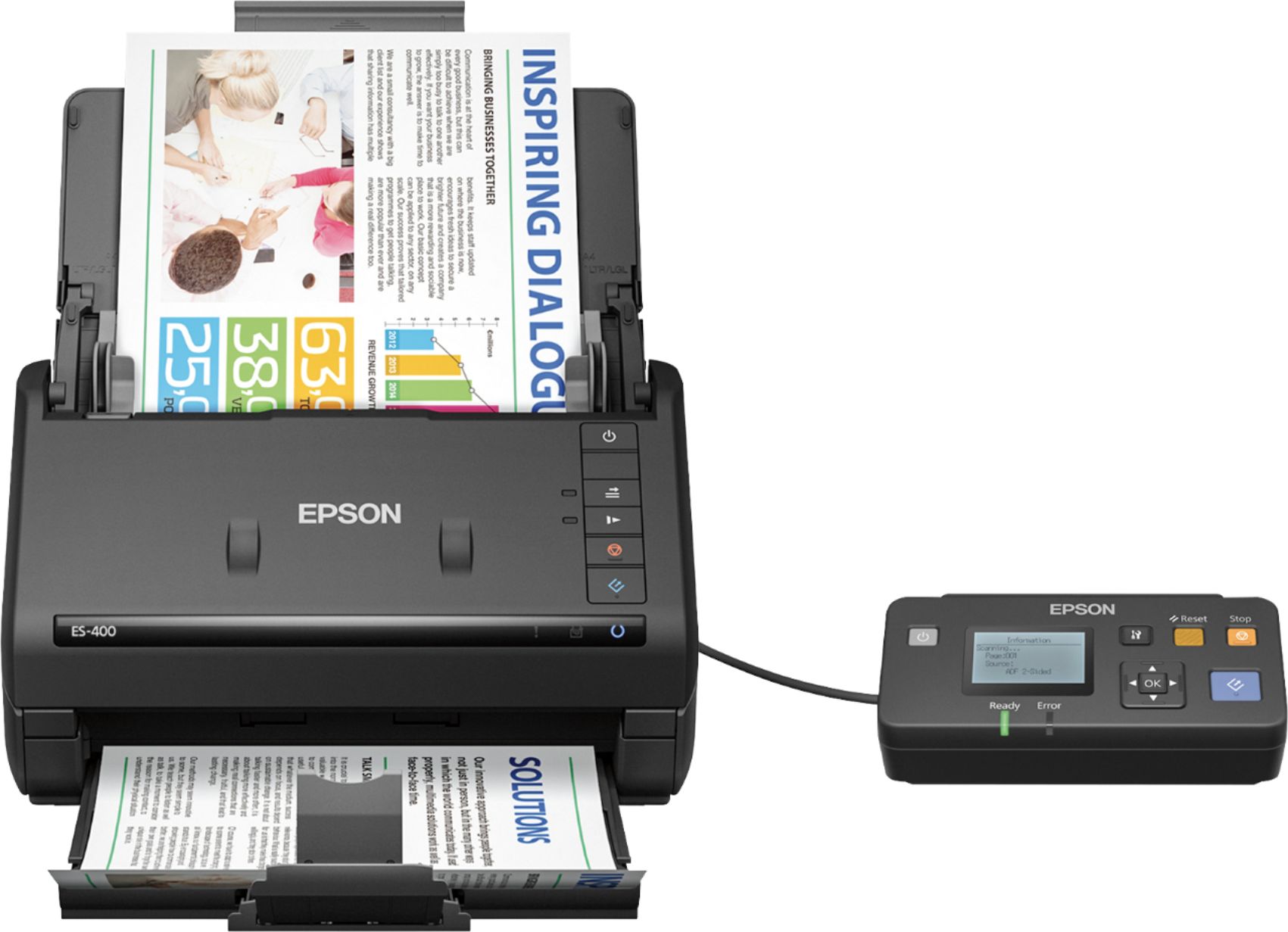
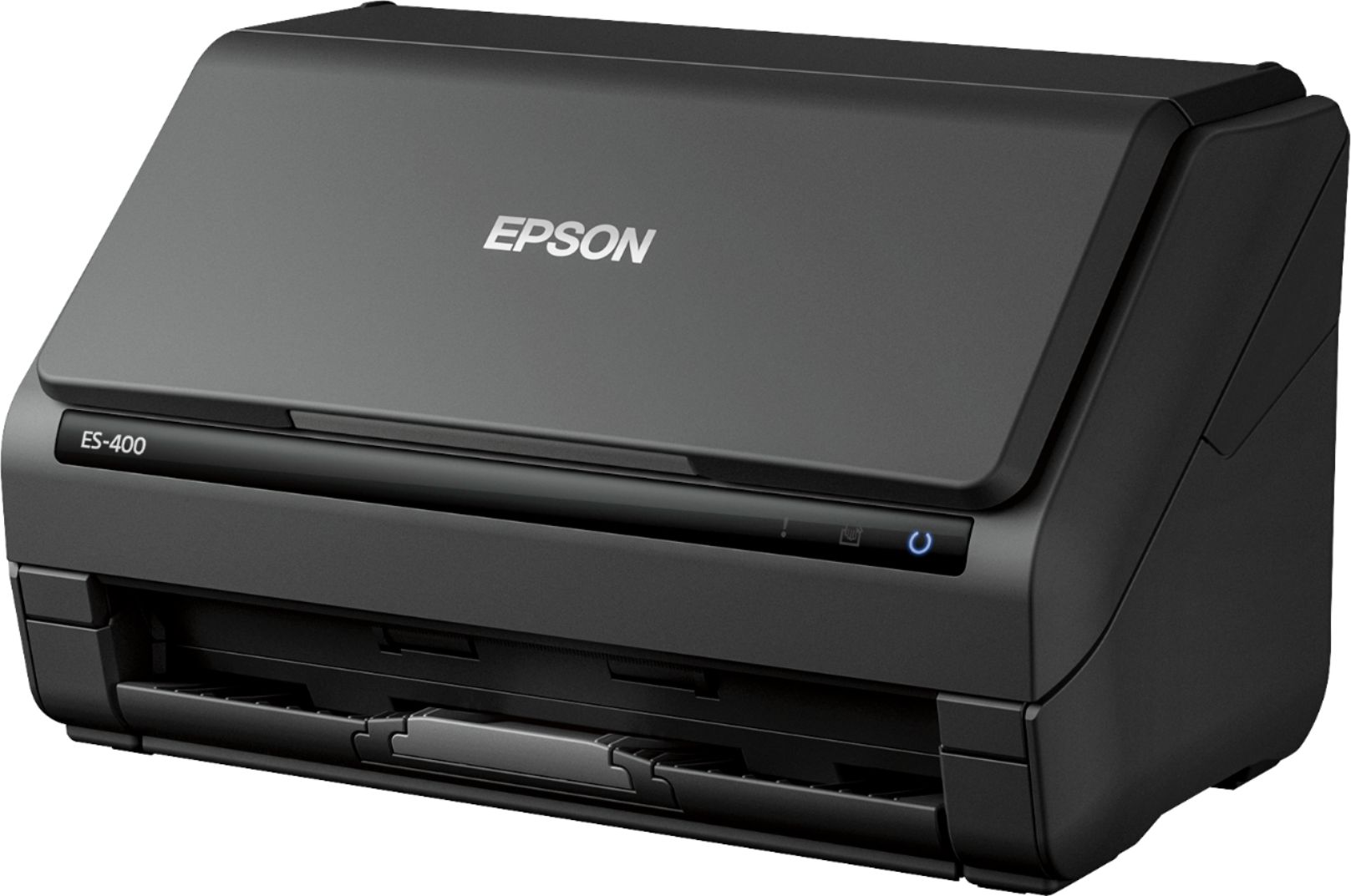
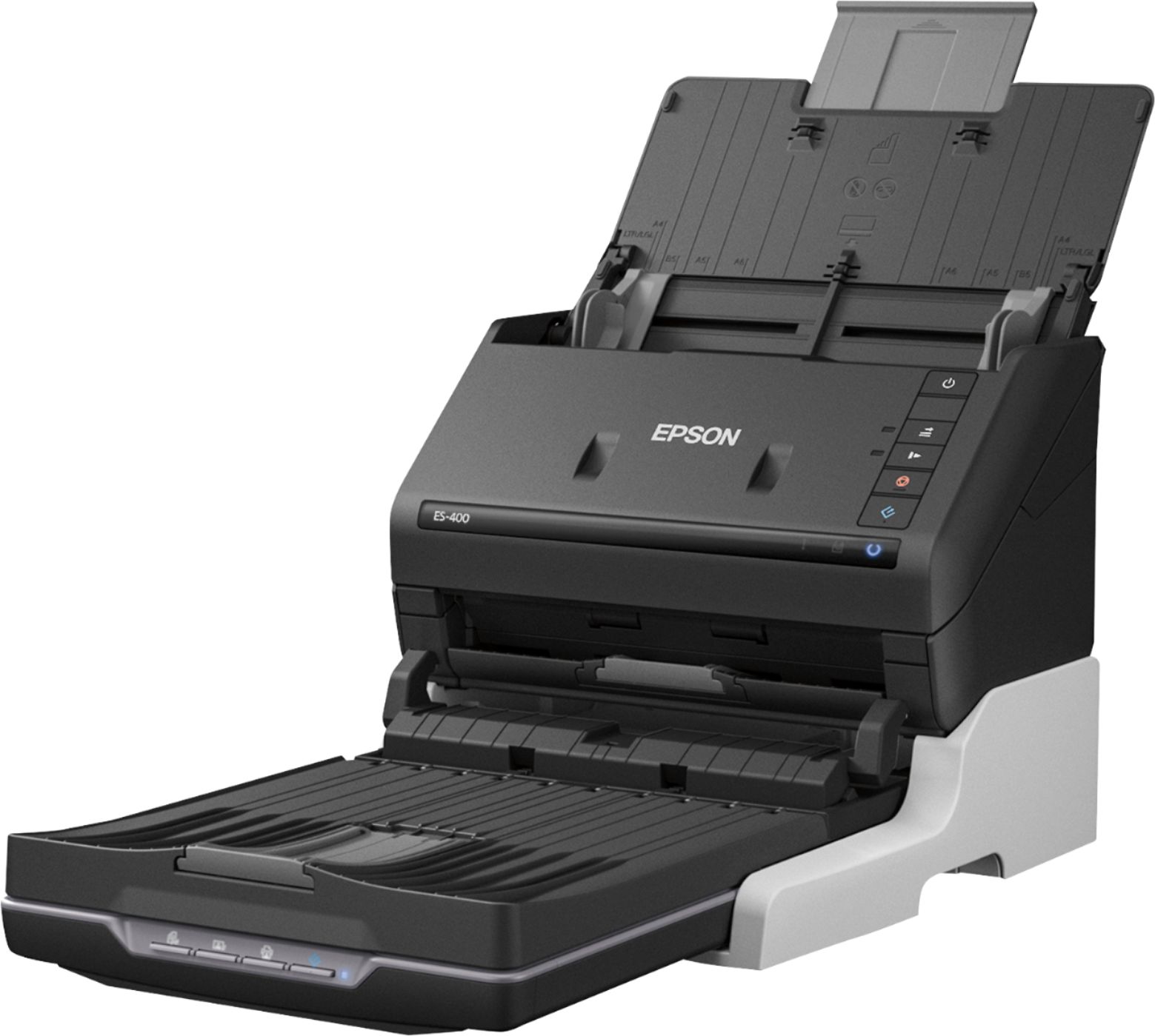
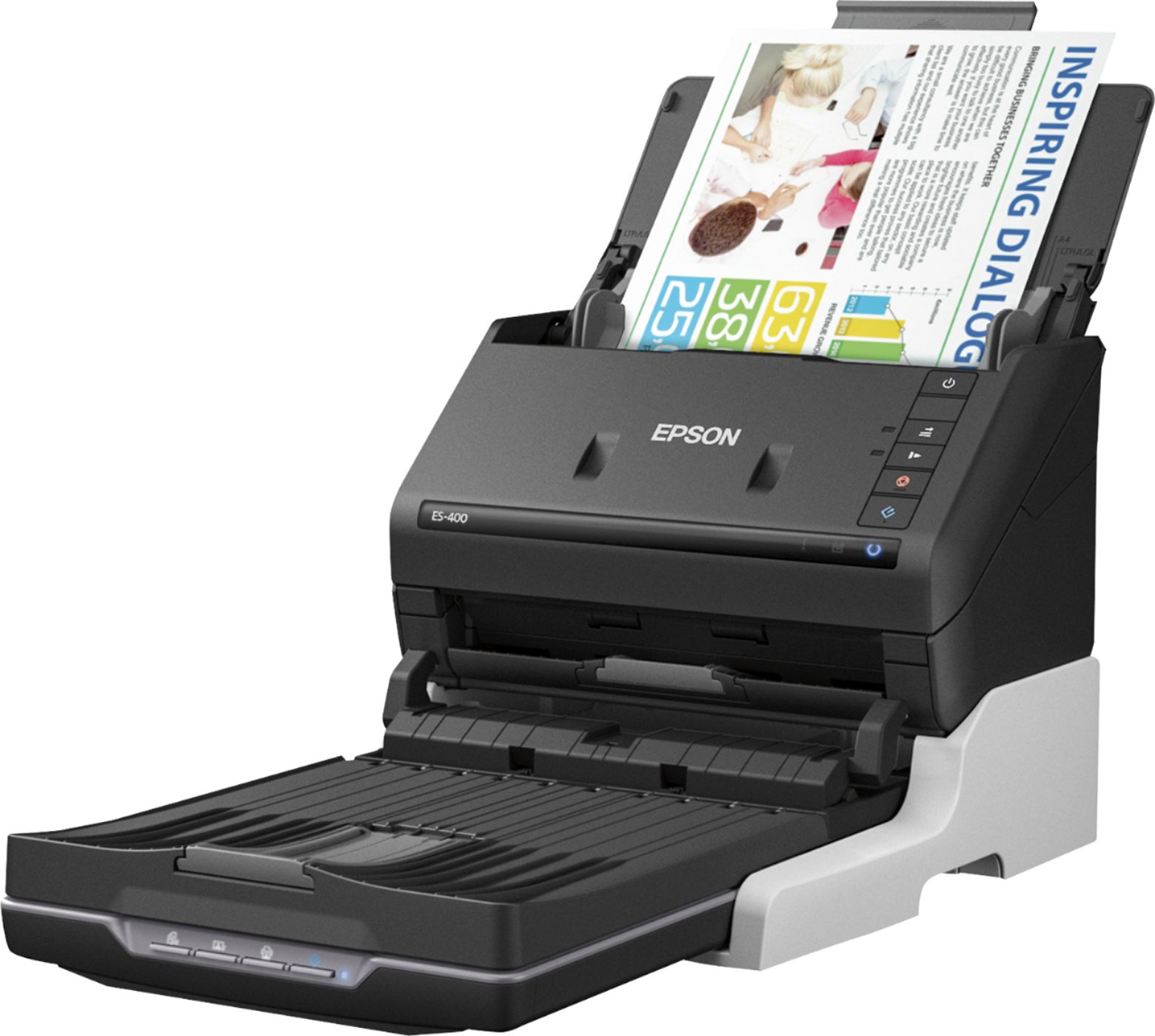

- Model:
- B11B226201
- SKU:
- 5689001
Rating by feature
- Value
Rating 4.6 out of 5 stars
- Quality
Rating 4.7 out of 5 stars
- Ease of Use
Rating 4.7 out of 5 stars
Customers are saying
Customers frequently mention the Workforce ES-400 Document Scanner's impressive scan speed and ease of use. Its compact size and reliable performance are also frequently praised, while some users point out occasional software issues and concerns about paper handling. A few customers also noted the lack of wireless functionality.
This summary was generated by AI based on customer reviews.
- Pros mentioned:Ease of use, Scan speed, Size
Handy scanner for small office
Posted .This reviewer received promo considerations or sweepstakes entry for writing a review.Overall, the Epson ES-400 scanner does exactly what it’s intended to do. The scanner is very easy to set up. It took me under 10 minutes to get it hooked up and ready to scan. I also like that it is very compact, so you can slide it towards that back of your desk or even under your desk when it is not in use. Learning to use the scanner is also very easy- just slide the document into the guide bars and you are ready to scan. You can even load multiple pages at once. Every time the documents came out crisp and clear. I never once had a blurry document or receipt, nor did I ever have to rescan something that didn’t scan correctly the first time. The program associated with the Epson scanner, Document Capture Pro, is very handy and easy to use. It’s kind of like Photoshop for scanning! You can edit your documents, create pdf files, add or delete documents from pdf files, etc. The Epson scanner only has a few downfalls. The first is you must have internet access to use the scanner. It doesn’t come with a set up disc, so you need to download the programs associated with the scanner and the user’s manual. Also, if you are looking for a scanner for something other than documents and receipts, you will want to look for something different. I tried scanning a few photos and the quality varies- larger photos generally turned out fine, but smaller (5x7 and under) where either blurry or crooked. This is a review for the Epson ES-400 Duplex Document Scanner that I received free of charge to do a beta test and review.
I would recommend this to a friend - Pros mentioned:Scan speed, Setup, Size
Great Scanner
Posted .This reviewer received promo considerations or sweepstakes entry for writing a review.Upon opening the package, I was pleasantly surprised to see how small the scanner actually was. It was easy to setup and very compact, fitting nicely on my desk. The unit weighed next to nothing as well. The instructions were easy to read and I was easily able to download the software from the EPSON website. There are tons of features on this scanner that I love. The scanner is able to scan different sized documents, from book pages, to double sided documents, to receipts. The Auto feature is great, allowing me to scan tons of documents with ease. The scanner is also fast, although the fastest in the lowest resolution setting. The automatic skew adjustment is also a great feature, making the scan closely resemble the original. All in all, this is great for a small home office and is well worth the cost. This is a review for the Epson ES-400 Duplex Document Scanner that I received free of charge to do a beta test and review.
I would recommend this to a friend - Pros mentioned:Ease of use, Scan speed, Size
Great scanner
Posted .This reviewer received promo considerations or sweepstakes entry for writing a review.Set up for this scanner is minimal. I had it out of the box and scanning in under 30 min. There’s no disk included so you do have to download it from the Epson site however it’s painless, a few clicks and it’s done. Scanning is just as easy. I’m running windows 10 all I had to do was go to programs, select the Capture pro. And the window opened up. I found it was easier to get a stack of papers together, put the side I wanted scanned to the back of the scanner. Hit the scanner button and it goes right through the pages and lines them up on the left hand side. If you hit the File with your cursor it gives you a choice to batch save (all of the documents you just saved) into a folder saving you the time of having to label each and every page. I had a year’s worth of tax document scanned in no time at all. “This is a review for the Epson ES-400 Duplex Document Scanner that I received free of charge to do a beta test and review.”
I would recommend this to a friend - Pros mentioned:Ease of use, Scan speed, Size
Fast and Easy Scanner,Perfect for Small Business
Posted .This reviewer received promo considerations or sweepstakes entry for writing a review.This scanner was very easy to get setup and was up and running in less than 15 minutes. I had no problems connecting to android, windows 10, or kali linux. Being a small business owner and keeping perfect records is a must, with this scanner it is a breeze. I can batch scan, single, or any other combination in no time at all. I have scanned several different size photos, documents, id cards, no jams no errors and couldnt be happier! The design for this is outstanding as well with a footprint small enough that i can easily take this with my laptop no problem. The tray/feeder all collapse fold in onto main body making it smaller than shoebox. When I need to set it back up it takes less than 45 seconds and its ready to go again. I love this scanner and highly recommend it to anyone. This is a review for the Epson ES-400 Duplex Document Scanner that I received free of charge to do a beta test and review.
I would recommend this to a friend - Pros mentioned:Setup, Size
Good for starters
Posted .This reviewer received promo considerations or sweepstakes entry for writing a review.Generally, the Epson ES-400 scanner does precisely what it's planned to do. The scanner was not a hassle to set up. The instructions were easy to follow and not confusing. It is compact and not bulky, so it doesn't take up lots of space. Since I have a small work space it's been convenient. Going into specs of it, I love that you can load multiple pages without delays. It can scan both sides of a document at the same time. Which makes it time saving. You can also scan files and get uploaded directly to my Dropbox account. Including editing my uploaded files in Word. Bottom line I really like this scanner and recommended. This is a review for the Epson ES-400 Duplex Document Scanner that I received free of charge to do a beta test and review.
I would recommend this to a friend Sucked
||Posted .This reviewer received promo considerations or sweepstakes entry for writing a review.Again epson was just not a great brand for us we had connection issues and it didn’t want to Scan
No, I would not recommend this to a friendBrand response from Epson
Posted .Hi Countrymomma32, we apologize that you are having issues with your scanner. Please visit our support website for the current drivers for your scanner at https://epson.com/Support/Scanners/ES-Series/Epson-WorkForce-ES-400/s/SPT_B11B226201#drivers Your Epson ES-400 includes a 1-Year Limited Warranty, plus free technical support for the life of your product. Our Epson Support Team would be happy to help and can be reached at (562) 276-4382; Hours: Monday – Friday, 6am – 8pm PT; Saturday, 7am – 4pm PT. Sincerely, Quinn – The Epson Team.

- Pros mentioned:Ease of use, Setup, Size
ES-400 review
Posted .This reviewer received promo considerations or sweepstakes entry for writing a review.The unit was pretty simple to set up and although it has no disk going to the site made it pretty simple to install. It is a little difficult if you wanna save pictures to specific files but once they get into the computer you just have to move them where you want them to. The feeder runs fast and takes a page maybe every 4 seconds. Small paper receipts have to be watched so they don't rip or get jammed. I used it for 4 days and only got one thing stuck and it's easy to get into if you jam it up. Buttons could use lights but other than that it's fast light small and easy to use.
I would recommend this to a friend - Pros mentioned:Ease of use, Scan speed, Size
The best I've had
Posted .This reviewer received promo considerations or sweepstakes entry for writing a review.This is a review for the Epson ES-400 Duplex Document Scanner that I received free of charge to do a beta test and review.” The Epson ES-400 Duplex Document Scanner was very easy to set up and use. I have never had an easier experience. The size of the scanner is compact. It scans fast and the papers feed evenly. I am not a computer tech. I'm just a regular computer user so I won't go into specs and all that. I really enjoy using this Epson scanner and would recommend it to everyone.
I would recommend this to a friend - Pros mentioned:Ease of use, Scan speed
Excellent for business and home
Posted .This reviewer received promo considerations or sweepstakes entry for writing a review.I am very excited about this scanner! I have never had one that could really scan multiple documents at once and even front and back. It makes my life a whole lot easier! Plus, this is my first scanner that I ever used to capture them perfectly by feeding the papers I have scanned or even my ID Cards through the top and having them slide down to the bottom. Also the same for the photos I take and documents and other sheets of paper I have scanned. Normally, I use a regular flatbed scanner or wand, but the style of the Epson really helps make it a whole lot easier and it appears perfect when seen on the screen. The buttons are very simple to understand and are super easy to use. I really didn't have to take too long to learn the functions or features of this scanner. I normally have plenty of documents and photos to scan daily, so this is just a wonderful device in my home for both business and regular use. Plus, the speed is terrific and when I can easily connect it to my WiFi service, I'm able to get my documents from scanner to my computer with ease or even save it till I'm ready to transfer or use them. I honestly love the design as well! I can easily place this somewhere when I'm not using it and it won't hog up much space. The design allows me to easily fold up the main parts, that normally hold the document which will be scanned. Plus, it allows those parts to be protected when not in use and keeps my table a bit more spacious without hogging up much of the area. Finally, the many pages and photos I scan daily, this is an excellent and powerful scanner! I am very pleased with this device and would highly recommend it to my friends and anyone who wants a reliable scanner. “This is a review for the Epson ES-400 Duplex Document Scanner that I received free of charge to do a beta test and review.”
I would recommend this to a friend - Pros mentioned:Scan speed, Setup
Good for a small business or home office
Posted .This reviewer received promo considerations or sweepstakes entry for writing a review.I received this scanner and it was smaller than I expected it to be. It was packaged well and setup was quick and easy out of the box. Plugged it into my laptop and desktop, both running Windows 10, and it detected and installed the appropriate drivers with no issues. Software needed to be downloaded and installed but was not a large file. Scanner was up and running in just a short time with relatively no effort. The Epson ES-400 has a small footprint on a desk and unfolds when needed to scan, then folds back up for storage. Scan times a very fast even at a high resolution and duplex. Scans both sides at the same time which makes the scan fast and quiet. Software is easy to use for a beginner but has many options to tweak and customize the scan quality, file type and destination. I used the scanner to convert paper charts to an electronic system and they looked clear and were formatted into a single pdf effortlessly. I appreciated the automatic skew adjustment to make the pages straight, which resulted in some pages looking better than the original. When scanning duplex pages, it will skip the blank pages making file sizes compact and no wasted pages. Only have had one jam so far and that was very long strip of thin, glossy paper. Jam was easy to clear and the scanner could pick up where it left off without starting over again. A welcome treat when scanning a large amount of pages and the jam happens toward the end of the stack. Very happy with this scanner only wish it could be used on a network without an additional interface that costs as much as the scanner itself. This is a great option for any small business or home office. This is a review for the Epson ES-400 Duplex Document Scanner that I received free of charge to do a beta test and review.
I would recommend this to a friend - Pros mentioned:Scan speed, Size
The clutter reliever!
Posted .This reviewer received promo considerations or sweepstakes entry for writing a review.When I first found out about this scanner, I was expecting something slightly large and clumsy that my wife would give me grief about, taking up space that we couldn't sacrifice in our house. When the box arrived and I opened it, I was pleasantly surprised. First off, the size is MUCH smaller than I expected. Add to that the fact that this folds up to take up even less space (trays fold in). Granted, the power supply is still a bit of a lug,but you take the good with the bad. When it comes to performance, scanning couldn't be easier once the software is set up (on a Windows 10 laptop and a Surface tablet). Settings are easily defined and editable, and dual-sided scans take almost no time when not using the wait for ADF feature. The latter is great, as it lets you add sheets as necessary, but is a bit slower, and will time out after a few minutes of inactivity (not a bad thing, and can be controlled). The quality of the scans is fantastic, as well. They easily go to the main formats you would expect - PDF, JPG, and the clarity is great, especially when you change to the higher DPI settings. Combine all these into my latest project - scan ALL the paper we have in our house and store it in safe repositories (secure online, multiple storage devices). Time to get rid of years of paper clutter! The first scanner I bought for myself about 20 years ago was an Epson flatbed, and I loved that one. I was sad when it eventually broke, and never had another quite like it. Knowing that Epson scanners are still great quality makes me happy. This is a review for the Epson ES-400 Duplex Document Scanner that I received free of charge to do a beta test and review.
I would recommend this to a friend - Pros mentioned:Scan speed, Size
Great, compact scanner
Posted .This reviewer received promo considerations or sweepstakes entry for writing a review.This is a great scanner that doesn't take up a lot of space. It was extremely easy to set it up and get started. I took it out of the secure packaging and connected the power cord and USB cord. After connecting the USB to my laptop, I just had to go to the Epson link online to download a file. This entire process took only a few minutes. I was able to start scanning documents and photos using the Document Capture Pro software. This is my first scanner that is not a flat-bed scanner. Using the flat bed, it was so time intensive scanning multiple documents since it only scanned one page at a time. It was very tedious work. I also keep my scanner on the floor due to lack of desk space, so I would have to stoop every time I scanned a new page. This Epson scanner, on the other hand, scans many pages simultaneously. I was able to take a bundle of documents, drop it in the top slot face down, and just like that all of my documents were scanned perfectly without any skipped pages. It truly is a huge time saver. The software allows you to specify where you want to save the documents to, in what form, and is very intuitive and easy to use. I'm very satisfied with this scanner and recommend it highly. This is a review for the Epson ES-400 Duplex Document Scanner that I received free of charge to do a beta test and review.
I would recommend this to a friend - Pros mentioned:Scan speed, Size
Super fast
Posted .This reviewer received promo considerations or sweepstakes entry for writing a review.My previous scanning was mostly done with an all-in-one, so most of my comparisons are to that rather than a dedicated scanner. Out of the box it is pretty much what you would expect. Nice compact design which folds up nice and small which is pretty neat. It has several buttons on the front but without looking up the button icons they are not exactly intuitive. The paper receiver tray is kinda flimsy, and I actually managed to pull off the grey catcher part almost immediately - but it snapped right back into place. For the price the build quality seems slightly low (but not definitely not terrible). Software downloaded fine. It is pretty much exactly what you would expect, although it did automatically do a firmware update which was pretty helpful. The actual scan software is pretty basic, which realistically is what I want. I would have expected more preset scan settings, especially since the default setting is very low resolution. But it is just a matter of changing a couple drop-down boxes, so it is very easy to change settings. You can also create your own presets which is very easy. I have to say this thing is insanely fast when it comes to scanning. If you do a lot of scanning, I can see where this thing would be amazing. I can't give it a perfect score, because at this price it definitely has some flaws. But overall this is a great scanner so far. This is a review for the Epson ES-400 Duplex Document Scanner that I received free of charge to do a beta test and review.
I would recommend this to a friend - Pros mentioned:Scan speed, Setup
Very fast scanner for home or office use
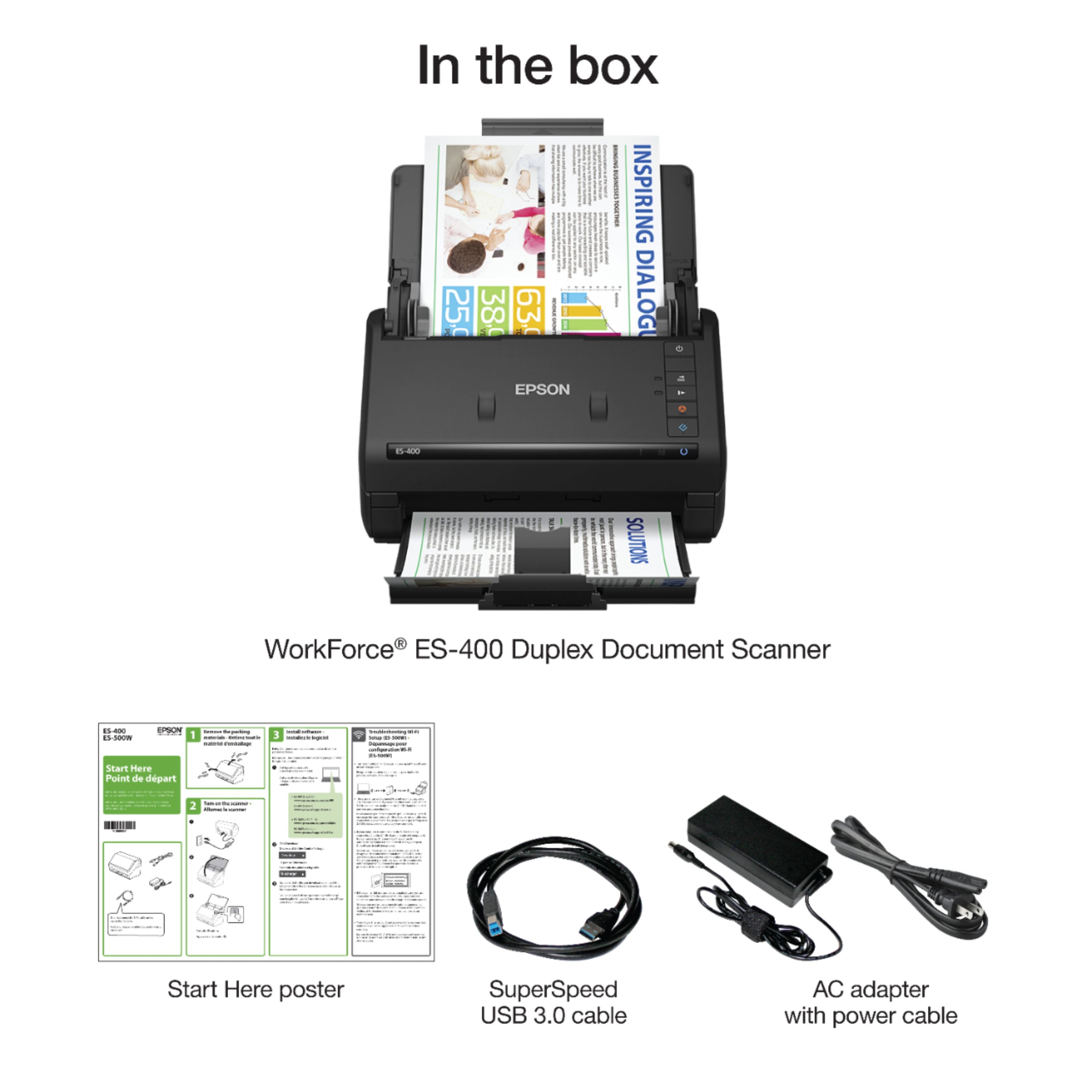
Posted .This reviewer received promo considerations or sweepstakes entry for writing a review.Scanner was packed very securely and includes power cable and USB 3 cable. It's about the size of a small printer. Initial setup is very easy. No software/driver disk included - files had to be download from the Epson website but only took a few minutes. After installing the software (note instructions say to install software first before connecting to your computer) and connecting the power and USB cables I was up in running in about 10 minutes. I was extremely surprised how quickly this thing scans. What I liked a lot was the fact that it can scan both sides at once. My all-in-one printer/scanner can scan both sides but its slow and has to scan 1 side at a time. I scanned numerous sized documents very quickly. I tried scanning a photo at max resolution and it was obviously slower but still faster than my all in one - this scanned a 8x10 photo in what seemed like less than a minute. My all in one would take at least 2-3 minutes to do the same. The scanner has power saving/power off settings which can be adjusted - very helpful if you forget to do it manually. The main reason I didn't give the scanner 5 stars is for the price. It is extremely fast and has great scan quality, but if you don't need to scan often and/or you don't have a lot of documents to scan, then it might not be worth the convenience/cost. “This is a review for the Epson ES-400 Duplex Document Scanner that I received free of charge to do a beta test and review.”
I would recommend this to a friend - Pros mentioned:Scan speed, Size
Small brilliant Scanner
Posted .This reviewer received promo considerations or sweepstakes entry for writing a review.The Epson WorkForce ES-400 Duplex Document Scanner is amazing, this bad boy was up and scanning in less than 20 minutes from unboxing. I scanned all my house documents, and some were very long sheets double sided, I used the detailed settings and setup custom settings. Scanned both sides at once (surprisingly quite quickly) and is perfect for organizing all your important paperwork electronically. The scanner is small and can fit literally anywhere, it folds up for fast easy storage and when your ready to use flip it open and its ready to go. I love that even though i didn't save my settings it automatically remember the settings i used. I recommend this product for anyone who wants to go paperless and doesn't want a big machine hogging up there space. “This is a review for the Epson ES-400 Duplex Document Scanner that I received free of charge to do a beta test and review.”
I would recommend this to a friend - Pros mentioned:Scan speed
A Fast & Great Quality Scanner
Posted .This reviewer received promo considerations or sweepstakes entry for writing a review.This is a review for the Epson ES-400 Duplex Document Scanner that I reviewed free of charge to do a beta test and review. The scanner was shipped in its retail packaging and arrived without any damage to the outside of the packaging. When I opened the package, the scanner was nicely secured in the box with two styrofoam molds on each side of it. I could tell that there was no way the scanner could get scratched or break after being secured in that way. Once I removed the scanner from the molds, I noticed that the scanner was inside of a plastic bag which further protected it from scratches. I took the scanner and the manuals out the plastic bag so I could start installing the scanner. The scanner came with manuals in different languages, so if you’re scared of buying electronics and having to install them and not being able to read the instructions, because the language in the manual isn’t your most fluent language, then these manuals will make it easier for you to install the scanner while reading a manual in a language you’re comfortable with. I started reading the manual and unpacking the scanner and removing the blue tape from various areas in and around the scanner. At first I was wondering why did they put so much tape on the scanner, it’s taking forever to remove it, but then I realized there weren’t any broken areas on the scanner, so all that tape had served its purpose. After I removed all the tape, I took the power adapter and its cord out of their plastic bags and connected them and then I took the usb cable out of its plastic bag and connected them to the scanner, which was easy to do. I connected the usb cable to my computer and the power adapter to my wall socket and followed the instructions in the manual on installing the software. The software installation was fast and easy and at the end of the installation, it will ask you to turn on the scanner and the installation of the scanner is complete. I read the manual again to see how to do my first scan and it was easy to follow and do. My first scan was super-fast. I started to have a flashback of those Neat scanner commercials and I thought I think this scanner is faster than that one. I did some more scans with more pages and I only ran into one problem with a scan, the paper I was trying to scan was a little too folded and it cause a paper jam and I was able to clear it and start back scanning again. The scanner scans black and white and grayscale documents really fast and it scans color documents a little slower but still faster than other scanners would scan a color document. I would highly recommend this scanner to anybody that wants to scan something and send it on to its final location in less than five minutes. From now on, this scanner will be my go to scanner before the scanner that’s built into my printer. The software that came with the scanner is easy to use, the scanner scans really fast, and the quality of the scans are amazing. This scanner will save you time, frustration, clutter, and leave you with beautiful scans that you will feel proud to send to anybody.
I would recommend this to a friend - Pros mentioned:Scan speed, Setup
Fast Scanner
Posted .This reviewer received promo considerations or sweepstakes entry for writing a review.This is a review for the Epson ES-400 Duplex Document Scanner that I received free of charge to do a beta test and review. I found the set up for the Epson ES-400 to be quick and easy. The quick-start guide is easy to follow and includes the link for downloading the software. My computer recognized the scanner right away after using the included USB cable. I did have an error the first couple of times that I tried scanning documents. It would tell me that the scanner was busy. I did a quick restart of my computer and that fixed the issue. I love the fact that it has such a compact design. It is also very fast! I found the scan quality to be quite good especially for how quickly it can scan documents. My only experience with a scanner is using my all-in-one and this is by far superior when it comes to speed. I was able to scan 10 pages in just a few seconds. I really like the fact that you have the choice to do two sided scans as well. Overall this is a very nice scanner. I do feel like the price point may be a little high, but it does have a lot of features and it’s easy to use.
I would recommend this to a friend - Pros mentioned:Ease of use, Scan speed
Epson ES-400 Scanner
Posted .This reviewer received promo considerations or sweepstakes entry for writing a review.Over the week I have had the Epson ES-400 duplex scanner I have seen amazing results, with extremely fast scanning speeds with great quality. The scanner connects very quickly to your computer and is easy to use. The auto document feeder is a great tool, stack your papers and hit scan! The quick scan software offers PDF scanning and JPG Scanning. Scanning long items like store receipts is just as easy. The scanner will easily scan the entire receipt! Overall I am very happy with the ES-400 Duplex scanner, it saves me time and works great! I received this product for free from a beta test, with an unbiased review of the product in return.
I would recommend this to a friend - Pros mentioned:Scan speed
Excellent low priced color scanner
Posted .This reviewer received promo considerations or sweepstakes entry for writing a review.I have been looking for a scanner with feeder capabilities and I can finally say "I have found one". Though this scanner is advertised as a color document scanner, it is also a very good photo scanner. It can scan up to 8 1/2 x 11 with a resolution of 75 to 1200 dpi. Fast is not the word for it, it screams. Its rated at 30 ppm (that's full pages) but with photos like 5x7 or 4x6 it's like one ever second. It will also scan both side of a paper at the same time. This little scanner (Epson ES-400) can without question do the job and do it quickly.
I would recommend this to a friend - Pros mentioned:Scan speed, Size
Great Little Scanner
Posted .This reviewer received promo considerations or sweepstakes entry for writing a review.The Epson ES-400 is an amazing piece of tech. The size of the machine is impeccable. It folds up for storage but is very easy to get it ready to scan. Do not let the small size fool you. It will put out some work. The scan quality is amazing. Within 15 minutes of opening the box I was scanning documents and birthday cards. The image you want scanned goes face down then you just click a button and Viola! The paper feed is very quick to be such a small scanner. About 3 to 5 seconds per page. It is pretty quiet as well when scanning. The Capture software looks a little dated but the actual Scanner is amazing. My Reason for 4 stars is the price point is a little to high. “This is a review for the Epson ES-400 Duplex Document Scanner that I received free of charge to do a beta test and review.”
I would recommend this to a friend