Customer Ratings & Reviews
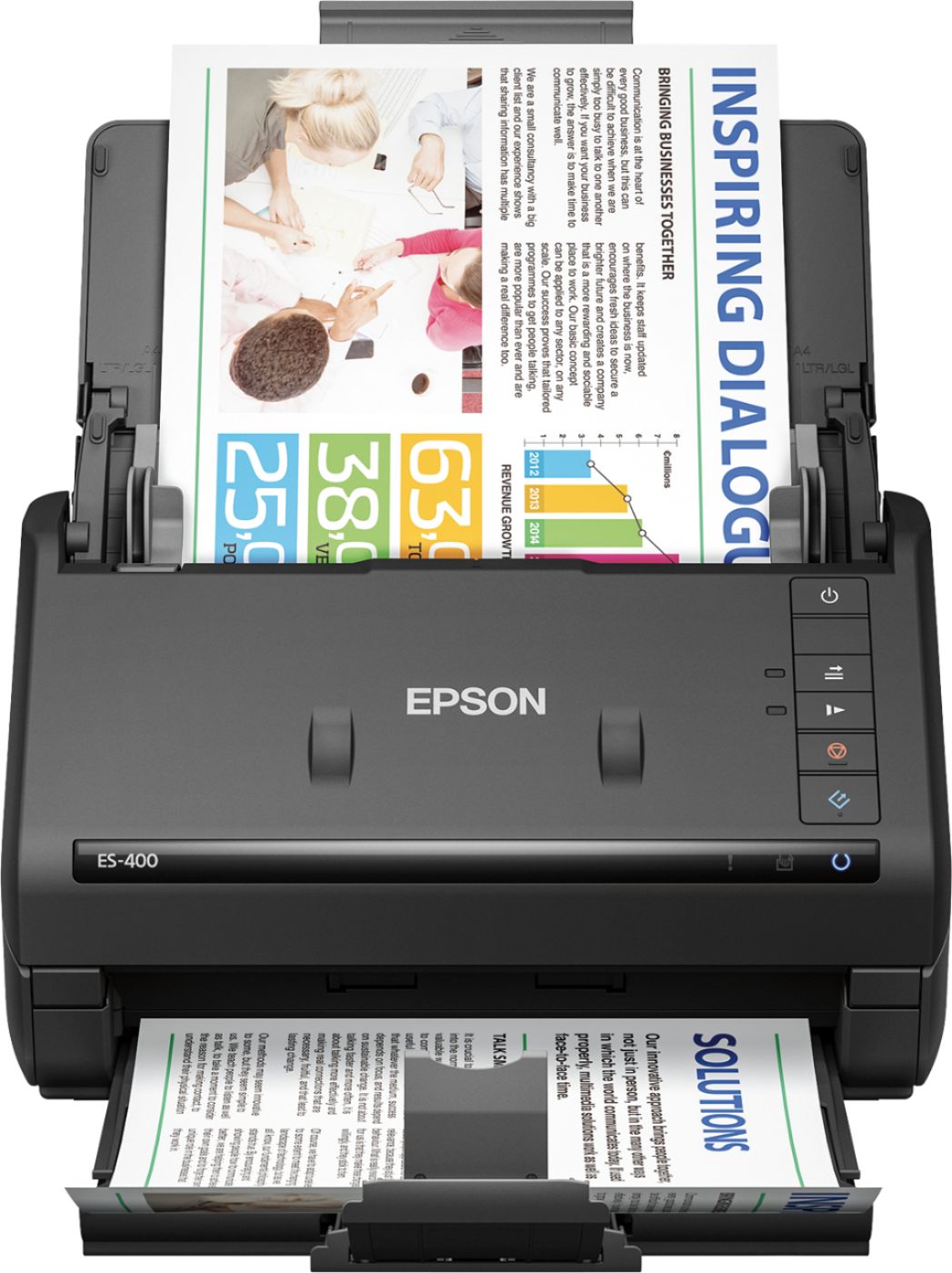
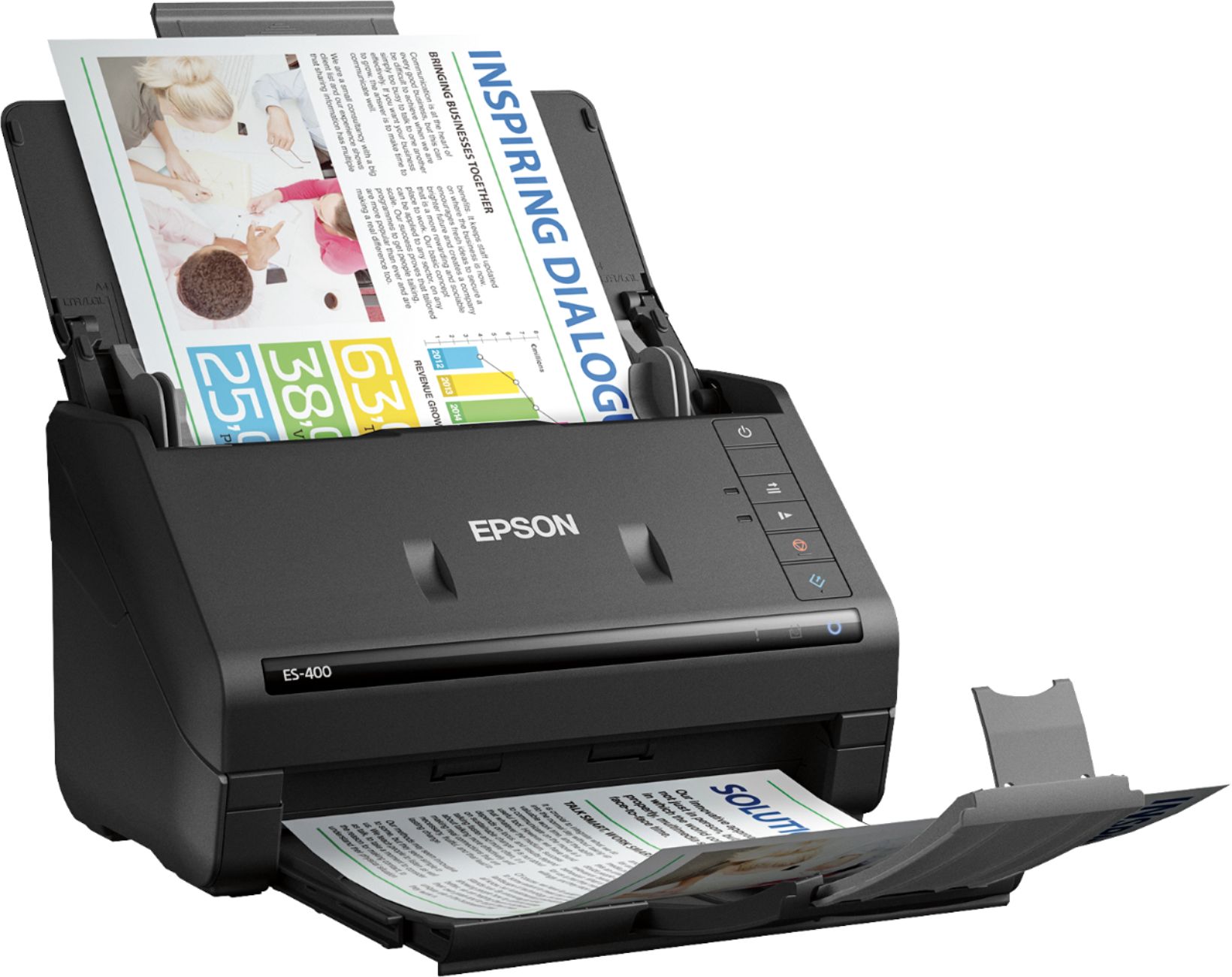

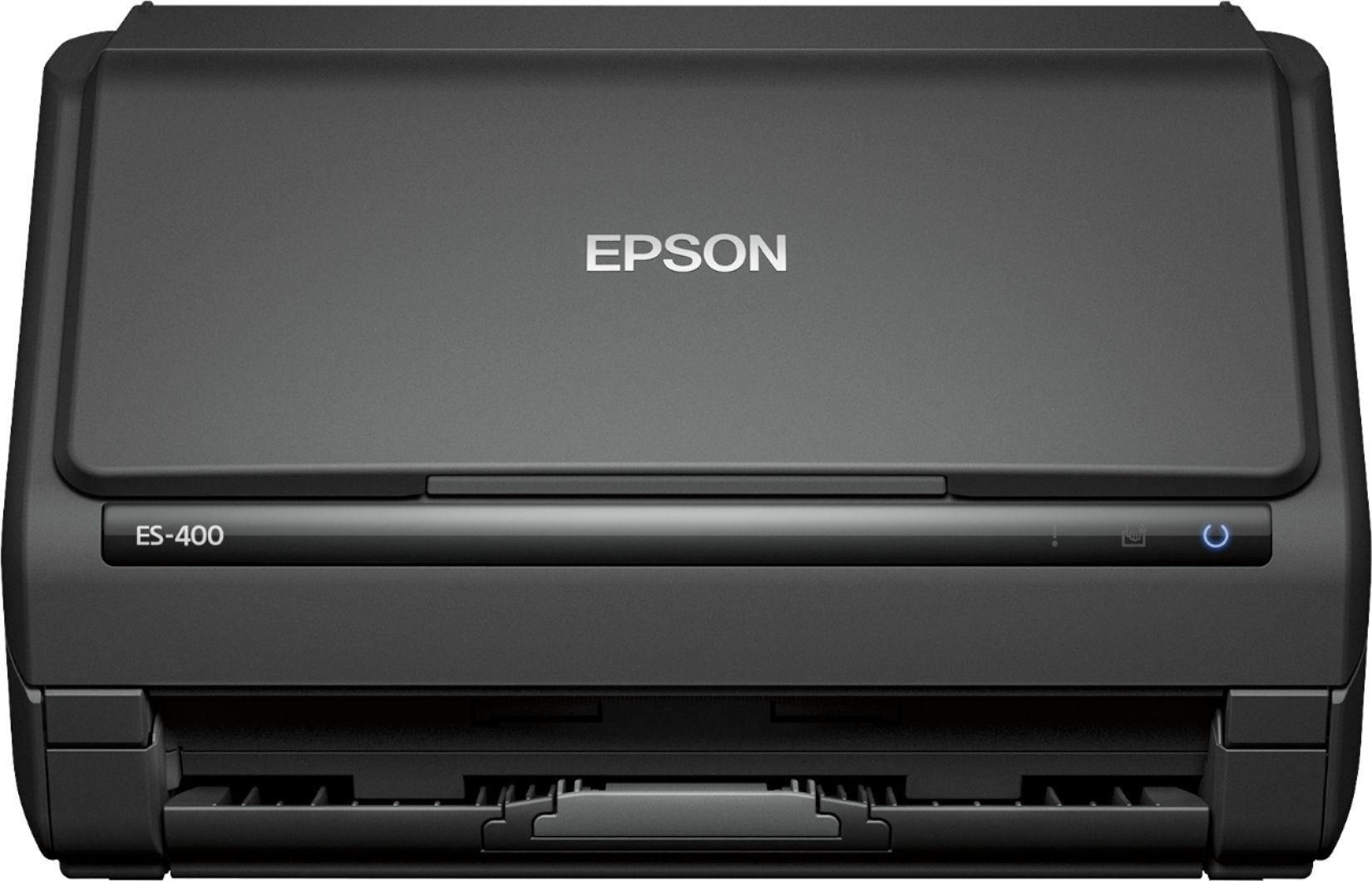
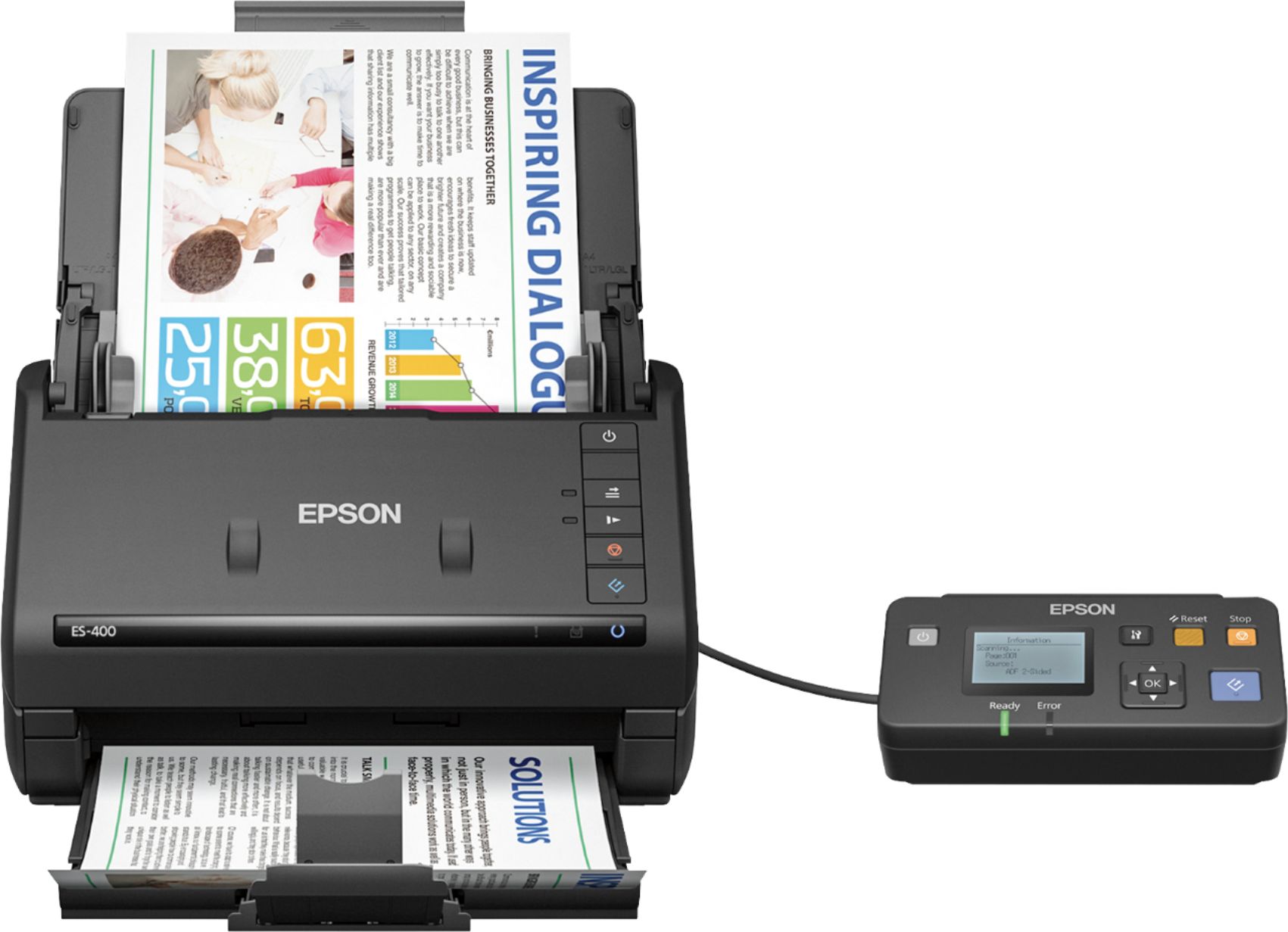
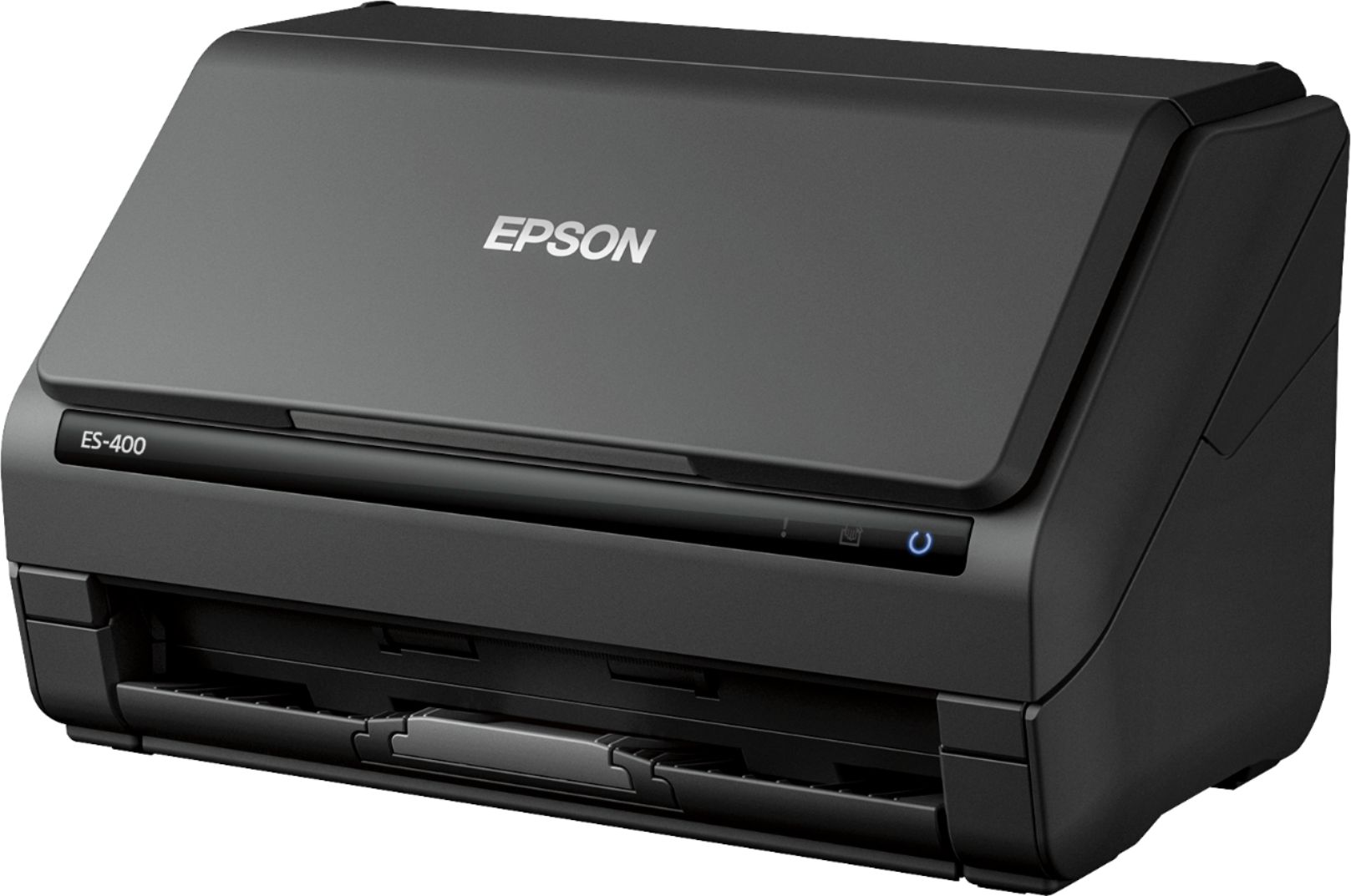
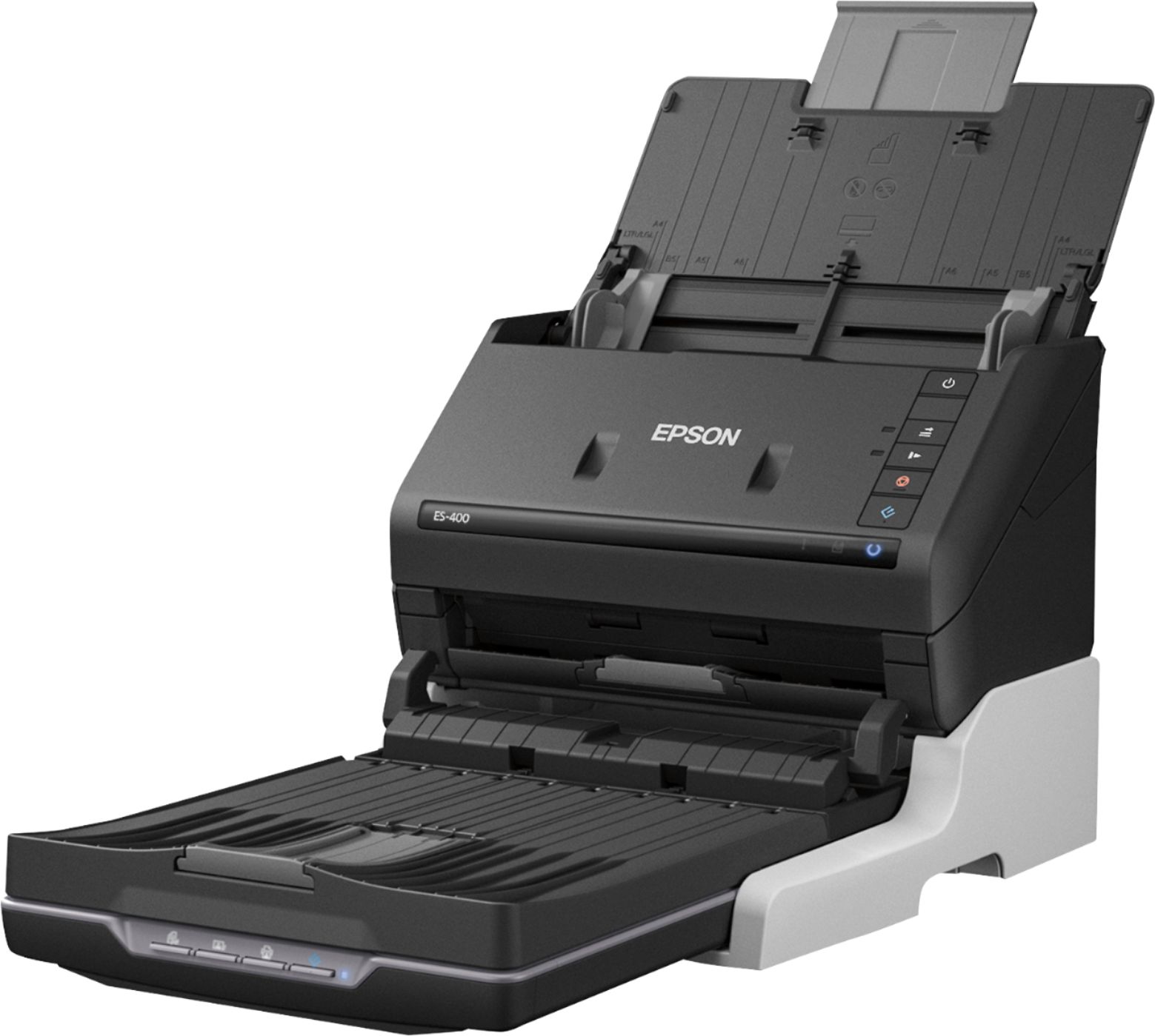
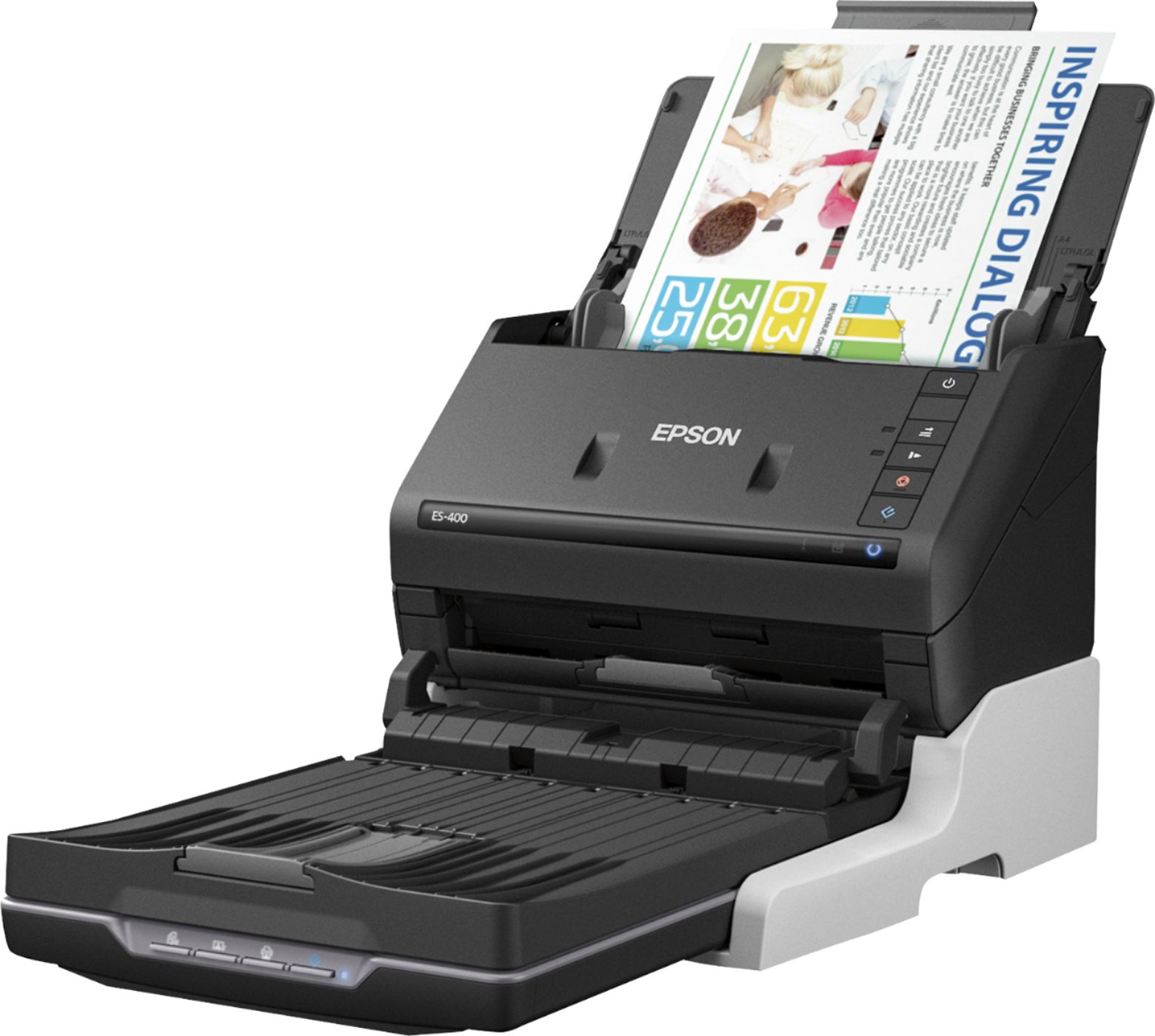

- Model:
- B11B226201
- |
- SKU:
- 5689001
Customer reviews
Rating 4.7 out of 5 stars with 558 reviews
(558 customer reviews)Rating by feature
- Value4.6
Rating 4.6 out of 5 stars
- Quality4.7
Rating 4.7 out of 5 stars
- Ease of Use4.7
Rating 4.7 out of 5 stars
Customers are saying
Customers frequently mention the Workforce ES-400 Document Scanner's impressive scan speed and ease of use. Its compact size and reliable performance are also frequently praised, while some users point out occasional software issues and concerns about paper handling. A few customers also noted the lack of wireless functionality.
This summary was generated by AI based on customer reviews.
- Pros mentioned:Scan speed
Rated 5 out of 5 stars
Fantastic Scanner
Posted .This reviewer received promo considerations or sweepstakes entry for writing a review.This product is something of a religious experience. It scans IN COLOR, TWO SIDES, in about one second per sheet. It's then easy to save in PDF format, and I'm good to go. My prior all-in-one unit required the turning and re-insertion of the stack to get both sides scanned--that worked, but was a MUCH slower scanner and required my handling to get both sides done. This is WHOLLY IMPRESSIVE.
I would recommend this to a friend - Pros mentioned:Scan speed
Rated 5 out of 5 stars
ES-400 Scanner
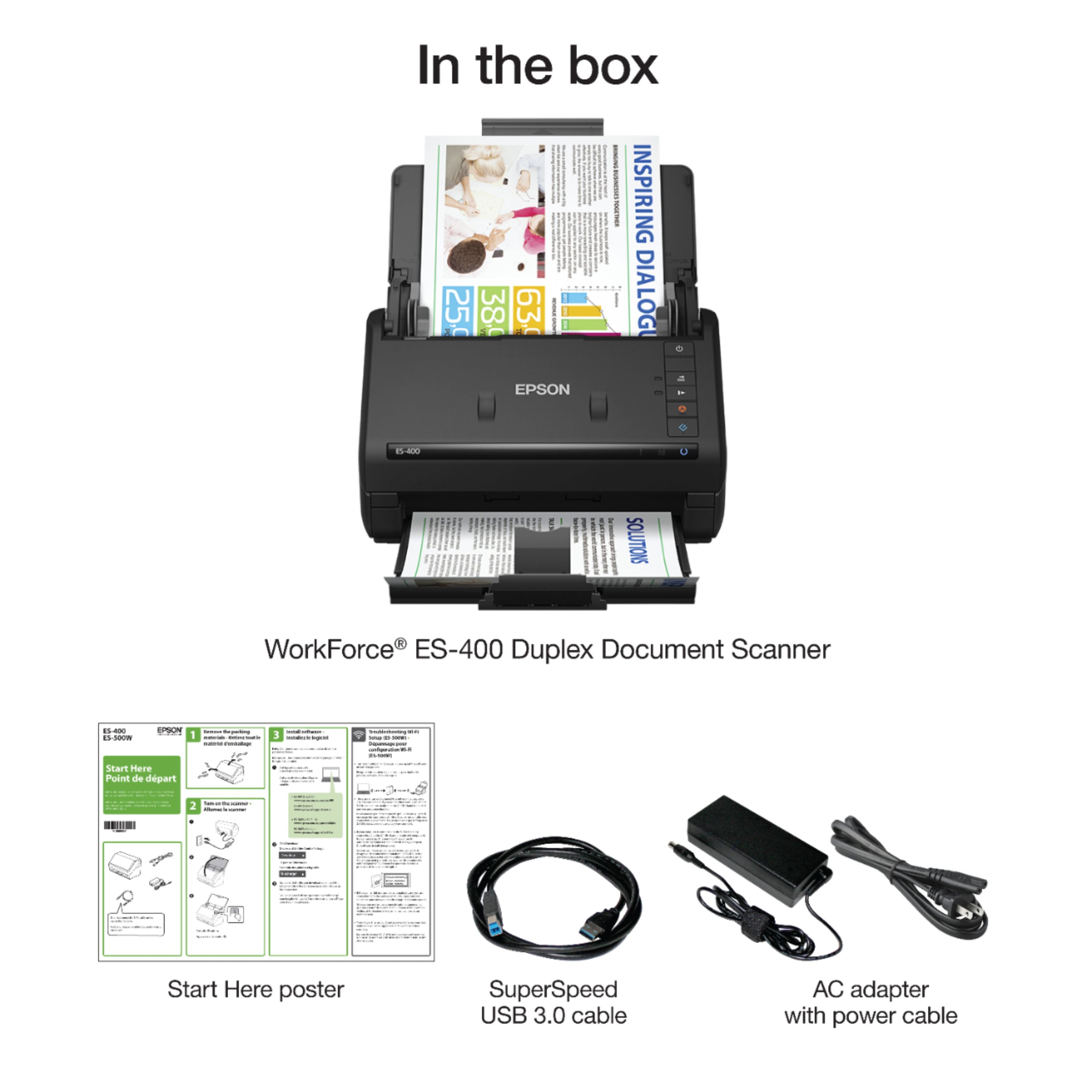
Posted .This reviewer received promo considerations or sweepstakes entry for writing a review.This is a review for the Epson ES-400 Duplex Document Scanner that I received free of charge to do a beta test and review. Overall the process necessary to utilize the product is simple. When first receiving the product, there will be 3-4 components. The first being the actual scanner, the cord to connect to the computer, and two cords for connecting to a power source. There isn't a software CD included as the user has to go online to the Epson website and download the ES-400 software. This is a simple and quick process. After the installation is complete, it will then prompt you to connect the scanner and turn it on. After that, the user is good to go and can begin. When it comes to the use of the scanner, there are some instructions included, but the software is user friendly and self explanatory. Click on the Document Capture Pro, and then you can scan individually or set up jobs so that more detailed information can be included. In the Document Capture Pro you have the choice between single or double sided. When you are placing in the pages to be scanned have them facing the scanner with the top pointing towards the ground. The scanner will then grab each page and have them completed fairly quickly. There is a bottom tray that can be pulled out to keep the pages from flying everywhere. While in the Document Capture Pro, there are options to rotate the pages if need be, save the document into a folder, send via email, transfer, and print. In addition you can add files on hand to the scan that has just been complete or scan additional pages where needed.
I would recommend this to a friend - Pros mentioned:Scan speed
Rated 4 out of 5 stars
Great Overall Scanner
Posted .This reviewer received promo considerations or sweepstakes entry for writing a review.I have been using the Epson Es-400 document scanner for a few days now and I must say it's a pretty good scanner. I currently use a neat receipts scanner and although neat has the superior software, the Epson has a better feeder and you can lay a bunch of documents in the feeder and scan them in all at once with a push of a button. Setup: Setup was very simple. There was a small quick start guide included with the package. Although there was no cd with the driver software, there is a link to get it directly from the site. I like this better because most new computers like mine don't even have a dvd drive anymore and you can always get the most up to date driver directly from the manufacturer website anyway and it cut costs anyways. Once the software is installed, the scanner was recognized right away after plugging in the included usb cable. Most printers/scanners don't include one these days but it is a plus for this scanner to include one and it is rather long as well. Use: Once the software and scanner are setup, usage is a breeze with this scanner. You can either scan directly from pressing the button on the scanner or using the included software to scan through that. The scanner will either do single side or double sided and will scan pretty fast. Once the documents are scanned into the Document capture pro, you have the option to rename/rotate and flip the images. You can also save them in a few formats, either Pdf, jpg and a few other file types, lots to choose from. Conclusion: The Epson ES-400 is a great scanner for someone looking to digitize there file cabinet into a bunch of pdfs. But anyone looking for document organization, should look at the Neat products, but if you are just looking to send stuff to pdf or image format, I think the Epson is a great product and would recommend it. “This is a review for the Epson ES-400 Duplex Document Scanner that I received free of charge to do a beta test and review.”
I would recommend this to a friend - Cons mentioned:Paper handling
Rated 4 out of 5 stars
Good printer
Posted .This reviewer received promo considerations or sweepstakes entry for writing a review.Solid printer. Sometimes the case gets stuck reloading paper but still great.
I would recommend this to a friend - Pros mentioned:Scan speed
Rated 5 out of 5 stars
Awesome Scanner
Posted .This reviewer received promo considerations or sweepstakes entry for writing a review.Epson ES-400 Duplex Document Scanner is perfect for both personal and business document scanning. It’s a compact yet powerful scanner.This is my first scanner which scans multiple documents at once and saves lot of time and work. It doesn’t take much time to learn about its features. It was very easy to set up and easy to use too. I am impressed with its functionality and its features. I like the Auto Document Feeder feature which scans stacks of documents. My most favorite feature of this scanner is that it scans the documents on both sides at once, which is a huge time saver for me. For the first time when I gave it a try, I scanned my work documents all at once and it was a quick scanning, love the speed. There is also an option called “slow speed mode” button which can be used for the delicate documents to prevent tears. I am happy that I received this scanner and I highly recommend this to the people wants to save their time by scanning loads of documents at once. This is a review for the Epson ES-400 Duplex Document Scanner that I received free of charge to do a beta test and review.
I would recommend this to a friend - Pros mentioned:Scan speed
Rated 4 out of 5 stars
Simple & Quick!! Option packed! Compact!
Posted .This reviewer received promo considerations or sweepstakes entry for writing a review.I would like to start off by saying I was totally surprised by the size of the Epson ES 400 Document scanner. It was well packaged, and simple to remove. Setup was extremely simple and I was up and running very quickly. Everything you need is in the box to get you up and running. I hooked mine up to my Apple Imac and it was simple as plugging it in, and downloading some software as well. The instructions and setup guide are very detailed and great illustrations. I started off by scanning some invoices, receipts and documents. Holy smokes is this baby fast....I loaded it up and it was off to the races scanning document after document. I did batch loading which seemed to make it even quicker. I was very surprised by the speed of the scanner. I moved on to some old photos we had. I knocked out over 100 photos in no time and the clarity of the scans are great. I wanted to try something smaller so I tried some business cards and receipts and those scanned great as well. I am so happy with this device and now I can empty out some boxes full of papers, photos and receipts. it allows you to save the scans locally or you can upload them to cloud based storage like Dropbox & Google drive. The supplied software you can install is super simple to use. For me I like simple and it wasn't complicated at all to work with. If you are like me and have a ton of photos, documents, receipts , bills and business cards you want scanned look no further and grab one of these. The Epson ES 400 definitely exceeded my expectations and now I have a happy wife enjoying the digital copies of the photos I made. “This is a review for the Epson ES-400 Duplex Document Scanner that I received free of charge to do a beta test and review.”
I would recommend this to a friend - Pros mentioned:Scan speed
Rated 4 out of 5 stars
Nice workhorse scanner
Posted .This reviewer received promo considerations or sweepstakes entry for writing a review.At my job i use a heavy duty high speed scanner everyday and this little guy performs right up there with it. Obviously it wont scan as many pages per minute or have the same life cycle but in terms of image quality and features, its very good. Installation is very fast and easy and the instructions included are minimal but very well written and easy to understand. It has some really awesome features like save to "cloud", USB-3.0 connectivity, business card scan capable, and a decent ppm count. A few things to look out for is that when scanning legal size paper, you kinda have to remove the page after its scanned because it slides down and gets caught on incoming pages and can make a mess if you're trying to keep things in order. Also, the pull tab on the output tray snapped off when i pulled it out but i was able to reconnect it easily, just something to lookout for. And finally the price, original price of 350 is very high for this unit, but it looks like it since has gone down to around 280 which is much better for this unit. Overall it is a great scanner for home or small business imaging. "This is a review for the Epson ES-400 Duplex Document Scanner that I received free of charge to do a beta "test and review.
I would recommend this to a friend Rated 5 out of 5 stars
Amazing scanner
Posted .This reviewer received promo considerations or sweepstakes entry for writing a review.The Epson WorkForce ES-400 Color Duplex Document Scanner is a full featured and very capable personal and business document scanner and works well for everything from receipts to reports to books and periodicals. The Epson Document Capture software that comes with the scanner is full featured and actually rather powerful. It has options that can solve almost any scanning problem. There is a bit of learning curve in both finding the right mix of options for your scanning problems and in understanding how the the various options interact with each other. Likewise the HELP available at each level does in fact exactly explain every feature and option. Likewise, the best setting for scanning text documents, especially books, is to use "page and content" skew correction. I obtained great results on books, even books with extensive full page images, using this setting. However, when a document has images a page will be aligned correctly as long as there is some text, even if it is only a caption. If the page has an image only then the software will sometimes zero in on angles in the image and twist the image way out of alignment. The best setting for a page with an image but no text is "paper skew" only. It would be helpful if Epson had anticipated this mix of page types and had built some IF/AND/THEN code into the software that would basically be "IF image and no text AND paper and content skew set THEN paper skew only" even if the software was set to "paper and content" skew correction. Another example is page size. The Auto Detect feature works very well. But it can from time to time choke and cause a page less than full size to be rendered on a full size background. I have found the best course with book scanning, for example, is to manually set the dimension of the job. This however requires going down a level, selecting format, selecting "user defined" and then creating a profile for that selection. Then save that profile, go back to the main dialog, etc. However, if you should opt to change from single to double sided scanning, or the reverse, in the middle of a job then the page size will revert to LETTER. You have to go back down and manually reselect the User Defined profile again. One other example is the image type settings for "Auto, Color, Gray and B&W". You might think that this is for the capture mode. But in reality it defines the output mode. The scanner captures in full spectrum in either case. This impacts the scanning of documents that have paper that is not exactly white, or books with yellowed pages for example. If you use the GRAY mode for these types of problem sources the results will have a muddy sort of "dirty" looking page tone. If you use B&W then every single little variation on the page will be rendered as black dots or smudges. The solution is to use the setting, once again, down a level, that allows for filtering input to not include various colors or to capture only black. Likewise, you could use GRAY mode for capture but boost the contrast of the captured image. Using any of those image correction options disables "text enhancement", a feature that contributes to text readability, so you may need to increase image resolution from 300 to 600 dpi when scanning docs with problematic paper color or yellowing. In any case the power is there in the Epson software to get a good result, but the location, relationship and interaction of the options isn't exactly obvious. The scanner comes with a TWAIN driver that allows the use of other document management software. Either way the scanner hardware is excellent and the results that I have obtained with a broad range of document types, including scanning art books with full color images, have likewise been excellent. The scanner handles most paper types without a problem, although the sort of thick, almost card stock like glossy paper used for many art books printed in China can sometimes cause it to jam and require some page by page attention. For most routine jobs with new or recent documents in good condition however the scanner just sails along and the default settings will produce great results. This is a review for the Epson-400 Duplex Document Scanner that I have received free of charge to do a beta test and review.
I would recommend this to a friend- Pros mentioned:Scan speed
Rated 4 out of 5 stars
Difficult installation. Super fast scanner.
Posted .This reviewer received promo considerations or sweepstakes entry for writing a review.This is a review for the Epson ES-400 Duplex Document Scanner that I received free of charge to do a beta test and review. Unboxing & Setup Unboxing was straightforward. The scanner is well packaged with lots of blue tapes. Includes a USB 3.0 high-speed cable (fantastic Epson included this). The scanners physical footprint is small and compact. Installations was a difficult process, as my laptop does not have a USB 3.0 port. When I plug in the scanner, it would not show as connected. I had to find a USB 2.0 cable to make it connect with my computer. Would have been nice if Epson would have included this information in the setup card that USB 3.0 cable will not work in a USB 2.0. An option of built-in Ethernet port would have been awesome! Scanning & Function Once the difficult process of installing was over this scanner works great. Really really fast even at high resolution. I can imagine having USB 3.0 will only be faster. I like how the paper tray holds large documents. This will be great when I scan in my large mortgage loan documents. Overall, I like the product would recommend.
I would recommend this to a friend - Pros mentioned:Scan speed
Rated 4 out of 5 stars
Great Compact Office Scanner!
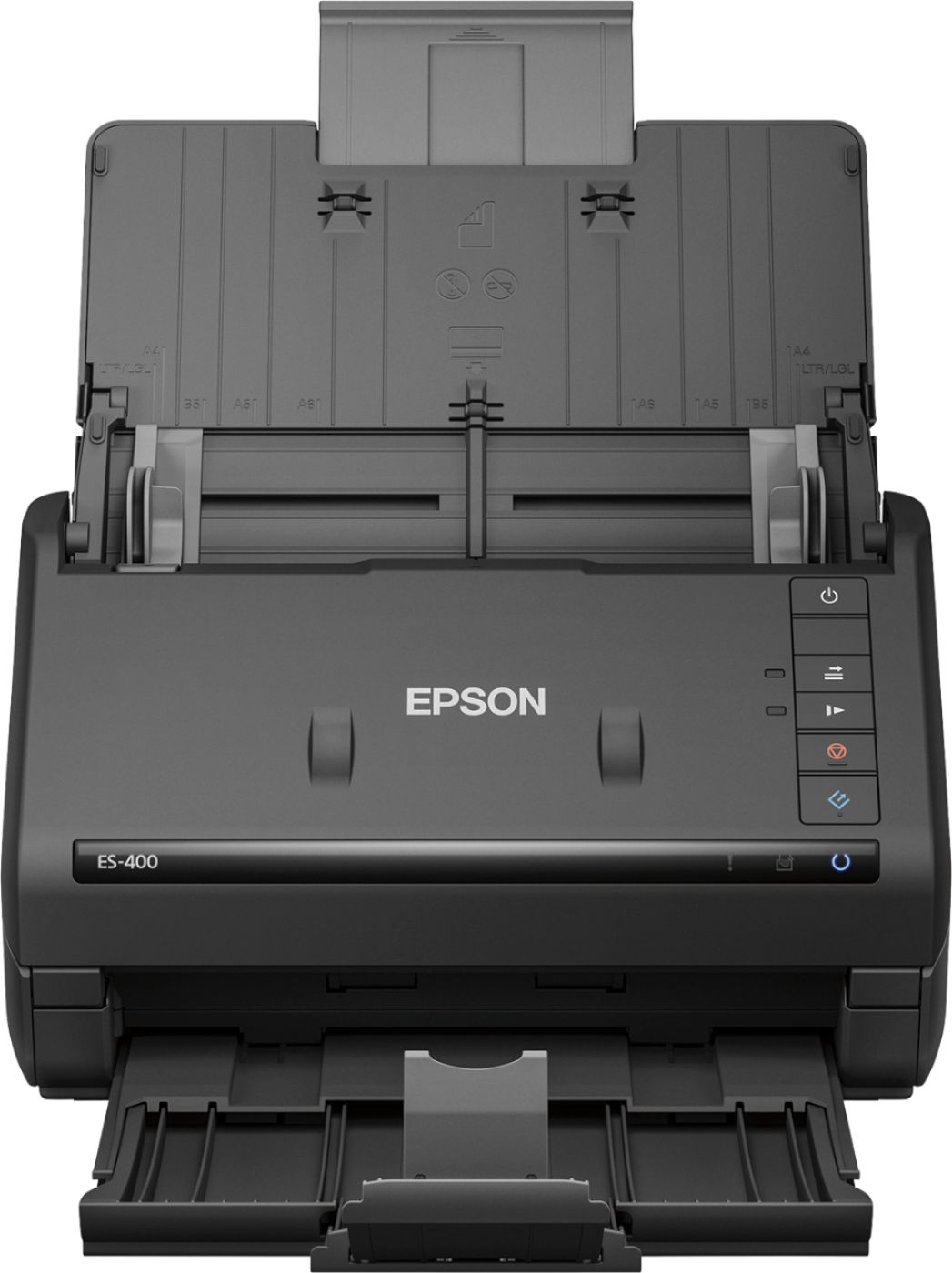
Posted .This reviewer received promo considerations or sweepstakes entry for writing a review.This is a review for the Epson ES-400 Duplex Document Scanner that I received free of charge to do a beta test and review. I've been using the Epson ES-400 for the last couple days, here are my thoughts so far. Overall, the scanner does a great job. With this style of scanner, you get inherently fast scan times, and this scanner is no exception. With the ability to scan up to 50 sheets at a time at 600 DPI, this is perfect for the office. Obviously, I wouldn't recommend this to someone looking to digitize old photos, this is perfect for digitizing business records. The design is nice and simple. The top paper feed folds down when not in use, keeping dust out, and minimizing the space the scanner takes. The lower receiving paper tray isn't really needed, so I usually keep that tucked up, again to save some desk space. The software is straight forward, and it's easy to set up a default scanning profile that's used with the one-touch scanning button. The profile even allows you to OCR the created PDF's as well, which is a nice feature. A great compact scanner!
I would recommend this to a friend Rated 5 out of 5 stars
Nice Scanner
Posted .This reviewer received promo considerations or sweepstakes entry for writing a review.First of all – wow is this thing fast. Faster even that the scan function on the multi-function ones we have at work. And for a desktop scanner it’s still fairly compact, especially when the input and output trays are closed. Even better is that when it’s set for double sided scanning it doesn’t “double run” it through the scanner – once for each side of the document. There are scanning sensors on both sides of the feeder so it will scan both sides at once! It’s really nice for scanning a whole lot of documents all at once. In the Document Capture Pro software, I really like the quick destination buttons to send things directly to OneNote and Google Drive and a few others. Odd that it has one for Google Drive but not Dropbox, but I suppose that most people already have a Dropbox folder on their computer so they can just use the Folder icon to drop it there which syncs it up. Another feature I really like in the DCP software is the “Job Management” setup - you can set up multiple different specifics (file type, save location, file naming convention, resolution, etc) on how to process a scan based on what you’re scanning. For instance, if you want to save all your receipts from one store in a certain folder, you can set up a job so that, when you run it, will automatically save them to a specific folder with a customized file naming format. Some Cons: Downloaded software is fine, but they install some things in their start menu folder that make no sense – why do I need a “Buy more ink” link for a scanner? They also install a link to both “’Online support” and “ES-400 online support” - why both? And why a link for that here and not a link under the Help menu in the software? At least they don’t install an updater service that stays running in memory like a lot of other things do these days – OK for things like Java and Acrobat Reader, but a scanner/printer?. A heads up - the first time you open the output tray be careful when you try to pull the little grey “stop flipper” up when you extend the “catch arm”. The center gray part is what slides out from the scanner but the little “flipper” only flips up perpendicular to the tray – NOT leaning out away from the scanner like those things on printers typically do. The first time I tried quickly pulling it out I pulled that little popup flipper off by assuming it would work like the printer ones – luckily I didn’t break off either of the pins and easily snapped it back into place. This is a review for the Epson ES-400 Duplex Document Scanner that I received free of charge to do a beta test and review.
I would recommend this to a friendRated 5 out of 5 stars
Good little scanner
Posted .This reviewer received promo considerations or sweepstakes entry for writing a review.I am very excited about this scanner! I have never had one that could really scan multiple documents at once and even front and back. It makes my life a whole lot easier! Plus, this is my first scanner that I ever used to capture them perfectly by feeding the papers I have scanned or even my ID Cards through the top and having them slide down to the bottom. Also the same for the photos I take and documents and other sheets of paper I have scanned. Normally, I use a regular flatbed scanner or wand, but the style of the Epson really helps make it a whole lot easier and it appears perfect when seen on the screen. The buttons are very simple to understand and are super easy to use. I really didn't have to take too long to learn the functions or features of this scanner. I normally have plenty of documents and photos to scan daily, so this is just a wonderful device in my home for both business and regular use. Plus, the speed is terrific and when I can easily connect it to my WiFi service, I'm able to get my documents from scanner to my computer with ease or even save it till I'm ready to transfer or use them. I honestly love the design as well! I can easily place this somewhere when I'm not using it and it won't hog up much space. The design allows me to easily fold up the main parts, that normally hold the document which will be scanned. Plus, it allows those parts to be protected when not in use and keeps my table a bit more spacious without hogging up much of the area. Finally, the many pages and photos I scan daily, this is an excellent and powerful scanner! I am very pleased with this device and would highly recommend it to my friends and anyone who wants a reliable scanner. “This is a review for the Epson ES-400 Duplex Document Scanner that I received free of charge to do a beta test and review.”
I would recommend this to a friendRated 5 out of 5 stars
Lots of power in a compact package!
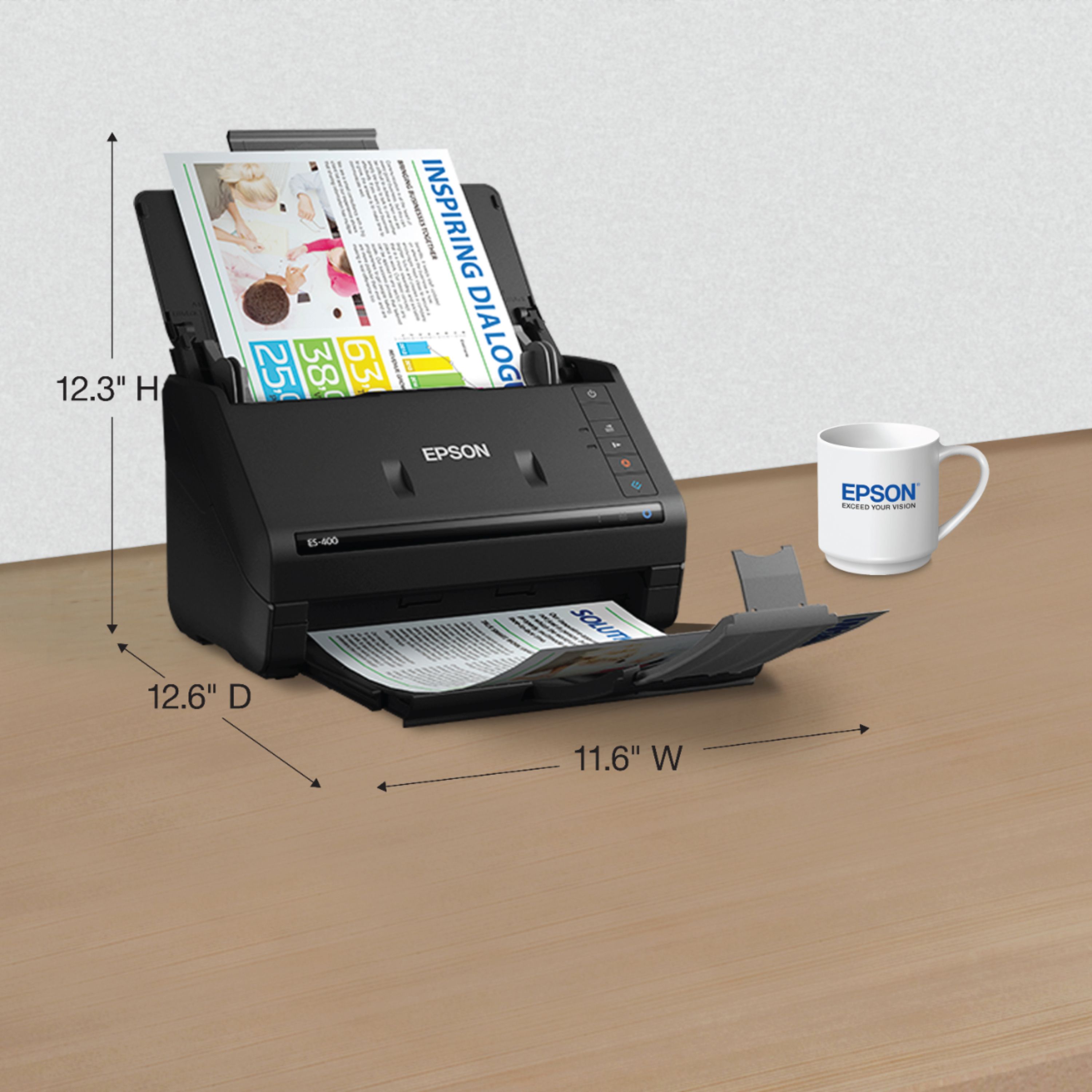
Posted .This reviewer received promo considerations or sweepstakes entry for writing a review.I never expected so much performance from such a compact device. When I got the box for my Epson ES-400 Duplex Document Scanner, I laughed, thinking to myself, “there’s no way this could be a 35ppm scanner….” I stand corrected – this scanner is FAST. You can scan both sides of a page in a single pass, and the unit folds up and can be stored in a space 11” X 6” X 8”. Mine just sits on my desk and isn’t in the way. Scans of paper originals are accurate and crisp, and if you use the Epson software, you have the option to output to JPG, BMP, PDF, TIFF, PNG, DOCX, XLSX and PPTX formats. Even if you don’t fire up the software, you can scan by simply pressing the Scan button on the ES-400 and it will automatically scan to PDF without any intervention. There are buttons to clear jams and a great feature – a button to slow down the paper feed to help protect more delicate or crumpled originals. The output tray easily folds away when not in use, keeping the footprint of the scanner small. I tried to scan a small stack of eight business cards, and while the cards did scan legibly, the scanner skewed the cards while feeding so the scans were tilted in different directions. Then I found the Business Card setting in the software along with the option to automatically correct image skew, and the cards scanned perfectly. It would be a nice touch to include software that would convert the business card into an address-book entry in Outlook or other software, but not the end of the world. Overall, a great scanner in a compact package. The ES-400 is a great choice for high speed scanning needs. This is a review for the Epson ES-400 Duplex Document Scanner that I received free of charge to do a beta test and review.
I would recommend this to a friendRated 4 out of 5 stars
Fast and accurate
Posted .This reviewer received promo considerations or sweepstakes entry for writing a review.Setting up the Epson ES-400 was so easy and quick. The steps were very easy to follow to remove the packing material and plug it in. I found the installation of the software not only simple to install, but also comfortable to use. Following the installation I was prompted that a firmware update was ready for the device and after following the on screen prompts I knew I was all up to date. I was ready to use the scanner. I placed some documents in the scanner and with the software picked the ‘Scan’ option. It went right through and received both sides as on file. I like the built-in email feature to send the document via email. I did not like that the documents had to be placed face up, but pointing down into the machine. I would rather see the document pointing up as it makes it easier to place a multipage document in the tray. I did like that when I was finished after some time the scanner went to an energy saving mode. Once I was ready to use it again it did not take long to wake up. This is a review for the Epson ES-400 Duplex Document Scanner that I received free of charge to do a beta test and review. After spending some time using this product it is easy to say it is one of my favorite document scanners. I like that it is sleek and can sit on my desktop for convenient use. It has all the features of the big all-in-ones for scanning, but when you just want to keep digital copies of your work it is so much better to have it ready and nearby. I will use this to preserve medical documents, tax documents, receipts, and my children’s school work and drawings. I can finally have a convenient way to get everything stored properly. This will really save time, effort, and is really fun to use. I will continue my exploration of uses and features on this scanner. It is nice that when I am through some work I can close it all up and keep the dust out.
I would recommend this to a friendRated 4 out of 5 stars
Great Scanner
Posted .This reviewer received promo considerations or sweepstakes entry for writing a review.This is a fast compact scanner. I was able to scan 10 pages high quality (600 DPI) in about 2 minutes. That includes the scan and transfer to the PC. I scanned the same 10 pages and the lowest (200 DPI) setting and it only took 24 Sec. The quality of the lowest setting is more than adequate. I really like the compact design. It doesn't take up much space and folds up even smaller when you aren't using it. The software isn't "pretty" but it is easy to use. These days most of our programs and apps are made to be visually appealing so it is surprising to see a program that visually looks like something from Windows 98. Really that doesn't matter much because the software is just plain easy. If you do a lot of scanning then the price isn't a big issue. For occasional scanning it is hard to justify the price. Overall this is a great scanner and would definitely recommend this scanner. This is a review for the Epson ES-400 Duplex Document Scanner that I received free of charge to do a beta test and review.
I would recommend this to a friendRated 5 out of 5 stars
Epson-workforce
Posted .This reviewer received promo considerations or sweepstakes entry for writing a review.I love scanning document's, It saves tree’s, it keeps your accounts organized AND (best of all) No running around to find all your papers hiding in drawers, boxes & dreaded desk,etc. The Epson-workforce literally organizes all your documents. Like cleaning all your drawers & re-writing all the little scrap papers..etc… Try it out, its pretty cool and before you know it, you’ll be organized, and have extra time on you hands. Happy scanning
I would recommend this to a friend- Pros mentioned:Scan speed
Rated 5 out of 5 stars
Workhouse
Posted .This reviewer received promo considerations or sweepstakes entry for writing a review.We use this scanner to scan papers all day. It is very good for the price and the speed is great.
I would recommend this to a friend - Cons mentioned:Software
Rated 1 out of 5 stars
Terrible Software Issues
Posted .This reviewer received promo considerations or sweepstakes entry for writing a review.I encountered software issues out of the box. The machine would scan and I could see the scanned image in the edit window but the software (Epson Scan 2) wouldn't allow me to save the PDF onto the hard drive. Worked with Epson Help Desk for 2 hours and they resolved by reloading the software. The scanner worked fine for a few hours. When I returned to scan more the next day, the same save error occurred. I lost an 800 page scanned doc. I spent another 2 hours with Epson Help desk. They couldn't resolve the problem and eventually said that the problem was with my computer and that it was MY fault. Highly recommend a different product.
No, I would not recommend this to a friend