Customer Ratings & Reviews
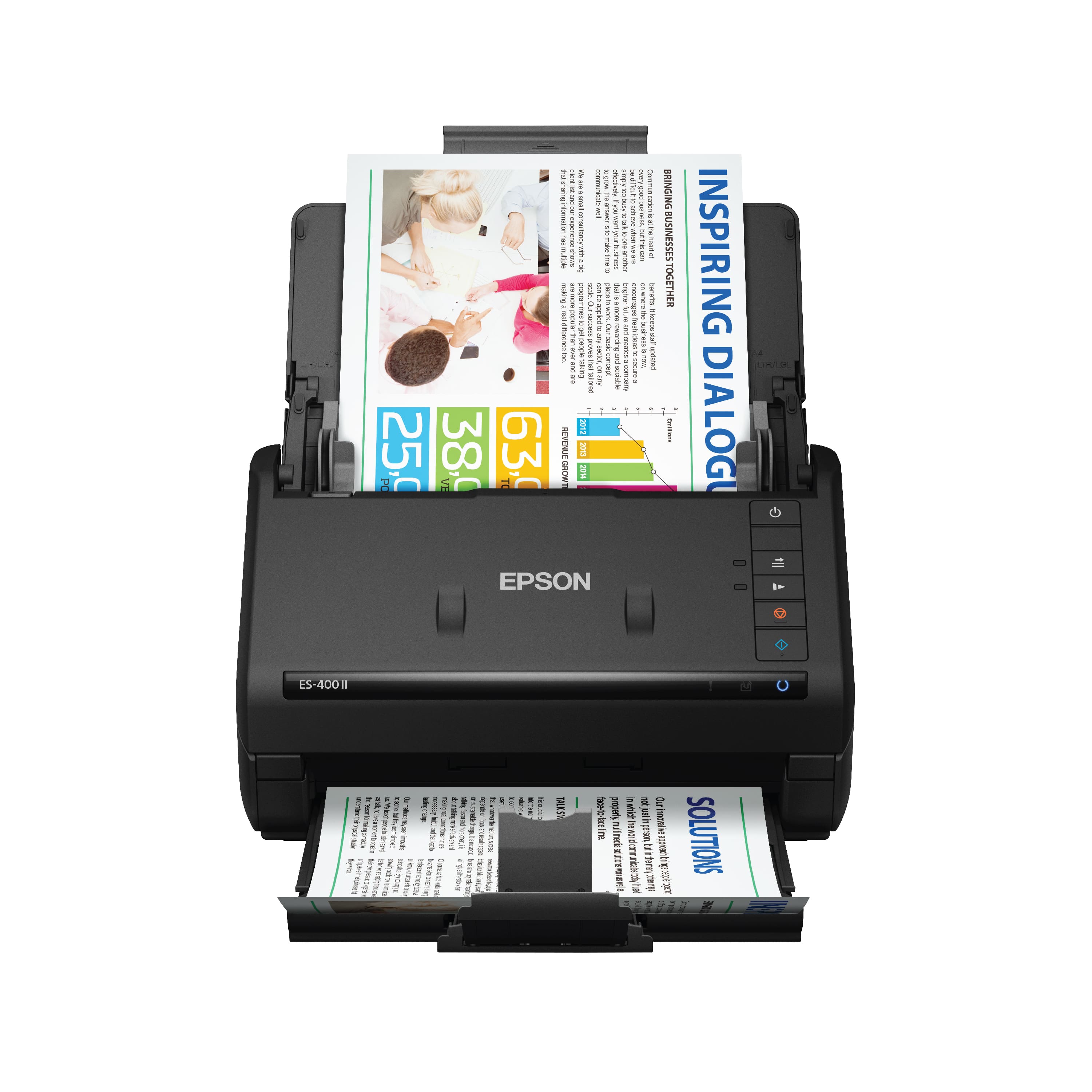
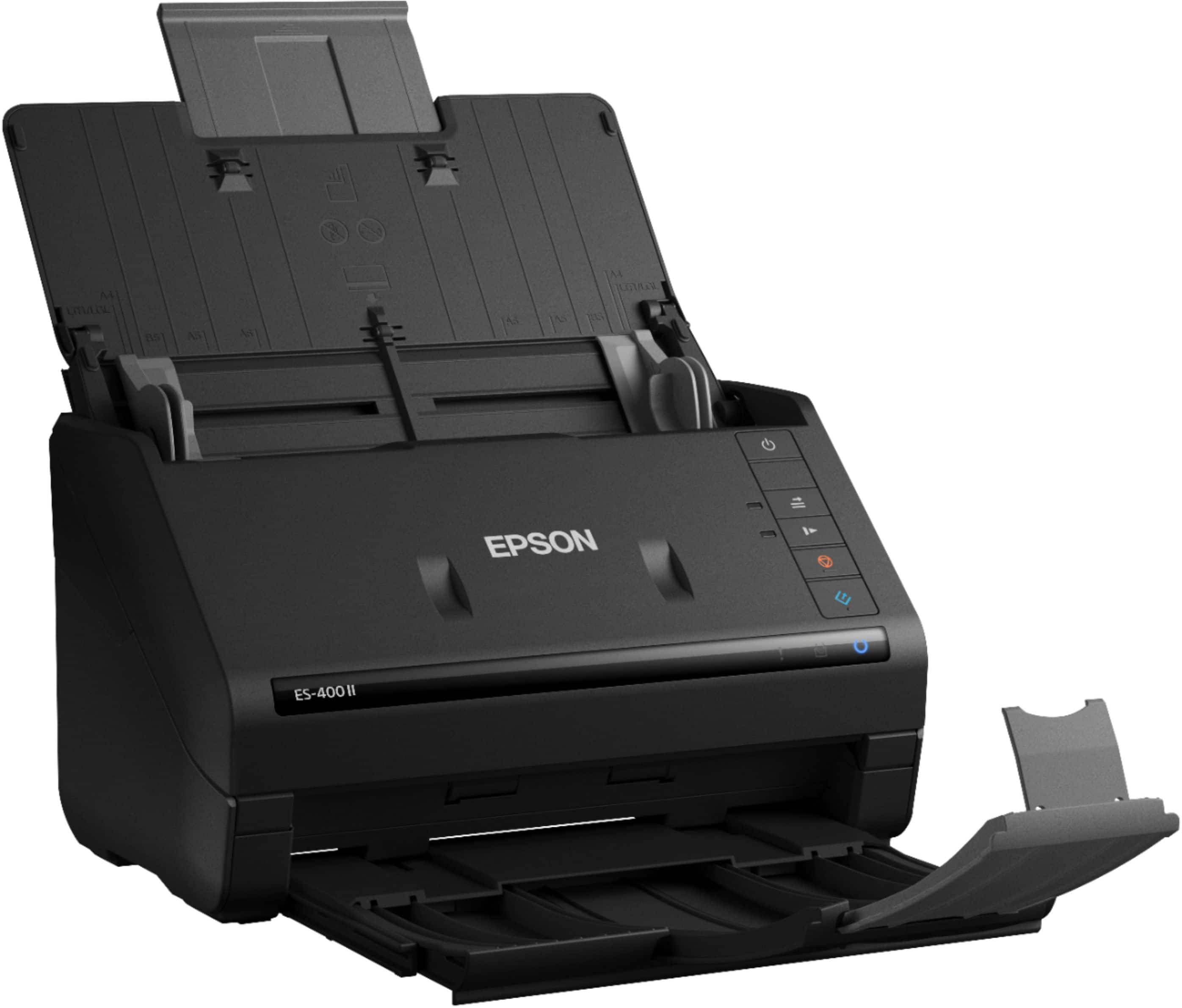
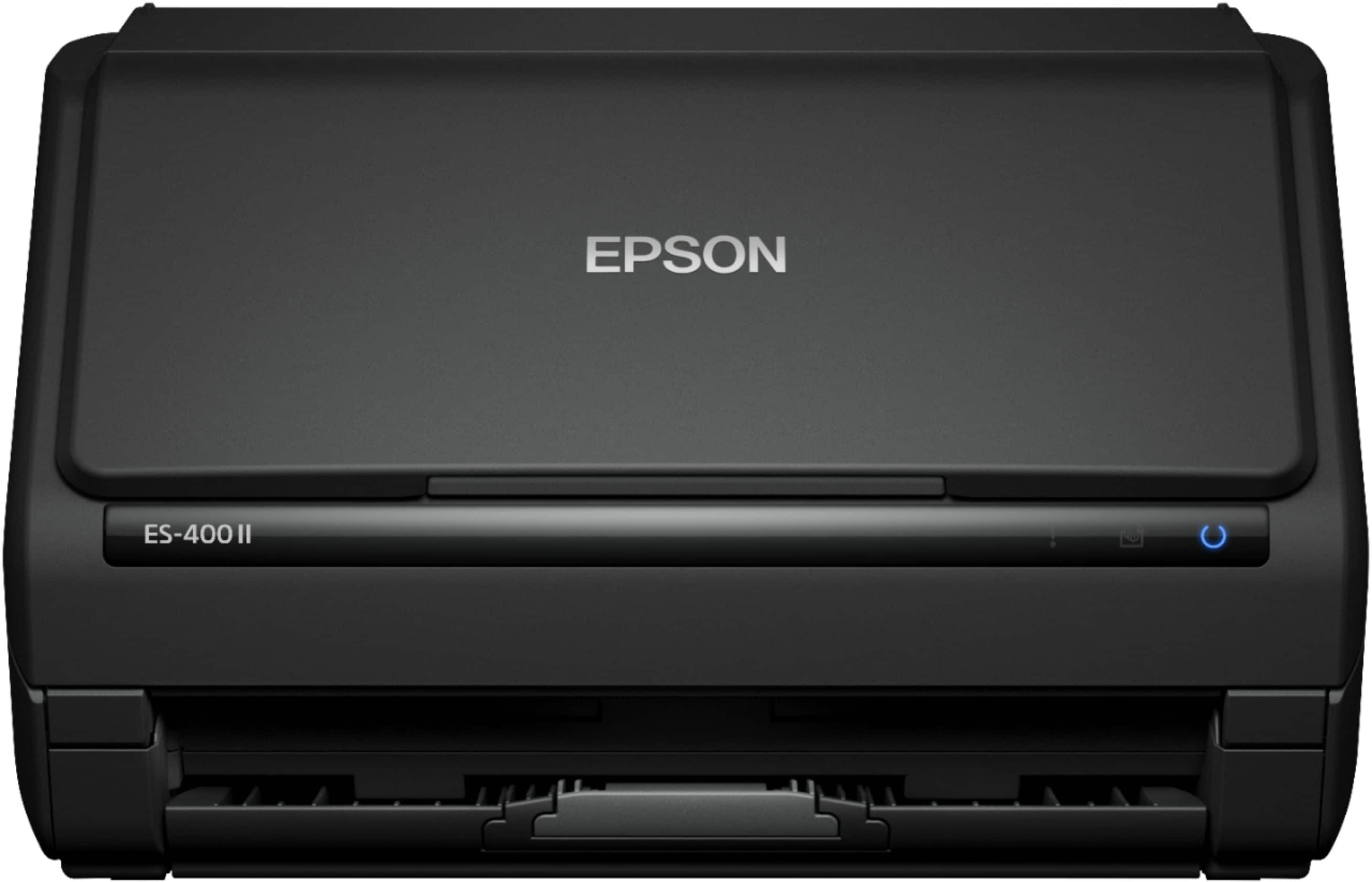
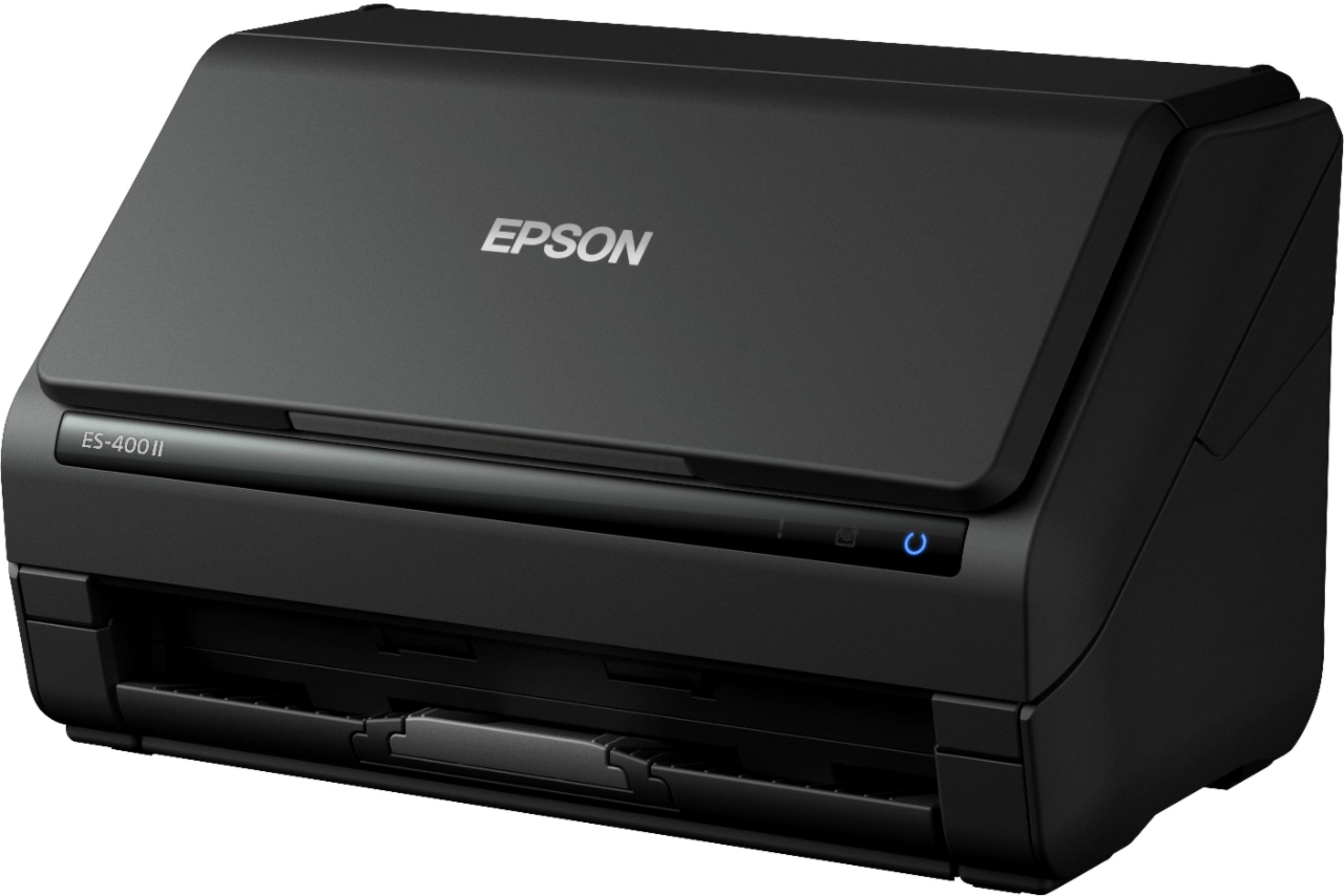
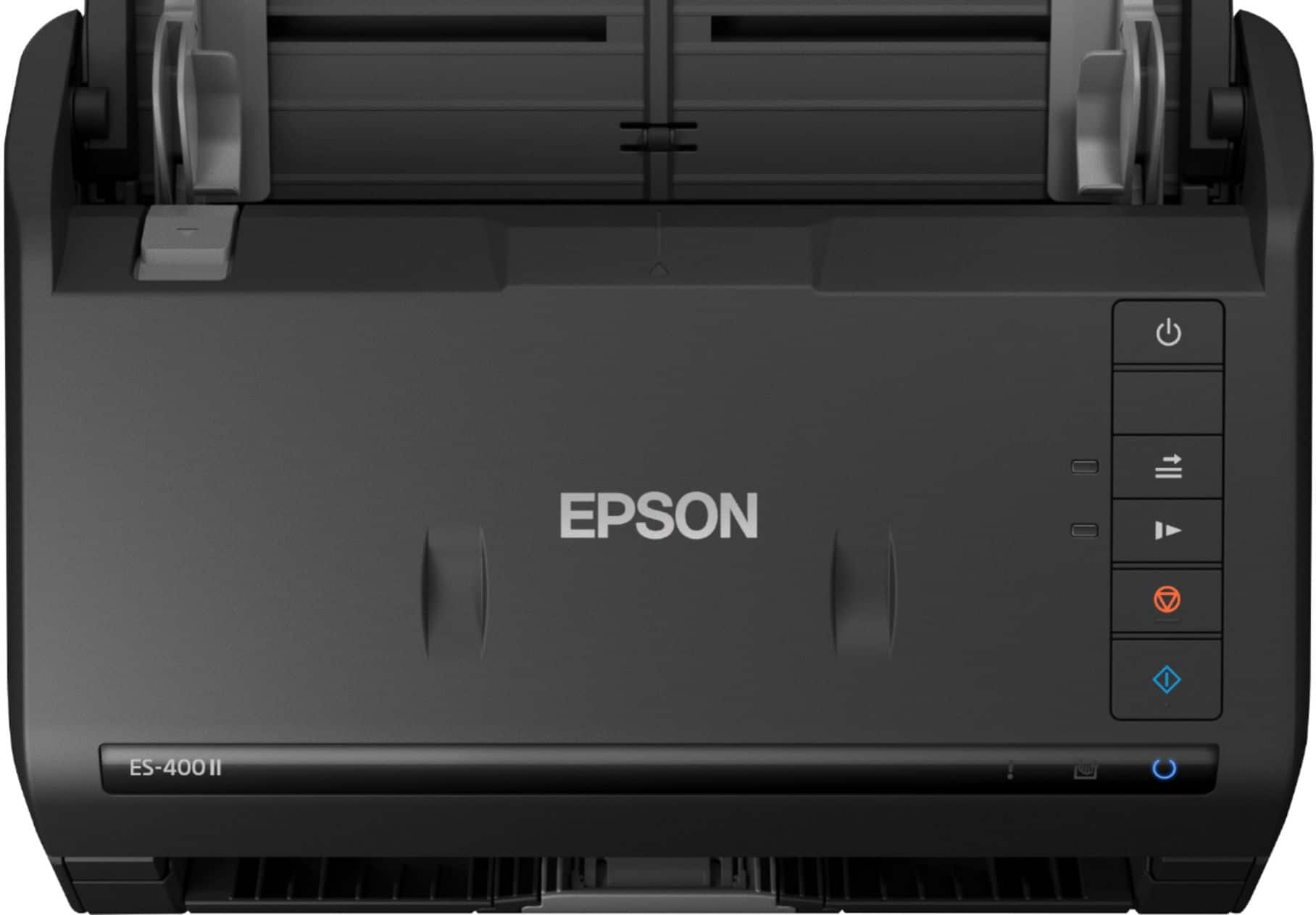
- Model:
- B11B261201
- SKU:
- 10840063
Rating by feature
- Value
Rating 4.6 out of 5 stars
- Quality
Rating 4.7 out of 5 stars
- Ease of Use
Rating 4.7 out of 5 stars
to a friend
C-
||Posted . Owned for 1 month when reviewed.This reviewer received promo considerations or sweepstakes entry for writing a review.Disconnects often and must redownload whole program to work effectively.
No, I would not recommend this to a friendBrand response from Epson
Posted .Hello, we're sorry to hear about the connectivity issue with the ES-400 II scanner. Epson takes into consideration all feedback to improve the performance and quality of our products. Epson provides helpful information on the product support web page, including FAQs and self-help tools at https://epson.com/Support/Scanners/ES-Series/Epson-WorkForce-ES-400-II/s/SPT_B11B261201#questions. Additionally, your scanner includes a 1-year Limited Warranty, plus free lifetime technical support. If you need any assistance, our Epson Support Team would be happy to help you and can be reached at (562) 276-4382; Hours: Monday - Friday, 7 am - 4 pm PT; Sincerely, Sam - The Epson Team.

president
||Posted .This reviewer received promo considerations or sweepstakes entry for writing a review.very difficult to make it work even after downloading the software from their website
No, I would not recommend this to a friendBrand response from Epson
Posted .Hello drnn, we apologize for your disappointing experience with the ES-400 II scanner. Epson considers all feedback to improve the performance and quality of our products. Epson provides helpful information, including FAQs and self-help tools, on the product support web page at https://epson.com/Support/Scanners/ES-Series/Epson-WorkForce-ES-400-II/s/SPT_B11B261201#questions. Additionally, your scanner includes a 1-year Limited Warranty, plus free lifetime technical support. Please contact our support team directly at (562) 276-4382 between 7 am - 4 pm (PT), Monday - Friday if you need assistance.
Sincerely, Sam - The Epson Team
Perfect machine for the job
Posted .This reviewer received promo considerations or sweepstakes entry for writing a review.As someone who scans a lot of documents, for tax, work and just in general, I don't know how I haven't thought about a dedicated scanner sooner. This is so fast. We recently bought a house and it allowed me to scan every single mortgage and house related document in no time at all which is really convenient when you live somewhere prone to natural disasters like we are. The double sided scanning capability is insane. No need to get up, open the lid of a printer scanner, flip the page, and then spend 5 minutes trying to scan the second side. With this bad boy, you can do it all in a few seconds. That and the auto feeder are definitely absolute -must- haves. If you're on the fence because you can't justify the space for a machine that 'just' scans, fear not! This little thing fits in my office cube shelving PERFECTLY. It takes up no space at all in my already jam packed office space. All in all, I LOVE this and would definitely recommend it to anyone who scans a lot of anything. This is a review for the Epson WorkForce ES-400 II Duplex Desktop Document Scanner that I received free of charge to do a beta test and review.
I would recommend this to a friendEpson Workforce ES-400 II Duplex Scanner
||Posted . Owned for 1 month when reviewed.This reviewer received promo considerations or sweepstakes entry for writing a review.Overal this appears to be a good scanner. Just a little slow at times.
I would recommend this to a friendGood Double Sided Scanner
Posted .This reviewer received promo considerations or sweepstakes entry for writing a review.I received my Epson Workforce ES-400 in a timely manner. It was well packaged with Styrofoam to suspend it in the box. It came with a manual that was straightforward and easy to understand. I didn’t have any problems setting everything up. I like the appearance of the scanner too. Some parts are foldable for better storage. It handled bulk scanning well and worked very quickly! I like how you can rotate pages within the Epson app on your computer. It also scans double sided documents so that’s a huge plus! When scanning documents, I had a couple papers get stuck in the scanner. But the papers had been previously folded and that might have contributed to the jam. I was able to open the scanner and pull the stuck papers out effortlessly. Overall, this is a great scanner and I would recommend it to friends. This is a review for the Epson WorkForce ES-400 II Duplex Desktop Document Scanner that I received free of charge to do a beta test and review.
I would recommend this to a friendEasy and fast Scanner !
Posted .This reviewer received promo considerations or sweepstakes entry for writing a review.It's being a couple of days since i received and being trying the Epson 400 II scanner, and i must say i will definately recommend this product. Is easy to install it and easy to use. Takes about five minutes to install it and you are all ready to go! My whole experince with the Epson Scanner has been great. The Scanning is just as easy as it is to install it. The best thing about this scanner i must say is the DOUBLE AND SINGLE SIDE scanning, which makes your work waaaay lighter. This Epson scan is more than what i was expecting. Definately will recommend this to my co workers, family and friends for office and home office, you can even scan photos and fits everywhere it doesnt take much space. Scanning is quick and plus it organizes you documents and saves them as PDF or JPEG. This is a review for the Epson Workforce Es-400 II Duplex Desktop Document Scanner that i received free of charge to do a beta test and review.
I would recommend this to a friendDoes not work
||Posted . Owned for 2 weeks when reviewed.This reviewer received promo considerations or sweepstakes entry for writing a review.It set up just fine. Now it won't work. I have to take it to or call the geek squad and that I don't have time for. It says unconnected but it's connected into my computer's USB and the blue light is blinking. Annoying Annoying
No, I would not recommend this to a friendBrand response from Epson
Posted .Hello latoya123321, we're sorry to hear about your disappointing experience with the ES-400II scanner. Epson considers all feedback to improve the performance and quality of our products. Epson provides helpful information to address most problems, including FAQs and self-help tools, on the product support web page at https://epson.com/Support/Scanners/ES-Series/Epson-WorkForce-ES-400-II/s/SPT_B11B261201#questions. Additionally, your scanner includes a 1-year Limited Warranty, plus free lifetime technical support. Please reach our support team directly at (562) 276-4382 between 7 am - 4 pm (PT), Monday - Friday, if you need any assistance.
Sincerely, Sam - The Epson Team.

Awesome document scanner
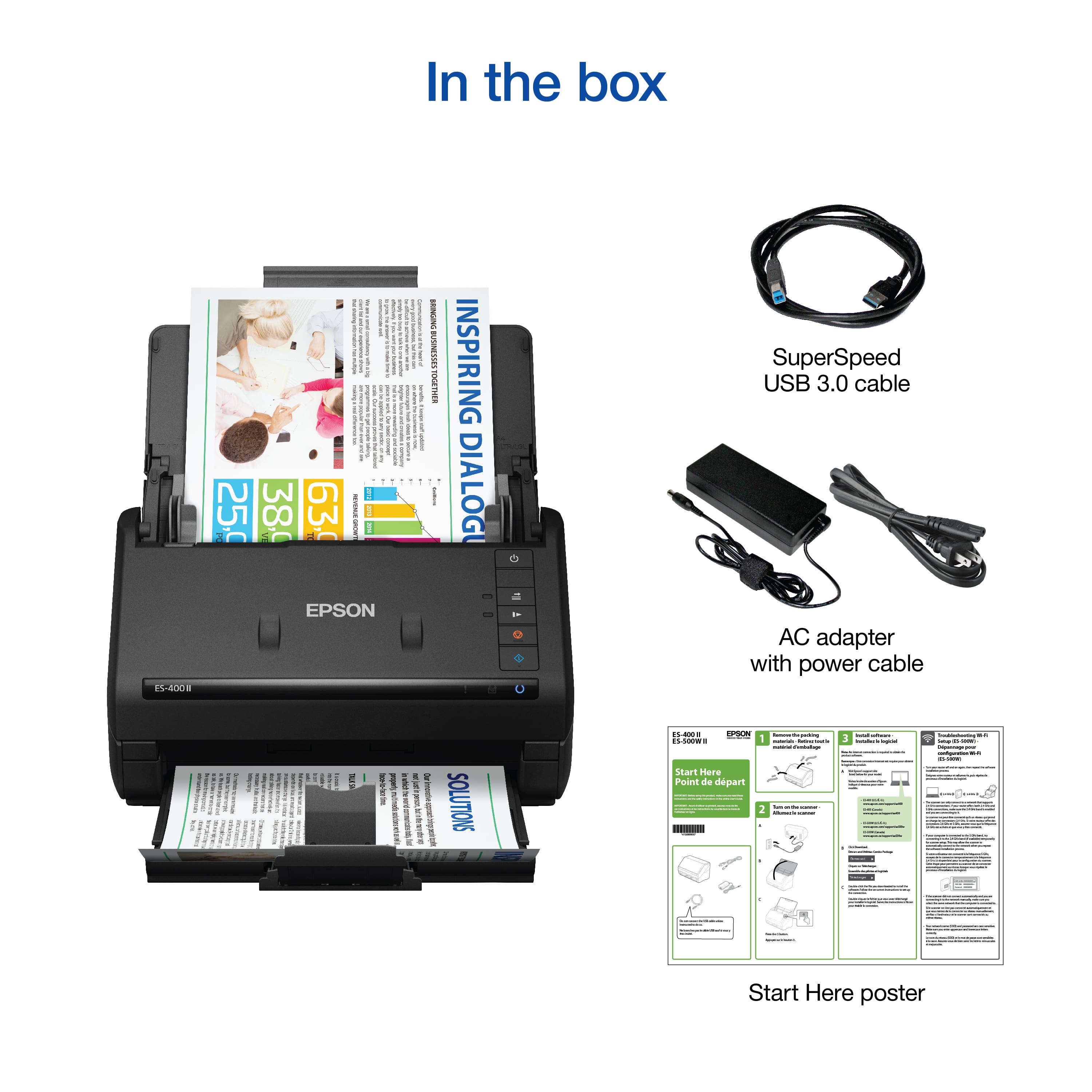
|Posted .This reviewer received promo considerations or sweepstakes entry for writing a review.Initial impression: The packing of the scanner was very good, and the unit arrived undamaged. The scanner had a lot of shipping tape strips all over it. It came with the scanner, a quick start guide, A USB cable, and an external power supply. I am very impressed by the quality feel of the scanner. The scanner is a little heavy for its size. That’s a good thing in my opinion. It has a solid feel, and the plastics move freely without any binding. The output tray and extensions also move freely and are stiff, thicker plastic. Setup: I unpackaged the scanner and removed the shipping tape. I plugged the USB cable into my computer and the power cable into the wall. I started the installation on my MacBook Pro. I installed the ScanSmart Software and launched it. The software guides you along with the installation of the scanner to the computer. The ScanSmart software does an amazing job. It detects the scanner, installs the software, sets up the scanner, and even gives you the option to register the scanner for you. It installed quickly and flawlessly. I was extremely impressed with the software. I also installed it on my Windows 10 Desktop. Again, it installed quickly and flawlessly. Unlike some software and devices, the operation of the scanner was identical between the Windows computer and the Apply MacBook. Operating: For testing this scanner, I had a stack of documents that I scanned. The locations I wanted the documents scanned to were the computer desktop, a folder on the desktop, an attached USB drive, a network share on a QNAP NAS drive, Word, a PDF, an email attachment, and Dropbox. When you power up the scanner and feed a document to be scanned, it automatically opens the software. At this point, you are given options to edit the scan, such as rotate, crop, and resize. After editing, you are presented with actions for the scanner to take, such as save to a location, attach to email, send to Google Drive/Dropbox/Evernote, Print, save to Word, and save to Excel. I selected to save and sent the documents to their predefined locations listed above. Every scan was able to be saved to the locations with no errors. Once saved, it opened up Finder/Explorer and displayed the saved scan. I also scanned the document into a PDF and Word, and both worked. To send a scanned document to Dropbox, you need to have the Dropbox app installed on the computer. I don’t have it installed on my Mac, so I didn’t test it there. On my Windows 10 computer, it worked beautifully. I tried to scan to email, but you must have a MAPI-type email client for it to work such as Mac Mail or Outlook Express. I am using Outlook on all of my machines, so I was not able to test this specific feature. Conclusion: This is a really good scanner. The hardware is solid and well made, and the software is amazing. I have been using scanners since the 1990s, and in all cases, the software was usually the weaker part of the system. The ScanSmart software that supports the ES400 II is really good. It installs without any problems, it's responsive, never failed or crashed, and gives you complete control of the scanner and the scanned document. This system works and works well. I highly recommend this scanner.
I would recommend this to a friendRegrettable purchase.
||Posted . Owned for 6 months when reviewed.This reviewer received promo considerations or sweepstakes entry for writing a review.Extremely disappointed. Poor quality, and the settings are way to difficult, if not impossible to change.
No, I would not recommend this to a friendBrand response from Epson
Posted .Hi CarloG, thank you for sharing your experience. We strive to improve the performance and quality of our products and will forward your feedback to the relevant Epson department(s). Should you have questions or need assistance, the Epson Support Team would be happy to help. You can reach them at (562) 276-4382; Hours: Monday – Friday, 7am – 4pm PT. Sincerely, Tony – The Epson Team.
Excellent for high volume tasks
|Posted .This reviewer received promo considerations or sweepstakes entry for writing a review.I had a scanning project that would have taken a significant amount of time, probably weeks on a regular flatbed scanner and it was so daunting I had been dragging my feet to get it done. This scanner is a powerhouse, and efficiency dream. It took that project of over 1000 pages needing to be scanned and turned it into a single afternoon of work. The fact that it can scan two sides of a page simultaneously and feed upwards of 30 pages at once makes high volume scanning incredibly easy. The software is very intuitive for selecting or deselecting pages to keep, and adding more to the file either single or double sided. You can then use it to export to different software or save a pdf or other types of files wherever you need them. I used it on my M1 Mac Mini running Mac OS Big Sur. Everything ran smoothly and there were no hiccups. The only issue to be aware of is that it can struggle to properly feed pages that have folds in them, sometimes it would accidentally grab two because they were stuck together and stop with a message that it detected a double feed. You can easily pop open the feeder and pull the offending pages out and restart the scan, so it was a minor loss of time to get it running again. I also noticed that it would automatically delete any pages that were blanks such as when I would scan a larger number of pages that had some with backsides and others without. It made the process for selecting what I wanted in the pdf very fast as it did most of the cleanup work for me on its own. The quality of the scans especially considering the speed at which it pulls pages through is remarkable. They always looked excellent, the only time they did not was again when pages had folds it would cause little lines on the scan. But not very different from a flatbed ultimately. When not in use the feeder trays fold up nicely and it looks very unassuming and small when packed up like that. Overall it is incredibly simple to use, fast, high quality, and just works. I am so happy with what it helped me accomplish in my task. I highly recommend this for anyone who needs to scan large numbers of documents you will not be disappointed.
I would recommend this to a friendQuick and easy to use scanner.
Posted .This reviewer received promo considerations or sweepstakes entry for writing a review.I’m reviewing the Epson WorkForce ES-400 II Duplex Desktop Document Scanner. Scanners are not really a device you think about very much but when you need to do a lot of scanning you definitely want one which works well and without a lot of hassle or steps. I personally have used a number of scanner over the years of all kinds of types and I can honestly say that this scanner is the best scanner for a non-large office type product (which are typically in the thousands of dollars). The setup of the Epson scanner was so simple I basically had it ready to scan in about 5 minutes. Remove packing materials, plug in a couple of cables and download the software and you are ready to start scanning. Everything needed was included. Now for the important part, the scanning. I’ve never used a more easy to use scanner. For most documents you can just put the documents in the feeder, press the scan button on the scanner and it starts quickly scanning everything. The scanner automatically detects if it needs to scan in color or black and white and it also automatically scans both sides of a document if it has something on both sides. No more flipping pages, no more changing settings, no more waiting for a slowly scanning document. Once scanned it automatically appears in the Epson software showing all of your scanned pages which you can then make changes if necessary. If everything is good, which is usually the case, you can quickly select where you want to use the scan from a number of quick button options presented to you. Things like attaching to an email, saving to a drive, saving to various cloud storage, etc. In the end, this scanner will definitely be my go to scanner for a long while now and replace my old bed scanner on my multifunction center. This is a review for the Epson WorkForce ES-400 II Duplex Desktop Document Scanner that I received free of charge to do a beta test and review.
I would recommend this to a friendA Must Have
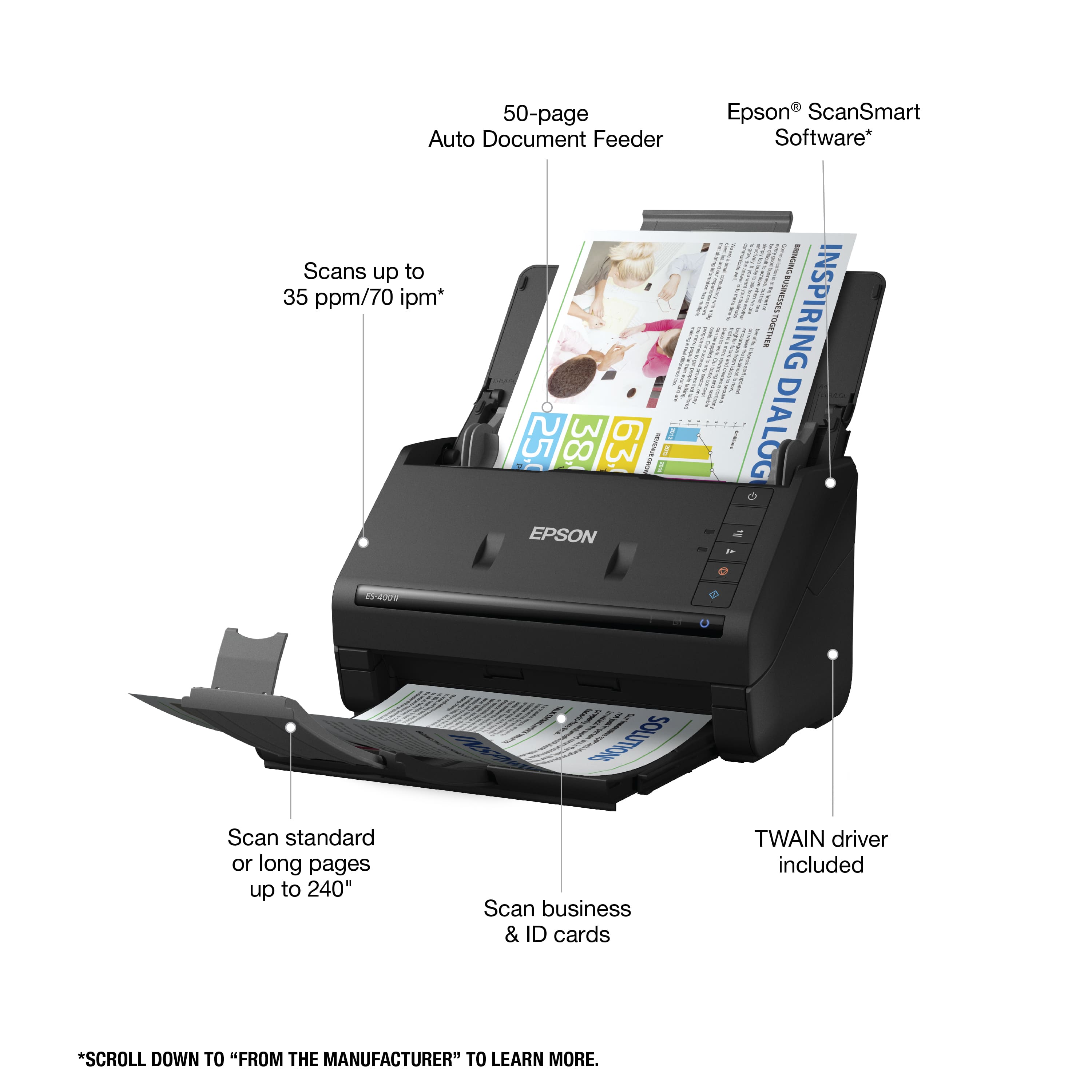
Posted .This reviewer received promo considerations or sweepstakes entry for writing a review.I love this scanner makes life so much easier and faster to scan documents into my computer. I love that its has duplex capability. And it can scan 50 sheets at a time front and back. I like how you can scan from the cloud or PDF'S also auto crops, dirt detection even leave staples in. Will can any size paper. This is a review for the Epson WorkForce ES-400ll Duplex Desktop Document Scanner that I received free of charge to do a beta test and review.
I would recommend this to a friendEffortless scanning
Posted .This reviewer received promo considerations or sweepstakes entry for writing a review.I was so happy to find this desktop scanner. It's the perfect size for my desk, doesn't take up too much room and works effortlessly. It takes me half the time to scan my documents than my printer/scanner combo. It makes my life easier. It's easy and quick to setup and gets the job done. I highly recommend. This is a review for the Epson WorkForce ES-400 II Duplex Desktop Document Scanner that I received free of charge to do a beta test and review.
I would recommend this to a friendNo more all-in-one printers to scan please!
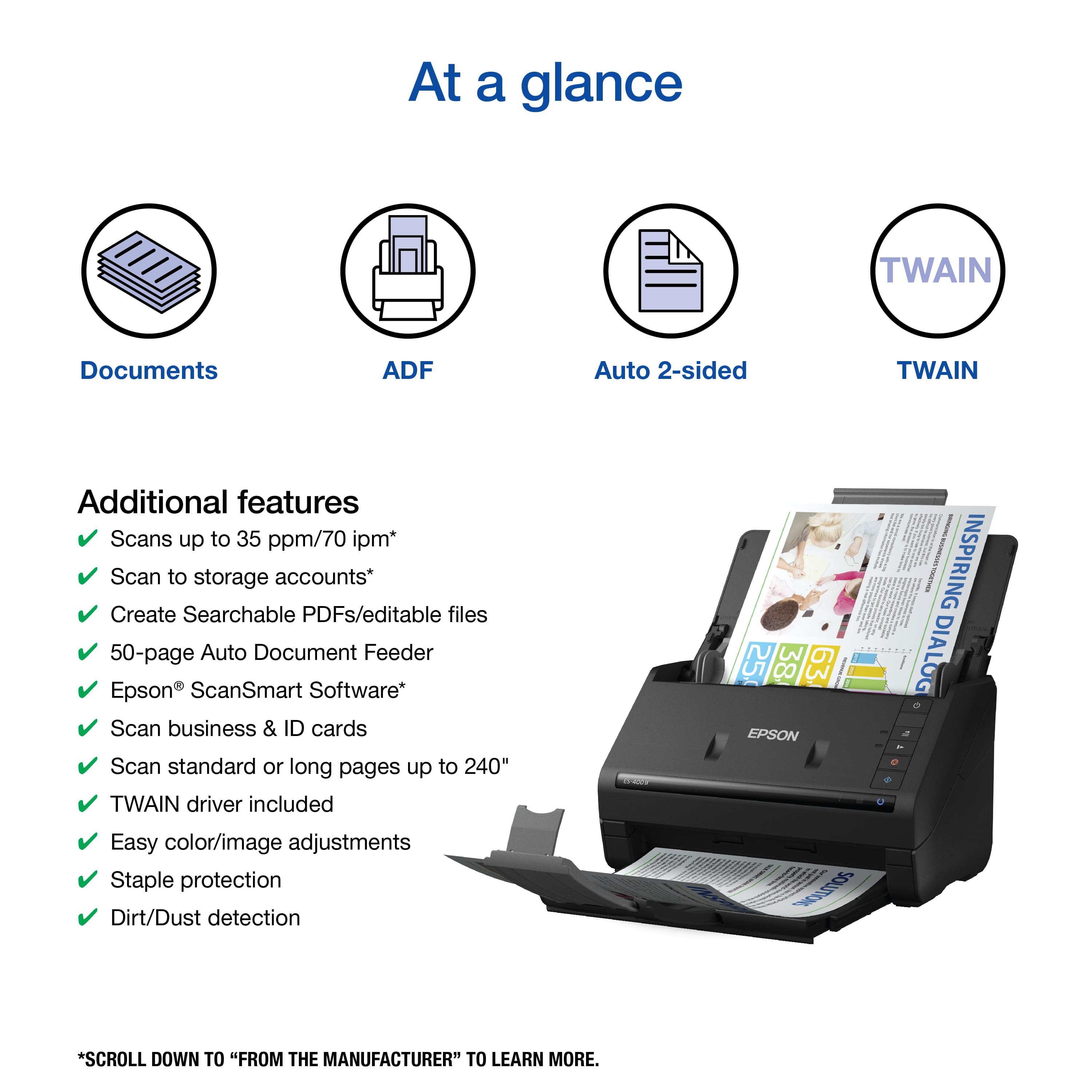
|Posted .This reviewer received promo considerations or sweepstakes entry for writing a review.The Epson WorkForce ES-400 II is awesome. I know a lot of people can get by with all in one printers, but a dedicated scanner can really change your life. Trying to scan more than even one page can be annoying. Turning documents into digital PDFs instantly without having to scan each page individually is great. The scanner is fairly light and compact. You will have no problem finding some space in your office. Setup was relatively simple. You connect via USB. You download the software. Epson SmartScan is really user friendly in my opinion and I had no trouble using it. You can choose single vs. duplex, orientation, order, quality, and destination (desktop, email, cloud, etc.). You can adjust the images as necessary. Its performance is crazy. It can scan both sides at once which is how it can do duplex. No need to scan the other side by flipping the page. It truly lives up to the 35 ppm one-sided or 70 ipm duplex speed as advertised. Another important statistic for scanners is how fast it turns the scanned image into a PDF on your computer. This scanner took about 10 seconds to do so. While mileage may vary, this was extraordinarily fast in my opinion. I am sure many can relate to the pain of using all-in-one printers to scan and then waiting forever for the image to result. My only gripe is the document feeder which sometimes missed the mark, However, everything else made this scanner well worth it. All in all, I love this scanner. This WorkForce ES-400 II is the second iteration of an already highly regarded scanner. For anyone who wants to save time and scan multiple documents quickly, this is a no brainer for the office or home.
I would recommend this to a friendVery fast
Posted .This reviewer received promo considerations or sweepstakes entry for writing a review.The truth is that I have never scanned documents so fast as with this product, it is very easy to use and has very interesting functions. Image quality is excellent. In addition, it can scan very fast on both sides and has a function for more detail. I loved. “This is a review for the Epson WorkForce ES-400 II Duplex Desktop Document Scanner that I received free of charge to do a beta test and review.”
I would recommend this to a friendVersatile, fast duplex scanner
|Posted .This reviewer received promo considerations or sweepstakes entry for writing a review.The Epson- Workforce ES-400II Duplex Document Scanner is a great desktop unit that doesn’t take that much space. Don’t be fooled by its relatively small size, this thing is a true workhorse. It can scan up to 35 pages per minute and best of all it scans double-sided in one single pass, no need to flip the sheets over like you would have to do with a flatbed scanner. Setting it up is pretty straight forward, requires a USB connection, preferably USB 3.0, but it’s downward compatible with older versions, it will just be slower uploading the scans. The Epson software can be downloaded from their website and then you’re off and running. The default format for scans is PDF, but there are a few other file format options available, plus it also comes with a TWAIN driver that will let you integrate with other more specialized document management software solutions. The quality of the scans is also impressive, considering how fast this thing is. All in all, the Epson- Workforce ES-400II Duplex Document Scanner is a time saver - I was able to digitize a whole file cabinet of old statements and paperwork in a fraction of the time it would have taken with a flatbed scanner.
I would recommend this to a friendSuper Fast Scanning
|Posted .This reviewer received promo considerations or sweepstakes entry for writing a review.Excellent scanner, solid construction, super fast scanning, double sided (in one pass) and a very friendly user interface. If you are used to using a printer that can scan documents, you will never do that again if you have this type of scanner. In only a few seconds an 8 ½ by 11 inch page is scanned. It also can scan a stack of documents, or legal size etc. One very nice feature to save paper and time is it can scan both sides of a page in one pass – wow. One minor thing to be aware is that you have to be sure you load the software for the ES-400 II. My error but I went to the ES-400 site and the software did download but it did not work. I was puzzled for a minute then realized my error; just avoid that mistake. When I simply googled the software for Epson ES-400-II, I got to the correct site and everything went smooth, note it will say ES-400II lite. The ScanSmart Software2 is very easy to use and fully functioned. This is a high quality product but the price is in range for home users; although I expect business users would benefit more from its speed and versatility. I do recommend this product highly.
I would recommend this to a friendEs 400
||Posted . Owned for 1 month when reviewed.This reviewer received promo considerations or sweepstakes entry for writing a review.Very hard to setup and use this scanner. Wish it was easier
No, I would not recommend this to a friendBrand response from Epson
Posted .Hi Newuser2, we're sorry to hear about your disappointing experience with your ES-400 II scanner. Epson also offers helpful information, including FAQs and self-help tools, on the product support web page at https://epson.com/Support/Scanners/ES-Series/Epson-WorkForce-ES-400-II/s/SPT_B11B261201#questions. Your scanner includes a 1-year Limited Warranty, plus free lifetime technical support. If you need assistance, our Epson Support Team would be happy to help you and can be reached at (562) 276-4382; Hours: Monday - Friday, 7 am - 4 pm PT; Sincerely, Sam - The Epson Team.
Unwanted subscription
||Posted . Owned for 3 weeks when reviewed.This reviewer received promo considerations or sweepstakes entry for writing a review.This had a subscription that I did not want. It was returned.
No, I would not recommend this to a friendBrand response from Epson
Posted .Hello, thank you for your feedback on the ES-400 II scanner. Epson takes into consideration all feedback to improve the performance and quality of our products. If we can help you with anything else, you can reach our support team at (562) 276-4382 between 7 am - 4 pm (PT), Monday - Friday. Hopefully, we can assist you with a future product.
Sincerely, Sam - The Epson Team.
Try again
||Posted . Owned for 1 week when reviewed.This reviewer received promo considerations or sweepstakes entry for writing a review.No drivers to download on this model. And could not conect to wifi.
No, I would not recommend this to a friend