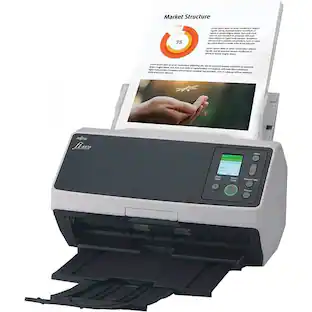
Epson - WorkForce ES-400 II Duplex Desktop Document Scanner - Black
Customers are saying
Customers love the impressive speed and ease of use that this scanner provides for daily tasks. Users frequently praise the high scan quality and compact size, noting that the device offers excellent overall performance for the price. While the setup process is described as quick and intuitive, some users have noted occasional issues with paper handling and the lack of wireless connectivity.
Get organized in a snap
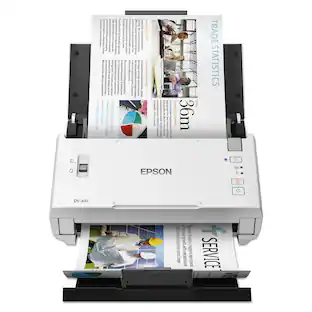
Scan up to 35 ppm/70 ipm1, Single-Step Technology captures both sides in one pass
Quickly scan stacks of paper
Robust 50-sheet Auto Document Feeder easily accommodates multiple paper types and sizes in one batch
Powerful software included
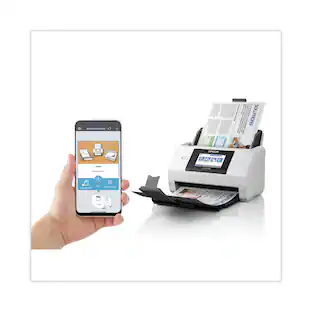
Easy scanning with intuitive Epson ScanSmart software2; preview, email, upload to the cloud and more; automatic file naming saves time
Seamless integration with most software solutions
The included TWAIN driver allows you to easily incorporate your data into most document management software
Easy sharing and collaboration
Email or upload to popular cloud storage services2 such as Dropbox, Evernote, Google Drive and OneDrive
- NetworkingWiredScan (Color) Speed35 copies per minuteScan MethodSingle passDuplex Scan FunctionYes
Reviews
Rating 4.7 out of 5 stars with 469 reviews
- Speed (212)
- Ease of use (165)
- Scan Quality (95)
- Overall Performance (52)
- Size (46)
- Paper Handling (15)
- Wireless (8)
Customer Images
The vast majority of our reviews come from verified purchases. Reviews from customers may include My Best Buy members, employees, and Tech Insider Network members (as tagged). Select reviewers may receive discounted products, promotional considerations or entries into drawings for honest, helpful reviews.
Compare similar products
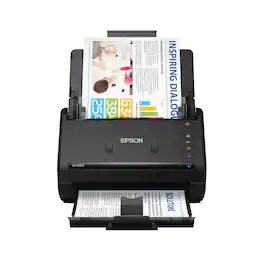
Get organized fast with the WorkForce ES-400 II duplex desktop document scanner. This reliable, easy-to-use performer speeds through scans up to 35 ppm/70 ipm1, capturing both sides of each sheet in one pass. Its 50-sheet Auto Document Feeder allows you to breeze through stacks of documents of varying sizes. Intuitive Epson ScanSmart Software2 means you can easily preview, email and upload your scans. The included TWAIN driver ensures compatibility with most document management software. Scan to cloud storage accounts2 or searchable PDFs. Color and image adjustment features such as auto crop, dirt detection, staple protection and paper-skew correction help ensure remarkable image quality, whatever the scan.
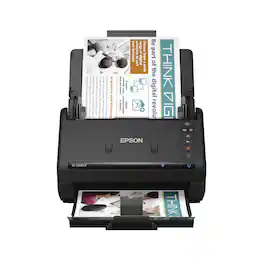
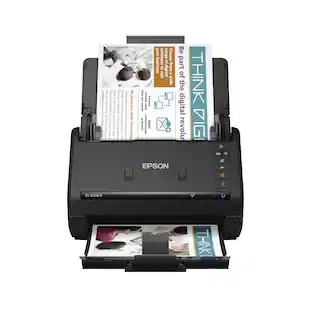
Get organized fast with the WorkForce ES-500W II wireless duplex desktop document scanner. This reliable, easy-to-use performer speeds through scans up to 35 ppm/70 ipm1, capturing both sides of each sheet in one pass. Its 50-sheet Auto Document Feeder allows you to breeze through stacks of documents of varying sizes. Intuitive Epson ScanSmart Software2 means you can easily preview, email and upload your scans. The included TWAIN driver ensures compatibility with most document management software. Wirelessly scan to cloud storage accounts2 and create searchable PDFs. You can also scan directly from your mobile device using the Epson Smart Panel app3. Color and image adjustment features such as auto crop, staple protection, dirt detection and paper-skew correction help ensure remarkable image quality.
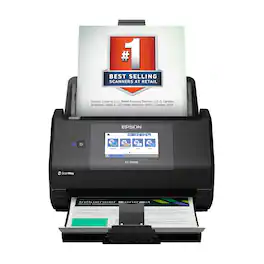
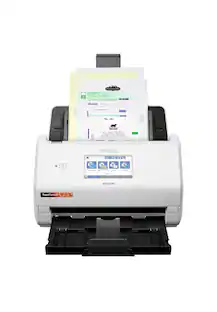
The Epson WorkForce ES-590W makes scanning simple, smart and seamless in virtually any workspace. With a sleek, wireless design, it’s built to handle everything from daily paperwork to important business and personal documents with speed and simplicity. Powered by Epson ScanSmart¹ AI technology, your scans instantly become smart, searchable digital files that are ready to use across the latest AI applications². With ScanWay technology, the intuitive, large 4.3" color touchscreen makes scanning, reviewing and sending documents simple, with no computer or complicated steps required. The high-capacity Auto Document Feeder holds up to 100 sheets and scans both sides in a single pass—up to 12 times faster³—delivering speeds of up to 45 ppm⁴ to make even large jobs feel effortless. And thanks to intelligent features such as paper and staple protection and blank page deletion, the WorkForce ES-590W is engineered for reliability from start to finish. With built-in Wi-Fi connectivity, you can place the scanner anywhere that’s convenient and wirelessly scan documents directly to your computer, mobile device⁵, email account⁶, USB flash drive⁷ or cloud storage⁵. Plus, with the Epson Smart Panel app⁸ for iOS and Android devices, you can scan, organize and share files directly from your smartphone or tablet. And with ARM-based Windows support, you’re fully prepared for the next wave of AI-powered Windows devices. From a leader in digital imaging innovation, the WorkForce ES-590W wireless desktop color document scanner is built for reliability and delivers the speed and simplicity you need to stay productive.
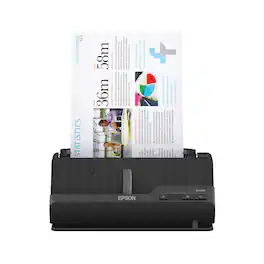
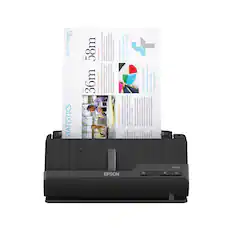
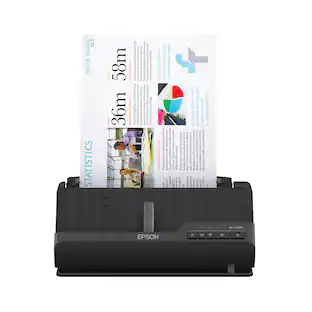
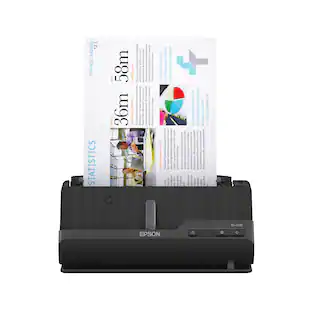
A compact modern wonder, the WorkForce ES-C220 keeps things simple with its intuitive design and exceptional flexibility. With the ES-C220, you can organize stacks of documents and make keeping piles of paperwork for your records a thing of the past. Ideal for the home or office, this easy-to-use scanner is the definition of innovation, saving 60% of desk space and scanning two sides at once as fast as 30 ppm/60 ipm. Offering a robust solution to managing your workflow, the included Epson ScanSmart software allows you to preview, email and upload your scans. In addition, help save valuable time with automatic file name suggestion for streamlined file management. The scanner features a 20-page Auto Document Feeder that makes it easy to scan in batches. In addition, the versatile ES-C220 scans papers of varying sizes up to 8.5" x 120". Maintain amazing quality with intelligent image adjustments such as cropping, paper skew correction and dirt detection. The ES-C220 proves bigger isn’t always better.
| Pros for Epson - WorkForce ES-400 II Duplex Desktop Document Scanner - Black | |||
|---|---|---|---|
| Ease of use, Overall Performance, Size, Speed, Scan Quality | Ease of use, Size, Scan Speed, Wireless, Duplex | Scanning Speed, Overall Performance | Scanning Speed, Ease of use, Overall Performance, Size, Setup |
| Cons for Epson - WorkForce ES-400 II Duplex Desktop Document Scanner - Black | |||
| Paper Handling, Wireless | There were no cons for this product— | There were no cons for this product— | Connectivity |
Specs
Does this work with the new iMac with the M1 model??
Answered by EpsonHi Kris, Compatibility is based on the OS version on your Mac. The WorkForce ES-400 II runs on all the latest versions. Including Mac OS 11, 12, 13, etc. Driver software is available for download at the Epson support site for the ES- 400 II. Regards, Mark - The Epson Team.
Just wondering if anyone has had success with this scanner on a Chromebook. Thanks!
Answered by EpsonHello choosenicknamehere. The ES-400 II is compatible to only work with computers running Windows and Microsoft-based operating systems. Unfortunately, the scanner is not currently compatible with Chromebooks. Regards, Kevin - The Epson Team.

What is the automatic document feeder capacity of the Epson scanner?
The Epson Workforce ES-400 II scanner has an automatic document feeder capacity of 50 sheets.
This question and answer was generated by AI based on customer and product data.What software is included with the Epson scanner?
The Epson Workforce ES-400 II scanner comes with Epson ScanSmart software, which allows for easy previewing, emailing, and uploading of scans.
This question and answer was generated by AI based on customer and product data.How fast can the Epson scanner scan documents?
The Epson Workforce ES-400 II scanner can scan documents at a speed of up to 35 pages per minute (ppm) for both color and monochrome scans.
This question and answer was generated by AI based on customer and product data.

Customers often buy these together
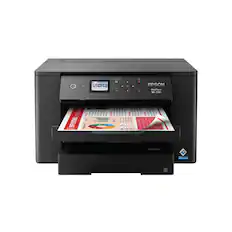
Epson - WorkForce Pro WF-7310 Wireless Wide-Format Inkjet Printer - Black
$179.99The price was $279.99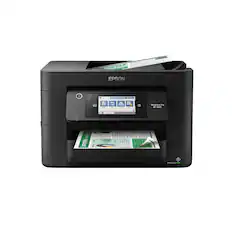
Epson - WorkForce Pro WF-4820 Wireless All-in-One Inkjet Printer - Black
$149.99The price was $249.99


Customers ultimately bought
 Top Deal$559.99The price was $629.99
 $359.00The price was $499.00



Discover lifestyle innovations Sponsored
 $229.99The price was $279.99
- Top Deal$559.99The price was $629.99
Discover related products
 $119.99The price was $129.99
 $84.99The price was $159.99
 $89.99The price was $99.99
 $34.98The price was $44.99
 $169.99The price was $199.99
 $39.99The price was $49.99
 $299.99The price was $499.99



Keep exploring
 $849.00The price was $1,288.03
 $58.99The price was $73.09