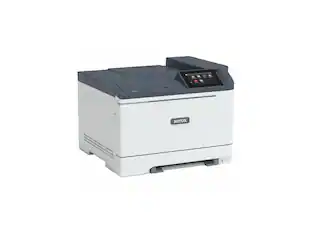
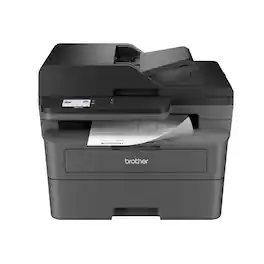
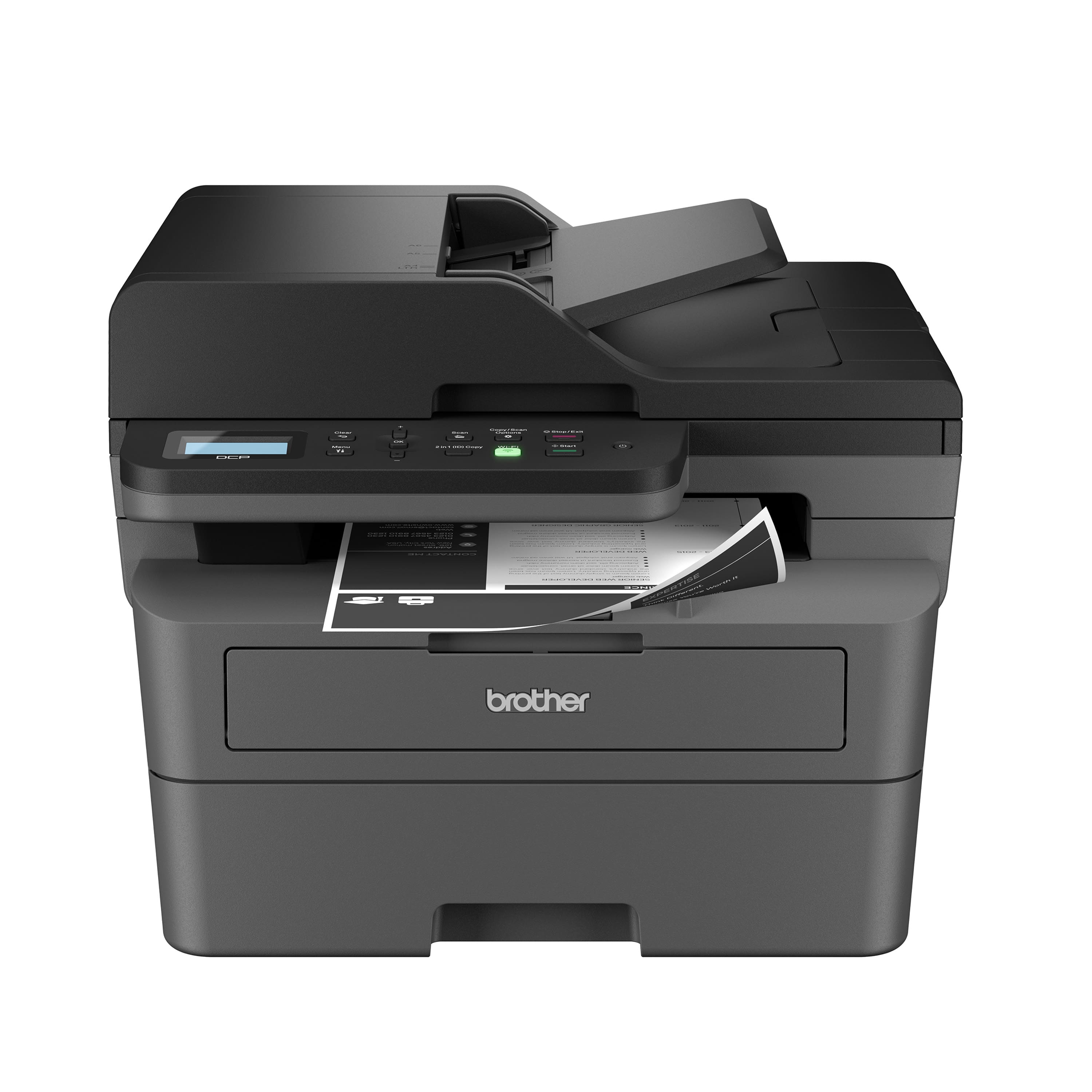
Brother - DCP-L2640DW Wireless Black-and-White Refresh Subscription Eligible 3-in-1 Laser Printer, Great for Small Offices - Gray
Customers are saying
Customers admire the crisp, professional print quality and the overall performance that makes this device an excellent choice for a home office. Users frequently highlight how simple the setup process is, often noting that they were able to get the printer running in under thirty minutes. Additionally, the reliable connectivity and compact size are frequently praised, with many users appreciating that the machine operates quietly.
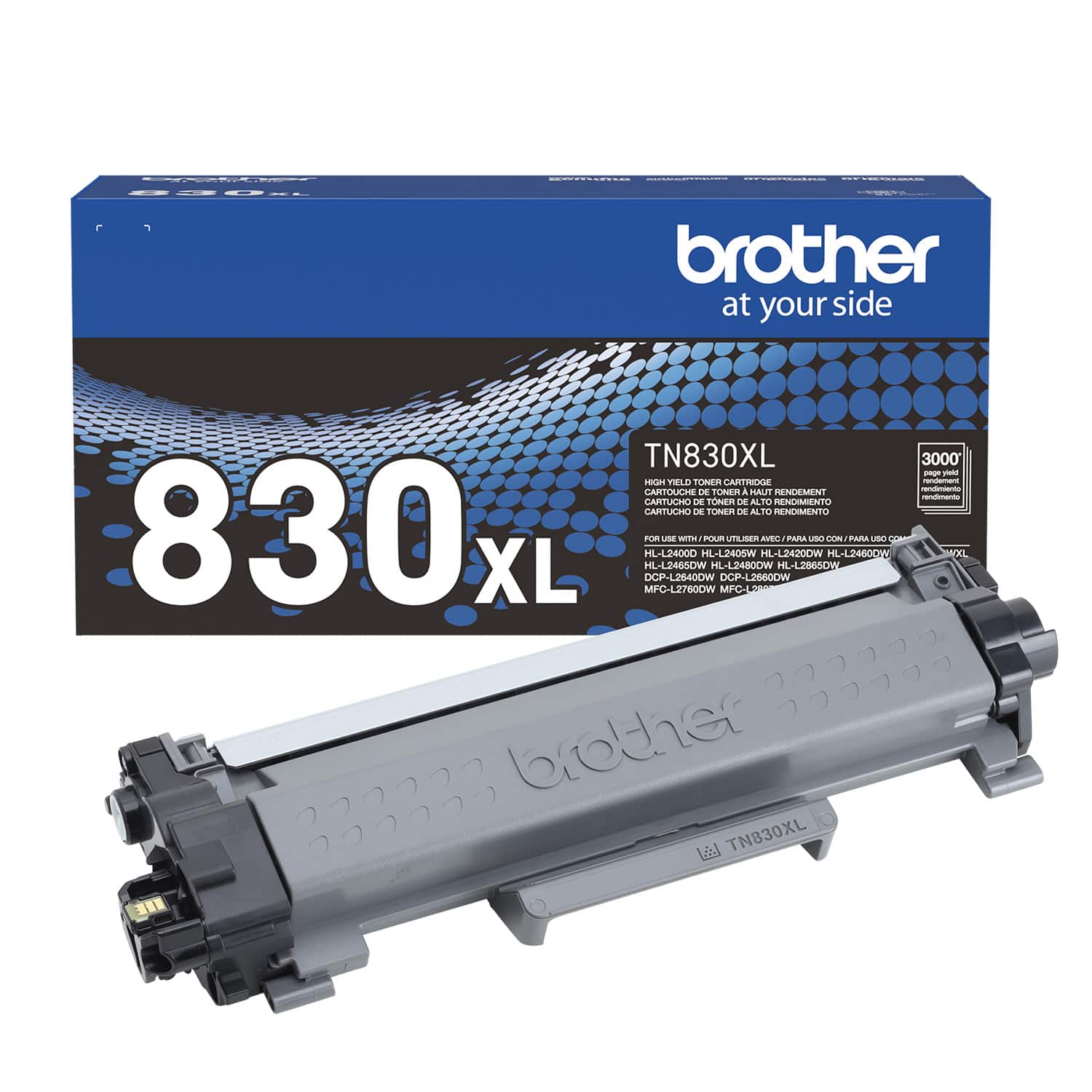
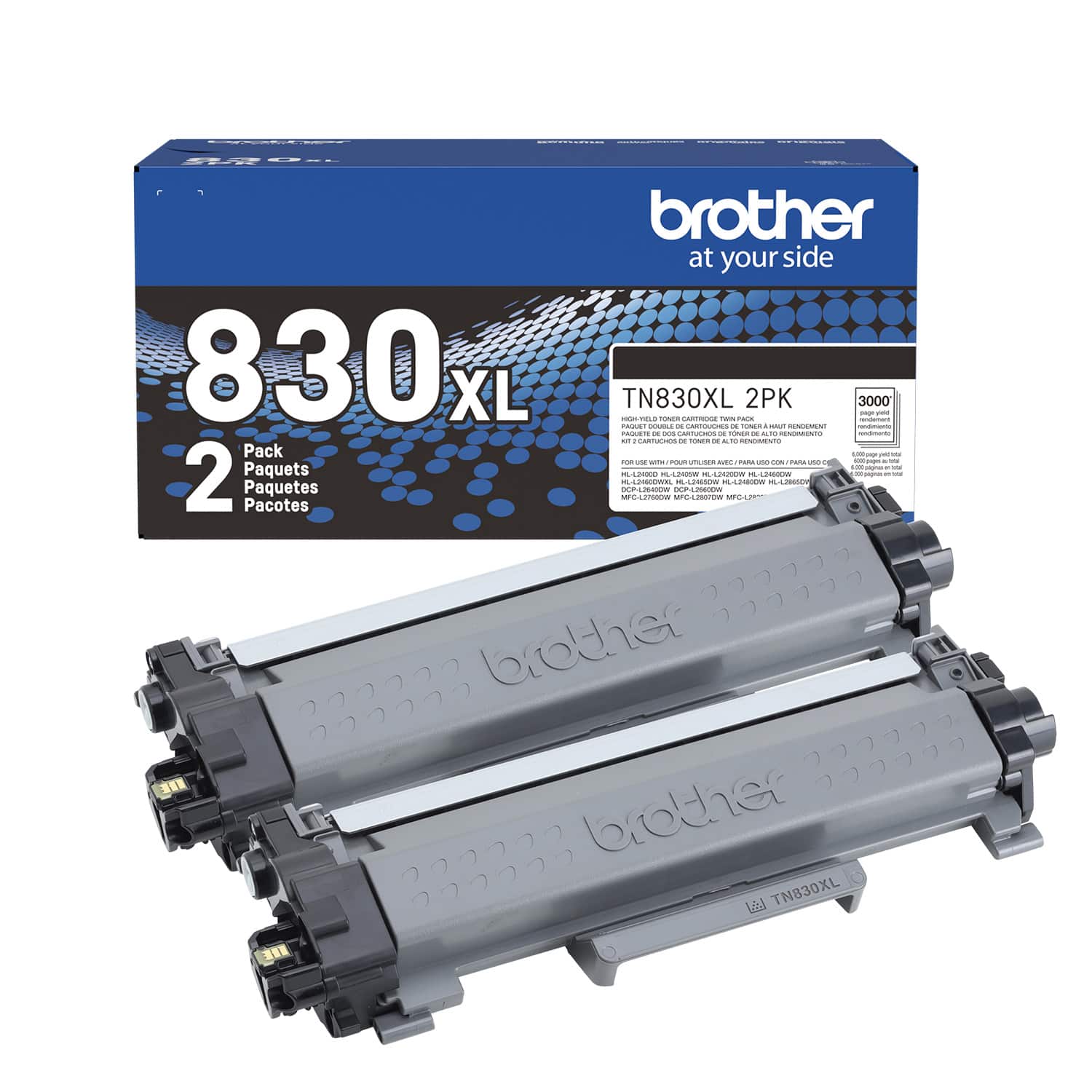
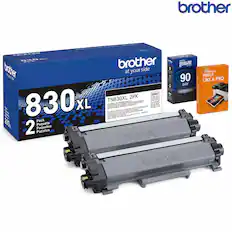
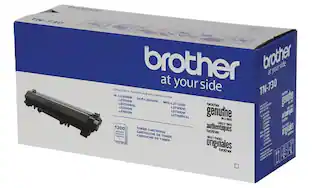
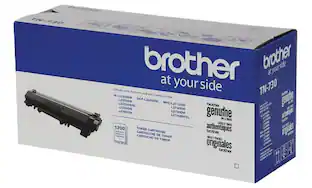
Brother Genuine Toner
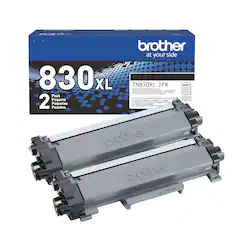
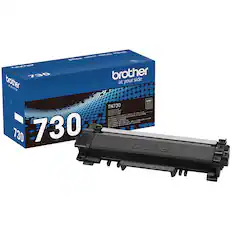
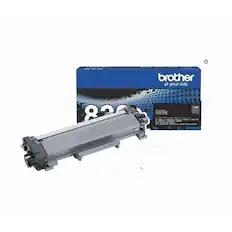
Choose Brother Genuine TN830 Standard or TN830XL High Yield replacement cartridges. And with Refresh EZ Print Subscription Service, you’ll never worry about running out of toner again and you’ll enjoy savings up to 50%. (3) Get started today with a Free Trial. (4)
Print, Copy & Scan in a compact footprint
Productive and dynamic black & white print, copy and scan functionality in one compact footprint.
Reliable results for steady success
With its remarkable combination of consistent, high-quality performance, timesaving features, multi-function efficiency, and extraordinary value, the Brother DCP-L2640DW is engineered for your success.
Efficient multi-page scanning
Scan and copy multi-page projects faster and easier with this multi-function printer's convenient 50-page auto document feeder (2).
Speeds that keep pace
Produces documents quickly with print speeds up to 36 ISO ppm, (1) and scan speeds up to 23.6/7.9 ISO ipm (5) (black/color).
Print from virtually anywhere with the Brother Mobile Connect App
Print, scan, and manage your printer anytime, from almost anywhere with your mobile device. Order Brother Genuine Supplies, track toner usage, and complete more work on-the-go. (6)
Flexible connection options
Easily navigate the changing demands of your business with built-in dual-band wireless (2.4GHz / 5GHz), Ethernet, or connect locally to a single computer via USB interface.
Versatile paper handling
With a 250-sheet capacity paper tray and 50-page auto document feeder(2), you can handle high-volume printing, copying, and scanning tasks with ease. Use the manual feed slot for more specialized print tasks such as envelopes and specialty paper.
Print with purpose
Designed with sustainability in mind, with eco-friendly printer features including Toner Save Mode and automatic duplex printing. ENERGY STAR compliant and EPEAT Silver rated.
Brother at your side support
Backed by Brother with a 1-year limited warranty and free online, call, or live chat support for the life of your printer.
(1) Based on one-sided printing. Change from default setting required.
(2) Maximum capacity based on using 20-lb. paper.
(3) Based on monthly subscription cost in U.S. for Mono Laser High Plan vs. average cost per page of eligible like standard capacity cartridges. Savings will vary based on Refresh EZ Print Subscription plan selected.
(4) Requires enrollment in a monthly billed Brother Refresh EZ Print Subscription service plan based on monthly printed page allotments. Unused pages roll over, limitations apply. Additional page set charges and taxes apply during trial.
Refresh plan, options offer and pricing subject to change. Open to new subscribers located in the contiguous United States only. After the free trial period your credit card will be charged on a monthly basis for the Plan Fee, Overages, and Taxes in accordance with the Terms of Service.
Overage fees will apply during free Refresh trial. Your service will continue on a month-to-month basis until you cancel it. May be canceled at any time. Upon cancellation, cartridge will be deactivated and must be replaced at users’ expense in order to continue printing.
(5) Monochrome scan speed in accordance with ISO/IEC 17991 with all advanced features turned off, Letter at 300dpi.
(6) Free app download and wireless connection required. Compatibility may vary by device and operating system.
Images are for illustrative purposes only. Specifications subject to change. ENERGY STAR and the ENERGY STAR mark are registered trademarks owned by the U.S. Environmental Protection Agency.
- NetworkingWireless, WiredENERGY STAR CertifiedYesPrinter TypePrinter, Copier, ScannerDuty CycleUp to 35,000ISO Mono Print Speed36 pages per minuteMonochromatic/ColorMonochromatic
Reviews
Rating 4.6 out of 5 stars with 331 reviews
- Print Quality (114)
- Overall Performance (99)
- Ease of use (67)
- Setup (39)
- Connectivity (37)
Customer Images
The vast majority of our reviews come from verified purchases. Reviews from customers may include My Best Buy members, employees, and Tech Insider Network members (as tagged). Select reviewers may receive discounted products, promotional considerations or entries into drawings for honest, helpful reviews.

- HP - LaserJet Pro MFP 3301sdw Wireless AI-Enabled Color All-in-One Laser Printer - White$439.00The price was $539.00
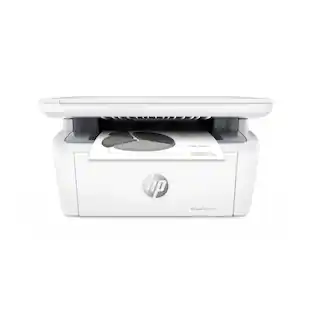
- HP - LaserJet M140w Wireless AI-Enabled Black and White Laser Printer - White$139.00The price was $209.00
- HP - LaserJet Pro MFP 3101sdw Wireless AI-Enabled Black-and-White All-in-One Laser Printer - White$229.99The price was $349.99


Compare similar products

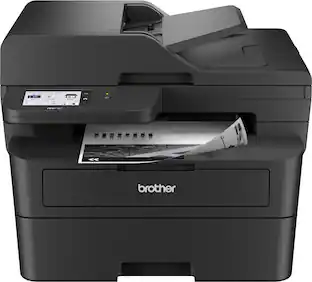
Best for small businesses, the Brother DCP-L2640DW Wireless Compact Black & White (Monochrome) Multi-Function Laser Printer combines three critical business functions in one footprint. Scan, copy, and produce professional-quality prints quickly and easily with this compact multi-function wireless printer. The DCP-L2640DW is the smart way for any business to create and share pristine prints, economize workspaces, simplify supply management, and reach operational goals. Efficient and affordable, this 3-in-1 printer is the practical choice for high-volume printing, copying, and scanning. Designed with features to save you time and cost: print speeds up to 36 ISO pages per minute (1) (ppm); automatic duplex printing; a 250-sheet paper tray (2) that reduces the frequency of paper refills; and a 50-page auto document feeder (2) that expedites multi-page copy and scan jobs. Dual-band wireless, Ethernet, and USB 2.0 interfaces provide an array of flexible connection options. Finally, advanced security features help safeguard information and maintain secure connections while printing.
Best for small offices, the Brother MFC-L2820DW Wireless Compact Black & White (Monochrome) All-in-One Laser Printer is an affordable choice for high-volume printing, copying, scanning, and faxing. With print speeds up to 34 ISO pages per minute (1) (ppm) and automatic duplex printing, it quickly produces crisp, easy-to-read black & white prints. Versatile paper handling features like its 250-sheet paper tray (2) and 50-page auto document feeder (2) reduce the number of manual tasks in your day. The integrated 2.7” touchscreen makes navigation simple and allows you to print-from and scan-to popular cloud-based apps. (3) Flexible connection options include dual-band wireless, Ethernet, and USB 2.0 interfaces. Advanced security features provide peace of mind as they help safeguard your information and maintain secure connections while printing. An efficient, time-saving addition to any workspace, this affordable wireless printer combines four critical business functions into one compact footprint.

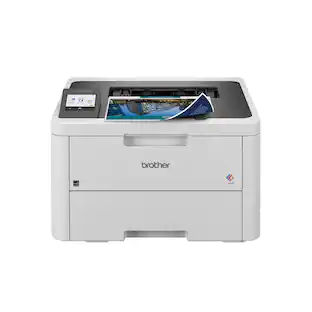
Great for shared workspaces and working from home, the Brother HL-L3280CDW wireless digital color printer is engineered to facilitate efficiencies that simplify every workday. Space-saving, capable, and trustworthy, this high-volume printer creates laser-quality, smudge-free documents that position you for success. Steady, flexible connection options and consistent performance means it is ready to get to work whenever you need it. Achieves timesaving print speeds up to 27 ISO pages per minute (ppm)(1) and features an easy to use 2.7” touchscreen, dual-band wireless connectivity(2) and mobile device compatibility(3). For peace of mind while printing, you can rely on its advanced security features to safeguard sensitive data. Engineered and supported by Brother, the HL-L3280CDW is a natural fit in any small, bustling workspace.

Best for home offices and small teams, the Brother HL-L2460DW Wireless Compact Black & White (Monochrome) Laser Printer combines affordability and reliable quality. Designed to provide high-volume printing with exceptional efficiency, it consistently produces crisp, easy-to-read black & white prints at speeds up to 36 ISO pages per minute (1) (ppm). The convenient 250-sheet paper tray (2) means you'll make fewer paper refills, while the automatic duplex printing feature saves additional time and decreases paper waste. Flexible connection options include dual-band wireless, Ethernet, and USB 2.0 interfaces. Best of all, you can print from virtually anywhere with the Brother Mobile Connect App. (3) Plus, you can feel safe knowing that advanced security features are helping to protect your information and maintain secure connections while you're printing.
| Pros for Brother - DCP-L2640DW Wireless Black-and-White Refresh Subscription Eligible 3-in-1 Laser Printer, Great for Small Offices - Gray | |||
|---|---|---|---|
| Print Quality, Overall Performance, Ease of use, Setup, Connectivity | Overall Performance, Print Quality, Connectivity, Setup, Ease of Use | Print Quality, Overall Performance, Ease of use, Connectivity, Setup | Print Quality, Overall Performance, Ease of use, Connectivity, Setup |
| Cons for Brother - DCP-L2640DW Wireless Black-and-White Refresh Subscription Eligible 3-in-1 Laser Printer, Great for Small Offices - Gray | |||
| There were no cons for this product— | Noise Level | There were no cons for this product— | Sleep Mode |
Specs
What does”refresh eligible subscription “ mean? I won’t be using the wireless feature right away; can I still just make copies? Thank you
Answered by BrotherRefresh eligible subscription mean the Brother DCPL2640DW is eligible for the Refresh Print Subscription Program. With Refresh EZ Print Subscription you save up to 50% on Brother ink or toner that is delivered to your door exactly when you need it, so you never worry about buying cartridges again. Your printer senses your ink or toner levels and tells us when to ship a new supply before you run out, with FREE shipping included. Simply pay a low monthly fee based on the Print Plan you select. Savings on Brother Ink & Toner are built in! There’s no commitment, cancel or change plans anytime. You can check it out with a Free Trial! For additional details on go to Refresh EZ Print Subscription landing page. Yes, you can make a copy with out being connected to the internet. Below is a link on how to make a copy. Answer Link: https://support.brother.com/g/s/id/htmldoc/mfc/cv_dcpl2508dw/use/html/GUID-B1D8C272-9D9B-4723-A79B-033D9EC8B538_1.html
will this print from windows 7
Answered by BrotherThe Brother DCP-L2640DW is not Windows 7 compatible.
How fast can this printer print documents?
This Brother printer can print documents at speeds up to 36 ISO pages per minute.
This question and answer was generated by AI based on customer and product data.What are the connectivity options for this printer?
This printer offers dual-band wireless, Ethernet, or you can connect locally to a single computer via USB interface.
This question and answer was generated by AI based on customer and product data.What is the paper tray capacity of this printer?
This printer has a paper tray capacity of 250 sheets.
This question and answer was generated by AI based on customer and product data.

Package deals that include this item
Customers often buy these together
Toner Cartridges

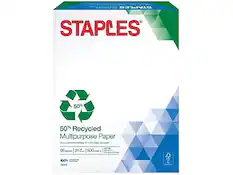
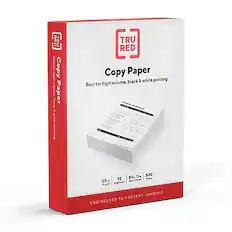
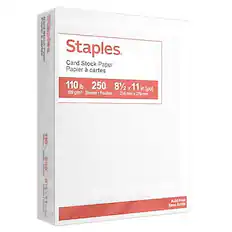
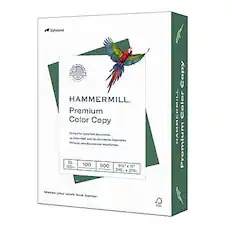
Copy and Multipurpose Paper



More recommended items
 Printer Paper
 Monitor and Video Cables
More to consider
 $229.99The price was $349.99
 $209.00The price was $279.00


Explore tech essentials Sponsored
 Top Deal$199.99The price was $239.99
 Top Deal$349.99The price was $479.99

Discover related products
 $18.51The price was $22.89





Keep exploring
 $569.99The price was $653.98
 $561.27The price was $624.03
 $429.99The price was $434.99
 $893.56The price was $899.95
 $269.99The price was $336.92