Customer Ratings & Reviews
- Model:
- B11B261201
- SKU:
- 10840063
Rating by feature
- Value
Rating 4.6 out of 5 stars
- Quality
Rating 4.7 out of 5 stars
- Ease of Use
Rating 4.7 out of 5 stars
to a friend
Great Product.
Posted .This reviewer received promo considerations or sweepstakes entry for writing a review.I just got this and I'm glad I did. This Epson Scanner is so cool.It's reliable, easy to use. But, I've tried and tried to set it up. I took me forever to set it up.I did not like that. It's not easy to set it up. Once you do set it up, I had to add dropbox to use it. That was a breeze. to set up. I have a ton of photos, so I noticed have a limit, so I picked the best ones to scan on my new Epson Scanner, and they came out perfectly. Overall, It took me a while to set up. This is a review for the Epson Workforce ES-400ll DuplexDesktop Document Scanner that I received free of chargeto do a beta test and review.
I would recommend this to a friend
Super fast, easy to use desktop scanner
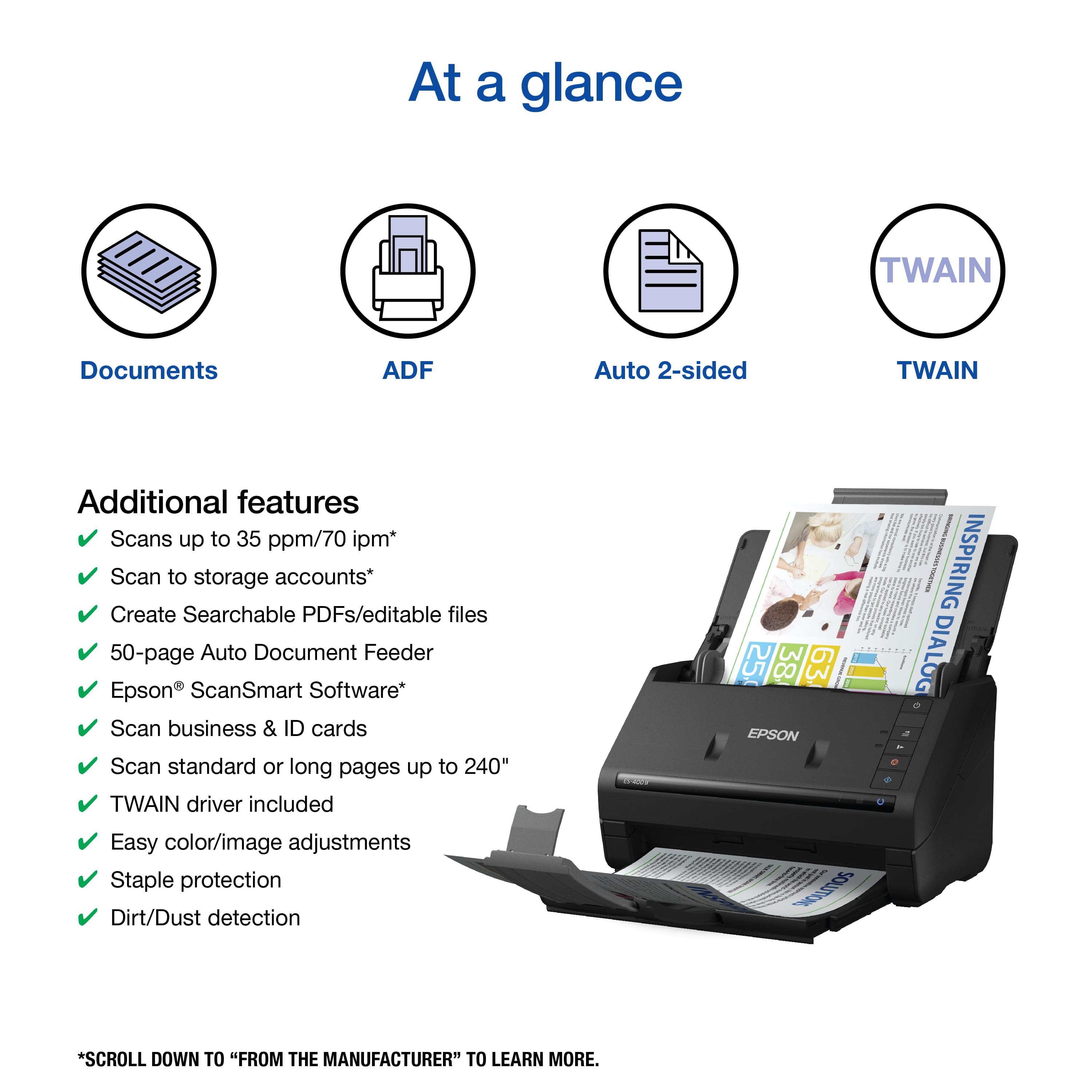
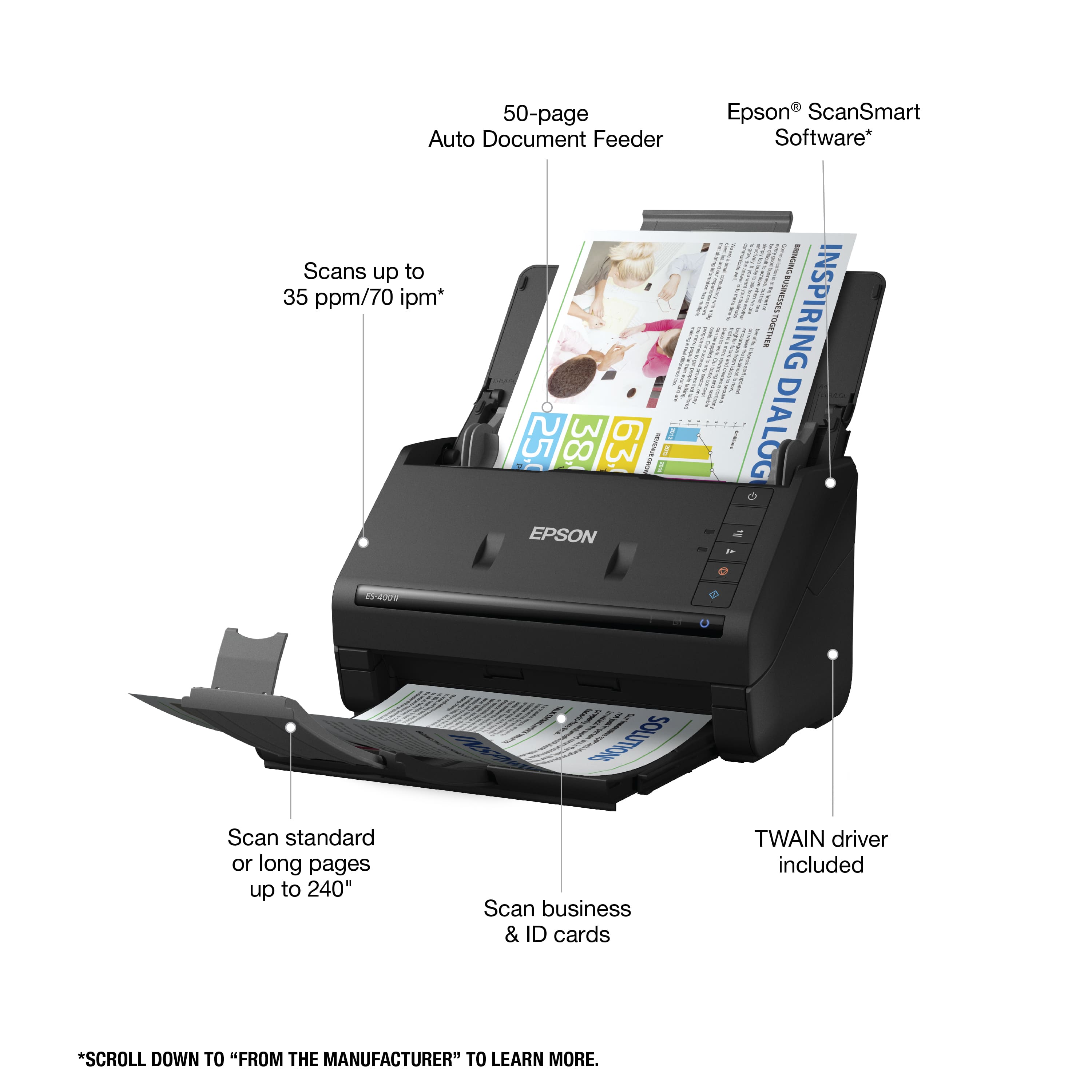
|Posted .This reviewer received promo considerations or sweepstakes entry for writing a review.Just in terms of raw speed and quality, the Epson Workfforce ES-400 II is a big upgrade if you are still using a USB 2.0 based scanner. Having "SuperSpeed" USB 3.0 provides a big benefit when scanning at higher quality settings, and the included software from Epson is a great addition if you need a simple solution to convert your scans to PDF or upload them directly to a cloud provider like Google Drive or OneDrive. The TWAIN driver worked as expected, pulling scans directly into EMR software for easy importing of patient documents. The included software has the ability to scan and detect fields for editable PDFs, and I found it to be just as good, if not faster, than the full featured PDF software my company uses. Overall this is a great product that doesn't take up much space on your desk and does exactly what it needs to.
I would recommend this to a friendEasy to set up
Posted .This reviewer received promo considerations or sweepstakes entry for writing a review.This scanner was very easy to set up. Only took minutes. I was able to teach my husband to use it and he doesn't like working with these. We have scanned personal papers so far but plan to use it with our rental house paperwork. I have already recommend it to a friend as I feel she would find it very useful. This is a review for the Ep son WorkForce ES-400 II Duplex Desktop Document Scanner that I received free of charge to do a beta test and review.
I would recommend this to a friendGood until it wasn't
Posted .This reviewer received promo considerations or sweepstakes entry for writing a review.Easy to set up. Worked fine for a hot second until a paper got caught. No "trouble shooting" suggestions in with paperwork. Waiting on Customer Service for help.
I would recommend this to a friendQuick
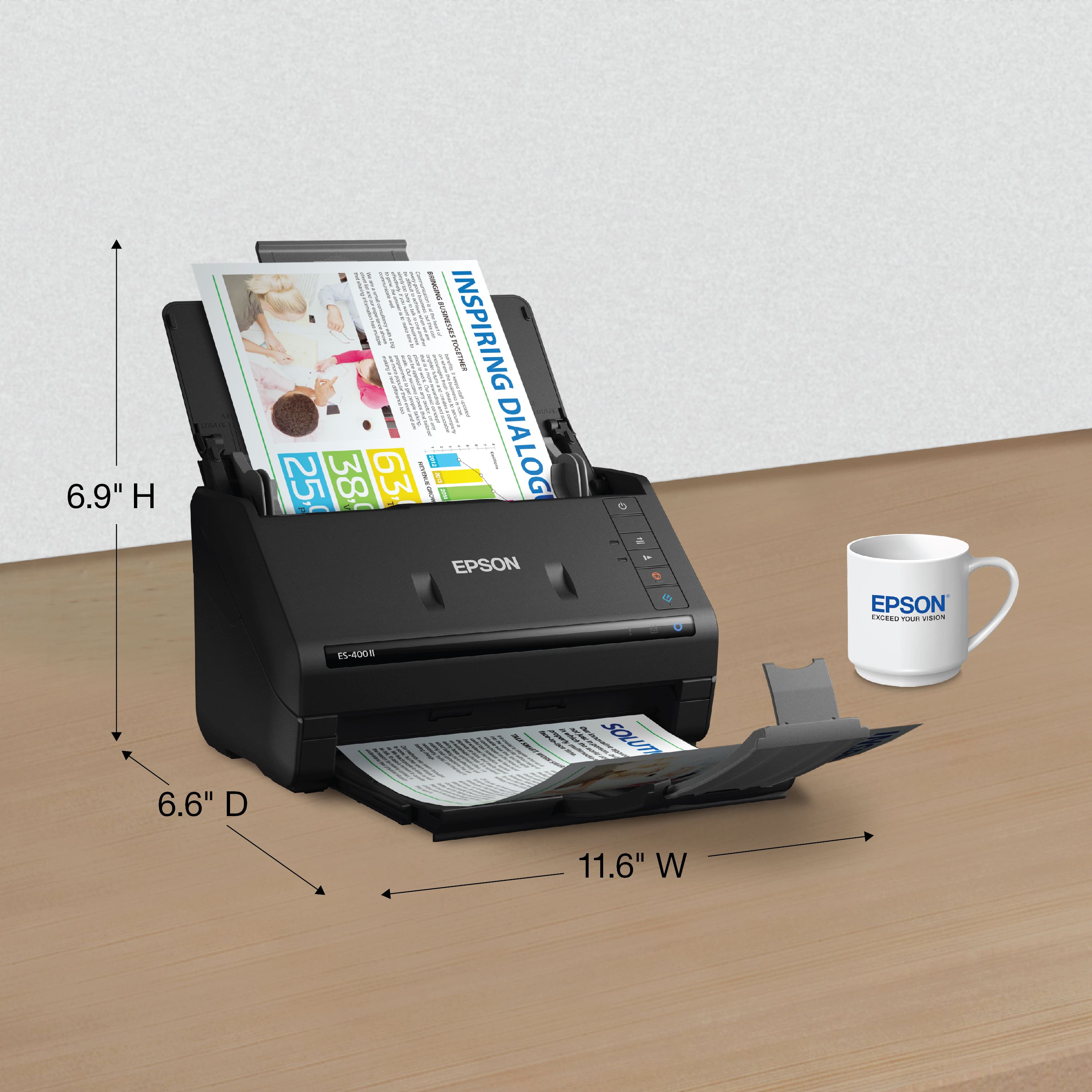
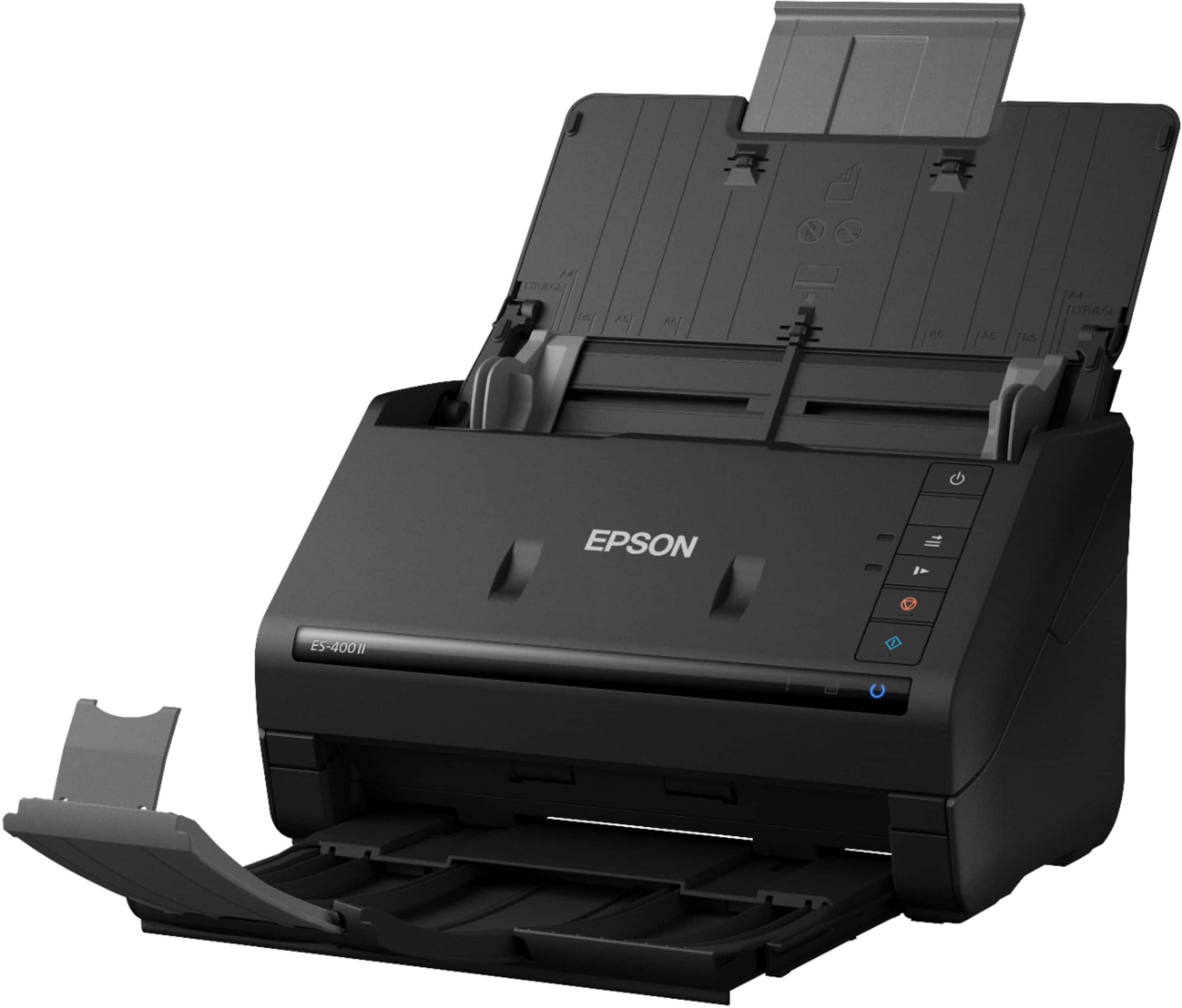
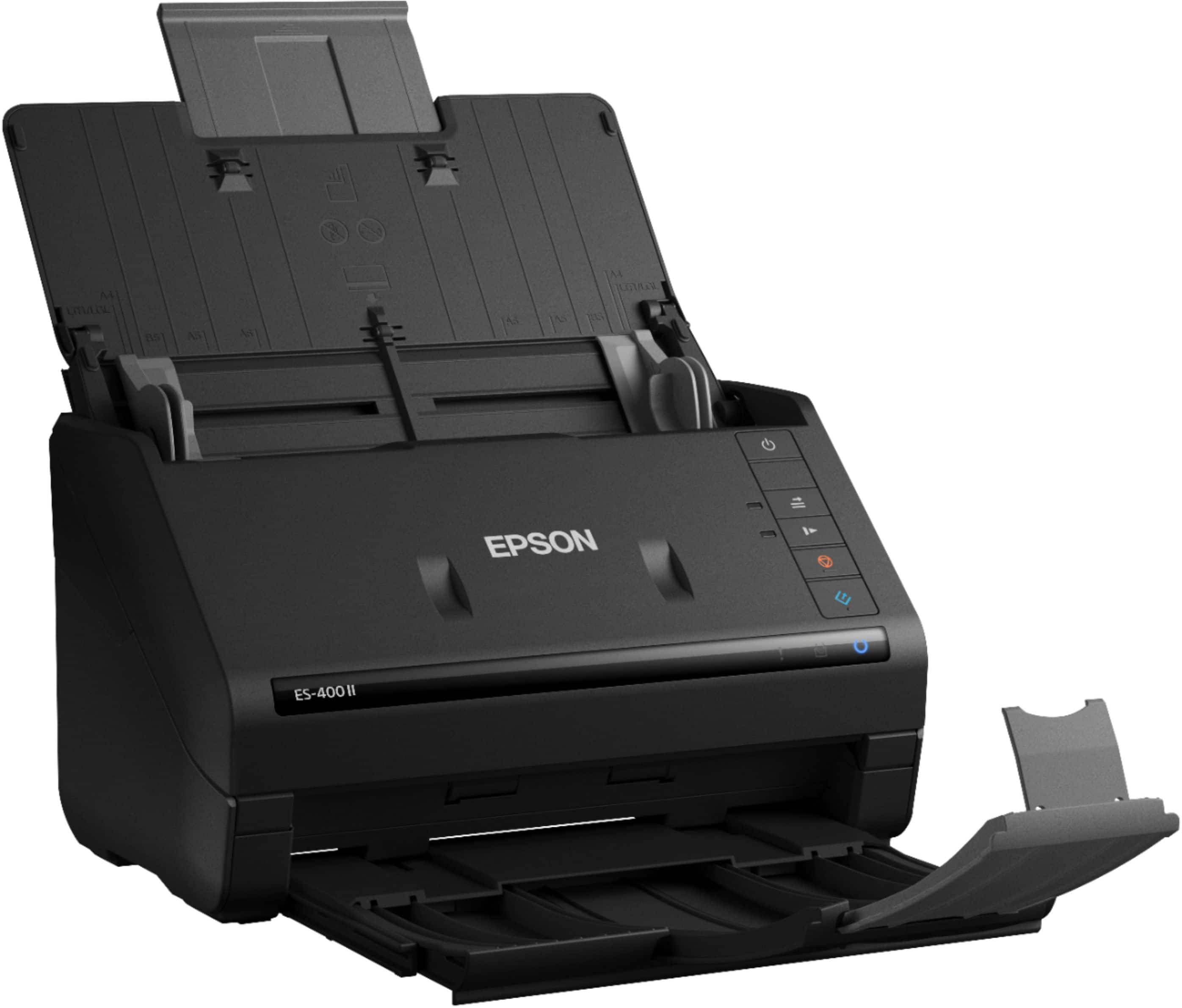
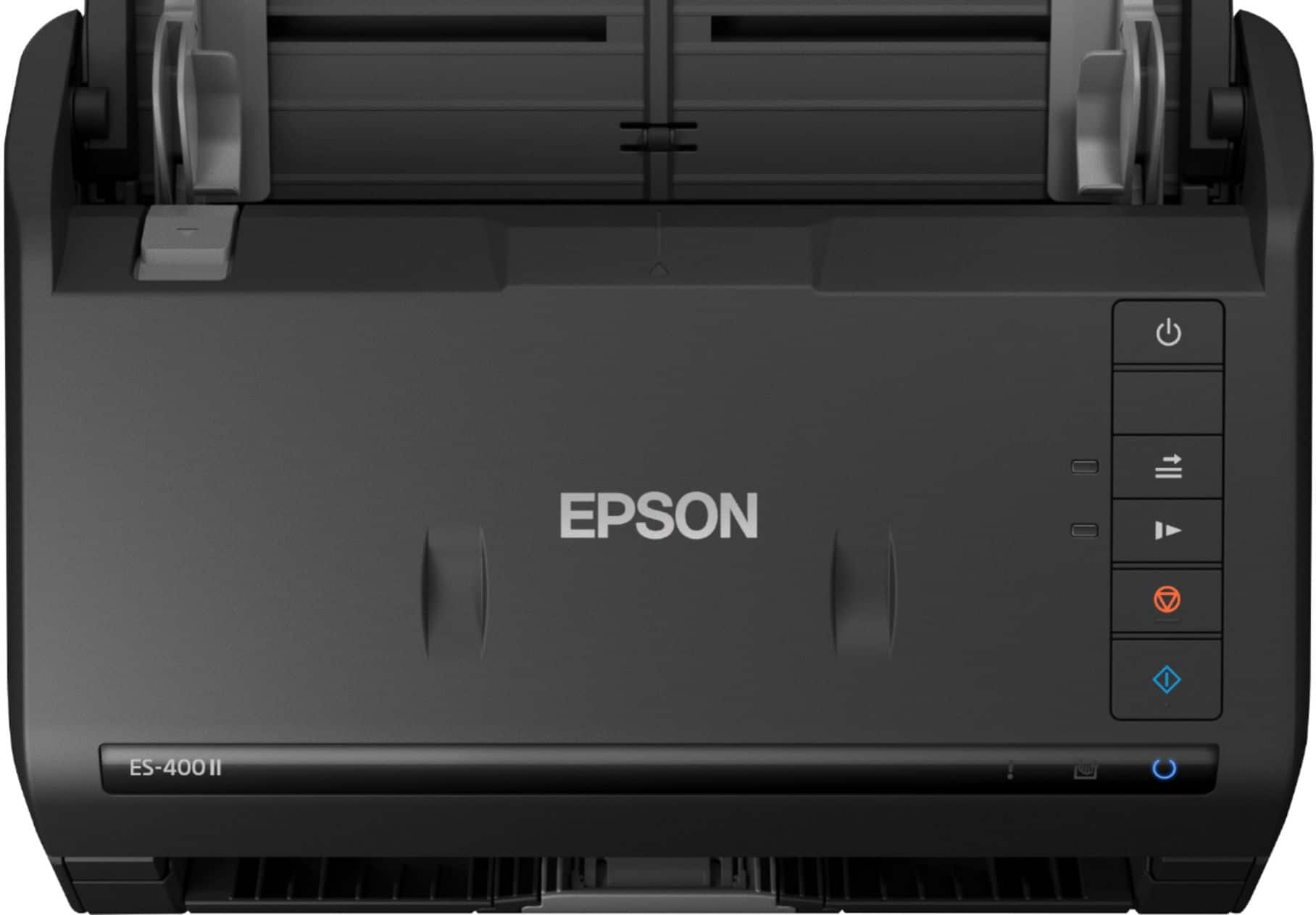
|Posted .This reviewer received promo considerations or sweepstakes entry for writing a review.The EPSON ES-400 II is a great desk addition. The scanner is quick and software is simple, easy to use, and quick. After downloading the software online and connecting the EPSON scanner (took me less than 5 minutes) I was up and running. You really dont need to mess with any settings prior to scanning. As soon you insert your pages and hit the start button the EPSON software will quickly startup scan your documents in color front and back. Then it will ask where you would like it saved as a PDF. The scanner allows you to drop a stack of papers in it and it will scan the rest in the order that you have your pages. The scanner also folds up on the top and also pushes back in on the bottom creating extra space on your desk and protection from dust (ETC) from you scanner. I really enjoy this scanner and I have no complaints. Great device added to my desk!
I would recommend this to a friendGreat
Posted .This reviewer received promo considerations or sweepstakes entry for writing a review.works perfectly for trading cards as well as scanning important documents
I would recommend this to a friendGreat Scanner
Posted .This reviewer received promo considerations or sweepstakes entry for writing a review.Very easy to install and use. Has all the features I need.
I would recommend this to a friendscanner
Posted .This reviewer received promo considerations or sweepstakes entry for writing a review.Great product. Has worked well and is very user friendly. Highly recommend.
I would recommend this to a friendSerious scanning limitation (apparently)
Posted .This reviewer received promo considerations or sweepstakes entry for writing a review.I purchased this model and was happy with the price (269) and since I have the Epson Eco Tank printer/scanner and an Epson FastFoto FF-640, both of which are great products, (the Eco tank printer/ scanner experienced a failure of the document feeder, but otherwise these products do their job well), I expected the same from this model document scanner. It produced good scans with one significant exception. If the document being scanned has a gray background, in this case a light gray background, the scanned document comes out mostly black and the text is not legible. Not being sure if the scanner I had was defective or there was something unusual about the pages I was scanning, I scanned the same pages on my Epson FastFoto scanner, my Epson Eco Print and a 69 dollar combination printer/scanner, the manufacture I do not recall, and these three scanners did the job with no problem. My conclusion was the scanner I purchased was defective. So I exchanged it for a new scanner of the same make and model. Sadly, the same inability to scan the document was present in the scanner. I adjusted all the settings the software had available that might have improved the quality of the scan. Nothing changed. Prior to returning the first scanner, I contacted tech support. Not a good experience. Very difficult to understand the person I was talking to, and he did not have much, if any, understanding of the product he was helping me with. While talking to him, the connection was lost. He had asked for my phone number at the beginning of the call so I figured he would call me back. He did not. So my experience with tech support was abysmal. I suppose its possible both scanners were defective. I suspect its more likely the design of the scanner is the problem. If that's true, Epson should never have allowed this product on the market. It has damaged the positive feeling I had about Epson. I will be returning the scanner and looking for a different brand.
No, I would not recommend this to a friendGood for simple uses and very fast but imperfect
Posted .This reviewer received promo considerations or sweepstakes entry for writing a review.Fast when it works. Eats IDs and some insurance cards(medical office use) when in regular mode, and often says it's busy or not found for no reason.
I would recommend this to a friendBrand response from Epson
Posted .Hello Sara, we're sorry about your disappointing experience with the ES-400 II scanner. Epson considers all feedback to improve the performance and quality of our products. Epson provides helpful information, including FAQs and self-help tools, on the product support web page at https://epson.com/Support/Scanners/ES-Series/Epson-WorkForce-ES-400-II/s/SPT_B11B261201#questions. Additionally, your scanner includes a 1-year Limited Warranty, plus free lifetime technical support. Please contact our support team directly at (562) 276-4382 between 7 am - 4 pm (PT), Monday - Friday if you need assistance. Sincerely, Sam - The Epson Team

ES 400 11
Posted .This reviewer received promo considerations or sweepstakes entry for writing a review.working great thus far, fine for multiple sheets, easy to use
I would recommend this to a friendAuto double sided when needed!
Posted .This reviewer received promo considerations or sweepstakes entry for writing a review.So far has worked great. Very odd you put the paper in upside down (in both senses of the term, front faces away and top down) but automatically knows when to do double sided which is incredible!
I would recommend this to a friendEpson WorkForce ES-400 is a workhorse!
Posted .This reviewer received promo considerations or sweepstakes entry for writing a review.This scanner is a real workhorse. It's quiet and simple to use. We scanned hundreds of old photographs which we can now download and share with family members.
I would recommend this to a friendScanner
Posted .This reviewer received promo considerations or sweepstakes entry for writing a review.Great product Great product Great product Great product
I would recommend this to a friendGreat Value & Quality
Posted .This reviewer received promo considerations or sweepstakes entry for writing a review.This is the best wired document scanner money can buy!
I would recommend this to a friendScanning
Posted .This reviewer received promo considerations or sweepstakes entry for writing a review.Tough getting the app with system to work and or match.
No, I would not recommend this to a friendBrand response from Epson
Posted .Hello TerryT, we appreciate your feedback on the ES-400 II scanner. Epson considers all feedback to improve the performance and quality of our products. Epson also provides helpful information on FAQs and self-help tools on the product support web page at https://epson.com/Support/Scanners/ES-Series/Epson-WorkForce-ES-400-II/s/SPT_B11B261201#questions. Your scanner also includes a 1-year Limited Warranty plus free lifetime technical support. Please contact our support team at (562) 276-4382 between 7 am - 4 pm (PT), Monday - Friday, if you need further assistance. Sincerely, Sam - The Epson Team