Customer Ratings & Reviews
- Model:
- B11B261201
- SKU:
- 6442936
Rating by feature
- Value
Rating 4.6 out of 5 stars
- Quality
Rating 4.7 out of 5 stars
- Ease of Use
Rating 4.7 out of 5 stars
Customers are saying
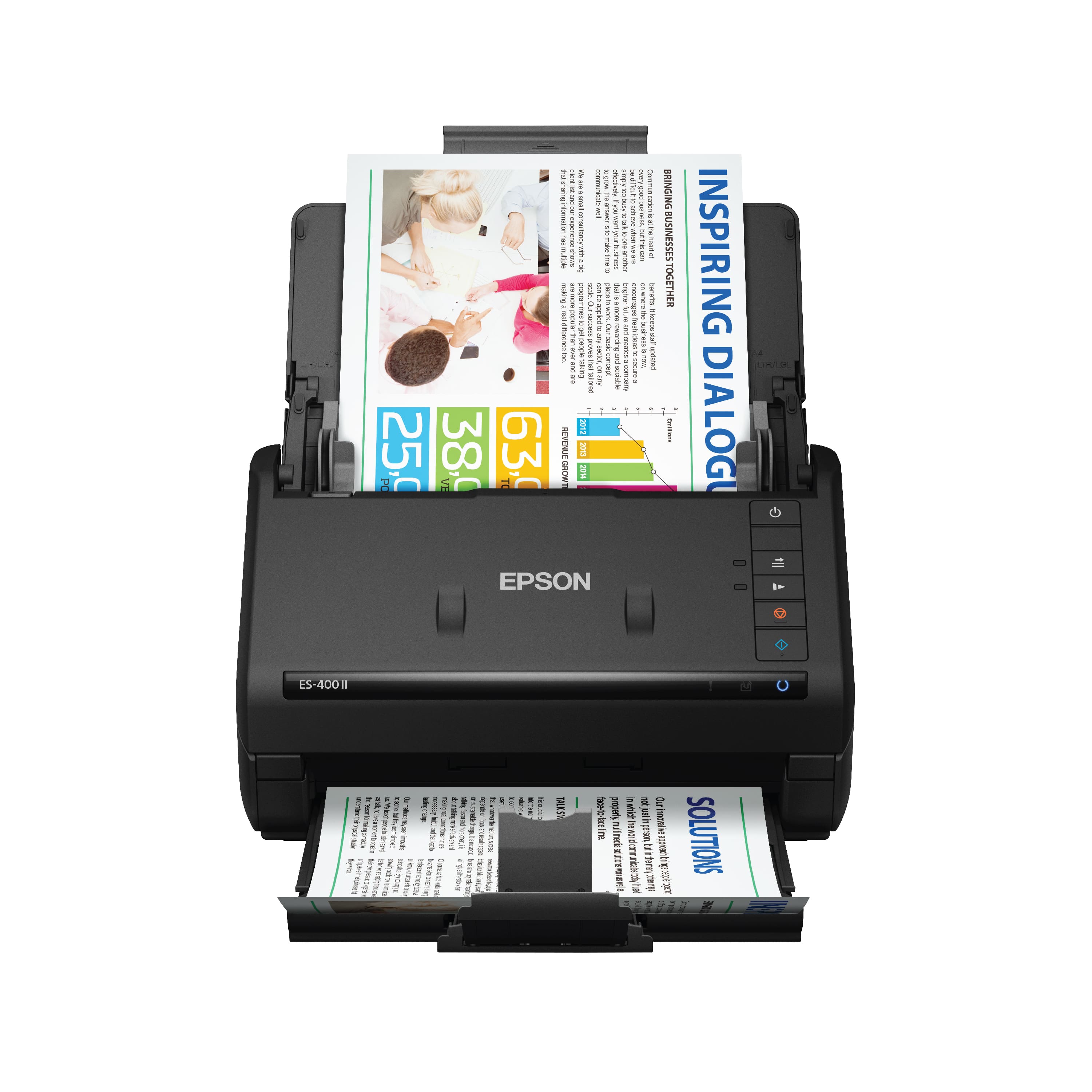
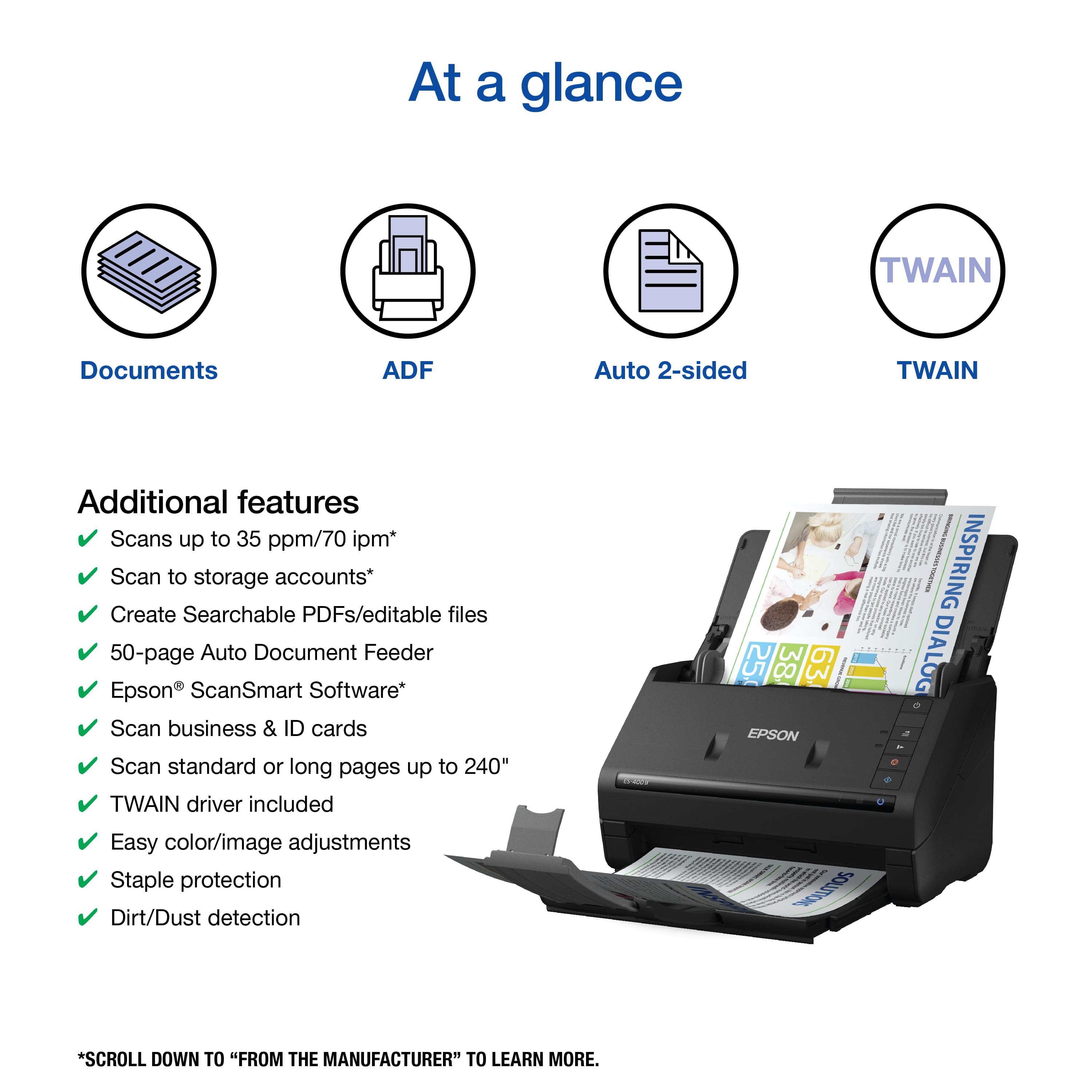
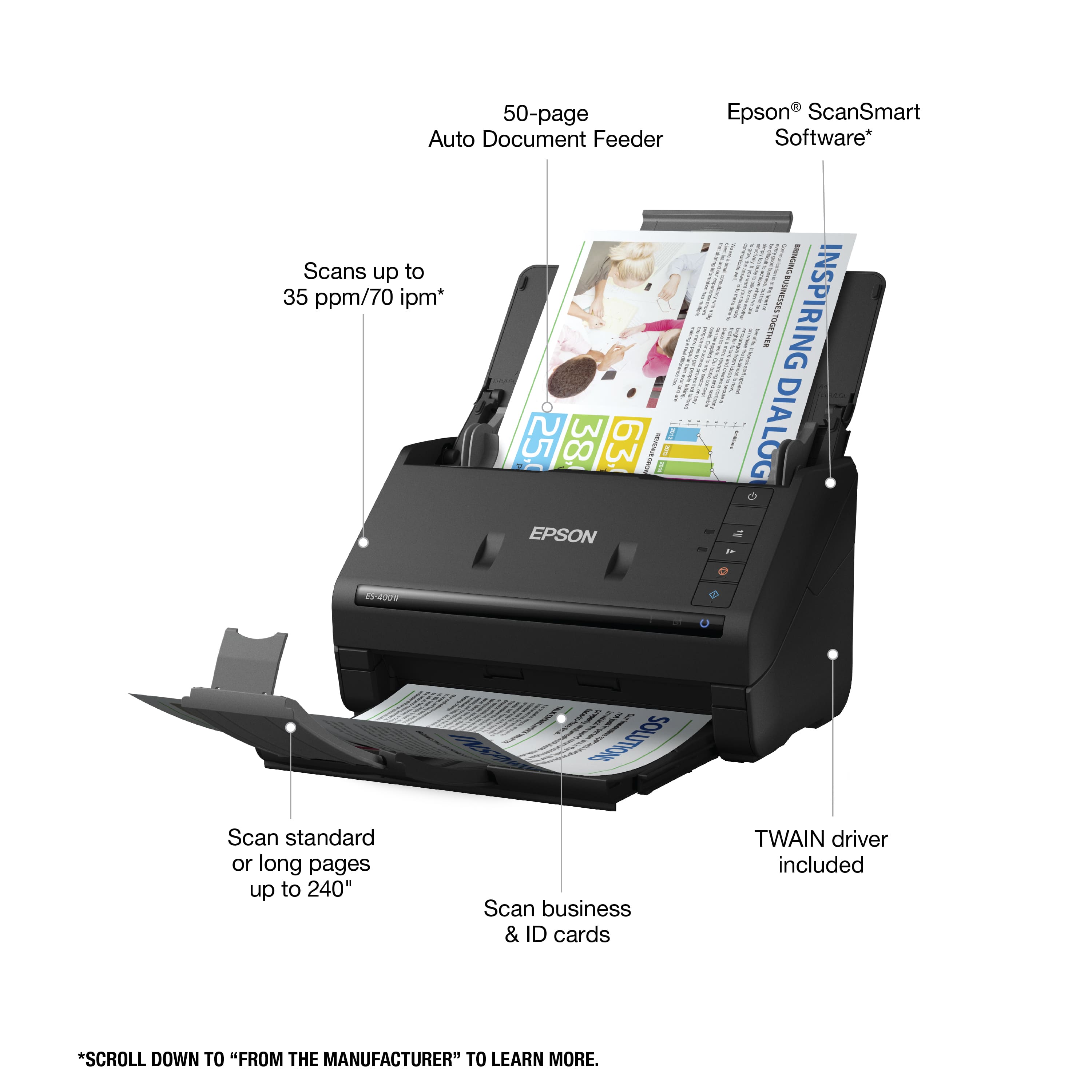
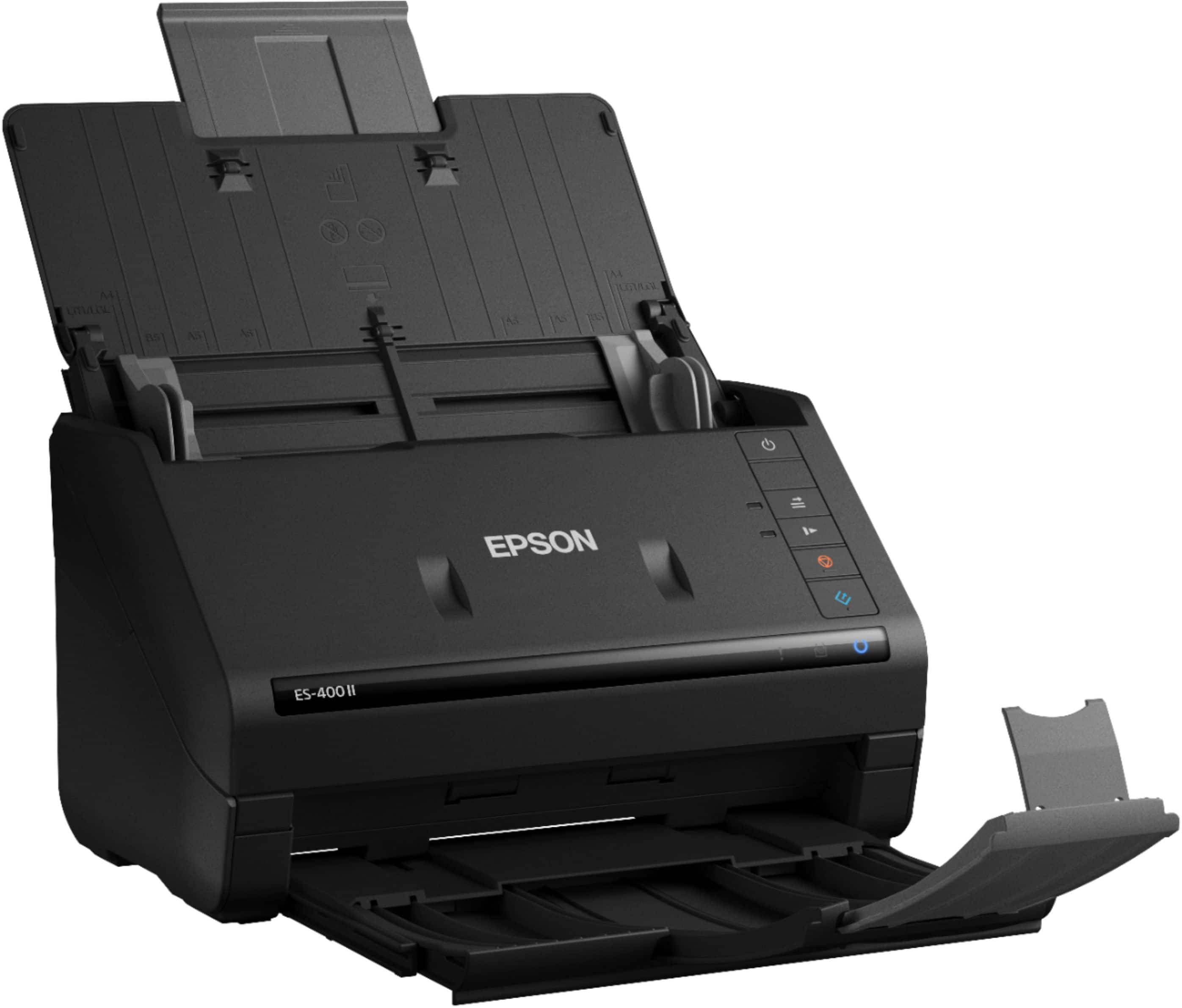
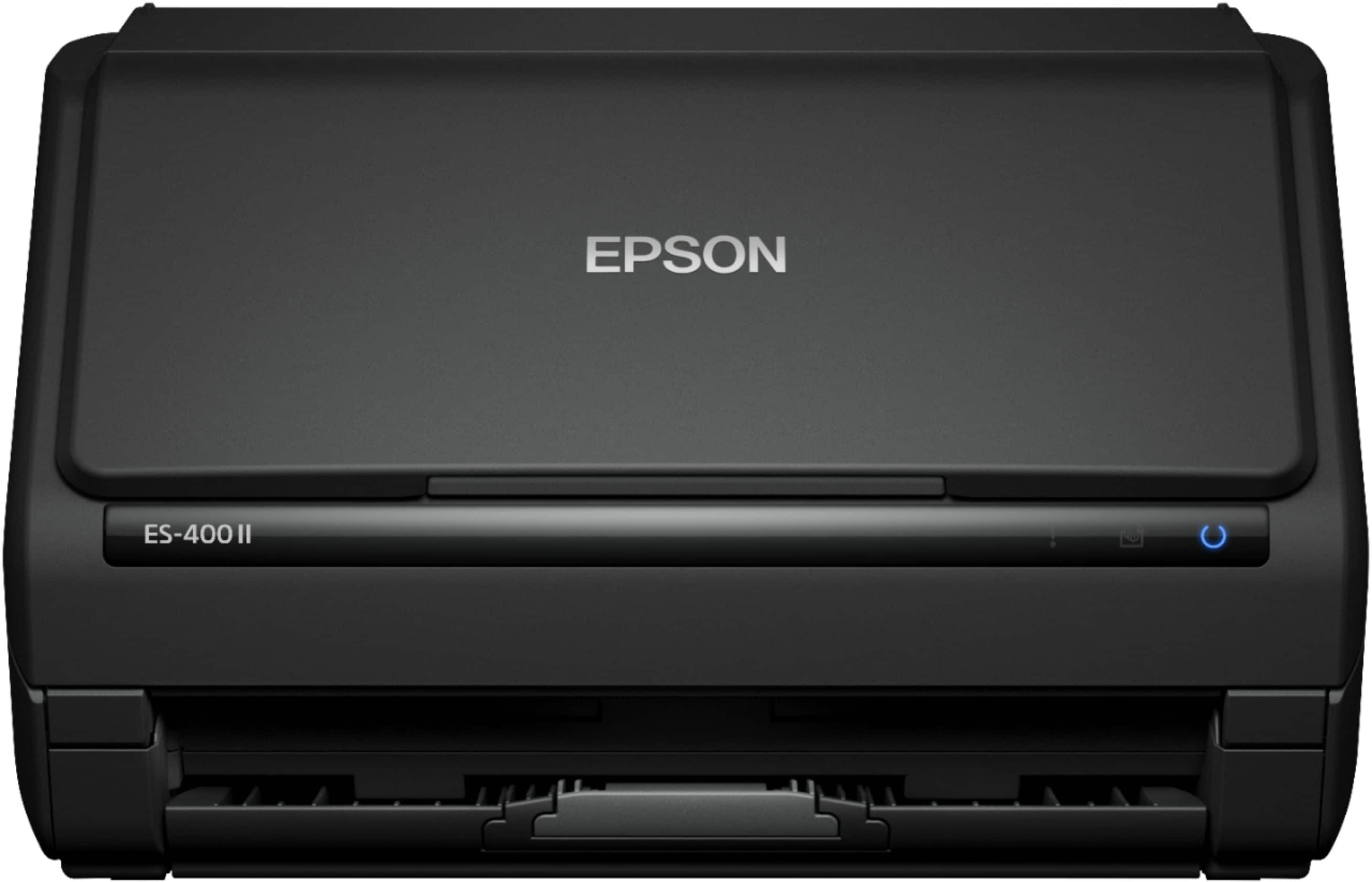
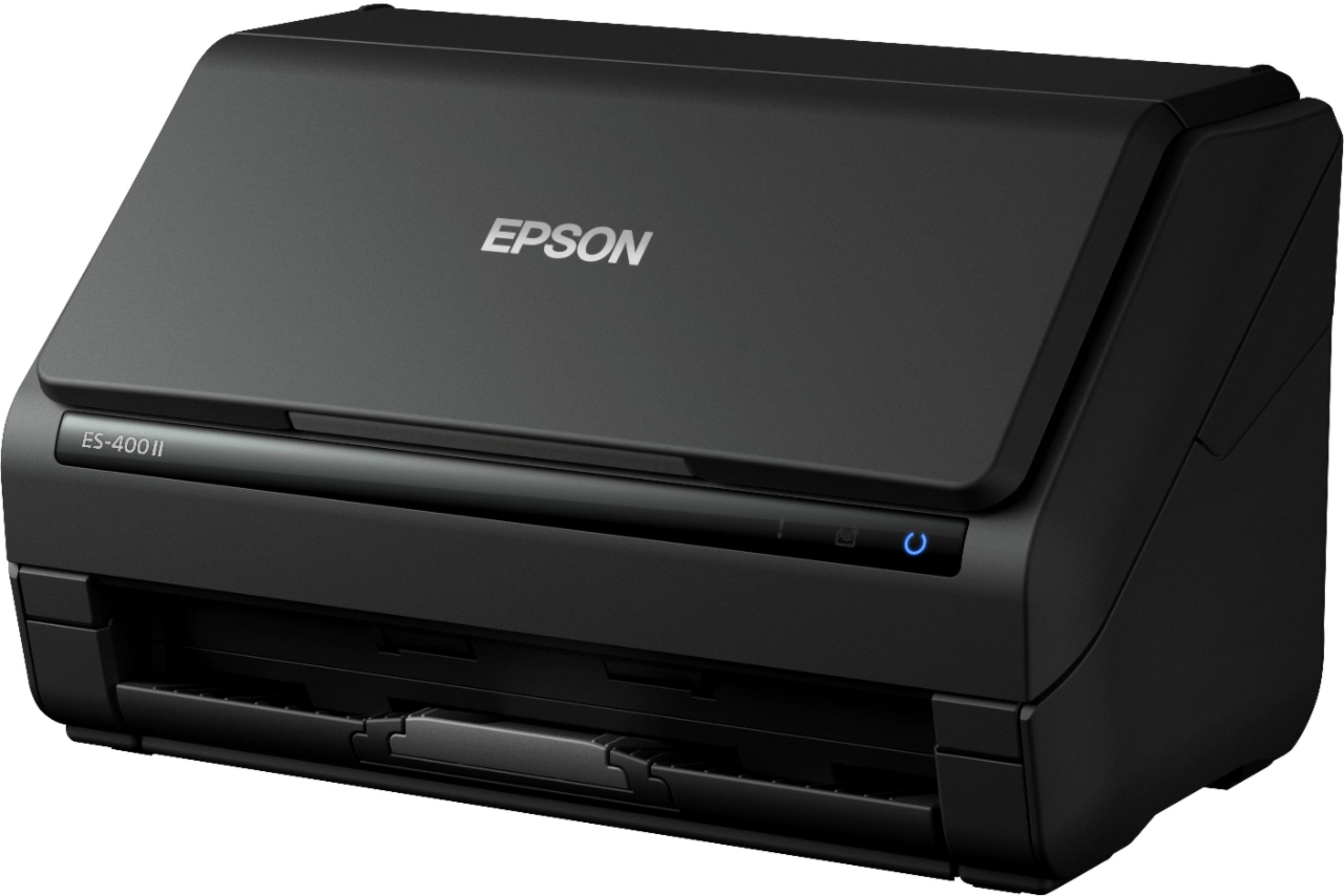
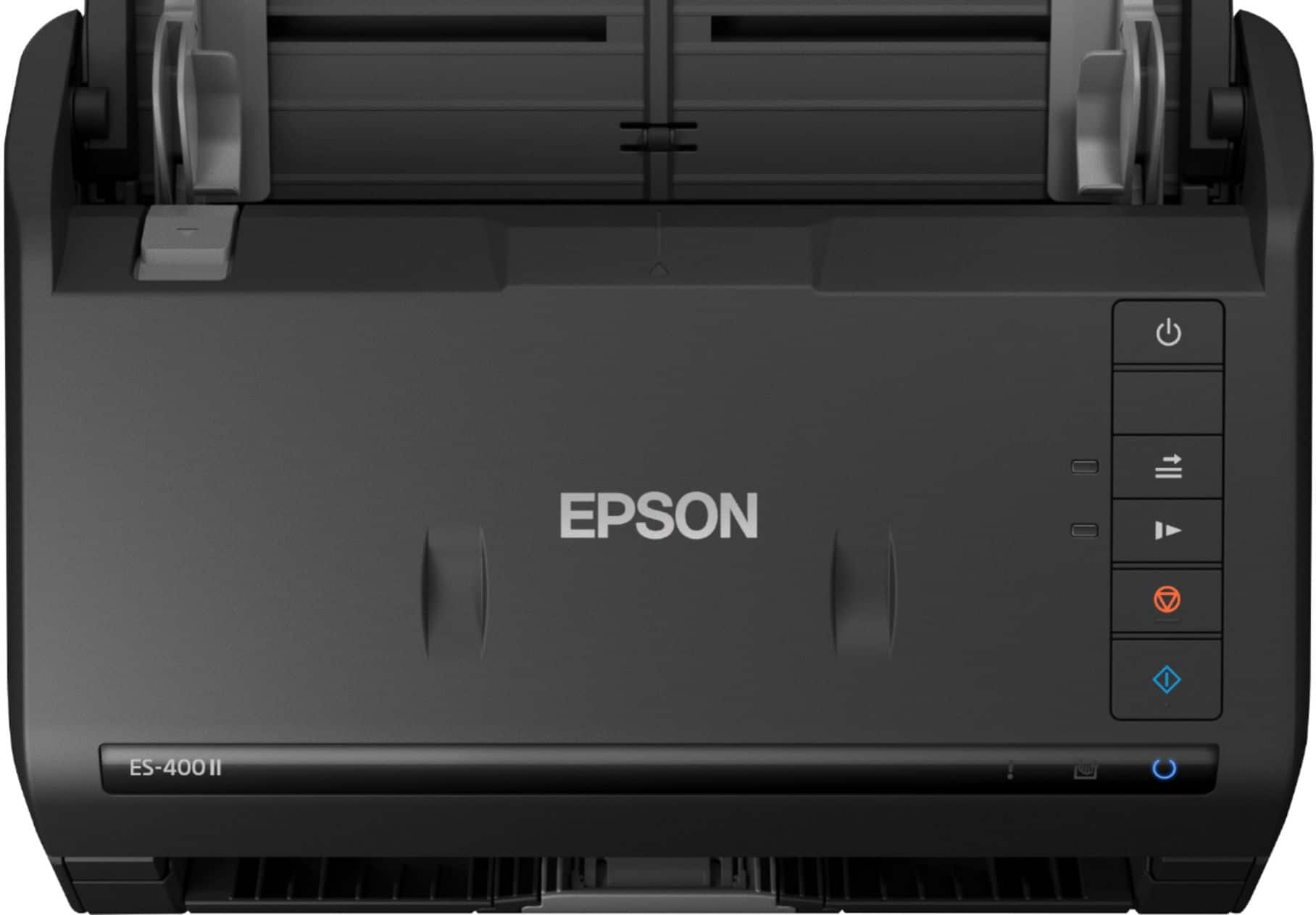
Customers are impressed with the WorkForce ES-400 II Duplex Desktop Document Scanner's speed and ease of use, making document scanning quick and simple. Users also appreciate the great scan quality and compact size. Some customers have experienced occasional paper handling issues, and it's important to note that the scanner does not have wireless capabilities.
This summary was generated by AI based on customer reviews.
Unwanted subscription
||Posted . Owned for 3 weeks when reviewed.This reviewer received promo considerations or sweepstakes entry for writing a review.This had a subscription that I did not want. It was returned.
No, I would not recommend this to a friendBrand response from Epson
Posted .Hello, thank you for your feedback on the ES-400 II scanner. Epson takes into consideration all feedback to improve the performance and quality of our products. If we can help you with anything else, you can reach our support team at (562) 276-4382 between 7 am - 4 pm (PT), Monday - Friday. Hopefully, we can assist you with a future product.
Sincerely, Sam - The Epson Team.
Try again
||Posted . Owned for 1 week when reviewed.This reviewer received promo considerations or sweepstakes entry for writing a review.No drivers to download on this model. And could not conect to wifi.
No, I would not recommend this to a friendQuick, efficient, & quiet
Posted .This reviewer received promo considerations or sweepstakes entry for writing a review.As someone who scans numerous documents and pictures for work and at home, I’d constantly screw up the fact that if a sheet was double sided, I’d need to manually sort and flip each page by hand. This duplex capable, 50 sheet scanner blew me away. I am able to stack 50 – double sided sheets into the top feeder and into PDF files. The setup is seamless, takes approx. 10-15 minutes(plug in, power on, and download drivers) The manual claims a wireless connection, I couldn’t figure it out at all. The SmartScan app you can easily set auto upload to any of your storages(Dropbox, Google Drive, etc.). It’s also easy to attach any PDF to an email or to save it as a file. This scanner is quick, efficient, & quiet. Overall if you are someone who scans numerous documents daily, and hates having to manually flip or collect papers, this is the machine for you! This is a review for the Epson WorkForce ES-400 II Duplex Desktop Document Scanner that I received free of charge to do a beta test and review.
I would recommend this to a friend- Pros mentioned:Ease of use, Size

A must-have for a home office
|Posted .This reviewer received promo considerations or sweepstakes entry for writing a review.Once again, Epson makes a compact office space easy to manage with their compact office devices. The Epson - WorkForce ES-400 II is an incredible tool to have in my office. I love the ability to scan any documents that I have right in frit of me. No need to lose time by getting up to a larger scanner just to scan documents. The Epson - WorkForce ES-400 II is so compact and easy to use. One extremely useful feature is the scanner's ability to scan double-sided documents in one pass. You also have the ability to scan directly to your cloud storage. Although I haven't scanned the claimed 50 page capacity, I have no doubt that it will get the job done. I love the Epson - WorkForce ES-400 II scanner. It is perfect for my home office. I would highly recommend it to anyone.
I would recommend this to a friend - Pros mentioned:Size
Perfect scanner for home office or business
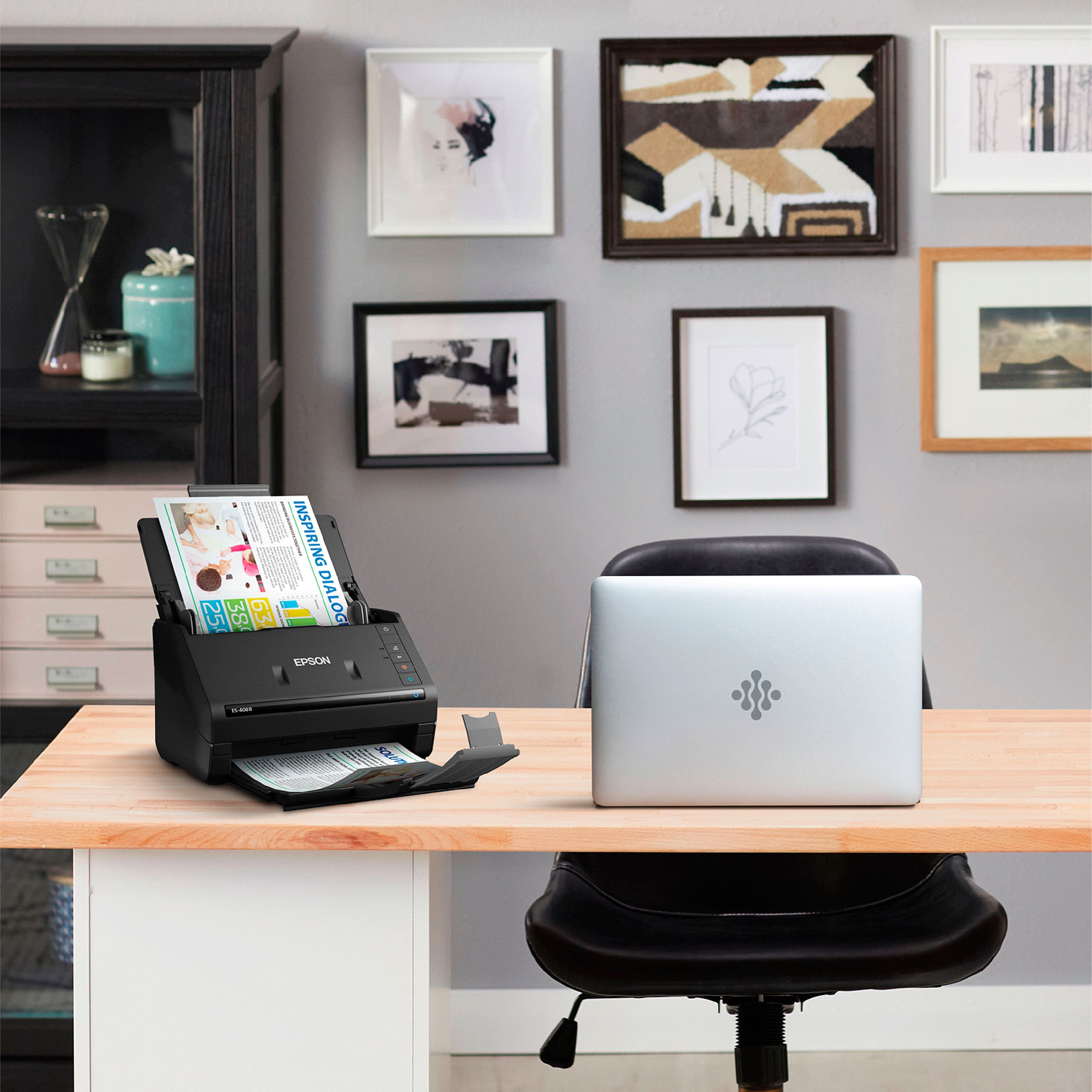
|Posted .This reviewer received promo considerations or sweepstakes entry for writing a review.This stand alone scanner is perfect for the home office, home school, or home business person. We have always used the all in one printers that offer scanning but it was always cumbersome because it was a flat bed scanner that only did 1 sheet and 1 side at a time. Once I got this Epson desktop scanner, it changed our world. It is very compact compared to old school desktop scanners or the flatbed scanners. It easily fits on the desk and closes up to disguise itself. I love the speed and quietness of this scanner, plus you can place up to 20 - 30 sheets in the document feeder and let it go! Pure genius and a must have since home schooling (distance learning) requires us to email/fax our children's work to the school teacher. This scanner makes it a breeze and not so much of a headache to get that done in one sitting. The only drawback with any new product is most everything is set up via a software program with no clear instructions. I have already had several Epson printers setup using the same or similar software so all I had to do was update some drivers and packages to get this scanner working seamlessly with my system. I absolutely love this scanner and will put it to great use in our home office.
I would recommend this to a friend Great multi page scanner
|Posted .This reviewer received promo considerations or sweepstakes entry for writing a review.The Epson ES-400 II is an excellent duplex scanner. Setup was was simple and easy. The Epson software works well on both by Windows and Mac computer. Pages scan fast and the large sheet feeder comes in handy for those times when you need to scan multi page documents. The sheet feeder does not always work well for pages that are not perfectly straight or perfectly flat. While trying to scan such documents it would scan and then stop halfway and show a page jam error. This would be my only gripe with this scanner. Other than that, everything else is nearly perfect.
I would recommend this to a friend- Pros mentioned:Size
Excellent scanner
|Posted .This reviewer received promo considerations or sweepstakes entry for writing a review.I love this scanner! It works quickly and quietly. HOWEVER I only gave it 4 stars because: 1) Initial set up was great, but connecting it to my Iphone took a couple of days of tech support 2) it keeps popping off my Wifi- it is the only thing in the house that has that issue. 3)It required an extremely tech savvy person to bring it to its full potential and I am not that person (but I was able to get help) Once this was set up I was amazed how useful it is. Faster than a scanner/printer, sleeker that a full size printer/scanner, and portable! I view it as a product that will become super easy to set up as technology improves. More user friendly for those of us not tech savvy.
I would recommend this to a friend - Pros mentioned:Size
Scanner heaven
|Posted .This reviewer received promo considerations or sweepstakes entry for writing a review.The Epson- Workforce ES-400II Duplex Document Scanner is a beast in a small package. It really has allowed me to get crystal clear documents scanned to my desktop to organize all my files digitally. Coming from having to scan one document at a time on a flatbed, this is a lifesaver. I was able to do ten years worth of tax returns in less than 30 mins! The best feature for me was it captured BOTH sides of the documents! I was able to scan and email in matter of minutes. This document scanner sets the standard with its quality build and accuracy it scans. If you are in the market, BUY this one cant recommend enough.
I would recommend this to a friend Fast and compact
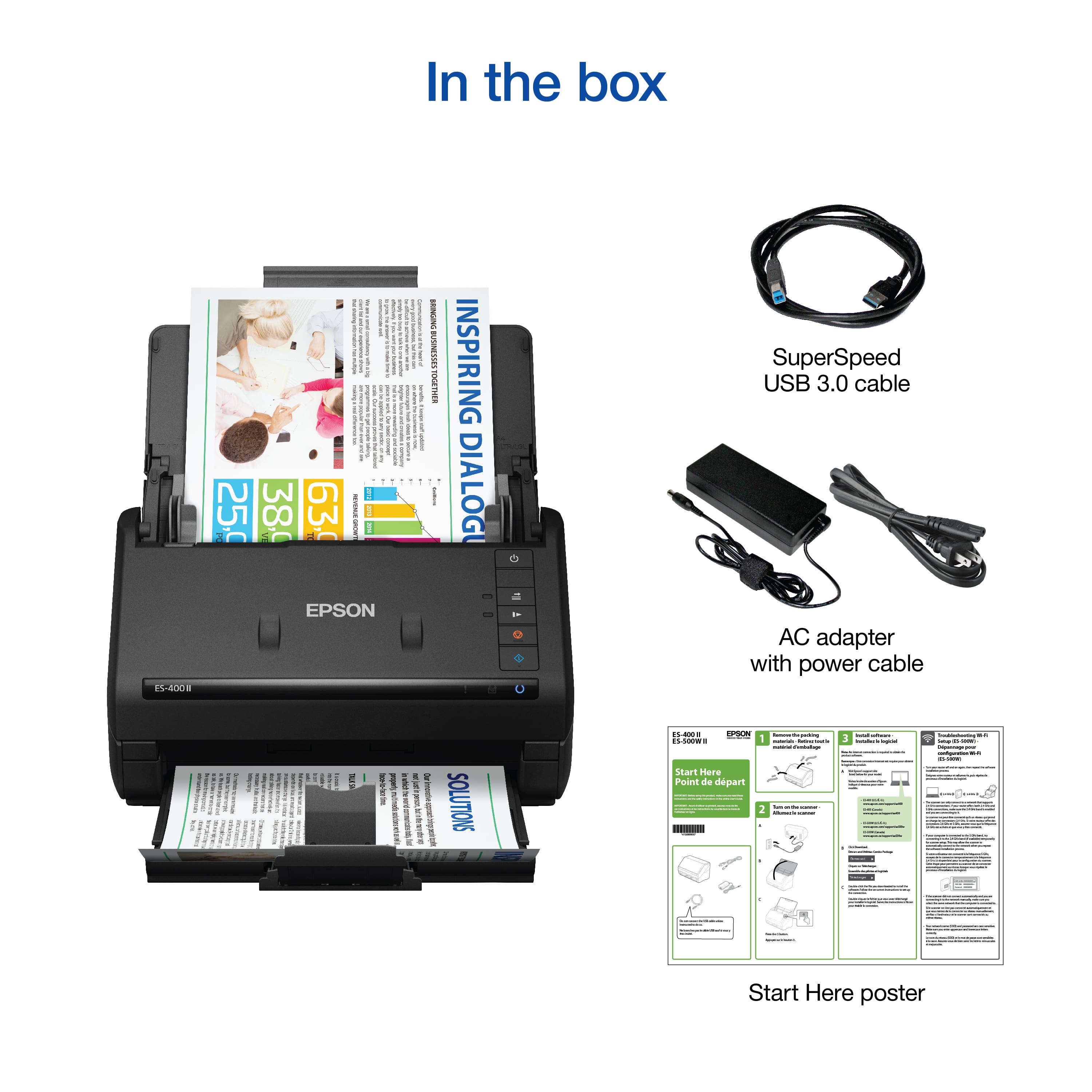
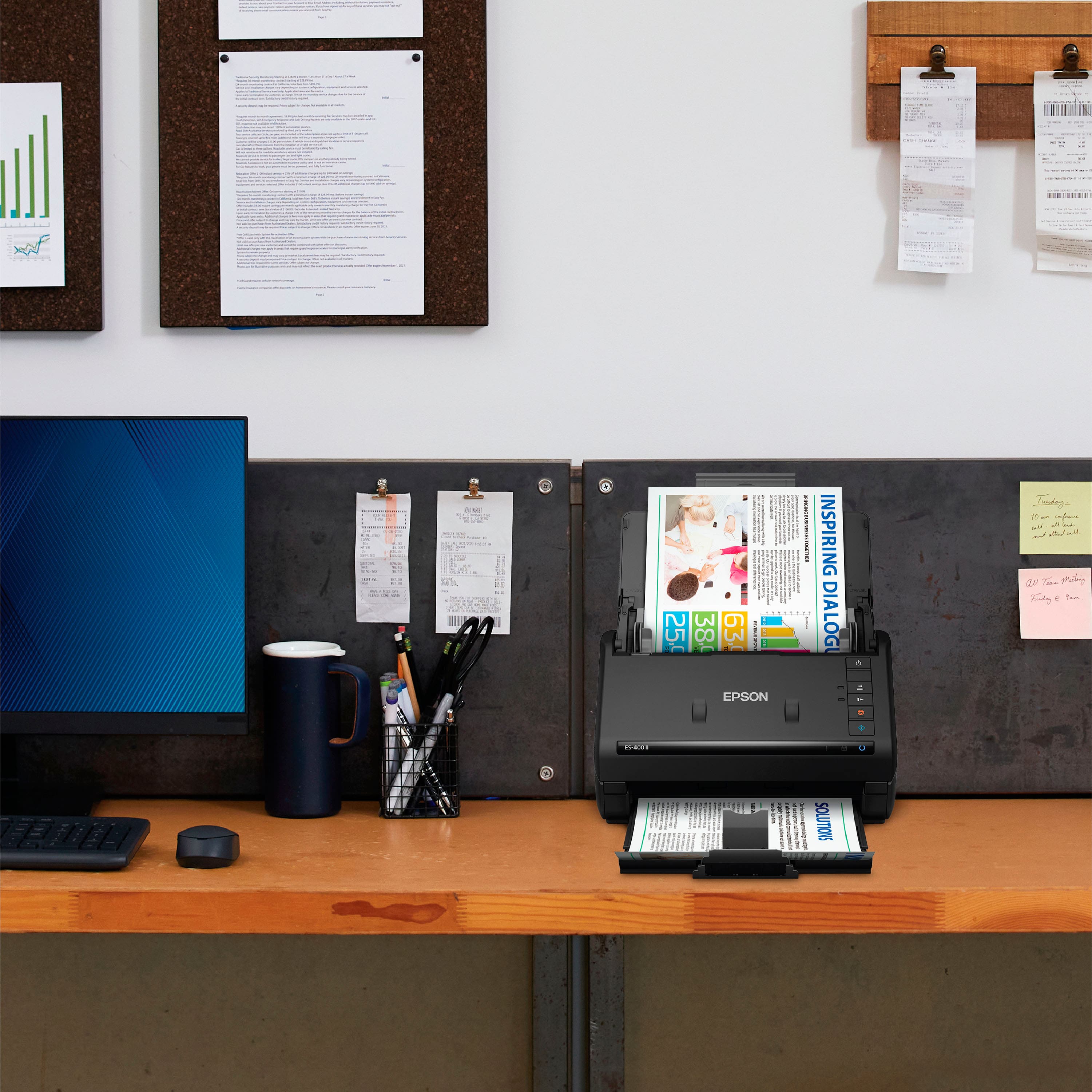
|Posted .This reviewer received promo considerations or sweepstakes entry for writing a review.The Epson WorkForce scanner is a powerhouse of a scanner. It’s lightweight and doesn’t take up a lot of space; it’s about as tall as it is front to back, so it fits nicely into my home work space. It is easy to use, but holds up to a lot of use—definitely one that can keep up with all the work many of us are doing from home. It would work well for personal or school use as well. I’ve used scanners that are much slower, and this was so easy to set up and start using in minutes. The quick setup guide shows you how to get the scanner ready and connected, including the website to go to based on the model of the scanner; then the download is so fast that I was able to scan in a short time. It did tell me it needed to update the software after I scanned the first document, but that did not take long either. The most impressive feature is its speed, with versatility a close second. It came with the two part power cable and USB cable, along with user guides in English and three other languages, including Spanish and French. After scanning documents, there are options to save them as PDFs, but also other formats, such as Word and Excel, allowing users to decide on the format best for each document. It scans documents and loads them onto the screen very quickly, even when there are a lot of pages, up to 50 at about 35 per minute. Part of the speed is the USB 3.0 cable that connects to the computer. For some this cable may be too short, only a few feet. I would have liked a six foot cable, which I might add later; for now it connects well enough, but the short length does limit placement of it in regards to the computer it’s connected to. You can even scan two sided documents and in color. I like that it can accommodate different sizes of paper, not just letter or legal, but smaller papers and business cards too. The files on screen are picture perfect with options to scan to the cloud, giving even more options for a wide range of users. It’s not a cheap scanner, but this one seems like it will last a long time, and it meets all of my needs for classes and home use. I actually like it better having a printer and scanner separately, since my space is fairly limited, and this performs impressively. I definitely recommend this if you need to scan quickly and organize your files in different locations and formats. It will allow you to reduce the amount of paper kept on hand, converting them to digital files. That’s what I like best, keeping less paper in files and boxes, without taking much time to scan and save.
I would recommend this to a friend- Pros mentioned:Ease of use
nice compact scanner
Posted .This reviewer received promo considerations or sweepstakes entry for writing a review.The scanner is easy to set up on Windows 10, and could connect to my laptop and phone wirelessly, since they connect to the same WiFi. Scanning is fast and picture quality is good. The scanner can do 2-sided scan, that makes scanning bulk documents very quick and convenient. I like that the software could produce editable PDF for my further processing. This is a review for the Epson WorkForce ES-400 II Duplex Desktop Document Scanner that I received free of charge to do a beta test and review.
I would recommend this to a friend - Pros mentioned:Ease of useCons mentioned:Paper handling
Office Manager
Posted .This reviewer received promo considerations or sweepstakes entry for writing a review.Works well. You have to put the paper in just the right spot or else it jams up the scanner. Also, if you have to tape a voided check to paperwork, it won't allow you to scan it as it reads it as a double feed and reads paper jam. This causes issues for what I need it for, but I can use it for almost everything else in my office.
I would recommend this to a friend - Pros mentioned:Ease of useCons mentioned:Wireless
Easy to use and very compact!!
Posted .This reviewer received promo considerations or sweepstakes entry for writing a review.This scanner was easy to use once I got it set up. The only downside is that unless you have a Mac connector you cant connect this to your macbook air laptop like I have. Fortunately O had another laptop I could connect it to. Once I got it connected it worked perfectly and scanned easily. Overall I would recommend it with the understanding that it does not have wireless abilities and you must have a usb plug to use it. This is a review for the Epson WorkForce ES-400 II Duplex Desktop Document Scanner that I received free of charge to do a beta test and review.
I would recommend this to a friend Must have scanner for home office
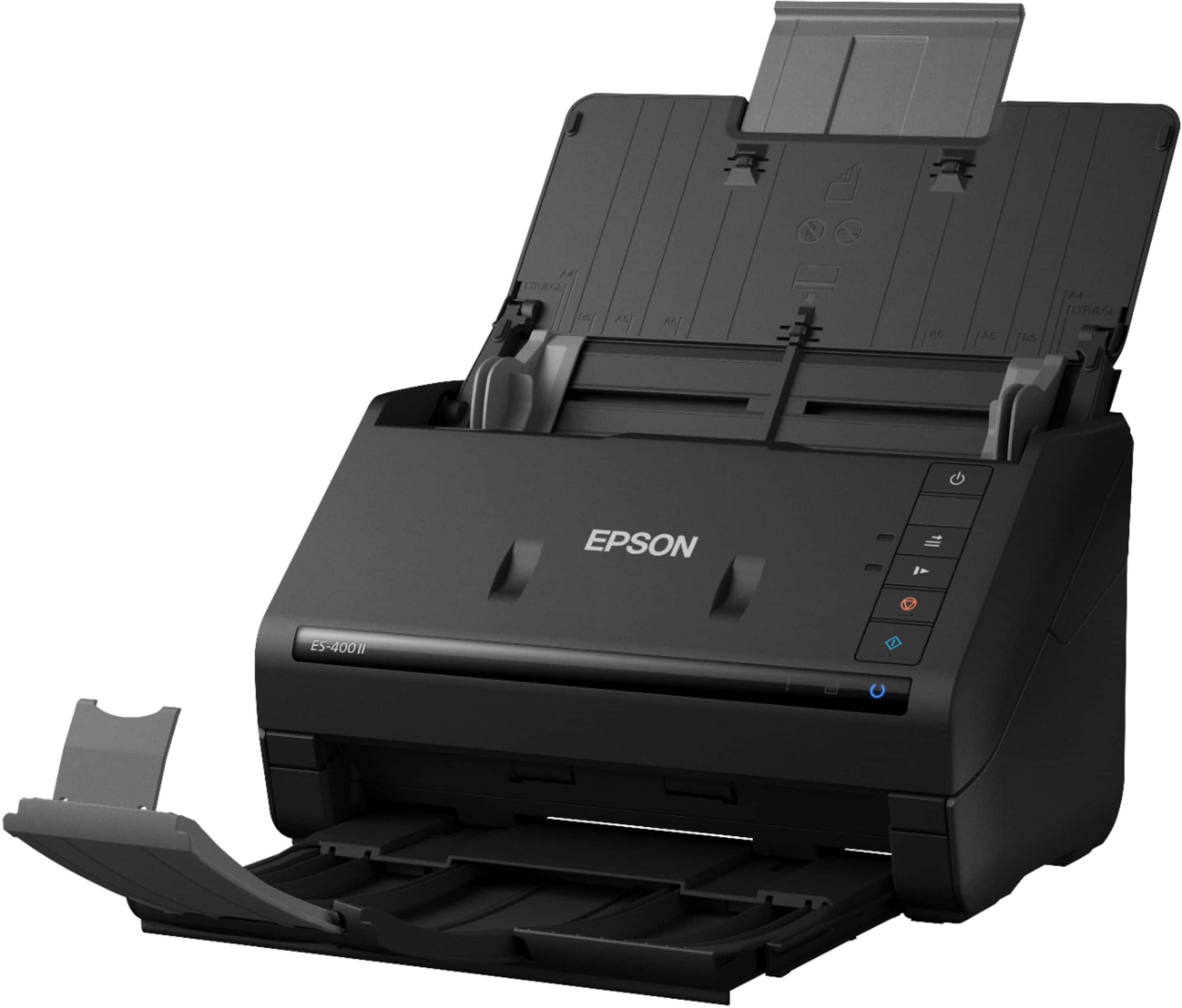
|Posted .This reviewer received promo considerations or sweepstakes entry for writing a review.This scanner is a great addition to my home office, it has cut my scanning and file management time in half. In the box is the scanner, USB cable and power cord. Setup is quick on Windows 10, plug in USB to the computer and follow the instructions to find and download the correct driver. When folded for storage, the printer has a small footprint and is easy to move around the office. The document feeder and tray expand out to support auto feed functionality. I was most impressed with the auto double sided scanning. Unless functionality is changed, the scanner will automatically determine if the document is double sided, and scan both sides in one pass. Second favorite function is I can scan both A3 / A4 / A5 (sizes from letter to legal) in the same file, as the scanner automatically adjusts without intervention. You can then preview, edit, save, and send to the cloud after the file is fully scanned. Overall I highly recommend the efficiency this scanner brings. I no longer spend 10 minutes waiting to swap sides or change settings between document size to scan a single set of documents. I load a file into the feeder and can have a full 10 page double sided scan completed in under a minute!
I would recommend this to a friendThe time and money saved makes up for the cost!
Posted .This reviewer received promo considerations or sweepstakes entry for writing a review.I have always been one to use my inexpensive all-in-one printer to scan my documents. However, as my needs have increased and my all-in-one being slow and inefficient with a large number of documents. The biggest complaint of my current setups is that often times the feeder would pull in to papers at once requiring me to manually unjam and starts the scans over again. It got to a point that I was paying someone with a workforce to do my scans when I required a large volume of scanning. I was blown away by the abilities of the workforce, especially in that it supports duplex scanning which is scanning on both sides of the document. As well I greatly enjoyed the speed at which the workforce scanned all my documents and only I had one instance of jamming that required me to intervene. I also liked the fact that it does not take up to much space on my desk considering other products that I had previously looked at. This is a review for the Epson WorkForce ES-400 II Duplex Desktop Document Scanner that I received free of charge to do a beta test and review.
I would recommend this to a friendExcellent Choice - Especially for Compatible Uses
|Posted .This reviewer received promo considerations or sweepstakes entry for writing a review.The Epson - WorkForce ES-400 II Duplex Desktop Document Scanner is a true work-horse for large, standard-sized bulk scanning on a budget. While it can handle mixed sizes, it's best when working with multiple pages of the same size format. In that case, you can start the scan and then focus on other things. If your needs include working with a mixture of formats, the Epson - WorkForce ES-400 II Duplex Desktop Document Scanner does work with an optional dock and flat-bed scanner that pair together (in the $100 range). However, that is a Windows-only option. Quality is good, which is to be expected with Epson. A great feature is the back-side detection which will scan or skip the flip side of a document based on whether or not there is anything there. This is primarily a feature of the software, but it is extremely appreciated when needed. Note that 'network' or 'mobile' printing scenarios for this model depend on your going through the connected computer, not the unit itself. All-in-all an excellent choice if your use-scenario is as stated above.
I would recommend this to a friend- Pros mentioned:Ease of use, Size
Great small size!!
Posted .This reviewer received promo considerations or sweepstakes entry for writing a review.“This is a review for the Epson WorkForce ES-400 II Duplex Desktop Document Scanner that I received free of charge to do a beta test and review.” I love this scanner, is so easy to use, to set up, the quality is great, but the best of the best is small and great for small houses/office
I would recommend this to a friend Excellent for macOS users
|Posted .This reviewer received promo considerations or sweepstakes entry for writing a review.Using macOS Catalina I had no problems using this scanner. Quality is excellent. Scans are quick. In addition to documents, I had it do images and pictures and it seemed to handle anything I could throw at it.
I would recommend this to a friendAmazing docu scanner—fast, efficient, & quality
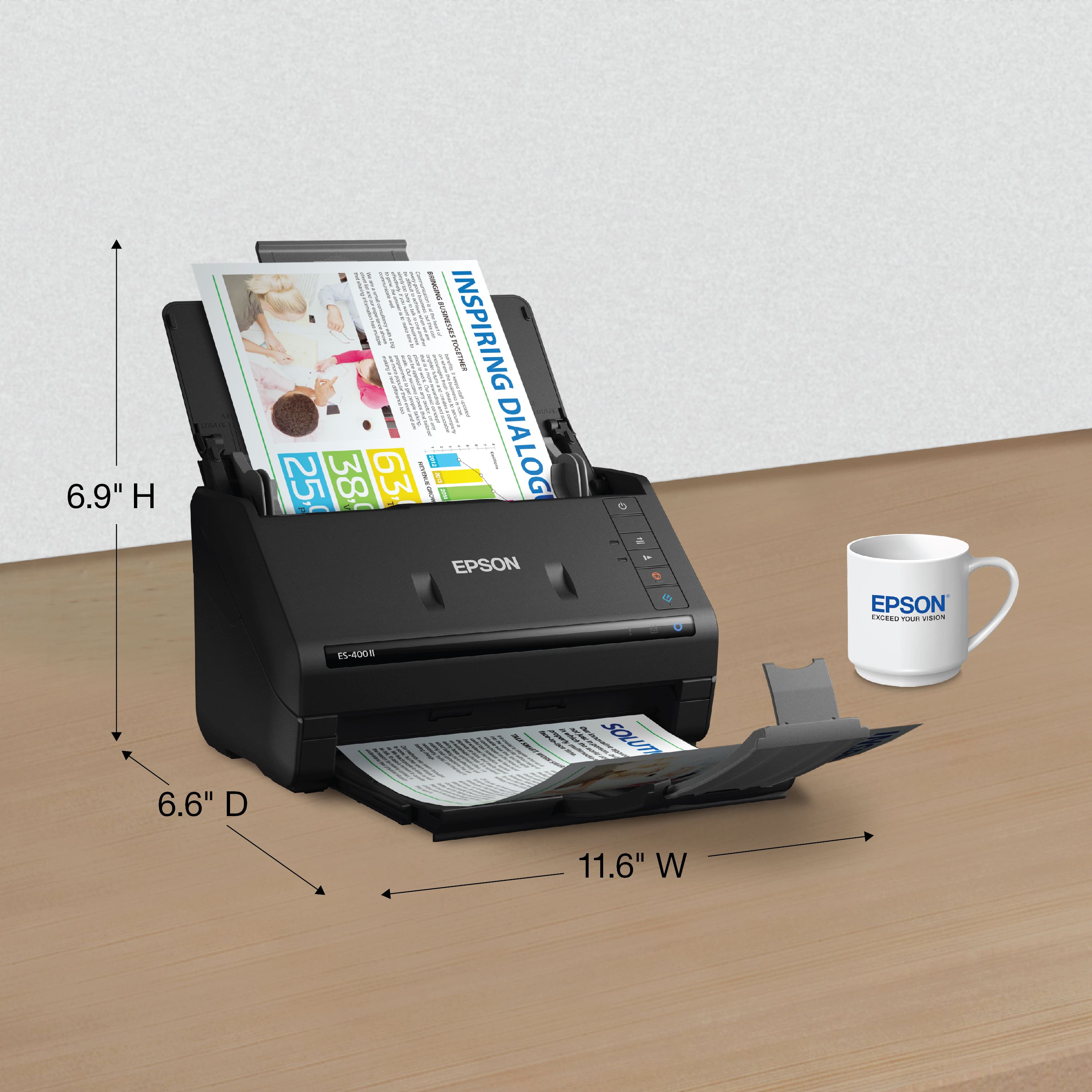
|Posted .This reviewer received promo considerations or sweepstakes entry for writing a review.I don't believe I gave it enough use but the few times I've had need of it is extremely fast and efficient. There would only seem to be 1 small issue. Even though there are official drivers and software that support a Windows 7 install, I could never seem to get it to work. Only once, and I've no idea how did it work and scan. While connected and in the Epson software I loaded a couple of pages and pressed start. It didn't load and just continued to flash as the task had queued. I walked away after nothing happened and returned 20 minutes later. To my surprise, the pages finally went through the scanner and the results were on the screen. When I tried to do it again no matter how much time I waited, the scanner never pulled them through anymore. I eventually gave up and tried connecting to a Windows 10 machine. When paired with a Windows 10 machine the scanner immediately began scanning whatever documents I fed it. A short while before receiving the scanner I was in the market for flyers/business document prints. I used some of the samples I received for testing this product. Due to not being endorsed nor have rights to the brand, I've edited the scans to remove such information. When folded in, the scanner is quite compact at 11.75" x 6.5" x 7". Fully extended it measures about 11.75" x 17" x 12.5". Running 20 documents through the scanner I saw an average of about 31.5 seconds. At its loudest, I got about 70dB with the listening device right above the output tray (roughly 5"). One observation I noticed while running 20 documents at a time is that after about 3 runs the pages begin to get damaged or wrinkled and tend to output at an angle or to the side. A few of the scans after a few cycles resulted in shadows or misaligned pages as well. Depending on the paper type being fed, you may experience jams. Everyday letter-size 20lbs paper or thicker works perfectly fine. But certain thinner paper types (e.g newspaper) result in jams. With all that said, double-sided scans are one of the easiest things with this scanner. If it detects a print you will see it show up on your screen. However, by default, if the backside is plain white you won't see that result show up on your screen. If there is the slightest color or shadow, however, it'll show up.
I would recommend this to a friendGreat for Office
Posted .This reviewer received promo considerations or sweepstakes entry for writing a review.The WorkForce ES-400 II is user-friendly. It is easy to set up and install. It is also wireless which is a huge plus because that means fewer cords. Its 50 sheet document feeder is fast for docs with various sizes including business cards. You can load multiple pages easily and is fast. I love that it has OCR, which makes it easier to convert pdfs to word. Images are scanned clear. The two-sided scanner is also a time saver. Great for a small business. This is a review for the Epson WorkForce ES-400 II Duplex Desktop Document Scanner that I received free of charge to do a beta test and review.
I would recommend this to a friendExcellent Product!!
Posted .This reviewer received promo considerations or sweepstakes entry for writing a review.The Workforce Es-400 ll Duplex desktop scanner is absolutely fantastic. Scans the documents fast and with ease. Automatically scans on both side which gets the job done faster. That best feature is that it is wireless so you can scan directly to your PC or tablet/ mobile phone. The scanner scans documents very clearly which I absolutely adore. The design is very modern and eye-catching. It doesn't take that much space and it is portable. This is a review for the Epson WorkForce ES-400 II Duplex Desktop Document Scanner that I received free of charge to do a beta test and review.
I would recommend this to a friend