Customer Ratings & Reviews
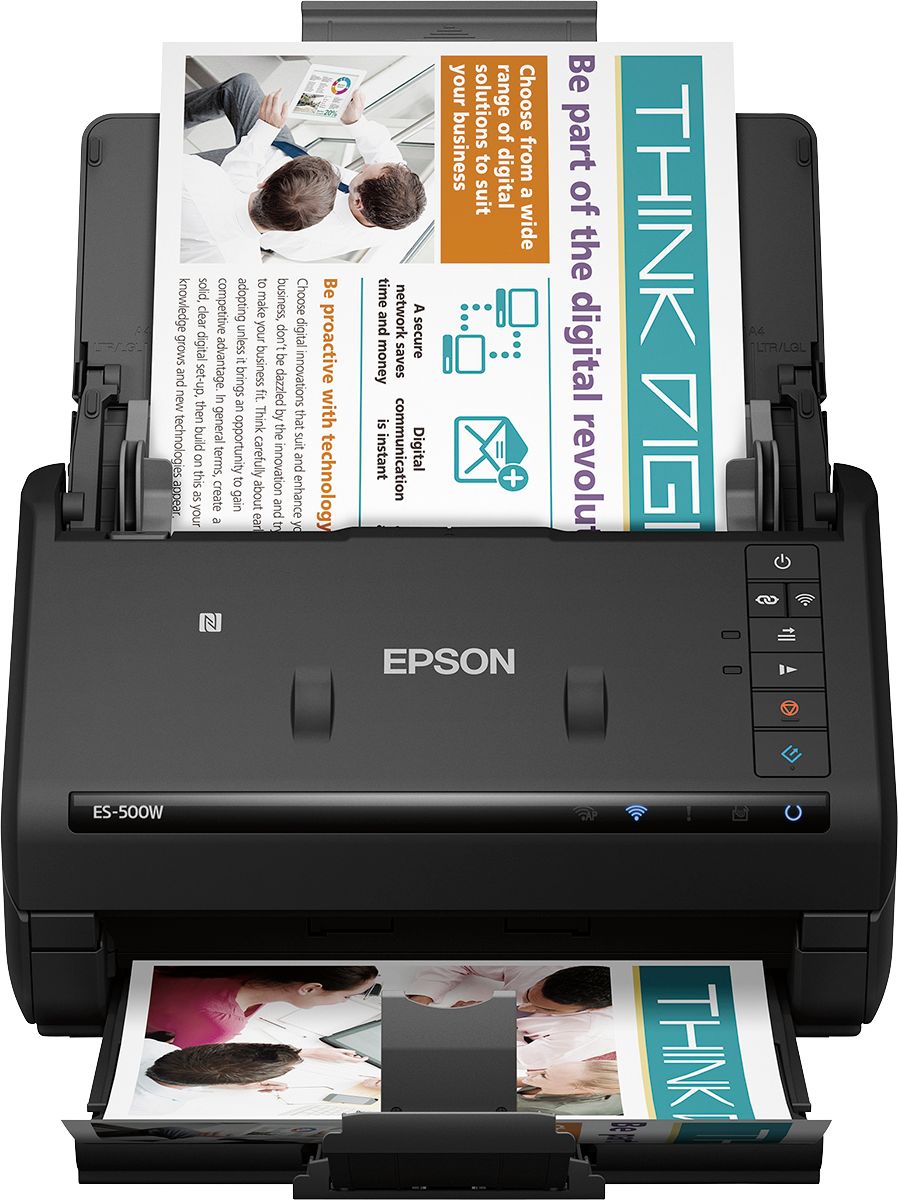
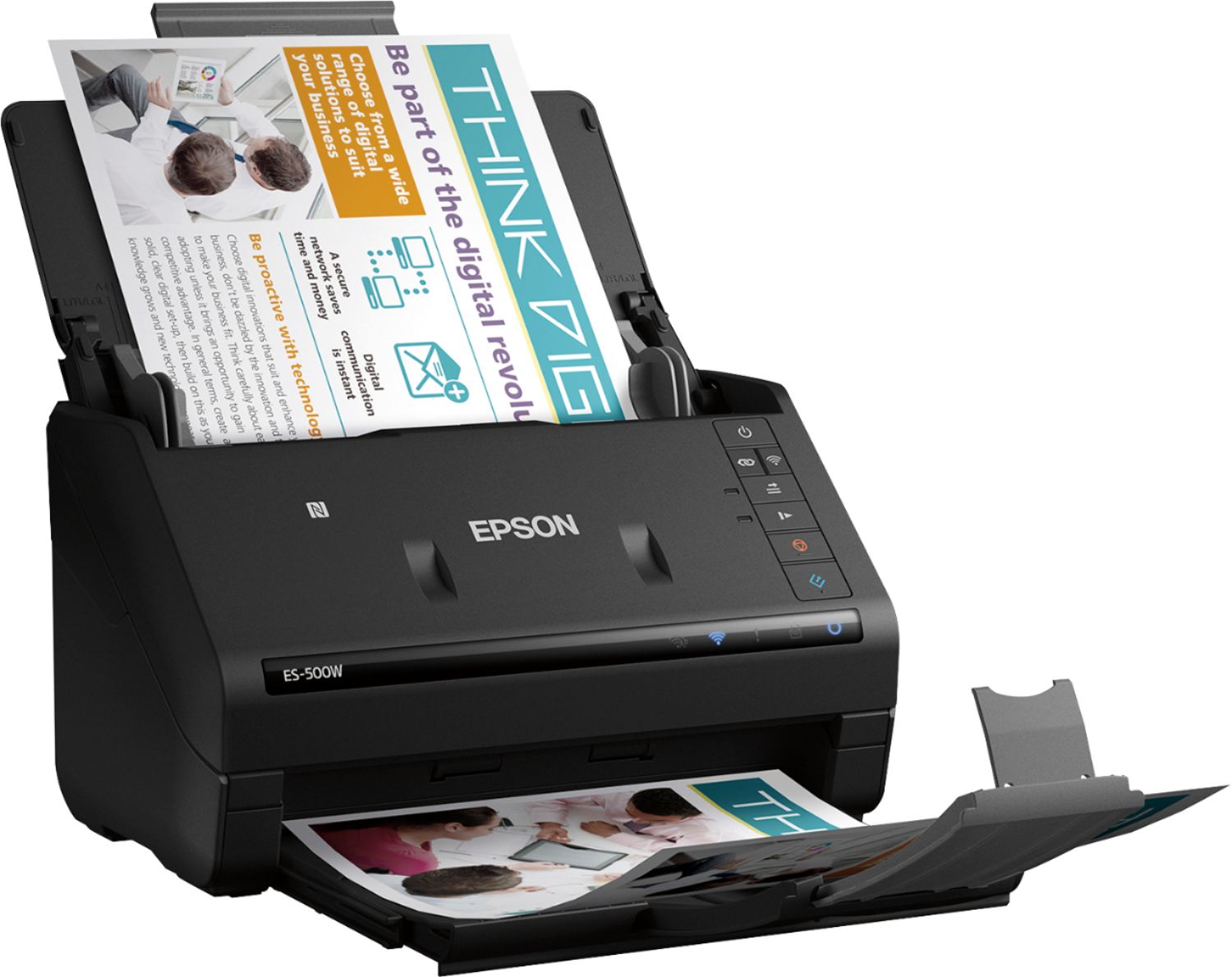
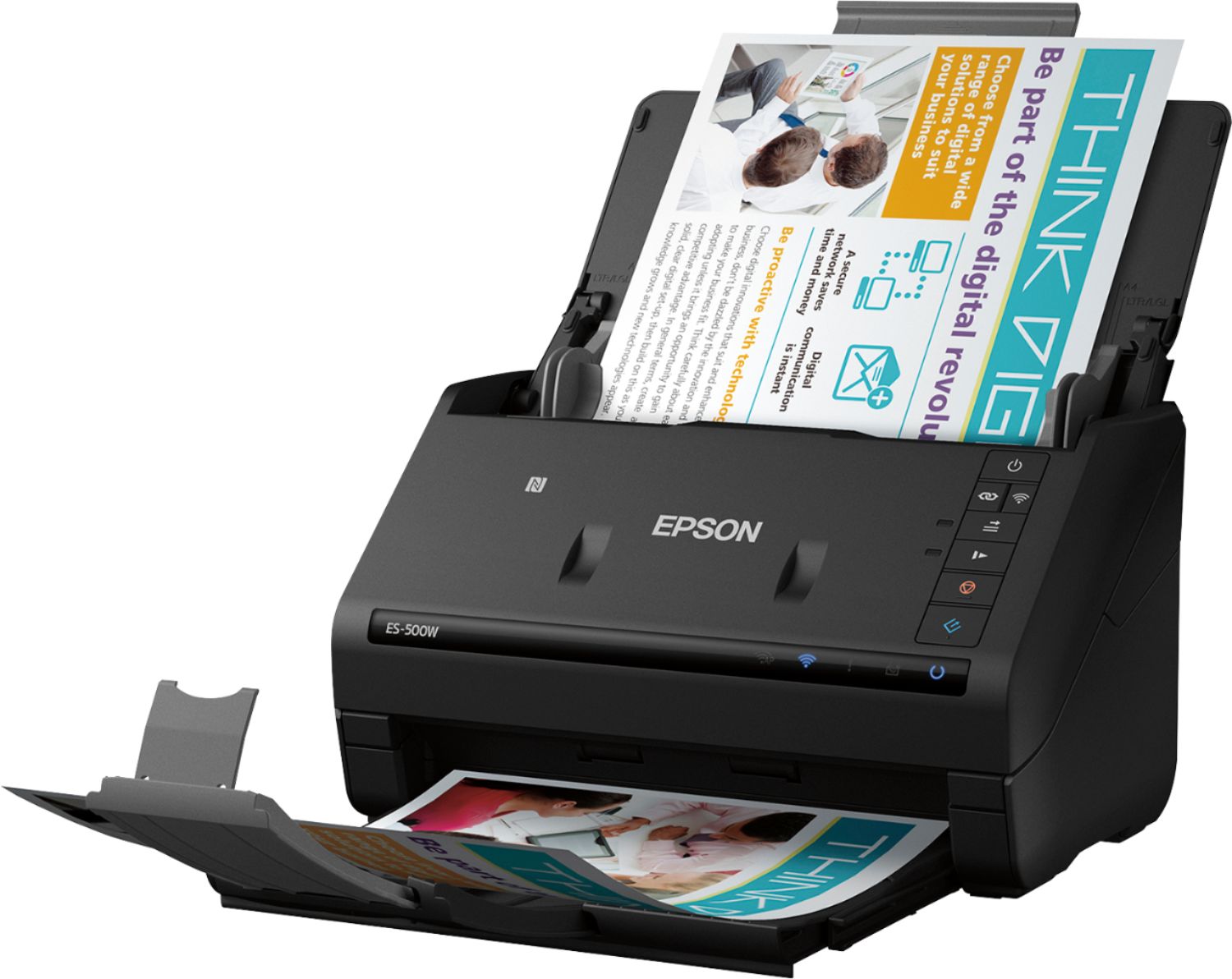



- Model:
- B11B228201
- SKU:
- 5689000
Rating by feature
- Value
Rating 4.4 out of 5 stars
- Quality
Rating 4.6 out of 5 stars
- Ease of Use
Rating 4.5 out of 5 stars
Customers are saying
Customers have good things to say about the WorkForce ES-500W Wireless Document Scanner's ease of use, scan quality, wireless functionality, and compact size. Many appreciate the straightforward setup process and reliable performance. However, some users have expressed dissatisfaction with the provided software and occasional paper handling challenges. A few users reported issues with the scanner jamming, though this was not a widespread concern.
This summary was generated by AI based on customer reviews.
- Pros mentioned:Ease of use, Size, Speed
MINIMALIST PLANNER'S DREAM
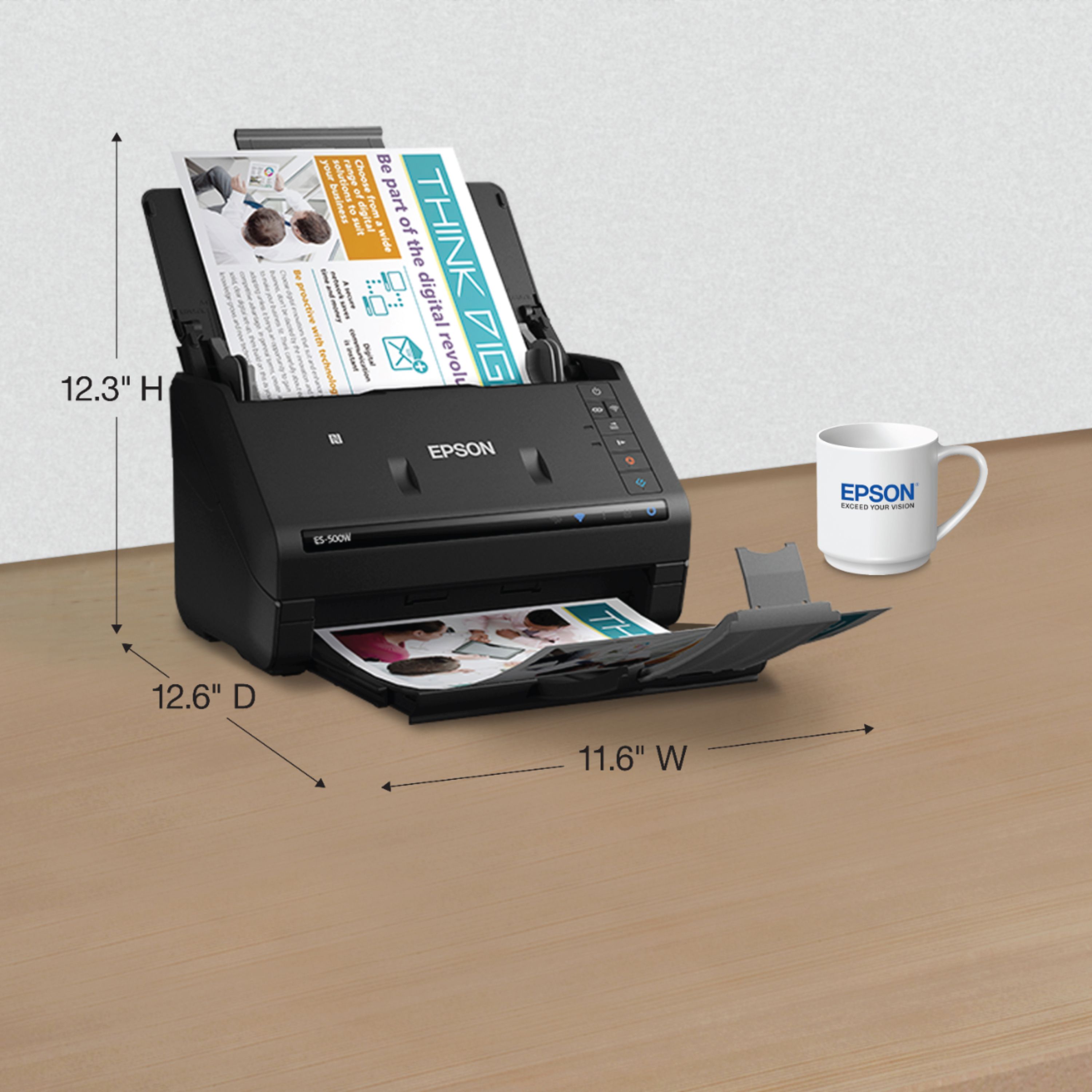
Posted .This reviewer received promo considerations or sweepstakes entry for writing a review.I am both a minimalist and a planner, so while I enjoy only having what's needed in my life, I also make sure to be prepared for any any and all situations. This means that I often have the dilemma of wanting to get rid of papers, receipts, business cards, and documentation but while simultaneously remaining prepared for future situations in which I may need them. I actually have access to a powerful scanner at work but since I value my privacy/security I prefer not to use it for personal documents, so a COMPACT, QUICK, & EFFICIENT scanner like this one from Epson is perfect for me. Products like this often have tons of features and usability, but can sometimes be limited when using the mobile application. I'm sure this is the case here as well, but I can say from my own experience scanning a few hundred pages over the last few days prior that using this scanner wirelessly was VERY EASY with the Epson DocumentScan app for Android, since it has most mainstream options available while keeping the app simple. For example, I was able to select automatic mode for document size and image size, toggle "skip blank pages", and select the file save location all from one screen - all I did during each scan was select single or double sided and edit the filename (which by default is a timestamp). Overall, I'm very happy with this scanner, not just because it scans pages VERY QUICKLY (35ppm), but because it is simple to use and also has a very COMPACT profile (smaller than any printer) when not currently being used. This is a review for the Epson ES-500W Wireless Duplex Document Scanner that I received free of charge to do a beta test and review.
I would recommend this to a friend Could not get it installed.
||Posted . Owned for 3 weeks when reviewed.This reviewer received promo considerations or sweepstakes entry for writing a review.I was very much looking forward to using this Epson scanner to replace an old Neat unit I have. After installing it, it would not scan. Spent about 45 minutes with Epson customer service who could not get it to work either. Returned it to the store
No, I would not recommend this to a friendBrand response from Epson
Posted .Hello REBr, we are sorry to hear that we were not able to resolve this issue. For further assistance, please contact Epson Support and include your name and support ticket number, if available. Ask to be escalated to our Epson Advanced Support Team. Please call (562) 276-4382; Hours: Monday – Friday, 6am – 8pm PT; Saturday, 7am – 4pm PT. Thank you for your patience. Sincerely,Leo – The Epson Team.

- Pros mentioned:Scan quality, Speed
Super Fast and Compact
Posted .This reviewer received promo considerations or sweepstakes entry for writing a review.I own a small business and we're completely paperless so it's important to have a scanner that is fast, produces quality scans, and can handle 2-sided scanning. Don't be fooled by the compact size, this scanner checks all of these boxes and more. This scanner is FAST, really fast. Setup was effortless -- just download the installation file from Epson's website and it walks you through the steps to install the drivers and connect the scanner to your wifi network. As a side note, I appreciate that it didn't install any unnecessary software. After a few minutes you are ready to scan. Epson's scanning software is fantastic but we use 3rd party scanning software to meet our business needs. Our software recognized the scanner over wifi immediately. Scanning was SUPER FAST -- WAY FASTER than a printer/scanner combo. I measured the time to scan 10 pages over wifi compared to a direct USB connection and there was no difference in performance (it took a matter of seconds to scan 10 pages). Even more impressive is that there is no speed difference between single-sided and double-sided scanning -- both sides are scanned in a single pass. You can choose from a range of DPI settings and the quality is excellent at all resolutions. Overall, I was blown away by the performance of this scanner and it's compact size. This is a review for the Epson ES-500W Wireless Duplex Document Scanner that I received free of charge to do a beta test and review.
I would recommend this to a friend - Pros mentioned:Size, Speed, Wireless
Awsome Scanner! Awsome Price!
Posted .This reviewer received promo considerations or sweepstakes entry for writing a review.I am in love with my Epson ES-500W Wireless Duplex Document Scanner. You have to download the Epson Document Scan app for Android but it is incredibly simple to use.The options on the app are mainstream, for example it lets you scan papers to your Cloud, Google Drive, Document Dropbox, Evernote, and even your phone. The very simple app communicates with your scanner wirelessly through your wifi. This is something I deeply enjoy about this scanner nothing needs to be connected to a wire so I can use my phone, tablet and laptop. This scanner is fast and efficient. It can scans quickly and in large quantities; 35 pages per minutes. I have used a many scanners but none like this one. Did I mention it cuts down clutter because of how compact it is.The scanner performance is above par allowing you scan any size; extra long, receipts,cards etc. Furthermore with it being wireless it was easy to set up.This is a review for the Epson ES-500W Wireless Duplex Document Scanner that I received free of charge to do a beta test and review.
I would recommend this to a friend Tough to connect
||Posted .This reviewer received promo considerations or sweepstakes entry for writing a review.It wasn't the easiest to connect. I returned it and got the Brother
No, I would not recommend this to a friendBrand response from Epson
Posted .Hi John, we’re sorry to hear that you were having issues with your Epson ES-500W and regret to hear that you returned the scanner. The product comes with free lifetime technical support and our Epson Support Team is always happy to help. You can reach them at (562) 276-4382; Hours: Monday – Friday, 6am – 8pm PT; Saturday, 7am – 4pm PT. Thanks for considering Epson and we’ll make sure to pass your feedback along to the relevant Epson department. Sincerely, Matt S. – The Epson Team.
- Pros mentioned:Speed, WirelessCons mentioned:Software
nice quality scanner
Posted .This reviewer received promo considerations or sweepstakes entry for writing a review.I really like the epson 500 scanner, its compact enough to fit on my desk or I can even put it in a whole different room and it will scan wirelessly. It scans documents well without missing any parts. I can put in 5 pages and they scan nearly instantly too which is great for a busy home office. I will say I downloaded the software and it took an escessively long time. I then tried to register it and it couldn't find my serial number. my computer broke, I got a new one and it isnt the same on the new computer. I set it up again (which took a long time even on my brand new computer) and now I cant push the scan button on the scanner it wont work. I can however go into the epson scanner app and hit the scan button that way. Overall I would recommend this but there is something that needs to be changed with the downloading and installing the scanner itself.
I would recommend this to a friend Could not connect to cpu
||Posted . Owned for less than 1 week when reviewed.This reviewer received promo considerations or sweepstakes entry for writing a review.I downloaded the drivers and utilities from Epson website and scanner would not connect to my laptop. Did all the troubleshooting. So frustrating, I just returned it.
No, I would not recommend this to a friendBrand response from Epson
Posted .Hello Covi, we're very sorry for the setup issues that you had experienced with the WorkForce ES-500W. Epson takes into consideration all feedback to improve the performance and quality of our products. If we can help you with anything else, our support team can be reached by phone at (562) 276-4382 or by email at https://epson.custhelp.com/app/ask/p_model_name/Epson%20WorkForce%20ES-500W; Hours: Monday - Friday, 7 am - 4 pm PT. Hopefully, we can assist you with a future product. Sincerely, Bobby D. - The Epson Team.
- Pros mentioned:Ease of use, Size, Wireless
Fast and quiet
Posted .This reviewer received promo considerations or sweepstakes entry for writing a review.This is a review for the Epson ES-500W Wireless Duplex Document Scanner that I received free of charge to do a beta test and review. The scanner was a breeze to setup. It has a tiny footprint and takes up very little space. The only hard connection it needs is power (it does come with a USB cable if you desire to hardwire it.) It was easy to setup on my wireless network using my iPhone. Not only does the scanner come with scanning software and a separate business card suite, but there is also an app for your ios or android device. It also has the capability to directly scan to online document storage services (a service I have not tried yet). I have used it to scan and organize all of my business cards so far with excellent results. I have also scanned in some of my daughters artwork for digital storage.
I would recommend this to a friend - Pros mentioned:Size, SpeedCons mentioned:Software
Easy to Use, but a few installation quirks
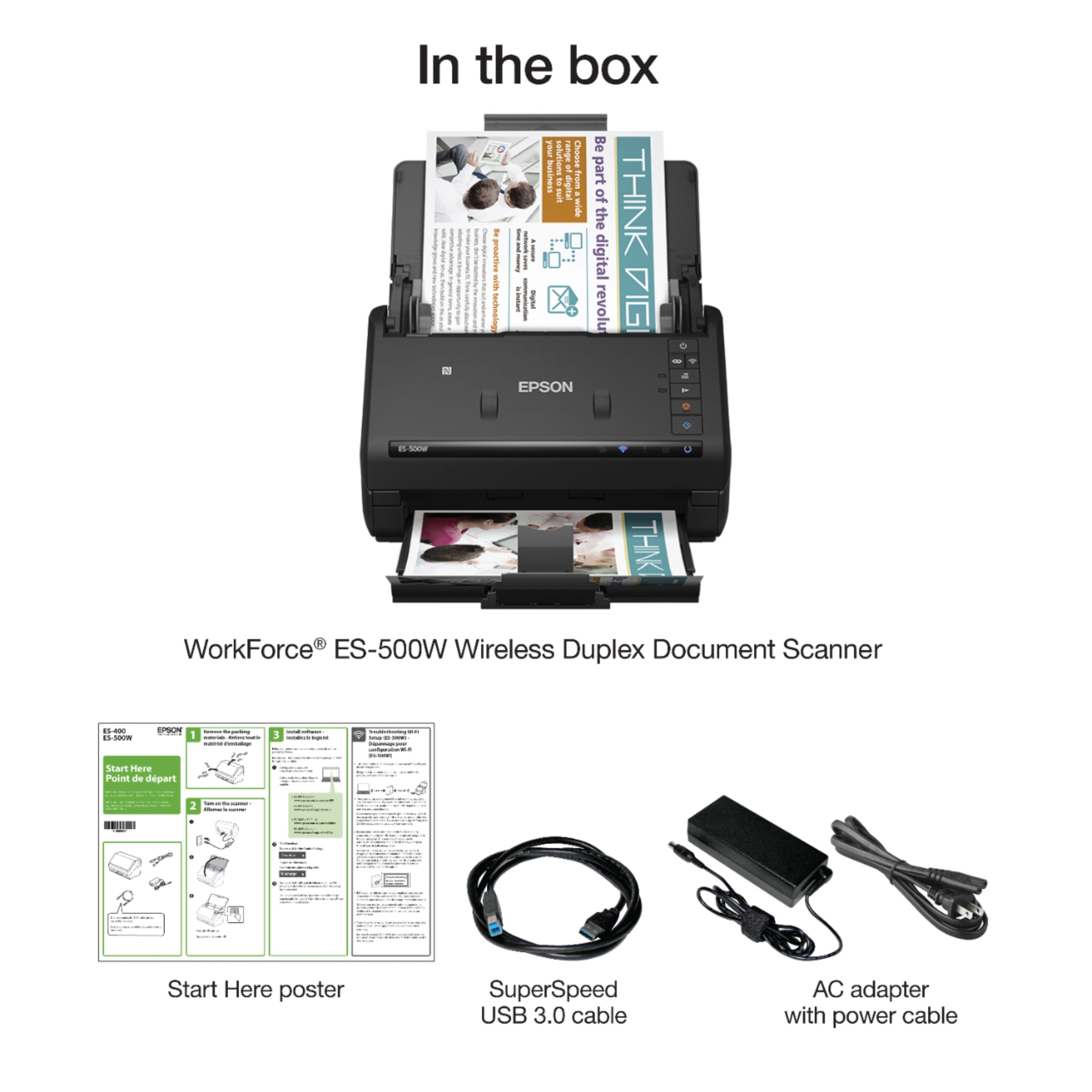
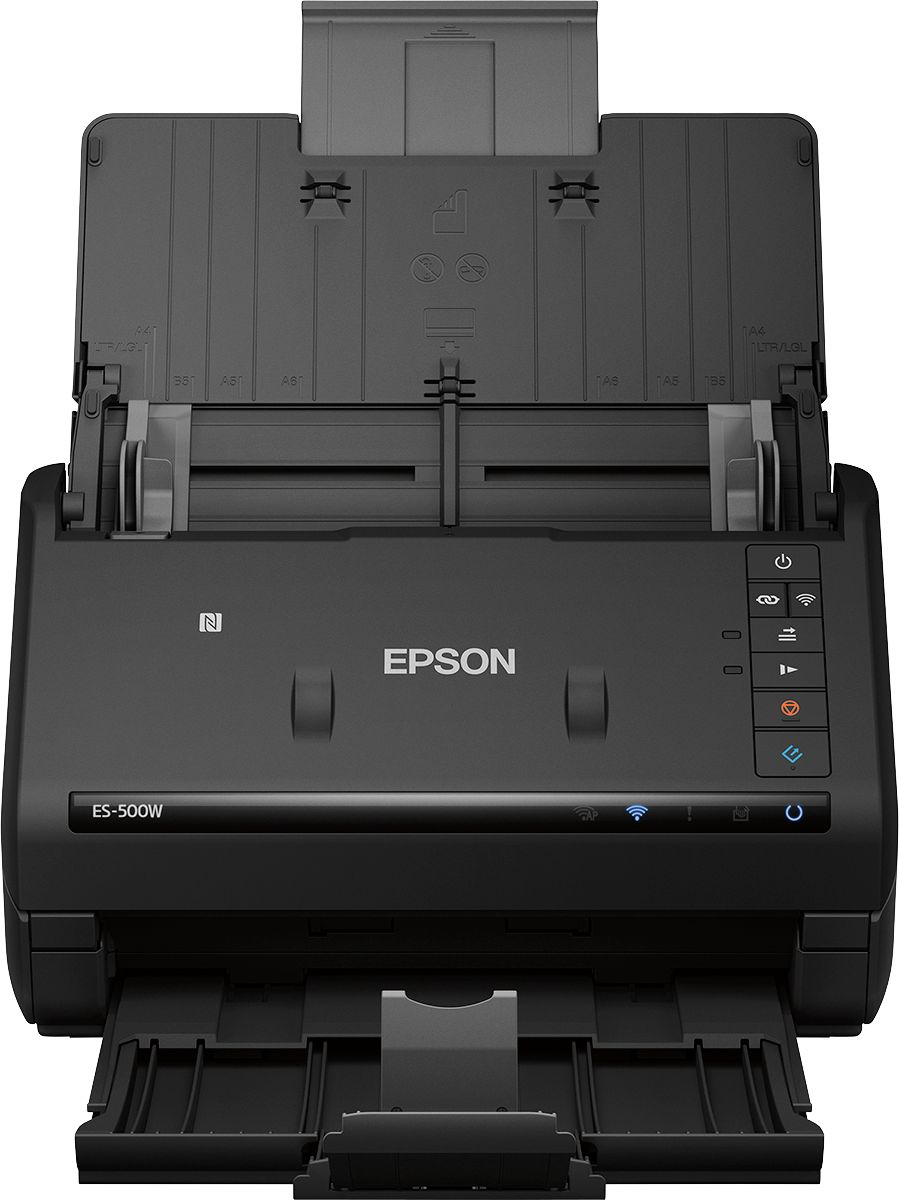
Posted .This reviewer received promo considerations or sweepstakes entry for writing a review.The ES-500W is a wireless duplex scanner that comes with a USB 3.0 connection, and also supports 2.4 MHz WiFi. It is shipped with an AC power adapter, USB cable, and Quick Installation Guide. Software/Driver downloads for Windows XP, 7, 8, 8.1, and 10, as well as OSX versions 10.5.X – 10.12.X and complete User Manual can be viewed or downloaded from the Epson web site. The Web site also has pointers for Android and IOS applications. My initial setup was on an iMac running MacOS 10.12.3. I downloaded the Drivers and Utilities Combo package Installer. The first time the scanner is used, it must be connected via USB to do the initial install. I walked through the install, selected my wireless network/password, and upon completion it requested the user to run the software updater. I ran it, and there were new versions of many of the packages I had just installed. This seemed a little strange as I had just downloaded what I thought were the latest versions from the website. After successfully completing the installation I removed the USB cable as instructed, but was unable to access the scanner via WiFi. I ran the combo installer again. It completed, but this time it took me to a registration page as well as updating the software again (it did not do this the first time). The list for updates was different than the first time. Although it said it had done a firmware update, when I ran the firmware updater again, it again found that it needed a firmware update, which I completed. I was finally able to actually start using the scanner. The Mac versions of software comes with two different programs that can scan documents; “Document Capture”, and ‘Epson Scan 2”. They both seem to have pretty much the same set of features, although the “Epson Scan 2” will allow the user to push a button on the scanner to start the scan process. “Document Capture” allows the user to select alternate output options such as Evernote, Google Drive, SugarSync and others. A TWAIN driver is also provided which allows the use of third party programs to access the scanner (like Apple’s Image Capture). Scanning duplex seemed as fast as scanning a single side of the paper. Epson claims up to 35 pages per minute. The pages scan much faster than my All-in-One printer I have been using. Epson also provides the ABBYY FineReader program to do OCR on the scanned documents. It seems to work pretty well at converting scanned documents to Word documents. I also tried the scanner from a Windows 7 machine as well as using the “Epson DocumentScan” IOS app. The IOS app allows both scanning by accessing your WiFi network, or by directly connecting to the scanner. There were a few quirks in the setup process. It took three tries to get the scanner to accept and keep the WiFi configuration information. I think the software could use a little tweaking/testing and more documentation to insure that the initial configuration actually works. I’m not sure why the installer wanted to install additional new software when I had just downloaded the latest software from the web site. There is an application called “EpsonNet Config” supplied for Mac and Windows, but the documentation downloaded to the Mac only contains instructions for the Windows version. There is also a plastic ‘stopper’ on the paper out-feed that has snapped off three times in the first hours of using the scanner. It snaps back in, but it has short, thin, pins that hold it. I would hope that Epson thinks about a small redesign of this part, as the user will fold up the out-feed often and this part will surely break. If you’re looking for a fast duplex document scanner that takes up little space on your desktop, has WiFi connectivity, supports a variety of both computer and mobile platforms, than the Epson ES-500W can be a good choice. This is a review for the Epson ES-500W Wireless Duplex Document Scanner that I received free of charge to do a beta test and review.
I would recommend this to a friend - Pros mentioned:Scan quality, Size
Great scanner
Posted .This reviewer received promo considerations or sweepstakes entry for writing a review.This is a review for the Epson ES-500W Wireless Duplex Document Scanner that I received free of charge to do a beta test and review. I was pleasantly surprised by how small and compact this scanner is. The setup process took about 15-20 minutes. I found the software is very easy to use. It provides the user with many options like adjusting the quality of your scans. This helps sharpen up older documents that may be worn or faded. It also scans double-sided in just one pass, and allows you to convert file formats (i.e. PDF). I usually prefer multifunctional machines. With this scanner I found that because it is focused on one function it produces higher quality, grain free images. It's color scans look crisp and clear with bright colors. Great overall scanner with no issues that I have found.
I would recommend this to a friend Epson scanners do not work with 5 Ghz Wifi
||Posted .This reviewer received promo considerations or sweepstakes entry for writing a review.This scanner will not work with a 5.0 ghz Wifi. Really - 5 ghz is not very new. There is nothing in the product reviews or on the box that states it is not compatible.
No, I would not recommend this to a friendscan are to dark
||Posted . Owned for 9 months when reviewed.This reviewer received promo considerations or sweepstakes entry for writing a review.I bought the scanner for my job, the scan send the papers to dark and it doesn't give you the option to change the settings.
No, I would not recommend this to a friendBrand response from Epson
Posted .Hi jannete, your Epson ES-500W scanner comes with free lifetime technical support and we're here to help. Epson detailed information on adjusting scan settings in the online User's Guide at www.epson.com/s/SPT_B11B228201#manuals. Please refer to "Scanning with Document Capture Pro in Standard View" at https://files.support.epson.com/docid/cpd5/cpd51578/index.html, or "Scanning in Epson Scan 2" at https://files.support.epson.com/docid/cpd5/cpd51578/index.html. If you need further assistance, please call our Advanced Support Team at 1-800-241-5794; Hours: Monday - Friday, 7 am - 4 pm (PT). Kind Regards, Bobby D. - The Epson Team.
- Pros mentioned:Size, Wireless
Compact scanner with high image quality
Posted .This reviewer received promo considerations or sweepstakes entry for writing a review.The Epson ES-500W Wireless Duplex Document Scanner is a remarkably compact device that overcomes the main gripe many people have about scanners: they take up too much space. Unboxing and connecting the device was a breeze, as was most of the software download and installation process. Take care to download the driver package specific to your model (the ES-500W rather than the ES-400, which is listed first in the printed instructions) or else your computer won’t recognize and connect to your scanner. My everyday laptop is a Macbook Air and the software installation for Mac was just as easy as on a Windows laptop. The main reason overall setup ended up taking roughly 35 to 40 minutes was because there was a fairly lengthy firmware update required right out of the box. Having said that, the process to establish the wireless connection to the printer was much easier and more streamlined than I anticipated, so it pretty much evened out. Now that the scanner is up and running, it works like a charm. While the Epson Document Capture application user interface isn’t much to write home about, it’s intuitive and makes it simple to scan and take advantage of a number of clever features. The ES-500W produces quality one-sided or double-sided scanned images at any resolution (200, 300 or 600 dpi), with impressive sharpness for both text and images as well as solid distinction between colors. You do have to be sure the clips on either side of the paper tray are lined up pretty closely with the edges of the documents to be scanned, especially if the original document has previously been folded, or else the scanned images will come out crooked to the point that the “Correct Document Skew” option can’t do much to fix them. You can save your scans as multiple filetypes (PDF, JPEG, TIFF or PNG), which can save you the headache of having to convert those files later. The application also allows you to export finished scans directly to Google Drive destination folders, which works well every time for me and cuts out a step when sending scores of documents to the cloud. There’s also a handy companion iPhone app – Epson DocumentScan – that lets you initiate low or standard resolution (no high res) scans directly from your phone, saving you from ever having to log in to your laptop. Overall, the ES-500W is a solid choice if you’re looking for a scanner that keeps image quality consistently high and sharp, offers simple functionality and shortcuts, doesn’t require exorbitant setup time and comes in a nice compact form factor. Disclosure: This is a review for the Epson ES-500W Wireless Duplex Document Scanner that I received free of charge to do a beta test and review.
I would recommend this to a friend Won’t connect
||Posted .This reviewer received promo considerations or sweepstakes entry for writing a review.Terrible. Pay attention to the reviews that say won’t connect because it won’t.
No, I would not recommend this to a friendA Lemon
||Posted .This reviewer received promo considerations or sweepstakes entry for writing a review.The worst product. Does not feed. Defeats the whole purpose of a scanner. Cheaply made.
No, I would not recommend this to a friendBrand response from Epson
Posted .Hello Brad, your WorkForce ES-500W comes with free lifetime technical support, and we're here to help. Epson provides useful tips to help address most issues with paper feed in the FAQs at www.epson.com/s/SPT_B11B228201#faq-8796127504460. If you need further assistance, our support team can be reached at (562) 276-4382 between 7 am - 4 pm (PT), Monday - Friday. Kind Regards, Bobby D. - The Epson Team.
Scanner
||Posted . Owned for 1 year when reviewed.This reviewer received promo considerations or sweepstakes entry for writing a review.did not like this item, returned it could not get it set up easly at all
No, I would not recommend this to a friendBrand response from Epson
Posted .Hi angela, we're sorry to hear you were not satisfied with the WorkForce ES-500W scanner. Epson takes into consideration all feedback to improve the performance and quality of our products. We appreciate your time in sharing your experience and hope you have a nice day. Kind Regards, Bobby D. - The Epson Team.
- Pros mentioned:Scan quality, Speed
Very impressive scanner
Posted .This reviewer received promo considerations or sweepstakes entry for writing a review.This is a review for the Epson ES-500W Wireless Duplex Document Scanner that I received free of charge to do a beta test and review. First of all I'd like to say I am thoroughly impressed! Setting up the scanner to use Wi-Fi instead of a USB was as simple as following the prompts. I also set up on my phone which took just a few minutes with ease. After setting the scanner up I decided to test all of the functions that I use regularly. Setting up Google drive was very simple and within a minute I had scanned a very clear document to my drive. That alone made my day. After running a few different scans on each DPI setting I would have to say the es 500w is the most clear and fastest I've owned. After running multiple scans I then scanned to emails flawlessly. I love the fact that wherever you scan to you can set it to also scan directly to a pc folder aswell. There's much to learn yet and I'm excited with all the possibilities and potential this unit has. I recommend this for any big or small office. I hope this helps you make your decision to get a really good scanner built to impress but built to work!
I would recommend this to a friend - Pros mentioned:Speed
Excellent, wireless Easy to Set up Scanner
Posted .This reviewer received promo considerations or sweepstakes entry for writing a review.Unboxing EPSON WorkForce ES 500W Scanner - We are small business where me and my husband deal with a lot of bill of landing, work logs,fuel receipts etc.This came handy as now i can easily scan all that paper work and easily access from my windows computer. This Scanner worked as advertised and it is ENERGY STAR certified device. It doesn't take much space in the office which is nice vs other office scanners.Setup was easy and easy to read through the manual instructions.EPSON ES500W can scan upto 50 pages if though the Auto document feeder which is very efficient.The feeder of this document works very well. I have tried to scan different type of documents including paper, photos, business cards, and receipts. All worked consistently with double-sided scanning. It is compatible with almost all the Cloud storage apps like DROPBOX,Google Drive and you can easily save a document and share with who ever you need to. Its like a smart Scanner no more warm up time needed for this bad boy. This unit comes with ABBYY FineReader Sprint which is compatible with PC users only but Mac OS users may install OCR software. When compared with EPSON ES400 only feature difference is connectivity and price which is 50$ more vs ES400 This device EPSON ES500 W comes with wifi connectivity which is a BIG plus. Being able to scan directly to the cloud or phone.If you have used EPSON in the past it is definitely a Big boost to the speed.I would Highly recommended if you have a lot of document, photos, or business cards to digitized. ** This is a review for the EPSON ES-500W Wireless Duplex Document scanner that i received free of charge to do a beta test and review, with the aim of hopefully elucidating features and drawbacks that may help you ultimately decide what fits your needs. Product ratings are based on performance, durability/construction and overall value.
I would recommend this to a friend - Pros mentioned:Speed, Wireless
A nifty scanner
Posted .This reviewer received promo considerations or sweepstakes entry for writing a review.I will try and give a simple rundown of this device, or at least the highlights that you might be looking for. For starters, I had no issues whatsoever connecting it to my Wi-Fi. That being said, I also have no issue discovering the scanner from neither my iMac OR my Android phone (using the Epson DocumentScan app). I also have unplugged the scanner and relocated it, and again found the scanner no profile via my Wi-Fi network. When scanning the first of my receipts, I quickly found out how fast this scanner is! I started with a single receipt, and using the app once I hit "scan" the receipt shot through the scanner. At first I had thought "this can't be right," because it seemed too fast, as if the receipt literally fell through it. But no, it was functioning perfectly. I saw, within a few brief seconds, my receipt was saved as a PDF file on the app on my phone screen. When they say this will reduce the clutter in your office, they mean it and they mean FAST, haha. And as for any cons, to be honest I haven't owned it very long nor have I done a massive amount of scanning with it yet. So I can't guarantee anything but so far, so good! I mean, the app it pairs with works great (which is usually not the case with most apps that pair to other devices), and it's efficient. Just need to see how it holds to the test of time ;) If any major issues come along I shall likely return and update this review. This is a review for this Epson ES-500W Wireless Duplex Document Scanner that I received free of charge to do a beta test and review. But in no way has that influenced my review, this is truly a great scanner!
I would recommend this to a friend - Pros mentioned:Ease of use, Speed
Great Features !
Posted .This reviewer received promo considerations or sweepstakes entry for writing a review.This is a review for the Epson Workforce ES 500@ Wireless Duplex Color Document Scanner that I received free of charge to do a Beta Test and Review. Great Features ... & Packs a Punch ! Epson Workforce ES 500W Wireless Color Document Scanner Review. What can I say ? This document scanner is SO fast ! I can easily stack a mound of documents and in no time, it zips them through one by one -- copying both FRONT and BACK of the document at the same time with a scan speed of 35 ppm/ipm. It contains a scan resolution of 600 dpi/ppp. Also has a daily duty cycle of a Maxium 4,000 pages. I can choose business card style or receipt, practically any size document from small to large multiple paper sizes. WHY save paper ? Scan any document & store directly to your popular storage accounts, providing a searchable pdf file to scan from. It comes out the box ready to use ! I just untaped the incredible packaging, hooked up the power cord and downloaded the appropriate software. Following the directions, the Workforce Epson ES 500W Wireless Color Document Scanner was incredibly easy to set up. For further software help, a phone number is included on the instruction sheet To scan from an IOS or Android device, simply download and install the free Epson Document Scan App from t he App Store or Google Play. When they say workforce, they mean it ! But EPSON takes the word "WORK", off of you & allows this wonderful document scanner to assist you in your every day daily work/business home life !
I would recommend this to a friend