Customer Ratings & Reviews



- Model:
- B11B228201
- |
- SKU:
- 5689000
Customer reviews
Rating 4.5 out of 5 stars with 426 reviews
(426 customer reviews)Rating by feature
- Value4.4
Rating 4.4 out of 5 stars
- Quality4.6
Rating 4.6 out of 5 stars
- Ease of Use4.5
Rating 4.5 out of 5 stars
Customers are saying
Customers have good things to say about the WorkForce ES-500W Wireless Document Scanner's ease of use, scan quality, wireless functionality, and compact size. Many appreciate the straightforward setup process and reliable performance. However, some users have expressed dissatisfaction with the provided software and occasional paper handling challenges. A few users reported issues with the scanner jamming, though this was not a widespread concern.
This summary was generated by AI based on customer reviews.
Rated 5 out of 5 stars
Duplex scanning over WiFi is awesome!
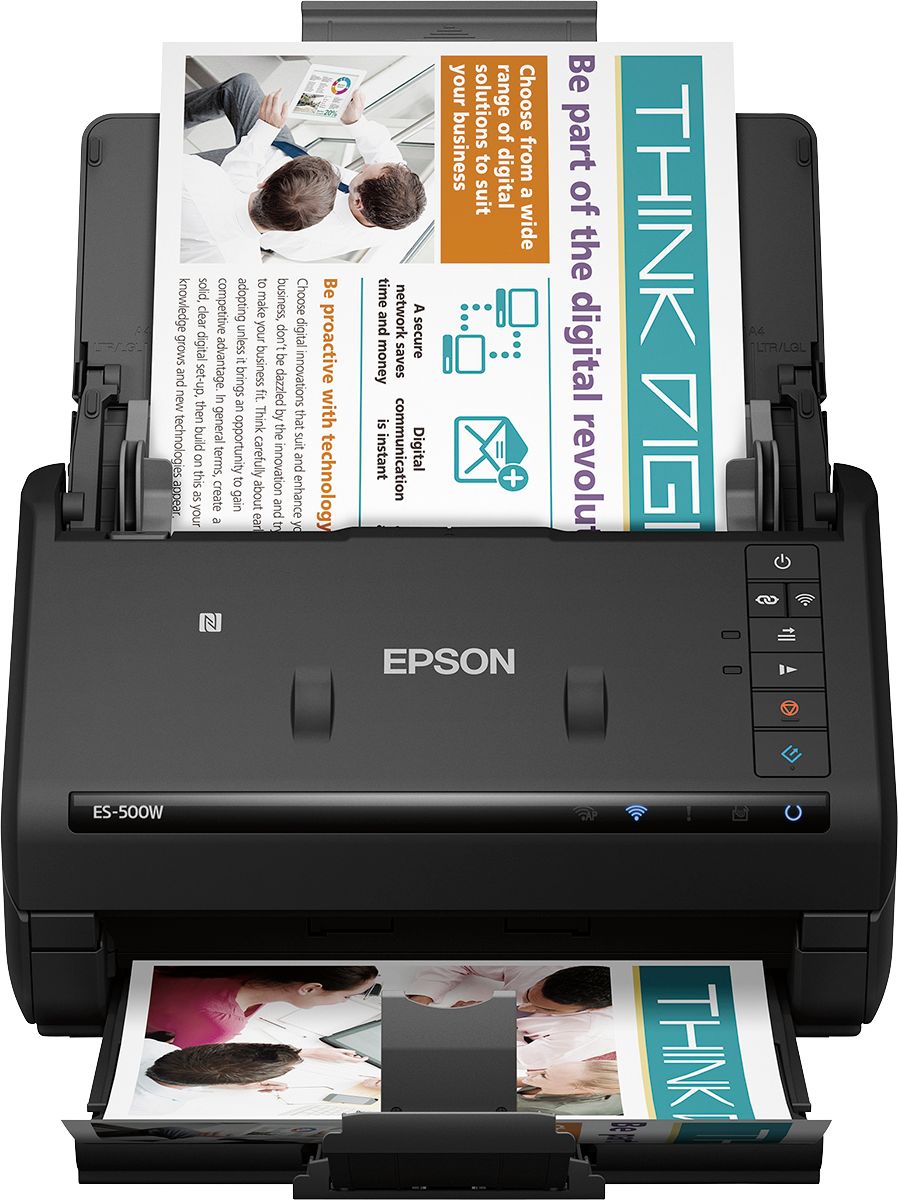
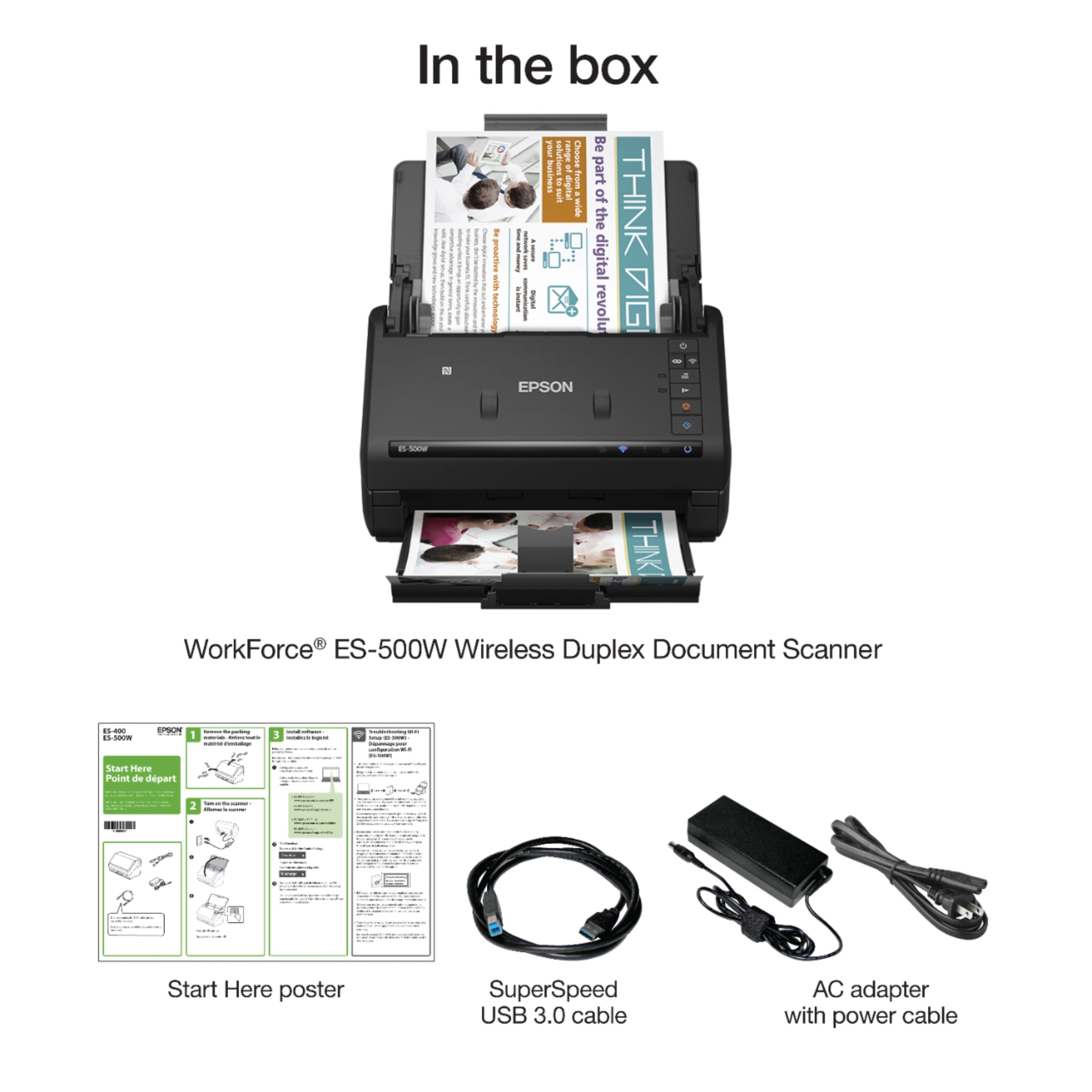
Posted .This reviewer received promo considerations or sweepstakes entry for writing a review.This is a review for the Epson ES-500W Wireless Duplex Document Scanner that I received free of charge to do a beta test and review. The scanner was packaged very well. Unboxing the scanner and removing the shipping tape and blocks was very easy. I downloaded the setup files along with the Epson scanning software and installed them to my desktop PC. The instructions for setup were easy to follow and connecting the scanner to my wireless network was fast and painless using the WPS function on the scanner and my WiFi router. Once the scanner connected to the PC the Epson software update tool found a newer version of firmware and updated applications for scanning. The updates were surprisingly fast for a firmware update and worked over the WiFi connection with no issues at all. Once the scanner was finished updating I was ready to start scanning. I needed to scan all the family’s medical insurance statements from last year. Those documents are double sided and laid out in landscape. I told the scanner via the scanning software that the source documents were double sided and set the rotation to auto. The scans completed quickly on the highest quality setting. The scans came through perfectly and sure beats the heck out of scanning with my old flatbed scanner! Pros: 1. Smaller footprint than my flatbed scanner 2. The auto rotate feature works perfectly 3. The scan quality is great 4. Setup is easy and fast 5. Creating the scan job through the Document Capture Pro software is easy 6. Scanning to my Android phone is very cool 7. Comes with a USB 3.0 cable for direct connect to a PC Cons: 1. It isn’t cheap
I would recommend this to a friendRated 4 out of 5 stars
Great single-function machine
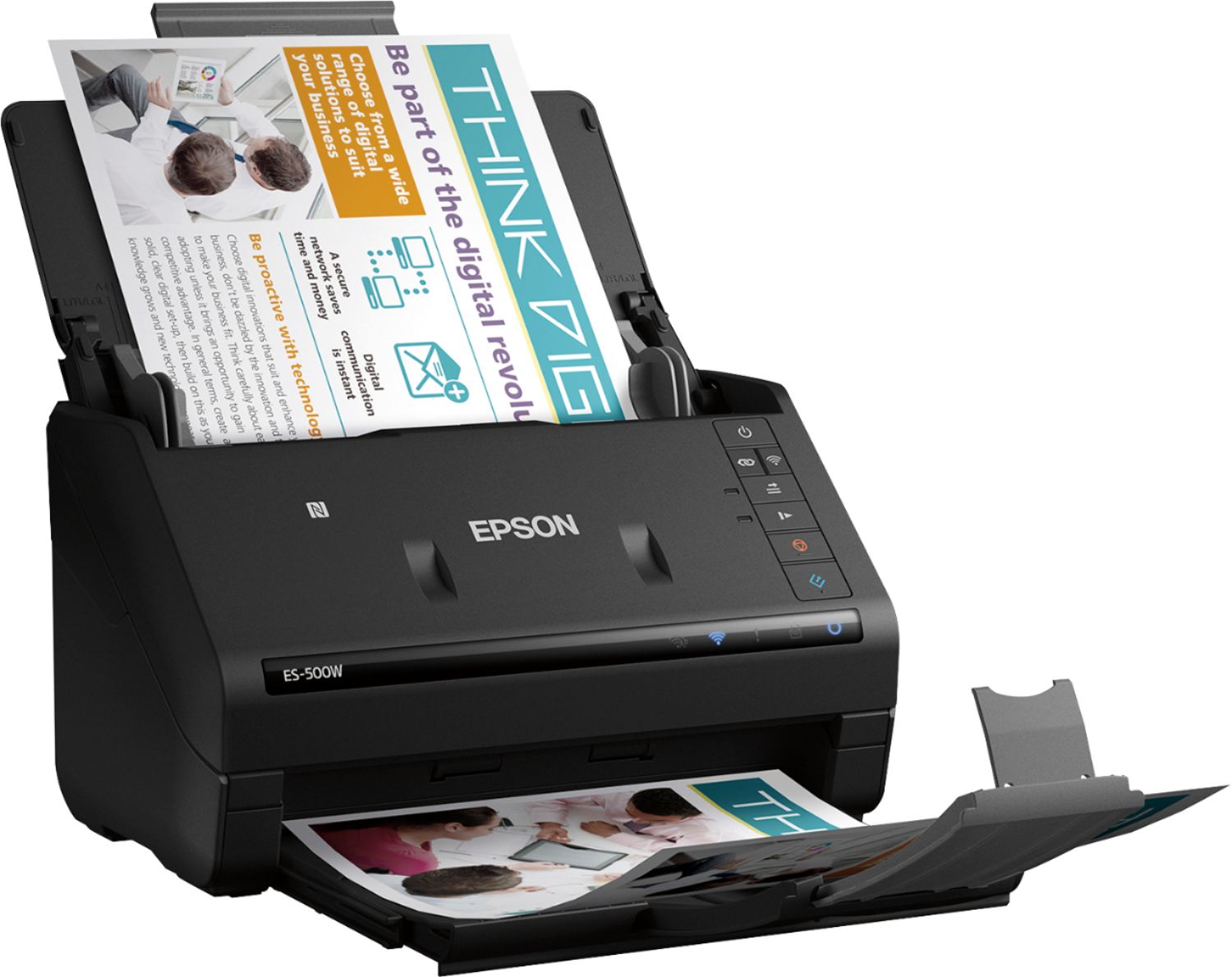
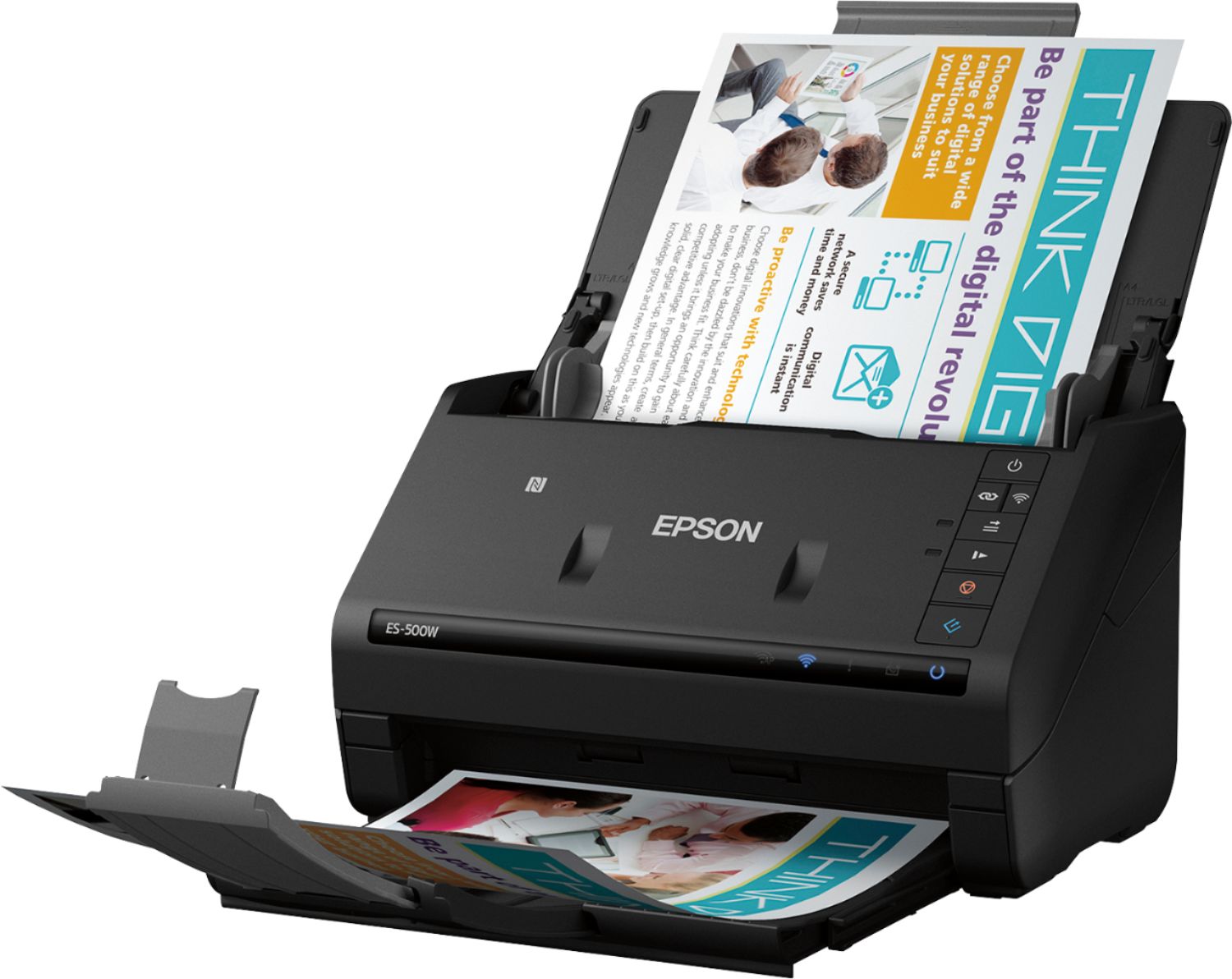
Posted .This reviewer received promo considerations or sweepstakes entry for writing a review.This is a review for the Epson ES-500W Wireless Duplex Document Scanner that I received free of charge to do a beta test and review. I was pleasantly surprised by how small and compact this scanner is. It is an inkjet scanner that fits letter-sized paper. The scanner did not include a software disk as I would have expected, instead the instructions asked that I download the needed software from Epson's website using a provided link. The setup process took about 15-20 minutes. I found the software is very easy to use. It provides the user with many options like adjusting the quality of your scans. This helps sharpen up older documents that may be worn or faded. It also scans double-sided in just one pass, and allows you to convert file formats (i.e. PDF). I usually prefer multifunctional machines. With this scanner I found that because it is focused on one function it produces higher quality, grain free images. It's color scans look crisp and clear with bright colors. This machine is the perfect way for me to declutter. I have a ton of old and new paperwork, receipts, drawing, and photos laying around. I've started easily scanning them to my computer and smartphone for safe keeping. I'm able to choose where I want the documents saved using the software as well, which is a big plus. One downfall I did find is that the transfer speed can be quite slow so using the wireless option is not always the most reliable. If I'm transferring a larger file, or multiples, I opt for the wired connection. The files transfer faster and the connection is more stable with the wired connection.
I would recommend this to a friendRated 5 out of 5 stars
Awesome Scanner!
Posted .This reviewer received promo considerations or sweepstakes entry for writing a review.This is a review for the Epson ES-500W Wireless Duplex Document Scanner that I received free of charge to do a beta test and review. I was impressed with this scanner from the minute I took it out of the box. The scanner is compact, but don't let its small size fool you. The ES-500W from Epson is a workhorse. Set-up was super easy. I run a small business from home and needed something that would allow me to quickly scan documents. I have an all-in-one printer that includes a scanner, but it is worlds slower. It also doesn't allow me the option of scanning to a Word or Excel file, which the Epson ES-500W does. The 50 page auto feeder makes scanning multi-page contracts and documents a breeze. Another incredible feature is that I can scan directly to Google Drive or DropBox, and easily get scanned items to my clients. I couldn't be happier with the speed of the scanner and the clarity of the scanned documents is spot on. I love that it scans something as small as my drivers license but can also scan long pages, like legal documents. I have been completely satisfied with the Epson ES-500W and would highly recommend to anyone looking for a versatile wireless scanner. This is perfect for a business owner or just someone wanting to consolidate all of their paper "clutter" into an easily searchable, digital database.
I would recommend this to a friendRated 5 out of 5 stars
Great fast scanner for desktop business use
Posted .This reviewer received promo considerations or sweepstakes entry for writing a review.This is my first experience with an Epson scanner (or any other Epson product for that matter.) The set-up took me a little longer than I thought, but once I went back and read the directions it was easy to install. I recommend adding in the optional apps. They make it easy to scan separate documents and then combine. The only downside is that the paper guides move a little when you are putting in the paper to scan so remember to adjust them tight to result in a straight scanned document. This is a review for the Epson ES-500W Wireless Duplex Document Scanner that I received free of charge to do a beta test and review.
I would recommend this to a friend- Cons mentioned:Software
Rated 1 out of 5 stars
Returned after 1-day
Posted .This reviewer received promo considerations or sweepstakes entry for writing a review.Very weak and frustrating software. Instead of one program that does several things, it installs several programs that do one thing.. Directions/instructions are very minimal.
No, I would not recommend this to a friend Rated 1 out of 5 stars
wifi connect scheme isnt robust
Posted .This reviewer received promo considerations or sweepstakes entry for writing a review.- instructions on website dont result in any connection
No, I would not recommend this to a friend