Customer Ratings & Reviews



- Model:
- B11B228201
- SKU:
- 5689000
Rating by feature
- Value
Rating 4.4 out of 5 stars
- Quality
Rating 4.6 out of 5 stars
- Ease of Use
Rating 4.5 out of 5 stars
Customers are saying
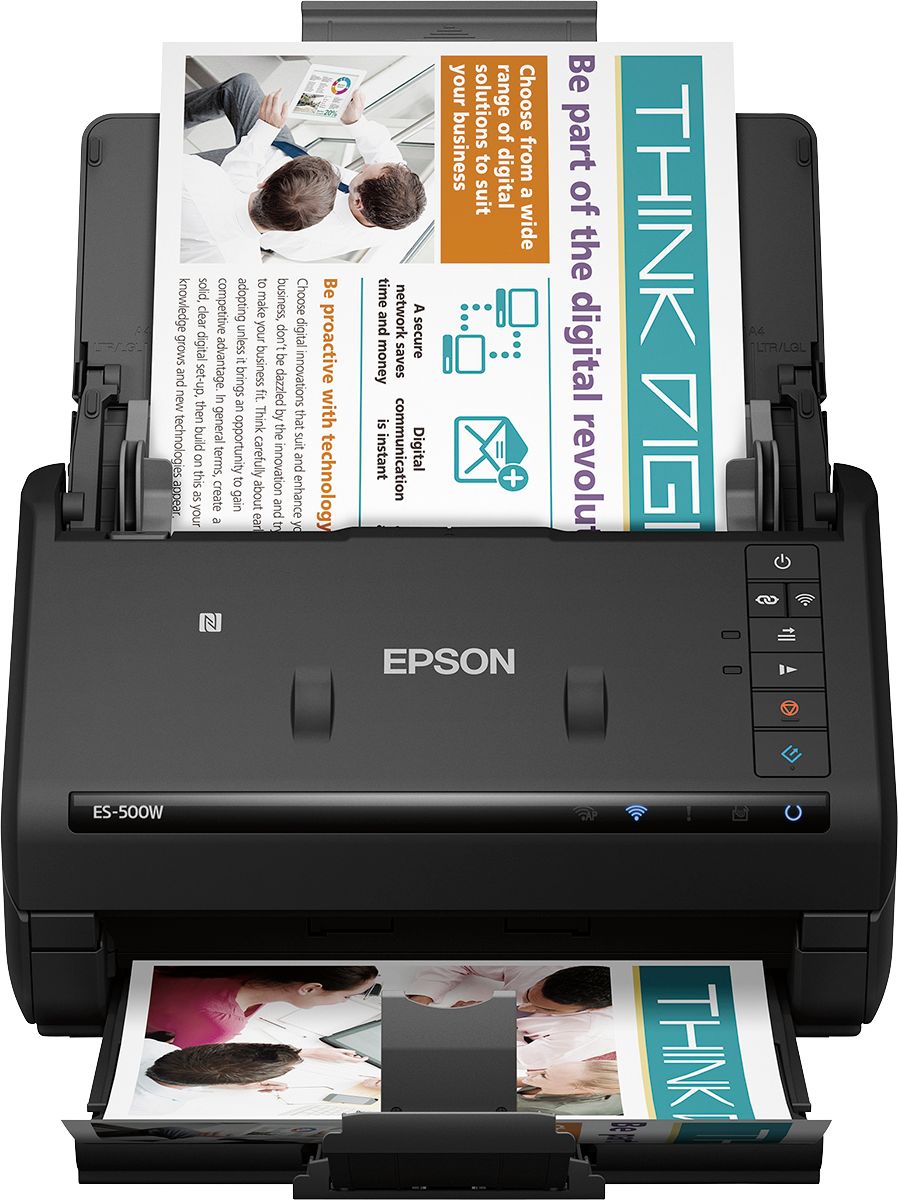
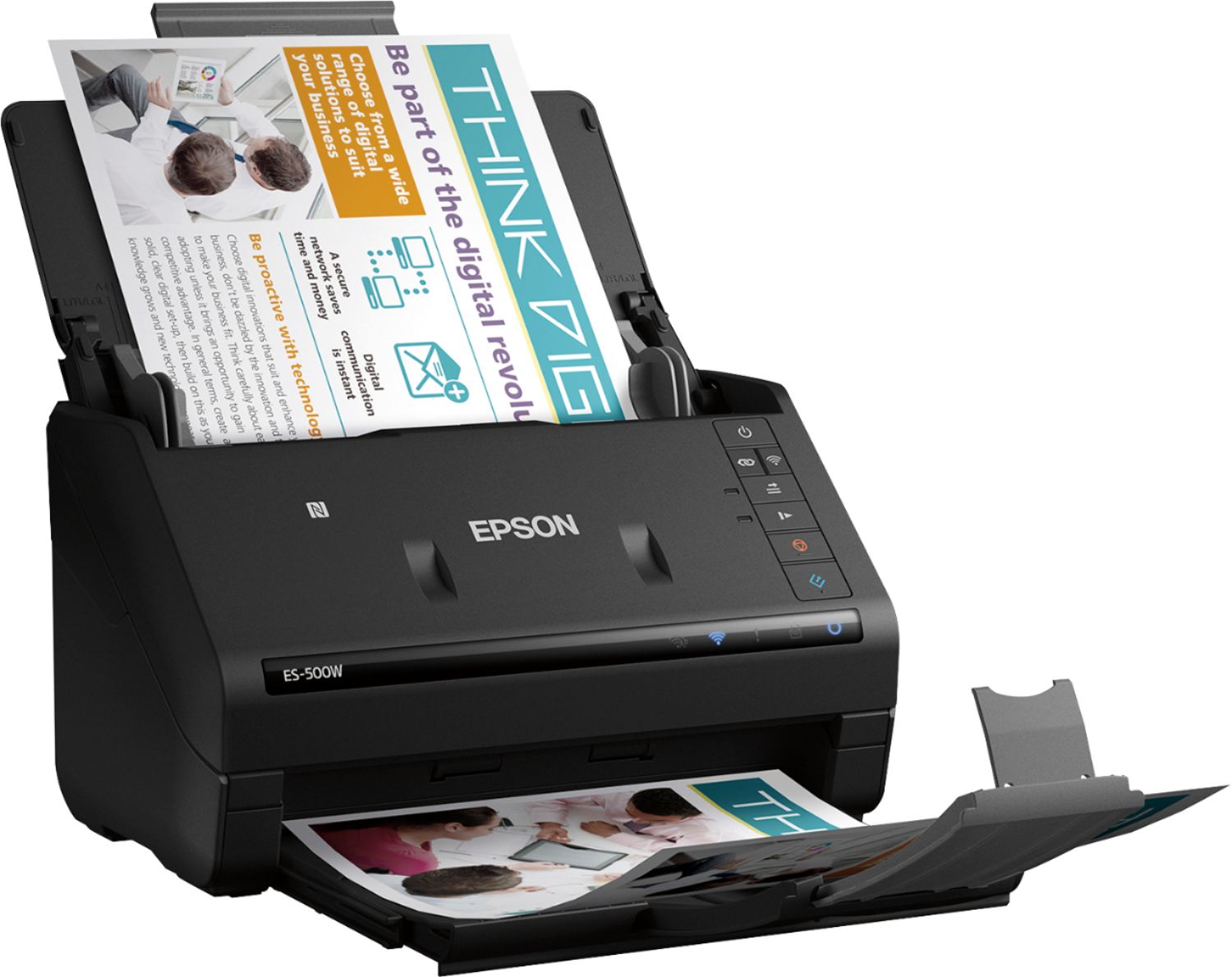
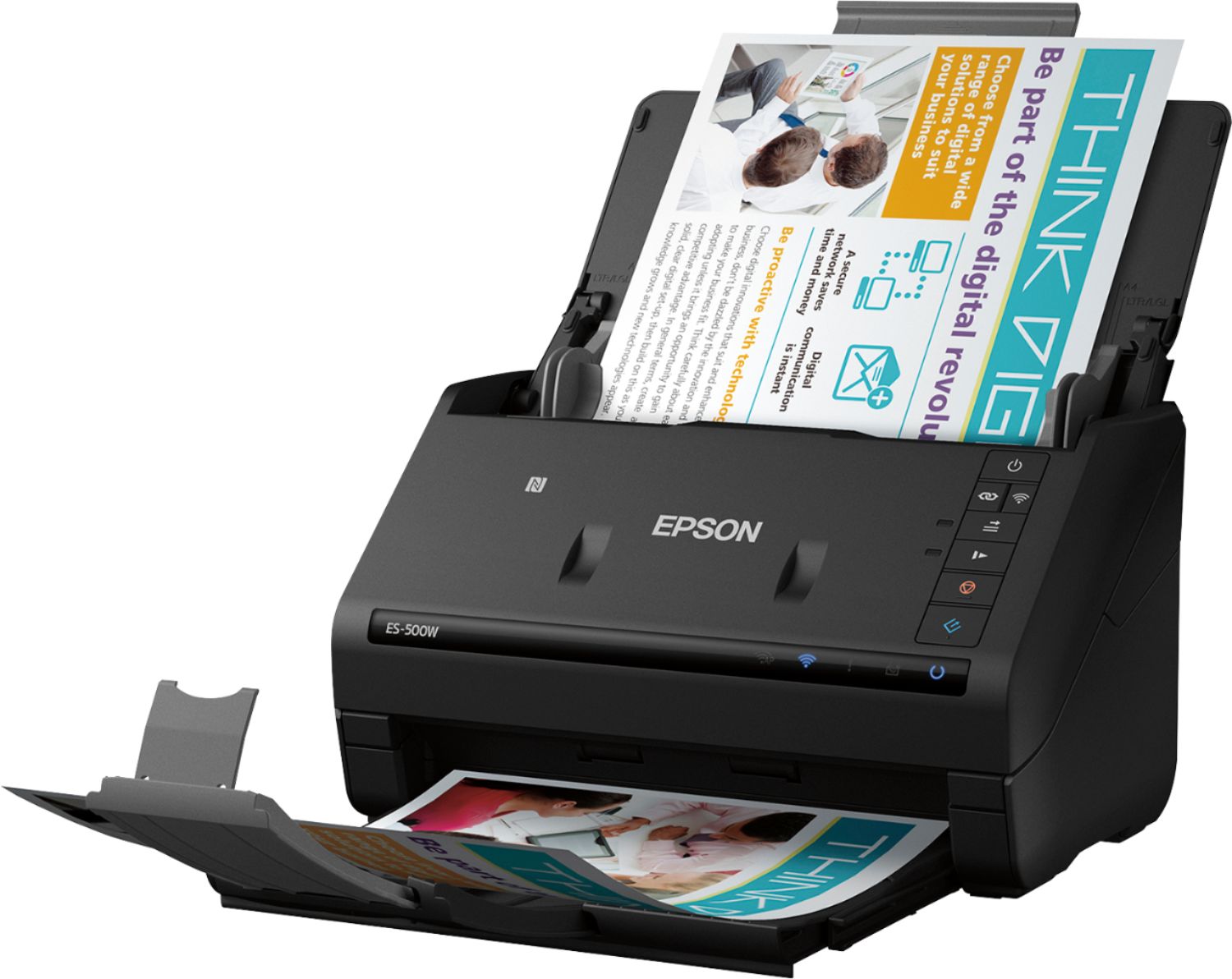
Customers have good things to say about the WorkForce ES-500W Wireless Document Scanner's ease of use, scan quality, wireless functionality, and compact size. Many appreciate the straightforward setup process and reliable performance. However, some users have expressed dissatisfaction with the provided software and occasional paper handling challenges. A few users reported issues with the scanner jamming, though this was not a widespread concern.
This summary was generated by AI based on customer reviews.
- Pros mentioned:Scan quality, SpeedCons mentioned:Software
Great little scanner strangled by awful software
||Posted . Owned for 1 month when reviewed.This reviewer received promo considerations or sweepstakes entry for writing a review.I tried really hard to like this scanner, I really did, but every positive thing it has going for it comes with a major drawback that makes it impossible to recommend and ends up as a massive disappointment at this price point. Scan Speed Excellent *but only for completely consecutive pages*, every time it encounters a blank side (front or back) it hangs for ~5-10 seconds so if you have any pages with a blank side, the 35 ppm quickly drops to <10 ppm. Scan Quality Good for documents, OK for recent color photographs, atrocious for older or slightly faded photographs. Any printed photo with some age showing (and I mean c'mon aren't those the only photos anyone is trying to digitize?) get "corrected" by ScanSmart which in my case meant 30% of all photos end up scanned as giant black or white over/underexposed blobs. Yes, I can go in and manually tweak the settings per photograph to get it to scan correctly for each individual one, but that defeats the entire point of an autofeed scanner like this. Connectivity WiFi hardware quality is poor, but honestly not unexpected for any consumer printer/scanner peripheral. We have an enterprise-grade network with multiple APs at home and the ES-500W is the only device we have that loses connectivity every few minutes. This means the "one-click" scan doesn't work about 30-50% of the time. Software The real tragedy though is how atrocious the desktop software is and how it *ruins regular use of your computer beyond scanning*. I'm a software developer and I'm comfortable calling the Epson Event Manager malware. - It runs in the background even when disabled through official channels causing significant CPU usage when not being used. - It circumvents the macOS notification system to insist on showing notifications for every time the scanner disconnects or connects to WiFi (which is *very often*, see earlier point about how terrible the WiFi hardware is) even when notifications from Epson have been disabled in System Preferences. - It installs a lovely permanent menu bar icon that cannot be disabled without hacking around in the terminal or uninstalling the software suite that provides all the autofeed capabilities touted. - All of this background nonsense is supposedly to enable one click scanning *but that doesn't work anyway because of the terrible WiFi on the unit itself*! As many other reviewers have noted it also doesn't offer basic features I would expect of a business focused document scanner like being able to split a scan into more than one PDF. All in all, the ES-500W is an excellent piece of scanning hardware that's destroyed by the horrendous software that accompanies it. If they raised the price by $50 and hired some half-decent software devs I wouldn't be deeply regretting this purchase right now. If they ship an update to the scanning suite that addresses all of this to not be so awful, I'd gladly bump this up to a 4 (-1 for the wifi issues).
No, I would not recommend this to a friendBrand response from Epson
Posted .Hello DisappointedEngineer, thank you for taking time to share your experience with the Epson ES-500W. Your feedback is important to us, and we'll forward this information to the relevant departments to help improve our future products. Your WorkForce scanner is backed by a 1-year Limited Warranty and includes free lifetime technical support. If you ever need assistance, our support team can be reached by phone at (562) 276-4382 or by email at https://epson.custhelp.com/app/ask/p_model_name/Epson%20WorkForce%20ES-500W; Hours: Monday - Friday, 7 am - 4 pm PT. Once again, thank you. Sincerely, Bobby - The Epson Team.

- Cons mentioned:Software
Really terrible, a waste of money. Returning it.
||Posted . Owned for 2 weeks when reviewed.This reviewer received promo considerations or sweepstakes entry for writing a review.I purchased this $300+ scanner to help me clear some of the clutter in my office. I had a scanner on my $60 Canon printer/scanner/Fax machine - its quality was acceptable, but having to scan each side separately was very time-consuming. So I reckoned that the additional cost of the Epson scanner would be justified by the cost savings. WRONG. The scan quality is mediocre at best - nowhere near the quality of my $60 Canon. And the software is even worse. It completely has a mind of its own about when it feels like scanning. And when it does finally scan, it puts all the documents into a single PDF, even if you click on Finish after each document. It supposedly scans both sides in a single pass - sometimes it does and sometimes it doesn't. It is completely unreliable. I intend to box it up and bring it back to Best Buy. One of the worst $300 I have ever spent.
No, I would not recommend this to a friendBrand response from Epson
Posted .Hello PokFrank, we apologize for the disappointing experience that you had encountered. Your feedback is important to us, and we'll forward it to the appropriate product team for review. If we can help you with anything else, our support team can be reached by phone at (562) 276-4382 or by email at https://epson.custhelp.com/app/ask/p_model_name/Epson%20WorkForce%20ES-500W; Hours: Monday - Friday, 7 am - 4 pm PT. Kind Regards, Bobby D. - The Epson Team.
Awful
||Posted . Owned for 1 week when reviewed.This reviewer received promo considerations or sweepstakes entry for writing a review.I bought this scanner to connect with my work laptop. Strictly purchased for work reasons. When I try to scan and I want to attach to an email I get a constant hanging that says analyzing. This goes on for 20 minutes before it lets me attach to an email. 4 calls in total with one call with customer service that was 3 hours long that I conferenced in my companies IT rep. My companies IT rep says software conflict with epson software and windows 10. Also first level of customer service is not knowledgeable at all asked me what USB cord I was using and I said the one that came with it and you have ink? I said it's a scanner!! They also need to change the constant loop with shaquille o'neal yelling for Henry to pick up this call...after an hour being on hold that is ANNOYING! Returning ASAP!!!
No, I would not recommend this to a friendBrand response from Epson
Posted .Dear JYRNJ, we sincerely apologize for the frustration that you've experienced with our support and Epson ES-500W. Customer feedback is very important to us. We'll ensure your feedback is sent to the relevant departments for review. If we can help you with anything else, please call our Advanced Support Team directly at 1-800-241-5794; Hours: Monday - Friday, 8 am - 4 pm (PT), or visit https://epson.custhelp.com/app/ask/p_model_name/Epson%20WorkForce%20ES-500W to contact us by email. Hopefully, we can assist you with a future product. Sincerely, Bobby D. - The Epson Team.
Connection issues
||Posted . Owned for less than 1 week when reviewed.This reviewer received promo considerations or sweepstakes entry for writing a review.Almost everything in my house is wireless that can be and we can't get this to connect. After 4 hours of working with the wife support and epson support we were told we need to get a USB hub and connect it that way and then (fingers crossed) we can connect wirelessly. Why is this one device different from everything else? Only buy if want to also buy a USB hub.
No, I would not recommend this to a friendBrand response from Epson
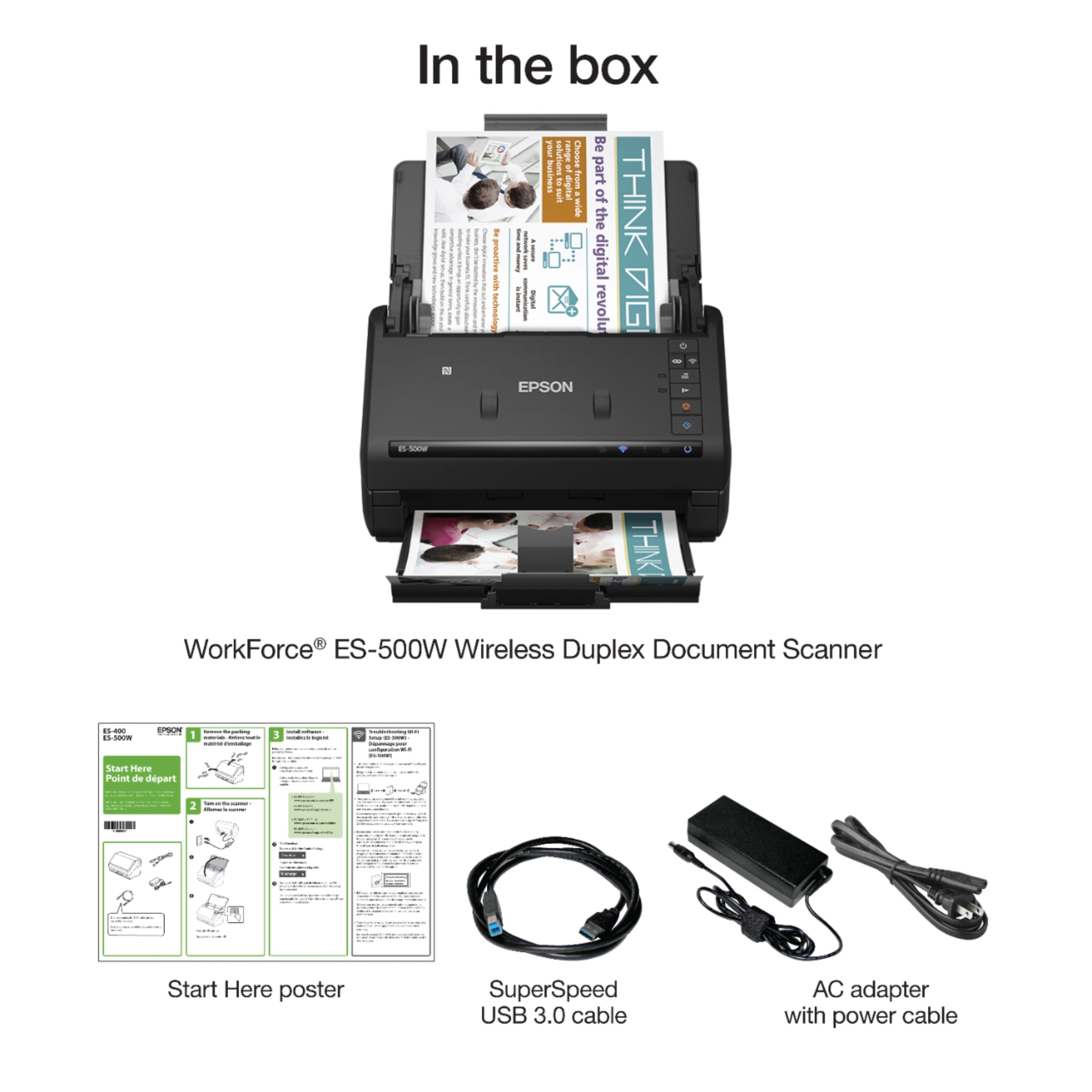
Posted .Dear Valued Customer, to offer high-quality products with the latest technology and sell them at the most competitive prices, we must choose which components are necessary and which may be redundant. Many customers already own USB cables, so we eliminate the costs of including them in every box and use those savings to improve product features and lower the price. If you need further assistance setting up your WorkForce scanner, please call our Advanced Support Team directly at 1-800-241-5794; Hours: Monday - Friday, 7 am - 4 pm (PT). Sincerely, Bobby D. - The Epson Team.
not good for old black and white photos
||Posted .This reviewer received promo considerations or sweepstakes entry for writing a review.terrible for photos. called Epson after more than an hour trying to figure out the problem on the phone they couldn't without accessing my computer remotely still they were unable to resolved the issues. They believe my machine is defective.
No, I would not recommend this to a friendBrand response from Epson
Posted .Hello Teeee, we are sorry to hear that we were not able to resolve this issue. For further assistance, please contact Epson Support and include your name and support ticket number, if available. Ask to be escalated to our Epson Advanced Support Team. Please call (562) 276-4382; Hours: Monday – Friday, 6am – 8pm PT; Saturday, 7am – 4pm PT. Thank you for your patience. Sincerely, Brandon – The Epson Team.
Could not get it installed.
||Posted . Owned for 3 weeks when reviewed.This reviewer received promo considerations or sweepstakes entry for writing a review.I was very much looking forward to using this Epson scanner to replace an old Neat unit I have. After installing it, it would not scan. Spent about 45 minutes with Epson customer service who could not get it to work either. Returned it to the store
No, I would not recommend this to a friendBrand response from Epson
Posted .Hello REBr, we are sorry to hear that we were not able to resolve this issue. For further assistance, please contact Epson Support and include your name and support ticket number, if available. Ask to be escalated to our Epson Advanced Support Team. Please call (562) 276-4382; Hours: Monday – Friday, 6am – 8pm PT; Saturday, 7am – 4pm PT. Thank you for your patience. Sincerely,Leo – The Epson Team.
Could not connect to cpu
||Posted . Owned for less than 1 week when reviewed.This reviewer received promo considerations or sweepstakes entry for writing a review.I downloaded the drivers and utilities from Epson website and scanner would not connect to my laptop. Did all the troubleshooting. So frustrating, I just returned it.
No, I would not recommend this to a friendBrand response from Epson
Posted .Hello Covi, we're very sorry for the setup issues that you had experienced with the WorkForce ES-500W. Epson takes into consideration all feedback to improve the performance and quality of our products. If we can help you with anything else, our support team can be reached by phone at (562) 276-4382 or by email at https://epson.custhelp.com/app/ask/p_model_name/Epson%20WorkForce%20ES-500W; Hours: Monday - Friday, 7 am - 4 pm PT. Hopefully, we can assist you with a future product. Sincerely, Bobby D. - The Epson Team.
Epson scanners do not work with 5 Ghz Wifi
||Posted .This reviewer received promo considerations or sweepstakes entry for writing a review.This scanner will not work with a 5.0 ghz Wifi. Really - 5 ghz is not very new. There is nothing in the product reviews or on the box that states it is not compatible.
No, I would not recommend this to a friendscan are to dark
||Posted . Owned for 9 months when reviewed.This reviewer received promo considerations or sweepstakes entry for writing a review.I bought the scanner for my job, the scan send the papers to dark and it doesn't give you the option to change the settings.
No, I would not recommend this to a friendBrand response from Epson
Posted .Hi jannete, your Epson ES-500W scanner comes with free lifetime technical support and we're here to help. Epson detailed information on adjusting scan settings in the online User's Guide at www.epson.com/s/SPT_B11B228201#manuals. Please refer to "Scanning with Document Capture Pro in Standard View" at https://files.support.epson.com/docid/cpd5/cpd51578/index.html, or "Scanning in Epson Scan 2" at https://files.support.epson.com/docid/cpd5/cpd51578/index.html. If you need further assistance, please call our Advanced Support Team at 1-800-241-5794; Hours: Monday - Friday, 7 am - 4 pm (PT). Kind Regards, Bobby D. - The Epson Team.
Won’t connect
||Posted .This reviewer received promo considerations or sweepstakes entry for writing a review.Terrible. Pay attention to the reviews that say won’t connect because it won’t.
No, I would not recommend this to a friendA Lemon
||Posted .This reviewer received promo considerations or sweepstakes entry for writing a review.The worst product. Does not feed. Defeats the whole purpose of a scanner. Cheaply made.
No, I would not recommend this to a friendBrand response from Epson
Posted .Hello Brad, your WorkForce ES-500W comes with free lifetime technical support, and we're here to help. Epson provides useful tips to help address most issues with paper feed in the FAQs at www.epson.com/s/SPT_B11B228201#faq-8796127504460. If you need further assistance, our support team can be reached at (562) 276-4382 between 7 am - 4 pm (PT), Monday - Friday. Kind Regards, Bobby D. - The Epson Team.
Scanner
||Posted . Owned for 1 year when reviewed.This reviewer received promo considerations or sweepstakes entry for writing a review.did not like this item, returned it could not get it set up easly at all
No, I would not recommend this to a friendBrand response from Epson
Posted .Hi angela, we're sorry to hear you were not satisfied with the WorkForce ES-500W scanner. Epson takes into consideration all feedback to improve the performance and quality of our products. We appreciate your time in sharing your experience and hope you have a nice day. Kind Regards, Bobby D. - The Epson Team.
Terrible
||Posted .This reviewer received promo considerations or sweepstakes entry for writing a review.I would never buy another Epsom . Terrible terrible
No, I would not recommend this to a friend- Cons mentioned:Software
Returned after 1-day
Posted .This reviewer received promo considerations or sweepstakes entry for writing a review.Very weak and frustrating software. Instead of one program that does several things, it installs several programs that do one thing.. Directions/instructions are very minimal.
No, I would not recommend this to a friend wifi connect scheme isnt robust
Posted .This reviewer received promo considerations or sweepstakes entry for writing a review.- instructions on website dont result in any connection
No, I would not recommend this to a friend