Customer Ratings & Reviews
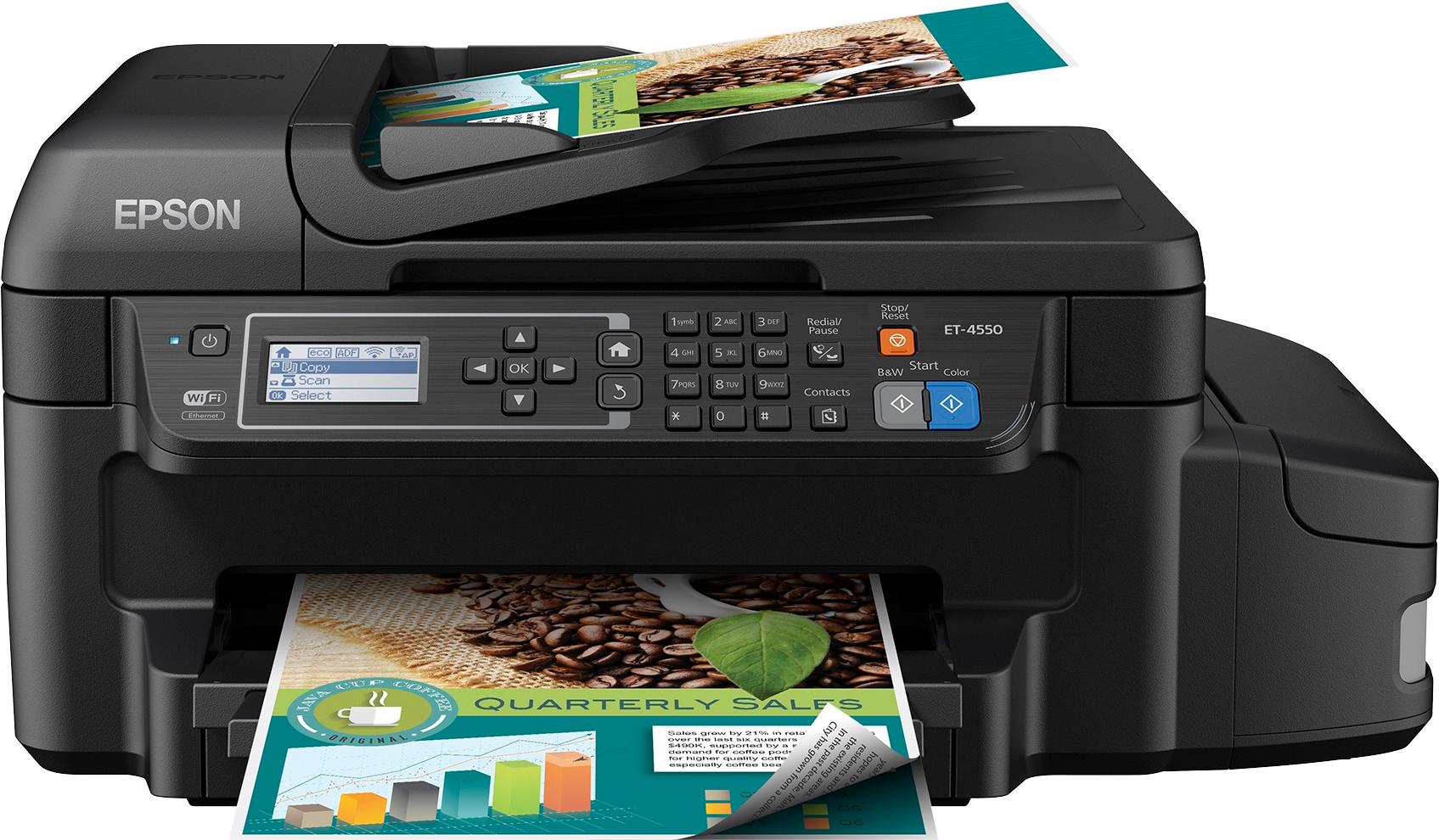
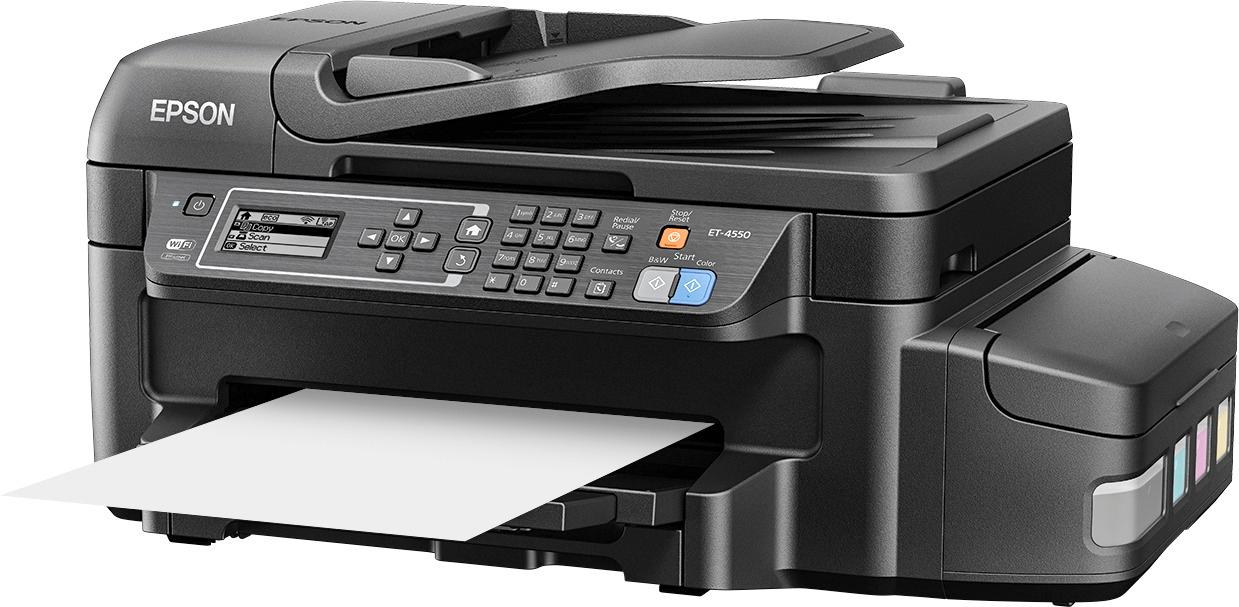
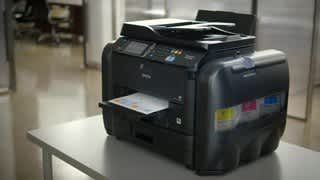
- Model:
- C11CE71201
- |
- SKU:
- 4212803
Customer reviews
Rating 4.4 out of 5 stars with 739 reviews
(739 customer reviews)Rating by feature
- Value4.6
Rating 4.6 out of 5 stars
- Quality4.7
Rating 4.7 out of 5 stars
- Ease of Use4.7
Rating 4.7 out of 5 stars
Customers are saying
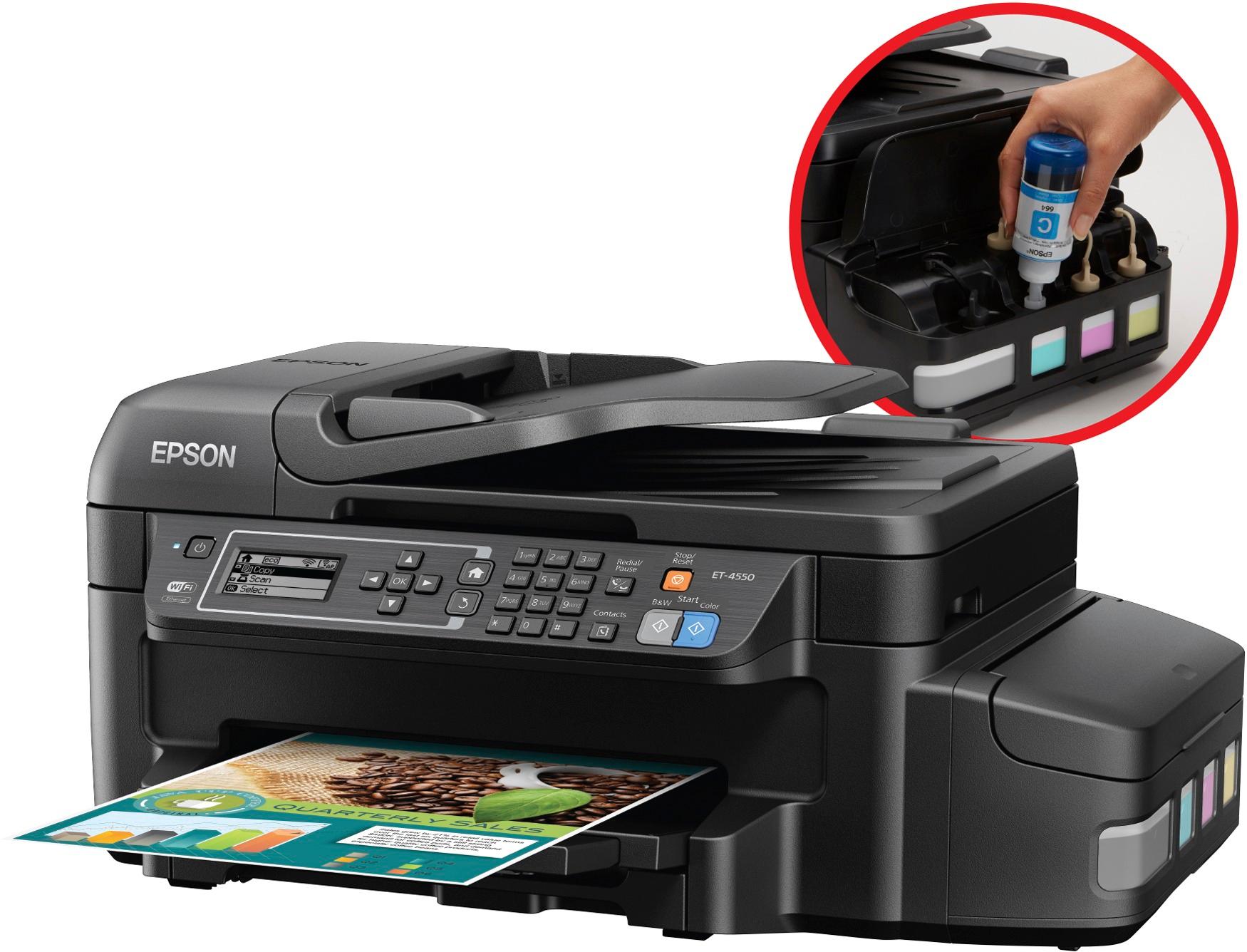
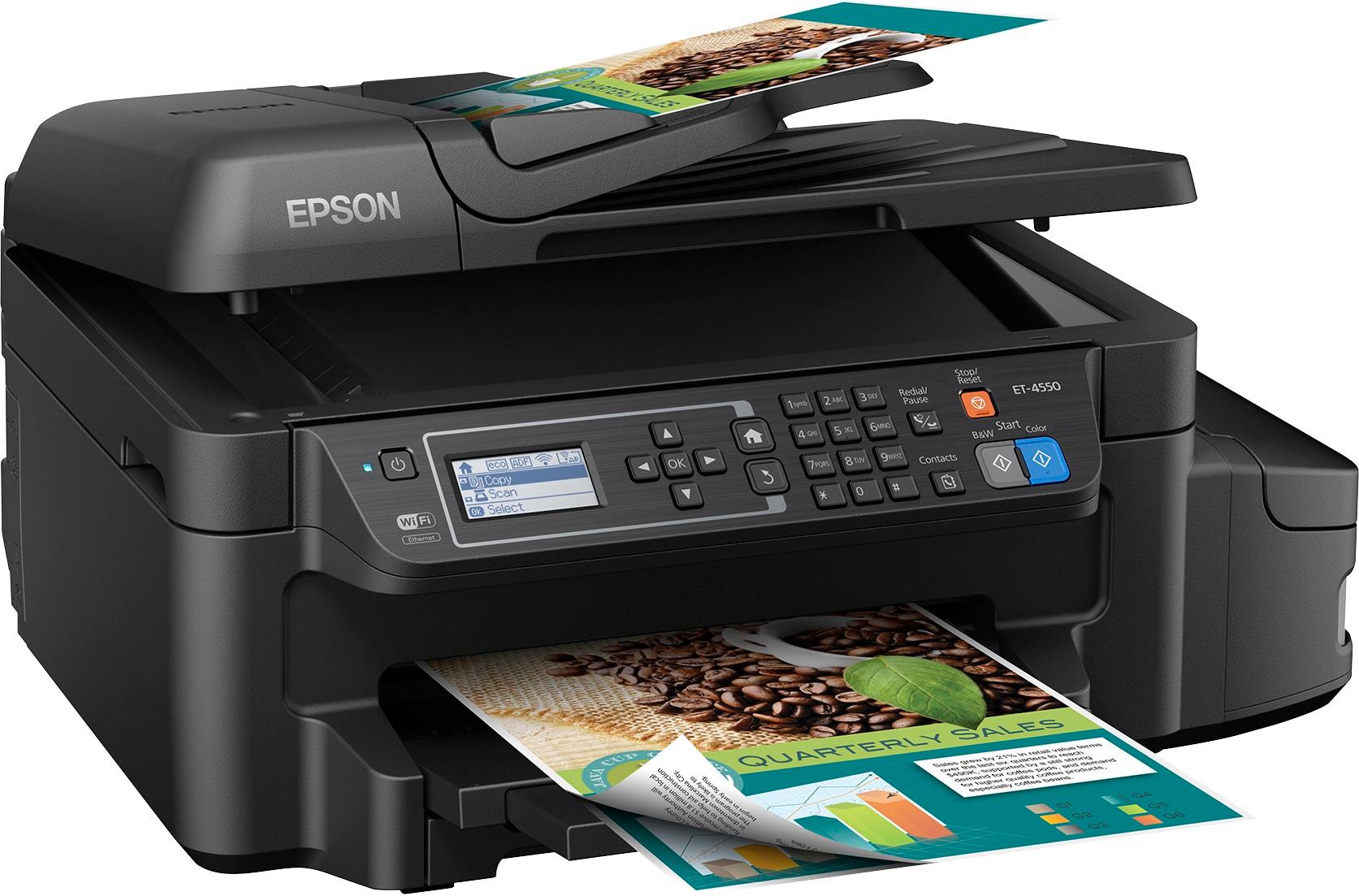
Customers express satisfaction with the print quality, ease of use, setup, and wireless capabilities of the WorkForce ET-4550 printer, also noting its compact size. However, some customers have expressed concerns regarding the single paper tray, noise level, price, reliability, and scanner speed.
This summary was generated by AI based on customer reviews.
- Pros mentioned:Print quality
Rated 4 out of 5 stars
Great Economical Printer\Copier
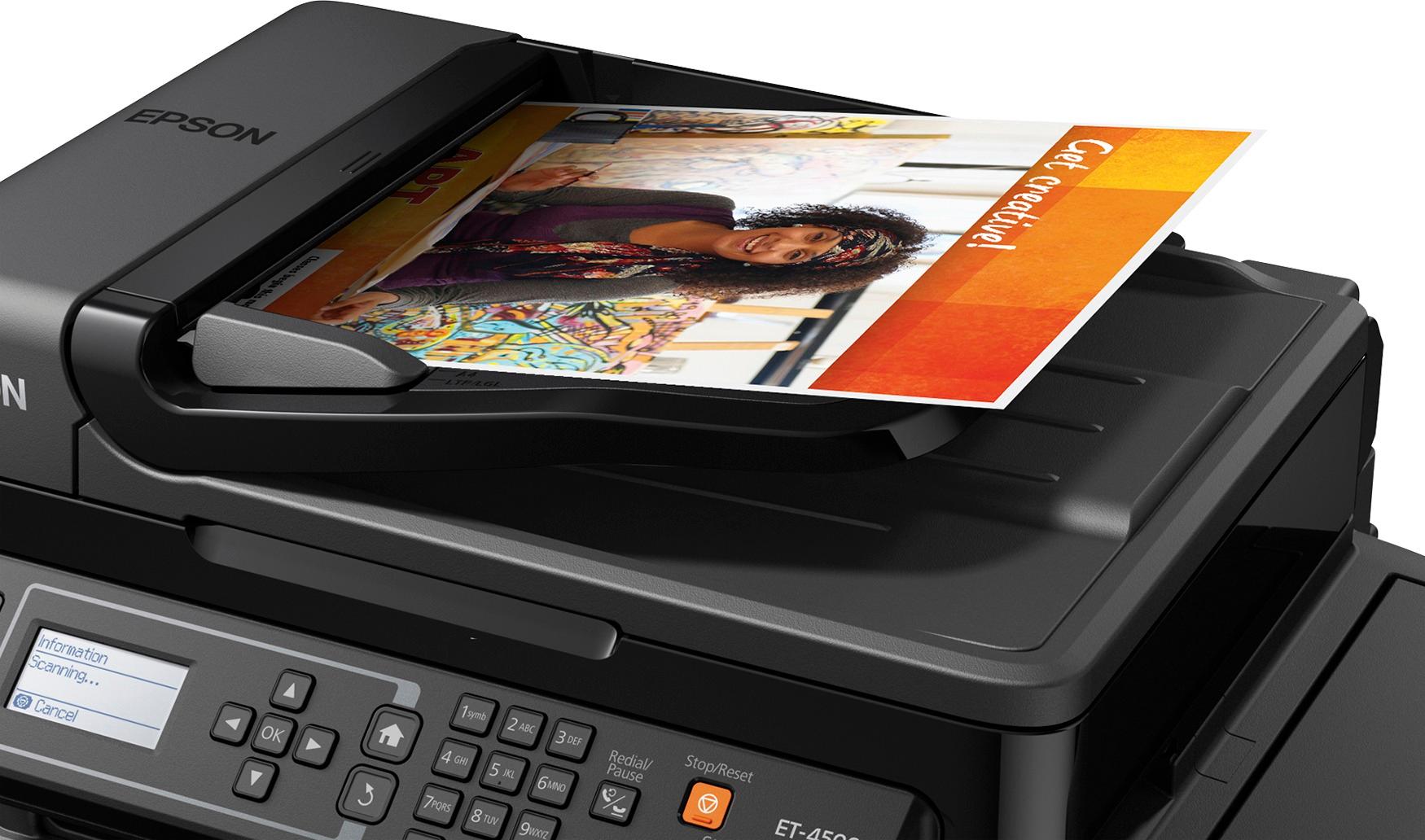
||Posted .This reviewer received promo considerations or sweepstakes entry for writing a review.Great quality printing and copying. Much cheaper cost for copies compared to that with inkjet cartridge type printers. Only one problem, the box said: "Automatic 2-sided printing plus ADF (automatic document feeder)", but it does NOT automatically do 2-sided copies! You have to change the copy setting to 1>2-sided and then manually flip the 2-sided document to make the 2-sided copy work! The ADF can't be used to make 2-sided copies!
I would recommend this to a friend - Pros mentioned:Print quality
Rated 5 out of 5 stars
Great printer for small business owners.
||Posted .This reviewer received promo considerations or sweepstakes entry for writing a review.I was tired of running out of ink. The purchase of this printer will pay for itself in less than 3 months!
I would recommend this to a friend - Pros mentioned:Print quality, Setup
Rated 5 out of 5 stars
The quality of the printer
||Posted .This reviewer received promo considerations or sweepstakes entry for writing a review.Setting up this printer was supper easy, you don't have to be tect savvy. Also the quality of the printer is out of this world ! Just having a printer that is this good and was that easy to setup makes life way more easier!
I would recommend this to a friend Rated 5 out of 5 stars
Lots Of Copies Without Cartridges
||Posted .This reviewer received promo considerations or sweepstakes entry for writing a review.This device is everything it says it is and more. You just have to pour the ink in the receptacles. Great as a fax machine when you have to send out those important documents in a pinch. Pictures are excellent when they come out. Worth every dollar spent.
I would recommend this to a friendRated 4 out of 5 stars
Great printer to save money
||Posted .This reviewer received promo considerations or sweepstakes entry for writing a review.I was able to configure and set up my printer in less than an hour without any issues whatsoever. It's not best printer ever created quality wise but comparable to printers in the $99 $150 range. I choose this one for the potential ink savings over time. I was sick and tired of those black, color combo packs at $45 a month with sometimes two black cartridges needed in a single month. Bravo to Epson for being the first to introduce the eco tank technology.
I would recommend this to a friend- Pros mentioned:Print qualityCons mentioned:Noise level, Paper tray
Rated 4 out of 5 stars
Good quality printing, though noisy and slow.
||Posted .This reviewer received promo considerations or sweepstakes entry for writing a review.Off to a good start with this printer. I like the refillable ink, and copy quality is good. However having switched from a laser printer, I do miss the speed; and find this printer to be quite noisy. Additionally the paper feed does not always work, and I do not like that the printer feeds copies into the output tray starting with page 1, which results in a stack with the last page on top. For larger documents, it is a hassle to reorder. Of note, I use this printer for business. A lot of these problems would not bother me if it were just being used as a home printer.
I would recommend this to a friend - Pros mentioned:Print quality, Wireless
Rated 5 out of 5 stars
Easy set up & love the ink tanks
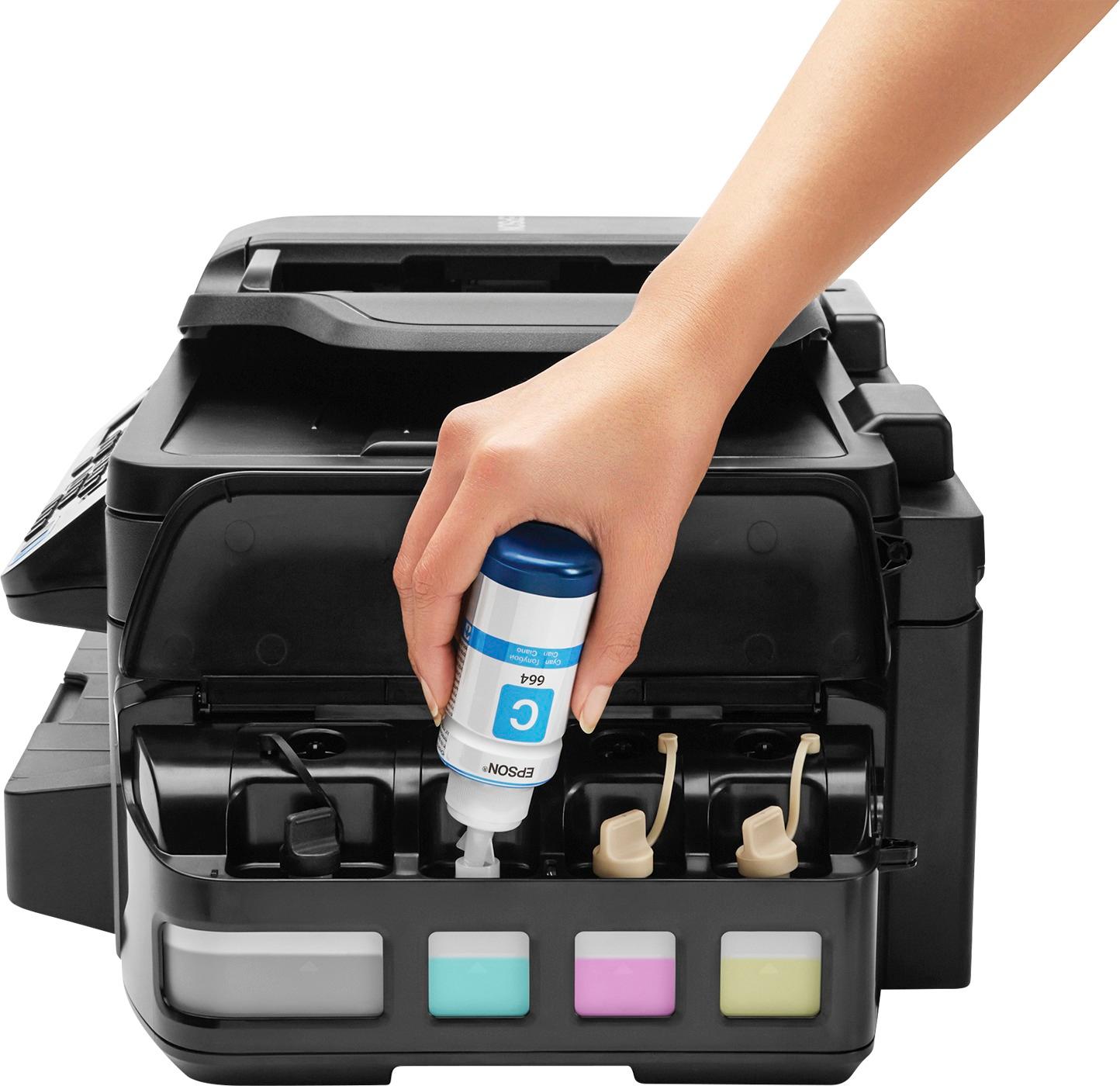
||Posted .This reviewer received promo considerations or sweepstakes entry for writing a review.I finally tired of the old Gillette marketing ploy used by the ink jet manufacturers. Give away the printer and charge an exorbitant amount for the ink refills. So, when my aging Canon PIXMA started to malfunction, I looked for a new "all-in-one" printer and found the Epson - WorkForce ET-4550 EcoTank Wireless All-In-One Printer. You pay more for the printer up front, but the ink is a lot cheaper and the ink tanks are huge! I've had the printer now for several weeks. The set up (on Mac OS) was quite simple and easy to accomplish, including wireless connectivity. A slight snag here was entering my network password, which had some lower case characters. There was nothing in the instructions that explained how to enter lower case so my first attempt failed. Hint, entering lower case on the printer keyboard works just like on a phone keypad, it cycles through the uppercase letters, then the number and then the lower case letters. Haven't tried scanning yet, but printing and FAX'ing have been trouble free. If you don't mind paying more up-front for the same functionality as other printers, in exchange for much cheaper ink refills, then this is the printer for you.
I would recommend this to a friend - Pros mentioned:Print qualityCons mentioned:Price
Rated 4 out of 5 stars
Fingers crossed for the 2 years worth of ink
||Posted .This reviewer received promo considerations or sweepstakes entry for writing a review.I've owned Epson printers before and after my last one, I wasn't much of a fan for them again. However, no matter what brand I had, I always felt the ink cartridges were a rip-off. It seemed every few pages one or more cartridges needed replaced. I truly got sick of replacing ink cartridges. When I saw this model on the floor, I noticed the huge ink tanks, yes, INK TANKS! No more ink cartridges. Finally a printer manufacturer recognized a consumer problem. But then again, this unit is pricy up front. I'm holding out that the "Two years" worth of printing claim is true. I've only had this printer for about 2 months so it's a bit early to tell. So far so good. It prints fast, wi-if was easy to set up, photos print great, and copies/scans like any other printer. I would give it 5 stars, but the initial cost is pretty steep, so that's the reason for 4 stars. For the price, it better last a long time.
I would recommend this to a friend - Pros mentioned:Print quality, Size
Rated 5 out of 5 stars
Great for a busy home or small office
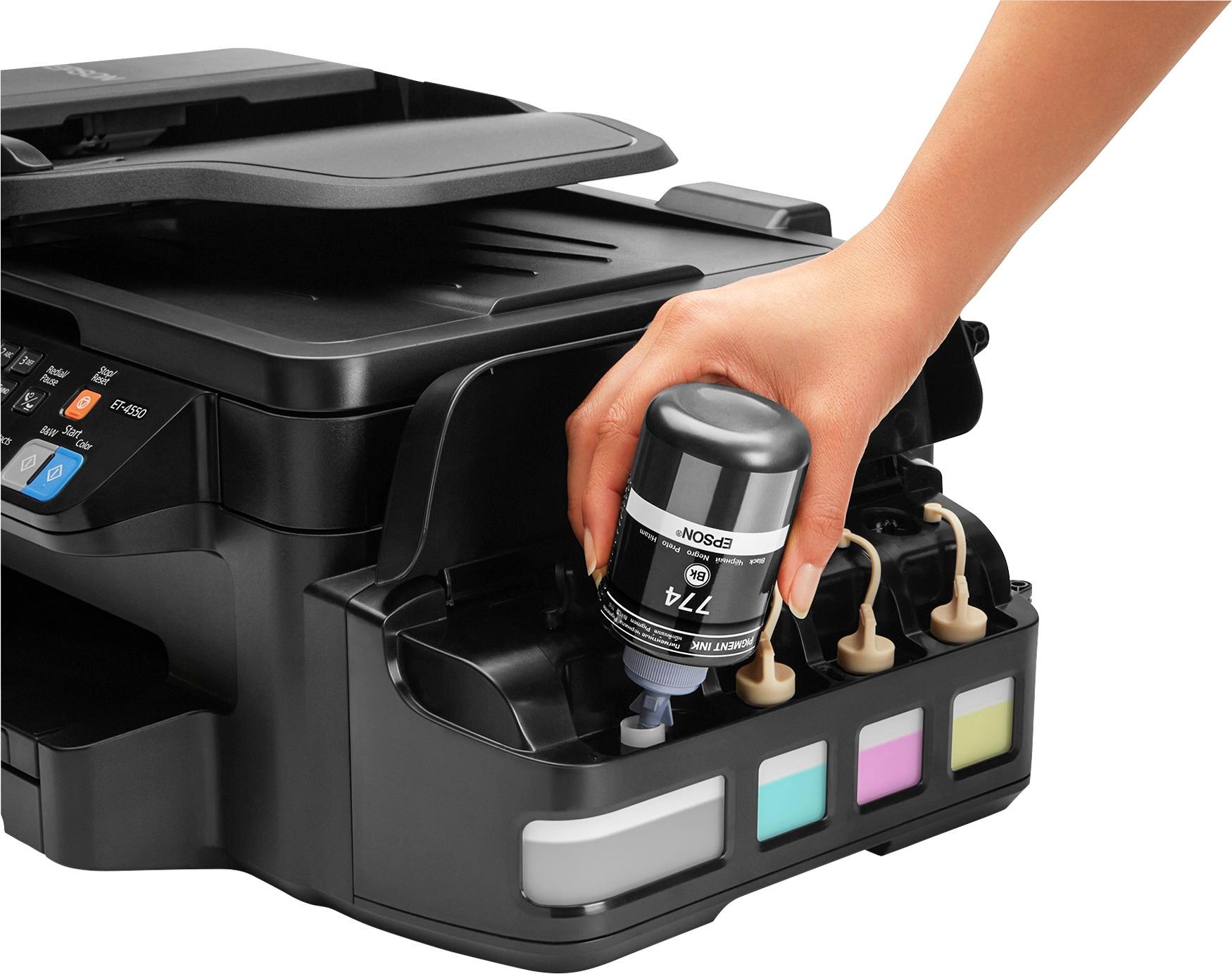
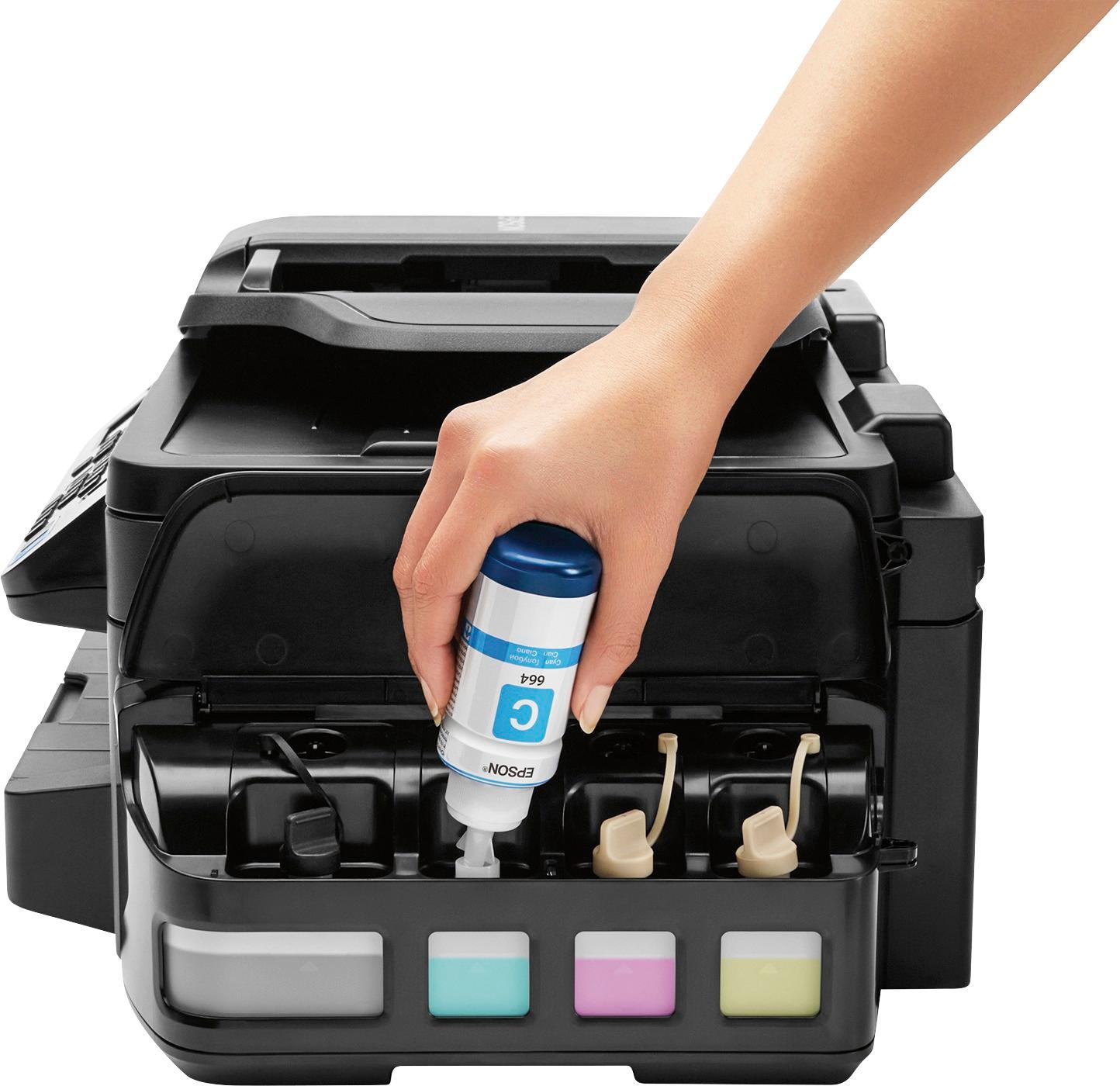
||Posted .This reviewer received promo considerations or sweepstakes entry for writing a review.Pros first: Hands down the best printer I have ever purchased. Well worth the money- it will easily pay for itself with the money you save on ink. The ink refills are around $8.00 (yes, eight dollars, not eighty) and the ink lasts 3 to 4 times as long as the typical cartridge. Refilling the inkwells is really not that tedious, as long as you have the coordination of a baby moose. Just put some paper towels under the wells as you refill them to catch any rogue drips and you are good to go, even with a shaky hand. I have a severe CNS disorder and I am still okay to fill it up. The printer is relatively quiet, the footprint is smaller than the Officejet All-in-One's, print quality is great, copy quality is fine, scans are clear as are faxes, prints prints quickly and seems to rarely experience network, software, or hardware issues. Customer service is top notch. I did not need to contact them at all, yet a gentleman (a real flesh and blood American, not a bot nor a automated response triggered by registration) contacted me through email to be sure I was satisfied and to make himself available for questions. A few cons: The on-board screen is a little small for my taste as I have problems with my vision. Navigating the menu on said screen may prove difficult or simply aggravating to some users- not the most user friendly (not the worst, either). I am more than an amateur photographer and more than that at working with color palettes in my work. In case you were considering it, the EcoTank is not, in my opinion, an adequate photo printer by any means to achieve acceptable prints. Very small problems, if you can consider them problems, for an otherwise impressive device.
I would recommend this to a friend - Pros mentioned:Print quality, Wireless
Rated 5 out of 5 stars
Worth every penny of the rather high price tag!
||Posted .This reviewer received promo considerations or sweepstakes entry for writing a review.Even though this all-in-one printer will set you back a pretty price, it is well worth every penny. No longer will you be ripped off by companies that purposefully run you out of ink to force you to buy a new cartridge. Many "color" cartridges also have a black reservoir in then which, when depleted, renders the rest of the color cartridge useless. No longer! Each of the three colors, as well as the black ink, have their very own reservoir and can last up to 2 years before you have to refill the ink! This feature alone makes this device worth purchasing. It is also loaded with features to include wireless connectivity, an app to print from your phone, fax capability and scanner. The print quality is on par or better than most printers that I have owned in the past.
I would recommend this to a friend - Pros mentioned:Print quality, Setup
Rated 5 out of 5 stars
Better than my old color laser printer.
||Posted .This reviewer received promo considerations or sweepstakes entry for writing a review.The ET-4550 was a very simple setup. Didn't have any problems with filling the ink tanks. Print out is extraordinary for an inkjet. Didn't want to buy an inkjet, remembering how bad they were years ago. This changed my mind quickly. The two-sided printing is quick. I am amazed at this printer. The PrecisionCore print head is great.
I would recommend this to a friend - Pros mentioned:Print qualityCons mentioned:Paper tray
Rated 4 out of 5 stars
Mainly use the Epson printers for my small busines
||Posted .This reviewer received promo considerations or sweepstakes entry for writing a review.I just recently purchased this printer and haven't had much time to use it. It was easy to set up and I like that you can fill the inks instead of buying individual ink cartridges. The replacement bottle inks are reasonably priced which is great since I do a lot of printing. The only thing that I don't like so far is the paper loading tray. It's at the bottom, a slide out tray. It doesn't feel very secure to me and the small adjustment knobs don't seem to stay in place. So everytime you load the paper you have to adjust it.
I would recommend this to a friend - Pros mentioned:Print quality
Rated 5 out of 5 stars
So Far, Awesome!
||Posted .This reviewer received promo considerations or sweepstakes entry for writing a review.I was tired of running to a store every time one of my ink cartridges ran out on my previous printer. I paid the full price ($499 I think) for this printer that includes 2 years of ink. We use it at home for my wife's work and some of my work plus personal use. I know some have had a problem filling the ink. I recommend just taking your time and being careful. I did get a bit of ink on my fingers but it washed right off. Print is crisp and clear. I've only done very limited photograph printing and it wasn't perfect, slight lines visible. The WiFi works great. Document feeder works great. I like the visible ink levels without opening the machine. It has been about a month and the black ink level is only down from full a tiny bit. I wish I could see a count of how many pages I've printed but I don't know how to do that. It prints pretty fast but not much faster than my old HP printer.
I would recommend this to a friend - Pros mentioned:Print quality, Setup, Size
Rated 4 out of 5 stars
Good printer for home office
||Posted .This reviewer received promo considerations or sweepstakes entry for writing a review.The Epson printer is serving me well. The set up was easy and the prints come out fast and crisp. I like it being wireless and doesn't take up much space at all. The only drawback is that some of the advanced features are not compatible with MAC. If I would have known this ahead of time, I might have rethought this particular model or at least would have been prepared. I really can't complain because 90% of the time it does what I want it to do.
I would recommend this to a friend - Pros mentioned:Print quality, Setup
Rated 5 out of 5 stars
Great Printer for peace of mind
||Posted .This reviewer received promo considerations or sweepstakes entry for writing a review.I've always considered printers a black hole. No one knows how to fix them, they seem to only last as long as your cartridge and they suck up ink so fast you don't dare print using best quality. I exaggerate a little, but the past 2 all-in-one printers I've had lasted about a year under normal home use. In both cases, after changing 1 of the 4 ink cartridges, I could not get by the cartridge error. This epson eco tank printer doesn't use cartridges and it was simple to set up, comes with enough ink for 2 years and when you do have to buy it, it's $13. I've only had it for a month or so, but so far so good. I don't give it a second thought when I hit the print button. Fingers crossed!
I would recommend this to a friend - Pros mentioned:Ease of use, Print quality
Rated 4 out of 5 stars
Printer/copier is great for my needs.
||Posted .This reviewer received promo considerations or sweepstakes entry for writing a review.The clarity of the print copies is excellent. I have had no problems learning how to operate the machine. The idea that I don't have to purchase ink cartridges every 2-3 months is the best.
I would recommend this to a friend - Pros mentioned:Print quality
Rated 5 out of 5 stars
Excellent Printer!
||Posted .This reviewer received promo considerations or sweepstakes entry for writing a review.I have to admit that I had doubts about this printer since it was very pricey, but I do not regret buying it. As a teacher, in less than a month I have printed nearly two thousand pages and the ink has barely budged! I love the quality of the images and it totally met all of my expectations. It also has the option to print remotely, so whenever I come across a resource I want to have, send it to the printer and - voila! The only downside (if at all) is that it is a bit loud when printing, but I can live with it. For the price of the toner and the copies you can get, it will pay itself off in less than a year. Great value for the money!
I would recommend this to a friend - Pros mentioned:Print qualityCons mentioned:Paper tray
Rated 4 out of 5 stars
I'm DONE buying cartridges!!!
||Posted .This reviewer received promo considerations or sweepstakes entry for writing a review.Review on the Epson - WorkForce ET-4550 EcoTank: I bought this printer based upon the non-stop promotion on the tech talk shows such as The Tech Guy - Leo Laporte & Kim Komando. Also, the favorable reviews by other customers helped as well. I love the fact that I don't need to buy over-priced cartridges any longer. The setup was simple and loading the ink was painless and clean. Didn't spill a drop. It's a workhorse and has printed a ton of documents and signage for my business. And I still have a plenty of ink in the tanks from the original fill up! The setup for using via WiFi was simple too and now everyone in the office is using one printer. My only reasons for a 4 star vs a 5 star was the print quality and the paper tray. The print quality is great but if you need super high, HD quality, I'd recommend something else. However, it was fine for my needs. And the paper tray loading is an epic fail. They need a secondary paper tray for loading labels, colored paper, envelopes, etc... Had there been a secondary paper tray, I'd give it a 5 star rating. Overall, it's a 4.5 Star Rating and I'd recommend buying if you're sick & tired of wasting money on ink cartridges.
I would recommend this to a friend - Pros mentioned:Print qualityCons mentioned:Noise level
Rated 4 out of 5 stars
Ink Ink and more Ink
||Posted .This reviewer received promo considerations or sweepstakes entry for writing a review.The best part is big ink tanks & cheap ink. The printer does a good job. We use it mostly for our small in home business. We replaced a higher end Lexmark. So we did notice it was louder than the old printer. The print quality is very good. Have had a couple paper jams. Over all happy, we've had it 2 months.
I would recommend this to a friend - Pros mentioned:Print qualityCons mentioned:Paper tray
Rated 4 out of 5 stars
Love the ink tanks
||Posted .This reviewer received promo considerations or sweepstakes entry for writing a review.I have been wanting a good quality color printer and love that it's easy to fill the ink tanks vs. big clunky cartridges! The only reason I didn't rate this a 5 star is because it doesn't have an alternate paper feed for easily printing labels and such without loading them in the paper tray!
I would recommend this to a friend