Customer Ratings & Reviews
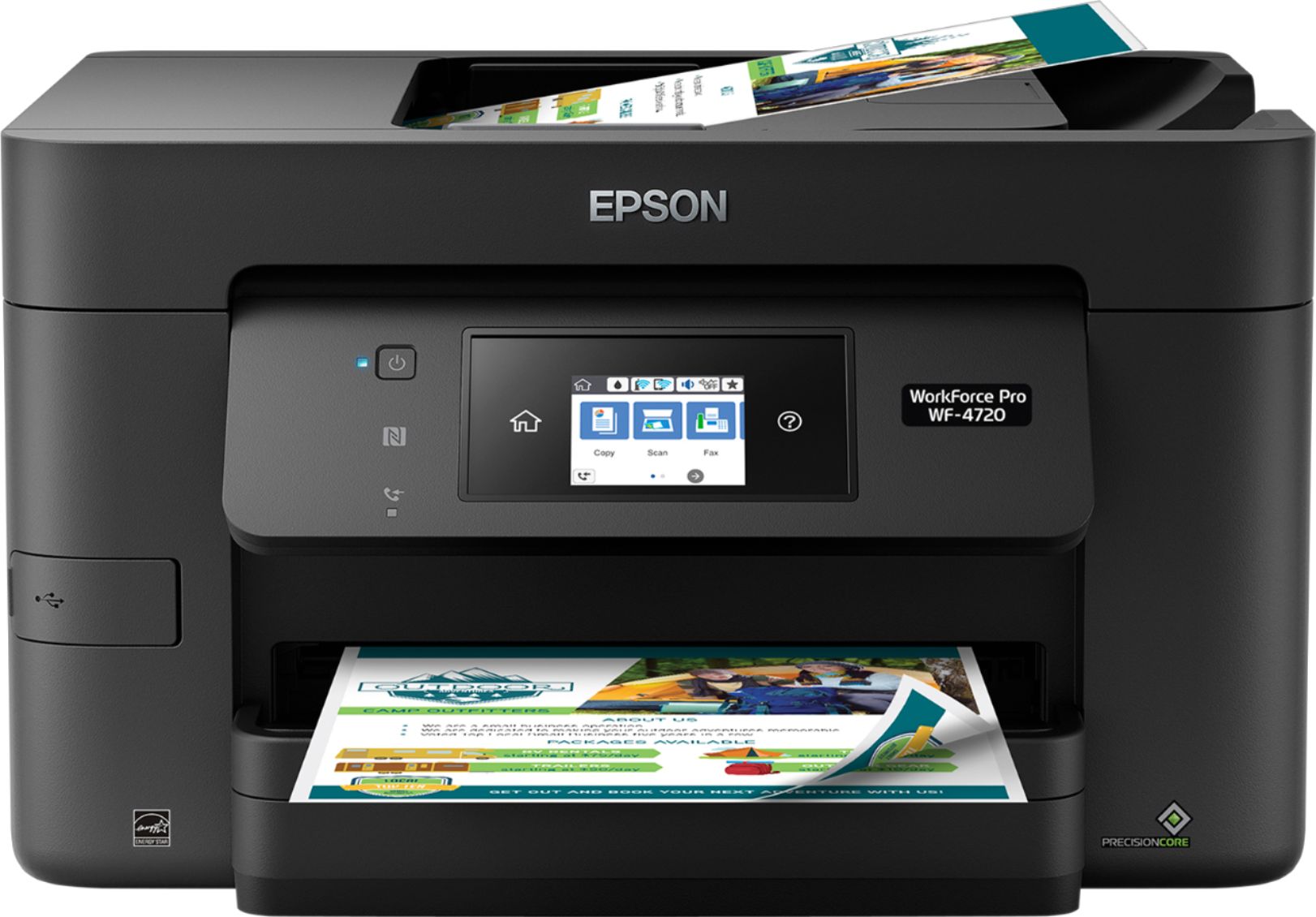
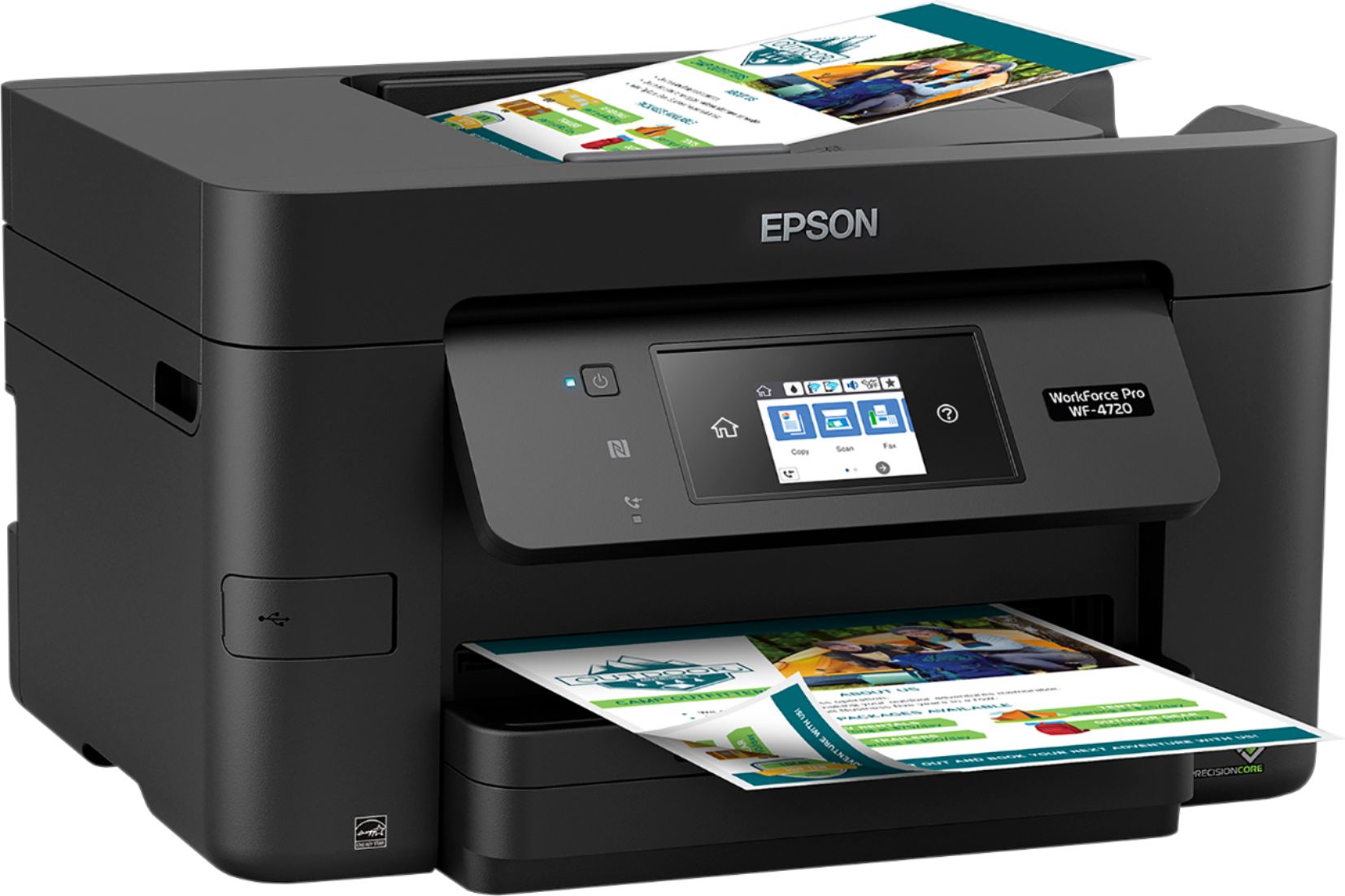
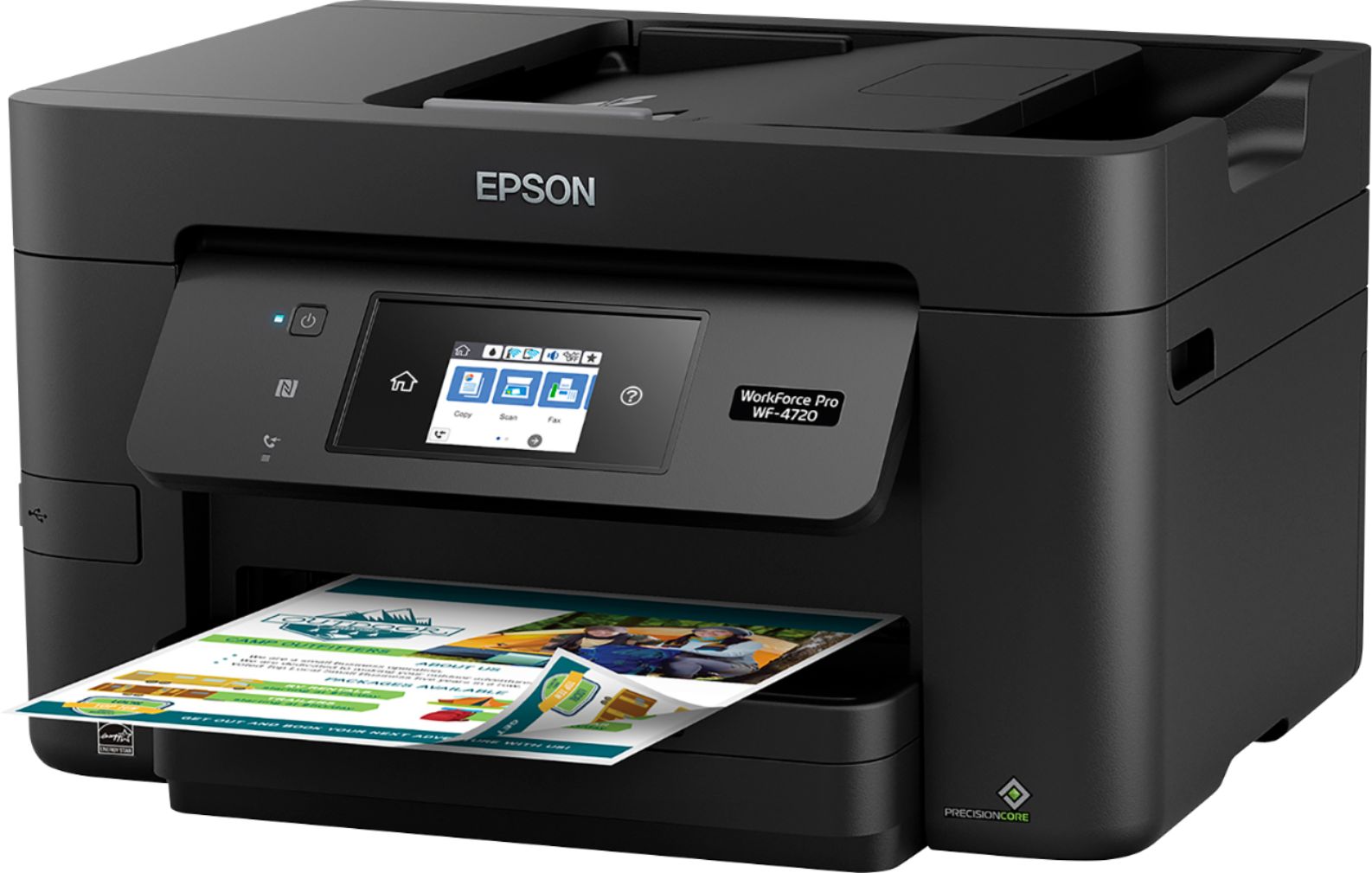
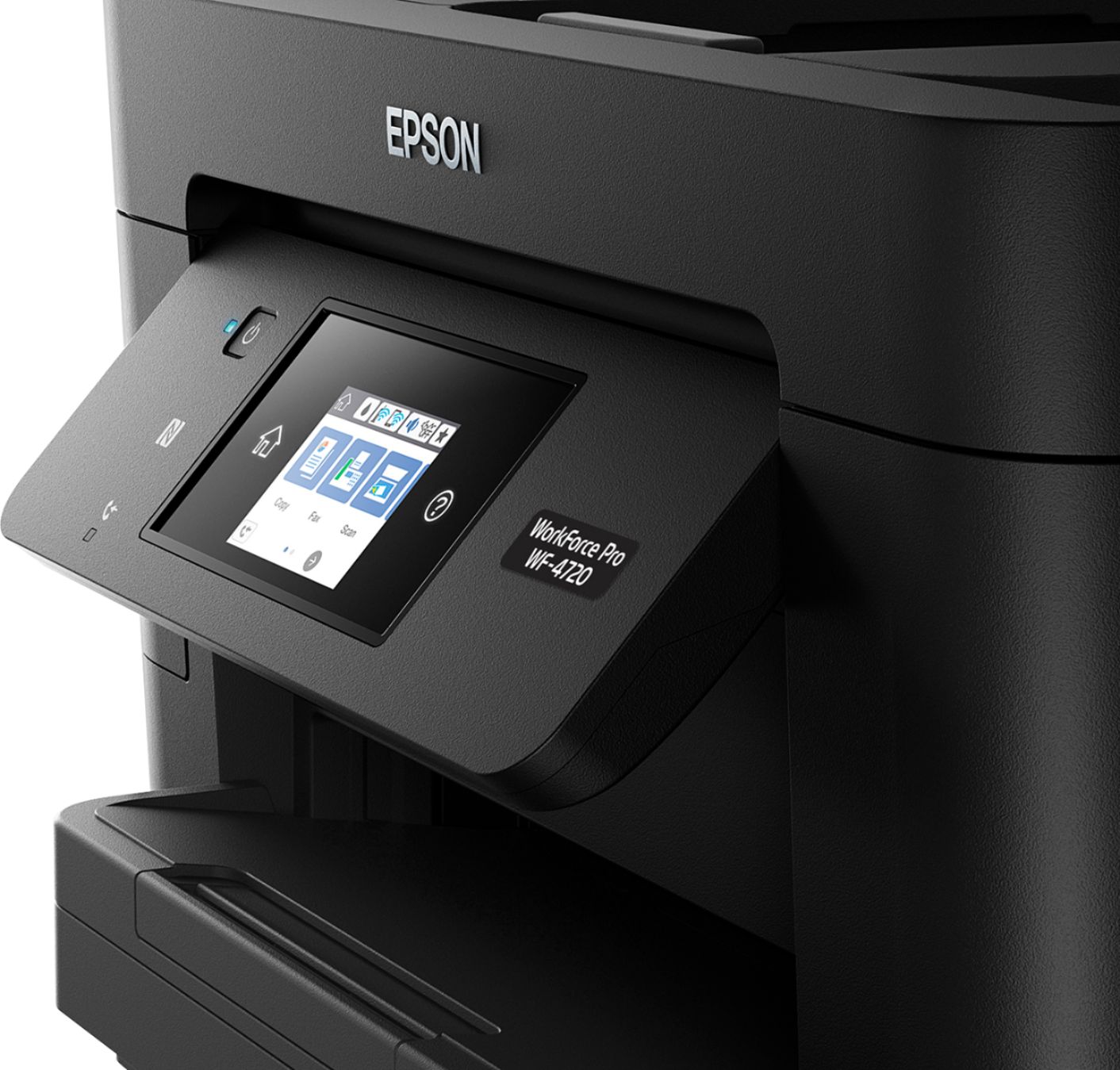


- Model:
- WF Pro 4720 - C11CF74201
- |
- SKU:
- 5732905
Customer reviews
Rating 4.3 out of 5 stars with 222 reviews
(222 customer reviews)Rating by feature
- Value4.3
Rating 4.3 out of 5 stars
- Quality4.3
Rating 4.3 out of 5 stars
- Ease of Use4.3
Rating 4.3 out of 5 stars
Customers are saying
Customers are delighted by the Epson WorkForce Pro WF-4720's excellent print quality, ease of use, and straightforward setup. The wireless connectivity and compact size are also frequently praised, along with the user-friendly touchscreen and ample paper tray capacity. Many appreciate the inclusion of fax functionality and the overall solid performance. While some users noted the printer can be somewhat noisy, the positive feedback significantly outweighs this minor drawback.
This summary was generated by AI based on customer reviews.
- Pros mentioned:Print quality, Setup
Rated 4 out of 5 stars
Better Than Expected
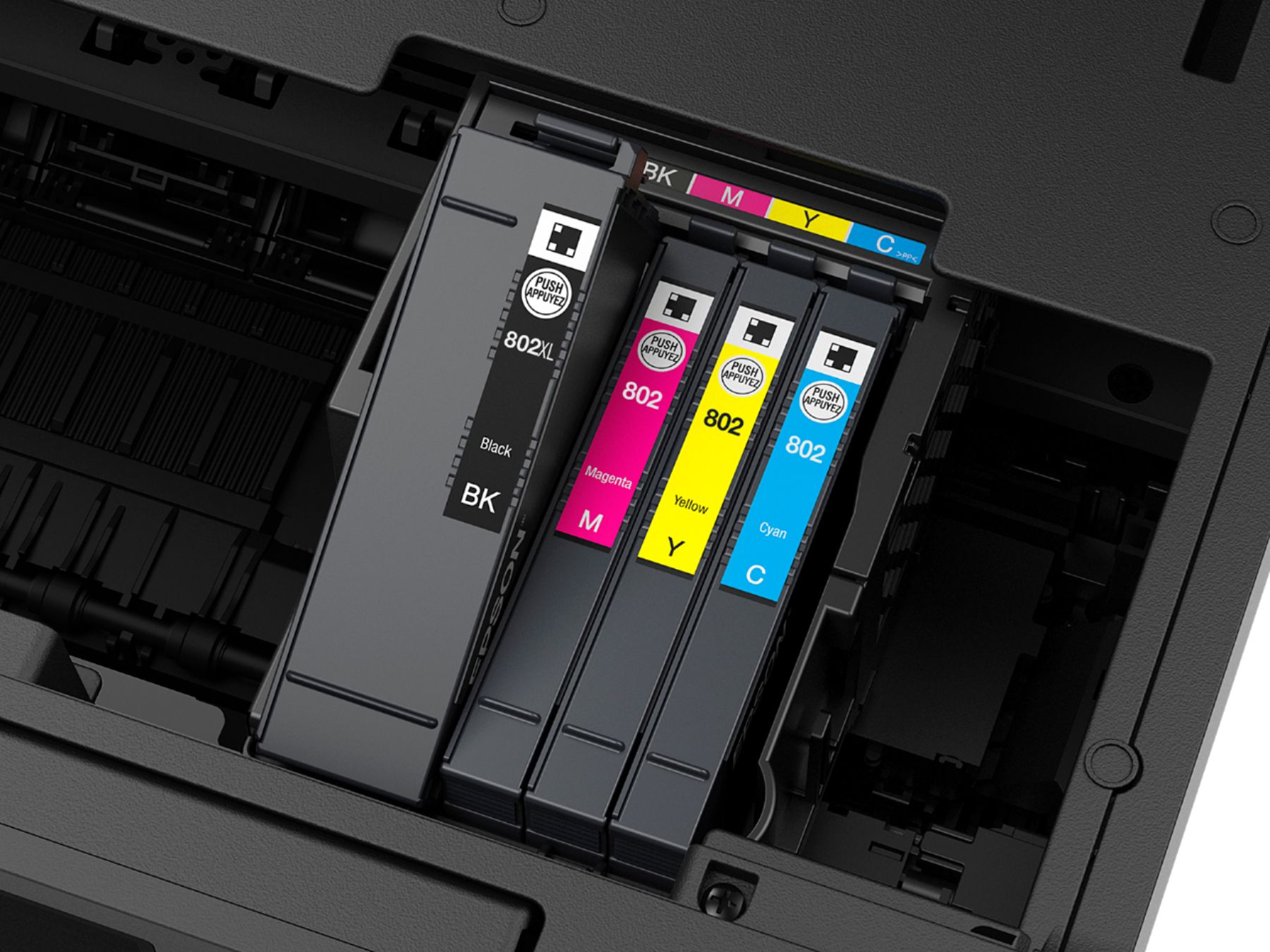
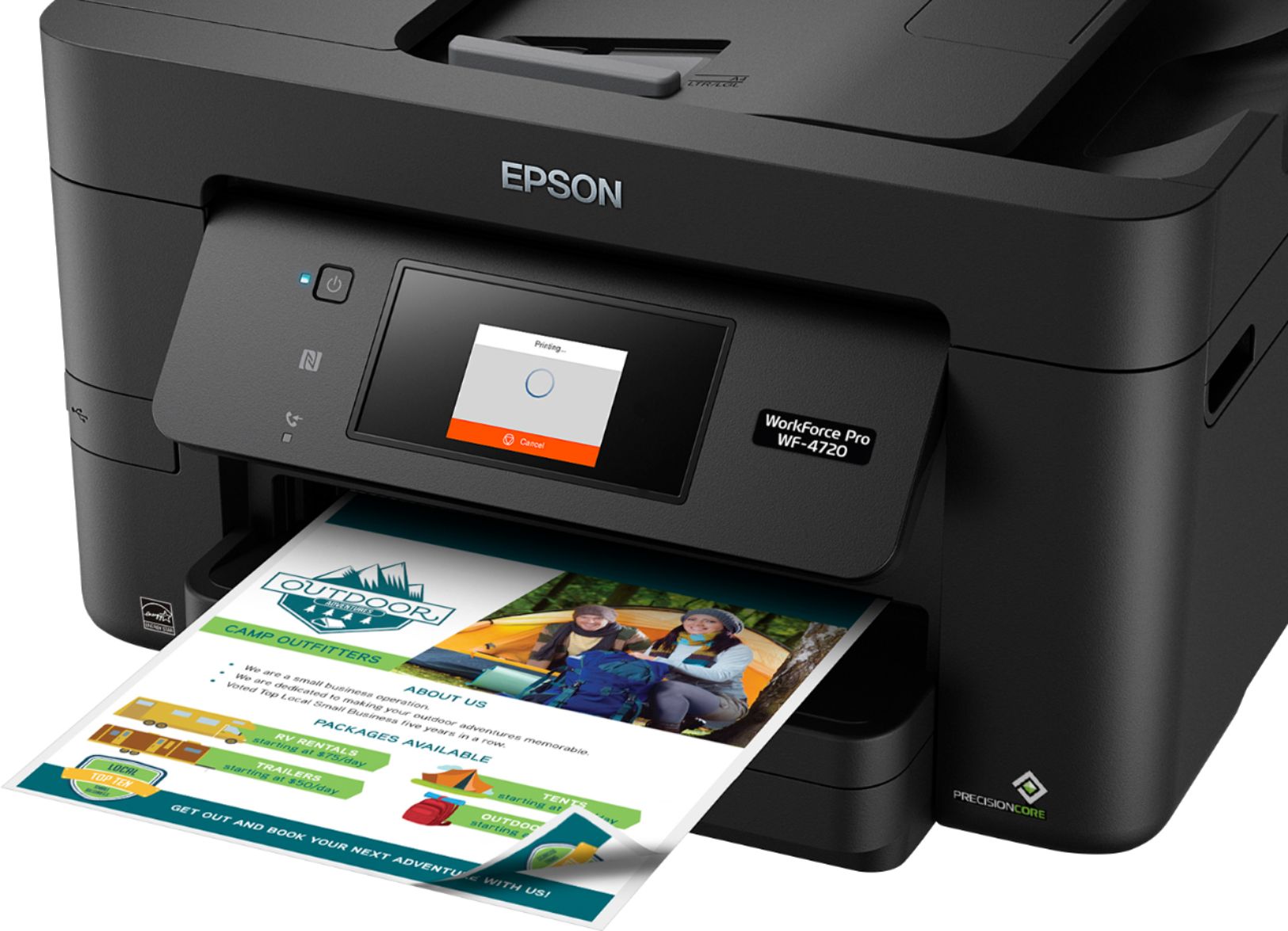
Posted .This reviewer received promo considerations or sweepstakes entry for writing a review.Setting up this printer was easier than expected and took about 5 minutes. Setting it up includes unpacking it out of the box, removing all the tape and film, installing the ink cartridges, and plugging it into an outlet to power it on. When turning on the printer the first time, it guided me such as reminding me to install the ink cartridges and paper. I was also able to connect it to my Wifi network at home during the setup process. At this price point for a printer, I would have expected a USB cable included, but admittedly, you don't really need it. So you can technically have the printer anywhere in your home where there is a power outlet and connect it to your Wifi network. I had the intention of using this printer at home so that multiple people can print at home. Even without installing the included CD software, I was able to see the printer show up in the Printers section in Windows 10. For another computer, I had to add it manually, but it still detected the printer with ease. You also have other ways of printing wirelessly since this is Google Cloud Print compatible or use the Epson apps for your devices. Turning the printer on takes about 15 seconds which is quite fast. This would be important to those who don't print often and turn the printer off and on as needed. Printing is also fast as each page spits one after the other in seconds. Scanning a color page was surprising quiet and fast and took about 4-5 seconds. You won't hear the annoying whining sound when scanning when compared to older scanners. I have used HP and Canon printers mostly in the past, but this printer has certainly shown how adept Epson is in making printers because this really is a good all-around printer. The only main reason I reduce the rating of my review is because of ink replacement costs. There are 4 ink cartridges: one black, and three color ones. A single standard black ink cartridge supposedly prints up to 900 pages, but will cost about $38 to replace. That seems a bit high considering that is over 20% of the printer price. And I haven't seen any 'compatible' ink from other companies yet. This is a review for the Epson WorkForce Pro WF-4720 All-in-One Printer that I received free of charge to do a beta test and review.
I would recommend this to a friend - Pros mentioned:Print quality, Wireless connectivity
Rated 5 out of 5 stars
Another Epson Winner
Posted .This reviewer received promo considerations or sweepstakes entry for writing a review.The Epson WorkForce Pro WF-4720 All-in-One Printer is by far the best ink jet printer I have ever owned. It took less than twenty minutes to unpack and setup the printer wirelessly. The printing is superb, and the capabilities extensive. The unit prints on both sides of the paper, directly from the print dialogue. It sends and receives faxes, scans, copies, and even prints remotely from my phone. The printer even told me when a firmware update is available and how to install it. For under two hundred dollars, this machine rivals digital imaging machinery costing ten times more. The manual claims the printer is stingy with ink, going five hundred pages a cartridge, but, as with all ink jets, cartridges are pricey. I wish the paper tray would hold an entire ream, rather than only 150 sheets. All in all, it seems to be a top line ink jet. This is a review for the Epson WorkForce Pro WF-4720 All-in-One Printer that I received free of charge to do a beta test and review.
I would recommend this to a friend - Pros mentioned:Print quality, Setup, Touchscreen
Rated 5 out of 5 stars
Great Printer for the value
Posted .This reviewer received promo considerations or sweepstakes entry for writing a review.This is a great printer with the muscle of a business platform that is suitable for home use. Initial setup was super easy and fast. touch screen on such a little screen proved accurate and useful. Printing quality was on par with laser printers. Printed the pages that I needed faster than a typical inkjet printer. The various features are easy to use and everything is done over the network. I connected to my wifi within 5 minutes of the typical printer unboxing. Easy to change the network as well if needed. I updated the firmware in 2 clicks. I did not experience any jams what so ever within the first couple of days using this product. Air print and cloud printing are standard options that prove to be useful. This is a review for the Epson WorkForce Pro WF-4720 All-in-One Printer that I received free of charge to do a beta test and review.
I would recommend this to a friend - Pros mentioned:Ease of use, Print quality
Rated 4 out of 5 stars
So far it's great
Posted .This reviewer received promo considerations or sweepstakes entry for writing a review.Out of the box, this printer is lightweight but sturdy. Set up was simple, installing ink was a breeze. When setting up, you need to set the time. Unfortunately, I did not select the language selection portion on the start up screen, causing my touch screen to defult to chinese (or possibly Japanese). To set this back to English, i found little help online through forums or the downloadable PDF user guide on how to change. After about 30 minutes, the help of google translate, and selecting multiple combinations of sections under settings, my Epson WorkForce Pro WF-4720 was just about ready to use. Setting up to my wireless settings and my phone and tablet was a breeze at an aditional 5 minutes. I did the wireless setup while i installed the software on my laptop. Printing is lightening fast, as described. Printing pictures took a few tries to get right. J noticed if you have more than one piece of printer paper in the tray, the printer will feed multiple pieces at a time, and cut off the edge a slight bit on the printed picture and print that sliver on the piece under. This could be user error as i will try and play around with it some more. Also on the picture print quality, and this may be dnue to pictures being the very first thing i attempted to print, one edge of the 2 pictures i printed, had a line of excess ink. The ink line got less noticible as i printed the second and third picture, so i assume this is due to the fresh ink and first print job of ink. All in all, with my first initial test of a couple pictures, and about 25 sheets of paper, this printer has great speed, relatively quiet and user friendly, as long as you select the proper language at start up. I gave the printer 4 stars until i figure out how to stop the multiple picture paper feed when printing pictures. This is a review for the Epson WorkForce Pro WF-4720 All-In-One Printer that i received free of charge to do a beta test and review
I would recommend this to a friend - Pros mentioned:Print quality
Rated 4 out of 5 stars
This All in One for Home and or Business
Posted .This reviewer received promo considerations or sweepstakes entry for writing a review.So Ive only been using this printer for a week but I am very impressed with what it can do. This all in one does print, copy, scan, and fax. It offers wireless or Ethernet connection to this internet. It qualifies as a google cloud-print printer. As well as an Epson iPrint App available on Android, Windows Store, Windows Phone or iPhone to print locally, Manual IP, or Remotely. On my Windows I first used it wirelessly through my to scan and copy a couple of documents for work. Then used the app to email it back out all with only getting up once to load the documents for scanning. For Android and Chrome users I recommend utilizing the google cloud print because everything that is saved in google drive will be readily be available to print via the app. The only thing a would probably say is more of an inconvenience than an issue this the fact that the firmware update keeps coming up. Ive following the instructions on the print to start the firmware update, then I t would start then time out. Even with the app trying to update the firmware remotely it would start for a minute then time out. the last time I tried it on the app a message said "use the firmware updater on the computer to update the firmware". So more than likely it will update remotely via www.epsonconnect.com. I hope that help for those who have the same issue. This is a review for the Epson WorkForce Pro WF-4720 All-in-One Printer that I received free of charge to do a beta test and review
I would recommend this to a friend - Pros mentioned:Print quality
Rated 4 out of 5 stars
A capable and speedy multi-function printer
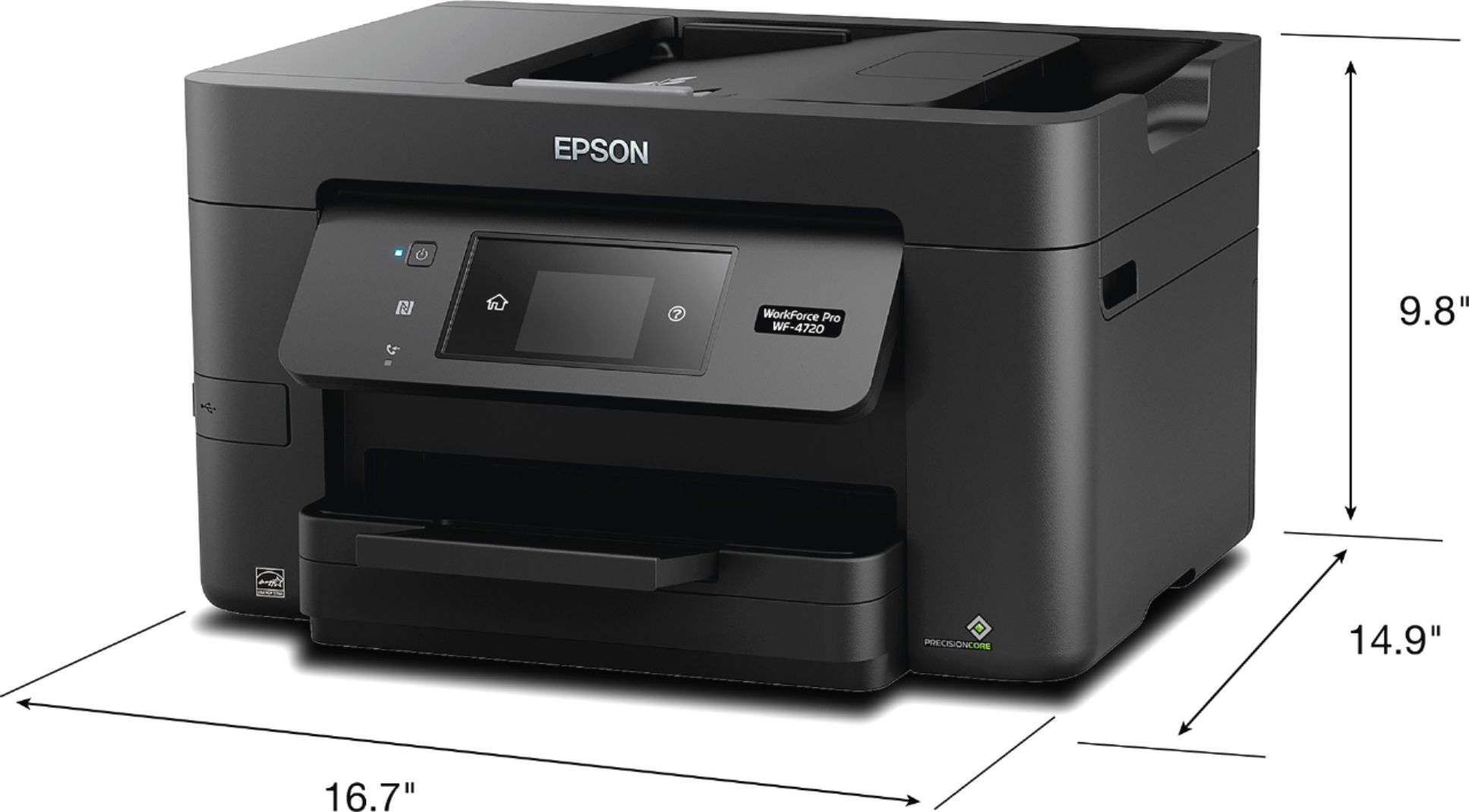
Posted .This reviewer received promo considerations or sweepstakes entry for writing a review.I installed and used this printer for a few weeks before writing this review. The printer is relatively compact compared to other similar devices. The space footprint is similar to a laser printer even thought it uses inkjet technology. The construction is good but am somewhat concerned by the plastic used in that one has to 'lock' the top when servicing it and the locking mechanism seems like it may prove less than durable...will have to see. Printing is extremely fast. One has the option to increase the drying time which may be necessary as the pages have come out slightly wet...but no smearing has been noted thus far. I enjoy the fast printing, scanning and copying. The only downside is the lack of double-sided scanning as the ADF does not support double-sided. That is my primary reason for rating this printer a 4/5. This is a review for the Epson WorkForce Pro WF-4720 All-in-One Printer that I received free of charge to do a beta test and review.
I would recommend this to a friend - Pros mentioned:Print quality
Rated 5 out of 5 stars
Great Printer for Home or Office
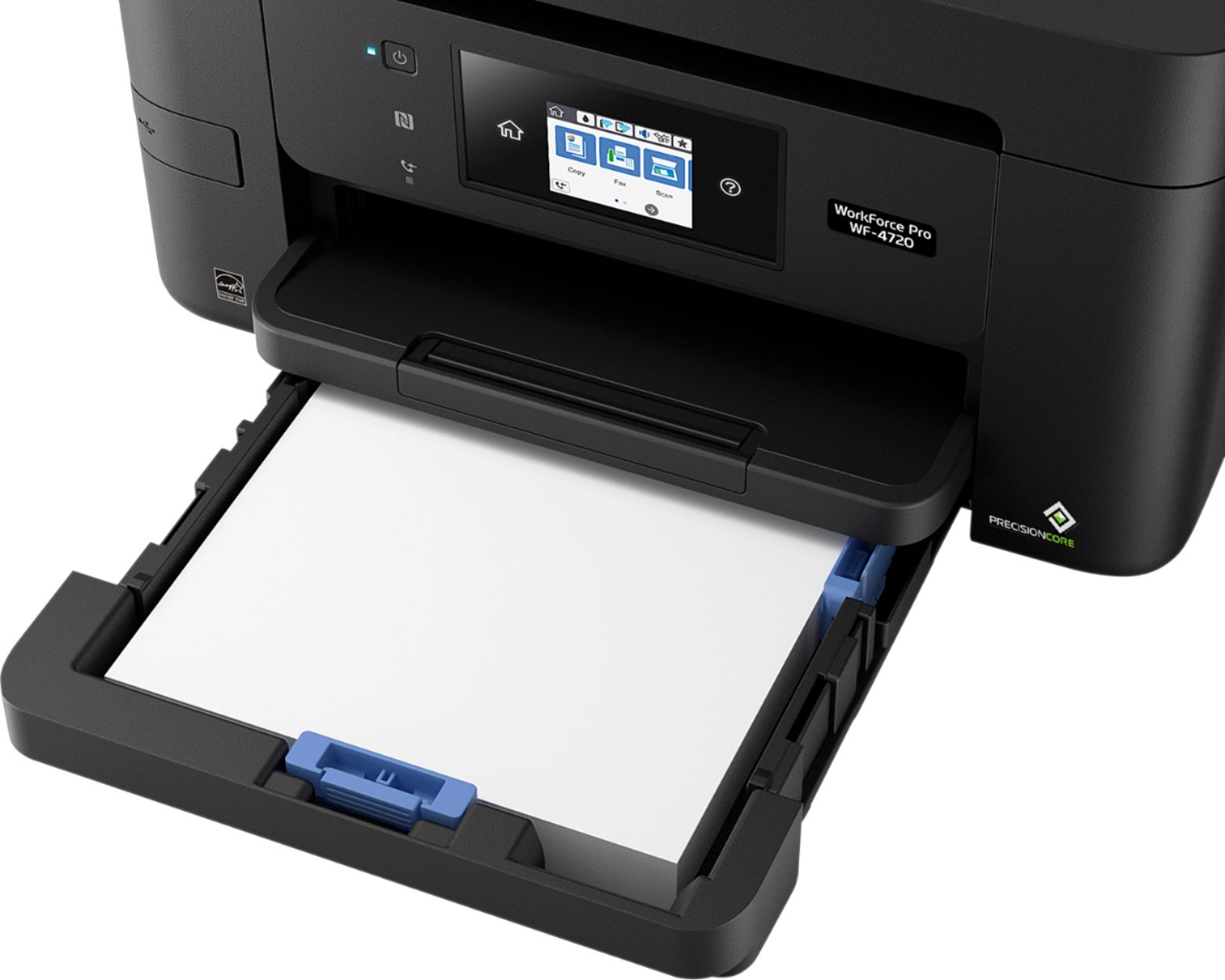
Posted .This reviewer received promo considerations or sweepstakes entry for writing a review.Let me start by saying this is easily the quickest printer I have ever used. From documents only containing text to full page images, it only takes mere seconds. I have my printer set up in my office and I typically print from my computer in the living room, which is approximately fifteen steps away. I can start the print, and immediately walk to the printer, and it will already be done printing. It is honestly about five times faster than any printer I have owned before. It features a very large paper tray that can hold approximately two hundred fifty sheets of paper, which is very nice so you don’t have to add paper every time you want to use it. It also boasts an extremely easy set up; I took mine out of the box took the packaging off, and within five to ten minutes it was fully and completely set up, including putting the ink in, and connecting it to my home network. With the rest of these features, you might expect something such as the scanner to not be as high of quality, but no, the scanner manages to meet the expectations set by the rest of the printer, fairly quick with great quality, the scanner in this printer will surely complete all your scanning needs. On top of everything else, it also is very compatible with mobile devices. I have an iPhone, and one of the largest problems I usually have is trying to print from it. However, with this printer I was set up and printing documents and even pictures right from my iPhone within minutes. Quite possibly the only downfall I have found is the excessive cost of replacement ink cartridges. However, with the quality of the prints, it is a little bit of a tradeoff. In short, whether you are looking for a home printer, or an office printer. This one would be an excellent choice. Between the lightning fast print speed and the high capacity paper tray, it would be a great printer for just about anyone in any capacity. This is a review for the Epson WorkForce Pro WF-4720 All-in-One Printer that I received free of charge to do a beta test and review.
I would recommend this to a friend - Pros mentioned:Print quality, Touchscreen
Rated 5 out of 5 stars
Great price for a small office printer
Posted .This reviewer received promo considerations or sweepstakes entry for writing a review.I just received the Epson WorkForce Pro WF-4720 and have been pleasantly surprised with the functionality, the features, and the overall look to the printer. This is my first Epson as I normally have leaned towards Brother and Canon; however, now that I see this work I would not stay away from Epson in the future. The touch screen is precise and the menu is intuitive. The vibrant colors of the menu and the logical options make the printer feel like a luxury item, rather than a simple printer. Most of the plastic casing feels cheap, particularly the paper tray. When pulling it in and out, it gets stuck so my money is betting that the paper tray will be the first to break. There is a blue LED on the front of the printer that is bright enough that at night I have to cover it while I sleep because it kind of gives me a headache. I wish there was a sleep mode that could turn it off, but it appears that that light is there to stay. You can adjust the menu screen which can help it get away from your eyes, but it’s still quite noticeable. When printing black and white, the printer is EXTREMELY fast. I have never seen a small, office printer print as quickly as this one does, with the quality that this one delivers which includes my experience using Brother and Canon printers. Printing colored pictures with a high resolution is slow, but average. When opening up the paper cartridge, it gives you the option of changing the paper type (glossy, standard, etc) which is convenient as I would not normally think of changing the settings myself. Overall, this printer is fast, prints in good quality and has a wide range of options (print, fax, copy, scan) at a competitive price. This printer has worked great to have in our home office and has eliminated some of our trips to FedEx because of the high quality of picture prints it can do. This is a review for the Epson WorkForce Pro WF-4720 All-in-One Printer that I received free of charge to do a beta test and review.
I would recommend this to a friend - Pros mentioned:Print quality, Wireless connectivity
Rated 5 out of 5 stars
Great Printer at a Great Price!
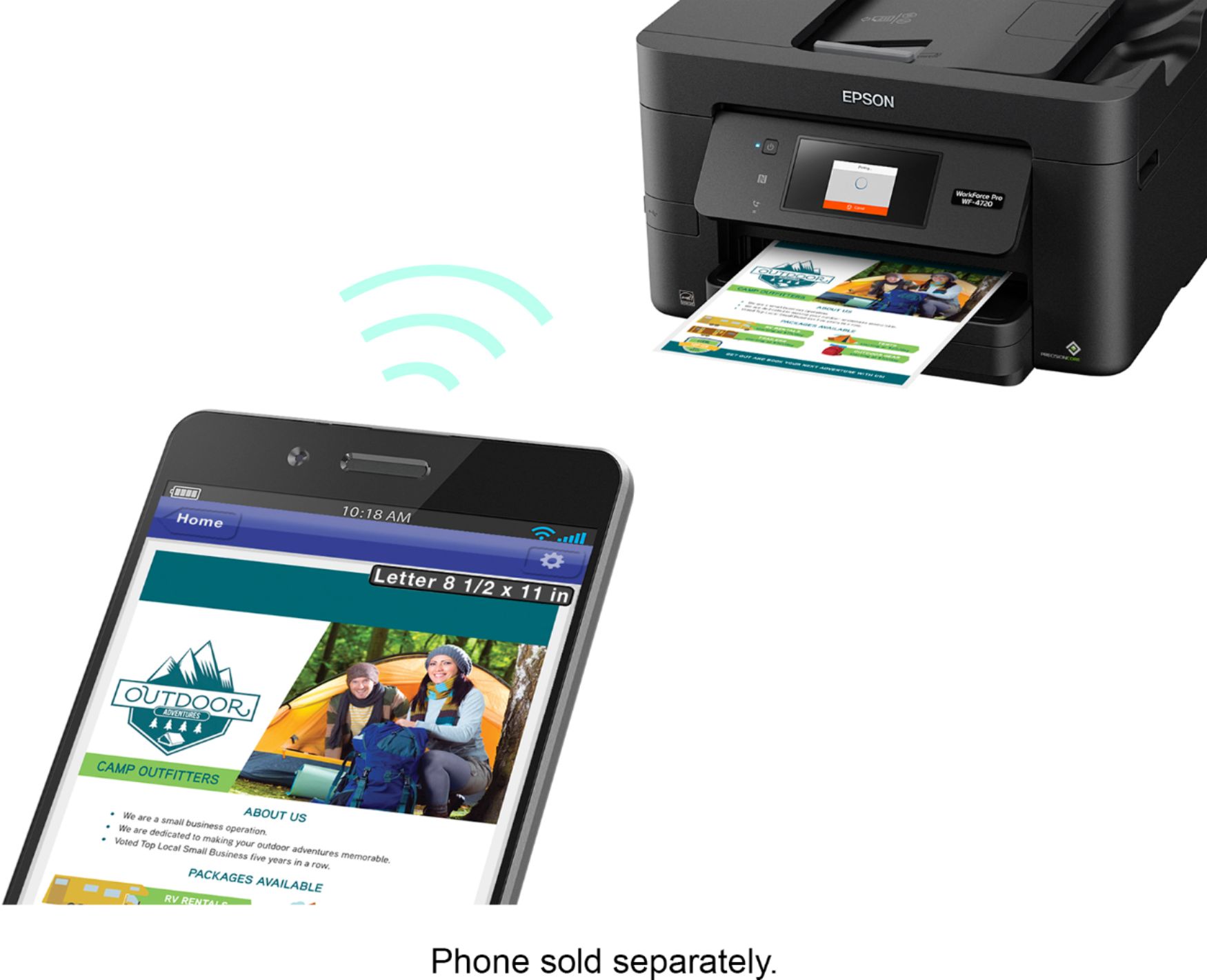
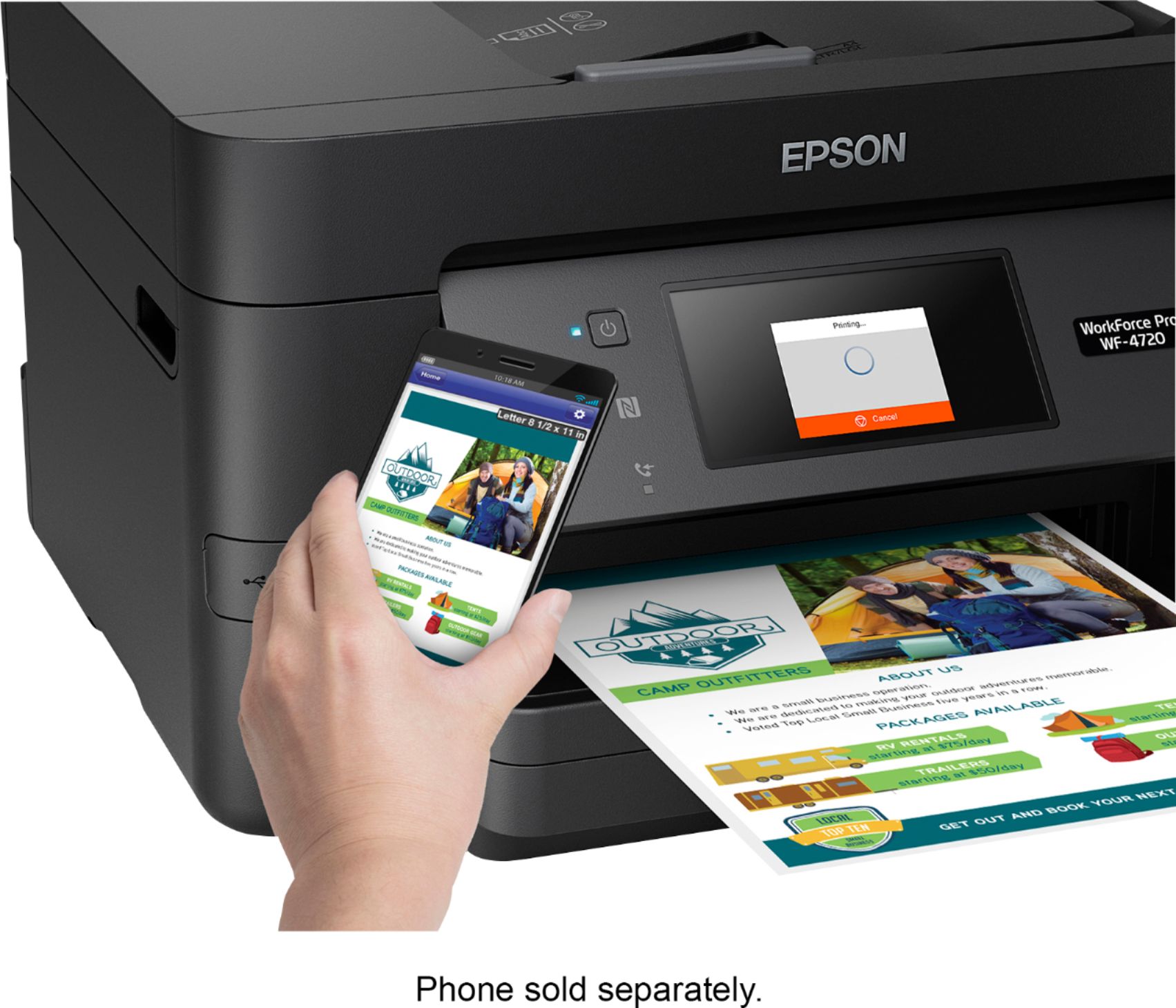
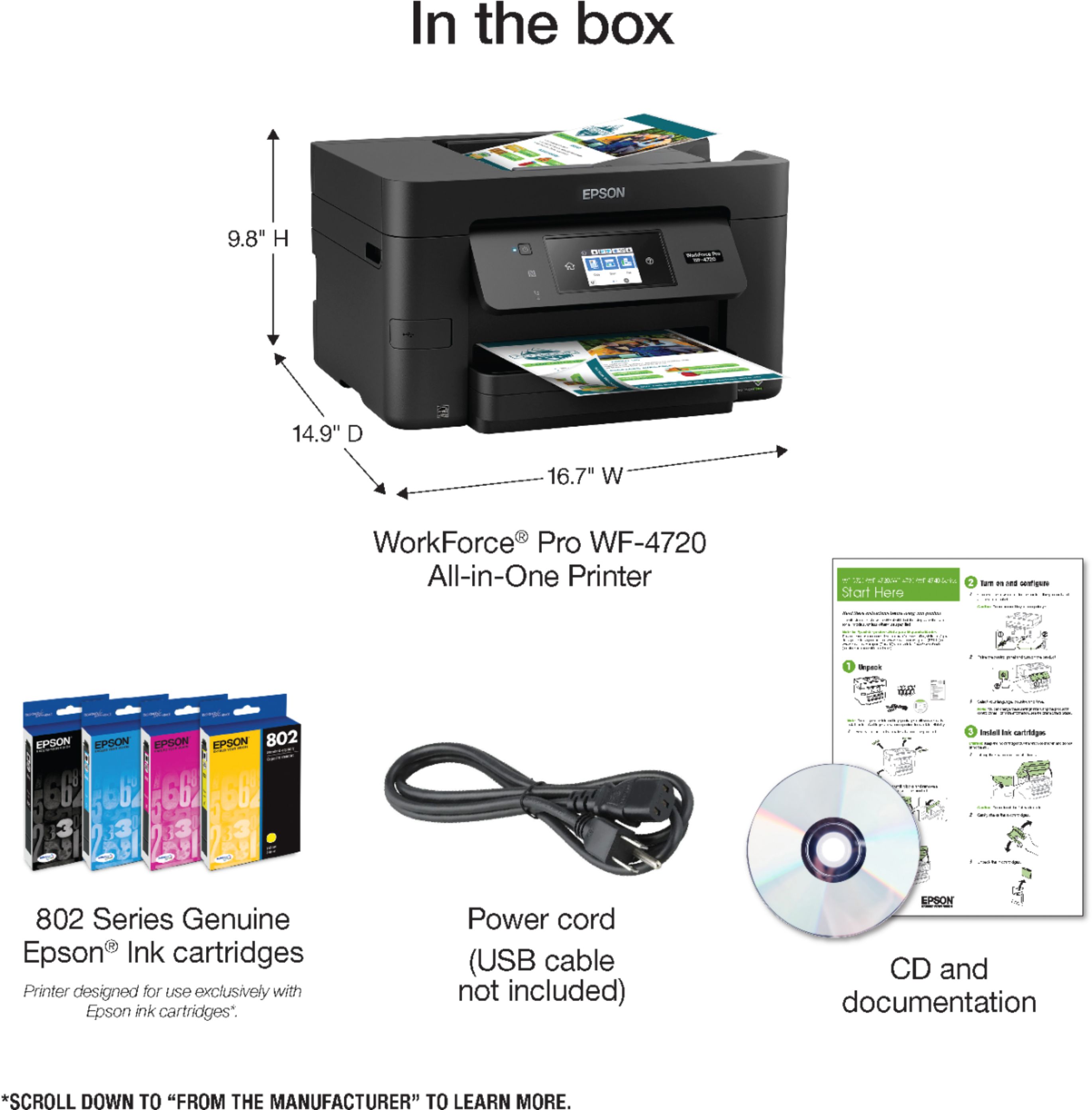
Posted .This reviewer received promo considerations or sweepstakes entry for writing a review.Overall this is a great printer. It does it all Scans, Copies, Prints, and Faxes. Connects via USB, Ethernet or WIFI! I have had the chance to try out all the features except faxing since I do not have a phone line in my home just cell phones. The unboxing was nice and very well protected and easy to open. It only comes with a power cable and ink. No USB or Ethernet cable. That is not much of an issue as most people I know have WIFI in the area that they want to connect the printer. I love how easy it was to configure the WIFI to connect to my network. It walked me through connecting to my network and was up and running quickly. Build Quality seems about right for this price point. Some of the joints on the printer access points seem a bit flimsy but hopefully I don’t have to add ink too often. I have not owned an ink printer in years but I am quite happy with it so far. The touch screen is intuitive and easy to follow. Printing photos on photo paper look amazing! Printing documents is fast and smudge free. Scan and copy features produce high quality images and copies. The feature that I think is the best is Printing directly from my mobile devices, it works without any app installed on my Android or iOS devices, so much easier than my older printer that I must use their app and it often changed the layout and size of the paper. This one is great! Just click print and choose the printer and it works from the native printing. My only concerns are the same I have had with all printers: How long will the ink/toner last and will the ink dry out if I don’t print for extended periods of time? Only time and use will tell, and I think this printer will be very well used over a long time. I would recommend this printer to a friend as it has been great so far! This is a review for the Epson WorkForce Pro WF-4720 All-in-One Printer that I received free of charge to do a beta test and review.
I would recommend this to a friend - Pros mentioned:Print quality
Rated 5 out of 5 stars
Great all in one printer
Posted .This reviewer received promo considerations or sweepstakes entry for writing a review.I have really enjoyed using this printer. In my opinion it is the best all in one printers I have ever owned. The print quality and speed are great. I printed several sheets and they all came out fast and no smear on any of the pages. The set up was easy I did not have to use the USB cable to install the printer, just connected with the WPS connection method . I did use the CD that came with it to install on my computer and that was very easy as well. I love that it has a large paper tray capacity and can do double sided printing. This all in one is great for anyone who needs to print a lot for home such as children needing worksheets or coloring pages and anyone with a home office. The only thing I dont like is the ink cartridge replacements are a little bit more expensive than some other printers. Hopefully thou they wont need to be replaced too often. Overall this is a great printer and love the fast print time. I also love that it lets you know via the control screen if there are any updates that need to be installed. They update via WiFi and do not take very long to be installed. This is a review for the Epson WorkForce Pro WF-4720 All-in-One Printer that I received free of charge to do a beta test and review.
I would recommend this to a friend - Pros mentioned:Print quality, Setup
Rated 5 out of 5 stars
Very good quality print at crazy fast speeds!
Posted .This reviewer received promo considerations or sweepstakes entry for writing a review.I think this is the fastest color inkjet printer that I've ever used. Perfect for the small office or even a home office where there is a need for color printing and copy/fax features. I've used and recommended brother laser printers for small offices or home offices for the past many years but this new Epson inkjet printer has changed that. Overall, I would highly recommend this printer over any other inkjet printer and even over most small laserjet printers. Pros: Laser level quality prints, extremely fast printing, easy setup, direct wi-fi printing, larger paper tray, automatic double sided printing (duplexer), separate ink cartridges for each color so that you only have to replace what is empty, very easy to follow menus, informative touch-screen display. Cons: It's a bit heavy for an inkjet printer, the ink cartridges are still a little pricey. *This is a review for the Epson WorkForce Pro WF-4720 All-in-One Printer that I received free of charge to do a beta test and review.
I would recommend this to a friend - Pros mentioned:Print quality, Setup
Rated 5 out of 5 stars
Super fast printer
Posted .This reviewer received promo considerations or sweepstakes entry for writing a review.Initial unboxing and set up was very easy. This is quite a large unit, but was packaged well. Unboxing was simple and uneventful. There is quite a lot of tape/padding used to secure the various moving parts of the unit, so be sure to double check that you remove them all. Initial power up and ink installation was simple and without any issues. Paper installation was simple but the paper cartridge sits flush to the bottom of the unit, so removal was not as smooth as it could have been if the drawer was a little of the floor. Wifi set up was easy along with Air print connection Initial printing was not quite as smooth as the setup First print run jammed on the first sheet. Second and third runs did not jam, but had ink bleed on the edges of the paper. After that no further issues with the printing. Print speed and quality is outstanding though. Print speed in particular is amazingly fast for an inkjet, in fact it was so fast I had to check to make sure it printed the whole page. Print speed is comparable to a laser printer and quality is not sacrificed. Overall a great printer, great speed/quality with WIFI and Air print as a bonus This is a review for the Epson WorkForce Pro WF-4720 All-in-One Printer that I received free of charge to do a beta test and review.
I would recommend this to a friend - Pros mentioned:Print quality, Setup
Rated 5 out of 5 stars
Excellent All in One Machine
Posted .This reviewer received promo considerations or sweepstakes entry for writing a review.This printer was easy to unpack and setup. The only problem I had with the setup is the network would not connect with the WPS and so I had to manually connect it to my network. It was fast to connect and there was a firmware update that downloaded and installed after there was a network connection. It prints very fast in either black or in color and the two sided printing feature saves a great deal of time and paper as my old printer did not have this feature. The other feature that I love is being able to print straight from my mobile devices. After a quick install from the app store I was able to print and scan from my phone. The document feeder scanner is great for when I need to scan multiple pages. You are able to scan straight from the machine and it will automatically save the documents to my computer completely wireless. The only feature I was not able to test was the fax because I do not have a landline. This is a review for the Epson WorkForce Pro WF-4720 All-in-One Printer that I received free of charge to do a beta test and review.
I would recommend this to a friend - Pros mentioned:Wireless connectivity
Rated 5 out of 5 stars
Great Printer
Posted .This reviewer received promo considerations or sweepstakes entry for writing a review.It Scans, Copies, Faxes. You can connect wirelessly from your smartphone, tablet, or computer which makes it a must have printer. With it's easy set up networking directly from the on screen control panel on printer. It saves paper and power with ECO mode. Shows ink levels on until easily without having it connected to a computer. You even have preset menu buttons on printer also which is great. Loading paper in the printer is very easy just pull out tray in front and insert paper. Even has a Display help screen on printer which if you need it will give you a Demo of How To's: Load Paper, Place Originals, Extend Output Tray, USB memory connection, Use Various Fax Features, Wi-Fi Setup. Also has a trouble shooting tab. Maintenance Button on printer which gives you a whole bunch of options from Print head nozzle check to Paper Guide cleaning. Overall this printer has a lot of great features to have and explore *This is a Review for the Epson Workforce Pro WF-4720 All-in-One Printer that I received free of charge to do a beta test and review!!
I would recommend this to a friend - Pros mentioned:Print quality, Setup
Rated 3 out of 5 stars
Work Force is a work horse
Posted .This reviewer received promo considerations or sweepstakes entry for writing a review.I have been putting this printer through the paces. Setup was very simple and easy to accomplish. Hooking up to my local network was very easy. The quality of the print product coming out is definitely top notch. The speed of the printer absolutely sizzles. Overall it is fast and easy to run. The cons: wish there was a single sheet feeder and a larger paper tray. I do a lot of printing for the house and my job and I wish it would take a complete ream of paper, and have a single sheet feeder for special printing. Ink: the ink is outrageous and not the easiest to find right now. The toner is $90, and this is for a $180 printer. This is over the top. For it to be viable the toner needs to drop in price significantly. , “This is a review for the Epson WorkForce Pro WF-4720 All-in-One Printer that I received free of charge to do a beta test and review.”
No, I would not recommend this to a friend - Pros mentioned:Print quality
Rated 4 out of 5 stars
Great printer for small business
Posted .This reviewer received promo considerations or sweepstakes entry for writing a review.My first impression is that the printer is packaged well. 2 pieces of foam and pull out the bag and presto your printer is out of the box. Took about 20 minutes to install and completely set it up including downloading software. (Another 20 minutes after set up for the software in the printer to update). I have been using the printer for a week, the desktop software was easy to set up and the interface is user friendly. The LED panel is bright and responsive to the touch. As a printer, I like that it prints faster than my HP Office Pro I was using. The scanner functionality is easy to use and scans multiple page clearly and quickly. The only function I wasn't impressed with was the copier, I found it left the colors a little less bright than the original copies. I tried to copy from the feeder and from the flatbed area and the color gets lost in translation. The paper tray is very awkward to use as well. Overall I really like the printer and scanning functionality and would recommend this product. It performs better than a competitive product i spent nearly $80 more on. I would recommend this for a small office or home office user. This is a review for the Epson WorkForce Pro WF-4720 All-in-One Printer that I received free of charge to do a beta test and review
I would recommend this to a friend Rated 4 out of 5 stars
Great printer but pricey replacement ink
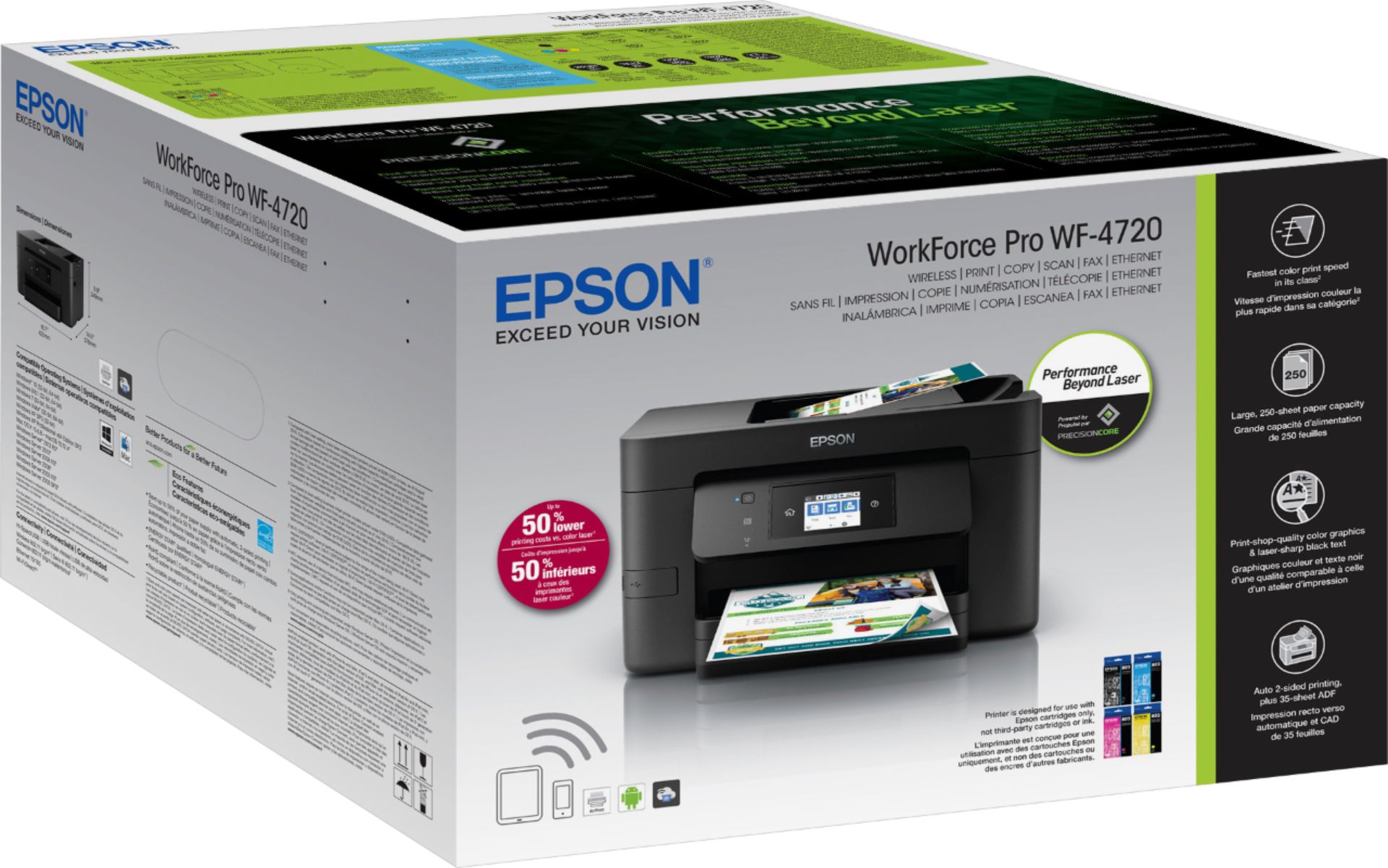
Posted .This reviewer received promo considerations or sweepstakes entry for writing a review.This review is for the Epson WF-4720 that I recently received. First thing I noted was the box was kind of heavy, but that is a good thing as I know there is a lot to this machine. Once opened, and all the blue tape came off, I started to set up the printer. One thing I noticed was the package with the instructions and the cd-rom. I really didn’t see a point in using either because: 1) I just went online to get all the drivers direct from Epson, and 2) the printer has a setup feature right on the screen. This made setup easy as could be. The only odd thing was that it makes you set the time and date. I figured once you were online with the printer it would do it itself, but that is a minor gripe. Getting the ink in was a bit odd. While most of the setup process was easy, the ink cartridges have this weird plastic over the spout where the ink comes out. It didn’t say to remove it, so I didn’t and everything worked. Just odd. Once everything was set up—and please note I DID NOT set up fax for this due the fact I don’t have a home phone line—I downloaded the driver package from Epson which was easy to follow. After a quick setup, registration and firmware update, off we went. The printer has a neat function asking about what kind of paper you want to use depending on quality of paper, meaning you can switch up what kind of printing you plan on doing right at the machine itself. I did some tests prints to start. This is a fast machine! It spits out text in a few short seconds much to my pleasure. As for pictures (I did have some photo paper), the time was fairly quick and the quality is really good, even though I wouldn’t suggest this printer for picture prints. The scanner was nice and did exactly what I thought. Tried a few things from documents to photos, which all scanned nicely. The copy feature works well too as everything is pretty easy to follow per the printer’s on-screen interface. Finally, was the noise factor. While not the quietest printer, it wasn’t annoyingly loud either. I do like that the screen goes dark after about a minute, but that bright blue light for power is always on; like having a mini-nightlight. The only other thing worth noting is the ink itself. While I do appreciate good ink, I was floored that getting all the replacement ink is almost $90 direct from Epson!!! It would be like buying half the printer all over again. This price of ink is outrageous and probably the only reason I would tell anyone to think twice before buying. This is a review for the Epson WorkForce Pro WF-4720 All-in-One Printer that I received free of charge to do a beta test and review.
I would recommend this to a friend- Pros mentioned:Print quality, Touchscreen
Rated 5 out of 5 stars
Really fast and capable printer!
Posted .This reviewer received promo considerations or sweepstakes entry for writing a review.Great overall MFP! It is very capable for both home and small business needs, and the inkjet printer is very quick, much like a business laser printer is. Copy and scan features are great, and the ADF supports up to 35 pieces of paper. Printer was very easy to set up, the touchscreen controls are very user friendly. Cons with inkjets are of course ink price. But I will say the features and price point for this printer far outweigh when using for home and small business needs. “This is a review for the Epson WorkForce Pro WF-4720 All-in-One Printer that I received free of charge to do a beta test and review.”
I would recommend this to a friend - Pros mentioned:Print quality, Setup
Rated 5 out of 5 stars
Very Nice All in One Machine
Posted .This reviewer received promo considerations or sweepstakes entry for writing a review.My printer arrived in the mail in the original box. The printer is packaged very well to prevent any damage. Unpacking and setup instructions are easy and clear. Printing is easy and fast. Automatic paper feed on top requires some effort to get paper set in correctly. Email the printer to print anything from anywhere is a very nice feature and makes life easier. Another great feature is automatic double sided printing. This is a very nice printer for the price and works very well. This is a review for the Epson WorkForce WF-4720 that I received free of charge to do a beta test and review.
I would recommend this to a friend - Pros mentioned:Print quality
Rated 5 out of 5 stars
You can't go wrong with this printer
Posted .This reviewer received promo considerations or sweepstakes entry for writing a review.I really haven't dealt with Epson printers since the late 80's when I was authorized to repair the DX/LQ/etc series dot matrix printers and I was interested to see what they were doing these days when I received an Epson WorkForce Pro WF-4720 All-in-One Printer. Right off the bat you notice the little things that show that Epson was thinking about the average person when designing this, right down to the packaging. How many of us have struggled with unboxing items where the styrofoam is packed so tightly you struggle to get the device out of the box? Epson thoughtfully made the bag holding the printer with handles so you could easily pull the printer out of the box. Setting up the printer was a breeze, the included quick start guide was easy to follow and spot on. Software setup is typical, and quite straight forward so I won't go into detail here. There are a myriad of connectivity options, USB, WiFi, Network, and NFC. The setup of these went smoother than I am used to with one small snag that was my fault - I configured my desktop to connect to the printer both through the LAN and USB and I could not get the scanner to connect. Once I removed the USB connection, everything worked as expected. Which brings me to printing - wow, this printer is fast. Be it color, B&W, or a complex print job, this printer blazes through pretty much everything you throw at at. Test is sharp, graphics are clean, I am quite pleased with the output quality. Having a built in duplexer is an added bonus. One thing I do think they missed on is that there is no way to feed a single envelope without having to remove the paper tray, paper and reset the guides, then set the paper size on the front panel. Speaking of the front panel, it moves so that you can easily view it. Overall I am really impressed with this printer, especially at this price point, adding in the fact that it has so many ways to connect to it, and they are all easily configured, I have no problem recommending it. This is a review for the Epson WorkForce Pro WF-4720 All-in-One Printer that I received free of charge to do a beta test and review.
I would recommend this to a friend