Customer Ratings & Reviews


- Model:
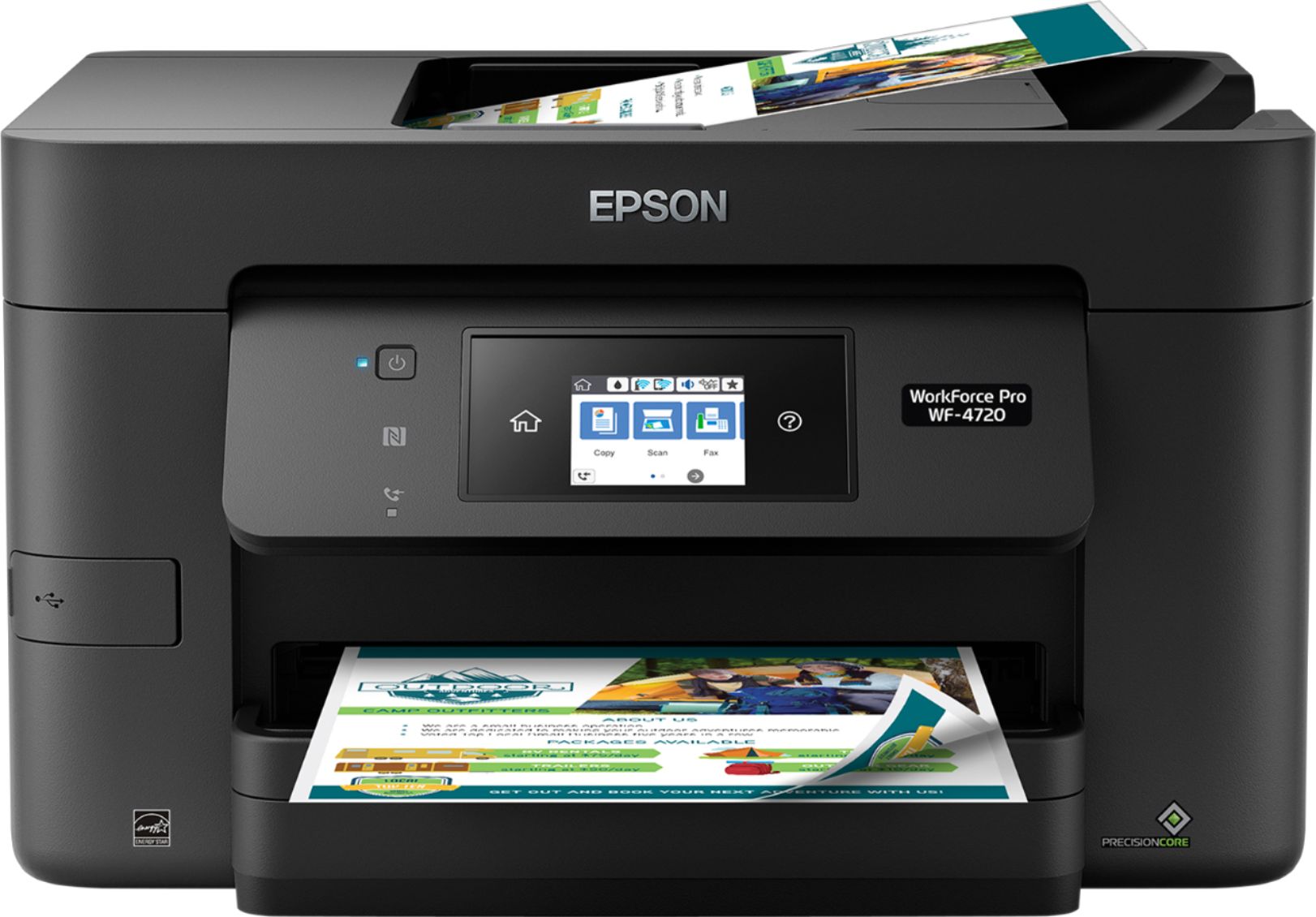
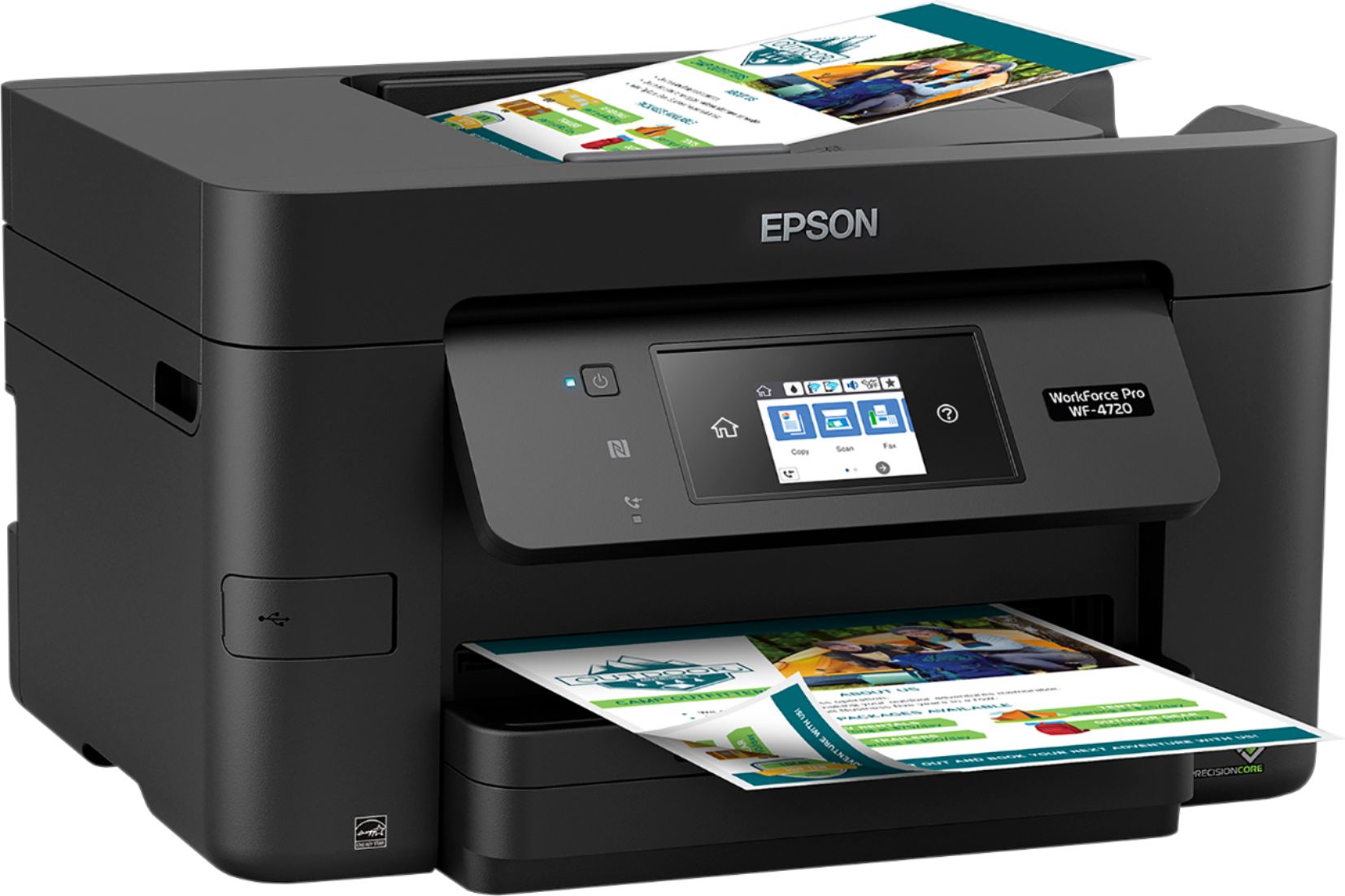
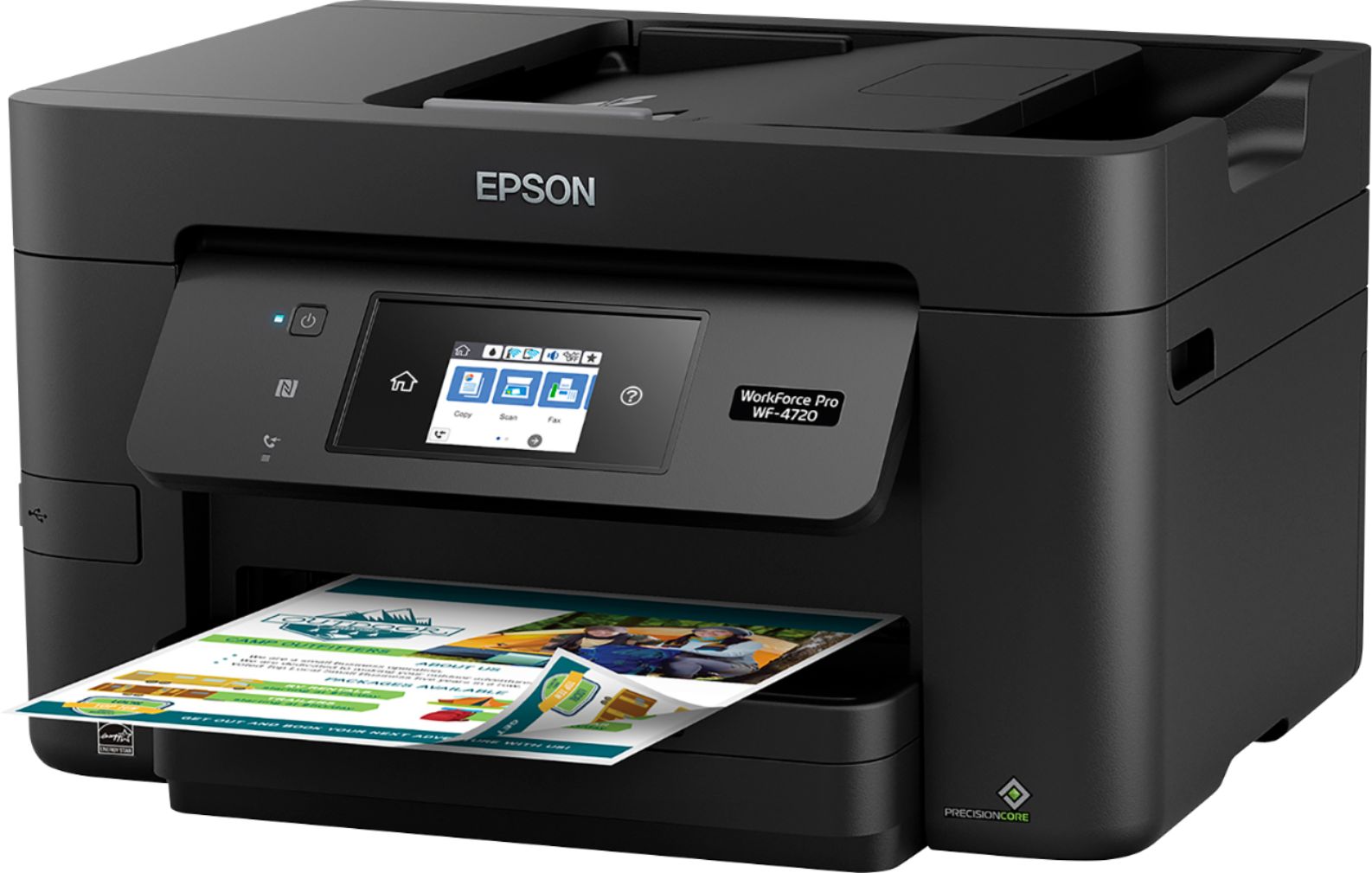
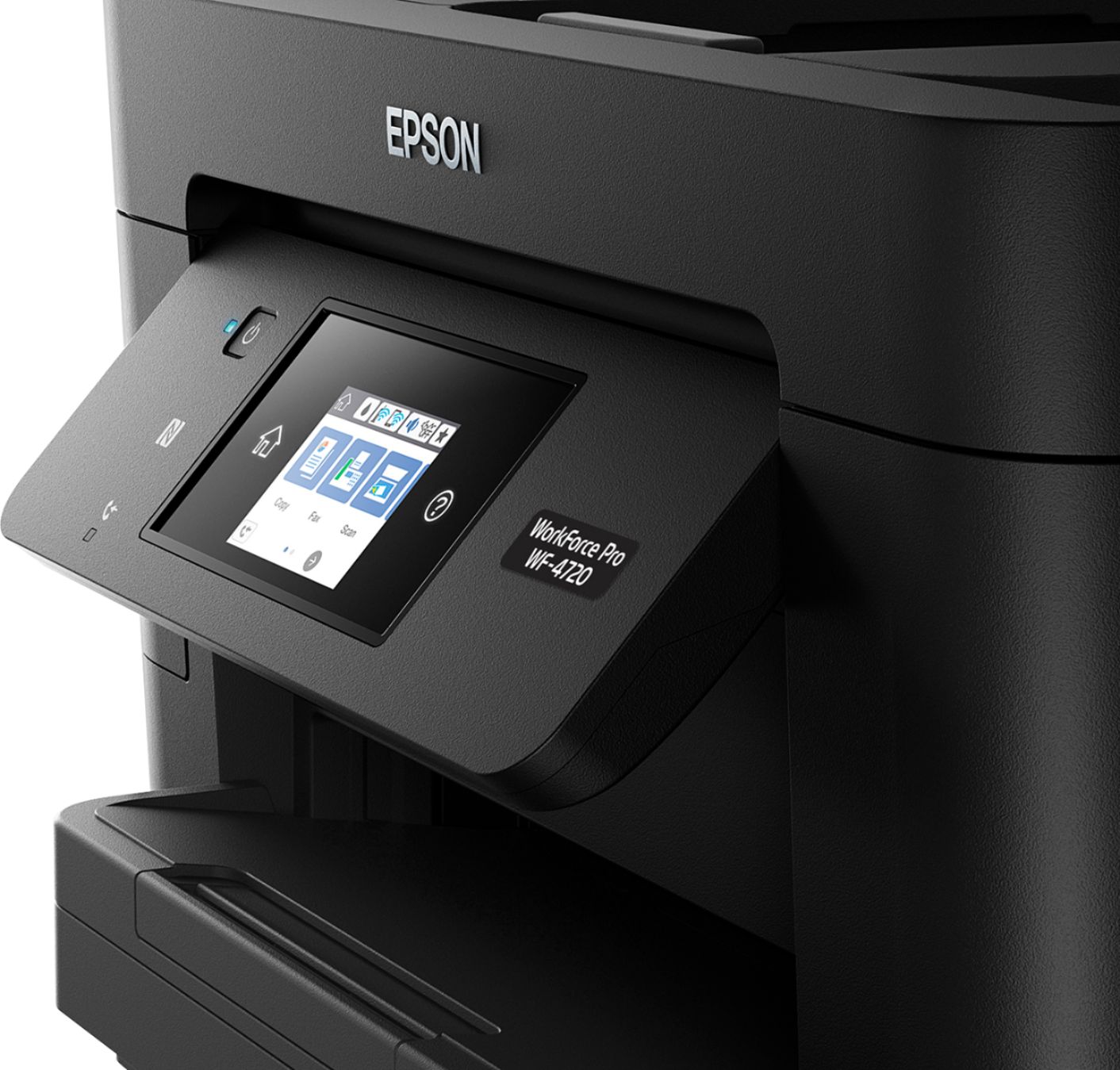
- WF Pro 4720 - C11CF74201
- SKU:
- 5732905
Rating by feature
- Value
Rating 4.3 out of 5 stars
- Quality
Rating 4.3 out of 5 stars
- Ease of Use
Rating 4.3 out of 5 stars
Customers are saying
Customers are delighted by the Epson WorkForce Pro WF-4720's excellent print quality, ease of use, and straightforward setup. The wireless connectivity and compact size are also frequently praised, along with the user-friendly touchscreen and ample paper tray capacity. Many appreciate the inclusion of fax functionality and the overall solid performance. While some users noted the printer can be somewhat noisy, the positive feedback significantly outweighs this minor drawback.
This summary was generated by AI based on customer reviews.
Great Wireless Printer
Posted .This reviewer received promo considerations or sweepstakes entry for writing a review.When i received this printer and started to take it out of the box i was first impressed by the packaging the bag the printer was in actually had handles that was great to get it out of the box...good thinking!! Usually i am already mad at this time fighting with unpacking the item. Set up was easy, just following the directions it comes with and you should have no problem at all. The Ink was shrink wrapped tight but easy to install. The scanning feature worked well you have some options to choose from when you use the software: you can preview, select what you want scanned, scan from feeder or glass, pick color/black white or resolution. If you use the touchscreen: you can remove hole punches, email the item, save the item, and much more. Printing is fast and seems to be clear but it is quite noisy. Tray holds 250 sheets of paper which is nice. Has the feature to print double sided so you can save paper! I have an IPhone so the wireless feature was great i just printed from my IPhone no problem it found the printer right away so the directions to set the printer up on WiFi worked. Making copies was easy also, the touch screen walks you through everything you can choose color/black and white, how many copies, reduce/enlarge, remove punch holes, and even preview before you copy i was amazed at how may features. This is a very nice printer with lots of options but not the quietest. This is a review for the Epson WorkForce Pro WF-4720 All-in-One Printer that I received free of charge to do a beta test and review
I would recommend this to a friend- Pros mentioned:Print quality
GREAT Printer!
Posted .This reviewer received promo considerations or sweepstakes entry for writing a review.This was an easy printer to setup. I’m used to connecting printers via the computer and wanted to test wifi connection from the printer instead of using the setup software. While it took longer to type the wifi password in, due to the size of the keyboard and how complicated my wifi password is, the process itself was very easy and straight forward. Printing a document was VERY FAST. Honestly, I was bit shocked at how fast it printed. Maybe my shock was because my last printer was an old HP Photosmart C6180; this was a ton faster! It doesn’t print photos like my Photosmart but…. I don’t print much of those anymore so… no loss in my case. Scanning is really good. My Photosmart was amazing and from what I can tell, this is just as amazing... and a TON faster then my old one too. Only Issue I had was with setting it up the Epson software itself. My windows 10 computer found the networked printer and scanner just fine. I was able to print and scan from all the software options on my computer. It was the Epson software that wouldn’t recognize that the printer/scanner was there. I didn’t worry much about it. I don’t use the Epson software anyway. I have had occasion to work with Epson’s tech support guys and I’m sure they would have got it working for me but.. I didn’t bother calling, so take that last critic with a grain of salt. This is a review for the Epson WorkForce Pro WF-4720 All-in-One Printer that I received free of charge to do a beta test and review.
I would recommend this to a friend - Pros mentioned:Print quality
Excellent Printer
Posted .This reviewer received promo considerations or sweepstakes entry for writing a review.Was packaged and taped like any other printer. Unpacking it was easy enough. I then inserted the CD and installed the software. The CD was out of date, so it needed to download the software from the internet. Overall, this printer took longer than I would expect to set up a printer. My laptop is relatively fast, as well as my internet speed, so was kind of surprised that it took a total of just under 30 minutes to set up (5 mins on the printer panel, 20 minutes of downloading and installing, and 5 more minutes to connect the printer and update the firmware). After the installation and set up process, everything else was a breeze. Printing was extremely fast (both black & white as well as color). I was definitely impressed with the speed. The quality of the color printing was great as well. I also appreciate the mobile printing aspect as well since I'm on my phone quite a bit (as I'm sure most people are nowadays). Faxing: I did not set up as I do not have a home phone line The scan and copy features worked great as well. These performed relatively quick as well. Overall, I am impressed with this printer. Several years ago was the last Epson that I owned, and was completely turned off by Epson in general because of certain features and flaws in that printer. This printer has changed my mind. Great printer! This is a review for the Epson WorkForce Pro WF-4720 All-in-One Printer that I received free of charge to do a beta test and review.
I would recommend this to a friend - Pros mentioned:Print quality
Affordable printer!
Posted .This reviewer received promo considerations or sweepstakes entry for writing a review.This printer is the second printer I have in my house. I have a large eco tank printer for my business and this one for personal use. I have discovered that this printer is pretty perfect for a personal use printer. I've found the printer does print at its rated 20 pages per minute. The scanner has some really high resolution scanning options available, which is a major plus! The printer really only has a couple negative points, which are greatly minimized when weighed against all the perks of the printer such as: Price to purchase the printer, color accuracy of printing and scanning, and compact, sleek, design of the printer. The only con is the cost of replacing the ink with official Epson ink. But, really, that's me really looking for some con to mention in my review. This is a review for the Epson WorkForce Pro WF-4720 All-in-One Printer that I received free of charge to do a beta test and review.
I would recommend this to a friend - Pros mentioned:Print quality
Over All a Great All In One!
Posted .This reviewer received promo considerations or sweepstakes entry for writing a review.Picked up my Workforce Pro WF4720 today and brought it home and unpacked it. My first observation was how heavy this device is. Not that it so heavy that you cant carry it. I was just surprised that it seemed to be built very well. Once I removed all of the packaging tape from the printer I loaded the ink and then some paper. I did an initial color scan and was very surprised as to the quality of the color matching from copy to original. Setting up the network was very simple and faxing was a breeze to setup. I was even able to setup scan to cloud on the first try. The Auto-Document feeder is a very nice feature when it comes to scanning multiple pages. It even does 2-sided printing. This is a review for the Epson WorkForce Pro WF-4720 All-in-One Printer that I received free of charge to do a beta test and review.
I would recommend this to a friend - Pros mentioned:Print quality
Epson Workforce WF-4720
Posted .This reviewer received promo considerations or sweepstakes entry for writing a review.This is fine all in one printer. I have owned 2 epsons over the years and they were great As I expect this one to be. The set up was easy. Never used a usb cable nor the CD sent with it. The only cord I used is the one to plug in the electric outlet. Thewi-fi works great with it. Espessially with my computer and phones, also the android products we own here. I also love that the paper tray is so big. Normally with my old printers the tray only held about 50 sheets of paper. I haven't been able to try the fax yet . When I printed the first picture that had lots of color , I was amazed how fast it went and how clear it was. “This is a review for the Epson WorkForce Pro WF-4720 All-in-One Printer that I received free of charge to do a beta test and review.”
I would recommend this to a friend Easy to Setup, Excellent Quality Prints
Posted .This reviewer received promo considerations or sweepstakes entry for writing a review.Received my Epson WorkForce Pro WF-4720. While a DVD was included with the printer, my computer doesn't have a drive but the drivers are easily downloaded from the Epson website. Quick start guide was easy to understand and the printer was easy to setup. I used the wireless feature and easily connected to my secure wifi from the front panel on the printer. It really couldn't be easier to set up. While I didn't use the fax feature as I don't have the line to use for fax, I was able to use the printer for printing documents and photos, used the copy feature, and used the scanning feature. Using a thin paper, I did have some issues with multiple pages being fed, but when I switched to a heavier weight paper, I had no issues. Duplex printing worked great. The printer does have you set a paper type on the printer as well as the computer and they must match in order to print. The photo printing was impressive with good color quality on premium photo paper. Scanning was easy even though it didn't automatically determine the size of the paper being scanned, but the quality was good. All in all, for the price and the functionality, the printer is a excellent choice, especially if you want high quality photo prints. This is a review for the Epson WorkForce Pro WF-4720 All-in-One Printer that I received free of charge to do a beta test and review.
I would recommend this to a friend- Pros mentioned:Wireless connectivity
Solid Product
Posted .This reviewer received promo considerations or sweepstakes entry for writing a review.The Epson WorkForce Pro WF-4720 is a great printer with an easy to use interface and even easier to follow setup instructions. Epson did a great job this time around. The printer is pretty reliable and surprisingly efficient with the ink. The wireless connectivity is solid and the other print features work well too. The NFC feature (though seldom used) is pretty cool and great to have when you really need it. Overall I would recommend this printer and I would purchase Epson products in the future. This is a review for the Epson WorkForce Pro WF-4720 All-in-One Printer that I received free of charge to do a beta test and review.
I would recommend this to a friend Great Printer for a Beginner or Expert.
Posted .This reviewer received promo considerations or sweepstakes entry for writing a review.Let me start off by saying this is not one of the best but THE best All in one printer I have owned. The instructions to setup the printer were quick, efficient, and outstandingly easy. I was amazed at how quickly I was able to get the printer out of the box, on my desk, and quickly connected to my network and computer. Not to mention it took NO time at all to connect my printer to my Samsung tablet, Ipad, and Samsung Note 5 which says a lot because I am not tech savvy. One of the amazing features I love about this printer is the double sided printing. If you print as much as I do on a weekly basis this is a must have feature and they nailed it. I am also highly impressed with how quickly these documents as well as photos print out. I have printed, scanned, faxed, and made copies and every thing was of excellent quality. The single con I can think of is the price for the ink cartridges are a bit pricey, more than Id like to pay for any printer no matter now great the printer may be. But nonetheless, its hard to find a better deal for the quality of the printer and the things it can do! Great for home or small business printer!
I would recommend this to a friendGreat small group printer
Posted .This reviewer received promo considerations or sweepstakes entry for writing a review.SETUP: Setup is easy and since this is a wireless printer, Epson wants to promote wireless setup hence no USB cable is included. From the client (Windows), it's a breeze, especially on Windows 10 since drivers are already present. Additional setup is needed for printing from iOS/Android devices but is easy to install and configure. If you have multiple networks, ensure you're on the right network and the printer is on so it can be found. PRINTING: Printing is fast and of high quality, though the maximum width is on 8". So if you're looking to print anything wider, say 11", this is not your printer. SCANNING: During setup, it offers many cloud storage options to store your scanned documents and if you use them, ensure that the documents are adequately protected. But scanning it self is easy. SUMMARY: If you're looking for printer that is easy to setup, use over WiFi and print quickly, this is the printer for you.
I would recommend this to a friendEasy Set Up, Fast Printing!
Posted .This reviewer received promo considerations or sweepstakes entry for writing a review.I am very impressed with this printer. It was able to set up the actual printer quickly and easily. Installing the driver was easy. I opted for downloading the driver instead of using the disc. I feels well built. I set it up with WiFi. Even without WPS the connection to my WiFi was very easy. For the actual performance on the printer it performed better than expected. I was able to print a full page photo in about 3 seconds and the quality was great. This was just a regular photo on standard paper. Printing from your computer or mobile device on your network or even on the go worked with no issues. Scanning was a breeze. Options to scan to a computer, or cloud storage all worked flawlessly. It advertises "up to 50 percent lower printing costs vs. color laser". I just can't believe that. Coming from a colored laser the amount of prints per toner vs. the cost of ink just doesn't make sense. Other than the ink the only other con I can think of is the amount of programs needed. It seems maybe that some could be combined. This is a review for the Epson WorkForce Pro WF-4720 All-in-One Printer that I received free of charge to do a beta test and review.
I would recommend this to a friendFantastic Printer
Posted .This reviewer received promo considerations or sweepstakes entry for writing a review.I was surprised by the nice quality of the printer. It was very easy to setup. Prints very easily from your computer, phone or tablet. Packaging was nice. It comes in a big box kinda heavy, but too bad. The print quality was great. I tested it by printing some wedding pictures. I was surprised about how fast it printed a picture. As for the black and white, it shoots those prints out within seconds. I thought the tray on top, where you can copy multiple sheet of paper was a plus also. It has a paper tray that hold 250 sheets of paper. Another thing I like is the two sided printing. I'm using this printer for home use, but it come in handy when you have children and adults in the home, who are all using the printer. I'm not sure how long the ink cartridges will last. But I'm sure I will find out one day. All and all, this was an excellent printer for the price!!! This is a review for the Epson WorkForce Pro WF-4720 All-in-One Printer that I received free of charge to do a beta test and review.”
I would recommend this to a friendOk quality
Posted .This reviewer received promo considerations or sweepstakes entry for writing a review.Set up for this was fairly easy over my own wifi network. Image quality was more than I expected. The color quality is great. My favorite feature was air print for my android phone. I liked the ease of sending a document straight to printer from my phone. I loved the plain text graphics as well as the scanning feature. This is my second printer with Epson, my first experience wasn't so great. although I loved the printer, I hated that it makes so much noise while printing.
I would recommend this to a friendScanner issue
Posted .This reviewer received promo considerations or sweepstakes entry for writing a review.I like the performance and features. Not impressed by the quality. On my third printer but only bought one. The other two were warranty replacements. One printer just plain died. The other two (includes my current one) have the same problem. When I scan using color/grayscale mode and the auto feeder, I end up with a line running through the scanned image (in the same place on both systems). The line does not appear if I use B/W mode and the auto feeder. It does not appear if I put the original one the glass surface while using color or grayscale. Two systems with the same flaw implies a design or a manufacturing problem to me.
No, I would not recommend this to a friendWorst printer ever, simply junk.
Posted .This reviewer received promo considerations or sweepstakes entry for writing a review.Unremarkable printer. The paper feeder for the scanner cannot separate pages to scan multiple page documents. When printing it often grabs two pages or more. The cartridges are overpriced and if a single color cartridge is out you can't print at all, no grey scale no black and white. If you buy after market cartridges they stop working at the next firmware upgrade.
No, I would not recommend this to a friendHas all you need for a printer
Posted .This reviewer received promo considerations or sweepstakes entry for writing a review.Excellent printer for the money. Fax works well too.
I would recommend this to a friendWorst and most costliest printer I've ever had
Posted .This reviewer received promo considerations or sweepstakes entry for writing a review.Here is why this is the worst printer I've ever owned: 1. It can't pick up a single sheet of paper from a stack, and YES, that is after sliding sheets against each other. You have to feed in paper one sheet at a time or you'll have pages that are partly on two different sheets; 2. Every time you go over 24 hours without using this printer, you have to clean the heads or you'll have misaligned lines on your printed sheet; 3. Ink costs are very high, and this printer guzzles ink like gas-eating cars. One set of cartridges now actually cost more than the printer itself. I only use this printer once or twice a week and the ink dries out in under three months, and it is the colors, not the black; 4. When the colors run dry and all you need is black for a certain print job, the printer refuses to print before you change out the Magenta, Cyan & Yellow, even if all you need is black; 5. One time following a software update, the printer would no longer recognize the black cartridge in it that was working fine with the old software. Look elsewhere if you want a trouble-free printer for your home.
No, I would not recommend this to a friendBrand response from Epson
Posted .Hello PeterFul, thank you for taking the time to write this review on the Epson WF-4720. We appreciate your business, and we're here to help. Your WorkForce Pro printer also comes with a 1-year Limited Warranty and free lifetime technical support. Epson provides an FAQ at www.epson.com/faq/SPT_C11CF74201~faq-00007e5-wf3720_4730 on how to temporarily print with black ink when a color ink cartridge has been expended. If you would further assistance with troubleshooting issues with paper feed, ink consumption, or anything else, our Advanced Support Team can be reached at 1-800-241-5794 between 7 am - 4 pm (PT), Monday - Friday. Otherwise, we'll forward your feedback to the relevant departments. Kind Regards, Bobby D. - The Epson Team.

Very Poor Printer
Posted .This reviewer received promo considerations or sweepstakes entry for writing a review.This printer is a serious disappointment. The ink cartridges do not print very many pages before running out and are very expensive to replace. Paper jams easily. There are notices for software updates all the time. I would definitely not buy it - very frustrating.
No, I would not recommend this to a friendDisappointed
Posted .This reviewer received promo considerations or sweepstakes entry for writing a review.In all my 20 yrs as an Espon consumer have I never been more disappointed. From the printer not being able to take just 1 piece of paper at a time without multiple updates, to it constantly throwing alerts up if you don't have a fax line, yet demanding the software and updates from it. To the dead all "recovery mode" which renders your wireless printer a paper weight. You seriously can't even salvage the ink! You contact Espon and they tell you to unplug it and plug it back in. Seriously? Call them again and they say you have to buy a double USB cord (hello half the cost of the printer) to fix their WIRELESS printer error. If that is the case it should have come with one! But nope they made it so fancy that it breaks under warranty and they tell the consumer to spend money instead of fulfilling their warranty. I told them I will be spending my money at HP. Don't buy this! Too many bugs, too much of a hassle and dead if given an error called "Recovery mode".
No, I would not recommend this to a friendBrand response from Epson
Posted .Hi, we appreciate your brand loyalty and are sorry to hear that we have not yet been able to resolve this issue. Our Epson Advanced Support Team would like to hear from you and can be reached Monday – Friday, 6 am – 8 pm PT; Saturday, 7 am – 4 pm PT at 1-800-241-5794. We hope to hear from you. Kind Regards, Quinn – The Epson Team.
Worst Printer ever.
Posted .This reviewer received promo considerations or sweepstakes entry for writing a review.This is the worst printer I've ever owned: 1. It doesn't print or scan consistently. I'll print a document on Tuesday, on Wednesday it won't print. It just says "Error - document waiting." I have changed nothing between Tuesday and Wednesday. I have to turn it off and turn it on again - constantly. The same thing happens with scanning. It works fine one day and not the next. 2. Quality of printing is terrible - text is blurry, there are white streaks. I've had this printer less than two years now and it's a constant frustration. 3. Print cartridges are expensive. This printer has converted me from a loyal Epson customer to "any other brand."
No, I would not recommend this to a friend