Customer Ratings & Reviews


- Model:
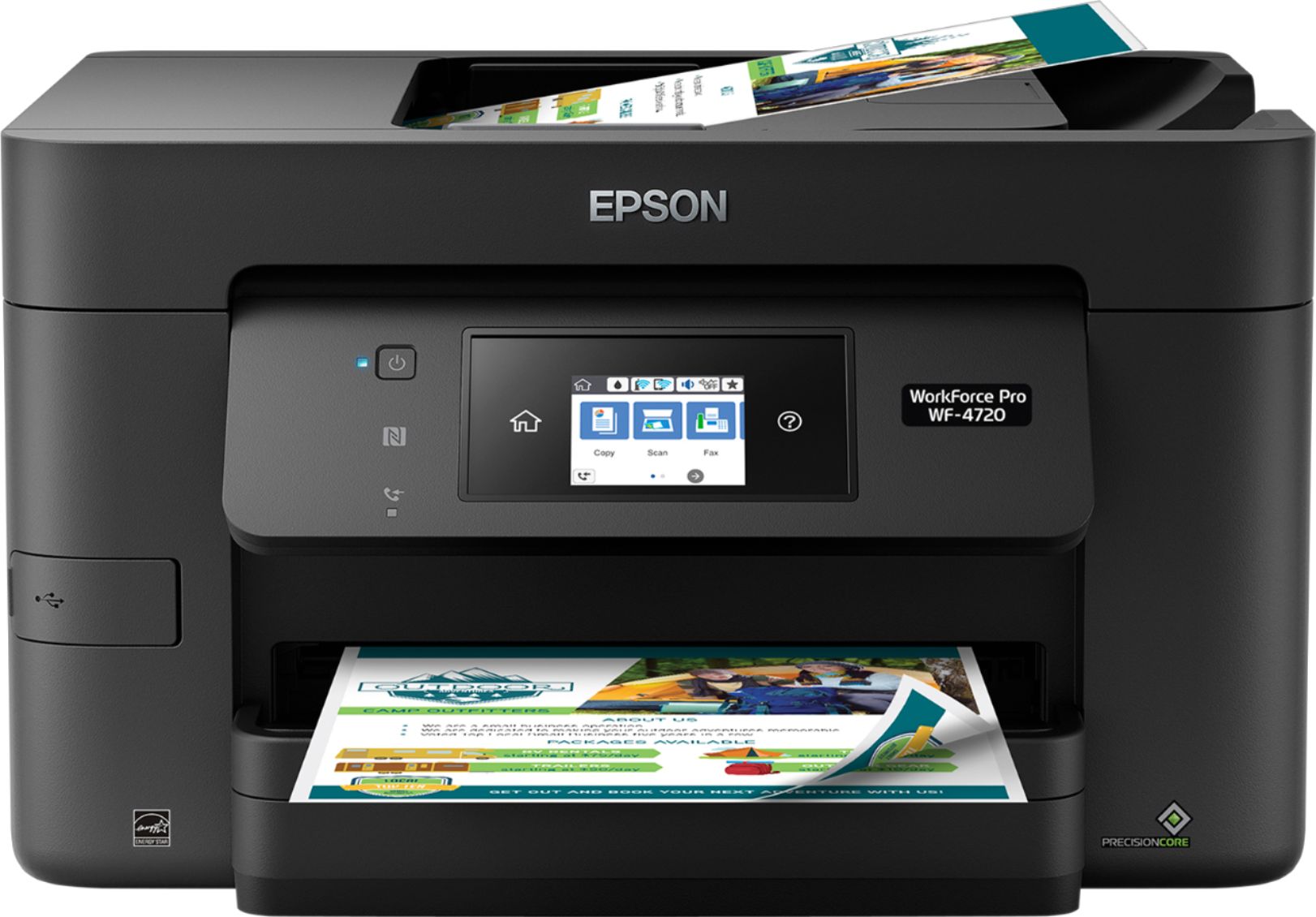
- WF Pro 4720 - C11CF74201
- SKU:
- 5732905
Rating by feature
- Value
Rating 4.3 out of 5 stars
- Quality
Rating 4.3 out of 5 stars
- Ease of Use
Rating 4.3 out of 5 stars
Customers are saying
Customers are delighted by the Epson WorkForce Pro WF-4720's excellent print quality, ease of use, and straightforward setup. The wireless connectivity and compact size are also frequently praised, along with the user-friendly touchscreen and ample paper tray capacity. Many appreciate the inclusion of fax functionality and the overall solid performance. While some users noted the printer can be somewhat noisy, the positive feedback significantly outweighs this minor drawback.
This summary was generated by AI based on customer reviews.
Perfect for your home office
||Posted . Owned for 1 month when reviewed.This reviewer received promo considerations or sweepstakes entry for writing a review.Keep the efficiency up at home without breaking the bank, even your boss would approve.
I would recommend this to a friendGreat printer
||Posted .This reviewer received promo considerations or sweepstakes entry for writing a review.High quality printer that does what it's described.
I would recommend this to a friendExcellent in home small business printer
||Posted . Owned for 3 weeks when reviewed.This reviewer received promo considerations or sweepstakes entry for writing a review.Had a bit of a problem setting up Wi-Fi and had to call Epson, but was an easy fix.
I would recommend this to a friendGood
||Posted . Owned for 1 month when reviewed.This reviewer received promo considerations or sweepstakes entry for writing a review.Nice printer. But your instant ink is really difficult to get.
I would recommend this to a friendBest Printer for the price
||Posted .This reviewer received promo considerations or sweepstakes entry for writing a review.Does all I need for my printing jobs . Best specs for this category of printer.
I would recommend this to a friendEpson WF-4720 printer
||Posted . Owned for 1 month when reviewed.This reviewer received promo considerations or sweepstakes entry for writing a review.great printer. does everything you would ever need
I would recommend this to a frienda hard fight
||Posted . Owned for 1.5 years when reviewed.This reviewer received promo considerations or sweepstakes entry for writing a review.I was surprised that 6 months after verifying which printer to buy. Google decide not to support it with their pixelbook anymore.
No, I would not recommend this to a friendgreat family printer!
||Posted . Owned for 3 weeks when reviewed.This reviewer received promo considerations or sweepstakes entry for writing a review.this is a great printer. heavy duty. works for my needs.
I would recommend this to a friendWorth it.
||Posted .This reviewer received promo considerations or sweepstakes entry for writing a review.I got this printer on sale. The best price and totally worth it.
I would recommend this to a friendvery very good, so wonderful, recommand buying it
||Posted . Owned for more than 2 years when reviewed.This reviewer received promo considerations or sweepstakes entry for writing a review.very very good, so wonderful, recommand buying it !
I would recommend this to a friendChanged Firmware to Block 3rd Party Ink Use
||Posted . Owned for 1 year when reviewed.This reviewer received promo considerations or sweepstakes entry for writing a review.The printer was working OK until Epson pushed through a firmware change to block the use of ink that was not purchased from them. It is locked from even scanning or printing in black with their cartridge until all 4 cartridges are "genuine". I live in the middle of nowhere, so I am shut down from using the printer/scanner for days. Epson ink not available locally; HP and Cannon is.
No, I would not recommend this to a friendBrand response from Epson
Posted .Hello Engineer, Epson periodically provides firmware updates to address issues of security, performance, minor bug fixes, and to ensure your printer functions as designed. Your WF-3720 is designed to work only with genuine Epson ink cartridges, therefore some updates may affect the functionality of third-party ink. Non-Epson branded or altered Epson cartridges that functioned prior to a firmware update may not continue to function. For further assistance, please contact our special Epson Advanced Support Team at 1-800-241-5794; Hours: Monday - Friday, 7 am - 5 pm (PT). Sincerely, Bobby D. - The Epson Team.

Poor replacement for a quality product
||Posted . Owned for 3 weeks when reviewed.This reviewer received promo considerations or sweepstakes entry for writing a review.I thought I was making a smart choice by upgrading to a wireless printer from my 8 year old Epson WF545. What a mistake!!! The first dislike was the touch screen having to be touched constantly to select all the various choices for each operation. What a pain and what a fingerprinted mess. I was getting so depressed every time I used it, thinking of my old unit, that I packaged it up and returned it.
No, I would not recommend this to a friendGreat printer for the price
||Posted .This reviewer received promo considerations or sweepstakes entry for writing a review.Fast, smooth and efficient. Great product for the price.
I would recommend this to a friendOk, but ink doesnt last long
||Posted . Owned for more than 2 years when reviewed.This reviewer received promo considerations or sweepstakes entry for writing a review.Ink dries out really fast. Very expensive ink. Just buy a cheap printer with cheap ink.
No, I would not recommend this to a friendBrand response from Epson
Posted .Hi LBarnes, we're here to help. Our support team can help you customize your print settings for more efficient ink consumption. If you would like assistance, your Epson WF-4720 includes free lifetime tech support, and you can call us at (562) 276-4382 between 7 pm - 4 pm PT, Monday - Friday. Kind Regards, Bobby D. - The Epson Team.
Average printer
||Posted .This reviewer received promo considerations or sweepstakes entry for writing a review.Good for the price, but average print quality. Not sure I'd buy another one.
No, I would not recommend this to a friendBrand response from Epson
Posted .Hi drjr, we are sorry to hear that you are having issues with your Epson printer. Your WF-4720 includes free technical support for the life of your product. Our Epson Support Team would be happy to help you optimize your print settings and can be reached at (562) 276-4382; Hours: Monday – Friday, 6am – 8pm PT; Saturday, 7am – 4pm PT. Sincerely, Patrick – The Epson Team.
paper tray needs work
||Posted .This reviewer received promo considerations or sweepstakes entry for writing a review.the paper tray has no stops on the end so paper keeps jamming
No, I would not recommend this to a friendBrand response from Epson
Posted .Hi Mary, we appreciate your feedback, and we would like to hear more about the issues you're experiencing with the "paper stops." Your Epson WF-4720 is backed by a 1-year Limited Warranty and includes free lifetime technical support. Please call our Advanced Support Team for assistance at 1-800-241-5794 between 7 am - 4 pm (PT), Monday - Friday. We hope to hear from you soon. Sincerely, Bobby D. - The Epson Team.
- Pros mentioned:Print quality, Setup, Touchscreen
Efficient Printer at a Great Price
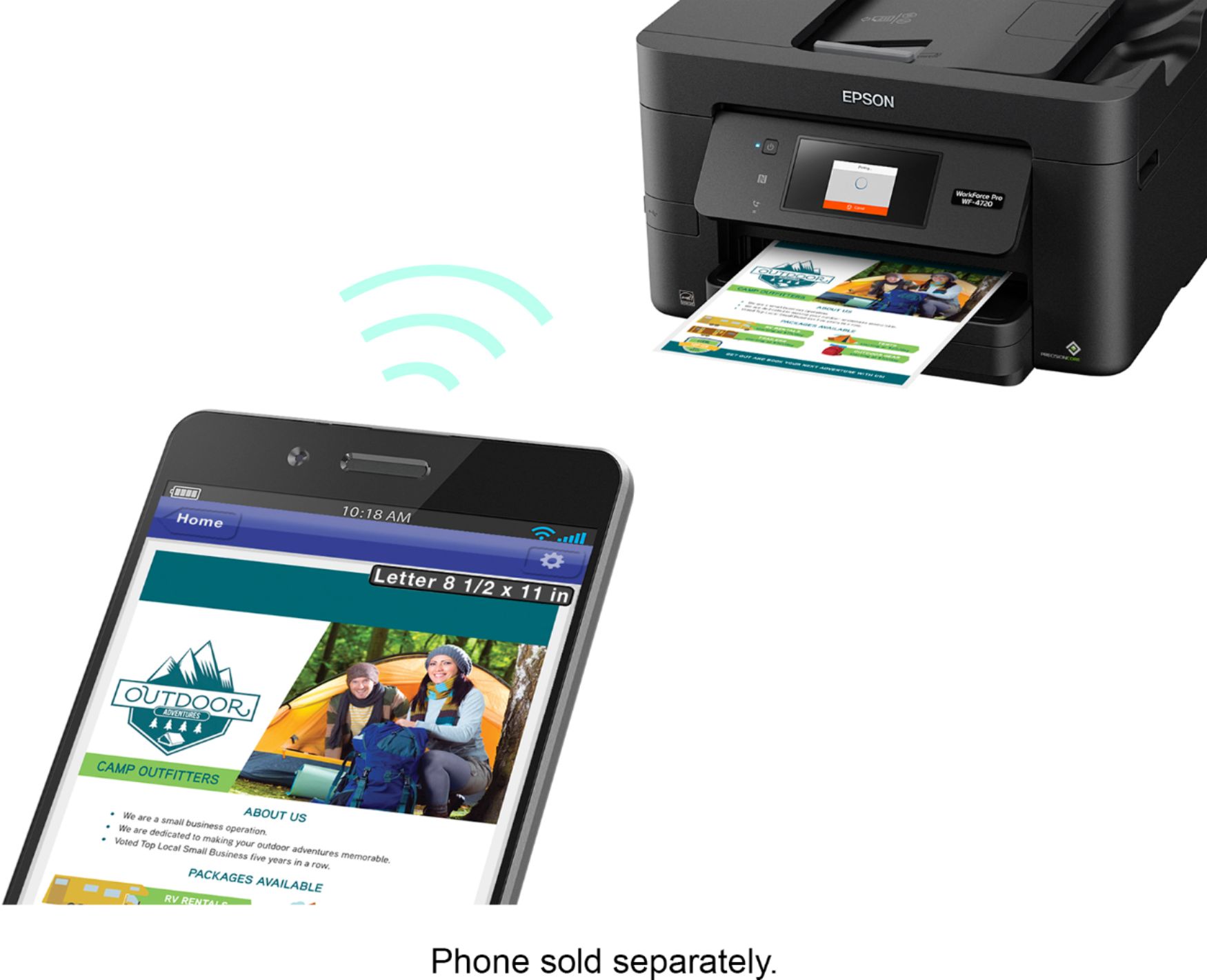
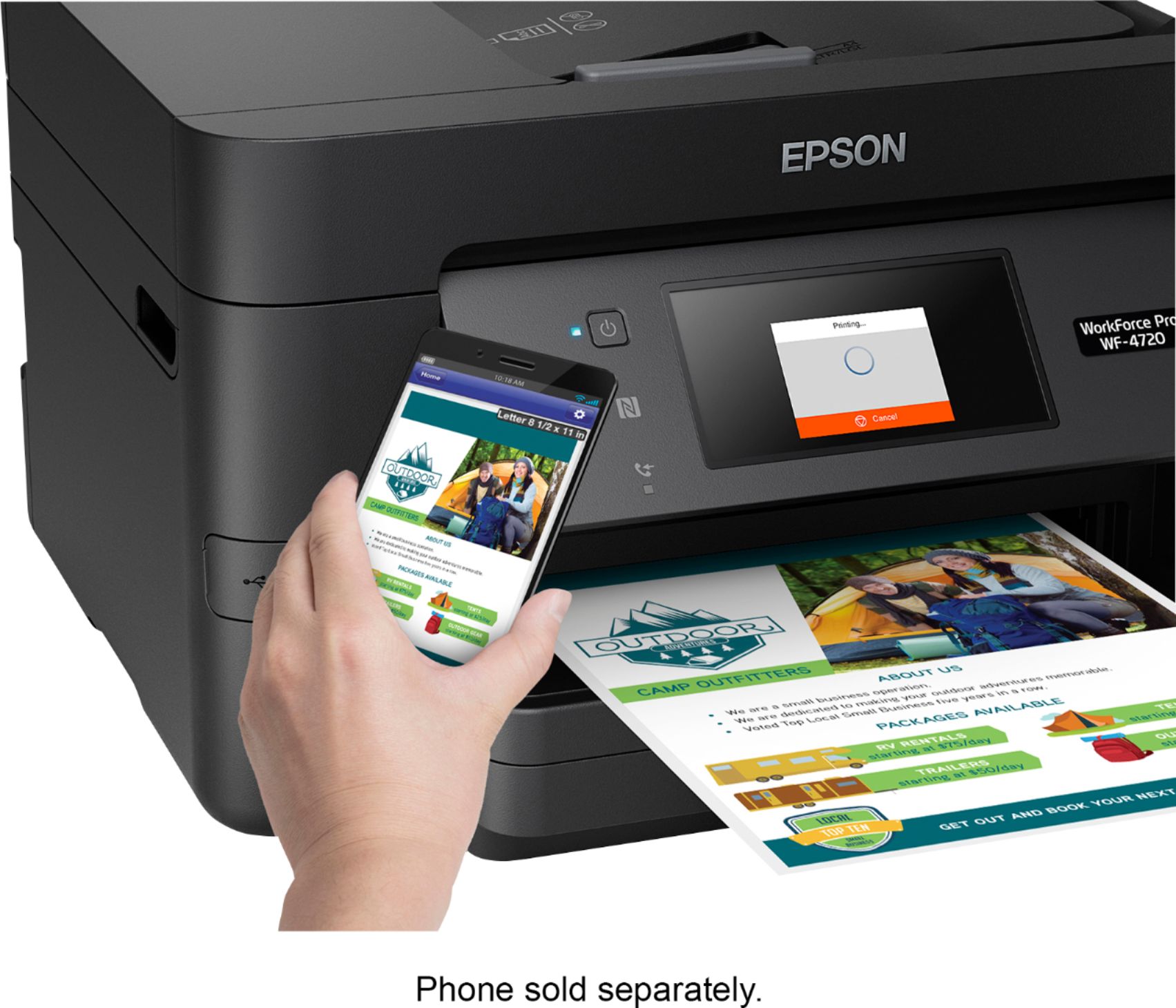
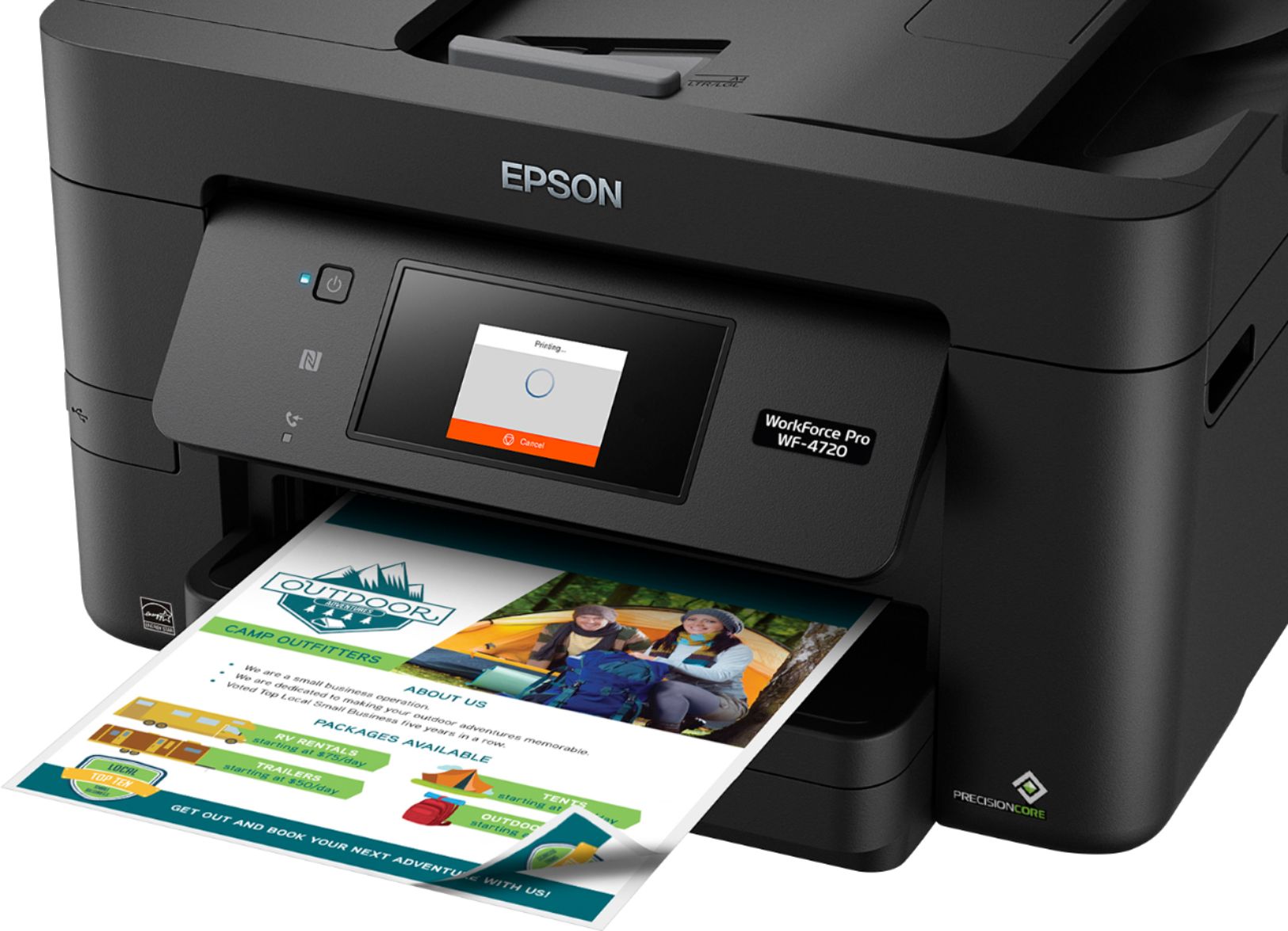
Posted .This reviewer received promo considerations or sweepstakes entry for writing a review.The WorkForce WF-4720 was easy to setup. Since I’m pretty tech savy, I was able to setup the printer with no problems. The touch screen menu is very helpful when selecting the different menu options. The first thing I immediately setup was the wi-fi so I could connect my smart devices to it. At first I was unable to print from my Android phone because I didn’t have an app installed. You will need to install the Espon Print Enabler. This will help you to print on your Android device. Once I installed that I was good to go. Apple/iPhone users will not need to worry about putting an app on the device because my wife’s iPhone was able to set the printer as an option to print a document. Since I am able to connect my smartphones to the printer, I don’t use my laptop as much unless I’m need to work a huge project. Initially, I did install the drivers for the printer on my laptop, but I wasn’t able to set it up correctly. I believe this may be due to the distance between my printer and laptop. This was not a big factor to me because I have my Android Tablet and smartphone to still do printing with. I do plan on setting up the printer to work on my laptop. What I like about the printer is the ability to print remotely. The LCD touch screen makes it convenient when I am in a dark room trying to toggle through the settings. Printing two-sided is blazingly fast because it prints without having to refeed the paper through the printer. There isn’t any thing I dislike because it prints from my smart devices. The Wi-Fi connection between my laptop and the printer is something I’m sure I’ve done wrong since I really have enjoyed printing from my Android tablet and smartphone. This is a review for the Epson WorkForce Pro WF-4720 All-in- One Printer that I received free of charge to do a beta test and review.
I would recommend this to a friend It gets the job done
||Posted .This reviewer received promo considerations or sweepstakes entry for writing a review.I think it was a good choice when I got this printer.
I would recommend this to a friendBrand response from Epson
Posted .Hi Jacksparrow, thank you for sharing your experience. Regards, Eddie – The Epson Team.
- Pros mentioned:Print quality, Setup, Touchscreen
Great All around Printer
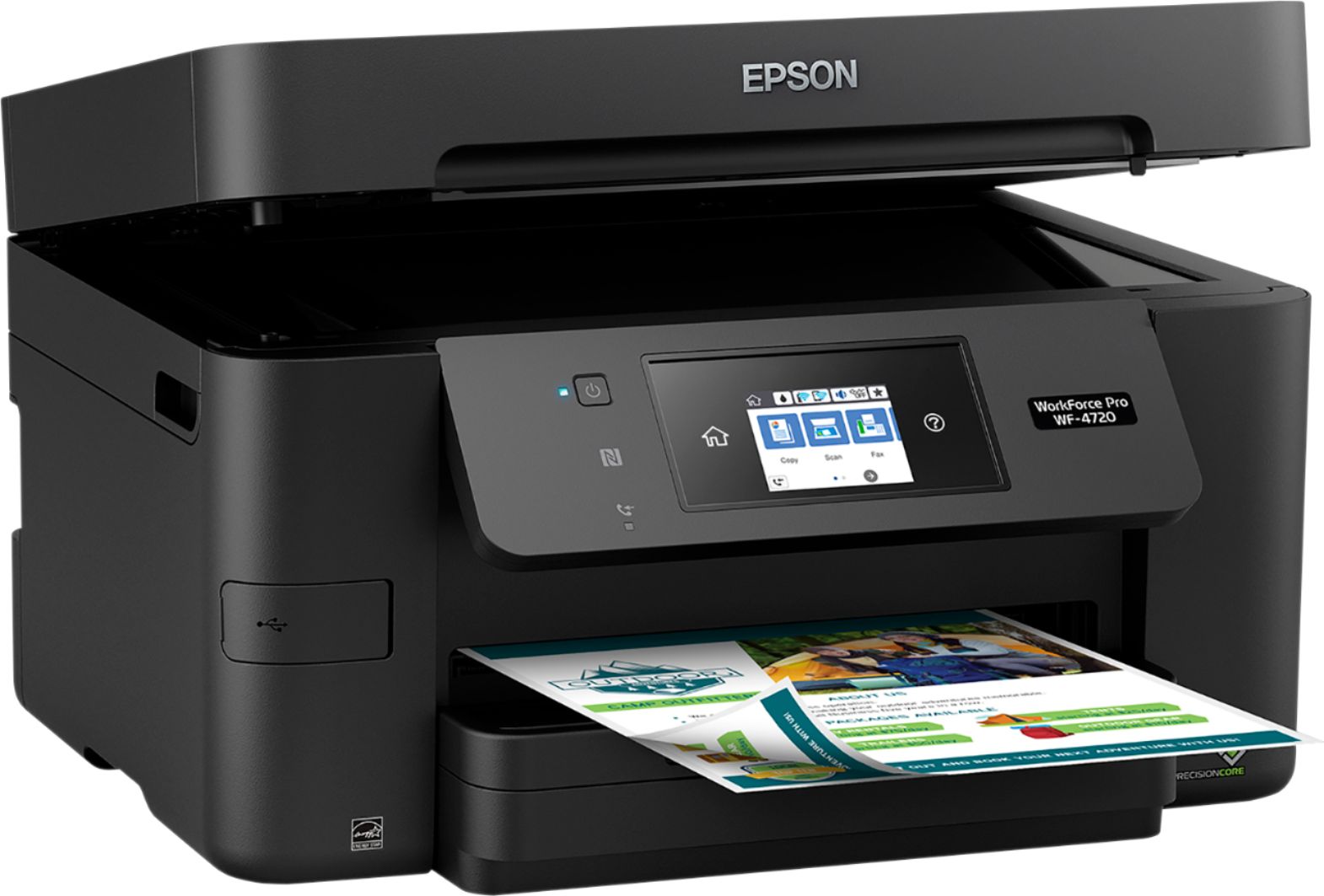
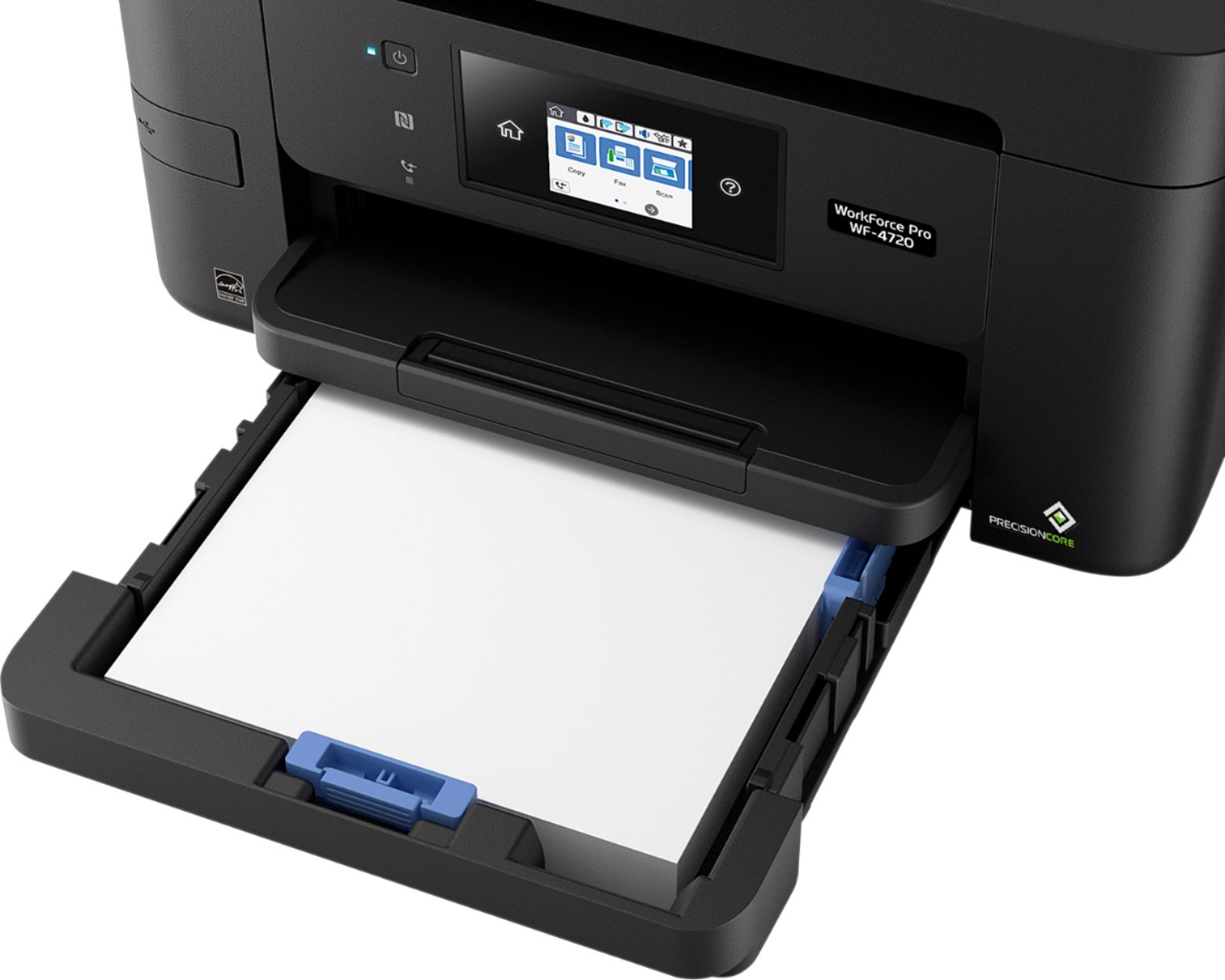
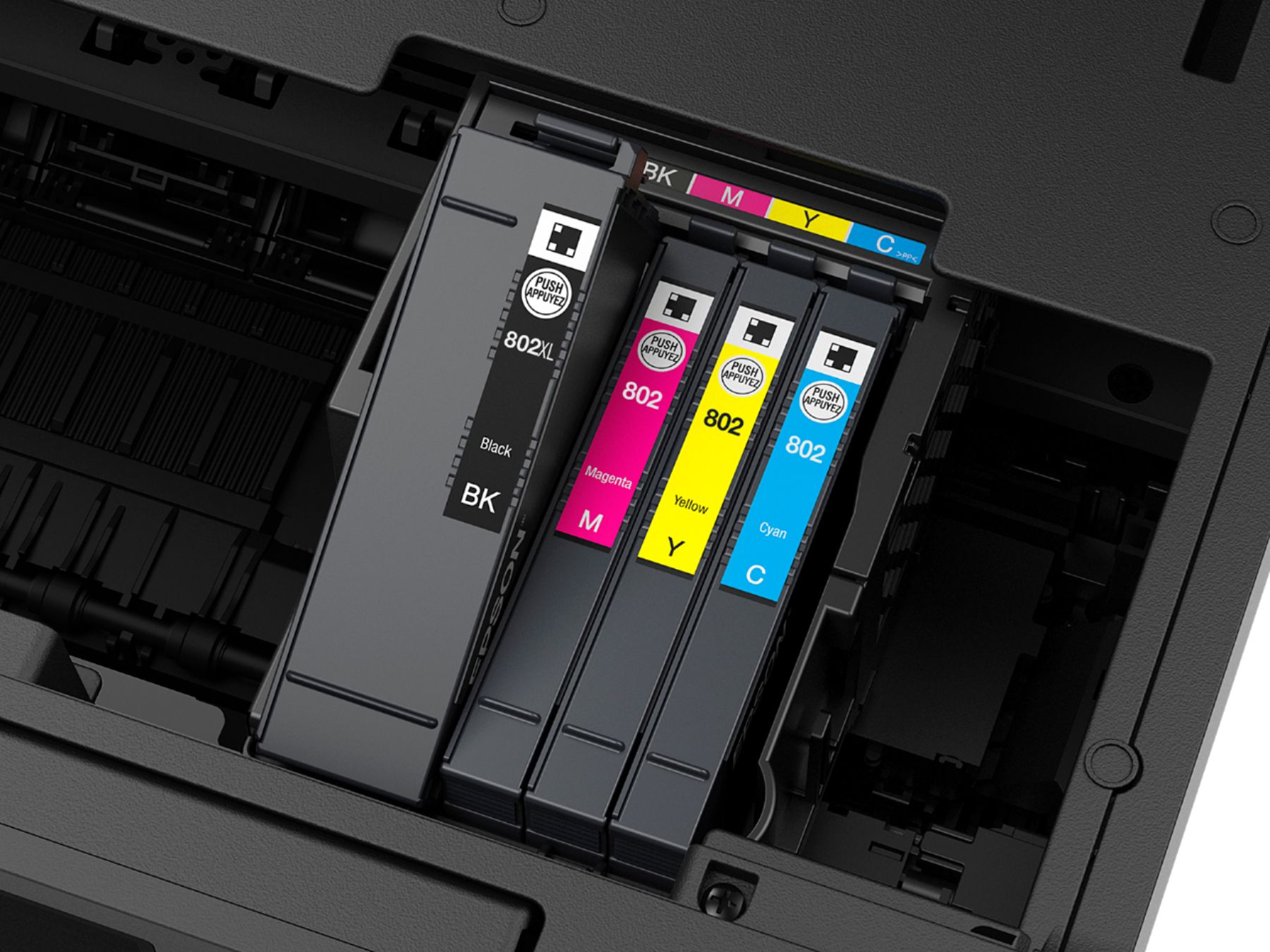
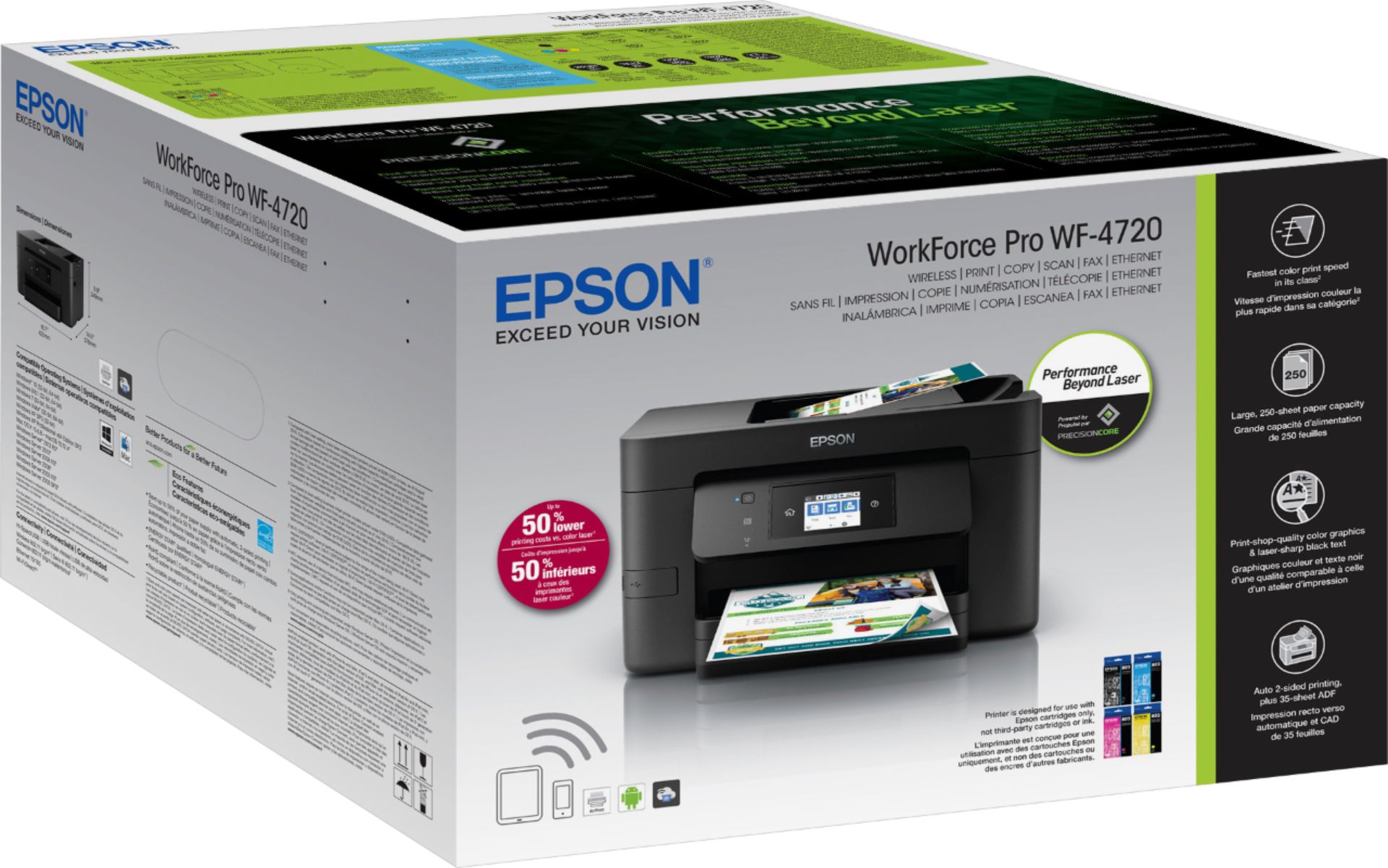
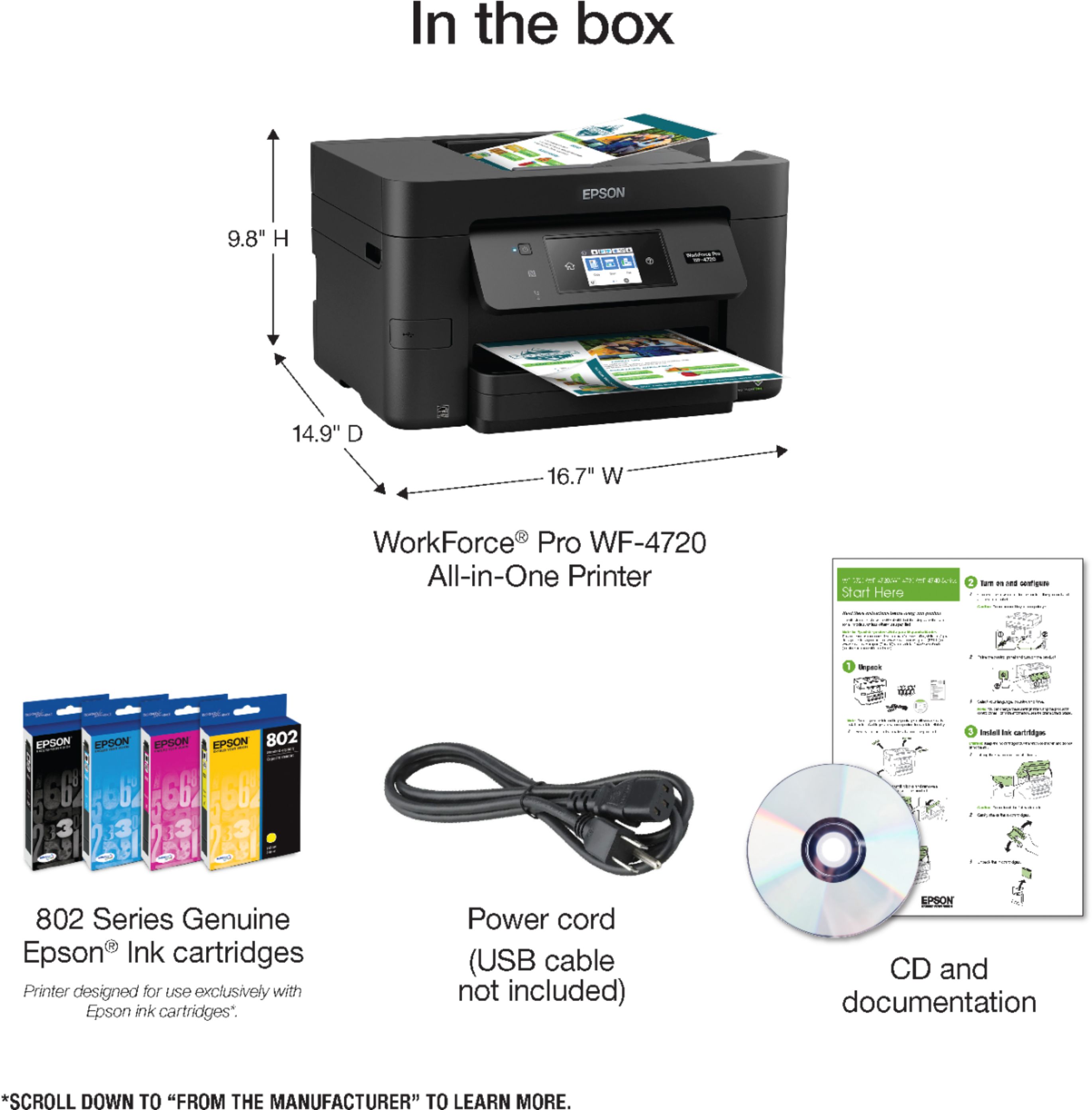
Posted .This reviewer received promo considerations or sweepstakes entry for writing a review.Upon opening and setting up the printer, I found it was well packaged. Set up was a breeze and with the wireless capabilities, It did not require the usb cable. Which meant I could place the printer anywhere in my house if need be. The included software offered a variety of different tools if chosen to install. I linked my phone with the printer and made a test print within my network and outside my network. It printed without any issues. The quality of the prints were far better than I had expected. The fact it can do double sided printing was a big plus. Another nice feature that I noticed was the printer ink cartridges. My last printer had 2. One for black and the other for color, which was a pain when 1 color ran out but the other 2 colors in the cartridge were still good. I would have to buy a whole new cartridge just to have that color. This Epson has multiple cartridges so I can replace individual when the time comes. I have been using this printer for the last week or two and have not found anything I dislike. It holds a lot of paper, the paper output tray is curved upwards slightly so the paper doesn't fall on the ground like most printers. The wireless connected instantly without any issues. The appearance is very sleek. The touchscreen had no delay and offers numerous different settings. It does everything and more that I need in a printer and for a price that wont break the bank. “This is a review for the Epson WorkForce Pro WF-4720 All-in-One Printer that I received free of charge to do a beta test and review.”
I would recommend this to a friend - Pros mentioned:Ease of use, Print quality, Touchscreen
High Quality Printer for any Office or Home
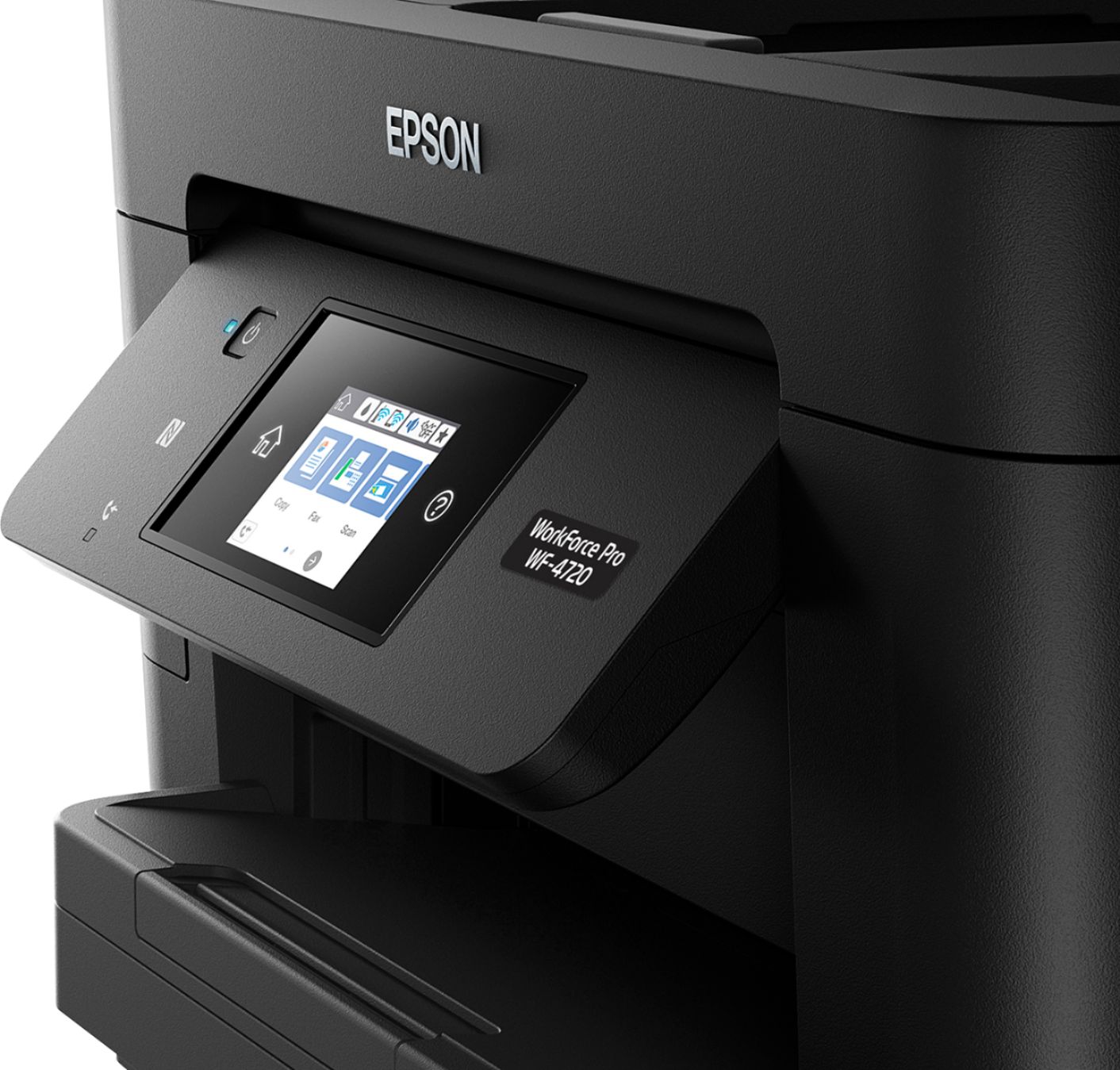
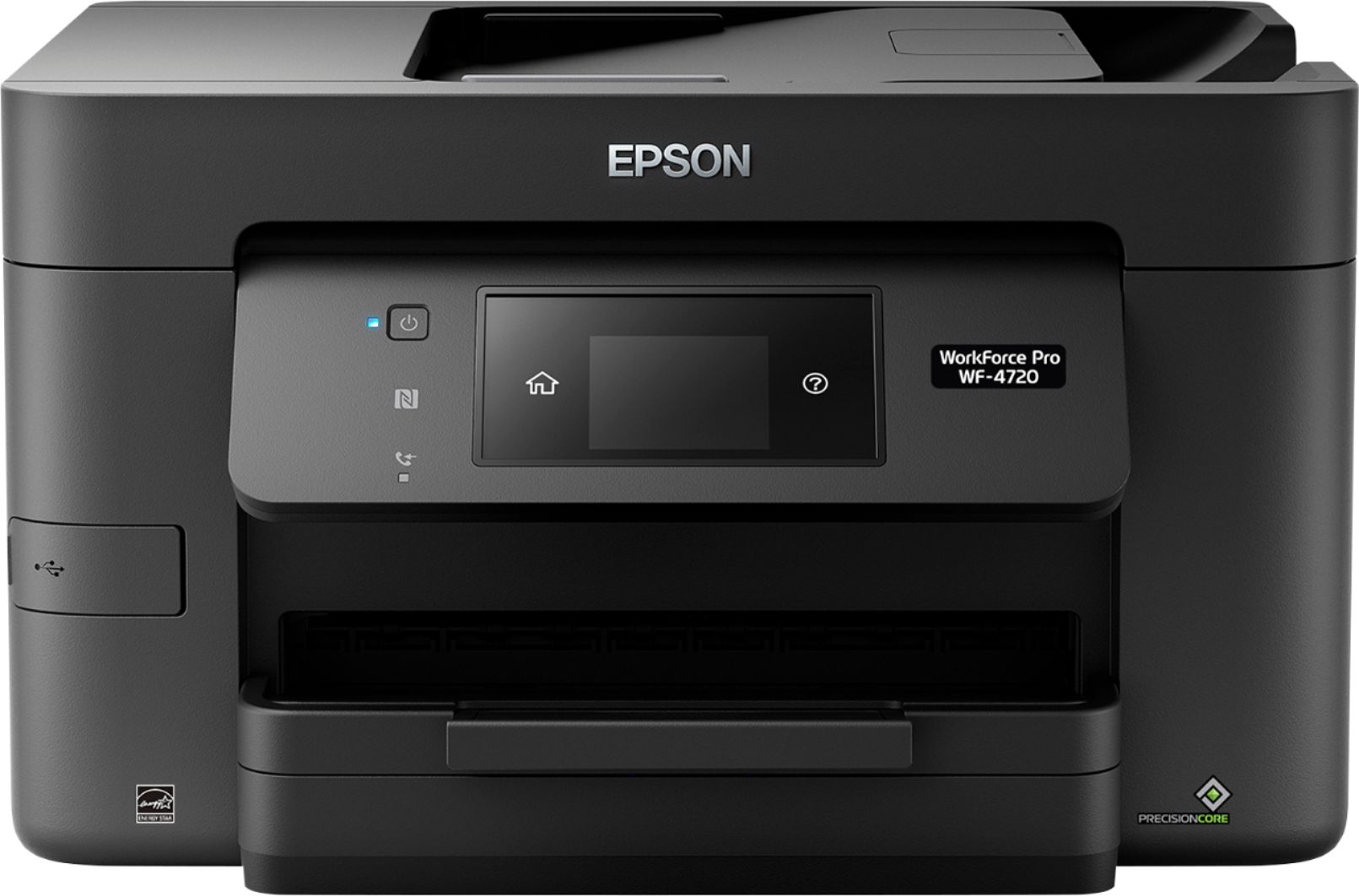
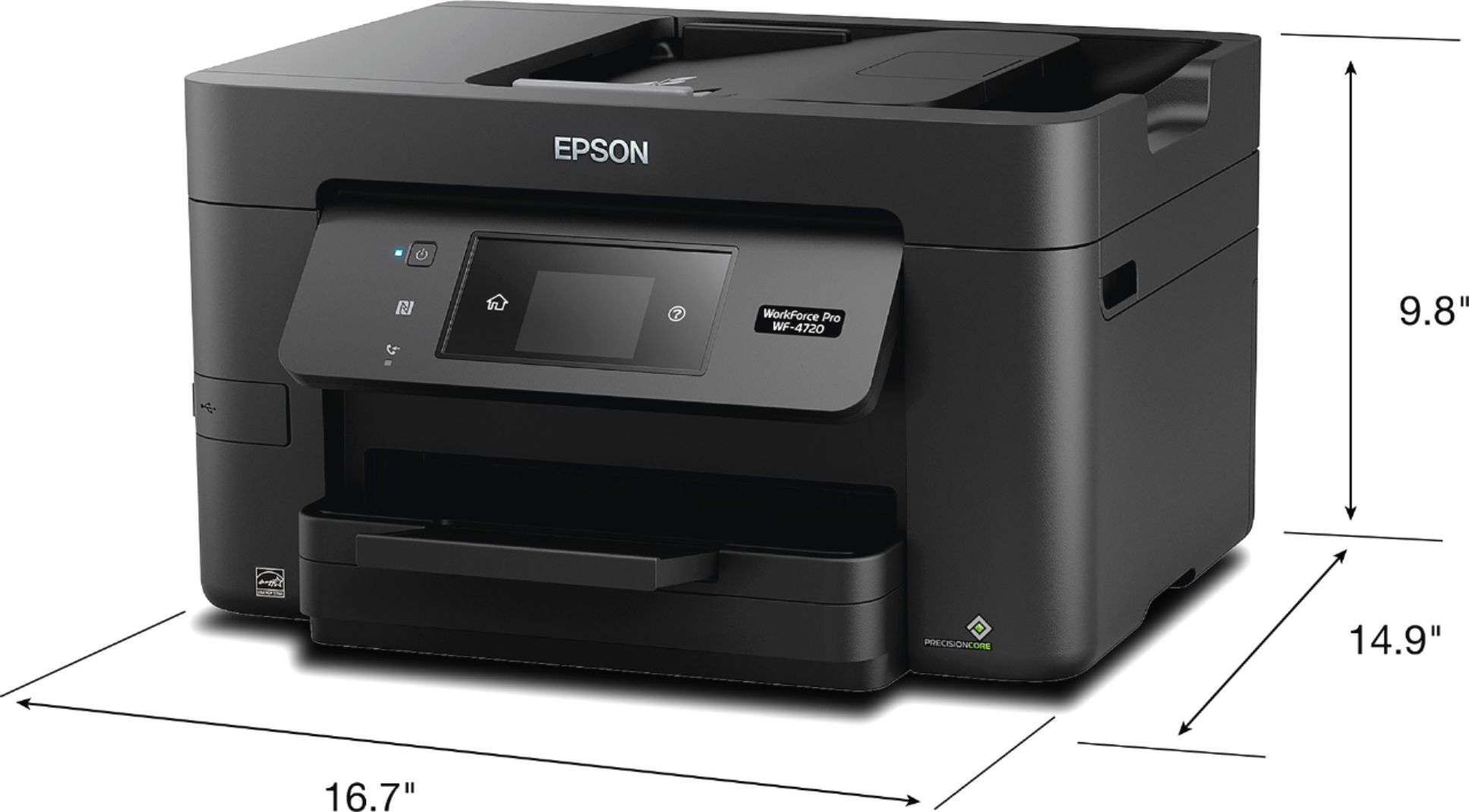
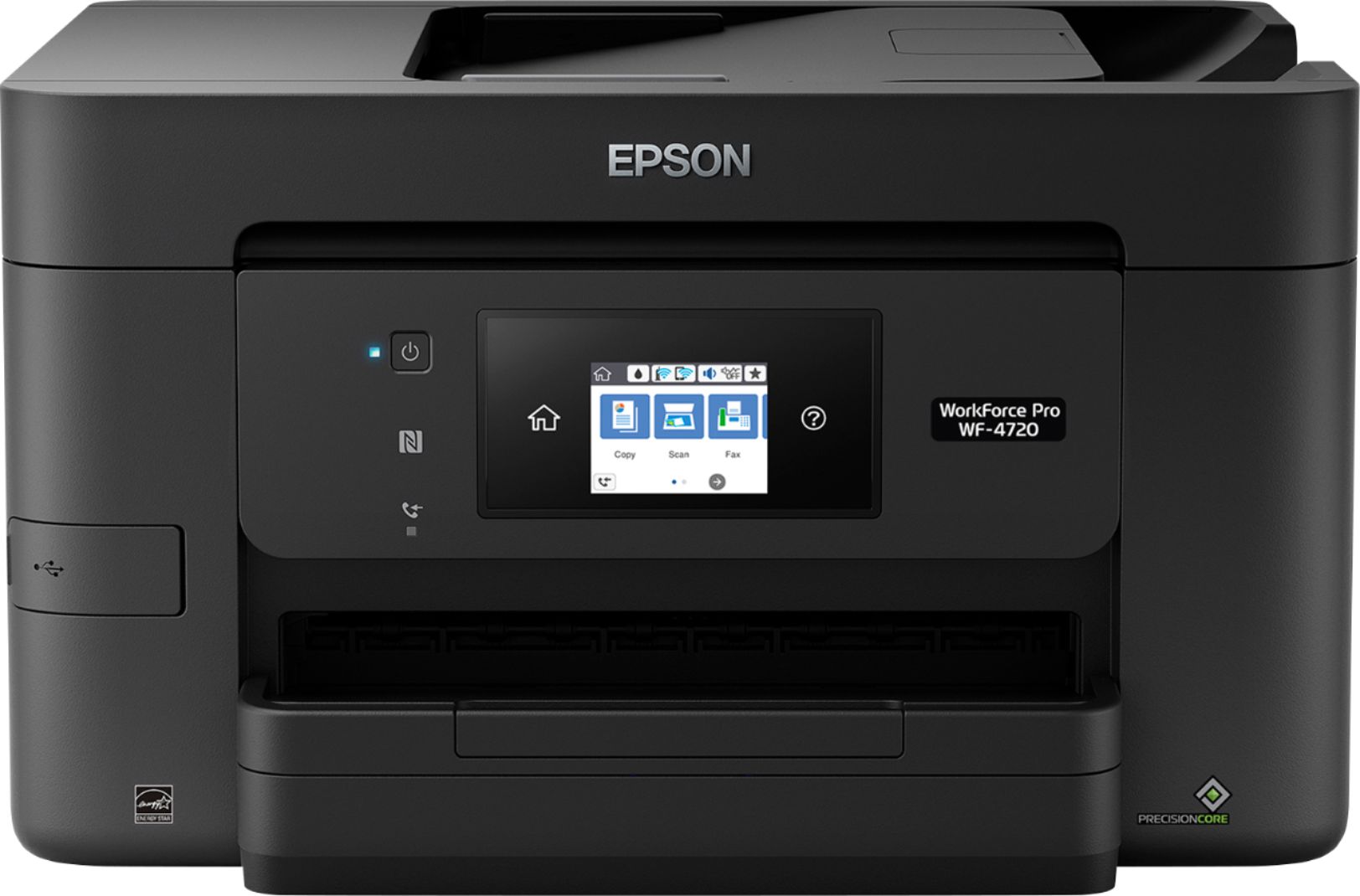
Posted .This reviewer received promo considerations or sweepstakes entry for writing a review.This Epson WorkForce Pro WF-4720 All-in-One Printer is much nicer than any of the other name brand all in one printers that I have owned. It is about the same size as most All-In-Ones but seems as if the footprint is smaller. I think this has to do with how the paper trays are designed. Aesthetically, the printer is sleek looking, a has a matte black finish, and minimal lines. It will fit nice in any office or home. The setup was quick and easy. I am glad it actually came with a CD, which makes the setup quicker than having to go to a website to download installation files. The printer works via USB, Wireless, or LAN. You can direct print to it from just about any phone or tablet as well. I like that it comes with four print cartridges opposed to 1 black and 1 color. The days of wasting ink because one color ran out are over! I like the look of the touch screen and menu which is easy to navigate. The screen also swivels up to make it easy to see from different angles, depending on the surface location the printer is sitting on. The print quality is superb and has super rich, bright colors. The paper tray holds about half a ream of paper, which means less time wasted refilling the paper tray. That is a good think because this print spits out pages, black or color, super quick. Overall, this is a high-quality printer that should give me quality performance for years. “This is a review for the Epson WorkForce Pro WF-4720 All-in-One Printer that I received free of charge to do a beta test and review.”
I would recommend this to a friend