Customer Ratings & Reviews


- Model:
- WF Pro 4720 - C11CF74201
- SKU:
- 5732905
Rating by feature
- Value
Rating 4.3 out of 5 stars
- Quality
Rating 4.3 out of 5 stars
- Ease of Use
Rating 4.3 out of 5 stars
Customers are saying
Customers are delighted by the Epson WorkForce Pro WF-4720's excellent print quality, ease of use, and straightforward setup. The wireless connectivity and compact size are also frequently praised, along with the user-friendly touchscreen and ample paper tray capacity. Many appreciate the inclusion of fax functionality and the overall solid performance. While some users noted the printer can be somewhat noisy, the positive feedback significantly outweighs this minor drawback.
This summary was generated by AI based on customer reviews.
Multiple Problems runs out of ink quickly
||Posted . Owned for 3 months when reviewed.This reviewer received promo considerations or sweepstakes entry for writing a review.This printer is 3 months old, and it occasionally inserts 3-8 blank sheets in between printed pages on a multiple page document. I also on occasion will print half a page on one sheet and the other half on another sheet. This wastes time and paper. My last Epson Workforce Inkjet did the same thing. Ink cartridges don't last long (even the XL cartridges) and are very expensive. Thankfully, I got the protection plan on both. I am now going with a different brand.
No, I would not recommend this to a friend- Pros mentioned:Ease of use, Print quality, Wireless connectivity
Perfect for home and office!
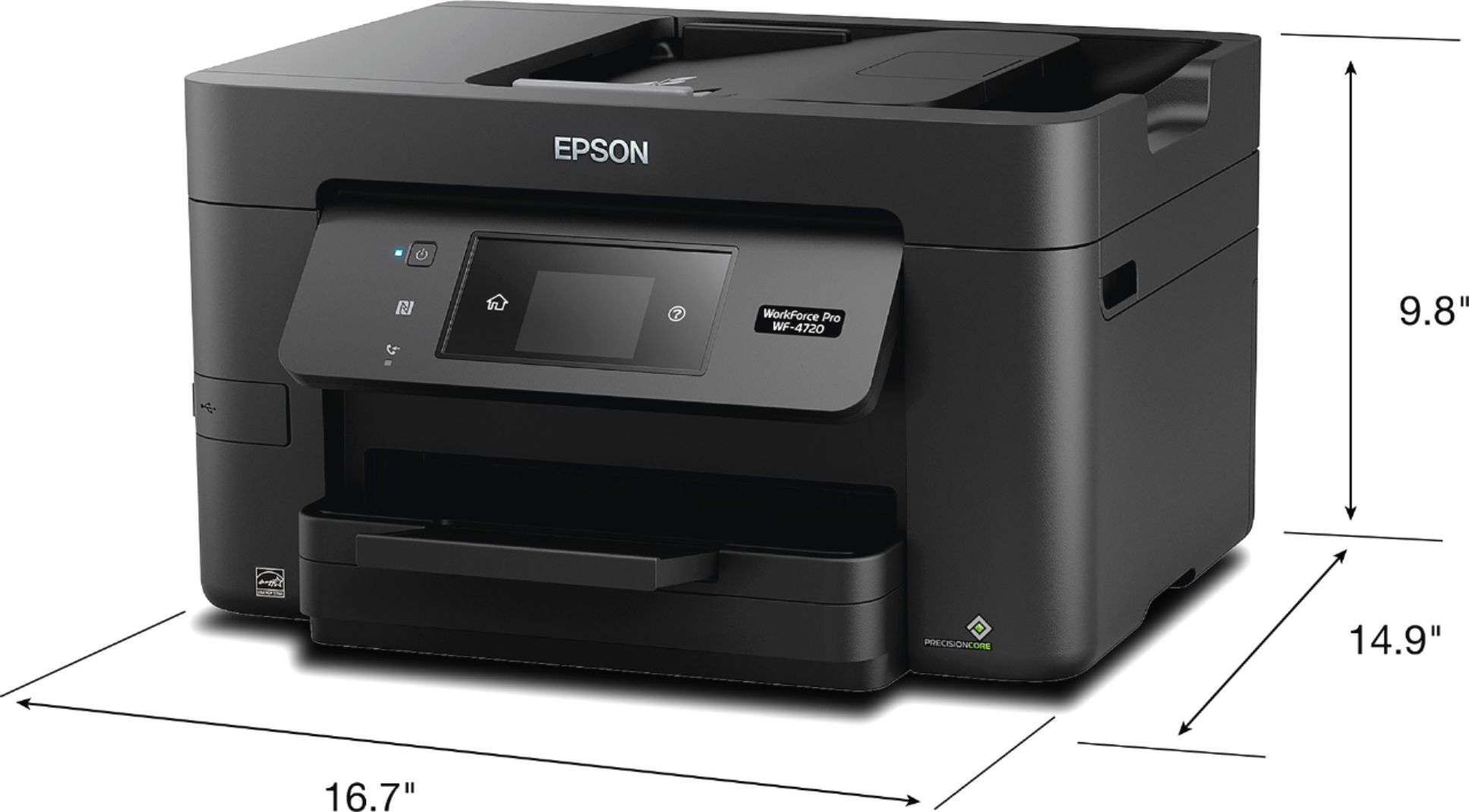
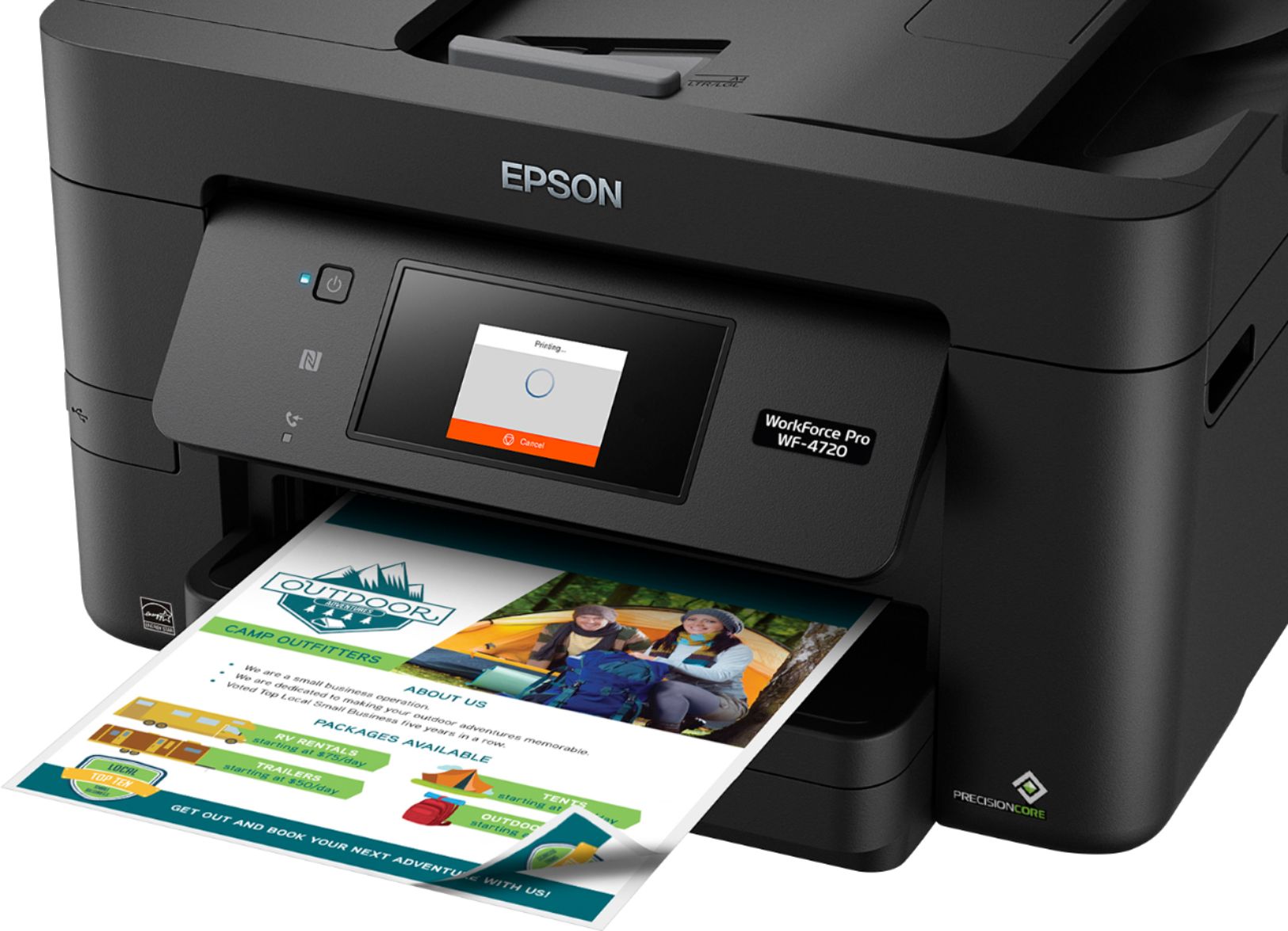
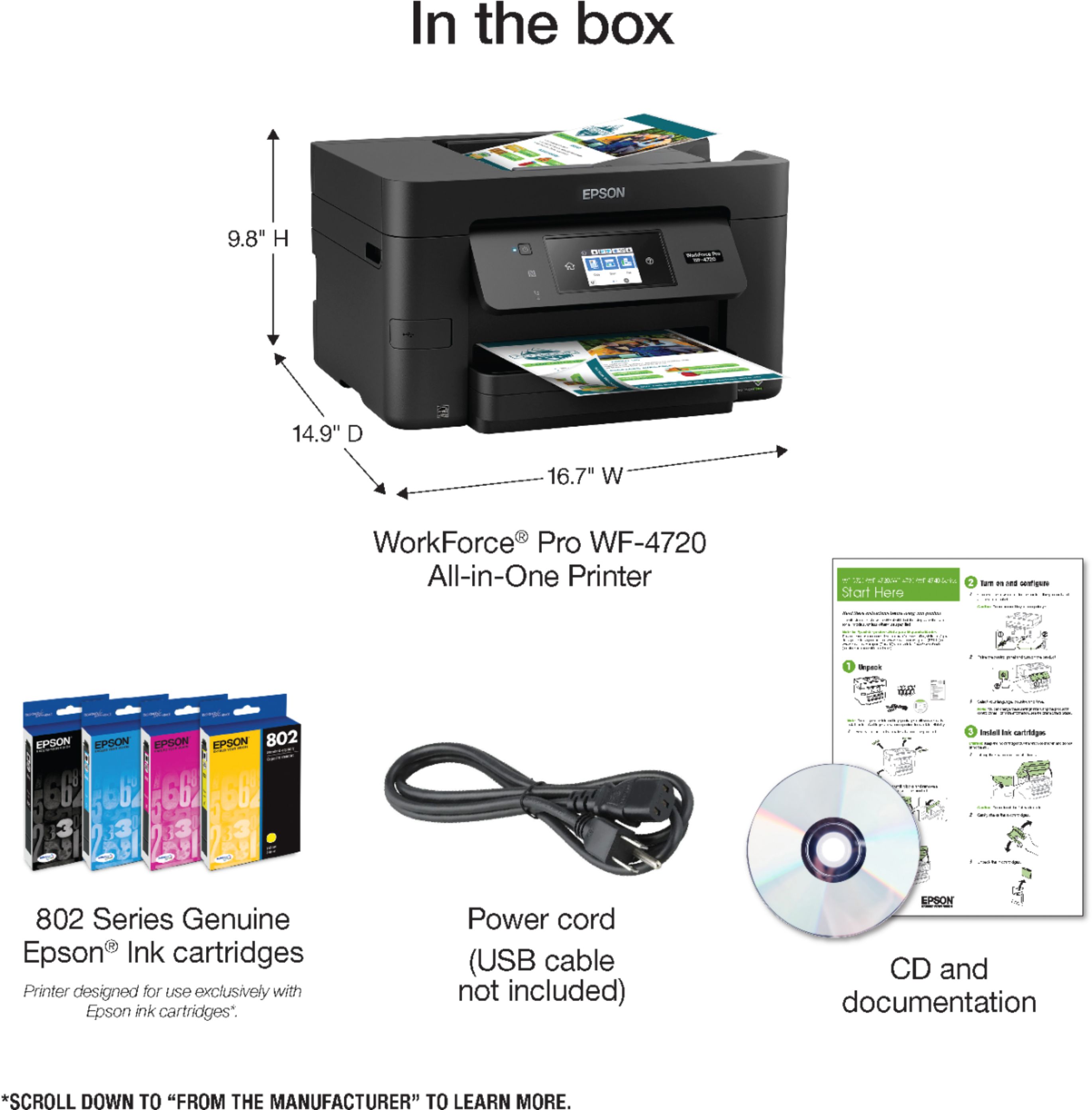
Posted .This reviewer received promo considerations or sweepstakes entry for writing a review.I replaced my WF-2760 with this WF-4720 and I absolutely love it. The installation was very simple, it even shipped inside a bad with handles which made it insanely easier to remove from the box! Such a small thing, but I noticed it right away. Mine is currently configured wirelessly and the set up was a breeze through the touchscreen display. The ink cartridges are noticeably larger than the 2760 and it is MUCH quieter of a printer. I printed a range of documents to test the color ranges. The blacks actually print black and not gray like other printers I’ve owned and the colors print great as well. I was very impressed with the speed it prints, especially when printing color jobs. I also tested the scan feature using the document feeder on the top of the printer, where it performed as expected. Had no issues with the tray and the scan job was clear. The printer looks great and has a relatively small footprint of 19.4 x 16.7 x 9.8 in. This is a review for the Epson WorkForce Pro WF-4720 All-in-One Printer that I received free of charge to do a beta test and review.
I would recommend this to a friend - Pros mentioned:Print quality, Touchscreen, Wireless connectivity
Great little printer
Posted .This reviewer received promo considerations or sweepstakes entry for writing a review.Slightly smaller than my previous all-in-one which is nice. Aesthetically it looks like pretty much every other printer on the market. Setup overall was pretty much what you would expect – easy to install and everything worked without issue. Print quality is much better than my color laser. Plus this thing really does print really fast. I am actually surprised at how fast it can print a color photo. The touch screen is easy to read and responsive. It does seem slightly small (and is slightly misleading, because it looks like the entire section is a display, but is just a small portion of the section), but certainly more than adequate and I guess there is no point in having a huge screen on a printer. Apparently some people don’t like it only holds 250 sheets… but I don’t think I have ever had a printer that held more than that, and it seems more than fine to me. Has tons of wireless connection options which is pretty cool, that is way fancier than my previous printer. I haven’t tried all the options, but Android printing was easy to get going and worked well. Overall I wouldn’t see any reason to rush out and buy this as an upgrade… but if you need a new printer, it is a really solid choice for the price. This is a review for the Epson WorkForce Pro WF-4720 All-in-One Printer that I received free of charge to do a beta test and review.
I would recommend this to a friend Waste of money
||Posted . Owned for 3 months when reviewed.This reviewer received promo considerations or sweepstakes entry for writing a review.Waste of money! I purchased this printer based off reviews to print photos. Every photo prints with horizontal white lines. I’ve followed and attempted every step suggested to correct the problem and nothing worked. And my printer is no longer returnable. I am now stuck with an almost $200 printer that cannot supply what I need. This is so disappointing and devastating.
No, I would not recommend this to a friend- Pros mentioned:Print quality, Touchscreen
An Office Lifesaver
Posted .This reviewer received promo considerations or sweepstakes entry for writing a review.This printer makes printing easy and fast. Setting it up takes little time at all. I had mine out of the box and set up with all of my computers is less than 20 minutes. It is nice and compact and fit nicely on a shelf above my desk. The touchscreen makes it easy to navigate settings quickly to find what you need. The print time is insanely fast, even when printing double sided. The print clarity is great and very crisp. I find that the paper tray holds plenty of paper and keeps me from refilling it every few days. The scanner and copier works great. I don't fax so I haven't used that feature yet. This printer is a great addition to my office and I plan on keeping it around. This is a review for the Epson WorkForce Pro WF-4720 All-in-One Printer that I received free of charge to do a beta test and review.
I would recommend this to a friend - Pros mentioned:Print quality, Touchscreen
Epson Workforce printer for the Workforce
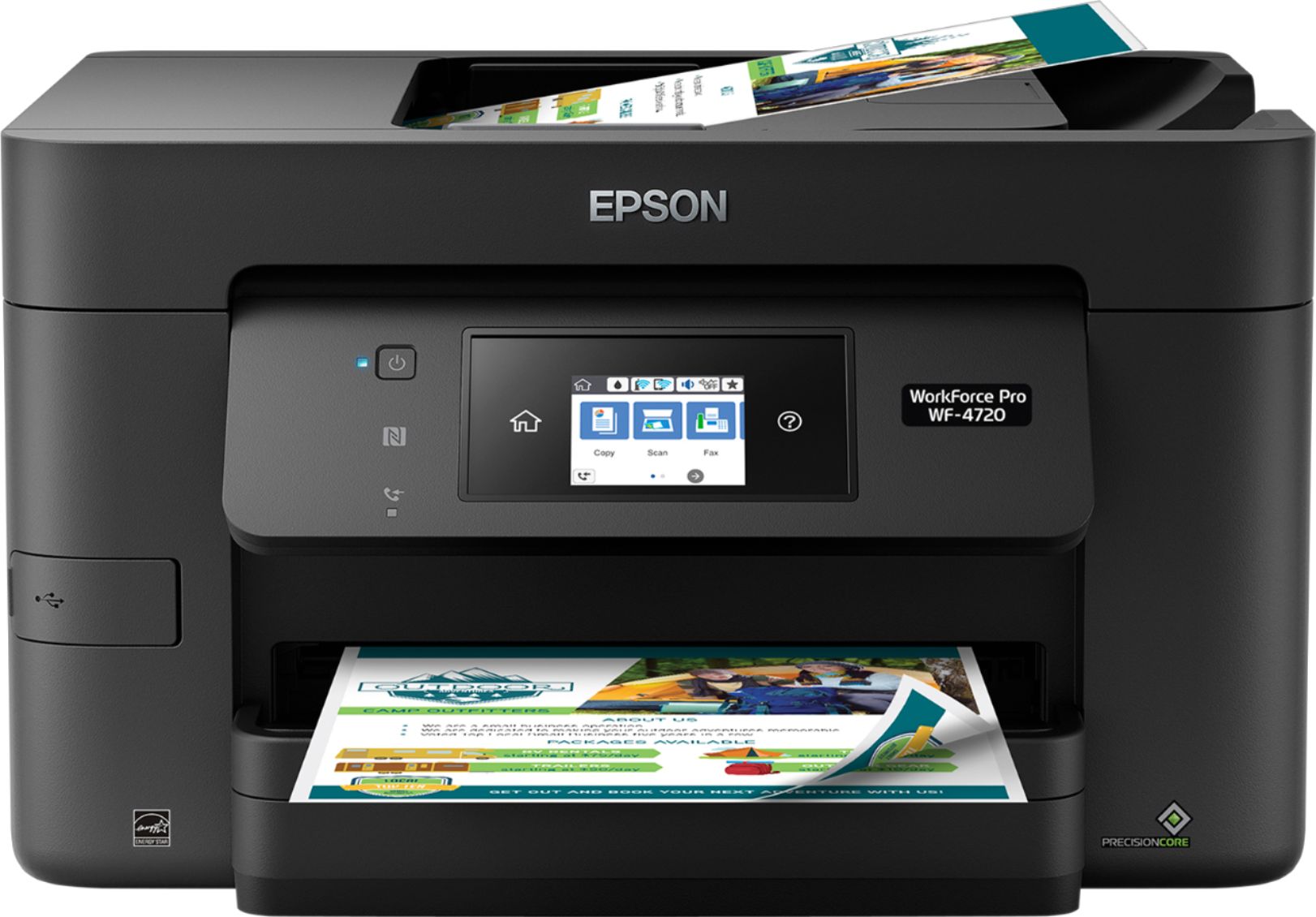
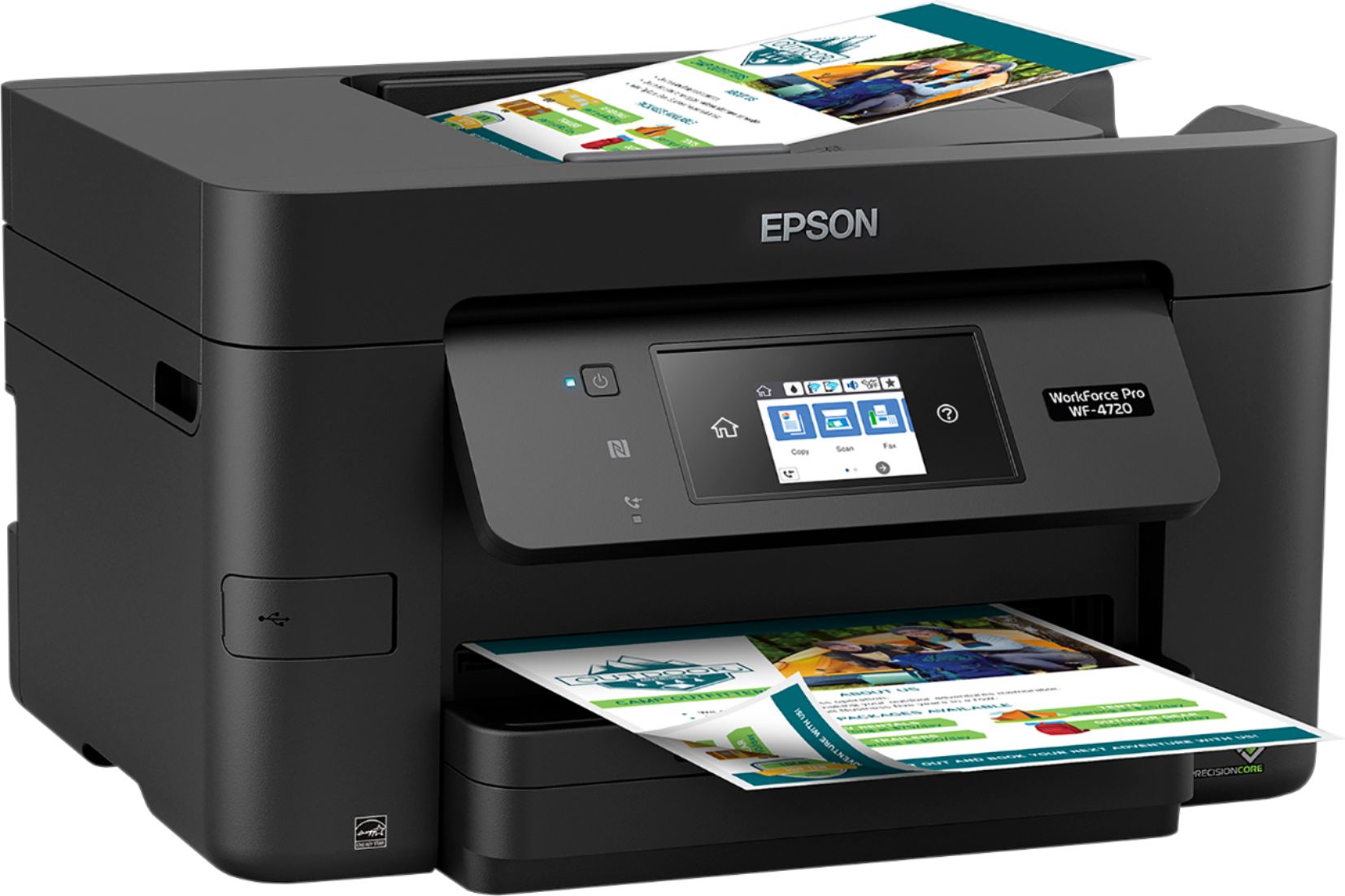
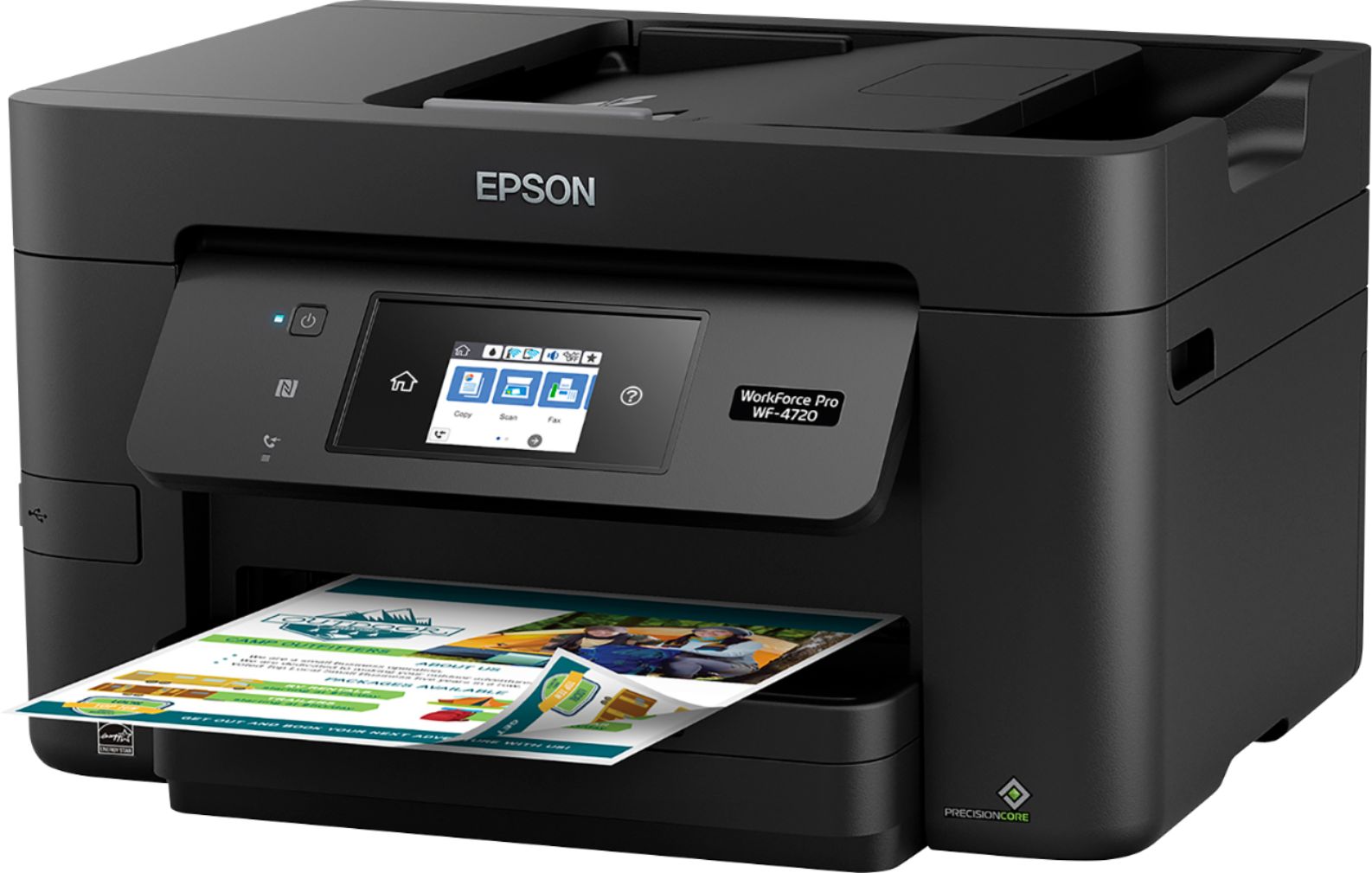
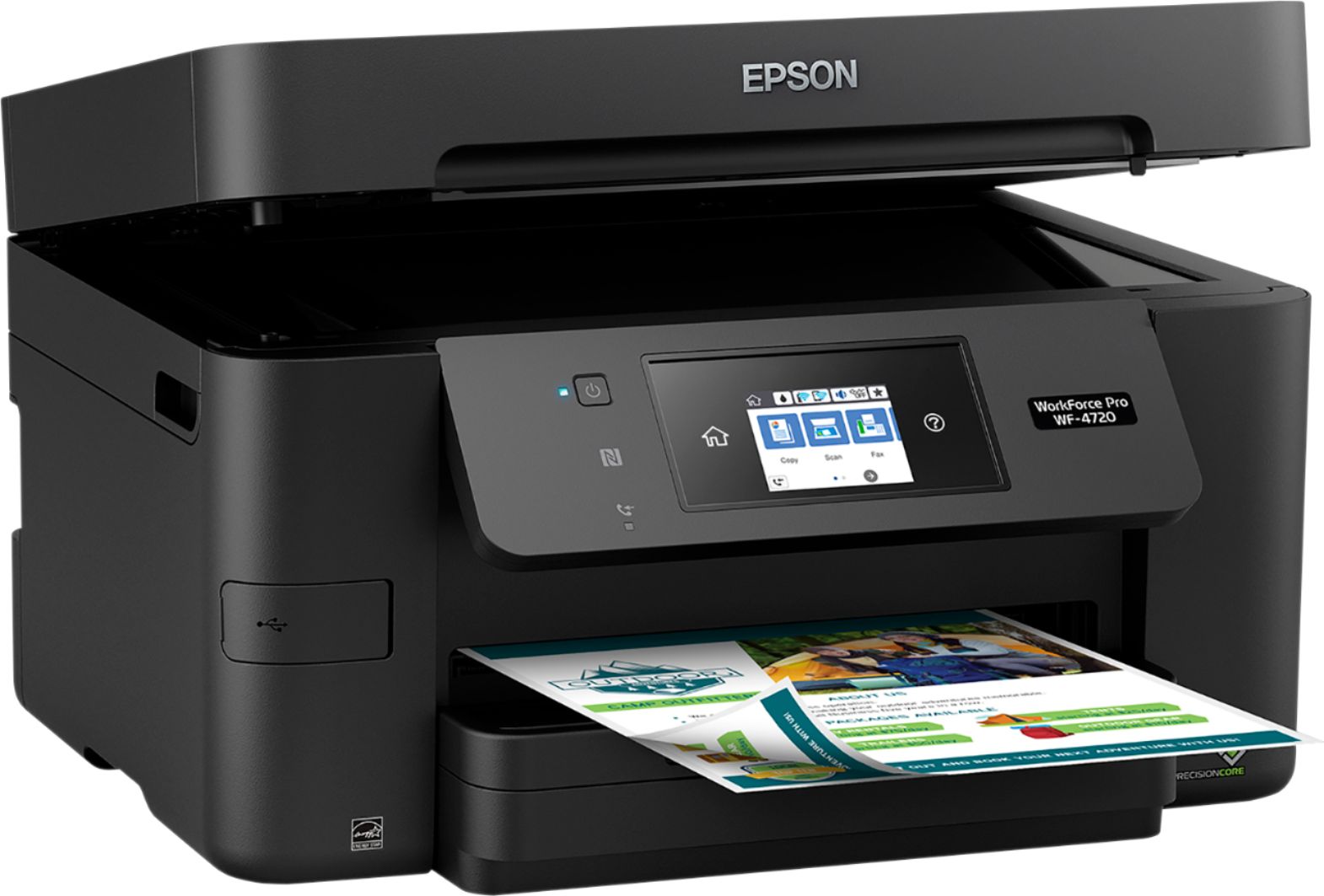
Posted .This reviewer received promo considerations or sweepstakes entry for writing a review.The WorkForce Pro WF-4720 Series uses Epson’s inkjet technology, PrecisionCore. PrecsionCore uses a high-density print chip that can generate up to 40 million precise dots per second. The WorkForce Pro WF-4720, which prints at up to 20ppm (ISO) in both black and color. It includes a 250-sheet paper capacity, a 35-sheet automatic document feeder and a 2.7″ color touchscreen. USB, Ethernet, and Wi-Fi connectivity is standard. Mobile printing is also supported via the Epson Connect solution. Within the Epson Connect are the following features: Email Print, iPrint Mobile App, and Remote Print. Users can also print via the Apple AirPrint, Kindle Fire and Google Cloud Print. Paper handling on the WF-4720 consists of a 250-sheet tray and a 35-sheet automatic document feeder. The paper tray accepts up to 8.5″ x 47.2″ (banner size), while the document feeder accept up to 8.5″ x 14″ paper size. There is a monthly duty cycle of 30,000 pages. However, Epson recommends an average of 1,500 pages a month. Scanning is done via a color CIS sensor. It supports scan-to-PC, scan-to-cloud, scan-to-email, scan-to-flash drive and scan-to-PDF. File formats supported include PDF, JPEG and TIFF. Faxing is supported via a 33.6kbps modem. Memory is up to 180 pages and PC faxing is standard. In terms of replacement ink, Epson offers both standard and high-capacity ink in four individual cartridges. The printer can also use the duplexing functionality and other environmental features to control printing costs. The EPSON WF-4720 Series is not intended for larger offices. Also, the warranty is only for one year but users have the option of purchasing an extended one-year warranty plan. I am very happy using the Epson Workforce WF-4720 printer. The black and white printouts are exceptional. Better than my laser jet. This is a review for the Epson WorkForce Pro WF-4720 All-in-One Printer that I received free of charge to do a beta test and review.
I would recommend this to a friend Junk
||Posted . Owned for more than 2 years when reviewed.This reviewer received promo considerations or sweepstakes entry for writing a review.This printer is such a piece of junk. It printed fine for the first six months and then ever since then, it has been nothing but problems. It is also over $100 for the 4 replacement cartridges and they don’t last that long. I would never recommend this printer to anyone.
No, I would not recommend this to a friendBrand response from Epson
Posted .Hello AllieS, we apologize for the disappointing experience you’ve encountered with your Epson printer. Your WF-4720 includes free technical support for the life of your product. Please reach out to our Epson Support Team for assistance at (562) 276-4382; Hours: Monday – Friday, 6am – 8pm PT; Saturday, 7am – 4pm PT. We’re here to help.
Sincerely,
Bobby – The Epson Team
- Pros mentioned:Ease of use, Print quality
Excellent All-in-One Printer for a small workforce
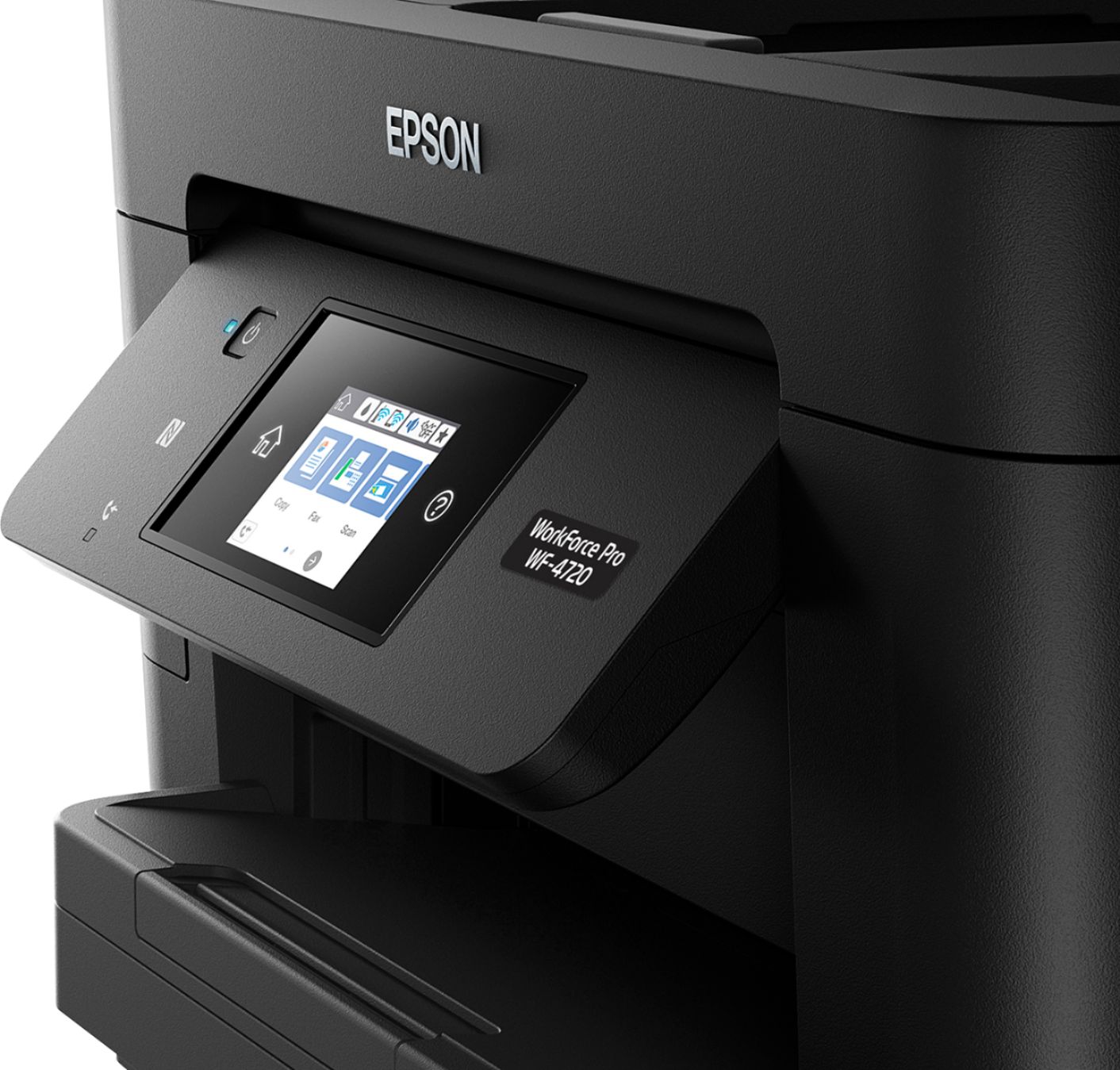
Posted .This reviewer received promo considerations or sweepstakes entry for writing a review.The Espon Workforce Pro WF-4720 is a high-speed and efficient All-in-One printer with a super easy setup. The instructions were well written and the installation process was fast. All of the essentials were included for the wireless setup. The LCD screen display is 2.7” and very intuitive for copying, printing, and sending faxes. I am very impressed with the printing and scanning functions. The display is large enough to prevent straining on the eyes. Its speed is fast (black and color prints), with excellent print quality, and it even handles duplex scanning. It has a 250-sheet capacity, features a 35-page Auto Document Feeder and auto 2-sided printing. This is a compact and space-saving printer. It features a broad range of connectivity including easy iPad, iPhone, Android tablet and smartphone printing capabilities. Overall, this is an excellent printer for a small office. The only downside is that it lacks an extra paper tray or at least a rear multi-sheet paper feeder. It comes with a one year warranty and the option for an additional warranty. This is a review for the Epson WorkForce Pro WF-4720 All-in-One Printer that I received free of charge to do a beta test and review.
I would recommend this to a friend - Pros mentioned:Ease of use, Print quality
EPSON hits a home run with this printer!
Posted .This reviewer received promo considerations or sweepstakes entry for writing a review.Let me start by saying that I have owned many different printers since I do a lot of work from home. I've owned everything from dot matrix to top of the line laser printers. I really need quality results from my printer. That being said, I decided to go ahead and give this EPSON WorkForce Pro WF-4720 a try and see what it could deliver. I must say that I was pleasantly surprised. I knew that it was a medium duty machine, but it delivers heavy-duty professional results. This is not a "throw away" machine after a year or two. This thing is solid and will perform any task that you throw at it. The WF-4720 prints as good (if not better) than a laser, and the text is sharp and solid. It prints at around 20 pages per minute not only black & white, but color as well. I have never had a printer in this price range print that fast with such great results. Graphics print sharp and clear, with no bleeding or smudges. This is truly a print-shop quality printer. Setup was a breeze, the unit came very well packaged and secure. Quick setup instructions are provided in several different languages, and more detailed instructions are online and can be downloaded to your computer. There are four ink cartridges that can be changed independently as needed. I've always found that it is best to install all three color cartridges at the same time if the ink levels are close to empty, rather than wait a few more pages for one to run out. The included supply is good for 400 to 500 pages. The paper tray holds over a half ream of paper, so refills are minimized. The automatic document feeder holds up to 35 pages. This is a duplex machine and it performed dual-sided printing without a hitch. I did not have a chance to test the fax feature as I no longer have a land-line phone connection at home. The scanner performed as expected, with excellent results. I was very pleased with the mobile printing features and had no problems getting my pages to print. The WorkForce Pro WF-4720 takes up slightly less space than my Canon. The LCD screen swings up for use, and down for storage, making it even sleeker. The screen is simple to navigate, and includes many useful features. Overall, I am simply blown away by the quality of this unit. I have tested different printers for EPSON, and this is by far the best! This review is a review for the Epson WorkForce Pro WF-4720 All-in-One Printer that I received free of charge to do a beta test and review.
I would recommend this to a friend - Pros mentioned:Ease of use, Print quality, Touchscreen
Great home or small office printer
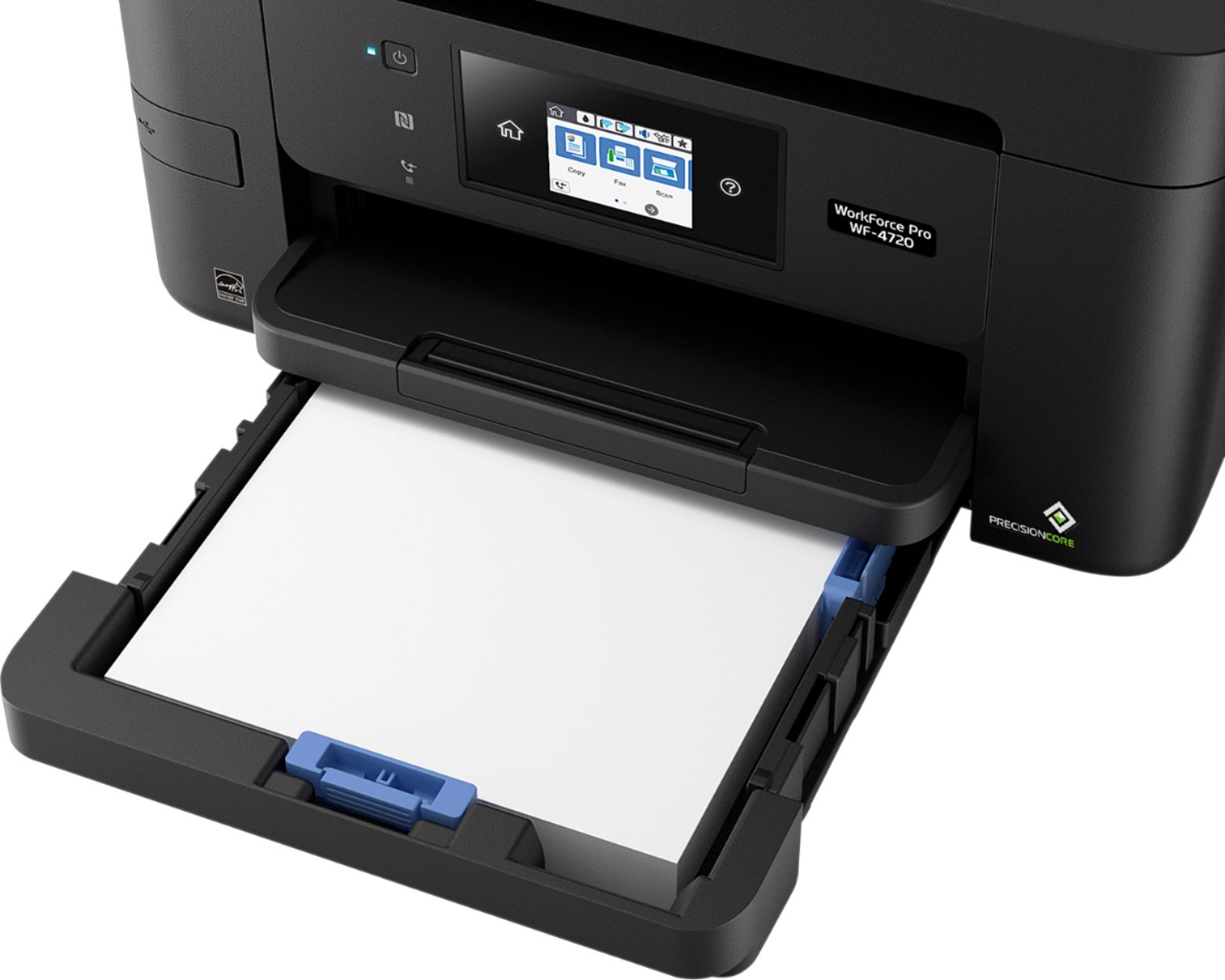
Posted .This reviewer received promo considerations or sweepstakes entry for writing a review.The is hands down one of the best all-in-one printers on the market. It is very sleek looking with a nice bright touchscreen and LED light that tells you if there is a problem. The printer itself is super easy to setup! Loading paper is quick and the draw is easy to open. The quality of the prints are very nice and the speed is pretty quick which is very helpful if you are in a rush. I have not used the fax part just because I don't have a fax line but it is capable of doing that. Scanning is simple but the best feature is the WIFI printing! I have never used WIFI printing before but the setup is simple and now I can print from almost every device in my house. Now onto the bad side. The ink for this printer is pricey and the app for mobile printing is horrible! but if you don't need mobile print and don't mind expensive ink then you cannot go wrong with this printer! This review is an honest and unbiased review. This is a review for the Epson WorkForce Pro WF-4720 All-in-One Printer that I received free of charge to do a beta test and review.
I would recommend this to a friend Lousy printer
||Posted . Owned for 1 month when reviewed.This reviewer received promo considerations or sweepstakes entry for writing a review.This absolutely the worst printer money can buy. Every time you have to add paper you keep getting the error message, "Insert Paper Cassette Correctly. After you keep inserting the cassette 25-50 times it will finally take it.
No, I would not recommend this to a friend- Pros mentioned:Ease of use, Print quality
Great Printer for Home or Office
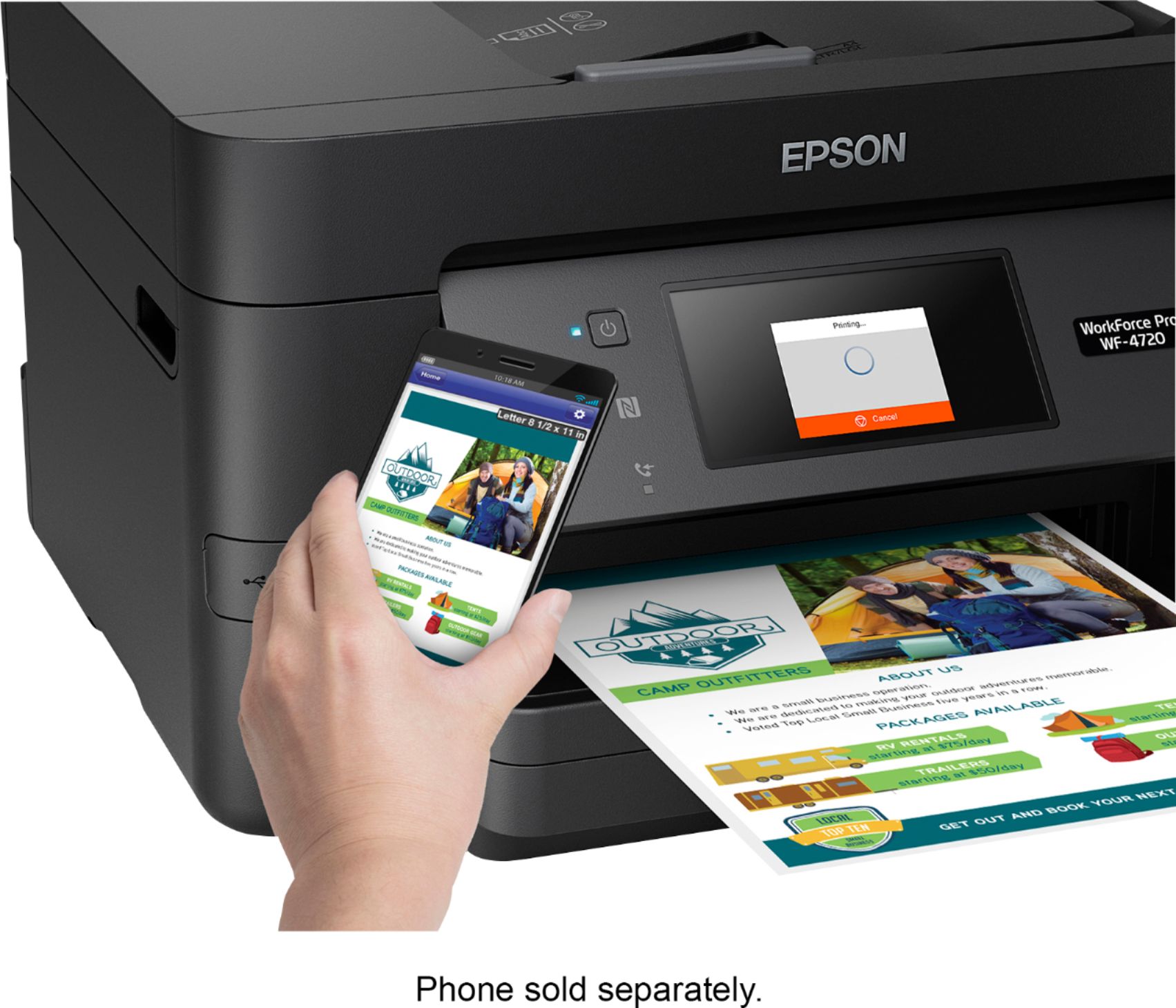
Posted .This reviewer received promo considerations or sweepstakes entry for writing a review.Let me start by saying this is easily the quickest printer I have ever used. From documents only containing text to full page images, it only takes mere seconds. I have my printer set up in my office and I typically print from my computer in the living room, which is approximately fifteen steps away. I can start the print, and immediately walk to the printer, and it will already be done printing. It is honestly about five times faster than any printer I have owned before. It features a very large paper tray that can hold approximately two hundred fifty sheets of paper, which is very nice so you don’t have to add paper every time you want to use it. It also boasts an extremely easy set up; I took mine out of the box took the packaging off, and within five to ten minutes it was fully and completely set up, including putting the ink in, and connecting it to my home network. With the rest of these features, you might expect something such as the scanner to not be as high of quality, but no, the scanner manages to meet the expectations set by the rest of the printer, fairly quick with great quality, the scanner in this printer will surely complete all your scanning needs. On top of everything else, it also is very compatible with mobile devices. I have an iPhone, and one of the largest problems I usually have is trying to print from it. However, with this printer I was set up and printing documents and even pictures right from my iPhone within minutes. Quite possibly the only downfall I have found is the excessive cost of replacement ink cartridges. However, with the quality of the prints, it is a little bit of a tradeoff. In short, whether you are looking for a home printer, or an office printer. This one would be an excellent choice. Between the lightning fast print speed and the high capacity paper tray, it would be a great printer for just about anyone in any capacity. This is a review for the Epson WorkForce Pro WF-4720 All-in-One Printer that I received free of charge to do a beta test and review.
I would recommend this to a friend - Pros mentioned:Print quality, SetupCons mentioned:Noise level
Fast Printer, Great Quality
Posted .This reviewer received promo considerations or sweepstakes entry for writing a review.Set up was simple and easy. Download the drivers and update. Printing is extremely fast. Black and white printing is obviously a lot quicker than color but this printer is very fast. Copying has great quality. I didn't try out the fax functions as I don't typically use and a phone line just isn't convenient. Wireless printing was a breeze from my phone. It does have a high capacity 250 sheet tray so you're not constantly refilling. LCD touch screen guides you through most setups and is very intuitive. I did try scanning some color photos and they had an amazing quality for an ink jet. It does feature double sided printing which I rarely use but it works just as well as single. The printer isn't super quiet but isn't unbearable either. Great quality printing, scanning and faxing at very reasonable price. I rate at a 4 only due to the fact the cost of replacement ink. The caveat to that is that you only have to replace the cartridge that is empty. I would definitely recommend this to anyone with a home office or just for daily personal use. This is a review for the Epson WorkForce Pro WF-4720 All-in-One Printer that I received free of charge to do a beta test and review.
I would recommend this to a friend Awful printer
||Posted . Owned for 1 week when reviewed.This reviewer received promo considerations or sweepstakes entry for writing a review.The automatic feeder on the printer didn’t work from day one. I took it back to Best But & they gave me a store credit but they don’t have any printers in the store.
No, I would not recommend this to a friend- Pros mentioned:Ease of use, Print quality
Fast printer with many features but expensive ink
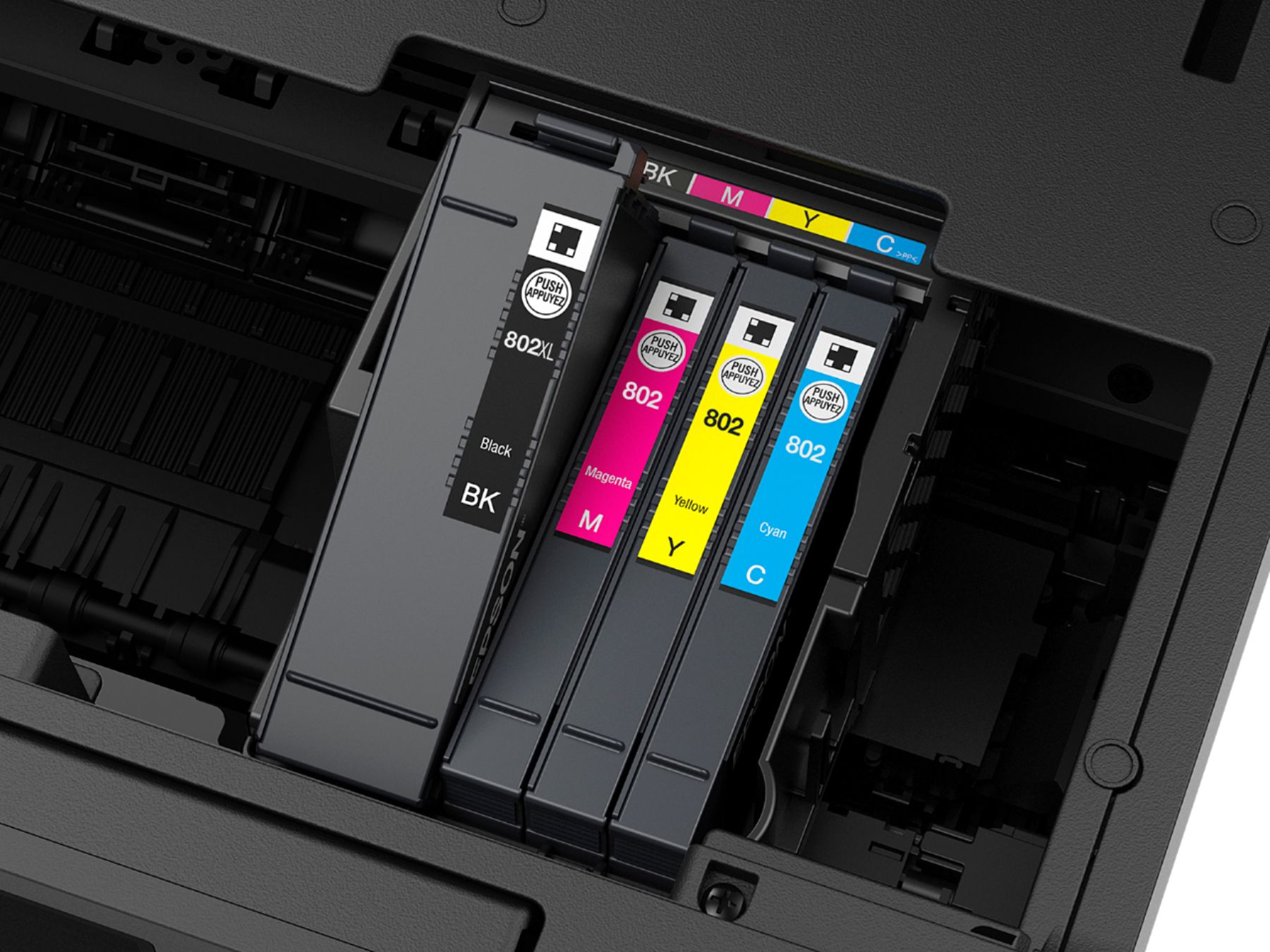
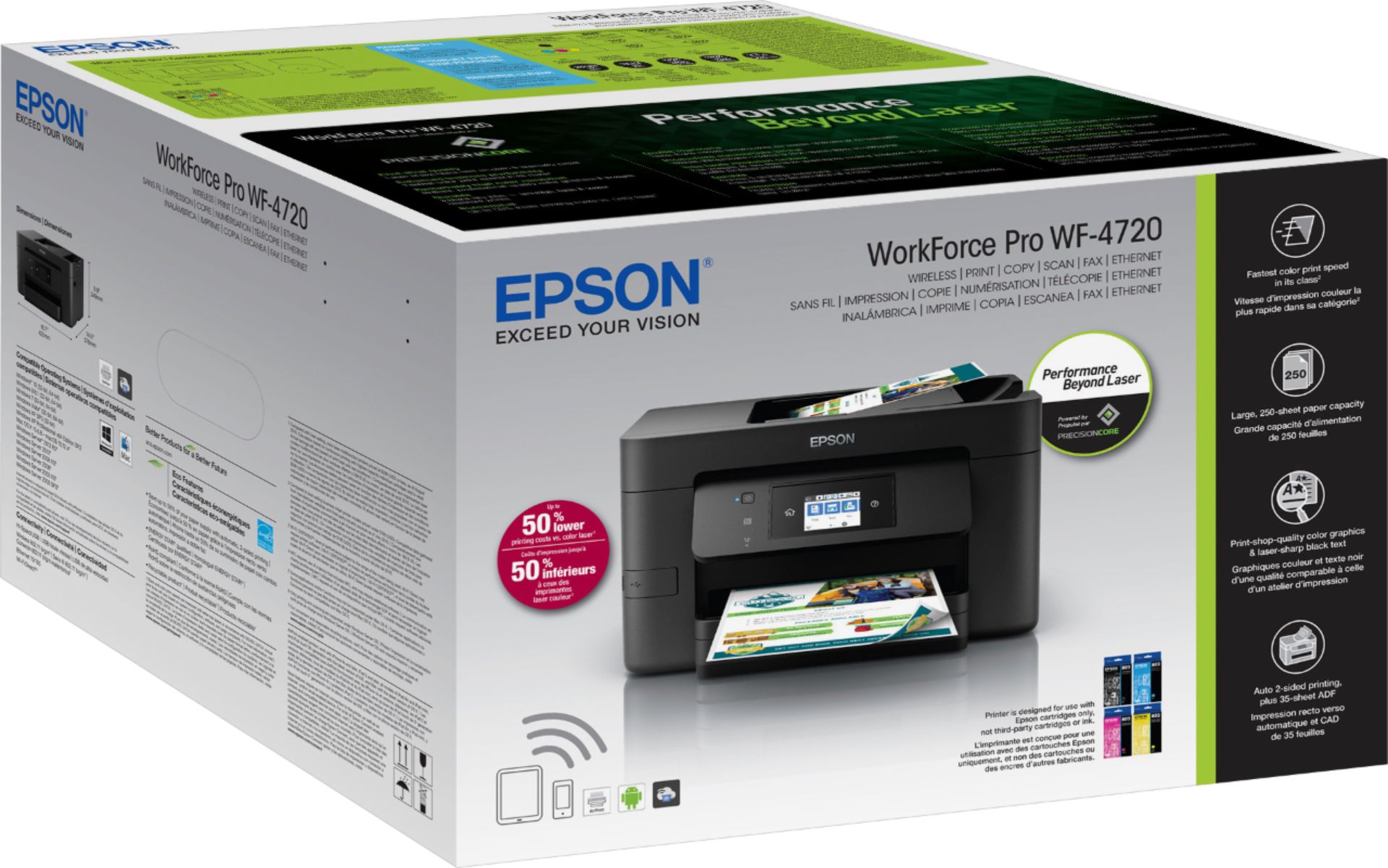
Posted .This reviewer received promo considerations or sweepstakes entry for writing a review.Pros: This printer is fast! Prints are faster than any ink-jet printer I've ever used, and in many cases are faster than color laser printers. The printer was also easy to setup. I was up in running in just a few minutes. I did spend some time getting the Epson connect service going, but I think this was due to a temporary network problem. Cons: The print quality is acceptable. This is definitely not color laser quality, but you aren't paying for color laser quality either. If you enable "best" quality printing, prints are much better but expect them to use a bit of ink. Ink for this printer is not cheap -- at the time of this review a black cartridge cost about thirty-eight dollars and each color cartridge cost about twenty-five dollars. That would make replacing all of the cartridges over half of the price of the printer! Since the printer comes with full-size cartridges, running out of ink almost "totals" the printer. I will definitely be investigating whether third-party ink cartridges are available for this printer whenever I begin to run out of ink. Let's investigate the claims made on the outside of the box. 1) Fast and Powerful: This printer certainly is fast. It also has all of the features I would expect in an all-in-one: printing, scanning, copying and faxing. 2) 35 sheet auto document feeder and 2-sided printing: The auto document feeder is very easy to use and the 2-siding printing works seamlessly with little effort. Having a duplex feature built into the printer saves me a lot of time when printing large documents. 3) Large 250-sheet paper capacity: The paper tray holds quite a bit of paper, but I would hardly call it large. It would be even better if I could fit an entire ream package of paper (500) sheets in the printer at one time. However, this would make the printer significantly larger. 4) Built-in wireless and ethernet: Wireless was easy to setup and ethernet required absolutely no configuration. I have not tried WiFi direct because it is useless when you already have ethernet and WiFi. NFC prompts you to to install an application on your mobile device whenever you tap the NFC sensor. 5) 2.7" color touchscreen: The menus are easy to navigate and features are easy to find, however I find that fat fingers such as mine have a hard time typing on the small screen. I sometimes miss buttons because they are small. Overall, I find that this printer is a good value for the money if you are looking for a full-featured budget level printer. However I would suggest you consider third party ink cartridges for whenever you need to replace an empty cartridge due to their high price. This is a review for the Epson WorkForce Pro WF-4720 All-in-One Printer that I received free of charge to do a beta test and review.
I would recommend this to a friend - Pros mentioned:Print quality
A Good MFP for the cost, easy setup
Posted .This reviewer received promo considerations or sweepstakes entry for writing a review.Summary: Installation of the printer was super easy following the in menu touchscreen prompts on the printer. Input of a complex Wi-Fi Key was simple and quick. The packing of the printer made it simple to remove from the box and made initial placement less complicated that it is with similarly sized MFPs. Installing drivers and software was fast and simple to load. I tested on OSX, Windows 10, and iOS all were done with no issues. Print quality was fantastic and super-fast. The print cartridges are pretty expensive compared other types but supposedly last much longer than normal. Scan quality on the built in scanner is great and super simple to accomplish. With the addition of some configuration on Epson’s website you can scan directly to the cloud or an email address. All in all this is a great printer for the money and it does more than you can expect a MFP to do in this price class. Setup: Printer comes well and safely packaged in a Styrofoam and a plastic bag. The plastic bag has handles on it to make it easy to lift out of the box and place in the location you want to set it up. It seems that there is a tape surplus in the Epson packaging facility, as there were a ton to take off that hold various parts steady during shipping. Adding the print cartridges is quick but you should take note to ONLY remove the yellow sticker. There is a plastic seal over the head itself that is punctured during the install process and should not be done by hand. I think this is done to reduce leaking and possible reduce ink loss due to evaporation. The setup menu super simple and should be easily accomplished by even the newest of users. Once the print cartridges are installed, they will go through a long charging process (5-10 mins) so don’t think you will be printing super quick right out of the box. All things considered this was the easiest setup experience I have had in quite some time with a network printer. Scan: Scanning is easy using the Epson drivers and offers choices of (75, 100, 150, 200, 240, 300, 400, 600, and 1200dpi). You can scan either using the ADF or the flatbed surface. A notable minus for this printer is the lack of duplex scanning via the ADF since the printer supports duplex printing. Scan to the cloud (and email) is a fantastic feature and it works great from the flatbed. Another notable issue is that while you can flip the pages over to get duplex from the flatbed on a scan to the cloud, doing so from the ADF does not offer you this option. Print: Print Quality was amazing and modern ink jets have come a long way in respect to quality and speed. This printer shoots pages out at a blazing speed, I have no idea how they dry the ink so fast. I expected some issues with the ink running considering how fast the print speed has become. This printer has been able to print anything I wanted to prink and do it well. A really cool feature is you can setup an email address for the printer and it will print directly anything you email to it. This is super handy if you are out in the field and don’t want to go through the motions of printing to the remote printer driver. This brings up another cool feature. IF you normally operate on a VPN that blocks all local traffic on your network, you can still use the remote printer feature to print (assuming they don’t block access to Epson’s servers. These features make this printer perfect for my work at home environment. Final Thoughts: This printer is a bargain for the price and you would do well to purchase it. There are a couple of minor scanning issues that keep it from being a superstar but the current functionality moves the printer to the upper part of the MFP pile. This is a review for the Epson WorkForce Pro WF-4720 All-in-One Printer that I received free of charge to do a beta test and review.
I would recommend this to a friend - Pros mentioned:Print quality, Setup, Wireless connectivity
Epson Printer Review
Posted .This reviewer received promo considerations or sweepstakes entry for writing a review.The printer came packaged very well, it was encapsulated in Styrofoam. It was very easy to remove it from its packaging and get it prepped on my work desk, only needing to plug in power. Once powered on, the printer guided me through the setup of everything very efficiently. It only took around 15 minutes total to get it setup once it was powered on. I was easily able to get it connected to my wireless network. Once it was online, the device immediately tunneled back to Epson for a firmware update. That was nice to see, I want all my network devices to stay up to date to counter the latest security issues. I setup the print queue on my computer using the latest drivers from Epson’s website. The computer the queue was created on is using Windows 10 Home Edition. The software was easily able to find the printer on my network which makes everything more convenient. Once everything was setup and ready to rock I sent print jobs to it and was able to print without issues. I also setup Epson’s iPrint application on my mobile device. I did run into slight trouble since it didn’t want to print the document nicely formatted, which isn’t a big issue to me. This is a review for the Epson WorkForce Pro WF-4720 All-in-One Printer that I received free of charge to do a beta test and review.
I would recommend this to a friend - Pros mentioned:Print quality, Setup, Touchscreen
Solid Performance and Sharp Text
Posted .This reviewer received promo considerations or sweepstakes entry for writing a review.My wife prints a lot for Girl Scouts so clarity is a big drive when we purchase a printer. The Epson did NOT disappoint. Ink installation is easy with every bay clearly showing which cartridge is installed there (and each cartridge easily showing which color it is). Setup was extremely simple, the touch screen is a nice touch, and did not require any USB cables or software pre-installed. It connected seamless to my WiFi, found a firmware update, and quickly was done. We quickly set it up on my computer, and my wife went immediately to printing tons of papers for the girl scouts. The printer is VERY fast, and the font/text was EXTREMELY crisp. The software is easy to use, and such. If you're looking for a less expensive printer and need line quality being key (over say something like an EcoTank which is ink is king design) this is a GREAT buy! My only potential negatives is: The tray is a little snug so if you have it on a soft surface it may be a little snug moving in/out, but not a deal breaker by any means. Cartridges are costly compared to an EcoTank, but cartridges always drop over time, and the clarity is second to none. This is a review for the Epson WorkForce Pro WF-4720 All-in-One Printer that I received free of charge to do a beta test and review.
I would recommend this to a friend - Pros mentioned:Ease of use, Print quality, Touchscreen
Excellent Quality Printing and easy installation
Posted .This reviewer received promo considerations or sweepstakes entry for writing a review.This is by far the best bang for your buck printer i have used. Setting up was easy with different features such as Scan it from printer and email it or upload it go your Google Drive. Best part is this is a compact yet multi function printer with large paper size tray which is great specially if you are printing constantly and have to replace paper every other day. Double sided printing is definitely working great and great way to save ink and paper. Another plus is the touch screen is very responsive and accurate despite being small and touch screen. You are also able to scan and Copy and Fax without even opening the cover. Registering the printer via MAC was a little hard but then turned out to be my Firewall was blocking the Epson Connection and would not recognize it on the same network but once turned off, it worked just fine. Other very good feature in this is printing from anywhere in the world and even connect it on your Mobile device, specially if you are on the go and don't want to print sensitive documents on public printer. You can just email the printer to command to print. “This is a review for the Epson WorkForce Pro WF-4720 All-in-One Printer that I received free of charge to do a beta test and review.”
I would recommend this to a friend - Pros mentioned:Ease of use, Print quality
Good Overall Printer
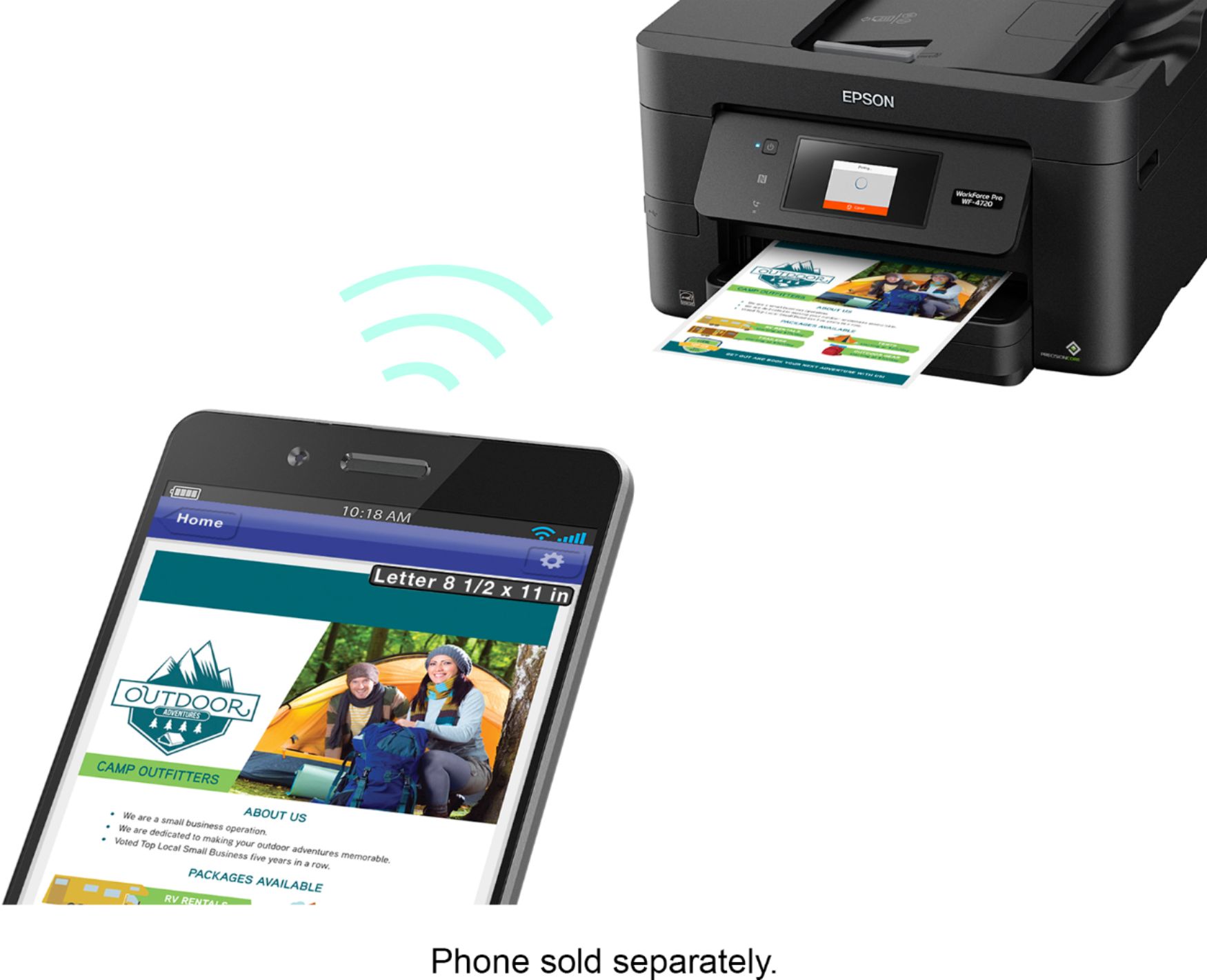
Posted .This reviewer received promo considerations or sweepstakes entry for writing a review.I was actually in the process of looking for a new printer when I came across an offer for the Epson WF-4720. I'm only being compensated for the printer by writing the review - but no guidelines or incentives to leave a positive review ... however this printer deserves a good one! The setup was what I would expect from any home office printer - straight forward and easy. It doesn't require a lot of skills to setup. I really like the wireless printing feature. It was extreamly simple. Once I did the initial setup on the computer, then wirelessly I was able to quickly find the printer and print from my iPhone. No special apps or anything was needed. As to the tray - my previous printer had 50 sheet capacity, so having 250 sheets for a home office seems more than enough. For my business I print 5-10 sheets a day and so far I'm impressed. If my previous printer wouldn't have went 6 feet under I'm not sure I would go out and just buy this, but if you have to get a new printer this one should be a contender. This is a review for the Epson WorkForce Pro WF-4720 All-in-One Printer that I received free of charge to do a beta test and review.
I would recommend this to a friend