Customer Ratings & Reviews
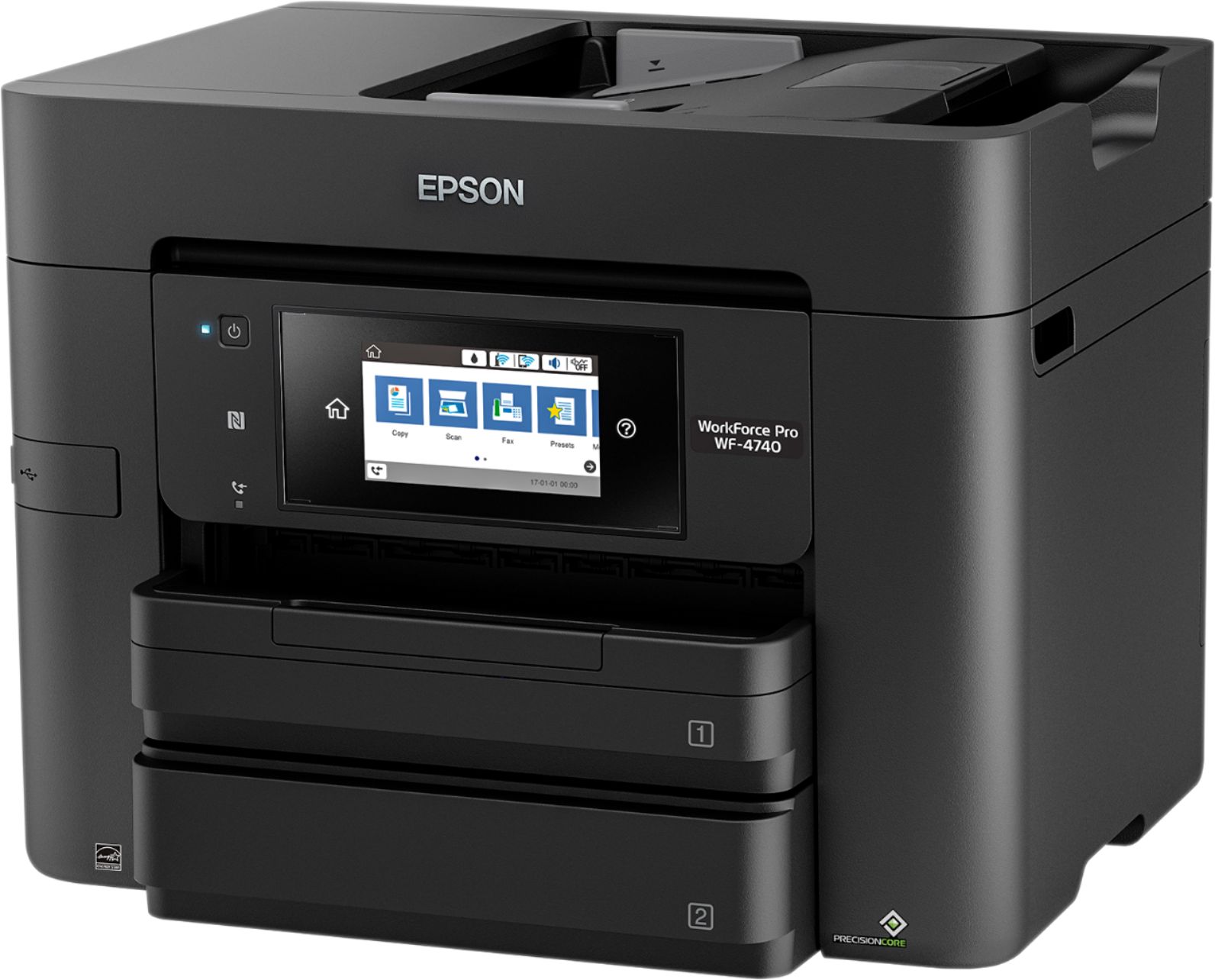
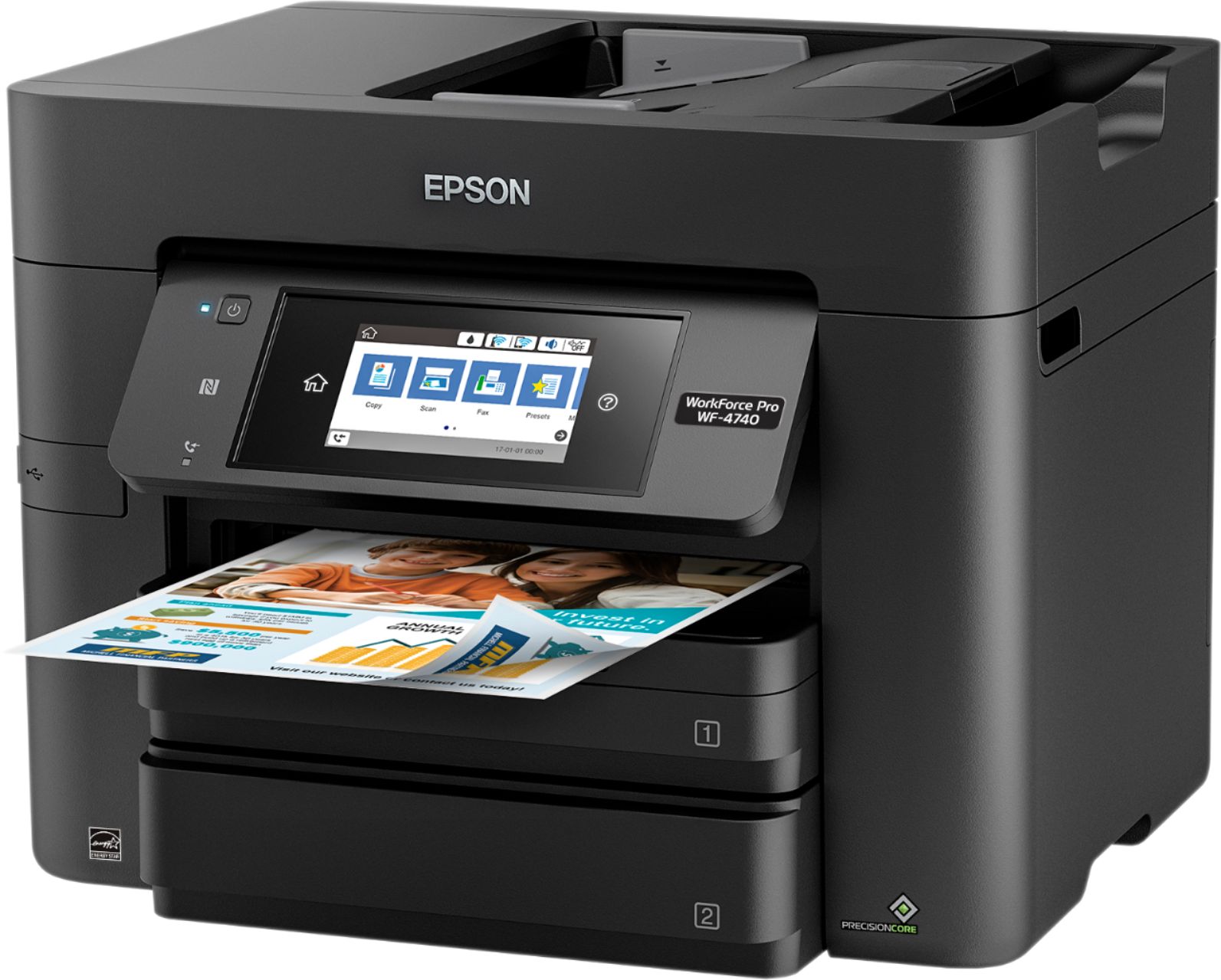
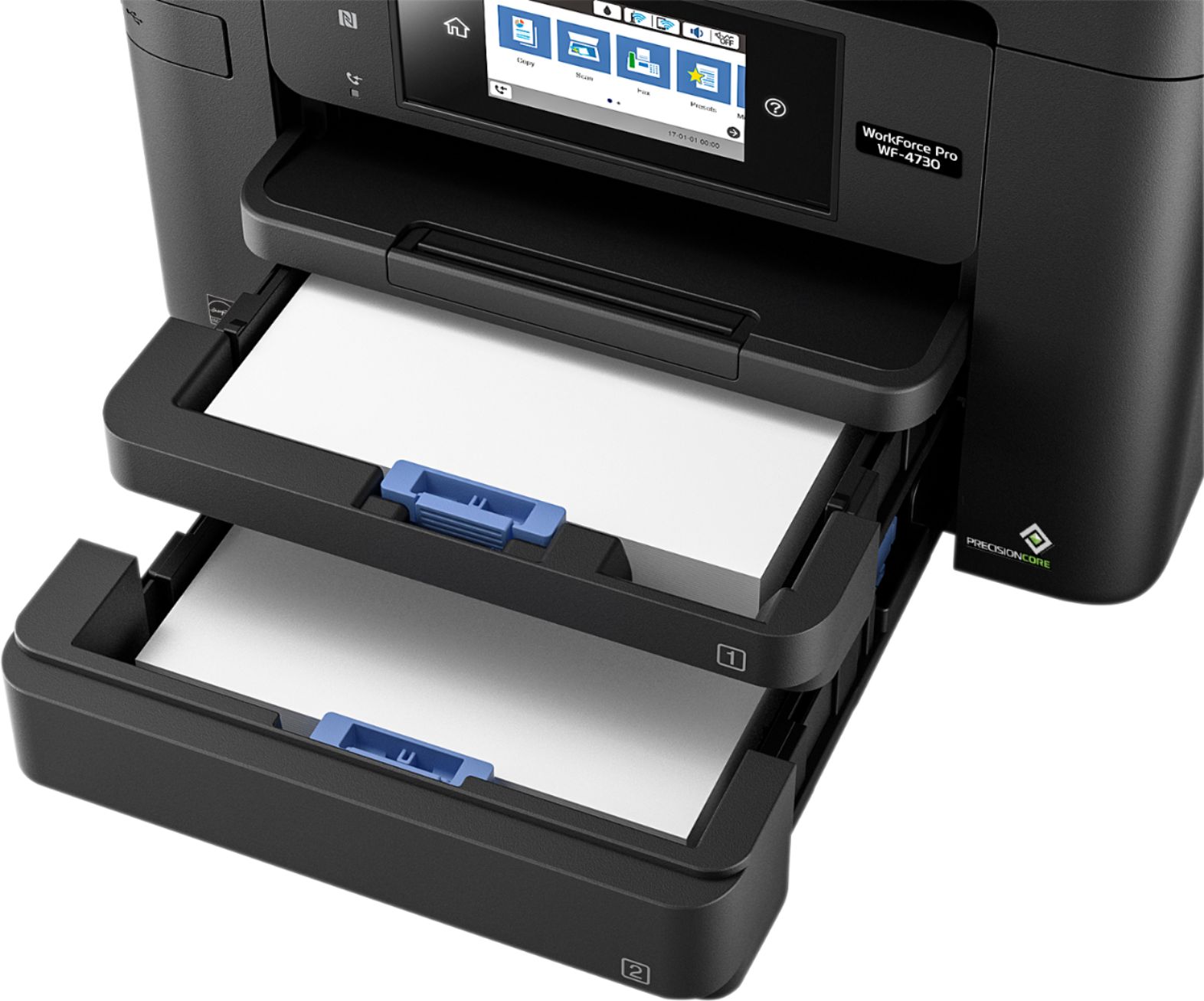
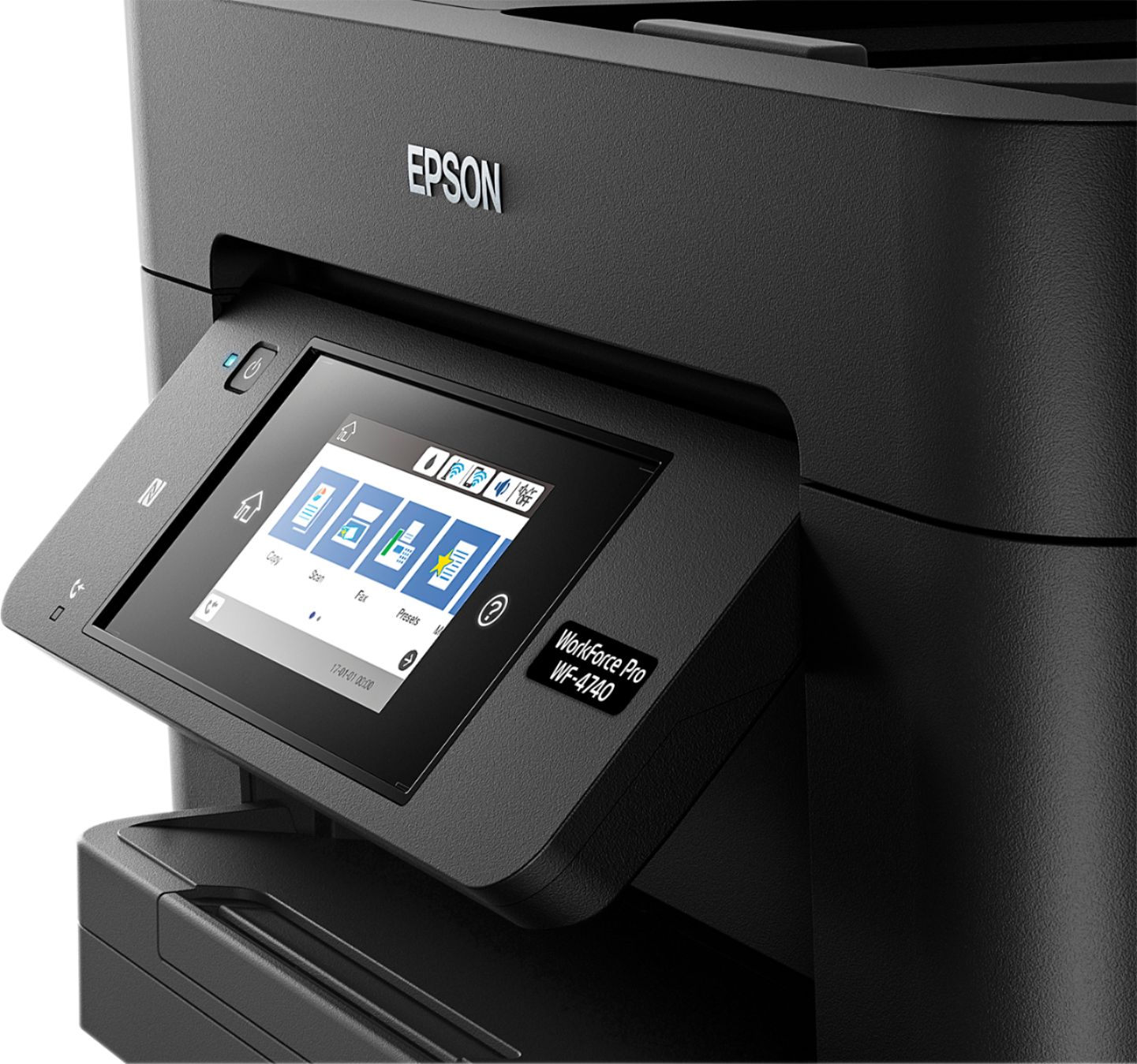



- Model:
- C11CF75201
- SKU:
- 5732906
Rating by feature
- Value
Rating 3.6 out of 5 stars
- Quality
Rating 3.8 out of 5 stars
- Ease of Use
Rating 3.9 out of 5 stars
Customers are saying
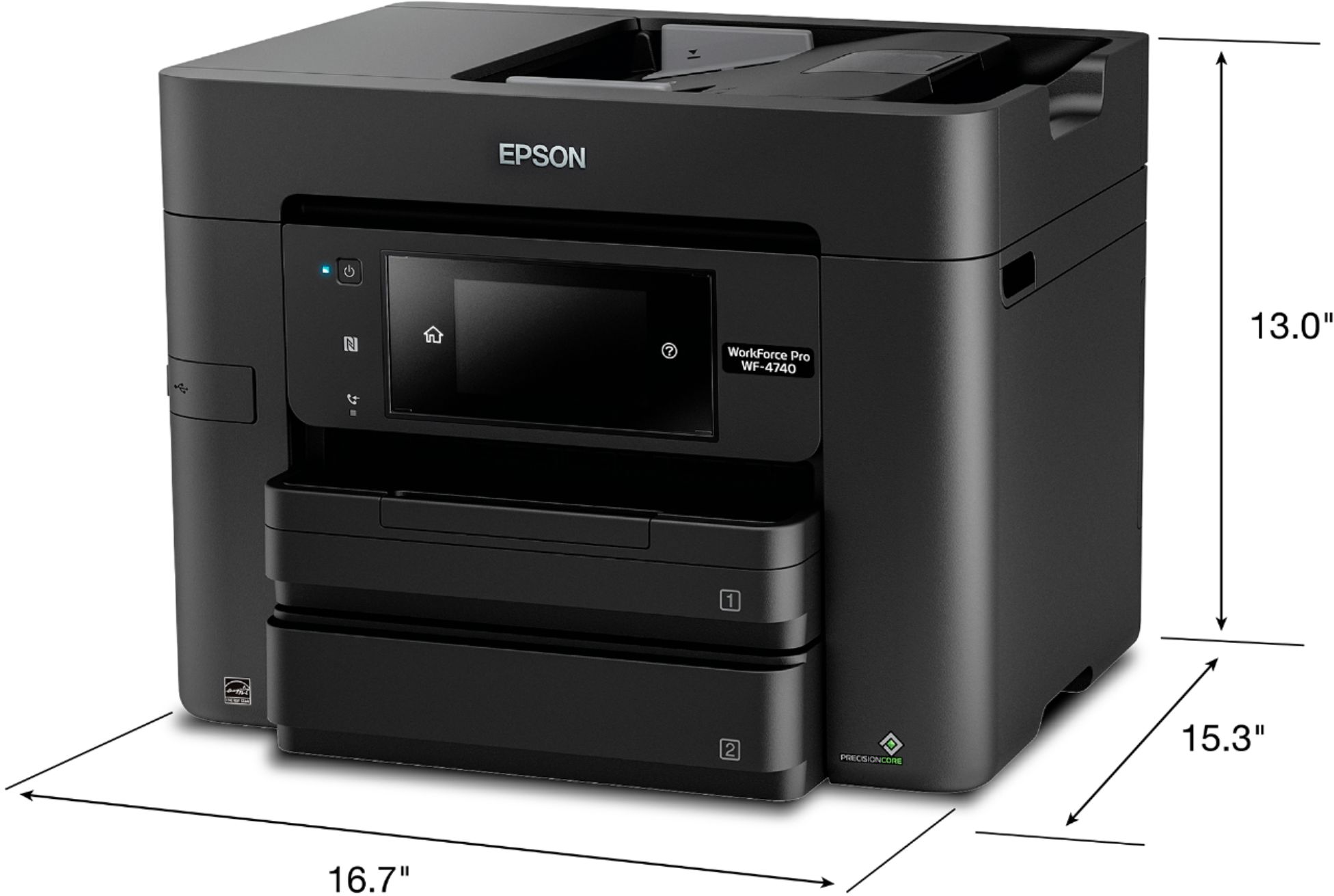
Customers love the WorkForce Pro WF-4740's print quality and ease of use, frequently praising its straightforward setup and convenient paper trays. Many appreciate its compact size and wireless functionality, finding it a good value for the price. However, some users have reported issues with the scanner's reliability and occasional malfunctions after extended use.
This summary was generated by AI based on customer reviews.
- Pros mentioned:Ease of use, Paper trays, Print quality
Solid Printer Easy Setup
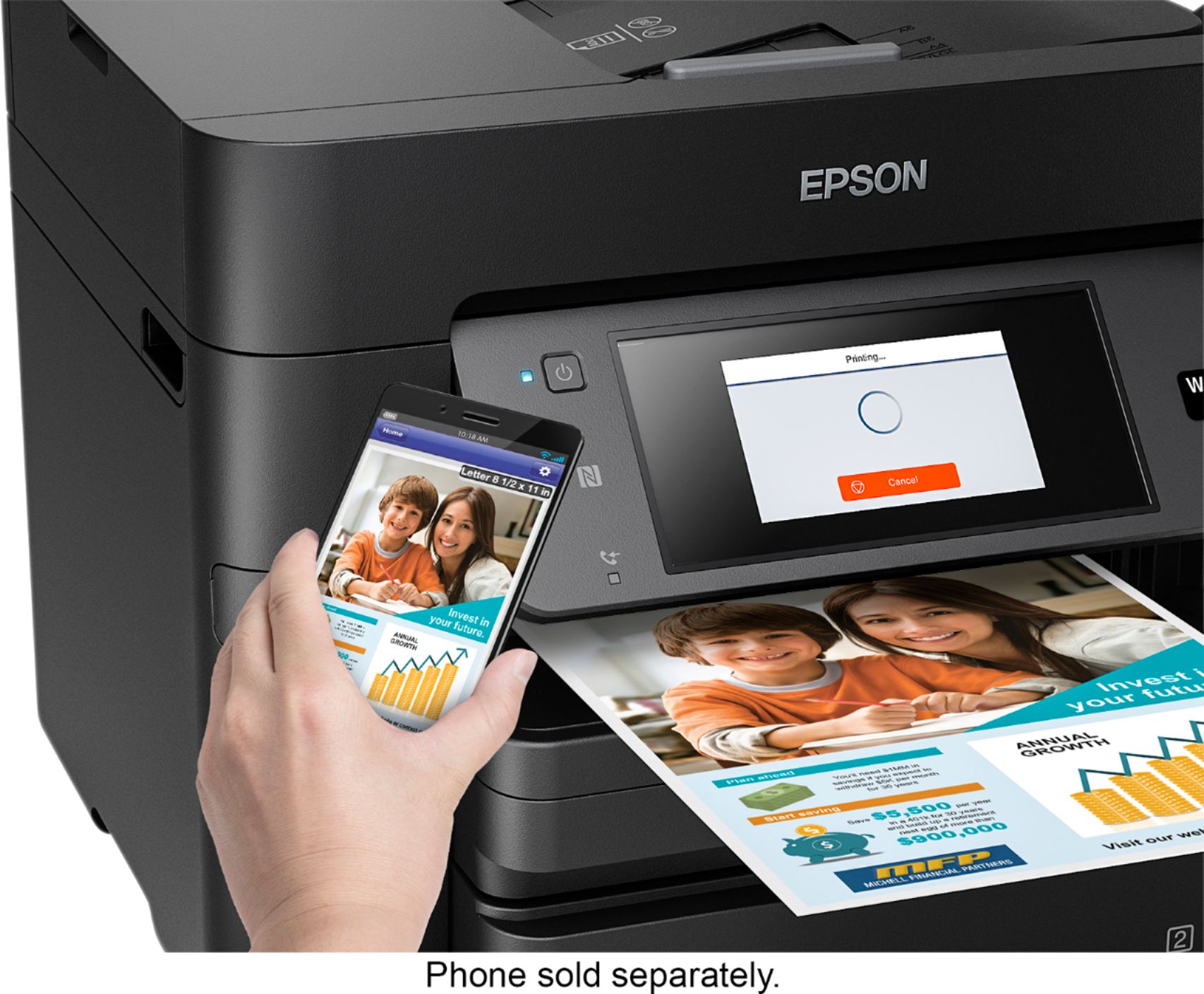
Posted .This reviewer received promo considerations or sweepstakes entry for writing a review.I have owned HP, Canon and Epson printers. This is my first Epson printer in awhile. This review is based on setting it up and using it for about a week. I'm not a heavy printer user and mainly use it to print documents for work. Setup: The setup was really easy and straight forward. Installing the ink and setting it up initially was quick and it was ready to go. We didn't really have to consult the manual. Printing: It prints pretty fast. I can't attest for quality for high grade/quality documents but for day to day documents, this seems to get the job done. There were no paper jams (knock on wood) And I liked the option of having two paper trays. I like the email ability and it's not incredibly noisy. So far it seems pretty solid, I have not had any issues and seems to meet my needs for scanning/printing from devices. Also easy setup is a huge plus. This is a review for the Epson WorkForce Pro WF-4740 All-in-One Printer that I received free of charge to do a beta test and review.
I would recommend this to a friend Printer did not print with quality expected
||Posted .This reviewer received promo considerations or sweepstakes entry for writing a review.Purchased printer. Very poor quality of print. Bought new ink cartridges thinking that might be the issue. Still poor print quality. Was not reimbursed for my attempt to fix your broken product. Returned printer and am out money. Very disappointed in Best Buy and Epson printers.
No, I would not recommend this to a friendBrand response from Epson
Posted .Hi bbob, we're sorry to hear you were not satisfied with your Epson WF-4740 printer. Epson takes into consideration all feedback to improve the performance and quality of our products. We appreciate your time in sharing your experience and hope you have a nice day. Kind Regards, Marina – The Epson Team.

Paper Jams.
||Posted .This reviewer received promo considerations or sweepstakes entry for writing a review.I took long to write a review and finally coming around to it. This machine is a disappointment. It looks promising and its not. The paper jams are horrible. I am unable to have anything printed without the machine pulling in multiple papers when its printing, often printing on the other pages that it pulls too, and paper jams.
No, I would not recommend this to a friend- Pros mentioned:Print quality, Setup
Quick, efficent, and easy
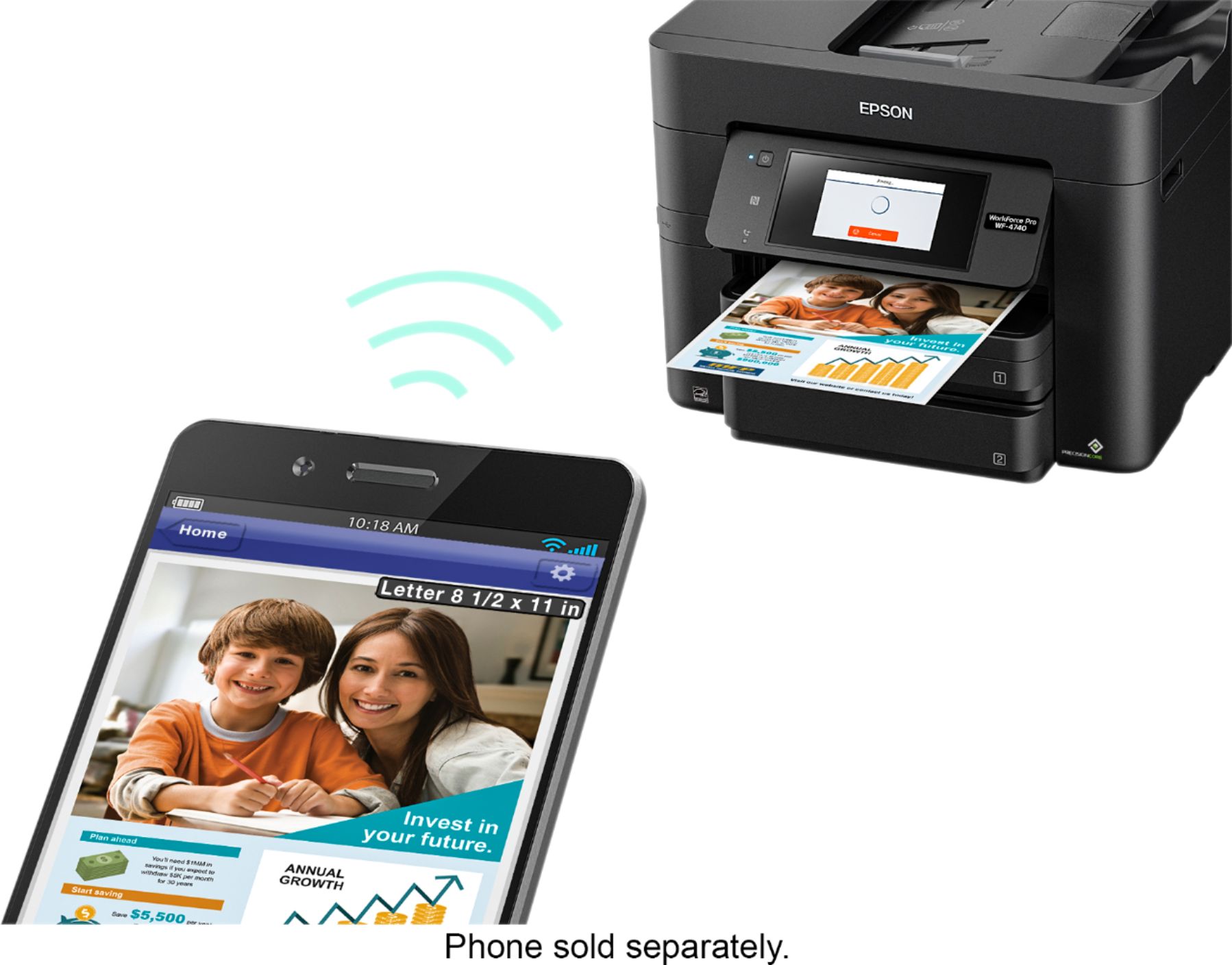
Posted .This reviewer received promo considerations or sweepstakes entry for writing a review.For starters let me say I love this product, not only because it is was super easy to setup, but because the size is perfect in my personal opinion, and so far my printing experience has been delightful. Compared to the regular printer I have now (and I know you probably couldn't possibly compare the two) the speed as to which I receive my print job is fantastic! I was a little worried when I was taking the printer out of the box that it was going to be difficult, or to heavy for me, one because I am 9.5 months pregnant, but also because usually printers are never easy to take out of the box. You usually have to do some turning, flipping, and sliding around. This however had a paper showing you exactly how to take the printer out of the box upon opening it. It was fantastic! The bag that it was in actually had handles and you just lifted the printer right out of the box! A+++ Setup up of the actually printer itself was very user friendly and effortless. Did I mention the printer is in my personal opinion once again designed well. Anyhow it comes with a quick start up guide for those of you who like to read, and see pictures, and then you also have the option to just setup following on the onscreen instructions that are directly on the printers LED screen. I have not yet used the mobile printing feature which I am absolutely excited to use, since I am the coupon queen and the majority of the time I use my phone a lot. I also have yet to use the scan feature to scan pictures that I would like to send off to the store to have reprinted. So as soon as I am able to utilize those two features I will definitely do an updated review. So far the unboxing, setup, and initial printing that I have done I can say I am extremely happy with. I never thought I would enjoy or be so excited to setup/use a printer. “This is a review for the Epson WorkForce Pro WF-4740 All-in-One Printer that I received free of charge to do a beta test and review.”
I would recommend this to a friend Doesn't print properly
||Posted .This reviewer received promo considerations or sweepstakes entry for writing a review.Several times the printing is skewed. In excel the printing has rippled look
No, I would not recommend this to a friend- Pros mentioned:Print quality, Setup
All around solid buy - extremely happy
Posted .This reviewer received promo considerations or sweepstakes entry for writing a review.I've used Epson printers for years and this one continues to be an excellent buy - especially since I got it on sale ($100 off Nov 2017 & still looks to be discounted in Dec) and I also received an *additional $50* off for a "trade your printer in promo". As for the printer itself, it was super easy to set up. I love the ability to login to Epson.com to download the latest drivers and updates - no need for a CD. This allowed me to down load separate files for PC and Apple devices. The full color touch screen control panel is intuitive to use. It's simple to load paper and a snap to change paper/envelope sizes (the printer prompts you when the tray is re-installed). It's quick for printing, scanning and copying. It includes Apple printing and it is awesome! After printer set up on your network, an option to print is automatically available on any Apple device. We can easily send screen shots and pictures from our iPhones and iPads directly to the printer. I would not hesitate to recommend this unit (especially on sale). I work from home so it's for personal and business use and there are way more features and speed than I'll ever use.
I would recommend this to a friend - Pros mentioned:Paper trays, Print quality
My Go-To Business Printer!
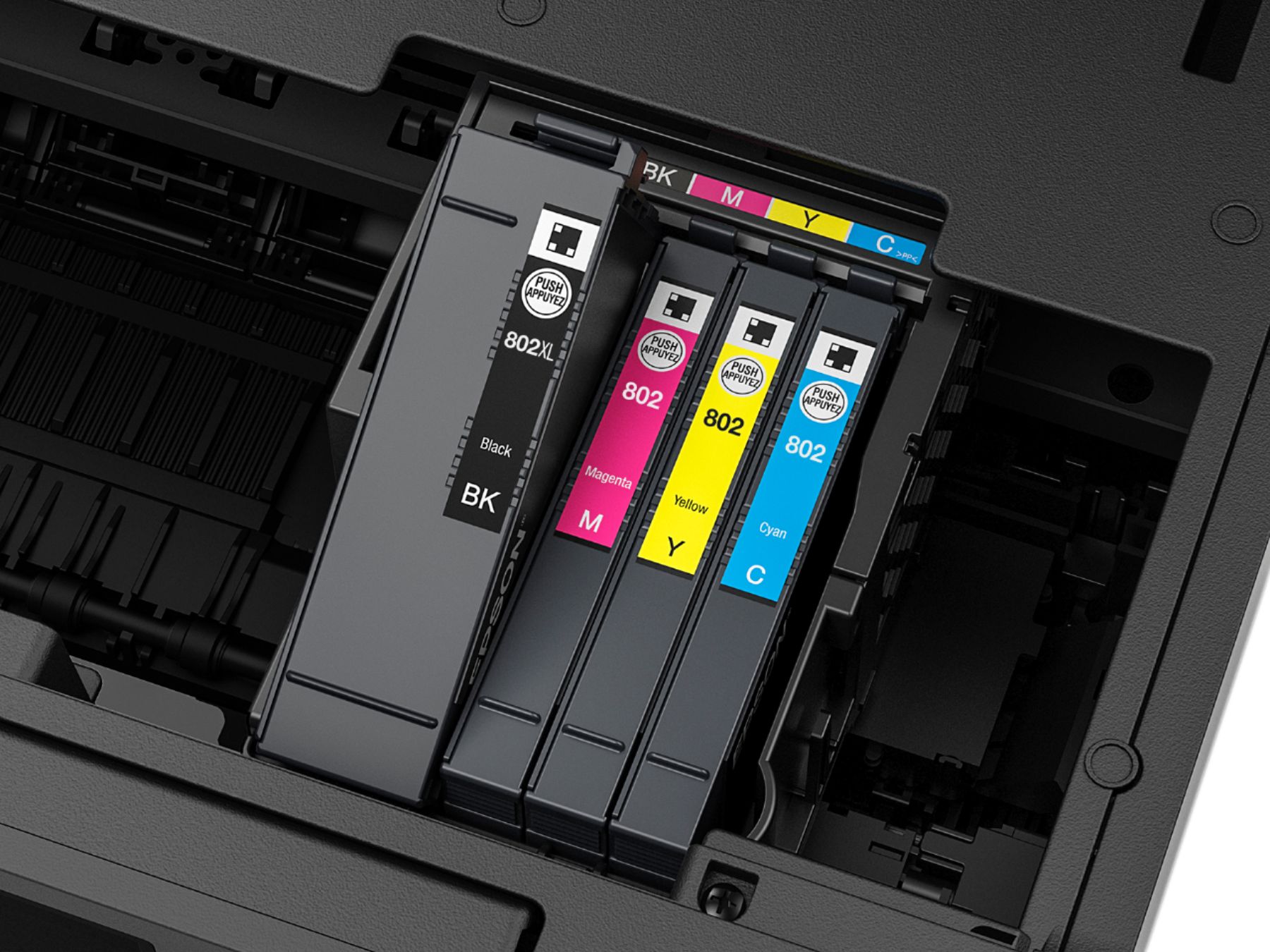
Posted .This reviewer received promo considerations or sweepstakes entry for writing a review.I’ve had the Epson 4740 for quite awhile and I definitely think that this is a keeper! I’ve owned many other laser and inkjet printers in the past for my accounting business that I run out of my home and this one has a very sweet list of features that give me the confidence I need to run my business without worrying about breakdowns and inconveniences. 4740 vs 4720 As a preface, I previously have had the Epson 4720 which I liked, but this new 4740 rounded off the rough edges. The 4740 has a 500 page paper capacity versus only 250 on the 4720, AND we finally have duplex printing on the new 4740 which is great for those who like to save paper like me. Speed From pressing the ON button to hitting print on my iPhone and/or laptop, I counted about 7 seconds for the first full color page to come out of the printer. That beats all of my previous inkjet and laser printers by probably about 10 seconds (although comparable to the 4720). I tested the duplex printing and it was equally as impressive taking about 10 seconds to print full color duplex print jobs. Once the initial page comes out, color pages come out within seconds of each other. I was honestly blown away by the speed since this matches the commercial printers I’ve seen in downtown office buildings for a larger accounting firm I used to work at. Black and white pages come even quicker and I’d bank on probably no more than 2 seconds per page. Amazing. Quality For quality this one was impressive. I printed photo’s using photo quality paper and the colors were extremely bright and popped off the page. However, I’d say that the quality is not on-par with the professional printer that I have that is built specifically for photos. The difference was that for really sunny shots and bright colors, the colors tend to wash out slightly; but for a multi-purpose office printer I was very impressed. I also use this a lot for my Client’s tax returns and financial statements and I use higher quality dense paper and I have not once seen my A4 paper jam up inside the machine. The quality of the build on this printer is good, and the quality of the printing for tax return and general word processing use exceeded my expectations since I like to provide my Client’s with clear documents. Scanner and WiFi The scanner bed is only for those that use it for A4 or smaller documents, but for me that is my only use so it was okay for me. The quality here was also great and I could not tell the difference between the original and scanned copy. My old scanner had lots of artifacting but this one is very clean and crisp. I also wanted to add how easy it was to setup and use the WiFi. The printer detected my home router immediately and my iPhone was able to connect to the printer just as easily. The setup walks you through each and every step and I was able to get up and going within minutes. The printer did go through about 5 minutes’ worth of firmware updates when WiFi was first connected, but after that the printer usually updates by itself when not in use which is great. I love the fact that the only wire I need for this printer is the power cable and that’s it!!! Noise For me I don’t mind printer noise, and I’d say that the hums and noises that come from this printer is very minimal, but do not expect to not hear anything at all as it is still a mechanical device. I’d say that the noises on this printer is very equivalent to the 4720 if not the same. Ink Usage This printer uses the slim 802 cartridges and you can also use the XL cartridges as well. After about 500 pages of black and white and 200 pages of full color, I still have not received any kind of low ink warning so I think the ink conservancy of this device is pretty good so far. Conclusion This printer pretty much has it all. Speed, quality, and versatility for me to efficiently run my home business. I always hate the task of printing documents because of jams etc, but this printer solved all my printer problems of yore and actually makes printing a joy. I just want to emphasize again, THIS THING PRINTS FAST!!! This is a review for the Epson WorkForce Pro WF-4740 All-in-One Printer that I received free of charge to do a beta test and review.
I would recommend this to a friend - Pros mentioned:Print quality
Great Printer !!
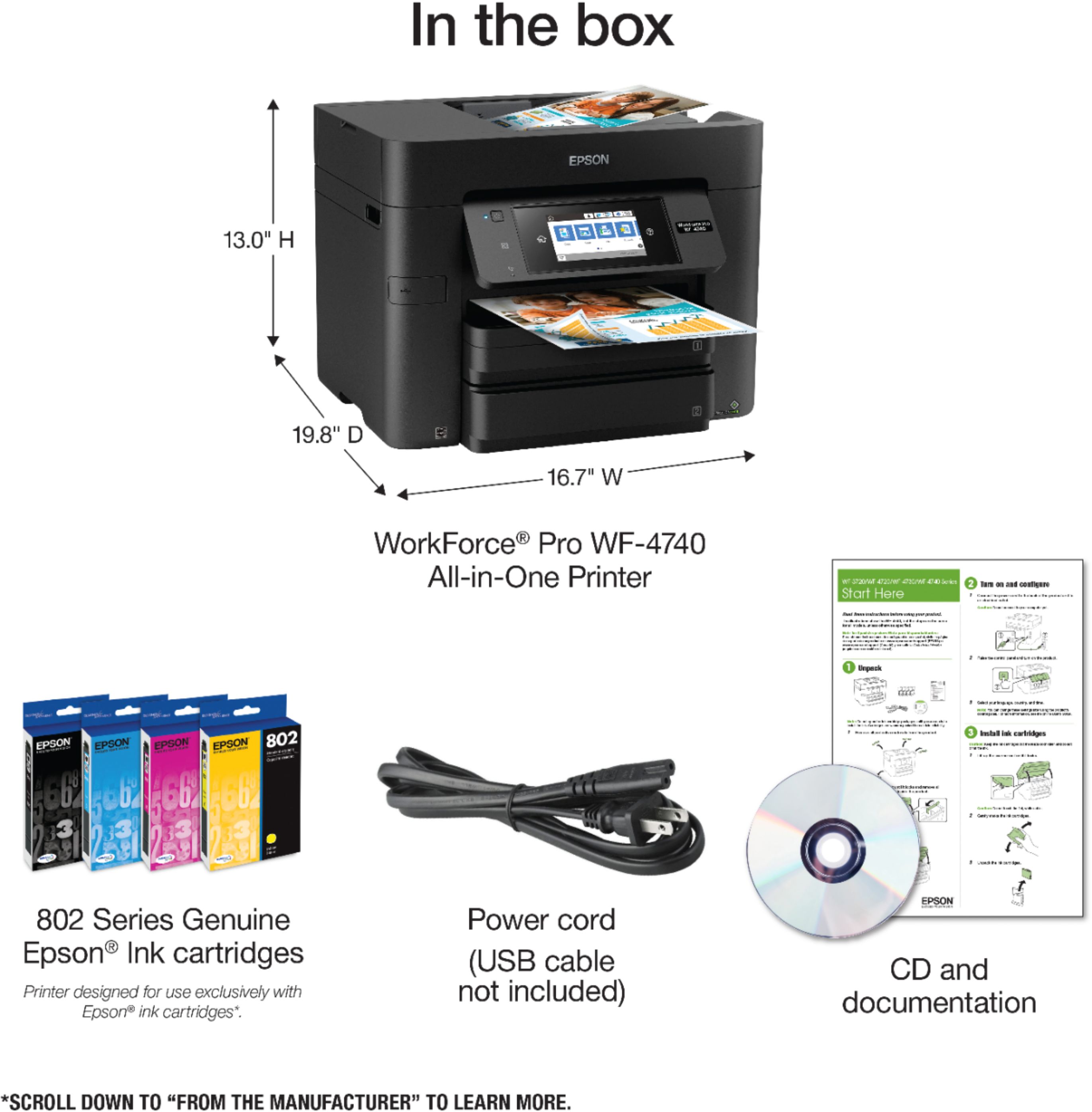
Posted .This reviewer received promo considerations or sweepstakes entry for writing a review.As I received my package from FedEx, I noticed it was in the latest box design from Epson, it seems very informative for the us consumer about its features which as you know when going out to buy something and don’t have time to the research the box is your only guide and it has plenty of information on all four sides and top of the box. Just the box, alone will help you decide if you want to buy it.it seems to have quite a few good features, here are a few of them it's wireless, it prints, scans and faxes and can also be used with an ethernet RJ45 connection, it supposed to print above laser quality, claims to print 900 pages on using just black Epson 802 ink and 2600 pages with the larger 802XL ink cartridge. color printing it claims to print 650 pages with 802 ink set and 1900 with the 802XL cartriges.it prints 24 pages per minute black and 22 pages per minute in color, it also features double sided printing which in my opinion is a great feature to have in a printer especially with a small business, scan resolution 1200 x 2400dp/ppp, it also features a large LCD Screen 4.3 inches, it uses Epson's PrecisisonCore ink which is economical, durable, and has great resolution, now to the unboxing. The box is easy to open with scissors or letter opener, As I opened the box I see on top the packet with congratulation letter on selecting this product, Installation CD, manual, and quick setup guides. I must say the packet was in a very durable Ziploc bag which to me means they put a lot of attention in to packaging also to protect the contents when storing them, the printer itself was in a durable bag as well with handles for easy removal from box. but you still require some help to Take It Out. once you remove the bag and you are automatically impressed by its look, you must remove a lot of blue stabilizing tape which is what I call it. make sure you get all of it before you set it up. Under the top scanner feeder tray there you will find another packet with standard T802 ink. I made sure to have access to all doors and compartments before proceeding. and now the setup. For the setup you must have a CD-ROM, a usb cord, and if you are going to use the wired option you need the following a standard ethernet (RJ45) wire. Which is not provided. Setup for a person like me was very easy but for the average person it could be a little tricky, here’s why some laptops, like mine don’t have a CD-ROM drive.so here is the method I used to set it up which was still quite easy, since I am going the wireless route, I went to the Epson support site and downloaded the installation file to my laptop and proceeded by clicking on the install file But before that you need to use that usb cable I told you about earlier so the pc and the printer can communicate during the setup process all you do is follow the prompts which will include installing the ink also fairly easy just remember to shake each cartage 5 times before putting it in the printer , it will also do a firmware update which can take up to 10 min depending on your internet speed and its sets itself up. I thought it was simple. At the end, it will ask you to register. Now once it is set up. And you will be amazed with the speed and the quality of the test page. I highly recommend this printer. Best Epson printer I’ve had to date.by the way you can also set it up stand alone, wirelessly through the control center itself on the printer but it does require you know your SSID and password for your router. My only concern was the lack of media for people without a cd drive, the folding out of the output tray extender can sometimes be annoying depending on the angle of the control center (LCD Touch screen). This is a review for the Epson Workforce Pro WF-4740 All-in-One Printer that I received free of charge to do a beta test and review.”
I would recommend this to a friend Worst Printer EVER
||Posted . Owned for 8 months when reviewed.This reviewer received promo considerations or sweepstakes entry for writing a review.This is the worst printer I have ever owned. I constantly have problems with printing on labels or printing 1 page on several pages. About a month after we got it I noticed more and more problems with it. I would recommend NOT buying this printer!
No, I would not recommend this to a friendWORST Printer Ever!!
||Posted . Owned for 4 months when reviewed.This reviewer received promo considerations or sweepstakes entry for writing a review.Literally Drinks Ink, And The Paper Jams Are Endless.. Literally Everytime It’s About To Empty It Jams & Messes Up My Paper To The Point They Are UnUsable.. I Think I’ll Stick With HP From Now On..
No, I would not recommend this to a friendBrand response from Epson
Posted .Hello CoolGreyR, we're sorry for the trouble you're having with the Epson WF-4740. We appreciate your feedback and will ensure it's forwarded to the appropriate product teams for review. If you need assistance, please call our Advanced Support Team directly 1-800-241-5794 between 7 am - 4 pm (PT), Monday - Friday. Kind Regards, Bobby D. - The Epson Team.
Terrible Printer
||Posted . Owned for 3 months when reviewed.This reviewer received promo considerations or sweepstakes entry for writing a review.I returned this printer after one week. It eats ink more than any printer I've ever seen. In addition, it prints SOOOO slowly. It was impossible for our office; we could not effectively use it.
No, I would not recommend this to a frienddifficult
||Posted .This reviewer received promo considerations or sweepstakes entry for writing a review.Very difficult to use. Very complicated to set up and still have issues using. Not return worthy but when this thing finally dies I won't replace it with the same thing.
No, I would not recommend this to a friendDo not buy this model
||Posted . Owned for 2 weeks when reviewed.This reviewer received promo considerations or sweepstakes entry for writing a review.Please do yourself a favor. Avoid this model of printer! First, pages get stuck all the time . Next, printer quality is not good at all. Buggy UI even after updated firmware.
No, I would not recommend this to a friendDon't update the firmware
||Posted . Owned for more than 2 years when reviewed.This reviewer received promo considerations or sweepstakes entry for writing a review.Updated the firmware 1 month after the replacement warranty ran out and it bricked the printer. It won't boot up. EPSOM you suck as bad as HP.
No, I would not recommend this to a friendBrand response from Epson
Posted .Hi StevieB, we're very sorry for the disappointing experience you've encountered with your Epson printer. We appreciate your business, and we're here to help. Your WorkForce Pro WF-4740 includes free lifetime technical support. Please give our Advanced Epson Support Team the opportunity to assist you by calling 1-800-241-5794; Hours: Monday – Friday, 6 am – 8 pm PT. Thank you for your patience.
Sincerely,
Bobby – The Epson Team
Worked for a week
||Posted .This reviewer received promo considerations or sweepstakes entry for writing a review.Paper trays are difficult. Cheaply made! one devise receives an error message and works fine from others....
No, I would not recommend this to a friendBrand response from Epson
Posted .Hi Kathy, we are sorry to hear that you are disappointed with your printer. Your Epson WF-4740 includes free technical support for the life of your product. Our Epson Support Team would be happy to help and can be reached at (562) 276-4382; Hours: Monday – Friday, 6am – 8pm PT; Saturday, 7am – 4pm PT. Sincerely, Brandon – The Epson Team.
- Pros mentioned:Paper trays, Print quality, Setup
Great Printer; Many Uses
Posted .This reviewer received promo considerations or sweepstakes entry for writing a review.I must admit before I used this printer, I had an extreme disdain for Ink Jet printers in general. This Epson WorkForce Pro WF-4740 has truly changed my mind. It is sturdy, well put together and is definitely not an eyesore like many other similar printers. Setup was a snap including network discovery and WI-FI settings. ALL IN ONE is the perfect descriptor as everything you need is in the box. The setup CD even checks for updates before prompting you to fully install the software the first time. It is fast and reliable. Colors are quite bright and vibrant on plain paper. I particularly appreciate the Ink saving option. Replacement Ink cartridges are not priced beyond expectations either. Easy double sided printing is a dream come true. I do wish the touch screen display was on a different side of the printer or even removable. I also wonder if the unit could be much taller and not quite so wide. If you are looking for a printer for a large office you might want to keep looking. However, for a small to medium sized business this Workforce Pro WF- 4740 is a good bet. Its duel tray system holds plenty of paper to avoid those frequent reloads that slow the completion of important large jobs. Even the Quick Start and User guides were very well designed and easy to comprehend but, most importantly, did not leave me wanting more. I will admit I no longer have a landline to test the fax capabilities. I was a true devotee to the laser printer before I experienced this giant gem of the Epson Universe. This is a review for the Epson WorkForce Pro WF-4740 All-in-One Printer that I received free of charge to do a beta test and review.”
I would recommend this to a friend - Pros mentioned:Ease of use, Print quality
Overall, a winner!
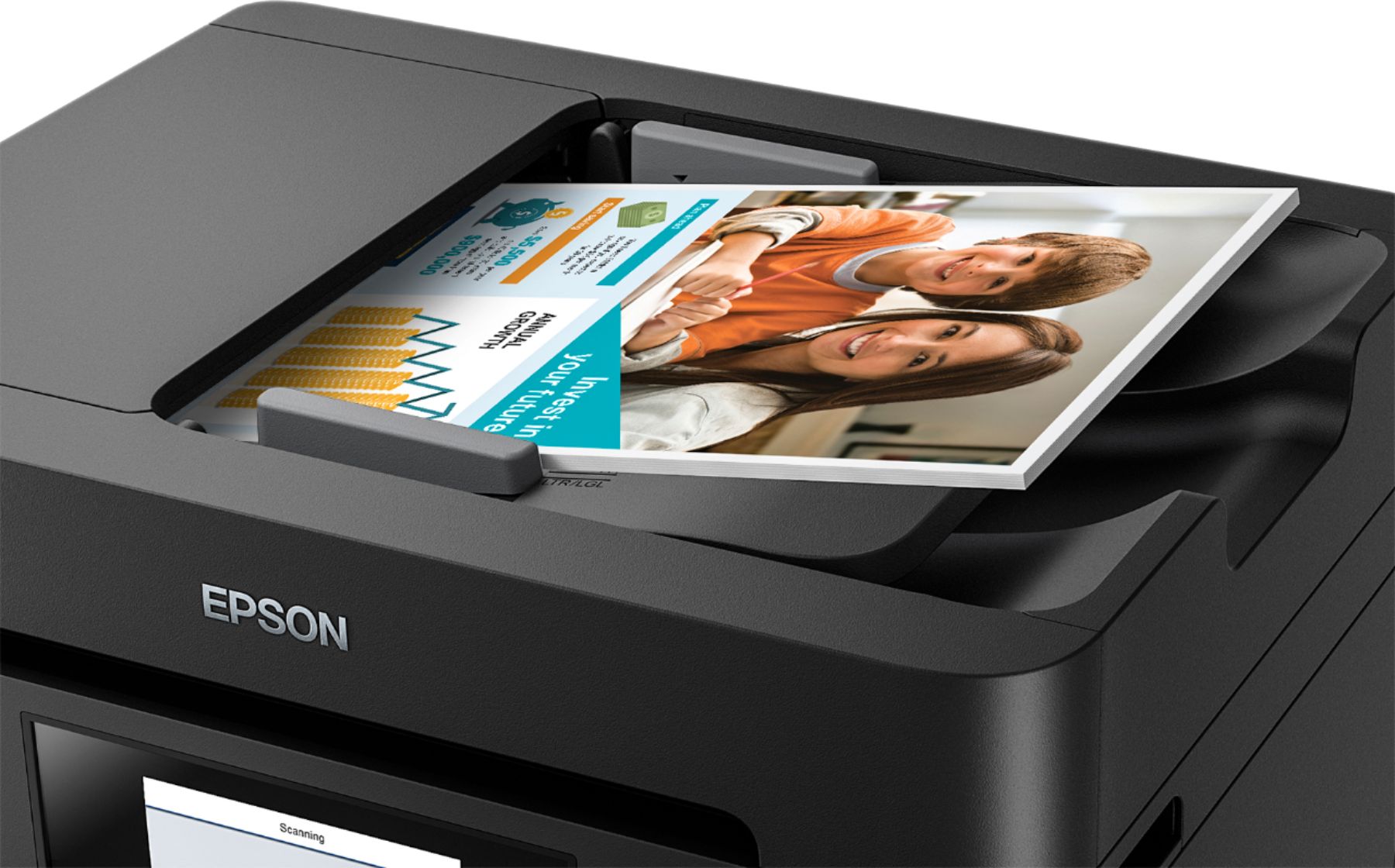
Posted .This reviewer received promo considerations or sweepstakes entry for writing a review.I received the Epson and have been experimenting with it for a week, and finally turned off my Brother laser last night because I have found a perfect replacement (at least for my purposes). It seems that the ease of use and speed benefits of the 4740 outweigh any benefits of the laser, and it uses far less energy, so it's time for that old beast to be put in the closet. First impression: As others have mentioned, the unpacking and install went pretty smoothly, the plastic bag with handles that it rests in from the box made it a one-person job, although it is not heavy at all. I set this up to run on a network that has a Windows 10 and a Windows 7 system, and also tested it with an ipad and android phone and all functionality worked better than expected. Features that were tested: Ethernet and wifi connections, print, fax (send/rcv) over a voip line, 2-sided and color photo printing, NFC, scan to USB, scan to email, email to print, 2-sided ADF scan, and scan to network folder. Most users are not going to need ALL of these functions, but it was helpful to know that there are options for different user's needs. Everything worked great, intuitive to figure out and I was impressed. Install: The install was simple, and very quick, however the Install Wizard screens were almost beta-looking plain in appearance, and the written English was awkward. It could use another pass by a native speaker or tech writer to get that polish that makes a product look more professional. The rest of the software, quick start page, and online manual were great, no complaints! The User's Guide is now a bookmark in my browser, as is the control page screen (Epson connect), although I wish it was able to do more. See Wish list below. A few negatives: during install, the last step is to put some icons on the desktop. Even though there is a "cancel" button, it's disabled and you have no choice but to click "Finish" and create icons on the desktop. Don't tease the user, this should be an option via a checkbox on this final screen. During install, the first thing it did after being connected to the network was to find a firmware update. The only problem was that the wizard was still open on the PC, so the printer and the PC were both trying to get and install it. It didn't cause a problem, but I'd recommend doing this via the printer screens. As for networking, the printer name is labeled differently in the direct connection vs. the shared network connection (in one case, listed as Epson WF-4740, and in the network share, "WF-4740" with no reference to Epson). The result is, it changes how they are displayed in an alphabetical printer list, and it took a minute to figure this out. The timeout for the touch screens by default is set for 1 minute, and during setup, when I was not finished with an entry (in the contacts list or network folder location, for example), it timed out and erased what progress I made so far. If you have to look up anything (ex: password for email setting), it can be frustrating, so I'd recommend changing the timeout to a longer time before doing this step. The setup for the email and network folder were a bit clunky. It would have been very helpful if this were editable from the software on the computer. The keyboard screen was confusing until I figured out that the little globe image was NOT just international keyboard, but it was also the way to switch between a-z and 0-9. (3 way toggle) This was not intuitive at all. Perhaps a different icon here would help. Wish list: As mentioned, it would be extremely helpful to have access to a control page from the PC, particularly for entering multiple contacts and other settings. The Mac software can do this, apparently, but it was not available on the PC or other devices. Nice bonus: The printer has a unique email address, so you can send a document via email to the printer and have it print remotely. Photos/color: Printing photos was very fast, although the color needed to be tweaked a bit. Personally, I rarely print photos without messing with color first, but it might take a few prints to get it right, and that means a wa$te of ink and paper. And frankly, an inkjet is never going to replace a color printer for me, they just don't last - but for printing regular color documents, this was more than sufficient and text and color were crisp and solid. I was frustrated by trying to resize a jpg photo from the android Epson iprint software, and ended up making it into a pdf first for it to fit on the page. It would be nice if there were a "scale" option in the settings, but it is limited to printing full page (borderless or border), 2-up or 4-up. Will continue to mess around with this and may post an update. Scanning: My favorite feature was scanning, not only is is super-fast, but the adf double-sided scan was a HUGE time saver. It created a 2-page color pdf @200dpi in under 15 seconds! I can see this coming in very handy for office organization and I now feel empowered to go down the road to becoming "paperless" (or at least get on the on-ramp). I detest the over-used term "jaw-dropping", but I admit I did silently mouth "wow!" when I tried this. Summary: The speed and print quality of documents, and convenience of the networking, as well as printing and scanning from a variety of devices makes this Epson a big win for me. Aside from a few nits (from an admittedly picky geek gal), I'd definitely recommend the WF-4740. This is a review for the Epson WorkForce Pro WF-4740 All-in-One Printer that I received free of charge to do a beta test and review.
I would recommend this to a friend Scan
||Posted .This reviewer received promo considerations or sweepstakes entry for writing a review.The scanner on this wouldn’t work, tried re installing printer 5 times but scanner wouldn’t connect.
No, I would not recommend this to a friendGarbage Printer
||Posted . Owned for 1 year when reviewed.This reviewer received promo considerations or sweepstakes entry for writing a review.Don't bother, buy a Brother. Within 6 months I already had to buy and replace the maintanence pack...never buy it again
No, I would not recommend this to a friendBrand response from Epson
Posted .Hello brian, we're sorry to hear about your disappointing experience with the Epson WF-4740 printer. Epson takes into consideration all feedback to improve the performance and quality of our products. Your WorkForce printer includes a 1-year Limited Warranty, plus free lifetime technical support. Additionally, Epson provides useful information, including FAQs and self-help tools, on the product support web page at https://epson.com/Support/Printers/All-In-Ones/WorkForce-Series/Epson-WorkForce-Pro-WF-4740/s/SPT_C11CF75201#questions. If you need assistance, our Epson Support Team would be happy to help you and can be reached at (562) 276-4382; Hours: Monday - Friday, 7 am - 4 pm PT; Sincerely, Sam - The Epson Team.
Do not like this
||Posted .This reviewer received promo considerations or sweepstakes entry for writing a review.I do not like this printer. I have had problems with this printer from day one!
No, I would not recommend this to a friendBrand response from Epson
Posted .Hi Pepper, we appreciate your business and welcome the opportunity to assist you. If you're facing a specific issue, our Epson Support Team would be happy to help and can be reached at (562) 276-4382. Hours: Monday – Friday 6am – 8pm (PT), Saturday 7am – 4pm (PT). We look forward to your call. Regards, Eddie – The Epson Team.