Customer Ratings & Reviews



- Model:
- C11CF75201
- SKU:
- 5732906
Rating by feature
- Value
Rating 3.6 out of 5 stars
- Quality
Rating 3.8 out of 5 stars
- Ease of Use
Rating 3.9 out of 5 stars
Customers are saying
Customers love the WorkForce Pro WF-4740's print quality and ease of use, frequently praising its straightforward setup and convenient paper trays. Many appreciate its compact size and wireless functionality, finding it a good value for the price. However, some users have reported issues with the scanner's reliability and occasional malfunctions after extended use.
This summary was generated by AI based on customer reviews.
- Pros mentioned:Paper trays, Print quality
Great features, one small annoyance
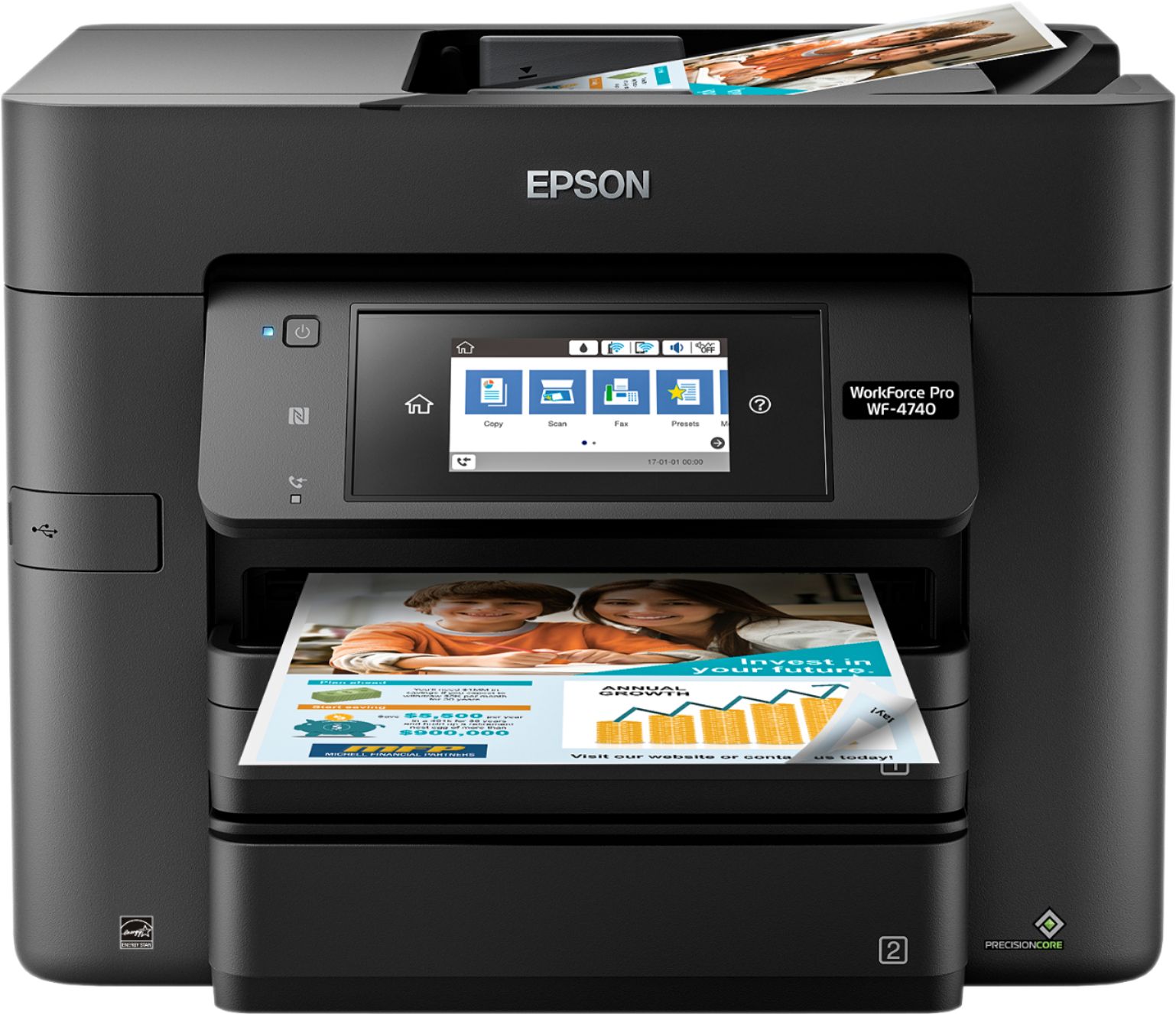
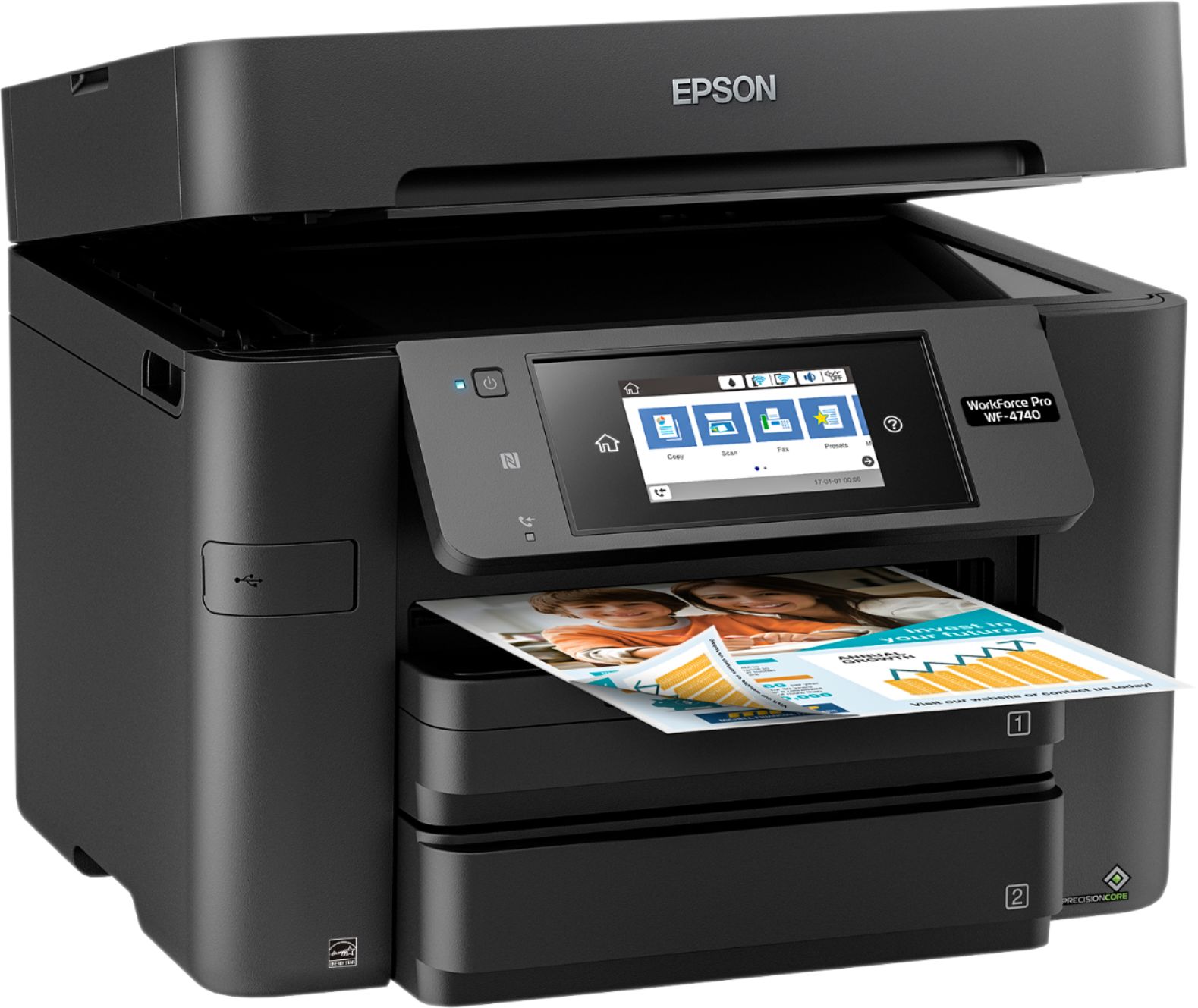
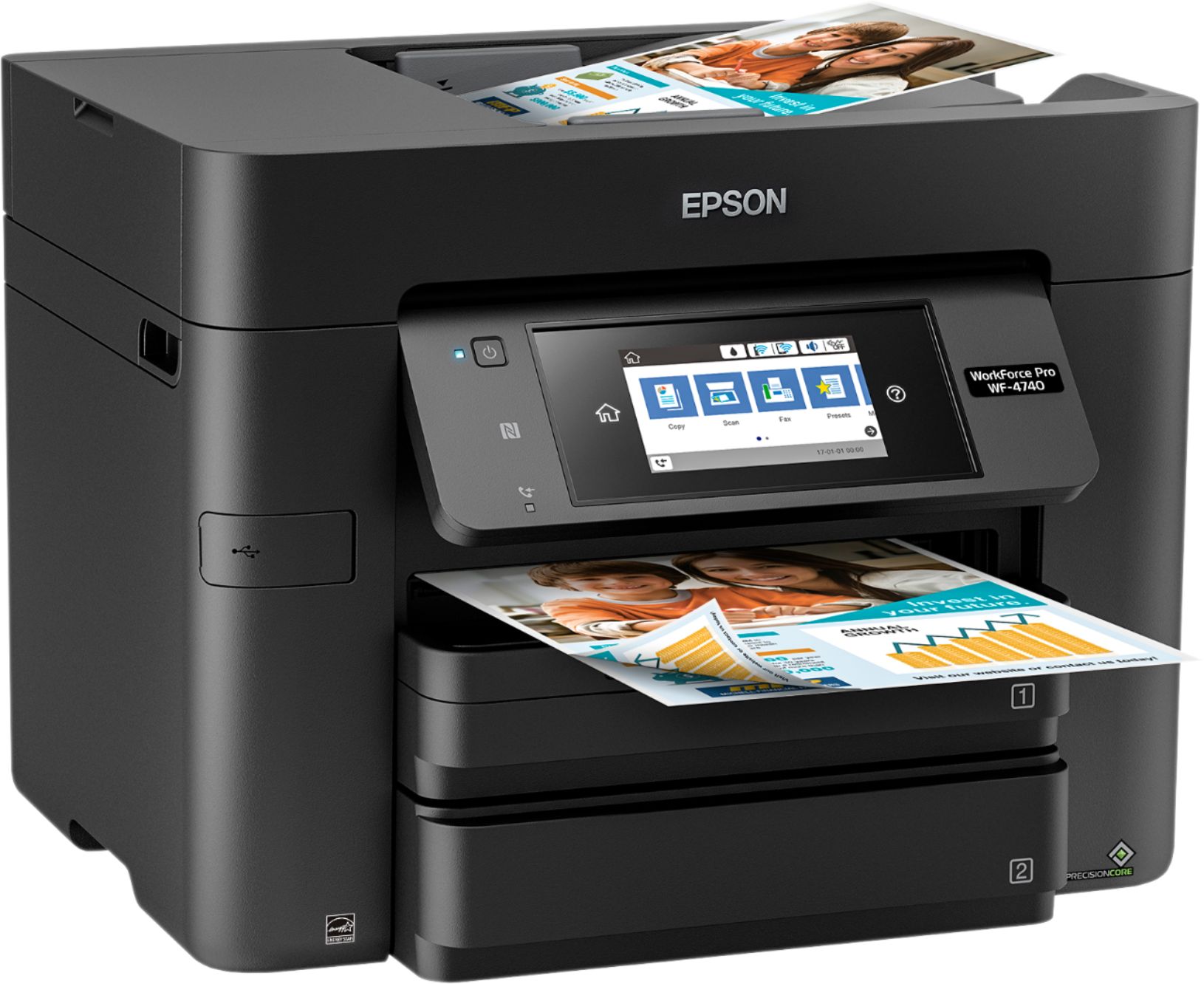
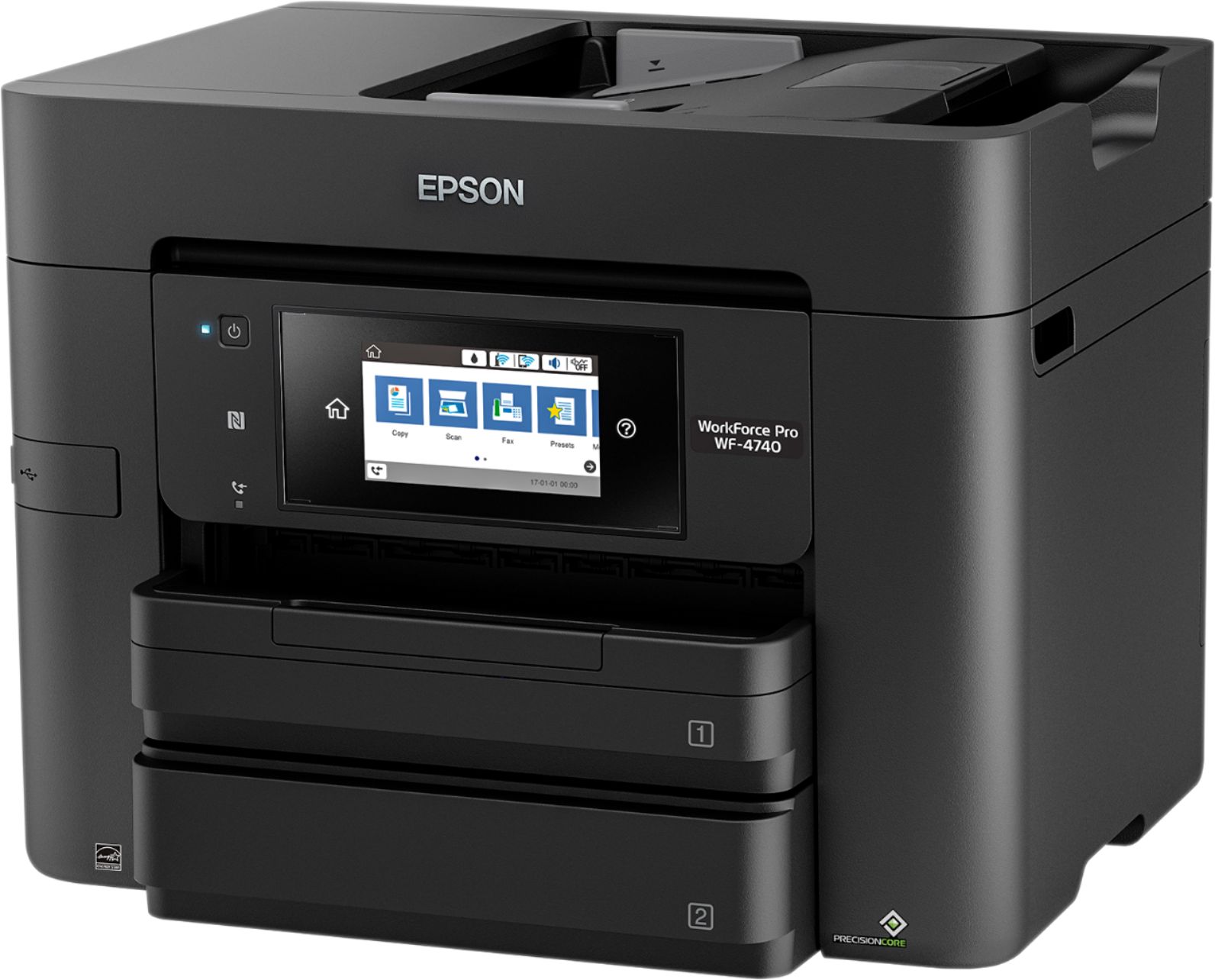
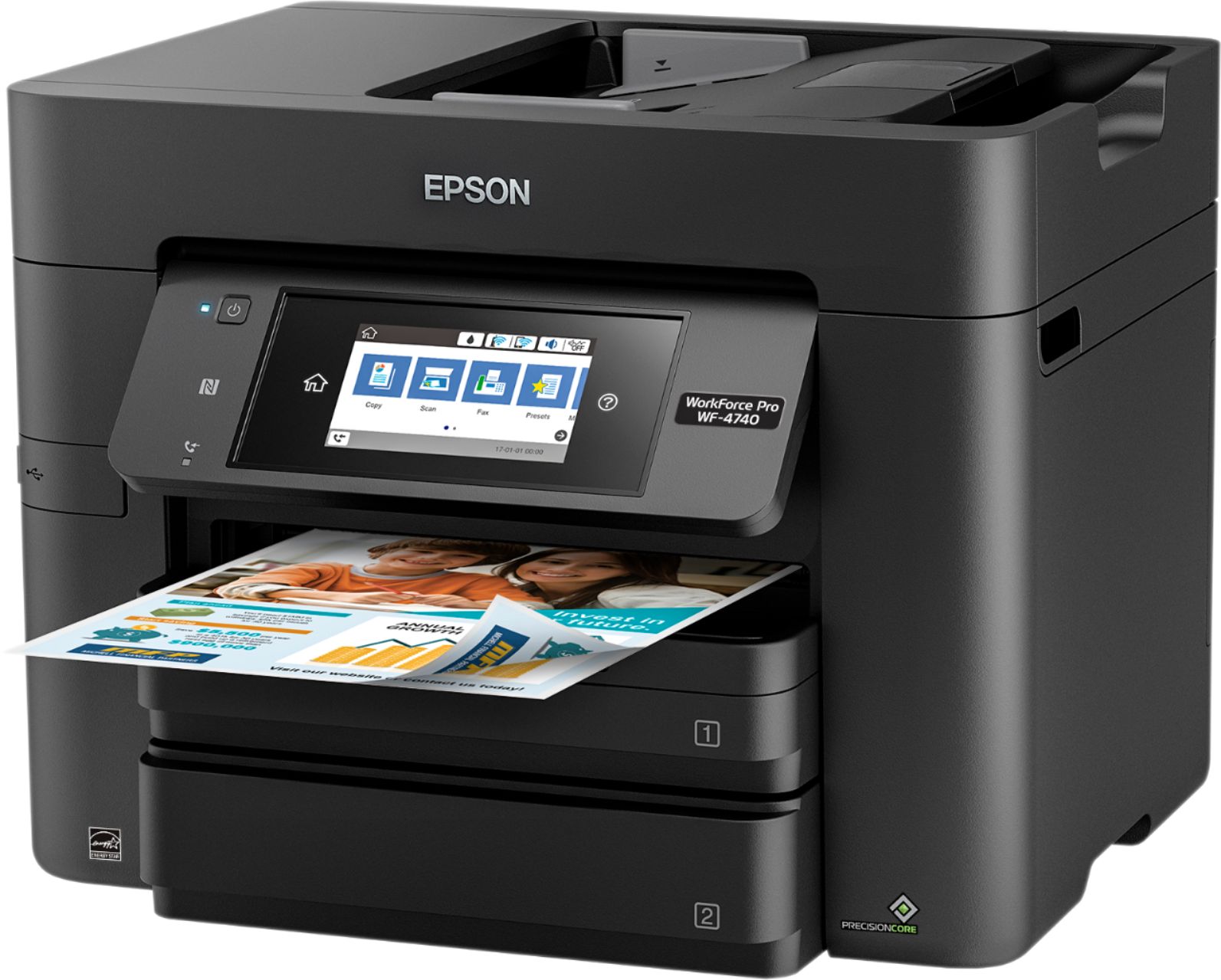
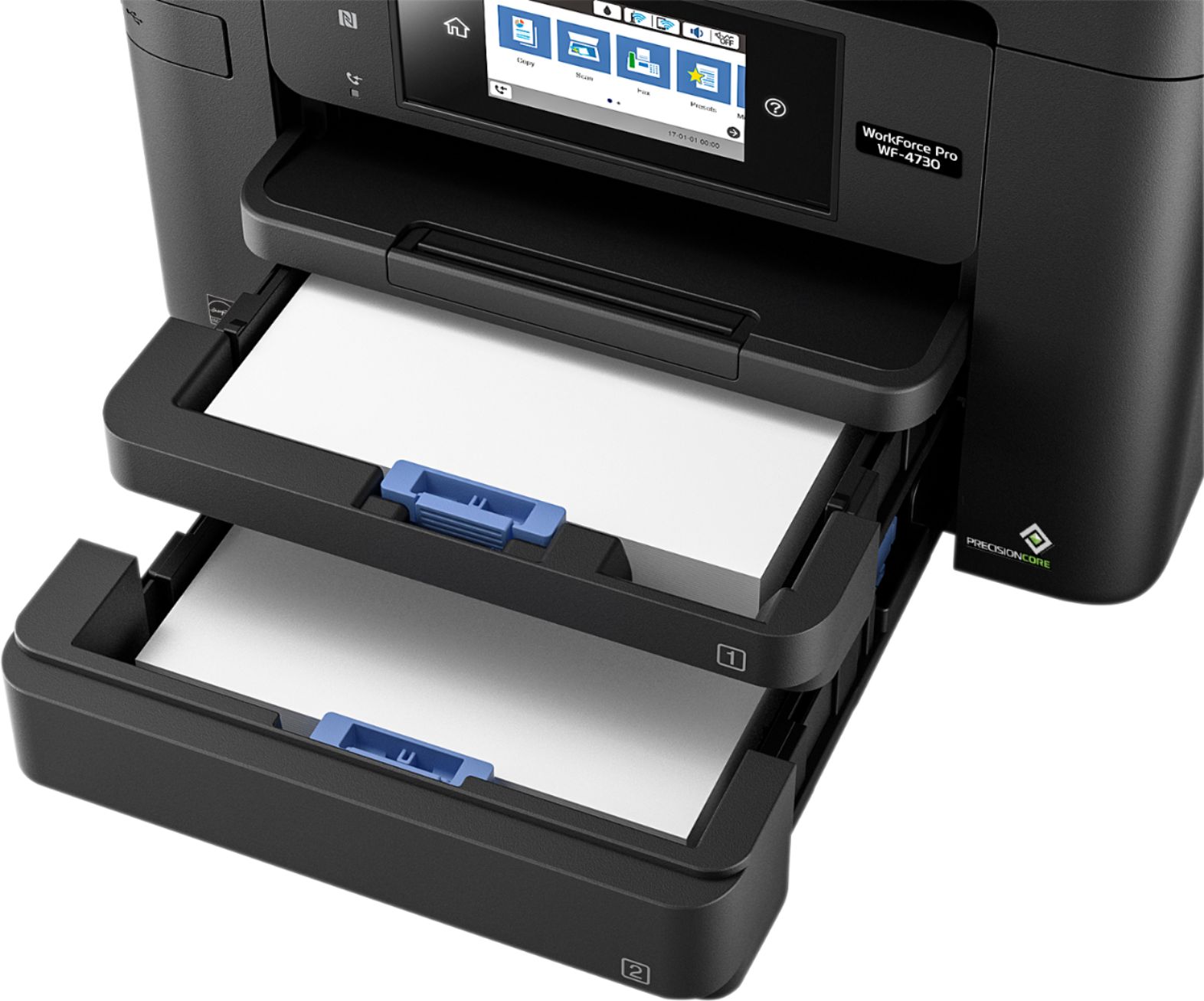
Posted .This reviewer received promo considerations or sweepstakes entry for writing a review.Let me start by saying that this is a pretty nice printer. It has a lot of features that I really like. Some of them are the wireless printing from both the phone and computer, it does two sided scanning, and has fax capabilities. Another thing that I love about this printer is the two paper trays with the option to put a different paper size in either one. What I mean by this is lets say you are going to print out some pictures but need to print that work report first. Well in tray number 1 you can put your standard 8-1/2 by 11 paper. In tray number 2 you can put you 4 x 6 glossy paper for the pictures. You just select on the touch screen panel what type of paper and its size and it does the rest. Now that I have my favorite positives out of the way its time for the negatives. While pretty much everything about this printer is great it does have a flaw or two. The one that really bothered me is how often the paper got jammed. I did my first test of a 38 page mostly black print out to see how fast it would go. After the first 6 pages it got jammed. I opened it up at the top (one of two ways to un-jam it) and pulled the paper out. Before the 38 pages were done it ended up jamming 3 more times. Aside from it jamming a lot my only other complaint is that you can't open it up from the side of the printer to remove paper jams. The only spots to open it up to remove a jam is from the top under the scanner and the back. It is very easy to unjam I just wish it had a side access to remove the paper. This is a review for the Epson WorkForce Pro WF-4740 All-in-One Printer that I received free of charge to do a beta test and review.
I would recommend this to a friend - Pros mentioned:Ease of use, Print quality
Great printer for home office or small business
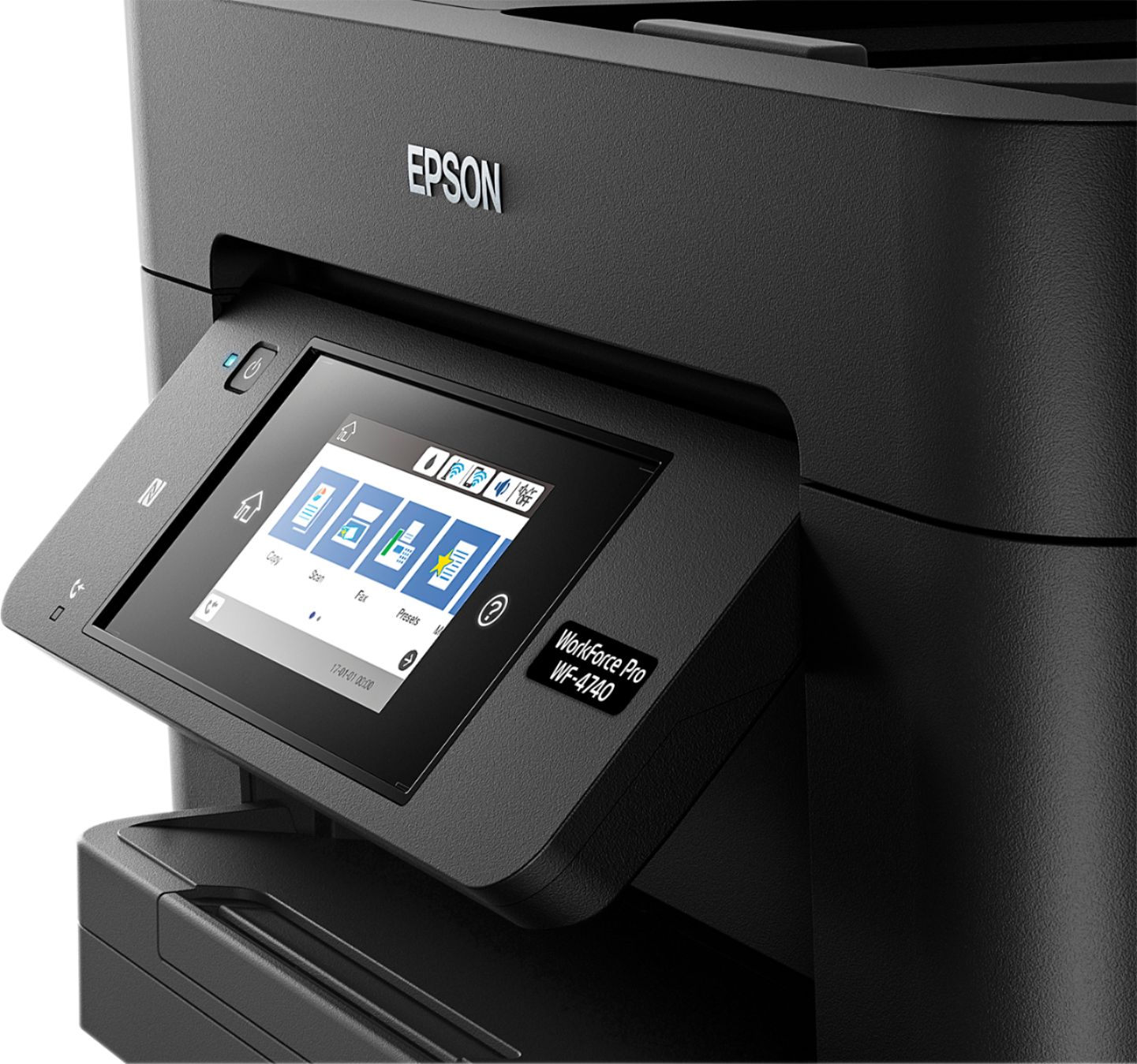
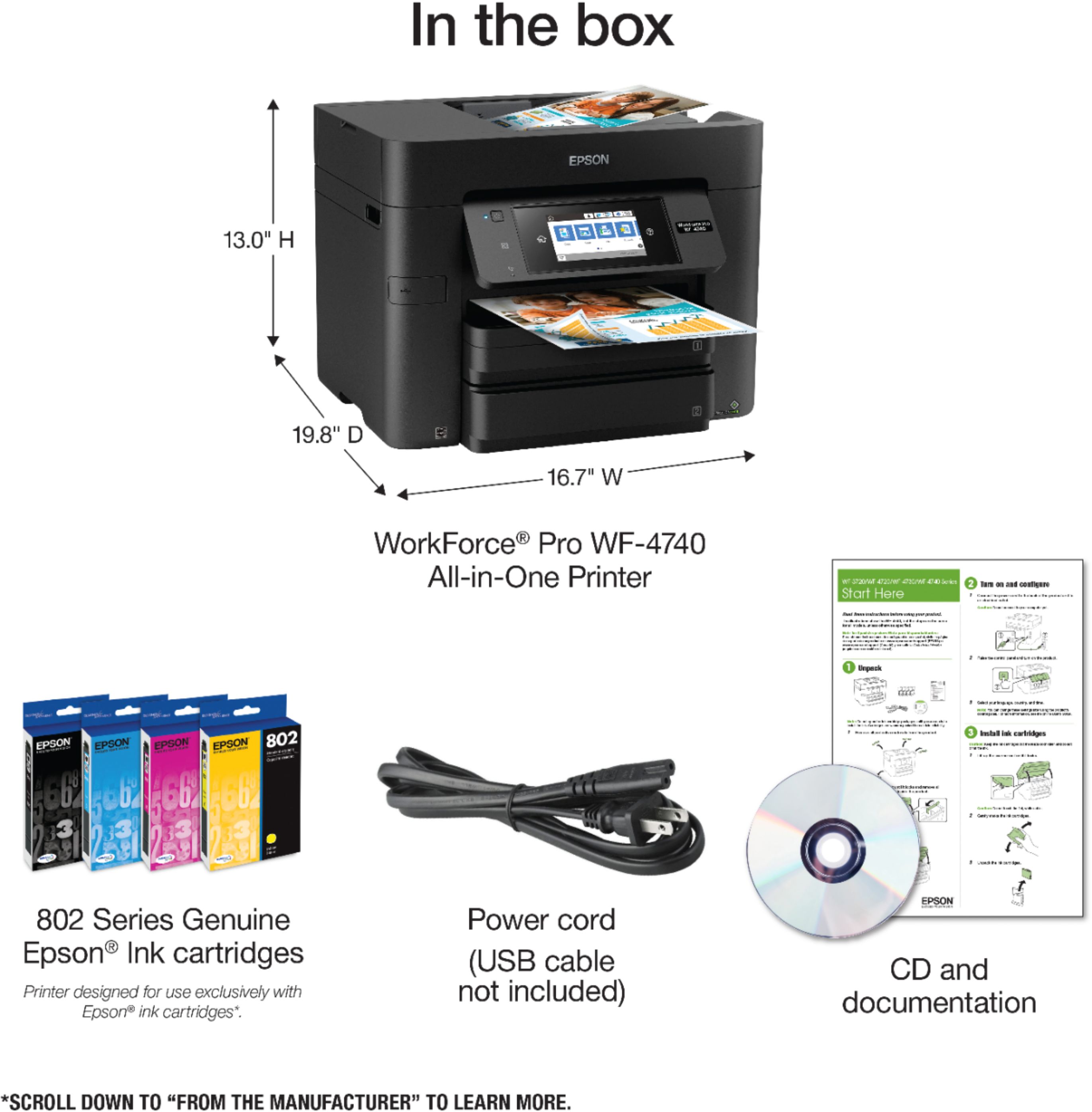
Posted .This reviewer received promo considerations or sweepstakes entry for writing a review.I immediately noticed that the printer is encased in plastic with handles on both sides, which makes it easy to remove from the box. The instructions including a CD, A Quick Guide, and color pamphlet are right on top of the printer as you open the box. The set up was pretty easy using the color pamphlet as the instructions were clear and concise. I really like the large flip screen on the printer, the screen is clear, with easy to follow instructions and the screen will let you know if there are any problems with the printer, updates needed etc. I also like that it has a flatbed scanner and a sheet feeder. Sometimes you need to line up a page on a flatbed when a sheet feeder just will not do. The software install went smoothly though it did not start up once CD was loaded. Once I clicked on the Epson icon on the C: Drive, the install started without a problem. I was able to set up wireless and mobile printing pretty quickly. The wireless function was added without me having to do anything, the printer did all the work since I already have a wireless network setup. I was able to print a test page without any problems. Adding the mobile app to my phone from Google play was a cinch. I like being able to print remotely as this adds a level of security printing to my home. This printer has the ability to print from 2 trays in addition to duplex printing; printing on both sides. What a great way to save on the use of paper. Printing was very fast and my test fax came through without any problem. I had to update the software manually by clicking the Epson icon. The software would not update to the latest version without doing that. Unfortunately, I believe the software update crashed my computer. Make sure you have a backup of your system and a recent copy of a boot disk before installing and updating the software. I would like to see in the instructions or quick guide is whether or not you can print in black if one or more of the cartridges are empty. Many other printers will not allow this and this may set Epson ahead of the game if this is allowed. One other thing I would like to see on future versions of this printer and that is to just shut down once I hit the power button instead of having to confirm it on the screen. That makes 2 steps to shut down the printer. Overall, I really like the printer, the ease of setup and ease of use make this an ideal printer for home office or small business. I would recommend this printer for those with home offices or small businesses as I indicated previously. Because the setup is so easy you will be printing in no time. This is a review for the Epson WorkForce Pro WF-4740 All-in-One Printer that I received free of charge to do a beta test and review.
I would recommend this to a friend printer
||Posted .This reviewer received promo considerations or sweepstakes entry for writing a review.copies are blurry when scanned to computer can not edit scanned items
No, I would not recommend this to a friendBrand response from Epson
Posted .Hi, we are sorry to hear that you are experiencing issue with your printer and by cleaning the scanner glass with a clean dry cloth making sure to clean the small one inch glass as well it should fix the blurring. Your WF-4740 includes free technical support for the life of your product. Our Epson Support Team would be happy to help and can be reached at (562) 276-4382; Hours: Monday – Friday, 6am – 8pm PT; Saturday, 7am – 4pm PT.
Sincerely,
Stephan – The Epson Team
Firmware update disables printing
||Posted . Owned for 10 months when reviewed.This reviewer received promo considerations or sweepstakes entry for writing a review.Epson sucks, firmware updates disables printing and shows that the ink is empty. No way found to roll back the crappy new firmware.
No, I would not recommend this to a friendBrand response from Epson
Posted .Hello Michael, we're sorry to hear your having issues with your Epson printer. We're to help. Your WF-4740 includes free lifetime technical support. Please give us the opportunity to assist you by calling our Epson Advanced Support Team. We can be reached at 1-800-241-5794; Hours: Monday – Friday, 6 am – 8 pm PT.
Sincerely,
Bobby – The Epson Team
Kept Jamming
||Posted . Owned for 1 month when reviewed.This reviewer received promo considerations or sweepstakes entry for writing a review.Printer took a long time to connect with the computer. Once connected it kept jamming. I ended up returning this item.
No, I would not recommend this to a friendBrand response from Epson
Posted .Hello Xtreme, your WorkForce Pro WF-4740 includes free lifetime technical support, and we're here to help. Epson provides useful information to help troubleshoot most problems with paper feed in the FAQs at www.epson.com/s/SPT_C11CF75201#faq-8796127504460. You can also call our support team for assistance at (562) 276-4382 between 7 am - 4 pm (PT), Monday - Friday. Sincerely, Bobby D. - The Epson Team.
- Pros mentioned:Ease of use, Paper trays, Print quality
This Means Work
Posted .This reviewer received promo considerations or sweepstakes entry for writing a review.The Epson WF-4740 is a true powerhouse. In a small package, costing only $300, this printer manages to pack in tons of business ready functions like faxing, scanning, and copying. While testing the device, I found that it was able to print and copy rapidly, both of which are very important attributes of a printer. Having two trays allows me to keep a supply of photo paper in the printer, speeding up my photography related prints. The scanning quality is ok, but if you allow it to scan at the highest quality, it appears better. The colors are accurate and once, I even confused the copy and the original! The software behind the device is very solid, with no noticeable issues. I love how I can easily print from my Android devices and my Chromebook using the Google Cloud Print feature. All cloud technologies, including Epson Connect, can be easily set up in less than five minutes. All in all, I really love this printer because of the combination of features and ease of use that it provides for a good price. This is a review for the Epson WorkForce Pro WF-4740 All-in-One Printer that I received free of charge to do a beta test and review.
I would recommend this to a friend Not user friendly
||Posted .This reviewer received promo considerations or sweepstakes entry for writing a review.My husband dislikes it he said It's not user friendly.
No, I would not recommend this to a friendNot impressed, Print Quality Poor
||Posted .This reviewer received promo considerations or sweepstakes entry for writing a review.Constant paper jams; does not recognize 2nd drawer
No, I would not recommend this to a friendYikes, stay away!
||Posted . Owned for 1 year when reviewed.This reviewer received promo considerations or sweepstakes entry for writing a review.Thing died literally 1 year and 1 week after purchase. Won't start up, no life left.
No, I would not recommend this to a friendBrand response from Epson
Posted .Hi MrTrump, we're here to help and would like to hear more about the start-up issue that you've encountered. Your Epson WF-4740 includes free lifetime technical support. Please call Epson Advanced Support directly at 1-800-241-5794; Hours: Monday - Friday, 7 am - 5 pm (PT). Thank you for your patience and we look forward to your call. Kind Regards, Bobby - The Epson Team.
- Pros mentioned:Print quality
Worthy Home or Office Printer
Posted .This reviewer received promo considerations or sweepstakes entry for writing a review.This is my second exposure to an Epson printer (first one earlier this year was for home use) and now have this one installed for moderate use in an office setting. Having been an HP user for decades, I am now a full convert to Epson products! Product was well-packed for protection, yet easy to remove and prep for installation with computer and computer. Prompts on the touchscreen window were simple, easy to read, and intuitive. I was up and running/printing in a very short amount of time. [I chose to use a USB connection for this set-up (not included in box) as shared bandwidth here can be slow.] Printing is fast and almost complete before I even reach for the pages. Other side notes: Having two installed paper tray cassettes is a plus. They hold a generous amount of paper (an entire ream between them), and it’s nice to have choices of how to set up. I have both standard size and legal size selected, but could see where one with plain paper and the other tray with letterhead could be helpful for business use. [There’s a little wiggle room in the drawers themselves, but found bringing the paper supply against the outer paper guide does the trick for optimum placement.] Additional pluses include two-sided printing and a smooth/quick auto feeder for documents being copied or scanned. It’s also one of the few printers that is quiet enough that I can still conduct a phone call while it is printing. In addition, the option to scan directly to an email application is a plus and of good quality; takes out the steps of saving the scan and then attaching as a document. Although an inkjet printer, it stands up to its promotion as being “near laser quality.” In my opinion, inkjets have come a long way and the output here is crisp and clear. Photo paper prints have some hue variances, but are mostly impressive unless you’re a professional photographer. The product is remarkable and has lots of extensive and potential applications to cover just about any business, school, or home-use need. No wonder they call it a “WorkForce Pro” and “All-in-One.” Can’t go wrong, so put it through its paces! This is a review for the Epson WorkForce Pro WF-4740 All-in-One Printer that I received free of charge to do a beta test and review.
I would recommend this to a friend Epson WF-4740
||Posted .This reviewer received promo considerations or sweepstakes entry for writing a review.Died after 3 years of light use, don't waist your money.
No, I would not recommend this to a friendBrand response from Epson
Posted .Hello Joosep, we're sorry to hear about the trouble that you've encountered with the WorkForce Pro WF-4740. Epson takes into consideration all feedback to improve the performance and quality of our products. We'll forward your feedback to the relevant departments for review. If we can help you with anything else, our support team can be reached by phone at (562) 276-4382 or by email at https://epson.custhelp.com/app/ask/p_model_name/Epson%20WorkForce%20Pro%20WF-4740; Hours: Monday - Friday, 7 am - 4 pm PT. Sincerely, Bobby D. - The Epson Team.
- Pros mentioned:Ease of use, Print quality
Wonderful, wanting another one already
Posted .This reviewer received promo considerations or sweepstakes entry for writing a review.This is the best, hassle-free all-in-one printer hands-down in my opinion. Upon unpacking this item everything was neatly in place, and I did not have to rummage through the box in order to make sure that all components were accounted for. After removing the foam crating from the top of the Epson WorkForce Pro WF-4740, everything that was needed to get started was right on top, along with the expert packaging of the printer and its accessories. I enjoyed pulling the sturdy plastic bag (with reinforced handles) that contained the printer, straight out of the box, and being able to transfer it directly to my desk for set up. The all-in-one was blemish free with no deficiencies. None of my all-in-one’s that I’ve used before were this easy out of the box to set up, and I’m happy to say that Epson is my top choice from this point forward. The enclosed Quick Guide and Start Here insert were both easy to read and self-explanatory. I especially appreciated the support video links that were listed on the front of the Quick Guide, and were also easily located within Epson’s support website. Configuring the all-in-one on my WiFi network was such a breeze, I couldn’t believe that I was finished. My other all-in-one, that was recently purchased during January 2017, that still has not been set up correctly on WiFi to this day, and I know for a fact that I followed all installation directions to the last detail. I’m happy to say that I can report the Epson WorkForce Pro as having a hassle-free interface, and after following the instructions correctly you’re done. No more back-tracking to figure out what went wrong and where. My other all-in-one doesn’t stand a chance next to the Epson WorkForce Pro. The lightning-fast printing functions of this all-in-one actually makes working fun. I can’t wait to get started with the scanning and faxing functions of this product. It’s great to have an all-in-one solution that is quick, efficient, reliable, and saves time and money. This is a review for the Epson WorkForce Pro WF-4740 All-In-One Printer that I received free of charge to do a beta test and review.
I would recommend this to a friend - Pros mentioned:Paper trays, Print quality
Excellent Printer
Posted .This reviewer received promo considerations or sweepstakes entry for writing a review.The Epson WorkForce Pro WF-4740 All-in-One Printer (print, scan, fax, copy - $299) is the first non-HP printer I’ve used on a regular basis and I must say that I didn’t know what I was missing all these years. Out of the box, my first impression is that it is a large unit. At approximately 17x13x20”, it is larger than most printers I’ve used, but not so much so that it won’t fit in either a professional or home office. Inside the printer I found a treasure trove of capabilities usually found in higher-priced units. A large 4.3in color touch panel that is very clear, 500 sheet capacity (split between two drawers), duplex printing capability, quick printing (my observations are about 22ppm black and 20ppm color) and the ability to multitask using the dual paper drawers. Set up was easy and didn’t take as long as some previous units I’ve owned. I was able to set up the unit and connect to my home network in about 20min. Epson offers some direct connect, flash drive, “WiFi Direct”, near-field, cloud and networked printing options that make it easy to meet your specific needs and print your files from nearly everywhere. The only nuisance item is the inability to print to 11x17 (which I use sporadically), but that is overshadowed by the outstanding performance of this unit overall. My family and I have been using this unit for a while now, and we’re really impressed with its performance (my wife has had poor wireless connectivity in her office in the past, but this unit has been rock-solid). I’m not a “spec guy” by any means, so I’m not going to quote a lot of numbers (you can get those anywhere, anyway), but as far as I’m concerned, this printer puts out clear, sharp pages and it puts them out fast. If you are looking for something better than the $79 printer you see everywhere, do yourself a favor and check it out. This is a review for the Epson WorkForce Pro WF-4740 All-in-One Printer that I received free of charge to do a beta test and review.
I would recommend this to a friend - Pros mentioned:Paper trays, Print quality
Great printer, many features for compact size
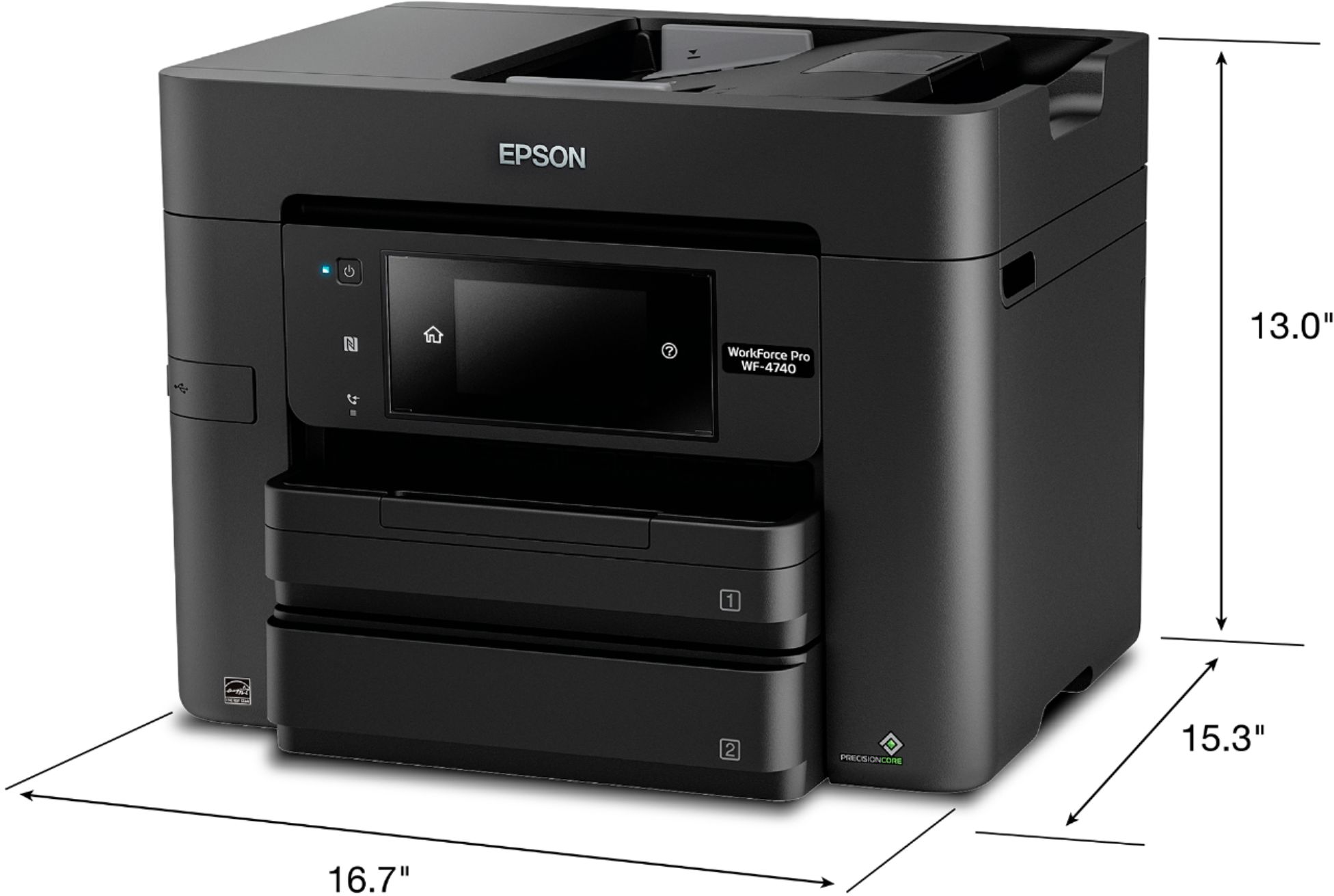
Posted .This reviewer received promo considerations or sweepstakes entry for writing a review.The Epson WorkForce Pro WF-4740 all in one printer is perfect for the person who needs the features of a large printer, but only has the space for a small printer. This by no means is your normal printer, it is much more. As a teacher, I make a lot of copies, scan or fax on a daily basis. Running to the teacher workroom is not always feasible between classes, and I only have limited space in my work area. This printer meets all my needs and then some. It is only 16.7” long x 9.8” high with a depth of 14.9”. It sits nicely on the corner of my desk. It is also very affordable. The best part about this printer is that it is Wi-Fi compatible. It works well with an iPad, iPhone, android or other smartphones. Easy to use and set up. Some of my favorite features are that it holds 500 pieces of paper (a full ream!) in the paper tray and that it has “2” trays. I can put mixed media in each tray. Paper in one and envelopes in another or white paper in one and colored paper or resume paper in the other. I also like the fact that it holds around 50 pages in the top auto document feeder tray. It also prints very fast. It can print about 24 pages of black ink per minute or 22 pages of colored ink per minute. The quality is outstanding! Some of the other features I love are that you can print 1 to 2 sided, 2 to 1 sided or even 2 to 2 sided! The color touchscreen is 4.3” and very easy to navigate. You can easily make enlargements or change settings such as color intensity levels with ease. It even collates your pages. This is a review for the Epson Workforce Pro WF-4740 All-in-One Printer that I received free of charge to do a beta test and review.
I would recommend this to a friend - Pros mentioned:Paper trays, Print quality
Fantastic Printer
Posted .This reviewer received promo considerations or sweepstakes entry for writing a review.The first printer I had was an Epson dot matrix back in the stone age. Since then I have had several Lexmark 4-in-1 printers which didn't last very long. Although they were covered with warranties it was a hassle to constantly request replacement printers. When I received the Epson Work Force WF-4740 I was quite pleased. I didn't expect to receive such a professional looking printer. It is very stylish and fits perfectly with my other computer equipment in my home office. It was very easy to unpack in fact my 9 year old granddaughter took it out the box and took all the plastic wrap and tape off it. It was very easy to set up. I connected it to my Wi-Fi. The touch screen is one of my favorite features. To be able to just touch the screen for commands is fascinating. The two paper trays are just great. I didn't expect the printer to have that. The print quality is crystal clear with a laser like quality that isn't expected from an inkjet printer. I haven't had a printer in a long time and am glad I can do my printing at home instead of going to my sister's house to print anything I need. I was able to scan with no problem . I was able to scan some documents I had been holding onto for quite sometime. I don't fax that much but the fax machine sure beats going to some of those copier places and being charged to fax by the sheet. That can be expensive. All in all I give the Epson Work Force Pro WF-4740 All-in-One Inkjet Printer a thumbs up for being a great printer. This is a review for the Epson WorkForce Pro WF-4740 All-in-One Printer that I received free of charge to do a beta test and review.
I would recommend this to a friend - Pros mentioned:Paper trays, Print quality
True Workhorse
Posted .This reviewer received promo considerations or sweepstakes entry for writing a review.The Epson WorkForce Pro WF-4740 is another example of Epson’s quality, durable products. I have an Epson ES-500W scanner as well. Both products are serving to convert a die-hard former HP addict. I’m using the printer for small business use and it’s getting a workout. I particularly like the ability to have one tray dedicated to letter sized paper and one to legal size (without having to order a special tray or fiddle with extenders). It also holds enough paper that I’m not constantly refilling it. The Workforce Pro was easy to get out of the box (although you need to watch for the plethora of blue tape). It’s nice that they provide a CD, but I no longer utilize a CD Drive. I downloaded the software easily and connected the printer via Wifi. The screen is easy to read, but always a little tricky toggling between characters and numbers to enter the wifi password. I had some difficulty getting the ink cartridges in, but it turned out that the power needed to be turned on to align it. After two weeks of using this printer I can confirm that it prints fast and very high quality. There is an option to print quietly, and for the power of printing, the size of the unit is very functional. I enjoy the All-in-one functions of copier and scanner as well. This is a review for the Epson WorkForce Pro WF-4740 All-in-One Printer that I received free of charge to do a beta test and review.
I would recommend this to a friend - Pros mentioned:Ease of use, Print quality
Excellent Printer.
Posted .This reviewer received promo considerations or sweepstakes entry for writing a review.This printer is by far one of the best I have ever used. The top tray makes it convenient to make quick copies and scans and the ease of the color display makes it easy to understand. When I first opened the box I was happy to see it was already set up and ready to go. There were no pieces to put together or trays to add on. All I needed to do was remove any tape or protective films, plug it in and I was good to go. Set up went flawless and I was able to set it up wireless, without connecting to the computer, which was great because the printer had to be set up on the other side of the room from my computer. Printing is super fast and has no drop in quality with the speed and even printing pictures I was able to print quickly. My favorite function is by far the ability to do automatic 2 sided printing with out having to pull it out and figure out which side was which this will save on ink from having to print any test pages. As far as fax goes I was unable to test because I have no phone line in this room, though I do have an older, similar model in the basement that works great with the fax and I imagine this wouldn't be much different from this model. Over all it is a great printer and great for any office or home setting. “This is a review for the Epson WorkForce Pro WF-4740 All-in-One Printer that I received free of charge to do a beta test and review.”
I would recommend this to a friend - Pros mentioned:Print quality
Excellent for home & office
Posted .This reviewer received promo considerations or sweepstakes entry for writing a review.This AIO machine is a good setup for any home or business, It prints pretty fast and double sided prints are also fast. Scanning is fast and perfect. The pros of this machine are: Handling of paper up to legal size (wish it handled bigger, but not a must or con). Fast print speeds both black & white and color. Clear crisp laser quality printing, compact size, feature rich. Scanning is clear and perfect. Faxing was simple and transmit speed on a 10 page fax was fast. The cons: I wasn't able to get it to connect to my network using the wired lan. No biggie, WIFI was a breeze to setup. (This might have been a router issue.) The software that comes with it has no bells & whistles. The wishlist: I wish this relied on an ink reservoir system since this is a heavy duty system, instead of cartridges which can be costly if you do a lot of printing. (It is good on ink usage though.) I wish there was bundled software for printing envelopes and labels. All in all the only thing this baby doesn't do is staple. Lol! It's a great machine and the price is right considering speed and features. There is not really anything bad about this printer, just a few wishes! This is a review for the Epson WorkForce Pro WF-4740 All-in-One Printer that I received free of charge to do a beta test and review.
I would recommend this to a friend - Pros mentioned:Setup
Great Office Printer
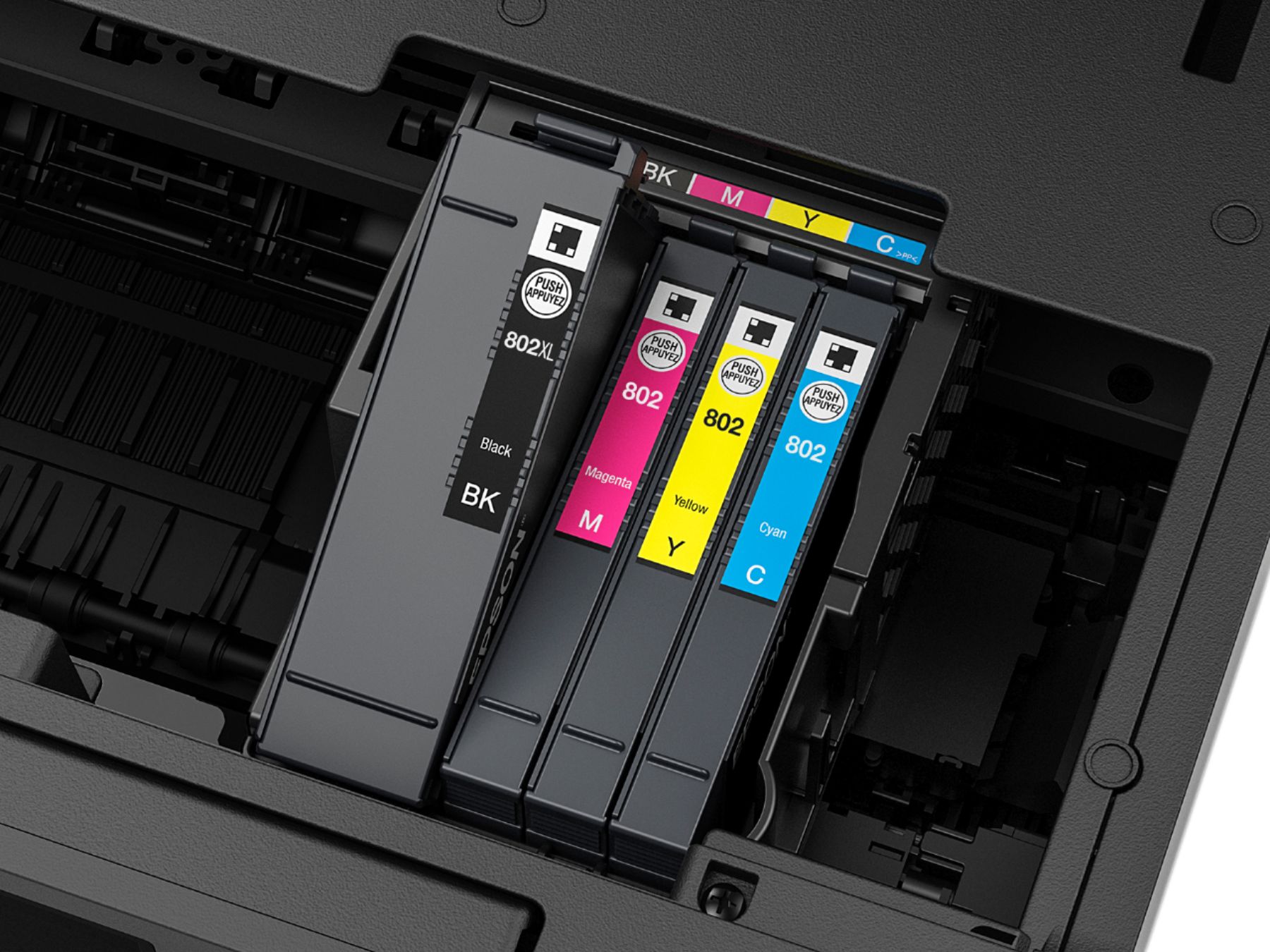
Posted .This reviewer received promo considerations or sweepstakes entry for writing a review.This is a great printer for any office big or small. The high yield of the ink cartridges should mean less having to change ink in a busy office. The printer is also extremely compact. It is thinner than our old Cannon MX922 and, while taller, allows for much easier placement of the printer. The two paper cassettes is a plus, because it allows for either twice the paper, different sizes, or photo paper and regular paper. The ability to directly email a scanned image from the printer itself makes it super easy to send a document to anyone in the office, whether they're there or not. Setup of this printer was very easy. If you've set up any internet connected printer before, this should be very easy for you as well. The hardest part was setting Google Cloud Print. It requires typing the printers IP address into a web browser and setting it up from that utility. This is different from the Cannon printers in that they just print out a code to type into the Cloud Print registration website. Other than that, setup was great. The printer doesn't need special drivers for Windows and setup is just like every other printer. This is a review for the Epson WorkForce Pro WF-4740 All-in-One Printer that I received free of charge to do a beta test and review.
I would recommend this to a friend - Pros mentioned:Ease of use, Print quality
Great All-in-One Printer
Posted .This reviewer received promo considerations or sweepstakes entry for writing a review.GREAT all-in-one printer! The packaging is very informative and really gives a good overview of the capabilities of the printer. Set-up couldn’t have been any easier. The instruction/start-up manual is very easy to follow and helps with the set-up as well. I really like that you don’t need any additional wires or cords to print from a computer or mobile device. The wireless function is definitely a great feature with this printer. One thing that I think should be included in the packaging is the Ethernet cord for those who may not have Wi-Fi. Other than that, I would say everything else is perfect. The ink/print quality is phenomenal as well. I have done so many framed quotes and pictures with this printer and it looks like something that I bought from a store. I also like the ease of install/replacement of the ink cartridges. Overall, this is a terrific printer and I am enjoying working with it in both my personal and business life. From scanning to copying, uploading to printing, this is definitely my 1st choice of printer. This is a review for the Epson WorkForce Pro WF-4740 All-in-One Printer that I received free of charge to do a beta test and review.
I would recommend this to a friend