Customer Ratings & Reviews



- Model:
- C11CF75201
- SKU:
- 5732906
Rating by feature
- Value
Rating 3.6 out of 5 stars
- Quality
Rating 3.8 out of 5 stars
- Ease of Use
Rating 3.9 out of 5 stars
Customers are saying
Customers love the WorkForce Pro WF-4740's print quality and ease of use, frequently praising its straightforward setup and convenient paper trays. Many appreciate its compact size and wireless functionality, finding it a good value for the price. However, some users have reported issues with the scanner's reliability and occasional malfunctions after extended use.
This summary was generated by AI based on customer reviews.
- Pros mentioned:Print quality
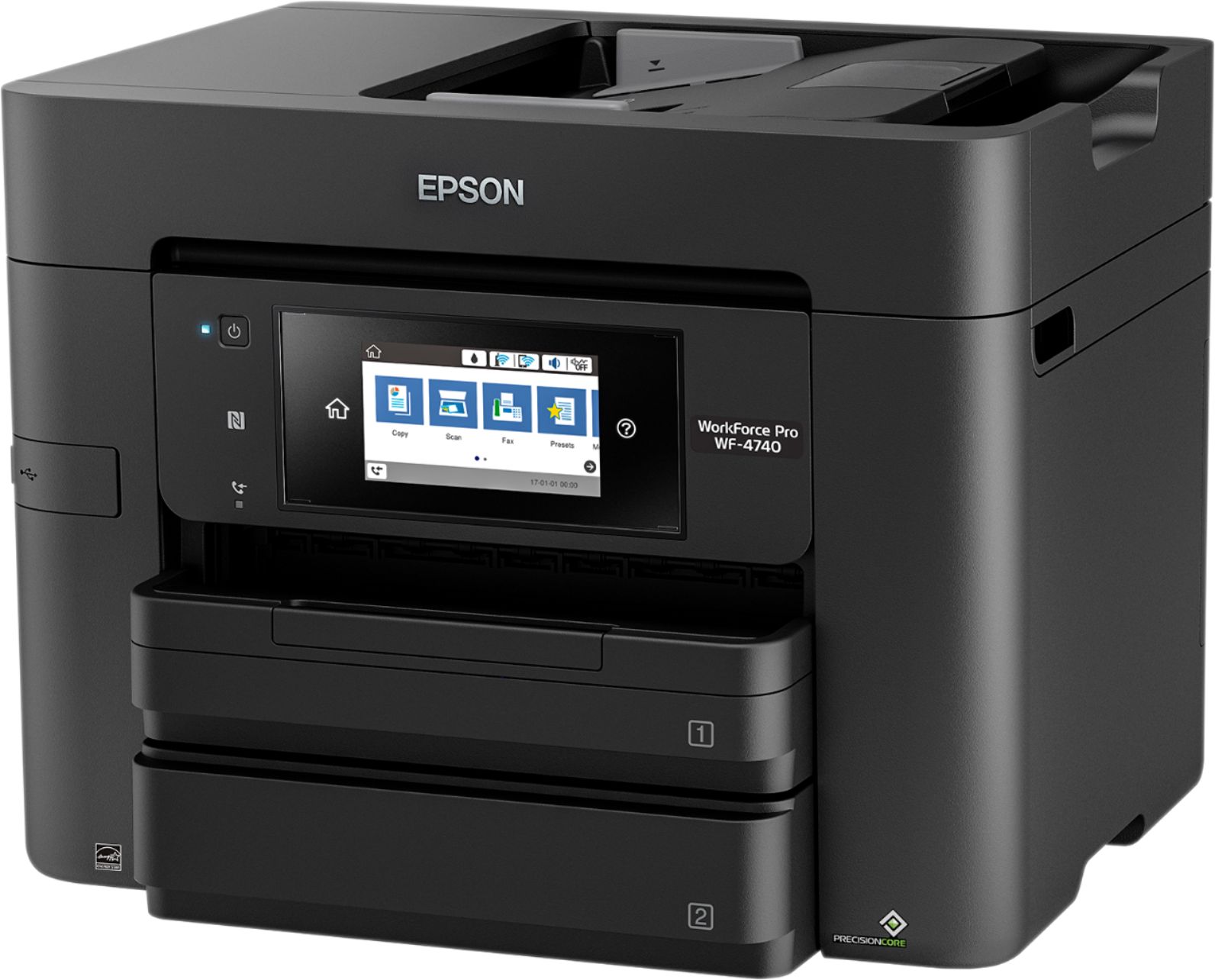
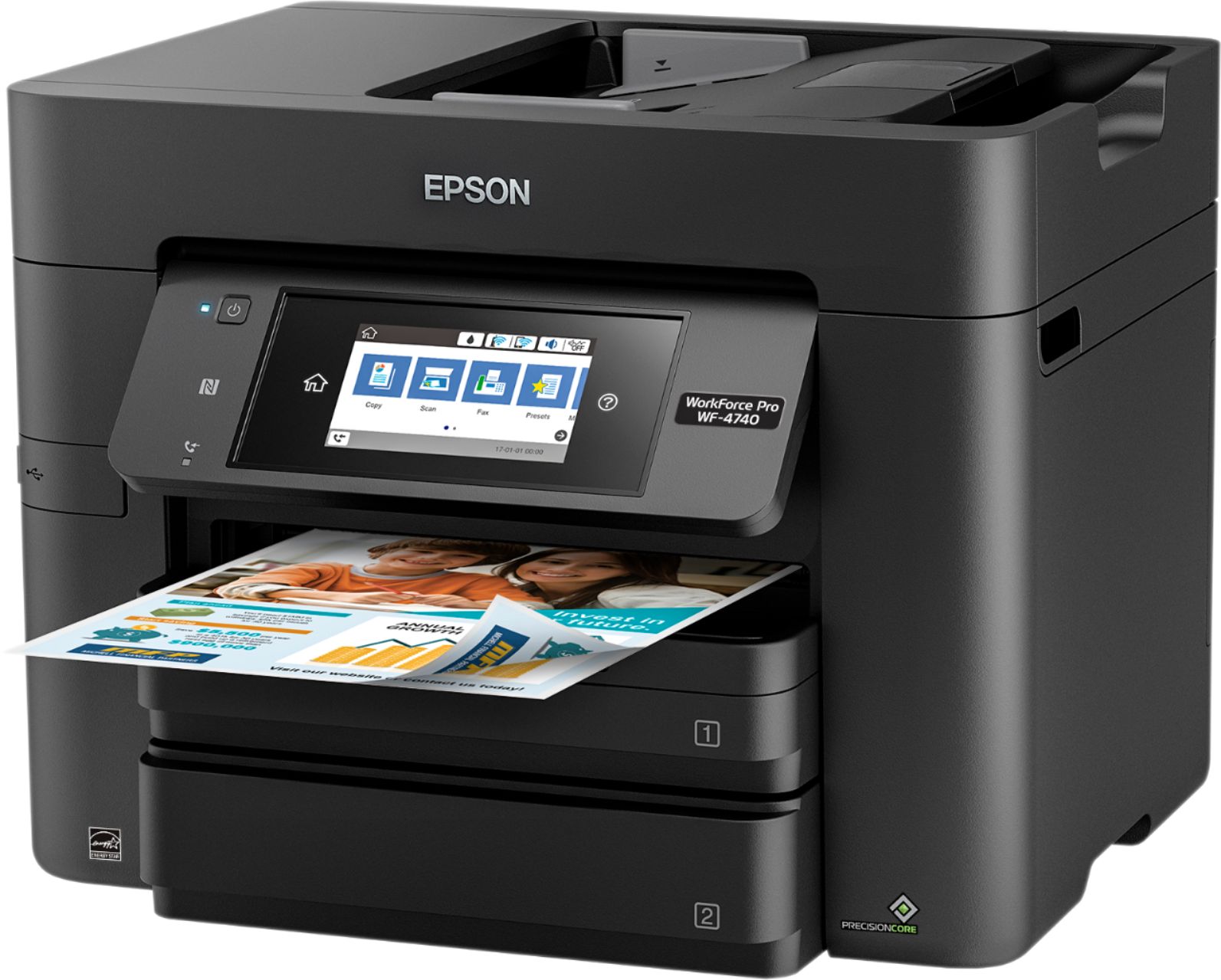
Epson Workforce Pro WF- 4740
Posted .This reviewer received promo considerations or sweepstakes entry for writing a review.Just purchased this AIO this afternoon and we love it so far. We decided to replace our old Epson AIO that lasted for longer than 6 years. We chose this product because Epson makes a great printer and the customer service department (toll-free service) is excellent. The installation was extremely easy and took less than 10 minutes total. This product will serve as a home/office printer. It prints clear quality products with speed. Although the WF 4730 was $70 less, we chose the 4740 for the larger LCD screen and faster printing capability.
I would recommend this to a friend - Pros mentioned:Print quality
Excellent Printer
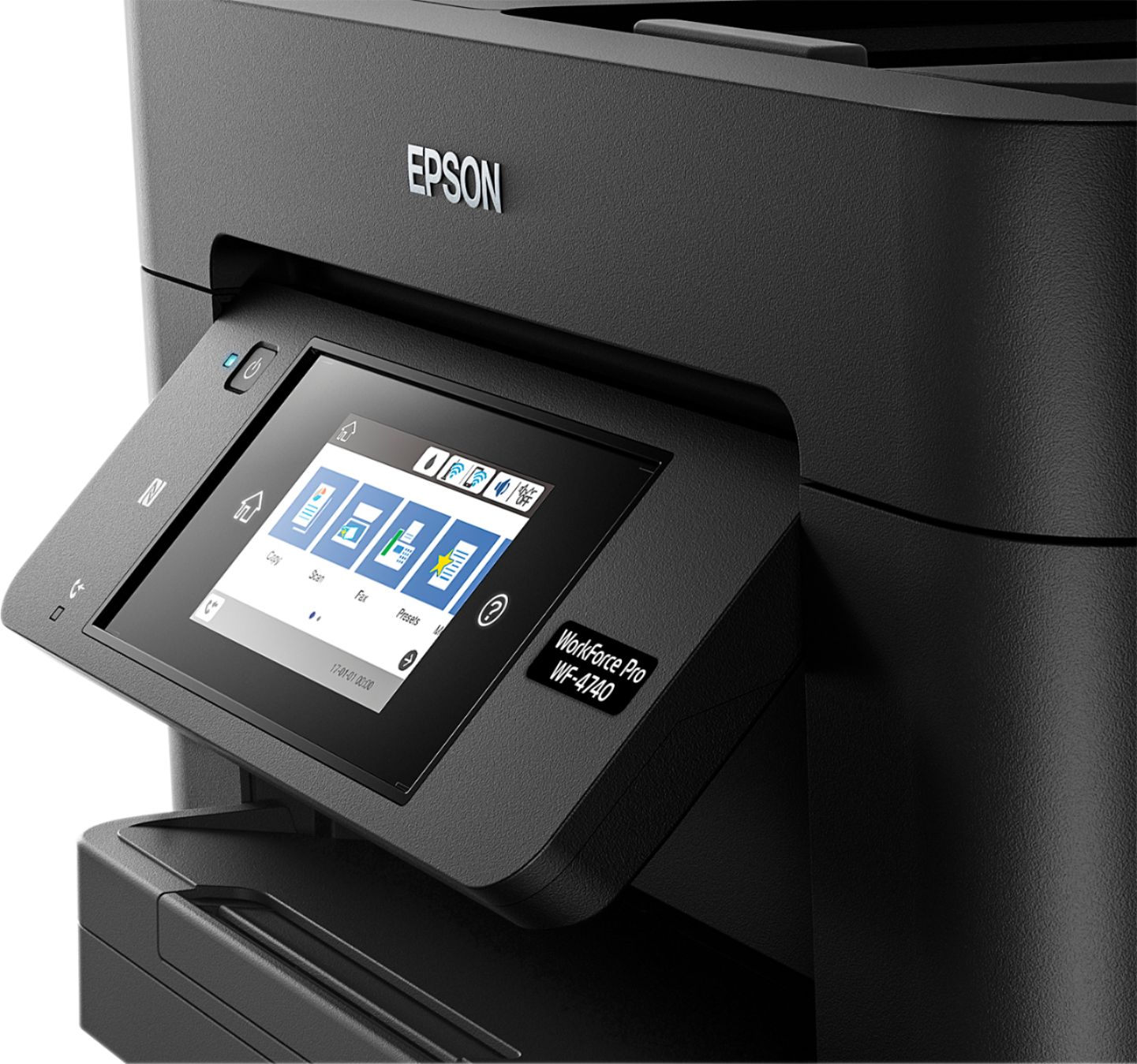
Posted .This reviewer received promo considerations or sweepstakes entry for writing a review.I have had the WE-4740 setup for about a week now and I have enjoyed every minute using it. Out of the box, setup was very simple and straightforward. It took me about 10 minutes to get everything setup and it seems to print faster than the color laser I have sitting next to it. I would say one if the big differences between this and my previous printer was the touch screen. Most touch screens that I have used on printers do not perform very well, but this was not like that at all. It made it very easy to setup Wi-Fi especially. One other feature that was neat was being able to scan and send the document directly to an email address. This make things so much easier than trying to save it to a flash drive or using some software on your computer. This is a review for the Epson WorkForce Pro WF-4740 All-in-One Printer that I received free of charge to do a beta test and review.
I would recommend this to a friend - Pros mentioned:Print quality
Solid Machine for its Class
Posted .This reviewer received promo considerations or sweepstakes entry for writing a review.Overall, this machine gets the job done. It's not the fastest printer or scanner I've used, but it performs very well for it's price point and is a welcomed upgrade from my XP-430. I was able to scan several two-sided pages into a PDF sent directly to my Google Drive without a problem. While it was slower than commercial machines I've used, it was easier. When it comes to printing, still faster than my XP-430 and slower than a commercial machine. I have not used the faxing capabilities because, well, who sends faxes anymore? I really tried to find a reason to give this less than five stars, but came up empty. If you want to print/scan two-sided documents and don't need commercial grade, this is the machine for you! This is a review for the Epson WorkForce Pro WF-4740 All-in-One Printer that I received free of charge to do a beta test and review.
I would recommend this to a friend - Pros mentioned:Print quality
Epson Workforce Pro WF-4740
Posted .This reviewer received promo considerations or sweepstakes entry for writing a review.I've used Epson's products for quite a while now, and their products have evolved over time, and the Workforce Pro WF-4740 is a result of all of that technology and planning. This all-in-one printer satisfies all of my home-office needs. It has great speed when printing my documents in black, as well as my color documents. The scanner is also a useful tool on this printer, which my son also loves when transmitting documents to his classmates. The set up of this wireless device was also quick and easy, so getting started was a breeze. This is a review for the Epson WorkForce Pro WF-4740 All-in-One Printer that I received free of charge to do a beta test and review.
I would recommend this to a friend - Pros mentioned:Print quality
Awesome printer at a great price
Posted .This reviewer received promo considerations or sweepstakes entry for writing a review.This Epson WorkForce Pro is an awesome printer. It literally has everything I need for my home office in one. First off the ink cartridges are super easy to install. The printer is faster than any other printer I have encountered. Scanning and copying are a breeze and faxing goes through in seconds! The touch screen is easy to navigate and even better if you have a smart phone you can download Epson's iprint app and you can control your printer from anywhere. I love this option, and I use it daily! This is a review for the Epson WorkForce Pro WF-4740 All-in-One Printer that I received free of charge to do a beta test and review.
I would recommend this to a friend Update to previous review.
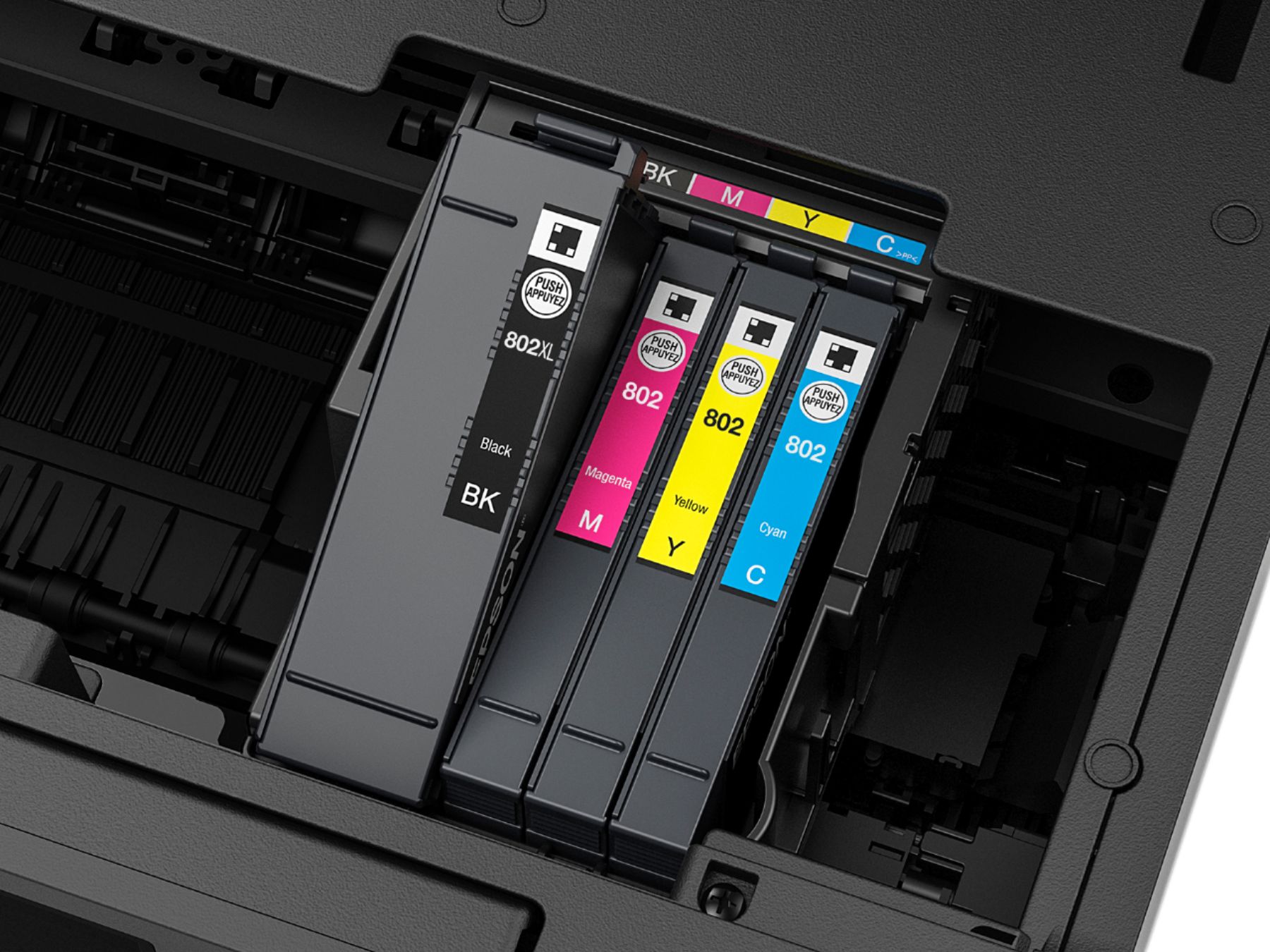
Posted .This reviewer received promo considerations or sweepstakes entry for writing a review.On my previous review, I gave this printer 4 stars. All functionality of this printer is excellent and I would love to give it 5 stars. However, as previously mentioned the ink cartridges are difficult to find and can only be ordered from Epson or Best Buy. No one stocks them. In further review, I must lower this rating even lower. Besides ink cartridges, this printer also has something called a maintenance box which is item T6715. I have been unable to find this kit, so I called Epson directly. They confirmed, despite this printer being sold for over 4 months, they have not made this kit available for purchase yet. Keep in mind, this is an approximately $15 serviceable part like an ink cartridge. It slowly gets used up as you print and clean the heads, and once it is used up the printer will cease to work until you replace it. Epson admitted to me they have a long waiting list of people who bought this printer who can no longer print simply because they are waiting on Epson to start selling this kit. That is unacceptable, hence the lower score. I still gave it two stars because the casual home user will most likely not use this kit up entirely for several months to a year, and hopefully Epson will be selling them by that time and this will not affect the majority of users. But the fact that Epson, through bad planning and decision making, has put any users through this issue warrants a lower rating. I would not recommend this printer to anyone until the ink and maintenance box are available for purchase at common retail locations. Once that happens I would highly recommend this printer because functionally it is a really nice printer.
No, I would not recommend this to a friendGreat home Scanner/Printer
Posted .This reviewer received promo considerations or sweepstakes entry for writing a review.This is my first Epson printer ever. I have owned alot of HP printers but they failed well within months after purchase. Here are my list of Pros/Cons for this printer: Pros: - Print from my Android Phone/Tablet. - Prints way faster than my Brother printer i currently own. - Has 2 Paper Trays for different printing needs. - Huge Touch screen display that is adjustable. - Love the ability to scan and email it directly to your account - Uses NFC_equipped devices for fast and secure printing. - It can print and scan via usb. - Double sided printing - Ink saving option - It can be setup to print envlopes for easy mailing if you need to use the post office. - Easy setup with my wifi but some people have had issues with this but none for me as of yet - Easy to install the ink and great sized by the way Cons: - Driver for the printer was a bit tricky for windows 10 but i was able to get it installed so gonna count it as a con. - The printer is a lot louder than my other printer. - The touch screen is great but if anything is touching it when you are trying to use it the screen will display "do not use touch pen or anything on the screen". Next is all of the testing I have performed with the printer: - Once i connected it to the wifi i downloaded the new firmware. The setup was stright forward and easy to do. Ive tried wired and wireless as well as NFC all worked great without a hitch. Using my phone with this printer was so easy I did a few pdf and doc files for testing and printed fast and great quality. Next I setup the system to do envelopes and it did those perfect. Ill be using this feature alot in the future. Last thing I tried so far is top loading for scanning some pictures, they looked great and did not jam or go in crooked. These are a few that I have not tested: -Unable to test fax capabilities due to not having a landline. -Have not tested any other paper besides standard white office paper. In conclusion for the short time I have had the Epson WorkForce Pro WF-4740 All-in-One Printer, it has exceeded my expectations and will be a very good additon for my printing needs along side my other printer. Epson is definitely a brand I will consider buying more in the future. This is a review for the Epson WorkForce Pro WF-4740 All-in-One Printer that I received free of charge to do a beta test and review.
I would recommend this to a friendComplete waste of money
Posted .This reviewer received promo considerations or sweepstakes entry for writing a review.Instead of purchasing a lower cost printer I opted to splurge an extra $150 and invested in the WF-4740, and it was the worst mistake I've made in years. I've used HP printers for the past 10+ years, but wanted something a little more sturdy for large printing. Within the first 2 weeks it started pulling out multiple sheets of paper at one time; causing the print to overlap between 2 or more sheets. It does this at least every 3 prints. It has now progressed to pulling out 10 or more sheets out of the tray at one time, causing a paper jam. This happens every other printing, and sometimes multiple times within the same print job. Plus, don't even try to use the "draft" print setting to save ink, you can barely read what's printed. I've owned cheap printers that were more efficient than this sorry excuse for technology. I'll never buy another Epson product.
No, I would not recommend this to a friend- Pros mentioned:Print quality
Works fine, no problems
Posted .This reviewer received promo considerations or sweepstakes entry for writing a review.I run a small consulting business out of my home which requires relatively heavy and daily printer use. I go through a printer every couple of years so I always buy the extended warranty which has helped more than once. But I always buy Epson, works great, good software support, get OEM ink on Ebay. I don't know about problems others have reported, I was mildly concerned when I read reviews before purchasing, but so far this unit has been flawless.
I would recommend this to a friendBrand response from Epson
Posted .Hi PaulLam, we appreciate your brand loyalty and thank you for this five-star review of your new Epson printer. We're happy to hear the WF-4740 is meeting your home office needs. Have a great day! Cheers, Quinn – The Epson Team.

- Pros mentioned:Ease of use
Love it! It Rocks!
Posted .This reviewer received promo considerations or sweepstakes entry for writing a review.I use the printer nearly every day and it's been working great for the last week. I have printed at least 100+ pages in this time so it has been used well. Photo quality is great. The fax feature is excellent. Setup was easy. I had no issues. There is no need to be tech savvy. It also works amazingly well for the Epson iPrint app. This is a review for the Epson WorkForce Pro WF-4740 All-in-One Printer that I received free of charge to do a beta test and review.
I would recommend this to a friend Great for home or office
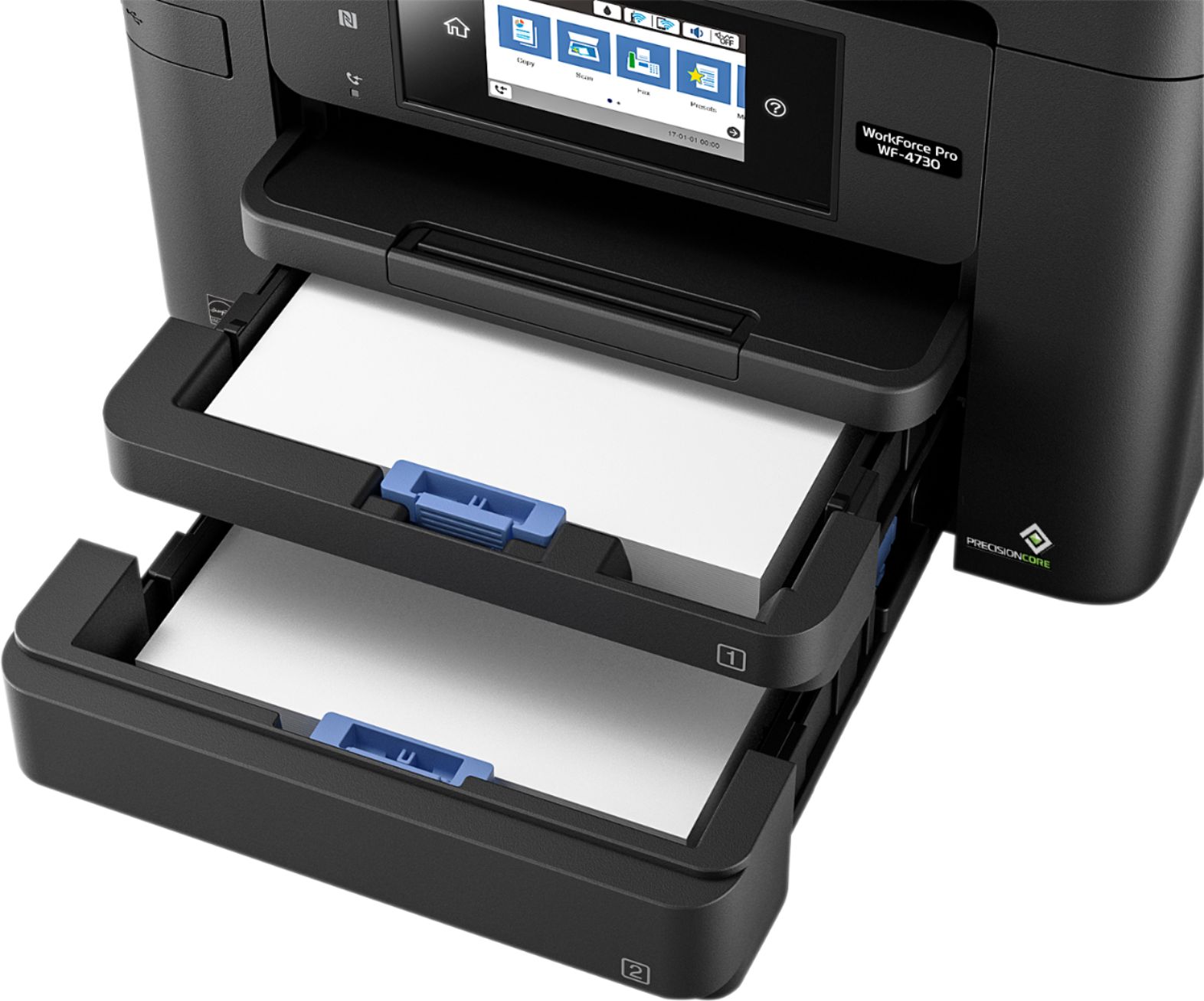
Posted .This reviewer received promo considerations or sweepstakes entry for writing a review.Let me start by saying that I pretty much always stuck with HP printers as long as I can remember so this is my first Epson. That being said, I am pretty impressed with this printer. A must nowadays is to be able to seamlessly print wirelessly from all of my devices(phone, tablet, etc.) and this printer does it with ease. Set-up was nice and easy too. One of my biggest issues with printers is that the ink seems to run out fast and is expensive to replace. This Epson is able to print tons of pages before the cartridge is empty. It also holds an entire ream of paper which means not having to have to store the paper that didn't fit in the drawer like other printers. Print quality is excellent . From photos to school reports, this printer prints quickly, quietly, and with quality. Some of the other features on this printer are equally as well done. Scanning was not very hard to do. I like that it can be emailed directly from the printer instead of having to save it and then email it like my old printer. The quality of the scan was also great. For those that need to use this as a fax, it sends it like a pro, faxing a multi-page document in just a few seconds. Overall, I have been very impressed with this printer and when this one dies, I will definitely consider Epson for my next one. This is a review for the Epson WorkForce Pro WF-4740 All-in-One Printer that I received free of charge to do a beta test and review.
I would recommend this to a friendFast and Good Quality!
Posted .This reviewer received promo considerations or sweepstakes entry for writing a review.This is a review for the Epson WorkForce Pro WF-4740 All-in-One Printer that I received free of charge to do a beta test and review. This is a great printer. It was really easy to set up. The scanner worked really well. It did jam a couple of times while scanning paper that had been folded but most scanners do. The resolution was great. There is a USB port on the front that makes it really easy to scan to a jump drive. You can also scan to the network location and to Epson cloud. For printing it prints fast! It said it printed fast but the first word document I printed I blinked and it was done. When printing a 8 1/2" x 11" photo it did take a little bit longer but is was still fast and the quality was really good.
I would recommend this to a friend- Pros mentioned:Print quality
Very short life
Posted .This reviewer received promo considerations or sweepstakes entry for writing a review.I bought this item less than 3 years ago and it is junk today. I got a scanner error 100016 that locks up the entire printer so no functions can be used. I called epson and they confirmed that the scanner could not be fixed remotely and that I would have to bring it in for repair. I called the repair location and they said it would cost approx $425 to fix the scanner. So basically I cannot limp along without the scanner, the entire unit is worthless and I have to buy a replacement. also worth noting that this was used as a personal home printer, so I have only printed maybe 200 sheets of paper and scanned about 20 or 30 things, so it should not have worn out. In all fairness, This printer was highly rated and I spent more to get better quality. I have loved everything about the printer until it stopped working. If you buy this unit, make sure to get the extended warranty or be ready to buy another one in a few years.
No, I would not recommend this to a friend Mediocre at Best, Expensive Ink... Think Twice!!!
Posted .This reviewer received promo considerations or sweepstakes entry for writing a review.The Epson 4740 is really not an office workhorse type of printer. It's best for a casual home office. The printer construction is of mediocre quality - it jams now and then and often sucks up more than 1 page at a time.. sometimes up to 10 pages. It tends to suck more pages as the paper supply dwindles. And while we're talking about sucking - it absolutely inhales cartridge ink. You will spend a fortune on ink!!! The cartridges that come with it are maybe 1/8 - 1/4 full. 3 new color cartridges are about $80 per shot - and have tiny volume. Once you load the new ink cartridges it will take between 1 minutes and 5+ minutes for the printer to reset itself. And if you need to update software, again between 5 minutes and 15 minutes... The more I write about this printer and use it the less I like it... the quality of Epson used to be excellent, now mediocre at best. Thank God I only paid $50 bucks for this thing after trade-in and holiday sale. DO NOT pay the $150 retail - $50 max. It's an INK PIG!!!!!
No, I would not recommend this to a friendBrand response from Epson
Posted .Hi Bankruptfrominkcost, we are sorry to hear that you are having issues with your Epson WF-4740 printer. Please visit https://epson.com/Support/Printers/All-In-Ones/WorkForce-Series/Epson-WorkForce-Pro-WF-4740/s/SPT_C11CF75201 for useful product information on optimizing print settings and avoiding paper jams. Additionally, you can find product information, including FAQs and recommended settings on how to choose the best print settings and paper for your printing needs. Your Epson includes free technical support for the life of your product. Our Epson Support Team would be happy to help you and can be reached at (562) 276-4382; Hours: Monday – Friday, 6am – 8pm PT; Saturday, 7am – 4pm PT. We appreciate your purchase, and we value your feedback. Sincerely, Elizabeth – The Epson Team.
- Pros mentioned:Print quality
Worthless Piece of Paper Jamming Junk
Posted .This reviewer received promo considerations or sweepstakes entry for writing a review.WHEN the printer doesn’t jam, it produces solid quality documents (7/10). HOWEVER, the Epsom WF-4740 ALWAYS jams whenever paper bins get down to about 25-35.% capacity. Moreover, it makes a loud violent clanking sound when this happens (gear teeth of paper-feeder no doubt) and one must rush over and turn it off lest it do permanent damage. Inside will always be a 20 page stack the feeder tried to pick up and put through (obviously causing the jam). I use only quality ink jet printer paper standard 20# thickness although I tried slightly thicker grade and it jams less. It has done this from the first week I used it and there is nothing I’ve done or not done that causes this (I’ve owned literally dozens of lite home office printers like this one and none have done this at this level. My first and very last Epsom I will own. The bottomline is this cost me money and aggravation every time I use it for anything more than copying a few pages or scanning. I’m just going to toss it in the trash and eat the $200 i paid less than a year ago and call it a lesson learned. Going back to HP and Canon.
No, I would not recommend this to a friendBrand response from Epson
Posted .Hello WatchDog, we're sorry to hear about the trouble that you've encountered. Your WorkForce Pro WF-4740 printer comes with a 1-year Limited Warranty and includes free lifetime technical support. Our Advanced Support Team would like to hear about the paper feed issue you're experiencing and can be reached at 1-800-241-5794 between 7 am - 4 pm (PT), Monday - Friday. We look forward to your call. Kind Regards, Bobby D. - The Epson Team.
- Pros mentioned:Print quality
Horrible printer for business and at home.
Posted .This reviewer received promo considerations or sweepstakes entry for writing a review.Purchased one of these for personal use after an initially favorable impression after using it at our office. It prints quickly for non-laser and the color quality is decent. We ended up returning the one from the office because it simply stopped printing with no error messages. Spent an average of $100/month on ink cartridges–we've cut this in half with our new Canon laser printer. The Epson I have at home has ceased working over wifi and won't print in B&W if I don't replace the 3 color cartridges. I'll be recycling it later this week and good riddance.
No, I would not recommend this to a friendBrand response from Epson
Posted .Hi Grant, we appreciate your time in sharing your experience, and will be sure to pass your feedback along to our product teams. Best, Marina – The Epson Team.
Allinone
Posted .This reviewer received promo considerations or sweepstakes entry for writing a review.Works quickly but had some stuck paper when double scanning to double side printing when doing multiples.
I would recommend this to a friend- Cons mentioned:Scanner
Nothing but scan problems
Posted .This reviewer received promo considerations or sweepstakes entry for writing a review.Everytime printer updates software the scanner will get lost. So I get to sit hours on phone with Geek Squad while the try to fix it. It updated again about 2-3 weeks ago and again scanner was lost. Stayed on phone with geek squad just short of 3 hrs. Guy finally said he can't fix it. The printer function works great the scanner part sucks.
No, I would not recommend this to a friendBrand response from Epson
Posted .Hi LarryS, we apologize for the trouble that you've encountered with the Epson WF-4740. Your WorkForce Pro printer includes free lifetime technical support, and we're here to help. Based on your description, this issue may be related to settings be reset in the Epson Scan 2 Utility application. You can find useful information to help address this issue in the User's Guide at https://files.support.epson.com/docid/cpd5/cpd53015.pdf. See the "Cannot Scan Over a Network" section on page 274. If this does not resolve the problem, please contact our support team at (562) 276-4382 between 7 am - 4 pm (PT), Monday - Friday. Kind Regards, Bobby D. - The Epson Team.
- Cons mentioned:Scanner
Error code 10016 unresolved
Posted .This reviewer received promo considerations or sweepstakes entry for writing a review.After 2 years with this printer, it developed a scanner error code 10016. I have researched and done every suggested procedure to clear this error without success. I could not scan but the printer portion continued to work until I needed to replace an ink cartridge. I could not get the printer to enter the cartridge replacement mode and therefore could not replace the ink cartridge to continue printing. I tried contacting Epson via phone and e-mail with no response. Perhaps Covid 19 has affected their customer service response capability. I will not buy an Epson again! I do not recommend Epson as a result of this expereince.
No, I would not recommend this to a friendBrand response from Epson
Posted .Hi kenyarich, thank you for sharing your experience with the WF-4740. We appreciate your time. Epson takes into consideration all feedback to improve the performance and quality of our products. We'll forward your feedback to the relevant department as we're always looking to make our future products better. If we can help you with anything else, our support team can be reached by phone at (562) 276-4382, Monday - Friday, 7 am - 4 pm PT; or by email at https://epson.custhelp.com/app/ask/p_model_name/Epson%20WorkForce%20Pro%20WF-4740. Once again, thank you. Sincerely, Bobby D. - The Epson Team.
Terrible Printer - Save your money
Posted .This reviewer received promo considerations or sweepstakes entry for writing a review.This was our first and last Epson printer. It constantly jams and printing is off...we think because it consistently picks up two instead of one pages at time to print. It drinks ink...we go through ink so much faster than our last printer (a HP) AND it's more expensive. Called Epson customer service to see what could be done today and they are sending us a new one, but based on the reviews for this printer online we see that this is a constant model issue and not a fluke. I asked if they had addressed these model problems and if not we could get a refund or a different model and I was told that they had to follow protocol and just send us a new printer. Seems like a huge waste of time and fuel to ship us a new faulty printer to replace our old faulty printer. Epson needs to address what is clearly an issue with this model because the "protocol" in place is a huge waste of time that I'm convinced it is just designed to wear us down while providing the illusion of "customer service." If your product doesn't work, you should supply a refund or a solution that actually fixes the problem. If you decide to disregard this post, I strongly suggest also buying they Best Buy insurance policy for this printer. If we had, I'd be using it and not dealing with Epson at all.
No, I would not recommend this to a friendBrand response from Epson
Posted .Hi Chickaboomboom, we're sorry for the disappointing experience you've encountered with your WF-4740. Please give our Advanced Epson Support Team the opportunity to assist you by calling 1-800-241-5794; Hours: Monday – Friday, 6am – 8pm PT; Saturday, 7am – 4pm PT. Thank you for your patience. Sincerely, Christopher – The Epson Team.