Customer Ratings & Reviews


- Model:
- C11CJ06201
- SKU:
- 6426721
Rating by feature
- Value
Rating 4.4 out of 5 stars
- Quality
Rating 4.4 out of 5 stars
- Ease of Use
Rating 4.3 out of 5 stars
Customers are saying
Customers often highlight the excellent print quality and user-friendly nature of this product as its standout features. Users also frequently praise the straightforward setup process, reliable performance, and convenient connectivity options. While the overall experience is highly positive, some customers noted that the two-sided scanning process could be more intuitive.
This summary was generated by AI based on customer reviews.
- Pros mentioned:Print quality
Good value for the price
Posted .This reviewer received promo considerations or sweepstakes entry for writing a review.Fast printer. Set up is okay but coukd be easier. Compatible with Chromebook, but coukd be easier tonset up wirelessly.
I would recommend this to a friend - Pros mentioned:Print quality
Repeatedly loses connection!
Posted .This reviewer received promo considerations or sweepstakes entry for writing a review.Does a good job of printing and scanning - when it connects. This printer/scanner repeatedly "loses" the connection with our network for absolutely no reason. It's not the router, the printer is on, the network signal is strong, the driver is updated, etc. and still, I regularly need to run the troubleshooter or even do a complete uninstall/reinstall just to try and connect. I could print a project without issue in the morning, come back for another print job after lunch and it suddenly can't connect. What changed? NOTHING. I have never had a printer have these kind of connection issues before. It's incredibly inconvenient to have as a printer for a business, do not have time for the constant troubleshooting!!
No, I would not recommend this to a friend - Pros mentioned:Print quality
Good printer for the price
Posted .This reviewer received promo considerations or sweepstakes entry for writing a review.Works as needed, prints quickly even with WiFi. A bit confusing on Mac until I got the settings correct.
I would recommend this to a friend Reasonable Price for Extraordinary Printer!
Posted .This reviewer received promo considerations or sweepstakes entry for writing a review.The printer has many features for a small home business, especially since the price is very reasonable!
I would recommend this to a friend- Pros mentioned:Ease of use
Gr8 printer
Posted .This reviewer received promo considerations or sweepstakes entry for writing a review.Gr8 choice, good value, very easy to use, good price
I would recommend this to a friend - Pros mentioned:Ease of use
Good value for the price.
Posted .This reviewer received promo considerations or sweepstakes entry for writing a review.Easy to operate. Quality scanning resolution. Meets all our needs.
I would recommend this to a friend - Pros mentioned:Print quality
Complicated but decent machines,
Posted .This reviewer received promo considerations or sweepstakes entry for writing a review.Bought 2 of these machines. A big job for me to get them on line. Because I have 2 in the same office sometimes one overides the other. The support people ( from another country) were awful. Eventually we worked out most of the kinks ourselves. They do print well and pretty fast.
I would recommend this to a friendBrand response from Epson
Posted .Hello, we appreciate your feedback, and we'll forward this information to the relevant departments to help us improve the quality and performance of future Epson products. Your WF-4820 printer also includes a 1-year Limited Warranty, plus free lifetime tech support. If we can help you with anything else, our support team can be reached by phone at (562) 276-4382; Hours: Monday - Friday, 7 am - 4 pm PT. Once again, thank you. Sincerely, Sam - The Epson Team.

Quality printer.
Posted .This reviewer received promo considerations or sweepstakes entry for writing a review.Great printer. Reasonable price. Did some research before buying and Im happy with purchase.
I would recommend this to a friend- Pros mentioned:Ease of use
For whatever purpose?
Posted .This reviewer received promo considerations or sweepstakes entry for writing a review.Easy to add set up; no problems or issues. Tech support tedious.
I would recommend this to a friend - Pros mentioned:Print quality
Best purchased ever
Posted .This reviewer received promo considerations or sweepstakes entry for writing a review.So far so good print everything i need to be printed.
I would recommend this to a friend - Pros mentioned:Overall performance
ROBERTS PRINTER
Posted .This reviewer received promo considerations or sweepstakes entry for writing a review.EXCELLENT PRINTER FOR MY PURPOSE .wOULD RECOMMEND IT TO OTHERS
I would recommend this to a friend Affordable Until You Need Ink
Posted .This reviewer received promo considerations or sweepstakes entry for writing a review.This printer worked fine until I did a firmware update. Used a non-OEM cartridge when the black ran out. Accepted the cartridge with no problem until the firmware update. Will not recognize cartridge and error message saying toner is empty. The printer is "bricked" and usable for the moment. Even though Epson says it can only use only Epson cartridges, it clearly did use a third-party cartridge until the firmware update. Never had this issue before and despite stating its use of only Epson ink, I consider it poor business practice bordering on "bait-and-switch." Epson took a decen affordable printer and turned it into a luxury item
No, I would not recommend this to a friendBrand response from Epson
Posted .Hello JSed, the Epson WF-4820 is designed to use only genuine Epson-brand ink cartridges. Other brands of ink cartridges, and ink supplies, are not compatible, and even if described as compatible, may not function properly or at all. Please ensure you have installed Epson genuine cartridges. If you are still having problems, you may contact our Epson Advanced Support Team at (800) 241-5794; Hours: Monday – Friday, 7 a.m. to 4 p.m. (PT). Sincerely, Joseph – The Epson Team
Good at first…
Posted .This reviewer received promo considerations or sweepstakes entry for writing a review.Had it for 3 years,, used moderately decent quality seemed to burn through ink, have to replace ALL colors even if only one color is out. Have three spare black cartridges now (dumb). Then it just quit working after it updated…
No, I would not recommend this to a friendDecent printer so far.
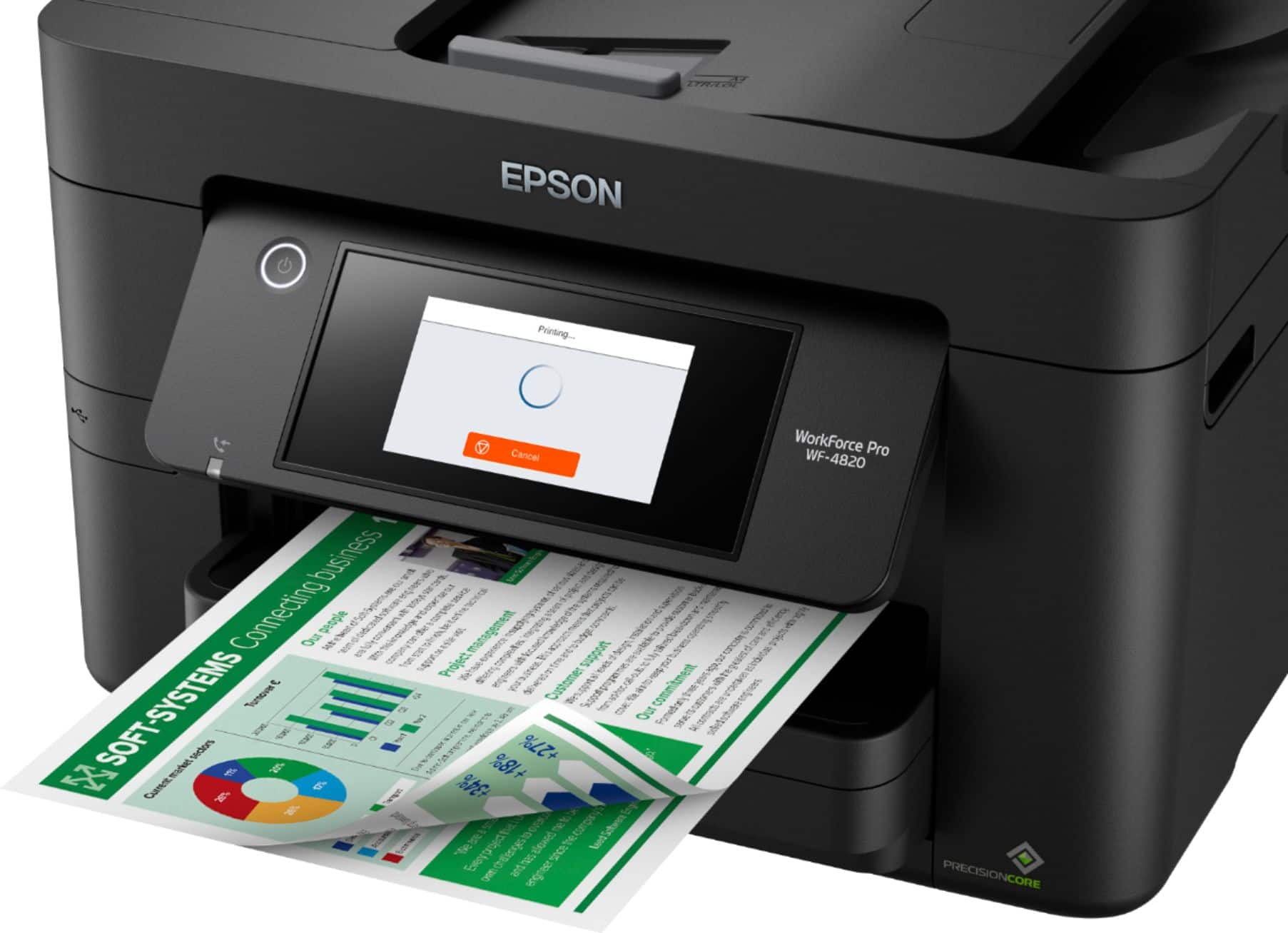
Posted .This reviewer received promo considerations or sweepstakes entry for writing a review.It is a pretty loud printer and prints color okay (as well as can be expected for a one-hundred-dollar printer) and the duplexer works well too.
I would recommend this to a friendHigh end home office printer.
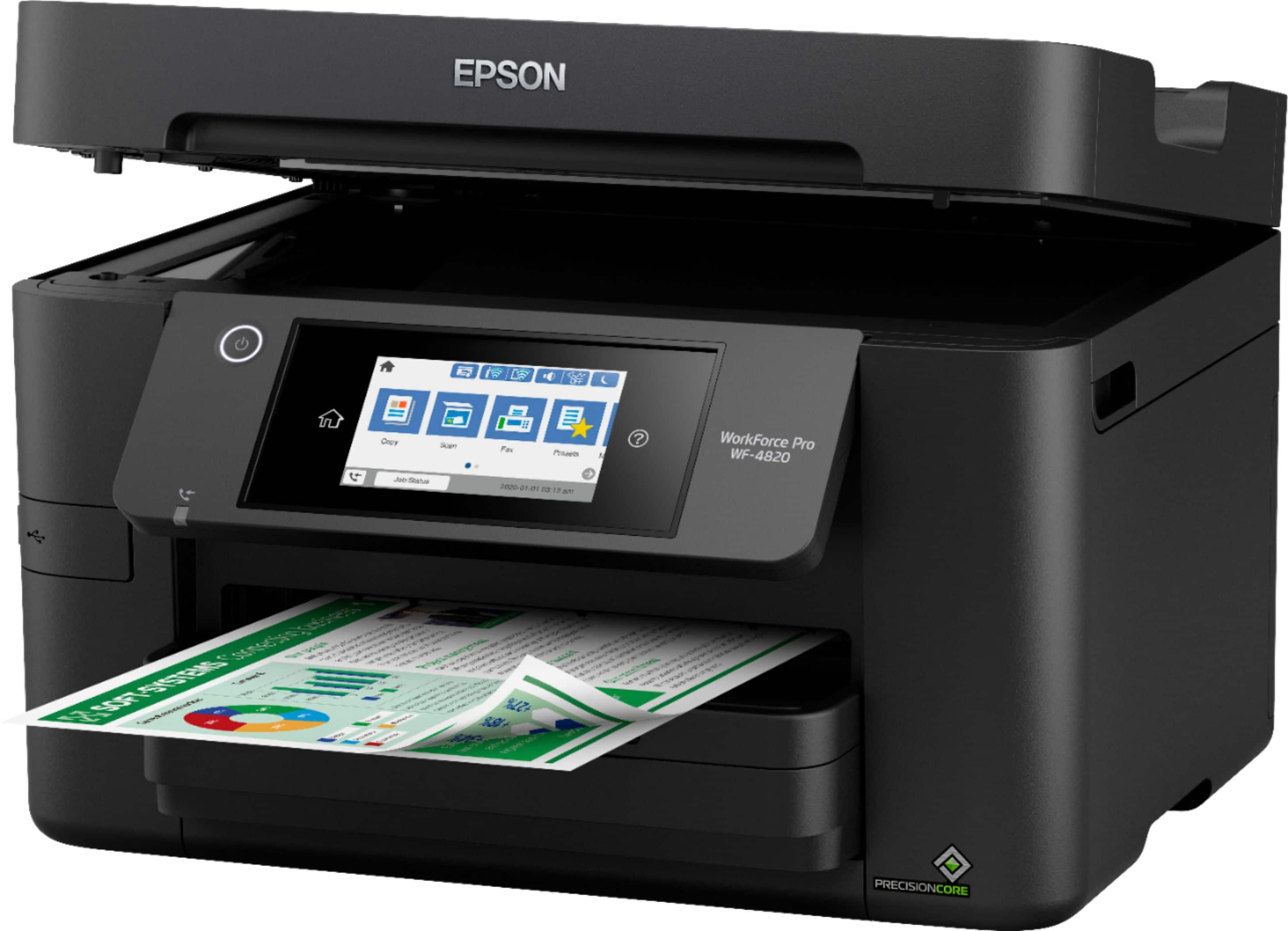
Posted .This reviewer received promo considerations or sweepstakes entry for writing a review.This printer/copier/scanner is a high end system for a home office price. It has the quality and capability of a system you would have in the office but without the office system price.
I would recommend this to a friendGood Choice for an Apple household.
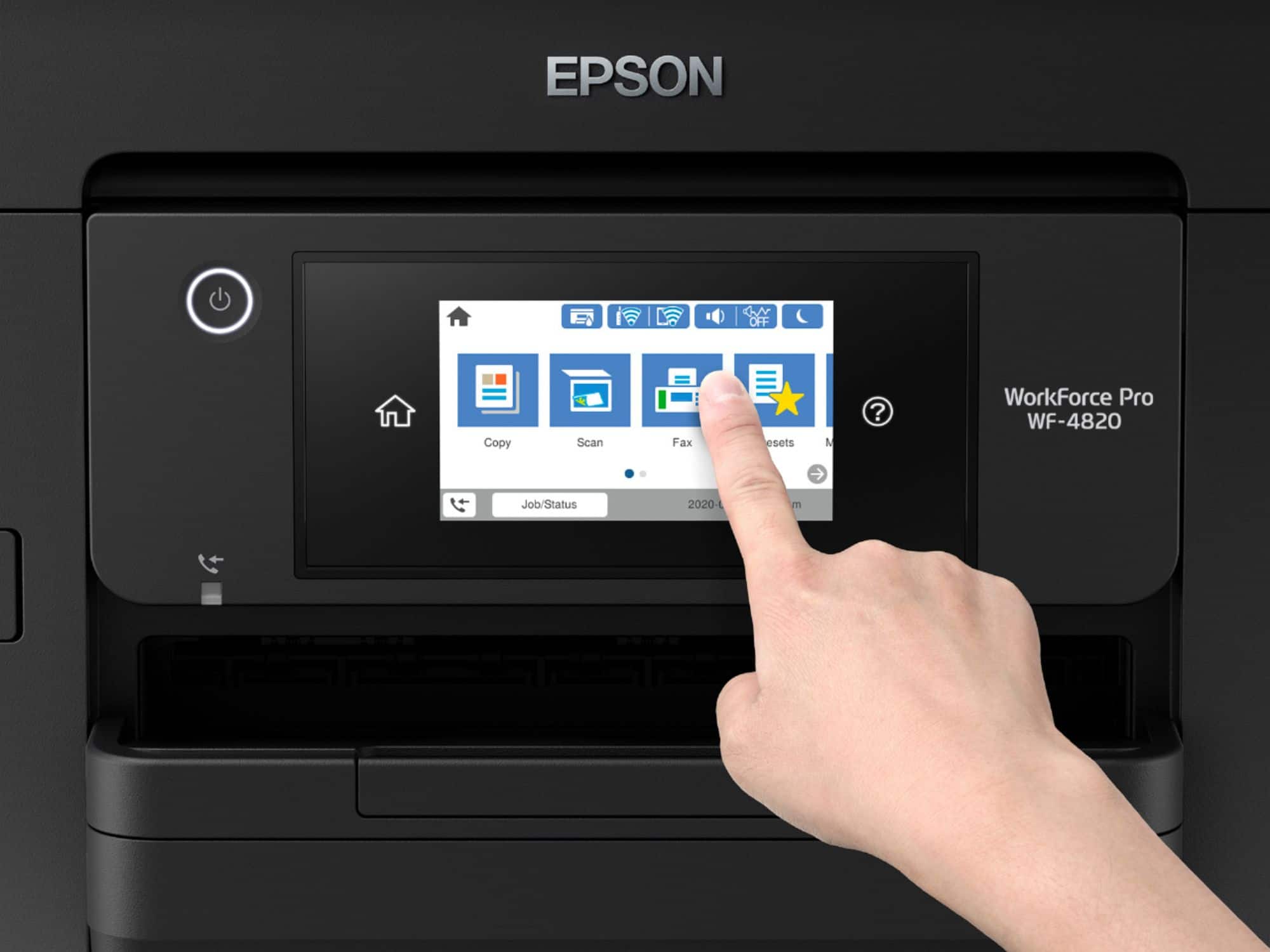
Posted .This reviewer received promo considerations or sweepstakes entry for writing a review.Works well with iPhones, iMacs, and MacBooks Pro. Quality of color prints is excellent. Text is crisp. I picked the 4820 over the Workforce 3820 because of its larger screen size.
I would recommend this to a friendEpson-WorkForce Pro WF-4820 wireless All-in-onePri
Posted .This reviewer received promo considerations or sweepstakes entry for writing a review.products appliances and services are reliable dependable and great respectively . would definitely encourage all to make purchases from this store.
I would recommend this to a friend- Pros mentioned:Overall performance
Epson Printer Review
Posted .This reviewer received promo considerations or sweepstakes entry for writing a review.So far I've had few issues with the Epson printer.
I would recommend this to a friendBrand response from Epson
Posted .Hello EpsonPrinterReview, Epson considers all feedback to improve the performance and quality of our products. Epson provides helpful information on the product support web page, including FAQs and self-help tools at https://epson.com/Support/Printers/All-In-Ones/WorkForce-Series/Epson-WorkForce-Pro-WF-4820/s/SPT_C11CJ06201#questions. Additionally, your printer includes a 1-year Limited Warranty, plus free lifetime technical support. If you need any assistance, our Epson Support Team would be happy to help you and can be reached at (562) 276-4382; Hours: Monday - Friday, 7 am - 4 pm PT; Sincerely, Sam - The Epson Team.
Good
Posted .This reviewer received promo considerations or sweepstakes entry for writing a review.Great Home Printer/Scanner...................................................................................
I would recommend this to a friend- Cons mentioned:Scanning
Not worth the money
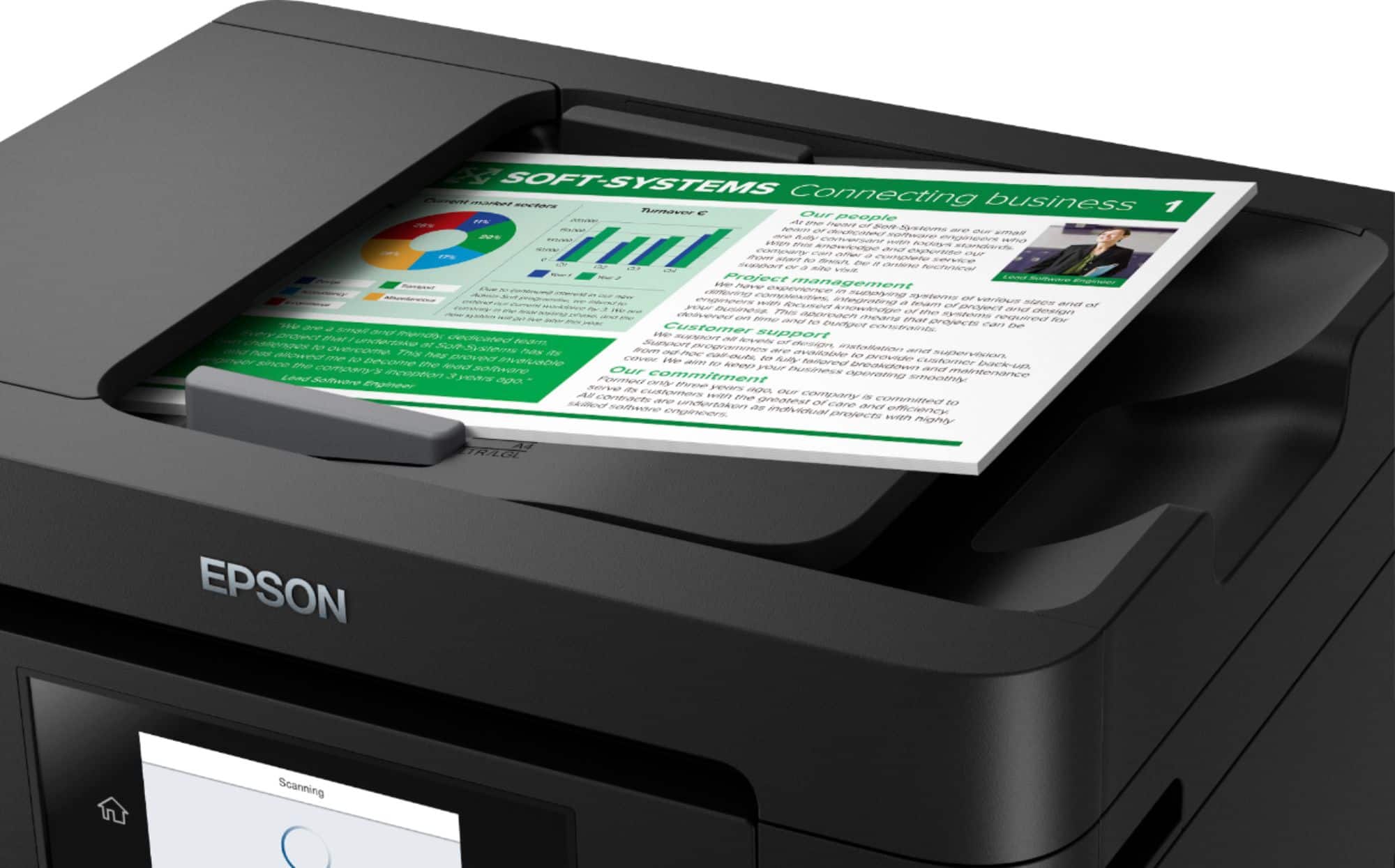
Posted .This reviewer received promo considerations or sweepstakes entry for writing a review.I tried to give this printer a chance but it is awful. I bought it because i thought it had 2 sided scanning and could scan long documents, but it actually does not. You have to take the item that you're trying to scan out and rescan the other side if you want both sides scan. I got a new scanner and just was going to use it as a printer but the printer constantly jams or has other problems and it keeps saying that it needs to be updated but it does not allow me to update or show how to update it. I would not recommend this printer to anyone it was expensive and a headache.
No, I would not recommend this to a friendBrand response from Epson
Posted .Hello Erica, we're sorry to hear about your disappointing experience with the WF-4820 printer. Epson takes into consideration all feedback to improve the performance and quality of our products. Epson offers helpful information, including FAQs and self-help tools, on the product support web page at https://epson.com/Support/Printers/All-In-Ones/WorkForce-Series/Epson-WorkForce-Pro-WF-4820/s/SPT_C11CJ06201#questions. Additionally, your WorkForce printer includes a 1-year Limited Warranty, plus free lifetime technical support. If you need any assistance, our Epson Support Team would be happy to help you and can be reached at (562) 276-4382; Hours: Monday - Friday, 7 am - 4 pm PT; Sincerely, Tony - The Epson Team.