Customer Ratings & Reviews


- Model:
- C11CJ06201
- SKU:
- 6426721
Rating by feature
- Value
Rating 4.4 out of 5 stars
- Quality
Rating 4.4 out of 5 stars
- Ease of Use
Rating 4.3 out of 5 stars
Customers are saying
Customers often highlight the excellent print quality and user-friendly nature of this product as its standout features. Users also frequently praise the straightforward setup process, reliable performance, and convenient connectivity options. While the overall experience is highly positive, some customers noted that the two-sided scanning process could be more intuitive.
This summary was generated by AI based on customer reviews.
Supposed features are a joke.
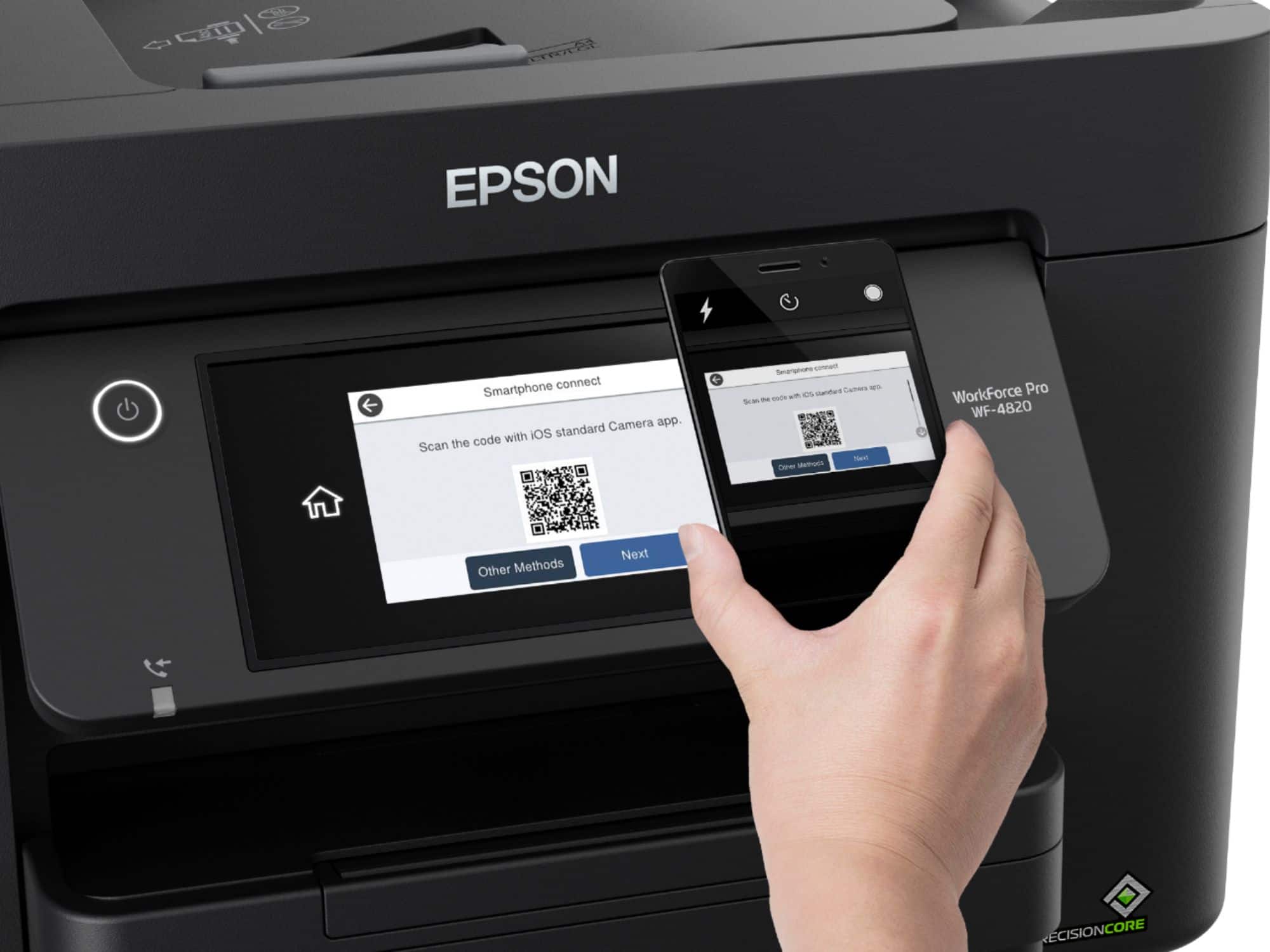
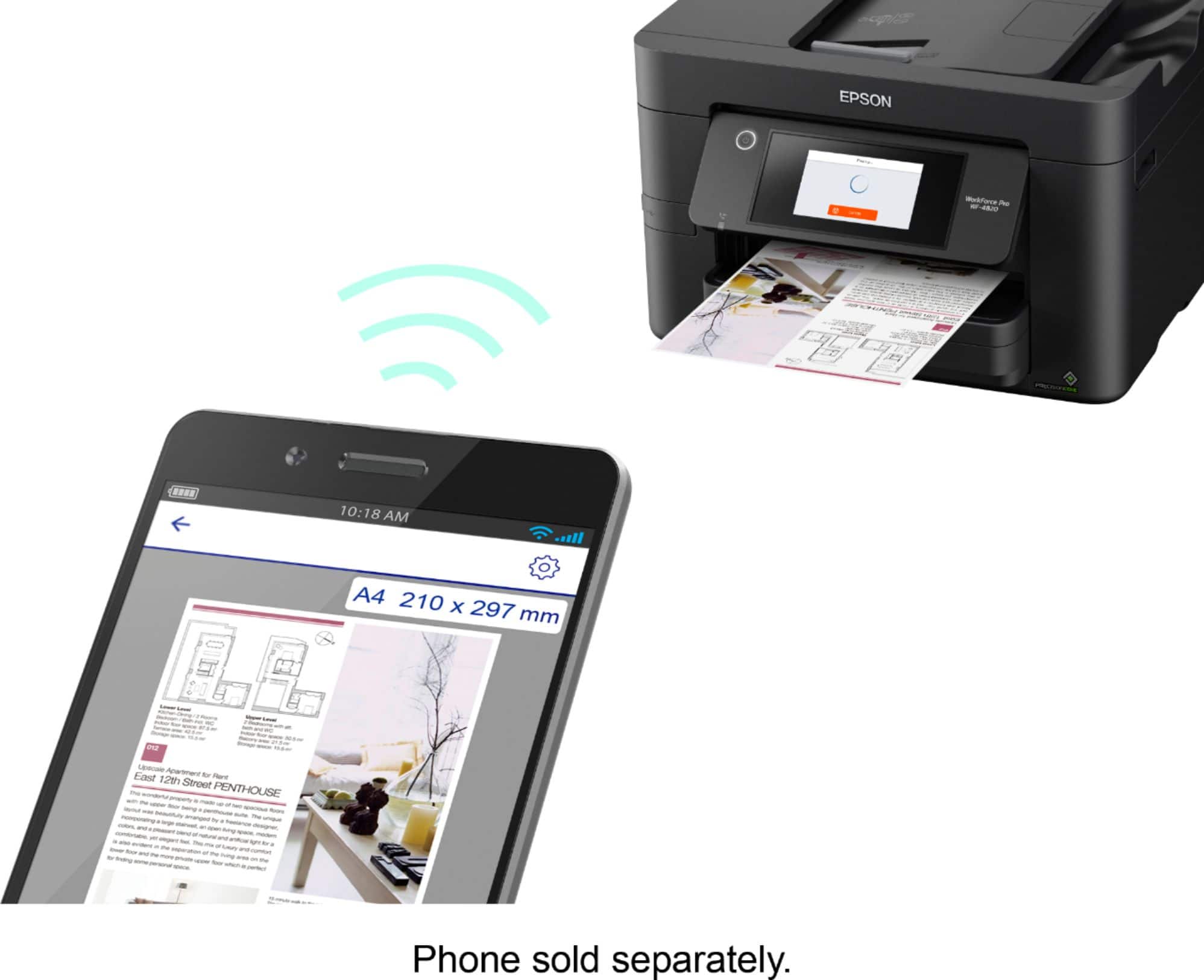
Posted .This reviewer received promo considerations or sweepstakes entry for writing a review.Purchased this printer for my mother's home office and it's been giving her nothing but trouble. We moved from HP to Epison due to tye cost in HPs ink. I picked this model because its says to have scan to email capabilities, but fails to mention that you are required to know how to "configure email servers" on the printer. The instructions are not clear at all and its such a hassle. The printer is also continuously going offline for some reason. And the print from anywhere with the app is a joke. You have to be connected to the wifi the print is on. Ive tried to send a document to the printer and it fails everytime. I can no longer return it, so im stuck with this printer and have to purchase another one thats actually usable.
No, I would not recommend this to a friendBrand response from Epson
Posted .Hi EricaJ, we are sorry that you are having difficulty finding information for your Epson WF-4820. You may copy/paste the following link into your browser to reach your printer's User Guide: www.epson.com/support/wf4820. If you still need assistance with this issue, please contact Epson Support at (562) 276-4382; Hours: Monday – Friday, 7 a.m. to 4 p.m. (PT). Sincerely, Joseph – The Epson Team.

Connection Issue
Posted .This reviewer received promo considerations or sweepstakes entry for writing a review.It works great but doesn't stay connected to my computer so I have to reconnect it if I don't use it daily. Not sure if this is a printer issue or my computer or maybe a wifi issue but I don't seem to have this issue with any of my other equipment.
I would recommend this to a friendBrand response from Epson
Posted .Hello kwinnett89, we're sorry to hear about the Wi-Fi connection issue with your WF-4820 printer. Epson takes into consideration all feedback to improve the performance and quality of our products. Epson offers helpful information, including FAQs and self-help tools, on the product support web page at https://epson.com/Support/Printers/All-In-Ones/WorkForce-Series/Epson-WorkForce-Pro-WF-4820/s/SPT_C11CJ06201#questions. Additionally, your WorkForce printer includes a 1-year Limited Warranty, plus free lifetime technical support. If you need any assistance, our Epson Support Team would be happy to help you and can be reached at (562) 276-4382; Hours: Monday - Friday, 7 am - 4 pm PT; Sincerely, Sam - The Epson Team.
Epson no longer represents quality
Posted .This reviewer received promo considerations or sweepstakes entry for writing a review.If I could give this printer 0 stars, I would. This is my fourth Epson Workforce over 20 years. They used to be the best and I was a solid Epson fan, but the last two have crapped out quickly. I've had this one about a year. The auto doc feeder no longer works. I have to manually feed papers one at a time into the document feeder to keep it from buckling and ripping. The sales rep told me it was a duplex printer (prints front and back) but it is not, I am switching to another brand.
No, I would not recommend this to a friendBrand response from Epson
Posted .Hi C1B1, we are sorry to hear you are having issues with your Epson printer. Your WF-4820 includes a 1-year limited warranty plus free technical support for the life of your product. Our Epson Support Team would be happy to hear from you and can be reached at (562) 276-4382; Hours: Monday – Friday, 7 a.m. to 4 p.m. (PT). Sincerely, Joseph – The Epson Team.
Scanning costs!
Posted .This reviewer received promo considerations or sweepstakes entry for writing a review.Tried to scan somethingnto my laptop for the first time today. Had to download and use their scan app. That's when they hit me up for $9.00 to scan now and forever. Otherwise, no scan for me. If I had known this I never would have purchased. Every other printer I have had let me scan for free. So, Beware.
No, I would not recommend this to a friendBrand response from Epson
Posted .Hello LegoBrandon, we're sorry to hear about your disappointing experience with the WF-4820 printer. Epson does not charge for scanning. Epson offers helpful information, including FAQs and self-help tools, on the product support web page at https://epson.com/Support/Printers/All-In-Ones/WorkForce-Series/Epson-WorkForce-Pro-WF-4820/s/SPT_C11CJ06201#questions. Your WorkForce printer includes a 1-year Limited Warranty and free lifetime technical support. If you need any assistance, our Epson Support Team would be happy to help you and can be reached at (562) 276-4382; Hours: Monday - Friday, 7 am - 4 pm PT; Sincerely, Sam - The Epson Team.
California LA Resident
Posted .This reviewer received promo considerations or sweepstakes entry for writing a review.This printer started giving me problems within 2 weeks of me opening the box. Started printing a random single-line of code, every 3-5 minutes. Had to turn it off when not printing to by-pass this issue. The ink did not last long, and seemed to evaporate, also would sometimes take long to print color pages. Had other issues. Wish I bought the extended warranty. DO NOT PURCHASE.
No, I would not recommend this to a friendBrand response from Epson
Posted .Hi DedricY, we are sorry to hear you are having issues with your Epson printer. Your WF-4820 includes a 1-year limited warranty plus free technical support for the life of your product. Our Epson Support Team would be happy to hear from you and can be reached at (562) 276-4382; Hours: Monday – Friday, 7 a.m. to 4 p.m. (PT). Sincerely, Alissa A. – The Epson Team.
Epsondoubter
Posted .This reviewer received promo considerations or sweepstakes entry for writing a review.Very difficult to program. Much too complicated for a printer/scanner which is intended for home use
No, I would not recommend this to a friendBrand response from Epson
Posted .Hello, thank you for your feedback on the WF-4820 printer. Epson considers all feedback to improve the performance and quality of our products. Epson provides helpful information to address most issues, including FAQs and self-help tools, on the product support web page at https://epson.com/Support/Printers/All-In-Ones/WorkForce-Series/Epson-WorkForce-Pro-WF-4820/s/SPT_C11CJ06201#questions. Additionally, your printer includes a 1-year Limited Warranty, plus free lifetime technical support. Please reach our support team directly at (562) 276-4382 between 7 am - 4 pm (PT), Monday - Friday, if you need any assistance.
Sincerely, Sam - The Epson Team.
Ink Guzzler!
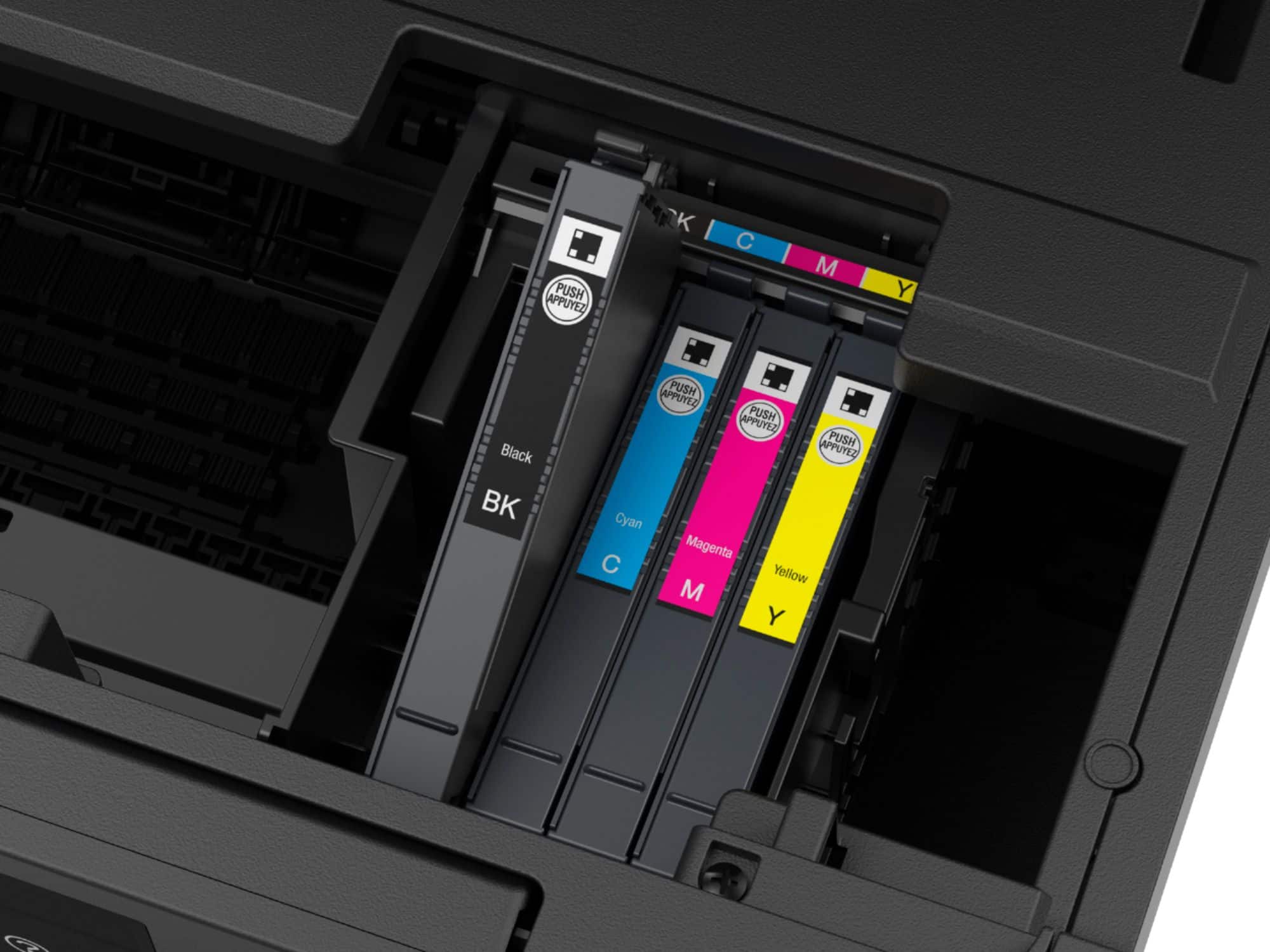
Posted .This reviewer received promo considerations or sweepstakes entry for writing a review.This is an excellent printer/scanner and does everything it should do except for one thing. I print a small volume of pages, mostly black, each month but it seems I need to replace ink cartridges about every other month. I rarely use color, and it seems the Epson does not fill the color cartridges all the way. If you run out of any one color but want to print in black, you are prevented from any printing. Epson has done a great job of locking you into expensive cartridges that need to be replaced often. This is both my First and Last Epson product!
No, I would not recommend this to a friendBrand response from Epson
Posted .Hi TimK, you can find product information, including FAQs and recommended settings on how to optimize ink usage, in the product User’s Guide at www.epson.com/support/wf4820 . If you continue to experience this issue, our Epson Support Team would be happy to help you and can be reached at (562) 276-4382; Hours: Monday – Friday, 7 a.m. to 4 p.m. (PT). Sincerely, Joseph – The Epson Team.
Draining Ink
Posted .This reviewer received promo considerations or sweepstakes entry for writing a review.Didn’t even print 100 papers but ran out of black ink. All other colors are half finished. Just to buy 822XL black ink it cost $40. So couldn’t recommend
No, I would not recommend this to a friendBrand response from Epson
Posted .Hi DINESH, we are sorry you are disappointed with your Epson printer. Your Epson - WorkForce Pro WF-4820 includes free technical support for the life of your product. Our Epson Support Team may be able to help you customize your settings for a more efficient performance. Please contact us at (562) 276-4382; Hours: Monday – Friday, 7am – 4pm PT. We look forward to your call. Regards, Tony – The Epson Team.
Don't do it
Posted .This reviewer received promo considerations or sweepstakes entry for writing a review.This printer is loud, slow, and the print quality is terrible! It looks grainy. I called Epson for help and they just told me to do exactly what I already did. The rep wouldn't listen to what the problem was, he just asked me for my email and sent me instructions telling me to do a nozzle check and call back. I'm just wasting ink at this point. What a bad purchase. Never buying Epson again.
No, I would not recommend this to a friendBrand response from Epson
Posted .Hello, we're sorry to hear about your disappointment with the WF-4820 printer. Epson takes into consideration all feedback to improve the performance and quality of our products. Epson provides useful information, including FAQs and self-help tools, on the product support web page at https://epson.com/Support/Printers/All-In-Ones/WorkForce-Series/Epson-WorkForce-Pro-WF-4820/s/SPT_C11CJ06201. Additionally, your Workforce printer includes a 1-year Limited Warranty, plus free lifetime technical support. If you need further assistance, our Epson Support Team would be happy to help you and can be reached at (562) 276-4382; Hours: Monday - Friday, 7 am - 4 pm PT; Sincerely, Sam - The Epson Team.
Buyer beware
Posted .This reviewer received promo considerations or sweepstakes entry for writing a review.(I don't blame Best Buy.) I regret buying this printer. The scanner consistently gets jammed. It's irritating because I ensure the scanning settings are properly selected and that I don't scan too many pages at once. Despite my best efforts, it still jams. It wastes my time and causes unnecessary frustration.
No, I would not recommend this to a friendBrand response from Epson
Posted .Hello Shelby, we apologize for your disappointing experience with the WF-4820 printer. Epson considers all feedback to improve the performance and quality of our products. Epson also provides helpful information on FAQs and self-help tools on the product support web page at https://epson.com/Support/Printers/All-In-Ones/WorkForce-Series/Epson-WorkForce-Pro-WF-4820/s/SPT_C11CJ06201#questions. Your printer also includes a 1-year Limited Warranty plus free lifetime technical support. Please get in touch with our support team at (562) 276-4382 between 7 am - 4 pm (PT), Monday - Friday, if you need further assistance.
Sincerely, Sam - The Epson Team
Print low numbers, expensive ink replacement
Posted .This reviewer received promo considerations or sweepstakes entry for writing a review.I would not recommend this printer. It only prints a few pages of colored print and it's low ink already. The ink replacement is so expensive.
No, I would not recommend this to a friendBrand response from Epson
Posted .Hello Expensive, we apologize for your disappointing experience with the WF-4820 printer. Epson considers all feedback to improve the performance and quality of our products. Epson also provides helpful information on FAQs and self-help tools on the product support web page at https://epson.com/Support/Printers/All-In-Ones/WorkForce-Series/Epson-WorkForce-Pro-WF-4820/s/SPT_C11CJ06201#questions. Additionally, your printer includes a 1-year Limited Warranty plus free lifetime technical support. Please contact our support team directly at (562) 276-4382 between 7 am - 4 pm (PT), Monday - Friday, if you need further assistance. Sincerely, Sam - The Epson Team
Printer would not recognize paper in tray
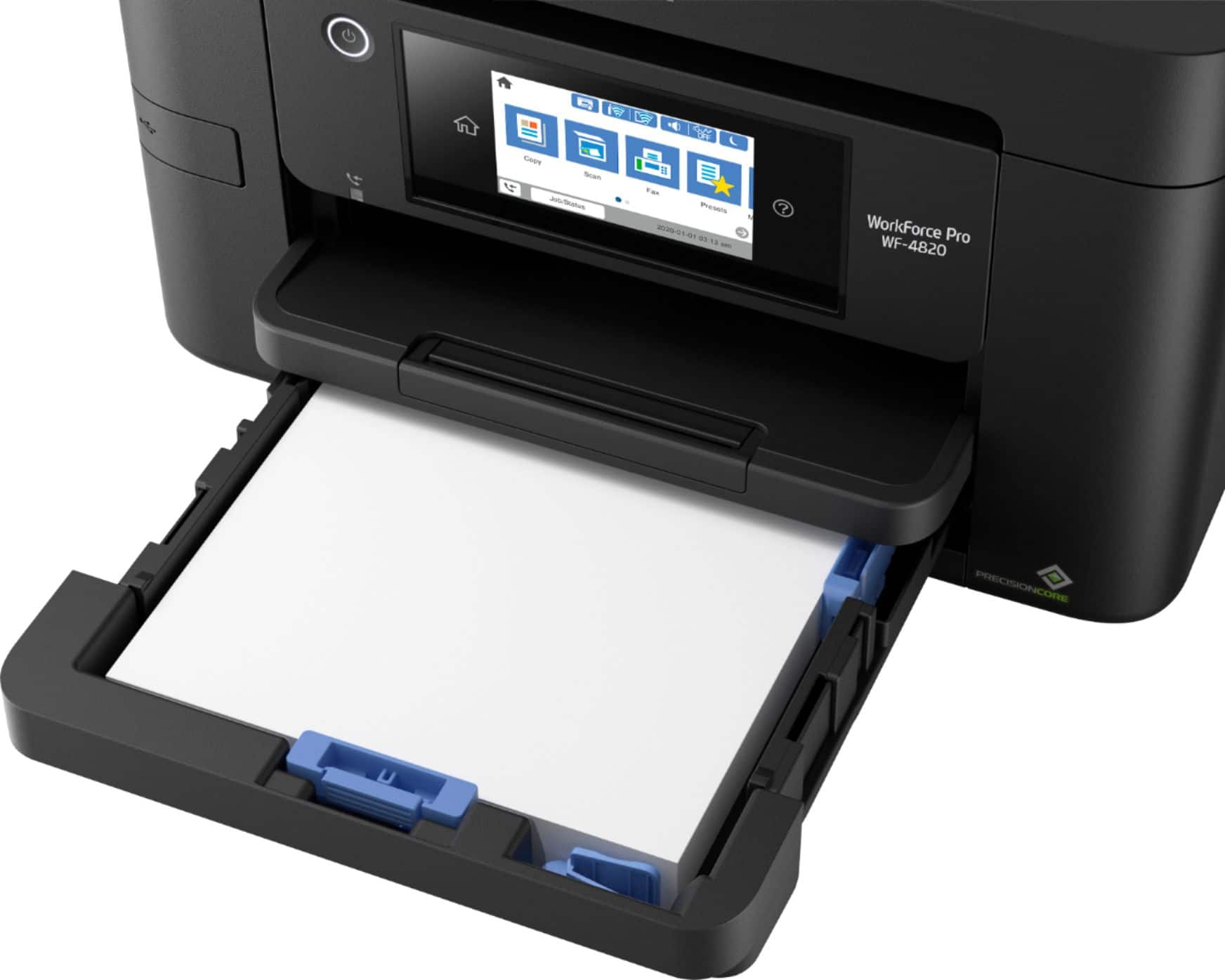
Posted .This reviewer received promo considerations or sweepstakes entry for writing a review.This item arrived damaged. The printer kept giving the error that paper was not in the tray, when it was. Per several reviews, this happens to a lot of people.
No, I would not recommend this to a friendBrand response from Epson
Posted .Hello, we're sorry to hear about your disappointing experience with the WF-4820 printer. Epson considers all feedback to improve the performance and quality of our products. Your WorkForce printer includes a 1-year Limited Warranty and free lifetime technical support. If you need any assistance, our Epson Support Team would be happy to help you and can be reached at (562) 276-4382; Hours: Monday - Friday, 7 am - 4 pm PT; Sincerely, Sam - The Epson Team.