Customer Ratings & Reviews



- Model:
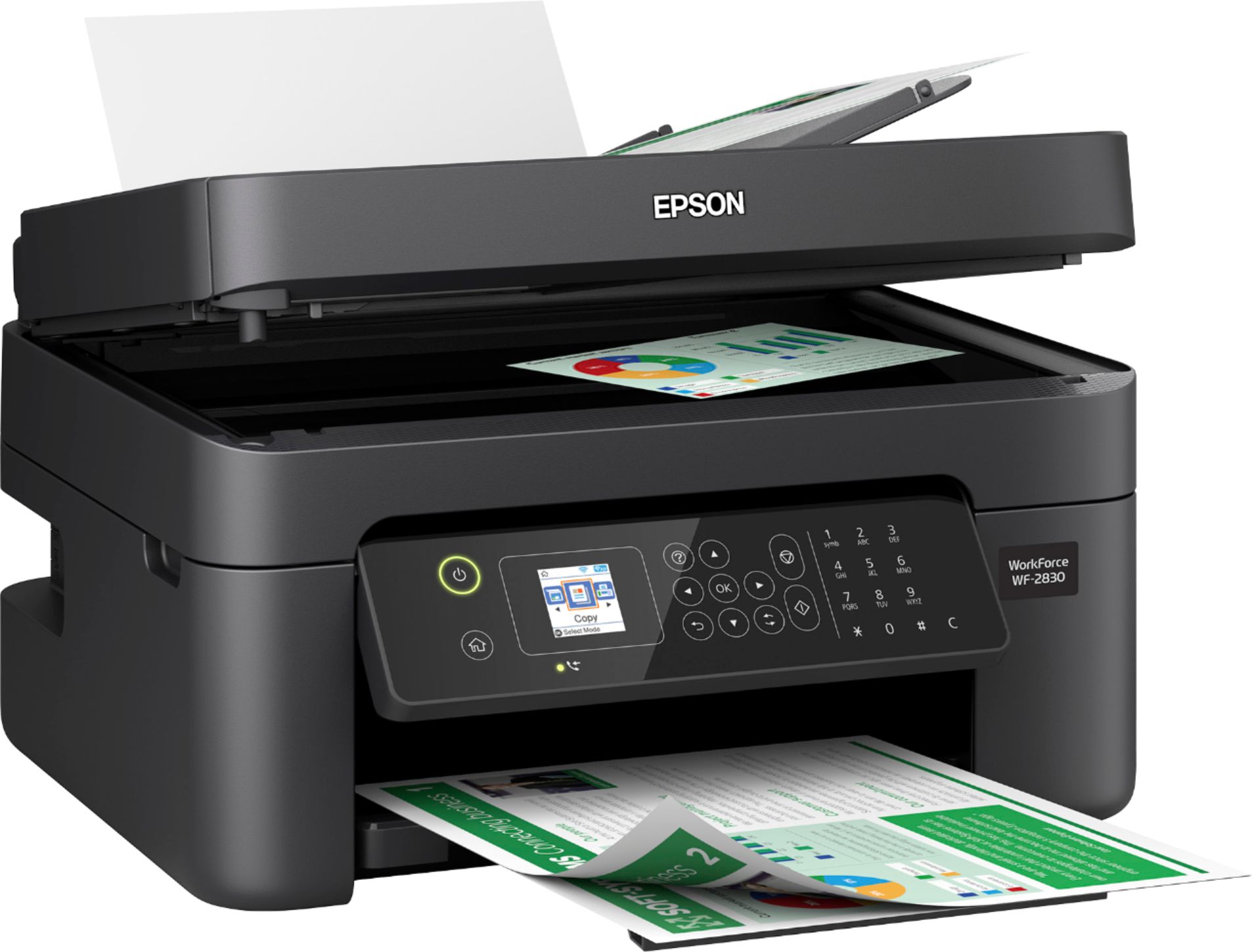
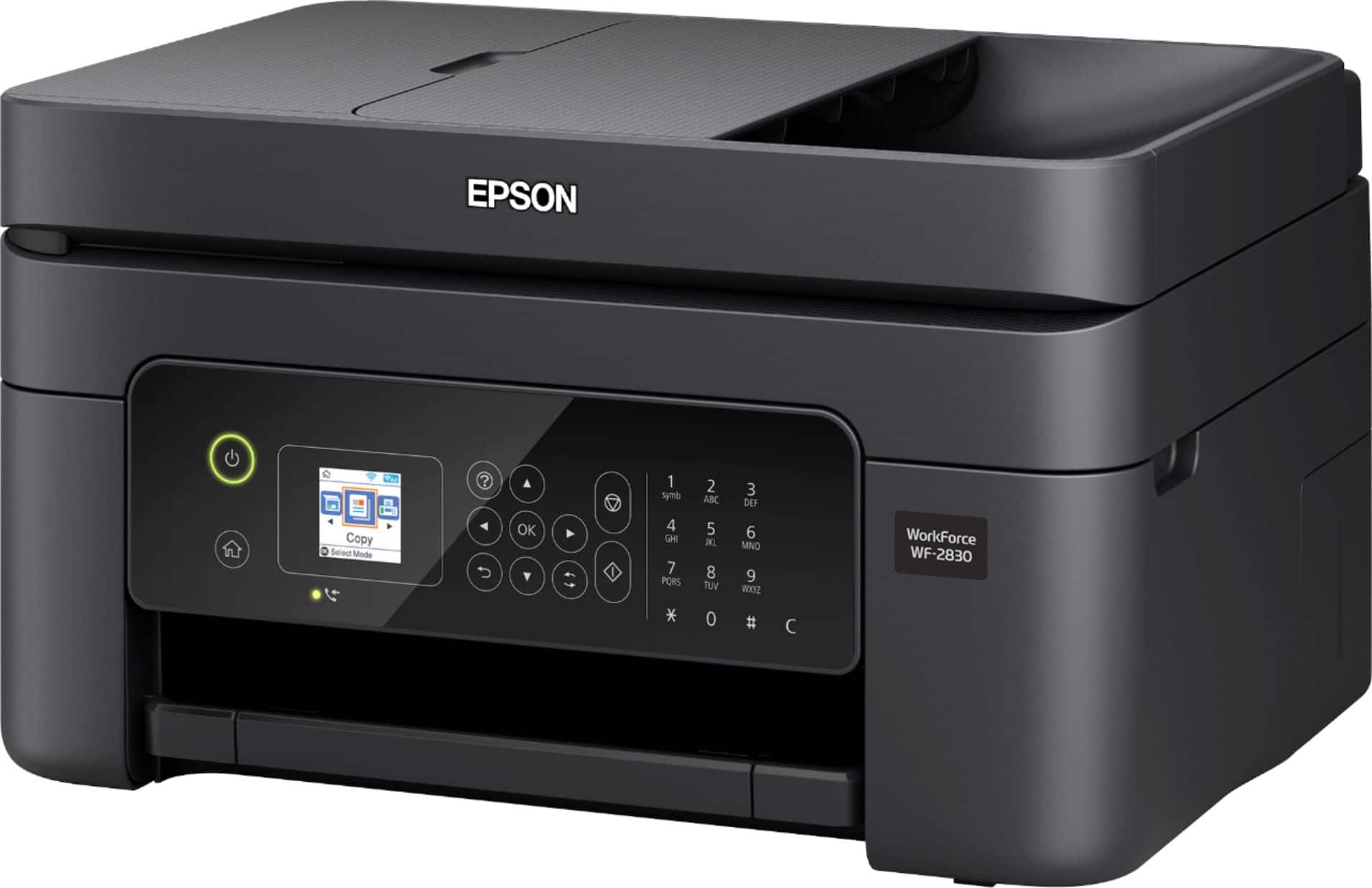
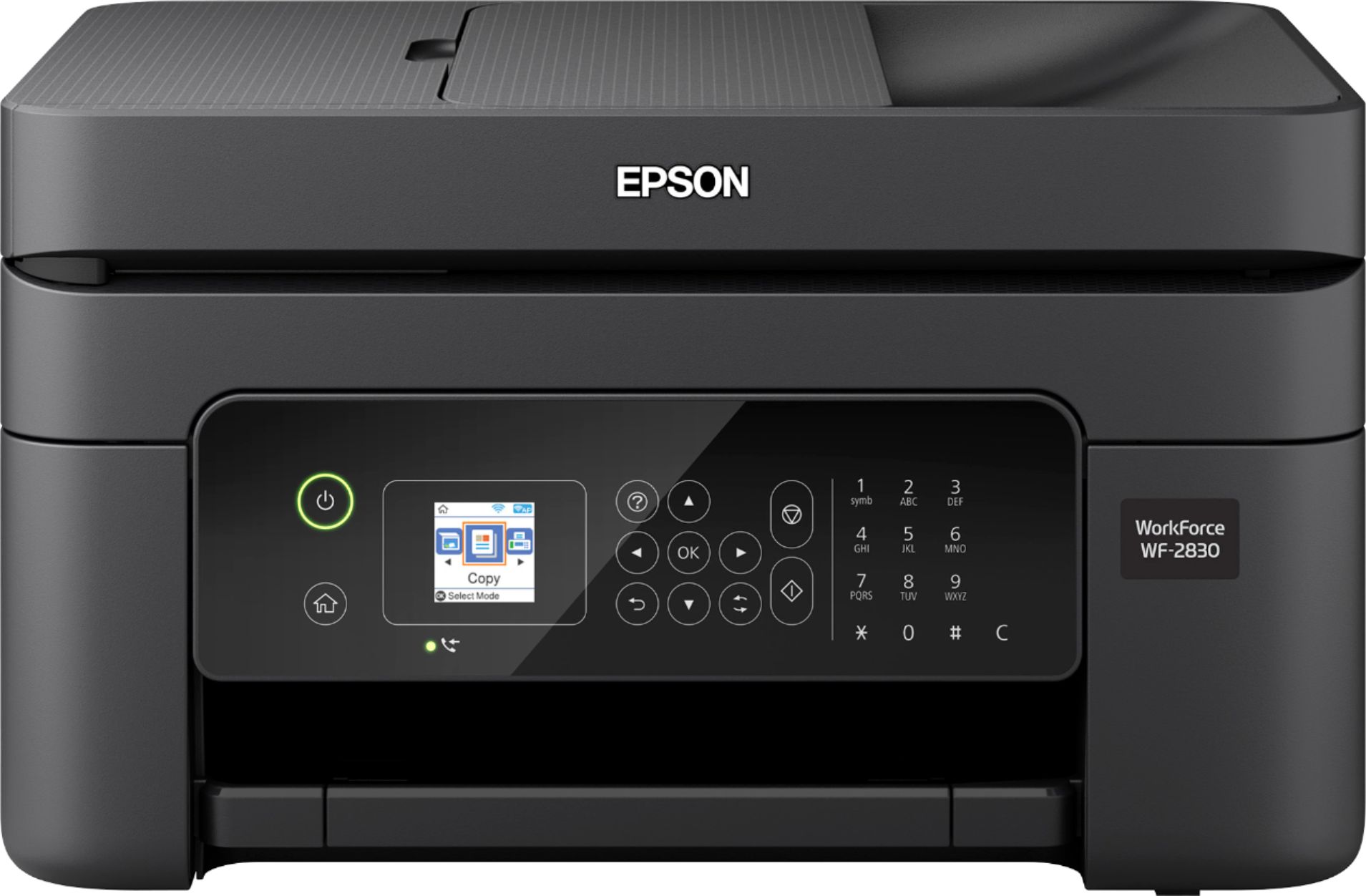
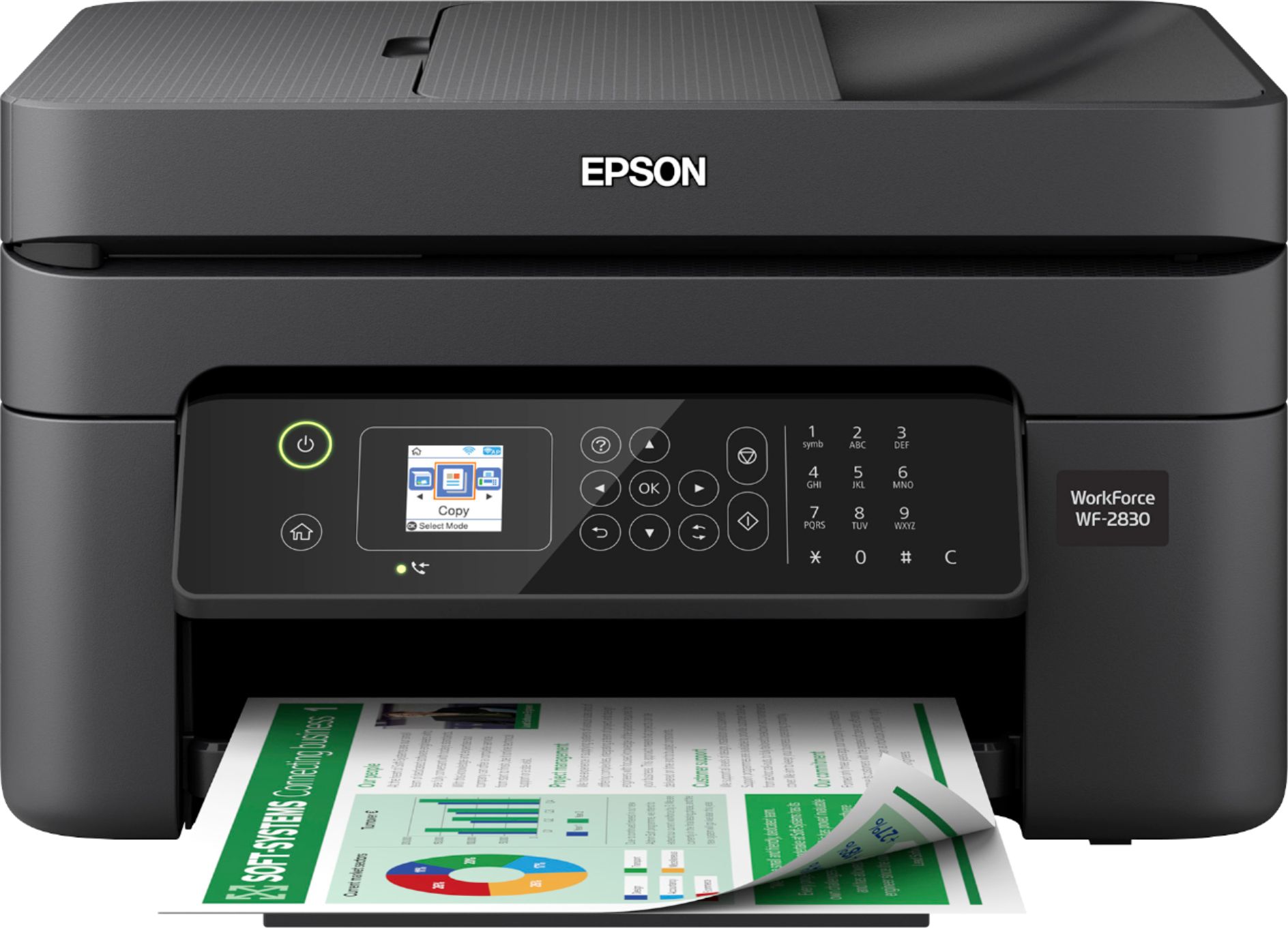
- EPSON WF-2830 PRINTER C11CG302
- SKU:
- 6347500
Rating by feature
- Value
Rating 4.1 out of 5 stars
- Quality
Rating 4.0 out of 5 stars
- Ease of Use
Rating 3.9 out of 5 stars
Customers are saying
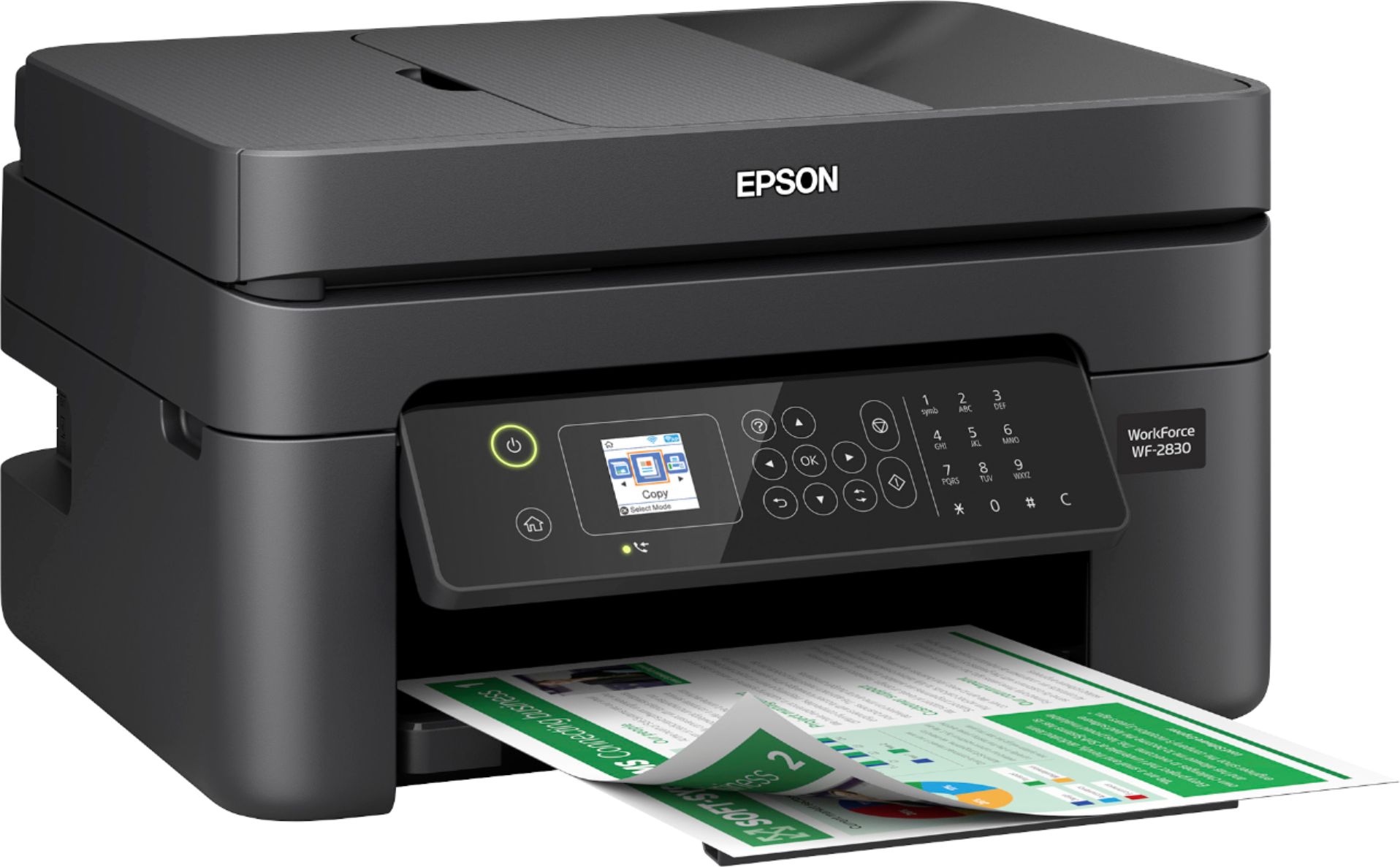
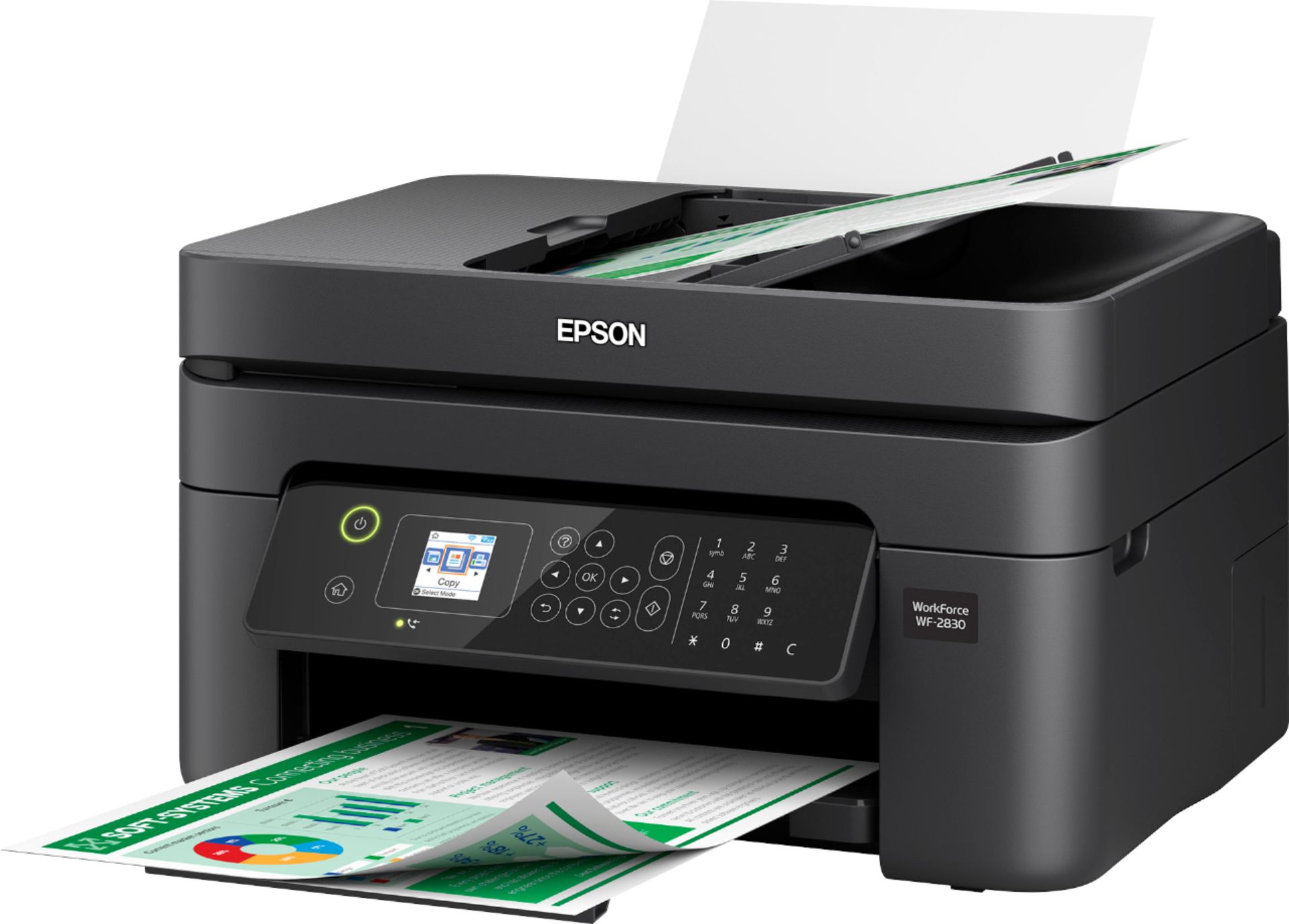
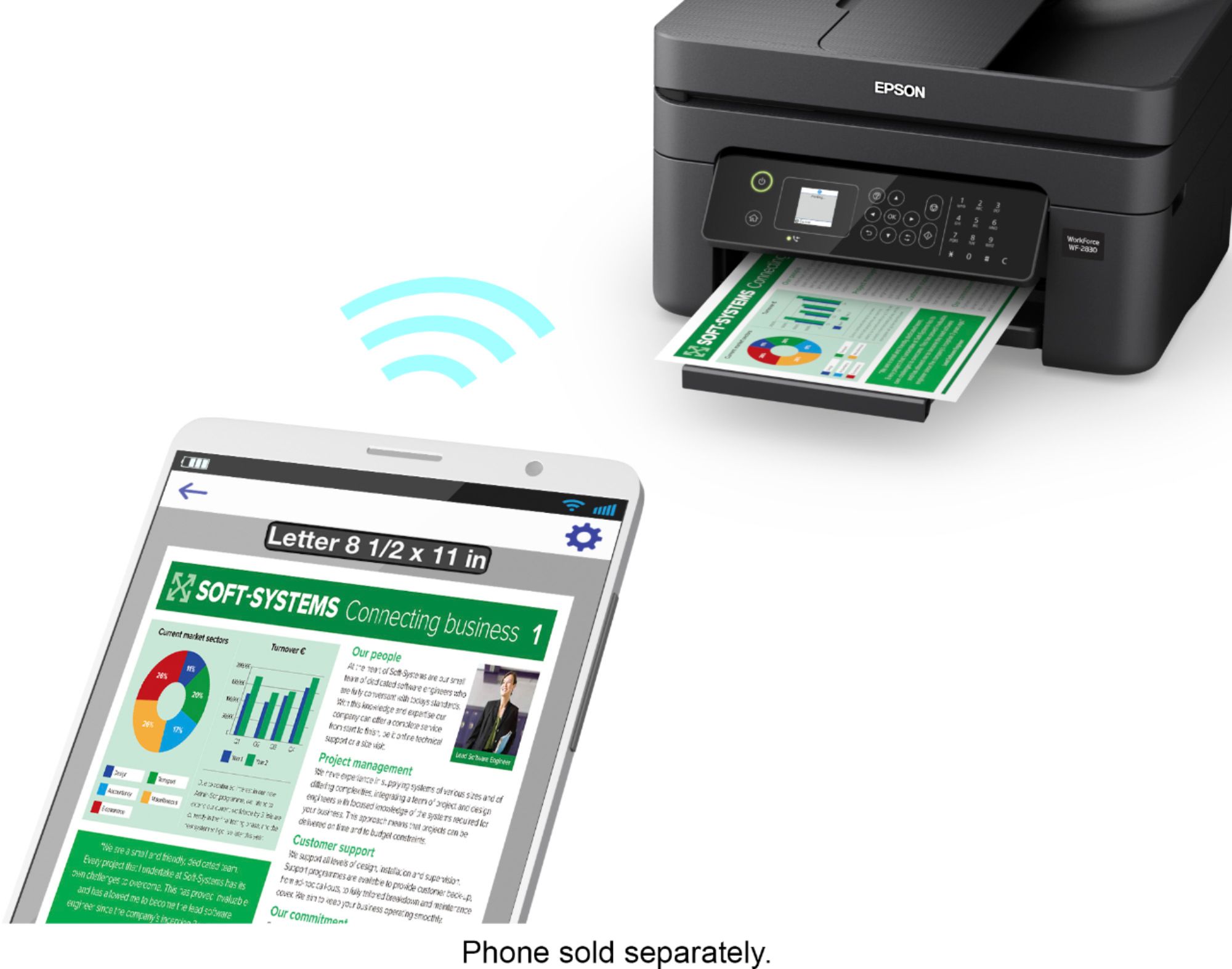
Customers frequently mention the positive print quality, ease of use, and reasonable price of the WorkForce WF-2830 Wireless All-in-One Inkjet Printer. Many appreciate its compact size and convenient wireless functionality, along with the added benefit of fax capabilities. While some users experienced issues with the scanner, the overall feedback highlights the printer's strong performance and straightforward setup. The printer is also praised for its quiet operation.
This summary was generated by AI based on customer reviews.
I don’t know how to connect to my wifi
||Posted . Owned for 3 weeks when reviewed.This reviewer received promo considerations or sweepstakes entry for writing a review.I need a member of the geek squad to come to my home and connect my printer to my wifi but cannot make an appointment Please help
No, I would not recommend this to a friendWorst
||Posted . Owned for 5 months when reviewed.This reviewer received promo considerations or sweepstakes entry for writing a review.Worst printer. Never ever try to buy this. Prints only 10 pages and the ink is out.
No, I would not recommend this to a friendBrand response from Epson
Posted .Hello Prudhvi, we appreciate your time in sharing your experience. The ink cartridges included with the Epson WF-2830 printer are designed for initial setup only and your printer will use most of this ink to charge the ink delivery system. Many factors affect cartridge yield, and you can find the information at www.epson.com/ink-yield-cartridge-info, along with the ink yields on the product’s home page at https://epson.com/For-Work/Printers/Inkjet/Epson-WorkForce-WF-2830-All-in-One-Printer/p/C11CG30201. If you’d like to call our Epson Support Team again, we’d be happy to help you try to optimize any settings to improve print yield. Please call (562) 276-4382; Hours: Monday - Friday, 6 am - 8 pm PT; Saturday, 7 am - 4 pm PT.
Kind Regards, [YOUR FIRST NAME ONLY] - The Epson Team.
Lemon
||Posted .This reviewer received promo considerations or sweepstakes entry for writing a review.Impossible to connect to the internet. I em em got tech help from Epsom and it still didn’t work.
No, I would not recommend this to a friendEgh i shouldve gone with HP
||Posted . Owned for 3 weeks when reviewed.This reviewer received promo considerations or sweepstakes entry for writing a review.I dont like it. It doesnt connect with my computer word It goes staright to google doc. Its egh I shoulve gone with HP
No, I would not recommend this to a friendHi
||Posted .This reviewer received promo considerations or sweepstakes entry for writing a review.I need some new ink I haven’t use it yet cause there no ink
No, I would not recommend this to a friendThe worse purchase I ever made.
||Posted . Owned for 1 year when reviewed.This reviewer received promo considerations or sweepstakes entry for writing a review.This is the worse purchase I ever made. Three mouths after I buy it, they discontinue the ink.
I would recommend this to a friendprinter
||Posted . Owned for 4 months when reviewed.This reviewer received promo considerations or sweepstakes entry for writing a review.hard to set up and only able to use a handful of time and ran out of ink.
No, I would not recommend this to a friendBrand response from Epson
Posted .Hello proneal, we're sorry to hear about your disappointing experience with the WF-2830 printer. Epson considers all feedback to improve the performance and quality of our products. Epson also offers helpful information, including FAQs and self-help tools, on the product support web page at https://epson.com/Support/Printers/All-In-Ones/WorkForce-Series/Epson-WorkForce-WF-2830/s/SPT_C11CG30201#questions. Your WorkForce printer includes a 1-year Limited Warranty and free lifetime technical support. If you need any assistance, our Epson Support Team would be happy to help you and can be reached at (562) 276-4382; Hours: Monday - Friday, 7 am - 4 pm PT; Sincerely, Sam - The Epson Team.
The epson is very cheap
||Posted . Owned for 3 weeks when reviewed.This reviewer received promo considerations or sweepstakes entry for writing a review.I don’t like iTunes wish I never got this printer the fax don’t work
No, I would not recommend this to a friendBrand response from Epson
Posted .Hello Christyb, we're sorry to hear about your disappointment with the WF-2830 printer. Epson takes into consideration all feedback to improve the performance and quality of our products. Epson provides useful information on troubleshooting fax issues, including FAQs and self-help tools, on the product support web page at https://epson.com/Support/Printers/All-In-Ones/WorkForce-Series/Epson-WorkForce-WF-2830/s/SPT_C11CG30201#questions. Additionally, your Workforce printer includes a 1-year Limited Warranty, plus free lifetime technical support. If you need any assistance, our Epson Support Team would be happy to help you and can be reached at (562) 276-4382; Hours: Monday - Friday, 7 am - 4 pm PT; Sincerely, Sam - The Epson Team.
Disappointed
||Posted .This reviewer received promo considerations or sweepstakes entry for writing a review.Couldn’t get to connect to WiFi. Returned for simpler model.
No, I would not recommend this to a friendBrand response from Epson
Posted .Hello, thank you for taking the time to write this review. We're sorry to hear about your disappointing experience with the WF-2830 printer. Your feedback is important to us, and we'll forward this information to the relevant departments as we're always looking to improve future Epson products. If we can help you with anything else, our support team can be reached by phone at (562) 276-4382; Hours: Monday - Friday, 7 am - 4 pm PT. Sincerely, Sam - The Epson Team.
Fax not working
||Posted . Owned for 3 weeks when reviewed.This reviewer received promo considerations or sweepstakes entry for writing a review.Not working not able to send a fax. A Slow machine.
No, I would not recommend this to a friendBrand response from Epson
Posted .Hello Printer, we're sorry to hear about the trouble you've encountered with sending a fax with the WF-2830 printer. Epson takes into consideration all feedback to improve the performance and quality of our products. Epson offers helpful information, including FAQs and self-help tools, on the product support web page at https://epson.com/Support/Printers/All-In-Ones/WorkForce-Series/Epson-WorkForce-WF-2830/s/SPT_C11CG30201#questions. Additionally, your WorkForce printer includes a 1-year Limited Warranty, plus free lifetime technical support. If you need any assistance, our Epson Support Team would be happy to help you and can be reached at (562) 276-4382; Hours: Monday - Friday, 7 am - 4 pm PT; Sincerely, Sam - The Epson Team.
- Pros mentioned:Price
Good quality
Posted .This reviewer received promo considerations or sweepstakes entry for writing a review.Good printer price and efficiency only cons is the ink
I would recommend this to a friend Works well after making two modifications.
Posted .This reviewer received promo considerations or sweepstakes entry for writing a review.I would have given this trap 5 stars if it had worked well without having to make a couple of modifications. I ordered my trap to catch raccoons and opossums that raided the cat’s food. The trap had two small problems. First, the linkage piece that holds the trap door open didn’t hold. It would slip out and the door would close almost immediately after raising and setting it. I had to bend the end of the linkage piece upward a little before the door would stay open. Second, although the literature for this trap says that the trap’s wire mesh openings are sized so that a raccoon cannot get his paw inside through the openings, I watch one reach inside to pick up the bait and bring it out and eat it. I had to wire pieces of hardware cloth around the rear sides and end to prevent the raccoon from stealing the bait. So you now know what is involved in making this trap work as it should.
I would recommend this to a friend- Pros mentioned:Ease of use, Print quality
Great printer.
Posted .This reviewer received promo considerations or sweepstakes entry for writing a review.I love this printer. Set up was very easy. Printing quality is excellent Im able to print directly from my phone which is very convenient. Not to bulky either. I would definitely recommend this printer to a friend
I would recommend this to a friend Mr.
Posted .This reviewer received promo considerations or sweepstakes entry for writing a review.It's wireless. It works. I have no complaints to this point.
I would recommend this to a friend- Pros mentioned:Ease of use
epson printer
Posted .This reviewer received promo considerations or sweepstakes entry for writing a review.easy to set up but have not mastered the print from phone yet
I would recommend this to a friend Firmware issues
Posted .This reviewer received promo considerations or sweepstakes entry for writing a review.Forces you to replace the ink whenever it does a firmware update
No, I would not recommend this to a friend- Pros mentioned:Ease of use
good to go.
Posted .This reviewer received promo considerations or sweepstakes entry for writing a review.it was a fairly easy set up and works great so far.
I would recommend this to a friend Junk
Posted .This reviewer received promo considerations or sweepstakes entry for writing a review.Do not purchase this machine. Its a waste of money. I bought this machine in 2021 and its giving me problems. The ink is expensive- Now I'm having to purchase a new copier.
No, I would not recommend this to a friend- Cons mentioned:Scanner
worse printer ever purchased stay away
Posted .This reviewer received promo considerations or sweepstakes entry for writing a review.I purchased the WF-2830 around July 12, 2020, setup was fine and served it's purpose. Then on April 2021 the printer stopped working because the scanner malfunctioned. I contacted Epson they sent me a replacement which also didn't work. They sent me a 2nd replacement which finally worked. On Oct 3, 2021 I attempted to print something and the printer failed again, after 3 restarts of the printer I finally got an error message that the scanner is malfunctioned as I am now past my 1 year warranty I had to purchase a new printer. Keep in mind I only print an average of 2 pages per month so it's not heavily used. Never buying an Epson again. Save your money, time and frustration and get a different brand.
No, I would not recommend this to a friendBrand response from Epson
Posted .Hello TimL, thank you for your feedback on the WF-2830 printer. Epson takes into consideration all feedback to improve the performance and quality of our products. Epson offers helpful information, including FAQs and self-help tools, on the product support web page at https://epson.com/Support/Printers/All-In-Ones/WorkForce-Series/Epson-WorkForce-WF-2830/s/SPT_C11CG30201#questions. Additionally, your WorkForce printer includes free lifetime technical support. If you need any assistance, our Epson Support Team would be happy to help optimize your print settings for better ink yield and can be reached at (562) 276-4382; Hours: Monday - Friday, 7 am - 4 pm PT; Sincerely, Sam - The Epson Team.
Epson Printer
Posted .This reviewer received promo considerations or sweepstakes entry for writing a review.I love my epson printer, it can fax, scan, copy and print.
I would recommend this to a friend