Customer Ratings & Reviews



- Model:
- EPSON WF-2830 PRINTER C11CG302
- SKU:
- 6347500
Rating by feature
- Value
Rating 4.1 out of 5 stars
- Quality
Rating 4.0 out of 5 stars
- Ease of Use
Rating 3.9 out of 5 stars
Customers are saying
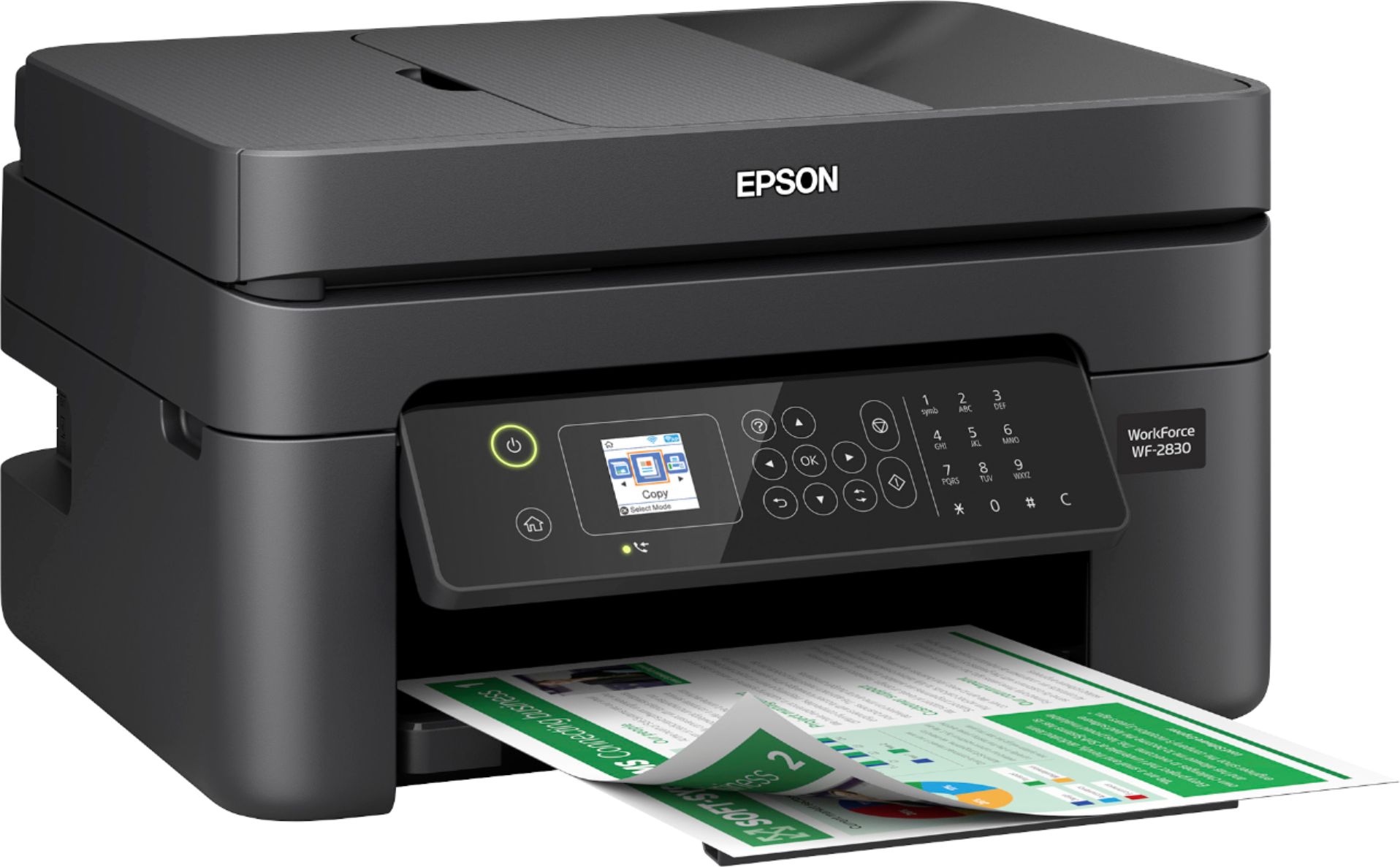
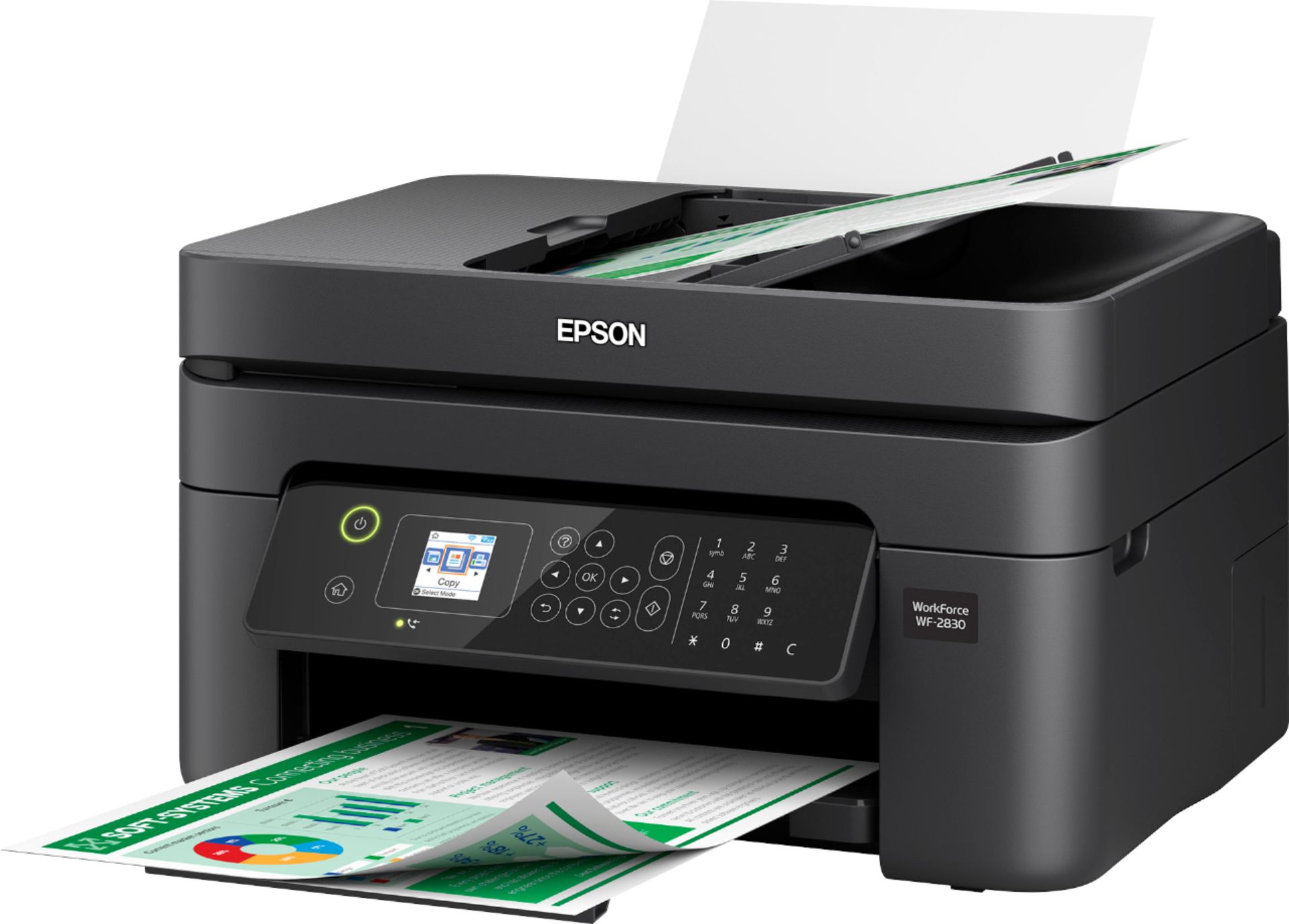
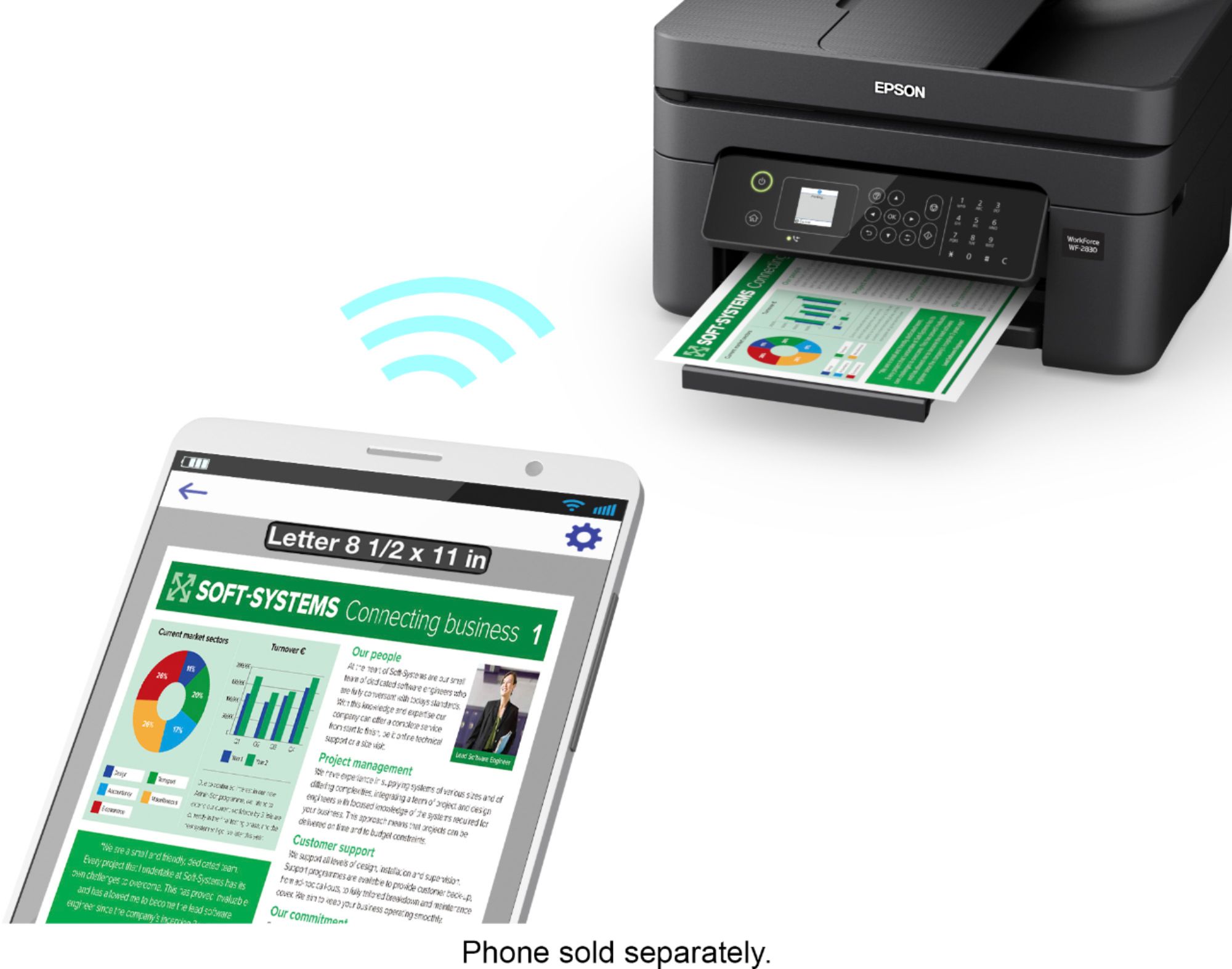
Customers frequently mention the positive print quality, ease of use, and reasonable price of the WorkForce WF-2830 Wireless All-in-One Inkjet Printer. Many appreciate its compact size and convenient wireless functionality, along with the added benefit of fax capabilities. While some users experienced issues with the scanner, the overall feedback highlights the printer's strong performance and straightforward setup. The printer is also praised for its quiet operation.
This summary was generated by AI based on customer reviews.
Office printer
Posted .This reviewer received promo considerations or sweepstakes entry for writing a review.Needed something for my home office. Works great..
I would recommend this to a friendAVOID EPSON PRINTERS!
Posted .This reviewer received promo considerations or sweepstakes entry for writing a review.DON'T GET EPSON!!!!! I have an Epson WorkForce Pro WF-4833, and apparently, per a representative from EPSON, for me to print a document, EVEN IF I AM STRICTLY USING BLACK INK, all the colors of ink need to be filled. Yes, you read that correctly; to PRINT IN BLACK AND WHITE, EPSON also needs to use the other colors. Call me crazy, but I thought the back ink would suffice to make black ink to print a document only requiring black ink... Not in the world of EPSON, to print a document using only black ink, it "NEEDS" the other colors. So my conclusion is that EPSON is trying to make a quick buck, forcing their customers to buy unnecessary ink even if it is irrelevant to what is being printed. For example, I used all my cyan ink for a project, but now I just need to print out a document in black and white; even though my black ink is full, I can not print a document in black and white because my Cyan is out. WHAT A JOKE! There are other printer companies out there. Please stay away from this company.
No, I would not recommend this to a friendBrand response from Epson
Posted .Hello VLT2022, we're sorry about your disappointing experience with the WF-2830 printer. Epson considers all feedback to improve the performance and quality of our products. Your printer includes a 1-year Limited Warranty, plus free technical support for the life of the product. Additionally, Epson provides helpful information, including device drivers and self-help tools, on the product support website at https://epson.com/Support/Printers/All-In-Ones/WorkForce-Series/Epson-WorkForce-WF-2830/s/SPT_C11CG30201#questions. Please get in touch with our support team directly at (562) 276-4382 between 7 am - 4 pm (PT), Monday - Friday if you need assistance.
Sincerely, Sam - The Epson Team
Great product.
Posted .This reviewer received promo considerations or sweepstakes entry for writing a review.Excellent product for the money. Have been buying a different brand for many years and found they "died" too soon. so finally bought Epson. They are less expensive and less complicated. Hopefully it will last longer.
I would recommend this to a friendWorks like it should!
Posted .This reviewer received promo considerations or sweepstakes entry for writing a review.Definitely want to purchase ink with the printer, the samples that come with it are small. It works well, better than the Brother printer it replaced. I've had no problems at all with Bluetooth printing.
I would recommend this to a friendWould Not Buy Another Epson
Posted .This reviewer received promo considerations or sweepstakes entry for writing a review.If you love firmware updates every time you intend on printing something, this is the printer you’d enjoy. Then after said firmware updates, you lose features and usability becomes less, here you go. If you like a printer that shoots out blank pages, this is a beaut. If you enjoy frustration and the want to go Office Space on office equipment, for sure get this one. Want to replace ink cartridges non stop, here it is. This thing feels cheaper than it is, and at this price, well. After a year of trying to make this thing work, I’ve given up and gone back to HP. I will never own another Epson printer.
No, I would not recommend this to a friendBrand response from Epson
Posted .Hello Dagwood, we apologize for your disappointing experience with the WF-2830 printer. Epson considers all feedback to improve the performance and quality of our products. Epson also provides helpful information on FAQs and self-help tools on the product support web page at https://epson.com/Support/Printers/All-In-Ones/WorkForce-Series/Epson-WorkForce-WF-2830/s/SPT_C11CG30201#questions. Additionally, your printer includes a 1-year Limited Warranty plus free lifetime technical support. Please contact our support team directly at (562) 276-4382 between 7 am - 4 pm (PT), Monday - Friday, if you need further assistance.
Sincerely, Sam - The Epson Team
Scam alert - forces you to replace color ink
Posted .This reviewer received promo considerations or sweepstakes entry for writing a review.I have had this printer for a year. Barely used. Today was an emergency - I needed a print and it stopped printing. Listen to this: the printer forces you to replace the "color ink" even though you only need to print black and your black cartridge is full! Absolutely disgraceful. No matter what you try - it won't let you print. Just google this problem. This scam is applicable to most of Epson series printers, This was sold to me by a 'Best Buy" salesman. I feel cheated. Best Buy will say there is a way out and you can change settings etc - nope! It's not going to work. Two things will happen now - I will never buy any Epson product and I will never buy from Best Buy.
No, I would not recommend this to a friendEpson wf-2830
Posted .This reviewer received promo considerations or sweepstakes entry for writing a review.Ink cartridges only last through initial setup, should last much longer.
I would recommend this to a friendBrand response from Epson
Posted .Hello Epsonwf2830, we're sorry to hear about your disappointment with the ink consumption on the WF-2830 printer. Epson considers all feedback to improve the performance and quality of our products. The ink cartridges included with the Epson WF-2830 printer are designed for initial setup only, and your printer will use most of this ink to charge the ink delivery system. Many factors affect cartridge yield, and you can find the information at www.epson.com/ink-yield-cartridge-info, along with the ink yields on the product’s home page at https://epson.com/For-Work/Printers/Inkjet/Epson-WorkForce-WF-2830-All-in-One-Printer/p/C11CG30201. If you need further assistance, our Epson Support Team would be happy to help you optimize your print settings to improve print yield. Please contact (562) 276-4382; Monday - Friday, 7 am - 4 pm PT; Kind Regards, Sam - The Epson Team.
A good bargin isn't always a good buy!
Posted .This reviewer received promo considerations or sweepstakes entry for writing a review.Printer was a little hard to setup and no manual!!
No, I would not recommend this to a friendBrand response from Epson
Posted .Hello Yougetwhatyoupayfor, we apologize for your disappointing experience with the WF-2830 printer. Epson considers all feedback to improve the performance and quality of our products. Epson also provides helpful information on FAQs and self-help tools on the product support web page at https://epson.com/Support/Printers/All-In-Ones/WorkForce-Series/Epson-WorkForce-WF-2830/s/SPT_C11CG30201#questions. Additionally, your printer includes a 1-year Limited Warranty, plus free lifetime technical support. Please contact our support team directly at (562) 276-4382 between 7 am - 4 pm (PT), Monday - Friday, if you need further assistance.
Sincerely, Sam - The Epson Team
OUTRAGEOUSLY OVERPRICED/UNDER YIELDING CARTRIDGE!
Posted .This reviewer received promo considerations or sweepstakes entry for writing a review.I wanted to love this printer. As a work from home professional, I've maintained a fully equipped home office for decades. I often advise clients to never purchase printers where the ink cartridges are sold as one unit because if you run out of one color, it renders the cartridge AND the printer useless. Well Epson you do offer the options of separate color/bw cartridges but the yield is horrible. NONE of them made through one ream of paper. I barely used 100 pages. No way am I going to pay over $60 a month for ink. The inkjet scam killed whatever affection I may have developed for this device. Missing my Brother MFC printer already.
No, I would not recommend this to a friendBrand response from Epson
Posted .Hello NaLove, we're sorry to hear about your disappointing experience with the WF-2830 printer. Epson takes into consideration all feedback to improve the performance and quality of our products. Epson offers helpful information, including FAQs and self-help tools, on the product support web page at https://epson.com/Support/Printers/All-In-Ones/WorkForce-Series/Epson-WorkForce-WF-2830/s/SPT_C11CG30201#questions. Additionally, your WorkForce printer includes a 1-year Limited Warranty, plus free lifetime technical support. If you need any assistance, our Epson Support Team would be happy to help you and can be reached at (562) 276-4382; Hours: Monday - Friday, 7 am - 4 pm PT; Sincerely, Tony - The Epson Team.
Not happy
Posted .This reviewer received promo considerations or sweepstakes entry for writing a review.The epson color ink cartridges are so small and do not last long. Compatible epson ink cartridges are not recognized by the printer. Went to the epson website to buy ink and they do not have the 212 xl ink cartridges available on their website. On the Best Buy website the 212 xl ink cartridges will be available for pick up at the store, 1 week from now. I need ink now! I am returning the printer to the store.
No, I would not recommend this to a friendPrinter
Posted .This reviewer received promo considerations or sweepstakes entry for writing a review.Loveeeeeeeeeeeeeeeeeeeeee ittttttttttttttttttttttttt
I would recommend this to a friendDon't waste your money
Posted .This reviewer received promo considerations or sweepstakes entry for writing a review.I was given a 2830 by Epson as a replacement for a different model that broke down under warranty. This is a piece of junk. It jams frequently, and even if it doesn't jam, you usually receive an error message to remove the non existent jam. Now the challenge is to try communicating with tech support in a thirld world country. The screen is extremely small. I have 20/25 vision, and even with a magnifying glass, it's extremely difficult to read. Don't waste your money.
No, I would not recommend this to a friendReplacing the ink :(
Posted .This reviewer received promo considerations or sweepstakes entry for writing a review.I barely ever print yet I am constantly replacing the ink. This the worst printer I've owned. I wish I could return it but I didn't know it would be this bad until it was too late.
No, I would not recommend this to a friendDon't waste your money
Posted .This reviewer received promo considerations or sweepstakes entry for writing a review.We made the horrible mistake of listening to an "expert best buy employee" who HIGHLY recommended this printer for business purposes. That is the LAST time I will take any advice from a Best Buy employee. This printer costs an INSANE amount in ink alone, the printer is slow, the scanner is even SLOWER and only works half the time, the top feeder has quit working completely after just over a year of use. I would never recommend this printer to anyone, and would highly suggest you do the research yourself before going to the store so that an employee doesn't try to sell you a piece of crap like this.
No, I would not recommend this to a friendBrand response from Epson
Posted .Hello JoAsh, we're sorry to hear about your disappointing experience with the WF-2830 printer. Epson takes into consideration all feedback to improve the performance and quality of our products. Epson provides useful information, including FAQs and self-help tools, on the product support web page at https://epson.com/Support/Printers/All-In-Ones/WorkForce-Series/Epson-WorkForce-WF-2830/s/SPT_C11CG30201#questions. Additionally, your Workforce printer includes a 1-year Limited Warranty, plus free lifetime technical support. If you need assistance, our Epson Support Team would be happy to help you and can be reached at (562) 276-4382; Hours: Monday - Friday, 7 am - 4 pm PT; Sincerely, Sam - The Epson Team.
Terrible printer.
Posted .This reviewer received promo considerations or sweepstakes entry for writing a review.Terrible printer. It can't even manage to scan or copy a 3 page document, and instead will only copy one page at a time and only if each page is individually placed manually on the glass. And when you try to scan even one single page, you get a message that says "Invalid" with no instructions about what the issue is. Automatically disconnects itself from the wifi router every single day so that every time you use it you need to input the wifi router password all over again. Would not recommend this printer to anyone.
No, I would not recommend this to a friendruns out of ink too fast
Posted .This reviewer received promo considerations or sweepstakes entry for writing a review.bought it around 3 weeks ago. have barely use it and it runs out of ink already. I do not recommend this printer to anyone. Surely is not made for the workforce. beside that it took me a while to get it to work with my computer. I guess I got what I paid for.
No, I would not recommend this to a friendLow quality
Posted .This reviewer received promo considerations or sweepstakes entry for writing a review.Broke after 6 months. Got a replacement, it had the exact same problem and broke after about 6 months. Now it is out of warranty and Epson will do nothing.
No, I would not recommend this to a friendDon't buy, ink is low yield
Posted .This reviewer received promo considerations or sweepstakes entry for writing a review.Not a good printer. The ink is low yield. I have spent more money on ink in past 1 yr then printer itself. Would not recommend it to anyone.
No, I would not recommend this to a friendBrand response from Epson
Posted .Hello jmalani, we're sorry to hear about your disappointing experience with the WF-2830 printer. Epson takes into consideration all feedback to improve the performance and quality of our products. Epson provides useful information, including FAQs and self-help tools, on the product support web page at https://epson.com/Support/Printers/All-In-Ones/WorkForce-Series/Epson-WorkForce-WF-2830/s/SPT_C11CG30201#questions. Additionally, your Workforce printer includes a 1-year Limited Warranty, plus free lifetime technical support. If you need assistance with optimizing your print settings for more efficient ink consumption, our Epson Support Team would be happy to help you and can be reached at (562) 276-4382; Hours: Monday - Friday, 7 am - 4 pm PT; Sincerely, Sam - The Epson Team.