Customer Ratings & Reviews
- Model:
- C11CC98201
- |
- SKU:
- 4668019
Customer reviews
Rating 4.3 out of 5 stars with 214 reviews
(214 customer reviews)to a friend
Customers are saying
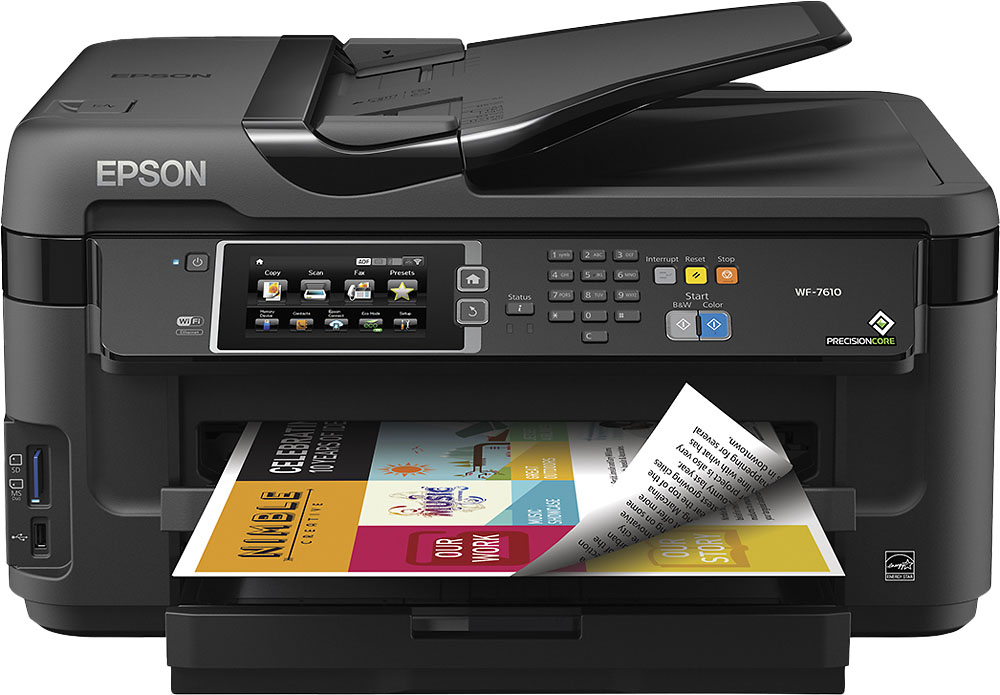
Customers admire the WorkForce WF-7610's impressive print quality and ease of use, frequently praising its wireless functionality and straightforward setup. However, some users note the printer's large size and occasional paper jams as drawbacks. The printer's scanning and faxing capabilities also receive positive feedback.
This summary was generated by AI based on customer reviews.
- Pros mentioned:Print quality
Rated 4 out of 5 stars
Good wide format all in one w/ app functionality
Posted .This reviewer received promo considerations or sweepstakes entry for writing a review.Really like this printer for wide format printer and its app functionalities. I got this printer to print plans in 11x17 which works well. It has good speed printing speed, although it sometimes skips pages when printing fast. About the scanner on wi-fi, sometimes it gets really slow and freezes. Out of the very few options of wide format all in one, this one is maybe the best option besides the 7620.
I would recommend this to a friend Rated 1 out of 5 stars
Didn't get a chance to use it
||Posted .This reviewer received promo considerations or sweepstakes entry for writing a review.I did not get a chance to use this printer because it was sent to the wrong address!!!
I would recommend this to a friend- Pros mentioned:Print quality
Rated 4 out of 5 stars
Great printer and so reasonably priced.
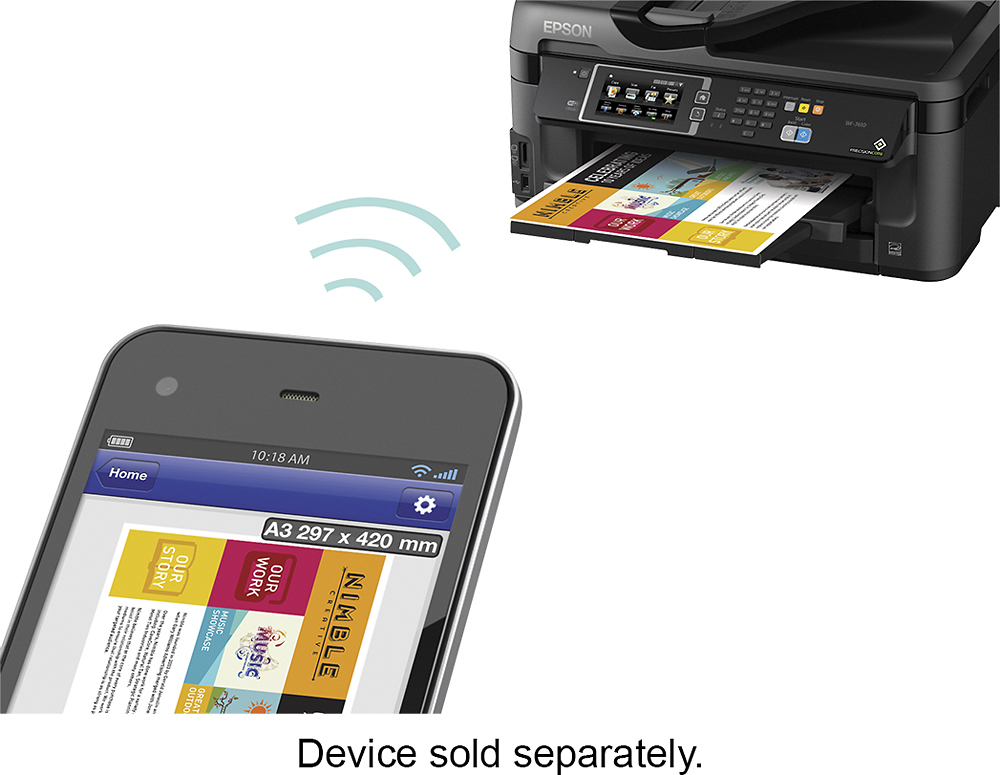
Posted .This reviewer received promo considerations or sweepstakes entry for writing a review.This is a great printer! I had it out of the box and was printing in less than 30 minutes. I love the double sided printing feature. This is the first air printer that I've owned and it's a nice treat to be able to print from my iPad and my iPhone. I love Epson printers!
I would recommend this to a friend - Pros mentioned:Print qualityCons mentioned:Paper jam
Rated 4 out of 5 stars
Good printer...for about 2 years...
Posted .This reviewer received promo considerations or sweepstakes entry for writing a review.Really liked this printer for the past 2 years. It performed as described and color was vibrant. Loved the extended large format printing and the price was "very" right! However, in the last 6 months there have been numerous paper jams from the feeder. Not fatal, but more an annoyance. The printer has served me well, but the current issues have led me to start looking for a new printer (perhaps a color laser - large format).
I would recommend this to a friend - Pros mentioned:Ease of use, Print quality
Rated 4 out of 5 stars
Excellent value!!!!
Posted .This reviewer received promo considerations or sweepstakes entry for writing a review.Very good printer value, easy set-up, very good print quality. Overall excellent value!!! If your looking for a resonable price print for small business use I would recommend this!!!
I would recommend this to a friend Rated 3 out of 5 stars
Great, but had problems later
Posted .This reviewer received promo considerations or sweepstakes entry for writing a review.We purchased this printer for our company and it was great while it worked. The interface is easy to navigate and I love that it has a touch screen on the display. We unfortunately had a problem after this machine was in use for a month where the machine would not send faxes. I talked to Epson for approx. 2 hours trying different settings, but had no luck. Epson later tried blaming this on our telephone lines, but we debunked that myth by hooking a different fax machine up to the phone line and showing we were able to fax through the line. Epson then agreed to send us a replacement. I'm hoping that the replacement will continue working longer than the original did. Perhaps we just got a bad original product?
No, I would not recommend this to a friendRated 5 out of 5 stars
Good Features
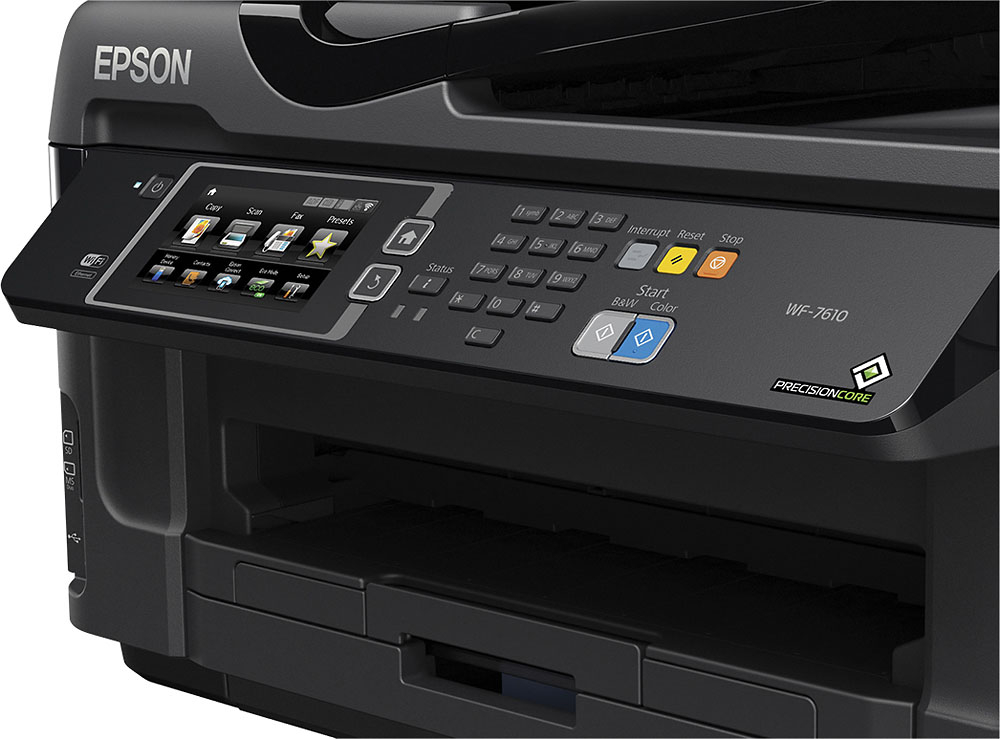
Posted .This reviewer received promo considerations or sweepstakes entry for writing a review.Im quiet impressed with this Multi-function device (MFD). I work for a large corporate office that has many MFDs in our office, and have used this one in my home office. WOW, this printer can hold it's own next to the printers at my office. A few of the unique features that I enjoy are being able to actually preview a print on the touchscreen before printing. (This is an option and is not required every time). I also love the ability to email my documents to the printer. This works so when I'm at the office or on the road I can email to my printer's unique email address, and it will be sitting in the printer tray waiting when I get home. Some of the other features that are really quiet incredible is the ability to print and scan up to 11"x17" pages. Stored print is also good if you have multiple people using the printer. Epson refers to this as "Confidential Print" , but essentially it stores your print until you are in front of the printer, keeping it either secure, or so it doesn't get mixed in with others prints. I'm also a huge fan of the ability to print using wireless, and also the ability to print in duplex. This is an incredibly full featured printer at a home printer price. This is a review for the Epson WorkForce WF-7720 Wide Format All-in-One Printer that I received free of charge to do a beta test and review.
I would recommend this to a friendRated 4 out of 5 stars
Bought as Gift and they love it!
Posted .This reviewer received promo considerations or sweepstakes entry for writing a review.I bought this printer as a Christmas gift and they loved it!
I would recommend this to a friendRated 1 out of 5 stars
Just the worst!!
Posted .This reviewer received promo considerations or sweepstakes entry for writing a review.I give it one star because the scanner feature is nice. Other than it being a good size scanner it is the worst printer I have ever owned. Worked pretty decent until the 3rd week. Print heads start to clog. I generally am printing every day to every other day so not for lack of use. Go through steps to unclog heads with no luck. Clean print heads, no luck. Troubleshoot from Epson website, blow through two sets of ink cartridges (Epson OEM cartridges) no luck now all heads are clogged with printing yellow specs only. Gave Epson a second chance after other printer failed after a year. Never again, on to find something that can function. Terrible.
No, I would not recommend this to a friendRated 2 out of 5 stars
BEWARE of the Print Heads!
Posted .This reviewer received promo considerations or sweepstakes entry for writing a review.After one year of light-use, ownership the print heads became clogged (evidently a commonly cited problem on the web) and began printing unevenly, then streaks, then gaps. Per the online tutorials I ran no more that two or three print head cleanings in sequence to clear it up with no luck. I then purchased the $74 Epson® DURABrite Ultra 252XL/252 High Yield, Standard Color C/M/Y Ink Cartridges, Combo 4/Pack (T252XL-BCS) and ran print head cleanings with no better luck. I later found that the cleanings completely depleted the color cartridges but the streaking and gaps did not improve after this. So, trying to salvage my purchase, I searched local for a print-head cleaning kit and finally had to order one off Amazon. After receiving this and several cleanings later there was still no improvement. After emptying the bottle I bought $40 of new, Epson, Color ink to re-test the heads. The final result was worse than the first with virtually no black or color printing available at all. So, it is with regret that I suggest you carefully consider purchasing this attractive yet poorly designed printer which will print very well until the print heads fail (in my case, after about 1 year of light use). Since the print head cannot be replaced, you will need to buy another printer – save yourself the time, effort and money and just do that first…
No, I would not recommend this to a friendRated 5 out of 5 stars
imac
Posted .This reviewer received promo considerations or sweepstakes entry for writing a review.Will this printer work with my iMac? The iMac does not have a slot to insert the CD ROM to install everythin... Is it possible to set it up with my Mac another way?
I would recommend this to a friendRated 1 out of 5 stars
Not reliable, constant paper jams, poor design
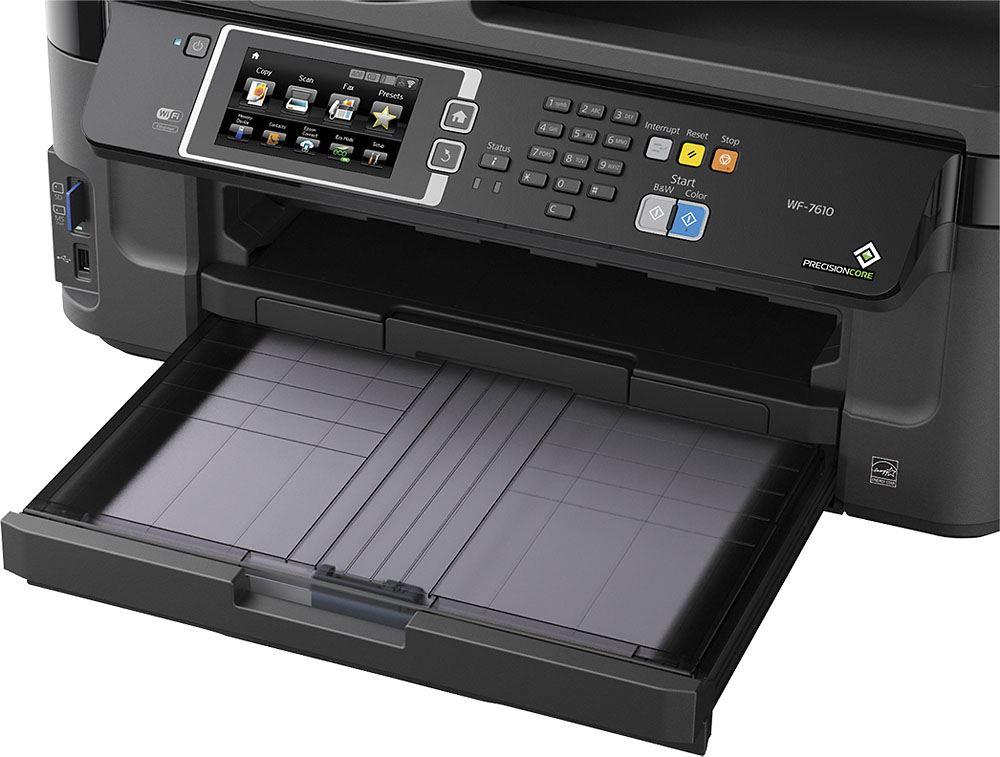
Posted .This reviewer received promo considerations or sweepstakes entry for writing a review.I bought this printer a little over a year ago, and the primary reason why I chose it was so that I could print 11X17 paper. The feature that I needed the most was the worst on the printer and the least reliable. The upper tray with 8-1/2X11 paper worked fine, but I can't say so for the bottom tray. The rear tray was worthless to use and was more trouble than it was worth. Now to the big failing issue; when I loaded legal or the 11X17 paper, it was very 'weak' in how the paper would load in the tray; it never seemed to have a definite stopping point and never seemed securely loaded. Further the tray never seemed to insert and click solidly in place. I had constant paper jams when I printed from the bottom tray. When the paper would jam, it would get caught in the rear rollers and was impossible to retrieve and "un-jam" the printer. After a few jams, the wheels starting making a screeching noise which only continued to get worse. Today, mine died, a little over a year old. It jammed....again....and this time the paper was embedded in the rear so firmly that when I attempted to pull it out, several small white plastic pieces came rolling out. When I tried to reload the paper tray and print, it put up a "reload paper" error and would not work. It is a poor design when there in no was, no rear access door, to retrieve paper jams and fix the machine. The only way to un-jam it was to reach in through the little, narrow paper tray slot and attempt to pull it out. Sorry, but the key feature of this printer that I needed the most was the worst! As a side consideration, I did like the ease of loading the ink and its affordability but this is moot if the printer won't function as needed. Last, the touch screen was adequate, at best, it terms of size and use. The layout of the functions was odd and not user-friendly. Now I'm shopping for ANOTHER BETTER printer that can print 11X17 paper, but it certainly won't be this one again!!!
No, I would not recommend this to a friendRated 1 out of 5 stars
DO NOT BUY!
Posted .This reviewer received promo considerations or sweepstakes entry for writing a review.I had problems with this printer from the start. Connectivity problems (would connect to print but not to scan for some reason), it ate up ink at an alarming rate, and was generally prone to problems. Finally after less than three months it just gave me error code 0x10 and died completely. Epson said they would not provide a replacement as stated under the warranty. DO NOT BUY! Can't speak to the quality of any other similar printers , but this one is NOT GOOD
No, I would not recommend this to a friendRated 1 out of 5 stars
epson wf76-10 printer VERY BAD PURCHASE
Posted .This reviewer received promo considerations or sweepstakes entry for writing a review.THE FIRST I PURCHASED HAD INTERNAL PROBLEM AND WAS REPLACE BY EPSON -- SAME THING HAS HAPPENED TO THE REPLACEMENT. HAVE BEEN TOLD IT'S OUT OF WARRANTY (BOUGHT IN FEB. 2015) WANTS ME TO BUY ANOTHER ONE. NO WAY!!!! VERY BAD CHOICE.
No, I would not recommend this to a friend