Customer Ratings & Reviews



- Model:
- WF 7710
- SKU:
- 6060000
Rating by feature
- Value
Rating 4.2 out of 5 stars
- Quality
Rating 4.3 out of 5 stars
- Ease of Use
Rating 4.2 out of 5 stars
Customers are saying
Customers admire the WorkForce WF-7710's impressive print quality, ease of use, and convenient features like the touchscreen and scanning capabilities. Many appreciate its performance and the relatively simple setup process, finding it a good value for the price. However, some users note that the printer is large and heavy, and a few experienced issues with paper jams.
This summary was generated by AI based on customer reviews.
- Pros mentioned:Print qualityCons mentioned:Paper jam
Affordable, Wonderful and Versatile SOHO Printer
||Posted . Owned for 3 weeks when reviewed.This reviewer received promo considerations or sweepstakes entry for writing a review.I bought this printer as a replacement for a competitors brand that I had started to have problem with. It was a little out of my planned budget, but I was willing to take the gamble on it, and was mostly happy that I did. The reviews were not bad and it had several of the features that I wanted. I gave it a 4 stars because it had a propensity to have paper jams; especially on cold days and sometimes did not fully utilize all the ink in a cartridge, but still required for it (that specific cartridge) had to be replaced. Bought it as a good SOHO / at home business printer; but when the older printer went out it became the go to family printer using its wireless printing capability. Pro: a lot of great features (Wi-Fi, Bluetooth capability, etc.) Value: a bit expensive Ease of Use: Some features I had to do some research on Main Problems: Frequent paper jams, especially on cold days Stop recognizing inserted thumb drive (I would have to remove drive and restart printer to solve or sometimes I would have to uninstall and reinstall device drivers. Did not always allow ink in cartridge to be used up.
I would recommend this to a friend - Pros mentioned:Print quality
Perfect prints
||Posted .This reviewer received promo considerations or sweepstakes entry for writing a review.Well first let me say I didn’t get this for regular printing. I purchased this printer to make t-shirts and it prints perfectly on the printable vinyl.
I would recommend this to a friend - Pros mentioned:Print quality
Fits my space
||Posted .This reviewer received promo considerations or sweepstakes entry for writing a review.This is my second Epson. I purchased a smaller model that had inks that last for a long time. This WR-710 doesn't have that feature. I couldn't read the instructions on the smaller model. I can now read the instructions. I can make it work from my desktop, laptop, and phone. The copies are sharp and the printing is quick. I'm happy because it does what the advertisement says it will do.
I would recommend this to a friend - Pros mentioned:Print quality
great purchase
||Posted .This reviewer received promo considerations or sweepstakes entry for writing a review.wonderful machine with great features very good color prints that make it a good investment
I would recommend this to a friend - Pros mentioned:Print quality
Epson printer/scanner--I am very pleased!
||Posted .This reviewer received promo considerations or sweepstakes entry for writing a review.I wanted a larger faster printer/scanner than I had so this one fits the bill perfectly--a WF7710. No hassle set up and delivery was faster than promised
I would recommend this to a friend Lasted one month
||Posted .This reviewer received promo considerations or sweepstakes entry for writing a review.Epson has been my printer brand for years, but lately their products have not lasted very long. My refurbished WF-7610 lasted only 18 months. I replaced it with a brand new WF-7710. Unfortunately, it developed a hardware problem after one month and has to be replaced. Epson is sending a replacement but in the mean time I cannot print.
No, I would not recommend this to a friendBrand response from Epson
Posted .Hi Artist421, we are glad to hear our Customer Support Team was able to help you with a replacement unit. We appreciate your business and apologize for the inconvenience. Kind Regards, Quinn – The Epson Team.

- Pros mentioned:Ease of use, Print qualityCons mentioned:Size
Workforce should be called Workhorse!
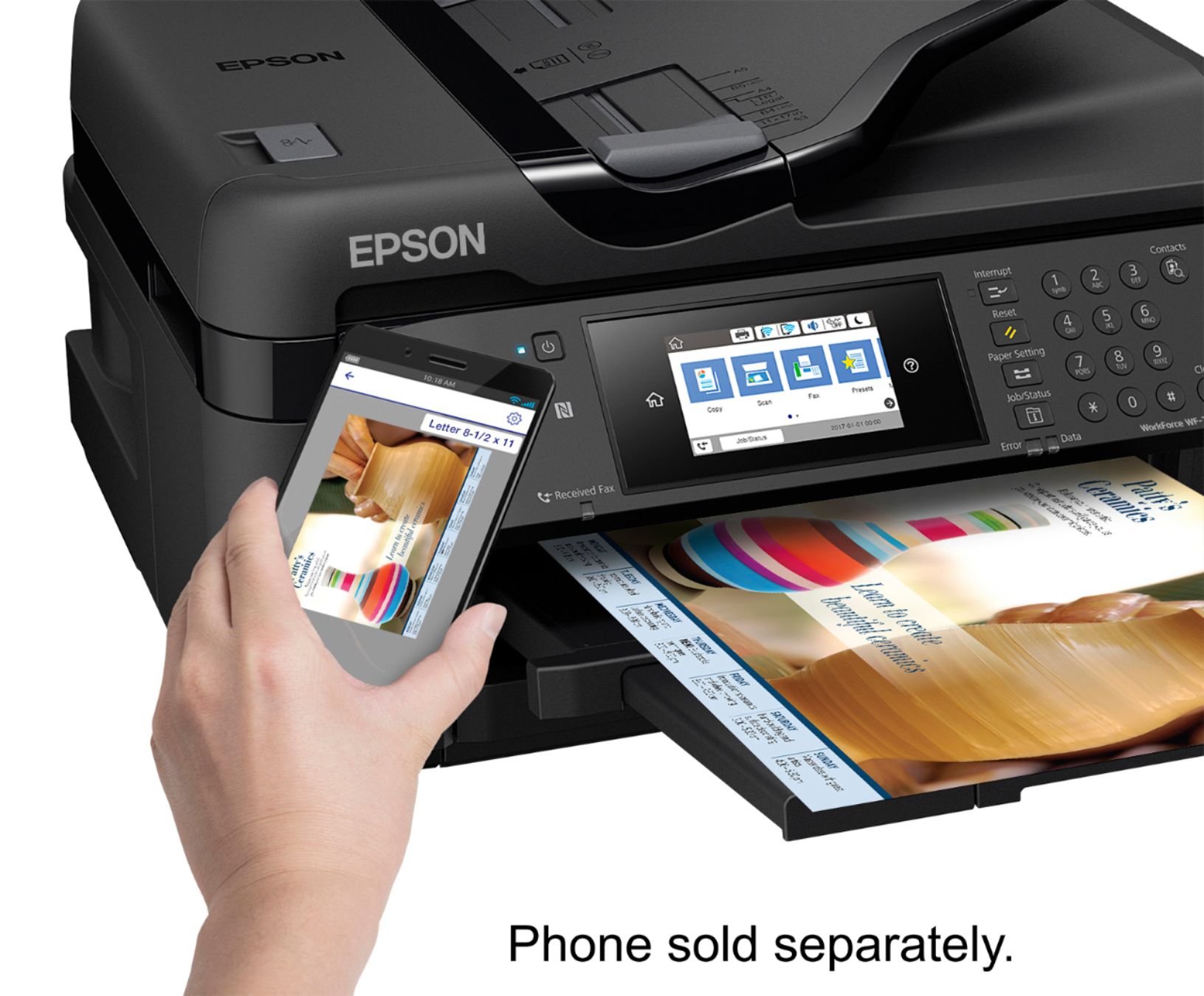
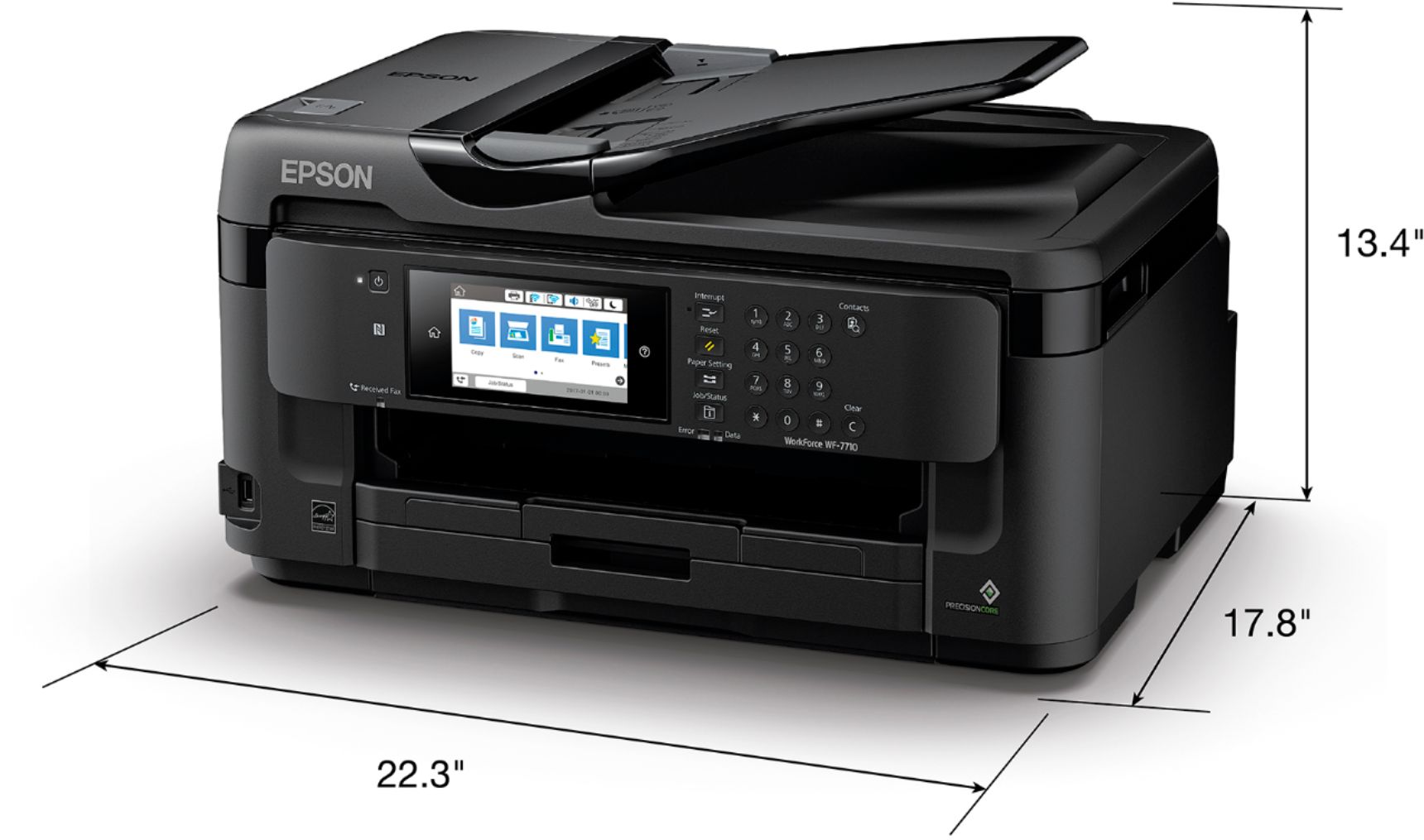
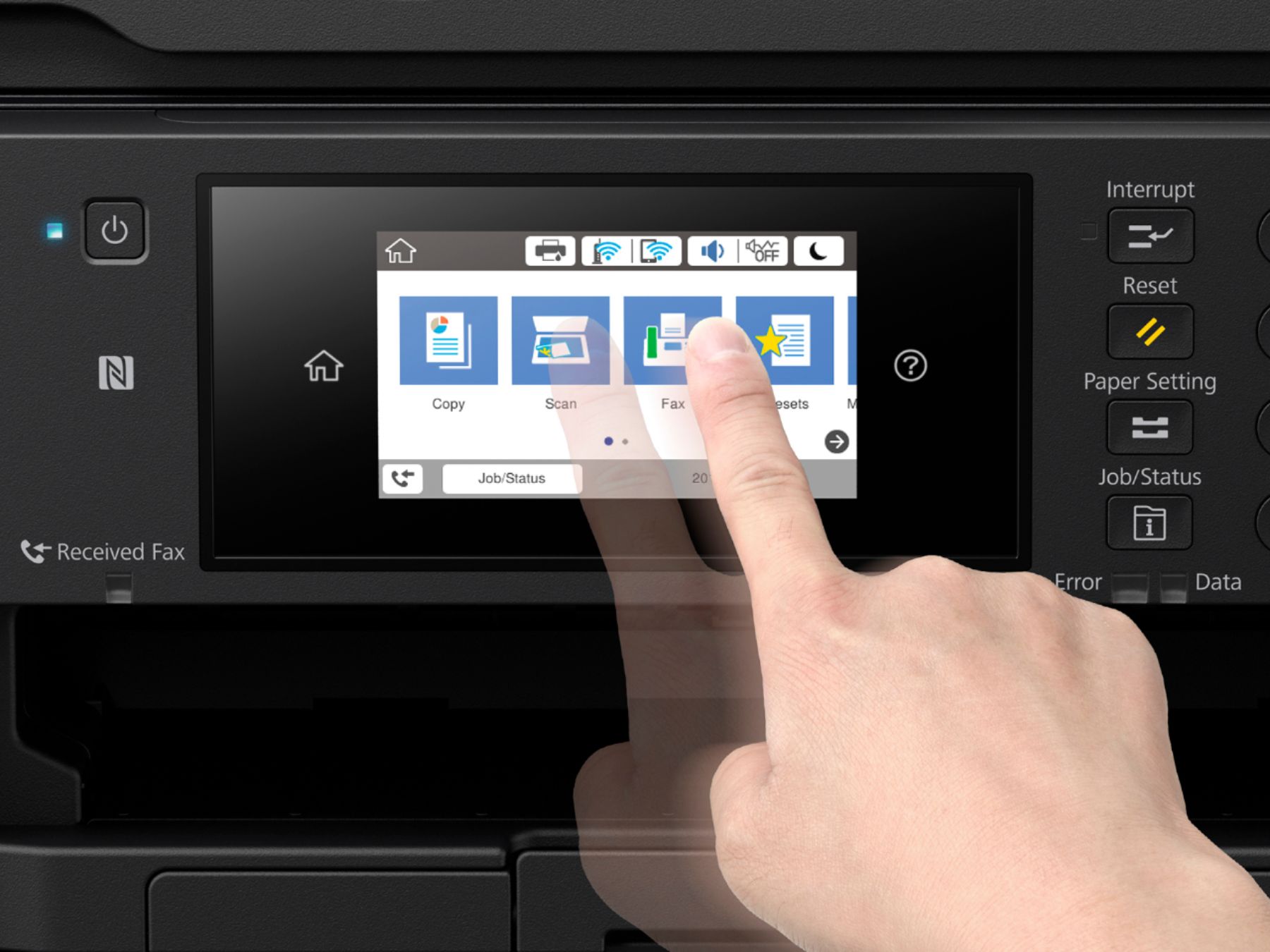
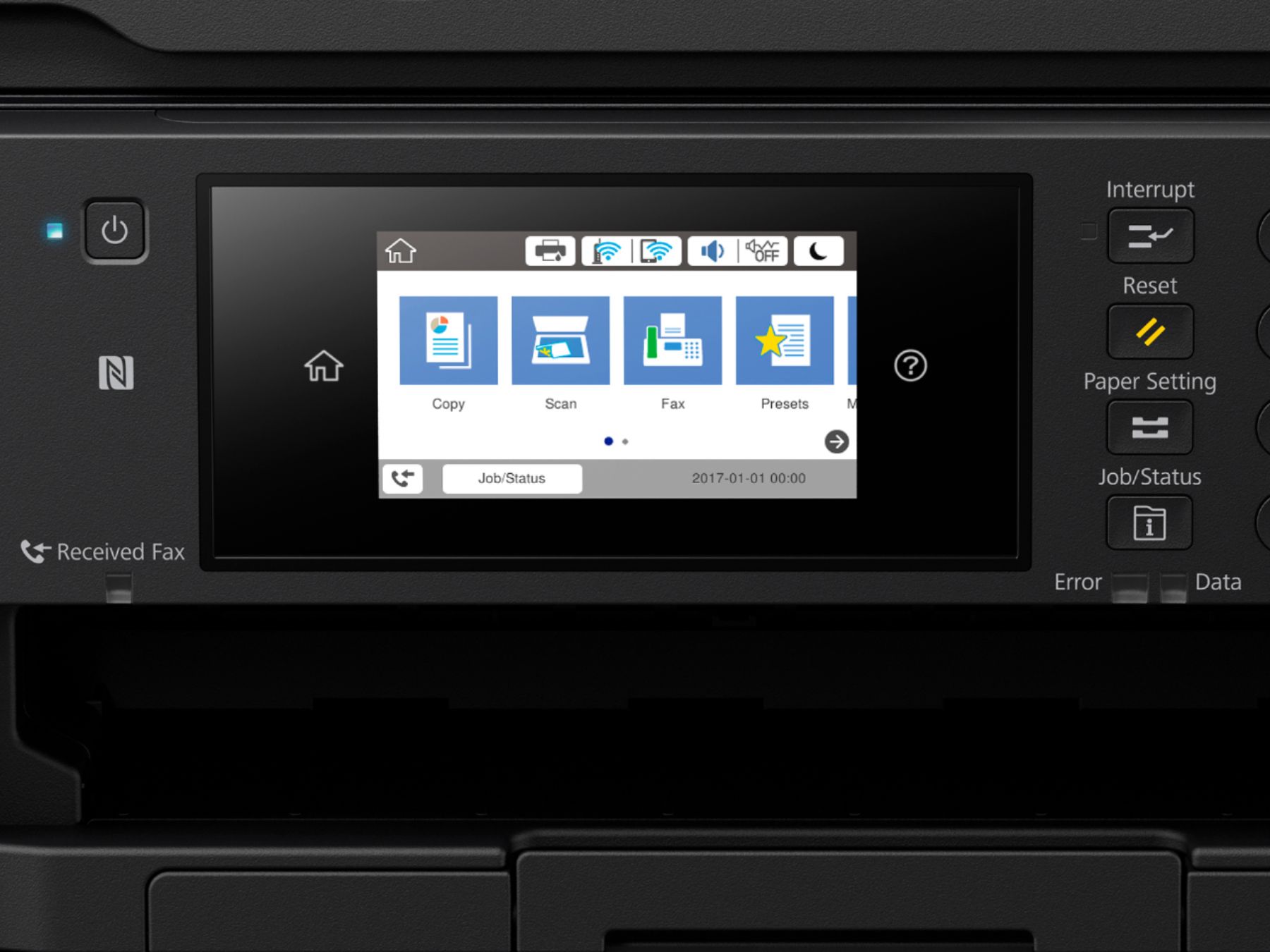
Posted .This reviewer received promo considerations or sweepstakes entry for writing a review.My first impression of the Epson Workforce WF-7710 was that it was massive! After using this for the past week now I'm thoroughly impressed with all the features this printer has to offer. Setup for me was a breeze - I was up and running in under five minutes. The longest part of the installation was a firmware update. This connected flawlessly with my home network and my laptop was printing right after setup. The touch display was extremely easy to use and walked me through the setup process. The quality of the printing was fantastic. Color printing was vivid and crisp. What I like the most about this printer is the wide feed capability. I haven't been able to print out graphs before on other printers without shrinking them and this allows me to do. In my job I print out a lot of surveys and plat maps so this helps tremendously. Other features that I'm finding useful with printer are: the large capacity feeding tray, the manual feeding tray in the back of the unit, the scanning features (and auto feeder which will hold up to 35 pages), and the 2-sided printing features. This also works with my iPhone X to print directly from my phone which comes in handy. I’ve owned Epson printers in the past but none have come close to the features that this printer has offered. I would highly recommend this printer if you’re looking for a true all-in-one printer that is easy to use and setup. This is a review for the Epson WorkForce WF-7710 Wide Format All-in-One Printer that I received free of charge to do a beta test and review.
I would recommend this to a friend - Pros mentioned:Print quality, Touch screenCons mentioned:Paper jam
Has many features. Prints good. Good value
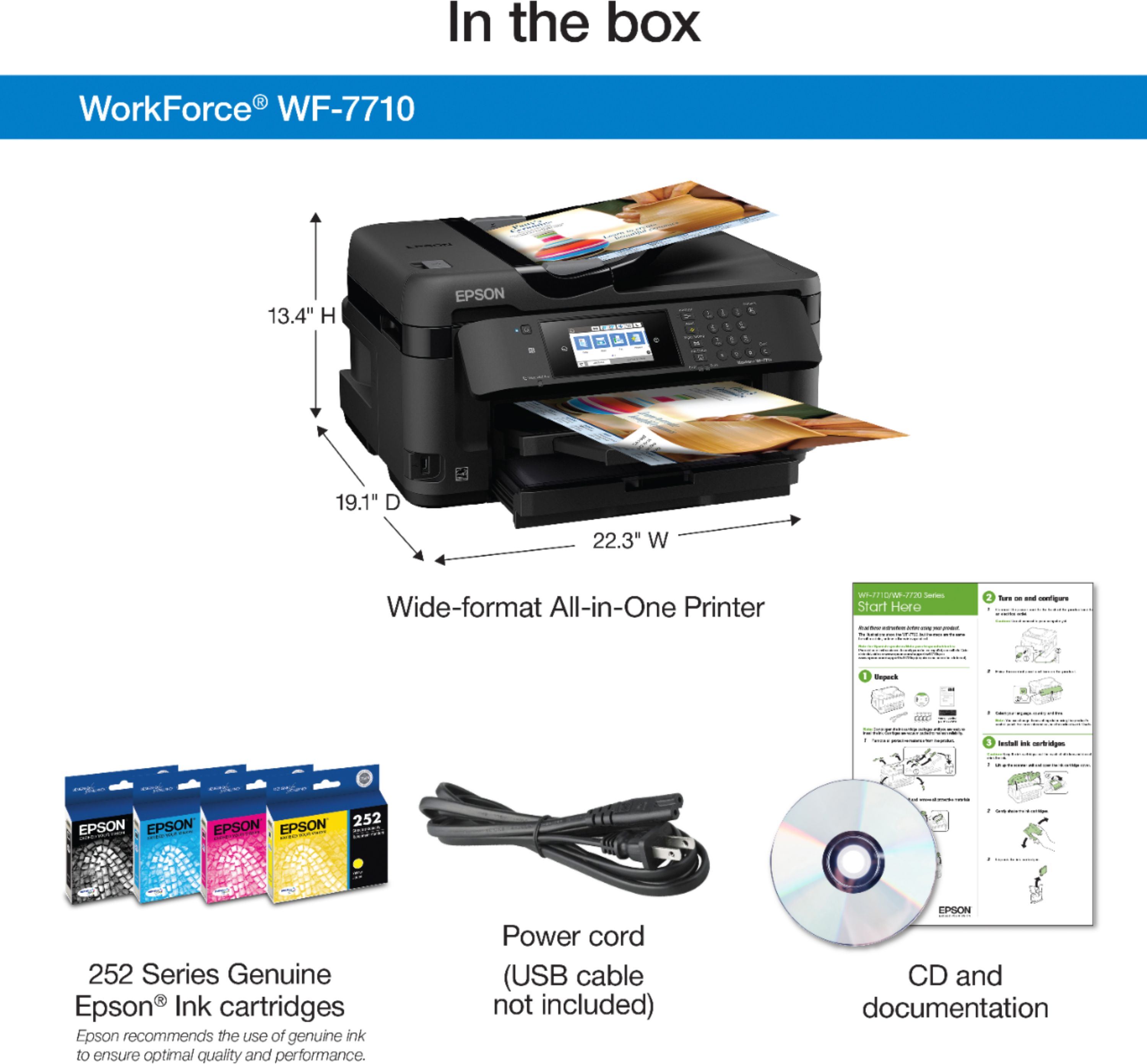
||Posted . Owned for 1 month when reviewed.This reviewer received promo considerations or sweepstakes entry for writing a review.I haven't used this printer yet for photos. I will be trying out all types of printing. With general printing and scanning so far it has been good. Not sure about ink usage since I only have it a few weeks. It comes with 4 colors. No printer cable, but who needs it with wireless. It was easy to set up with my computer. I read some people had problems with paper jams. I always keep my paper dry. I fan the paper first and place it "curl side down" in tray. I silenced the on/off sound. I turn it off more often than I used to you with my other printer (HP). The print head went on that one. I read keeping it on may dry out the head. Not sure if that's true. This printer has user friendly touch screen and a good size. (HP downsized their touchscreen for most of their new models.) The scan bed is so much larger than I expected. I wanted legal size and this is tabloid. It prints up to tabloid. I am looking forward to trying out large photo prints. First time owning an Epson. To get the same HP (8620) printer with the same features I had, I would have had to spend at least $100 more than this Epson. This Epson has 2x more features than what I had. HP also made their new printers much cheaper. I thought the plastic was flimsy. Not this Epson. Very solid. The cover is heavy. The printer is heavy, about 10 lbs more than my other. Solid printer. A lot features. The only thing I don't like is the paper tray cover. Maybe I'm using it wrong, but the cover is awkward to remove and replace. I do like that it feels like it's like a rubbery plastic, not too hard so that it won't easily crack. (By the way Best Buy, I'm Elite Plus and I have 45 days to try this out. I notice here my purchase date was 8-1, but I had to wait it to be shipped and I picked it up on 8-11. You should honor my trial period as of the day I picked it up.)
I would recommend this to a friend - Pros mentioned:Print quality
This large format MFP is a winner!
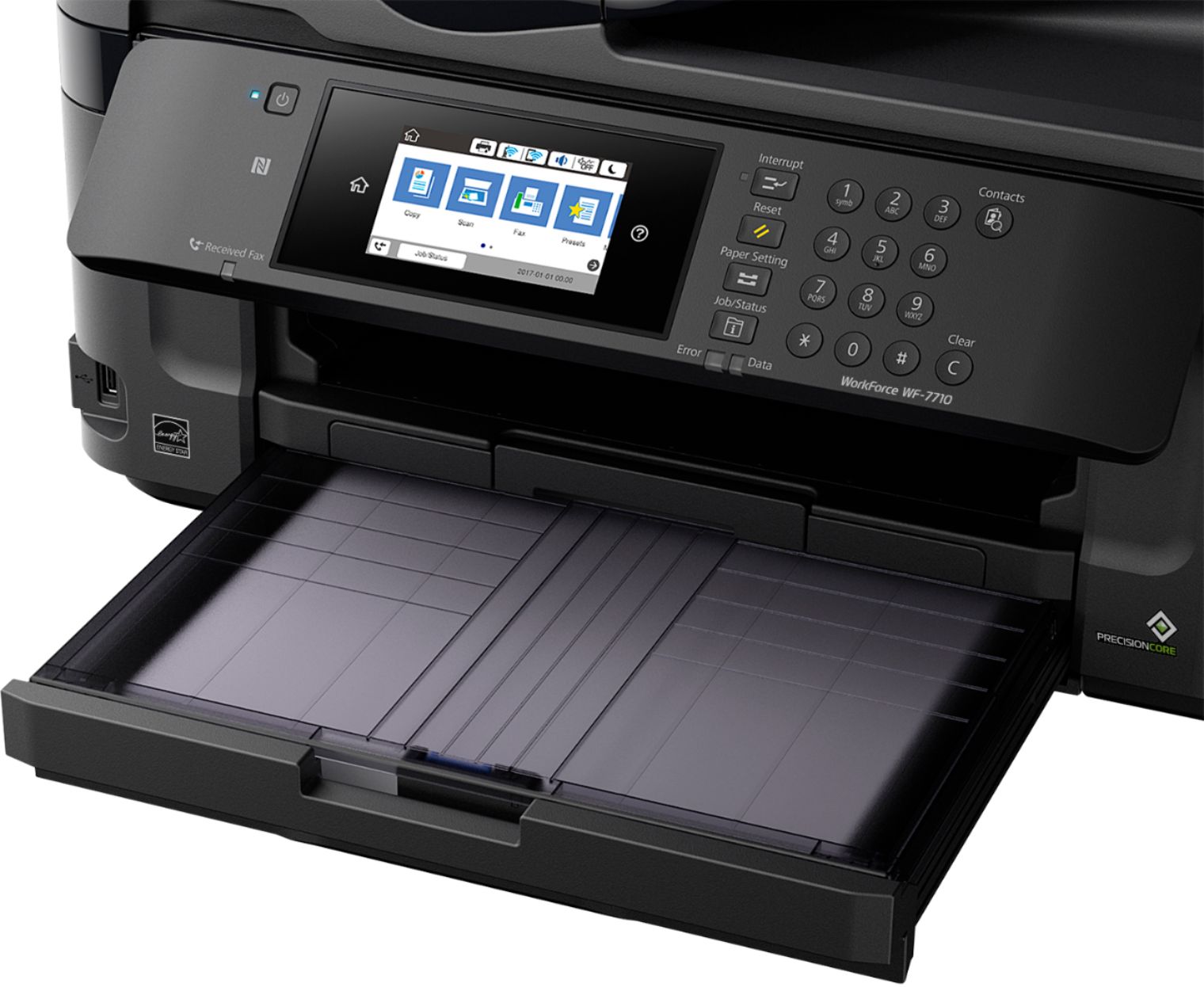
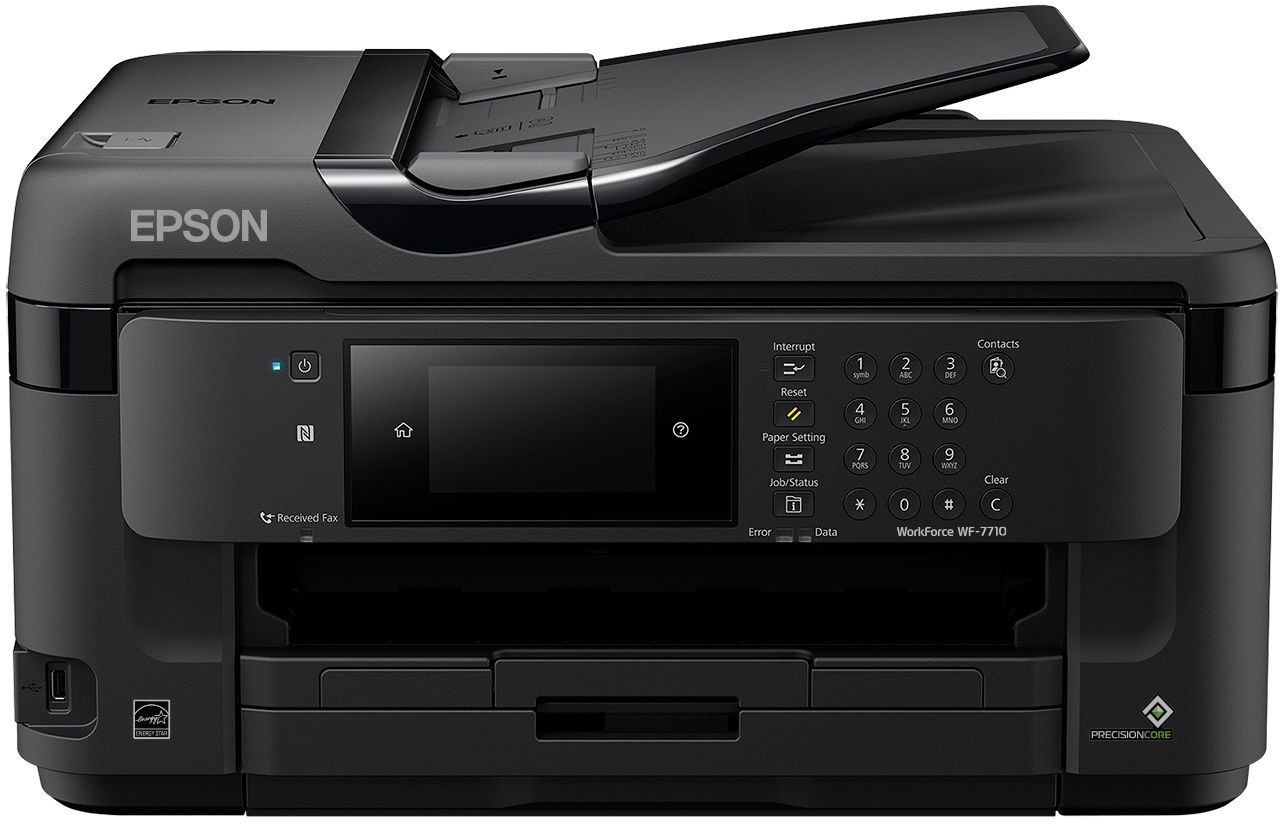
Posted .This reviewer received promo considerations or sweepstakes entry for writing a review.The Epson WorkForce WF-7710 is a home or small office staple. This MFP is a heavily featured machine, including photo quality prints up to 13x19 in size, a 11x17 two sided auto feed scanner, and a platen scanner. This printer also includes the options to fax, copy, and duplex printing. It also features wired and wireless connections, Wi-Fi Direct, Ethernet and NFC pairing. While unboxing, I noticed the printer was well packed and had ample styrofoam that would likely protect it from any harsh shipping environment. Once the printer was out of the box, there were 20 pieces of blue tape that secured all the parts and pieces during the shipping process. This was probably the most amount of tape I had ever pulled off of a product. Therefore, be sure to check all areas; some pieces are not obvious. The paper tray was large and had a capacity of 250 sheets of copy paper. The feed tray has many options, such as; letter, legal, A4, 11x17, and 13x18. The tray can also hold paper in landscape up to A3 paper size. The menu screen was easy to read with a bright glass panel and capacitive touch. When first booting, it took about 6 minutes to initialize. Once the boot up was complete, the printer asked to insert the ink cartridges. The ink cartridges the printer came with were of standard capacity allowing 300 color pages and 350 black and white pages. It was also compatible with XL cartridges at 1,100 color and black & white prints. One of the things this printer is capable of, which is not an option for many other machines, is a super XL black cartridge that can yield about 2,200 black & white prints. While printing normal pages, along with photos, I noticed that the printer speed was fast, even with quality prints. The control panel is adjustable from a vertical position to a 40 degree angle, which is great since my printer is on a low shelf and this allows me easy access to the menu screen. After using this printer for about a week, I would have to say there is a lot to like about this multi-function printer and very few dislikes. One thing I think Epson should include is, during the setup, provide an option to connect to WiFi. If you would like to connect wirelessly, it must be done after the initial setup is complete then drill down into a couple of the machine settings to initiate the wifi setup. This machine is not capable of connecting to a 5ghz network but, that is not a big deal unless your home is crowded on the 2.4ghz network. This is a review for the Epson WorkForce WF-7710 Wide Format All-in-One Printer that I received free of charge to do a beta test and review.
I would recommend this to a friend - Pros mentioned:Print quality, Setup, Touch screenCons mentioned:Size
Easy to troubeshoot
||Posted .This reviewer received promo considerations or sweepstakes entry for writing a review.It's bulky, but the setup was simple and it prints quickly. The touch screen actually works like a modern-day device (I'm looking at you, HP Envy...) 10/10 would print again.
I would recommend this to a friend - Pros mentioned:Ease of use, Print quality
Never been a fan of Epson...until now!
||Posted .This reviewer received promo considerations or sweepstakes entry for writing a review.After just returning the Canon Maxify MB2720 (almost entirely worthless without three days to tweak), a horrible web interface, and more; Read my review on Bestbuy. Onto the Epson. First, while it is a 2% feature for us as far as printing goes, scanning at A3 paper size is always nice for larger drawings, or my old style drafting images. Second, the setup is simple-stupid easy. The Epson web apps allow for local (via wifi or by IP), as well as with your dedicated Epson printer email (a super slick function). The included software is accurate, allows for integrated registration of your printer with Epson as part of the installation and configuration. While this is not a photo quality printer, nor does it pretend to be, the image I sent from my Samsung S8 Active was more than acceptable. The print quality and speed are more than better than we need at home, and this is after stepping down from a 7-year-old HP OfficeJet Pro X476DW. You can remove and replace print heads anytime you want or need too, unlike Canon's Apple view of the world. My wife's iPhone 8 connects and prints like a champ, so no qualms with Apple AirPrint integration on this device. Now that I'm in an entirely different (and lower) class printer, I will not be expecting similar longevity, but if a $149 printer can give me 2-3 years of reliable printing I will continue to be ecstatic with my purchase. Yes, I did consider the HP OfficeJet Pro 8740, but at the price point difference, I got extra (XL) refill cartridges, the $20 two year Bestbuy protection, and was still $70 less for almost the exact same feature set.
I would recommend this to a friend HP let me down, seems Epson is next to disappoint?
Posted .This reviewer received promo considerations or sweepstakes entry for writing a review.I bought this on Halloween 2018. So, I have used this and printed almost everyday for over 6 months. I was SO sick of HP and the difficulty they built in for re-filled cartridges. Epson was OK with re-filled cartridges at first. BUT, now every time I use a refill, it either will not recognize it OR it takes many MANY nozzle checks and head cleanings to get the replacements "Charged" I had my hp 8000 for over 7 years. Our older epson 845 for the kids is still kicking just have to remind them to print in all colors at least once a week to avoid drying out. Mine never dries. I use all colors almost everyday for home biz. I just tossed 3 (e each color) Xl size. I had them at the ready bought of amazon 2 months ago. I ended up going over to fyrs and bought 3 brand New cartridges as a Last resort. I loaded all but black since that one was over half full. I lost count as I have to do nozzle check and head clean about 12-15 TIMES to get them charged and printing cleanly. I am attaching a pic of how much ink this sucked in the process. Almost a 1/3 loss from 3 NEW cartridges. Genuine Epson virgin inks!! Not what I was expecting. It prints quick and quiet. More than I can say about a Canon I returned. do I have to go back to HP? should I now try Brother. I hear issues with the ink "TANK" systems. I bought this beast as I read Best Buy reviews. Maybe ratings will change over time. Only reviews from those using for some time are of any interest to me. Most printers work well the first 1-2 months !!?? disillusioned at best Epson<<
No, I would not recommend this to a friendBrand response from Epson
Posted .Hi Rings4me, we are sorry to hear that you are having issues with your Epson printer. Your WF-7710 includes a 1-Year Limited Warranty, plus free technical support for the life of your product. Our Epson Support Team would be happy to hear from you and can be reached at (562) 276-4382; Hours: Monday – Friday, 6am – 8pm PT; Saturday, 7am – 4pm PT. Sincerely, Patrick – The Epson Team.
Awesome
Posted .This reviewer received promo considerations or sweepstakes entry for writing a review.Printer arrived fast and was packaged well. It was a tad bit bigger than I expected but manageable. Setup was pretty easy. The "auto" wireless setup did not work for me, but manual setup was very easy. I just pressed the wps button on my router and viola it was connected. The touchscreen is a good size and easy to use. I loved that it had illustrated instructions on how to insert the ink for the first time. As far as use, the printer is awesome. I have a basic black and white laser printer and the quality and speed on this Epson are the same. I was very surprised how fast it prints. I pressed print and turned around it there it was in seconds. I love the ability to print from my apple iphone also. It has been working flawlessly with all my devices. I printed a color photo and was very surprised how good it looked, even on cheap copy paper. Black and white also prints very well and you really can't tell the difference in quality from the laser black and white. It can handle a variety of paper sizes and types and I love that I scan larger items than my old printer. Overall I am very impressed with this printer. It is easy to use, works without issue, and prints at a very high quality. This is a review for the Epson WorkForce WF-7710 Wide Format All-in-One Printer that I received free of charge to do a beta test and review.
I would recommend this to a friend- Pros mentioned:SetupCons mentioned:Weight
Excellent purchase.
||Posted .This reviewer received promo considerations or sweepstakes entry for writing a review.My old printer broke, so I researched which printers would be a good choice when using my Cricut Explore Air for craft projects. I searched the Cricut website and a few social media craft sites and this was the one I chose. The price was good/on sale, and it was highly recommended by Cricut users. This is the best printer I have owned. Easy to set up, wireless connection achieved right away, I haven't had time to use it with my cricut, but I have used it for regular printing purposes and it works great. There are a lot of "bells and whistles" on this printer, which I never had with my other printers. The best thing is the step by step setup instructions on the screen; it made setup very simple. The only downfall is the weight. It's very heavy, so plan on keeping it where you put it. Very happy with my purchase.
I would recommend this to a friend - Pros mentioned:Print qualityCons mentioned:Paper jam
Works pretty smoothly, and very easy to set-up.
||Posted . Owned for 3 weeks when reviewed.This reviewer received promo considerations or sweepstakes entry for writing a review.Good overall value, and is working well for my home office printing needs. The only drawback that limits it's higher production capability is the single sheet feed from the rear paper feed for large format printing. You have to feed each sheet individually as prompted during the printing run, and if you try to get ahead it causes a paper jam. That was not something that was clear in the advertising and features description. Not sure I could have found another large format all-in-one printer in this price range that had a multi-sheet automatic feed feature, but would have liked to have known the limitation before buying and putting into service.
I would recommend this to a friend - Pros mentioned:Print qualityCons mentioned:Size
Fast, Quiet and Easy to Setup
||Posted . Owned for 4 months when reviewed.This reviewer received promo considerations or sweepstakes entry for writing a review.I previously had an Epson Workforce-3620 from a couple of years that I loved (until print head gunked up on me, and regardless of what I tried, I could not fix). I really enjoy the colors of the Epson printers, so I decided to give this one a try. First - this thing is BIG. Make sure you have plenty of space because you are going to need it with this beast. That being said, it prints fast and the new touch screen interface on it is bright and easy to use. The ADF, scanner and printer all work as you would expect them too, and the larger scan bed means you can scan in larger documents without having to do them in sections. Overall, would recommend if you run a business out of the home, or if you print a log of documents.
I would recommend this to a friend - Pros mentioned:Print qualityCons mentioned:Size
Impressed, to say the least
||Posted .This reviewer received promo considerations or sweepstakes entry for writing a review.I’ve always been loyal to HP (and still think they’re great), but broke from tradition due to price and features. This machine is quite large, but still a great quality printer, offers great features (and larger print size option). I demoed this machine and others in the store, printing a photo wirelessly from my phone, and the Epson quality on plain paper was considerably better quality, and printed the color photo fast! Maybe the other machines (HP, Cannon, Brother) needed some print head alignment or cleaning, but I really liked the output quality (great first impression), and the price was right! I would buy this printer again!
I would recommend this to a friend - Pros mentioned:Print quality
Good printer for the price prints 11X17
||Posted .This reviewer received promo considerations or sweepstakes entry for writing a review.So far the printer is holding up but this is my third Epson printer. The first two died due to the famous 0x97 error code which caused them both to crash. Prior to that the pinters worked great. Im giving this printer 4 stars knowing that in 2 years this printer will fail again. Over all print quality is good purchased it for the 11X17 print capabilities direct connect, print over cloud and air print work flawlessly ink cartridges are fairly priced they often go on sale. It's a good office printer i suggest getting geek squad to CYA
I would recommend this to a friendBrand response from Epson
Posted .Hi BBConsumer, thank you for sharing your experience with Epson. Your WF-7710 includes a 1-Year Limited Warranty, plus free technical support for the life of your product. If you should need assistance, please reach out to our Epson Support Team at (562) 276-4382; Hours: Monday – Friday, 6am – 8pm PT; Saturday, 7am – 4pm PT. Have a nice day! Sincerely, Marina – The Epson Team.
- Pros mentioned:Print qualityCons mentioned:Size
ok printer but not very user friendly
||Posted . Owned for 1 month when reviewed.This reviewer received promo considerations or sweepstakes entry for writing a review.I replaced an HP printer. This print does a good job after you figure it out. It seems to be must more complicate that the HP's I am used to. I can't seem to find XL except for Black. if you take out any ink you can't put it back in because it thinks it is expended. Not knowing this I wasted a to of money troubleshooting because it wouldn' let me reuse a full cartridge. Probably will be the last Epson I purchase.
No, I would not recommend this to a friend - Pros mentioned:Print quality
Epson Delivering On Expectations
||Posted .This reviewer received promo considerations or sweepstakes entry for writing a review.My old HP printer gave up the ghost so I needed a new printer in a hurry. I wanted an all in one device that prints, scans, copies and faxes. The other feature I needed was that it printed on Cardstock. I emailed Epson and they said it didn't. I did some research online and checked where an Epson was available and Best Buy popped up. I went to take a look at the Epson and the Best Buy tech said it did print on cardstock so I played with the printer and confirmed that the Epson WF 7710 will feed and print on cardstock. The Epson WF 7710 printer was competitively priced and I love doing business with Best Buy so I bought it. I have had this Epson printer for several weeks and is it performing above expectations.
I would recommend this to a friend