Customer Ratings & Reviews


- Model:
- T88411D1
- SKU:
- 6386028
Rating by feature
- Value
Rating 4.4 out of 5 stars
- Quality
Rating 4.5 out of 5 stars
- Ease of Use
Rating 4.6 out of 5 stars
Customers are saying
Customers commend the eufyCam 2 for its excellent camera quality, long battery life, and ease of setup. Positive feedback also highlights the system's effective night vision and convenient local storage option, eliminating the need for cloud subscriptions. However, some users reported inconsistencies with the motion detection feature, suggesting areas for potential improvement. The system's motion detection sometimes fails to capture events or experiences delays in recording.
This summary was generated by AI based on customer reviews.
Broke after a year
||Posted . Owned for 1 year when reviewed.This reviewer received promo considerations or sweepstakes entry for writing a review.Broke after a year. Base is stuck in a loop where it keeps resetting. Was great before that
No, I would not recommend this to a friendBrand response from Eufy Team
Posted .Thank you so much for sharing your experience. We're really sorry you've encountered this issue!
If possible, please try the following steps to see if the issue persists:
1. Press and hold the SYNC button located on top of the HomeBase for a couple of times until you hear "HomeBase is read yfor setup";
2. If the LED light on the Homebase is red, please reboot the router, reset the HomeBase and adding the Homebase again; 3. Make sure your smartphone and HomeBase are connected to the same wireless router, and the Wi-Fi is not isolated from the LAN.
4. Your phone should not be connected to the Guest Wi-Fi network. The LAN port is not dedcated for a set>top->box.
5. The HomeBase might take up to one minute to boot up. Please wait until the LED on your HomeBase turns from red to white or blue.

Great Features! Great System! Great Price!
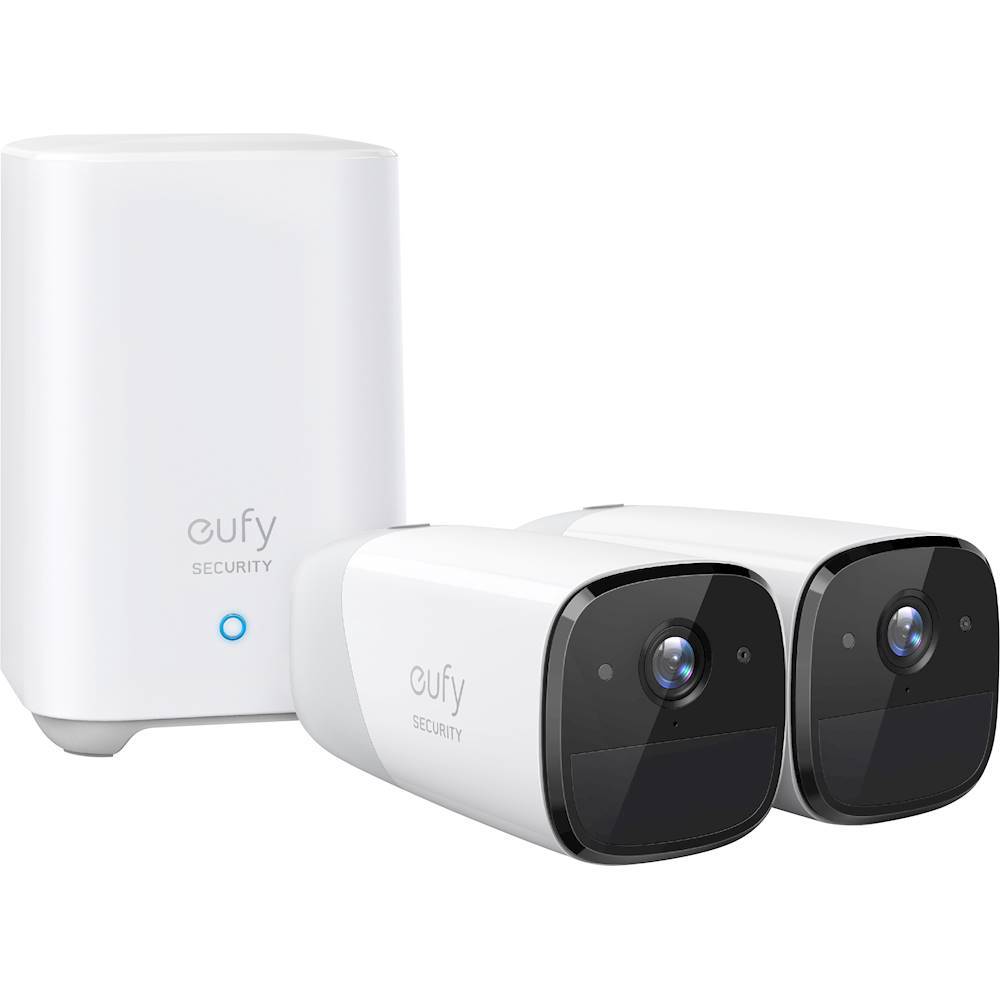
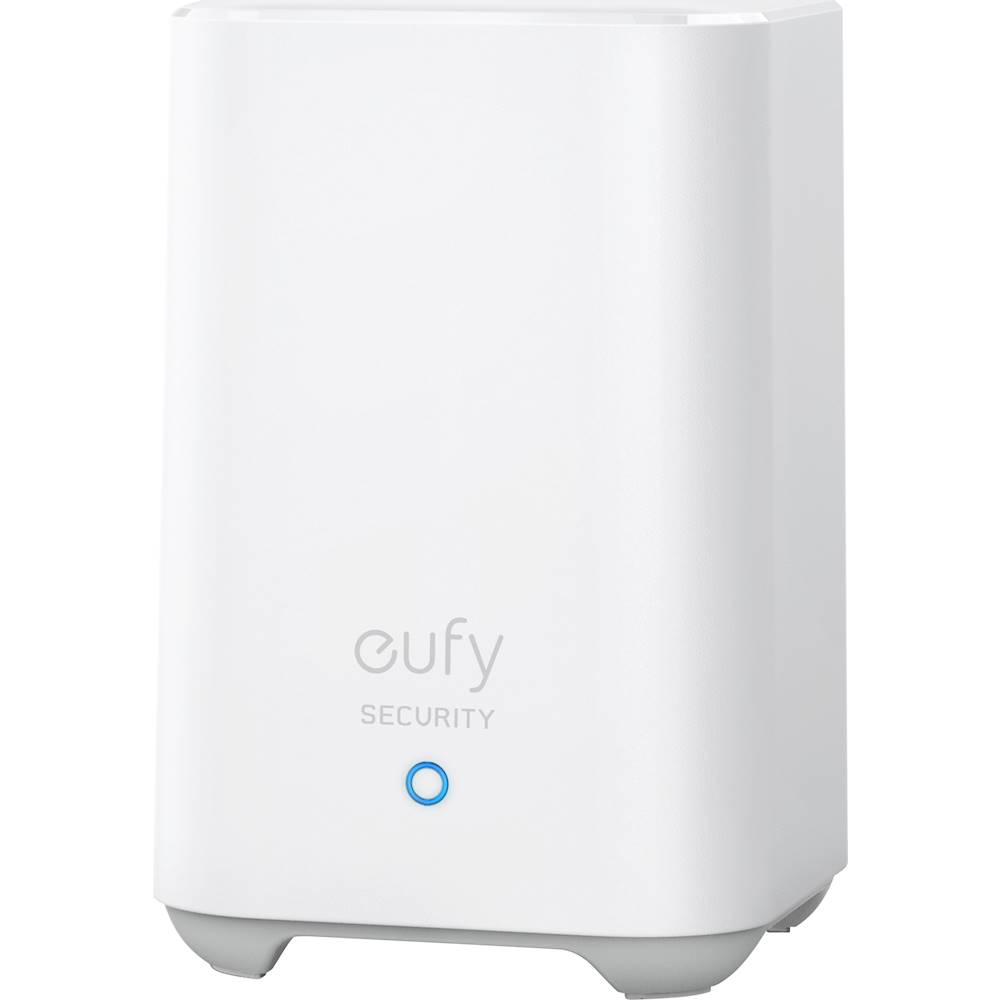
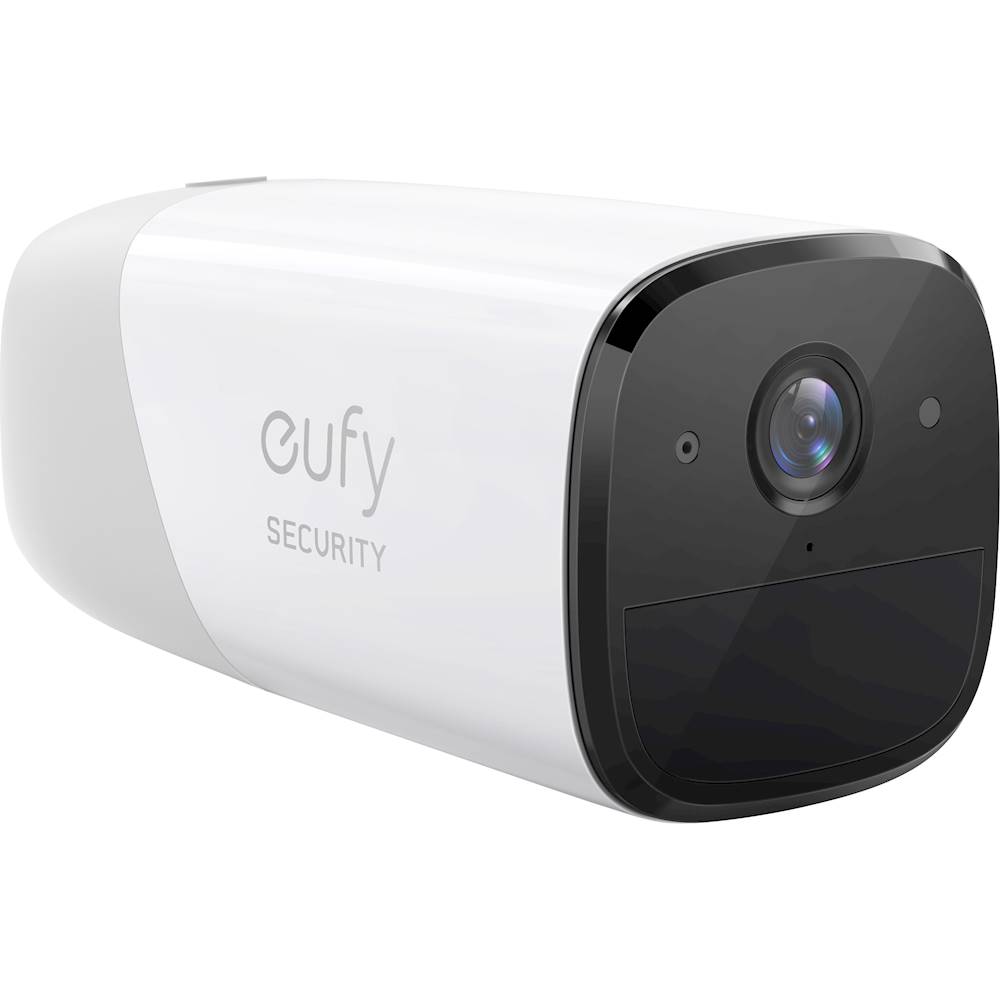
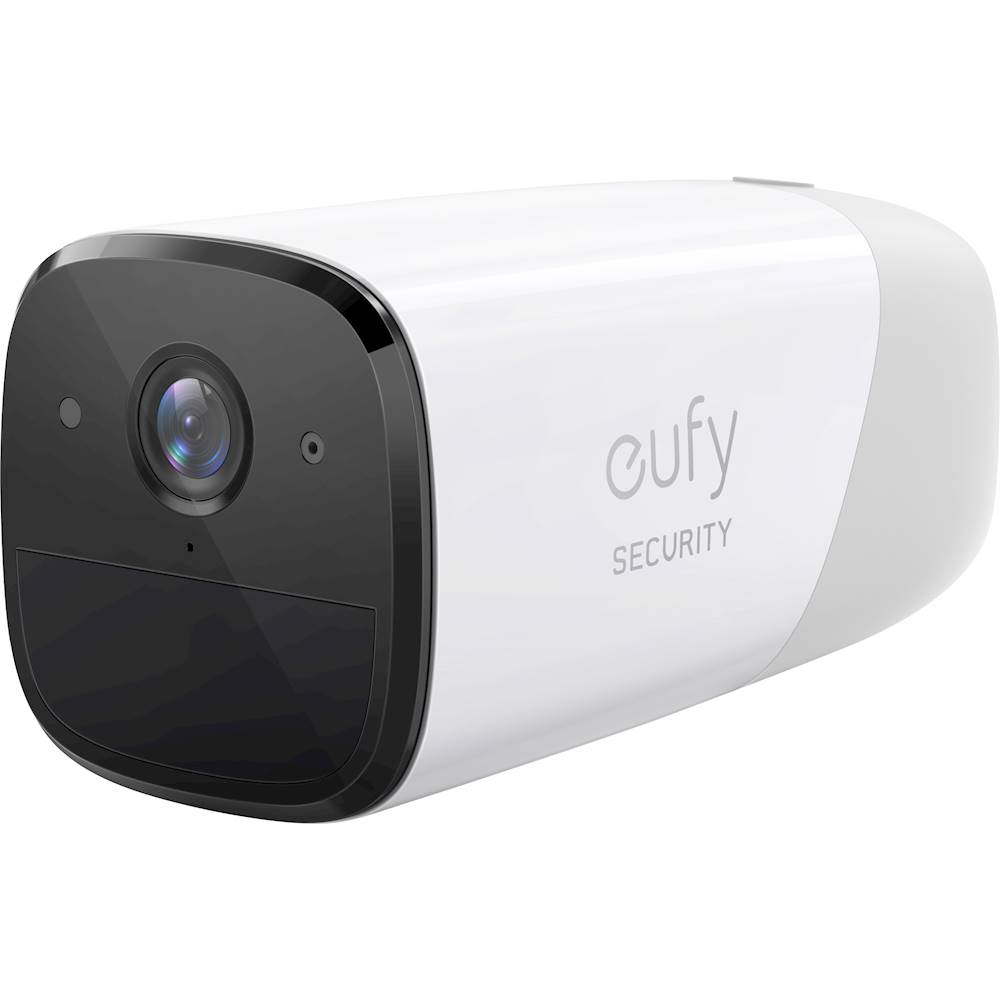
|Posted .This reviewer received promo considerations or sweepstakes entry for writing a review.IN THE BOX: Two eufyCam 2 HomeBase 2 (Hub) Two magnetic mounts Two screw mounts with screws Micro USB charging cable AC power adapter Ethernet cable Quick Start Guide This particular kit comes with two cameras, so with this kit I can have better surveillance outside around my home. Front door camera is facing anyone at my front door and good surveillance of my front lawn. The back door camera will show anyone entering from that area and surveillance of the backyard and shed area. Keep in mind that you have a 25 foot motion detection to set off the detection so place the cameras strategically around the house. I have two other brand security camera systems that I am using within the house and inside my garage. I find this system the best. I like this system because of the price, features, ease of setup and you can actually have many cameras all connected to the HomeBase 2. Some systems are limited to 5 cameras for free and then you have to pay for any additional cameras…not so with eufyCam 2. You could conceivably have a camera in each room of your house, basement, garage and even in your shed at no extra storage or extra camera fees. SOME FEATURES: Night vision up to 25 feet Motion detection to 25 feet Audio communications – 2-way audio (phone to camera) The eufyCam is sealed against the elements and has a IP67 weatherproof rating Long battery life up to a year, depending on how much action the cameras gets. The battery is rechargeable, but is internal and cannot be replaced. Anti-Theft alarm - great for deterring thieves from stealing cameras. Storage –it has 16 gigs of local storage which can store up to 1 month of video with 2 cameras or 30 motion detections a day (60 seconds worth of 30 videos a day), but it is non-removable because it is internal. Cameras connected to the HomeBase (hub) with no additional fees for extra cameras SETUP: Setup is so simple. Download the app, plug in the HomeBase, then follow the simple instructions in the app to connect the cameras to the HomeBase and then all you need is a screwdriver to screw the mounts into the side of the house and place the cameras on them. Go to the app and make sure they are in a good position to view what you want and wait for someone or something to cross its path and see what is going on. You can set how many seconds you want the camera to take a video if there is movement which is another battery saver. For recording and playback this device has operating system compatibility with Android and Apple iOS. COMPATABILITY: Amazon Alexa Google Assistant With this set up all you have to do is ask Alexa or Google to show you whatever you named the camera (front door, back door, etc.) and you will be able to see and hear people at your door or where you have the cameras set up. BATTERY: There is a built-in 13,400-mAh Li-ion battery that is nonremovable and may be charged by plugging the camera into the HomeBase via the supplied 5-foot USB cord, or you can power the camera via an electric outlet, using the cord and a 5-V or 9-V USB power adapter (this adapter isn't included). 2-WAY MICROPHONE: The microphone is located just below the lens of the camera, and the speaker is on the bottom, near the front. The microUSB port to charge the camera is at the back of it where you mount the camera. ANTI-THEFT SECURITY: This also has an anti-theft alarm that will go off if someone is trying to steal your cameras. Many people may have the worry of someone stealing these cameras outside because they are easily removed if magnet mount is used. If you have it in the Away mode a siren will go off on the HomeBase (hub), as well as the camera, if the camera is forcibly moved. This should give the thief second thoughts about running off with it. SCHEDULING: You can set up scheduling for when you want the cameras on or off which will help you save your battery life when they are not really needed. Here you will find a Home or Away mode. NOTIFICATIONS: I haven’t set this up yet, but if you are at work and motion sets the cameras off, you will get a notification on your cell phone and video sent to you showing what set them off…with the audio, you can talk to them right from your desk at work and tell them you are calling the police or already did and have them on video or just get off my property NOW. I highly recommend this system and I love everything about it and have compared it to my other two systems.
I would recommend this to a friendNo subscription fees
|Posted .This reviewer received promo considerations or sweepstakes entry for writing a review.I chose to pick these up to add to a few other security devices I already own including a ring door bell and a simplisafe security system. I was originally planning to purchase mostly Ring products but since I got the door bell installed and configured I have been less than impressed with its performance. I am also tired of all these different subscription fees, they can get to be fairly expensive depending on how many devices you want to use and how long you want your videos stored. This seemed like a good compromise since it offered local storage eliminating any sort of cloud storage fee. I also appreciated that they are wire free, a primary reason I have chosen to not add additional simplisafe cameras at this point. I can not say for certain if their claims of 365 day battery life are true but based off their size, weight, and initial charge time I dont think I will need to charge them very frequently using their standard motion activated recording mode. I am using one camera inside and one camera outside, Eufy includes two different mounting solutions depending on where you want to use these. I currently have the base station connected to my router via a ethernet cable to provide the best reliability. The cameras themselves are completely wireless and rely on wifi for a connection to the base station. In my testing I found about a 3 second delay from real time when motion was detected and I would switch to a live view of the camera. The video quality is pretty good in my opinion, again this can be affected by your wifi signal strength, I would say it is equal or better to my Ring doorbell (when it is working correctly). This Eufy system can integrate with Amazon Alexa and Google Home (I think apple homekit too but really who is actually using that?), I have tested it with my google home set-up and it is nice to be able to display a camera on the TV. Probably not something i'll find myself using often but knowing it is available is nice and others might have more of a purpose for this function than I do. My one complaint is that it appears you cannot upgrade the internal storage. When they originally advertised that it was stored locally on a 16gb SD Card I just assumed you'd be able to access the SD card slot and remove/replace it if you chose to. That does not appear to be the case. I didnt notice this feature mentioned in any of the documentation but when you are in the Eufy app it appears you can set the system up to record to a local NAS as well, which would solve my issue with non-expandable internal storage, but I haven't taken the plunge on attempting to configure that yet so dont take it as an absolute fact. Overall this seems like a good system without the subscription fees many of the other options attempt to stick you with to get the functionality you want. Camera build quality is good, the record quality seems fine, the lack of wires makes installation very straight forward, the app seems pretty well developed, and once you make the initial investment in the hardware that is all that is expected of you. If you are just wanting to be able to better monitor your home indoors or outdoors this seems like a fairly reasonable option.
I would recommend this to a friend- Pros mentioned:Ease of use
The best security cameras I've used
|Posted .This reviewer received promo considerations or sweepstakes entry for writing a review.Love these! They are incredibly easy to set up. The app has an attractive layout and is easy to use whether setting up the cameras or viewing footage after setup. One feature I really enjoy is the on-board storage with no monthly fees required. Additionally, the mounting options are good - both indoor and exterior mounts are included. I had a big storm come through in the past week and cameras were unaffected - awesome! All in all, an excellent product. Highly recommended!
I would recommend this to a friend - Pros mentioned:Battery life
Great wireless cameras
Posted .This reviewer received promo considerations or sweepstakes entry for writing a review.Excellent cameras with substantial battery life. Never had one issue since purchase in 2020. Cameras have been in the heat of the Florida climate and now in Tennessee during lots of wet and cold weather during the winters. I will be adding to this system with ad on cameras and may eventually upgrade to the solar powered cameras.
I would recommend this to a friend - Pros mentioned:Battery life, Setup, Video quality
Good video, battery, setup, and support
Posted .This reviewer received promo considerations or sweepstakes entry for writing a review.The camera batteries last a really long time. The video is nice and clear. Even the night time video isn't too bad. Setup and options are fairly easy. The only issue I had was the homebase memory module stopped working. However, support was excellent and sent me a new homebase and I was up and running again.
I would recommend this to a friend - Pros mentioned:Setup, Video quality
Quality cameras with no monthly fees.
Posted .This reviewer received promo considerations or sweepstakes entry for writing a review.These were really easy to setup and you can tell they are a quality product out of the box. Once you configure the motion detection to your liking, they work like a charm. I personally make mine very sensitive within a short distance for better accuracy. What really helped me with the decision was the larger ecosystem of products by Eufy and the no monthly fees. I don't want my videos going to a cloud server. Instead, they are on a secure internal SD card which is great. Will recommend to friends/family looking for easy and affordable DIY security cams.
I would recommend this to a friend - Pros mentioned:Battery life, Video quality
Amazing
Posted .This reviewer received promo considerations or sweepstakes entry for writing a review.Best camera ever. Crystal clear pics, super easy to set up and while the battery charge might not last a year, it does last for months. I have this system in both of my houses and with a click of an app, I can see either home. These cameras are so good, I had a guest move one that was in the living room into a drawer for privacy and I could see into the drawer. These are amazing cameras.
I would recommend this to a friend Unable to self connect after blip in internet
Posted .This reviewer received promo considerations or sweepstakes entry for writing a review.My Eufy setup is consistently having issues with connectivity and lacks the ability to reconnect by itself after a blip in internet or power outage. Manually rebooting the system is the documented fix to get the system back on line, but it’s not an option when you are hundreds of miles from home. My other IoT devices (Google home and pet feeder) are able to connect/work and are connected to same WIFI that Eufy is plugged into. Also, spoke to Arlo owners, and this is not an issue from them, as their system reconnects on its own. I’m stressing out because my system is down, and I can’t see if the ice on my drive way has melted enough that I can ask my neighbor to grab the package that was delivered without risking life and limb.
No, I would not recommend this to a friendCamera range = 0
|Posted .This reviewer received promo considerations or sweepstakes entry for writing a review.My house is 40' x 70' with a 30' x 40' addition off the back. I run an ARRIS SURFboard mAX Pro Wireless-AX11000 Tri-Band Mesh Wi-Fi 6 System and coverage is phenomenal from end to end. One of the ARRIS nodes is exactly 12' from my front door which is bordered on both sides by 5' x 8' windows. Mounting a Euffy cam over my front door was impossible as the signal on the camera informed me that my wifi signal was "poor" and I'd have to relocate the camera to a place with better wifi signal strength. My Galaxy S9 in the exact same location, approximately 3' over my front door, 12' away from my ARRIS node and through 2 large windows and a front door that's 1/2 glass, registered a full wifi signal with 44.3 mbps download and 42.6 mbps upload. The signal is not the problem even if Euffy's cameras claim it is. My other ARRIS node is in the family room which is 37' as the crow flies from the back door into the garage. This is where I would most like the camera to monitor as 1 vehicle and 2 trailers that I use for work are parked in the alley. Not a chance. Again, the wifi signal is strong and perfectly adequate for any device I've tried except for the EUFFY's camera. No signal. I tried to mount the cameras indoors looking out windows but with my windows, neither mounting the camera bracket on the side or top of the window casing allowed for enough adjustment to give a full view of the area I wanted to monitor. I don't think that this system is all bad but if the wifi receiver in the camera won't work past a very short distance, it's useless to me.
No, I would not recommend this to a friendBrand response from Eufy Team
Posted .We are sorry for the inconvenience caused. It is unusual for the eufyCam 2 to act like this. In most cases, the system’s range can cover a house of 3000 sq ft. The actual range will vary, depending on a number of factors such as the thickness of walls, obstacles inside the house, and the location of HomeBase.
Could you please try the following troubleshooting ideas?
- Are there any obstacles like glass vase around the Homebase 2? Try to make sure there are no obstacles around the HomeBase and the Homebase is 5ft above the ground.
- Please exchange the position of the camera with the other camera to see if it works.
- What happens when using the Wif Repeater mode? you may open the app and try the wifi repeater via the following steps: My device>Homebase Name>Homebase Settings>Connection>Wifi Setup.
If the issue still persists, please reach out to us at support@anker.com so we can take care of you. You are important to us, and we want to help as much as we're able to. Looking forward to hearing from you!
Thanks for your feedback. Can you give us a call so that we can look into this in more detail? Phone: 800-988-7973
battery life is NOT 365 days
Posted .This reviewer received promo considerations or sweepstakes entry for writing a review.waited almost a year to do a review. because Eufy claims battery life of 365 days. so Not True! I literally had to charge my camera 3 times in just 8 months. I'm doing the third charge now. Not to mention that I keep the setting on 'Optimal Battery Life'. Everything else about this camera is fantastic. However I bought it ONLY because it claimed a 365 day battery life. Smh. I wish I had known better. - Fyi. a lot of the reviews are fake. Be careful.
No, I would not recommend this to a friendBrand response from Eufy Team
Posted .Thank you so much for sharing your experience. We’re very sorry for the inconvenience caused, and we'd love to get you what you need!
In most common scenarios, a fully charged eufyCam 2 camera can last for one year. Our eufyCam 2's battery test was done in the following conditions:
- Temperature: 68°F (20°C);
- 10 motion detections per day;
- Recorded for 30 seconds each time motion was detected;
- Standby power consumption was included during usage time;
- No Homekit integration.
The battery life will vary depending on the number of motions detected, the length of recording time, and the ambient temperature. If the Homekit is integrated, the battery will consume more power.
Please reach out to us via support@eufylife.com or call us at +1 (800) 988 7973. We are more than happy to assist you further.
We offer a 12-month warranty for this product, plus lifetime technical support. Our standard for responding to email quests is less than 24 hours, and we look forward to hearing from you!