Customer Ratings & Reviews


- Model:
- T88721W1
- SKU:
- 11913870
Rating by feature
- Value
Rating 4.4 out of 5 stars
- Quality
Rating 4.6 out of 5 stars
- Ease of Use
Rating 4.6 out of 5 stars
Eufy Cameras
||Posted . Owned for 3 months when reviewed.This reviewer received promo considerations or sweepstakes entry for writing a review.Was purchases as a gift for family. No idea how it works.
No, I would not recommend this to a friendHelpful and knowledgeable
||Posted . Owned for 1 month when reviewed.This reviewer received promo considerations or sweepstakes entry for writing a review.Great customer service with the young man who helped us. Technology is not our strong point.
I would recommend this to a friendCameras
||Posted . Owned for 2 weeks when reviewed.This reviewer received promo considerations or sweepstakes entry for writing a review.Love them very much you can see clearly through the app and hear everything perfectly
I would recommend this to a friendDoesn't charge with sun like it states.
||Posted .This reviewer received promo considerations or sweepstakes entry for writing a review.The charging for the cameras is not great. I have to get someone to exchange them out so i can physically charge them inside. That seems to go agiants what the description states, that they are solar powered. I have had to have someone change them positions and locations thinking the sun was hitting it correctly but being that at times it charges and at times it doesn't seems to me that the devices are defective. I am disabled and having to get people to climb a ladder to get them down is not what i had in mind to contiguously do to protect where i am living. Bad quality for the price i paid.
No, I would not recommend this to a friendBrand response from Eufy Team
Posted .Dear Customer,
I am truly sorry to hear that you are experiencing this issue. We understand how frustrating it can be and we appreciate your patience.
Please rest assured that we stand behind our products and are willing to provide assistance within our capacity. We are committed to ensuring your satisfaction and resolving your concerns promptly.
You can reach out to us via support@eufy.com or call us at +1 (800) 988-7973. Our customer service team is always ready to help you.
We look forward to your message so we can address your issue as soon as possible. Thank you for bringing this to our attention and giving us the opportunity to make things right.
Best Regards,
Eufy security cameras
||Posted . Owned for 2 weeks when reviewed.This reviewer received promo considerations or sweepstakes entry for writing a review.We like it it was well worth the investment and eventually we are going to buy two or three more cameras
I would recommend this to a friendExcellent!!!
||Posted . Owned for 1 month when reviewed.This reviewer received promo considerations or sweepstakes entry for writing a review.The images and AI from these cameras are great added with the amazing solar panel makes this a must buy.
I would recommend this to a frienddid not use as yet
||Posted . Owned for 1 month when reviewed.This reviewer received promo considerations or sweepstakes entry for writing a review.seems to be a good product I am still waiting to install it, that i can get a more detail review
I would recommend this to a friendSecurity
||Posted . Owned for 1 month when reviewed.This reviewer received promo considerations or sweepstakes entry for writing a review.I absolutely love the quickness and the clarity of the video feed Notifications are prompt and the sound is clear
I would recommend this to a friendGood cameras
||Posted . Owned for 6 months when reviewed.This reviewer received promo considerations or sweepstakes entry for writing a review.I love it the best cameras. Eufy good brand solar rechargeable
I would recommend this to a friendPerfect !
||Posted . Owned for 3 weeks when reviewed.This reviewer received promo considerations or sweepstakes entry for writing a review.Amazing how i dont have to worry about charging them
I would recommend this to a friendGreat solar powered security cameras
||Posted . Owned for 1 month when reviewed.This reviewer received promo considerations or sweepstakes entry for writing a review.These were a gift for my Daughter. She likes them so well, that I got her a second pair so she could complete her project.
I would recommend this to a friendGood cameras
||Posted . Owned for 4 months when reviewed.This reviewer received promo considerations or sweepstakes entry for writing a review.Cameras are very nice, covers wide angle and sensors are very good
I would recommend this to a friendEufy camaras
||Posted . Owned for 1 month when reviewed.This reviewer received promo considerations or sweepstakes entry for writing a review.Great camaras i love it, 4k resolution crystal clear
I would recommend this to a friendCamera
||Posted . Owned for 3 months when reviewed.This reviewer received promo considerations or sweepstakes entry for writing a review.Great quality. Solar panel cameras come in handy. Would buy again
I would recommend this to a friendeufy surveillance system
||Posted . Owned for 1 week when reviewed.This reviewer received promo considerations or sweepstakes entry for writing a review.Directions are are for all cameras. make sure you click on the right one you buy
I would recommend this to a friend- Pros mentioned:Battery life, Camera quality

Great but Needs Wi-fi and HomeKit Connectivity
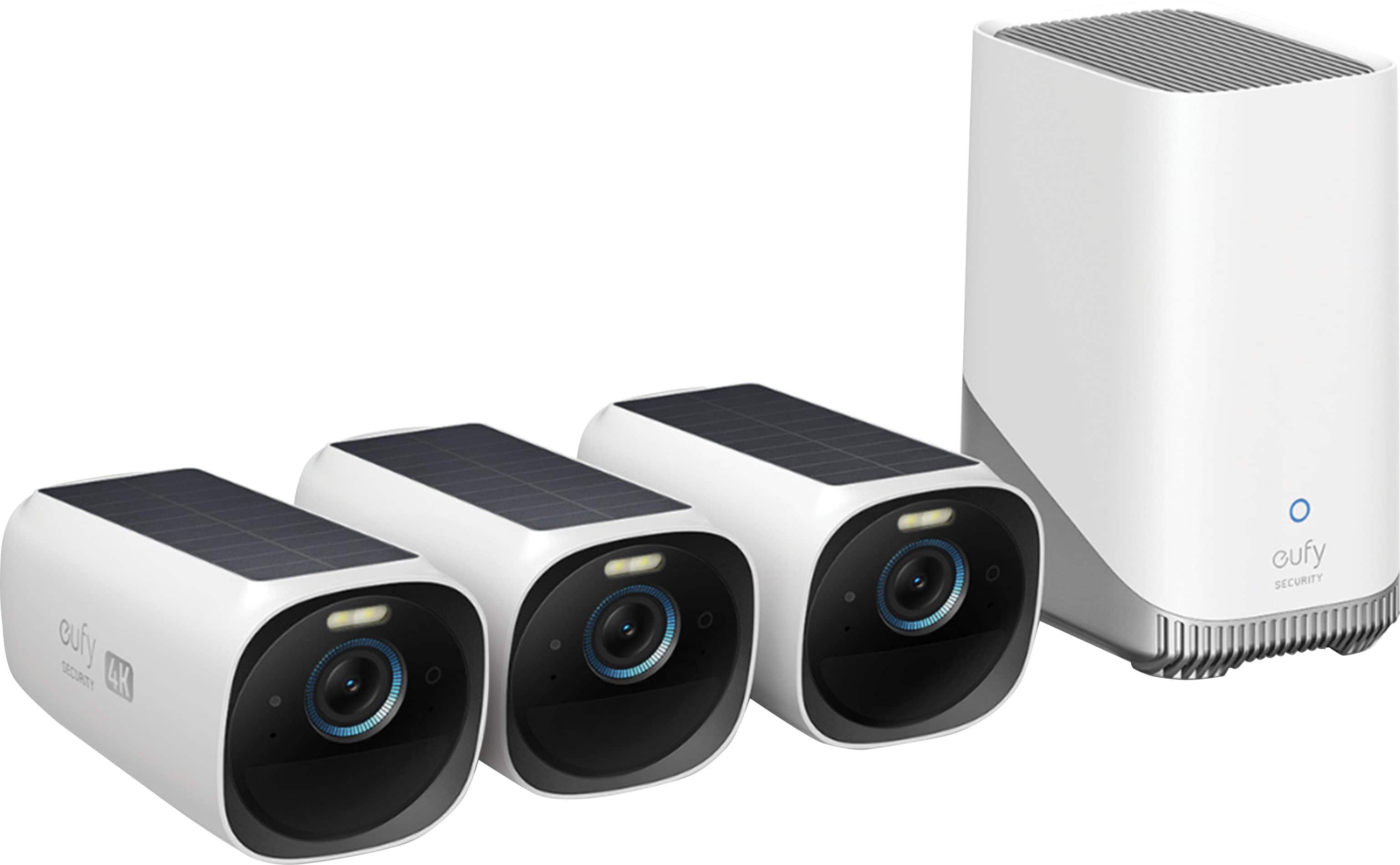
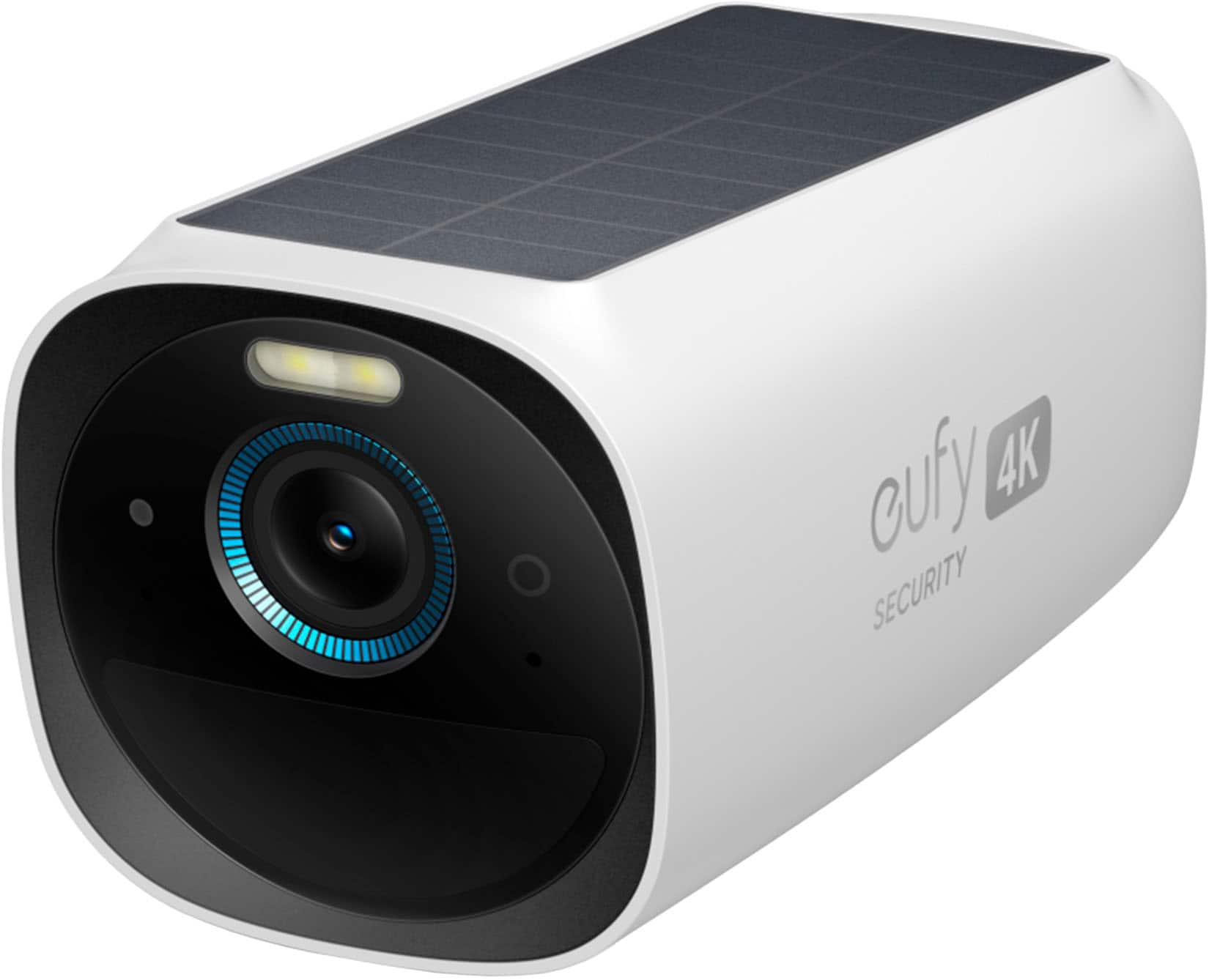
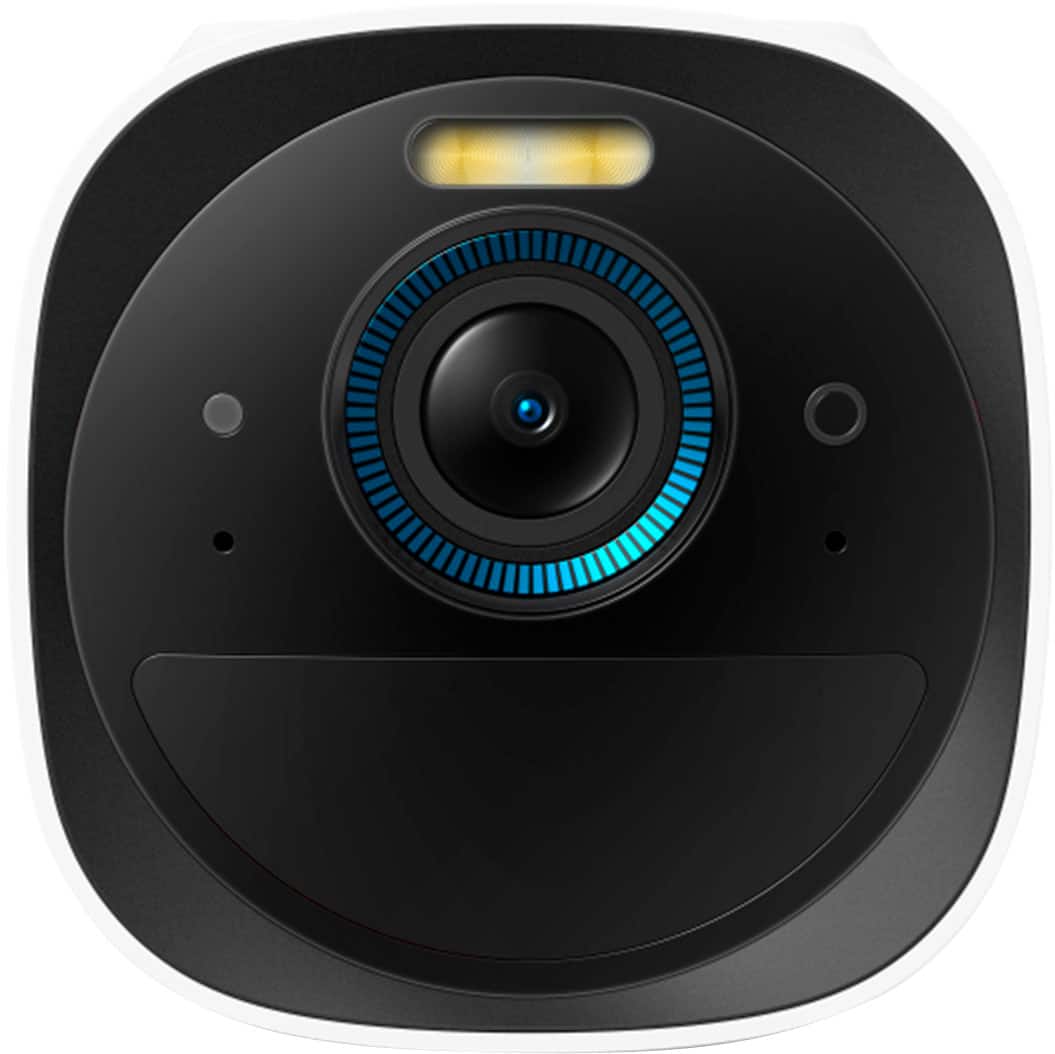
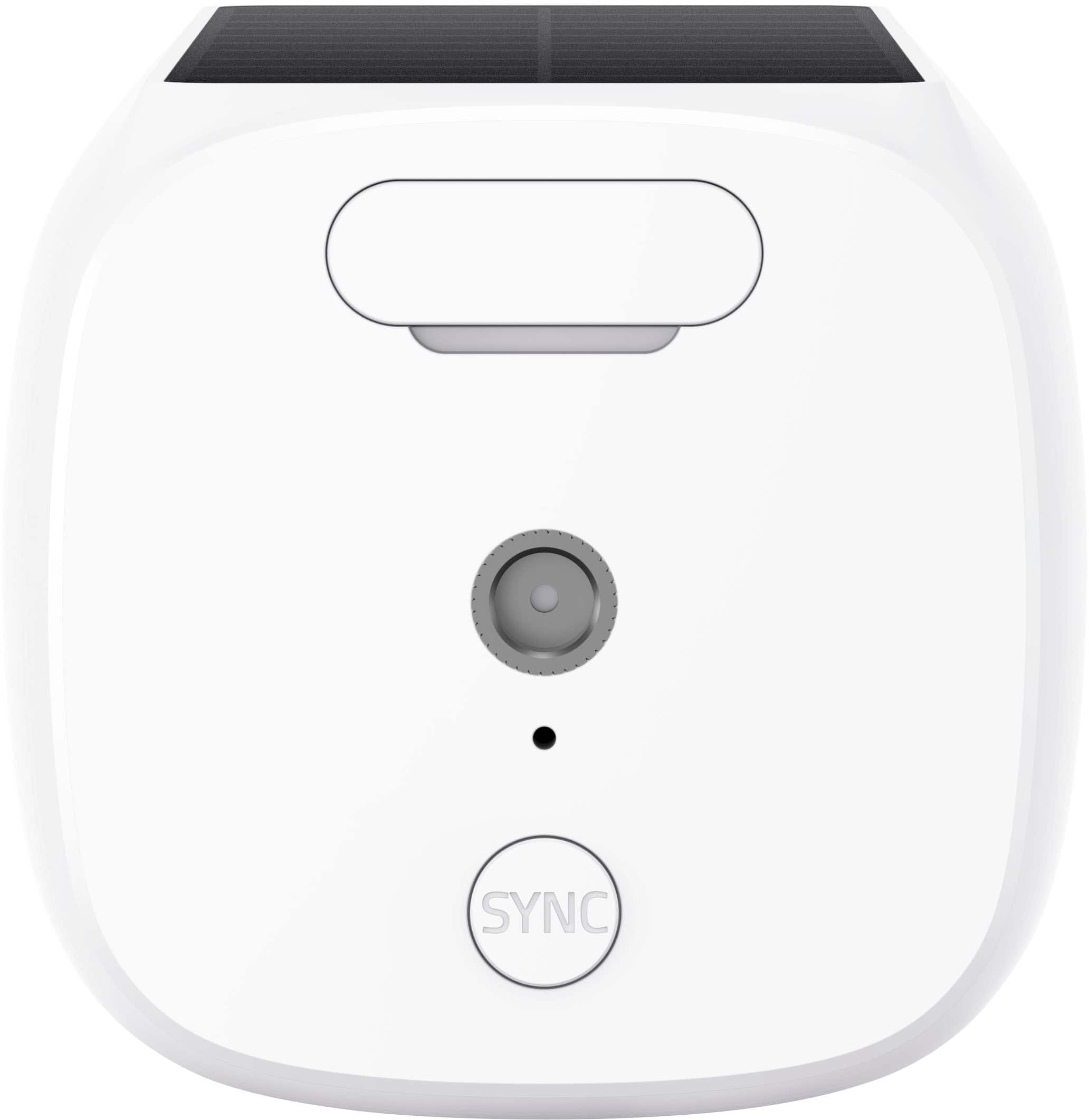
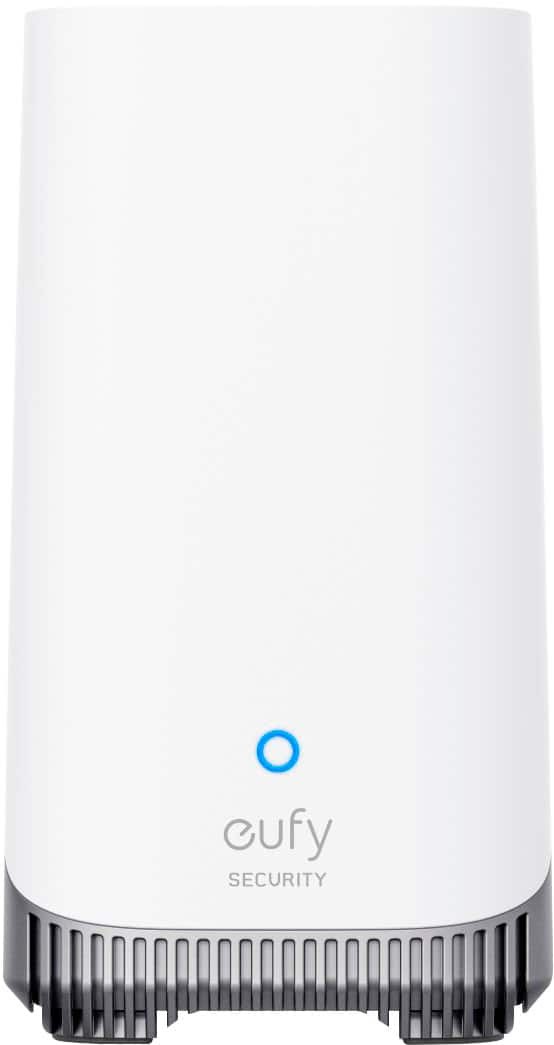
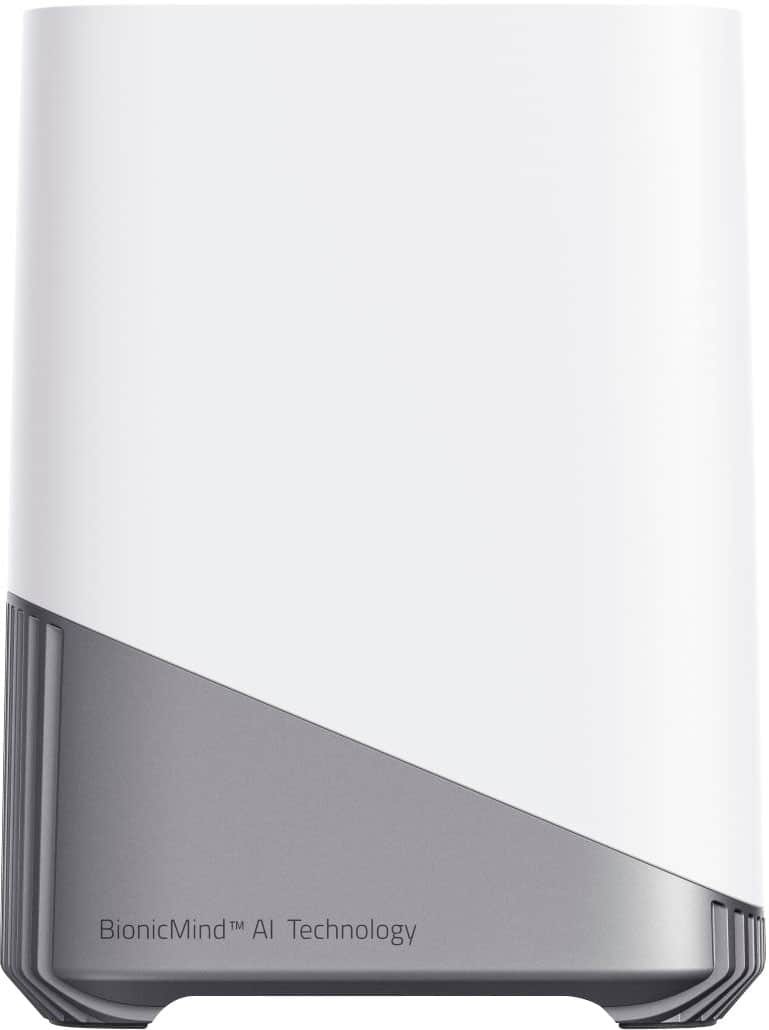
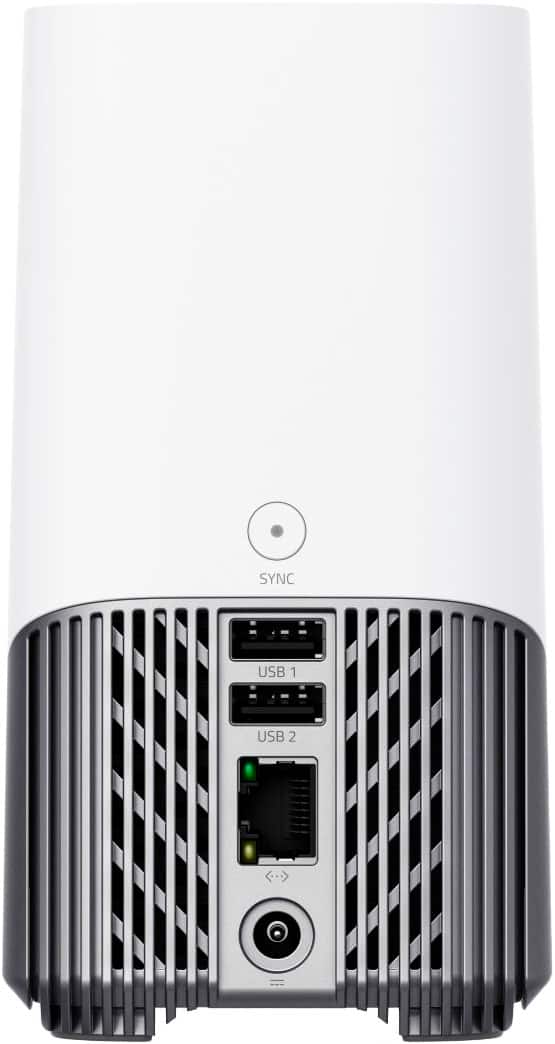
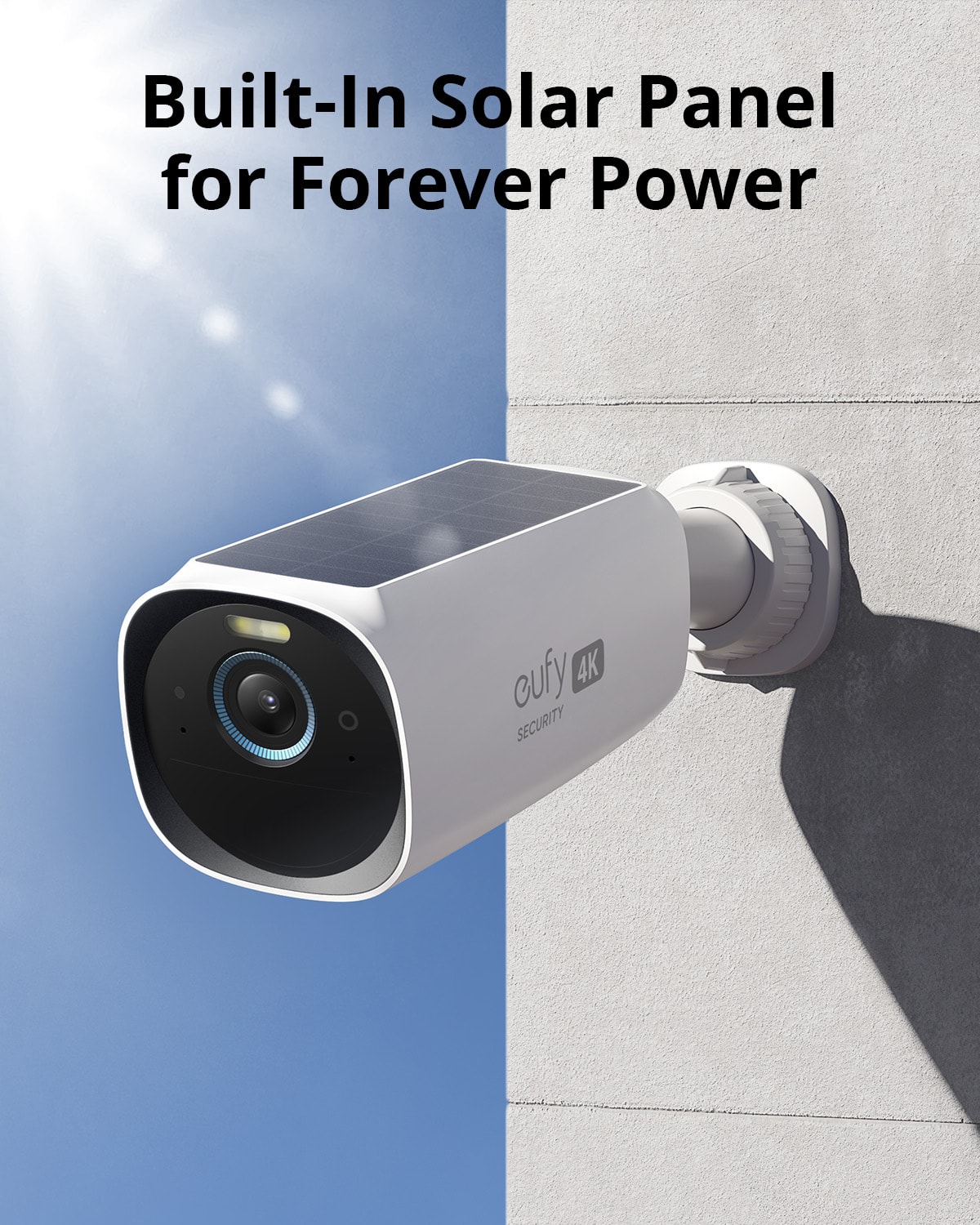
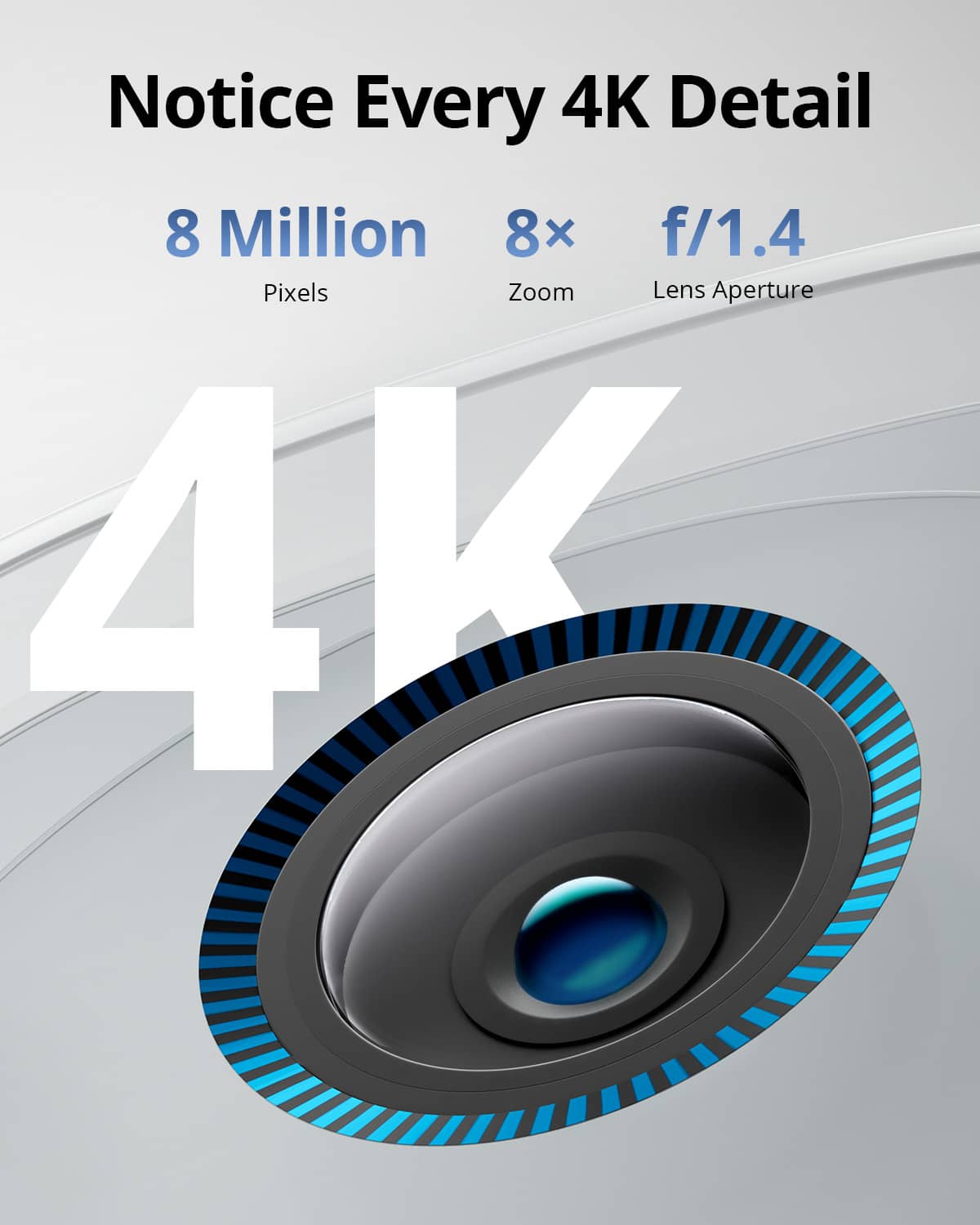
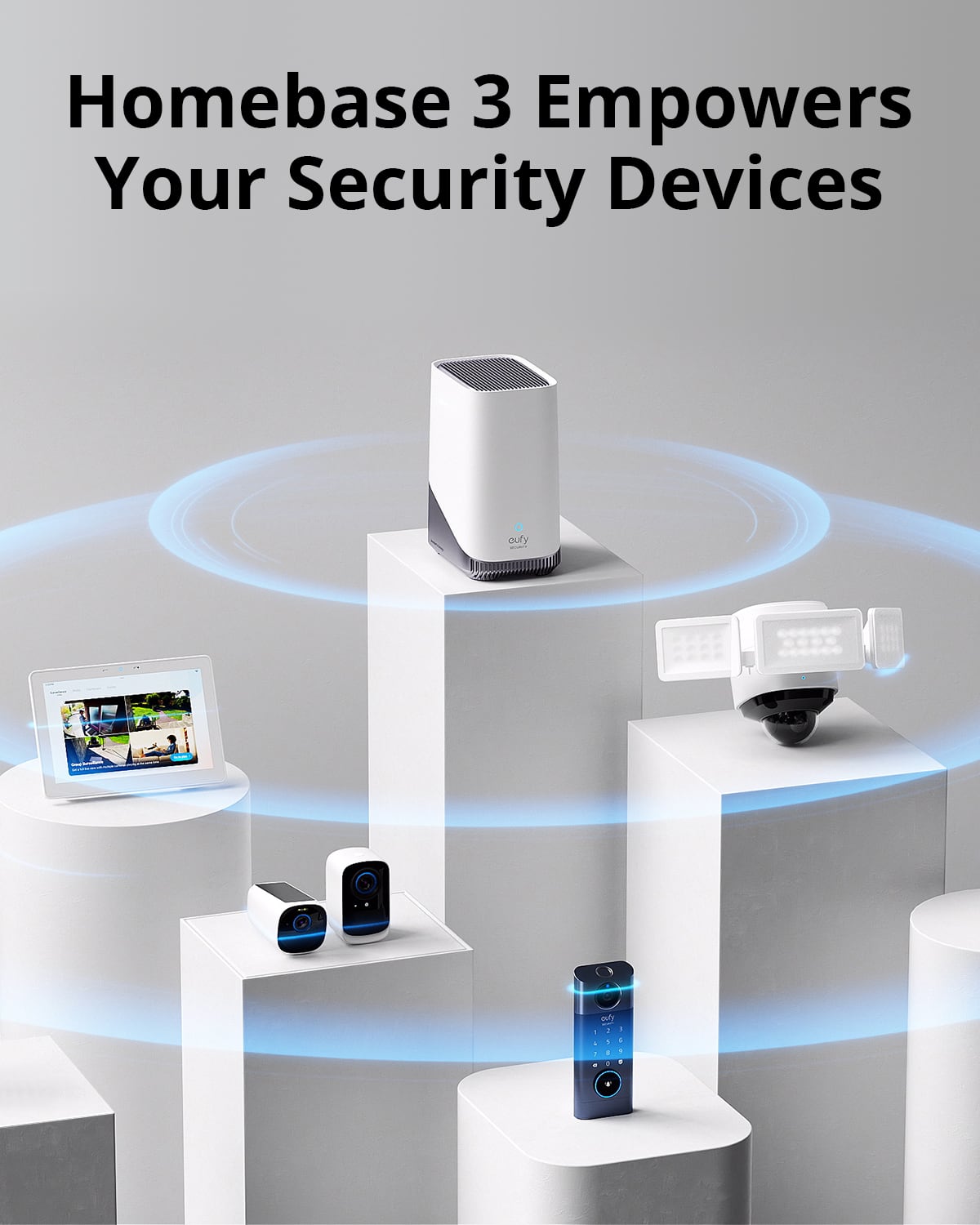
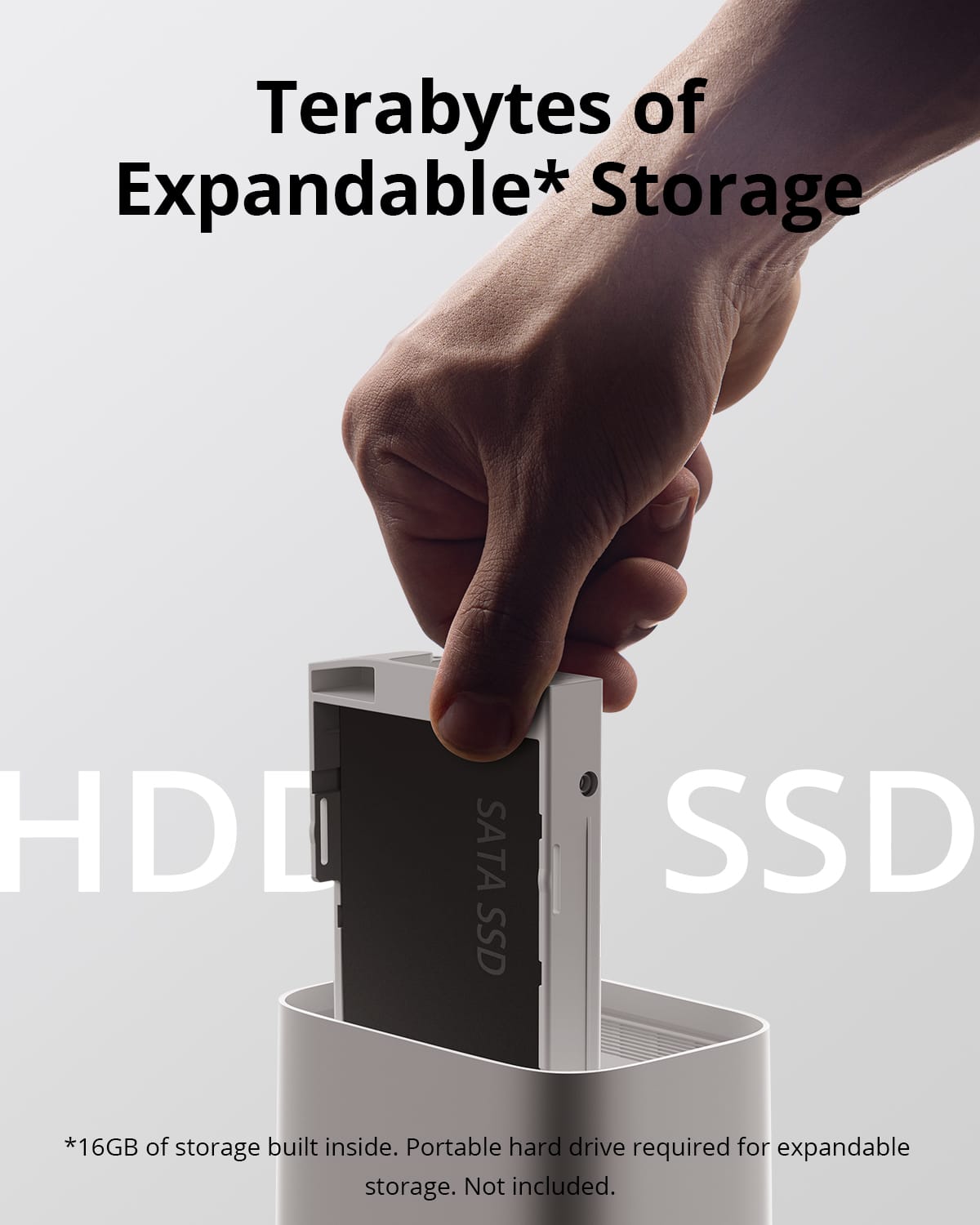
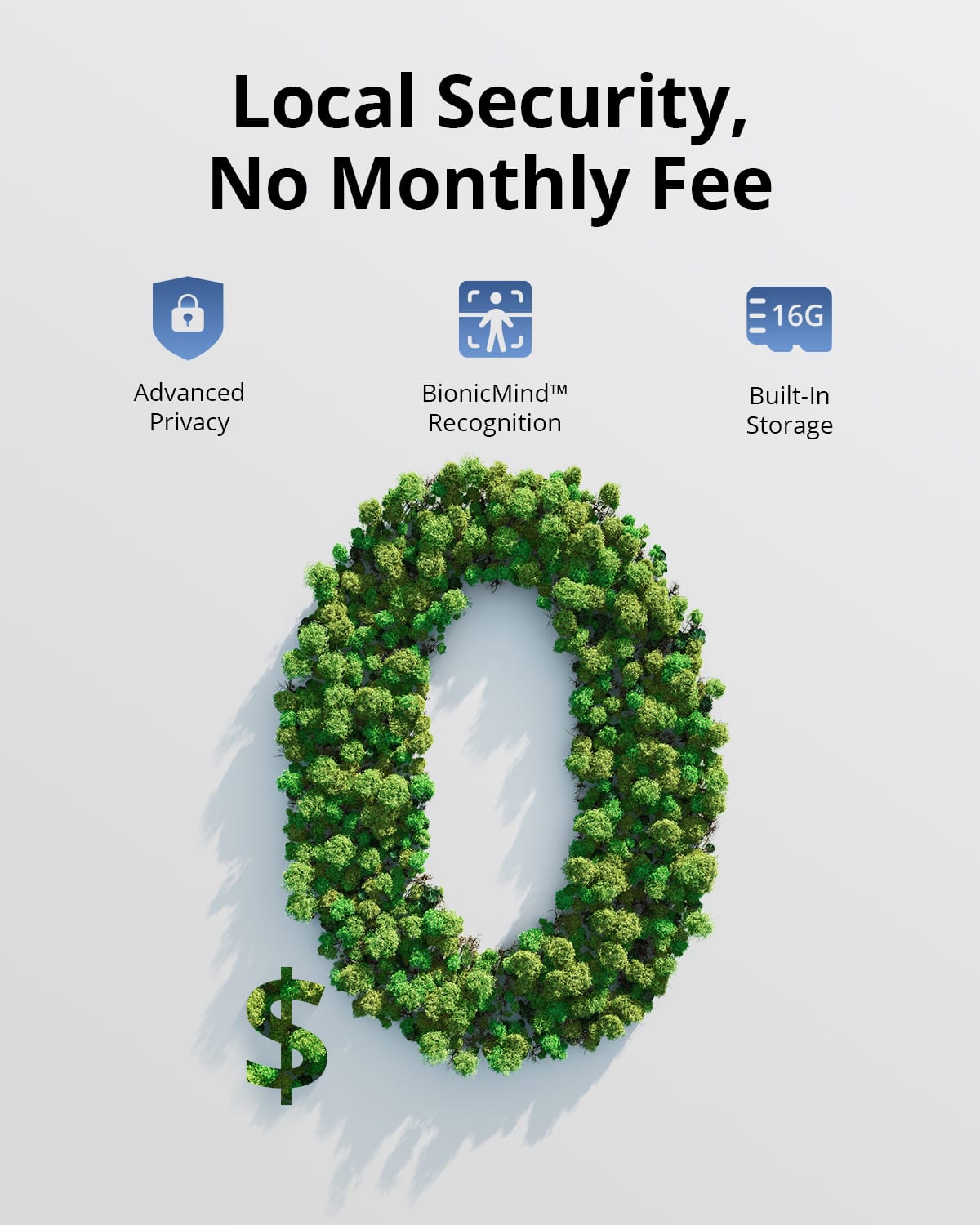
|Posted .This reviewer received promo considerations or sweepstakes entry for writing a review.This kit comes with 2 solar-powered IP67 weatherproof wireless 4K S330 cameras, an S380 HomeBase with 16gb of onboard storage, and two mounting bases. The cameras have a solar panel on top, and a USB-C charging port and threaded mounting hole on the back. The battery is not removable. Around the front is an LED spotlight and the 4K camera lens surrounded by a blue ring. The mounting bases can be attached using 2 screws. The HomeBase is small and the top of it pops off to add a 2.5” hard drive or SSD. There are two USB ports (one supporting USB3), a network port, and a status indicator on the front. Both the cameras and base can emit an audible siren if an alarm is triggered. I really like that the user expandable storage can be internal. == Setup == The first thing I did was add a 1TB 2.5” SATA hard drive that I had salvaged from a busted laptop so I could store more video. After two weeks, the drive is only a tenth full so it would seem 1TB is going to be plenty for two cameras. Then I plugged the Homebase into my router using an ethernet cable and powered it on. The cameras need to charge for 8 hours prior to first use. Only one charging cable is included so use another to do both simultaneously. You can charge one from the base itself. You will need the eufy app from the Google or Apple app store to sync the cameras to the base. To set up the cameras you scan a QR code on the bottom of the Homebase, however the QR code is tiny and a slightly darker gray than the gray plastic it is printed on. I had trouble getting it to scan without moving the base near a window for better lighting. Once the cameras are connected you can mount them in their permanent location. This is where I learned that the Homebase and cameras are not able to connect to a Wi-Fi network. I have issues where one camera has trouble recording or playing live video unless I put the base station literally in the window at the front of the house. If the base at least supported a Wi-Fi connection I could place it in a more central location where both cameras would be in range, instead of being limited by the network wire. Ideally, the cameras themselves would support connecting to your existing Wi-Fi network to take advantage of the wireless infrastructure already in place and then it wouldn't matter where the base was located. == Performance == The app works well. You are able play live video or view recorded events from either camera. The video quality is good, better than most security cameras I have used. All the recording happens locally on the base meaning you do not have to pay any subscription fees, although they do offer cloud recording if you need it. The night recordings have been as impressive as in the daytime, with the built-in spotlight helping to illuminate the scene with some color versus relying solely on black and white night vision. The BionicMind AI detection is a feature that helps identify people from pets and vehicles. For people, it will list a person’s name if you have previously identified that face in the app. It will also find faces, pets, and vehicles and take a zoomed in snapshot for you for easier recognition. You can set up activity zones that will help filter out unwanted recordings (like cars going down the street) or a particularly cool feature is the ability to block out certain areas of the video, for example if you want to respect your neighbor’s privacy. I didn't end up using the included mounts since I was able to fit these onto two mounts that I used for a previous system. While they are partially covered by eaves on my roof this so far has not affected the solar charging capability to the point of being an issue. They have been going strong for two weeks now and I really like the solar dashboard feature that lets you monitor the solar efficiency. One downside I have noticed is the fan can be noisy in the base unit. I’m not sure if it’s because the older hard drive that I am using gets particularly hot or if this is normal but I will hear it spin up from time to time. Finally, I was disappointed to learn that this model does not support Apple HomeKit, only Alexa and Google Home. I use HomeKit exclusively in my home so unfortunately I will not be able to see these cameras alongside my other security cameras (that are about 5 years old and from a competitor.) It was even more frustrating to learn after a bit of research that eufyCam 2 supports HomeKit, but this newer version does not. == Pros == 4K Resolution No Subscription Required (optional cloud subscription) AI Object Identification Solar Powered Hard Drive is Concealed in Base Spotlight Anti-theft Alarm Two-way Audio == Cons == Base fan can be noisy No Wi-fi connectivity No HomeKit Support == Overall == The well-designed app plus quality of the video recording and no subscription fees makes this a compelling security camera kit. However, the lack of Wi-Fi connectivity and Apple HomeKit support could be a deal-breaker for some.
I would recommend this to a friend - Pros mentioned:Camera quality
Nice cameras but laggy notifications
||Posted . Owned for 2 weeks when reviewed.This reviewer received promo considerations or sweepstakes entry for writing a review.On a solid wifi network with the hub centrally located. Notifications seem laggy compared to the previous hub model. The quality is on par with previous model and the new 4K cameras are very good quality. The solar panel seem to charge well for low use cameras. Might consider an alternative power source if being placed in a busy area.
I would recommend this to a friend I see you
||Posted . Owned for 3 weeks when reviewed.This reviewer received promo considerations or sweepstakes entry for writing a review.Eufy home base is just what I needed. Great unit with the peace of mind.
I would recommend this to a friendWifi camera's.
||Posted . Owned for 1 month when reviewed.This reviewer received promo considerations or sweepstakes entry for writing a review.Easy instalation and connection, no cables and the resolution of the videos is very good.
I would recommend this to a friendGreat Camera
||Posted . Owned for 6 months when reviewed.This reviewer received promo considerations or sweepstakes entry for writing a review.Works very well. the motion detection tracks everything that steps foot in our yard and the solar keeps it charged.
I would recommend this to a friend