Customer Ratings & Reviews



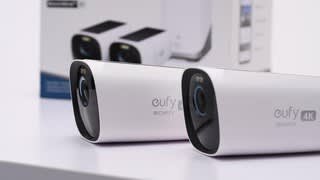
- Model:
- T88721W1
- SKU:
- 11913870
Rating by feature
- Value
Rating 4.4 out of 5 stars
- Quality
Rating 4.6 out of 5 stars
- Ease of Use
Rating 4.6 out of 5 stars
- Cons mentioned:Connectivity
Not ready.
||Posted .This reviewer received promo considerations or sweepstakes entry for writing a review.Doesn’t work, tried so many times but couldn’t add either included cam to connect with the home base 3.
No, I would not recommend this to a friendBrand response from Eufy Team
Posted .Thank you so much for sharing your experience. We're really sorry you've encountered this issue!
If possible, please try the following steps to see if the issue persists:
1. Check wifi signal
2. Confirm you use 2.4G wifi (5G is not supported)
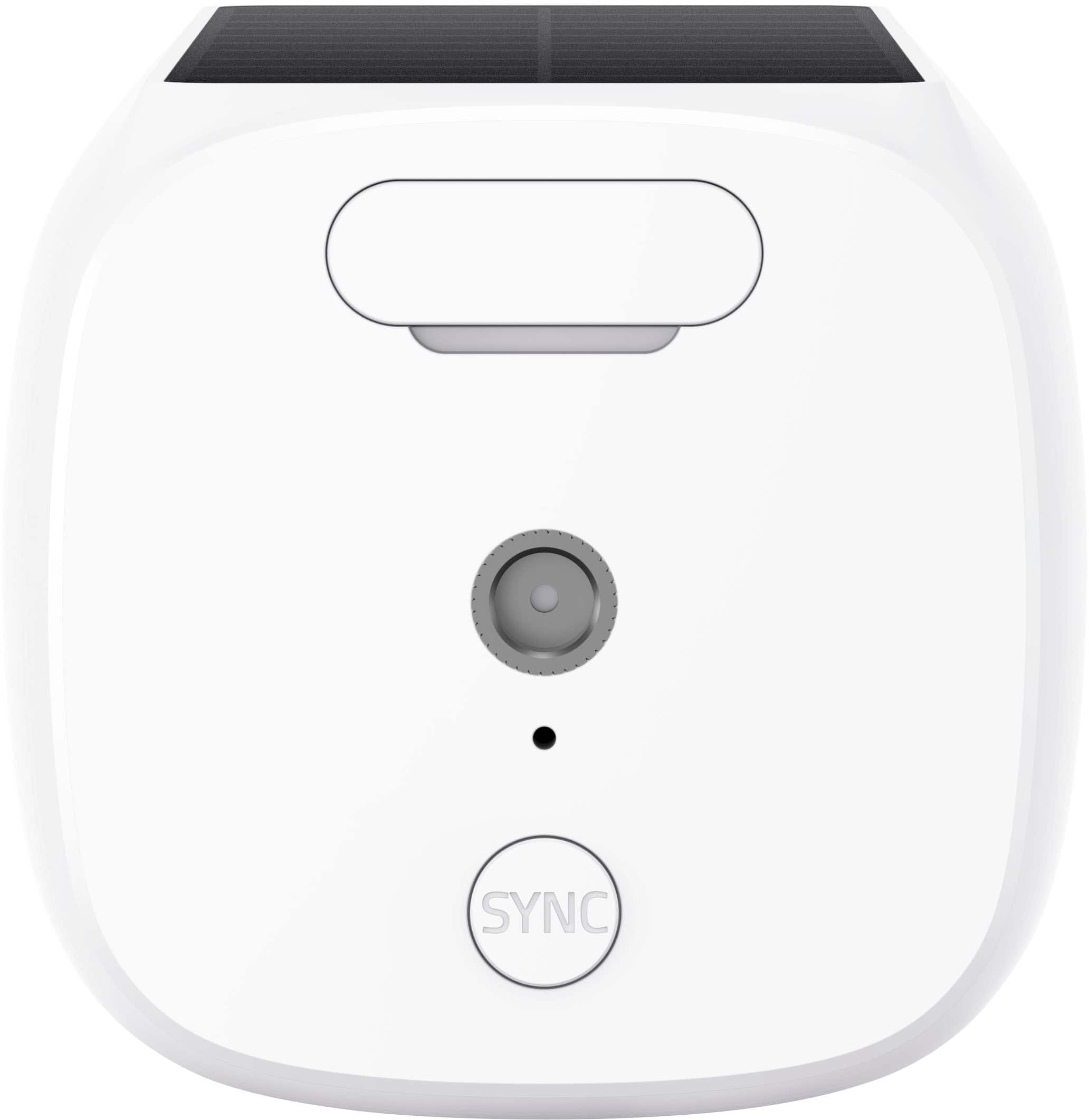
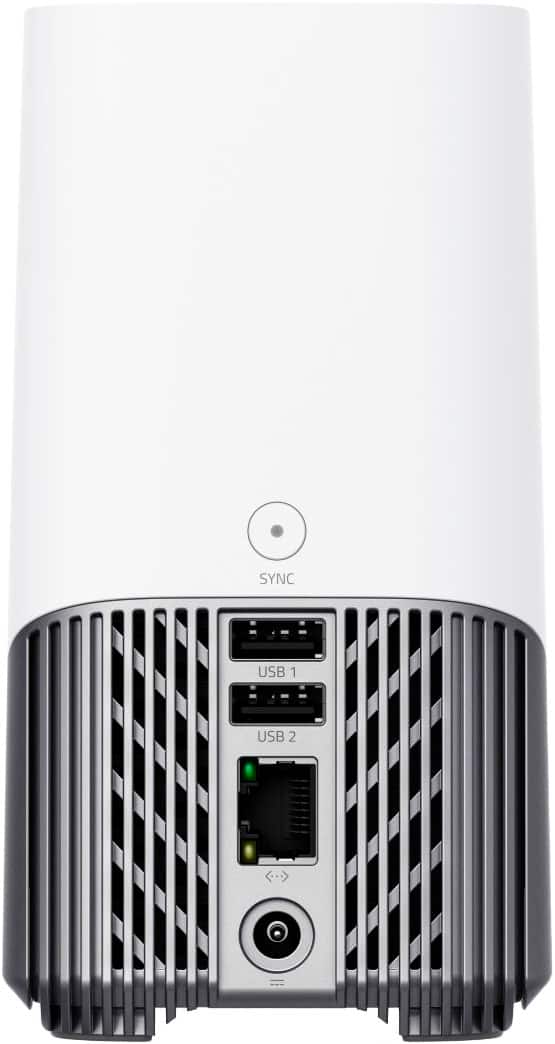
3. Please press the SYNC button to see if there is a blue light on the camera. If the light is red or no light, please try to charge the camera.
4. Please press the SYNC button to see if you can hear a beep. If not, please press it for 15 seconds to reset the camera.
5. Please check if you can hear a sound from Homebase and the camera (Ding Ding) when you press the sync button to the pair steps.
6. Please check if you have taken off the plastic film on the camera
7. A video about the process of adding the camera. We just want to see what you are seeing
If those don't help, please reach out to us via support@eufylife.com or call us at +1 (800) 988 7973. We are more than happy to assist you further.
We offer a 12-month warranty for this product, plus lifetime technical support. Our standard for responding to email quests is less than 24 hours, and we look forward to hearing from you!
Does not continuously record, only event recording
||Posted . Owned for 1 month when reviewed.This reviewer received promo considerations or sweepstakes entry for writing a review.It says continuous recording, but does not allow you to go back to view other timelines beside the event that was trigerred and recorded for 15 to 20 seconds. Even if you have a memory card in each camera.
No, I would not recommend this to a friendBrand response from Eufy Team
Posted .Dear Customer,
I am truly sorry to hear that you are experiencing this issue. We understand how frustrating it can be and we appreciate your patience.
Please rest assured that we stand behind our products and are willing to provide assistance within our capacity. We are committed to ensuring your satisfaction and resolving your concerns promptly.
You can reach out to us via support@eufylife.com or call us at +1 (800) 988 7973. Our customer service team is always ready to help you.
We look forward to your message so we can address your issue as soon as possible. Thank you for bringing this to our attention and giving us the opportunity to make things right.
Best Regards,
EUIFY Solar cameras NOT SO GOOD!
||Posted . Owned for 3 weeks when reviewed.This reviewer received promo considerations or sweepstakes entry for writing a review.The product is not as advertise. Lots of Connection difficulties; weather proofed not so good; quality of image low..too expensive for what you get!!
No, I would not recommend this to a friendOutdoor
||Posted . Owned for 2 weeks when reviewed.This reviewer received promo considerations or sweepstakes entry for writing a review.The sensors doesn't work as it should. Below minimal recordings. You have to be under the carmera for the sensors to work.
No, I would not recommend this to a friendBrand response from Eufy Team
Posted .Dear Customer,
I am truly sorry to hear that you are experiencing this issue. We understand how frustrating it can be and we appreciate your patience.
Please rest assured that we stand behind our products and are willing to provide assistance within our capacity. We are committed to ensuring your satisfaction and resolving your concerns promptly.
You can reach out to us via support@eufy.com or call us at +1 (800) 988-7973. Our customer service team is always ready to help you.
We look forward to your message so we can address your issue as soon as possible. Thank you for bringing this to our attention and giving us the opportunity to make things right.
Best Regards,
Camera quality
||Posted . Owned for 1 month when reviewed.This reviewer received promo considerations or sweepstakes entry for writing a review.The camera quality was not as expected as mentioned in store. I had to immediately return them the next day.
No, I would not recommend this to a friendBrand response from Eufy Team
Posted .Dear Customer,
I am truly sorry to hear that you are experiencing this issue. We understand how frustrating it can be and we appreciate your patience.
Please rest assured that we stand behind our products and are willing to provide assistance within our capacity. We are committed to ensuring your satisfaction and resolving your concerns promptly.
You can reach out to us via support@eufy.com or call us at +1 (800) 988 7973. Our customer service team is always ready to help you.
We look forward to your message so we can address your issue as soon as possible. Thank you for bringing this to our attention and giving us the opportunity to make things right.
Best Regards,
Solar cameras
||Posted . Owned for 3 weeks when reviewed.This reviewer received promo considerations or sweepstakes entry for writing a review.Worst Customer Service, you could ever get , notifications are sporadic, and product is slow to capture image
No, I would not recommend this to a friendBrand response from Eufy Team
Posted .Dear Customer,
I am truly sorry to hear that you are experiencing this issue. We understand how frustrating it can be and we appreciate your patience.
Please rest assured that we stand behind our products and are willing to provide assistance within our capacity. We are committed to ensuring your satisfaction and resolving your concerns promptly.
You can reach out to us via support@eufy.com or call us at +1 (800) 988-7973. Our customer service team is always ready to help you.
We look forward to your message so we can address your issue as soon as possible. Thank you for bringing this to our attention and giving us the opportunity to make things right.
Best Regards,
- Pros mentioned:Battery lifeCons mentioned:Motion detection

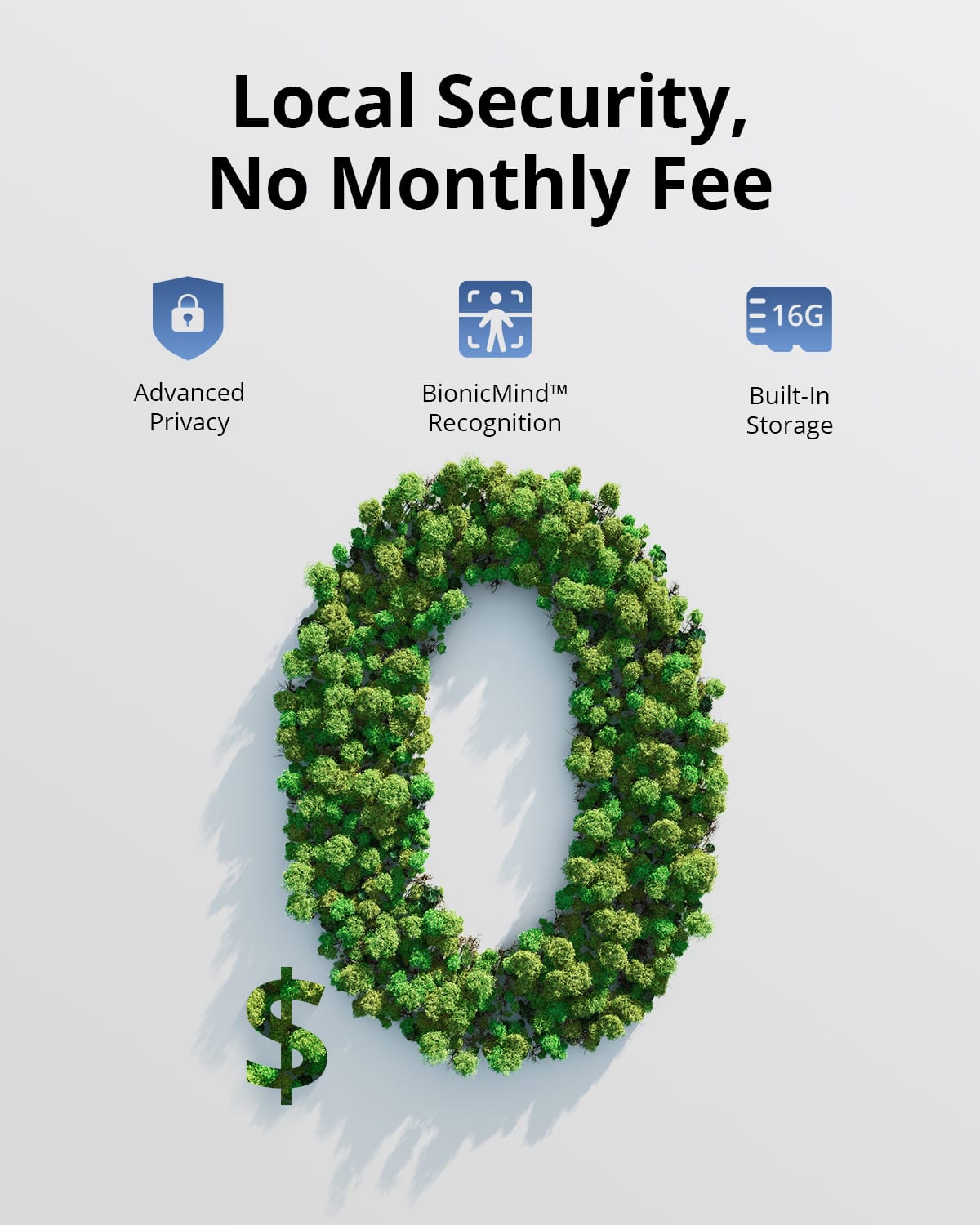
Say goodbye to subscription fees!
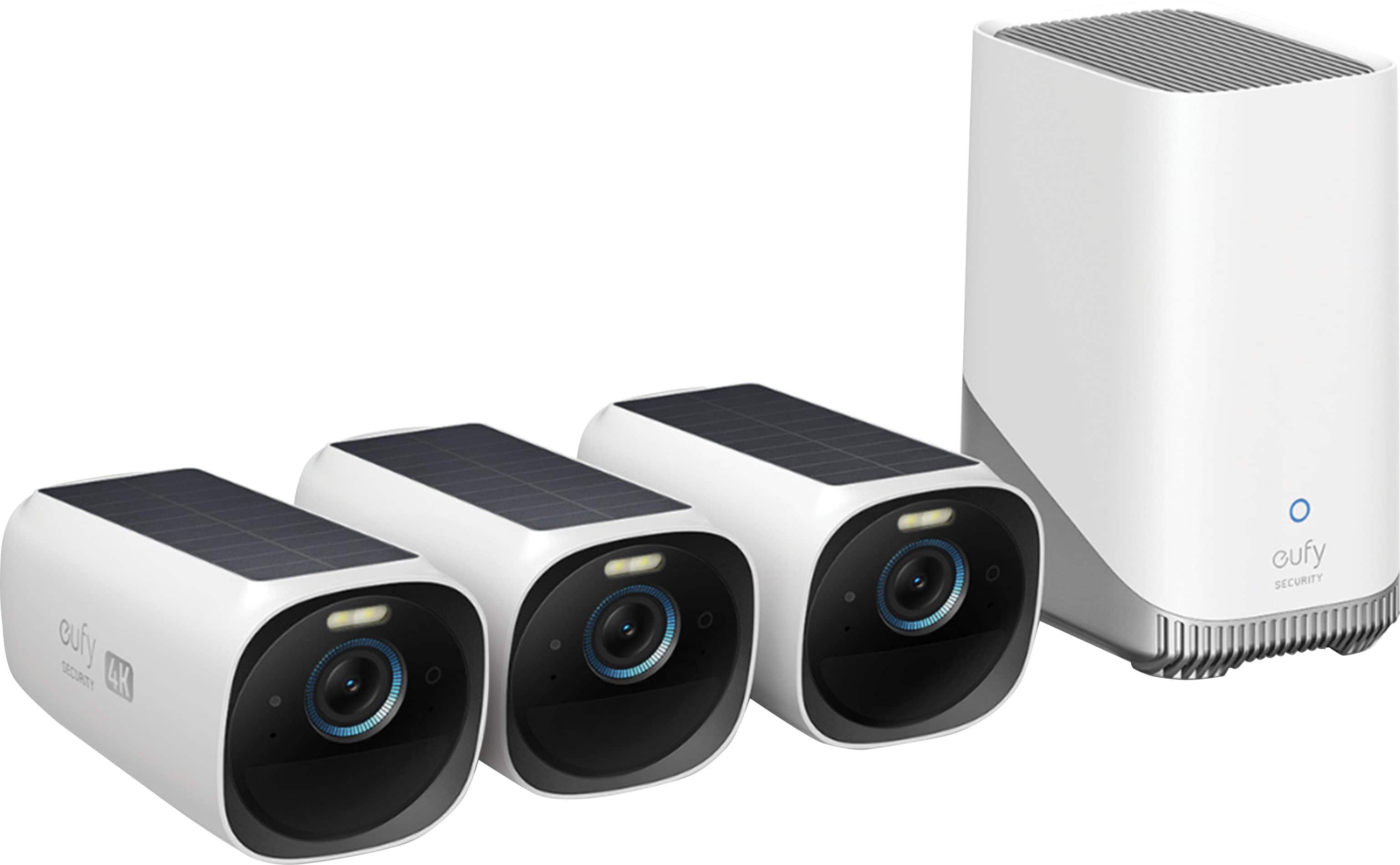
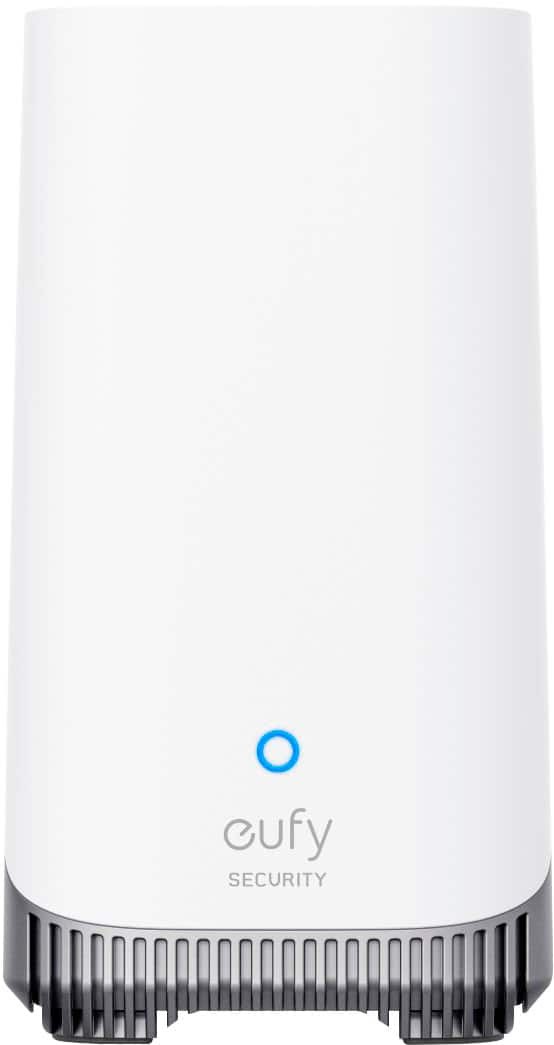
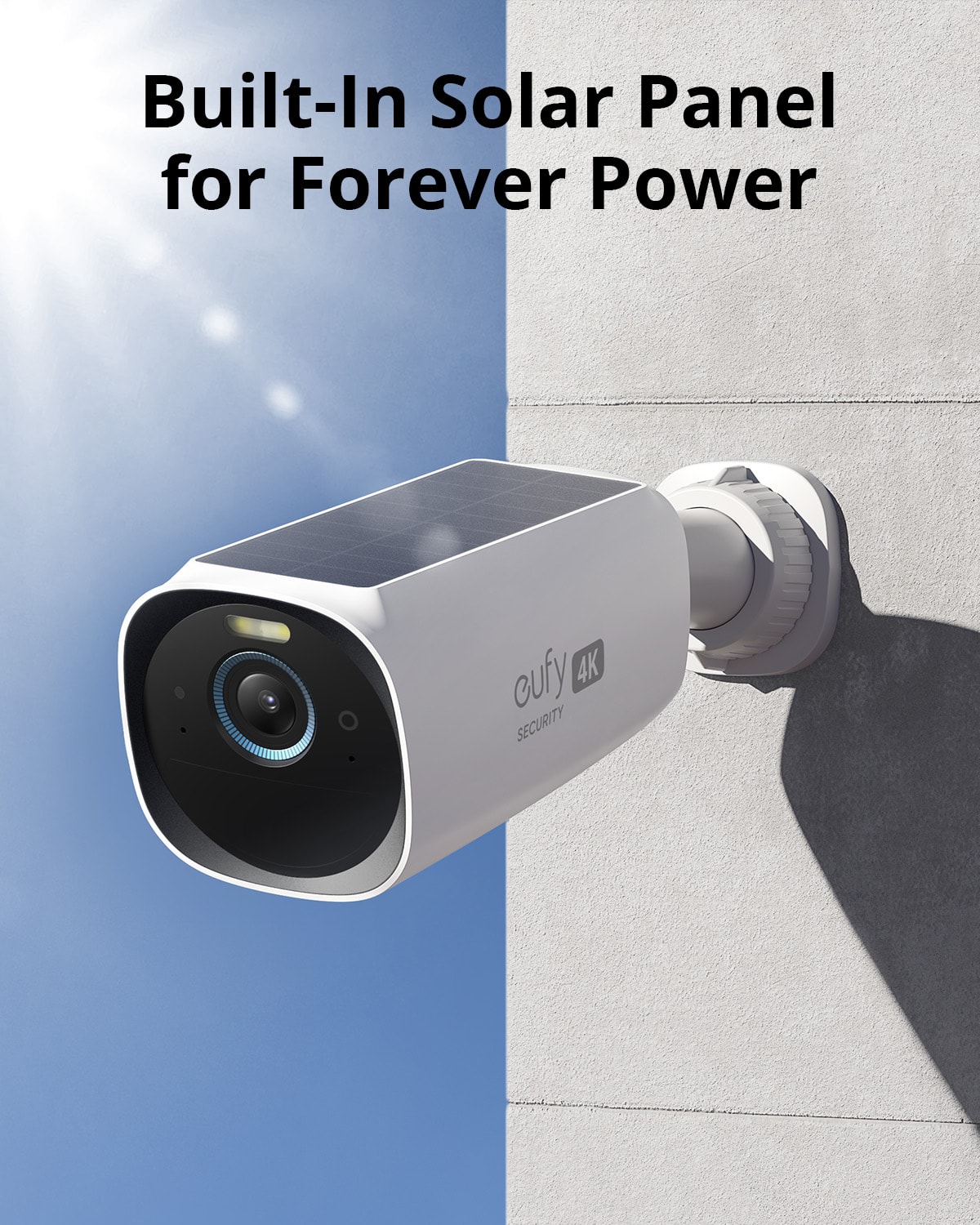
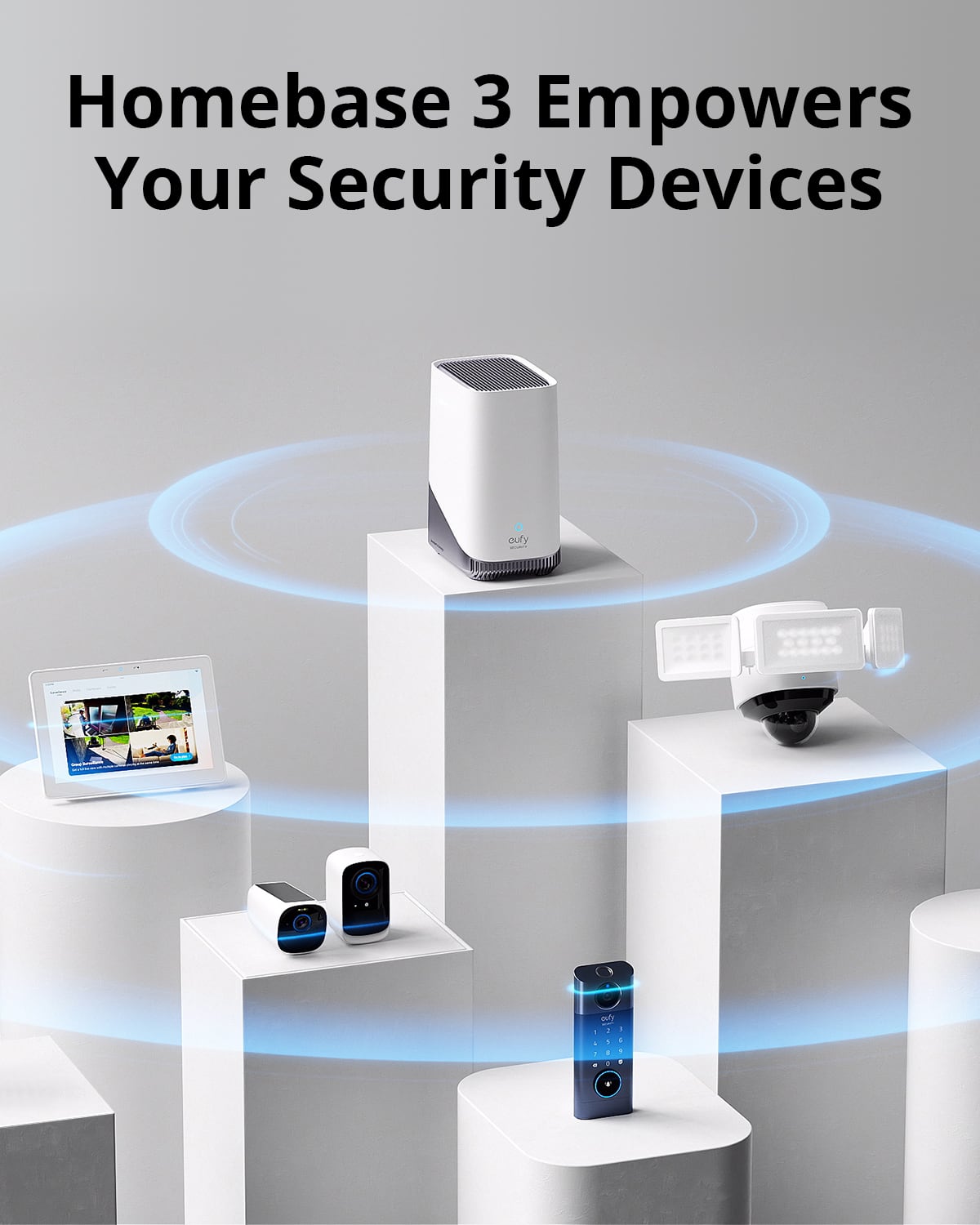
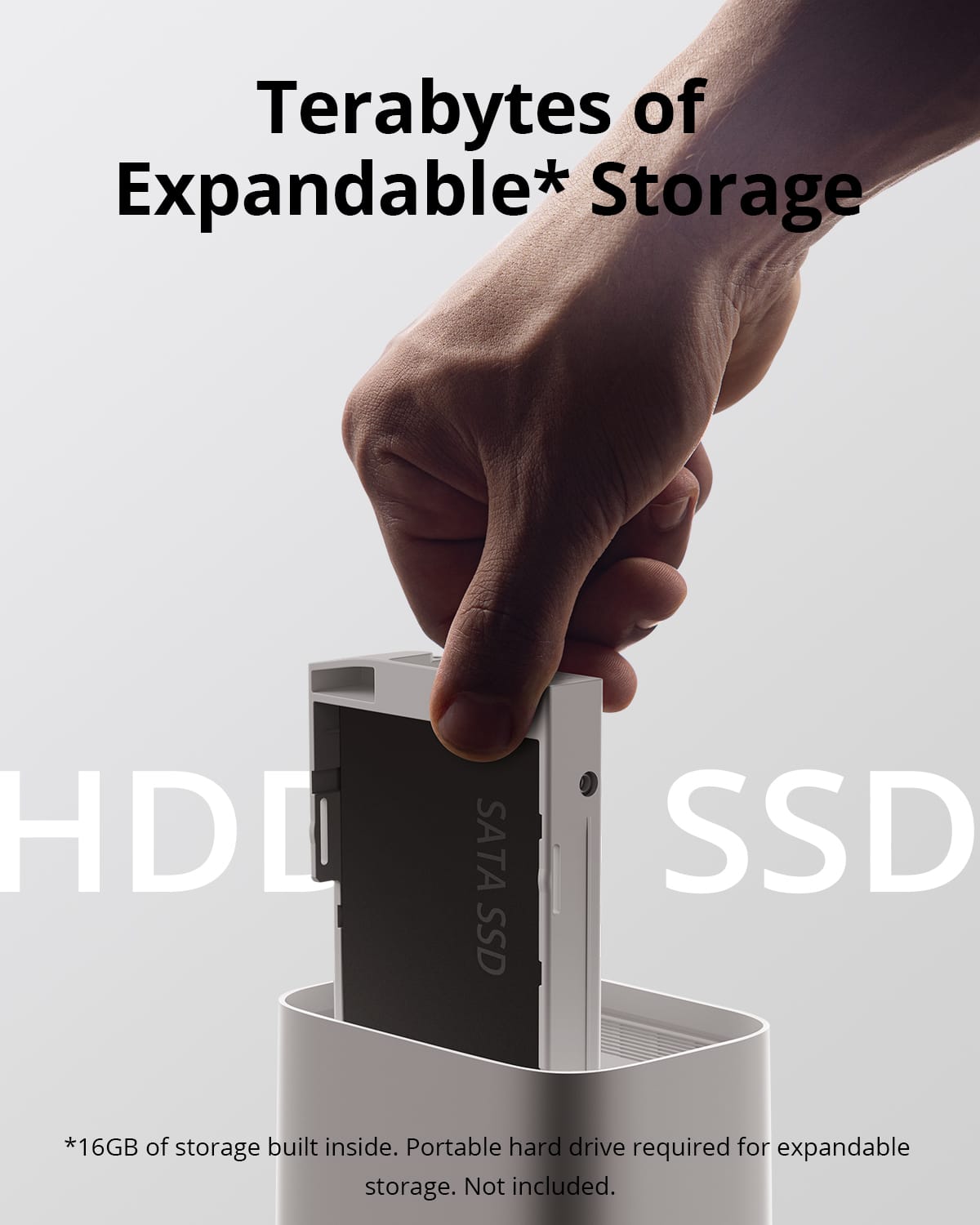
|Posted .This reviewer received promo considerations or sweepstakes entry for writing a review.Firstly, there are NO subscription fees for Eufy cameras. Buy the system, which is comparably priced to some subscription-based systems, and you get access to all of the functionality. Excellent packaging; even put the camera mounting hardware in individually labeled ziplock bags. It can be a bit difficult to get the camera locked into the position you want it in if you don’t have the mounting arm solidly attached to a structure, i.e. if you have vinyl siding and you are using siding clips to attach the mounting arm to your house. If you’re attaching the mount to a solid structure, you can adjust them pretty easily. Pairing the camera to the ‘Homebase’ is incredibly simple and trouble free. Just stand near the homebase, click the + in the app, hold the Sync button on the camera for a few seconds & let it do its thing. You hear a few high pitched tones and boom - done! Don’t know what kind of voodoo magic they’ve got going on, but I wish other manufacturers were even half as simple and reliable. The built-in solar charging is a nice feature, provided you can mount the camera somewhere where it’ll get sunlight. Common mounting locations under eaves won’t provide much charging benefit. That being said, the battery is large enough that you still shouldn’t have much to worry about. One of the cameras I have gets very little (if any) sunlight and it’s still at 62% charge after two weeks of (heavy) use, and set to Optimal Surveillance instead of Optimal Battery Life. The camera that gets morning sun is still at 100% charge. The Eufy app is pretty flexible & user friendly. You can easily rename cameras, adjust the order they’re displayed in, and create/change Security modes. You can also temporarily ‘snooze’ individual cameras for ½, 1, 2, 6, or 12 hours. This will keep event recording active but stop any notifications. It would be nice if they had a ‘snooze all’ button or ‘disarm all for x minutes’ for times you’re doing yardwork or something. I’ll sometimes disarm them while I’m outside & then forget to arm them again. The recording quality is very good. You can easily zoom in to see quite a bit of detail, even at night. I thought the default motion detection setting was a little slow to detect movement, so you may want to play with that a bit if the cameras aren’t picking up the movement that you think they should. Another feature of the new Homebase is the ability to expand recording storage capacity by adding a hard drive. Nice touch. Overall, I’ve been extremely impressed with my Eufy cameras. So much so that I bought a 2nd set to replace another brand of cameras I had installed at a different location. The Eufy app even makes this easy by letting you create a 2nd ‘home’ to help organize your cameras. Best of all - NO SUBSCRIPTION FEES!!!
I would recommend this to a friend i dont recommend
||Posted . Owned for 3 weeks when reviewed.This reviewer received promo considerations or sweepstakes entry for writing a review.doesnt come in clear for license plates, and voice has to be close to cameras! only films for 10 seconds.
No, I would not recommend this to a friendDisappointed
||Posted . Owned for 1 month when reviewed.This reviewer received promo considerations or sweepstakes entry for writing a review.It is a piece of disappointing junk. It doesn't notify if anyone at the door. We have played with the settings without any luck.
No, I would not recommend this to a friendBrand response from Eufy Team
Posted ."Dear Customer,
I am truly sorry to hear that you are experiencing this issue. We understand how frustrating it can be and we appreciate your patience.
Please rest assured that we stand behind our products and are willing to provide assistance within our capacity. We are committed to ensuring your satisfaction and resolving your concerns promptly.
You can reach out to us via support@eufy.com or call us at +1 (800) 988-7973. Our customer service team is always ready to help you.
We look forward to your message so we can address your issue as soon as possible. Thank you for bringing this to our attention and giving us the opportunity to make things right.
Best Regards,"
Poor customer expiwrence duento lack of product kn
||Posted . Owned for 3 months when reviewed.This reviewer received promo considerations or sweepstakes entry for writing a review.The cameras did not do what the salesmen said they would. It was 100% usless to me because of his misinformation. The product may be good but it was misrepresented by best buy employee.
No, I would not recommend this to a friendBrand response from Eufy Team
Posted .Dear Customer,
I am truly sorry to hear that you are experiencing this issue. We understand how frustrating it can be and we appreciate your patience.
Please rest assured that we stand behind our products and are willing to provide assistance within our capacity. We are committed to ensuring your satisfaction and resolving your concerns promptly.
You can reach out to us via support@eufy.com or call us at +1 (800) 988 7973. Our customer service team is always ready to help you.
We look forward to your message so we can address your issue as soon as possible. Thank you for bringing this to our attention and giving us the opportunity to make things right.
Best Regards,
- Pros mentioned:Battery life, Camera quality
Eufy does cutting edge tech again.
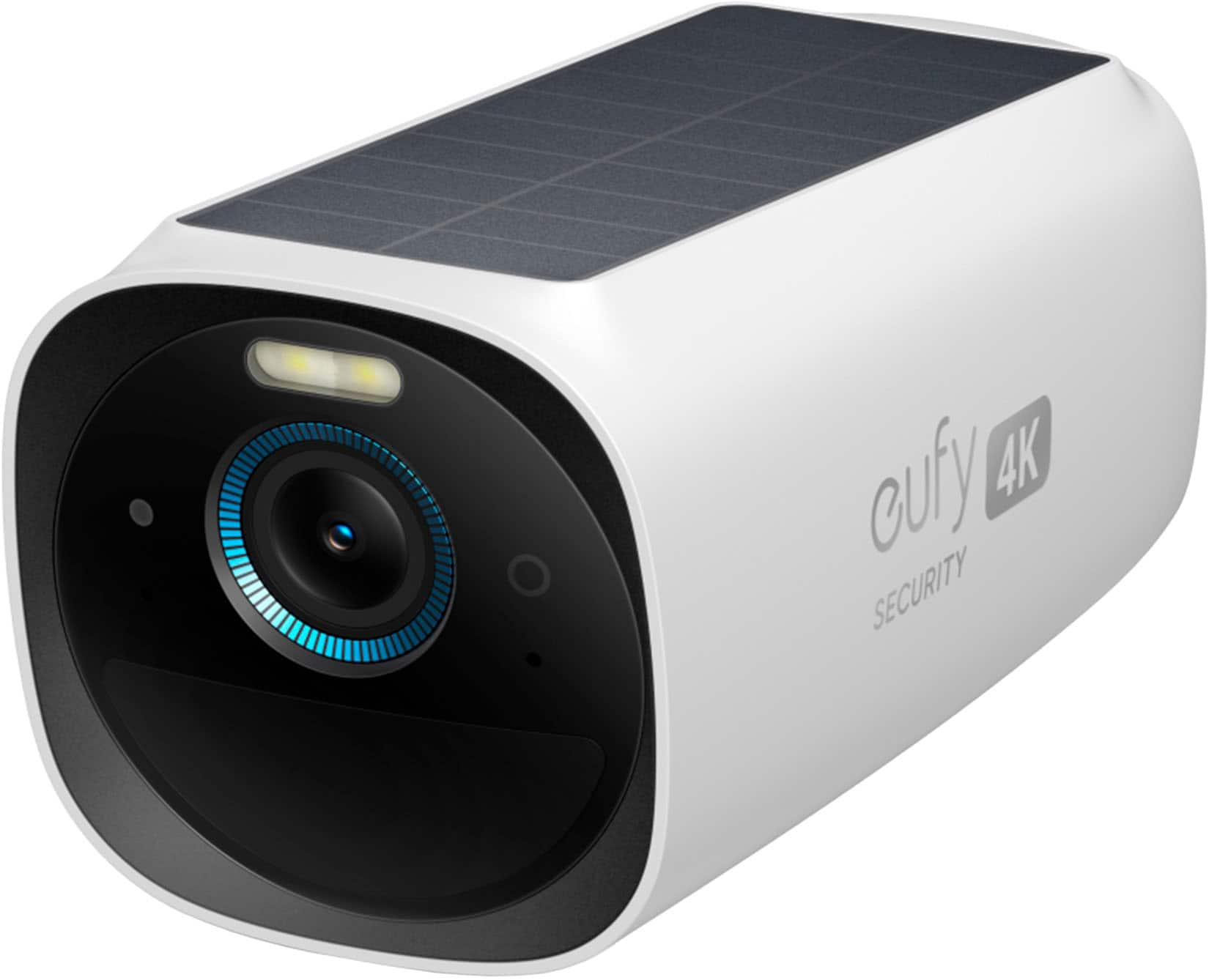
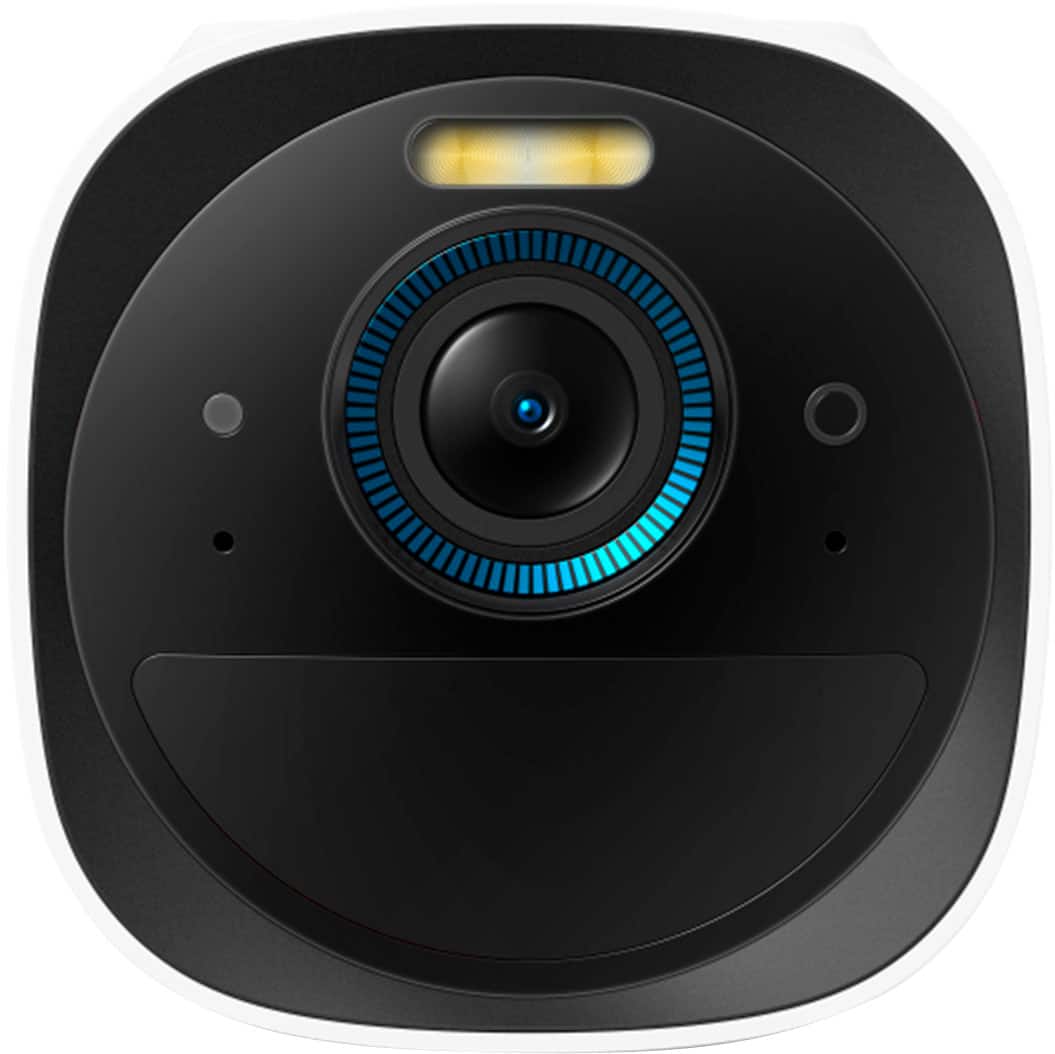
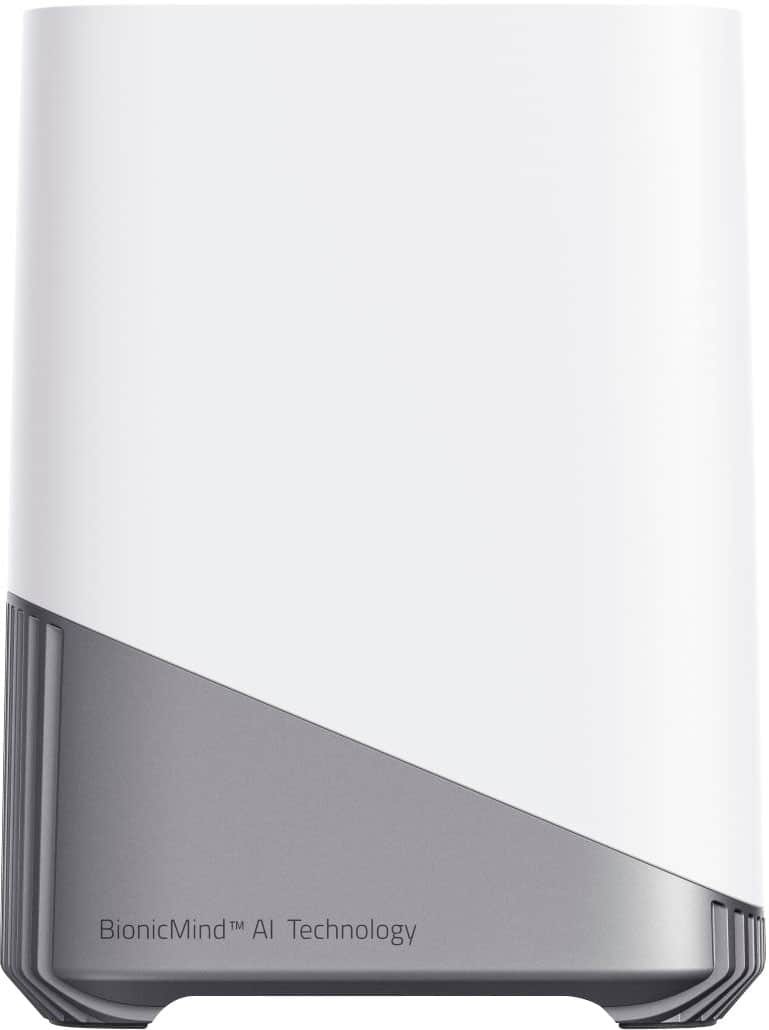
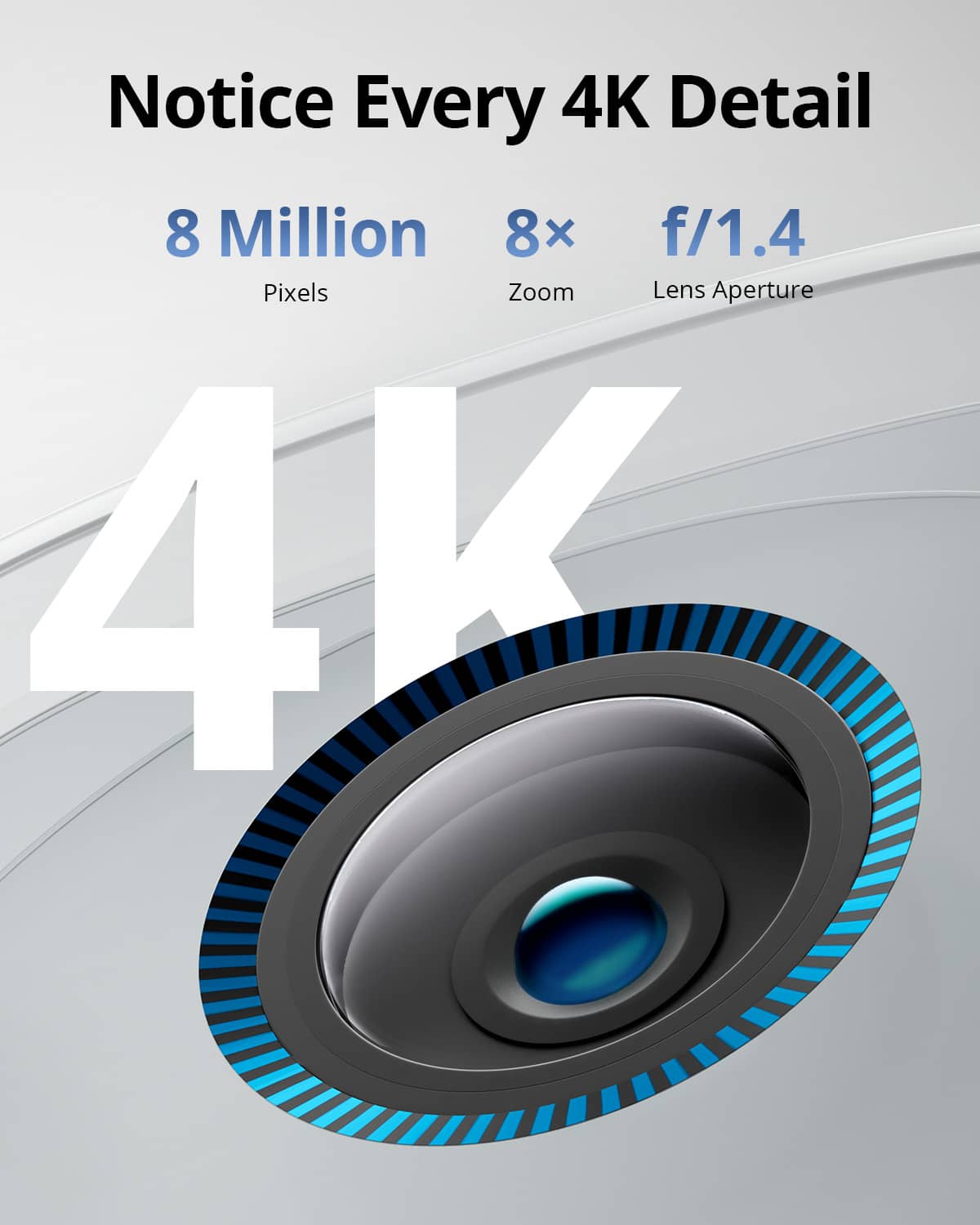
|Posted .This reviewer received promo considerations or sweepstakes entry for writing a review.This will be my 3rd eufy camera product after switching from a large name competitor last year. I have a doorbell cam and another spotlight cam. This eufycam 3 package is just what you need if you want to a. not have to deal with a monthly fee and b. not have to deal with running wires or batteries. Setup is super easy. Plugged the provided home base to the by ethernet cord, loaded up the app like it asks and it's so easy anyone can do it. The homebase comes with the option to expand the storage from 16gb which comes in the homebase to 16tb by installing a hard drive. All videos are encrypted when they're on the homebase and you can offload your videos to a USB drive if you wanted to check them out on a laptop or other device other than your mobile device. Inside the app settings there are TONS of options and settings that you can change from quality, clip length, alarm, detection zones, privacy zones, sensitivity, etc. All the awesome things that Eufy offers. The cameras are 4k, the quality is excellent and they have a built in spotlight, mic, alarm and speaker. A built in solar panel means if you place it in the right place, you can set it up and forget it. Track battery, how much light it's getting etc. It looks good in daytime and it looks good at night time depending on lighting and location. The BionicMind AI tech is way cool. You can add in people, (beta)cars and even (beta)pets to the AI. In other words you add a photo of your mother, wife, son, daughter etc into the system and the AI will detect who is at your house or moving around your cameras. This has worked very well so far for me. The AI is also learning the more it's used, so it gets better at detection over time. Welcome to the future. This setup is exactly what I was expecting from Eufy. They make good products and are typically on the cutting edge. They listen to their customers and if you ever need customer service, it's very easy to contact them thru the app. I will be buying more cameras as soon as they're available to surround my property, not sure on the price as of now but this system is definitely good to go in my book.
I would recommend this to a friend Camaras nogod
||Posted . Owned for 6 months when reviewed.This reviewer received promo considerations or sweepstakes entry for writing a review.These are really bad camera. I will not buying them anymore
No, I would not recommend this to a friendBrand response from Eufy Team
Posted .Dear Customer,
I am truly sorry to hear that you are experiencing this issue. We understand how frustrating it can be and we appreciate your patience.
Please rest assured that we stand behind our products and are willing to provide assistance within our capacity. We are committed to ensuring your satisfaction and resolving your concerns promptly.
You can reach out to us via support@eufy.com or call us at +1 (800) 988-7973. Our customer service team is always ready to help you.
We look forward to your message so we can address your issue as soon as possible. Thank you for bringing this to our attention and giving us the opportunity to make things right.
Best Regards,
Weak connection range from homebase.
||Posted . Owned for 3 weeks when reviewed.This reviewer received promo considerations or sweepstakes entry for writing a review.Connection range from the homebase to the cameras are pretty weak. I have the homebase connected via ethernet right along side of all 3 cameras and the two in the back has only 1-2 bar.
No, I would not recommend this to a friendBrand response from Eufy Team
Posted .Dear Customer,
I am truly sorry to hear that you are experiencing this issue. We understand how frustrating it can be and we appreciate your patience.
Please rest assured that we stand behind our products and are willing to provide assistance within our capacity. We are committed to ensuring your satisfaction and resolving your concerns promptly.
You can reach out to us via support@eufy.com or call us at +1 (800) 988 7973. Our customer service team is always ready to help you.
We look forward to your message so we can address your issue as soon as possible. Thank you for bringing this to our attention and giving us the opportunity to make things right.
Best Regards,
Euty security cameras
||Posted . Owned for 3 weeks when reviewed.This reviewer received promo considerations or sweepstakes entry for writing a review.Home base was junk! Had to box it up switch it out for another.
No, I would not recommend this to a friendBrand response from Eufy Team
Posted .Dear Customer,
I am truly sorry to hear that you are experiencing this issue. We understand how frustrating it can be and we appreciate your patience.
Please rest assured that we stand behind our products and are willing to provide assistance within our capacity. We are committed to ensuring your satisfaction and resolving your concerns promptly.
You can reach out to us via support@eufy.com or call us at +1 (800) 988-7973. Our customer service team is always ready to help you.
We look forward to your message so we can address your issue as soon as possible. Thank you for bringing this to our attention and giving us the opportunity to make things right.
Best Regards,
Security issue
||Posted . Owned for 1 week when reviewed.This reviewer received promo considerations or sweepstakes entry for writing a review.This isn’t really breaking news but people have found a huge flaw where Eufy is saying nothing goes to the cloud but that’s not accurate. Photos,account data, and facial recognition data are being sent up to their cloud. Also you can view live streams of cameras that aren’t yours using vlc player. None of this stuff is encrypted so avoid Eufy like the plague.
No, I would not recommend this to a friendCamera Always Offline
||Posted . Owned for 1 week when reviewed.This reviewer received promo considerations or sweepstakes entry for writing a review.One of the cameras goes offline daily and has to be physically reset. Defeats the purpose of its intent. I will return it since support is slower than the approaching return deadline. Hands down the worst wireless camera I've owned.
No, I would not recommend this to a friendBrand response from Eufy Team
Posted .Dear Customer,
I am truly sorry to hear that you are experiencing this issue. We understand how frustrating it can be and we appreciate your patience.
Please rest assured that we stand behind our products and are willing to provide assistance within our capacity. We are committed to ensuring your satisfaction and resolving your concerns promptly.
You can reach out to us via support@eufylife.com or call us at +1 (800) 988 7973. Our customer service team is always ready to help you.
We look forward to your message so we can address your issue as soon as possible. Thank you for bringing this to our attention and giving us the opportunity to make things right.
Best Regards,
bad install
||Posted . Owned for less than 1 week when reviewed.This reviewer received promo considerations or sweepstakes entry for writing a review.Geek squad found not get it to sync with the Internet network and recommended Ring which was simple and needed very little install. bought 3 ring stick up cameras from you.
No, I would not recommend this to a friendBrand response from Eufy Team
Posted .Dear Customer,
I am truly sorry to hear that you are experiencing this issue. We understand how frustrating it can be and we appreciate your patience.
Please rest assured that we stand behind our products and are willing to provide assistance within our capacity. We are committed to ensuring your satisfaction and resolving your concerns promptly.
You can reach out to us via support@anker.com or call us at +1 (800) 988 7973. Our customer service team is always ready to help you.
We look forward to your message so we can address your issue as soon as possible. Thank you for bringing this to our attention and giving us the opportunity to make things right.
Best Regards,
Works well but not perfect
||Posted . Owned for 1 month when reviewed.This reviewer received promo considerations or sweepstakes entry for writing a review.Solar panels dont keep it charged but i still feel its better than other options
I would recommend this to a friendOnly work for 3 months
||Posted . Owned for 6 months when reviewed.This reviewer received promo considerations or sweepstakes entry for writing a review.Stop working only work for 3 months now is bonch of problems
No, I would not recommend this to a friendBrand response from Eufy Team
Posted .Dear Customer,
I am truly sorry to hear that you are experiencing this issue. We understand how frustrating it can be and we appreciate your patience.
Please rest assured that we stand behind our products and are willing to provide assistance within our capacity. We are committed to ensuring your satisfaction and resolving your concerns promptly.
You can reach out to us via support@eufylife.com or call us at +1 (800) 988 7973. Our customer service team is always ready to help you.
We look forward to your message so we can address your issue as soon as possible. Thank you for bringing this to our attention and giving us the opportunity to make things right.
Best Regards,
Stay away!!
||Posted . Owned for 2 months when reviewed.This reviewer received promo considerations or sweepstakes entry for writing a review.I would give. Zero is possible. These cameras would kick on and record every bird and bee, but not people.
I would recommend this to a friendBrand response from Eufy Team
Posted .Dear Customer,
I am truly sorry to hear that you are experiencing this issue. We understand how frustrating it can be and we appreciate your patience.
Please rest assured that we stand behind our products and are willing to provide assistance within our capacity. We are committed to ensuring your satisfaction and resolving your concerns promptly.
You can reach out to us via support@eufy.com or call us at +1 (800) 988 7973. Our customer service team is always ready to help you.
We look forward to your message so we can address your issue as soon as possible. Thank you for bringing this to our attention and giving us the opportunity to make things right.
Best Regards,