Customer Ratings & Reviews
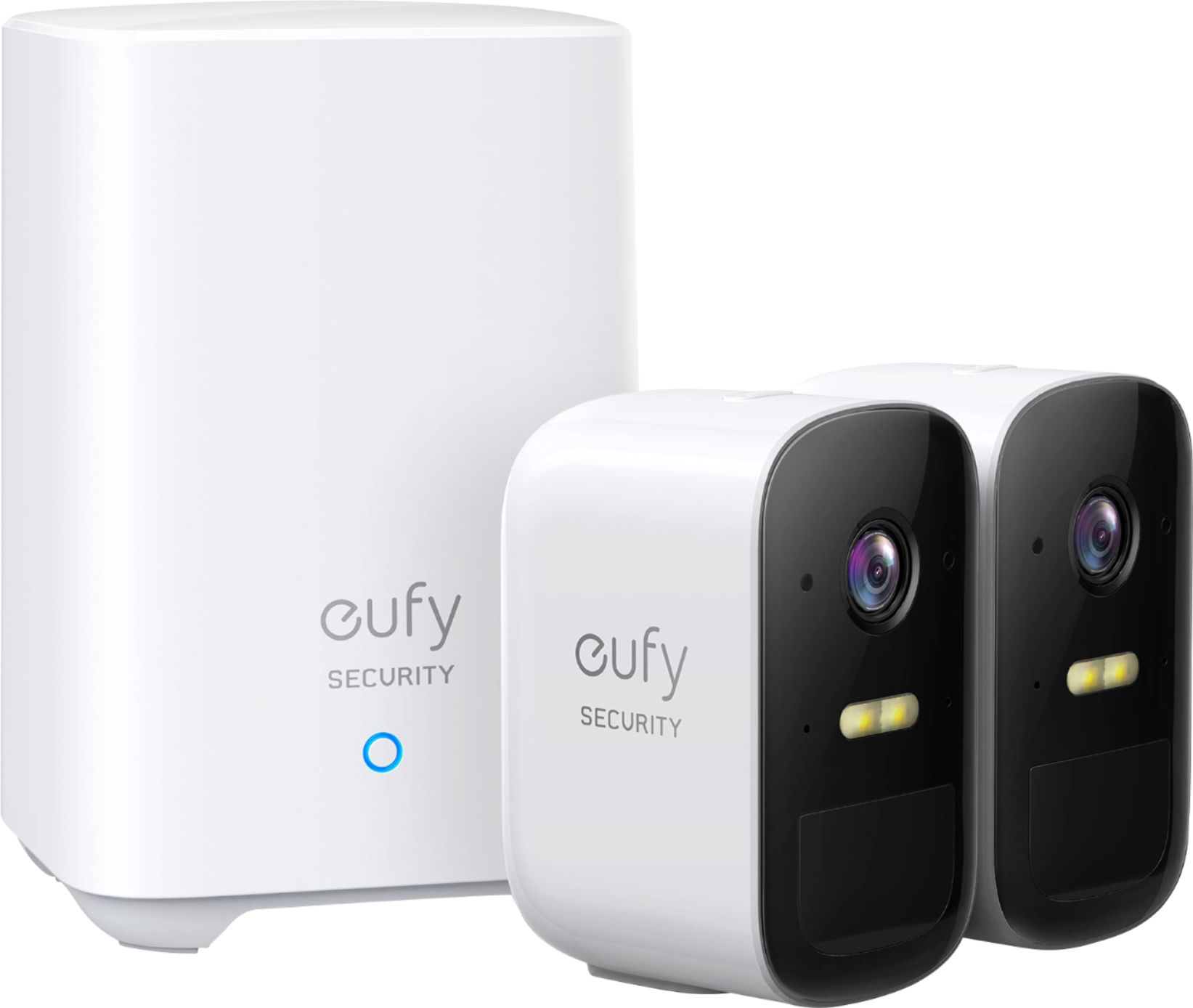

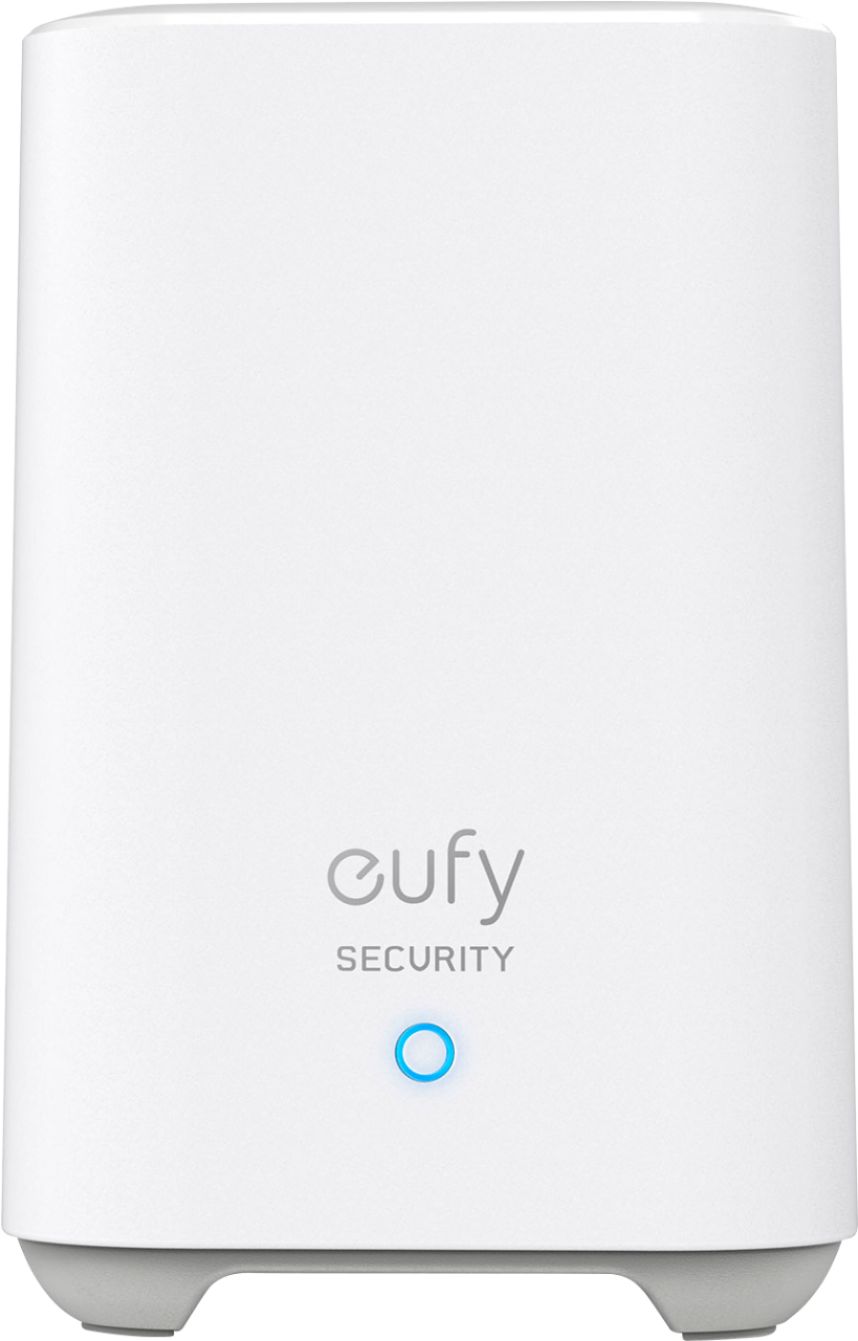
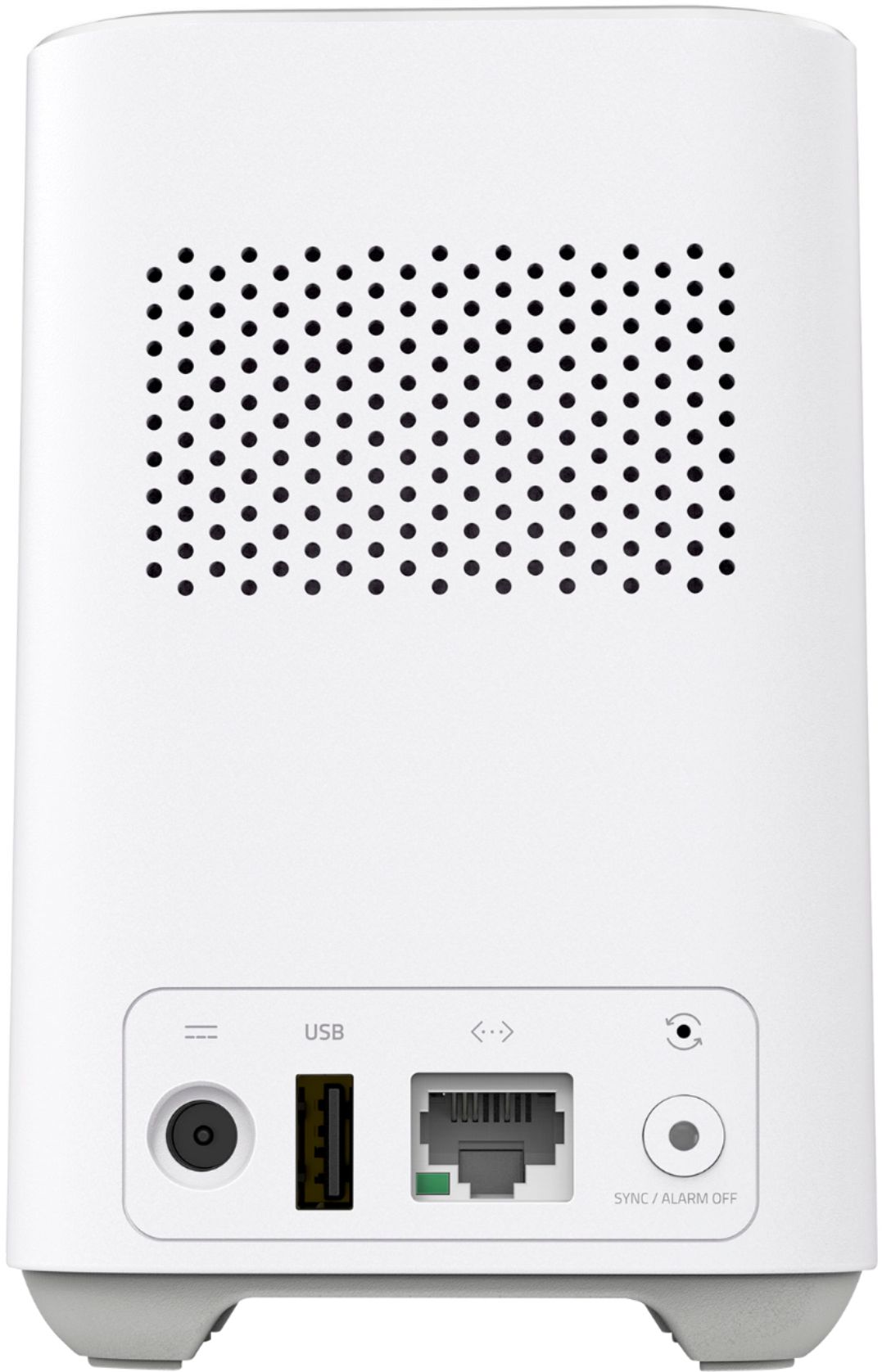
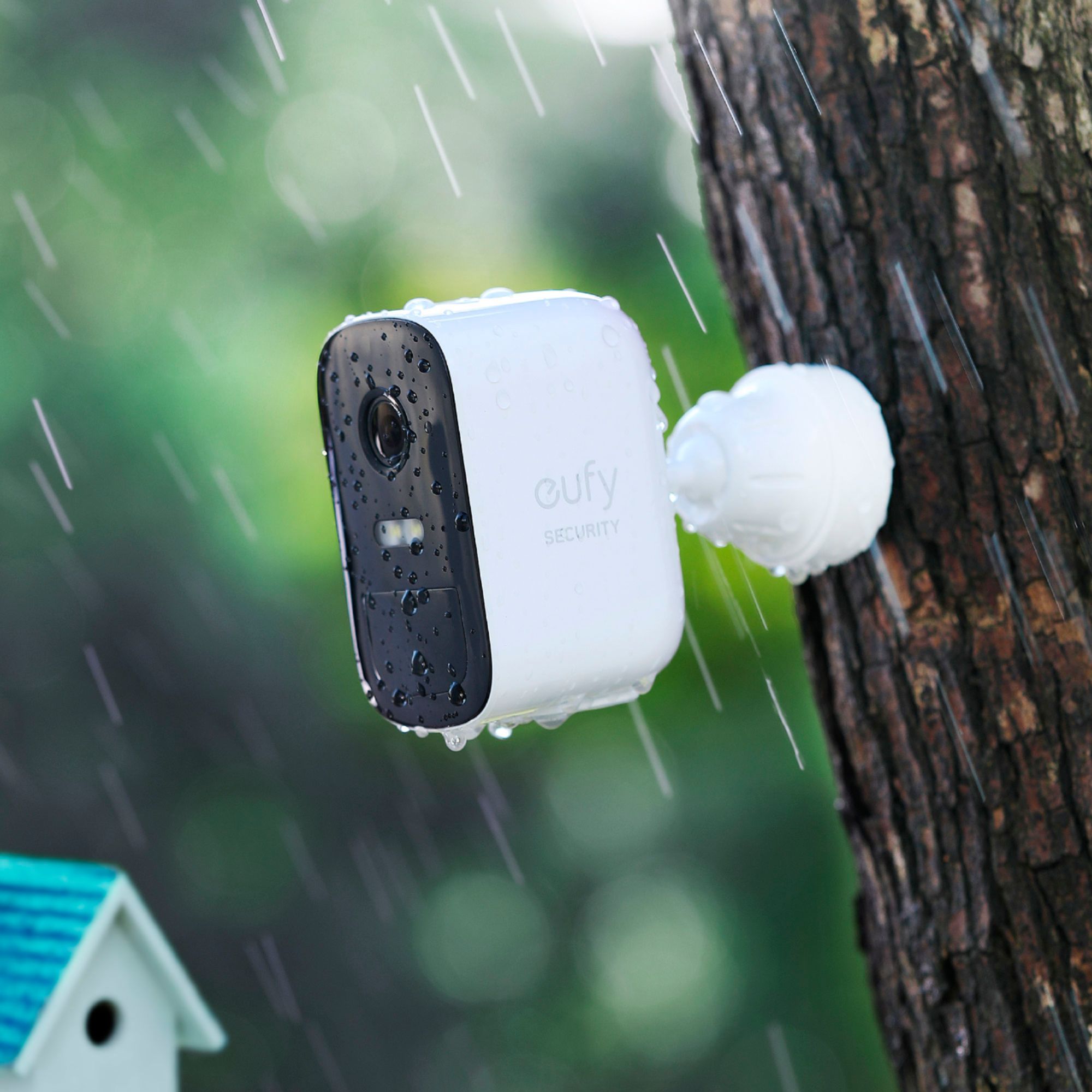
- Model:
- T88311D1
- SKU:
- 6429640
Rating by feature
- Value
Rating 4.6 out of 5 stars
- Quality
Rating 4.6 out of 5 stars
- Ease of Use
Rating 4.7 out of 5 stars
Customers are saying
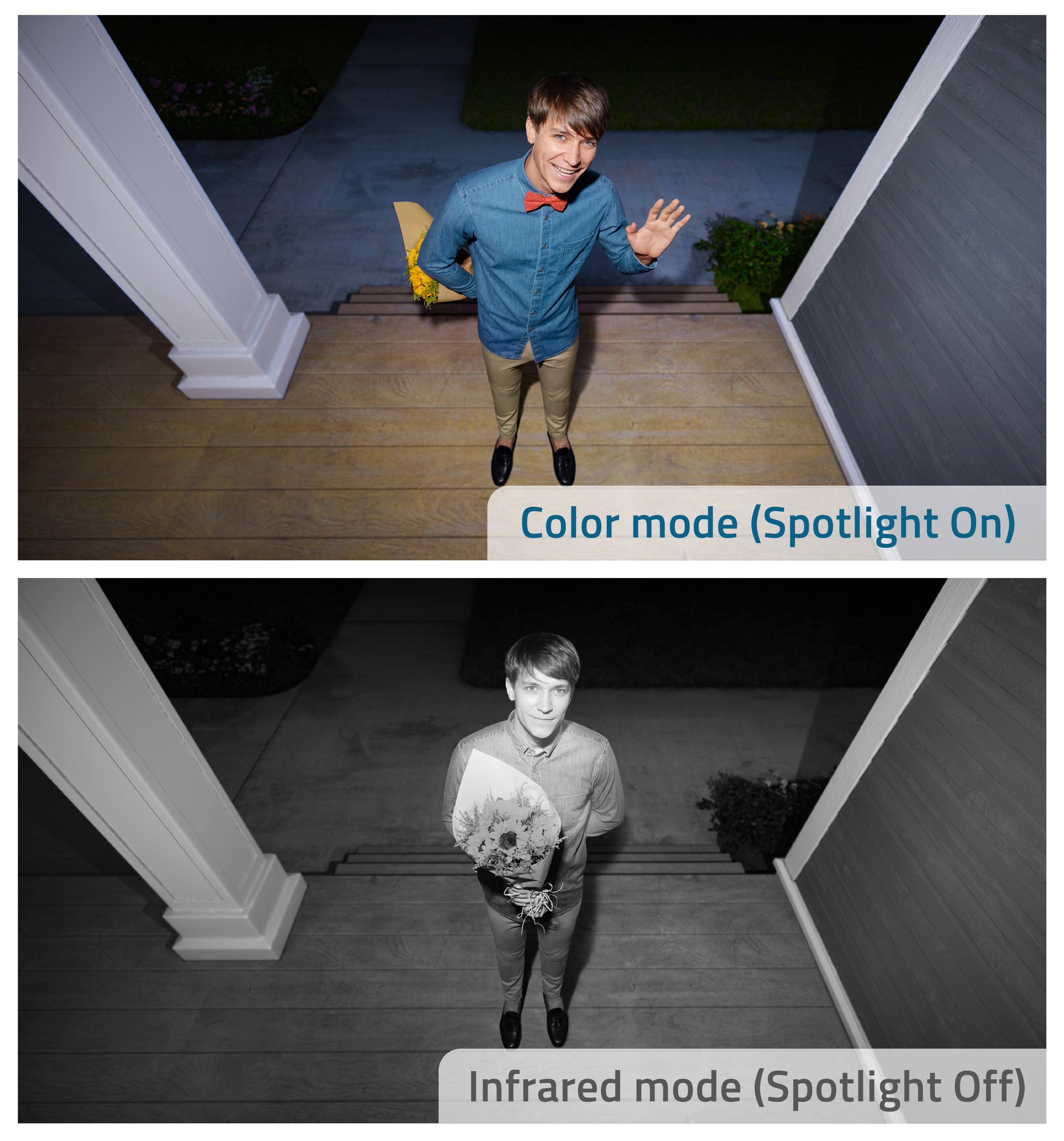
Customers are pleased with the eufyCam 2C's excellent camera quality, ease of use, and long battery life. Many appreciate the system's night vision capabilities and convenient wireless setup, along with its included storage. However, some users have experienced inconsistencies with the motion detection feature. The spotlight feature and reasonable price point are also frequently praised.
This summary was generated by AI based on customer reviews.
- Pros mentioned:Camera qualityCons mentioned:Motion detection
Motion detection needs a lot of work.
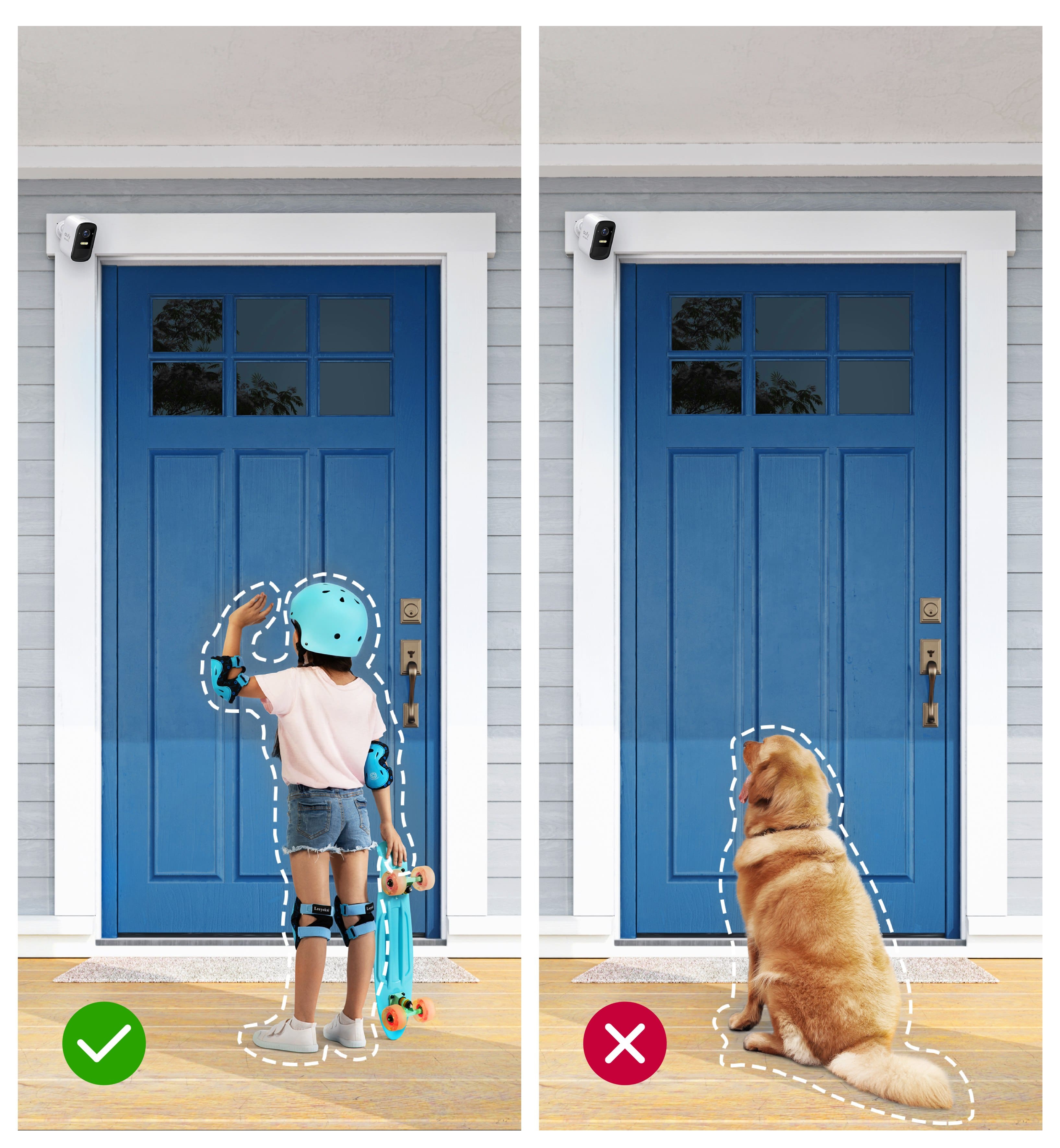
||Posted . Owned for 3 weeks when reviewed.This reviewer received promo considerations or sweepstakes entry for writing a review.Human-Only motion detection is very hit or miss. Half of the delivery drivers on my front walk have been missed. It seems the people need to be within 10 feet of the camera, moving quickly, and be near the center of the frame for the camera to be activated. Setting activity zones doesn't seem to make any difference. Turning off the Human-Only feature increases motion detection but then I get lots of notifications and videos for squirrels, birds and shadows from trees in the wind. I gave two stars only because the cameras do work sometimes.
No, I would not recommend this to a friendBrand response from Eufy Team
Posted .Thank you so much for sharing your experience. It's unusual for this product to be acting like this, and we'd love to get you what you need!
If possible, please try the following steps to see if the issue persists:
1.Adjust the installation angle and height. The right height is 7-10 feet. The depression angle should not be greater than 25 degrees.
2. Try to turn up the Detection sensitivity to the highest. Here are the steps: side menu>Camera Name>Camera Settings>Motion detection>Turn up the sensitivity
3. Delete the activity zone if it has been set up. Steps:side menu>my devices>motion detection>activity zone.
4. A picture to show the position where you want to trigger the camera
5. The exact time point when the camera missed to capture the movement. Such as November at 19:05.
6. Please download any video from the app and send it to us.
If it doesn’t help, please reach out to us via support@eufylife.com or call us at +1 (800) 988 7973. We are more than happy to assist you further.
We offer a 12-month warranty for this product, plus lifetime technical support. Our standard for responding to email quests is less than 24 hours, and we look forward to hearing from you!
not sure i'll ever buy one again
Posted .This reviewer received promo considerations or sweepstakes entry for writing a review.item doesn't work most of the time,shut off allthe time
No, I would not recommend this to a friendBrand response from Eufy Team
Posted .Thank you so much for sharing your experience. We're really sorry you've encountered this issue!
If possible, please try the following steps to see if the issue persists:
-Try another solar panel to charge the camera to see if the issue still persists
-If the issue persists when you use the original cable to charge this camera via Homebase? If yes, may I bother you to try a different cable with the Homebase or connect to a 9V/2A, 5V/2A or 5V/1A USB charger to see if the issue still persists?
If those don't help, please reach out to us via support@eufylife.com or call us at +1 (800) 988 7973. We are more than happy to assist you further.
We offer a 12-month warranty for this product, plus lifetime technical support. Our standard for responding to email quests is less than 24 hours, and we look forward to hearing from you!