Customer Ratings & Reviews
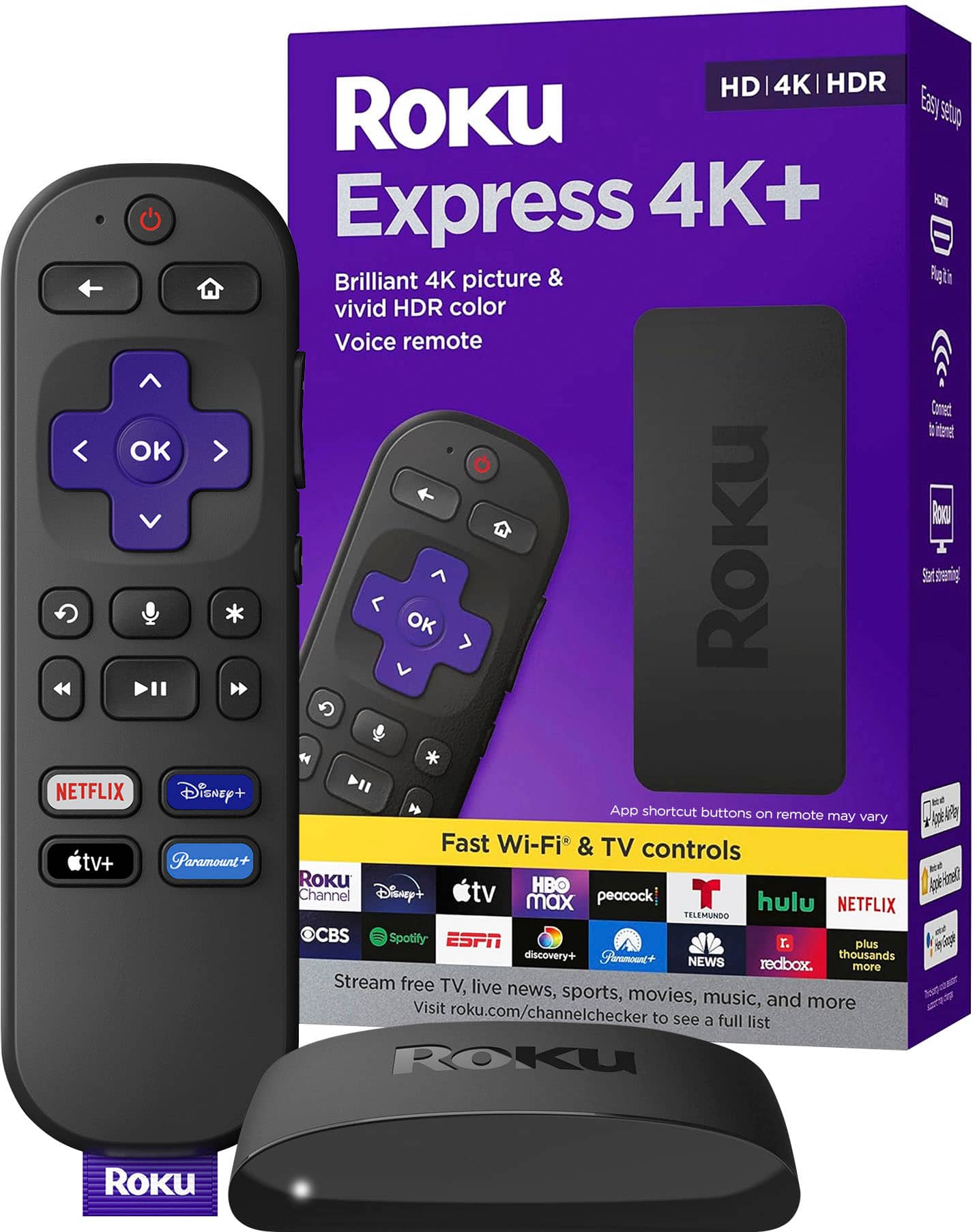
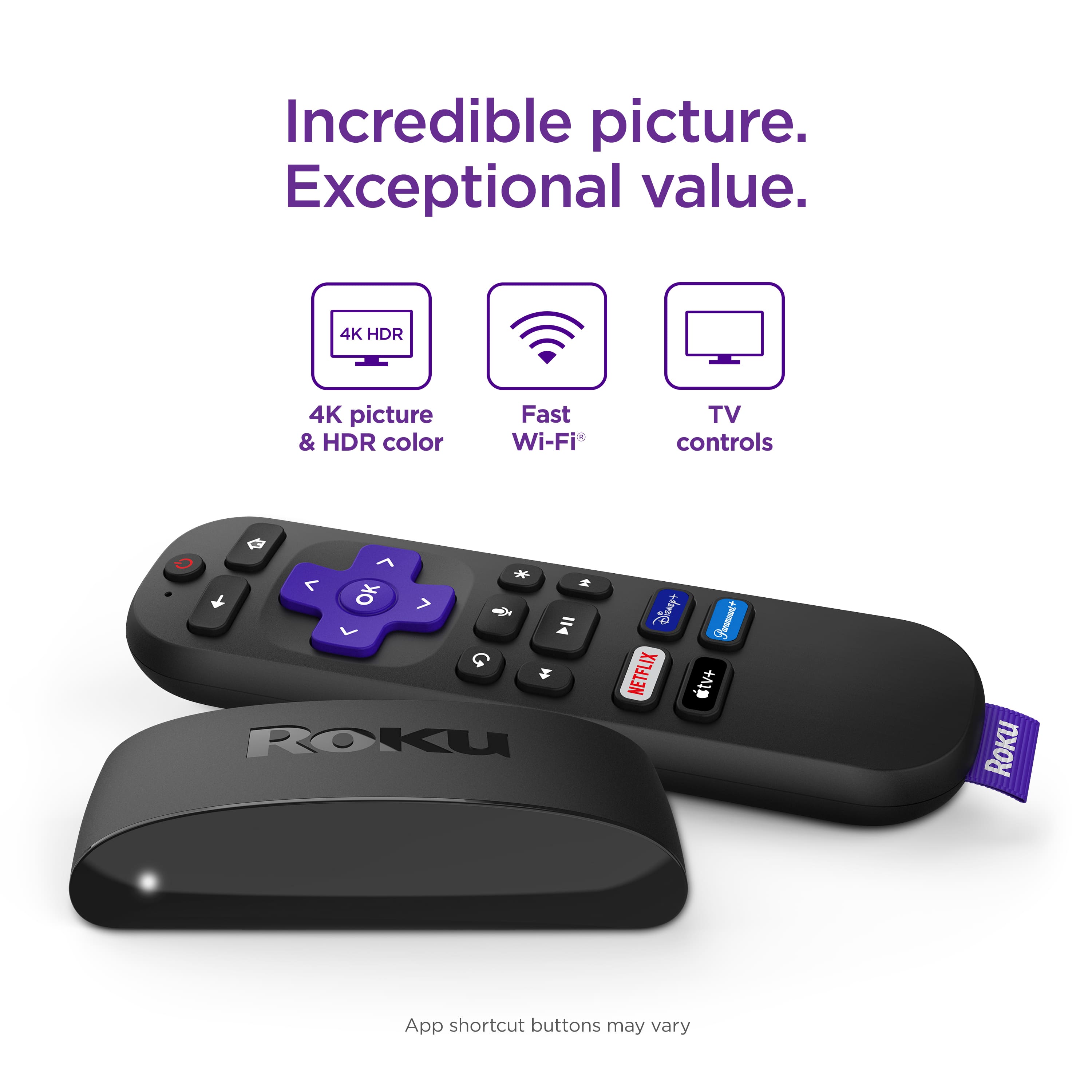
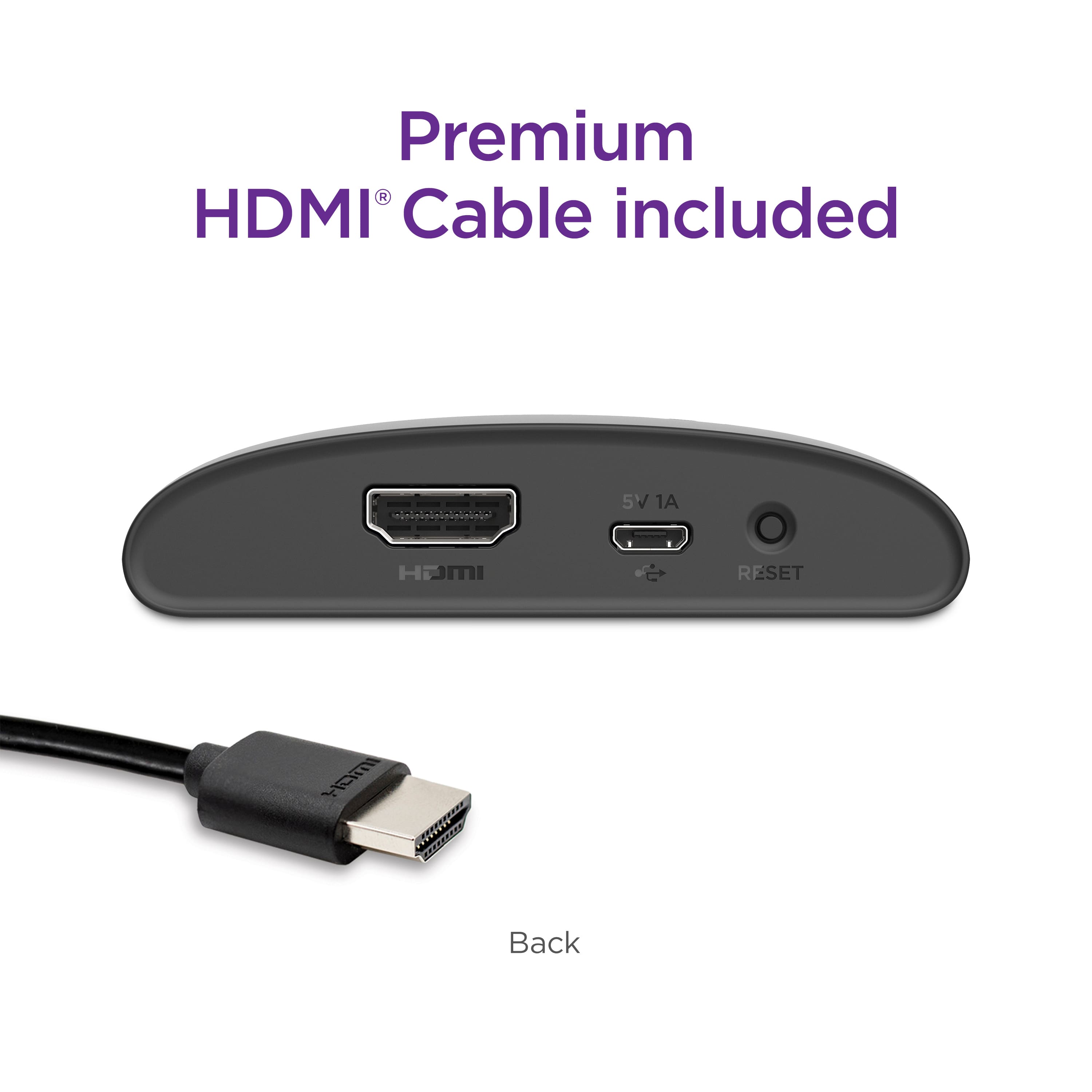
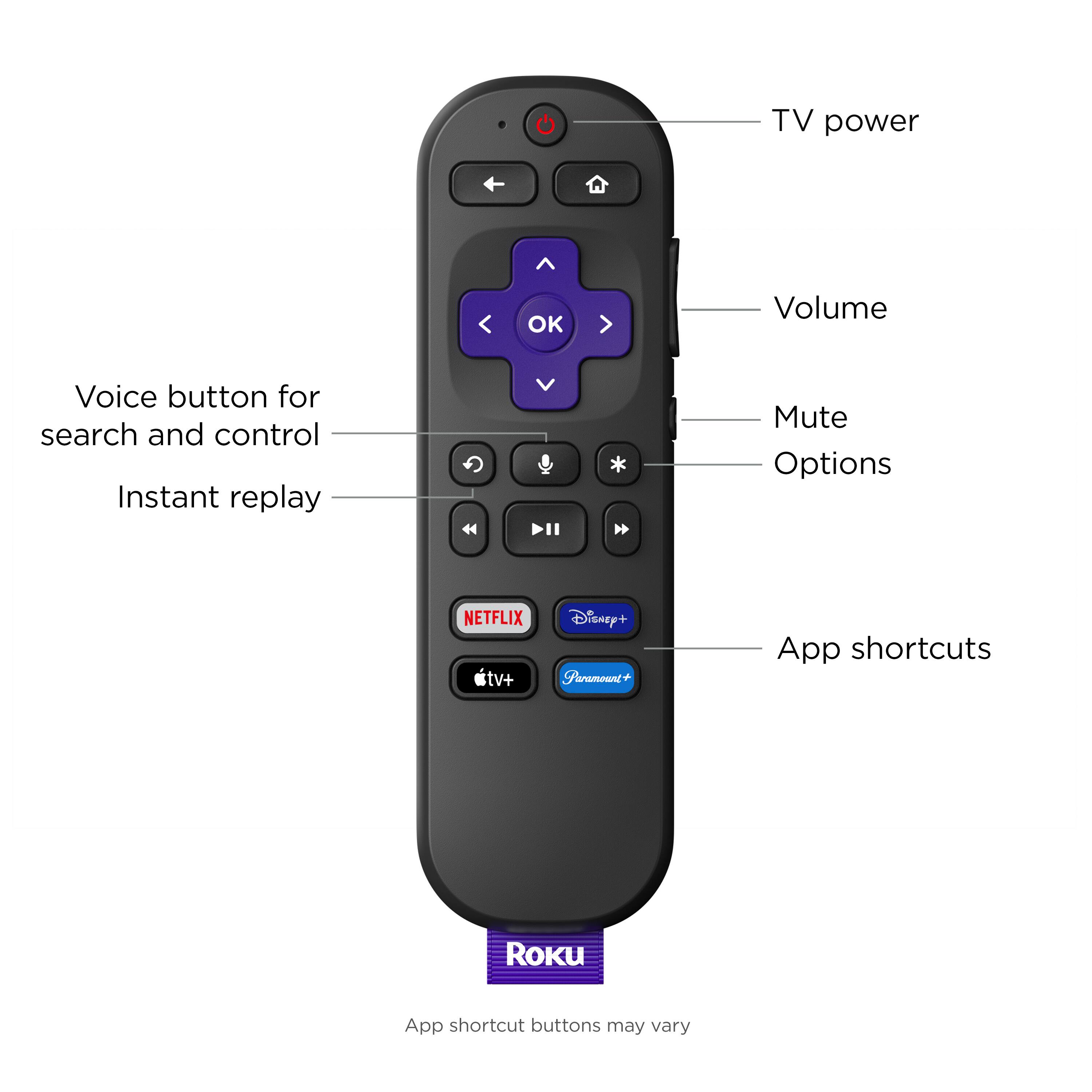

- Model:
- 3941R2
- SKU:
- 10735558
Rating by feature
- Value
Rating 4.8 out of 5 stars
- Quality
Rating 4.8 out of 5 stars
- Ease of Use
Rating 4.8 out of 5 stars
Customers are saying
Customers appreciate the Express 4K+'s ease of use, overall performance, and convenient remote control. Many find the device reasonably priced and enjoy its streaming capabilities and simple setup. While some users have reported issues with heat, compatibility, battery life, and connectivity, the majority are satisfied with the product.
This summary was generated by AI based on customer reviews.
No light
||Posted . Owned for 3 months when reviewed.This reviewer received promo considerations or sweepstakes entry for writing a review.This gets a 3 because there is no light in the remote.
No, I would not recommend this to a friendGood
||Posted .This reviewer received promo considerations or sweepstakes entry for writing a review.I purchased 2 of the Roku units. One works great but my other one has to be reactivated at least once a week.
I would recommend this to a friendNot good
||Posted . Owned for 4 months when reviewed.This reviewer received promo considerations or sweepstakes entry for writing a review.Worked good for 3 months then started having problems, the problems have gotten much worse.
No, I would not recommend this to a friendBrand response from Roku Team
Posted .Hi Jester, thanks for sharing. Have you had a chance to contact our customer support team? We'd be happy to learn more and help troubleshoot this with you! Visit us online at support.roku.com/contactus to get started and connect with an agent. Your feedback is very important to us and we’re eager to assist. Thanks! Jessica, Roku Customer Advocate

Sketchy quality
||Posted . Owned for 1 month when reviewed.This reviewer received promo considerations or sweepstakes entry for writing a review.Bought my first one about a year ago and the wi-fy died. Replaced it with this one and in approximately 3 months this one is dropping out. So far I’ve reset this one 4 or 5 times now, so far it’s reset and runs for awhile. Had to log back in to some apps. This makes me think this one is dying from some other problem.
No, I would not recommend this to a friendBrand response from Roku Team
Posted .Hi Robert, we're sorry to hear about your troubles. Based on your description of the same issue with two devices, it sounds like there could be an issue with the strength of your wireless connection.
WiFi signal strength can vary based on a variety of factors and we're here to help! First, be sure that your router is within range of the device and avoid obstructions like cabinets and walls when possible.
Other devices currently accessing the network, such as other streaming players, computers, game consoles, and mobile devices may effect the quality of your network connection. You might want to temporarily stop using any such device and check if that makes a difference.
If your router and Roku device both support 5GHz, you could also try connecting to the 5GHz wireless network for improved network strength.
As a tip, you can check the strength of your internet connection by going to Settings > Network > Check connection. This will test the quality of the signal and also measure the speed of that connection, to be sure that your signal is strong enough.
If you're continuing to have troubles, please reference our helpful FAQ article: http://go.roku.com/connectivity. This page will provide you with common concerns, troubleshooting, error codes, and recommended actions.
We hope this helps!
Roku Customer Advocate
Bad service by Roku and Bestbuy
||Posted . Owned for 11 months when reviewed.This reviewer received promo considerations or sweepstakes entry for writing a review.Didn't last more than 5 months. Now I am not getting it rebooted also. Reached to GeekSquad by appointment and they ask to contact Roku. Believe me there is no online support for this device when tried from my Roku account. Or any support number to talk to anyone. Best buy support is asking for RMA - Return Material Authorization from Roku to replace this. Where do you get this when you don't see an option to talk to any one. I am highly disappointed. Will not suggest anyone any Roku product. Choosing Bestbuy is up to you, but I did not feel a great shopping experience with it.
No, I would not recommend this to a friendMARKROKU
||Posted . Owned for 2 months when reviewed.This reviewer received promo considerations or sweepstakes entry for writing a review.THE ROKU STICK IS GOOD FOR EXTRA TV USE. NOT AS GOOD AS FIRESTICK BUT ACCEPTAB LE
No, I would not recommend this to a friendRoku
||Posted . Owned for 1 month when reviewed.This reviewer received promo considerations or sweepstakes entry for writing a review.Still figuring out how to use it. I think I will like it down the road.
I would recommend this to a friendNot as good as Firestick 4 k max
||Posted . Owned for 1 month when reviewed.This reviewer received promo considerations or sweepstakes entry for writing a review.Not as good as the Fire stick 4k max. Do it like the format either.
No, I would not recommend this to a friendRoku no thank you.
||Posted . Owned for 1 month when reviewed.This reviewer received promo considerations or sweepstakes entry for writing a review.My unit keeps going out, and not connecting to my internet.
No, I would not recommend this to a friendBrand response from Roku Team
Posted .Hi Betsy, thanks for taking a moment to share your feedback with us. Signal strength can vary due to factors and we're here to help!
Other devices currently accessing the network, such as other streaming players, computers, game consoles, and mobile devices may effect the quality of your network connection. You might want to temporarily stop using any such device and check if that makes a difference.
If you're continuing to have troubles, please reference our helpful FAQ article: http://go.roku.com/connectivity. This page will provide you with common concerns, troubleshooting, error codes, and recommended actions.
We hope this helps!
Roku Customer Advocate
Roku loses to Amazon FireTV -- too bad!
||Posted . Owned for 1 month when reviewed.This reviewer received promo considerations or sweepstakes entry for writing a review.I have used Roku products for years, and I was excited about installing this unit to allow access to my streaming apps on the television in my den. After I purchased it on February 6, I immediately installed it and synced my account. All was wonderful--until yesterday. Each time I try to access a show, I get the "HDCP Error Detected" message. It appeared for the first time almost one hour into a program that was streaming well on AcornTV. I tried every troubleshooting suggestion I could find on the Web, from acorn.tv to roku.com. Nothing worked. Today, I was able to regain access to my streaming apps by installing an Amazon FireTV stick. I would have returned this unit to BestBuy, but the return window closed exactly two weeks ago, on March 14.
No, I would not recommend this to a friendBrand response from Roku Team
Posted .Hi there, we're sorry to hear about your experience and we're here to help! It sounds like you've tried some of the troubleshooting basics, which is a great place to start.
On our Support site, we have a helpful article and video that will walk you through some more detailed troubleshooting options here: https://support.roku.com/article/230317588.
As a quick tip, be sure that you unplug everything, from the HDMI connector to the power cord, before reconnecting and restarting your Roku player. Also, you can try to use a different HDMI port on your TV or a different TV in an attempt to isolate the issue.
We hope this gets you up and streaming!
Roku Customer Advocate
Errors
||Posted . Owned for 2 weeks when reviewed.This reviewer received promo considerations or sweepstakes entry for writing a review.I had to return this, as it gave me some errors regarding the HDCP and the HDMI port issue/screen issue.
I would recommend this to a friendNot a Good Solution for Me
||Posted . Owned for 3 weeks when reviewed.This reviewer received promo considerations or sweepstakes entry for writing a review.I returned this item. I had an older Roku player and thought that I'd upgrade to a newer unit. My mistake. This version of the player kept losing my internet connection and the remote consistently stopped working unless I removed the batteries and reinstalled them. I tried new batteries and had the same results. Went back to my older unit and remote. No problems. I've purchased a new unit and hope it works well.
No, I would not recommend this to a friendNo use of the right button on the remote
||Posted . Owned for 3 weeks when reviewed.This reviewer received promo considerations or sweepstakes entry for writing a review.The right arrow button stopped working a couple weeks after I bought it, and I had to buy a new remote. Had it for 2 weeks and out of the return date. Everything else about it is fine, but that button not working is very annoying
No, I would not recommend this to a friendRoku
||Posted . Owned for 3 weeks when reviewed.This reviewer received promo considerations or sweepstakes entry for writing a review.Its ok This is my First Roku but Google chromecast tv still better and faster better looking
I would recommend this to a friendUnusual difficulty.
||Posted . Owned for 1 month when reviewed.This reviewer received promo considerations or sweepstakes entry for writing a review.Having trouble pairing remote to tv. Will have to troubleshoot. This is about my sixth Roku device.
I would recommend this to a friendBrand response from Roku Team
Posted .Hi there, thanks for you feedback. It’s possible that the Roku device picked up the wrong code for your TV upon setup. Try repairing the remote walking through the steps in this support article: https://support.roku.com/article/360004786894
As a tip, if you're using an AVR or Soundbar with your TV, it's also important to check the status of a related setting called HDMI-CEC (or just CEC) and make sure it is enabled.
If you continue to have any issues, don’t hesitate to contact us at support.roku.com/contactus. We’re always here to help.
Happy Streaming!
Roku Customer Advocate
Roku Express 4K
||Posted . Owned for 1 month when reviewed.This reviewer received promo considerations or sweepstakes entry for writing a review.I am a big fan of Roku and I use the Roku Ultra in several rooms in my home. I bought the [specific Roku model] for $30, expecting features similar to the Roku Ultra. Unfortunately, this model lacks TV control and voice control, making it far less useful. I couldn’t return it since I didn’t install it right away, and Best Buy’s new $99 annual fee for Elite Plus membership means I’m stuck with it. Very disappointed.
No, I would not recommend this to a friendBrand response from Roku Team
Posted .Hi Mike, thanks for being a Roku fan, though we’re sorry to hear about your experience at your local store. Best Buy will surely value this feedback, and we encourage you to contact their team directly here: https://www.bestbuy.com/services/presales/contactus/education?contact. Happy Streaming! Roku Customer Advocate
WiFi problems
||Posted . Owned for 2 months when reviewed.This reviewer received promo considerations or sweepstakes entry for writing a review.WiFi kept disconnecting at random intervals. Returned it and bought the ULTRA. Much better.
No, I would not recommend this to a friendNot too happy with this replacement
||Posted . Owned for 2 months when reviewed.This reviewer received promo considerations or sweepstakes entry for writing a review.Purchased to replace my Roku Stick that began to overheat ( yes tried all fixes and even extended the HDMI from TV) and just kept frezzing up. This was OK when New but these Updates again messed this one up. Trying to deal with Roku on issue still. I also dislike the Surround sound issues of their sometimes other times not..
I would recommend this to a friendIntermittent black screen issue
||Posted . Owned for 1 week when reviewed.This reviewer received promo considerations or sweepstakes entry for writing a review.Had to return this - Recently started experiencing intermittent screen black outs (audio still working). Tried all online suggestions including factory reset. FYI - compared to older, basic ROKU stick, this is noticeably faster and eliminated “buffering” stalls.
No, I would not recommend this to a friendBrand response from Roku Team
Posted .Hello, we're sorry to hear about your troubles.
Sometimes, performing a system restart on the player can resolve this. Other times, you might need to uninstall and reinstall the affected channels, or check the status of your wireless connection. If this was only happening on one channel (app), it may be something that the channel's service provider can resolve with you directly.
It sounds like you've already returned the device but please don't hesitate to contact us next time so we can assist!
Roku Customer Advocate
I think I got bad Rokus
||Posted . Owned for 1 month when reviewed.This reviewer received promo considerations or sweepstakes entry for writing a review.They are giving me some issues. Not working properly
I would recommend this to a friend