Customer Ratings & Reviews
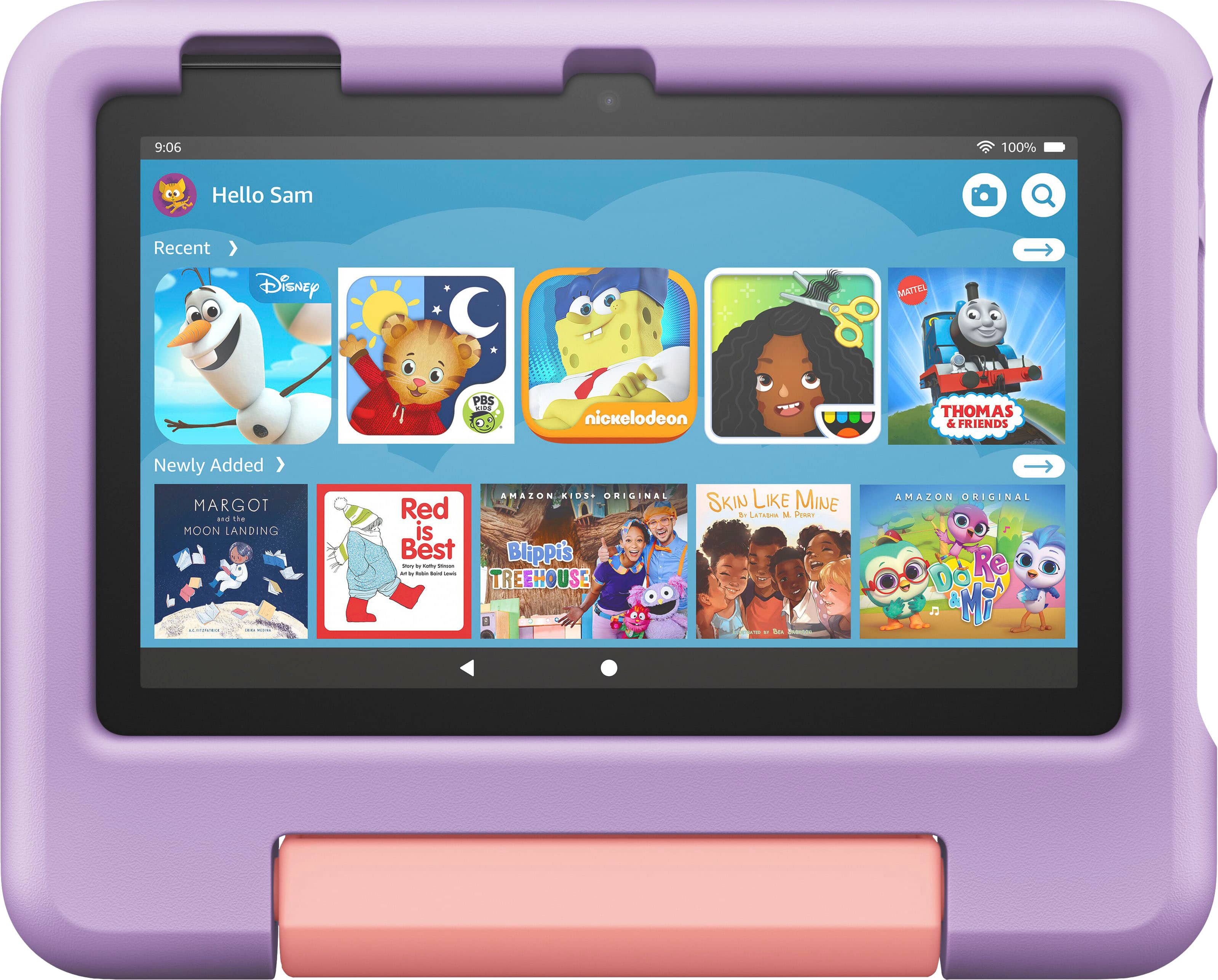

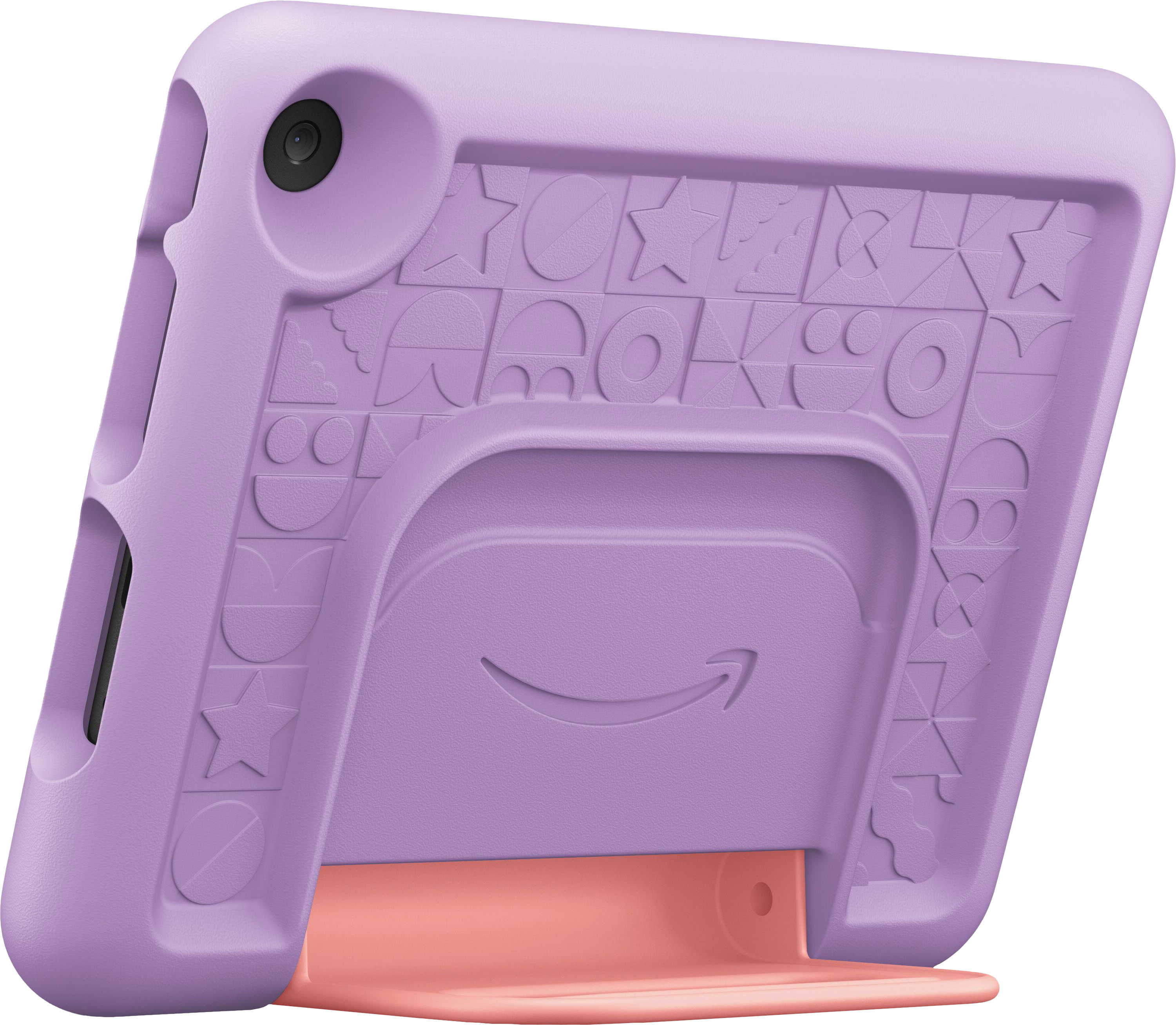
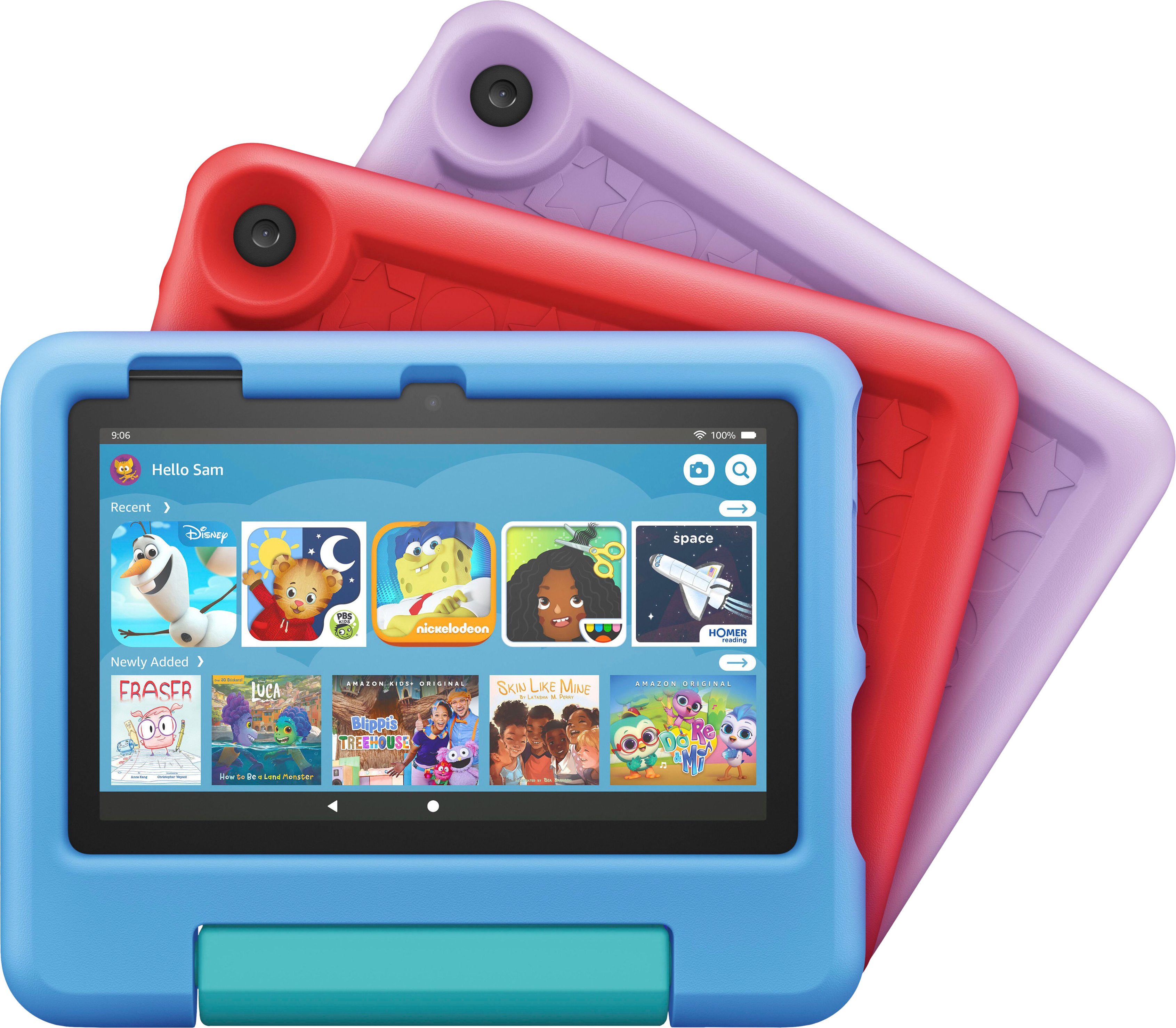
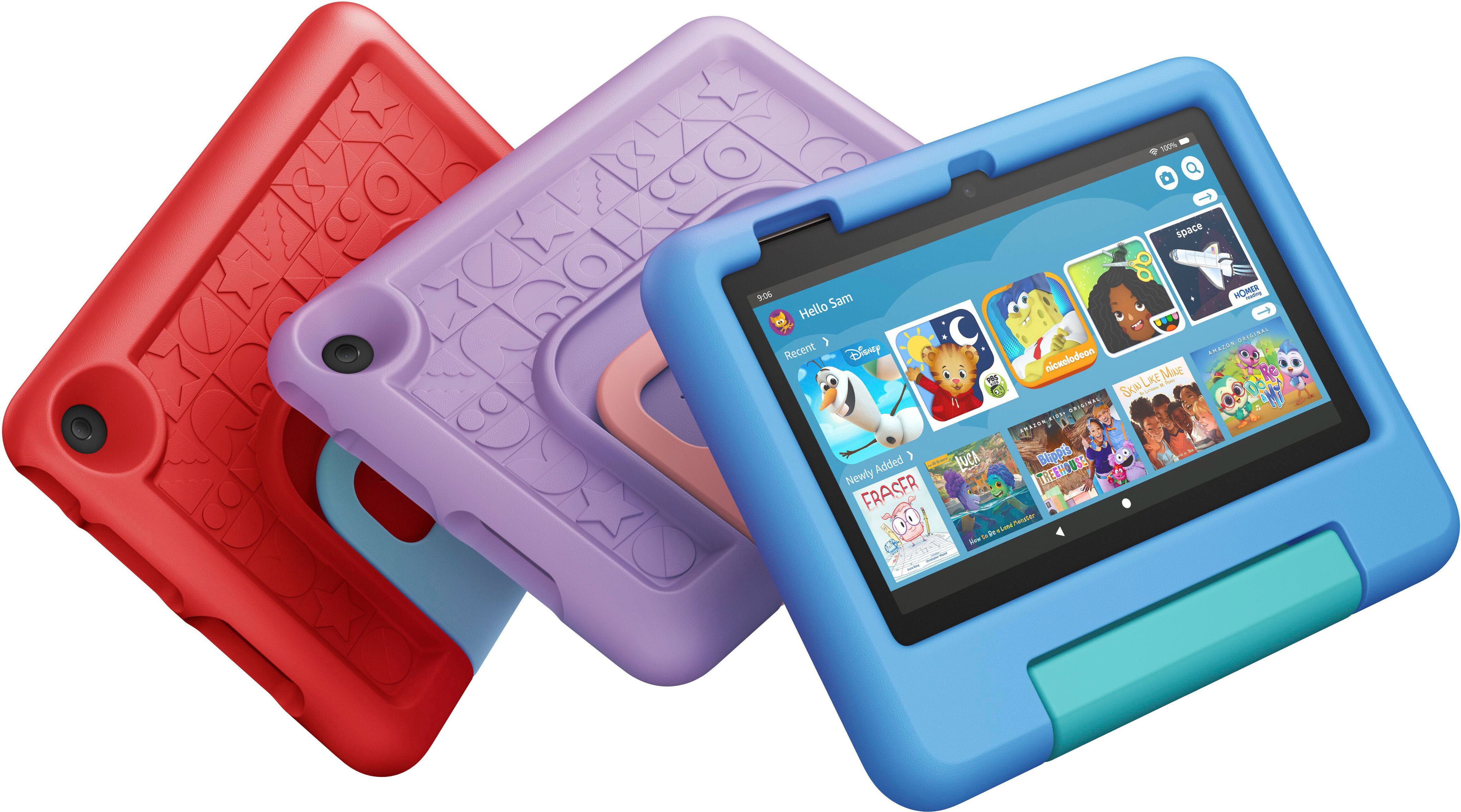


- Model:
- B0BL8WSCH3
- SKU:
- 6536835
Rating by feature
- Battery Life
Rating 4.7 out of 5 stars
- Durability
Rating 4.8 out of 5 stars
- Display
Rating 4.6 out of 5 stars
Customers are saying
Customers are pleased with the Fire 7 Kids tablet's ease of use, long battery life, and compact size, finding it perfect for young children. Many appreciate the included case and the value for the price, along with the parental controls. While some users mention storage limitations and occasional slowdowns, the positive feedback on entertainment and educational features outweighs these concerns.
This summary was generated by AI based on customer reviews.
Works but amazon locked
||Posted . Owned for 1 month when reviewed.This reviewer received promo considerations or sweepstakes entry for writing a review.Its ok as a tablet. Lots of stuff for kids over 4.
No, I would not recommend this to a friendVery low-grade tablet
||Posted . Owned for 5 months when reviewed.This reviewer received promo considerations or sweepstakes entry for writing a review.Very low-grade tablet. Had a lot of problems with the apps and my little niece was often frustrated with trying to enjoy this tablet.
No, I would not recommend this to a friendPiece of Crap
||Posted . Owned for 3 months when reviewed.This reviewer received promo considerations or sweepstakes entry for writing a review.This tablet is a piece of crap. It constantly freezes and the case is supposed to keep it safe, yet my son's tablet has a huge crack across the middle of the screen. Complete waste of money.
No, I would not recommend this to a friendAwful product.
||Posted . Owned for 1.5 years when reviewed.This reviewer received promo considerations or sweepstakes entry for writing a review.Awful product, don't buy it, seve your time and money. l again don't buy it.
No, I would not recommend this to a friend
Nope
|Posted . Owned for 1 month when reviewed.This reviewer received promo considerations or sweepstakes entry for writing a review.I understand it’s a kids tablet, but too many restrictions for adults in preparation for downloading and saving content on the unit itself. Will not purchase again.
No, I would not recommend this to a friendBrand response from Amazon Devices Customer Support
Posted .Thank you for the feedback regarding Parental Controls. With parental controls, you can help keep your child from accessing certain things, avoiding accidental purchases, and set time limits with on-device controls. Here are the things the parental controls let you restrict access to:
Web browsing, email, contacts and calendar apps, purchasing from the Amazon Store or Amazon Shop app , playing titles from Prime Video, specific content types or titles (for example, books or apps), wireless connectivity, the camera, and location-based Services
You can also use the daily curfew option to schedule when your child can use the device. Enabling Parental Controls does not remove Mature or Adult-rated content from the device. You may encounter such content in Apps and Games, Music, and Books, or in Amazon store search results. To restrict the content available on the device, you can:
Create an Amazon Kids child profile and select which apps and content are available to that profile, block access to content on the device (for example, "Apps and Games," "Books," and "Music") by going to Amazon Content and Apps menu under Parental Controls and selecting the button next to each category to say Blocked. If this information does not help, you can reach Amazon Customer service 24/7 for assistance. You can reach them at 1-888-280-4331. I hope this information helps, thank you!
No good
||Posted . Owned for 3 weeks when reviewed.This reviewer received promo considerations or sweepstakes entry for writing a review.It has alot effects. It has alot of storage issues even tho you put a sd card still has storage problems. Wouldnt recommend.
No, I would not recommend this to a friendAmazon kids
||Posted . Owned for 1 month when reviewed.This reviewer received promo considerations or sweepstakes entry for writing a review.I didn't realize basically everything has to be purchased and that my grand children had to watch ads
No, I would not recommend this to a friendBrand response from Amazon Devices Customer Support
Posted .Hi JoniT. Thank you for your feedback on the Amazon Fire 7 Kids tablet. The Amazon Kids tablets come with 1 year free of Amazon Kids+. Amazon Kids+ is an all-in-one subscription that gives kids access to thousands of kid-friendly books, movies, TV shows, educational apps, and games on compatible Fire tablets, Android, iOS and Kindle devices. Plus, enjoy hundreds of French language books and videos.
Parents also receive access to easy-to-use parental controls that allow them to find the right balance between education and entertainment. Parents can personalize screen time limits, set educational goals, filter age-appropriate content, and also manage web browsing and content usage based on their preferences.All Amazon Kids+ content is ad-free and is not connected to social media platforms. If you have any questions regarding your device, Amazon Customer service is available 24/7 for assistance on the device. You can reach them at 1-888-280-4331. I hope this information is helpful to get your device working properly for you. Thank you!
Cheap and slow
||Posted . Owned for 1 week when reviewed.This reviewer received promo considerations or sweepstakes entry for writing a review.Bought this for my son and returned it same day. This tablet is awful and slow and not user friendly for kids.
No, I would not recommend this to a friendNot sure how i feel about it
||Posted . Owned for 1 month when reviewed.This reviewer received promo considerations or sweepstakes entry for writing a review.Battery doesnt last long, screen is small and not as user friendly as i had hoped for a childs tablet
No, I would not recommend this to a friendBrand response from Amazon Devices Customer Support
Posted .Thank you for your feedback on the Fire HD 7 Kids tablet. I am sorry to hear of the performance issues you are experiencing. Here are a few troubleshooting ideas to try to resolve performance issues in the future: 1. Check that your device has a strong internet connection. 2. Restart the tablet 3. Ensure the tablet is fully charged 4. Check to see what apps are running on the device and close any that are no longer in use. If these steps do not help, and you are still having functionality issues you can call Amazon customer service, available 24/7 for assistance on the device. You can reach them at 1-888-280-4331. I hope this information is helpful, thank you!
Slow but durable
||Posted . Owned for 1 month when reviewed.This reviewer received promo considerations or sweepstakes entry for writing a review.Very slow interface and not easy to use. The case is durable
No, I would not recommend this to a friendEhh
||Posted . Owned for 3 weeks when reviewed.This reviewer received promo considerations or sweepstakes entry for writing a review.Very limited on content for children. Could use more accessible content towards younger audiences
No, I would not recommend this to a friendBe careful
||Posted . Owned for 6 months when reviewed.This reviewer received promo considerations or sweepstakes entry for writing a review.Was very dissapointed . The sound was broken and when tried to do an exchange for a different one BB wanted me to pay additional money because it wasn’t on sale anymore.
No, I would not recommend this to a friendBrand response from Amazon Devices Customer Support
Posted .Hello Kimberly! I am sorry to hear about the sound being broken on your Fire 7 Kids tablet. When you purchase a new or Certified Refurbished Device, we warrant the Device against defects in materials and workmanship under ordinary consumer use for two years from the date of original retail purchase. During this warranty period, if a defect arises in the Device, and you follow the instructions for returning the Device, we will at our option, to the extent permitted by law, either (i) repair the Device using either new or refurbished parts, (ii) replace the Device with a new or refurbished Device that is equivalent to the Device to be replaced, or (iii) refund to you all or part of the purchase price of the Device. This limited warranty applies, to the extent permitted by law, to any repair, replacement part or replacement device for the remainder of the original warranty period or for ninety days, whichever period is longer. All replaced parts and Devices for which a refund is given shall become our property. This limited warranty applies only to hardware components of the Device that are not subject to fire, alteration, or damage from any third-party repair, third-party parts, commercial use, or other external causes. Instructions. For specific instructions about how to obtain warranty service for your Device, please contact Amazon customer service, available 24/7 for assistance on the device. You can reach them at 1-888-280-4331. I hope this information is helpful, thank you!
Junk
||Posted . Owned for 2 months when reviewed.This reviewer received promo considerations or sweepstakes entry for writing a review.Recieved and the speakers didn’t work. Got it for a Christmas gift for my granddaughter. Tried to exchange and because it was no longer on sale they wanted me to pay the difference even with my receipt
No, I would not recommend this to a friendBrand response from Amazon Devices Customer Support
Posted .Thank you for your feedback on the Fire 7 Kids tablet. I am sorry to hear of the performance issues you are experiencing with the speakers not working. Here are a few troubleshooting ideas to try to resolve the speaker issue: 1. Make sure that your volume is turned up by tapping the volume up button on the side of the tablet, or check through Settings – Display & Sounds. 2. If your speakers still aren't working, try plugging in a set of headphones then unplug them. 3. Soft reboot your tablet by turning it off and on again. If these steps do not work, plug the device to a charger and make sure it's charging>then press and hold the power button for 40 seconds(don't select any option that appears on the screen)>turn the device back on and check. If these steps do not help, and you are still having functionality issues you can call Amazon customer service, available 24/7 for assistance on the device. You can reach them at 1-888-280-4331. I hope this information is helpful, thank you!
Not so good
||Posted . Owned for 1 month when reviewed.This reviewer received promo considerations or sweepstakes entry for writing a review.It has charging problems, and grt too hot sometimes
No, I would not recommend this to a friendTerrible
||Posted . Owned for 3 weeks when reviewed.This reviewer received promo considerations or sweepstakes entry for writing a review.You cant get youtube kids on it. Dumbest ourchase i ever made at best buy. Save your money buy a real tablet
No, I would not recommend this to a friendBrand response from Amazon Devices Customer Support
Posted .Hello, Bobbycreek. I am sorry to hear about your experience with the Fire 7 Kids tablet. While YouTube is not available as a downloadable app, you can still use the Silk browser to access YouTube or YouTube Kids. If you have any questions or need assistance, I recommend calling Amazon customer service, available 24/7, for assistance with the device. You can reach them at 1-888-280-4331. I hope that helps. Have a great day!
not for kids
||Posted .This reviewer received promo considerations or sweepstakes entry for writing a review.Worst product ever purchased ever come preloaded with adult app. someone need to remind amazon this is a kids product. returning asap. tried as a substitute for contixo.
No, I would not recommend this to a friendDisappointed
||Posted . Owned for 3 weeks when reviewed.This reviewer received promo considerations or sweepstakes entry for writing a review.Buy the stuff they say we need to download the game and show and it didn't work call costumes service the did not know what they were doing.three hours on the still can't help me.returnit
No, I would not recommend this to a friendLow-grade tablet
||Posted . Owned for 5 months when reviewed.This reviewer received promo considerations or sweepstakes entry for writing a review.Very low-grade tablet. Had a lot of problems with the apps and my little niece was often frustrated with trying to enjoy this tablet.
No, I would not recommend this to a friendDon’t buy
||Posted . Owned for 2 weeks when reviewed.This reviewer received promo considerations or sweepstakes entry for writing a review.The worst purchase I have ever made on a tablet. I would never recommend this for a child.
No, I would not recommend this to a friendFragile screen, and low storage
||Posted . Owned for 1 month when reviewed.This reviewer received promo considerations or sweepstakes entry for writing a review.I paid like $69. New a couple of months ago??? Its ok i guess for a 4-5 year old.
No, I would not recommend this to a friendBrand response from Amazon Devices Customer Support
Posted .Hello Leee! I am sorry you are having issues with your Fire 7 Kids tablet. It is our value device in our lineup so it does have the lowest storage capacity of any of our Fire Tablets and it is actually designed for kids in that age range exactly. This is labeled as being for kids ages 3-7 precisely. If you are looking for a device for older kids, our Kids Pro lineup is marketed to kids ages 6-12 and our higher model tablets come with more storage and more speed and larger screens. Also, all of these Kids devices come with a very durable bumper case that helps protect the screen from being damaged but accidents do happen so to assist, we also have a 2 year worry free guarantee on all Kids Tablets where you can reach out to Amazon Customer Support at 888.280.4331 to replace or repair your device. I really hope this helps enhance your experience some and that you have a phenomenal day!