Customer Ratings & Reviews



- Model:
- FTW4024
- SKU:
- 6366731
Rating by feature
- Battery Life
Rating 3.7 out of 5 stars
- Durability
Rating 4.3 out of 5 stars
- Comfort
Rating 4.4 out of 5 stars
Customers are saying
Customers enjoy the design, color, and size of the Gen 5 Smartwatch 44mm Stainless Steel. They find it comfortable and easy to use, with excellent quality for the price. However, customers are not satisfied with the battery life, which lasts about a day, and some experience connectivity issues with Android phones.
This summary was generated by AI based on customer reviews.
- Pros mentioned:Google assistant

Solid first smartwatch experience
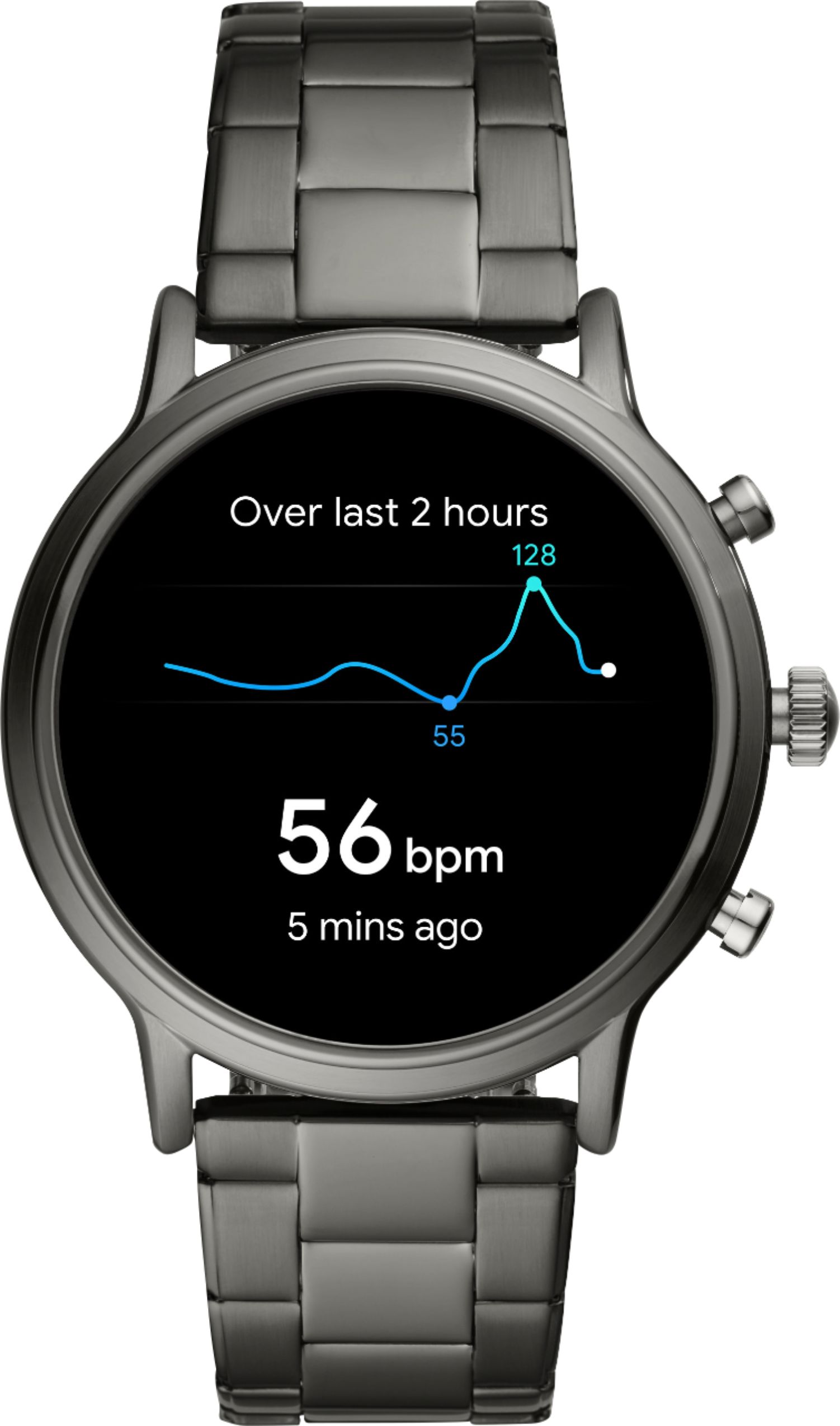
|Posted .This reviewer received promo considerations or sweepstakes entry for writing a review.The Fossil Gen 5 is my first smartwatch. Smartwatches are one of those devices that isn’t actually needed but can be handy if the software and features are integrated correctly in conjunction with your smartphone. The Fossil Gen 5 overall is a great companion to your current smartphone and even without it, if you are that daring to leave the phone at home. Setup of the Fossil Gen 5 is relatively straightforward. I was perplexed at first when trying to get through the setup process when the watch was very laggy and slow. It appears the software updates of the watch was really slowing down the watch itself and eating up battery. I would recommend setting up the watch and leaving it on the charger over the first night just to get all the updates and setup complete. After this was finished after hours of attempting to download the full update and having to restart because connectivity issues it has been working very well. The first couple days’ battery life does suffer to due setting up the watch how you would like to use it normally. Even while doing this I was able to get a full day with a little charge left to spare. The watch has four main battery settings you can set the watch to: Daily (which is the default), Extended, Custom or Time-Only. Daily mode enables most everything so you can pick what to turn on and off. Extended mode will turn the always-on screen off and adjust notifications but most still are turned on within the watch. Custom mode lets you tweak features, thus giving you greater control over battery usage. I found myself in custom mode as I rarely have the speaker on so turning this off put me in custom. Time-only blocks all features except for the time. In Time-Only mode, the battery is supposed to last over a period of days rather than a single day. The Fossil supports several dedicated apps from the Google Play store which can be downloaded from the watch itself. These are nice because many features can be done straight from the watch without having to mess with your phone at all. The Google Assistant, which is built into the Wear OS software, can be used to do tons of operations and is a must for a smartwatch. With a press of one button you can do basically everything Google Assistant can normally do like sending a text or checking the weather. The watch also has two configurable buttons on the side which can operate several preconfigured tasks. The Fossil Gen 5 also has all the Google Fit capabilities including a Heart Rate monitor. I have setup most to be active including the heart rate. I would say the monitor is not the most accurate on my wrist most likely to due to the iffy fit even after adjusting the watch. I have ordered a 22mm silicone band to try with this watch so hopefully I can have a better overall fit on the wrist and more accurate reading for the HR sensor. Overall I have really enjoyed the Fossil Gen 5 with its great performance and broad feature set. Hopefully the new band I have ordered with solve my “in between” links fitment and improve the HR sensor readings. If you are looking for a great first smartwatch I would definitely look at the Fossil Gen 5. Positives: - Modern but classy style - Large display (with bezel) - Google OS - One day plus worth of battery depending on user settings - Google Pay - Built in Wifi, NFC, GPS, Heart Rate monitor (HR not as good as some other devices) - Snapdragon Wear 3100 Processor, Built in 8GB storage - Built-in speaker and vibration option - Waterproof Negatives: - No tool proved to adjust band. I spent better part of an hour getting the pins out to size the watch. Still doesn’t fit perfect. - Heavy for smaller wrists - Swiping gestures can be hard to remember - Proprietary charger
I would recommend this to a friend - Pros mentioned:Design, Google assistantCons mentioned:Battery life, Wear os
Excellent Watch Decent battery Great design and st
||Posted . Owned for less than 1 week when reviewed.This reviewer received promo considerations or sweepstakes entry for writing a review.I want to say first, that this Smartwatch does not have a large battery, but you can spend a day of 10-12 hours. The best: It has a super fast charge. It charges you 100% in one hour. It has a large screen, everything goes smoothly because it has 1GB of RAM and 8GB of ROM. The silicone band is 22cm, a bit long for some; but you can find one more small in the Fossil store or on Amazon. It is a super delicate band in contact with the skin and the Smartwatch is very light. I love your design. Your updates make the Google assistant work very well. Of course, be prepared because between setting up the Smartwatch and downloading updates, it can take a whole night; which means no less than 10 HOURS !!! Yes, it is not a lie, that took my watch to update and configure. I returned the first one, because when I finished downloading the update (4 hours), it showed me "The update cannot be installed"; then bingo! Another 4 hours of download. The same happened to me with the second one. That's why I decided to return it. I put the missing money and bought a Galaxy Watch 46mm Bluetooth. Not a bad smartwatch; but believe me that after you had the Fossil 5 Generation on your wrist; He will miss him very much. it's OS Wear (Android) and Samsung phones run Android; So your Smartwatches run Tizen OS. I don't know what Samsung's future will be with Tizen on their phones; but I am sure of one thing: Between OS Wear and Tizen, I keep OS Wear; although, it has flaws like Tizen; At least it is developed by Android. Syncing with your Android device is great. Tizen has no licensed Google app (Except for exceptions with Spotify, Strava and Uber, which are not from Google). But honestly, who will request an Uber service with their watch, if the phone allows you to do better? Tizen uses Here We Go instead of google maps. It is not bad; but in my case I had problems with navigation. The app breaks every time or freezes and I had to restart my phone, so I decided to uninstall this app. For now, Tizen is not doing well with me. You have to use all the original Samsung apps: Phone, contacts, Samsung Pay and even Samsung Internet. Yes, you read it right: Samsung internet instead of Google Chrome! Honestly, I put on this Galaxy Watch to set up Samsung Health and my heart rate and I left it in its box. I just want to see what happens with your battery; but I miss my Fossil 5 Generation. In every way!
I would recommend this to a friend - Pros mentioned:Google assistantCons mentioned:Battery life
Almost perfect - Best Google Wear Smartwatch
||Posted . Owned for less than 1 week when reviewed.This reviewer received promo considerations or sweepstakes entry for writing a review.Review from a Pixel 5 owner: After owning many android watches: Samsung Galaxy watches, Tic watches, etc... the Fossil 5 Gen is by far the best smartwatch for Wear OS. Samsung's Tizen OS, while a good experience, only works best with a Galaxy phone. Many Wear OS features are either not available or work poorly (google messaging app and Google assistant). Oh... and Bixby speech recognition is awful. Tic Watch Pro 3 provided a better Wear OS experience and good battery, but the watch was plagued with way too many bugs (receiving/making calls from the watch was crapshoot, sound notifications didn't always work). Screen was ok ...not vibrant. Speaker is pretty bad too. FGen5 worked seamlessly out of the box. Very nice screen and true extension of your smartphone. Google assistant works flawlessly. My only gripe is the battery could be better. However, a small price to pay for all the plusses this watch provides. Would have given 5 stars for larger battery.
I would recommend this to a friend - Pros mentioned:Design, Easy to use, Google assistant
Would buy again to gift
||Posted . Owned for 5 months when reviewed.This reviewer received promo considerations or sweepstakes entry for writing a review.Husband loves it! Wears it everyday very easy to install and use
I would recommend this to a friend - Pros mentioned:Easy to use, Google assistant
Awesome Smart Watch!
||Posted .This reviewer received promo considerations or sweepstakes entry for writing a review.Have had this watch for over a week now and I have to say it's quite nice! It's very well made and easy to use. The best part that I love about it is you can use google assistant with a click of a button! Enough said! Very pleased!
I would recommend this to a friend - Pros mentioned:Google assistantCons mentioned:Battery life
Best smartwatch for Wear OS
||Posted . Owned for 2 weeks when reviewed.This reviewer received promo considerations or sweepstakes entry for writing a review.Best watch for Wear OS. Make sure to update the firmware to the latests as that resolves some of the battery life issues that plague Wear OS. I'm really loving having Google assistant on my wrist.
I would recommend this to a friend - Pros mentioned:Google assistant
Best smart watch yet!
||Posted . Owned for 3 weeks when reviewed.This reviewer received promo considerations or sweepstakes entry for writing a review.I love this watch after having galaxy s2 for a couple of years. The s2 is a good watch, but I really like the Google assistant on my wrist.
I would recommend this to a friend - Pros mentioned:Google assistant
Best in Wear OS
||Posted . Owned for 2 weeks when reviewed.This reviewer received promo considerations or sweepstakes entry for writing a review.Excellent smartwatch, love the sleep tracking, the steps counter, the Google Assistant! Great watch overall.
I would recommend this to a friend - Pros mentioned:Google assistantCons mentioned:Battery life
A capable but expensive smartwatch
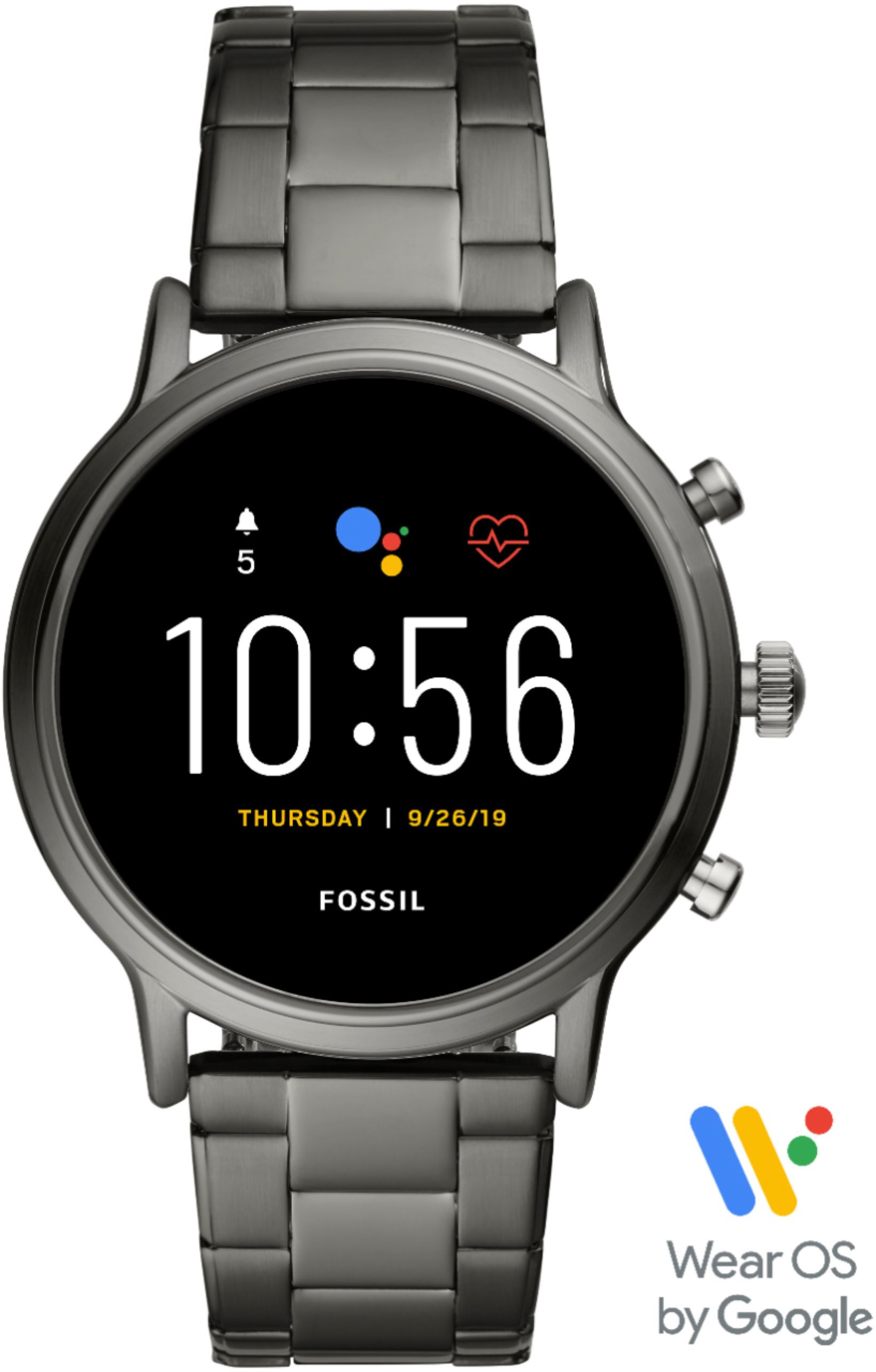
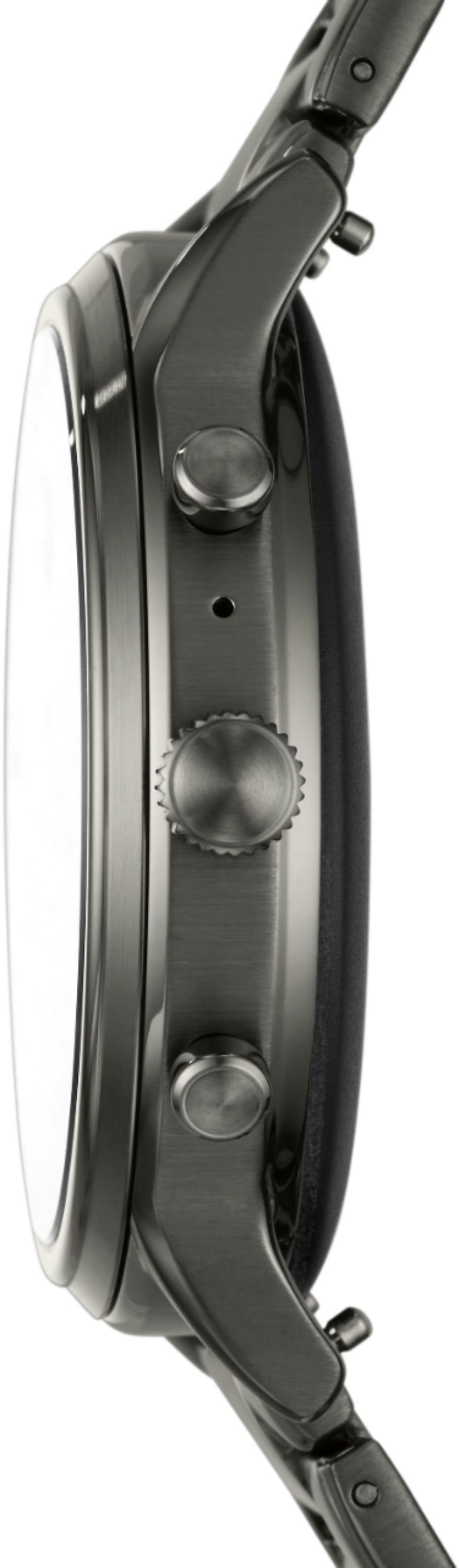
|Posted .This reviewer received promo considerations or sweepstakes entry for writing a review.This is my second Wear OS-based smartwatch. I do have a Tizen based watch that I wear equally as often as my Fossil. This Fossil is nice looking. It has a 44mm round face, along with three buttons on the right side. The top and bottom buttons are push only buttons, while the center button can be pushed and/or rotated depending on the need. Push and hold the center button and Google Assistant is activated. The top and bottom buttons can be programmed to perform different functions depending on whether pushed once or twice. For example, I have the top button programmed to start the Timer App if pressed once and to start the Google Pay App if pressed twice. The bottom button is configured to initiate Google Fit. One thing I really like about this watch is its ability to install apps directly from the Google Play Store – a nice change from my Tizen smartwatch. The Play Store also contains a good number of watch faces, many of them available for free. It was a breeze setting the watch up and getting it to link to my Pixel 3 XL phone. I had pre-installed the Google Wear OS app on my phone prior to receiving the Fossil, an effort that only took minutes to complete. Akin to my first Fossil, a Gen 4 model, once it was linked to my smartphone, I spent hours configuring it. That accounts for why I only got 7 hours of battery usage on the first day using it before having to recharge. That’s in spite of the fact that I gave the watch a full charge before ever using it. So, 100% to under 20% in about 7 hours shows how quickly you can go through battery. That evening, I plugged it in and let it charge throughout the night. The next day was spent making more tweaks. By 7pm, I had pretty much depleted the entire battery once again. On the third day, I used the watch without making any configuration changes and ended the night with a bit over 30% battery left at bedtime. This Gen 5 version does have improvements over the Gen 4 version. First, it actually has sound. All you had on the Gen 4 version was a vibrate mode, which I found to be highly lacking. The brightness on this watch can be set to Auto, or you can set to 1 – 5, with 5 being the brightest. For me, Auto has worked just fine. For battery management, you can set the watch to one of four settings: Daily (which is the default), Extended, Custom or Time-Only. Daily mode has everything fully enabled, which means you’ll have the worse battery life from this setting. Extended mode will turn the always-on screen switched off and adjusts Bluetooth but permits you to still get your notifications and health data provided. Custom mode lets you individually tweak which features will run, thus giving you greater control over battery usage. Time-only is as the name implies, it blocks all features except for showing you the time. In Time-Only mode, the battery will run for days rather than just 12-18 hours in Daily mode. You exit out of Time-Only mode by pressing the center button until the watch restarts. Certain settings, like Bluetooth, Wi-Fi, and Location were automatically turned on at startup, each causing a hit to battery life. Watch faces that regularly perform background functions can also affect battery life. And don’t forget about the brightness setting. And then there’s the ‘Always-On’ setting which dims the watch face but allows you to still see the time after the screen times out. I turned the Always-On option off since I don’t mind tapping the watch’s face or rotating my wrist to activate the screen. I played with Wi-Fi by turning it on and off to gauge the impact to the battery, but eventually left it on full-time. Wi-Fi can be especially handy if you and the Fossil are separated from your phone where Bluetooth connectivity is no longer possible (typically 30~ feet). If the Fossil - with Wi-Fi set to automatic - can jump on a Wi-Fi network somewhere, your phone will be able to pass data between the Fossil and phone over Wi-Fi via the Cloud – a capability that appears fundamental to Wear OS. If the watch cannot access any Wi-Fi, you will not get any updates until the watch is in closer proximity to communicate directly with your phone. The Fossil doesn’t have cellular capability like my Tizen smartwatch, so keeping Wi-Fi on is your best bet for remote access to your phone. One nice feature is Google Assistant – which is built into the Wear OS environment. I’ve been a long-time Android user and I’m accustomed to using Google Assistant extensively on my phone, in my car, and at home. It works transparently on the watch, too. Just press in the center button for a couple of seconds to kick it off, and then tell it what to do. Like sending a text or checking the weather. The watch is attractive and very readable, and it is water resistant up to 30 meters. So, wear it in the shower if you feel adventurous. It has NFC, which when combined with Google Pay you can use to pay for goods at the store if the store’s credit card kiosk permits such payments. I have a number of apps up and running on the Fossil at this writing. They include Agenda (calendar viewing), an actual calendaring app, Cardiogram for monitoring your vital signs, Messaging, Weather, Contacts, Google Fit/Workouts, Flashlight, Google Pay, Play Store, Stopwatch, Timer, Alarm, and others. Each of these will sync with their associated app on my Pixel phone when communication between phone and watch is in place. Some apps might not work if communication between phone and watch is unavailable, while other apps can run in standalone mode. This smartwatch is running the newer 3100 chipset which has improved battery longevity and GPS (Location) use. So far, I like the improvements made to the Fossil Gen 5 when compared to the Gen 4 Fossil. It’s an attractive and capable watch but does seem to be overpriced in my opinion. It will take time for new users to familiarize themselves with its capabilities, but the end results will be worth the effort.
I would recommend this to a friend - Pros mentioned:Google assistant
Very stylish, feature rich watch!
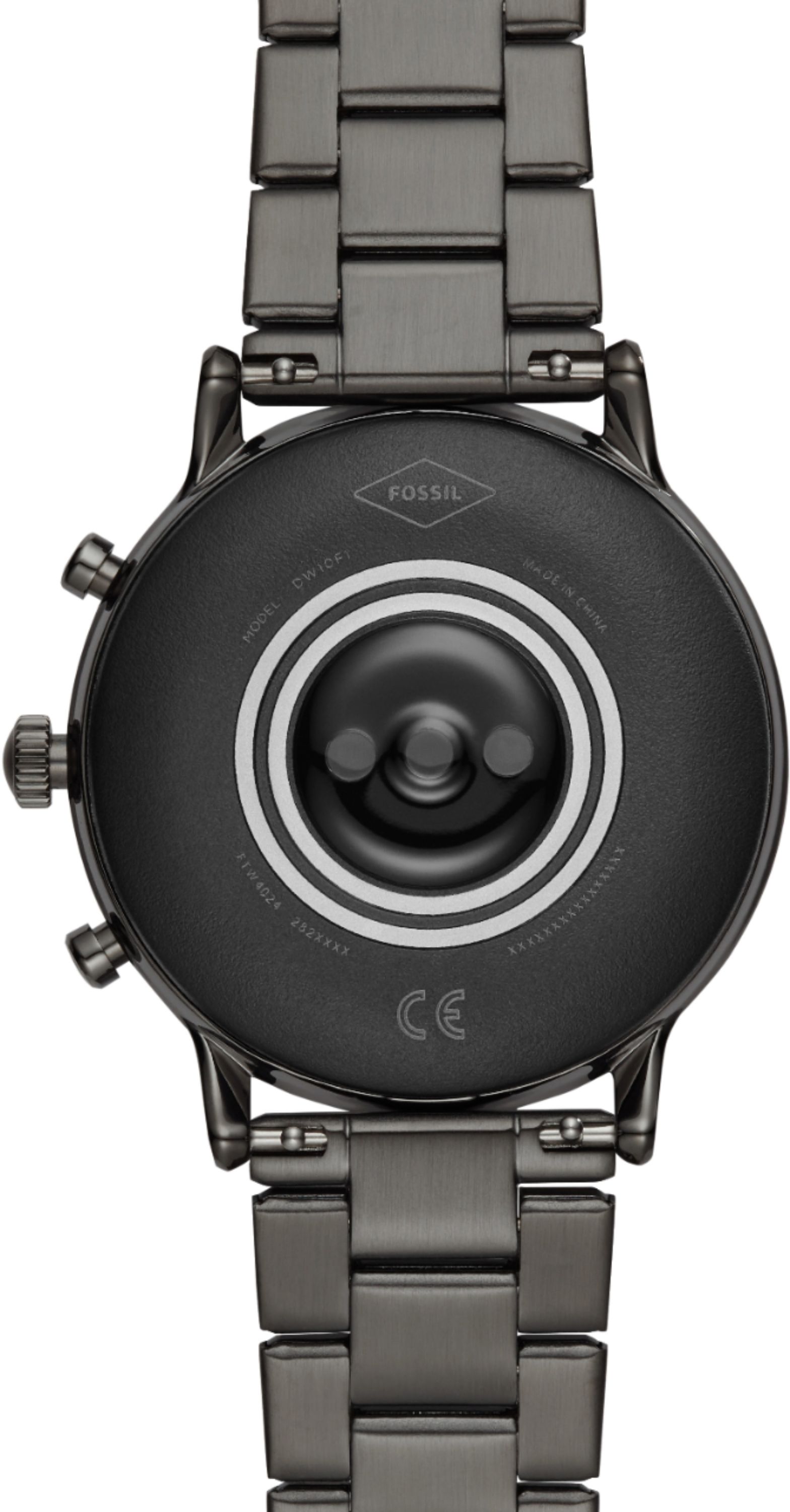
|Posted .This reviewer received promo considerations or sweepstakes entry for writing a review.The watch not only looks great but functions great too!The watch band is light, but still feels pretty strong. The metal itself doesn't twist or warp, when bending or pushing on the wrist band, but the links provide just enough maneuverability for everything to feel comfortable. The band can easily be removed from the watch, with the quick release pins located at both ends of the band. They are hidden well enough, so as they are not accidentally hit. Yet can easily be pinched together, to detach the band. There are a lot of different options through BestBuy or Fossil, for watch straps, and metal bands, if you wanted it to be more of a matching accessory for outfits. To shorten or lengthen the band, it is a little more difficult. The best option is to either take it to a watch repair store, or order a watch link removal kit. Otherwise it can be a pain in the buns to find the right width piece of metal to gently hammer through the links without slipping and damaging something. The link pins can be removed from either side, and re-assemble much easier than it is to get them out. Just as a side note, after the pin is removed, there is a tiny sleeve that will also fall out of the links, so make sure you keep track of both pieces.If you do decide to buy additional straps or bands, the watch faces can be changed by the included settings, or by downloading any watch face app from the google store.Because this watch is universal for both Android and iPhone, some additional apps may be needed to customize the features for looks, or functionality.I have a Samsung Galaxy Note 8, that most everything worked perfectly out of the box, except for my phone's alarm clock notifications. It just would not give me the option to cancel or snooze the alarms from my watch. After checking several different settings on the watch, and my phone, I confirmed that all the possible permissions were allowed, leaving no reason this should not work. However, it still did not work. The fix for this was simple enough, I had to download to my Note 8 the "Alarm Clock, by Google Inc.", once I did, and re-entered my alarms, everything worked perfectly.This smartwatch has pretty much every feature available, except a camera.It has it's own built in GPS, WIFI card, Bluetooth, speaker, microphone,heart beat sensor, fit tracker and high definition display. The watch is water resistant to about 30 meters (3 ATM), so it should be fine for light swimming, and washing. One of the cooler features of the watch is it's NFC technology, giving you Google Pay, directly from your wrist. This watch pretty much does it all, giving you almost no reason to ever take your phone out of your pocket. Google assistant can be triggered easily through the microphone or one of the buttons. You can send texts and call contacts directly from the assistant, as well as search google for anything you need.The touch screen is pretty accurate and responsive. The watch face glass itself is a mineral crystal like most traditional watches. While mineral crystal is fairly good with impacts, it is still pretty easy to scratch, so one more recommendation would be to get a good screen protector (44mm).During my use, I kept the always on display (active), and set the heart beat tracker to activate every 5 minutes. On a full charge the watch was able to last all day. It even has three built in battery saver modes, that could extend the life of the watch for a few days. It will even fast charge to 80% in an hour, if you forget to plug it in before you go to bed.The music controls work pretty good, especially with Spotify, Pandora, Soundcloud, Google Play, iTunes or Apple Music. Plus, the watch even has it's own storage(8GB), for downloading music, or other data. The watch can be used to make calls, directly from the dial, using it's built in speakers and microphone. The audio actually comes through very clear on both ends of the call. I have been able to use the watch's speakers for calls that I make or answer directly from the watch dial, but so far, not from the phone. I have been unable to transfer the audio to the watch after using the actual phone to initiate or answer calls, I'm not sure if this a Samsung issue, or not, but it would be nice to see this feature in an upcoming software upgrade. So far the watch has been very fun, and extremely convenient to use. I love reading and answering all my texts, from my wrist. It's also another huge plus, to have a hands free speakerphone for calls available all the time. Google assistant helps fill in some of the blanks while using the watch. The keyboard works well on the watch, but I do have man hands, and sometimes press the wrong letters. With the assistant, you can dictate what you would like typed instead of actually typing it. Google Assistant also makes it easier to find contacts, dial numbers , get directions, set alarms, reminders, and calendar events.
I would recommend this to a friend