Customer Ratings & Reviews
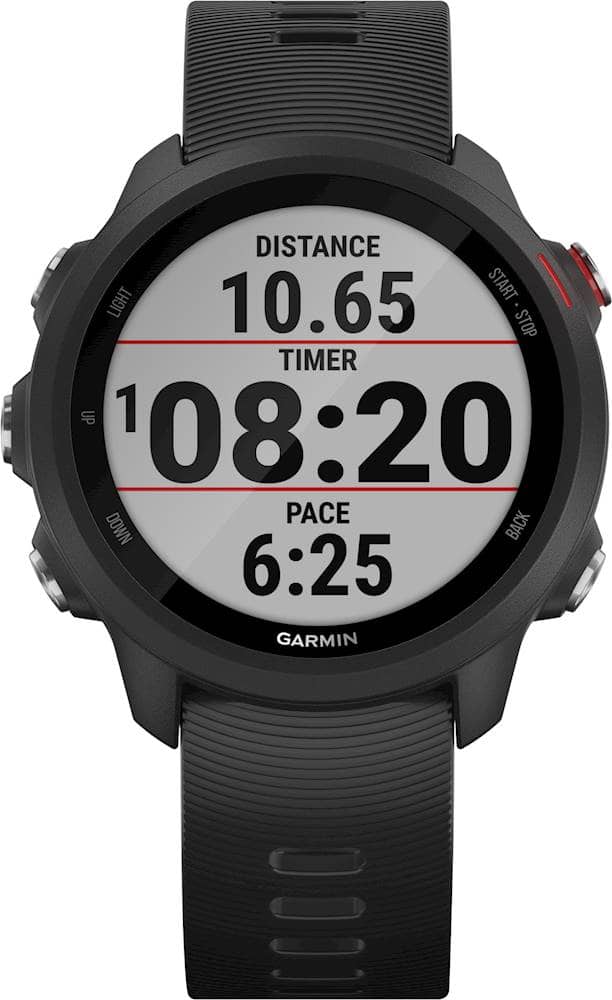
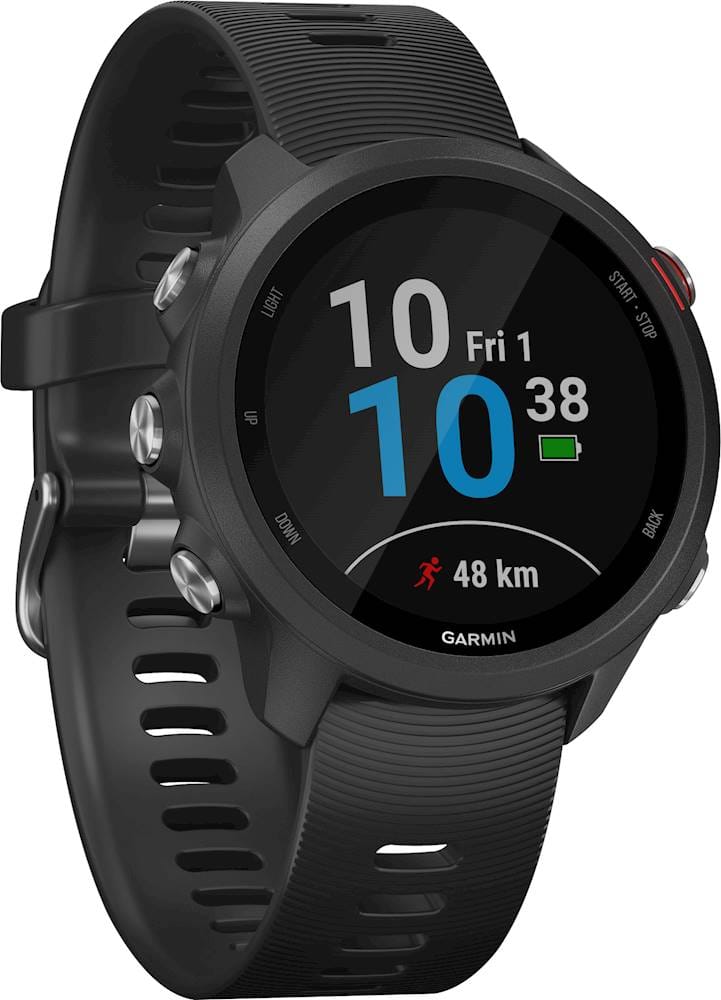
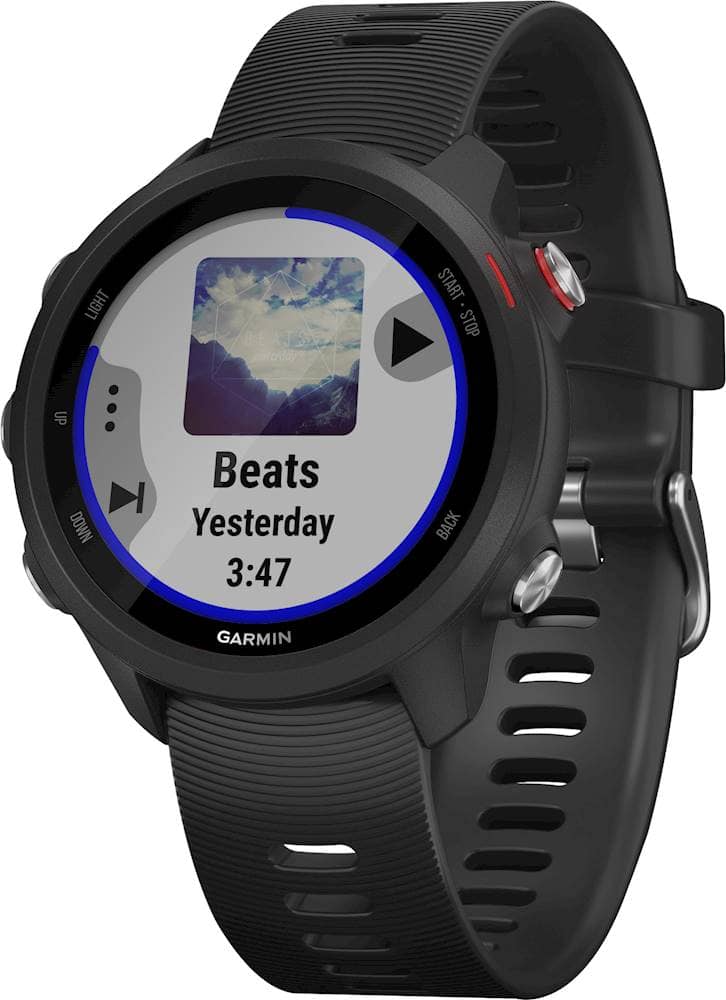
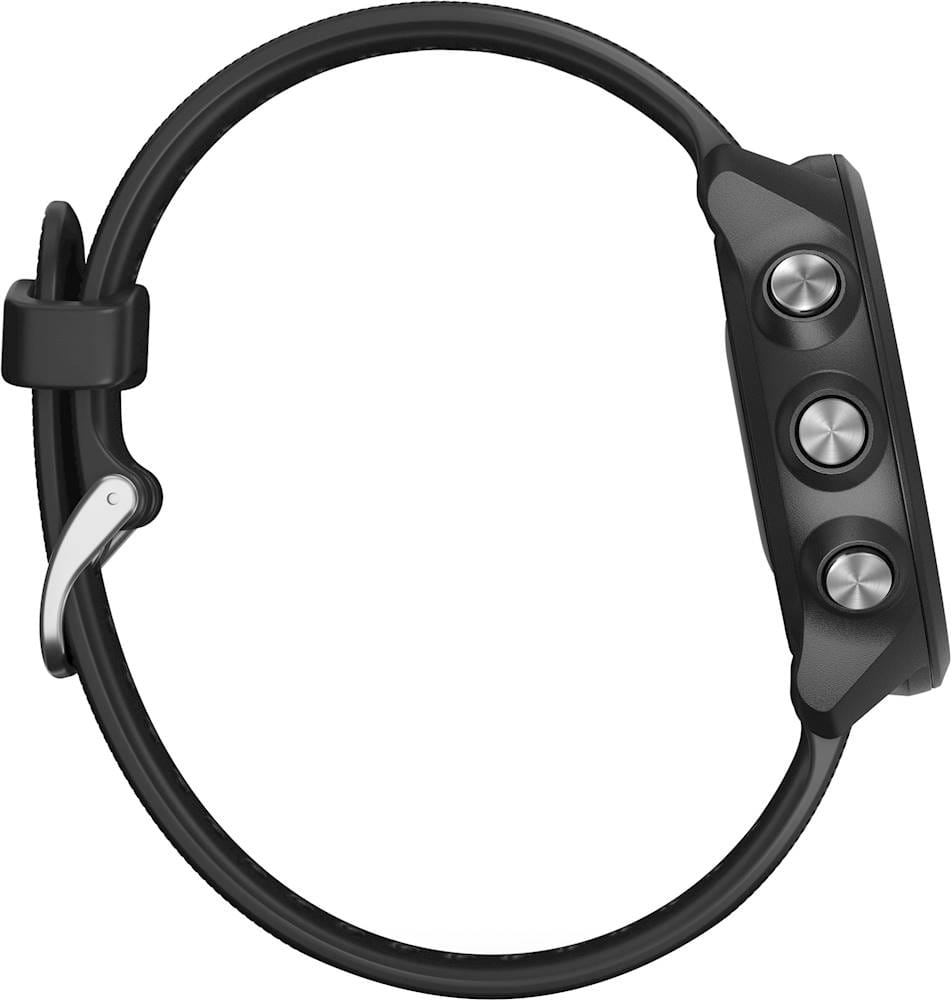
- Model:
- 010-02120-20
- SKU:
- 6348787
Rating by feature
- Battery Life
Rating 4.6 out of 5 stars
- Durability
Rating 4.8 out of 5 stars
- Comfort
Rating 4.8 out of 5 stars
Customers are saying
Customers are very positive about the Forerunner 245 Music GPS Smartwatch. They particularly appreciate the music feature, with many comments highlighting its convenience. The battery life is also praised for being long-lasting, making it suitable for running enthusiasts. The GPS is mentioned to be quick and accurate, while the watch itself is considered easy to use. Overall, customers seem very satisfied with the product and its features.
This summary was generated by AI based on customer reviews.
impulse purchase, big mistake, lesson learned.
Posted .This reviewer received promo considerations or sweepstakes entry for writing a review.After complaining about having to carry my iPhone on my runs, I was "sold" on this watch. What a mistake. Garmin Express cannot access audiobooks in iTunes even though it claims to be able to. You cannot access your music during a run without ending the run, saving the run and then restarting a new run. This means you cannot switch to a new podcast, change to a new playlist or even adjust the volume.
No, I would not recommend this to a friendBrand response from GarminProductExpert
Posted .You can control the music etc., by pressing the down button during the activity and going to the Music Controls. If you have this set up as a Data Field you are correct. If you test this and are still having an issue, please go to support.garmin.com and reach out directly to one of our product support associates so they can assist you with your issue.
Debbie with Garmin