Customer Ratings & Reviews
- Model:
- 30758
- SKU:
- 4420900
Rating by feature
- Value
Rating 4.4 out of 5 stars
- Quality
Rating 4.4 out of 5 stars
- Ease of Use
Rating 4.5 out of 5 stars
Customers are saying
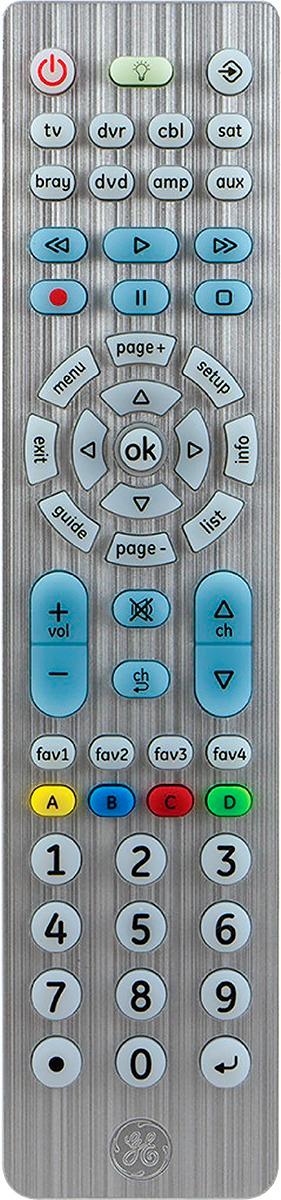
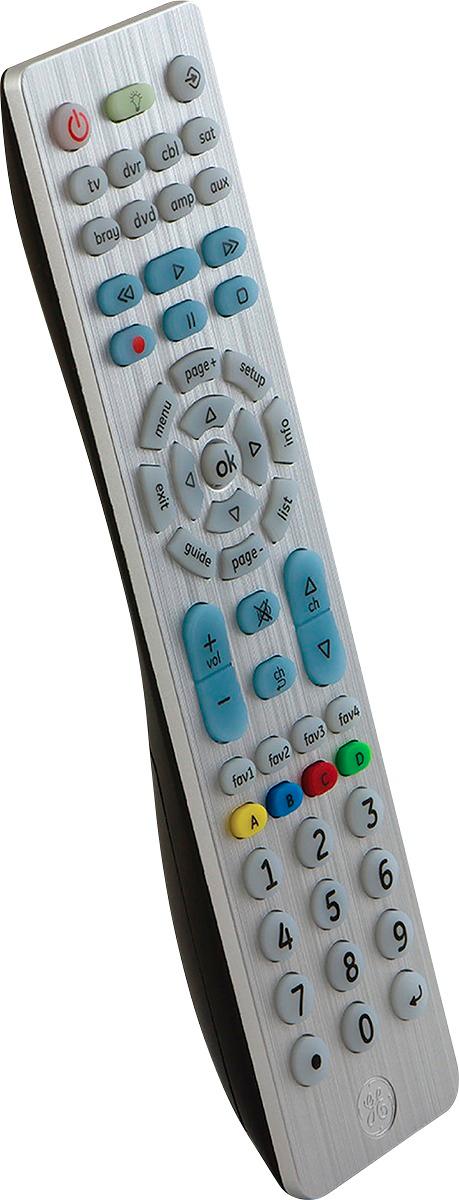
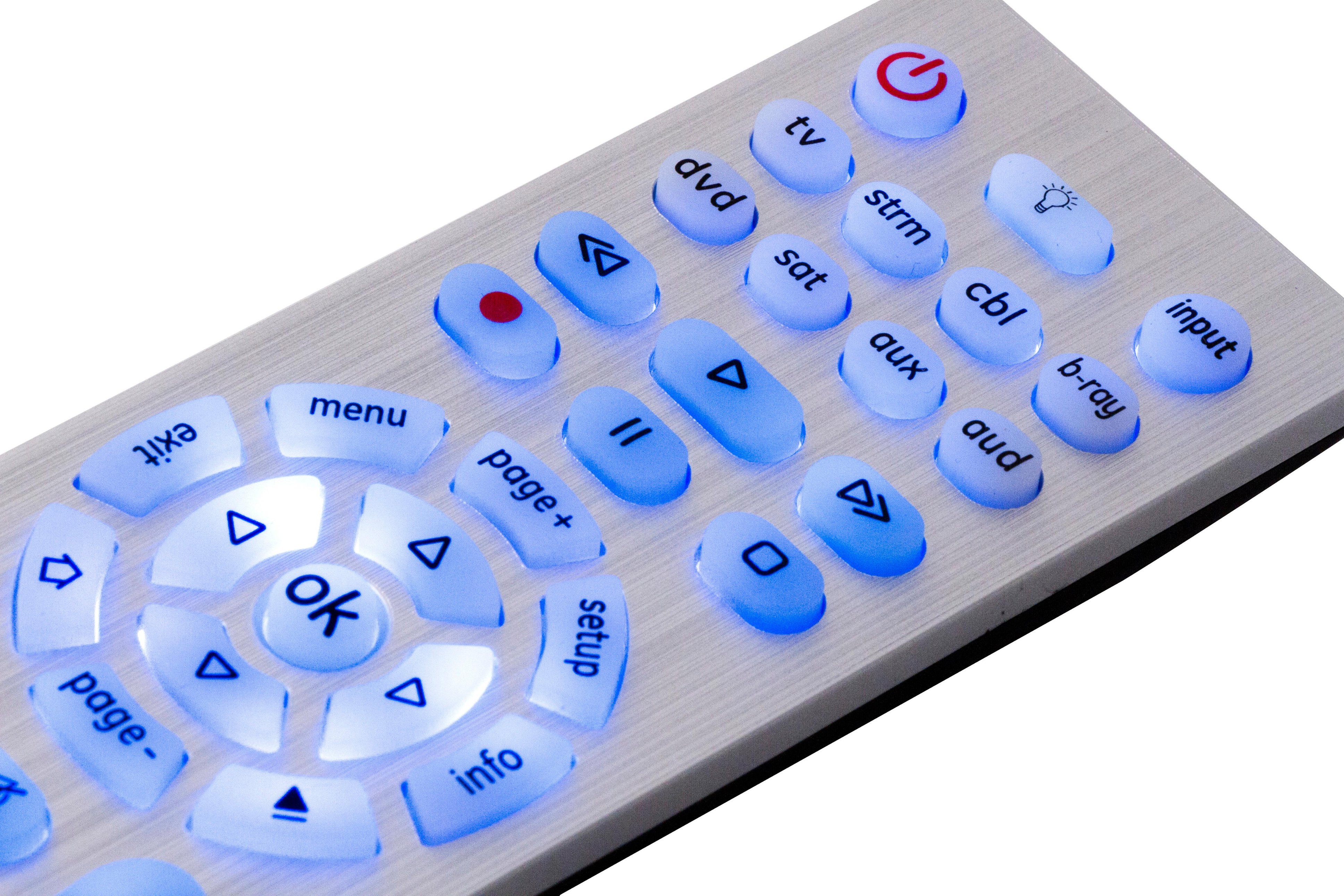
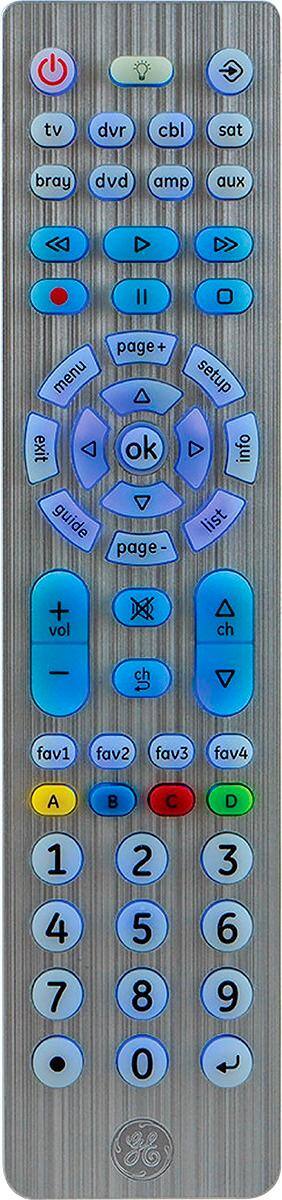
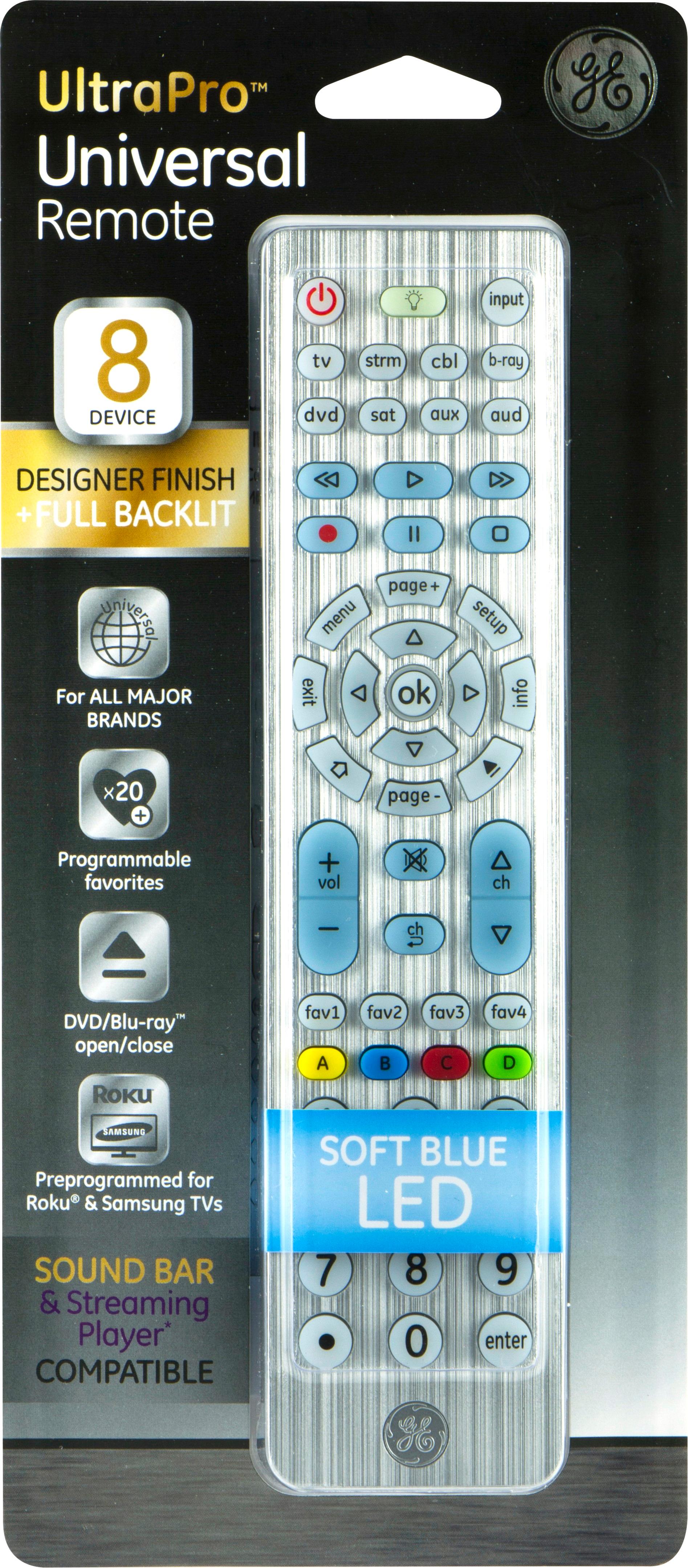
Customers commend the 8-Device Universal Remote for its ease of use, backlight, and reasonable price. Many appreciate the remote's design and size, along with its lightweight feel. However, some customers experienced challenges with compatibility and setup. A few users reported issues with the remote's functionality after extended use.
This summary was generated by AI based on customer reviews.
- Cons mentioned:Compatibility
feels solid, does NOT work with apple TV
Posted .This reviewer received promo considerations or sweepstakes entry for writing a review.despite saying that it works with Apple TV, it does not work within all menus. I called the manufacturer's customer support and they basically said to return it
No, I would not recommend this to a friend Apple TV Code not correct
Posted .This reviewer received promo considerations or sweepstakes entry for writing a review.Neither of the two codes included in the instructions turn on the Apple TV (5541, 4295) 2nd generation.
No, I would not recommend this to a friendGood choice
Posted .This reviewer received promo considerations or sweepstakes entry for writing a review.We had lost out Samsung remote and needed to get into the service menu. This remote was able to get us logged into to clear our lamp hours.
I would recommend this to a friendNo channel guide for Directv?
Posted .This reviewer received promo considerations or sweepstakes entry for writing a review.This remote was recommended because it is pre-programmed for Samsung TVs. It's true that it recognized the TV right away. Also programmed to the DTV receiver using codes. But then I realized there was no button to show the channel list/guide. I dug into the manual, tried this and that...none as far as I can tell. So this puppy is going back.
No, I would not recommend this to a friendBrand response from Tech Support
Posted .Hello SGreene, thank you for reaching out to us regarding out GE 8-Device Universal Remote Control. We appreciate the feedback and details on the issues you have experienced. As the manufacture, our goal is to supply our consumers with quality products that delivers the expected performance. Anytime we hear of problems encountered in the use of one of our products, we want to work with you directly and resolve the difficulties, the best we can.
What you are experiencing is known as a partial code functionality, this means the code you found is meant for an alternate model. This can happen, as most manufacturers will reuse portions of their codes with alternate models. It is first necessary to try any codes found for your specific brand that may not have been tried with the Direct Code Entry. If none offer the desired functionality, the only other method available to program the remote is to try the Auto Code Search Method.
This method will search all remaining codes in its library to possibly find a code from an alternate brand that will offer full or partial functionality with your device.
If you have any other questions, please give us a call at 1-800-654-8483 option 1 and provide our Support Team with your ticket number 296407. You can also email us at support@byjasco.com and include your personal ticket number in the subject line.