Customer Ratings & Reviews




- Model:
- GA01592-US
- SKU:
- 6432682
Rating by feature
- Value
Rating 4.6 out of 5 stars
- Quality
Rating 4.7 out of 5 stars
- Ease of Use
Rating 4.7 out of 5 stars
Customers are saying
Customers regard the product's sound quality as excellent, with many also appreciating its ease of use, quick connectivity, and straightforward setup. Its design, compact size, and sufficient volume for a room are frequently highlighted as positive attributes. However, some users note a lack of bass and find the product to have a noticeable weight.
This summary was generated by AI based on customer reviews.
- Pros mentioned:Sound quality
Amazing sound as a stereo pair
Posted .This reviewer received promo considerations or sweepstakes entry for writing a review.This year, smart speakers have been going for cheap. Since we bought a Google TV, it makes sense to use this. So I bought 2. Its overkill, since we have a soundbar, but they’re cheap. They pair together seamlessly. Unlike Echo speakers, they support bluetooth, so you can connect your phone and play music service. In fact, I connected my Echo to my Google speakers, via bluetooth and music plays on the Google speakers in full stereo. And they sound amazing. It’s lacking in bass, but that can be fixed by going into the app and turning up the bass all the way. Google needs a subwoofer similar to the Echo Sub. They actually work as a home cinema, though not officially supported. Just pair them to your TV bluetooth. And you have a quality sound bar. Its missing that rumble, but the sound is still amazing.
I would recommend this to a friend - Pros mentioned:Sound quality
Great speaker
Posted .This reviewer received promo considerations or sweepstakes entry for writing a review.Great speaker! The sound is really good for a little speaker and it works great!
I would recommend this to a friend Google nest
Posted .This reviewer received promo considerations or sweepstakes entry for writing a review.Great service and great product.they are very personable and professional and do everything they can to help you get what you need.
I would recommend this to a friend- Pros mentioned:Sound quality
Loud sound and very good
Posted .This reviewer received promo considerations or sweepstakes entry for writing a review.Nest audio speaker is really awesome. Sound is loud and very clear, I love it.
I would recommend this to a friend - Pros mentioned:Sound quality
Wife loves it.
Posted .This reviewer received promo considerations or sweepstakes entry for writing a review.Wall mounted in the Master Bath. Great sound. Wife loves it.
I would recommend this to a friend - Pros mentioned:Sound quality
Great Smart Assistant Speaker
Posted .This reviewer received promo considerations or sweepstakes entry for writing a review.Loved this Google Assistant Smart Audio Speaker. Great sound!
I would recommend this to a friend A nice sounding speaker, but a garbage assistant
Posted .This reviewer received promo considerations or sweepstakes entry for writing a review.I wanted a nice Bluetooth speaker I already had plenty of those. this particular speaker works fine as the speaker as a Google device, it's garbage. it barely connects to Bluetooth devices at all and when it does it takes a good 5 second delay if it even communicates with the light. doesn't seem to understand me until I ask it to accomplish a command three times in a row. I personally am happier with my Google mini speakers. whether they sound is good is not really relevant since I can just pair them to a Bluetooth speaker that I already have. this was a total waste of money and I only got pleasure when I was able to take it outside and smash it with a hammer. perhaps I have anger management issues but video to be uploaded soon.
No, I would not recommend this to a friendBrand response from Nest Support
Posted .Hi there. Thank you for choosing Nest Audio, and we're sorry to hear about the Bluetooth connectivity issue you've encountered. We apologize for any inconvenience this may have caused.
To address the problem, a good first step is to reset your Nest Audio device. However, please be aware that resetting will erase all data and you'll need to set up the device again. Here's how you can perform a factory reset:
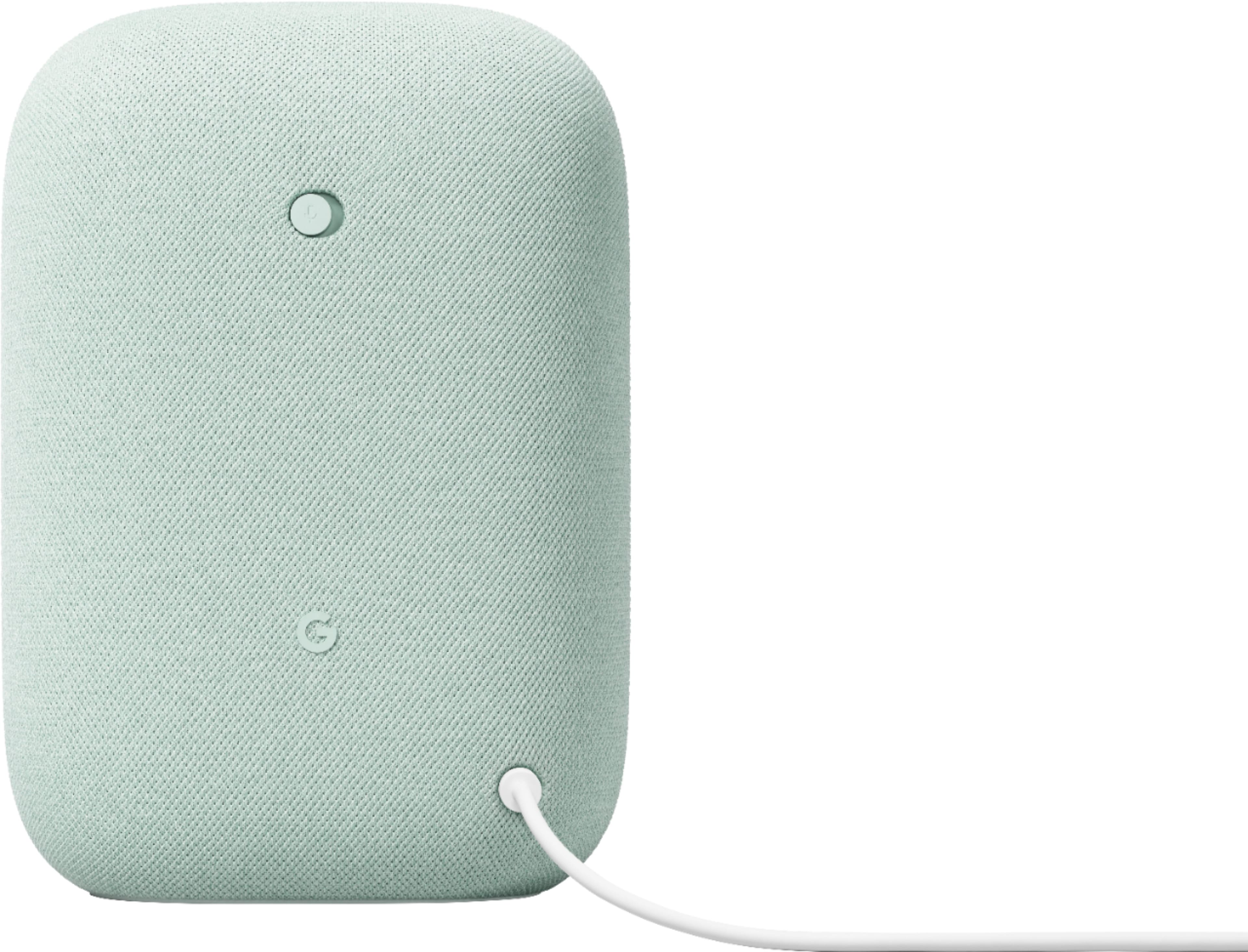
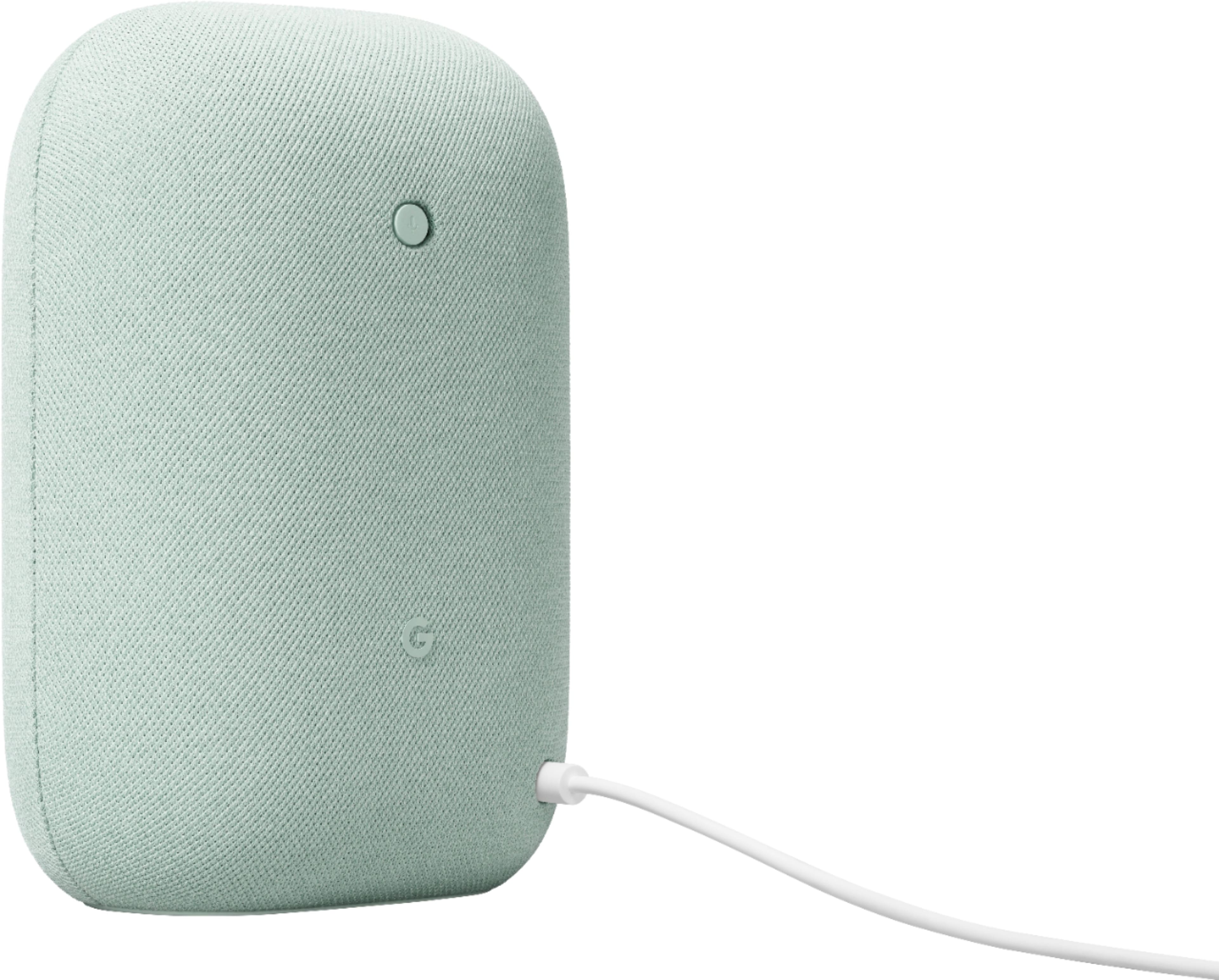
- Check the back of your Nest Audio and switch the mic off. The lights will turn orange.
- Press and hold the center of the Nest Audio, near the top.
- After 5 seconds, your device will begin the factory reset process.
- Continue holding for about 10 seconds more until a sound confirms that the device is resetting.
If the Bluetooth connectivity issue persists despite the reset, we encourage you to reach out to our support team for further assistance. To contact our support team, please use this link: https://support.google.com/googlenest/gethelp
- Pros mentioned:Sound quality
Great speaker but stopped working after 2 years
Posted .This reviewer received promo considerations or sweepstakes entry for writing a review.Speaker is great. It's sound is actually better then the Bose speak. But it just stopped working after a couple of years.
I would recommend this to a friendBrand response from Google Nest Support
Posted .Hi, Praveen. We're sorry to hear that your Google Nest Audio Smart Speaker isn't working as expected after a few years of use. We value your business and want to help. To better understand the issue, please contact us here:
https://support.google.com/googlenest/gethelp
Good purchase
Posted .This reviewer received promo considerations or sweepstakes entry for writing a review.Realy good power fir the size.Google works perfectly.
I would recommend this to a friendDoes what it says it does
Posted .This reviewer received promo considerations or sweepstakes entry for writing a review.Works like advertised. Does have some weight to it.
I would recommend this to a friend- Pros mentioned:Sound quality
Great sound in a small package!
Posted .This reviewer received promo considerations or sweepstakes entry for writing a review.I must say this speaker is a must have and great one at that! It took me way too long thinking on purchasing this one. I wish I had bought it way sooner than now. The sound is fantastic and fills my whole apartment. I have it paired with my Nest Hub and nest mini for my routines. Playing music on the speaker by itself is fantastic, loud, and plenty of of bass. I love the color of it too.
I would recommend this to a friend Google
Posted .This reviewer received promo considerations or sweepstakes entry for writing a review.Love all Google products specially spekers all pg them
I would recommend this to a friendI love it ♥️
Posted .This reviewer received promo considerations or sweepstakes entry for writing a review.I like i love it ♥️ i ask everything i have all information
I would recommend this to a friendGoogle Nest Audio
Posted .This reviewer received promo considerations or sweepstakes entry for writing a review.exactly what I expected. Bought this to upgrade from the original.
I would recommend this to a friendGreat Purchase
Posted .This reviewer received promo considerations or sweepstakes entry for writing a review.We love our Google Nest Audio. Such a great Christmas gift!
I would recommend this to a friendIt's still very 2020ish
Posted .This reviewer received promo considerations or sweepstakes entry for writing a review.There hasn't been any progress with this thing in years. It still requires the Google Home app to set up. Telling it to play a personal YTMusic playlist still doesn't work; going through the YTM smartphone app is required. I already own and use Echo devices which don't require an app for setup. If I want to play a personal YTM playlist on those Echoes (sp?) I just BT connect them to my phone. Or I don't play my personal playlists, and bear with whatever Amazon Music offers, via voice command. AM has a smaller catalog than YTM. I'm not sure I care any longer. Google has lagged for too long.
No, I would not recommend this to a friendBrand response from Google Nest Support
Posted .Hey there. Thanks for your review. We understand your frustration with the current limitations with your Nest Audio.
We apologize for the inconvenience caused by the required app setup and limited music playback options.
Your feedback is crucial to us as we strive to improve your experience. We're committed to making progress and addressing these issues in future updates: https://google.qualtrics.com/jfe/form/SV_2aStd8wsbcLGvwG
- Pros mentioned:Sound quality
Disconnects for no reason
Posted .This reviewer received promo considerations or sweepstakes entry for writing a review.Besides the good sound quality, this speaker is a piece of junk. Always disconnects from my paired phone after about 30 minutes of play, then won’t connect to my phone. No reason, just won’t pair again without forgetting the device and unplugging/plugging in the speaker. Frustrating piece of crap.
No, I would not recommend this to a friend Google nest
Posted .This reviewer received promo considerations or sweepstakes entry for writing a review.She loves it! Better than my google home. Great price too!
I would recommend this to a friendGreat speaker
Posted .This reviewer received promo considerations or sweepstakes entry for writing a review.Great speaker with a lot of colors to match house decor
I would recommend this to a friendDoesn’t work in Asst Living Facilities
Posted .This reviewer received promo considerations or sweepstakes entry for writing a review.Does not work if you are on a shared wifi (e.g. dorms or assisted living facilities) because the network prevents you from pairing the device. Best Buy wouldn’t let me return it because I bought it well before Father’s Day and tried to return after being unable to set it up. Too much time had passed.
No, I would not recommend this to a friend