Customer Ratings & Reviews
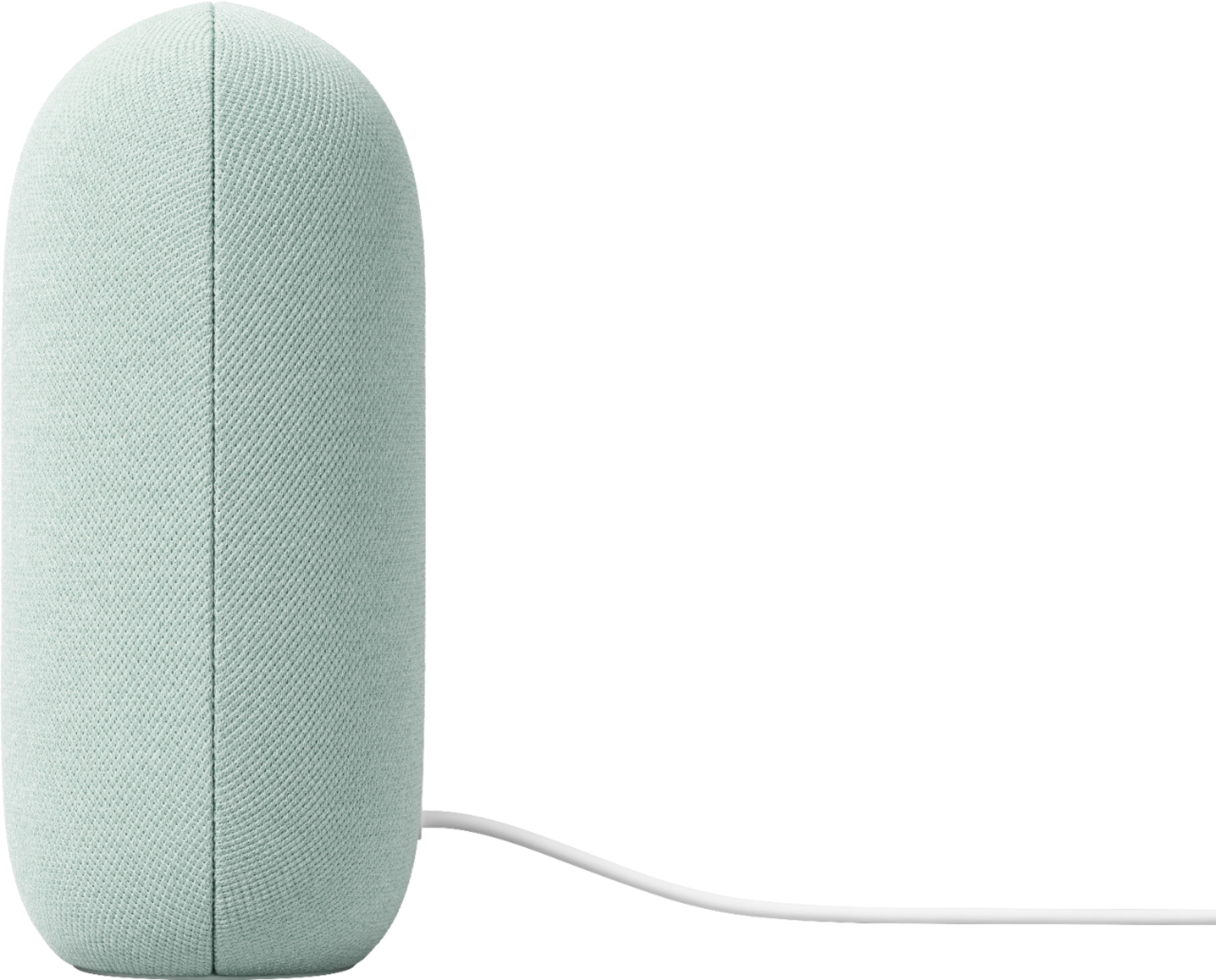
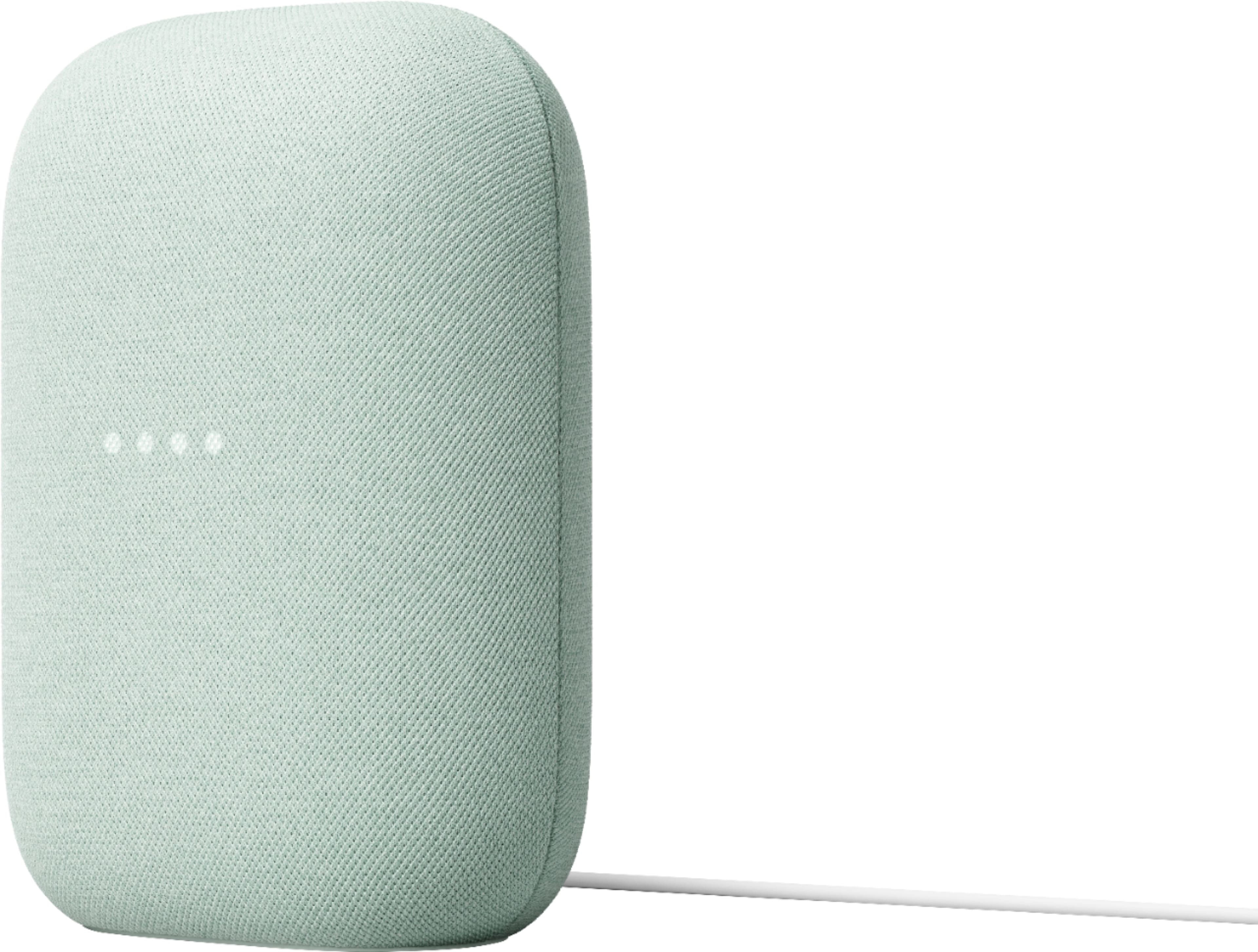




- Model:
- GA01592-US
- SKU:
- 6432682
Rating by feature
- Value
Rating 4.6 out of 5 stars
- Quality
Rating 4.7 out of 5 stars
- Ease of Use
Rating 4.7 out of 5 stars
Customers are saying
Customers commend the Nest Audio Smart Speaker for its excellent sound quality and ease of use. Many appreciate its quick and easy connectivity with Google Assistant, along with its appealing design and suitable size. Some have noted that the bass could be improved, while others have mentioned its light weight.
This summary was generated by AI based on customer reviews.
Great upgrade from my Home mini
||Posted . Owned for 2 weeks when reviewed.This reviewer received promo considerations or sweepstakes entry for writing a review.Great product at a great price...My Google Home Mini wasn't attaching back onto my network so I bought this as an upgrade. Was so happy that I just bought another one to pair up with this one... really looking forward to getting the second one tomorrow.
I would recommend this to a friend- Pros mentioned:Sound quality
Boom Boom Pow
||Posted . Owned for 3 months when reviewed.This reviewer received promo considerations or sweepstakes entry for writing a review.Great speakers, rich sound, simple plug and play integration to your google home environment. Pair them up for that extra surround sound style boom.
I would recommend this to a friend - Pros mentioned:Design, Sound quality
Nice
||Posted . Owned for 1 month when reviewed.This reviewer received promo considerations or sweepstakes entry for writing a review.Great sounding and good looking gadget. I will get more of these and spread out in my home.
I would recommend this to a friend - Pros mentioned:Sound quality
Smart Speaker
||Posted . Owned for 1 month when reviewed.This reviewer received promo considerations or sweepstakes entry for writing a review.Great product. Easy to set up and it has really good sound when playing music. Also, got it on sale for a good price.
I would recommend this to a friend - Pros mentioned:Size
Perfect Smart Speaker
||Posted . Owned for 1 month when reviewed.This reviewer received promo considerations or sweepstakes entry for writing a review.This is one of the best smart speakers i have tried. I wanted a speaker in my office space that is compact. it recognizes voice commands . Google app control is great.
I would recommend this to a friend Great speaker with amazong sound
||Posted . Owned for 2 months when reviewed.This reviewer received promo considerations or sweepstakes entry for writing a review.The speaker works great. What i like about google speakers is that i can control a lot of my appliances in my house. The 3 month free youtube premium is the best they let me listen to all the music without ads. This is amazing as with this speaker i can play music all day without having to click any buttons. Im able to add alarms and timers with just my voice. The sound is rich and clear. The speaker is the perfect volume for my small room.
I would recommend this to a friend- Pros mentioned:Design, Sound quality
Recommend
||Posted . Owned for 2 months when reviewed.This reviewer received promo considerations or sweepstakes entry for writing a review.Super clear and responsive, excellent sound quality for the price and super sleek design
I would recommend this to a friend - Pros mentioned:Sound quality
Google-Fi It!
||Posted . Owned for 2 weeks when reviewed.This reviewer received promo considerations or sweepstakes entry for writing a review.Got one for the bedroom. Excellent for music or podcasts, great for controlling my automations. Got it on sale for $50!
I would recommend this to a friend - Pros mentioned:Ease of use, Sound quality
Smart speaker
||Posted . Owned for 1 week when reviewed.This reviewer received promo considerations or sweepstakes entry for writing a review.One of the best smart speaker I own! Easy set up and music sounds great
I would recommend this to a friend - Pros mentioned:Sound quality
Great Speakers but limited
||Posted . Owned for 1 month when reviewed.This reviewer received promo considerations or sweepstakes entry for writing a review.Sounds , nice and loud. Excellent bass. The only limitation I had is you can’t play Chromecast with Google TV over speakers and setup surround sound for your tv, like you can with HomePod for Apple TV. So if your looking to listening to your tv through speakers, this is not the product as of now. Hopefully Google can do this in the near future.
I would recommend this to a friendBrand response from Nest Support
Posted .Hi Punisher0939, thanks for sharing your feedback on Nest Audio. We appreciate your suggested feature since we're always on the lookout for ways to keep improving our products and services. We'll certainly pass along this information to our product team and go back to the drawing board to cook up new products and features. If you need further assistance with your Nest Audio, feel free to reach out to our support team via the Google Nest help page here: https://support.google.com/googlenest/gethelp

Doorbell and speaker use
||Posted . Owned for 4 months when reviewed.This reviewer received promo considerations or sweepstakes entry for writing a review.I bought this to supplement the nest doorbell so that everyone in the house can hear the doorbell. It’s also just a great speaker.
I would recommend this to a friend- Pros mentioned:Ease of use, Sound quality
Love it!
||Posted . Owned for 3 weeks when reviewed.This reviewer received promo considerations or sweepstakes entry for writing a review.The sound on this speaker is absolutely fantastic and it is extremely easy to use!
I would recommend this to a friend - Pros mentioned:Sound quality
Good sound
||Posted . Owned for 10 months when reviewed.This reviewer received promo considerations or sweepstakes entry for writing a review.Good sound, good form factor. Assistant response is ok
I would recommend this to a friend - Pros mentioned:Sound quality
Good for use.
||Posted . Owned for 3 months when reviewed.This reviewer received promo considerations or sweepstakes entry for writing a review.Great sound and follow voice commands better than alexa. Ise it for mh bird to have music playing and she loves it.
I would recommend this to a friend - Pros mentioned:Sound quality
Sounds great, Works great.
||Posted . Owned for 3 weeks when reviewed.This reviewer received promo considerations or sweepstakes entry for writing a review.Sounds great. I already have server Google Home devices but I got this one for my gym. Happy with it so far.
I would recommend this to a friend - Pros mentioned:Ease of use, Sound quality
Nest speaker
||Posted . Owned for 1 month when reviewed.This reviewer received promo considerations or sweepstakes entry for writing a review.Like it, good sound quality and easy to use it, also can be paired Bluetooth devices.
I would recommend this to a friend - Pros mentioned:Design, Sound quality
Great speaker with an assistant
||Posted . Owned for 1 week when reviewed.This reviewer received promo considerations or sweepstakes entry for writing a review.This is a great update to the original google home. It looks awesome and sounds great.
I would recommend this to a friend - Pros mentioned:Connectivity, Sound quality
Wireless Speakers.
||Posted . Owned for 3 weeks when reviewed.This reviewer received promo considerations or sweepstakes entry for writing a review.Best set of Google speakers I have found. And you can pair them together.
I would recommend this to a friend - Pros mentioned:Ease of use
Home appliances
||Posted . Owned for 7 months when reviewed.This reviewer received promo considerations or sweepstakes entry for writing a review.It's really great and wonderful it's easy if access made it pretty much life easy
I would recommend this to a friend - Pros mentioned:Sound quality
A very good Google Nest device with a great price!
||Posted . Owned for 3 months when reviewed.This reviewer received promo considerations or sweepstakes entry for writing a review.A very good Google Nest device with a great price! I bought it with a good discount. It does all the functions I need.
I would recommend this to a friend