Customer Ratings & Reviews




- Model:
- GA01592-US
- SKU:
- 6432682
Rating by feature
- Value
Rating 4.6 out of 5 stars
- Quality
Rating 4.7 out of 5 stars
- Ease of Use
Rating 4.7 out of 5 stars
Customers are saying
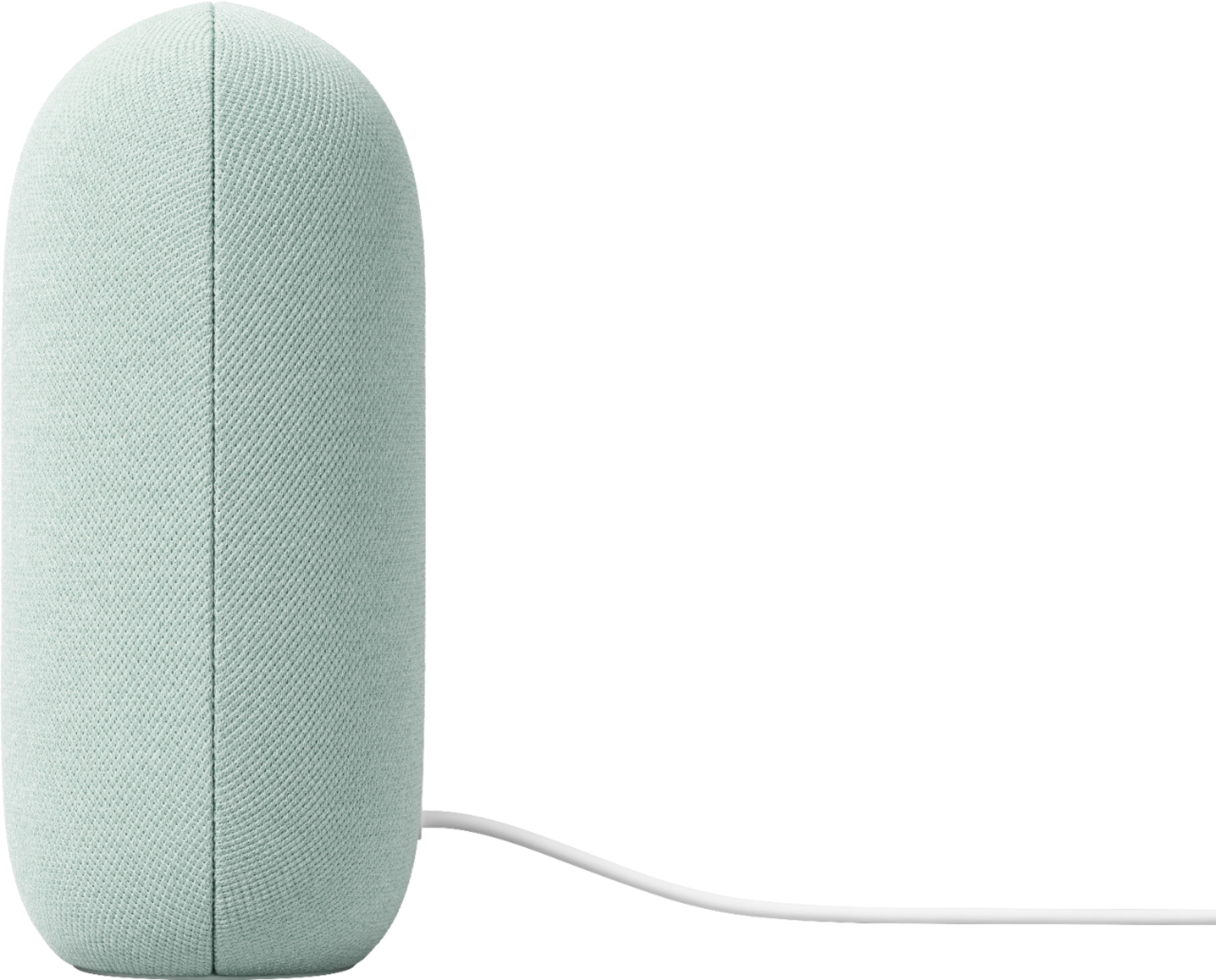
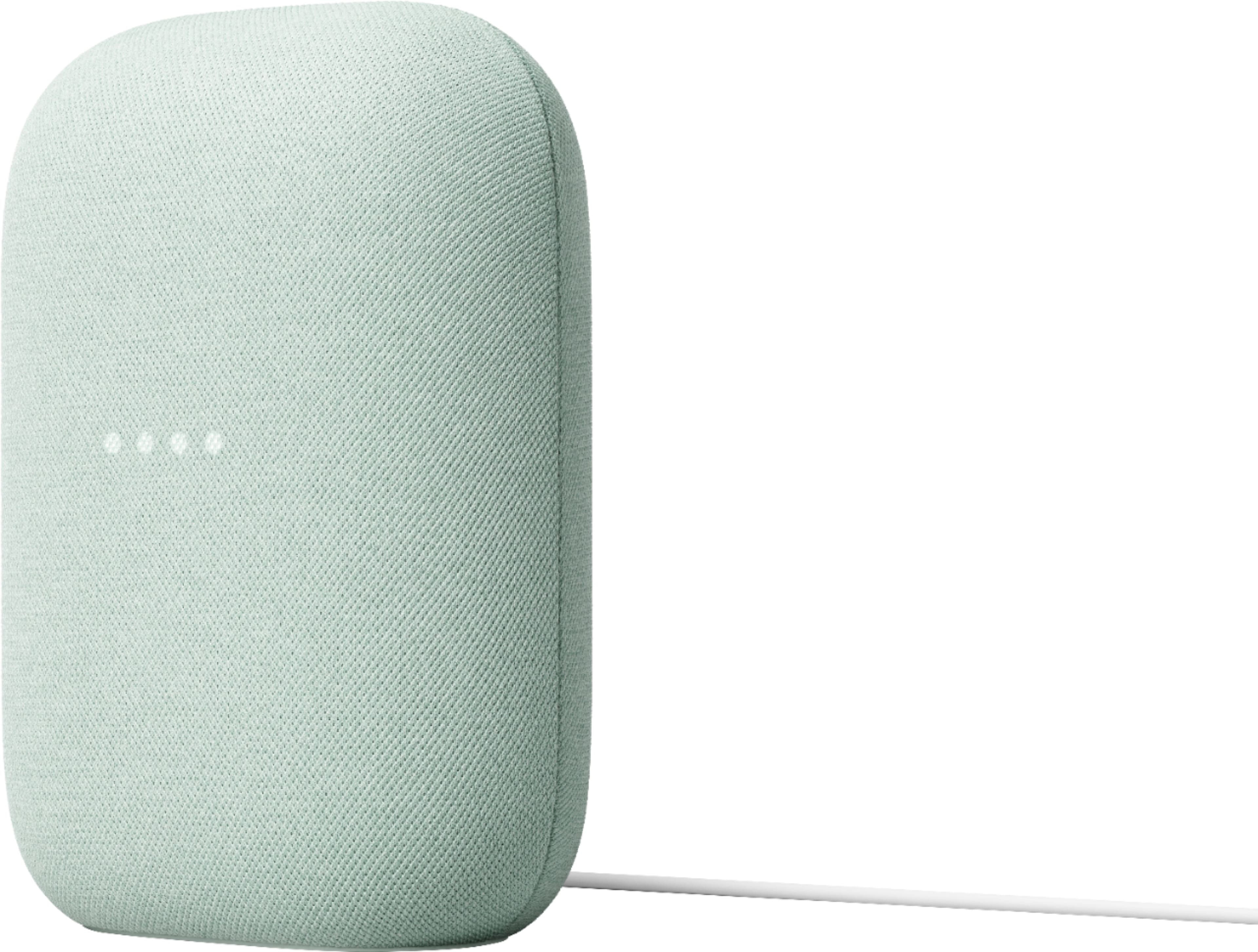
Customers commend the Nest Audio Smart Speaker for its excellent sound quality and ease of use. Many appreciate its quick and easy connectivity with Google Assistant, along with its appealing design and suitable size. Some have noted that the bass could be improved, while others have mentioned its light weight.
This summary was generated by AI based on customer reviews.
- Pros mentioned:Sound quality
Can't be beaten
||Posted . Owned for 3 weeks when reviewed.This reviewer received promo considerations or sweepstakes entry for writing a review.Value for the price is unbelievable. There is so much to like about these speakers. I haven't paired as a stereo set. The base is on point. Quality of the sound is great. I'm not an audiophile that sounds good to me
I would recommend this to a friend Love Google
||Posted . Owned for 2 months when reviewed.This reviewer received promo considerations or sweepstakes entry for writing a review.We love all of the Google products and are looking to add more security devices.
I would recommend this to a friendGreat quality speaker
||Posted . Owned for 3 weeks when reviewed.This reviewer received promo considerations or sweepstakes entry for writing a review.Was worried the quality wouldn’t be so great but boy was I wrong!
I would recommend this to a friendGoogle Nest
||Posted . Owned for 1 month when reviewed.This reviewer received promo considerations or sweepstakes entry for writing a review.It's been great this far. My second one and Hey Google is amazing.
I would recommend this to a friend- Pros mentioned:Size
Ehh!
||Posted . Owned for 7 months when reviewed.This reviewer received promo considerations or sweepstakes entry for writing a review.Sound quality is ok. Not as good as I imagined. It's just pretty much a bigger google home.
I would recommend this to a friendBrand response from Nest Support
Posted .Hi MrDontPlay305, thanks for sharing your feedback. We're sorry to hear that the sound quality for your Nest Audio didn't quite meet your expectations.
If you haven't tried yet, you can change the audio settings of your Nest Audio in the Google Home app. To adjust bass and treble level:
- Make sure your mobile device or tablet is connected to the same Wi-Fi or linked to the same account as your Nest Audio.
- Open the Google Home app.
- Tap the device you want to adjust > and then Settings > and then Audio and then Equalizer.
- Adjust Bass and Treble level.
You can always contact us for your support concerns, by reaching out to our team here: https://support.google.com/googlenest/gethelp
Value
||Posted . Owned for 2 weeks when reviewed.This reviewer received promo considerations or sweepstakes entry for writing a review.Excellent product, Excellent store coverage policy in case anything goes wrong.
I would recommend this to a friendGoogle
||Posted . Owned for 2 weeks when reviewed.This reviewer received promo considerations or sweepstakes entry for writing a review.Perfect gift for my parents. Excelente conditions…..
I would recommend this to a friendGetting Worse by the Day!
||Posted . Owned for 4 months when reviewed.This reviewer received promo considerations or sweepstakes entry for writing a review.They use to be good but now it can't even answer, "What is 2 + 2?". It just keeps asking random things! I'm guessing it's because the will be rolling out some paid AI that they will want everyone to pay for...because if you pay it will work, like it was supposed to when you got it normally. Just save your money. It will make you mad long before it makes you happy.
No, I would not recommend this to a friendBrand response from Google Team
Posted .Hey there, DusT. We’re sorry to hear your experience with the Nest Audio hasn’t been the best lately. A simple restart can resolve most issues — here’s how:
1. Disconnect the power cable from your device.
2. Reconnect the power cable.
If that doesn’t resolve the problem, reach out and we’d be happy to investigate: https://support.google.com/googlenest/gethelp?
New to Google
||Posted . Owned for 2 months when reviewed.This reviewer received promo considerations or sweepstakes entry for writing a review.We are enjoying having the nest. We mostly play music and ask it questions.
I would recommend this to a friendBar speaker
||Posted . Owned for 1 month when reviewed.This reviewer received promo considerations or sweepstakes entry for writing a review.I love it i have 5 minis but this one just the best
I would recommend this to a friendMa.
||Posted . Owned for 3 weeks when reviewed.This reviewer received promo considerations or sweepstakes entry for writing a review.Love it great to have in kitchen when I’m cooking!
I would recommend this to a friendSound Performance
||Posted . Owned for 3 weeks when reviewed.This reviewer received promo considerations or sweepstakes entry for writing a review.I gave this item to my daughter and she loves the sound that comes out of the "pill."
I would recommend this to a friendGreat gift
||Posted . Owned for 3 months when reviewed.This reviewer received promo considerations or sweepstakes entry for writing a review.Bought this as a gift for my daughter and now I’m jealous I what it maybe Father’s Day
I would recommend this to a friendGoogle Nest
||Posted . Owned for 3 weeks when reviewed.This reviewer received promo considerations or sweepstakes entry for writing a review.Great Device! It helps me out at home a lot! I am not sure what I would do without this now
I would recommend this to a friendGoogle Nest
||Posted . Owned for 2 weeks when reviewed.This reviewer received promo considerations or sweepstakes entry for writing a review.Great Product. i Wish I had purchased one , long ago. I plan to purchase another, real soon.
I would recommend this to a friendGood sound for the price
||Posted . Owned for 2 weeks when reviewed.This reviewer received promo considerations or sweepstakes entry for writing a review.We bought two of these, one seemed to have a bit of a crackling sound at first, but they are both ok now - not sure what I did to fix it.
I would recommend this to a friendLove it
||Posted . Owned for 3 weeks when reviewed.This reviewer received promo considerations or sweepstakes entry for writing a review.Upgraded from first gen and really love it so far!
I would recommend this to a friendGoogle
||Posted . Owned for 1 month when reviewed.This reviewer received promo considerations or sweepstakes entry for writing a review.My kids love it! Always getting information all the time.
I would recommend this to a friendWorth it!
||Posted . Owned for 3 weeks when reviewed.This reviewer received promo considerations or sweepstakes entry for writing a review.Love my speaker! Right beside the bed and can't wait to add smart plugs to turn on lights.
I would recommend this to a friendReview
||Posted . Owned for 1 week when reviewed.This reviewer received promo considerations or sweepstakes entry for writing a review.A really nice upgrade from the 1st gen google home
I would recommend this to a friend