Customer Ratings & Reviews
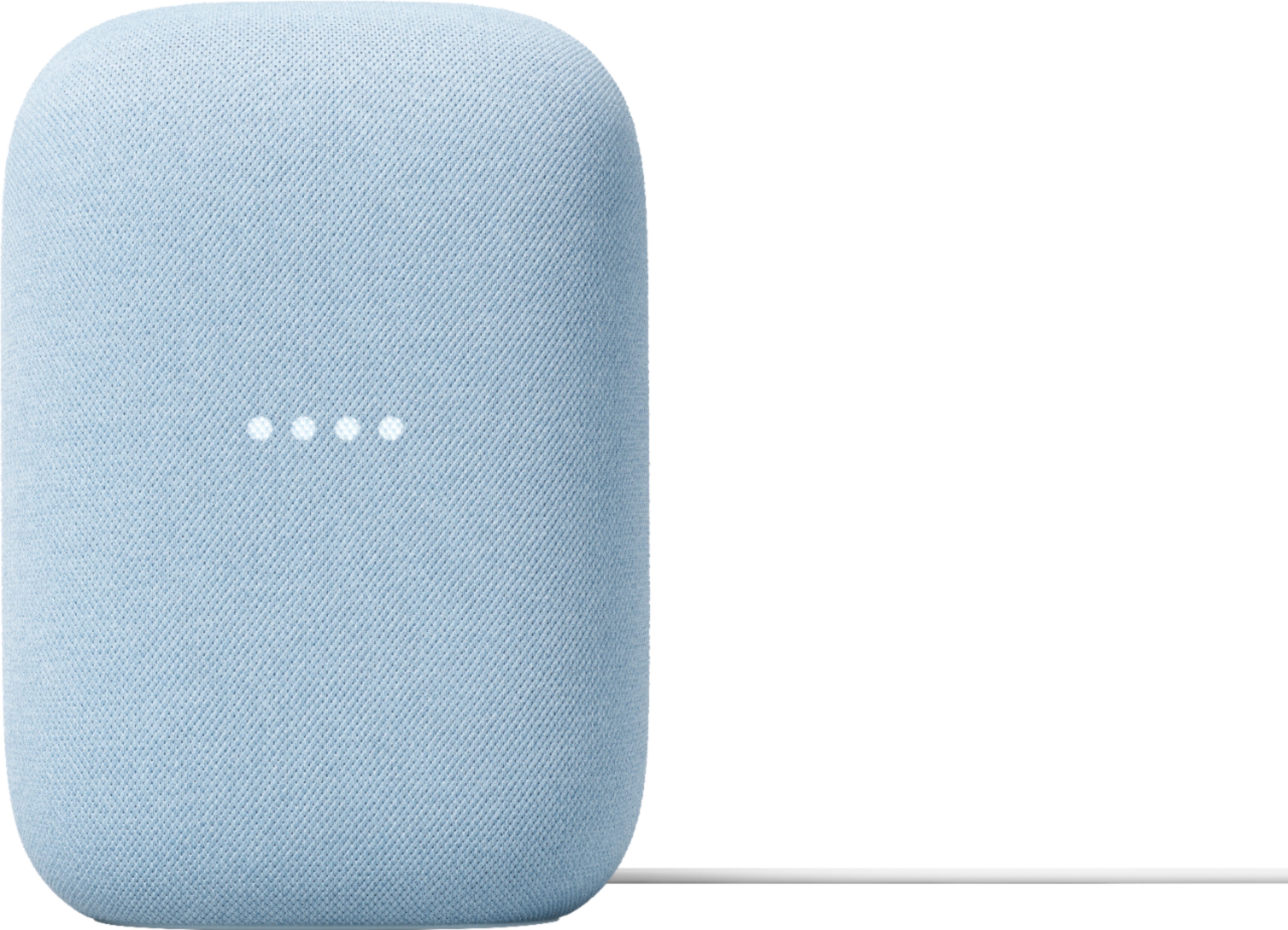
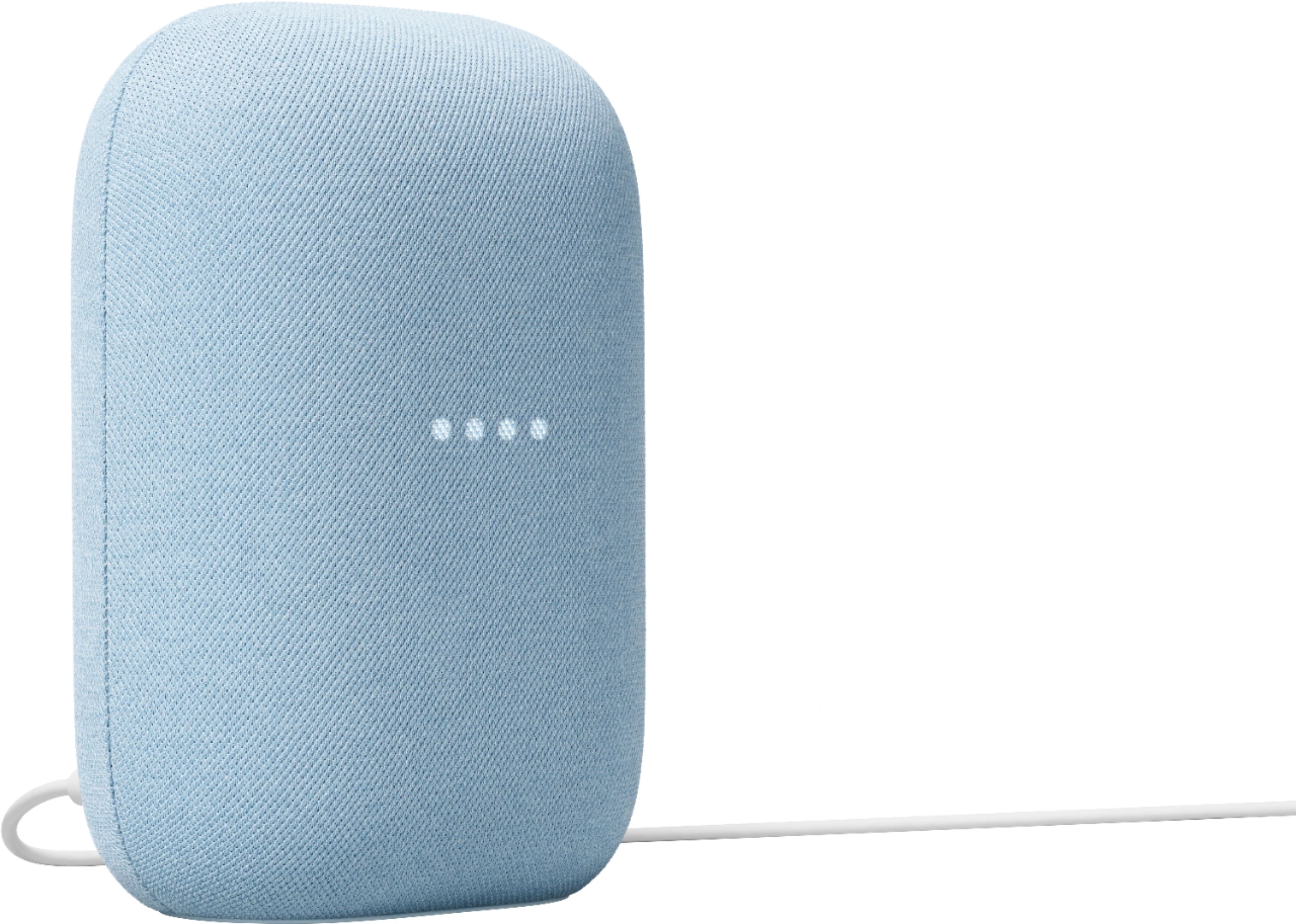
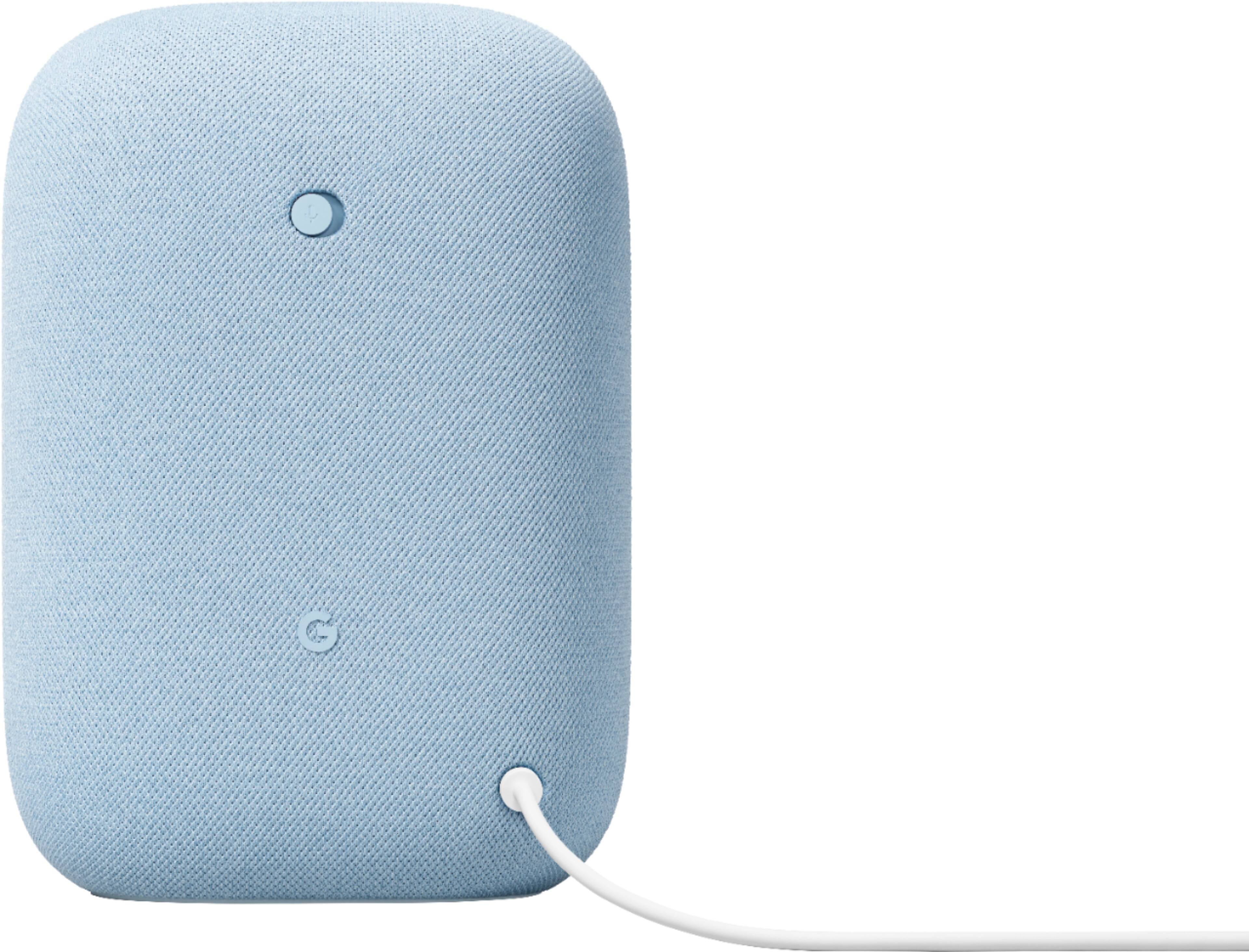
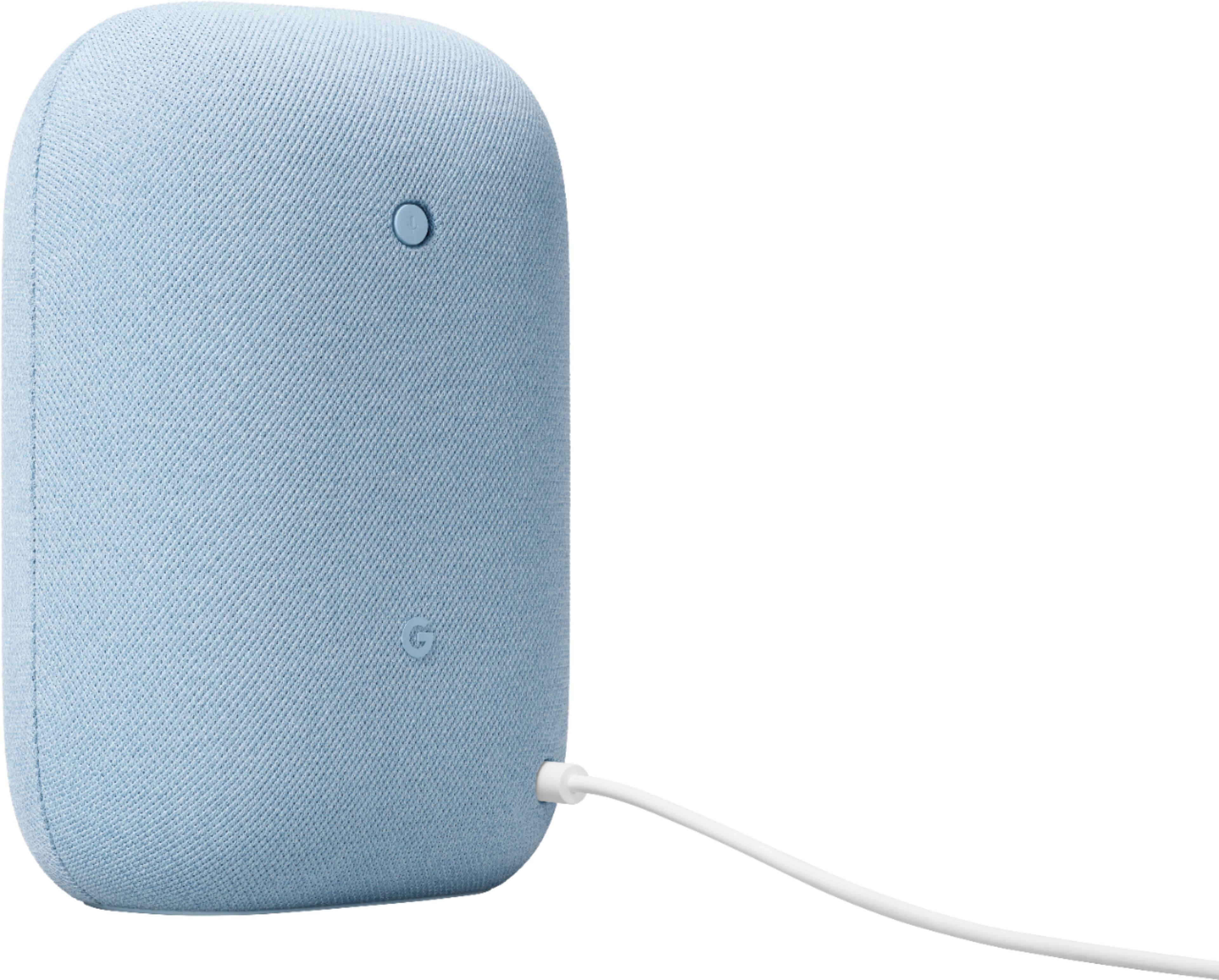




- Model:
- GA01588-US
- SKU:
- 6428306
Rating by feature
- Value
Rating 4.6 out of 5 stars
- Quality
Rating 4.7 out of 5 stars
- Ease of Use
Rating 4.7 out of 5 stars
Customers are saying
Customers commend the Nest Audio Smart Speaker for its excellent sound quality and ease of use. Many appreciate its quick and easy connectivity with Google Assistant, along with its appealing design and suitable size. Some have noted that the bass could be improved, while others have mentioned its light weight.
This summary was generated by AI based on customer reviews.
- Pros mentioned:Sound quality
Google Home
||Posted . Owned for 1 month when reviewed.This reviewer received promo considerations or sweepstakes entry for writing a review.Has great sound when playing music good amount of bass
I would recommend this to a friend - Pros mentioned:Sound quality
Great device!
||Posted . Owned for 3 weeks when reviewed.This reviewer received promo considerations or sweepstakes entry for writing a review.Very impress with sound quality and respond! Plus Best Buy amazing price and service!
I would recommend this to a friend - Pros mentioned:Size, Sound quality
Google-Nest Audio
||Posted .This reviewer received promo considerations or sweepstakes entry for writing a review.Great Sound Quality. I enjoy that it doesn't take up a lot of space. Accurate color proximity. Only downfall that it didn't come with directions of extended use to all the features. I purchased this as a Christmas gift for us and we have been using it a great deal. Highly recommend this product.
I would recommend this to a friend - Pros mentioned:Sound quality
Smart Speaker
||Posted . Owned for 1 month when reviewed.This reviewer received promo considerations or sweepstakes entry for writing a review.Love this!! we listen to music all the time. It is a great product and can be easily moved!
I would recommend this to a friend - Pros mentioned:Sound quality
Great little speaker!
||Posted . Owned for 3 weeks when reviewed.This reviewer received promo considerations or sweepstakes entry for writing a review.Sounds great! it's a great addition to our bedroom for sleep sounds and music.
I would recommend this to a friend - Pros mentioned:Sound quality
Pretty good
||Posted . Owned for 1 month when reviewed.This reviewer received promo considerations or sweepstakes entry for writing a review.Awesome audio quality, integrate with my Google account and my home setting.
I would recommend this to a friend - Pros mentioned:Sound quality
Google Nest Audio Smart Speaker
||Posted . Owned for 2 months when reviewed.This reviewer received promo considerations or sweepstakes entry for writing a review.Great sound quality. A worthy replacement for the original Google Home. It blends in with my decor.
I would recommend this to a friend - Pros mentioned:Sound quality
Speakers
||Posted . Owned for 1 week when reviewed.This reviewer received promo considerations or sweepstakes entry for writing a review.The most loudest I’ve ever bought very understandable when talking to google
I would recommend this to a friend - Pros mentioned:Sound quality
Good sound
||Posted . Owned for 1 month when reviewed.This reviewer received promo considerations or sweepstakes entry for writing a review.Nice and rich bass. Also very clear audio. Really good
I would recommend this to a friend - Pros mentioned:Sound quality
Good speaker. Confusing software setup
||Posted . Owned for 3 weeks when reviewed.This reviewer received promo considerations or sweepstakes entry for writing a review.The speaker itself has performed very well. Sound is good. I would have given it five stars except for the absolutely agonizing process of attempting to set up a second authorized voice recognition for my wife on the Google Home App. I finally got it done but it took most of the evening with several Google and YouTube videos attempting to solve the puzzle.
I would recommend this to a friendBrand response from Nest Support
Posted .Hi Jock, thanks for your time sharing your feedback with us. We're sorry to hear you had trouble setting up Voice Match for your wife. We're glad to know that you're able to do it and the Nest Audio is working well for you.
You may check this link about Voice Match for more info: https://support.google.com/googlenest/answer/7342711
For any questions or you need assistance with your Nest Audio, feel free to contact our support team and we'll be more than happy to help. Reach out to us here: https://support.google.com/googlenest/gethelp
- Pros mentioned:Sound quality
Nest Speaker
||Posted . Owned for 1 month when reviewed.This reviewer received promo considerations or sweepstakes entry for writing a review.Pretty clear and powerful for size and cost. Pleasantly surprised
I would recommend this to a friend Love it!!
||Posted . Owned for 1 month when reviewed.This reviewer received promo considerations or sweepstakes entry for writing a review.I love it, when I first got it I thought it wasn’t going to be loud but I was actually amazed...
I would recommend this to a friend- Pros mentioned:Sound quality
Works Great!
||Posted . Owned for 1 month when reviewed.This reviewer received promo considerations or sweepstakes entry for writing a review.Love it! Works great with my other Nest Audio speaker!
I would recommend this to a friend - Pros mentioned:Sound quality
Great Sound
||Posted . Owned for 1 month when reviewed.This reviewer received promo considerations or sweepstakes entry for writing a review.Great stereo sound when paired in a group, great addition to my smart home setup.
I would recommend this to a friend - Pros mentioned:Sound quality
Great Sound for the Smart Home
||Posted . Owned for 3 weeks when reviewed.This reviewer received promo considerations or sweepstakes entry for writing a review.This is a great sounding smart speaker. Better than my first generation echo.
I would recommend this to a friend - Pros mentioned:Sound quality
works well
||Posted .This reviewer received promo considerations or sweepstakes entry for writing a review.Works well sounds great. Already had a pair. Had to buy another pair.
I would recommend this to a friend - Pros mentioned:Ease of use
Good products
||Posted . Owned for 1 month when reviewed.This reviewer received promo considerations or sweepstakes entry for writing a review.It was easy to set up and use. Good for seniors who are technically challenged because the can use voice commands
I would recommend this to a friend - Pros mentioned:Sound quality
Nice speaker assistant
||Posted . Owned for 2 weeks when reviewed.This reviewer received promo considerations or sweepstakes entry for writing a review.This is my second speaker and paired it with the other one to have stereo sound and
I would recommend this to a friend - Pros mentioned:Sound quality
Good room speaker for music
||Posted . Owned for 3 weeks when reviewed.This reviewer received promo considerations or sweepstakes entry for writing a review.Love the sound for a small room speaker. Great with a complete Google room display
I would recommend this to a friend - Pros mentioned:Sound quality
Smart Speaker
||Posted . Owned for 1 month when reviewed.This reviewer received promo considerations or sweepstakes entry for writing a review.This is a nice upgrade for my google speaker. The music comes through much better and the speaker picks up my voice commands easier.
I would recommend this to a friend