Customer Ratings & Reviews
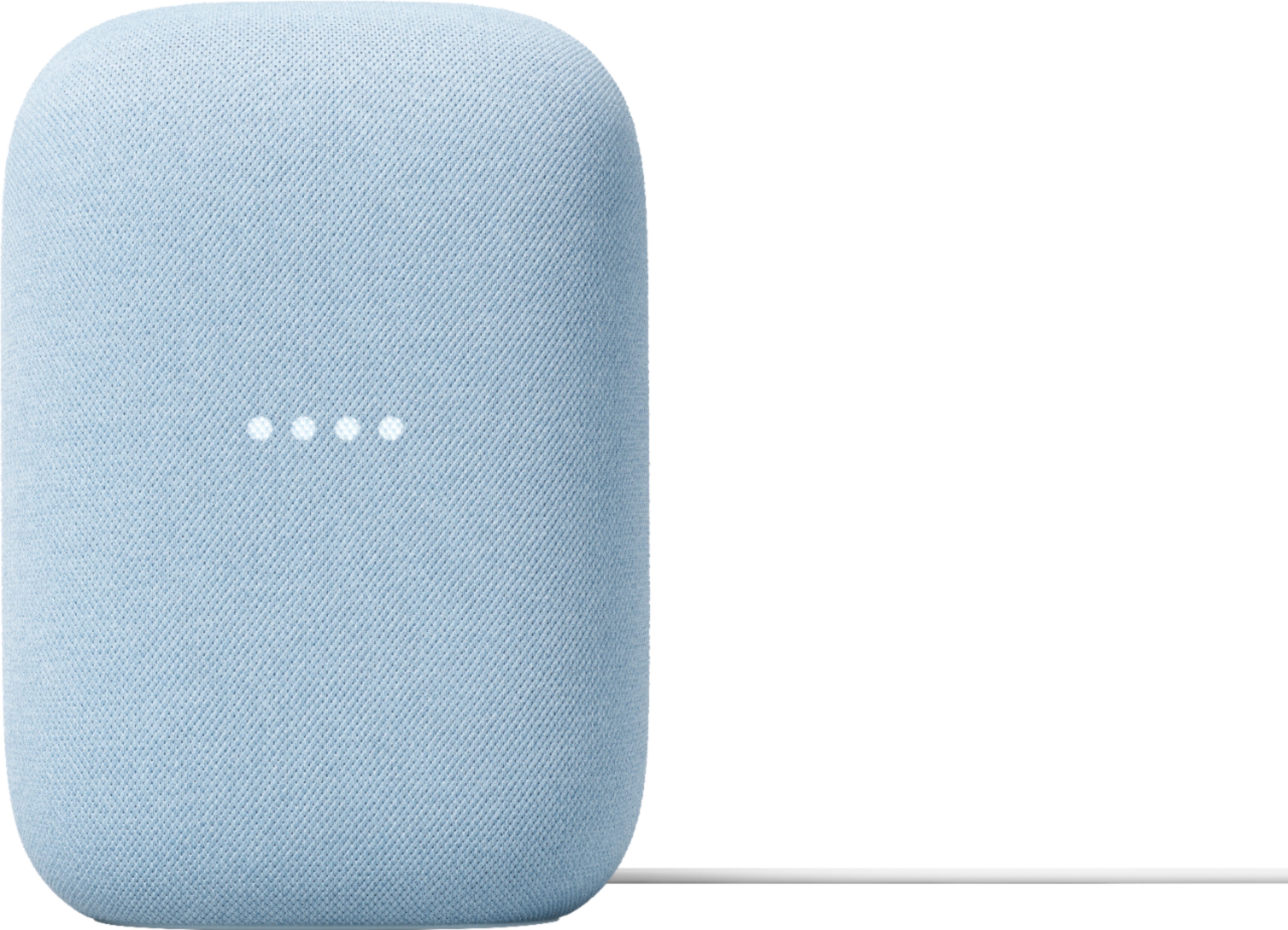
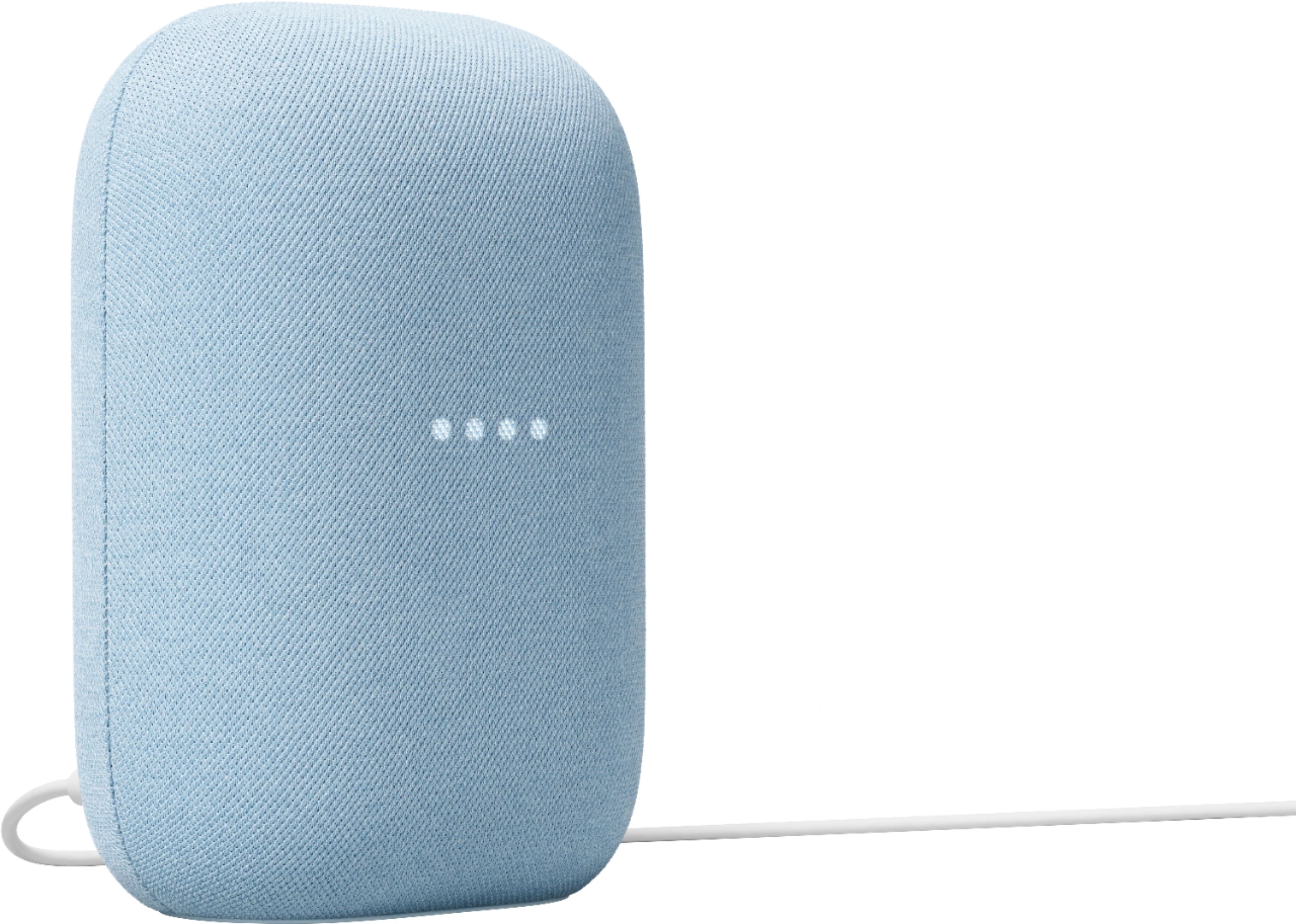
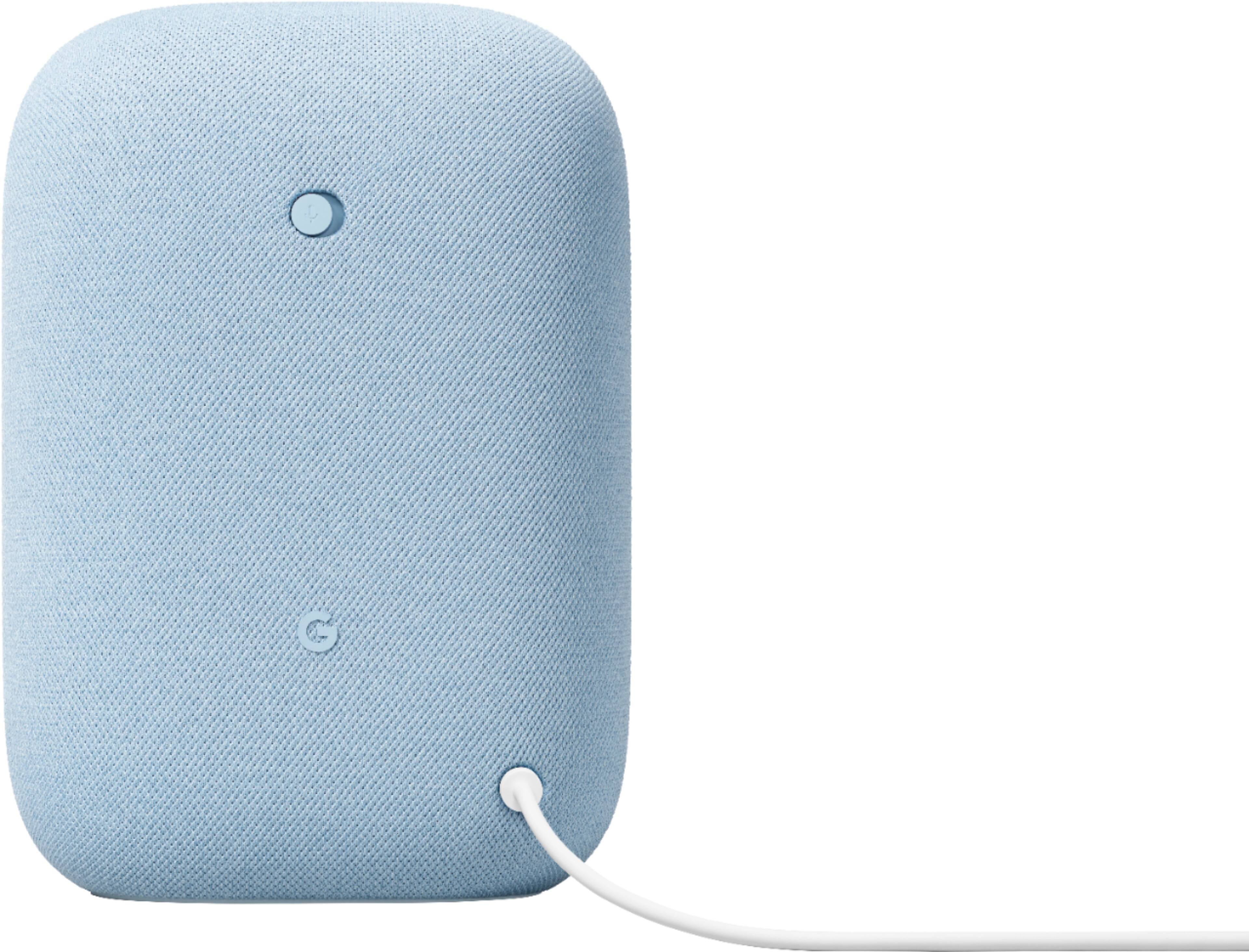
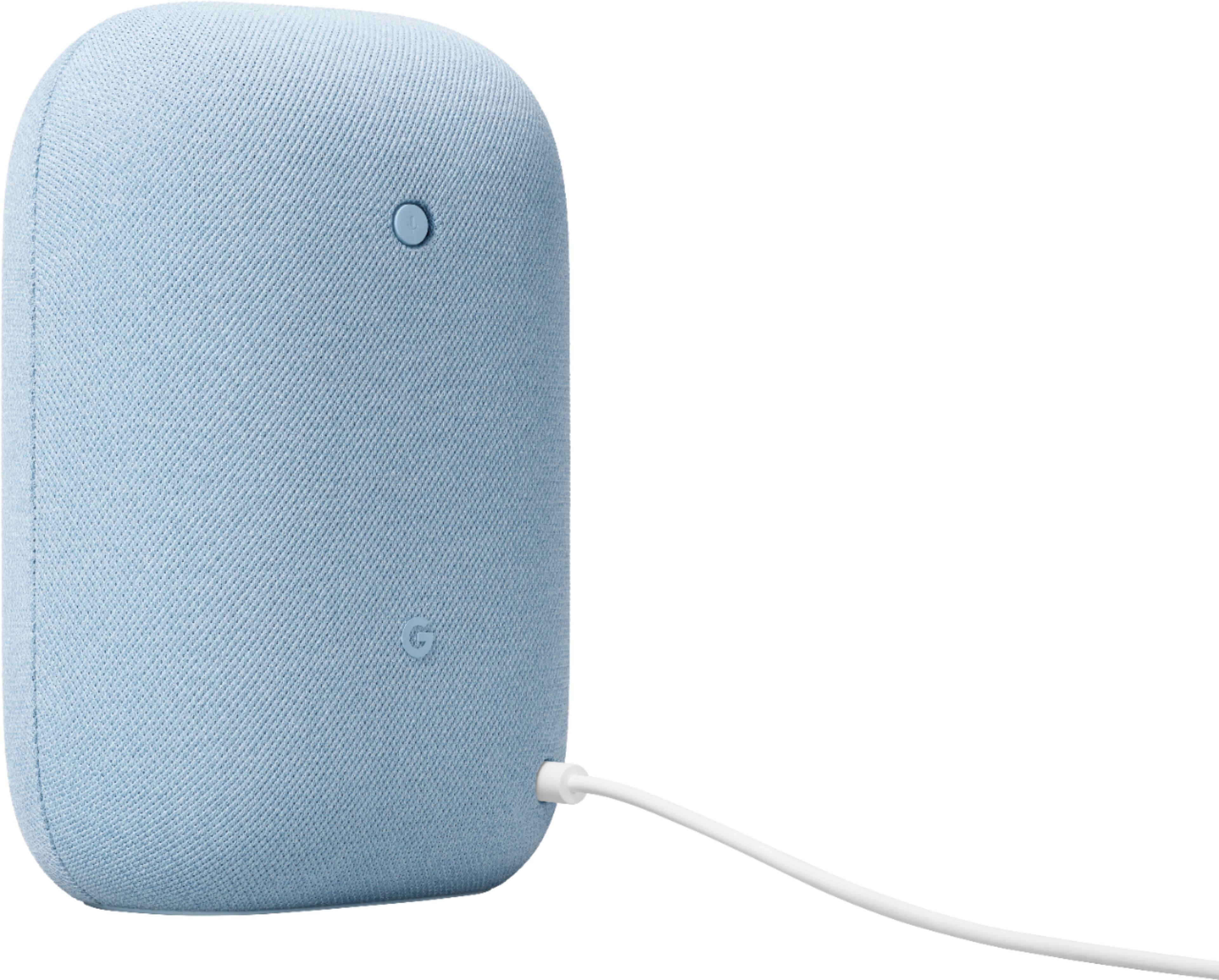




- Model:
- GA01588-US
- SKU:
- 6428306
Rating by feature
- Value
Rating 4.6 out of 5 stars
- Quality
Rating 4.7 out of 5 stars
- Ease of Use
Rating 4.7 out of 5 stars
Customers are saying
Customers commend the Nest Audio Smart Speaker for its excellent sound quality and ease of use. Many appreciate its quick and easy connectivity with Google Assistant, along with its appealing design and suitable size. Some have noted that the bass could be improved, while others have mentioned its light weight.
This summary was generated by AI based on customer reviews.
- Pros mentioned:Sound quality
Works great
||Posted . Owned for 3 weeks when reviewed.This reviewer received promo considerations or sweepstakes entry for writing a review.Works great and is easy to use. Sound is very clear.
I would recommend this to a friend - Pros mentioned:Sound quality
Smart buy
||Posted . Owned for 3 weeks when reviewed.This reviewer received promo considerations or sweepstakes entry for writing a review.Works great. Sound is better than expected for a single speaker
I would recommend this to a friend - Pros mentioned:Connectivity, Sound quality
Great speaker
||Posted . Owned for 1 month when reviewed.This reviewer received promo considerations or sweepstakes entry for writing a review.Love this speaker. It was an upgrade to better sound in my home. It was easy to pair with existing tech and enhanced the listening experience.
I would recommend this to a friend Not impressed
||Posted .This reviewer received promo considerations or sweepstakes entry for writing a review.After reading the review, I decided to give this product a shot. However, I was underwhelmed by its performance. While it's not a bad product by any means, I think its value is closer to $40. In terms of functionality, I didn't notice a significant difference between this unit and my old Google Mini. If you're in the market for something like this, I'd suggest checking it out in person to see if it's right for you.
No, I would not recommend this to a friendBrand response from Google Team
Posted .Thanks for giving the Nest Audio a go, cellicat. Your insights are valuable to us and we’d like to hear more about your experience — here’s a link to our survey to share more: https://google.qualtrics.com/jfe/form/SV_2aStd8wsbcLGvwG

- Pros mentioned:Ease of use
Great dad gift
||Posted . Owned for 2 weeks when reviewed.This reviewer received promo considerations or sweepstakes entry for writing a review.This is great. Easy for my dad to use. He loves it.
I would recommend this to a friend - Pros mentioned:Sound quality
Second Audio Nest
||Posted . Owned for 3 weeks when reviewed.This reviewer received promo considerations or sweepstakes entry for writing a review.This is my second Audio Nest and we love them all.
I would recommend this to a friend - Cons mentioned:Bass
Needs more bass
||Posted . Owned for 1 month when reviewed.This reviewer received promo considerations or sweepstakes entry for writing a review.Loud and filled the living room but bass wasn’t enough for my taste. Nice product tho!!
I would recommend this to a friend Must buy
||Posted . Owned for 2 months when reviewed.This reviewer received promo considerations or sweepstakes entry for writing a review.Does all the things like tracking my stuffs and got it at a great deal.
I would recommend this to a friendGood smart speaker
||Posted . Owned for 1 month when reviewed.This reviewer received promo considerations or sweepstakes entry for writing a review.Its a good product for its value. If you have the google eco system, I think its a good addition. I was looking for audio capabilities and its sound quality is average. The one thing nice about it is that you can talk to it for your music. However for me audio quality is more important and so I returned it, but for what it is, great value for your $.
I would recommend this to a friend- Pros mentioned:Sound quality
Not bad
||Posted .This reviewer received promo considerations or sweepstakes entry for writing a review.Google works great. clear vocals, but a bit lacking on the bass.
No, I would not recommend this to a friendBrand response from Nest Support
Posted .Hi More4me, thanks for posting in your review. We're glad to hear that your experience with your Nest Audio has been great. We'd recommend checking the settings from your Google Home app to adjust bass and treble level for an even better experience. Here are some steps to adjust the sound quality:
1. Make sure your mobile device or tablet is connected to the same Wi-Fi or linked to the same account as your Nest Audio.
2. Open the Google Home app.
3. Tap the device you want to adjust, and then Settings, and then Audio, and then Equalizer.
4. Adjust Bass and Treble level.
If you need further assistance with your Nest Audio, feel free to contact us on our Google Help page and our support specialists will be standing by to lend you a hand. You can reach our help page here: https://support.google.com/googlenest/gethelp
- Pros mentioned:Sound quality
Goggle speakers
||Posted . Owned for 1 month when reviewed.This reviewer received promo considerations or sweepstakes entry for writing a review.Great sound. Still learning to group for a full house sound system.
I would recommend this to a friend - Pros mentioned:Connectivity, Ease of use
Great sound in a small package
||Posted . Owned for 3 weeks when reviewed.This reviewer received promo considerations or sweepstakes entry for writing a review.It's hard to go wrong with this speaker. Easy set up, up and running on WiFi in minutes. Easy to pair with other speakers to form groups.
I would recommend this to a friend Google home
||Posted . Owned for 9 months when reviewed.This reviewer received promo considerations or sweepstakes entry for writing a review.I use it for an extra speaker for my google home. Works really well
I would recommend this to a friend- Pros mentioned:Sound quality
Good for music
||Posted . Owned for 2 months when reviewed.This reviewer received promo considerations or sweepstakes entry for writing a review.Pretty good sound. Other than that it seems worse in responding when called upon.
No, I would not recommend this to a friend - Pros mentioned:Sound quality
Good purchase
||Posted . Owned for 11 months when reviewed.This reviewer received promo considerations or sweepstakes entry for writing a review.I love my Google Nest Speaker, the sound quality is awesome
I would recommend this to a friend - Pros mentioned:Sound quality
Love these speakers
||Posted . Owned for 1 week when reviewed.This reviewer received promo considerations or sweepstakes entry for writing a review.This is the 2nd one of these speakers I've added to my growing Google smart home. The sound quality is great. High volume and deep bass.
I would recommend this to a friend Best decision for automation
||Posted . Owned for 3 months when reviewed.This reviewer received promo considerations or sweepstakes entry for writing a review.Better than Apple home pod and very good at voice recognition and Best decision for automation
I would recommend this to a friendGoogle speaker
||Posted . Owned for 1 month when reviewed.This reviewer received promo considerations or sweepstakes entry for writing a review.We have a lot of google items! I’m we got this item to use in the living room when someone wanted the listen to music. Even though we have other speakers around the house to use, this is just when you need to ask something or just want to use a speaker that a lot quieter then our bigger ones.
I would recommend this to a friend- Pros mentioned:Sound quality
Decent speaker
||Posted . Owned for 2 months when reviewed.This reviewer received promo considerations or sweepstakes entry for writing a review.Decent sound. Not as good as homepod but worth the price.
I would recommend this to a friend - Pros mentioned:Sound quality
Nest speaker
||Posted . Owned for 1 month when reviewed.This reviewer received promo considerations or sweepstakes entry for writing a review.Definitely better speaker than the original home speaker. Actually much better
I would recommend this to a friend