Customer Ratings & Reviews
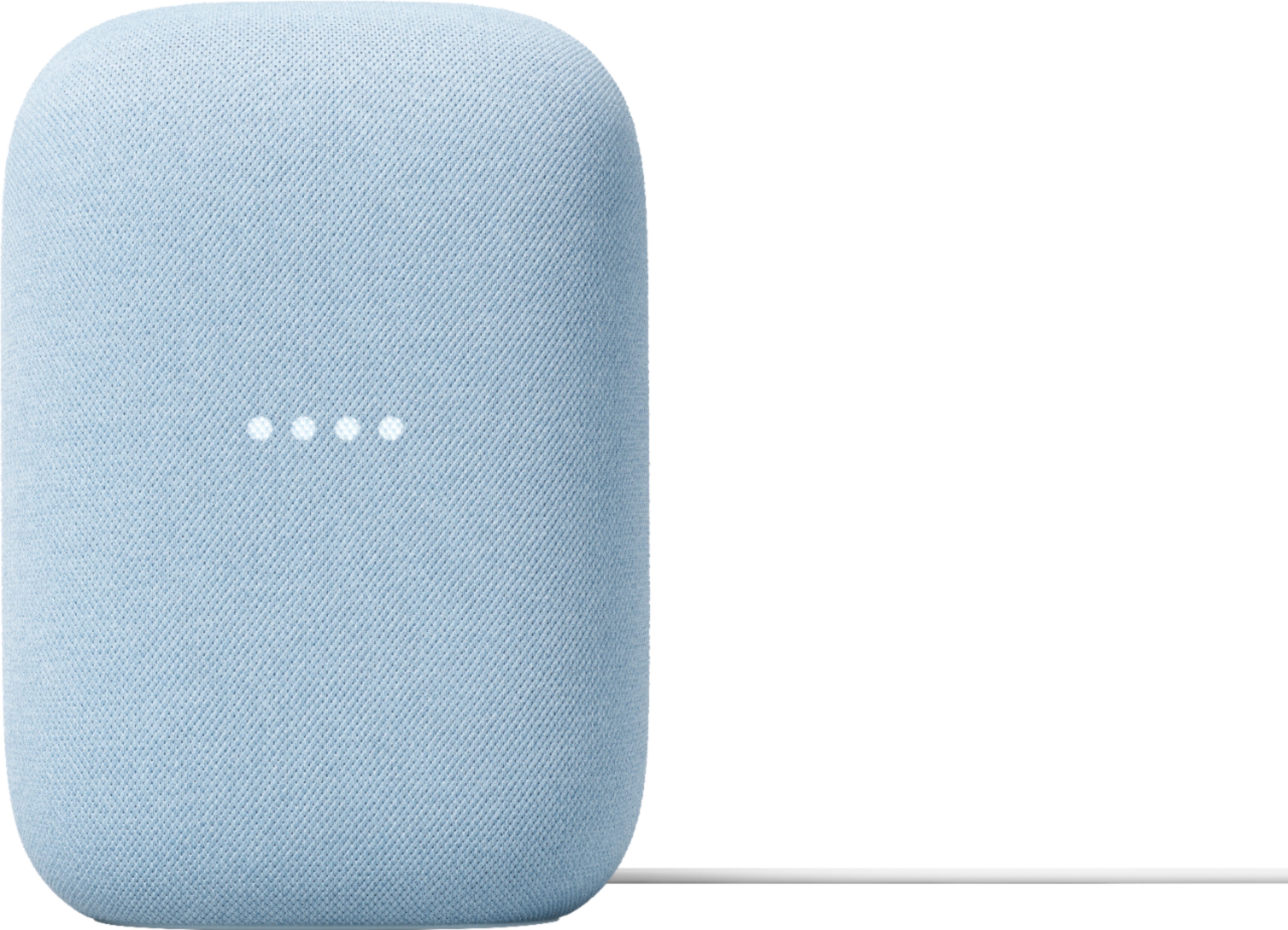
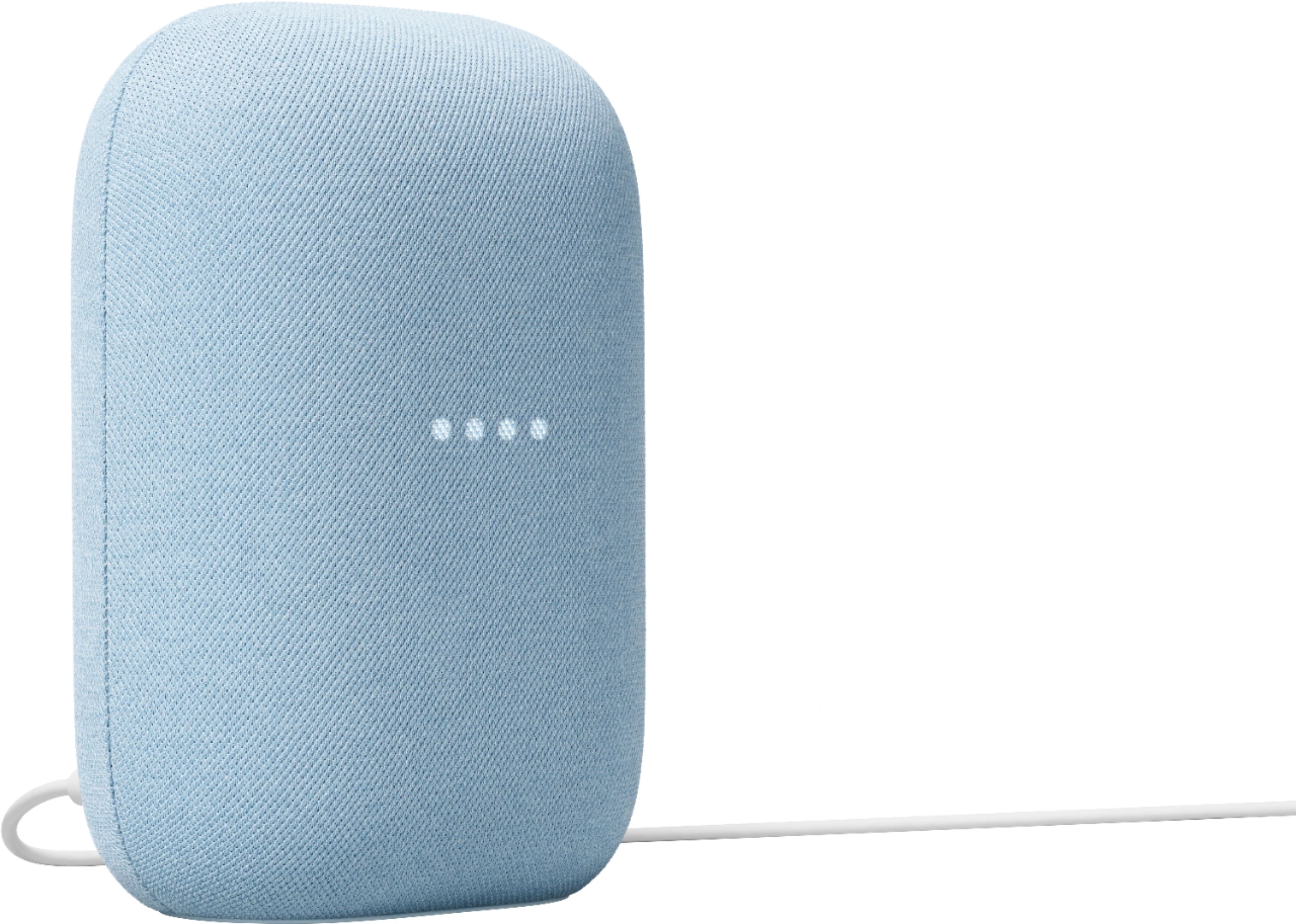
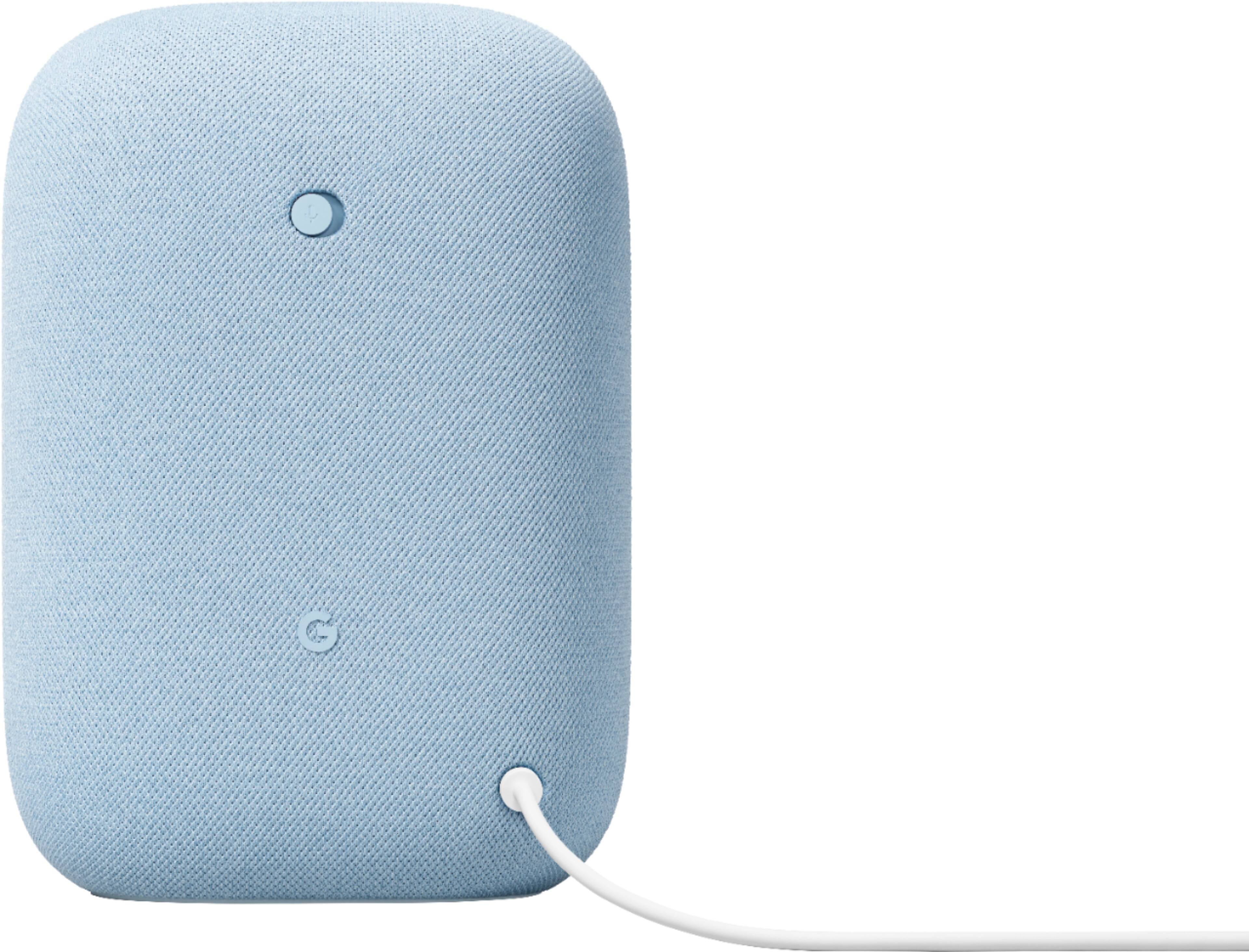
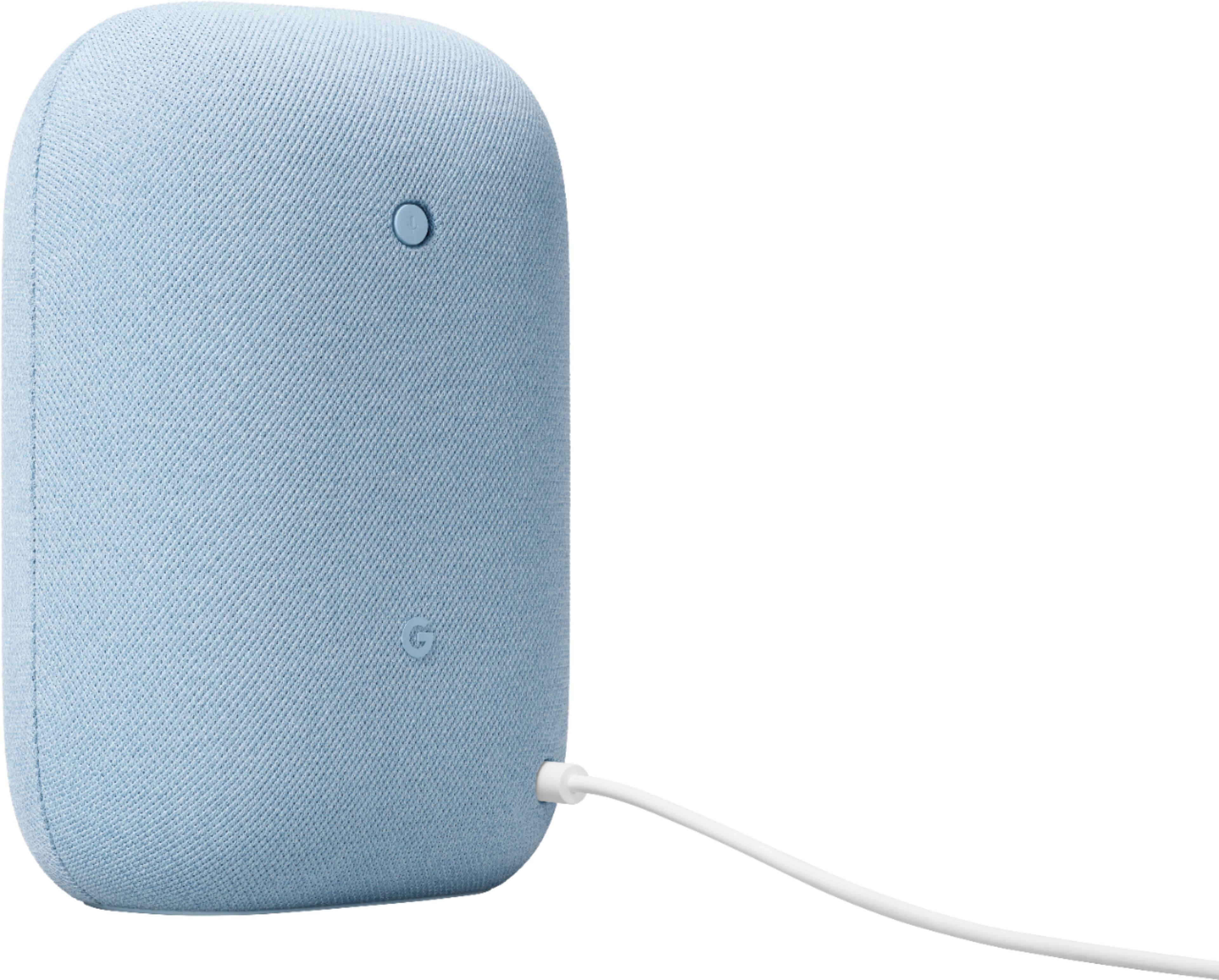




- Model:
- GA01588-US
- SKU:
- 6428306
Rating by feature
- Value
Rating 4.6 out of 5 stars
- Quality
Rating 4.7 out of 5 stars
- Ease of Use
Rating 4.7 out of 5 stars
Customers are saying
Customers commend the Nest Audio Smart Speaker for its excellent sound quality and ease of use. Many appreciate its quick and easy connectivity with Google Assistant, along with its appealing design and suitable size. Some have noted that the bass could be improved, while others have mentioned its light weight.
This summary was generated by AI based on customer reviews.
Google home
||Posted .This reviewer received promo considerations or sweepstakes entry for writing a review.Just got it, my brother has one and it works great so I bought one myself.
I would recommend this to a friend- Pros mentioned:Sound quality
Great smart speaker
||Posted . Owned for less than 1 week when reviewed.This reviewer received promo considerations or sweepstakes entry for writing a review.I am coming from the insigina smart speakers Best Buy sold. Not sure why they stopped selling those. But this speaker is good the highs and lows sound good I would recommend has right amount of base not to heavy. I hope they make one that shows the time and temperature in the speaker would be nice
I would recommend this to a friend Google nest Audio
||Posted . Owned for 3 weeks when reviewed.This reviewer received promo considerations or sweepstakes entry for writing a review.For the most part I'm pretty happy. Purchased a you tube premium. Sometimes won't shut off and tells me account on too many devices.
I would recommend this to a friendBrand response from Nest Support
Posted .Hi Sean, thanks for sharing your experience. We’re glad to know that you find your Nest Audio great, and we also do apologize if it keeps on announcing that your Google account is logged on multiple devices.
Your feedback is important to us, and we’d like to help you the best way possible. If you’re willing, we’d like the opportunity to talk about your experience. You can contact our support team here: https://support.google.com/googlenest/gethelp
Worse speakers ever have
||Posted . Owned for 3 months when reviewed.This reviewer received promo considerations or sweepstakes entry for writing a review.Bought a set of speakers to added to my google home thinking it was a good idea but these speakers won't connect most the time. Already reset it a few times and even deleted from home. Try to contact google but nobody help me out. I have other Bluetooth speakers and never had issues. Just be aware before buy these speakers.
No, I would not recommend this to a friendBrand response from Nest Support
Posted .Hi Raphemer, thanks for bringing this issue to our attention. We're sorry to hear that your Nest Audio Speakers won't connect most of the time.
Here are some recommended steps to help you with the issue:
- Check for possible congestion in your Wi-Fi network. Removing some of your connected devices can help free up some bandwidth space. You may then check to see if you will still experience the same connectivity issue.
- You may also check for possible sources of interference such as the thick walls and appliances in your home.
If you encounter any further issue, please consider contacting our support team for further troubleshooting and isolation here: https://support.google.com/googlenest/gethelp
- Pros mentioned:Sound quality
Big improvement over the Mini.
||Posted . Owned for 1 month when reviewed.This reviewer received promo considerations or sweepstakes entry for writing a review.I bought this to replace one of the original Google Home Minis. That was working fine, but I wanted better audio quality. This speaker certainly has excellent sound. It takes up some counter space (the Mini was on the wall), but it's worth it.
I would recommend this to a friend Worth the money
||Posted . Owned for 1 week when reviewed.This reviewer received promo considerations or sweepstakes entry for writing a review.This nest is amazing and great value for what you are getting. Was a perfect Xmas gift for a family member
I would recommend this to a friendReplaced
||Posted . Owned for 1 month when reviewed.This reviewer received promo considerations or sweepstakes entry for writing a review.Does as it should replaced a smaller one with this .
I would recommend this to a friendQuality Smart Speaker
||Posted . Owned for 2 weeks when reviewed.This reviewer received promo considerations or sweepstakes entry for writing a review.Got this for a good price before blackfriday. I works pretty good and have no issues.
I would recommend this to a friendBest Smart Speaker
||Posted . Owned for 3 months when reviewed.This reviewer received promo considerations or sweepstakes entry for writing a review.Works very well. Perfect Buy and would definitely recommend
I would recommend this to a friend- Pros mentioned:Size
Ehh!
||Posted . Owned for 7 months when reviewed.This reviewer received promo considerations or sweepstakes entry for writing a review.Sound quality is ok. Not as good as I imagined. It's just pretty much a bigger google home.
I would recommend this to a friendBrand response from Nest Support
Posted .Hi MrDontPlay305, thanks for sharing your feedback. We're sorry to hear that the sound quality for your Nest Audio didn't quite meet your expectations.
If you haven't tried yet, you can change the audio settings of your Nest Audio in the Google Home app. To adjust bass and treble level:
- Make sure your mobile device or tablet is connected to the same Wi-Fi or linked to the same account as your Nest Audio.
- Open the Google Home app.
- Tap the device you want to adjust > and then Settings > and then Audio and then Equalizer.
- Adjust Bass and Treble level.
You can always contact us for your support concerns, by reaching out to our team here: https://support.google.com/googlenest/gethelp
The best smart speaker
||Posted . Owned for less than 1 week when reviewed.This reviewer received promo considerations or sweepstakes entry for writing a review.Great smart speaker. Google makes the best smart products, hands down.
I would recommend this to a friend- Pros mentioned:Sound quality
Can't be beaten
||Posted . Owned for 3 weeks when reviewed.This reviewer received promo considerations or sweepstakes entry for writing a review.Value for the price is unbelievable. There is so much to like about these speakers. I haven't paired as a stereo set. The base is on point. Quality of the sound is great. I'm not an audiophile that sounds good to me
I would recommend this to a friend Love Google
||Posted . Owned for 2 months when reviewed.This reviewer received promo considerations or sweepstakes entry for writing a review.We love all of the Google products and are looking to add more security devices.
I would recommend this to a friendHappy Customer
||Posted . Owned for 1 month when reviewed.This reviewer received promo considerations or sweepstakes entry for writing a review.Great Product! Bought as a gift for my husband and he loves it! Will buy more product to add to it!
I would recommend this to a friendGreat quality speaker
||Posted . Owned for 3 weeks when reviewed.This reviewer received promo considerations or sweepstakes entry for writing a review.Was worried the quality wouldn’t be so great but boy was I wrong!
I would recommend this to a friendGoogle Nest
||Posted . Owned for 1 month when reviewed.This reviewer received promo considerations or sweepstakes entry for writing a review.It's been great this far. My second one and Hey Google is amazing.
I would recommend this to a friendGoogle
||Posted . Owned for 2 weeks when reviewed.This reviewer received promo considerations or sweepstakes entry for writing a review.Perfect gift for my parents. Excelente conditions…..
I would recommend this to a friendBar speaker
||Posted . Owned for 1 month when reviewed.This reviewer received promo considerations or sweepstakes entry for writing a review.I love it i have 5 minis but this one just the best
I would recommend this to a friendValue
||Posted . Owned for 2 weeks when reviewed.This reviewer received promo considerations or sweepstakes entry for writing a review.Excellent product, Excellent store coverage policy in case anything goes wrong.
I would recommend this to a friendMa.
||Posted . Owned for 3 weeks when reviewed.This reviewer received promo considerations or sweepstakes entry for writing a review.Love it great to have in kitchen when I’m cooking!
I would recommend this to a friend