Customer Ratings & Reviews
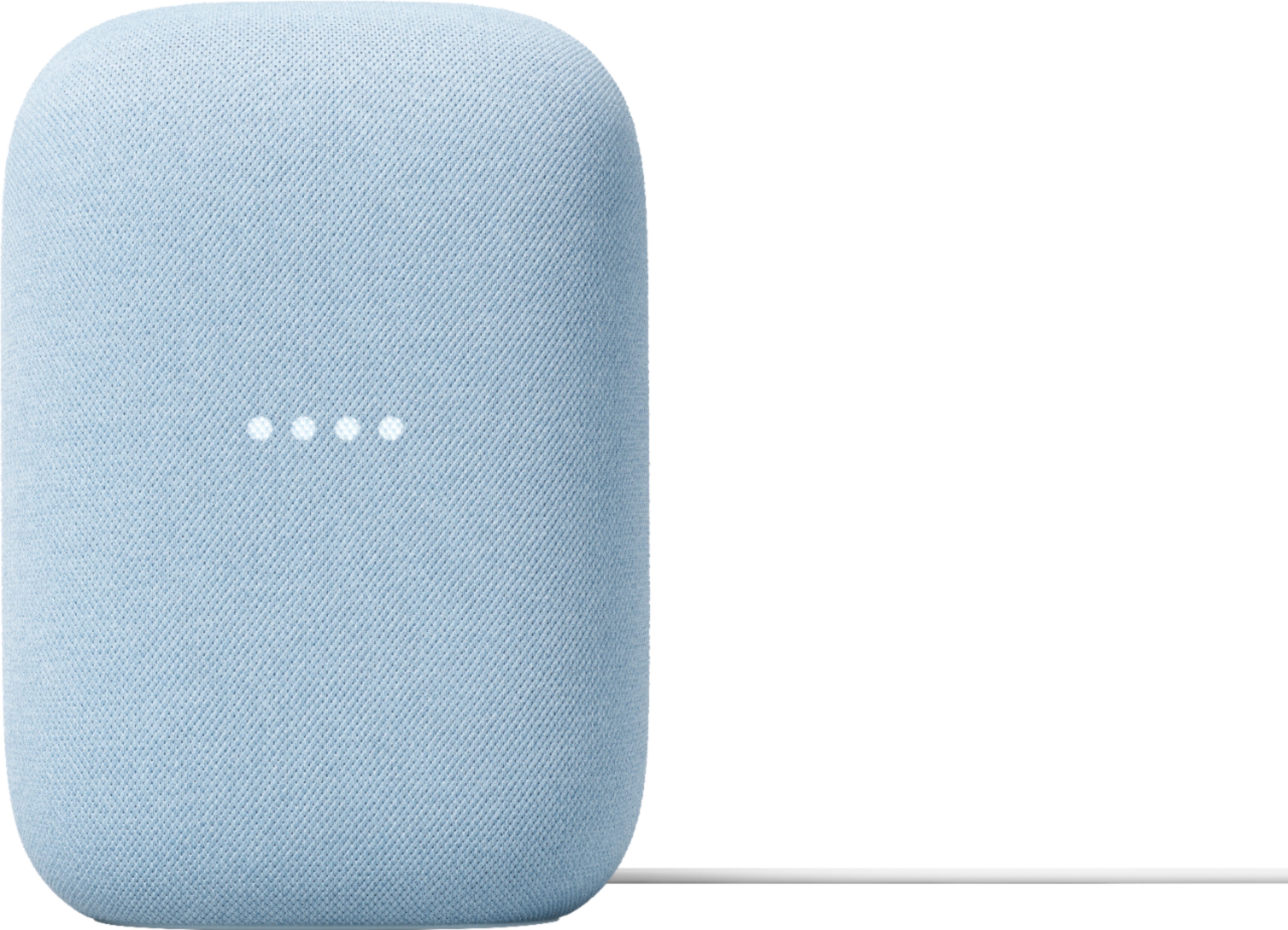
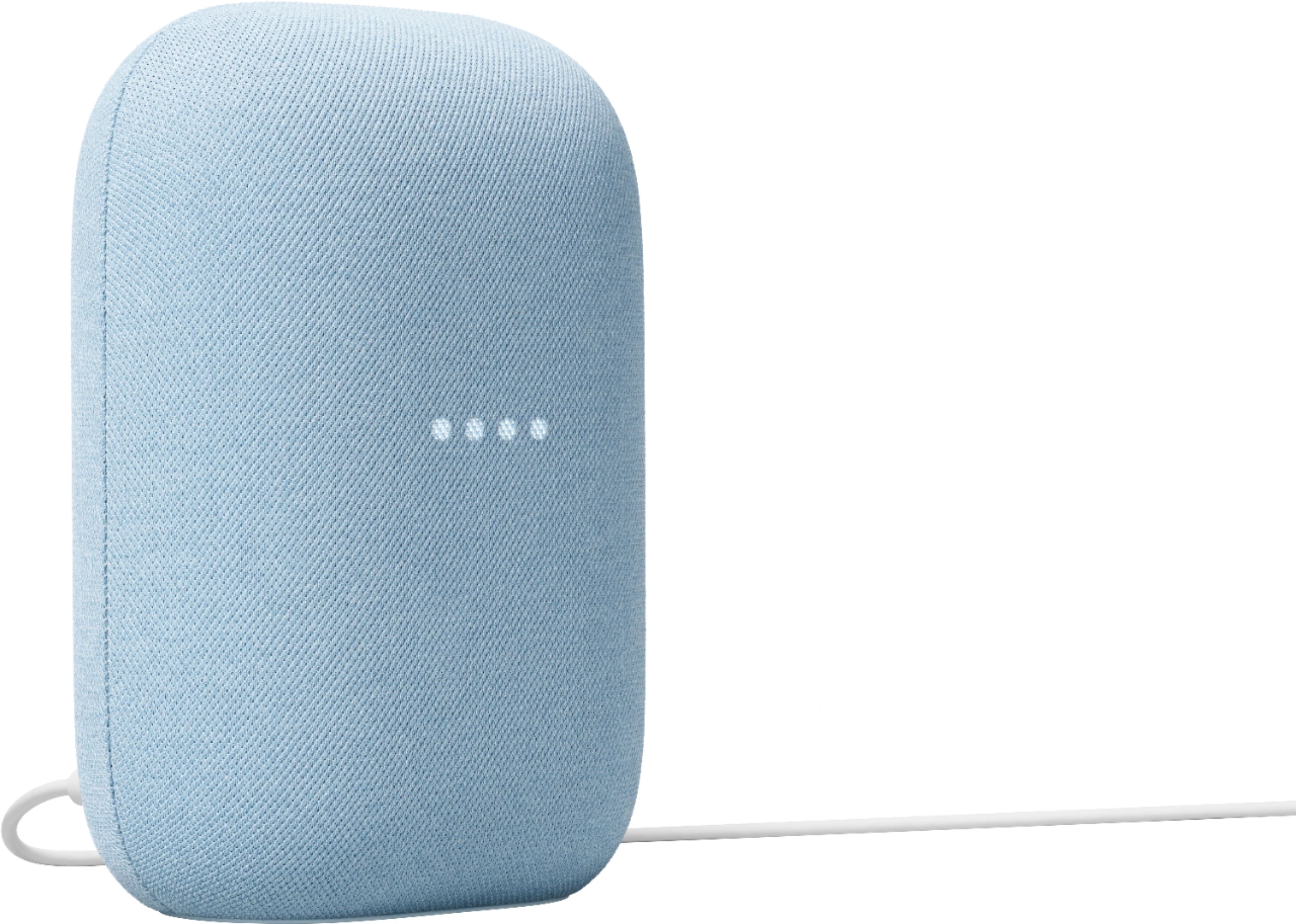
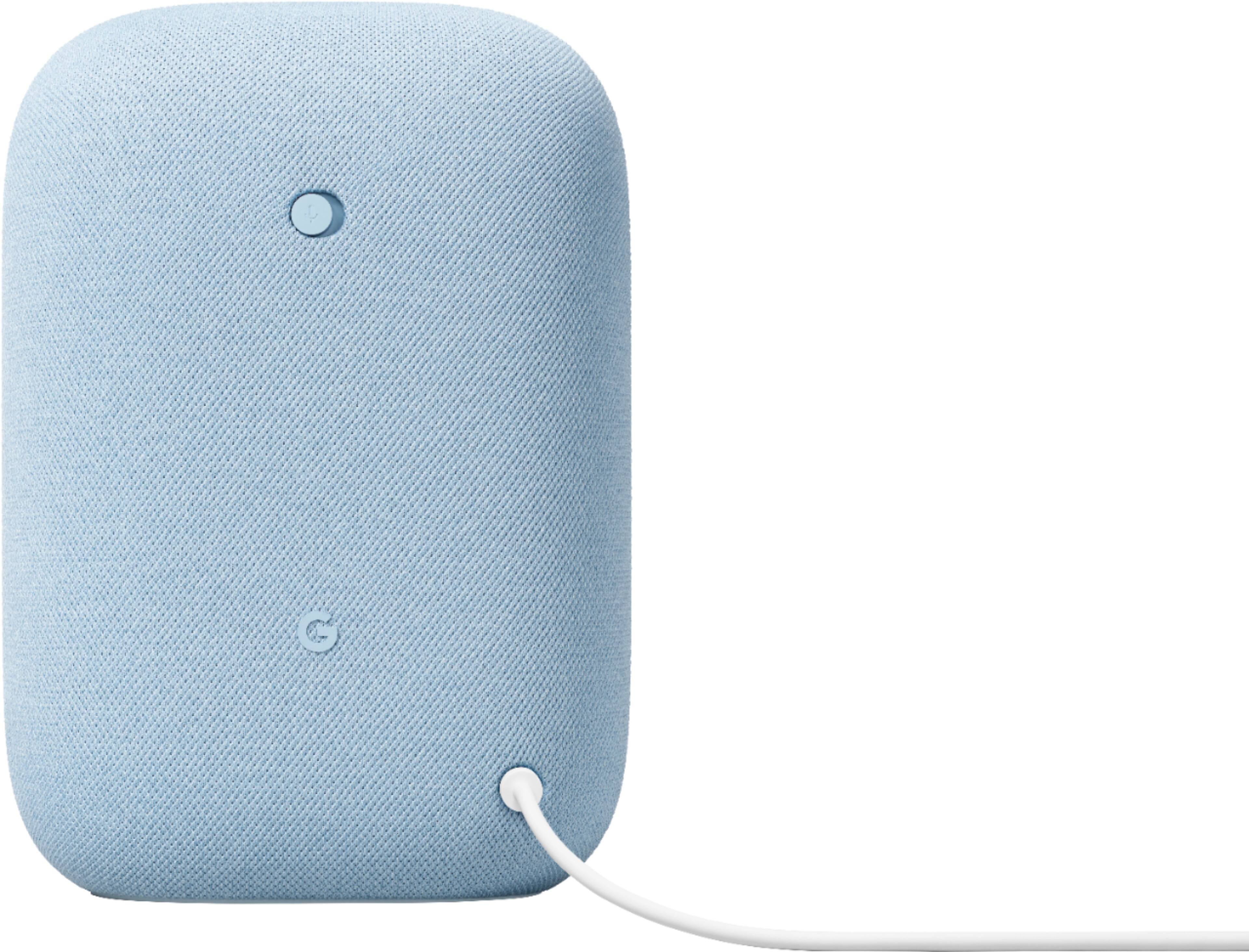
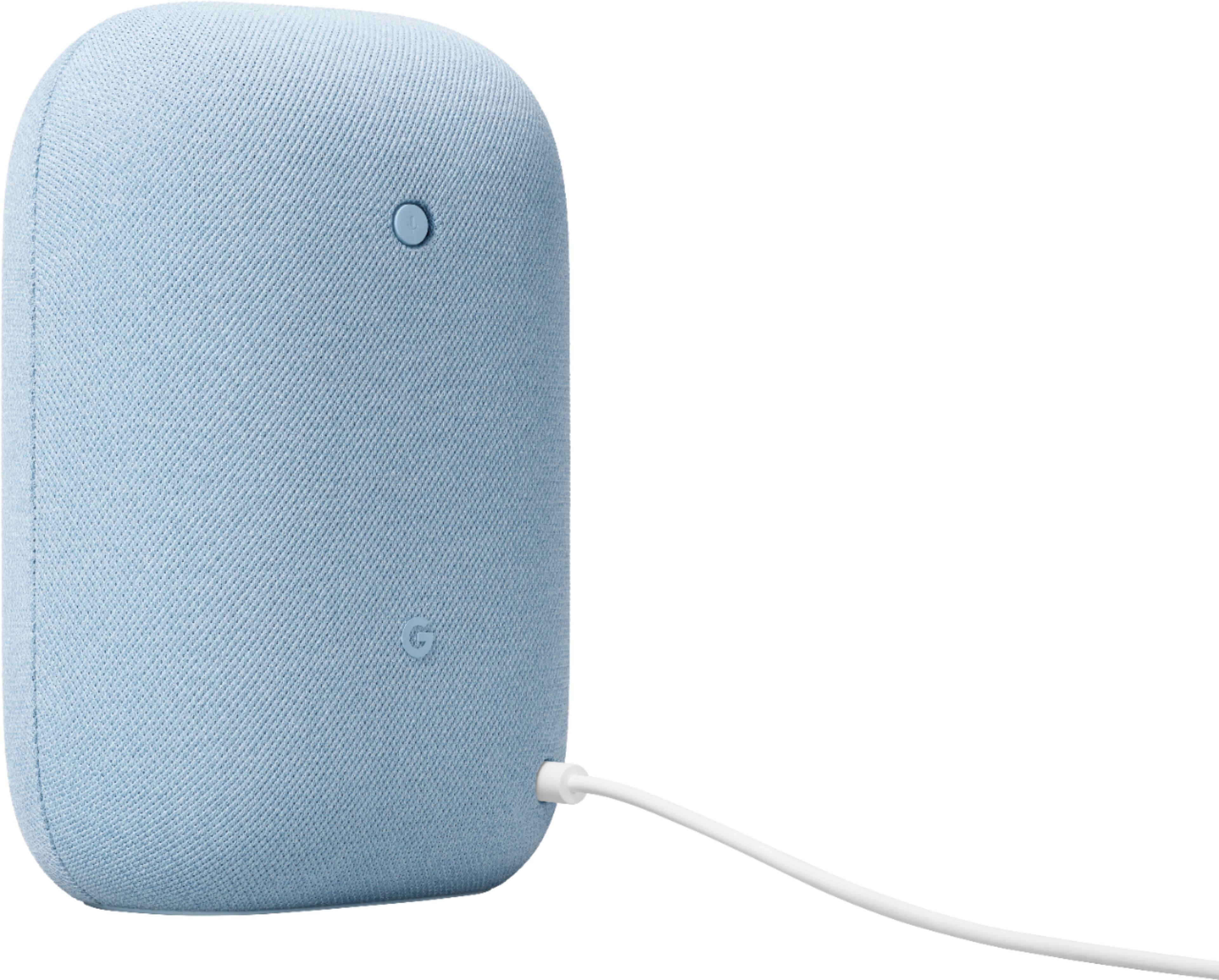




- Model:
- GA01588-US
- SKU:
- 6428306
Rating by feature
- Value
Rating 4.6 out of 5 stars
- Quality
Rating 4.7 out of 5 stars
- Ease of Use
Rating 4.7 out of 5 stars
Customers are saying
Customers commend the Nest Audio Smart Speaker for its excellent sound quality and ease of use. Many appreciate its quick and easy connectivity with Google Assistant, along with its appealing design and suitable size. Some have noted that the bass could be improved, while others have mentioned its light weight.
This summary was generated by AI based on customer reviews.
Google does not support the products the make
||Posted . Owned for 1 year when reviewed.This reviewer received promo considerations or sweepstakes entry for writing a review.For the love of God don't give Google any money. They don't stand by the products they have. The speakers don't recognize commands on the daily. Will just start speaking and will play stuff you didn't ask for. Won't turn on/off stuff like they use too. Broke
No, I would not recommend this to a friendBrand response from Google Team
Posted .Hey there, ChrisH. We’re sorry to see you’re running into issues with the voice assistant on the Nest Audio — we get how frustrating that can be. A quick reset helps solve several problems — here’s how to do it:
1. Make sure your mobile device or tablet is linked to the same account as your speaker or display.
2. Open the Google Home app.
3. Tap Home > All devices, then touch and hold your device's tile.
4. Tap Settings > More > Reboot.
Don’t hesitate to reach out to us here: https://support.google.com/googlenest/gethelp
Good
||Posted . Owned for 1 month when reviewed.This reviewer received promo considerations or sweepstakes entry for writing a review.Would recommend it if people like Google home stuff
I would recommend this to a friend- Pros mentioned:Sound quality
Great product
||Posted . Owned for 4 months when reviewed.This reviewer received promo considerations or sweepstakes entry for writing a review.Unfortunately I couldn't hook this up to work with my TV which is the reason I purchased. It looks great and the sound quality is excellent and this why I rated five stars but I had to return it.
I would recommend this to a friendBrand response from Nest Support
Posted .Hi Will, thanks for posting your experience. We’re sorry to learn that you’re not able to connect your Nest Audio with your TV, and had to return it. We value your feedback as we are always looking for ways to improve our products and services. If you need assistance in the future, you can always contact our support team. Feel free to contact us here: https://support.google.com/googlenest/gethelp

Google home
||Posted .This reviewer received promo considerations or sweepstakes entry for writing a review.We love our Google! It works well with our smart plug :)
I would recommend this to a friendNice speaker
||Posted .This reviewer received promo considerations or sweepstakes entry for writing a review.Absolutely in love with this speaker! Definitely buy it
I would recommend this to a friendI love it
||Posted . Owned for 3 weeks when reviewed.This reviewer received promo considerations or sweepstakes entry for writing a review.I love this speaker. My goal is to get one for every room
I would recommend this to a friend- Pros mentioned:Sound quality
Great smart speaker!
||Posted .This reviewer received promo considerations or sweepstakes entry for writing a review.Love this speaker! I upgraded from a nest Mini to a pair of these for my living room and I created a stereo pair. They fill the room really well, are responsive, and I love the sage color!
I would recommend this to a friend Great!
||Posted . Owned for less than 1 week when reviewed.This reviewer received promo considerations or sweepstakes entry for writing a review.Just another solid google product, absolutely complaints.
I would recommend this to a friend- Pros mentioned:Sound quality
The quality of sound is Awesome
||Posted . Owned for 3 weeks when reviewed.This reviewer received promo considerations or sweepstakes entry for writing a review.OMG Google out did them self. This new speaker is amazing. I have 5 of them and the sound quality is Awesome. I Replace my old Google home speaker's
I would recommend this to a friend Audiophiles, keep looking.
||Posted . Owned for 3 weeks when reviewed.This reviewer received promo considerations or sweepstakes entry for writing a review.No matter what other reviewers are saying, I am not crazy about the sound of this unit. It is marginally better sounding than the smaller nest speaker. On the plus side it far more sensitive at picking up voice commands.
No, I would not recommend this to a friendLoved ir
||Posted . Owned for 1 month when reviewed.This reviewer received promo considerations or sweepstakes entry for writing a review.Gave as a gift, she loved it and uses it all the time!
I would recommend this to a friendGreat item
||Posted . Owned for 1 month when reviewed.This reviewer received promo considerations or sweepstakes entry for writing a review.Excellent item and exactly what it is advertised as.
I would recommend this to a friendGoogle Nest
||Posted .This reviewer received promo considerations or sweepstakes entry for writing a review.I bought 2 of the products and really liked this item.
I would recommend this to a friendCool smart speaker
||Posted . Owned for less than 1 week when reviewed.This reviewer received promo considerations or sweepstakes entry for writing a review.This will be a cool smart speaker I will use it every day
I would recommend this to a friend- Pros mentioned:Sound quality
Great sound
||Posted . Owned for 3 weeks when reviewed.This reviewer received promo considerations or sweepstakes entry for writing a review.This is a great addition to the smart home hub. The sound quality is great and it works perfectly with voice commands. I have them all over the house.
I would recommend this to a friend Google - Nest Audio - Smart Speaker
||Posted . Owned for 1 month when reviewed.This reviewer received promo considerations or sweepstakes entry for writing a review.Works great as long as you use the right words. It loves to say "I don't understand."
I would recommend this to a friendGoogle home
||Posted . Owned for 3 weeks when reviewed.This reviewer received promo considerations or sweepstakes entry for writing a review.Worked as advertised, good price, had it in stock.
I would recommend this to a friendNest Audio
||Posted . Owned for 1 month when reviewed.This reviewer received promo considerations or sweepstakes entry for writing a review.But this to connect to my nest doorbell for the chime. Love it lol work like a charm
I would recommend this to a friend- Pros mentioned:Sound quality
Upgrade
||Posted . Owned for 3 weeks when reviewed.This reviewer received promo considerations or sweepstakes entry for writing a review.Sounds great. So much more bass than my last Google Speaker. No dial that's difficult to adjust the volume. Just tap the top right or left.
I would recommend this to a friend Not the greatest!
||Posted . Owned for 1 month when reviewed.This reviewer received promo considerations or sweepstakes entry for writing a review.Not as good of sound quality as I thought it would be... A little disappointed.
No, I would not recommend this to a friend