Customer Ratings & Reviews
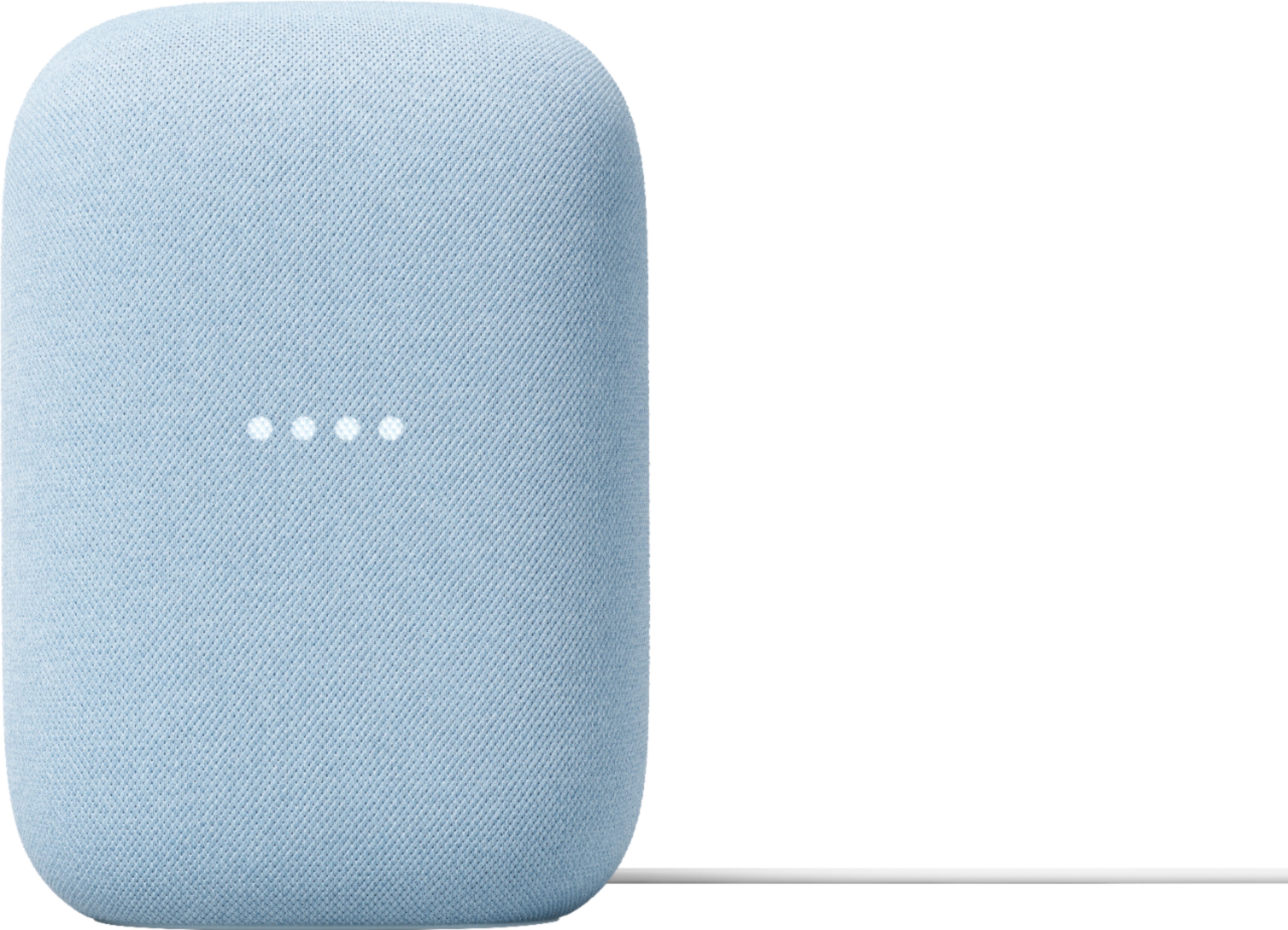
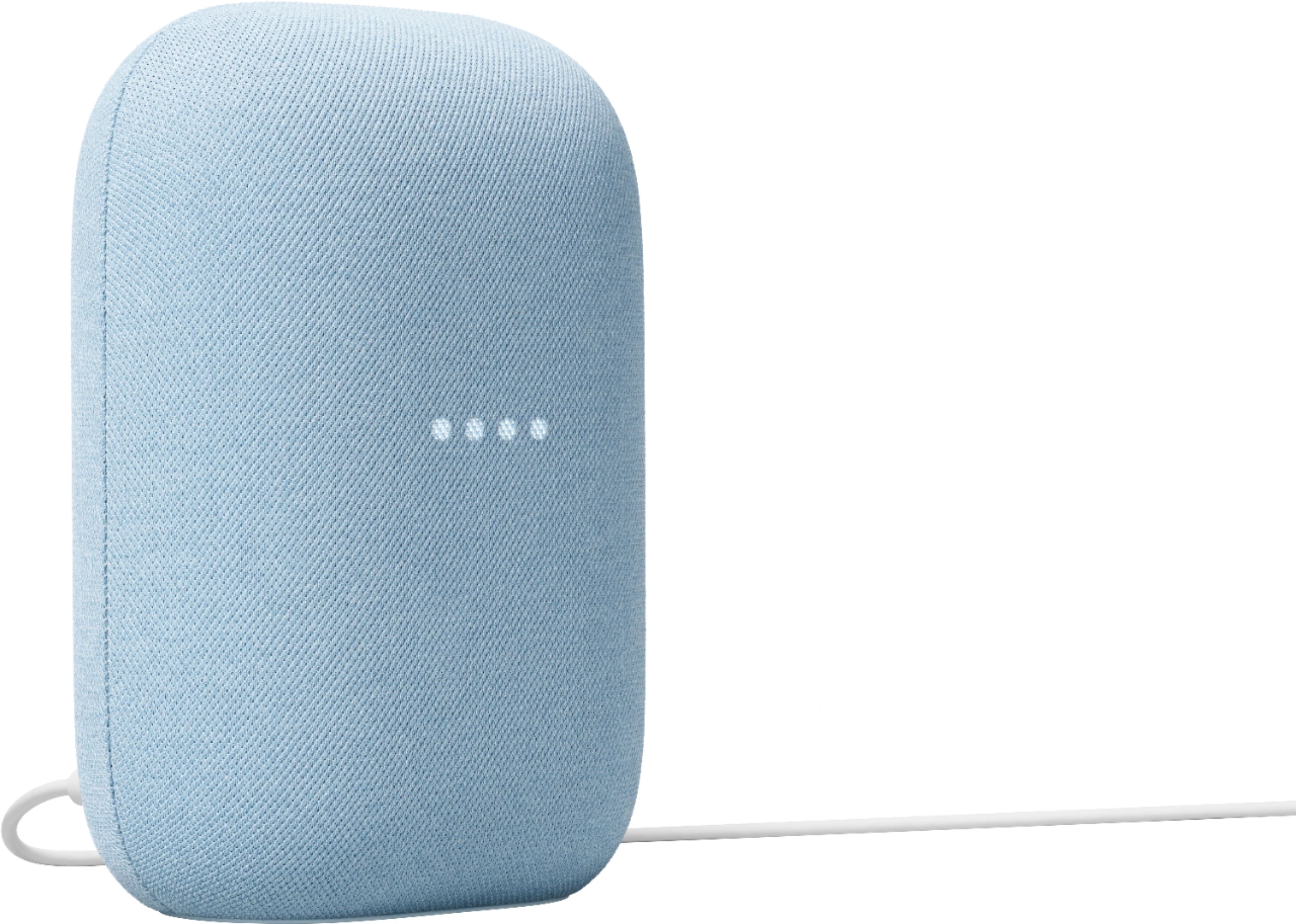
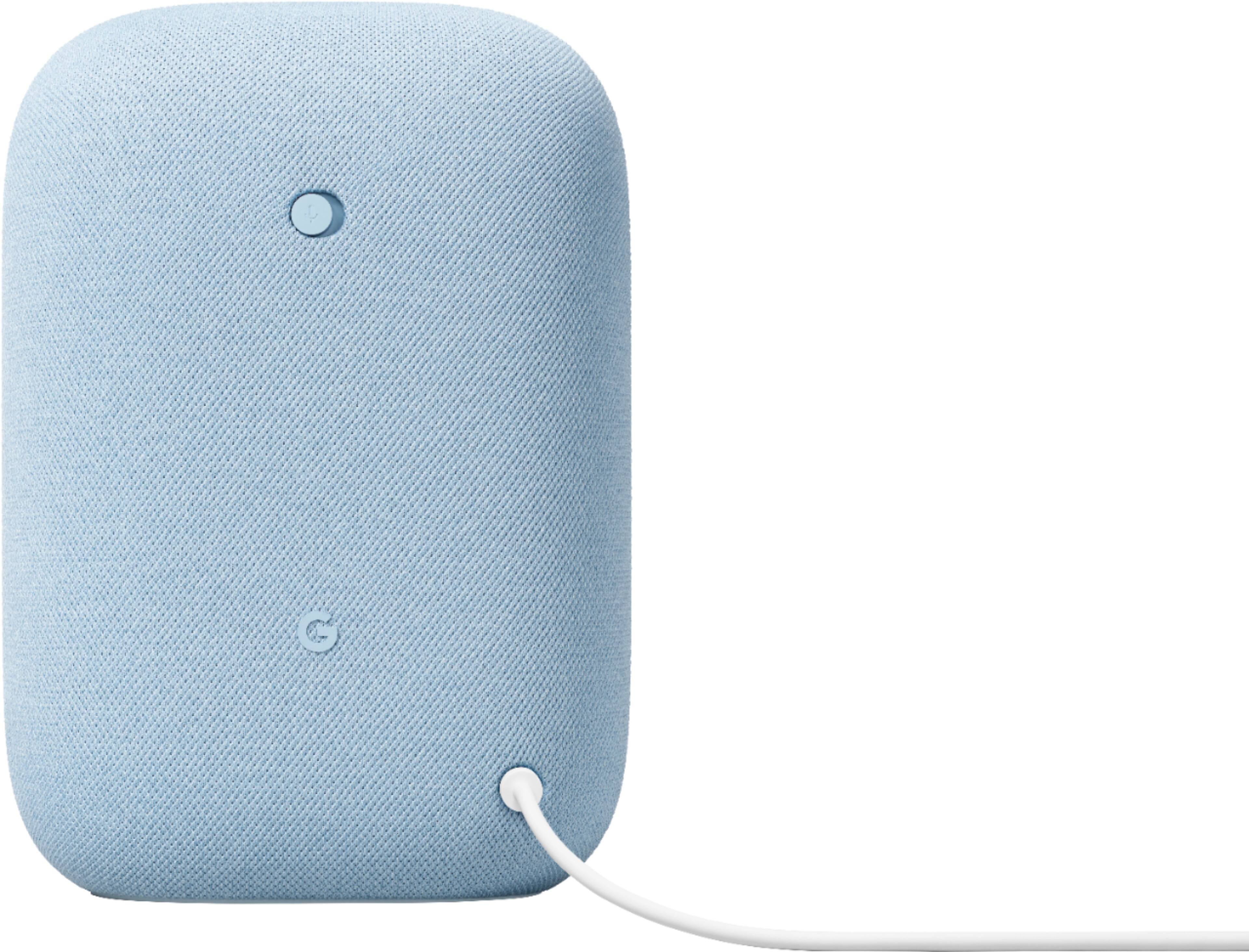
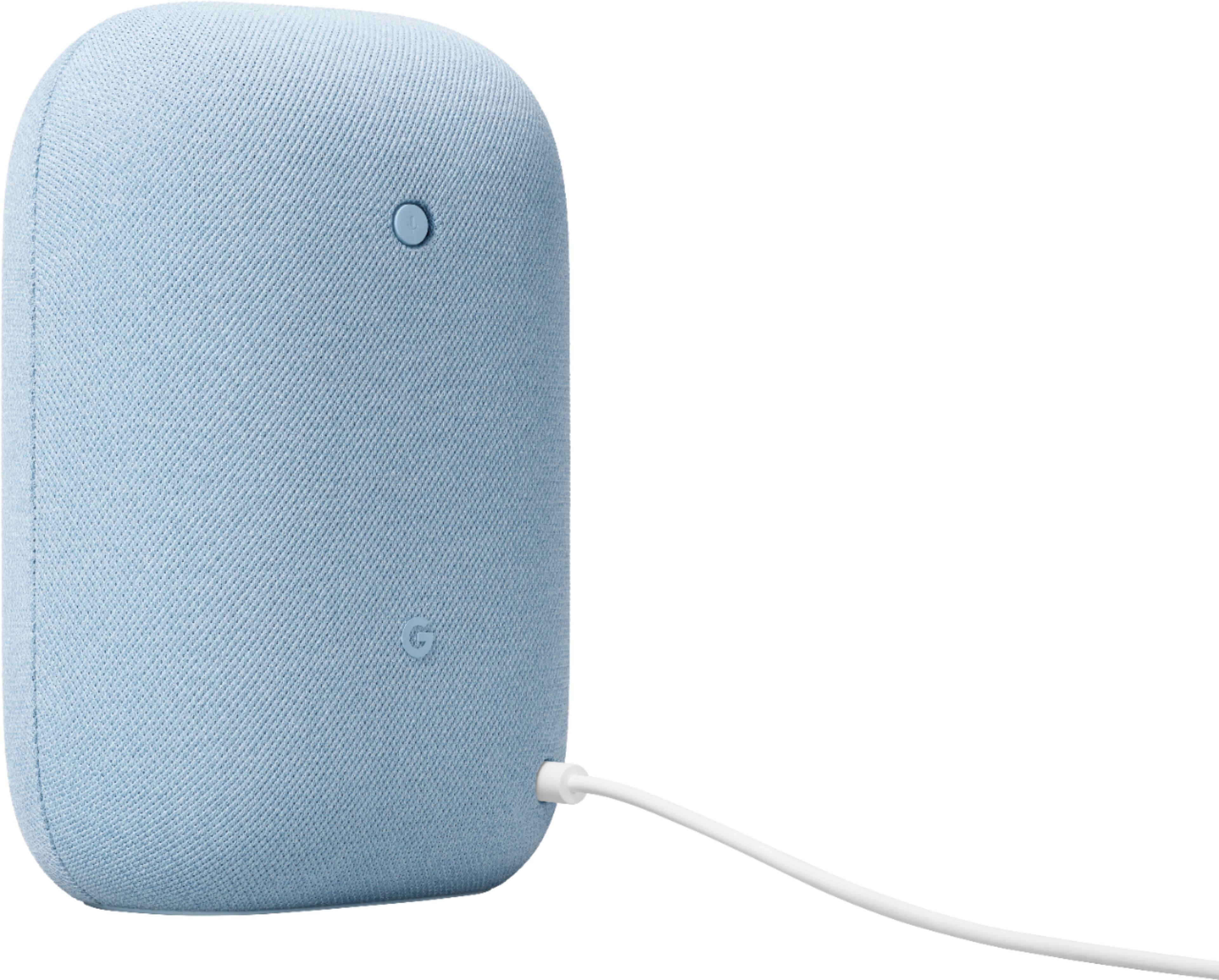




- Model:
- GA01588-US
- SKU:
- 6428306
Rating by feature
- Value
Rating 4.6 out of 5 stars
- Quality
Rating 4.7 out of 5 stars
- Ease of Use
Rating 4.7 out of 5 stars
Customers are saying
Customers commend the Nest Audio Smart Speaker for its excellent sound quality and ease of use. Many appreciate its quick and easy connectivity with Google Assistant, along with its appealing design and suitable size. Some have noted that the bass could be improved, while others have mentioned its light weight.
This summary was generated by AI based on customer reviews.
Christmas gift
||Posted . Owned for 1 month when reviewed.This reviewer received promo considerations or sweepstakes entry for writing a review.It was a gift so I’m not sure how it’s working out
I would recommend this to a friendGoogle
||Posted . Owned for 1 month when reviewed.This reviewer received promo considerations or sweepstakes entry for writing a review.Great Google product. Would recommend for purchase.
I would recommend this to a friendOk for google Lovers
||Posted . Owned for 3 weeks when reviewed.This reviewer received promo considerations or sweepstakes entry for writing a review.It's OK, for me not amazing but does what's expected.
I would recommend this to a friend- Pros mentioned:Sound quality
Excellent sound quality & voice recognition
||Posted .This reviewer received promo considerations or sweepstakes entry for writing a review.Excellent sound quality and great response recognition with Google Assistant. Buying 2 more for other rooms of the house!
I would recommend this to a friend - Pros mentioned:Sound quality
works amazing, truly hi-tech
||Posted . Owned for 1 month when reviewed.This reviewer received promo considerations or sweepstakes entry for writing a review.if you aren't afraid of google recording you and random people listen to it for "training purposes" then this is a great product!
I would recommend this to a friend - Pros mentioned:Sound quality
Google home speaker
||Posted . Owned for 1.5 years when reviewed.This reviewer received promo considerations or sweepstakes entry for writing a review.Great sound but it only last 2yrs with little use, now it’s dead with no power. Looks like problems with the motherboard.
No, I would not recommend this to a friendBrand response from Nest Support
Posted .Hello there, JavierL. Thanks for sharing your feedback with us. We’re sorry to hear you ran into this issue with your Nest Audio. We encourage you to visit us anytime at the Google Nest Help Page so we can provide you with troubleshooting guidance: https://support.google.com/googlenest/gethelp

- Pros mentioned:Sound quality
Best beats ever with the Nest Audio Smart Speaker.
||Posted . Owned for 3 weeks when reviewed.This reviewer received promo considerations or sweepstakes entry for writing a review.These bad boys are the boom! The Nest Audio Smart Speakers will wake the dead! So keep it down.
I would recommend this to a friend Great improvement!
||Posted . Owned for 1 week when reviewed.This reviewer received promo considerations or sweepstakes entry for writing a review.I've been a fan of Google home from the beginning. I can be on the other side of the room and heard clearly. Quicker response compared to previous devices
I would recommend this to a friend- Pros mentioned:Sound quality
Perfect Addition
||Posted . Owned for 1 year when reviewed.This reviewer received promo considerations or sweepstakes entry for writing a review.I love it!! It’s perfect! It marched my room color. It has great sound. Can’t live without it. It’s my 2nd one.
I would recommend this to a friend - Pros mentioned:Connectivity
Google Nest Audio
||Posted . Owned for 3 weeks when reviewed.This reviewer received promo considerations or sweepstakes entry for writing a review.Nice color. I bought it to pair with my other Google Nest Audio to create a surround sound atmosphere. Pairing the two speakers was easy.
I would recommend this to a friend - Pros mentioned:Sound quality
nest speaker
||Posted . Owned for 7 months when reviewed.This reviewer received promo considerations or sweepstakes entry for writing a review.these are great, they sound great and dont take your phones audio hostage like bluetooth does
I would recommend this to a friend Junk... Won't stay connected.
||Posted . Owned for 1 week when reviewed.This reviewer received promo considerations or sweepstakes entry for writing a review.Bought 2 about 2 weeks ago. They won't stay connected to Internet and keep telling me they are disconnected. Funny because my 2020 JBL assistant speakers respond to my hey Google just fine and do what I ask while these ones are telling me they can't connect to Internet at the same time. If I unplug them then plug them back in they seem to work for a day or two then need to be unplugged and plugged back in again. Google seems to be getting dumber and dumber.
No, I would not recommend this to a friendBrand response from Google Nest Support
Posted .Hi Timmy. We understand you're experiencing connectivity issues with your Nest Audio devices. Our team is ready to assist you. Please tap the link below:
https://support.google.com/googlenest/gethelp?hl=en
- Pros mentioned:Sound quality
Google nest speakers
||Posted . Owned for 2 weeks when reviewed.This reviewer received promo considerations or sweepstakes entry for writing a review.It came out on time. There is really easy to install and they're beautiful and really loud. And compatable with all my electronics brands in .
I would recommend this to a friend - Pros mentioned:Connectivity
Works great
||Posted . Owned for 1 month when reviewed.This reviewer received promo considerations or sweepstakes entry for writing a review.Super easy to set up and integrates with the app very well and other minis in my house.
I would recommend this to a friend I think the future use will be good
||Posted . Owned for 2 months when reviewed.This reviewer received promo considerations or sweepstakes entry for writing a review.This will be a great addition to my wife's classroom but she is struggling to set it up. Hopefully I can help her so this review can be updated. She downloaded all the correct apps etc yet so doesn't work...
No, I would not recommend this to a friendBrand response from Nest Support
Posted .Hi Gopackgo, thanks for your feedback. We're sorry to hear your wife is having difficulty setting up the Nest Audio, but we're here to help.
You can check this link as a guide to help you set up your Nest Audio: https://support.google.com/googlenest/answer/7029485
You may also check this link to explore what you can do with your Nest Audio: https://support.google.com/googlenest/answer/7130274
If in any case you need assistance, feel free to contact our support team and we'll be more than happy to help. Reach out to us here anytime: https://support.google.com/googlenest/gethelp
- Pros mentioned:Sound quality
Love it for the Sale price of $50
||Posted . Owned for 1 week when reviewed.This reviewer received promo considerations or sweepstakes entry for writing a review.For $50 dollars tottaly worth it and sounds great for that price. Wouldn’t buy for &100
I would recommend this to a friend - Pros mentioned:Sound quality
pretty amazing
||Posted . Owned for 3 weeks when reviewed.This reviewer received promo considerations or sweepstakes entry for writing a review.very sensitive to pick up voice prompts. Bass is very good. crisp sound.
I would recommend this to a friend - Pros mentioned:Sound quality
Works great as a pair
||Posted . Owned for 6 months when reviewed.This reviewer received promo considerations or sweepstakes entry for writing a review.We use two of these for my wifes business and it fills up the store with music, nice sound for the size and set up was easy.
I would recommend this to a friend - Pros mentioned:Sound quality
My Granddaughter loves it
||Posted . Owned for 1 month when reviewed.This reviewer received promo considerations or sweepstakes entry for writing a review.The sound quality is excellent. Much better than Alexa speaker for the same price.
I would recommend this to a friend - Pros mentioned:Design
Nest speaker with pastel color works smoothly
||Posted . Owned for 1 month when reviewed.This reviewer received promo considerations or sweepstakes entry for writing a review.This smart speaker works well and smoothly integrate with google home service. The non-boring pastel color enhances my girl's room.
I would recommend this to a friend