Customer Ratings & Reviews
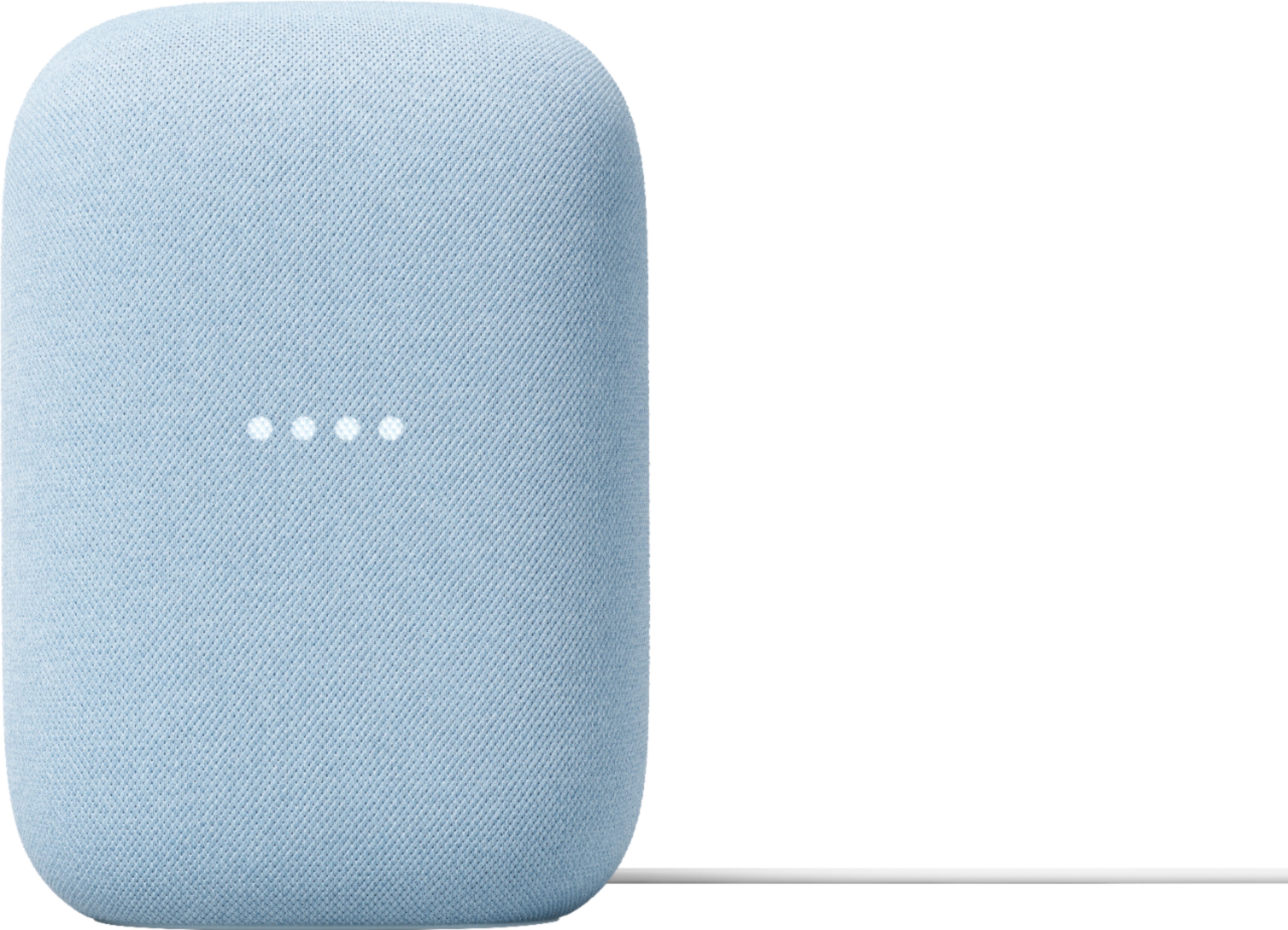
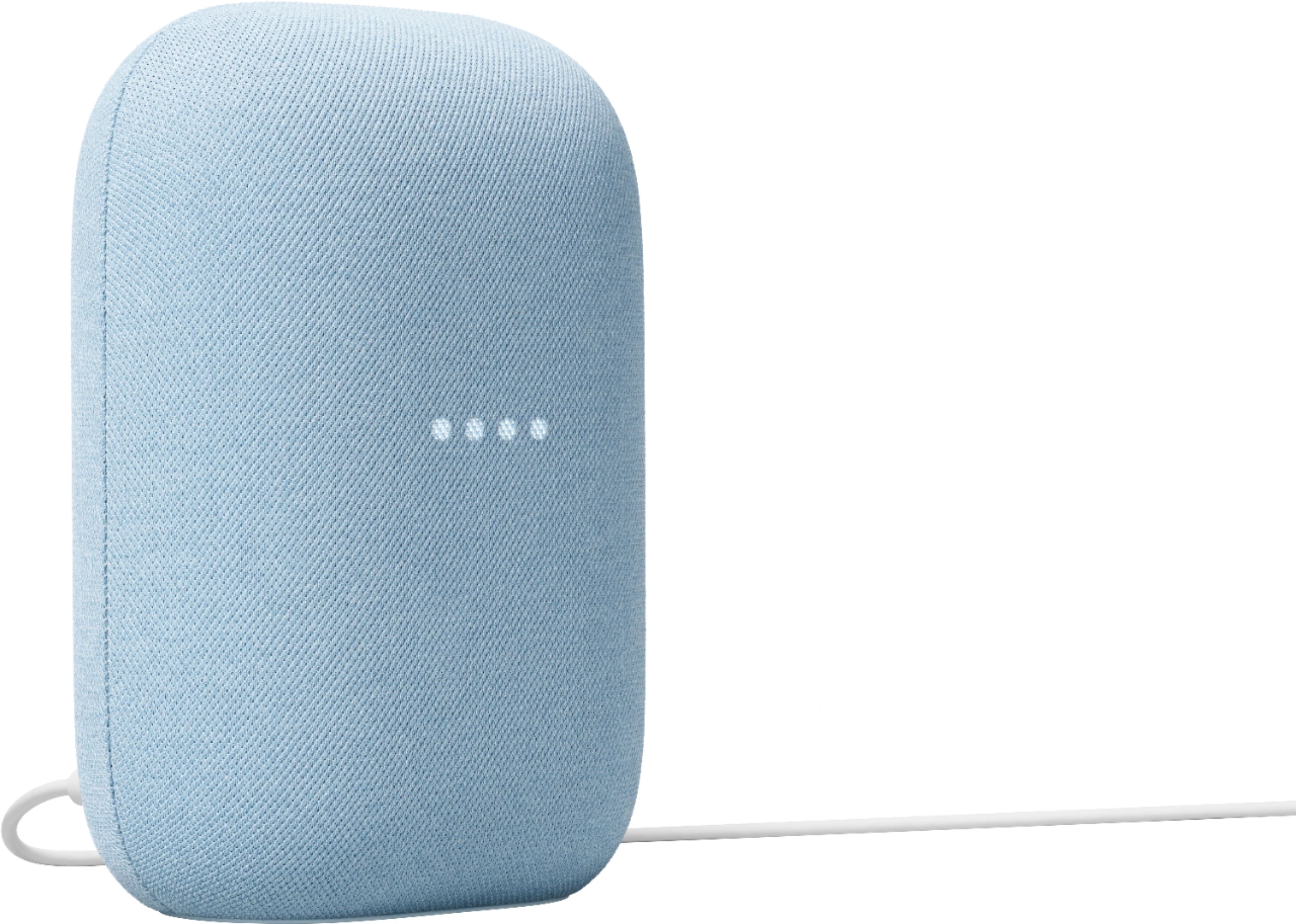
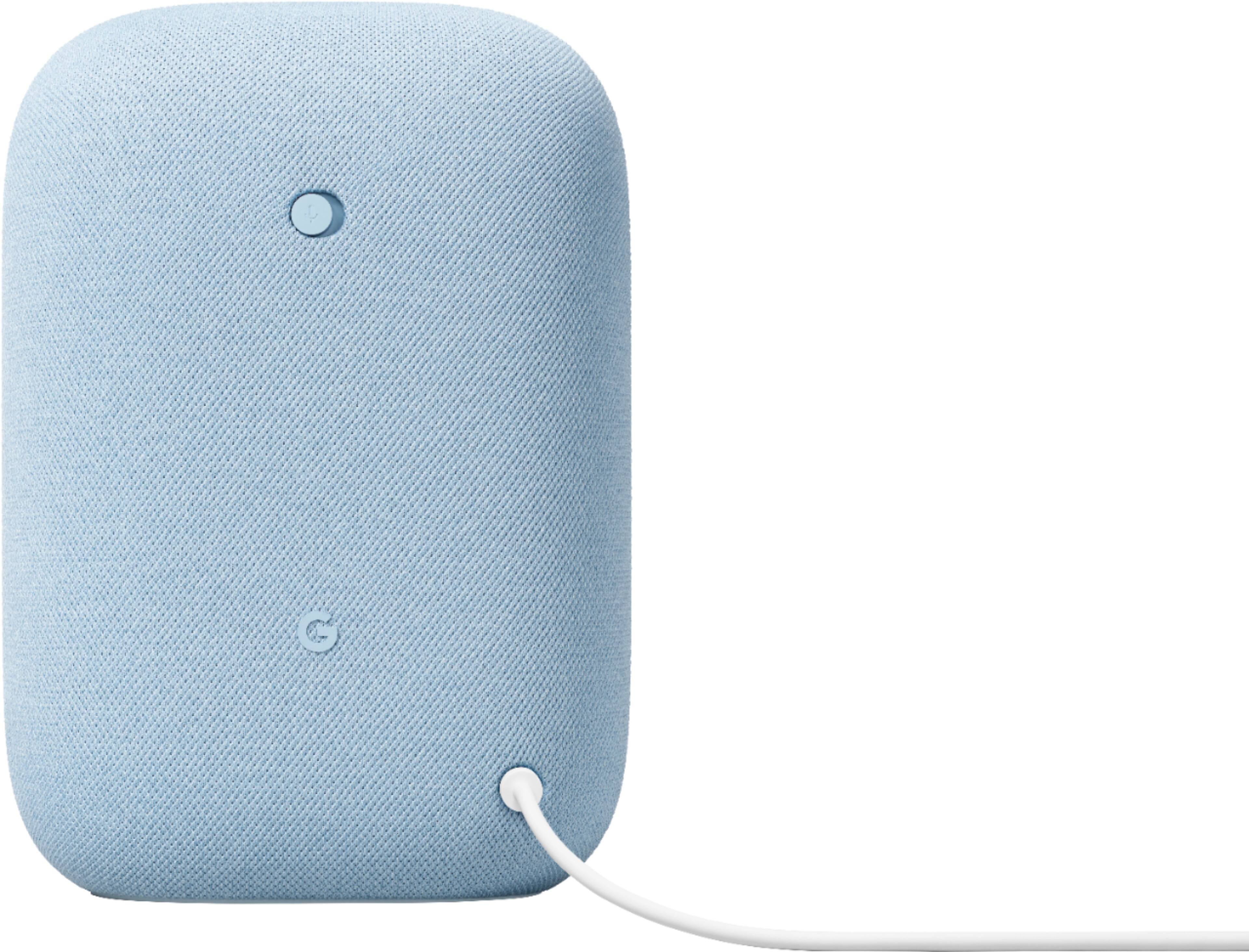
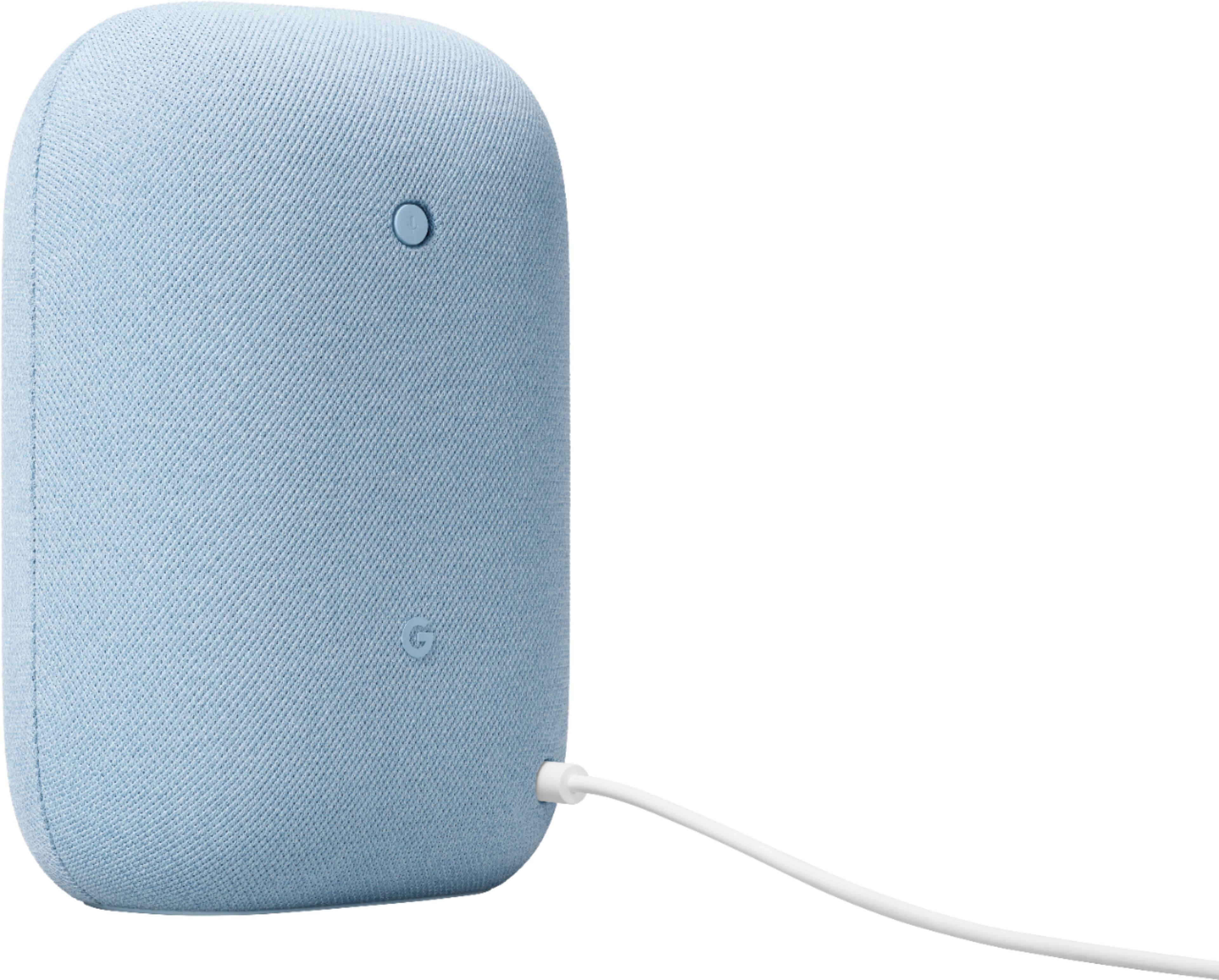




- Model:
- GA01588-US
- SKU:
- 6428306
Rating by feature
- Value
Rating 4.6 out of 5 stars
- Quality
Rating 4.7 out of 5 stars
- Ease of Use
Rating 4.7 out of 5 stars
Customers are saying
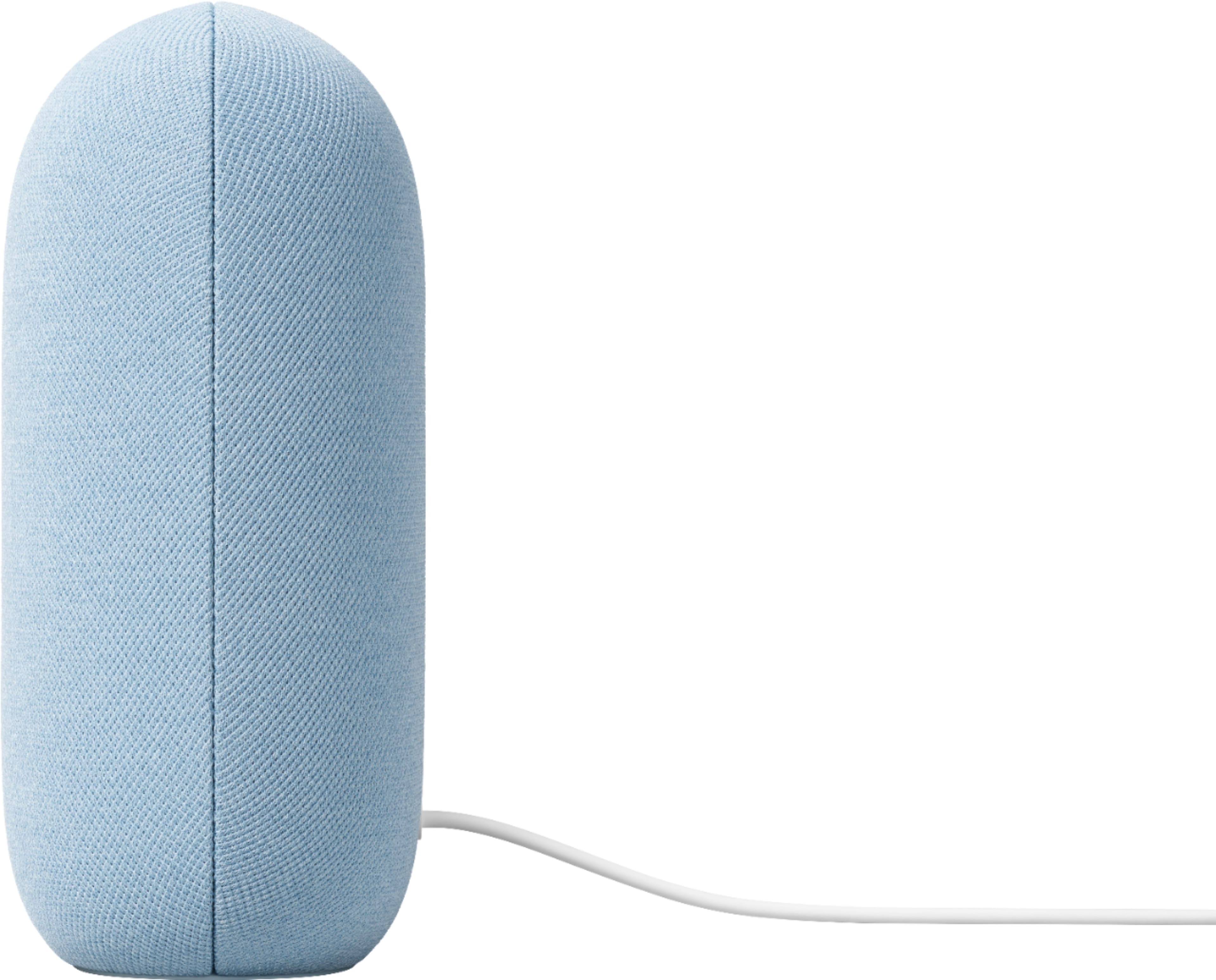
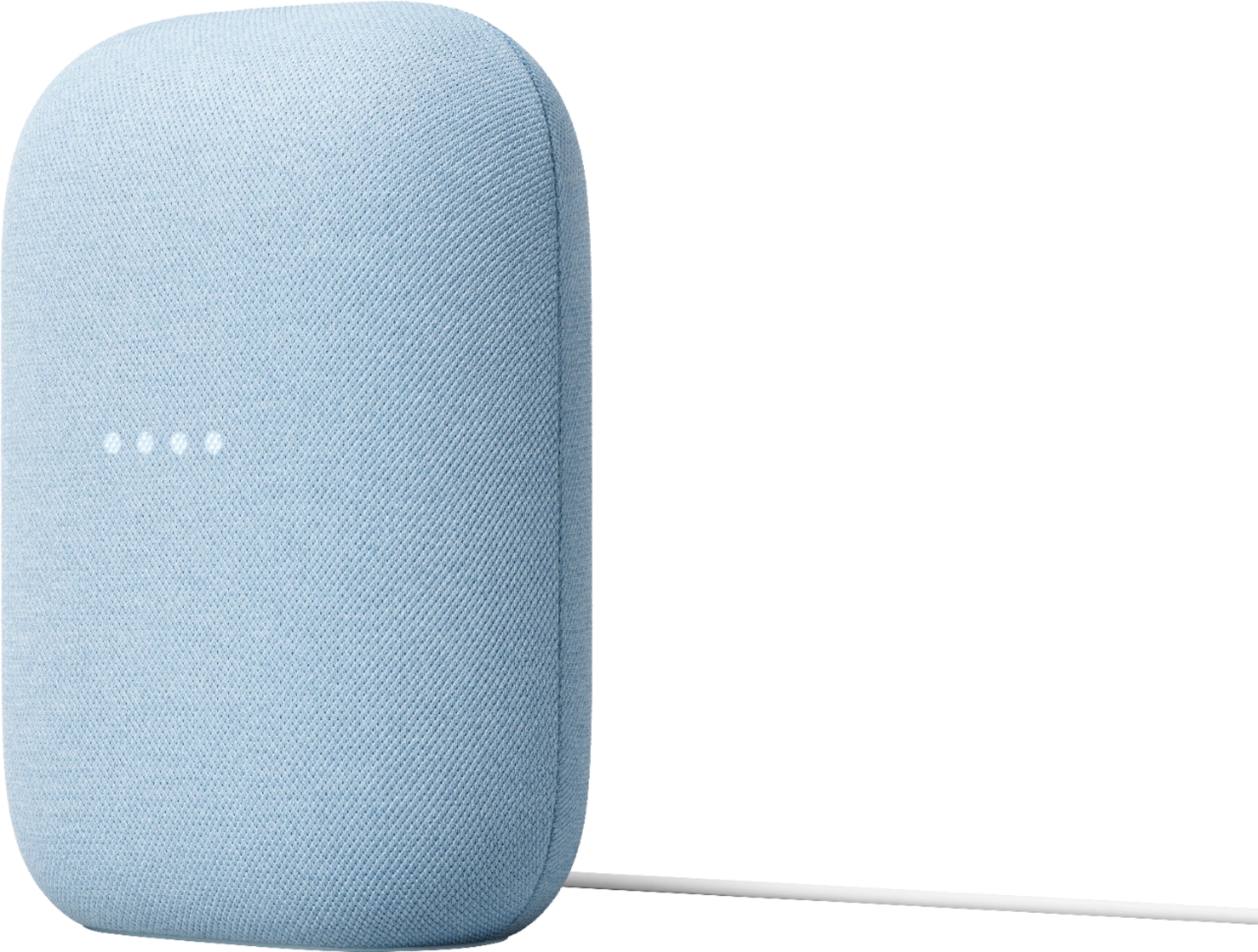
Customers commend the Nest Audio Smart Speaker for its excellent sound quality and ease of use. Many appreciate its quick and easy connectivity with Google Assistant, along with its appealing design and suitable size. Some have noted that the bass could be improved, while others have mentioned its light weight.
This summary was generated by AI based on customer reviews.
- Pros mentioned:Sound quality
Great addition to my apartment
||Posted . Owned for 3 weeks when reviewed.This reviewer received promo considerations or sweepstakes entry for writing a review.Very nice quality sound and I use it very often. Highly recommend for a medium sized google home
I would recommend this to a friend Google Nest Audio
||Posted .This reviewer received promo considerations or sweepstakes entry for writing a review.The Google Nest Audio is a great speaker for the price.
I would recommend this to a friend- Pros mentioned:Sound quality
Very loud and crisp
||Posted . Owned for 1 week when reviewed.This reviewer received promo considerations or sweepstakes entry for writing a review.Its amazing especially when paired with another!!!
I would recommend this to a friend - Pros mentioned:Sound quality
Google nest Speaker
||Posted . Owned for 2 weeks when reviewed.This reviewer received promo considerations or sweepstakes entry for writing a review.This is an excellent speaker. Strongly recommend!.
I would recommend this to a friend good product
||Posted . Owned for 10 months when reviewed.This reviewer received promo considerations or sweepstakes entry for writing a review.I need more elements to connect at home and see how it works, for now it is working well
I would recommend this to a friendBrand response from Nest Support
Posted .Hi there, LuisP. Thanks for taking the time to share your feedback. We appreciate you choosing the Nest Mini for your home automation system. We trust that you’re getting the most benefits out of your experience. If you run into any questions about the features and functionality of the Nest speaker, visit us at the Google Nest Help Page and we’ll gladly help you: https://support.google.com/googlenest/gethelp

- Pros mentioned:Sound quality
Good sound
||Posted . Owned for 2 weeks when reviewed.This reviewer received promo considerations or sweepstakes entry for writing a review.Bought this for my moms room amd sound quality is pretty good
I would recommend this to a friend - Pros mentioned:Ease of use
JOJO
||Posted . Owned for 1 month when reviewed.This reviewer received promo considerations or sweepstakes entry for writing a review.Easy to install and easy to use It answers all muyu questions
I would recommend this to a friend Blue Google Nest Review
||Posted . Owned for 1 month when reviewed.This reviewer received promo considerations or sweepstakes entry for writing a review.I enjoy my hands free Google home very much. Comes in handy for quick needs
I would recommend this to a friend- Pros mentioned:Sound quality
good small speaker
||Posted . Owned for 3 weeks when reviewed.This reviewer received promo considerations or sweepstakes entry for writing a review.sound is great wish it would play a exact song with out paid subscripts
I would recommend this to a friendBrand response from Nest Support
Posted .Hey Michaelwestervelt, we’re thankful for your feedback and we’re glad that you find the sound of the Nest Audio great. We hear your concern about playing specific songs without paying a subscription.
We understand that having access to free music is cool. Although you can still play music using YouTube Music and Spotify for free, what you'll hear is a station of songs inspired by the song, album, or artist. You may not get specific songs, albums, and/or artists, but you can ask for music based on genre, mood or activity. You can also link your music services and pick a music service as your default to enjoy music from popular music services by artist, song, genre, album, playlist, mood or activity. This default service will be used first when possible. Please see the steps below:
- Make sure your mobile device or tablet is connected to the same Wi-Fi network or linked to the same account as your speaker or display.
- Open the Google Home app.
- At the top right, tap your account.
- Verify that the Google Account shown is the one linked to your speaker or display. To switch accounts, tap another account or Add another account.
- Go back to the home screen, and at the top left, tap Add, tapMusic.
- To choose your default service, tap the music service you'd like to use. Assistant will use this service when you say “Hey Google, play music.”
Here are the list of music apps and partners you can use with your Nest Mini: https://assistant.google.com/explore/c/10/
We’re always here to help improve your experience. Please let us know if you have concerns about your Nest speaker using this link: https://support.google.com/googlenest/gethelp
- Pros mentioned:Sound quality
Looks and sounds great.
||Posted . Owned for 1 month when reviewed.This reviewer received promo considerations or sweepstakes entry for writing a review.Looks and sounds great. I think it sounds a bit better than the old design.
I would recommend this to a friend Do not buy
||Posted . Owned for 5 months when reviewed.This reviewer received promo considerations or sweepstakes entry for writing a review.Do not buy this crap!! If I could I would give zero stars. Out of the blue the speaker disconnects from my phone in the middle of a song. When I check the Google home app I get the message the speaker is disconnected from the Wi-Fi but I have 2 other google speakers and they are connected, so how one is disconnected and two connected to the Wi-Fi? It’s frustrating
No, I would not recommend this to a friendLackluster audio for music.
||Posted . Owned for 2 weeks when reviewed.This reviewer received promo considerations or sweepstakes entry for writing a review.With all the hype surrounding this I was expecting better audio for music. I am disappointed. I had the first generation and this is not a huge improvement.
No, I would not recommend this to a friendJust a preference and alternative to Alexa
||Posted . Owned for 1 month when reviewed.This reviewer received promo considerations or sweepstakes entry for writing a review.It is what it is. Nothing special these days. I wish Google would let you play all the speakers as kinda of extra speakers for movies and videos.
I would recommend this to a friendBrand response from Nest Support
Posted .Hi Kaimanakoa, thanks for letting us know of your insights. We’re sorry that your Nest Audio didn’t meet your expectations.
You can try these steps for creating a speaker group for your Nest Mini and your other speakers:
- Make sure your mobile device or tablet is connected to the same Wi-Fi or linked to the same account as your Nest Mini and your other speakers.
- Open the Google Home app.
- At the top left, tap Add and then Create speaker group.
- Tap each device you want to add to the group. A check will appear next to each device you select.
- Tap Next enter a name for your group then tap Save.
If you need further assistance, you can always reach out to our support team by visiting this link: https://support.google.com/googlenest/gethelp
- Pros mentioned:Sound quality
amazing sound
||Posted . Owned for 1 month when reviewed.This reviewer received promo considerations or sweepstakes entry for writing a review.amazing sound sounds great bass is great Nice I like
I would recommend this to a friend - Pros mentioned:Sound quality
I want more!
||Posted . Owned for 3 weeks when reviewed.This reviewer received promo considerations or sweepstakes entry for writing a review.I love this speaker. I want more!! It has a nice lows and high sounds.
I would recommend this to a friend - Pros mentioned:Design
Great buy
||Posted . Owned for 3 months when reviewed.This reviewer received promo considerations or sweepstakes entry for writing a review.Sould, deep and a great design that kinda fades away
I would recommend this to a friend Dee Google
||Posted . Owned for 1 month when reviewed.This reviewer received promo considerations or sweepstakes entry for writing a review.Very good product easy to use good volume happy to buy this product
I would recommend this to a friendGoogle speaker
||Posted . Owned for 3 weeks when reviewed.This reviewer received promo considerations or sweepstakes entry for writing a review.To get full use of the product, information, instructions, and helpful suggestions are needed. Plays requested music and timer function is adequate.
No, I would not recommend this to a friendPoor audio. A voice assistant not speaker
||Posted . Owned for 1 month when reviewed.This reviewer received promo considerations or sweepstakes entry for writing a review.Audio is poor - on par with the cheapest budget speakers. This is not designed to be an audio device, but a voice assistant. If you turn off the mic, the device turns on always-on lights that can't be turned off, which will annoy anyone in a dark room such as a bedroom. There have been thousands of requests to Google to allow these lights to be turned off, but Google has been tone deaf to this need. I've interfaced directly with Google to make the case for this feature, but I was told their priority is to have this device as a voice assistant so that they can collect voice data and generate revenue on the sale of that data. There is no consideration or priority to make this a moderately functional speaker. This device has slightly better audio than the pathetic audio that the Nest Mini has, but it's still not remotely good. The only reason to buy this device is for the improved audio, but the added cost does not justify the minor audio improvement.
No, I would not recommend this to a friend- Pros mentioned:Sound quality
Nest Audio
||Posted . Owned for 1 month when reviewed.This reviewer received promo considerations or sweepstakes entry for writing a review.great speaker clarity! And that COLOR! Highly recommend!
I would recommend this to a friend