Customer Ratings & Reviews
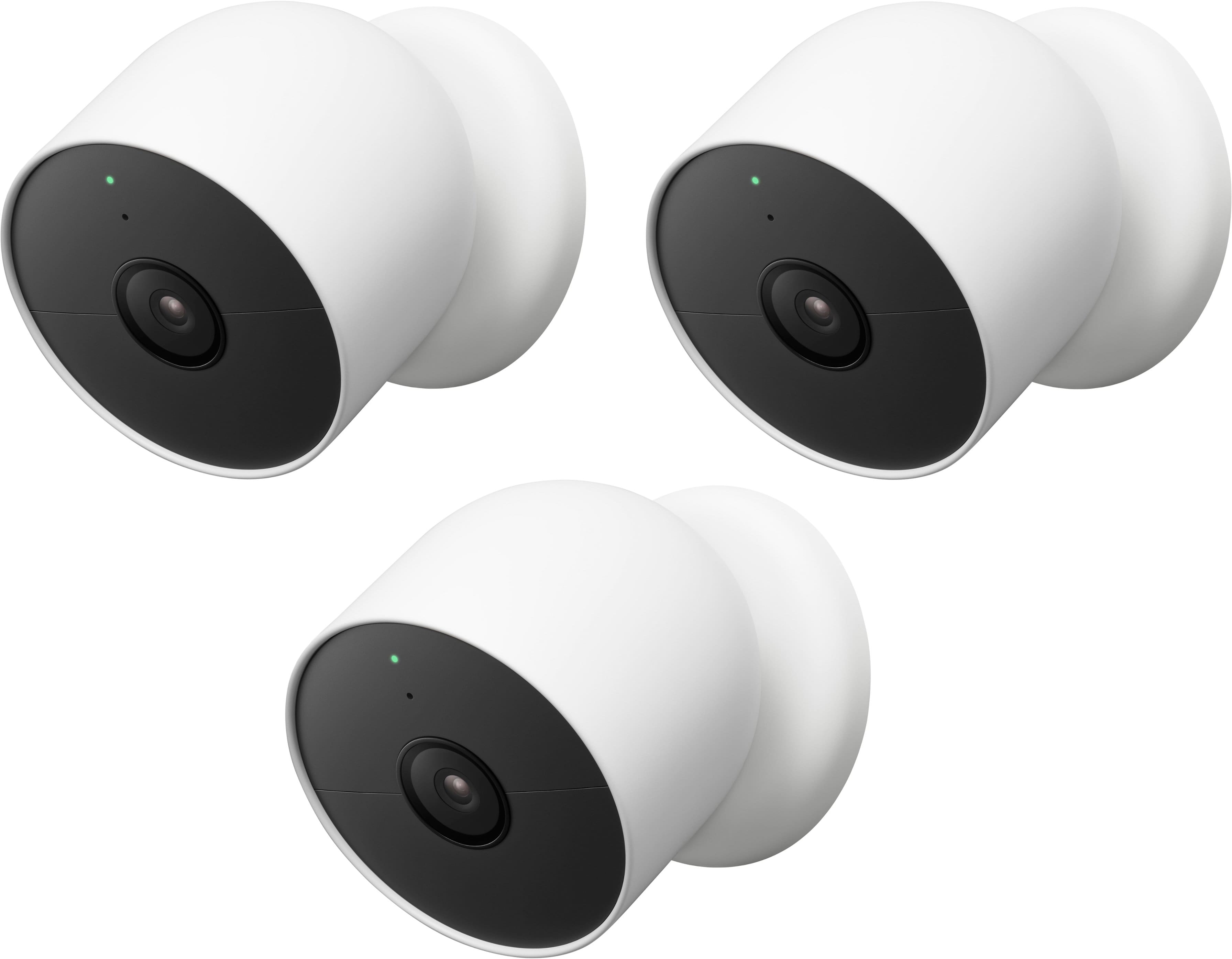
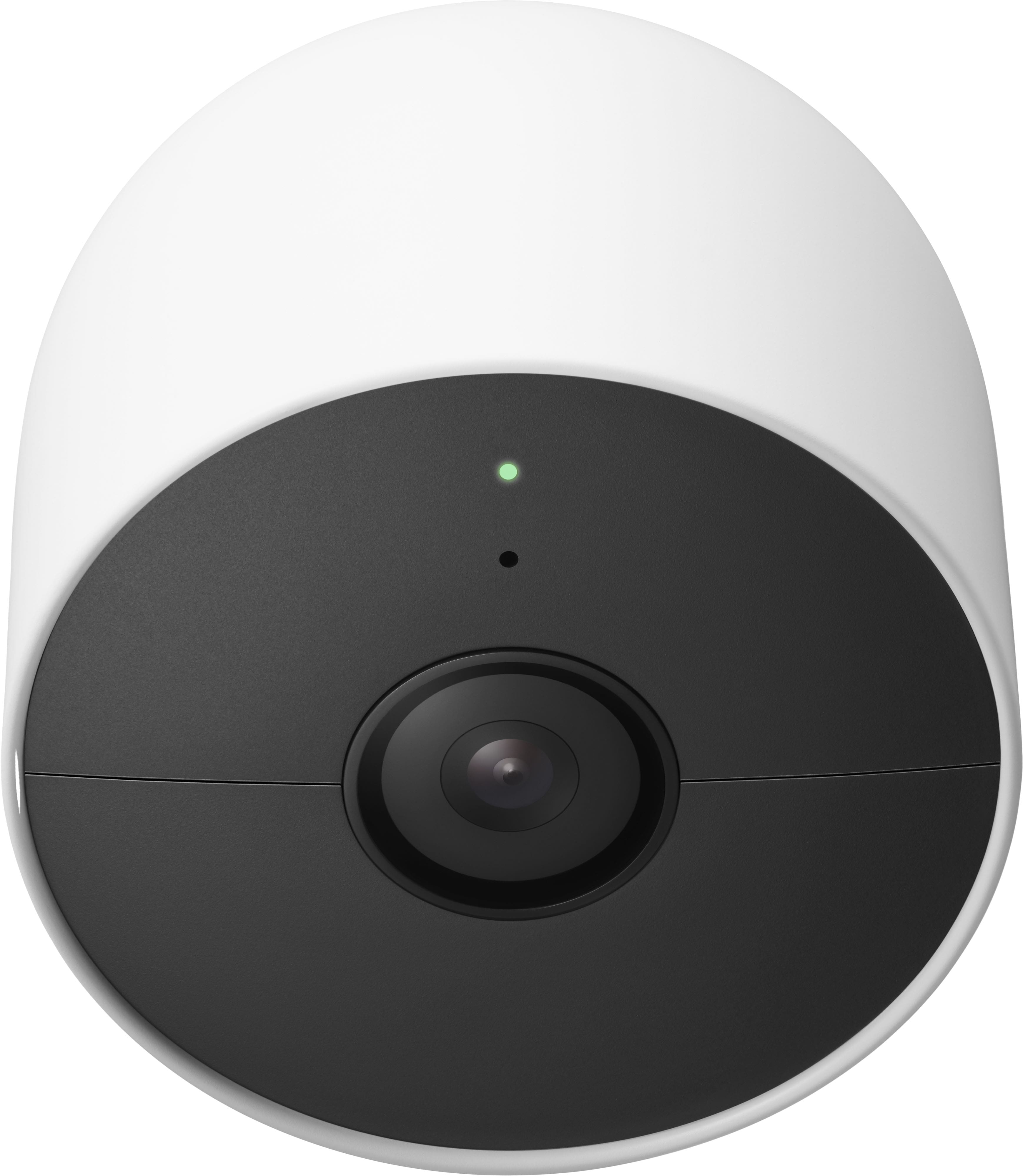
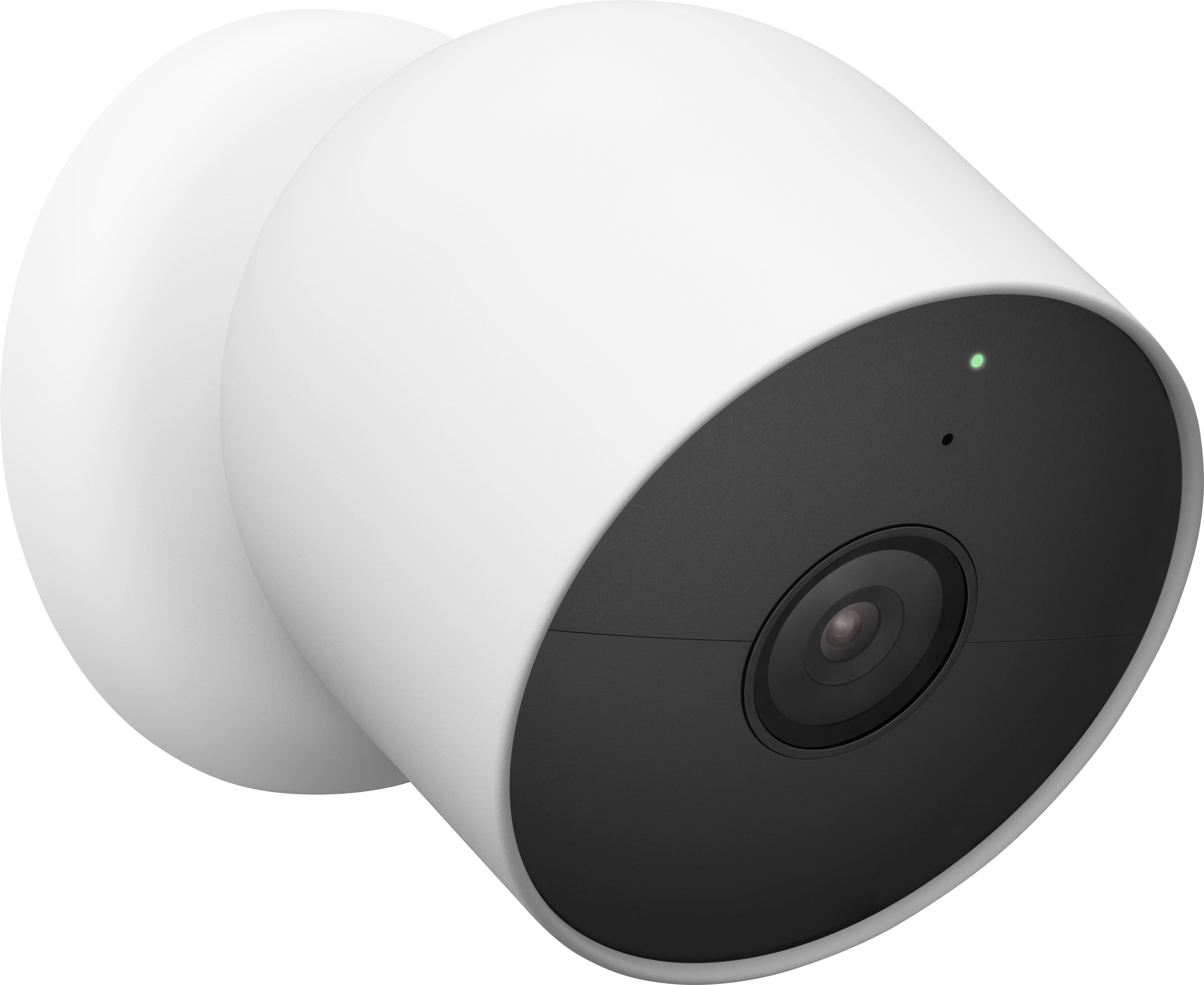

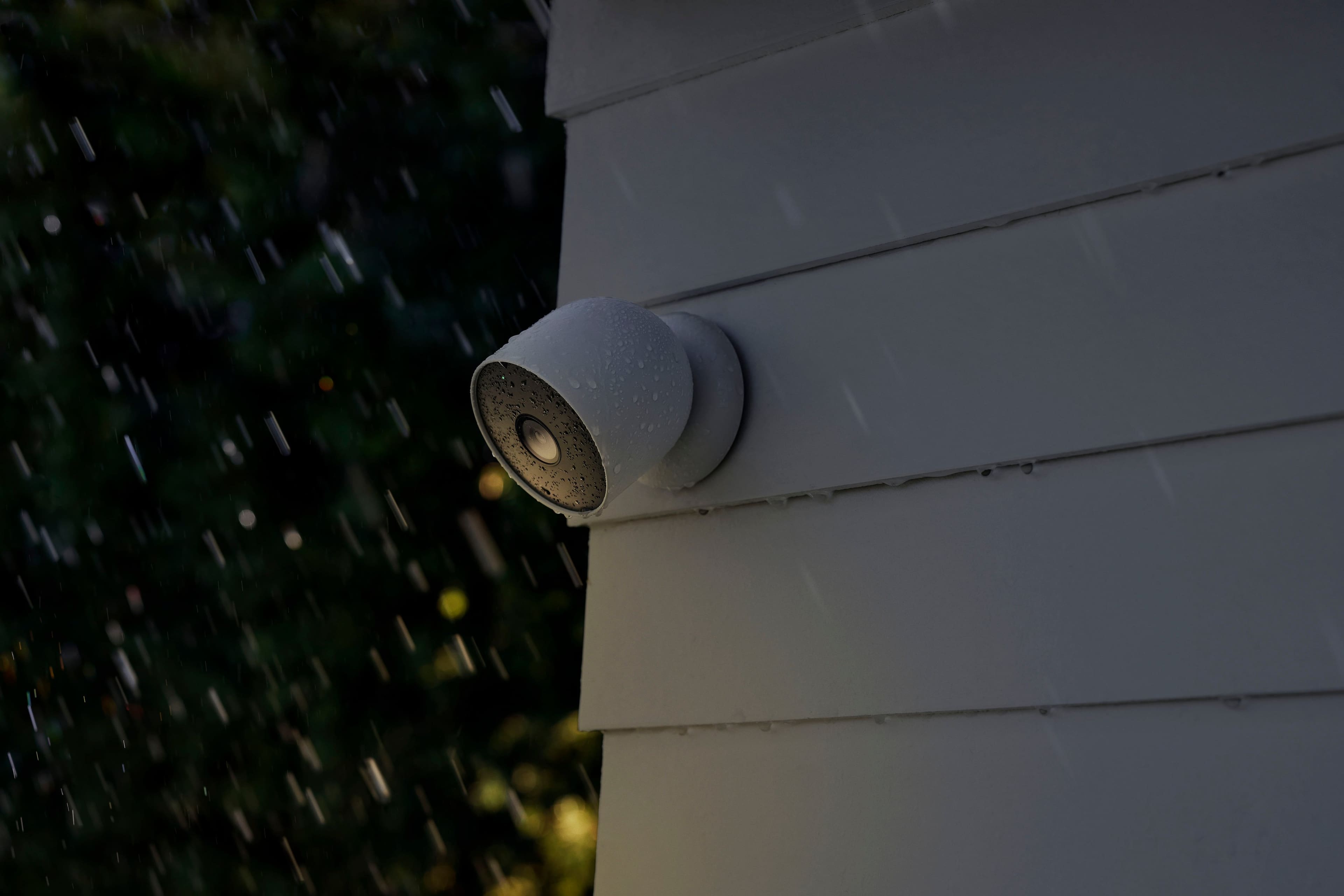
- Model:
- GA02077-US
- SKU:
- 11028798
Rating by feature
- Value
Rating 4.0 out of 5 stars
- Quality
Rating 4.3 out of 5 stars
- Ease of Use
Rating 4.3 out of 5 stars
Customers are saying
Customers have good things to say about the Nest Cam Indoor/Outdoor Wire Free Security Camera, particularly its great camera quality and ease of use. Many users also appreciate its overall performance, easy installation, and clear night vision. However, some customers have expressed concerns regarding the camera's battery life, app compatibility, and occasional connectivity issues. Additionally, a few users have noted that the motion detection range could be improved.
This summary was generated by AI based on customer reviews.
- Cons mentioned:Battery life
Battery life is poor
||Posted . Owned for 1 month when reviewed.This reviewer received promo considerations or sweepstakes entry for writing a review.I am pleased with this product however, after one month’s use the battery already requires recharging. It is setup with the basic defaults and a maximum of 30 sec recordings. I get about 15 events a day so did not expect that to drain the battery so quickly.
I would recommend this to a friendBrand response from Nest Support
Posted .Hello there, TJM1. We're sorry to hear that you're experiencing some battery issues with your Nest Cam (battery). We recommend changing the settings to save the battery by lowering the battery usage. You can also use the Battery Saver feature of the device. When the automatic Battery Saver is enabled, your camera or doorbell will automatically adjust its features to help conserve the battery. To know more about saving or improving battery life or if you have additional questions, please don't hesitate to contact us on our Google Help page here: https://support.google.com/googlenest/gethelp

- Cons mentioned:Compatibility
In compatible with Nest Cameras that I have
||Posted . Owned for 1 week when reviewed.This reviewer received promo considerations or sweepstakes entry for writing a review.I can’t get the camera to pick up the last 4 digits to connect camera and it doesn’t let me manually plug in. I guess it is not compatible with my current Nest System. Very frustrating. I am going to return. I gave it an average because I am sure it works great if I could get it going, I am returning the camera.
No, I would not recommend this to a friendBrand response from Nest Support
Posted .Hi Kath, thanks for your feedback. We apologize for the difficult experience you are having, trying to set up Nest Cam (Battery). We can only imagine how frustrating this may have been for you. If you´re willing to try, we suggest contacting our support team for further help in setting up your Nest Cam (Battery). We'd be happy to work with you by simply reaching out to us here: https://support.google.com/googlenest/gethelp
- Cons mentioned:Battery life
Fine Camera, lacking features
||Posted . Owned for 2 weeks when reviewed.This reviewer received promo considerations or sweepstakes entry for writing a review.The battery life is no where near advertised. I get about a week on a charge. They could last much longer if there was a way to trigger them on and off with Google Home Automations or even a simple turn on when away, but sadly no such setting. Can't even schedule them on or off at certain times of the day. People have been complaining about this since they came out, but Google has yet to remedy this.
No, I would not recommend this to a friendBrand response from Nest Support
Posted .Hey DavidM. Thanks for sharing your experience with our Nest Cam Battery. We want to help you to get the most of your device. Visit this link to learn more about how to increase the battery life: https://support.google.com/googlenest/answer/10901611?hl=en&sjid=15614905711451372750-NA
And you can also explore creating custom routines for your device: https://support.google.com/googlenest/answer/9220484?hl=en-CA&sjid=15614905711451372750-NA#zippy=";
- Pros mentioned:Camera quality
Outdoor Security Camera
||Posted . Owned for 1 month when reviewed.This reviewer received promo considerations or sweepstakes entry for writing a review.We wanted an outdoor security camera that would provide us with a wide view of the entrance to our house. This camera does a great job, unless it is VERY cold, which is a known issue.
I would recommend this to a friend Open box item not "excellent."
||Posted .This reviewer received promo considerations or sweepstakes entry for writing a review.This was an open box item. Best Buy's assessment was "excellent" though. While the camera works, the QR code was missing and the adapter for charging the phone does not work. I wouldn't call the item "excellent."
I would recommend this to a friendBrand response from Google Team
Posted .Hi there, JosephC. While we’re sorry your experience wasn’t the best, we’re here to answer any questions or concerns you may have about the Nest Cam (Battery) — reach out to us anytime here: https://support.google.com/googlenest/gethelp?

- Cons mentioned:App compatibility
Misleading to call this a "Nest" camera
||Posted . Owned for less than 1 week when reviewed.This reviewer received promo considerations or sweepstakes entry for writing a review.It is misleading for Google to call this new Google Nest Camera Battery a "Nest" camera. It does not work with the Nest app along with all of our other Nest cameras. It cannot be accessed online from a computer along with our other Nest cameras on the Home Nest website. Further, unlike our other Nest cameras, we cannot manually edit clips from video history and cannot even gather a video clip from the Home Nest website from a computer. Google says it's "committed to providing a seamless Home app experience for our [Nest camera] customers." Then why can't we configure our existing Google Nest cameras and doorbells and view their history from the Google Home app? Why can't we access the new Nest camera online from our computer? Why do we have to use two different apps to get notifications from our Google Nest cameras? Why does the new Nest camera not have the Enhance feature present on our existing Nest cameras to set zoom when recording history? Why can we only get email notifications from our existing Nest cameras and not this new Nest camera? This is NOT "seamless." Releasing this camera without having this in place and instead promising to improve it sometime in the future is like selling a new car and saying "sorry, unlike your current car, reverse gear doesn't work right now, and the windows and air conditioning also don't work right now; we're working on adding those features in the future. And by the way, the old model is no longer available." As a long-time Google Nest customer, I am profoundly unhappy with our new Google Nest camera, which we purchased because the previous Google Nest outdoor camera is no longer available. This new camera is really a "beta" release and Google should be compensating customers for testing its as-yet-unfinished product.
No, I would not recommend this to a friendBrand response from Nest Support
Posted .Hi MplsCustomer, we highly appreciate you for letting us know of your experience with using the Nest Cam (Battery) and the Google Home app and we’re sorry that it was an unhappy experience for you.
While the new Nest cameras and doorbells are exclusive to the Google Home app, users with previous versions of Nest cameras can view their camera feeds in the Google Home app alongside the new Nest Doorbell and Nest Cams. We understand that long time Nest users enjoy viewing their Nest camera feeds from the Nest app and web app, however, our priority with this launch was to create an integrated experience with other Google Nest speakers and displays, and to make the Google Home app as the one place you can control all your favorite Nest and other smart home devices with the Google Assistant.
Also, you can customize or change a variety of settings for your Google Nest cameras such as video quality, notifications, battery usage, the name of your device, and more:
- Open the Home app.
- On the home screen, tap your camera or doorbell.
- Tap Settings . From there, you’ll be able to change its settings.
You may visit this link to learn more: https://support.google.com/googlenest/answer/9231819
We care about your experience and we’re taking your feedback seriously to work on improving our products and services. If you need further assistance with the features and performance of your Nest Cam (Battery) and the Google Home app, you’re more than welcome to visit us anytime here: https://support.google.com/googlenest/gethelp
They get the job done
||Posted . Owned for less than 1 week when reviewed.This reviewer received promo considerations or sweepstakes entry for writing a review.Sure the picture could be a little clearer. Sure the plug should plug in the correct direction, but the cameras do what I need them to do. I can see people at my backdoor, front door, driveway and side of house. They are super easy to mount. I even installed outlets by all the cameras (yes, I am handy), but wished they made a waterproof cable that was only 6 feet long. Overall these are good, not excellent, but good.
I would recommend this to a friendBrand response from Nest Support
Posted .Hi there Bond007, thanks for sharing your suggestions with us. We´ll definitely take note of the information you provide us and we´ll also make sure to pass it to our product team since we´re always working hard to keep improving our products and services. We hope you will keep a close watch on products we will be releasing before long. In the meantime, please feel free to reach out to our support team using this link: https://support.google.com/googlenest/gethelp
- Pros mentioned:Camera quality
Google nest recommendation!
||Posted . Owned for 8 months when reviewed.This reviewer received promo considerations or sweepstakes entry for writing a review.Longer the quality and durability. Long battery life with clear sound & picture!
I would recommend this to a friend - Pros mentioned:Camera quality
Awesome!!
||Posted . Owned for 3 months when reviewed.This reviewer received promo considerations or sweepstakes entry for writing a review.Great addition to my Google Home network. Cameras have Great sounds and video for the money. I do have them both hardwired in to get live video all the time. Want to add another for the back of the house.
I would recommend this to a friend - Cons mentioned:Battery life
For future buyers beware...Battery charging issues
||Posted . Owned for 5 months when reviewed.This reviewer received promo considerations or sweepstakes entry for writing a review.I have 6 Google cameras so far and I think this last purchase (Google outdoor wireless/battery) will be the last. It's sad as I was hoping to buy 2 more outdoor but I'm now re-assessing other cameras. I hope Google and Bestbuy stops selling these as it is shortchanging their customers. Aside from removing most of the original Nest features like the ability to scrub videos, if you look at Google community you will see that there are lots of issues around the battery options. The wired are OK. I've never had problems with Google/Nest cameras (I think I have all of them except the floodlights). This one purchase for my 2nd time charging it (about 6 months out from purchase) took way past 12 hrs. I strongly believed I've got a defective one but Bestbuy wouldn't honor the warranty since I did not purchase the GeekSquad plan. So I guess there's no point anymore to buy directly from BestBuy then. If you must buy it, at least purchase directly from Google so you'll have the history and the possibility of getting support. I'm now stuck with this one odd camera that I would have to leave overnight for charging in the future which is not supposed to be.
No, I would not recommend this to a friendBrand response from Google Nest Support
Posted .Hi there, we're very sorry to hear about the battery issue you're experiencing with your Nest Cameras. We understand how frustrating this situation can be, and this isn't the experience we want for you. To better investigate the camera's behavior, we recommend getting in touch with our support team to explore available options for assistance.
Tap here to get in touch. https://support.google.com/googlenest/gethelp?hl=en
Not compatible with the Nest App
||Posted . Owned for 1 month when reviewed.This reviewer received promo considerations or sweepstakes entry for writing a review.The original Nest app was so much better, smoother, quicker and more user friendly than the Google Home app which is a tragedy... I don’t know why google had to lower the quality by making these none-backward compatible with an awesome Nest app that they decided to decommission and use Google Home instead.
I would recommend this to a friendBrand response from Nest Support
Posted .Hello there, AmineB. We appreciate that you find the Nest app great. We’re sorry to hear that using the Home app for your Nest Cam (Battery) is less than ideal for you.
We understand that longtime Nest users enjoy viewing their camera feeds from the Nest app. However, our goal is to build a complete experience for our new cameras and doorbell in the Google Home app. And while the new Nest cameras and doorbells are exclusive to the Google Home app, users with previous versions of Nest cameras can view their camera feeds in the Google Home app alongside the new Nest Doorbell and Nest Cams. We suggest having the latest version of the Google Home app that can improve camera playback controls to make it easier to play, pause, and navigate between events from the camera history view.
We’ll share your feedback with the right team for future improvements. If you need help with using the camera in the Home app effectively, visit us anytime using this link: https://support.google.com/googlenest/gethelp
- Pros mentioned:Ease of use
These are better than you’d expect. Love these!
||Posted . Owned for 3 weeks when reviewed.This reviewer received promo considerations or sweepstakes entry for writing a review.LOVE!! Easy to mount, and easy to use! We had a lot of work going on at our new house and the ability to communicate to the different people working through our camera was incredible! Very clear speaking on both ends and the camera has a huge view area. Love these! We have 3.
I would recommend this to a friend - Pros mentioned:Camera quality
Clear view
||Posted . Owned for 5 months when reviewed.This reviewer received promo considerations or sweepstakes entry for writing a review.Really clear views of people and my packages when delivered.
I would recommend this to a friend - Pros mentioned:Ease of use
Nest cam 2 pack w/ solar panel
||Posted . Owned for 3 weeks when reviewed.This reviewer received promo considerations or sweepstakes entry for writing a review.Cameras work great! easy to install and with NEST aware sub they detect faces and always capture motion and send me notifications.. Paired with a couple solar panels so i wouldn't have to charge them all the time
I would recommend this to a friend - Pros mentioned:Ease of use
Great gift
||Posted . Owned for 3 weeks when reviewed.This reviewer received promo considerations or sweepstakes entry for writing a review.Bought these as a Christmas gift for my father. Very easy to set up and install.
I would recommend this to a friend - Cons mentioned:Connectivity
Camera
||Posted . Owned for 3 months when reviewed.This reviewer received promo considerations or sweepstakes entry for writing a review.Good product but sometimes have issues connecting to the WiFi connection cuts iut
No, I would not recommend this to a friendBrand response from Google Nest Support
Posted .Thanks for reaching out about your Nest Cam (Indoor, wired), Abdirizak. Here’s some solutions to get the best connection:
1. Move your camera, router, or other objects that may interfere with the device
2. Restart your camera or doorbell
3. Check your internet bandwidth and speed
For more tips, here’s a link: https://support.google.com/googlenest/answer/9239727
Don’t hesitate to reach out to us: https://support.google.com/googlenest/gethelp?
- Cons mentioned:Battery life
Not a bad Cam
||Posted .This reviewer received promo considerations or sweepstakes entry for writing a review.So far not a bad camera. Still getting use to it. Going to see how long the battery life last
I would recommend this to a friend - Pros mentioned:Ease of use
Great Purchase
||Posted . Owned for 3 weeks when reviewed.This reviewer received promo considerations or sweepstakes entry for writing a review.Great cameras and easy to install. I already have the first-generation next cameras, but these wireless are even better.
I would recommend this to a friend - Pros mentioned:Camera quality
got cha
||Posted . Owned for 1 month when reviewed.This reviewer received promo considerations or sweepstakes entry for writing a review.love them very clear picture and verry good sound.
I would recommend this to a friend - Cons mentioned:Battery life
Useless camera for security
||Posted . Owned for 1.5 years when reviewed.This reviewer received promo considerations or sweepstakes entry for writing a review.Ok camera for live but quality is sub part and battery only lasts a few days. Doesn't record movement or notify. Someone hit our trash cans and the camera didn't record anything. Only good for live viewing.
No, I would not recommend this to a friendBrand response from Google Team
Posted .Hey there, Miko. We hear your concerns regarding battery life and notifications on the Nest Cam (Battery). Here are some solutions to make sure your device is running smoothly:
On average here’s how long the battery will last on a single charge:
Busy - About 1 month battery life (about 25 - 30 recorded events per day)
Typical - About 2.5 months battery life (about 13 - 16 recorded events per day)
Quiet - About 6 months battery life (about 2 - 5 recorded events per day)
Here are a few tips to conserve battery:
1. Optimize its video quality.
2. Shorten the length of time for which events are recorded.
3. Take longer to begin recording between events.
Check this article for battery saving tips: https://support.google.com/googlenest/answer/10901611
To adjust notifications:
1. Change the wake-up sensitivity.
2. Turn on Motion events.
3. Use Activity Zones.
We’re here 24/7 to help: https://support.google.com/googlenest/gethelp