Customer Ratings & Reviews
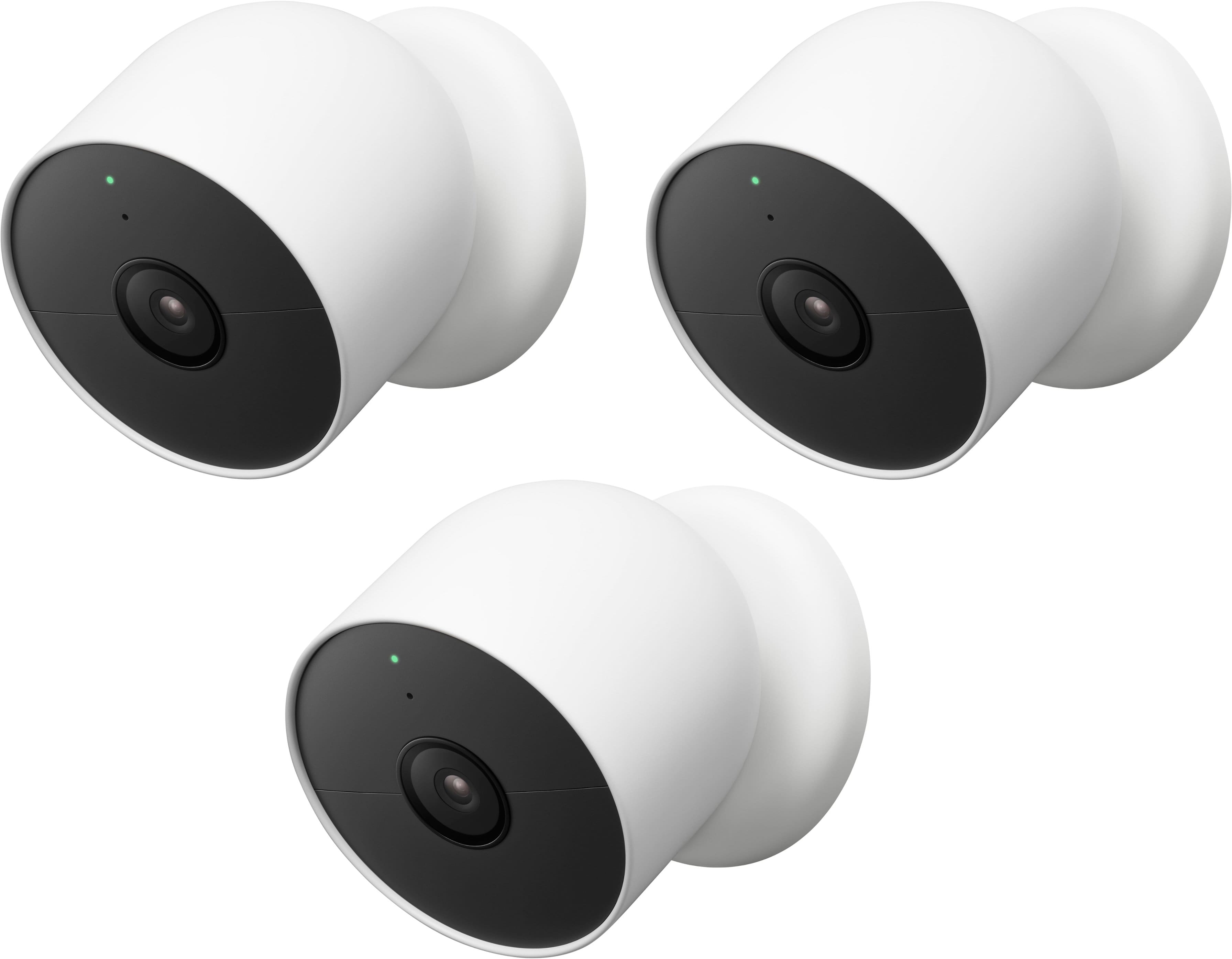
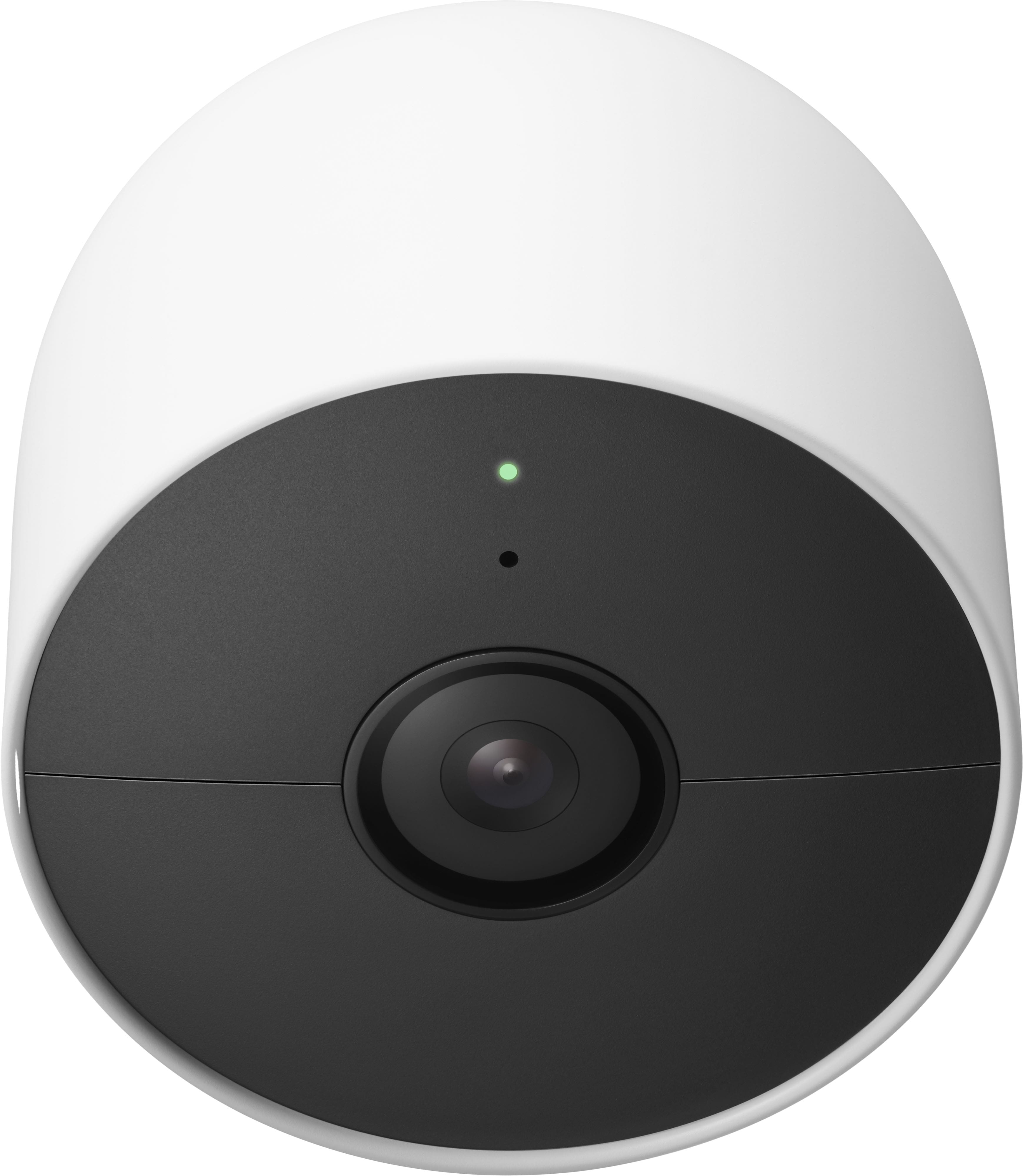
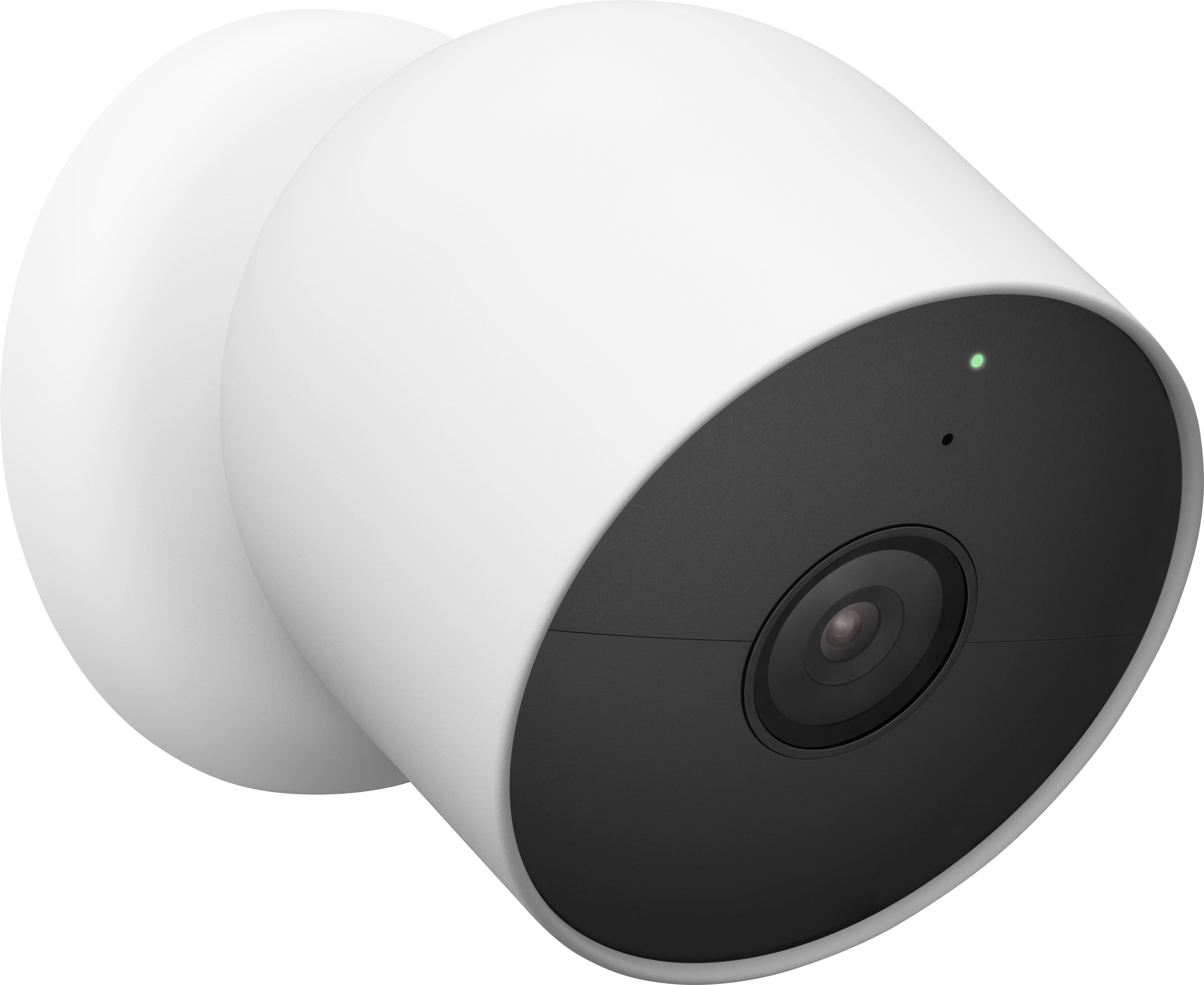

- Model:
- GA02077-US
- SKU:
- 6559342
Rating by feature
- Value
Rating 4.0 out of 5 stars
- Quality
Rating 4.3 out of 5 stars
- Ease of Use
Rating 4.3 out of 5 stars
Customers are saying
Customers are impressed with the Nest Cam's camera quality, ease of use, and overall performance. Many also appreciate the simple installation and clear night vision. However, some customers have expressed concerns about the battery life and app compatibility. Others have noted issues with motion detection range and occasional connectivity problems.
This summary was generated by AI based on customer reviews.
Good Hardware, but less features than older model
Posted .This reviewer received promo considerations or sweepstakes entry for writing a review.Unfortunately the new Nest products are following suit with Googles new product practices, where the new stuff has less features than the old stuff (e.g. the Google Music transition to Youtube Music). There are a few good things with the new devices, but I feel the bad outweighs the good. The Good: - Good image quality - Improved person detection (notifications come quicker) - Animal detection - Wireless/wired option The Bad: - Doesn't work with existing Nest app, must use the newer, less featured Google Home app. You will have to have 2 apps now for all your devices (Yes Google, I know all devices show up in the Home app, but it is so lacking in functionality and features from what the old Nest app has. - You can only download the event clips. If the event is only shows as 20 seconds, but you need to expand to a min before and after, you can't. You can't even make and download a clip where there are no events. Huge fail here. - No web browser app. You can't view video feed through a web browser, only the Google Home app. Everything has to be set up and controlled through the mobile app. Including zones, which is a pain. - If you were a software developer and are currently getting push/sub events for your current Nest devices, you will be disappointed to know that you can't get events from the new Nest products. It appears that this is the plan going forward with Google, which is a huge fail here for devs since you can't make 3rd party apps that integrate with new Nest products. Another big fail here. The next 2 are more nit picks, but still annoying. - Power Cable curves out toward the front of the camera, which is backwards from what you would want when plugging your camera in permanently. It makes for awkward mounting having the cable come out away from the camera instead of directed to the back of the camera towards the wall. Huge design fail here. - Wall mount doesn't feel as high as quality as the old versions. - Does not come with an outside power cord, must be purchased separately. Until google fixes some of these things, I would not recommend these yet. They aren't fully baked yet.
No, I would not recommend this to a friendBrand response from Nest Support
Posted .Hi hanchan07, thanks for sharing details about your experience. We´re sorry to hear that the features for Nest Cam (Battery) didn't quite meet your expectations.
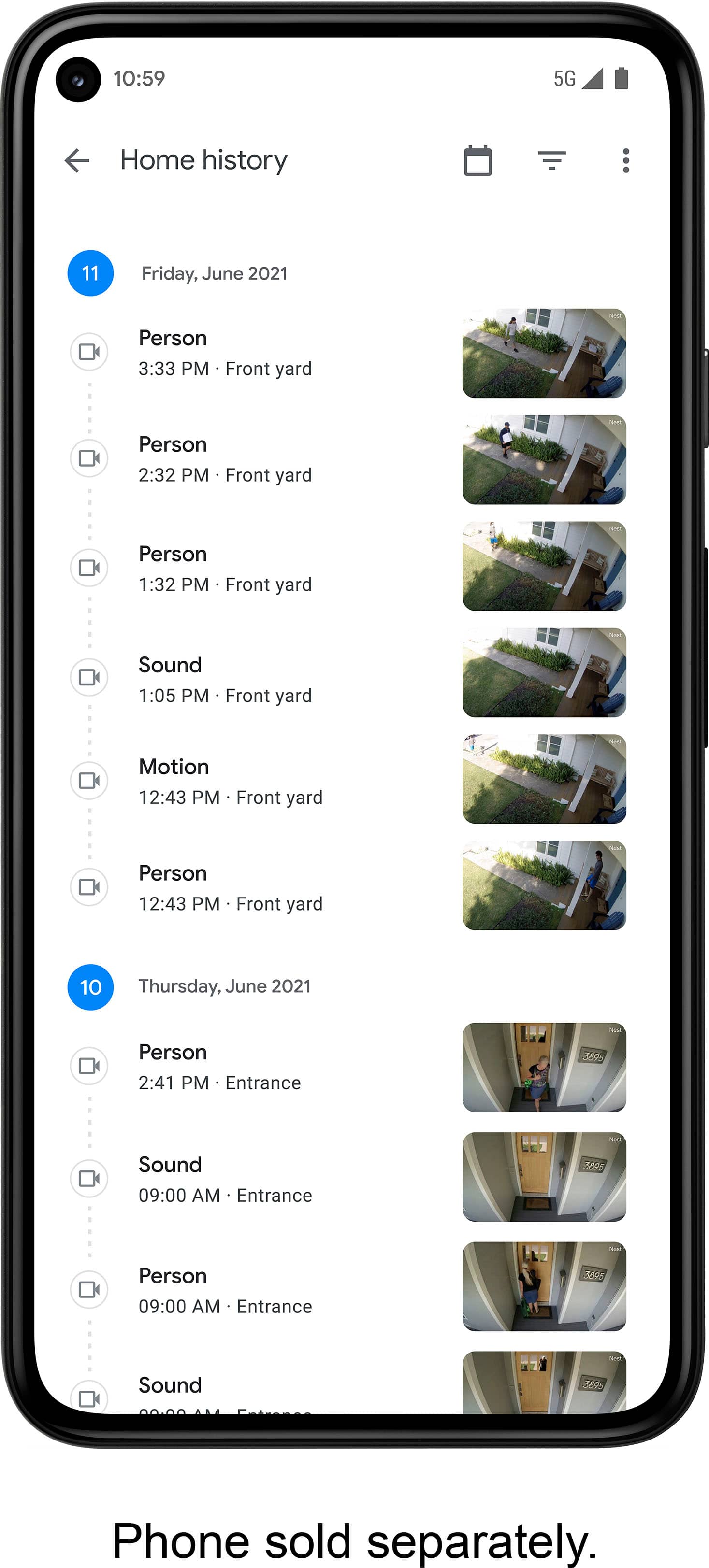
We wanted to make the Google Home app the one place where you can control all your favorite Nest devices and other smart home devices with the Google Assistant. Here are some benefits you can get by using the Google Home app with your Nest Cam (Battery):
- Automatic security protections such as Suspicious activity detection, 2-Step Verification and Security Checkup.
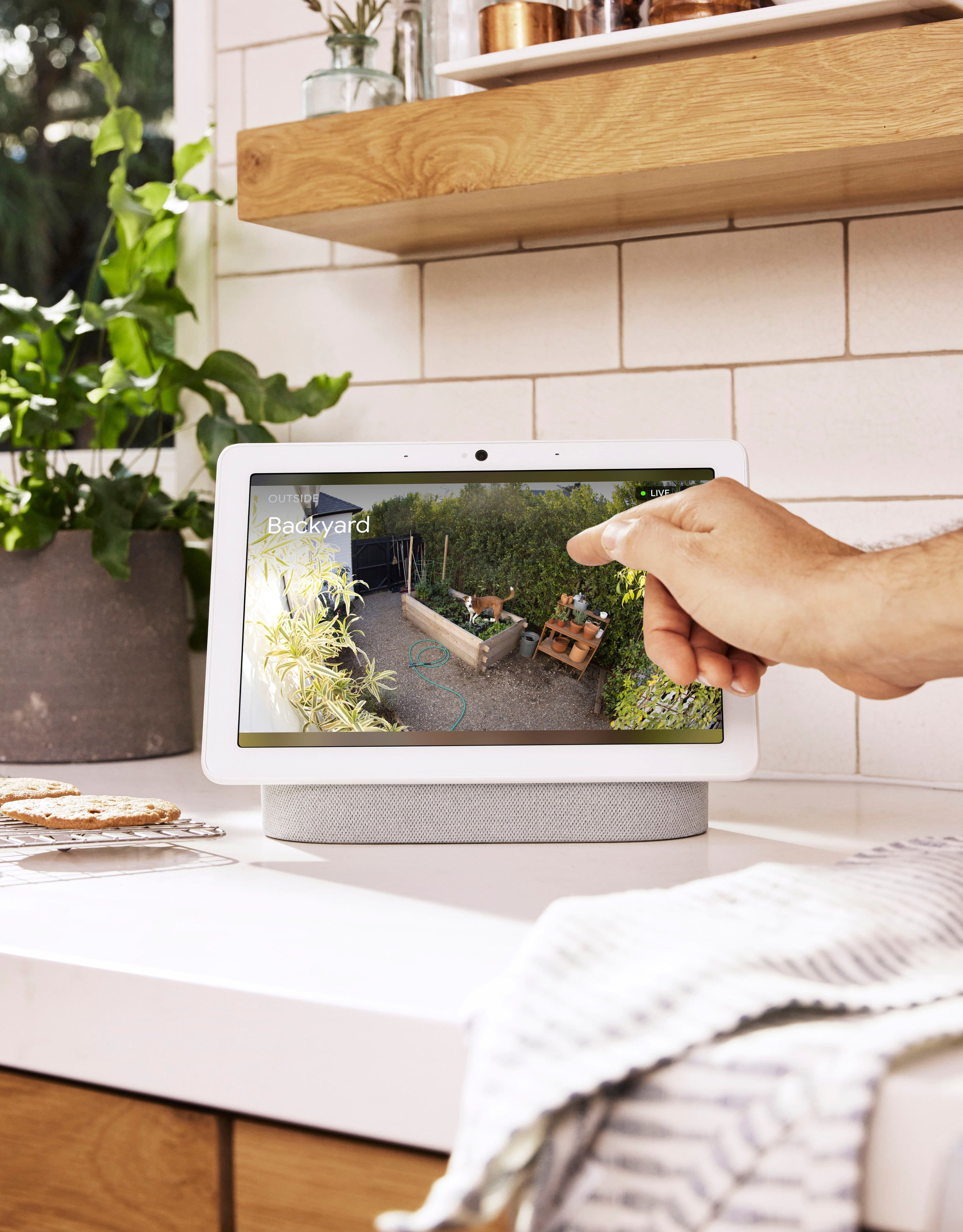
- Your Google Nest devices and services will work together. For example, if you have a Nest Cam and a Nest Hub, just say, ""Hey Google, show me the backyard camera” to cast your camera stream to your display without any additional setup.
- One account to sign into both the Nest and Google Home apps.
- Your homes and home members will be aligned across the Nest and Google Home apps.
We value your feedback and we´ll make sure to pass them along to the right team, since we´re always looking for ways we can improve our products and services. For any other support concerns you may have, you may contact us here: https://support.google.com/googlenest/gethelp

Excellent addition to my Smart Home
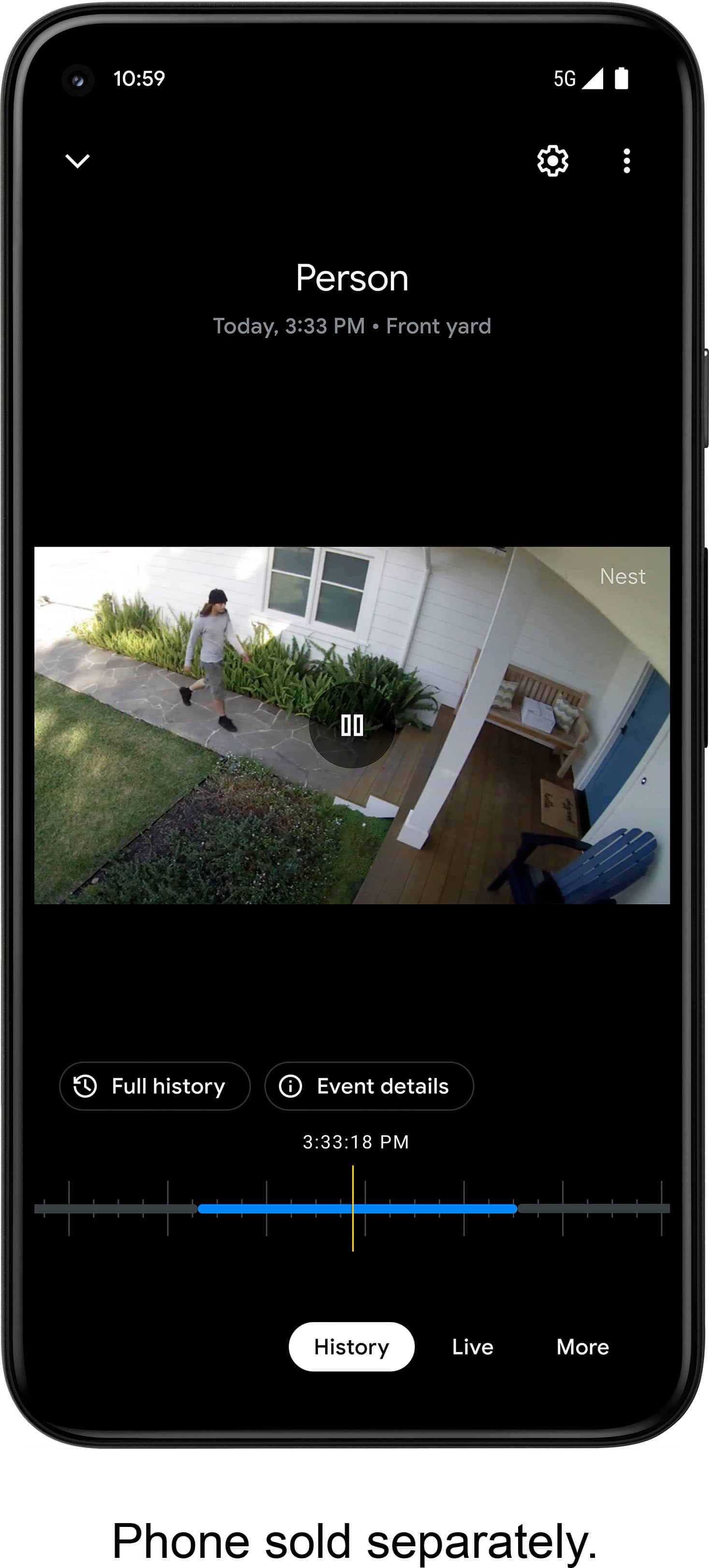
|Posted .This reviewer received promo considerations or sweepstakes entry for writing a review.In the box is the Google Nest Camera, a charging cord with charging plug, mounting screws, mounting anchors and quick start guide to include instruction manual. Right away, I fell in love with the way the items were packaged in the box. The screws and anchors were embedded into the packaging, no additional plastic to throw away. Out of the box, per the quick start manual, you should charge the camera. In about an hours time, the light will turn green and the camera will be ready to install. I decided to install the camera in the carport so that I would be notified if someone entered the driveway and this camera works like a charm! Let me back up to the Google Home App. I currently use my Google Home App for multiple things on multiple devices, so setting up the camera was a breeze. For someone new, the quick start guide is great assistant. Once everything was set up, the camera worked perfectly. Now when someone enters my driveway, the motion sensor notifies me by phone or watch, whatever you have Google Home notifications set to. When you open the notification, the app takes you right to the camera and it records the activity. Another great feature is being able to talk to the person on the other end of the camera. In the app, there is a mic button and you just press and hold and talk. Once the camera records, there will be 72 hours of recorded activity for you to go back and view at anytime. After 72 hours, the footage auto deletes since all of the storage is on the camera itself. The battery life so far is amazing. When you open the camera section of the Google app, the screen shows you how much battery life you have left and currently mine is saying 4 months. Then when you press LIVE, it shows me that I have 97% battery after 3+ days. There is a IR for night time and it works pretty good. Make sure there are no trees or bushes in the way so that you can get a pretty good picture at night. The only drawback for the camera so far is the mounting base. It is great for indoors but the outdoor mount is not included, you must purchase separately. When you look at the camera, it does look like it is all one piece but if someone wanted to take the camera, they could easily steal it with the magnetic included base. At this point, I can’t wait to add more cameras to my home, this is definitely a product that I would recommend to friends and family.
I would recommend this to a friendGood home camera
Posted .This reviewer received promo considerations or sweepstakes entry for writing a review.Great picture easy to set up. Awesome use with a Google home app.
I would recommend this to a friend- Cons mentioned:Battery life
Best Cámaras Ever
Posted .This reviewer received promo considerations or sweepstakes entry for writing a review.Great cámara!!! Is way better than Ring o Blink. Also it is compatible with Alexa. Is great, you can see every little detail with this cámara.the Battery Is very durable, but it takes like 20-30 min to charge. The battery takes around 1 month without charging. I recommend using this cámaras 100%.
I would recommend this to a friend Security Camera
Posted .This reviewer received promo considerations or sweepstakes entry for writing a review.A great product, security camera, no wires, great color pictures with free history play back for three hours. Easy to install and pair-up with your internet. Plan to replace other security cameras with this Google-Next indoor/outdoor wire free camera.
I would recommend this to a friendHigh Quality, Lots Of Features, Very Adaptable
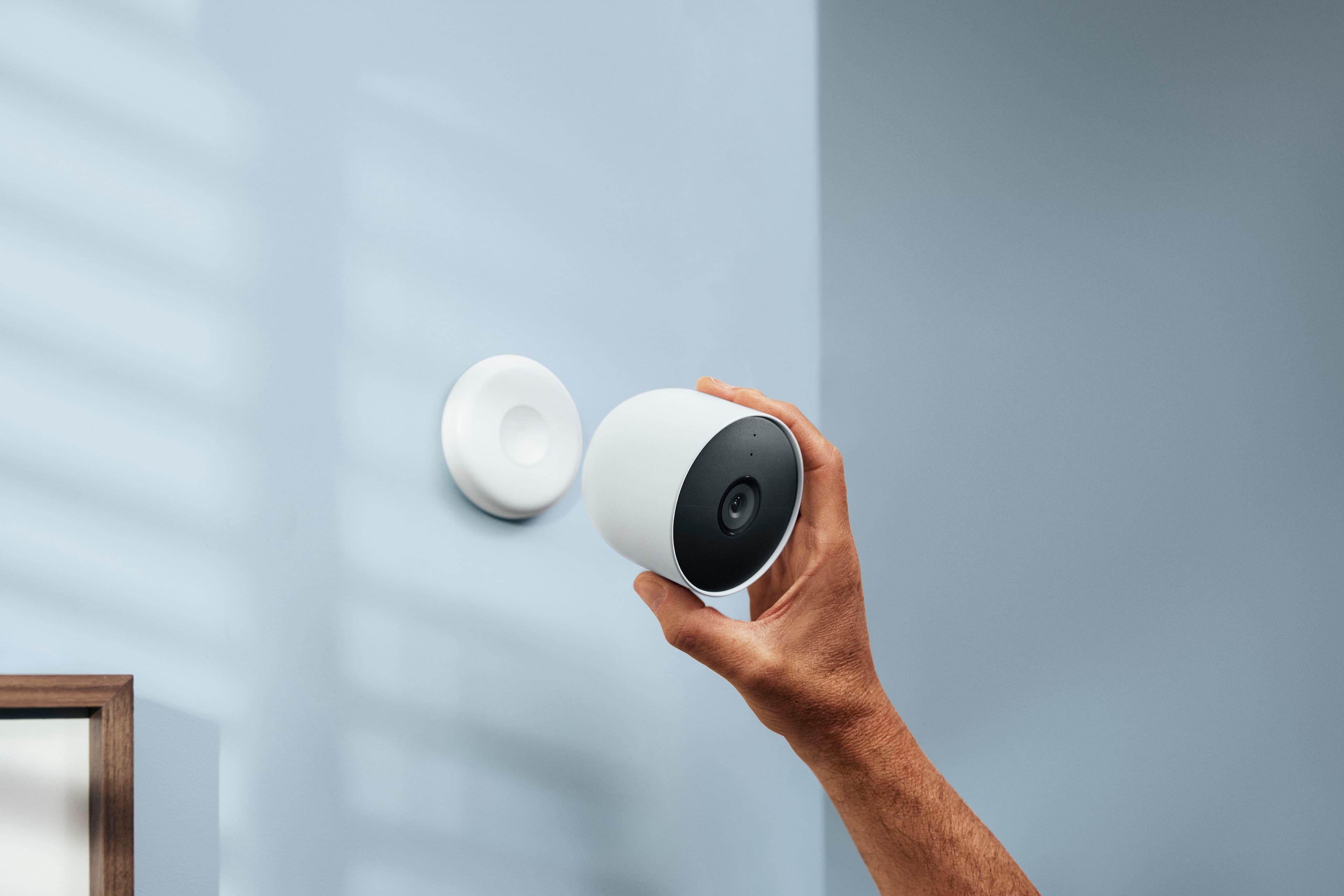
|Posted .This reviewer received promo considerations or sweepstakes entry for writing a review.This Google battery powered Nest Camera has all of the options and features needed to customize it to whatever the placement and situation requires. The camera is for indoor or outdoor use and can be operated on battery or continuous power. The basic camera package comes with the camera, charge cable, power adapter, and mounting hardware. The camera itself comes with a built-in powerful magnetic plate so the camera can be secured to a metal surface without using mounting hardware. In addition, there is an optional weighted camera stand available that makes placement of the camera very easy. The stand comes with a 10ft power cable so that the camera can have continuous power rather than running on battery while on the stand. There's also an optional 33ft weatherproof power cable available for indoor or outdoor use. Setup of the camera is done with the Google Home app. On the app, you can customize activity zones, battery usage settings, event type detection (people, vehicles, animals, motion), event type recording, event notifications, and home & away routines. A free 3 hour event history is included in the Google Home app and 60 days of event history is available with a Nest Aware subscription. The live feed or recorded videos can be viewed on any device with the Google Home app, making the camera and settings accessible from multiple devices. The camera is 1080p color or black and white (night vision), the live video feed and recordings are excellent. The camera and all included or optional accessories are well made with high quality materials.
I would recommend this to a friendTop Camera !!
Posted .This reviewer received promo considerations or sweepstakes entry for writing a review.Wireless is so easy to install and I’m using the magnetic plate on the dide of the house. Awesome picture and sound quality. Battery lasts easily 3 months or more. You save battery life when you set the camera to sleep mode and will activate when motion occurs.
I would recommend this to a friendNeed to purchase additional accessories; app issue
|Posted .This reviewer received promo considerations or sweepstakes entry for writing a review.I've had the nest camera for about a week and overall, it's a good addition to the Google nest ecosystem, but unlike past cameras, you must use the new Google Home app instead of the old Nest app to view and manage this camera, which is extremely clunky if you have older Nest Cams that are still on the original Nest app, since you have to swich back and forth. The addition of a battery (finally!) to a nest cam is great, and this would be a perfect choice for an outdoor camera, EXCEPT that the solar panel is not yet available (coming in November?) and Google recommends purchasing an additional security cable mount if you're mounting it higher than 6 ft since the camera only attaches via magnets. Also, although listed as "weather resistant", it's discouraged to mount in a location that will be directly exposed to rain. Also, the operating temp limit is a very low 103 degrees F, which depending on where you live and how strong the direct sunlight is on the camera, will be an issue. Overall, this is a good choice if you MUST have a battery camera and you're committed to the Nest ecosystem. Otherwise if you're willing to explore other brands/systems, there are better battery-powered cameras available.
I would recommend this to a friendBrand response from Nest Support
Posted .Hi Raiders, we appreciate you taking the time to let us know of your experience with using the Nest Cam (Battery) and we’re sorry that it was less than ideal for you.
While the new Nest cameras and doorbells are exclusive to the Google Home app, users with previous versions of Nest cameras can also view their camera feeds in the Google Home app alongside the new Nest Doorbell and Nest Cams. We understand that long time Nest users enjoy viewing their Nest camera feeds from the Nest app and web app, however, our priority with this launch was to create an integrated experience with other Google Nest speakers and displays, and to make the Google Home app as the one place you can control all your favorite Nest and other smart home devices with the Google Assistant.
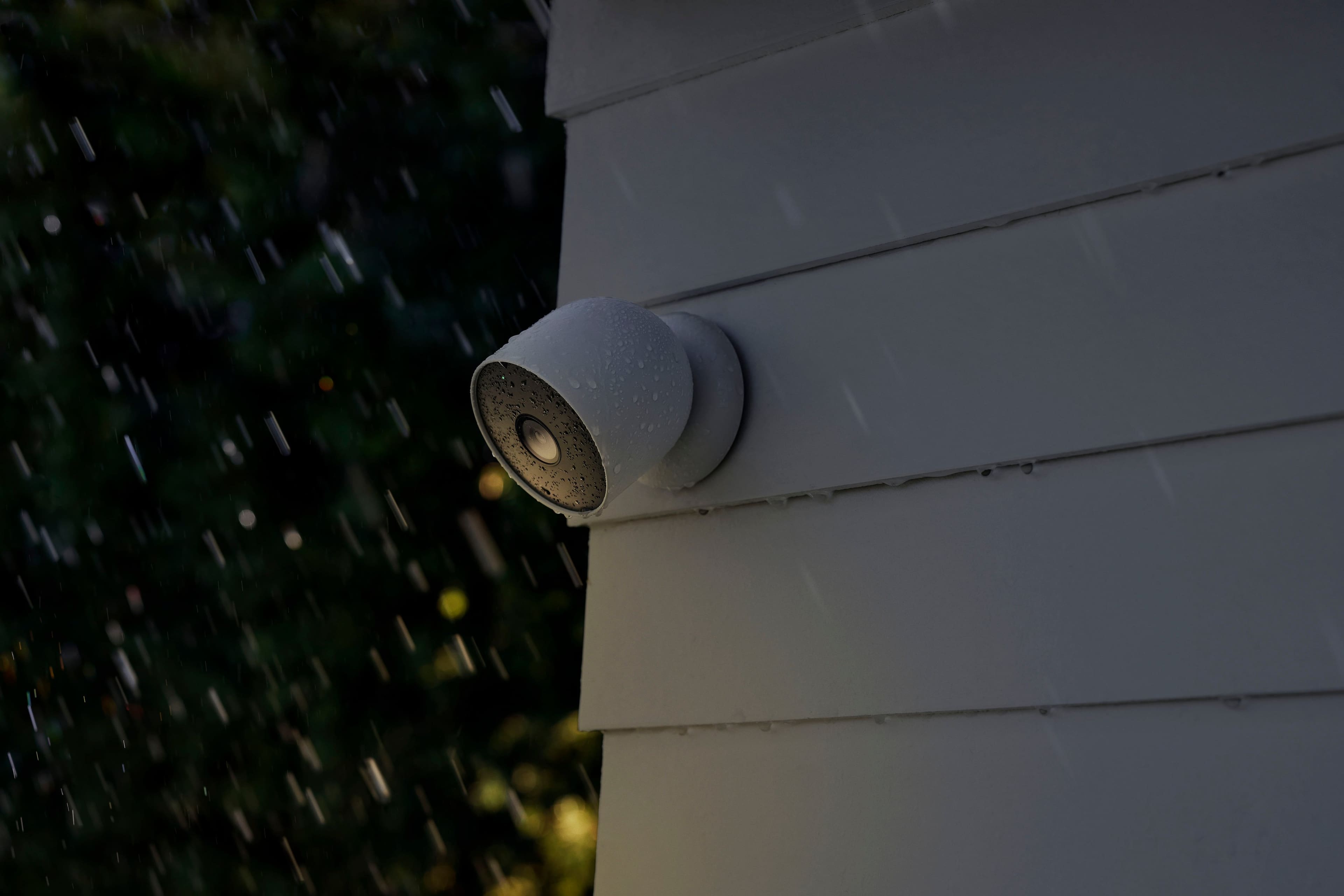
While the Nest Cam battery can withstand dust, rain and snow, we recommend mounting your camera in a shaded spot such as under an eave, or install a small shade above the camera. This can keep the sun from shining directly into the lens, and helps prevent overheating in extreme temperatures. Over time, your camera may collect dust, pollen, water spots, and other types of debris from its outdoor environment. Although outdoor Nest cameras are designed to withstand the elements, we don’t recommend exposing it to direct rain or snow to prevent water spots that can obstruct your camera’s view.
Your feedback is important to us to keep on improving our products and services. If there’s anything that we can help you with, you’re more than welcome to visit us anytime here: https://support.google.com/googlenest/gethelp
- Cons mentioned:Battery life
Poor Battery Life, no Nest App support. AVOID
Posted .This reviewer received promo considerations or sweepstakes entry for writing a review.These new cams are not better than the older versions (wired, which I have several already mounted in use for my yard). When this battery version came out, the selling point was that it *supposedly* lasts a month on one charge. One of my walls doesnt have access to wired power, so I was thrilled to give this a try. The difference: The new cams have better 4K quality compared to the previous wired outside cams. That is the ONLY pro in my opinions CONS: Camera will not be able to be shown through your existing Nest app, only through the GoogleHome App. further, unless your cam is plugged in an outdoor cable setup, it DOES NOT constantly stream, which is a big difference. So, it only works on motion detect, and you can only see it through the GoogleHome app. Secondly, the battery on average runs out within a week on my. I do not have a busy street but this still drains it at such rate. These are garbage and not ready for prime-time daily use (which the older ones are definitely are). AVOID, unless you want to use these indoors on a constant battery source (which renders the battery as a selling point in the first place!)
No, I would not recommend this to a friendBrand response from Google Team
Posted .Hi ConnectedHomePro, thanks for sharing your experience. It’s unfortunate to learn that Nest Cam (Battery) didn’t meet your expectations
The new Nest Cam (Battery) is exclusive to the Home app because we wanted to create an integrated experience. Our long term plan is to use the Google Home app as the one place you can control all of your favorite Nest and other smart home devices, as well as Google Assistant. In the near future, we’ll allow users to set up previous Nest devices and have full control in the Home app. Users with older cameras can view their camera feeds in the Google Home app alongside the new Nest Cams. Our team is working on bringing full functionality to the Google Home app so all of your cameras can be set up and controlled in one place.
For the battery life, it will depend on factors including activity, temperature, and camera settings that you select. You can extend the battery life of your camera by adjusting video quality, length of video clips, time between recorded events, and using activity zones to monitor specific areas. Here are some typical scenarios:
- Busy - About 1.5 months battery life (about 20 - 25 recorded events per day)
- Typical - About 3 months battery life (about 9 - 12 recorded events per day)
- Quiet - About 7 months battery life (about 2 - 4 recorded events per day)
If you´re willing to try, we recommend checking the frequency of events (per day) that you get with your Nest Cam (Battery). If the short battery life isn´t related to the frequency of events, then we may need to have a closer look at your Nest Cam (Battery) and understand what may be causing it. You may contact our support team for further assistance here: https://support.google.com/googlenest/gethelp
Cameras Hit or Miss
Posted .This reviewer received promo considerations or sweepstakes entry for writing a review.The video quality of the camera is pretty good including night mode, but it is very spotty when capturing movement. I have several cameras overlapping and one camera could pick up movement while the other doesn't.
No, I would not recommend this to a friendBrand response from Nest Support
Posted .Hello, we appreciate your feedback and are eager to assist you!
Let's examine your Nest Camera activity to determine if specific events were recorded. You can do this by accessing your app settings and navigating to Activity.
For additional assistance, please don't hesitate to contact our support team.
horrible software
Posted .This reviewer received promo considerations or sweepstakes entry for writing a review.Looser product, horrible implementation. The new Google Cams are NOT compatible with Nest and Google Home app wont allow all the functionality of older Nest or dropcams, (eg: activity zones). So, unless you want to use two applications to manage your cameras, anyone who has existing nestcams, google indoor/outdoor or dropcams and considering adding a new google wireless camera should think about going to a different eco-system. Very frustrating as there was no information about this prior to purchase. TO be fair.. Im giving it 2 stars as Im sure the camera itself is great. but id give it sub-stars for compatibility. I mean seriously... why wouldn't google think that perhaps people who bought cameras a whopping year or two ago, wouldn't want to add additional cameras to their system???
No, I would not recommend this to a friendBrand response from Nest Support
Posted .Hi there, WilliamH. It's unfortunate to hear about your disappointment with the move to the Google Home app for the new generation of Nest cameras, including Nest Cam (Battery).
We wanted to make the Google Home app as the one place where you can control all your favorite Nest devices and other smart home devices with the Google Assistant. Here are some benefits you can get by using the Google Home app with your Nest Cam (Battery):
- Automatic security protections such as Suspicious activity detection, 2-Step Verification and Security Checkup.
- Your Google Nest devices and services will work together. For example, if you have a Nest Cam and a Nest Hub, just say, ""Hey Google, show me the backyard camera” to cast your camera stream to your display without any additional setup.
- One account to sign into both the Nest and Google Home apps.
- Your homes and home members will be aligned across the Nest and Google Home apps.
- You may set up your Nest cameras to the Google Home app. Check out this help article to learn more: https://support.google.com/googlenest/answer/9893532
We understand that you may be having some questions. We'd be happy to answer them and give you a worthwhile experience in the process here: https://support.google.com/googlenest/gethelp
A simple to use and very smart camera
|Posted .This reviewer received promo considerations or sweepstakes entry for writing a review.This camera is an elegant looking, easy to set up camera that is versatile enough for almost any use case. PROS: - Set up: being wire free and weather proof means that you can set this up nearly anywhere you need. The mounting system has a very strong magnet that allows for a wide variety of mounting angles and if you would like continuous power or an interior stand those are offered separately. Including this to your google home account is also a breeze. Features: The included 3 hour of record/ playback is awesome. The activity zones are very smart. The facial detection and familiar faces is expectedly accurate. and the contextual notifications straight from google home are actually really nice. Also the battery life (and battery saver feature) is VERY good. Finally, the picture & sound quality, along with the speed of the live view & notifications is top notch. Cons: Honestly none. This camera checks all the boxes you would want in a product of it's kind and, honestly, is WELL worth the price. If you are looking for an easy to use battery powered camera packed with features, you will NOT be dissapointed with this product.
I would recommend this to a friendGet this if you have Google Home
|Posted .This reviewer received promo considerations or sweepstakes entry for writing a review.I've used several different kinds of security cameras, but if I had to start over, I'd use these. Integration into the Home app is flawless, so you don't have to install any other app. You only have to go one place to see what's going on. Alerts are very configurable. I used this as a "littercam" for a while, aimed at one of my cats' litter boxes to keep track of which cat is using which box, and I set the camera to only alert on animals. Picture quality is very good, even in the dark. The resolution is pretty high so you can really zoom in to see details. I used it with the charging stand, so I can't comment on the battery life, but the camera is really durable. I've dropped it on our cement basement floor a few times and it didn't seem to affect the camera at all. It's very clever how it only records when there's alerts, and no full-time, so that saves a ton of storage space, so this isn't as powerful as an NVR type of system, but it has all the features you'd really want.
I would recommend this to a friendGood camera ! Hate google home
Posted .This reviewer received promo considerations or sweepstakes entry for writing a review.Camera is good. I already have nest doorbell so i figured i couldnt go wrong but the new nest cameras are no longer supporter by the nest app! You HAVE to use google home! Ive always like the nest app .. i can see my thermostat, nest yale door lock, and doorbool all from the nest app .. but now i have to use google home! I guess ill ijstbhave to vet used go it .. sucks
I would recommend this to a friendVery dissapointed
Posted .This reviewer received promo considerations or sweepstakes entry for writing a review.Very dissapointed. I have enjoyed using all Nest products this their first thermostat. But unfortunately google has destroyed the brand. The nest outdoor battery camera is really poor software design. It took me 2 hours to set up this camera because it could not connect to any of my other gnest products for wifi. All my nest products are pre-google nest products so I have a feeling that played a factor. I had to make a new home on my google app to get it to work. Camera quality is fine and night vision is good but I will be returnîg mine because I have to pay for a second nest aware subscription just to have recordings on this new camera.
No, I would not recommend this to a friendBrand response from Nest Support
Posted .Hi Arfrench, thanks for your insights on Nest Cam (Battery). We´re sorry to hear about your disappointment with its design and connectivity. We do appreciate that you were able to sort things out with your Nest Cam (Battery).
We´ve also taken note of your feedback and we´ll definitely go back to the drawing board and keep improving our products. In the meantime, you may contact our support team for any other support concerns here: https://support.google.com/googlenest/gethelp
- Cons mentioned:Battery life
Complete and total failure
Posted .This reviewer received promo considerations or sweepstakes entry for writing a review.Google, one of the largest and richest companies on the planet has completely ruined Nest products. Nest used to be the gold standard. These cameras are a joke. They are not compatible with the Nest app, they are large and heavy, they are weather "resistant" and not weather proof, they are only 1080p resolution (are we living in 2006? Also, why would you decrease the resolution from your previous cameras?), and you can't record 24/7 without plugging it in. This product release is making me lose faith in Google. If they are willing to cut this many corners, I'm going to have to rethink whether I continue to buy other Google products like their Pixel phone.
No, I would not recommend this to a friendBrand response from Nest Support
Posted .Hi Jason, thanks for letting us know about your experience with Nest Cam (Battery). We´re sorry to hear about your disappointment with some of the features for Nest Cam (Battery) and the Google Home app.
The battery accounted for the increase in size for the Nest Cam (Battery) that can last about 3 months on a typical user recording of 9-12 events per day. Battery life will still depend on factors including activity, temperature, and camera settings that you select.
Your Nest Cam (Battery) has full HD resolution with HDR video quality that’s optimized for a clear view in bright sun or dark. Keep in mind that it also helps save battery power. We believe that pixel count is only one factor that impacts video quality, and it shouldn’t be the only deciding factor when choosing a camera.
We value your feedback, and if you will allow us, we'd like to help you further by answering any questions or support concerns you may have. Please feel free to reach out to our support team here: https://support.google.com/googlenest/gethelp
NO TIMESTAMP, NO CUSTOM CLIP
Posted .This reviewer received promo considerations or sweepstakes entry for writing a review.This camera seemed great at first, facial recognition, super clear picture, inexpensive cloud subscription... but it has some GLARING flaws. There is no way to get a date and time stamp on the recordings or downloads on ANY of the Gen 2 products. NONE. You also cannot download a custom clip on any of the Gen 2 products. For example, I want to download a 30 minute clip from yesterday... YOU CAN'T!! You can only download "motion" clips. Which means during that 30 minute span, you download about 10-15 short clips, PLUS you can ONLY DO IT FROM YOUR PHONE!! NOT A COMPUTER!!! So when you download it, you can't find it! You have to go searching through your photos app. Finally, this camera CANNOT BE ADDED TO THE NEST APP, it can only be added to the Google home app. If you try, it sends you to the Google home app. The Nest app is available on the phone AND the web. This turns out to be a HUGE problem if you ever want to use the recordings for LEGAL reasons. You don't have a date and time stamp, AND you're stuck with a bunch of tiny clips that are a pain to get onto a computer. Then, you can't alter them by joining them together because there are gaps between the motion clips AND you e compromised the integrity of the original. I've contacted Google Nest support and requested a "legal hold" on the recordings, but so far the question is ignored. The rep stops responding or points me to a Google help article on how to download clips. Crazy right? I have the top level Nest Aware subscription and thought I was good to go with 60 days of 24-hours recording, but you're not. 100% NOT. I've contacted Nest support regarding the time stamp and the custom clip and was pointed to an article for the previous generation camera where you COULD download a custom clip, but the timestamp was buried as a subtitle and can only be seen by enabling "Track 1" in ONE app called VLC player. I found this after hours of research. I havent found a way to make VLC save the recording with the subtitle "always on." An attorney or judge probably won't take the time to download VLC and follow your intricate directions on how to see the time stamp, which could put people in a precarious position. Lol. This also ONLY applies to the Gen 1 camera which DOES NOT support facial recognition. ONLY the Gen 1 cameras have the date and time stamp buried as a "subtitle." FYI: ALL OF THIS ALSO APPLIES TO THE GOOGLE DOORBELL (BATTERY) I hope this review helps you when deciding to purchase a camera product.
No, I would not recommend this to a friendShiort power cable.
Posted .This reviewer received promo considerations or sweepstakes entry for writing a review.I have several other cameras and this was purchased to replace one Google no longer support. I really like the camera however the pose cord was ridiculously too short. Would really appreciate a longer power cord.
I would recommend this to a friendOk for the price
Posted .This reviewer received promo considerations or sweepstakes entry for writing a review.2 out of 3 of my cameras look great during the day, however the night vision will show you shapes but there isn’t much detail. The 3rd camera will not stay connected to my wifi and drops offline multiple times a day
I would recommend this to a friendBrand response from Nest Support
Posted .Hello there, user414079. Thanks for sharing your feedback on Nest Cam (battery). We're sorry to hear that you’re having issues with the Night Vision feature and connectivity.
There are different factors that can affect the Night Vision. Try to angle your camera away from bright lights, or to install the camera in a shady spot. You should also make sure that any nearby surfaces or objects (like a wall) are out of view, since the camera’s infrared light can reflect off a surface. You can also try the simple steps outlined at the following link: https://support.google.com/googlenest/answer/9259738
Also, you may need to check for any range issue or wireless interference that can affect the overall performance of your camera. Sometimes the device may pass the connection test during setup, but will struggle to stay connected if it’s just a bit too far away from your router. You may also check for objects such as mirrors and refrigerators between the camera and your router as these items could block the connection. Check this link for more details: https://support.google.com/googlenest/answer/9276282
For additional help, our support team can guide you with further troubleshooting steps here: https://support.google.com/googlenest/gethelp
Camera
Posted .This reviewer received promo considerations or sweepstakes entry for writing a review.Is a great project, I love it and it’s necessary for me
I would recommend this to a friend