Customer Ratings & Reviews
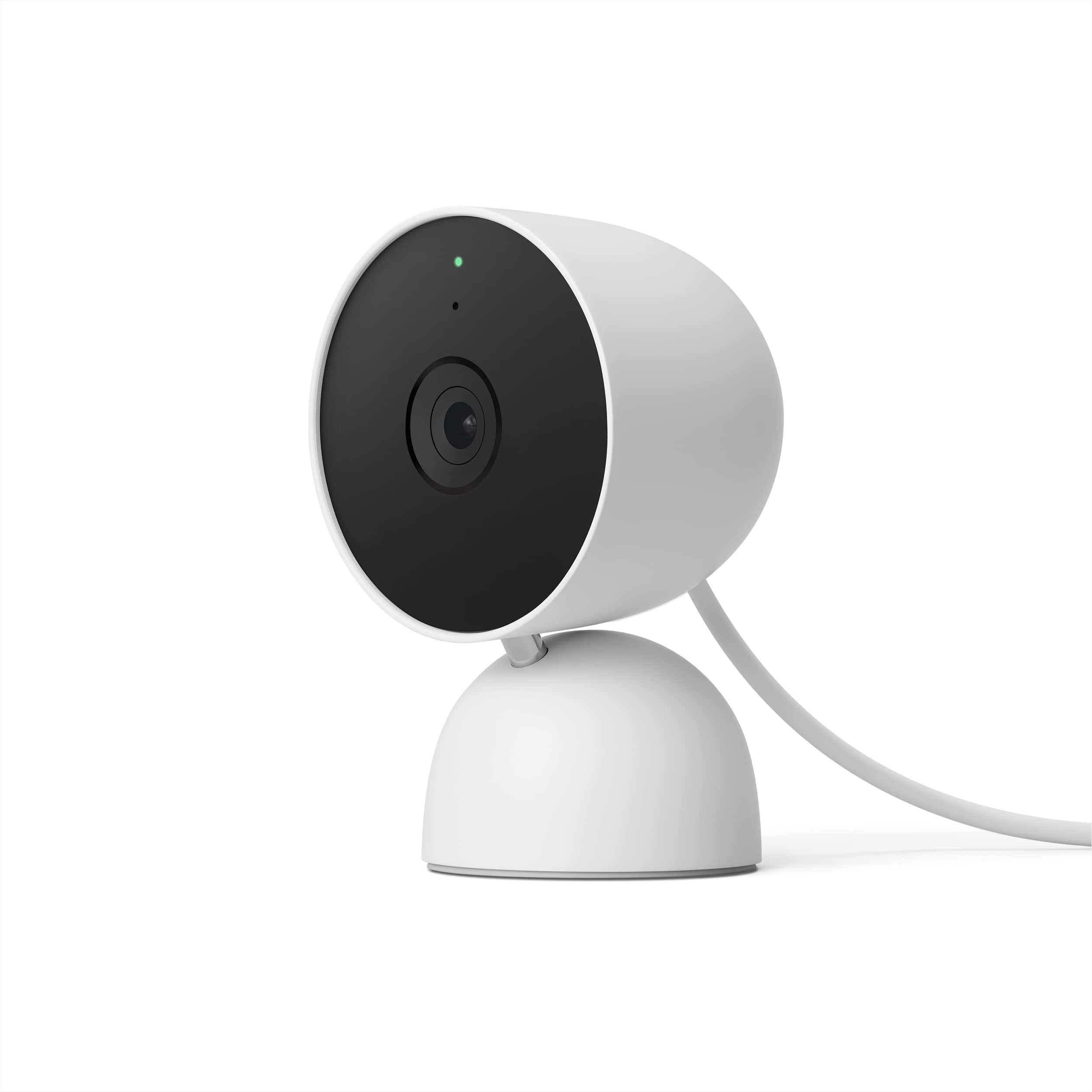
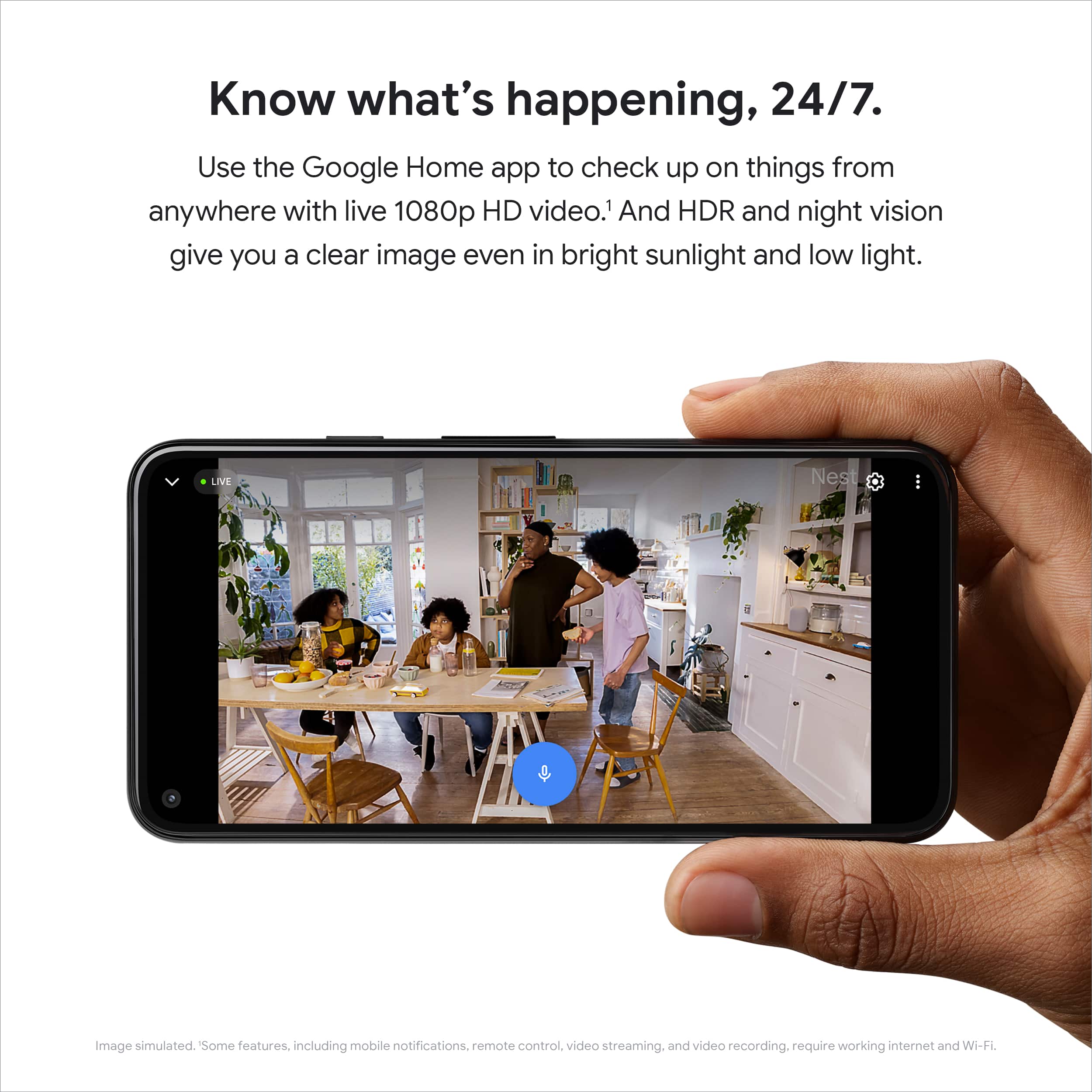
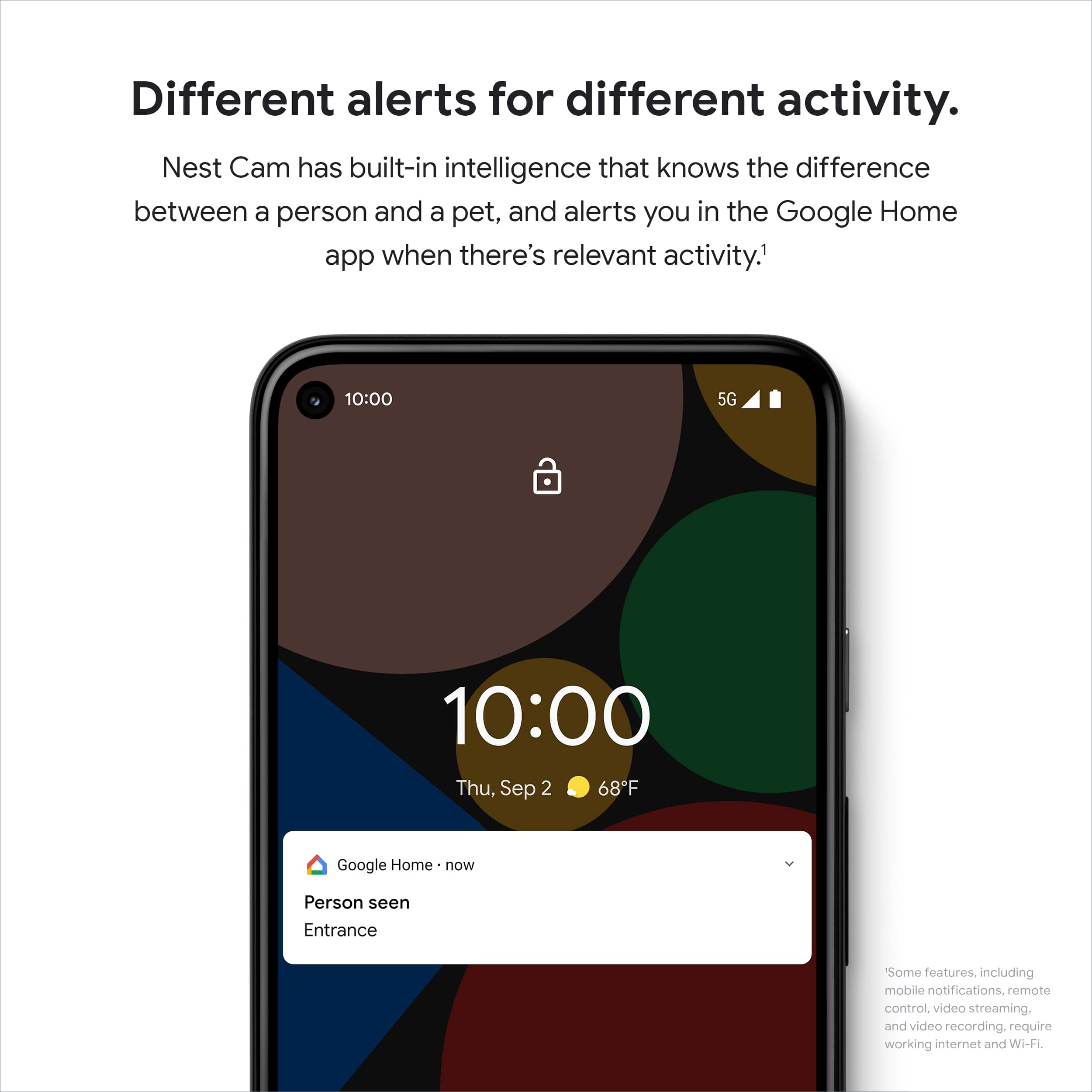
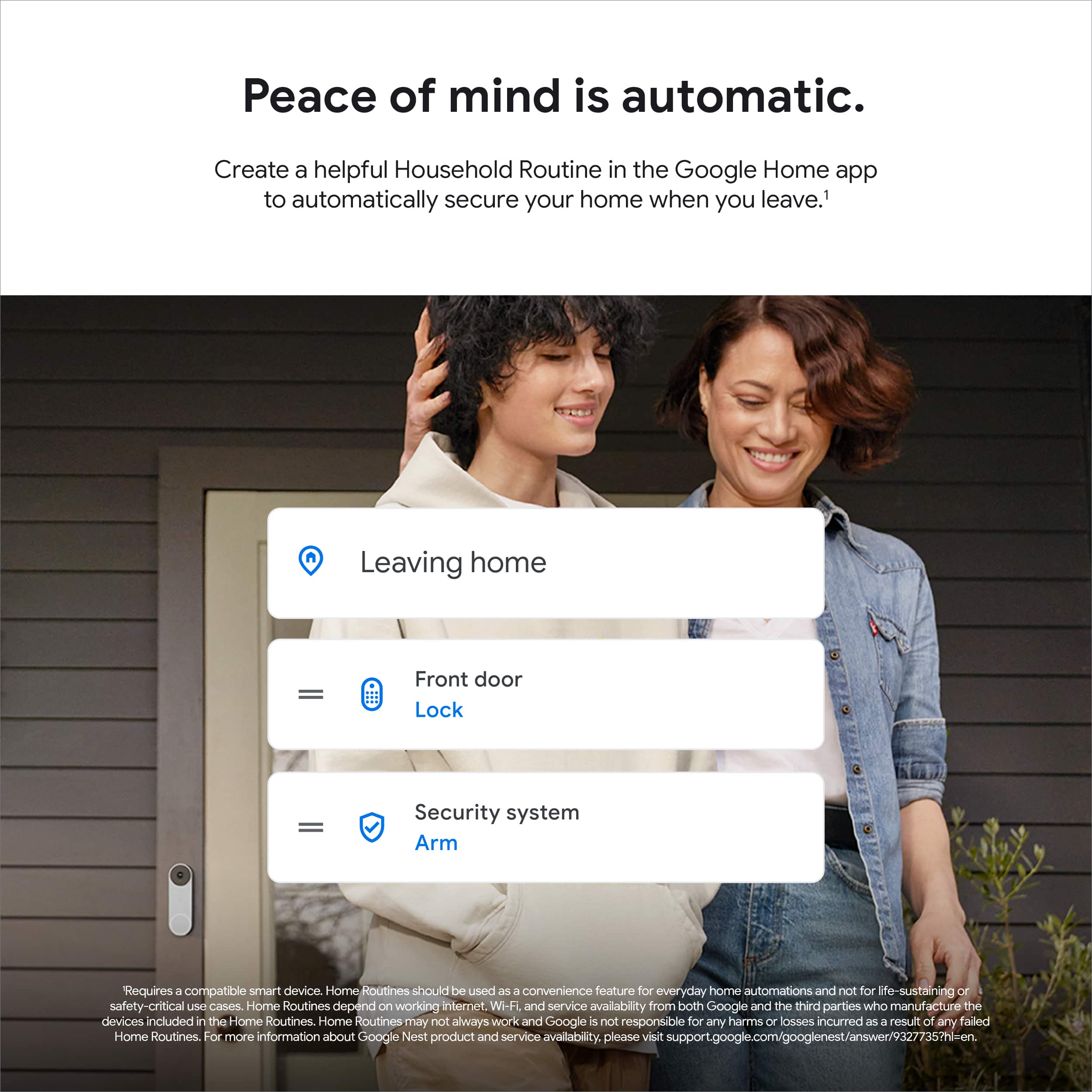
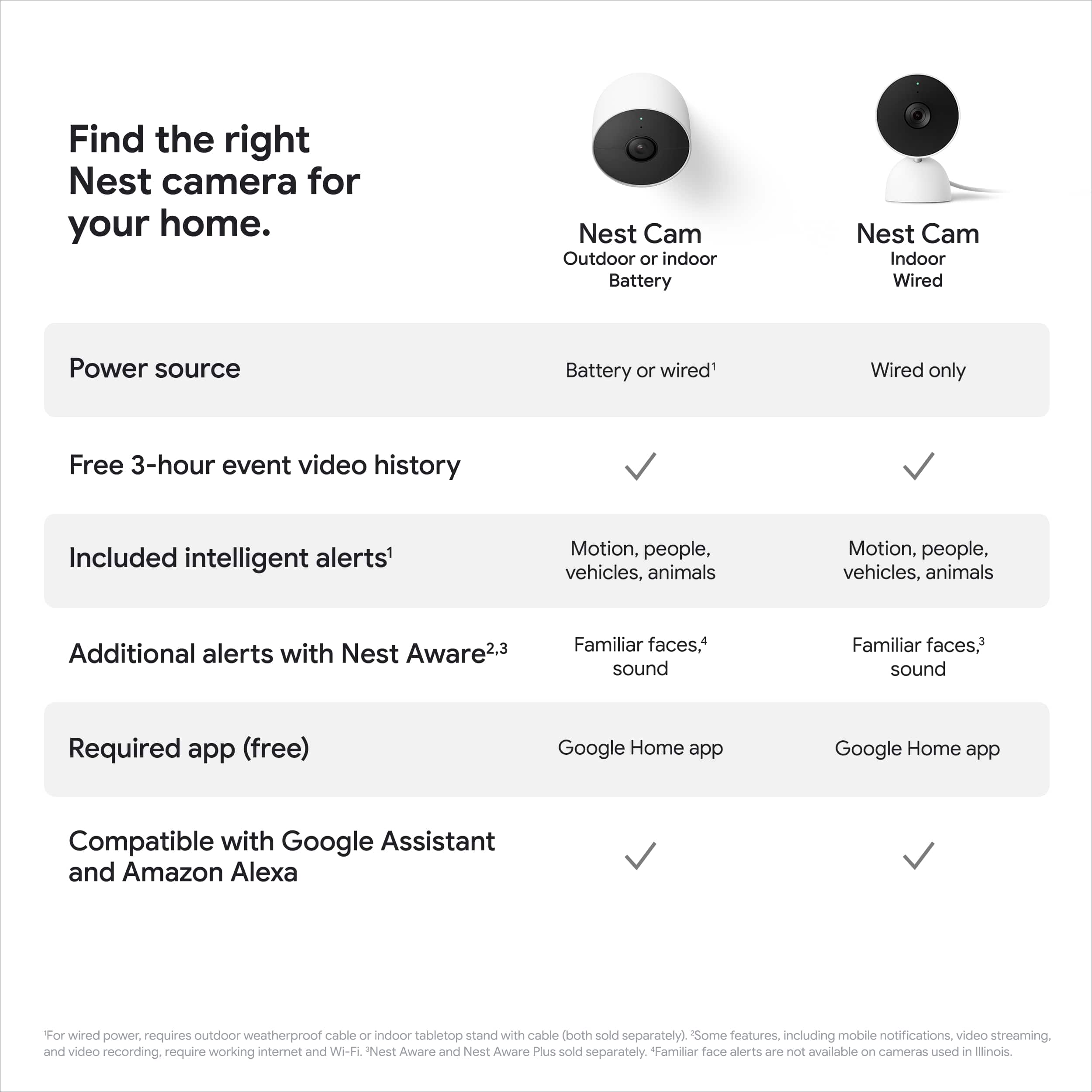
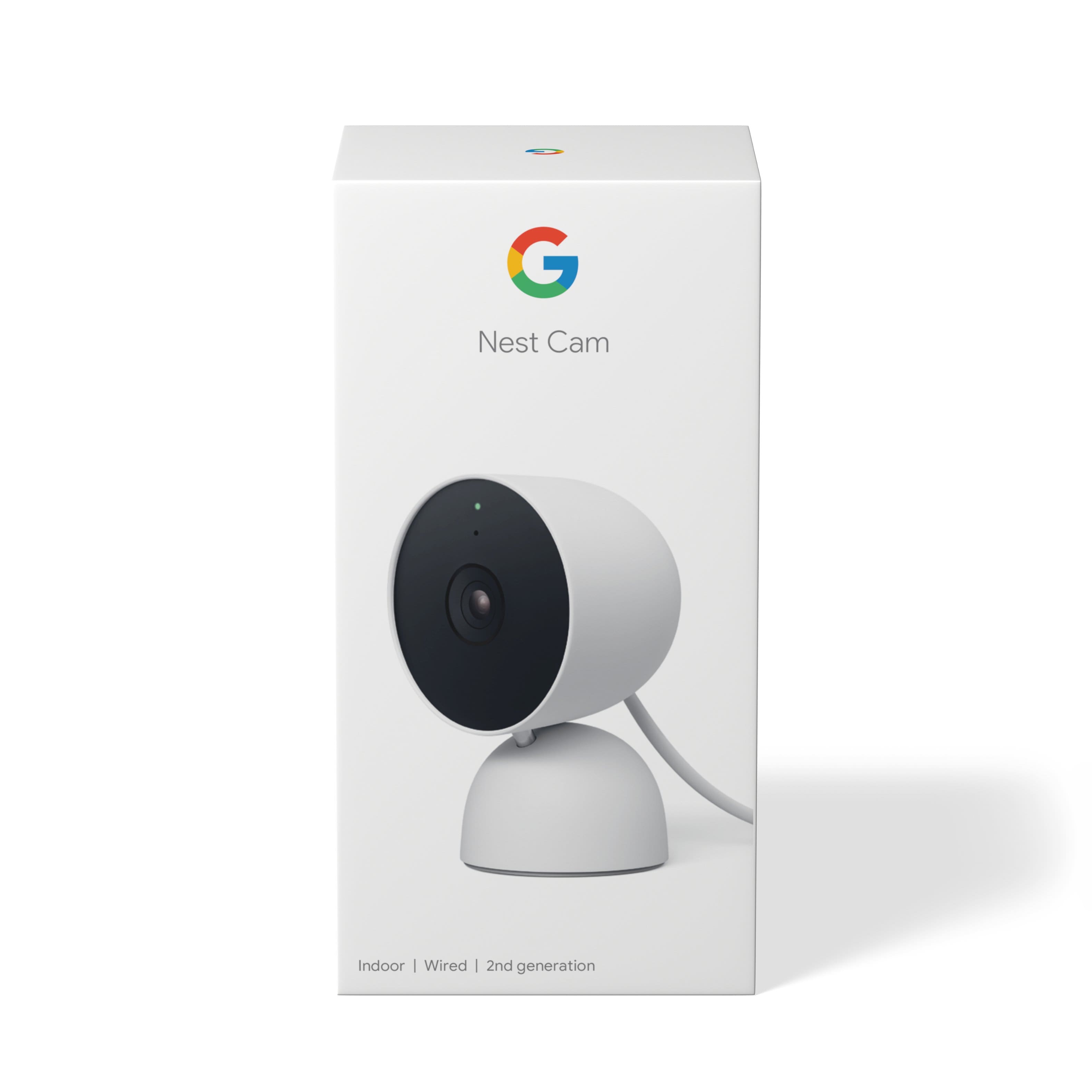
- Model:
- GA01998-US
- SKU:
- 10947893
Rating by feature
- Value
Rating 4.4 out of 5 stars
- Quality
Rating 4.6 out of 5 stars
- Ease of Use
Rating 4.5 out of 5 stars
Do not buy it
||Posted . Owned for 11 months when reviewed.This reviewer received promo considerations or sweepstakes entry for writing a review.It stopped working, I also changed the Wi-Fi password and I was never able to connect it to the new network, even asking the support area. After using it for a couple of weeks, one of those never came back on. do not buy it
No, I would not recommend this to a friendBrand response from Nest Support
Posted .Hi AlexToro, thank you for sharing your review. We're sorry to hear that you're experiencing some connectivity issues with Nest Cam (indoor, wired) and your Wi-Fi network. Your Nest Cam only remembers one SSID and password. If you've made changes with your Wi-Fi such as changing the password, your Nest Cam can't connect to it again unless you remove it from the Home app and perform a factory reset before changing your password. We'd recommend using the reset button to perform a factory reset manually. If you need further assistance, please feel free to contact us on our Google Help page here: https://support.google.com/googlenest/gethelp

Eh!
||Posted . Owned for 1 month when reviewed.This reviewer received promo considerations or sweepstakes entry for writing a review.Night vision on this camera appears hazy. Daytime image is not an issue. This camera operates on google home only and not on the nest app with my other nest products, not a big deal but just be aware you will need to operate both apps to use this camera.
No, I would not recommend this to a friendBrand response from Nest Support
Posted .Hi Antny, thanks for sharing your feedback with us about the Nest Cam (indoor, wired), and we apologize that you're having issues with the night vision video quality, and that the camera only operates on Google Home app.
We understand the convenience of having one app only to view and manage your cameras, and we’re aware that longtime Nest users enjoy viewing their Nest camera feeds from the Nest app. However, our priority with this launch was building a complete experience for our new cameras and doorbell in the Google Home app. While the new Nest cameras and doorbells are exclusive to the Google Home app, users with previous versions of Nest cameras can view their camera feeds in the Google Home app alongside the new Nest Doorbell and Nest Cams. Our teams are working on enabling the ability to set up and control older Nest cameras in the Home app so users will have one app to control all of their devices, and we’re working on bringing full functionality to the Google Home app as we want to create an integrated experience with other Nest and smart home devices.
Also, most Night Vision specific issues are caused by your camera’s infrared light that reflects off a surface near your camera, like a shelf, window, window screen, or wall. Here are some troubleshooting steps that might be helpful:
- Clean the lens with a soft cloth that’s made for cleaning optics. Dust, thumbprints and dirt can cause poor image quality.
- Adjust your camera so that any nearby surfaces or objects (like a wall) are out of view. Avoid surfaces or objects that may be the cause of the glare.
- If a bright white shape along the edge appears while everything else is too dark, there might be a surface that’s too close in your camera’s view (like a wall). Angle your camera so the surface stays out of view.
- Move nearby objects that may reflect the infrared light.
We care about your experience. Please let us know if additional help is required by visiting us anytime at Google Nest Help page here: https://support.google.com/googlenest/gethelp
Google has messed up Nest
||Posted . Owned for 4 months when reviewed.This reviewer received promo considerations or sweepstakes entry for writing a review.The new nest cameras do not sync on the old nest app anymore. They are only in the Google home app. But all of my other camera are on the old nest app. The Google home app quality is terrible because it lags and the history is not as accessible.
No, I would not recommend this to a friendBrand response from Nest Support
Posted .Hi Allie, thanks for reaching out to our support page. We're sorry to hear about your disappointment with the move to the Google Home app. The new Nest Cameras and doorbells are exclusive to the Google Home app because we wanted to create an integrated experience with other Google Nest speakers and displays. We wanted to make the Google Home app as the one place you can control all your favorite Nest and other smart home devices with the Google Assistant.
Your feedback is important to us and we'll definitely go back to the drawing board, since we're always searching for ways to improve our products. You can always reach out to our support team for any questions or support concerns you may have, if you can contact us here: https://support.google.com/googlenest/gethelp
Would recommend
||Posted .This reviewer received promo considerations or sweepstakes entry for writing a review.Great color and form factor. Overall good quality feed.
I would recommend this to a friendGoogle camera
||Posted . Owned for 1 year when reviewed.This reviewer received promo considerations or sweepstakes entry for writing a review.This product will not connect to the nest app and I am struggling with it connecting at all.
No, I would not recommend this to a friendBrand response from Nest Support
Posted .Hi there, CodyN. We understand your frustration that your Nest Cam (indoor, wired) isn't connecting to the Nest app. We apologize for the inconvenience this is causing. Firstly, I recommend ensuring that your Nest Cam is properly set up and connected to your WiFi network. You may want to double-check the WiFi credentials entered during the setup process and ensure that your WiFi signal is strong and stable in the area where the camera is installed. If you're still encountering connectivity issues, we suggest restarting your device and waiting for a few minutes before plugging it back in. If you continue to experience difficulties after trying these steps, we recommend reaching out to our dedicated team of specialists on the Google Help Center here: https://support.google.com/googlenest/gethelp
Garbage
||Posted .This reviewer received promo considerations or sweepstakes entry for writing a review.I usually use Nest in my home and business, but this model is terrible. The quality is garbage, it looks like the cell phone quality from the early 2000s. I bought this today and returning it tomorrow
No, I would not recommend this to a friendBrand response from Nest Support
Posted .Hi there, thanks for sharing your insights with us. We're sorry to hear that Nest Cam (Indoor, Wired) didn't meet your expectations.
We value your feedback and we'll certainly go back to the drawing board. If you're willing, we'd like to share the full features of Nest Cam (Indoor, Wired) and provide you with a better experience using it. Our support channels are always open for your support needs and you may visit this link to contact us: https://support.google.com/googlenest/gethelp
No
||Posted . Owned for 3 weeks when reviewed.This reviewer received promo considerations or sweepstakes entry for writing a review.It freezes up and doesn't show pictures at times when you're trying to look at it
No, I would not recommend this to a friendBrand response from Nest Support
Posted .Hi Michael, to resolve the issue you're experiencing with your Nest Cam, our technical support team can provide you with specific troubleshooting steps through this form: https://support.google.com/googlenest/contact/social_googlenest?sjid=3773178315006570257-NC
Does not work with nest hub.
||Posted . Owned for 1 week when reviewed.This reviewer received promo considerations or sweepstakes entry for writing a review.Does not connect to the nest hub app. Can only be used in the Google home app which has a subpar interface. Still haven't figured out how to clip.
No, I would not recommend this to a friendBrand response from Nest Support
Posted .Hi Matthew, thanks for reaching out. We're sorry to hear that the Google Home app didn't meet your expectations.
The new generation of Nest cameras are exclusive to the Google Home app, and we wanted to make the Google Home app as the one place where you can control all your favorite Nest devices and other smart home devices with the Google Assistant. Here are some benefits you can get by using the Google Home app with your Nest Cam (Indoor, Wired):
- Automatic security protections such as Suspicious activity detection, 2-Step Verification and Security Checkup.
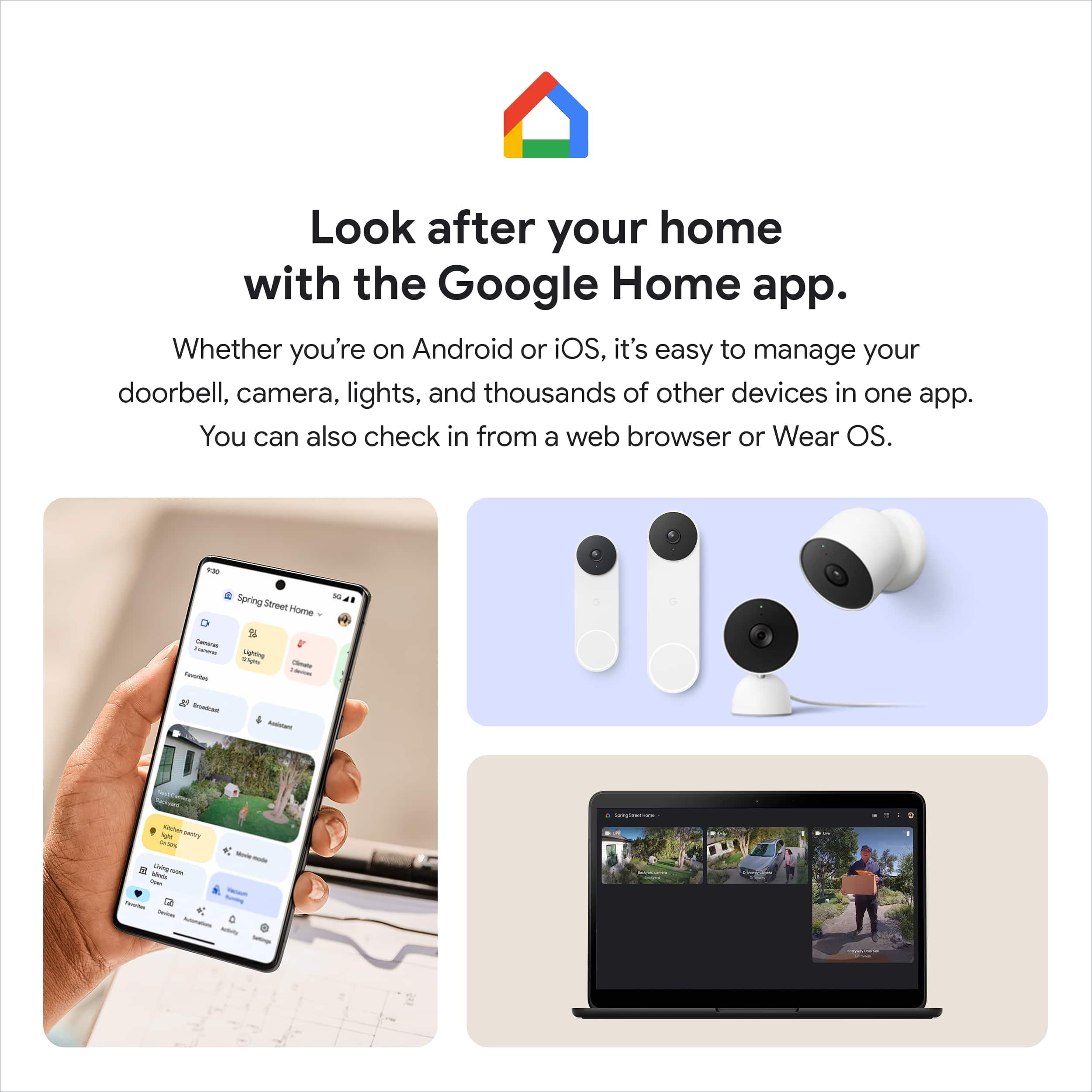
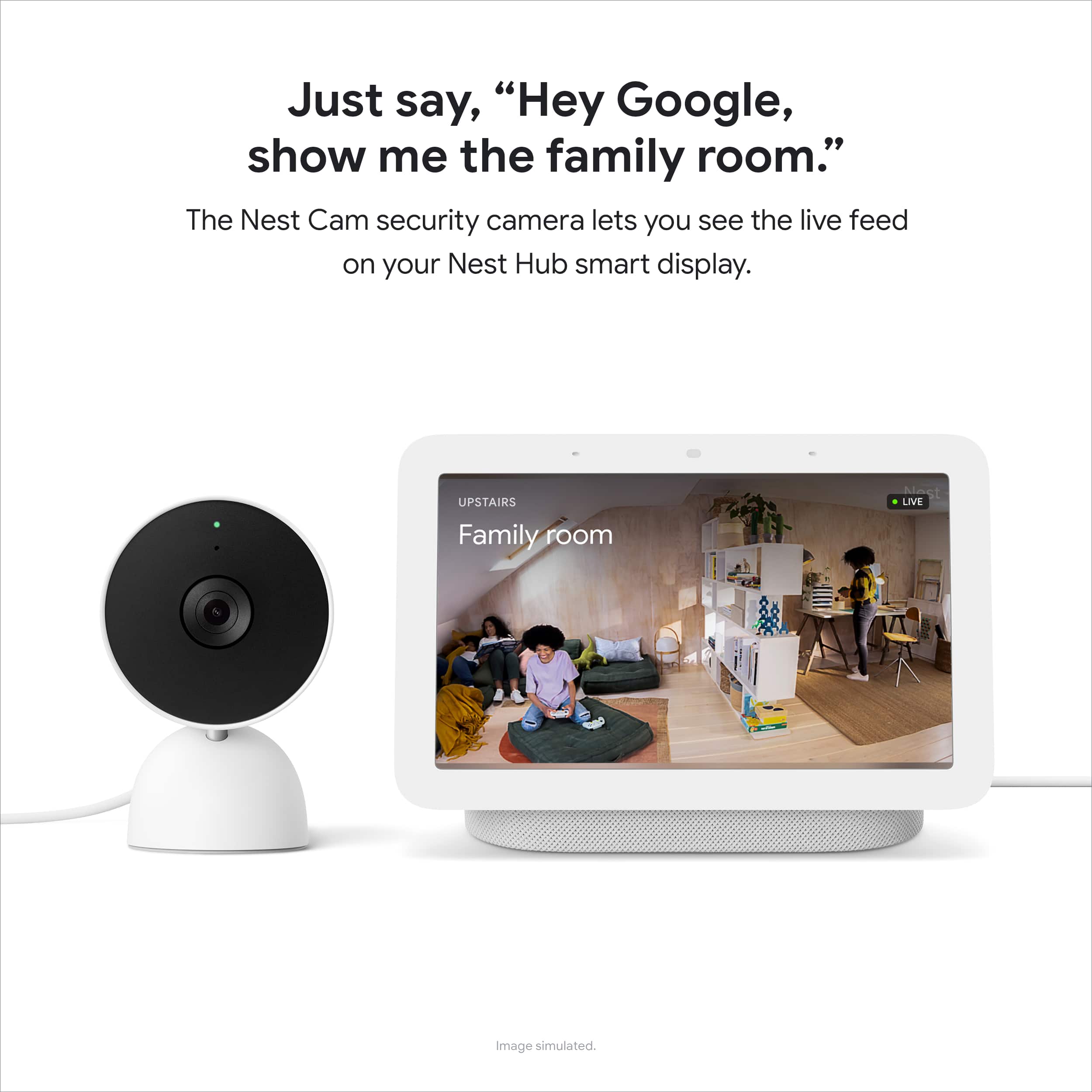
- Your Google Nest devices and services will work together. For example, if you have a Nest camera and a Nest Hub, just say, ""Hey Google, show me the backyard camera” to cast your camera stream to your display without any additional setup.
- One account to sign into both the Nest and Google Home apps.
- Your homes and home members will be aligned across the Nest and Google Home apps.
- If you´re willing to try, you may set up your older Nest cameras on the Google Home app as well. For more information, check out this help article:
https://support.google.com/googlenest/answer/9293657
Saving video clips on Nest Cam (Indoor, Wired) is quite easy. Follow the steps below to create and download a video clip:
- Open the Home app.
- Select your camera.
- Tap History near the bottom of the screen.
- Scroll to an event in your camera's video history timeline. You can also tap Full history for a list of events.
- Choose the event you want, then tap Event details.
For any other support needs that may arise with your Nest Cam (Indoor, Wired), please consider contacting us here:
https://support.google.com/googlenest/gethelp
Waste of money
||Posted . Owned for 2 months when reviewed.This reviewer received promo considerations or sweepstakes entry for writing a review.Worked great for a little over a month. Now video is very spotty. Have to turn camera off then on to work but only works fine for maybe 3 minutes then stops.
No, I would not recommend this to a friendBrand response from Nest Support
Posted .Hi JuanC, thanks for sharing your review. We're sorry to hear that you're experiencing some difficulties with Nest Cam (indoor, wired) when it comes to performance. We'd suggest the following troubleshooting steps here:
-Check the power
-Check the app version: Make sure you have the latest app version. You can update the Home app from the Google Play Store.
-Check if your camera or doorbell feels really warm or cold: If it's very hot or cold (below or above your camera's operating temperatures), your camera might disconnect from Wi-Fi to help protect itself.
If you've done these steps before or if the issue still persists, we recommend that you reach out to our support team so we can help find a better resolution for you. Please contact us on our Google Help page here: https://support.google.com/googlenest/gethelp
Annoying Clicking sound in night vision mode
||Posted . Owned for 3 weeks when reviewed.This reviewer received promo considerations or sweepstakes entry for writing a review.When nightvision mode is on in google home app settings this cam makes clicking sound at regular period to adjust with changing light which is very annoying, not worth the money
No, I would not recommend this to a friendBrand response from Nest Support
Posted .Hi Amey, we appreciate your feedback on Nest Cam (indoor, wired), and we’re sorry to hear that you find it annoying when your camera makes a clicking sound to adjust with changing light when night mode is on. All Nest cameras and doorbells have sounds that help you know what’s happening, and most of these sounds cannot be changed in settings. We’re taking your feedback seriously as it helps us better understand our customers’ preferences and needs. And if you come across any concerns about the Nest camera, let us know here and we’ll gladly help: https://support.google.com/googlenest/gethelp
DOES NOT WORK WITH NEST - WARNING.
||Posted . Owned for 2 months when reviewed.This reviewer received promo considerations or sweepstakes entry for writing a review.Ripped offed. Does not work with all my other Nest products. They should not put the work Nest on it if it does not work with Neat. Into the trash this goes.
No, I would not recommend this to a friendBrand response from Nest Support
Posted .Hi Dad2Three, thanks for sending in your review. We're sorry to hear that your experience with your Nest Cam (indoor, wired) didn't meet your expectations when it comes to using the Nest App. Our priority with this launch was to create an integrated experience with other Google Nest products and to make the Google Home app as the one place you can control all your Nest and other smart home devices with the Google Assistant. Your feedback with the integration is appreciated and rest assured that the right team is working on improvements moving forward. If you need further assistance or have additional questions, please don't hesitate to contact us on our Google Help page here: https://support.google.com/googlenest/gethelp
Upset
||Posted . Owned for 3 weeks when reviewed.This reviewer received promo considerations or sweepstakes entry for writing a review.Audio is not working and gets WiFi disconnected very often
No, I would not recommend this to a friendBrand response from Nest Support
Posted .Hi there, CClauu. We’re sorry to hear about your issues with the performance and connectivity of your Nest Cam (indoor, wired).
It may be helpful to check the placement of the camera as connectivity and performance can be affected by range issues or wireless interference. Although the device can sometimes pass the connection test, it will struggle to stay connected if it's too far away from your router or if your connection is spotty. We also recommend checking your Wi-Fi network to see if your bandwidth is congested, which happens if you have too many devices connected on the same bandwidth or if your network package is not enough to handle the data traffic on the network. Removing other connected devices to your Wi-Fi may relieve network congestion. You may need to extend your Wi-Fi network’s range using boosters or additional Wi-Fi access points if your camera is located too far from your Wi-Fi router.
We can guide you with further troubleshooting steps if additional support is needed, here: https://support.google.com/googlenest/gethelp
Ns
||Posted . Owned for 3 months when reviewed.This reviewer received promo considerations or sweepstakes entry for writing a review.Absolutely not good Unable to speak to anyone Paid for one year for nothing
No, I would not recommend this to a friendBrand response from Nest Support
Posted .Hi there, NikolleS. Thanks for giving us feedback about the Nest Cam (indoor, wired). We’re sorry to hear about your experience with the Talk and Listen feature.
Talk and Listen works like a video call. You can converse without needing to pause for the audio to switch over. Here’s how:
- Open the Home app.
- Tap your device's tile.
- Tap the microphone. If the camera is off, tap Turn on.
- The camera will chime on the other end. This lets the person in front of the camera know you're about to say something. Now you can start conversing.
To hang up, tap the microphone. The camera will chime a second time on the other end, letting the other person know the conversation has concluded.
If the issue persists, please get in touch with our dedicated team through our support channels here: https://support.google.com/googlenest/gethelp
Not clear
||Posted .This reviewer received promo considerations or sweepstakes entry for writing a review.This camera is not very clear and it is very heavy so you can only hang it to ceiling or wall by drill. ….::::::::::::::::
No, I would not recommend this to a friendBrand response from Nest Support
Posted .Hi Comp, thanks for posting a review. We’re sorry to hear that the Nest Cam (wired) didn’t meet your expectations.
Nest Cam has up to 1080p (1920 x 1080) at 30 frames/sec, HDR video quality. Low resolution issues can be related to several factors. If you're experiencing a spotty connection or weak signal, we recommend checking your Wi-Fi network to see if your bandwidth is congested. This may happen if you have too many devices connected on the same bandwidth or if your network package is not enough to handle the data traffic on the network. Removing other connected devices to your Wi-Fi may relieve network congestion. If your camera is mounted too far from your Wi-Fi router, you may need to extend your Wi-Fi network’s range using an extender, boosters or additional Wi-Fi access points.
You may also change the video quality to its maximum. However, both your camera and the app will automatically adjust its resolution to work with the available bandwidth.
Your feedback is important to us, and it will greatly help us in improving our products and services. If you need assistance. Our support team is always here to help. Please feel free to contact us anytime here: https://support.google.com/googlenest/gethelp
- Pros mentioned:Night vision, Video quality

Great Indoor Home Smart Camera
|Posted .This reviewer received promo considerations or sweepstakes entry for writing a review.This is my review of the Google - Nest Cam (Wired) – Snow of which I give a 4 out of 5-star review. Overall, in my household situation I am not heavily integrated with smart home devices. I currently have running an original Nest (pre-Google) Hello video doorbell and this new Google Nest Cam (indoor, wired 2nd gen) device. I already have a Nest Aware subscription from my Next Hello and simply added the Google Next Cam to the account. This review of the device was used as a pet camera in my sunroom. From upon opening the box I can see this device was well constructed with quite of heft to its base to make it topple-free. Please ensure you keep the QR code doubling as a lens cover as you will need this to add the device to your Google Account. They left a place on the backside of the instruction booklet to place the QR code for safe keeping. I myself would prefer if Google allowed a place on the device itself (within the base perhaps) to store the QR code as instruction booklets and packaging tend to become discarded at some point. Upon set-up, I placed the device in my sunroom as this is a perfect place for a pet camera. I have two cats and have the device set up into three zone for field of vision and alerts. The first zone is of a cat tree, the second is of one of their favorite cat beds, and the third is of a cat hammock. I have the alerts set on in coordination of making my phone location detectable as either being home or away. So, when I’m away the camera gives me all the alters to tell me which zone(s) my cats reside throughout the day. It does have AI built into the device as the alerts range between “Animal possibly seen” or “Person” along with face detection, but that feature is more suited for outdoor cameras. I find the video to be very clear at 1080p HD with HDR and find the night vision very good. I do wish Google gave the option to turn off the green indicator light as I don’t want feel my guests or pet sitters are under constant supervision. As for the Google Home GUI Interface versus the Nest Hello GUI Interface, I wish Google incorporated some of the features into the Home app. Don’t get me wrong, the Home app has complete functionality, but feels sterile in appearance. Only those users who have the original non-Google Nest Hello will understand this comparison. GUI rich apps tend to be more pleasant to use and easier on the eyes. In summary, I highly recommend this device and deducted one star for the inability to turn of the green indicator light and a better GUI interface on the Home app. I hope you enjoyed reading my review and it helped in your decision in purchasing this device.
I would recommend this to a friend - Pros mentioned:Overall performance, Video quality
Does exactly what I wanted it to do
|Posted .This reviewer received promo considerations or sweepstakes entry for writing a review.I unboxed the Google Nest Cam (wired indoor cam) and set out to install it in my garage. I’ve been looking for an easy camera to monitor the garage door and indoor space for a while. Opening up the Nest Cam, I find the camera with an attached USB cable, 110v USB adapter, instructions, and mounting hardware (plastic anchors and screws). Mounting the camera and connecting it to the Google Home app was a breeze. The mounting plate swivels off the base of the camera and the mounting hardware is inside. I didn’t need it; I just used a couple of wood screws. Make sure if you do, the screw heads aren’t too pronounced. I did and then changed them to flush heads. There isn’t much room in the base. I have the home app on my phone already, so I just added a new item. If you need it, download the app from either store and fire it up. You connect via your Google account and then add the item. It’ll ask for a QR code which is a sticker right over the lens. Scan that and save it in the instruction book or box for down the road. Then it’s a painless step-by-step to get the camera connected. Once you complete the handshake, the app will go step by step on how to install the camera if you need that. Otherwise, just hit next a bunch of times and it will finish. Then you’re ready to use the camera. I installed mine in the center of the front wall in the garage. I can see across the floor and the entire 16’ door. Any person by the door is hard to make out on the phone, but on a larger screen, I imagine it would be usable. At about halfway (my garage is about 20’ deep) I can make out facial features on my phone. I really just want it to show me my garage is closed when I’m away from the house and my OCD has the need to check. Sorry if this seems out of place, but I just fired up my Google Chromebook, install the home app on it, and logged in to my Google account. All my Google Home devices showed up including the garage cam. I clicked on it, and I have a great shot of the inside of my garage. It’s got great quality and sound. Like the phone, I can hear what I say if I mutter something by the door, 20 feet away. If I get too close to the cam with my phone, a loud squeal records. Anyway, as long as I can access the feed on a laptop, I’m good. I was looking at how to do it on my Windows or Mac Mini, but I have a couple of Chromebooks, and that works for me. If anyone knows whether it would work with a Nest Hub Gen 2, let me know. They’ve gotten reasonable at the Base Exchange. Also, if anyone knows, is there a huge difference between the Nest Hub Gen 2 and the Google Nest Hub Max. I see on the BX website that there’s about a $110 difference so any advice would be helpful. Finally, I think the camera is great. I’ve read some reviews from Nest owners that aren’t too happy with the move from Nest apps to Google Home, but for a new user like me, it’s easy to use and it works without much hassle. A positive end-user experience is what I look for in a product and the Google Nest Cam wired fits the bill.
I would recommend this to a friend Poor
||Posted . Owned for 1 month when reviewed.This reviewer received promo considerations or sweepstakes entry for writing a review.Very poor video quality. The original nest cameras are way better
No, I would not recommend this to a friendBrand response from Nest Support
Posted .Hi BryceMontana, thanks for taking the time to share your feedback on Nest Cam (indoor, wired), and we’re sorry to learn of your poor experience with the video quality.
Video quality issues can be related to several factors. If you're experiencing a spotty connection or weak signal, we recommend checking your Wi-Fi network to see if your bandwidth is congested. This may happen if you have too many devices connected on the same bandwidth or if your network package is not enough to handle the data traffic on the network. Removing other connected devices to your Wi-Fi may relieve network congestion. If your camera is mounted too far from your Wi-Fi router, you may need to extend your Wi-Fi network’s range using an extender, boosters or additional Wi-Fi access points.
Here are some steps that may also help:
- Plug your Nest camera into a different power outlet to rule out power issues.
- Turn off other devices connected to your WiFi to see if this is about network traffic.
- You can also try restarting your router to reset your internet connection. You should also restart any Wi-Fi range extenders or repeaters that you have.
If the issue persists, we’d be happy to provide further troubleshooting guidance and we recommend contacting us here: https://support.google.com/googlenest/gethelp
Cheap design, Bad image, Not compatible with nest
||Posted .This reviewer received promo considerations or sweepstakes entry for writing a review.Big step back compared to older models. Do not Buy !!!!
No, I would not recommend this to a friendBrand response from Nest Support
Posted .Hey Maumaubu, thank you for sending your review of your Nest Cam (indoor, wired) and we're sorry that your experience didn't meet your expectations.We'd like to know more details about your experience and help find a better resolution for you. If you're willing, please contact us on our Google Help page and let us redeem ourselves and help improve your overall experience. You can reach our support site here: https://support.google.com/googlenest/gethelp
Disappointing
||Posted .This reviewer received promo considerations or sweepstakes entry for writing a review.The worker was nice but the item suck. I have to return them 3 time
I would recommend this to a friendBrand response from Nest Support
Posted .Hi xclusivearrivals, thanks for sharing your feedback about your experience with Nest Cam (indoor, wired), and it’s unfortunate to learn that you have to return them 3 times. We can imagine how disappointing it can be, and this is not the user experience we intended to share with you. We’re hoping to learn more about your issues with using the cameras. If you’re willing to share more details about your concern, you may get in touch with us anytime and we’ll do our best to provide a better experience for you: https://support.google.com/googlenest/gethelp
- Pros mentioned:Overall performance, Video quality
Google Nest Cam (Wired) - Snow
|Posted .This reviewer received promo considerations or sweepstakes entry for writing a review.So I received my Google Nest Wired Cam (Snow) a week ago and have been putting it through its paces. This is a very nice indoor wired camera, and more impressive than I first believed. Inside the box, you will find the camera and base (which is smaller than I initially believed it was gonna be), power adapter, mounting screws and anchors, cable clip, and user documentation. Setup is easy as pie and you will be up and running in no time. Simply plug in your Google Nest Cam to the power adapter and into a wall socket. Next download the Google Home app from the App Store for iPhones or the Google Play Store for Android. Then click the + sign to add the Google Nest Cam. For those that are familiar with the Google Home app like myself and may already have other Google smart home accessories, setup should be a breeze. Either way, the app will walk you through the setup process. Once you have your camera setup, you will be able to check in on your home no matter where you are. This is great for those of us with pets to see what those rascals are up to while we're away at work or elsewhere. It's also great to have for added security, especially if you're away from home at extended times for like vacations. Once setup, you can have it send your mobile devices for alerts regarding activity in your home. It comes with 3 hours of recording time for event history. Which is great for catching those moments that you need video footage of. The Google Nest Cam features 1080P HD video with night vision and HDR. The picture quality was amazing in my testing. Also featured is two-way audio, which was very clear. I love this camera, and recommend it to anyone looking for a reasonably cost camera that's easy to use, for added security inside or outside their home.
I would recommend this to a friend