Customer Ratings & Reviews
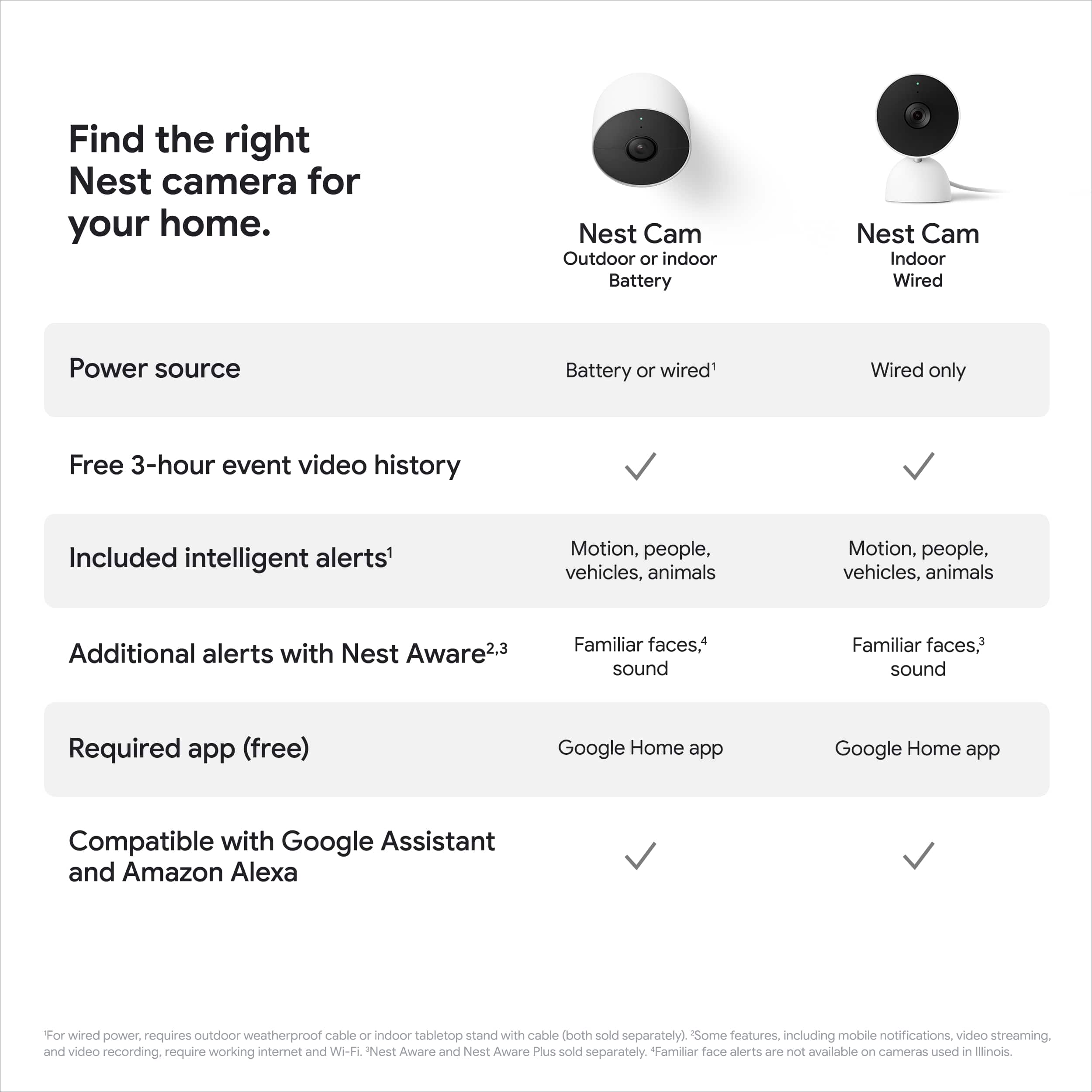
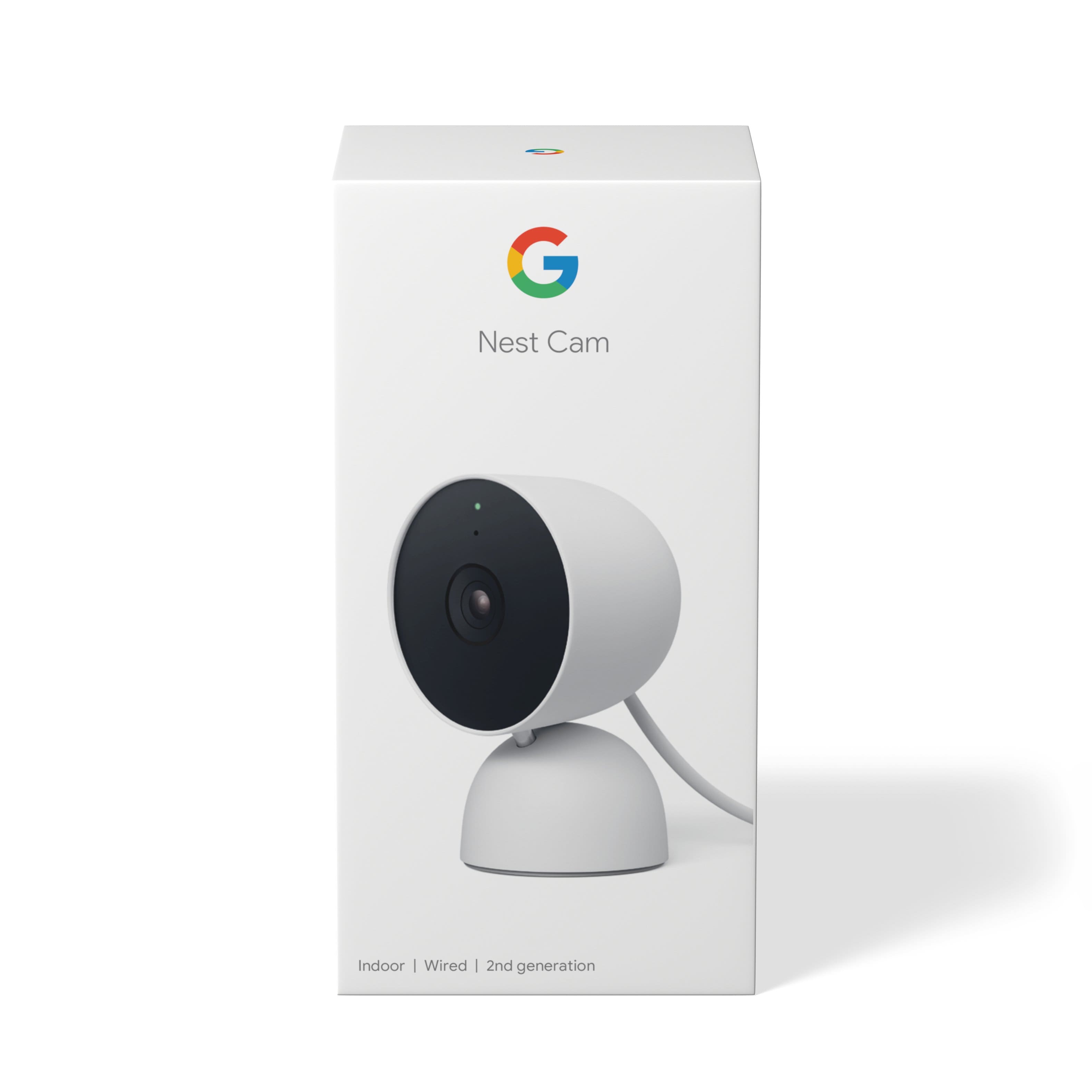
- Model:
- GA01998-US
- SKU:
- 6473271
Rating by feature
- Value
Rating 4.4 out of 5 stars
- Quality
Rating 4.6 out of 5 stars
- Ease of Use
Rating 4.5 out of 5 stars
Customers are saying
Customers admire the Nest Cam Indoor Wired Security Camera for its overall performance and outstanding video quality. Many appreciate its attractive design and the effectiveness of its night vision. However, some customers have experienced connectivity issues and compatibility problems with the Nest App. Additionally, a few have noted challenges with mounting and expressed concerns about the picture resolution.
This summary was generated by AI based on customer reviews.
Great cameras!
||Posted . Owned for 1 month when reviewed.This reviewer received promo considerations or sweepstakes entry for writing a review.Great outdoor and indoor cameras! We use them to watch our animals when we are away which comes in handy.
I would recommend this to a friendNest camera
||Posted .This reviewer received promo considerations or sweepstakes entry for writing a review.Good camera and works efficiently with my doorbell camera. Nest makes great home security devices
I would recommend this to a friendHide it somewhere good!
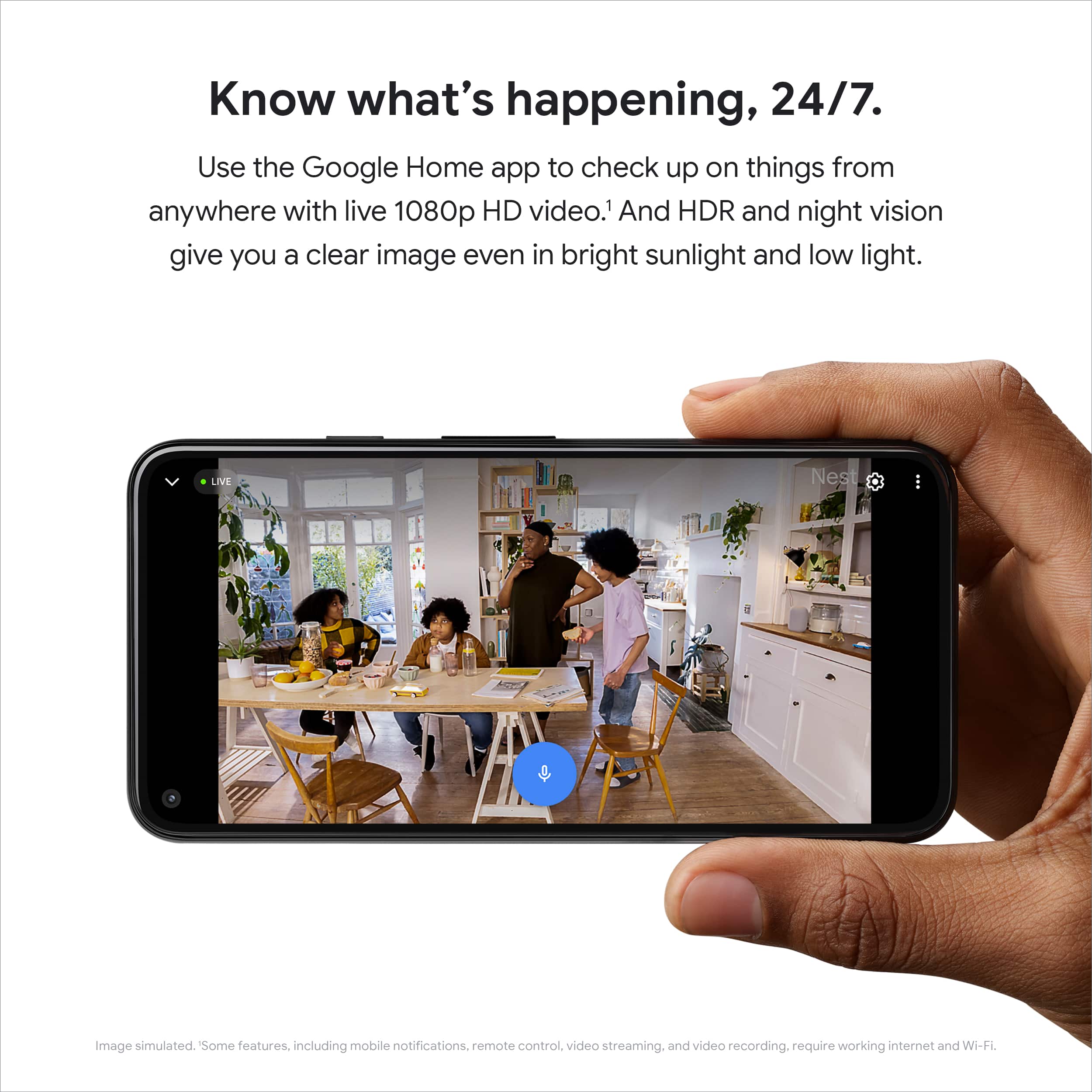
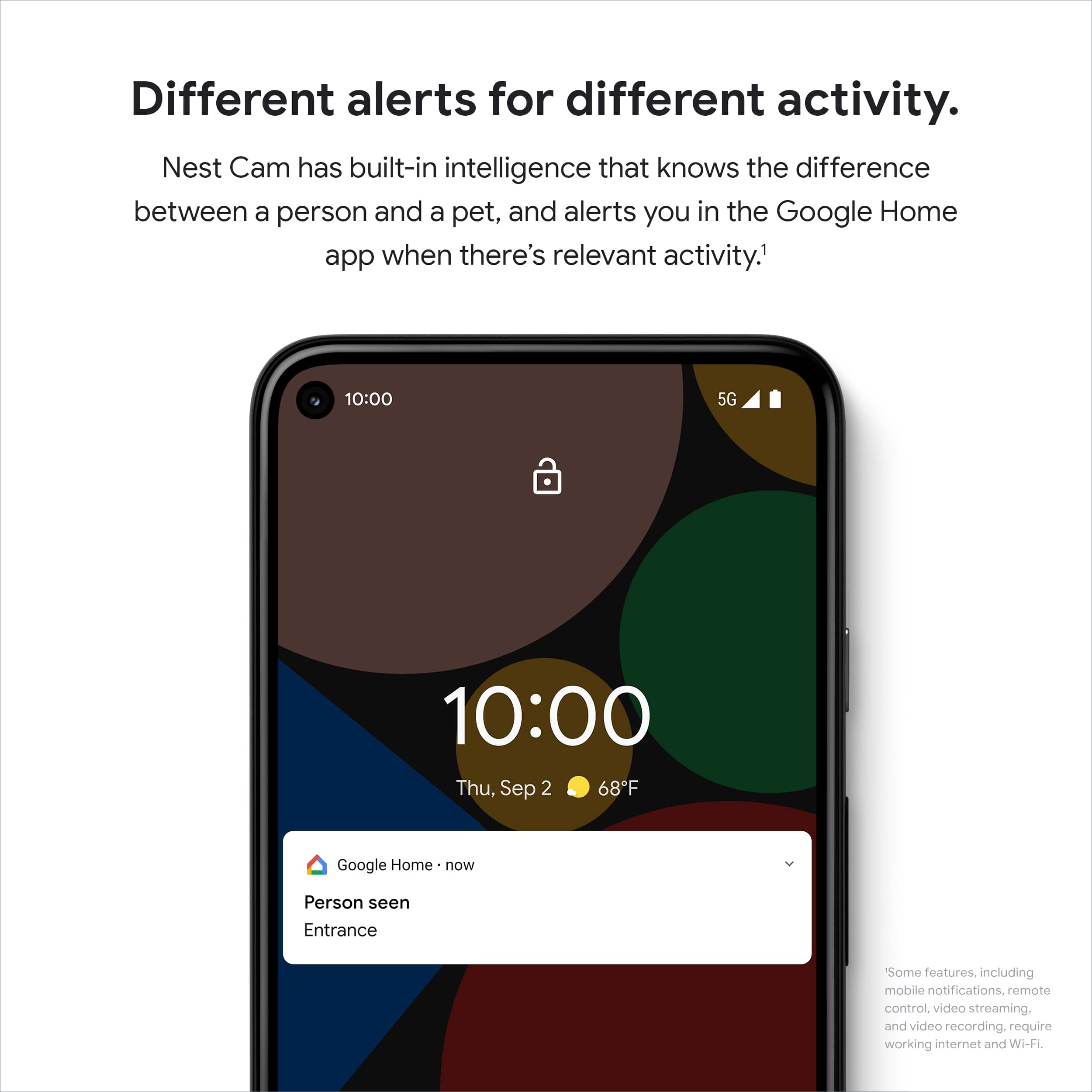
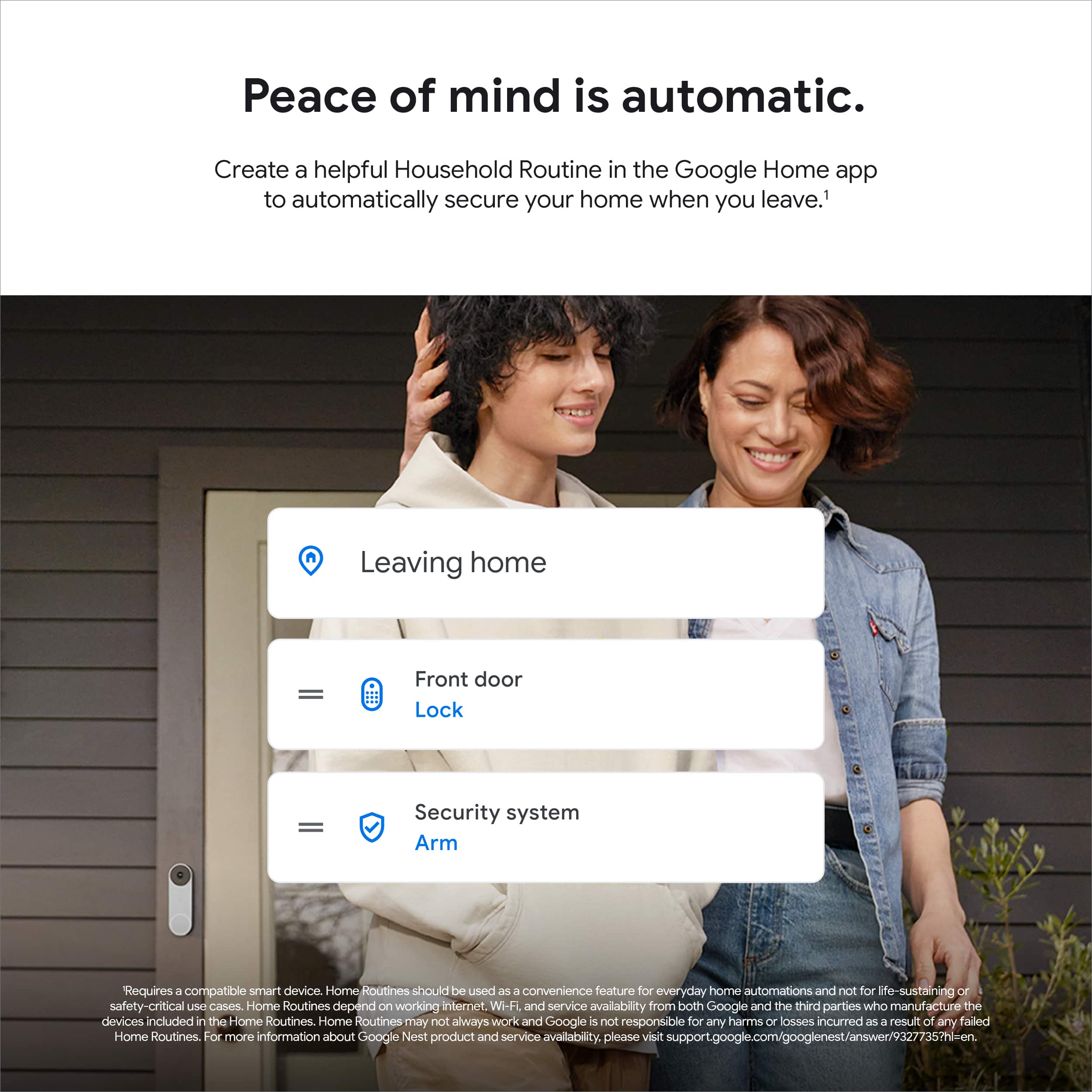
||Posted . Owned for 6 months when reviewed.This reviewer received promo considerations or sweepstakes entry for writing a review.I love the cam! You can set it to when you leave it will automatically go on. You will be alerted if someone shows up while you are out through the app. You can watch your home from your phone!
I would recommend this to a friend- Pros mentioned:Overall performance
Decent camera
||Posted . Owned for 1 month when reviewed.This reviewer received promo considerations or sweepstakes entry for writing a review.Decent camera. Wireless capability could be a potential security issue.
No, I would not recommend this to a friendBrand response from Nest Support
Posted .Hello there, KingLobo150. We appreciate you for sharing your concern with your Nest Cam (indoor, wired). We recommend reaching out to our dedicated specialists so we can help find a better resolution for you. You can contact us on our Google Help page for immediate support here: https://support.google.com/googlenest/gethelp

Love my Google nest!
||Posted . Owned for less than 1 week when reviewed.This reviewer received promo considerations or sweepstakes entry for writing a review.Love this thing! So user friendly, and makes it easy to use and stay aware of whats happening in your home or wherever you set them up.
I would recommend this to a friendGood
||Posted . Owned for 1 month when reviewed.This reviewer received promo considerations or sweepstakes entry for writing a review.Better than expected. Good quality, sturdy, good view and coverage plus decent clarity.
I would recommend this to a friendWatches for me so i dont have to worry when i leav
||Posted . Owned for 3 weeks when reviewed.This reviewer received promo considerations or sweepstakes entry for writing a review.W this cam im able to watch stuff in the house that dnt want touched
I would recommend this to a friend- Pros mentioned:Design, Night vision, Video quality

Improvements Needed but Good Cam
|Posted .This reviewer received promo considerations or sweepstakes entry for writing a review.Per usual Google is top notch with packaging. There’s no fuss, just to the point once opening the box. The design is lovely and a welcomed addition to the Nest cam lineup, as we have the older styled ones. I was very happy to see how long the power supply cord was. I believe it’s 10 feet which is great, depending on how the room outlets are set up in an 8ft floor to ceiling home. To my surprise, they also included the power adapter. That was also very welcomed as the trend of not supplying that can be beyond frustrating and down right annoying. Kudos Google. The camera can be rotated in any direction and the cord does not interfere with the rotation at all unless you don’t have much wiggle room from placement to outlet. It has a small footprint and once again Google has done it with the aesthetics of the camera. It’s small enough to go unnoticed if placed on a bookshelf or styled as an accessory on an entry way table, etc. It has a good amount of weight for its size, so it won’t be tipping over if placed on a flat surface. The app provides fast and easy setup for the camera, and if you’ve had experience with connecting devices to the app then you can attest to the simplicity and speed at which you can be up and running. You can scan the code that’s on the face of the device and attach the sticker to the back of starter guide. If you lose it, you can locate the alphanumeric-code under the base of unit (pics attached). There are a few new features integrated for the camera, but the app still lacks some of the conveniences I preferred in the Nest app. There was barely any noticeable latency, but with my experiences with cams is that latency tends to appear within a couple months, however, Nest cams have been great with this as it’s not by much so I’m confident that this will hold up to the same great standards. The quality of the HD 1080p video is great; It’s crisp and clear. Night vision is very good. Not as crisp as the daytime recording but faces and objects are detailed. It recognizes your pets, moving objects, people and cars separately so you’re able to define what you want to be notified about, which eliminates those false notifications. The audio is loud and audible with no distortion. I appreciate the additional 5 degrees of view coming in at a total of 135 degrees. What I don’t like: Being forced to migrate my older Nest cams. I prefer using my Nest app for my older cameras and did not like being “scolded/told” that if I failed to complete the migration I will not be able to do it again using the only email I use for my account. We should have the ability to choose whether to keep or to migrate older Nest cameras. And have the newer cameras use their Google Home app exclusively. So to clarify, it’s fine to use the app for the new cameras, reasonably understandable, but shouldn’t be forced to migrate older cameras. It’s a personal preference matter. I’ve had many issues with the Google app with other Google and non-Google products. I do not like that with this migration Google offers only 3 hours of playback, when older Nest cam users are accustomed to 10 days 24-7 playback for FREE. That now comes with a fee attached. That’s a huge disadvantage and disappointment. There’s other forms and functions that I simply just prefer on the other app. With that being said, I do enjoy this new camera in our space. There are a few things I wish were different within the app. Several things I wished Google still offered free and other features that should have remained. Overall, the quality of the video, the build of the camera and ease of use is fantastic.
I would recommend this to a friend - Pros mentioned:Night vision, Video quality
Perfect For Those New To Google Nest
|Posted .This reviewer received promo considerations or sweepstakes entry for writing a review.TLDR; I highly recommend this camera if you’re new to the Google Nest Ecosystem. I don’t recommend it if you've already invested hundreds into the pre-Google Nest Ecosystem. Like many others, I’ve invested a lot of money in the Nest ecosystem, way before Google bought them out. Nest products are premium, no doubt. Smart thermostats, security systems, smoke/carbon monoxide detectors, hubs, cameras...you name it, I bought it. So when I heard that Google decided to refresh the Nest camera line, I had to give one a try. The 2nd Gen Indoor Nest Camera (wired) is actually the first Nest camera to come straight out of Google’s headquarters. So my review comes in two forms: a consumer who already is neck deep into the Nest ecosystem with legacy cameras, and a consumer who is purchasing their first Nest Cam. First, the camera itself does not disappoint. It feels premium in your hands with a heavy weighted base for stability and, in my opinion, it looks a lot better than the outgoing model. Upon opening the box, I was surprised to see how small it is as well as its small footprint. It can also be mounted on the wall with two screws and a simple twist-lock system. My only complaint here is the power cord that protrudes right off the backside of the camera. Some of the older Nest Cams have the chord connected at the base to keep the wire neatly hidden. Like the older cameras, the LED indicator is located at 12 o’clock and helps indicate if the camera is nominal, if someone is watching live or has lost connection, for example. Setting the Indoor Nest Cam is very easy using the Google Home app. You simply add a Nest Cam using the setup device wizard within the app. The app will ask to scan the QRC code affixed to the front of the Nest Lens. This will begin the camera search, wifi connectivity and user designated location of the Nest Camera itself. After setup is complete, you’ll be able to see live footage of the camera by selecting the “Cameras” icon on the main Home page. Easy peasy. With these new cameras, the Home app allows you to watch a live feed, see event history based on intelligent object/person identification, set activity zones and even scrub through video. I also want to mention live feed latency is little to almost none; it’s pretty much as real time as it gets. As far as video quality, you're looking at 1080p recording, which I've learned is plenty for an indoor setting and more than enough resolution for the hardware to recognize familiarize faces. Of course, only the most interesting of things happen at night and the night vision is plenty bright without oversaturating. Google provides you a rolling 3-hour event history window as standard. This means it will cache 3 hours of events relative to the current time. So if it’s 9:00PM, you can search through events as far back as 6:00PM….if it’s 9:30PM, then you can only go back as far as 6:30PM. The rolling window will always be continuous. If you decide you need more event caching, then you can opt-in Nest Aware, which is a paid service that allows for 30 days of event caching. And if you’re like me, you can sign up for Nest Aware Plus, which grants 60 days of event caching AND 10 days of 24/7 continuous video history. The 24/7 video history is by far my favorite feature of Nest. As a consumer who is shopping around for their first security cam, the Google Nest cam is a solid buy. They are priced on the higher side with respect to its competitors, but it is still premium hardware backed by solid software engineering. You cannot go wrong if this is your starting point, as Google is now refreshing the Nest lineup. As a consumer who has already bought into the Nest ecosystem with Nest IQ cameras pre-Google, I feel left behind. The thing about us old Nest owners is that we love the original Nest app. It feels much, much more polished than the Google Home app and has a more user-friendly UI when it comes to reviewing events and scrubbing through video footage. It’s just flat out a much better experience for all Nest products, in my opinion. But here’s the kicker: the new Nest Cams are not supported in the original Nest app, so I’m forced to use the Google Home app in order to see my 2nd generation Nest Cam footage. I think this limitation alone will force me to shy away from purchasing the latest Nest cams and probably look into the used market for the legacy cams, or wait until my current cameras literally die of old age or hardware failure before I consider upgrading. I took a star off for not supporting us early adopters.
I would recommend this to a friend - Pros mentioned:Design, Overall performance, Video quality
I'm like YES! But also like noooo.
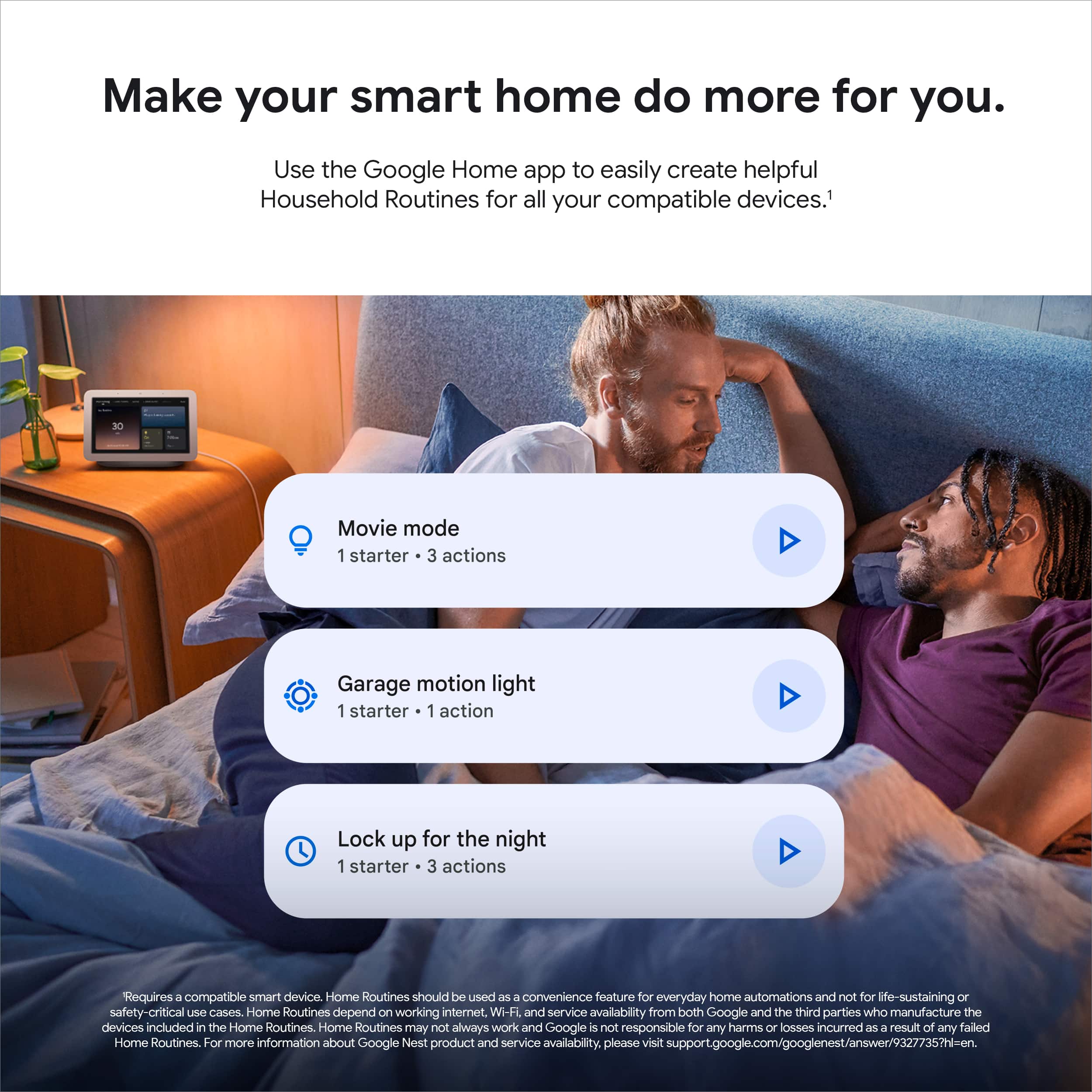
|Posted .This reviewer received promo considerations or sweepstakes entry for writing a review.I’m not fully sure how I feel about this camera. Part of me absolutely loves the features but another part of me expected more for the price and it being a Google device. Picture quality is perfectly adequate. The number of features is excellent as expected at this price point. But if you want full functionality you need to add a monthly payment which I don’t like. Opening the live stream is fast but looking at histories is a bit to a lot slower depending on internet connection. It comes in a very attractive design, in four different colors, and feels very premium in the hand. Easily blending into a modern home while also being low-profile. Probably one of the most attractive cameras I’ve seen. Setup was easy but I find the settings and Google Home App to not be very user friendly. Other security cameras software’s are easier to figure out with almost all the same features. The video quality is 1080p and HDR compatible. I like the HDR component as that makes a big difference when you have light/dark areas. But the 1080p is a bit disappointing as I’ve found 1440p – 2160p is best. But with it being an indoor camera and for the price 1080p works just fine. Picture quality is perfectly adequate but won’t make you go wow. Night vision is good and clear. No complaints on that end. But the big draw is the other features. First, it comes with 3 hours of “event” history. Which doesn’t sound like very much as it is worded poorly. It doesn’t mean it only records the last three hours. But instead records up to 3 hours of events. Meaning it is equivalent to about 2 – 3 weeks (depending on how many alerts you get). As each alert is 5 – 60 seconds out of 10,800 (3 hours = 10,800 seconds). If the wi-fi goes down, it can record up to 1 hour (or about 1 week) and then will upload the results to the cloud when it comes back on. Unfortunately, you can only see video via your phone or Google Device. You cannot view it on PC. Which means I can’t check in on what is happening at home while at work. Which I don’t like. These alerts are “smart” and can notify you if it spots people, animals, vehicles, and/or motion. You can select which ones you want and if you want it to send you a notification. In other words, you can turn each one on/off so it will record and individually select if you want it to send you a notification or not. You can also setup multiple zones. In each zone you can do the same thing of selecting what you want it to detect and if it sends you a notification. I like that a lot. Most cameras aren’t “smart” and can only detect motion and/or a person but those are also cheaper. The ones in a similar price range can do the same thing. With it being indoor and not having an IPX rating I’m limited in what it picks up depending on your home and or business. The alerts themselves are good and will say which camera, which zone, and what it thinks it detected.. Selecting the notification will open it up in the app. You can scrub through the timeline to find events, or you can go into a full history to see each event in a row. But getting to that is a bit buried and complicated. Last, you can filter by event type (person or animal). Which I don’t think I’ve seen on other cameras and is appreciated if you are looking for something particular. I really like that feature. You can buy “Nest Aware” for $6 a month or $60 yearly, which gives you 30 days of video history clips or “Nest Aware Plus” for $12 a month or $120 yearly, for the top tier which gives you 60 days of event history AND 10 days of continues 24/7 video history. If you remember from before that 3 hours is equal to about 3 weeks 30 – 60 days is like A LOT. Both versions unlock other features such as being able to recognize familiar faces and important sounds such as smoke alarms. I’m not always the fan of another monthly payment. But they have to pay for that cloud storage somehow and for what you are getting it could be worth it. Thankfully, if you own multiple Nest Gen 2 devices you only have to pay for a SINGLE membership for all your cameras where previously it was for each camera. So, if you have multiple cameras, it’s probably worth it. But you can get by without it just fine as well. Some other settings are home and away routines. That way the camera will turn on when you aren’t home and then turn off when you are home. They do this by pairing it with your phone. It also automatically connects to any of your google devices. So, if you are deep in that echo system this is the device to get. There is a green light on the device to notify you when it is recording. That way if you’re home you can tell if someone is spying on you. Also, appreciated. I’m sure there is more but I hit on most of the main stuff.
I would recommend this to a friend - Pros mentioned:Overall performance
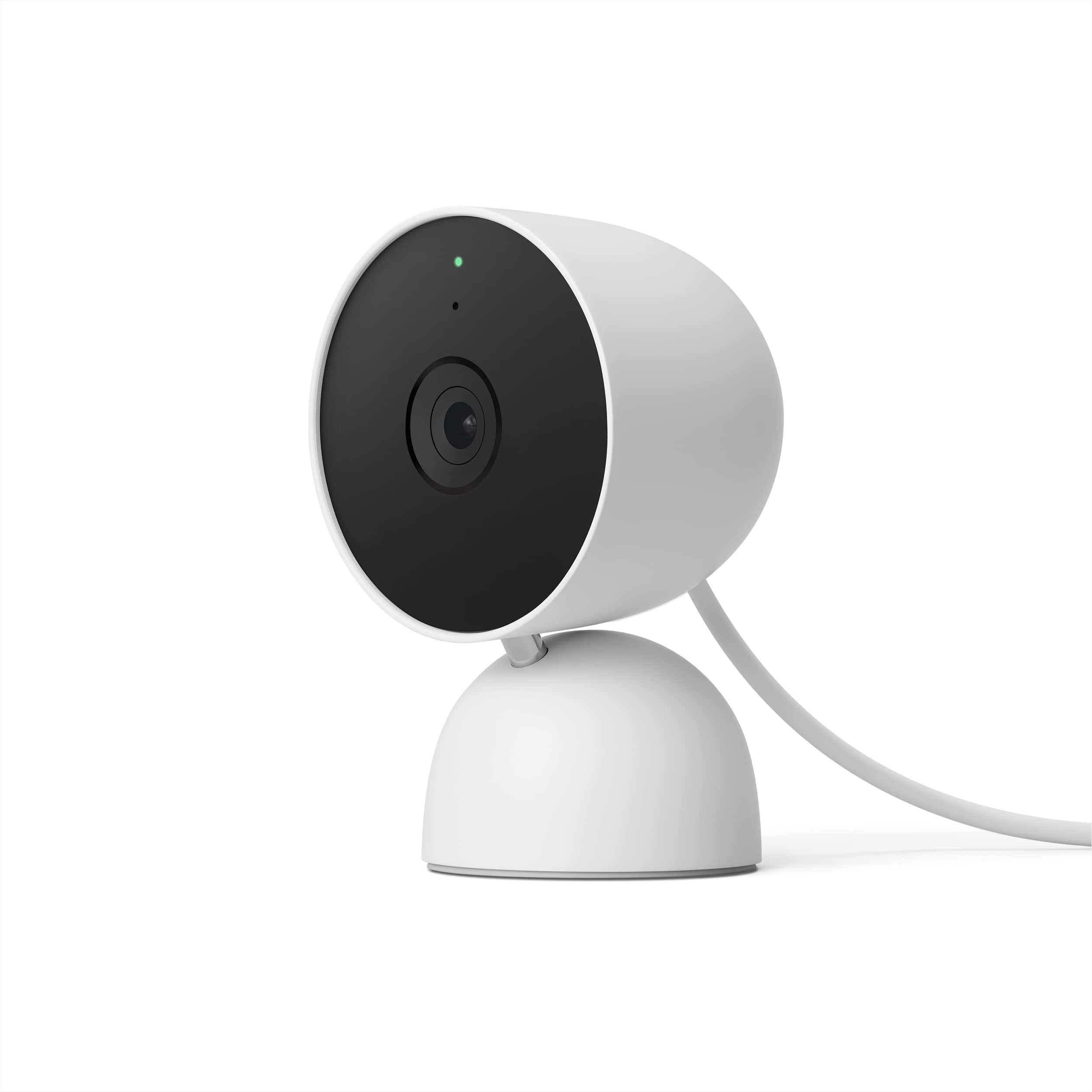
Google - Nest Cam (Wired) - Snow
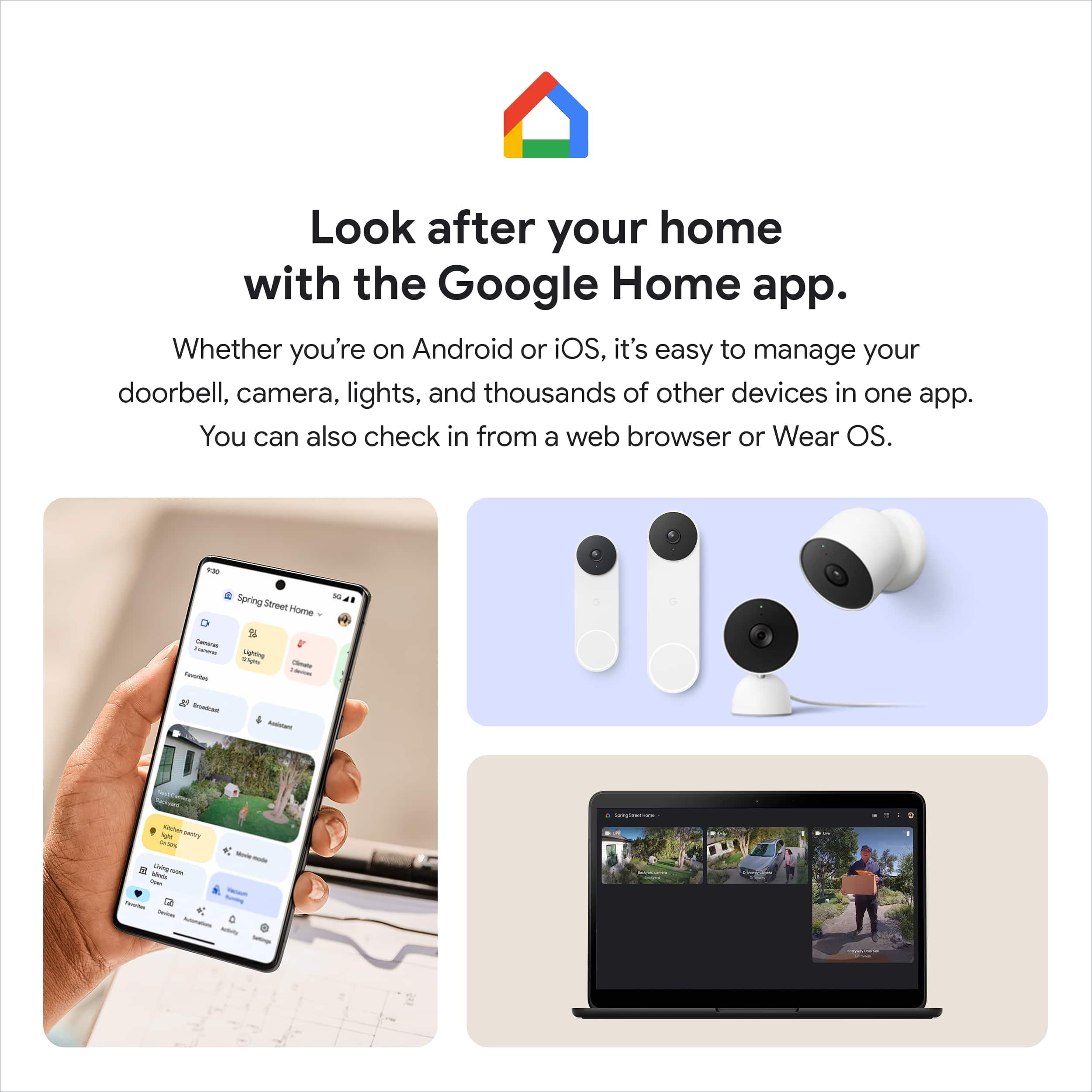
||Posted .This reviewer received promo considerations or sweepstakes entry for writing a review.Perfect product for added home security. Easy installation with the Google Home app.
I would recommend this to a friend Horrible picture
||Posted . Owned for less than 1 week when reviewed.This reviewer received promo considerations or sweepstakes entry for writing a review.I have max internet and set camera to max viewing and the quality is just horrible my other nest cameras are so good compared to this google should be embarrassed just dont waste your time
No, I would not recommend this to a friendBrand response from Nest Support
Posted .Hi Bear, we appreciate your feedback on Nest Cam (indoor, wired), and we’re sorry to hear your expectations are not met.
Video quality issues can be related to several factors. If you're experiencing a spotty connection or weak signal, we recommend checking your Wi-Fi network to see if your bandwidth is congested. This may happen if you have too many devices connected on the same bandwidth or if your network package is not enough to handle the data traffic on the network. Removing other connected devices to your Wi-Fi may relieve network congestion. If your camera is mounted too far from your Wi-Fi router, you may need to extend your Wi-Fi network’s range using an extender, boosters or additional Wi-Fi access points.
Here are some steps that may also help:
- Plug your Nest camera into a different power outlet to rule out power issues.
- Turn off other devices connected to your WiFi to see if this is about network traffic.
- You can also try restarting your router to reset your internet connection. You should also restart any Wi-Fi range extenders or repeaters that you have.
If the issue persists, we’d be happy to provide further troubleshooting guidance. You can contact us anytime here: https://support.google.com/googlenest/gethelp
- Pros mentioned:Design, Overall performance, Video quality
Aww It's So Cute!
|Posted .This reviewer received promo considerations or sweepstakes entry for writing a review.This Google Nest Cam 2nd gen, it is a small yet powerful recording device. It is nicely built, and it has a smooth texture. Some may find it kind of cute, to me it reminds me of the Astro Bot from the PlayStation game LOL. The device itself is small but it carries some weight, maybe because of the base. The camera is not detachable from the base, nor the power cable. That being said, the cable is very long. Setting it up was relatively easy. You will need a Google account and Google Home app and of course a mobile device. This camera connects via Wi-Fi. It can be mounted on the wall or just placed it on any flat surface around the house. This camera is 1080P with night vision and DHR. The quality of the image was super clear and crisp, even the night vision image was clear as well. I was able to make out the faces up close during night recordings. What really impressed me was the sound it recorded. When you review the videos, the sound quality it picks up is amazing. The sound was very very loud and clear, nice job. However, I cannot say the same about the speaker built in the device. The speaker sounds very low, I mean it is a small device there's so much you can expect from it. Using the app you can do two way talk. With this camera you can get up to 3hrs of event history without any subscription. If you need more than that, you will have to subscribe to the Nest Aware services. You can adjust the activity zones, set routines, you can even choose the type of notification whether it is a car, person or animal. Another great feature is that this camera can record offline. According to the manufacturer, it can record up to 1 hour of video or approx.1 week of events, in it’s local internal storage. I simulated that feature by disconnecting the Wi-Fi and it works like a charm. The video recorded all the way until there was no subject in the picture. It is very nice how from the timeline you can actually view the video at the time it was recorded during the offline event. Something to mention is that the end of the power cable has a USB-A connection, if your power outlet has a USB-A socket you can connect it directly. The other flaw I can point out besides the speaker, is that the tilt positions are very limited. That being said, you need to be very specific with the location if you wish to mount this on a wall. Overall, it is a great camera and a great addition to your Google Home ecosystem. It works great, it has a small form factor design, and is easy to set up. In the box you get the Nest Cam power adapter, mounting screws, cable clips, and guides.
I would recommend this to a friend - Pros mentioned:Overall performance, Video quality
Nice camera but not "Nest"
|Posted .This reviewer received promo considerations or sweepstakes entry for writing a review.The Google "Nest" wired camera is a great camera, but Google needs to come up with another name for it, since it doesn't actually work with the Nest app. It's a sturdy, surprisingly heavy camera and the wire attached to it is very long. That's great since it helps make it convenient to place the camera. There's also a base and wall-mounting equipment to make installation easy. Set up should be pretty easy, though I had an issue with either my QR code for the camera being misplaced or lost, so I had to hop on the internet for help. There is a code on the bottom of the camera should this happen to you---but the main thing to note here is it is UNDER the plate, which unscrews. I had a terrible time trying to figure this out until I found some extremely helpful pictures (I've included a couple with mine in case someone else has this issue). It was incredibly frustrating since everything I saw literally said the code's on the bottom of the camera....but mentioned nothing about unscrewing the mounting plate. Once I finally figured that out the rest of the set up was pretty easy. Unfortunately this camera actually uses the Google Home app, NOT the Nest app. This is incredibly frustrating (since Nest's app, like most of their equipment, is fantastic) to buy something labeled "Nest" and then find out it doesn't actually work with the Nest system already in place. It would have made more sense (but not sold as well, I suppose) just to call it a Google Home camera, since it clearly isn't a Nest device. The camera itself has a very clear picture. The sound quality is okay. You can access the camera at any time through your google app to see a live picture. Unfortunately another frustration from the Home/Nest confusion is that you can't access the live picture from your computer (at least not that I've been able to find). The home for cameras still defaults to Nest, but because this isn't actually a Nest camera you won't be able to see the picture from a computer. Hopefully Google will figure this out soon, since I like being able to check in on my pets from work. Google caches 3-hours of 'events' automatically, which is great since many cameras only do 30 minutes to an hour. You can, of course, pay for more time, saved video, etc, through Google for a fee. The playback quality is great, and I've not seen any issues with it yet. Overall this is a better-than-average camera that seems sturdy enough to last a while, but unfortunately isn't a "Nest" camera no matter how much Google wants it to be. If you are heavy into the Nest ecosystem then you will be very disappointed to find that this won't work with your existing Nest app. Google bought the Nest name for a reason, but they should be a bit more careful about how they use it--this confusion could have been easily avoided by simply calling it a "Google Home Camera" since that's actually what it is. If you're new to indoor cameras or integrating a home system through Google then you'll be pleased with this camera. If you're a Nest user then you'll still likely be satisfied with the camera, just really disappointed that it's labeled "Nest".
I would recommend this to a friendBrand response from Nest Support
Posted .Hi SgtRock, thanks for taking the time to share your feedback. We apologize if you’re unable to use the Nest App for your new Nest Cam (indoor, wired). We understand the convenience of using one app for all of your smart devices.
The new Nest Cam (indoor, wired) is exclusive to the Home app because we wanted to create an integrated experience. Our long term plan is to use the Google Home app as the one place you can control all of your favorite Nest and other smart home devices, as well as Google Assistant. In the near future, we’ll allow users to set up previous Nest devices and have full control in the Home app. Users with older cameras can view their camera feeds in the Google Home app alongside the new Nest Cams. Our team is working on bringing full functionality to the Google Home app so all of your cameras can be set up and controlled in one place.
Your patronage and satisfaction are what drives us to keep working on improving our products and services. If there’s anything that we can help to improve your experience, our support team is always available. Feel free to contact us here: https://support.google.com/googlenest/gethelp
- Pros mentioned:Design, Overall performance, Video quality
Google Nest Cam Indoor (Wired) – My Honest Review
||Posted . Owned for 2 months when reviewed.This reviewer received promo considerations or sweepstakes entry for writing a review.I’ve been using the Google Nest Cam Indoor for a while now, and I have to say—it’s one of the easiest security cameras I’ve set up. The picture quality is super clear, even at night, and I really like being able to check in from my phone whenever I’m away. The live feed loads fast and the notifications are instant, so I always know what’s happening at home. What really stands out is how well it works with the Google Home app. I can view everything right alongside my other devices, and the two-way audio is surprisingly clear—perfect for checking in with family or even talking to my pets. The only thing I’d change is that it needs to be plugged in, so you have to plan where you want it. But since it’s small and sleek, it blends right into any room. Overall, if you want a reliable indoor camera that gives you peace of mind and easy control from your phone, this one’s worth it.
I would recommend this to a friend - Pros mentioned:DesignCons mentioned:Resolution
A Little Sculptured Camera Nestled at Home
|Posted .This reviewer received promo considerations or sweepstakes entry for writing a review.My Google Nest Camera is really like a mini Kaws sculpture that also depicts what's going on in my house, especially by my French Bulldog. I'll also mention that unlike me, you should opt for one of the fun attractive colors. On the topic of design I am also pleased with the base because it's nicely weighted. I've had other wired cameras where the plastic wire is so thick that even if I set an angle it slowly moves the camera from where I pointed it unless it's stuck to a sticker to keep it stationary. Setup was simple like most Google featured devices, the picture resolution is only 1080p when most camera systems are rolling out 2k and 4k so that wasn't fun for me, and then there are the smart alerts which don't feel that unique. The notifications you get are like most out there so I was waiting for the magical moment. The few downsides I immediately noticed was the video event history is only stored for a few hours (crazy when most store at least 48 hrs) where other systems now have unlimited history (unless you pay a subscription fee), the Google app doesn't highlight the camera so it washes out in the background in the Google Home app. I truly wish Nest would have emphasized their presence on the app. So if there's an emergency I'll have to scroll through the Google Home app to get to my camera. Not a big deal because there shouldn't be daily emergencies but I got this camera to watch my pup and he's on my mind a lot so I like to log in and see him. Overall, a very attractive camera that will subtly sit in your home and double as a mini nearly 3 inch tall piece of art!
I would recommend this to a friend - Pros mentioned:Design, Video quality
Visual security for peace of mind
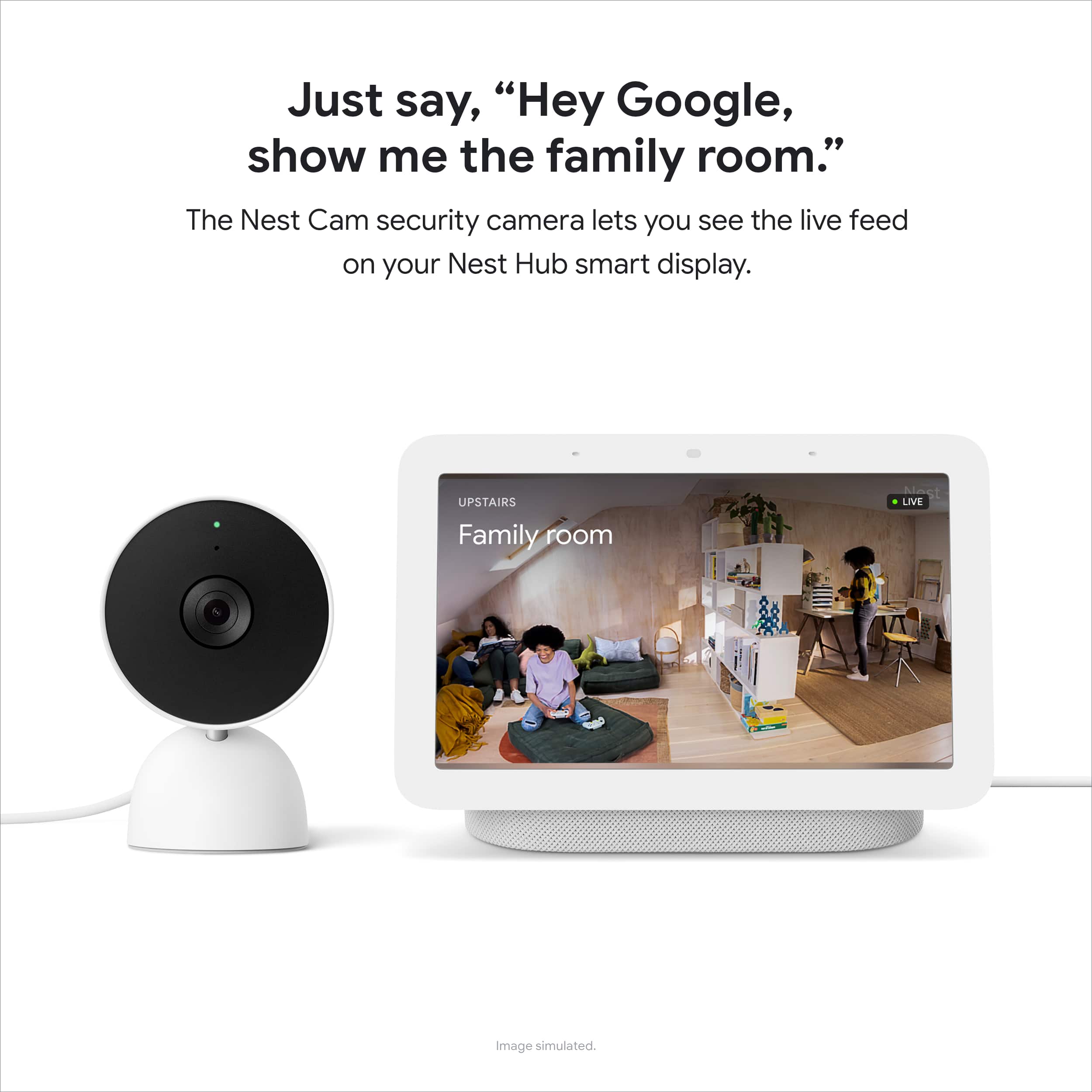
|Posted .This reviewer received promo considerations or sweepstakes entry for writing a review.This camera offers a great clear and crisp quality video and picture. This is my first introduction into the Google Nest world, but I'm liking it a lot so far. The camera looks aesthetically pleasing without being clunky. The product is packaged well in the box and comes with all the items you need to get up and running. You'll get the camera already attached to the base, power adapter, wall screws, wall anchors, and the cable clip. Depending on your situation and desired location you can either place this on to a flat surface like a table or shelf, but also have the option to mount it to the wall or ceiling with the items provided in the box. You'll also want to ensure you have a good solid wi-fi signal, a Google account, and you'll need the Google Home app. I have this on my iPhone XR and it works smoothly and efficiently. Alerts are very impressive on this camera as it allows for specific prompts of whether it's a car, animal, person. The activity zones are helpful to specify areas that you really get lots of movement in.1080p camera is actually very nice and looks quite clear in day or night settings. I have been liking the broad field of view with the 135 degree field of view so you can get a pretty good lay of the land in most rooms within our home. One of the nice features I've liked has been the 3 hours of free event video for easy viewing on the app. Of course there are other add ons you can purchase for subscription service to have all your footage recorded to the cloud and playback. Overall I have liked the camera for it's ease of use and simple setup for just about any household. This camera gives me peace of mind for having it in our home to keep an eye on babysitters or petsitter visits when I’m away. Being able to turn the camera on or off for privacy is also a convenient feature that helps to keep me a bit more secure. Two communication allows for convenient communication back and forth and I have been pleased with the audio capability. Smart camera is truly intelligent as it allows for familiar face recognition and can notify if it’s a recognized person in your profile or a stranger. Great addition to any home or business setting.
I would recommend this to a friend - Pros mentioned:Overall performance, Video quality
Sleek and Simple
|Posted .This reviewer received promo considerations or sweepstakes entry for writing a review.I'm usually a fan of Google products, and this indoor camera is no different. The Nest Cam performs well for all my surveillance needs. Video quality is good for 1080p, and there is low lag from the time motion occurs to the time at which I'm alerted. Setup was quick and installation was very simple. Google normally offers very straightforward step-by-step guides which can be found via YouTube or through the Google Home app. To be objective, there are 3 disappointing things about this camera. You only get 3 hours of video history. Owners need a Nest Aware subscription to really expand benefits. Since the subscription cost is low, this is not a major con. Unfortunately, this camera doesn't offer 2K/1440p. Full HD is the baseline for most cameras, but I believe a camera that relies on a AC adapter should have a higher video quality. Finally, the integration could be improved. I own a Nest Doorbell, and it is a hassle toggling between 2 apps for full support. Overall, this is camera is good and worth a try if you're already in the Google/Android ecosystem.
I would recommend this to a friend - Pros mentioned:Overall performance
New and Improved Camera and App
|Posted .This reviewer received promo considerations or sweepstakes entry for writing a review.I have been using the original Nest Security cameras for a few years and overall they have served me well. For the last week I have been lucky enough to test the newest Nest Cam Wired security camera. This new camera is similar to the old version however, it introduces new features like 3 hours of storage, activity zones and it uses a different app. Installation and configuration of the camera was simple and straightforward. The camera provides options for wall mounting or just placing it in a location of my choice. Followed by configuring the camera on my Google Home app. Overall the whole process took about 15 minutes. As for the camera performance I think it works pretty well. For the first two days of testing it I had it sitting next to one of my old nest cameras to see if it captures similar events. The new nest cam actually captured more events, recorded more video, had better sound recording and even notified me whenever it detected the face of a new person. So it is definitely a welcomed upgrade. As far as the App is concerned, I know a lot of people have had concerns about using a new app and the fact that the camera doesn't work with the old Nest app. As an owner of the old camera and the new one I actually prefer using the Google home app. Also, I discovered that the New app also shows me the video from my old cameras. Which means I don't need two apps and don't lose out on their functionality. Overall, the New Nest camera took everything I liked from my old cameras and made my experience better. Great job google.
I would recommend this to a friend Poor quality
||Posted . Owned for 5 months when reviewed.This reviewer received promo considerations or sweepstakes entry for writing a review.After two months using it become red on the screen, check my attach pic
No, I would not recommend this to a friendBrand response from Nest Support
Posted .Hi Mehrdad, we're sorry to hear that you're having a frustrating experience with your Nest Cam. We'd recommend that you reach out to our support specialists so we can further identify the cause and help improve on the performance of the device and your overall experience. Please contact us on our Google Help page here: https://support.google.com/googlenest/gethelp